How to Make a Hologram Text Effect Online (Free)
What separates convincing hologram text from generic blue glow — the four visual elements, how to generate it free, and compositing tricks for film, game UI, and social media.

Hologram text has one problem: most people think it's just blue text on black. It's not. Real holographic projection typography has a specific visual logic — translucency, scan line interference, color fringing at edges — and when you nail those details, the result looks like something that belongs in a $200 million sci-fi film. When you miss them, it looks like a blue drop shadow.
This guide covers exactly what separates convincing hologram text from generic blue-glow imitation, how to create it for free, and which applications it's actually built for.
What Makes a Hologram Text Effect Look Real
A convincing hologram text effect isn't one thing — it's four things working together:
- Translucency — the letters aren't solid. Light passes through them. You should be able to see (or almost see) what's behind the text. Solid letters with a blue tint are not holograms; they're just colored type.
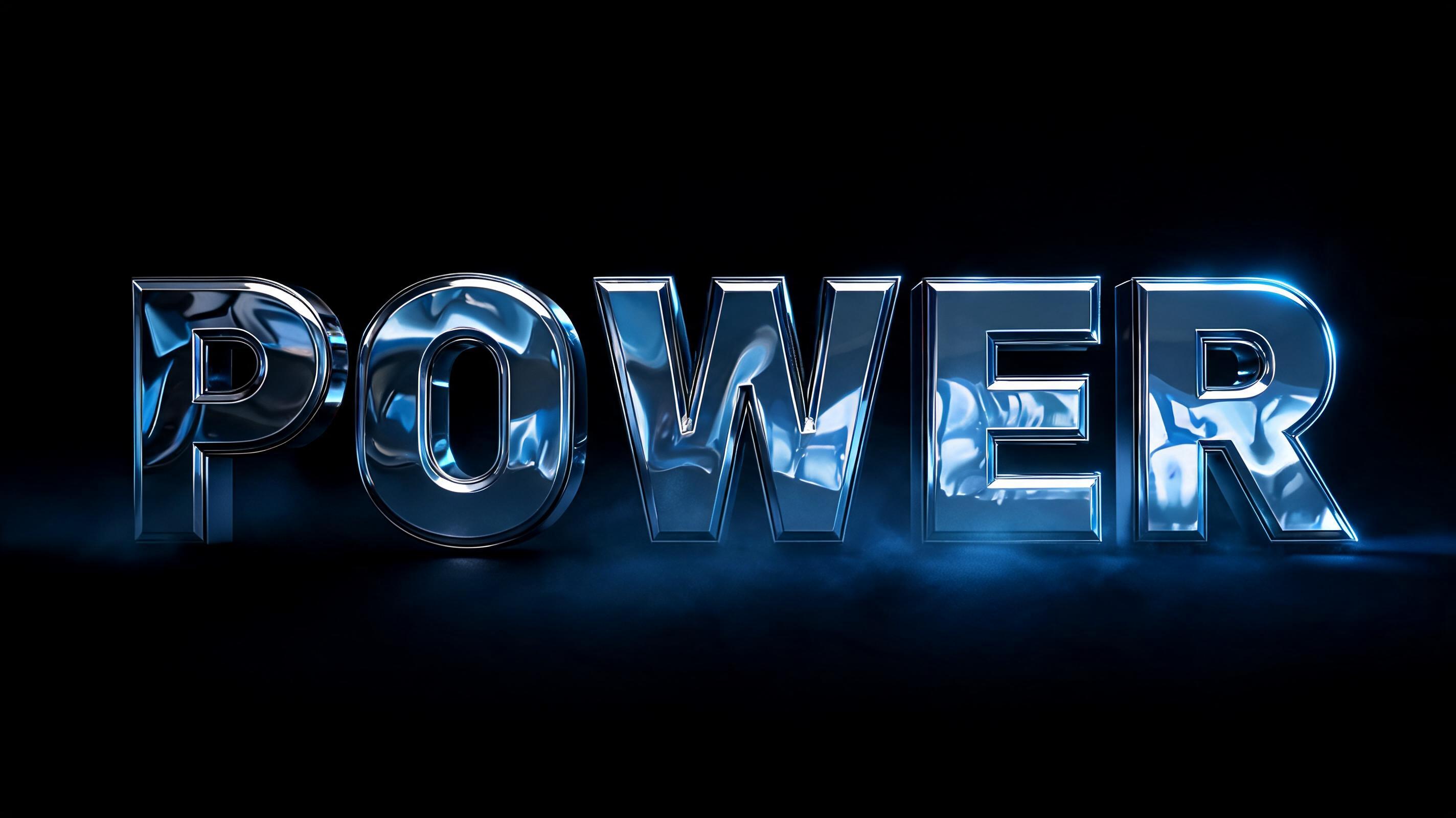
- Scan line interference — real holographic projectors create horizontal scan lines running through the image. Fine, evenly-spaced lines across the letterforms signal projection origin and add the digital texture that makes the hologram feel technological rather than decorative.
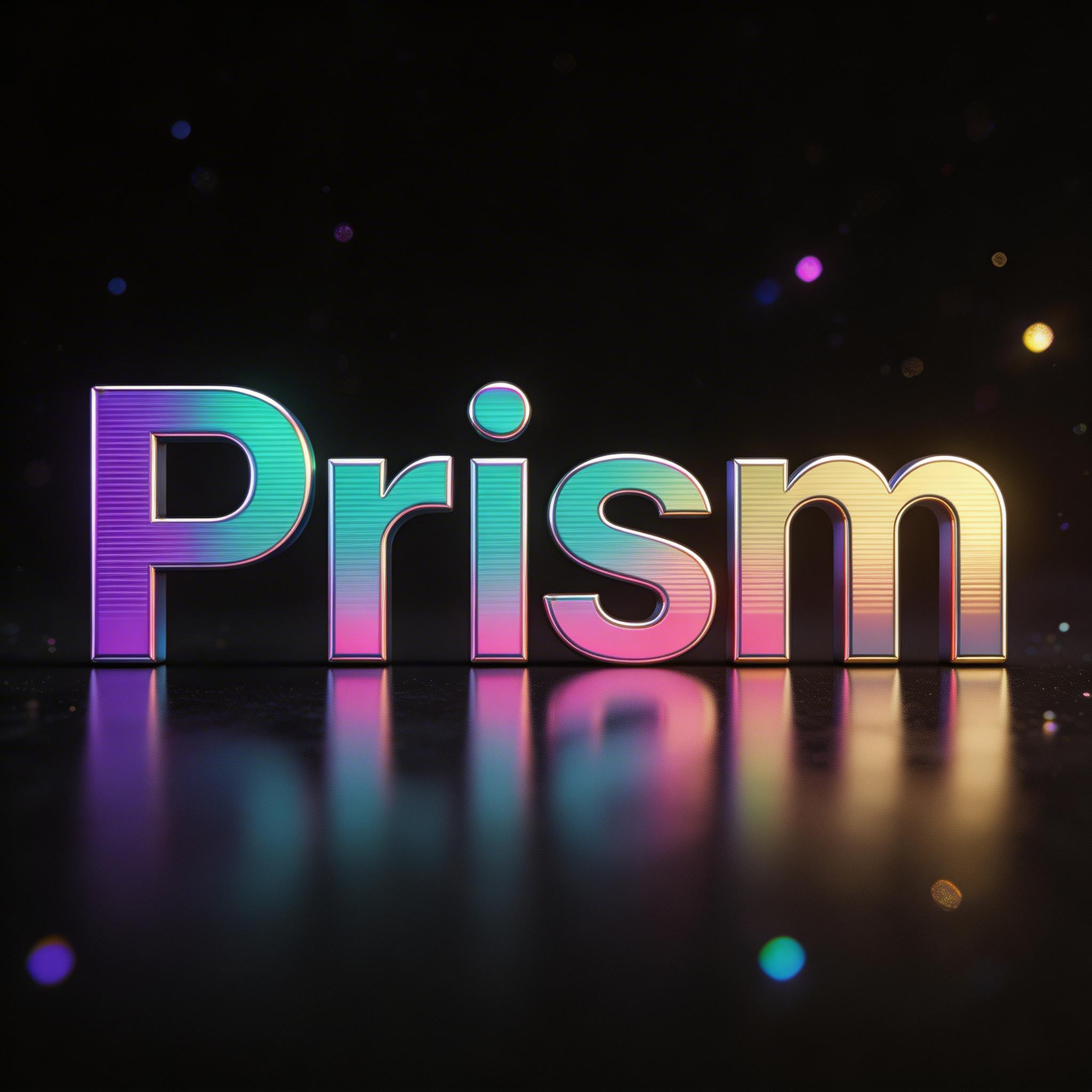
- Color fringing at edges — where a projected hologram meets dark space, you get iridescent edge color: cyan bleeding into electric blue, sometimes a faint magenta or teal edge. This is the prismatic scattering of projected light and it's the detail that non-designers almost always skip.
- Depth layering — a projection has multiple planes. Text in this style looks best with two or three semi-transparent layers slightly offset from each other, creating the illusion that the text exists in three dimensions even though it's transparent.
Miss any one of these and you have blue text. Hit all four and you have a hologram.
How to Create a Hologram Text Effect for Free (3 Steps)
Step 1: Generate Your Hologram Text
Go to FontVibe's hologram text generator. Type your text — for hologram effects, short text works significantly better. One to three words is optimal. Four or more words start to stack in ways that make the translucency hard to read, especially at smaller display sizes.
→ Generate hologram text free — PNG download
If you want the iridescent rainbow color-shift version (more visual complexity, works better for fashion and premium branding) rather than the sci-fi blue:
→ Holographic text effect — iridescent PNG
Step 2: Write a Prompt That Controls the Effect
The style selector handles the base hologram resolution. Your prompt controls three variables that dramatically change the result:
- Color temperature — standard hologram text runs cool: electric cyan, teal, icy blue. For a warmer variant (fashion, beauty, luxury), specify "soft rose and gold holographic shift" and the palette follows. The default without a prompt is cold blue-cyan.
- Scan line density — coarse scan lines (fewer, more visible) read as older or more lo-fi; fine scan lines read as premium and cinematic. Specifying "fine interference lines" vs "coarse CRT scan lines" changes the whole character of the effect.
- Background environment — black is the standard and usually correct. But a dark spaceship interior, a foggy command room, or a futuristic control panel as background adds context that makes the hologram feel embedded in a world, not floating in nothing.
Example prompt: "translucent cyan holographic projection, fine horizontal scan line interference, electric blue edge fringing, multiple semi-transparent depth layers, dark sci-fi control room background"
Step 3: Download and Composite
Download as PNG. This is non-negotiable for hologram text — the translucency and glow gradients at letter edges require lossless compression. JPG artifacts are visible in hologram edges at any resolution setting.
For compositing: set the layer blend mode to Screen in Photoshop, After Effects, Figma, or Canva. Screen blend makes pure black invisible while passing all the colored hologram light through. The holographic text floats over your scene as a genuine projection.
Reduce opacity to 80–90% after compositing. Full opacity looks painted-on; slightly reduced opacity restores the translucency that makes it convincing.
Hologram Text by Application
Sci-Fi Film & Video Production
This is where this visual effect originated and where they're still most credible. If you're doing VFX compositing — a fan film, a commercial, a YouTube series with production value — it's a quick win because audiences have a trained mental model for what it should look like. Meet their expectations and it reads as production resolution; miss by too much and it reads as amateur VFX.
For film and video use: composite with Screen blend at 85% opacity. Add a very subtle blue color overlay (cyan, roughly R:0 G:150 B:200) at 5–8% opacity on top of the scene to simulate the color cast a real holographic projector would cast on surrounding surfaces.
Game UI & HUD Design
Hologram text is the natural language of in-game HUD elements: mission objectives, player names, map labels, system alerts. The transparency means it can overlay gameplay without blocking the action. Sci-fi games (and increasingly, near-future games) use holographic typography as a legibility solution as much as an aesthetic choice.
For game UI, keep prompts to single words or short codes. Longer text looks fine in a static mock but become hard to read when animated or placed over a busy game scene.

Brand Identity & Packaging (Premium)
Holographic text has moved into premium brand identity — particularly beauty, tech hardware, and limited-edition product packaging. The visual language of holography signals: exclusive, forward-thinking, worth noticing. It's why limited sneaker releases, cosmetic packaging, and Apple product launch graphics all lean into iridescent and holographic finishes.
For premium branding, use the iridescent variant rather than the sci-fi blue:
→ Iridescent holographic text — brand packaging use
Social Media & Thumbnails
Hologram text has good stopping power in social feeds because the translucency is visually unusual — most text in feeds is either solid or glowing, not transparent. But it requires a dark background in the image to work; placing it on a white or light background loses its entire visual logic.
For Instagram and TikTok: pair the text with a dark atmospheric background (deep space, dark city, abstract dark gradient). The contrast makes the scan lines and edge fringing visible and the overall effect readable at thumbnail scale.
The Compositing Trick That Makes Hologram Text Look Professional
Most hologram composites fail for one reason: the text looks like it's sitting on top of the scene instead of existing inside it. There's a simple fix that most tutorials skip.
After you've placed your hologram PNG with Screen blend mode, add a second instance of the same PNG as a separate layer. Set this second layer to Screen as well, but reduce its opacity to 15–20% and offset it by 3–5 pixels horizontally and 1–2 pixels vertically. This creates a ghost image — a subtle secondary projection — that makes the hologram look like it has physical depth and light scatter.
Real holographic projections almost always have some ghost offset due to the optics involved. Adding it artificially makes the digital result behave the way audiences expect holographic projections to behave.
Hologram vs. Other Translucent Text Effects
Hologram isn't the only translucent or light-based text effect available. Here's when to choose something different:
- Need solid visibility over bright backgrounds? Try neon glitch text — opaque letters with aggressive glow, reads well anywhere neon glitch is appropriate.
- Want the rainbow color shift but in solid 3D form? Try holographic 3D text — chunky solid letterforms with the same oil-slick iridescent surface, more physical presence than a projection.
- Need the iridescent resolution for fashion/beauty context? Try holographic iridescent text — rainbow foil aesthetic, closer to luxury packaging than sci-fi UI.
- Want futuristic but fully legible (no scan lines, no transparency)? Try chrome metal text — the solid metallic cousin of holographic, clean and high-contrast.
For context on how hologram fits into the broader cyberpunk type system, see: Cyberpunk Text Effects: The Complete Visual Guide
Häufige Fragen
What is a hologram text effect?
A hologram text effect simulates the appearance of a holographic light projection — translucent letterforms with a cyan or blue color cast, horizontal scan line interference patterns, iridescent edge fringing, and the resolution of light that passes through rather than reflects. Unlike solid glowing text, holographic text appears to exist in space rather than on a surface.
How do I make hologram text for free online?
FontVibe's hologram text generator creates photorealistic holographic projection text at no cost. Type your text, add a prompt to specify color temperature and scan line style, and download a PNG. No Photoshop, no plugins, no account required. The whole process takes under a minute.
What blend mode should I use for hologram text?
Screen blend mode. Screen makes pure black invisible while passing all colored light through — exactly what a holographic projection does physically. This works in Photoshop, After Effects, Figma, Canva, and virtually every design tool. Multiply and Overlay will not produce the correct result.
Should I download hologram text as PNG or JPG?
Always PNG. JPG compression artifacts appear as visible noise in the semi-transparent glow areas around holographic letterforms — the edges look muddy and the scan lines lose their clean structure. PNG is lossless, preserves the transparency, and gives you clean edges when compositing with Screen blend.
What's the difference between hologram and holographic text?
In common usage: hologram text refers specifically to the sci-fi projection aesthetic — translucent, blue-cyan, scan lines, like a Star Wars or Star Trek display. Holographic text often refers to the rainbow iridescent foil aesthetic — color-shifting prismatic surfaces, closer to premium packaging than sci-fi UI. FontVibe offers both: hologram (sci-fi blue) and holographic (iridescent rainbow).
Can I use hologram text effects commercially?
Yes. All images generated on FontVibe are free to use commercially — client work, game assets, product packaging, film and video production, social media content. No attribution required, no watermarks, no licensing fees.
Bereit, es selbst auszuprobieren?
Setz diese Prompt-Techniken direkt um — kein Konto nötig, um loszulegen.
Holographic ausprobieren →FontVibe in Google als bevorzugte Quelle festlegen


Kommentare