


✦ Community Gallery
View all →Bloody Font Generator — Community Gallery
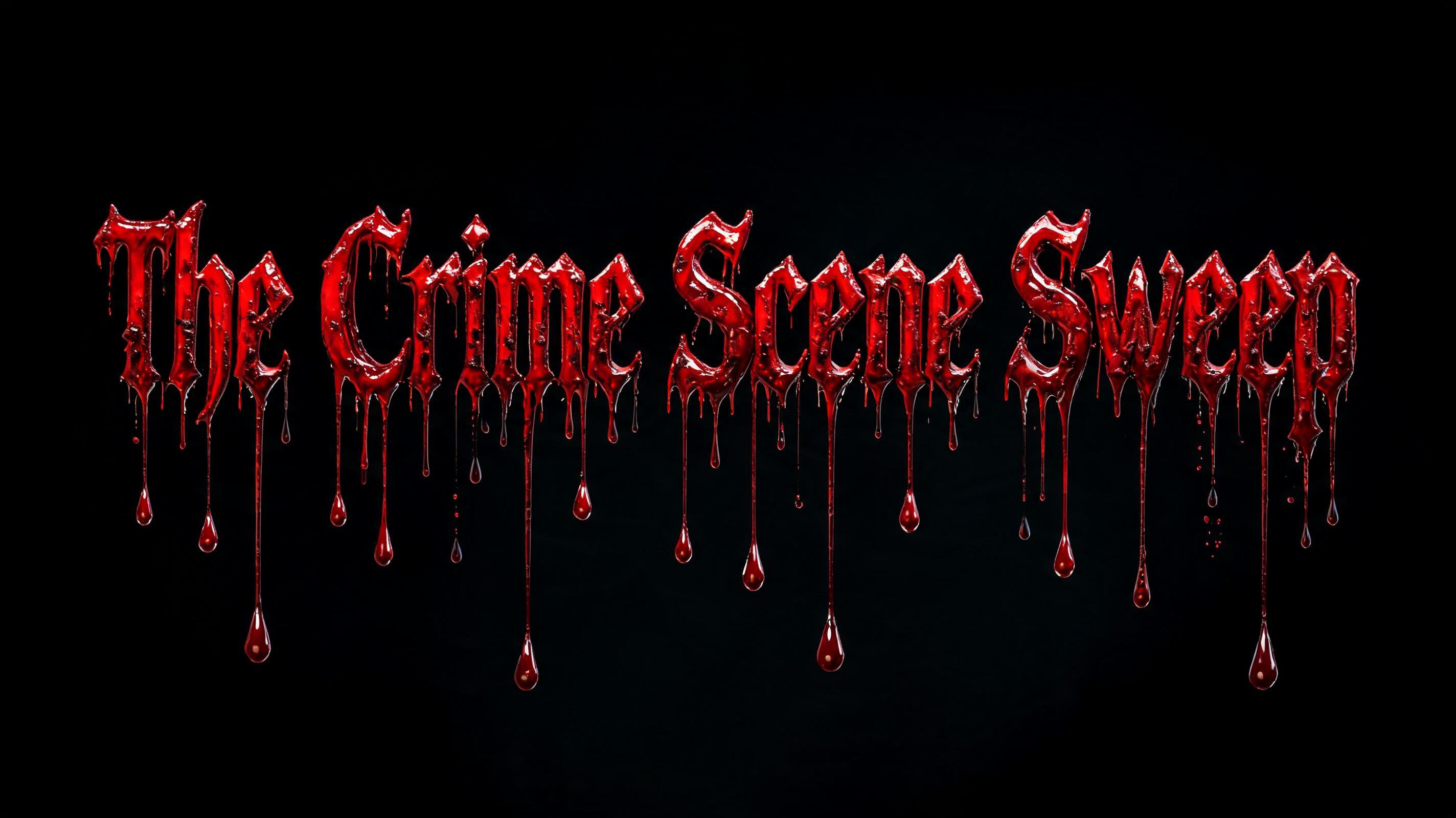
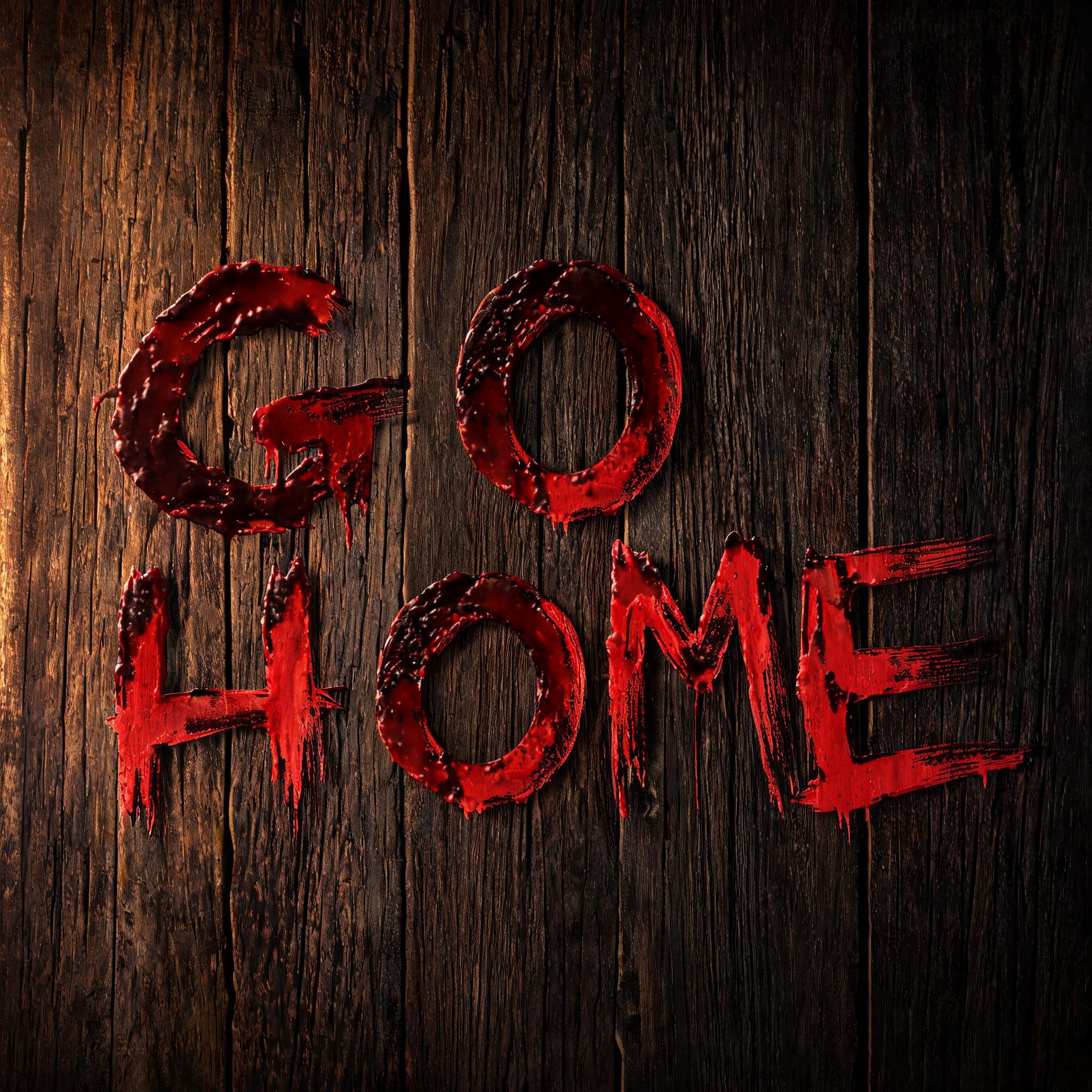
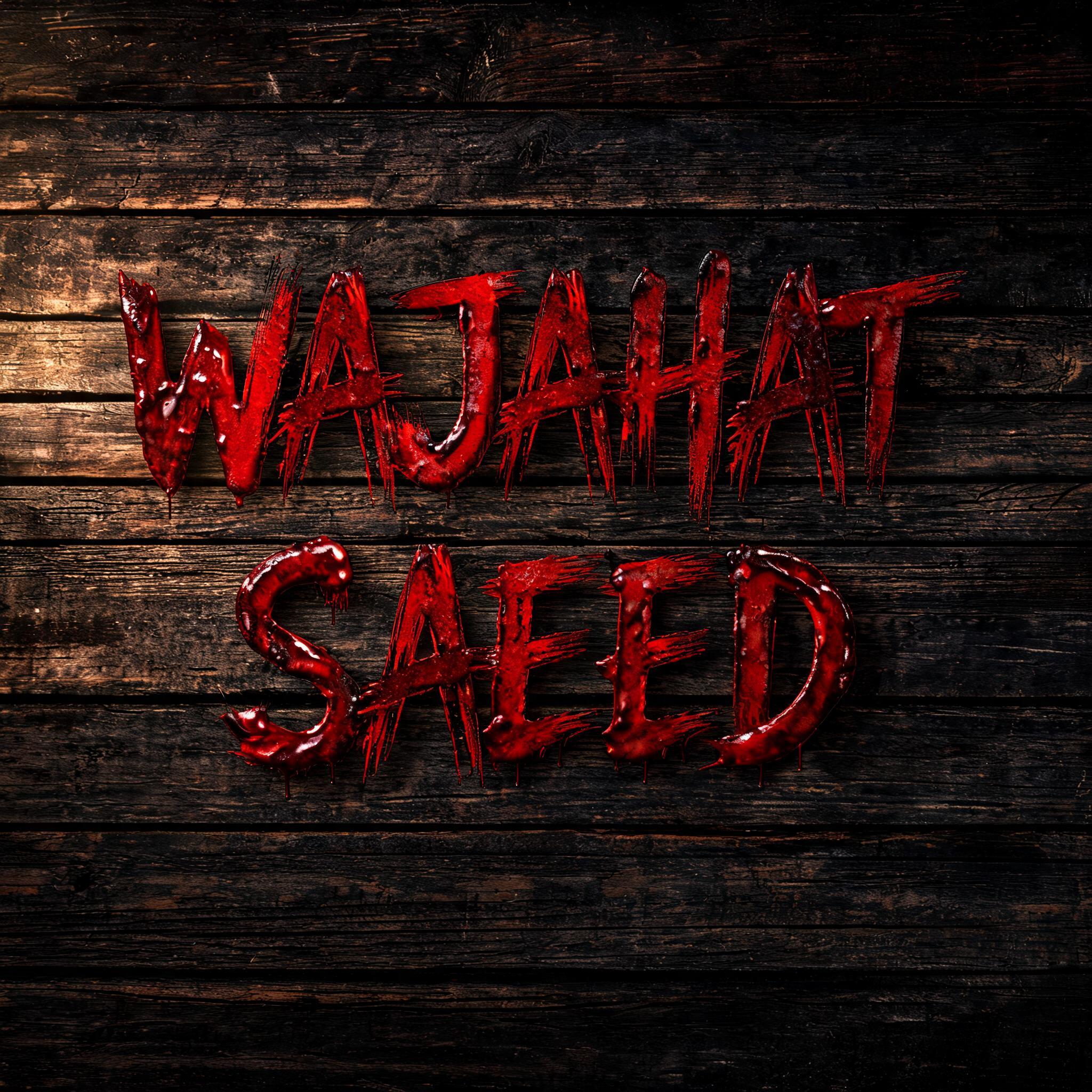
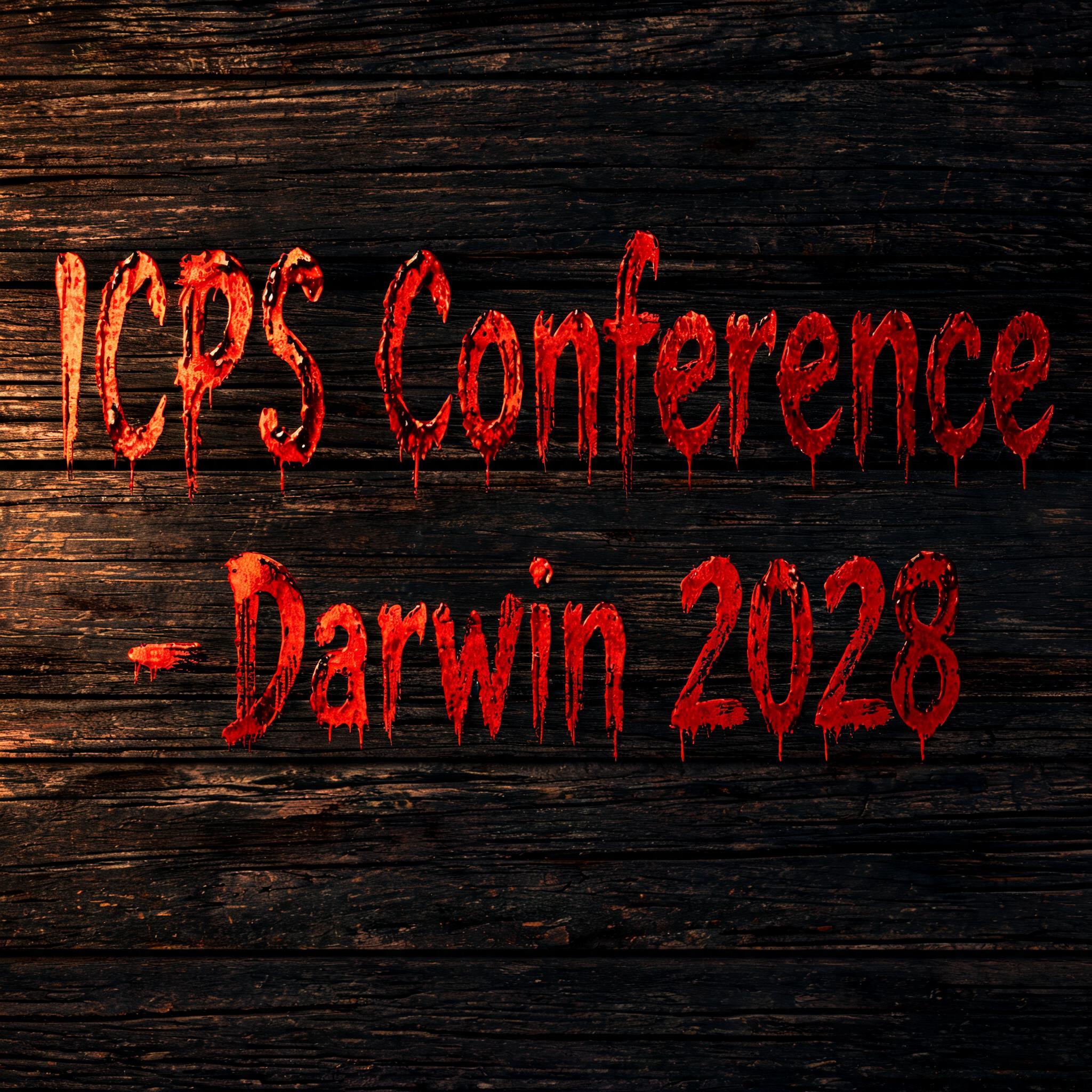
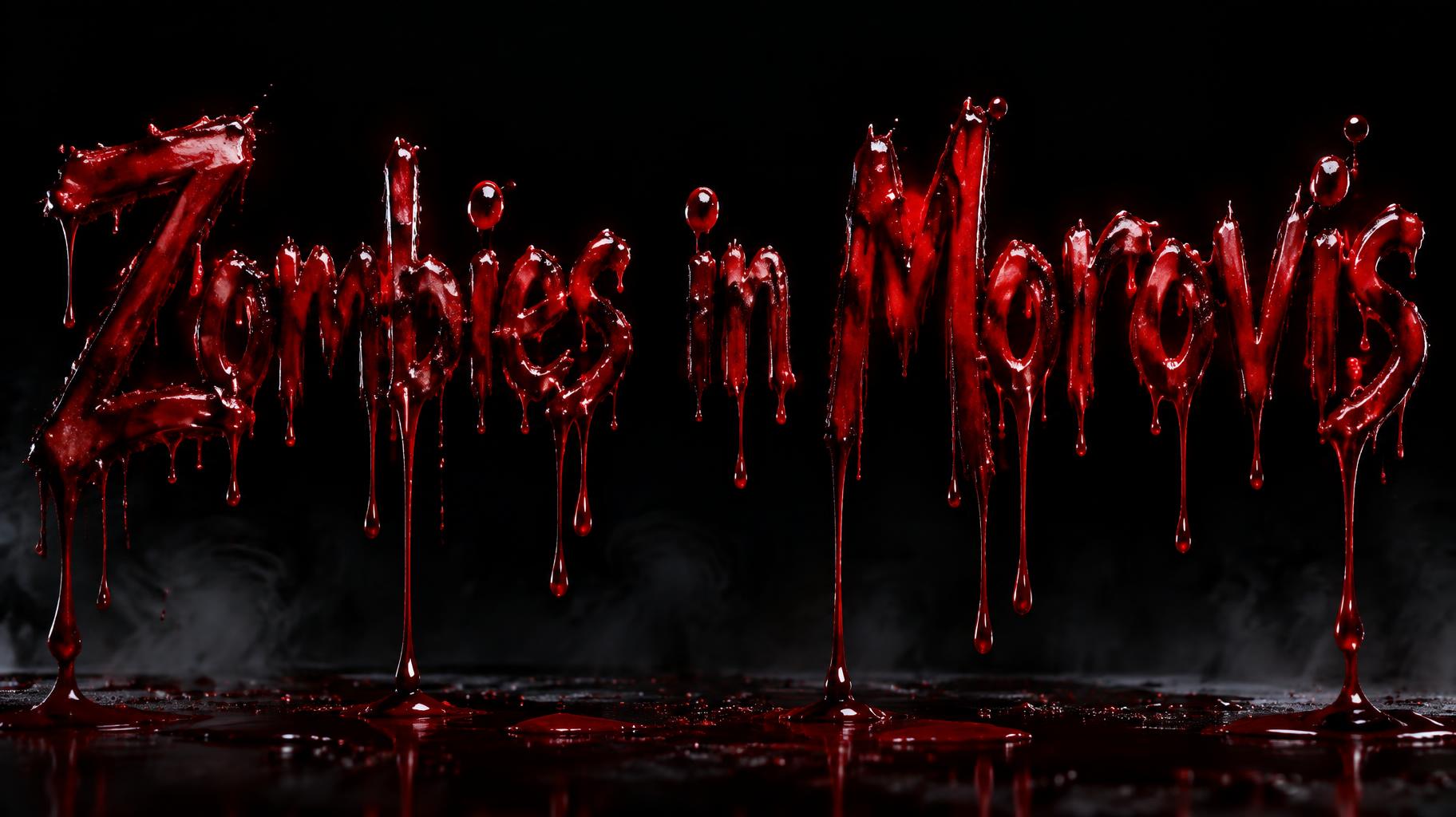
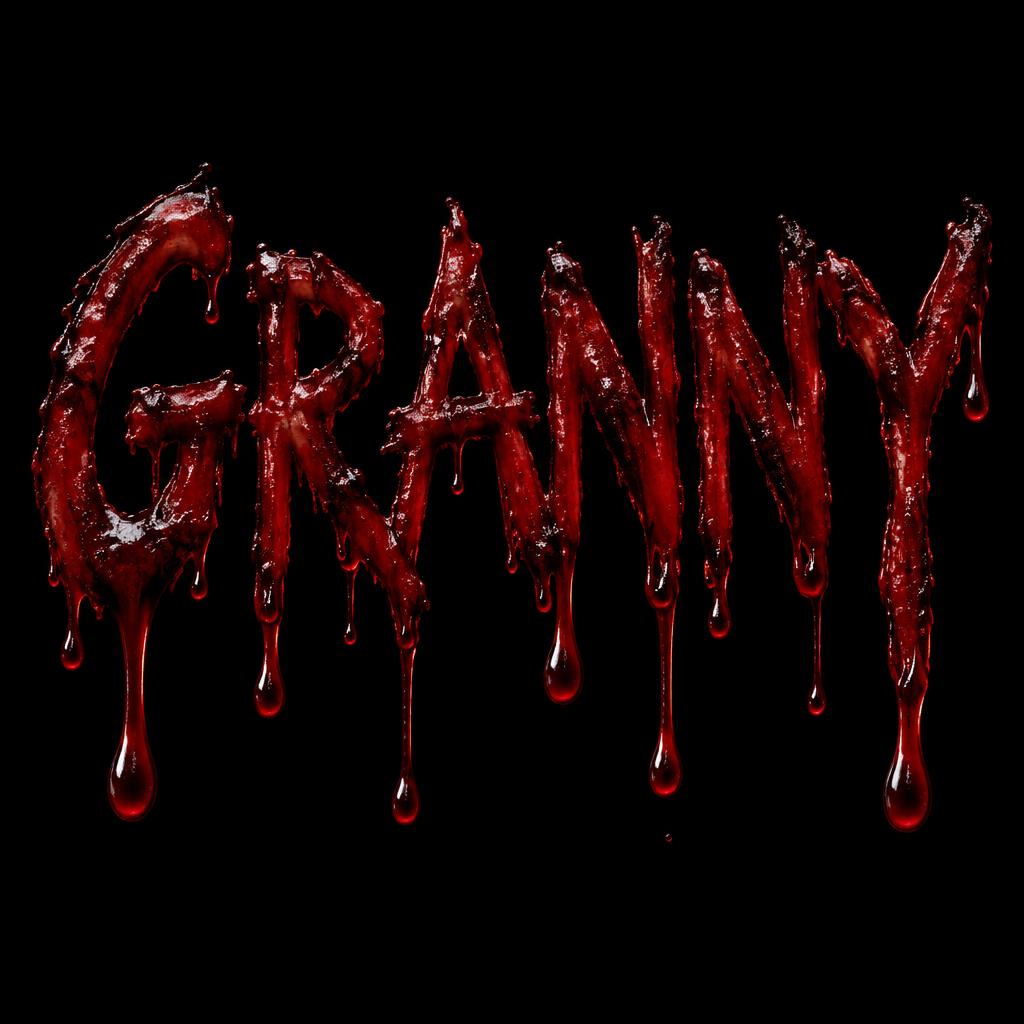
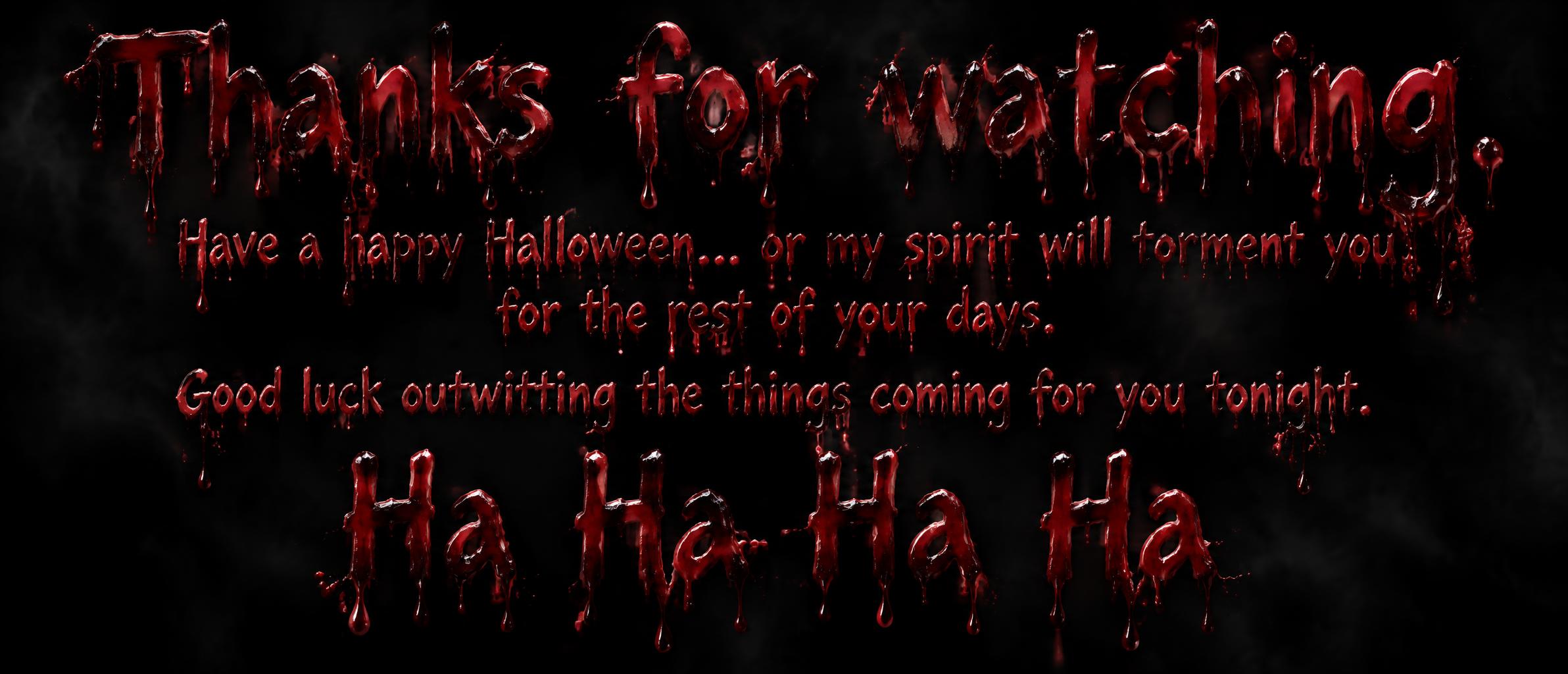
Every image below was generated on FontVibe — no post-editing, no stock photos. This is what bloody font generator — free ai bloody text actually looks like.

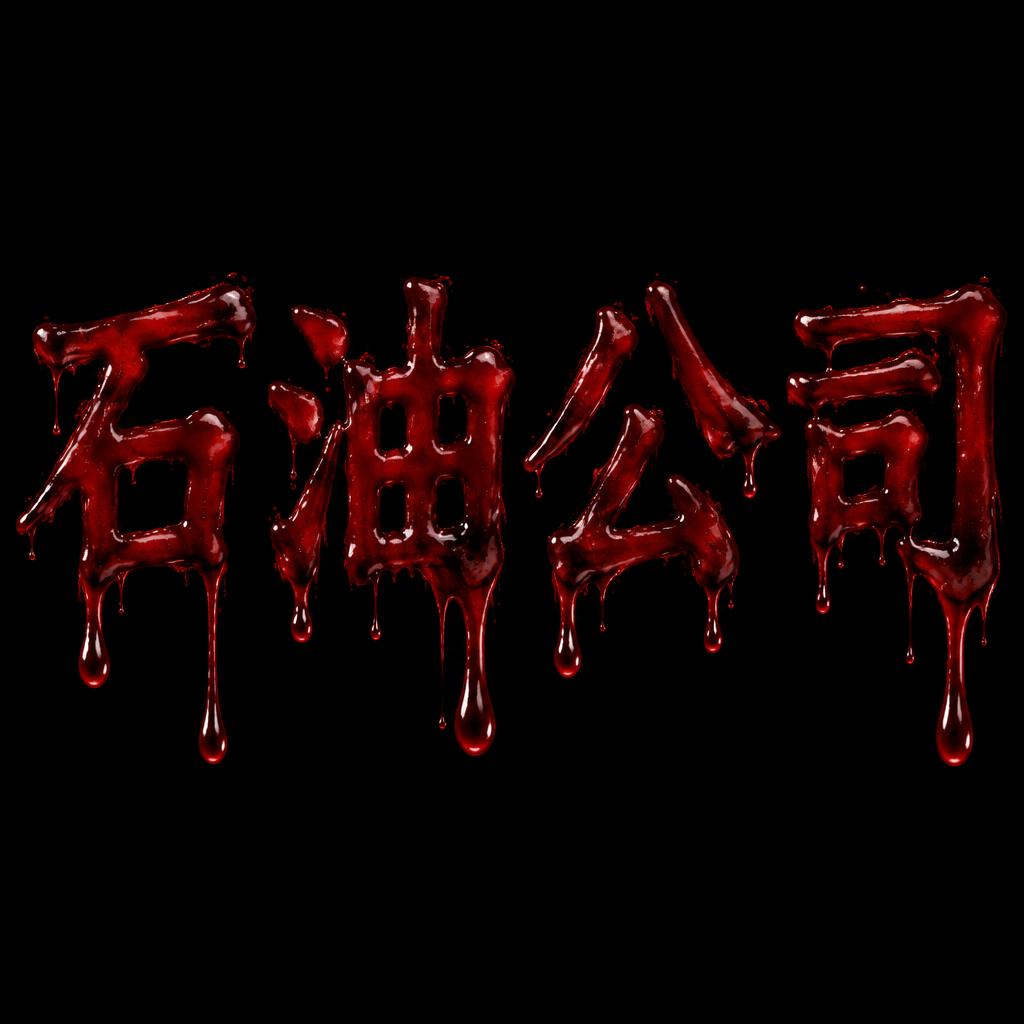
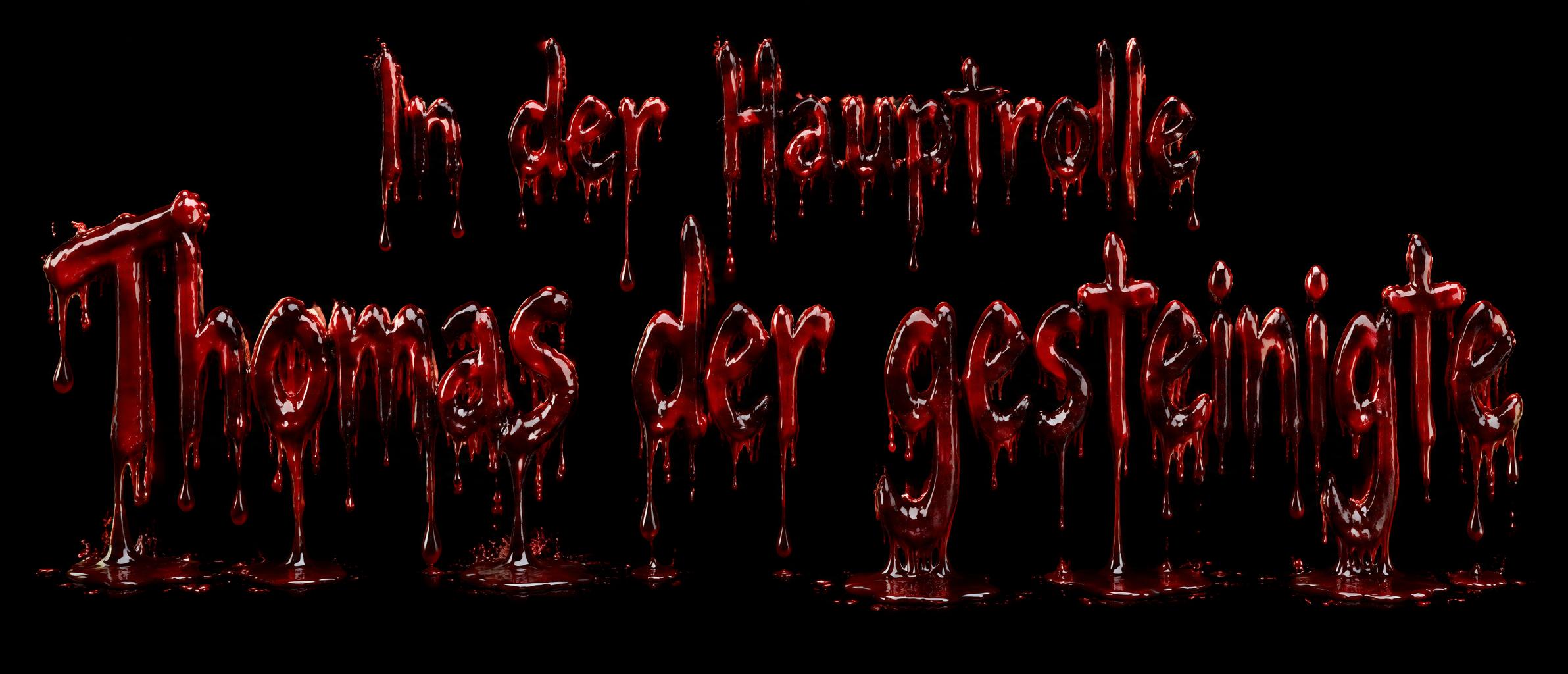

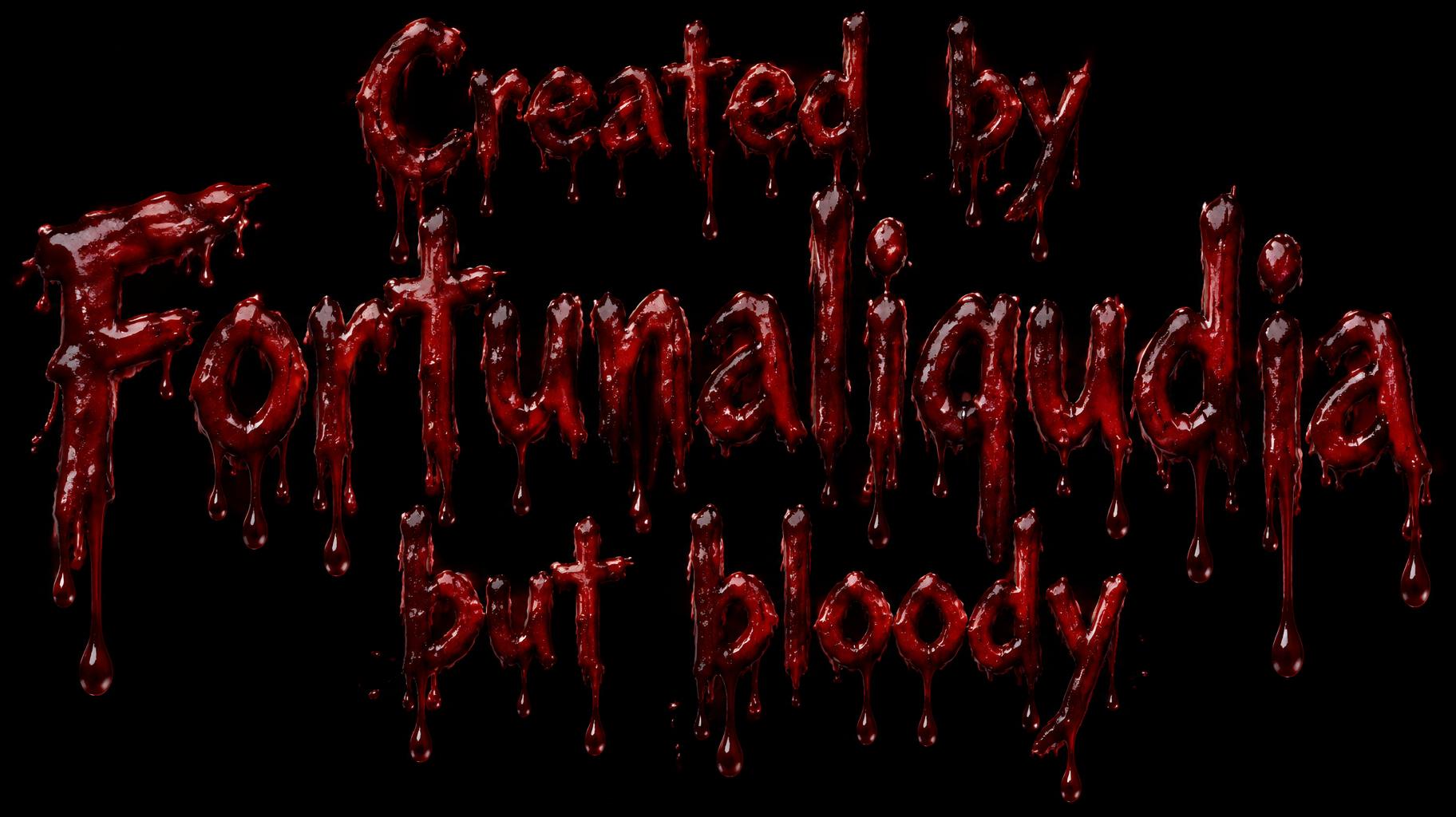

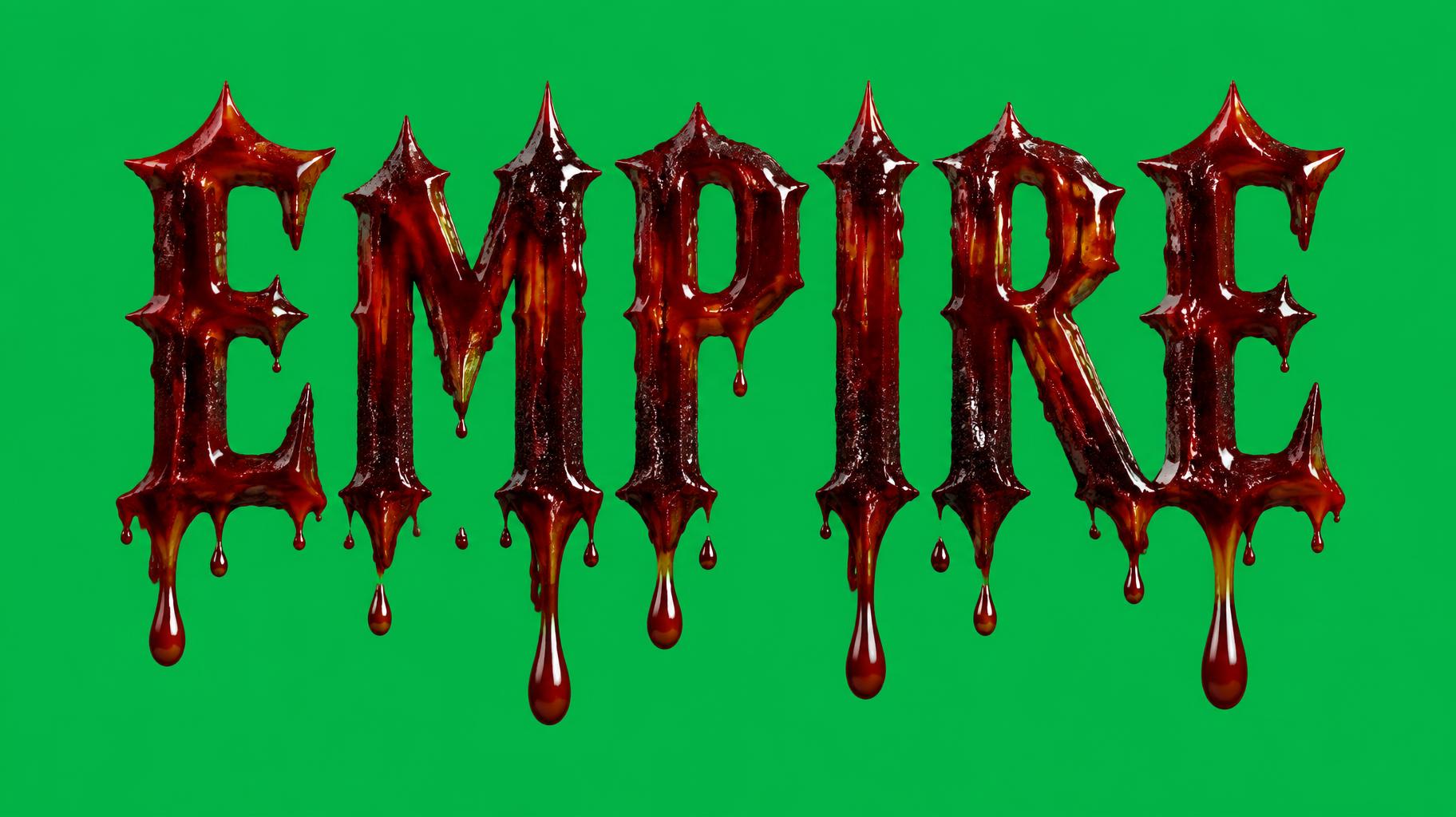
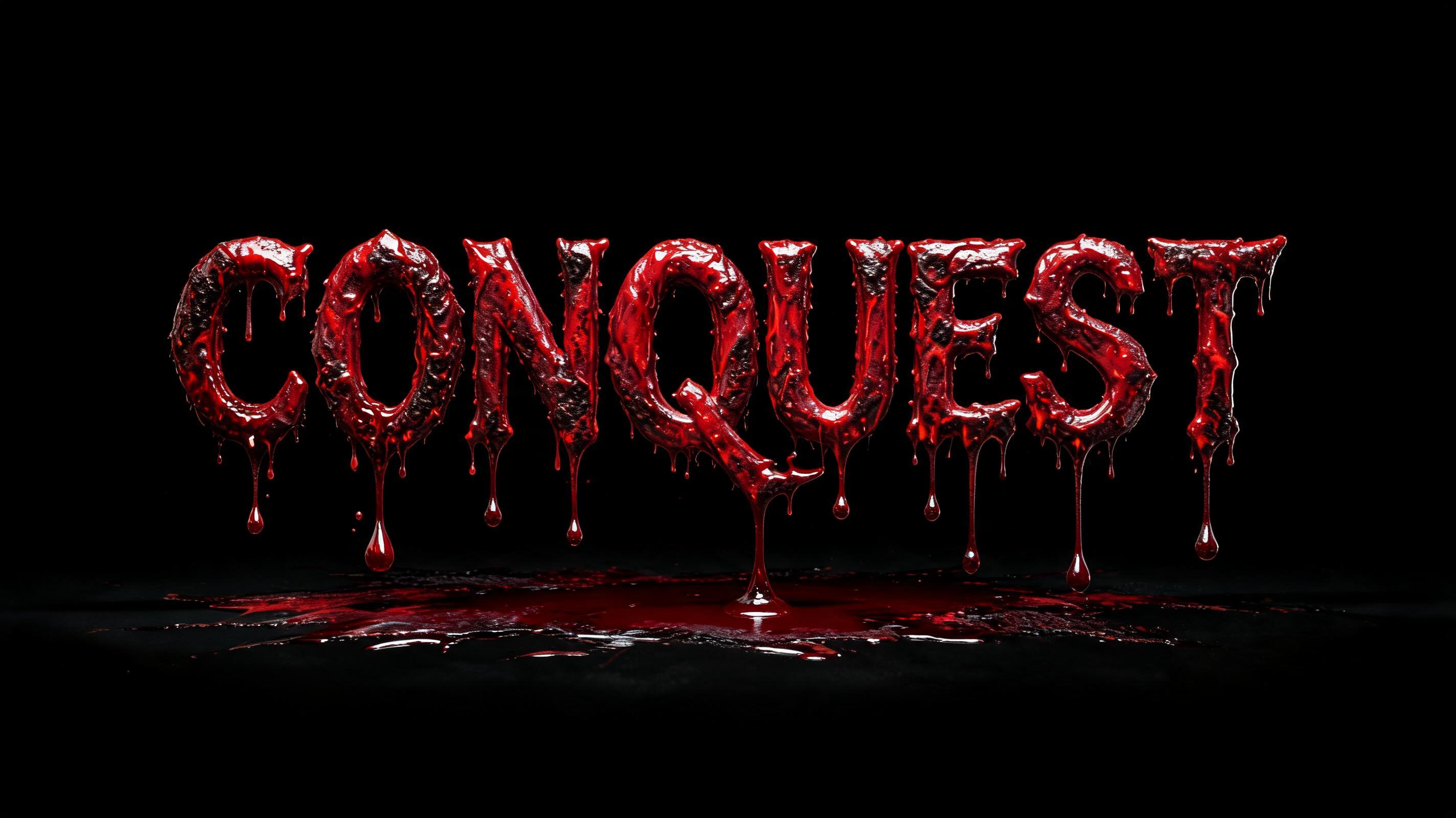
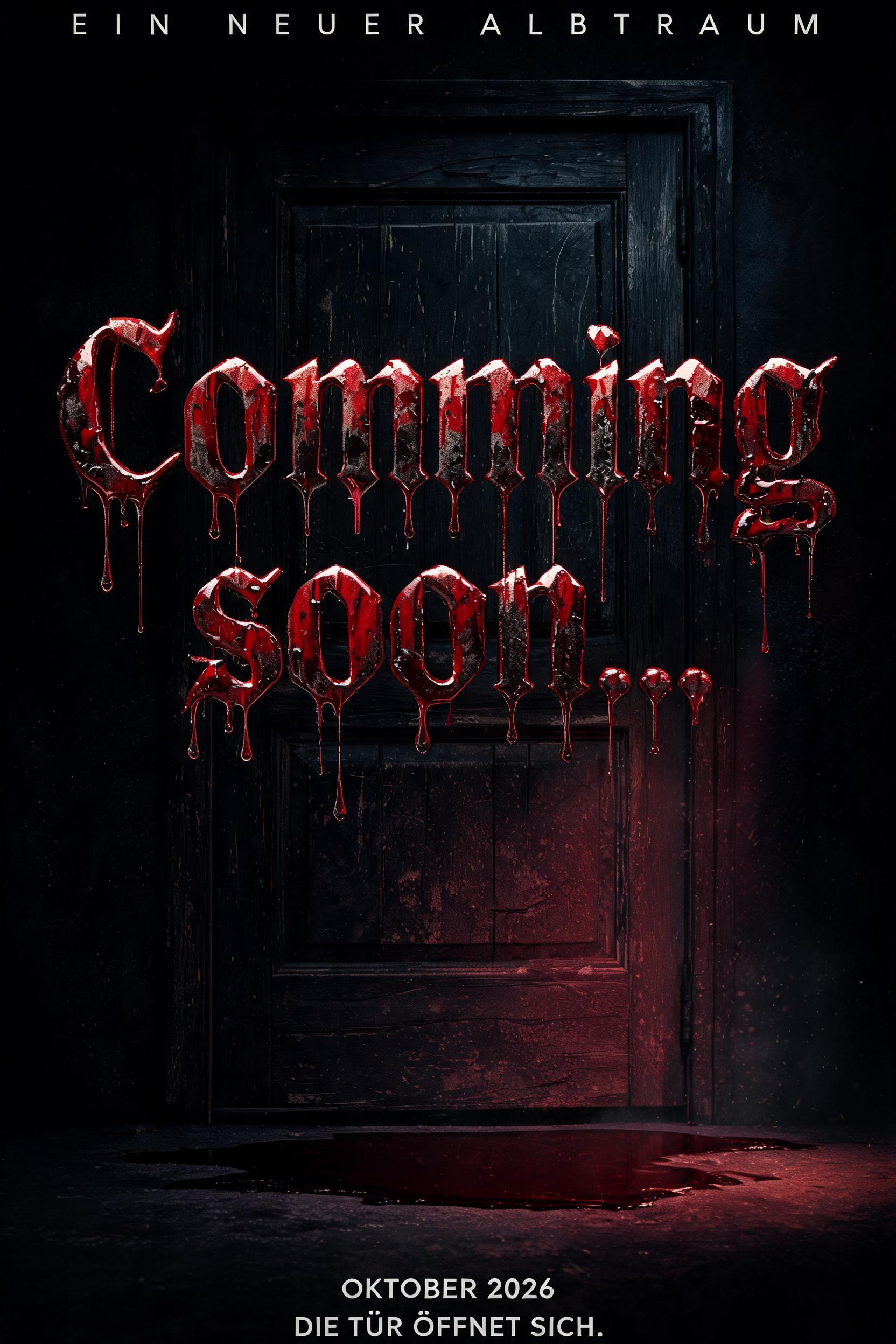
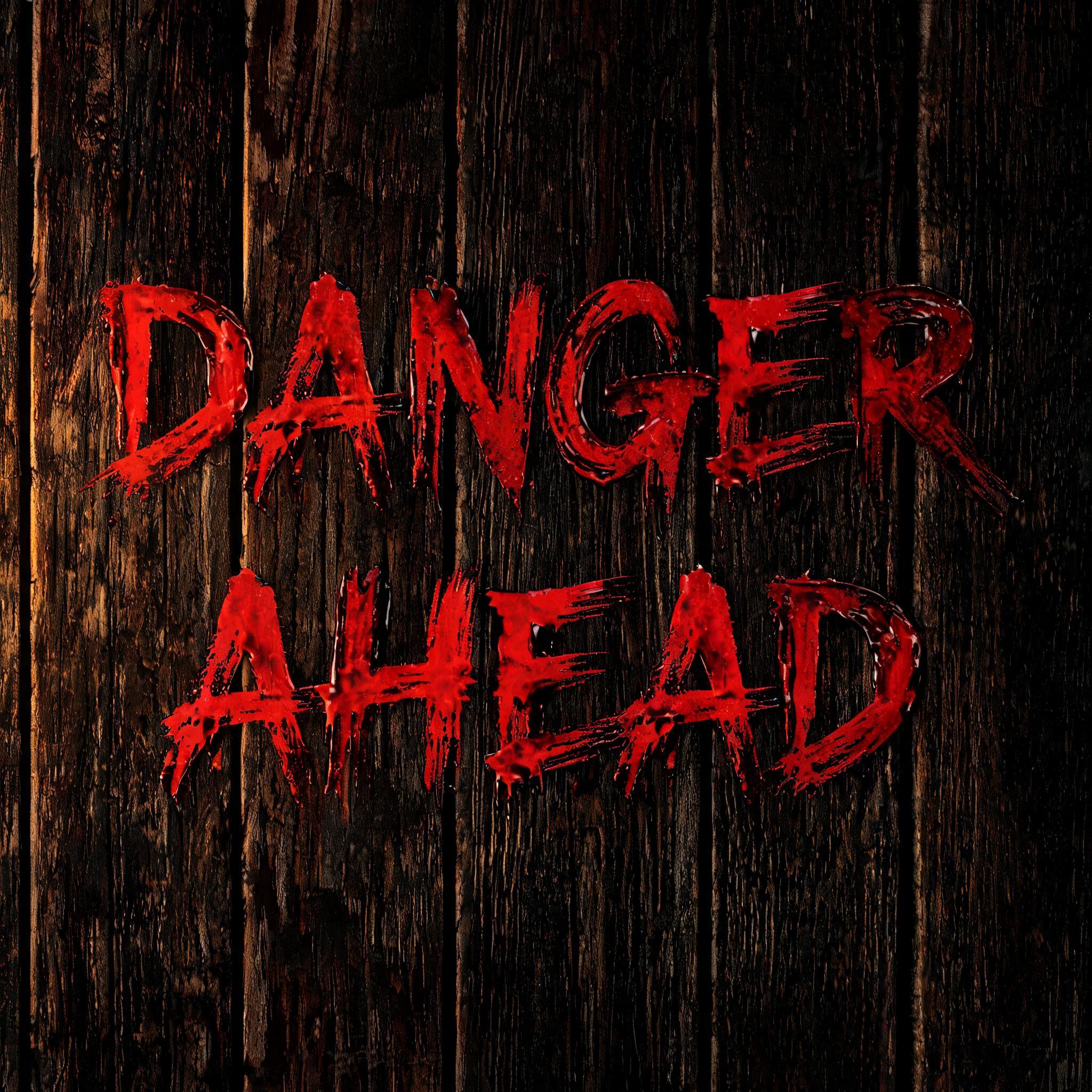

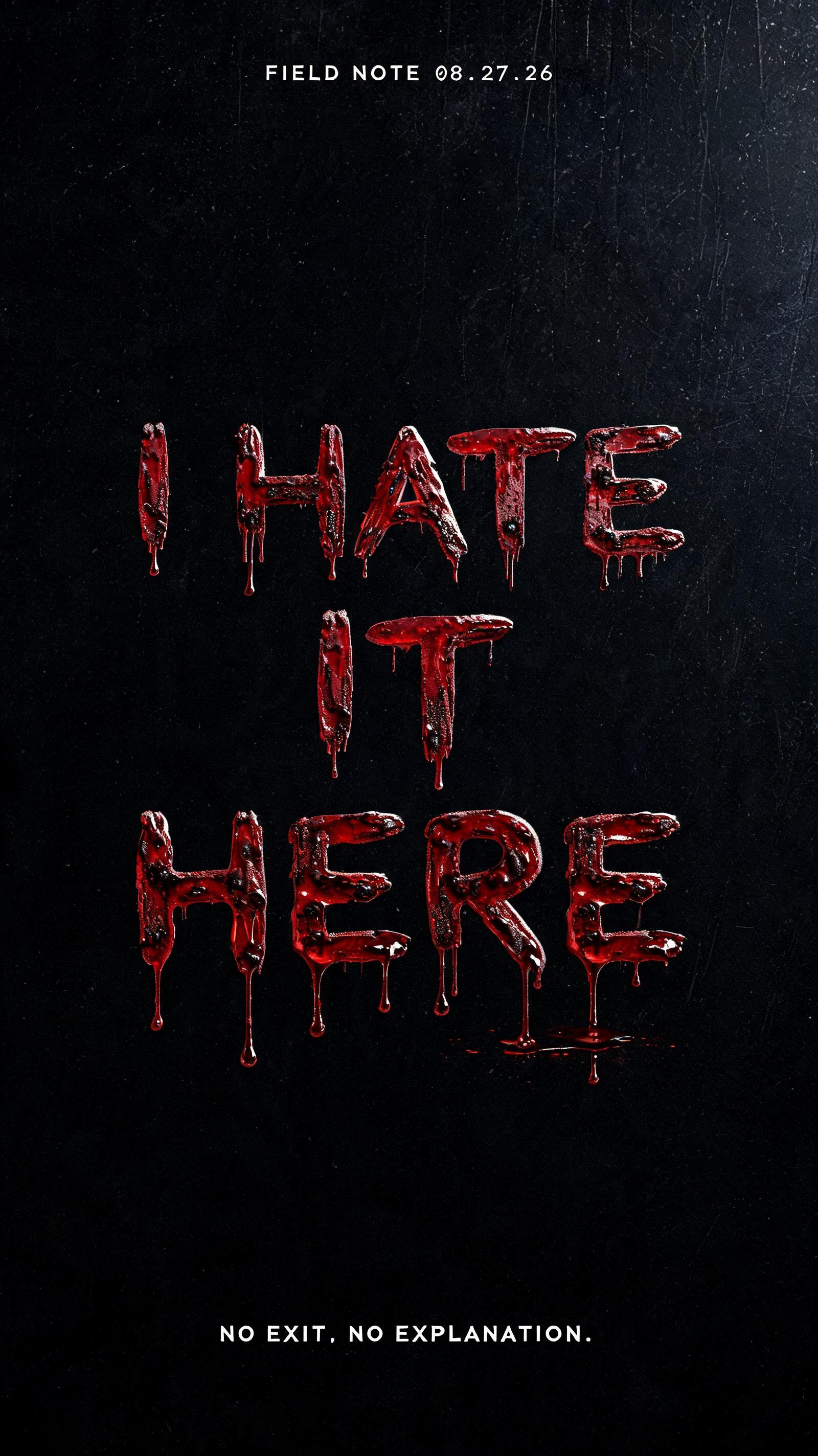




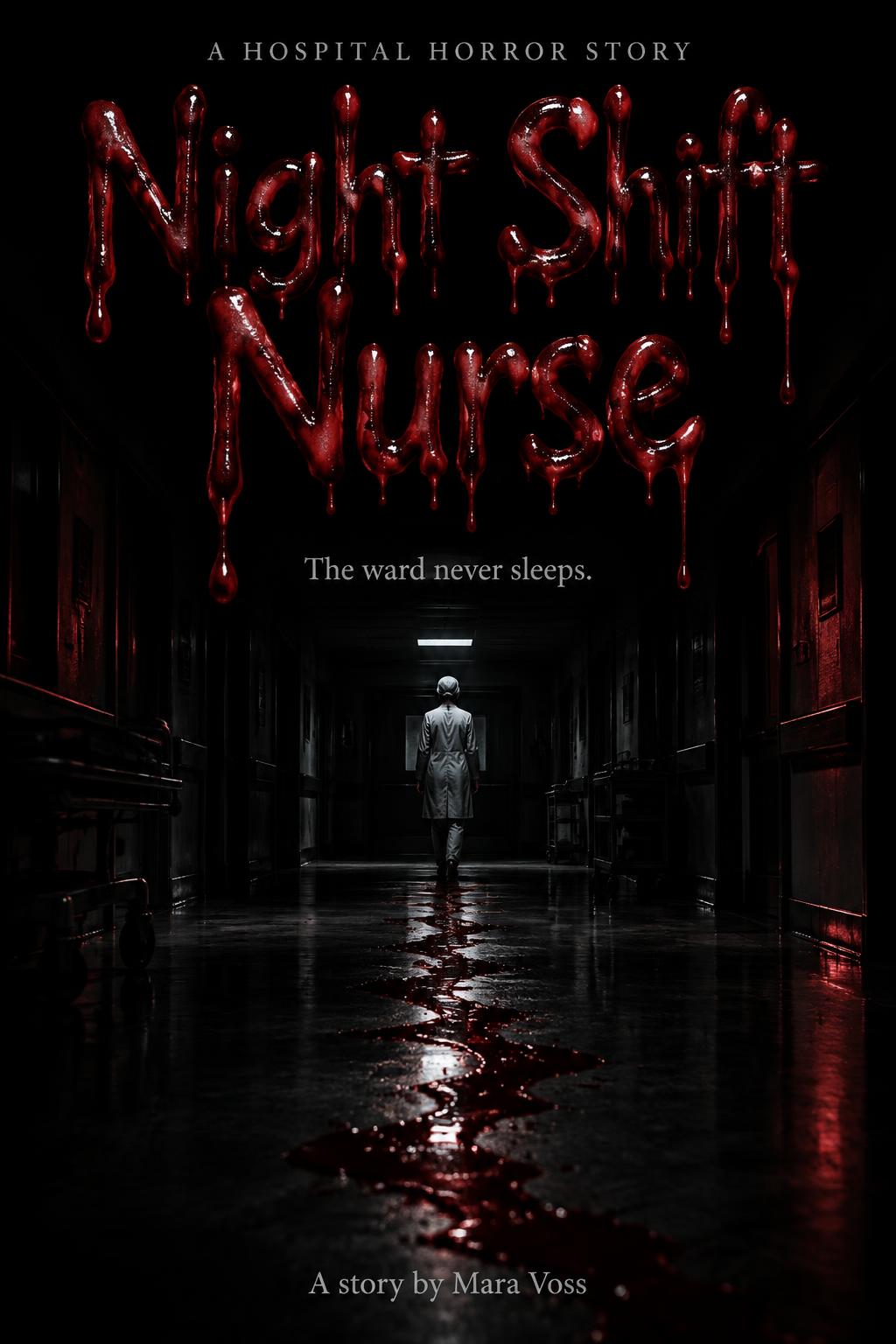
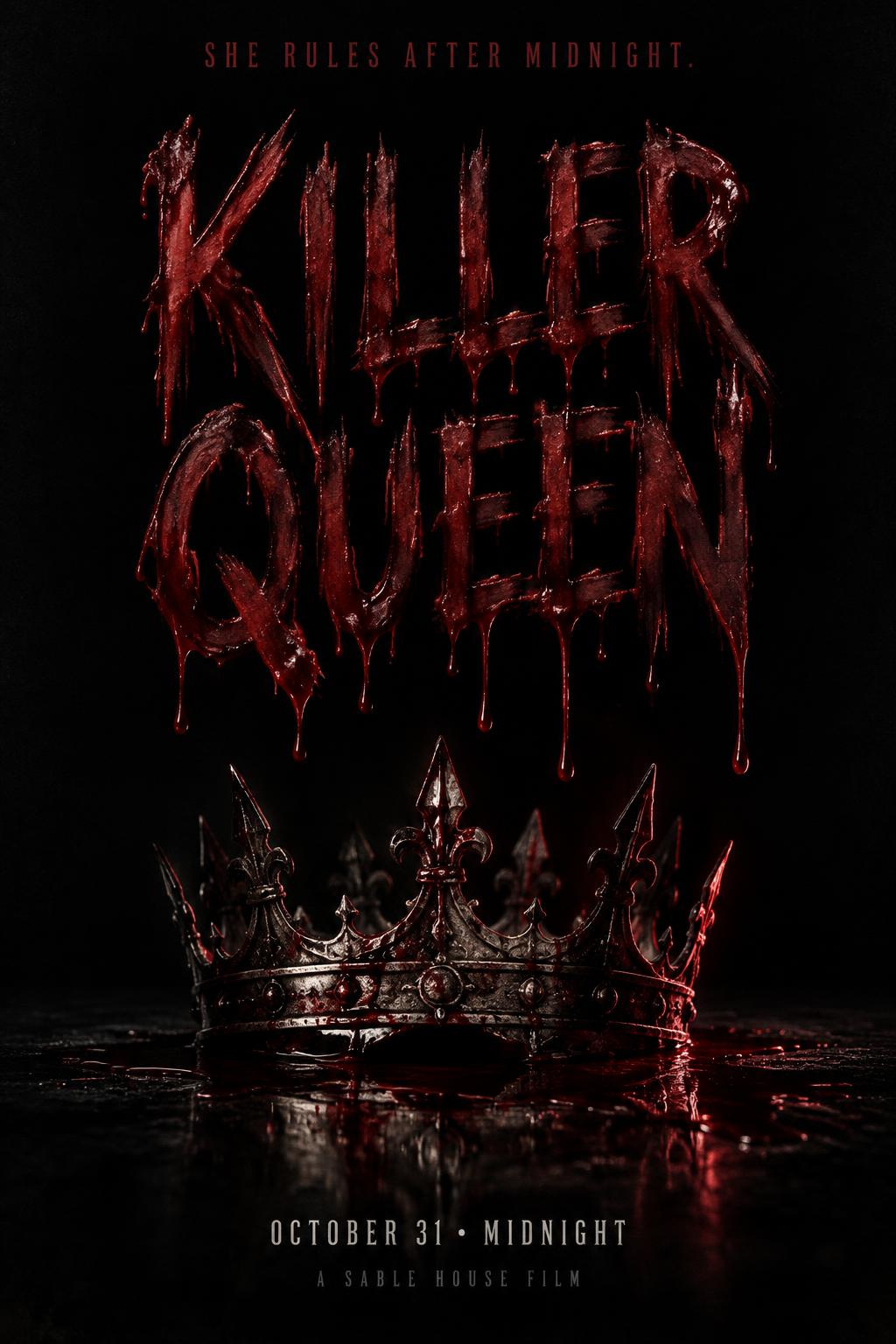
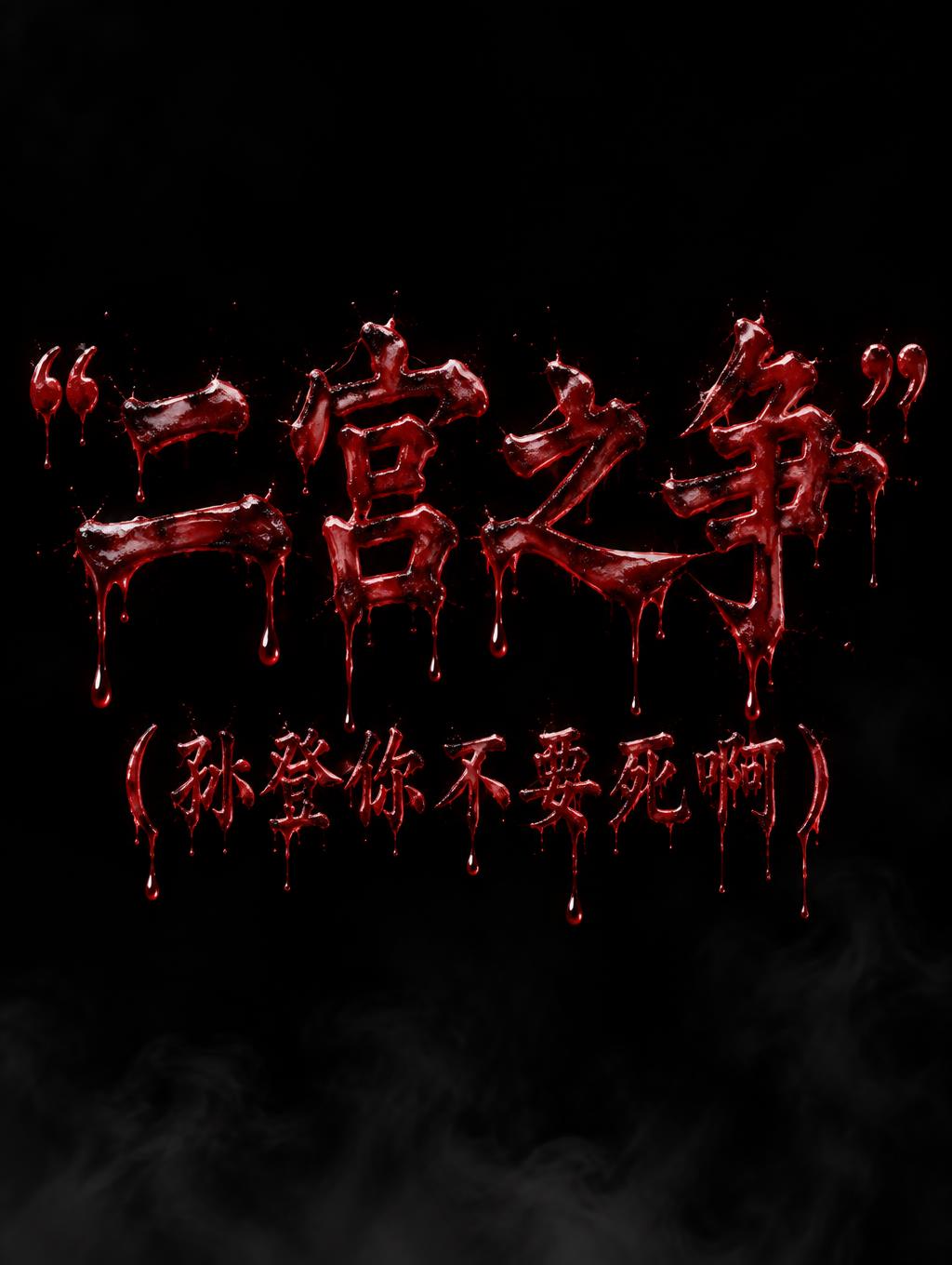

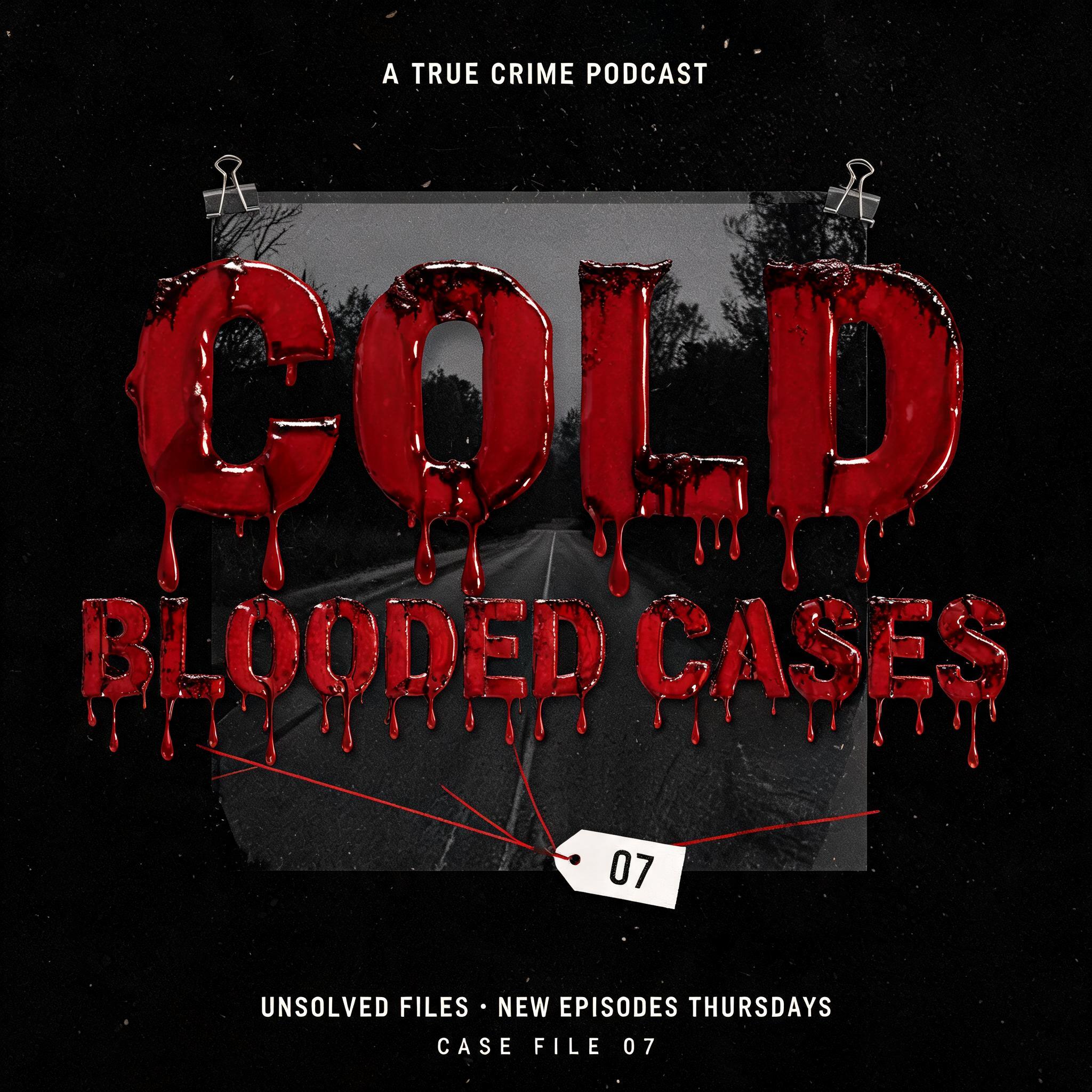


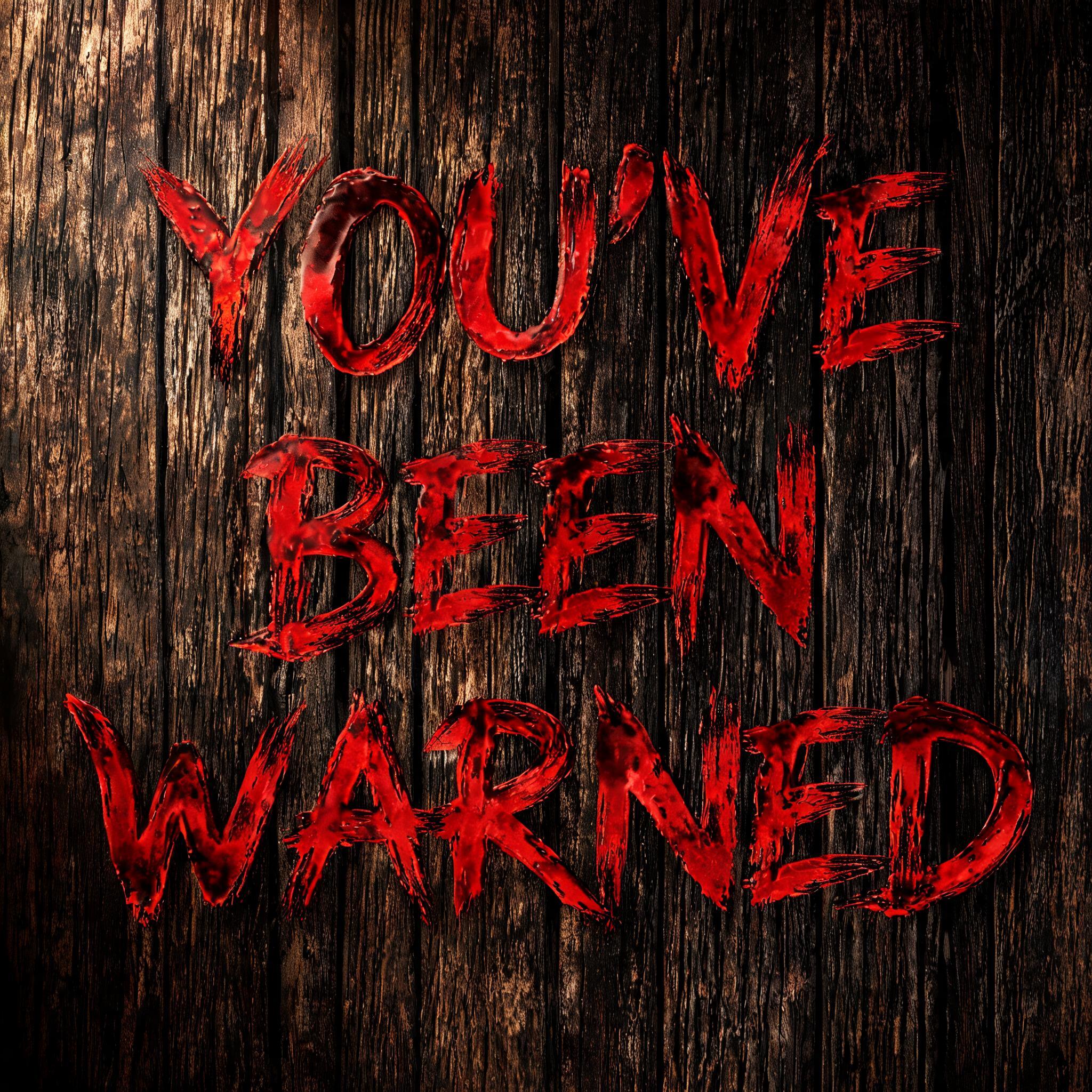


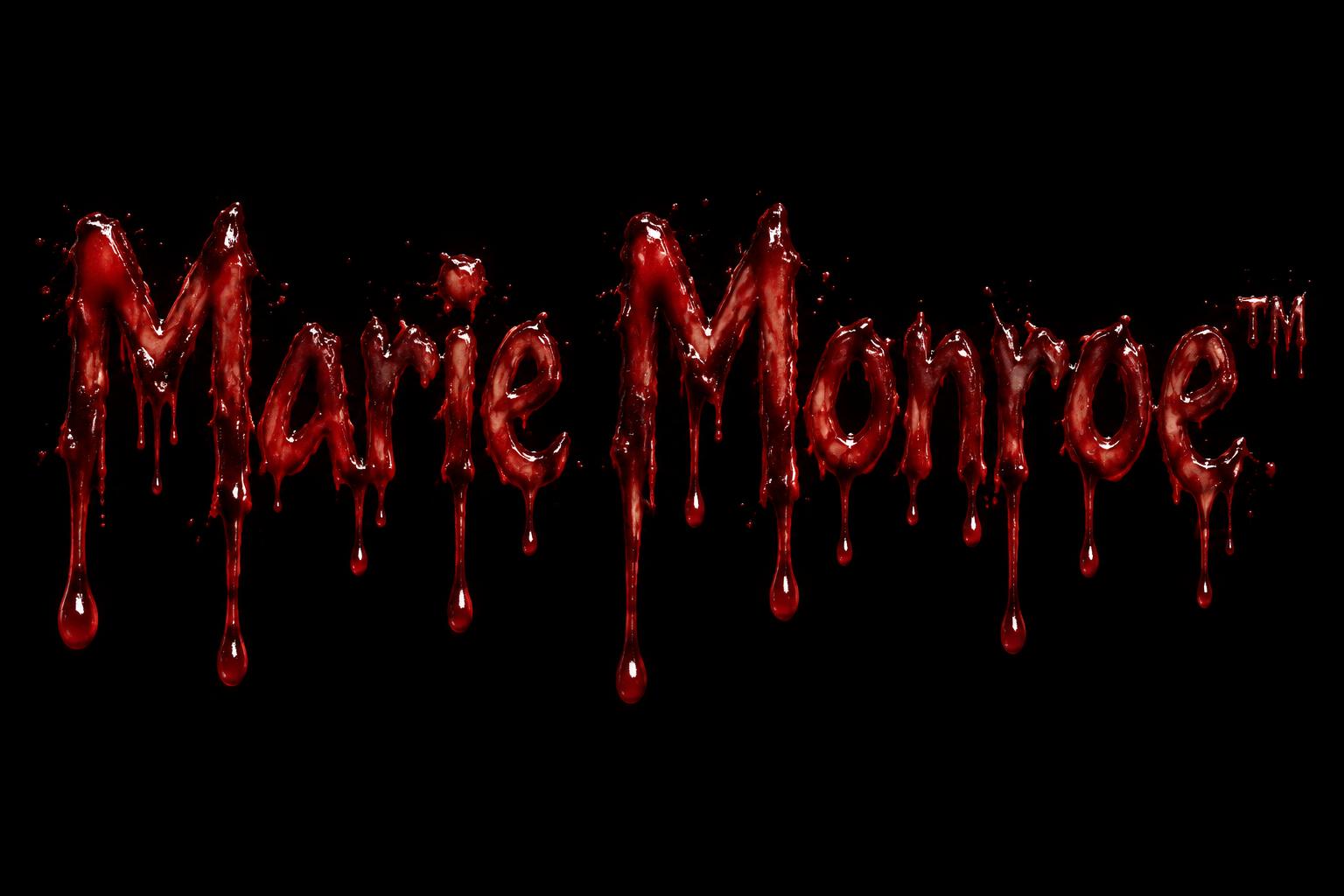
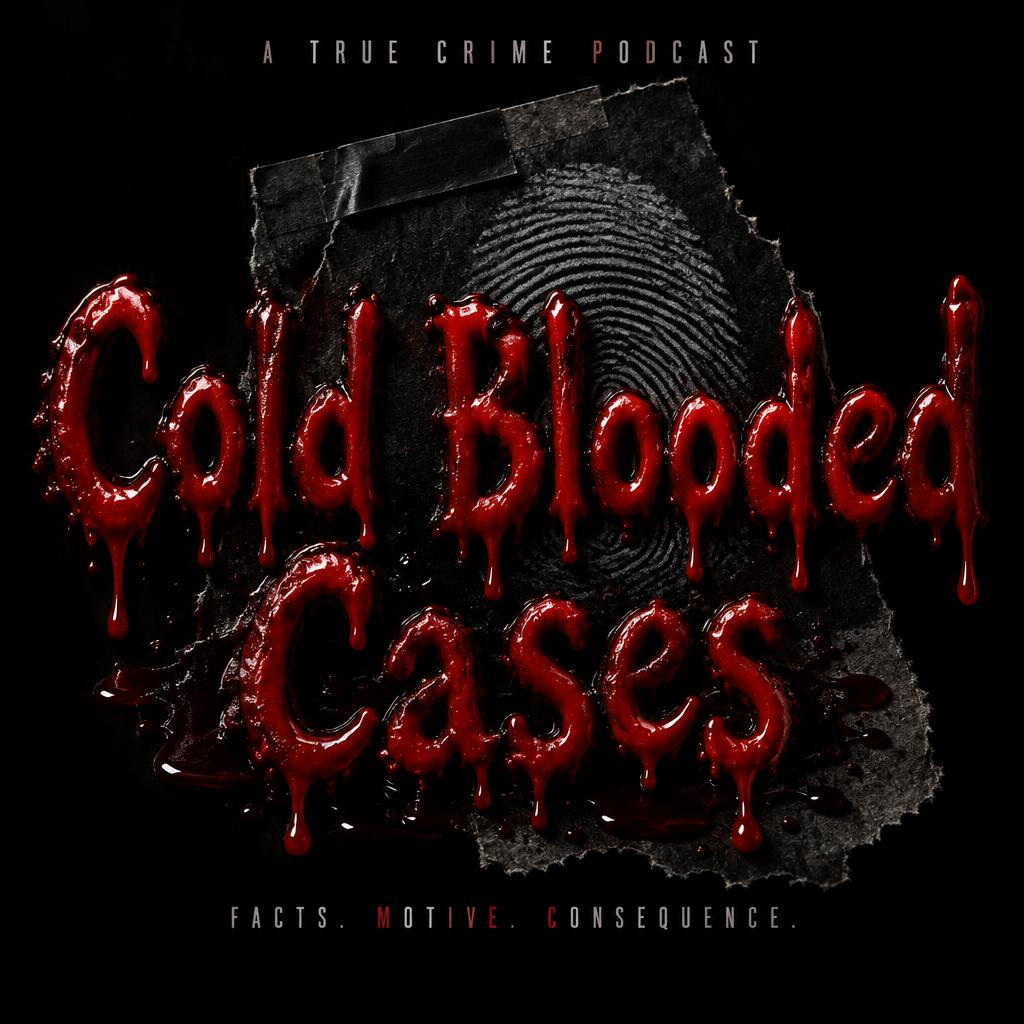

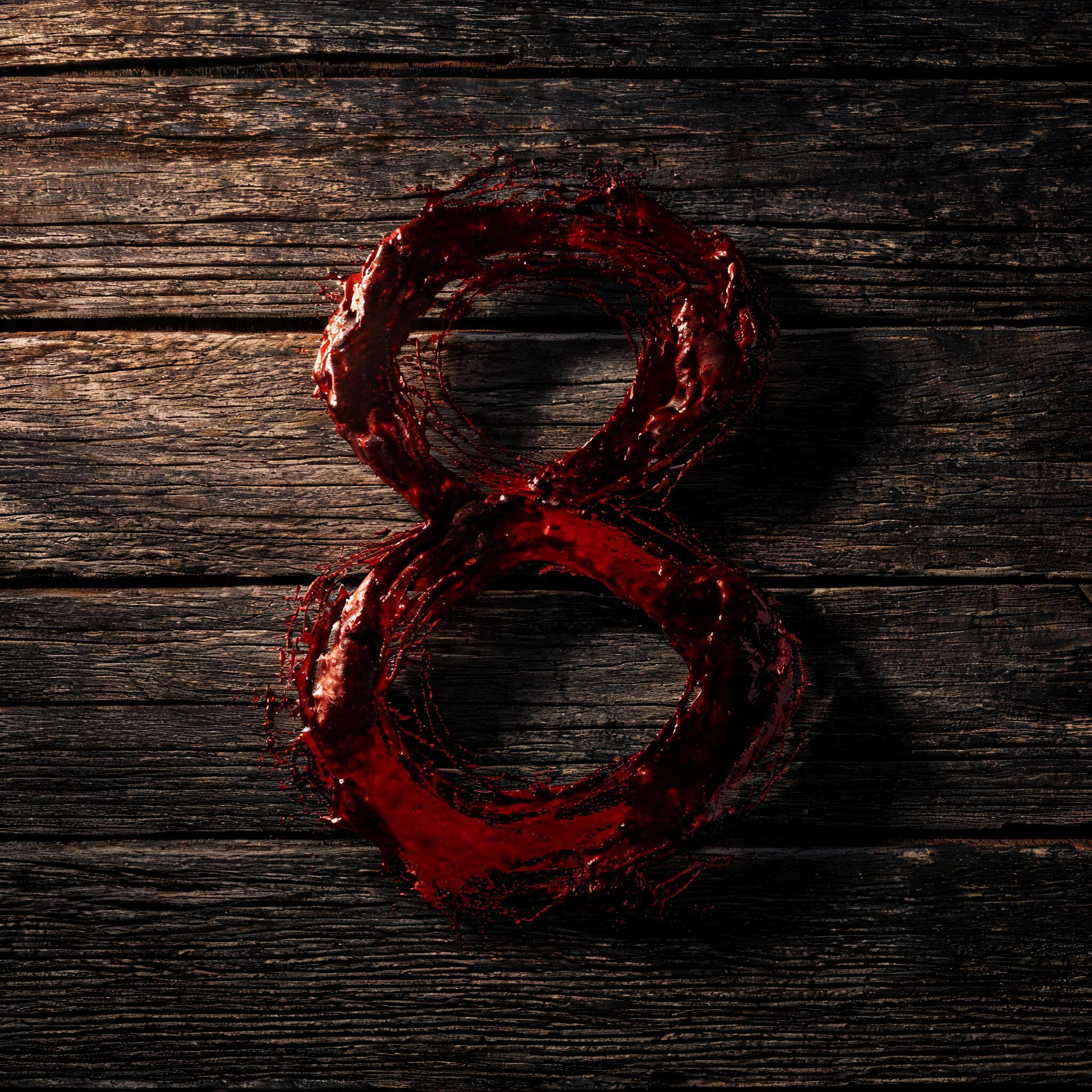
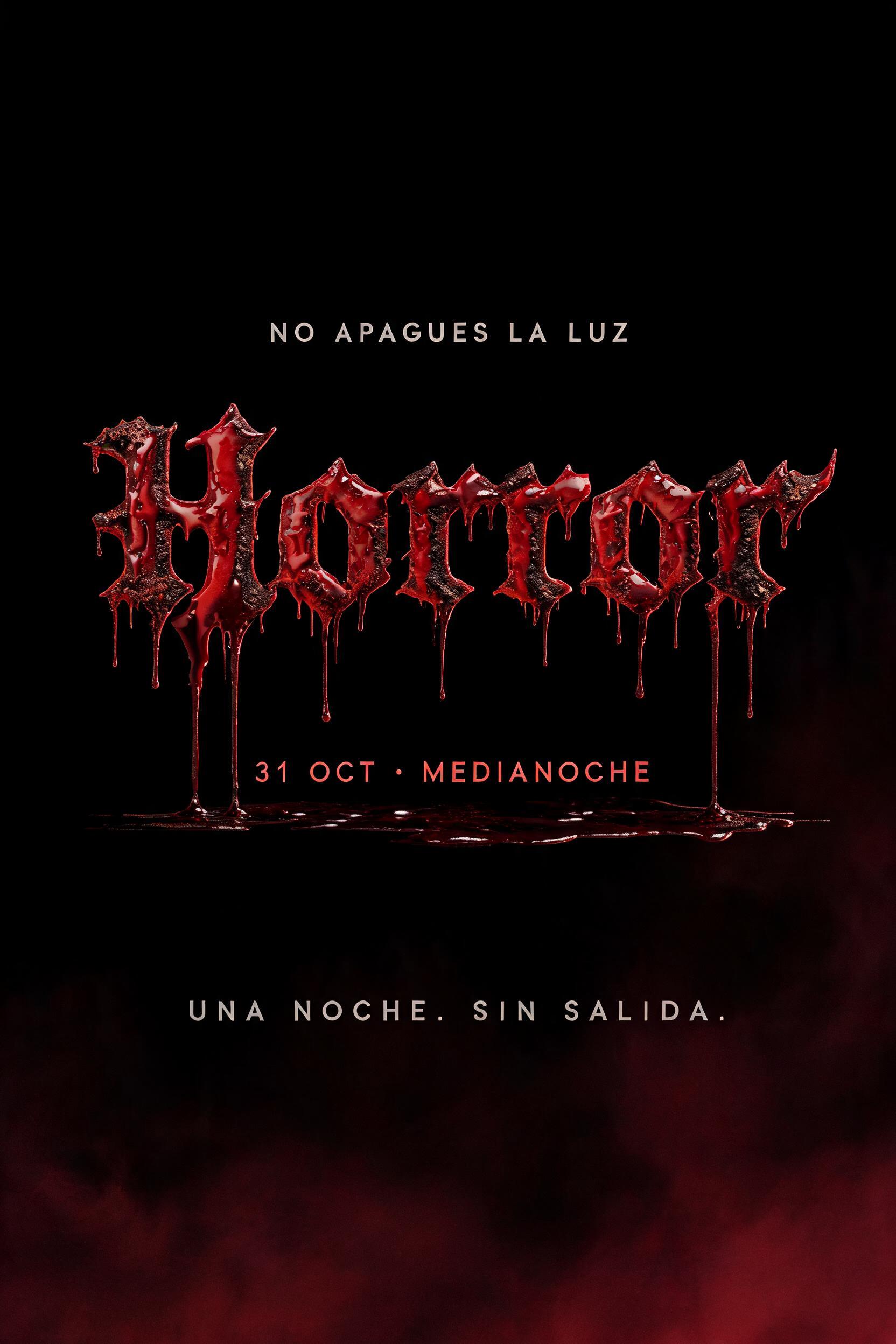

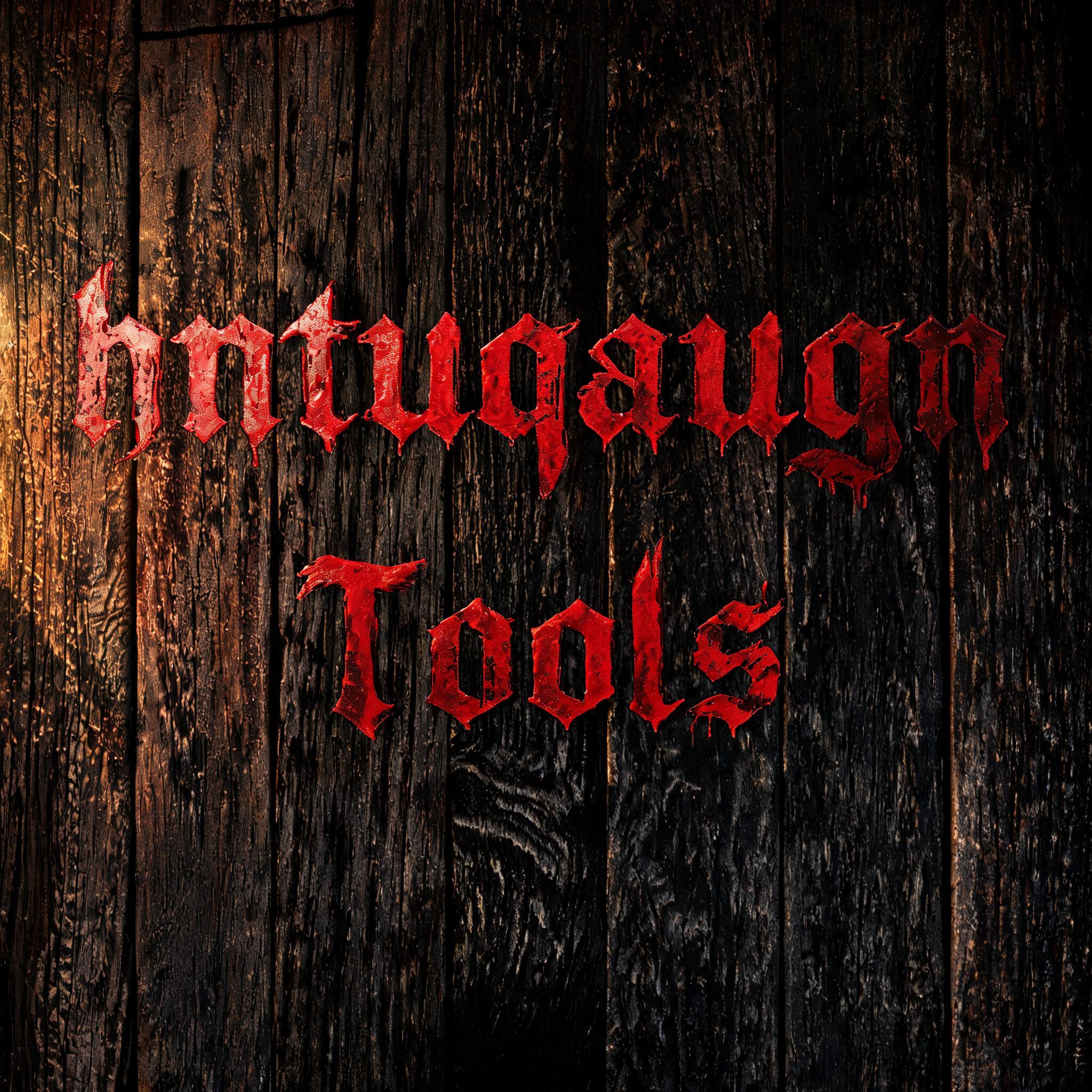
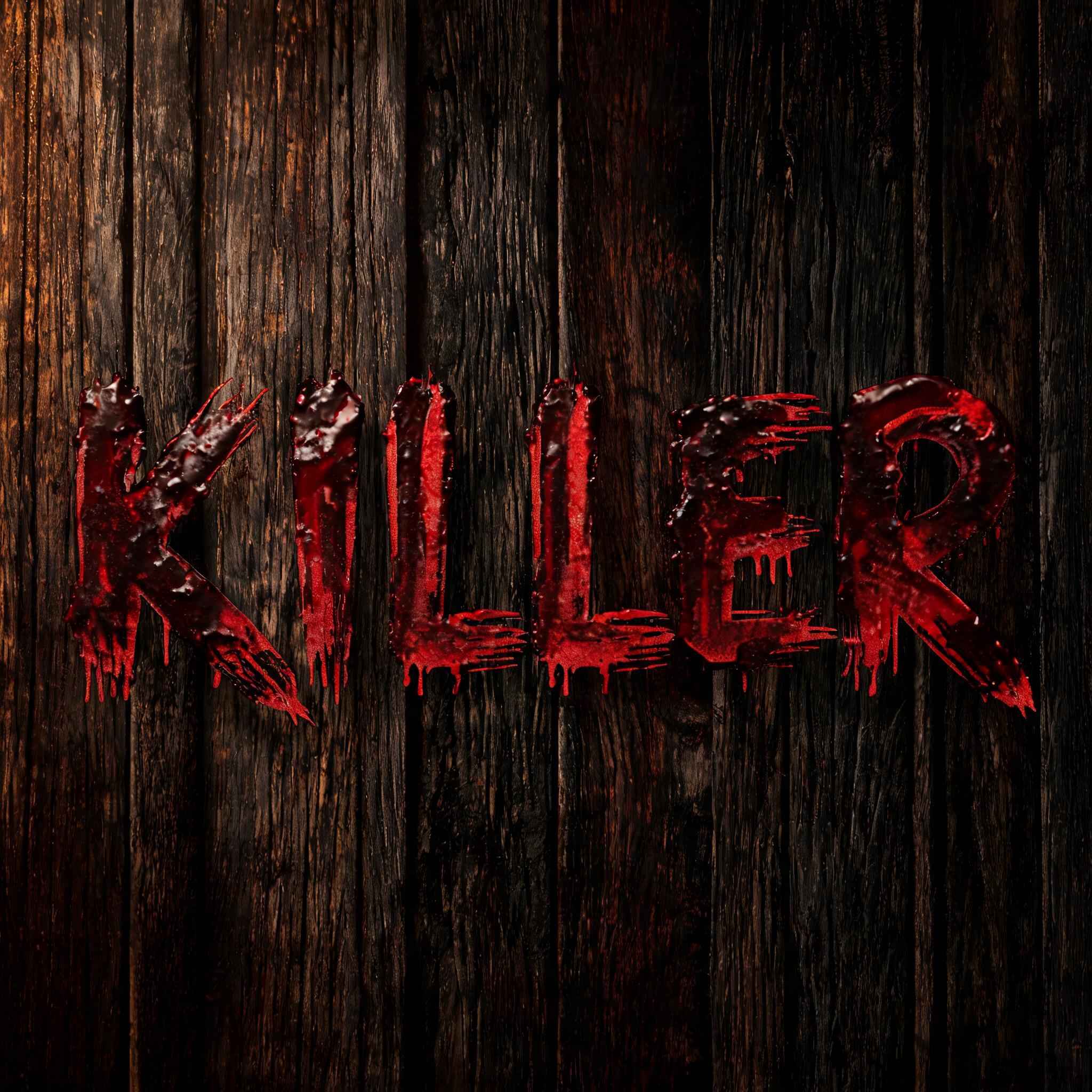


✦ More Bloody Font Generator Use Cases
Explore more ways to use Blood Drip Font


✦ Step-by-Step Guide
How to Create Your Bloody in Studio
Three steps. No design software needed.
1
Type your text
Enter any word. Short, punchy words work best for bloody font — SLAUGHTER, DEAD, RAGE, or your band/brand name.
2
Select Blood Drip Font style
The AI bloody font generator renders photorealistic crimson blood on your letterforms instantly.
3
Generate
AI renders your bloody font text in 15–30 seconds. Regenerate for visual variations.
4
Download PNG
Free high-resolution bloody font PNG — ready for Halloween, horror, metal, and dark aesthetic projects.
💡 Platform tip: Bloody font works at any size but is most effective at display size — poster headlines, YouTube thumbnails, T-shirt fronts. At small sizes, the blood drip detail compresses. For best results, keep text to 1–2 words and use the pure black background the generator provides. Download the PNG and test at your intended output size before finalizing.
✦ Common Questions
Bloody — Frequently Asked Questions
Everything you need to know before you create.
✦ Explore More Text Effect Styles
Related AI Text Effect Styles
Try a different aesthetic — each style generates a completely unique visual output.


Want more text styles? Browse our free font generators — fancy, cursive, gothic & more.
✦ Ready to Create?
Make Your Own Bloody
Free to start. No design skills needed.
✦ Generate Now — Free