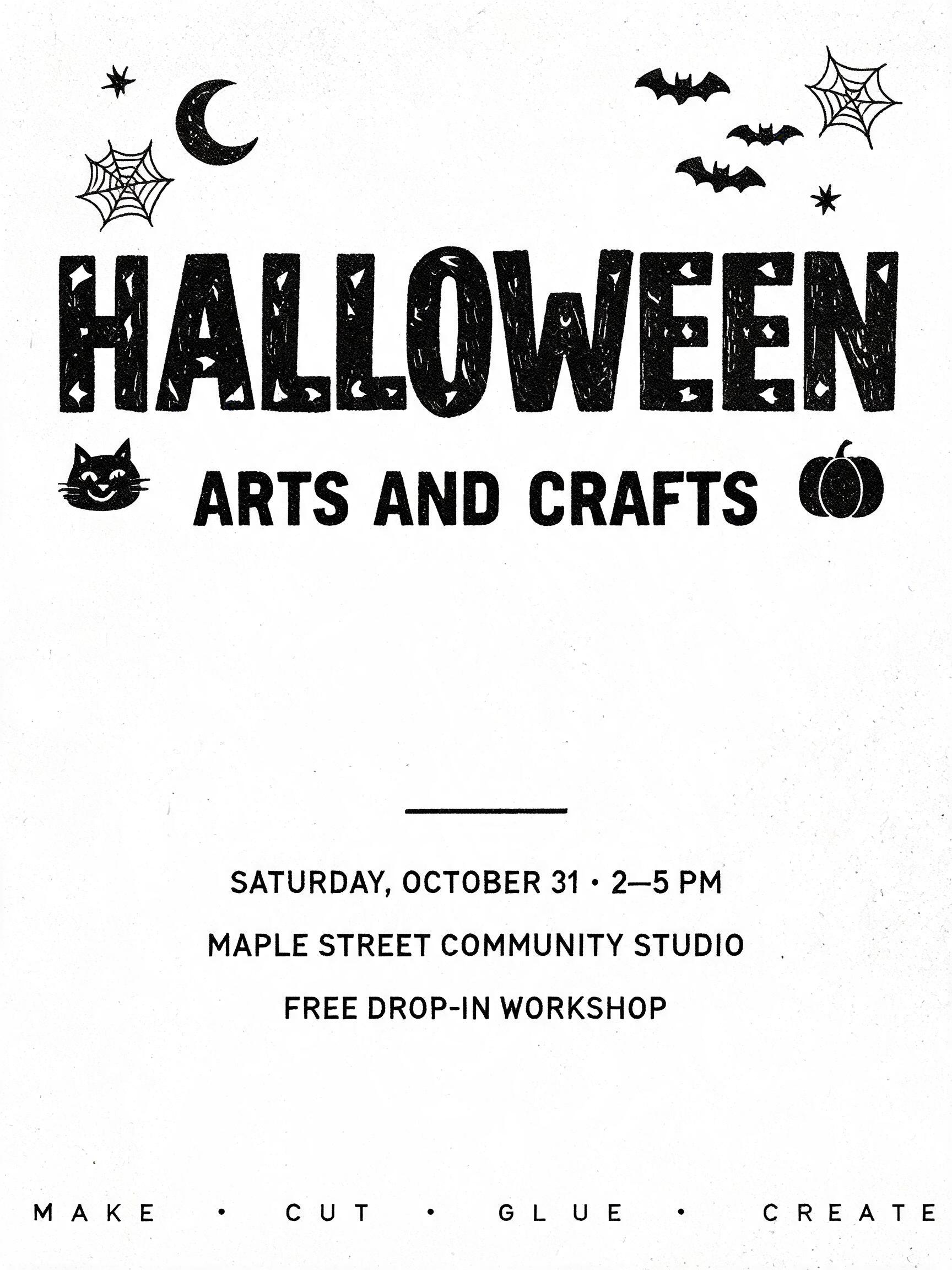
Ideas for your Halloween flyer
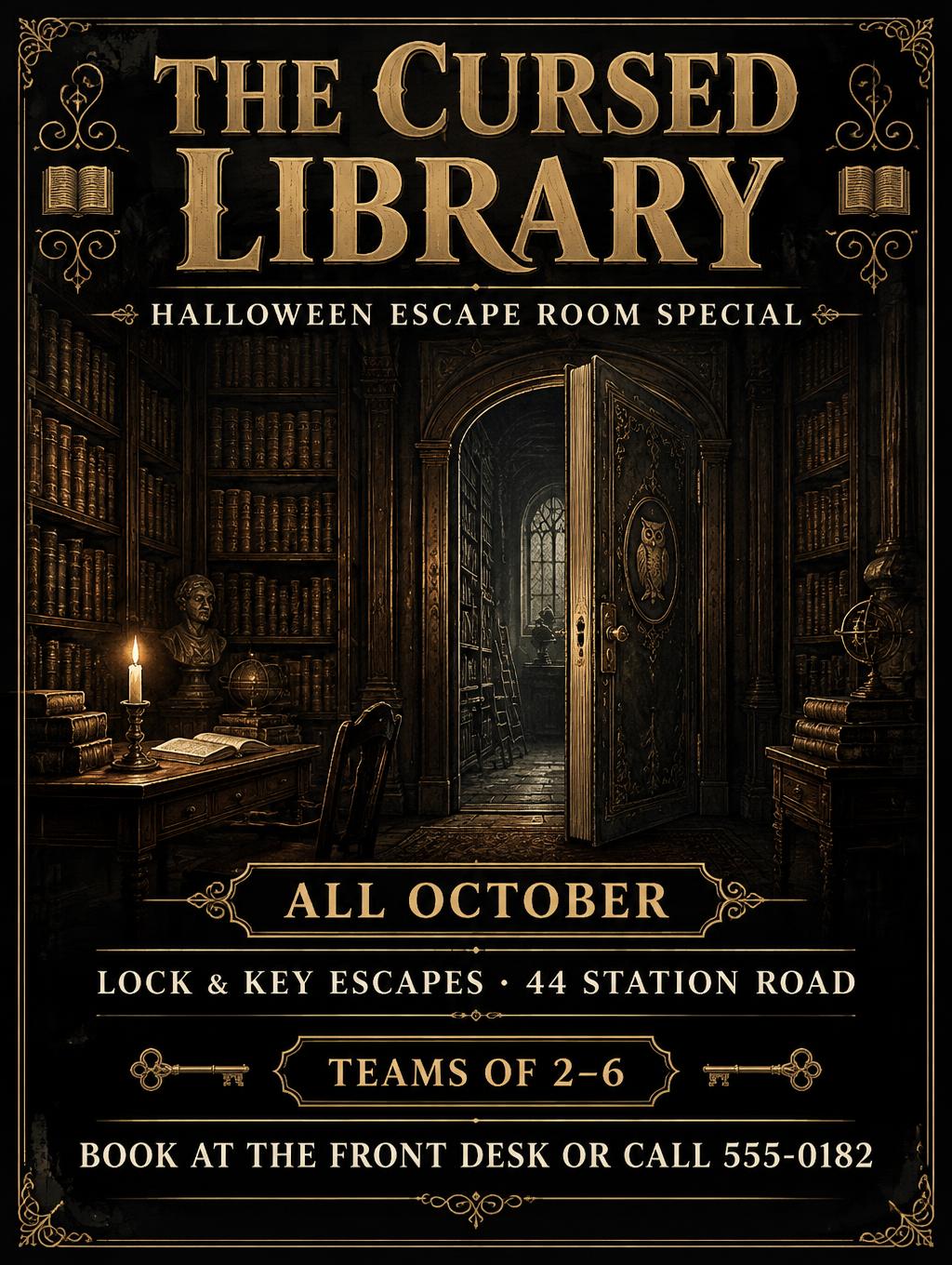
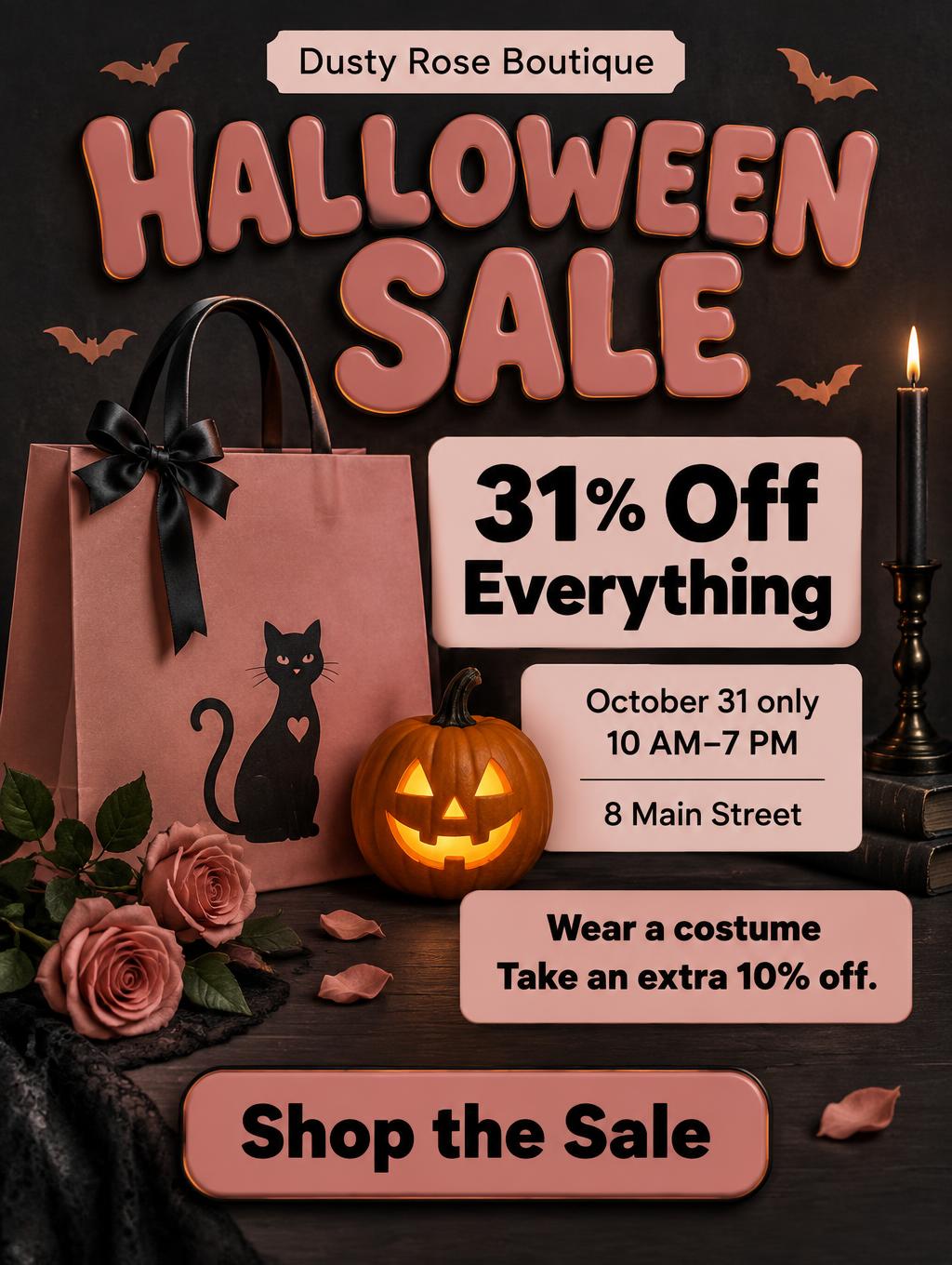
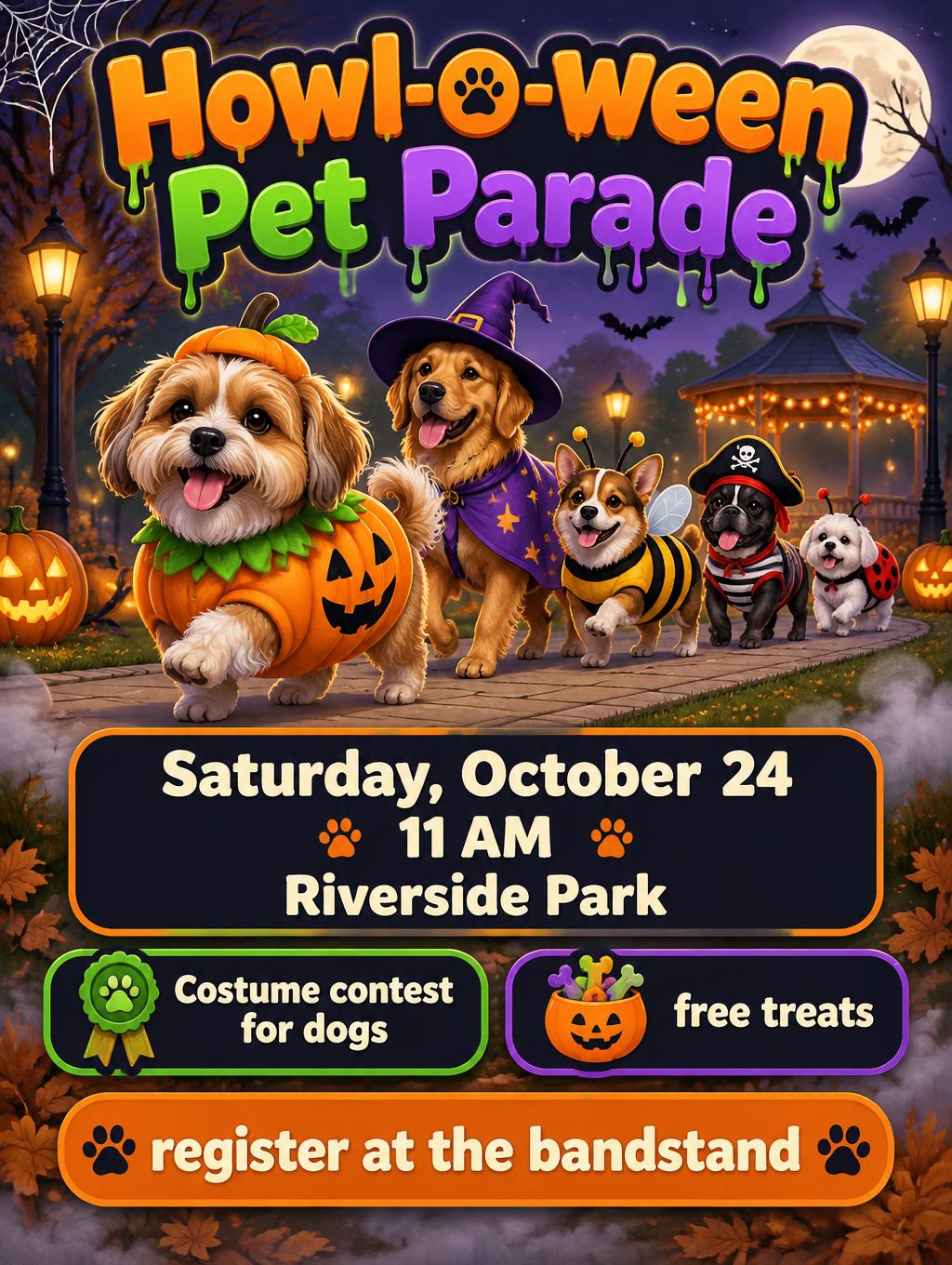
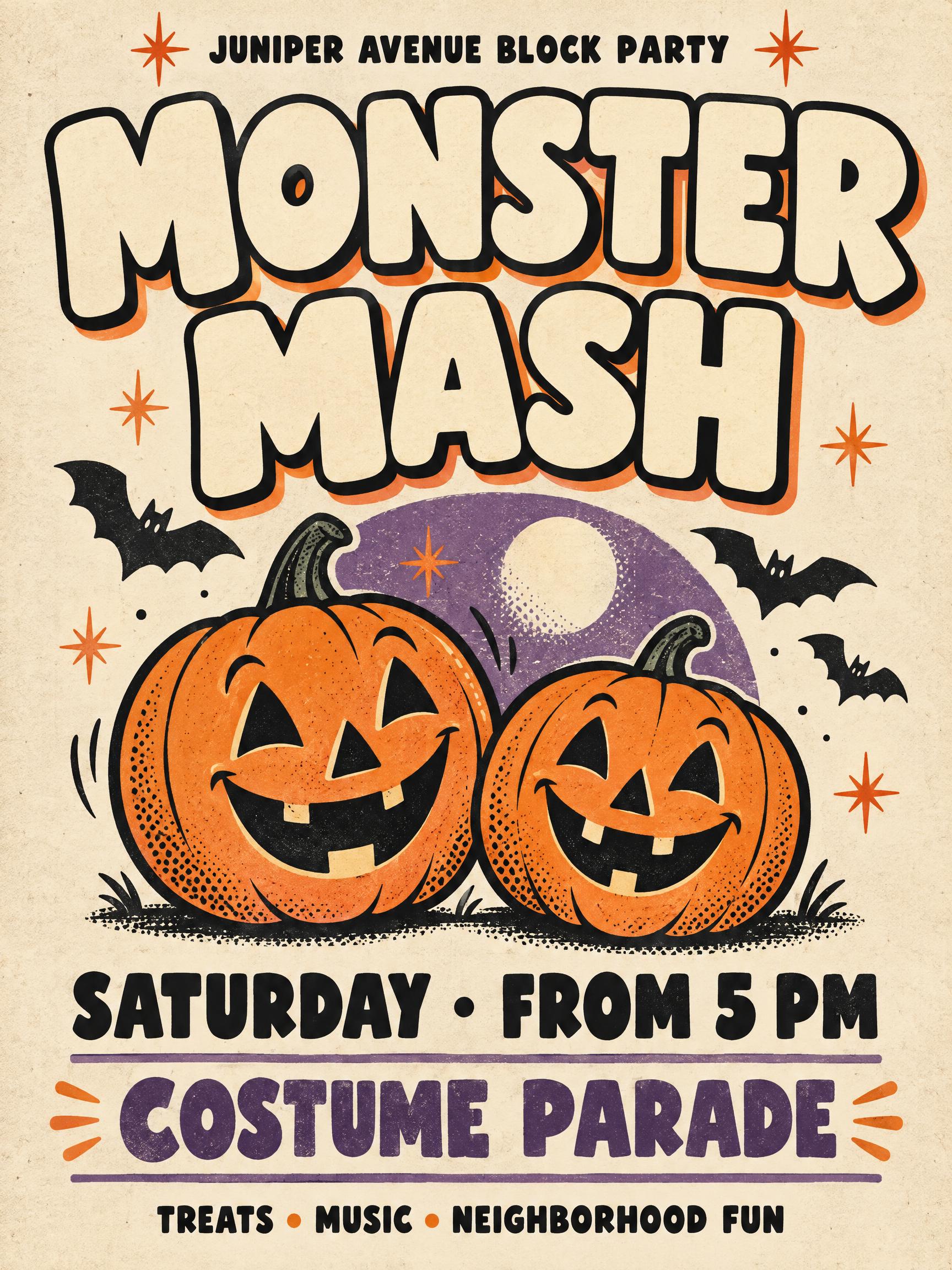
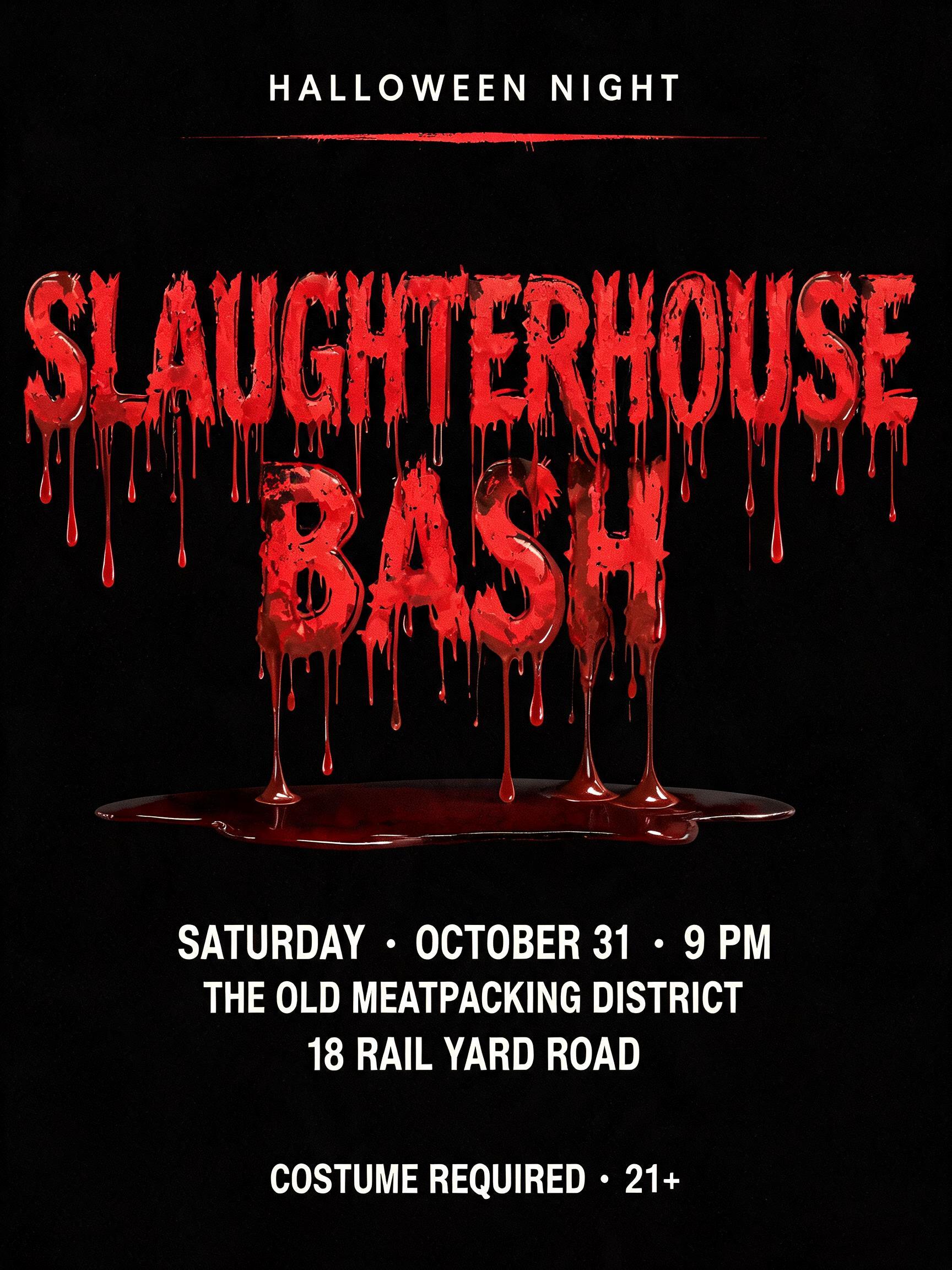
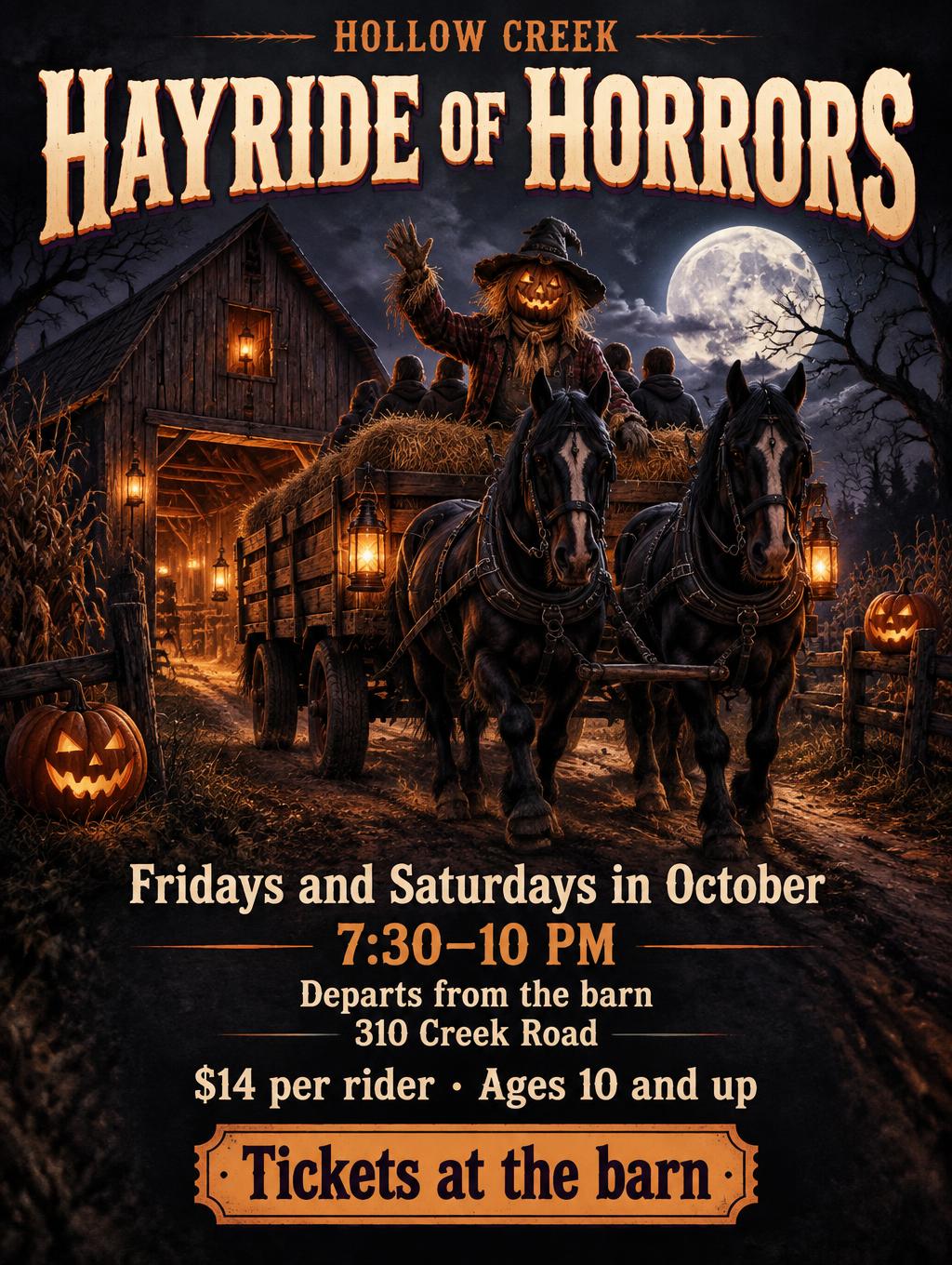
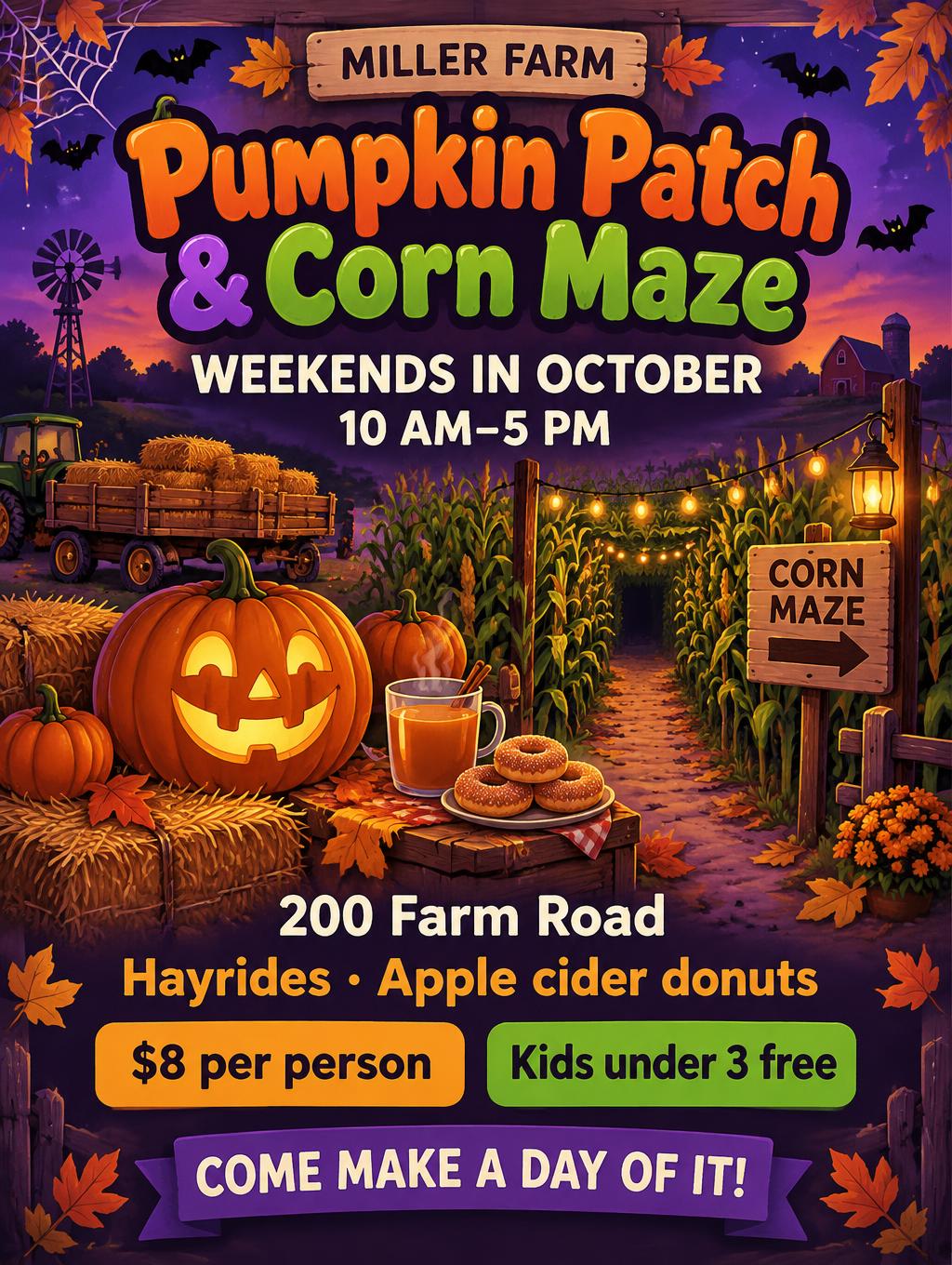
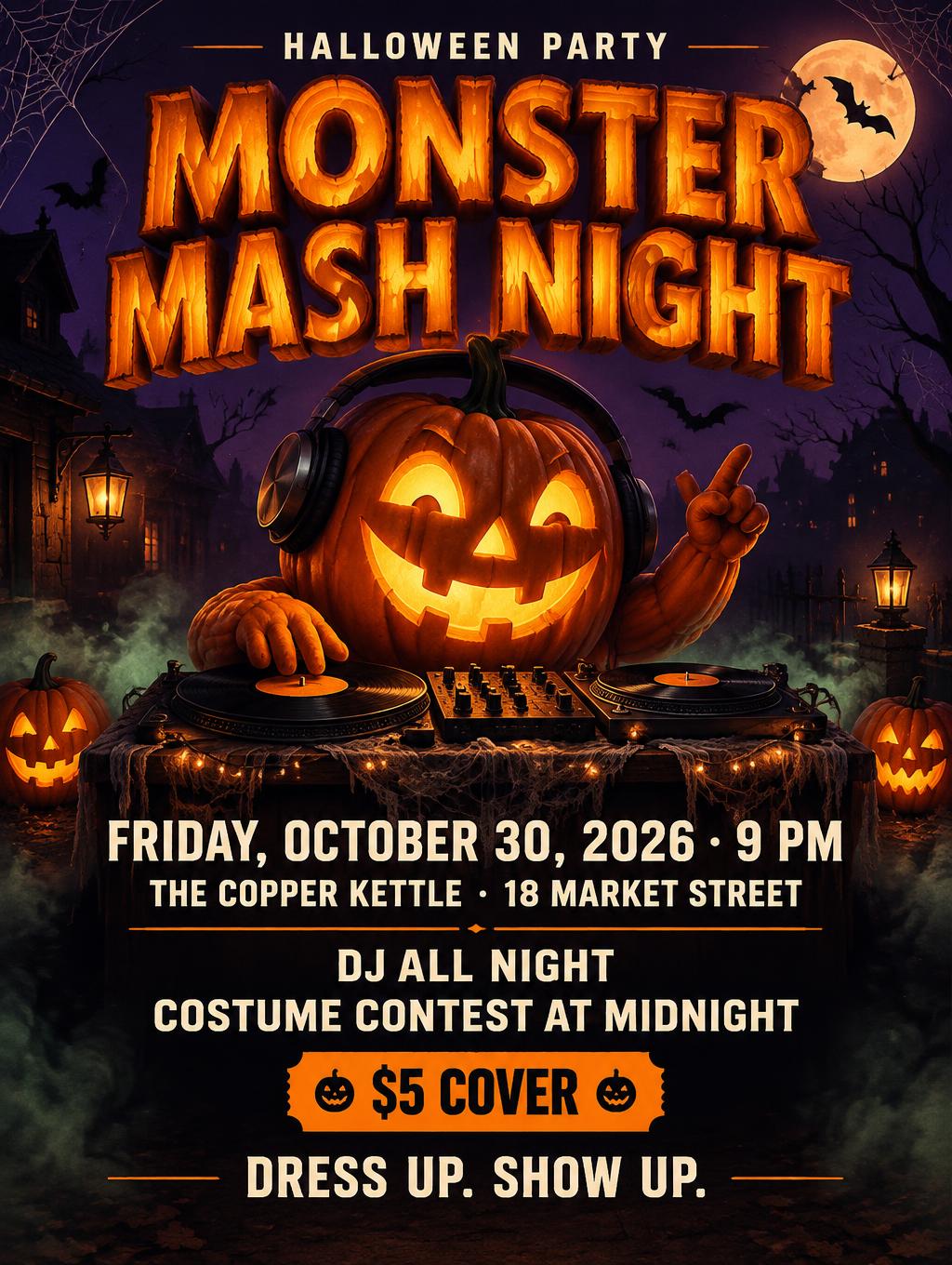
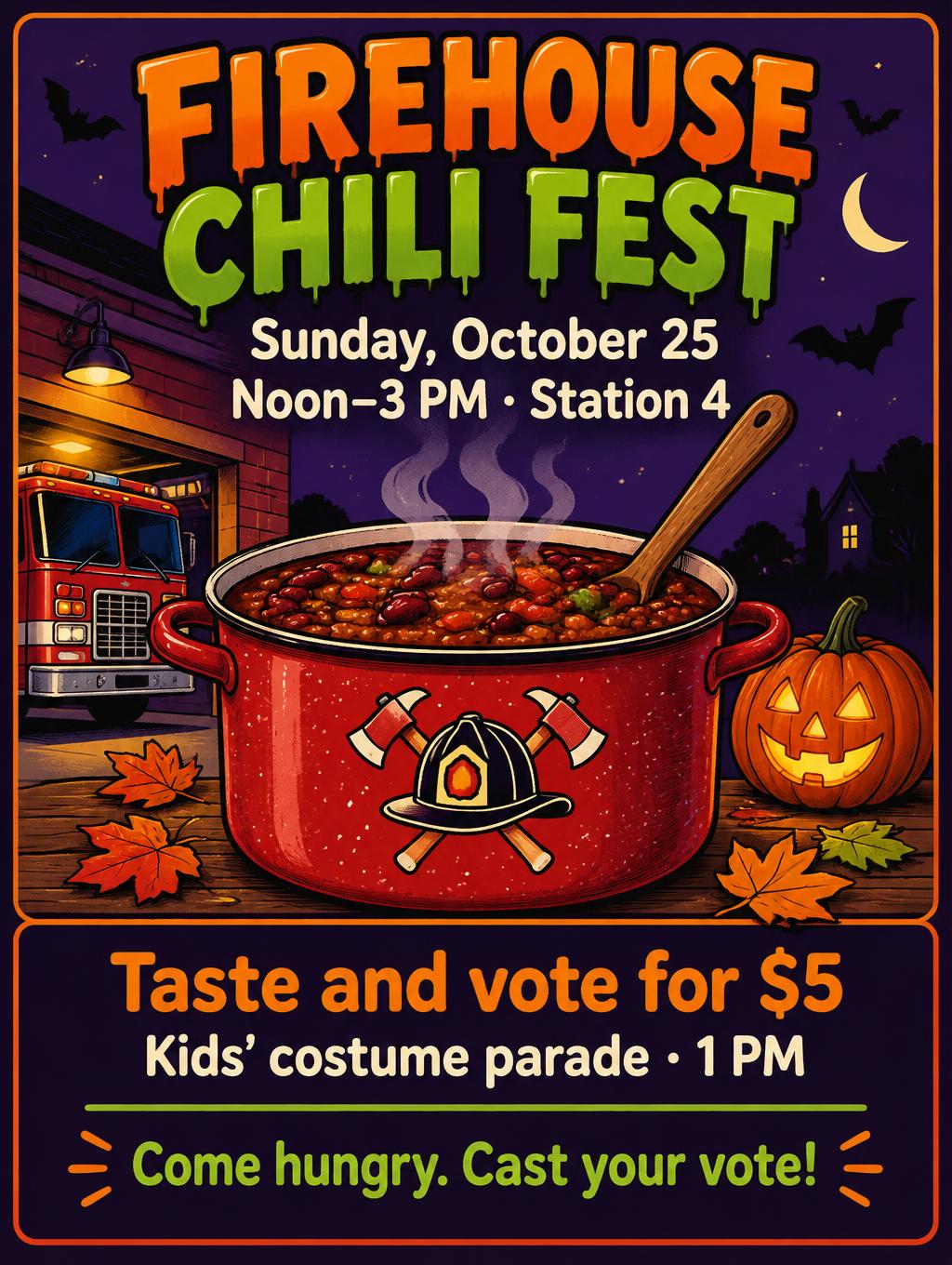
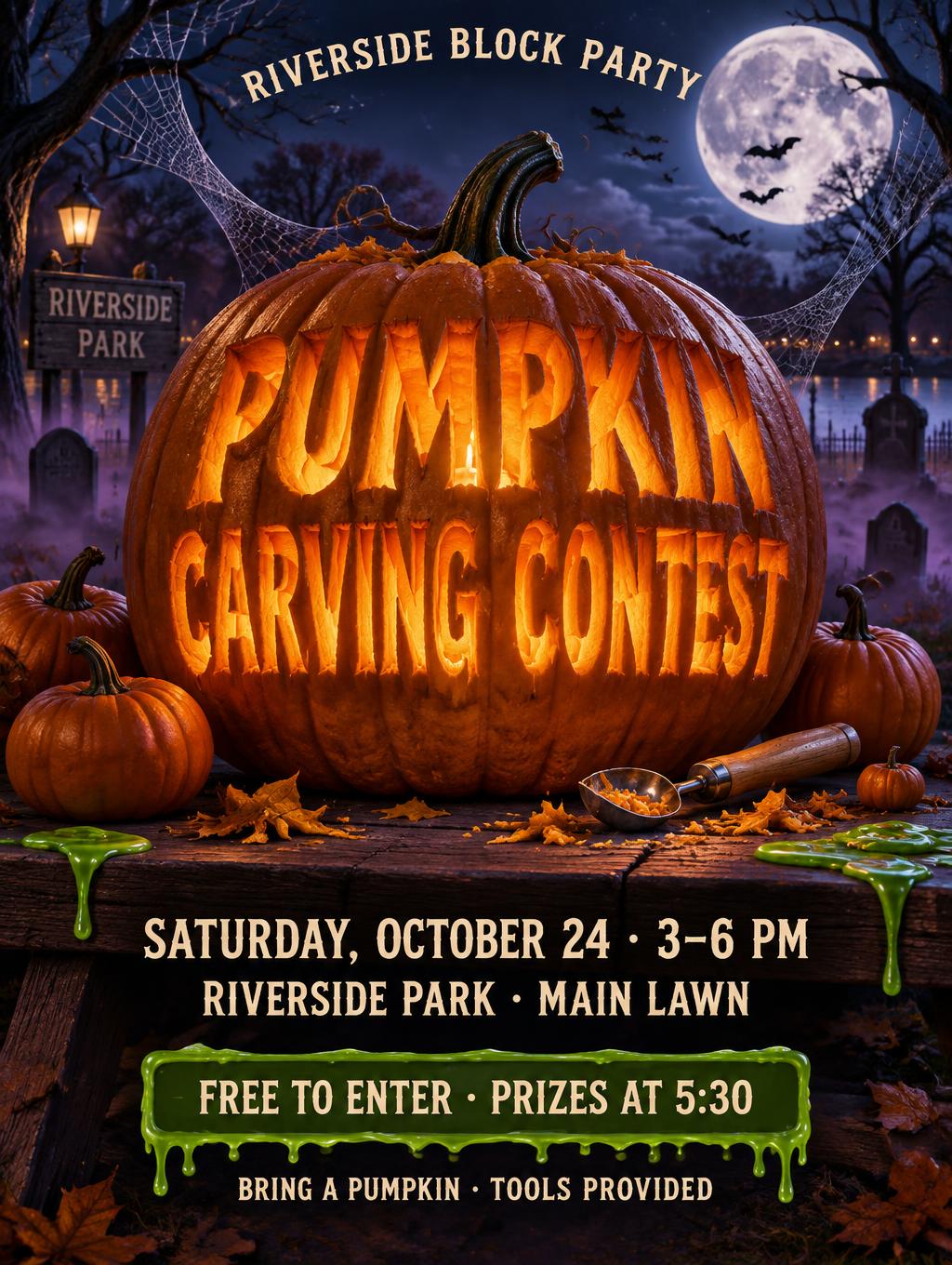
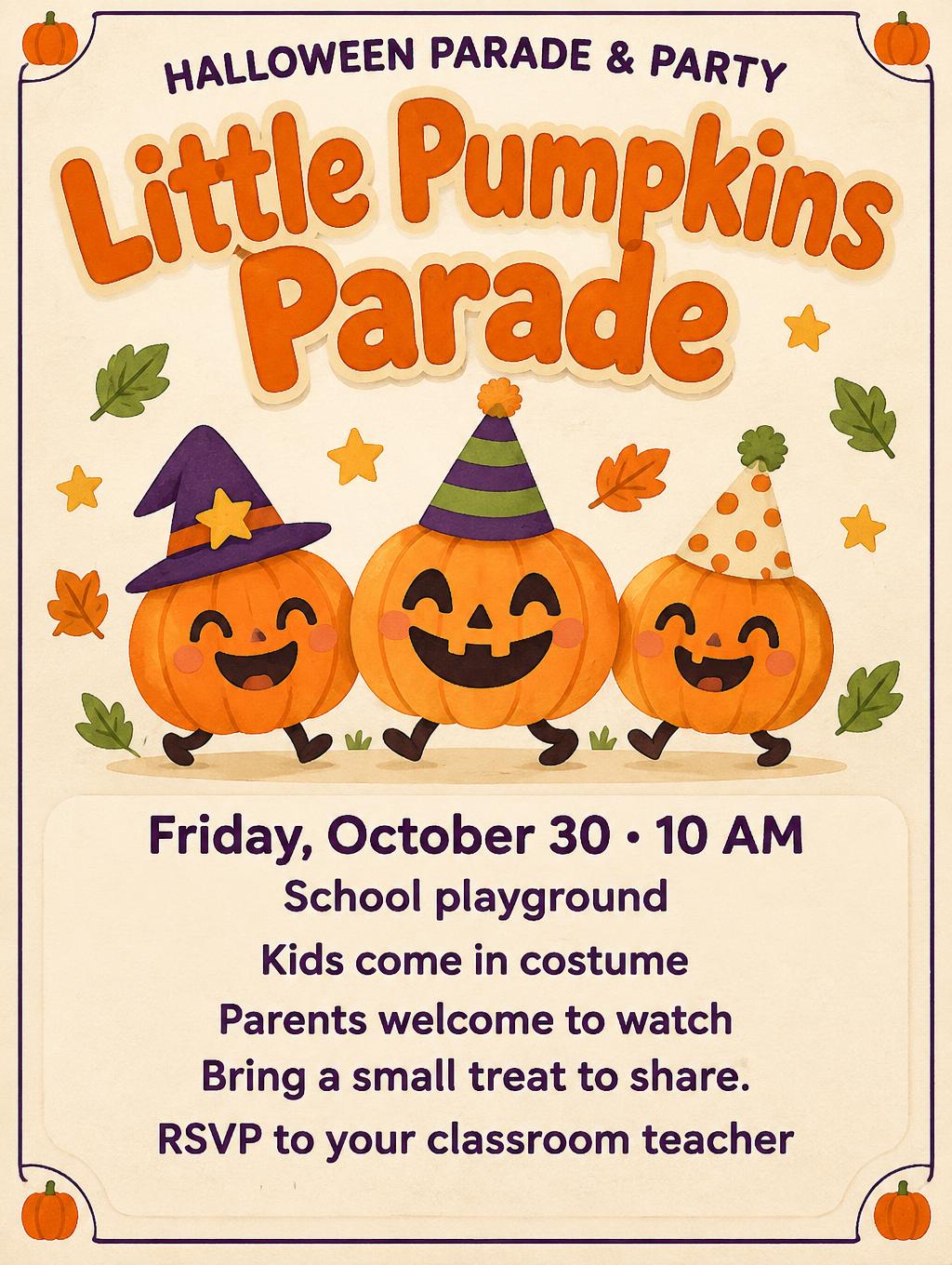
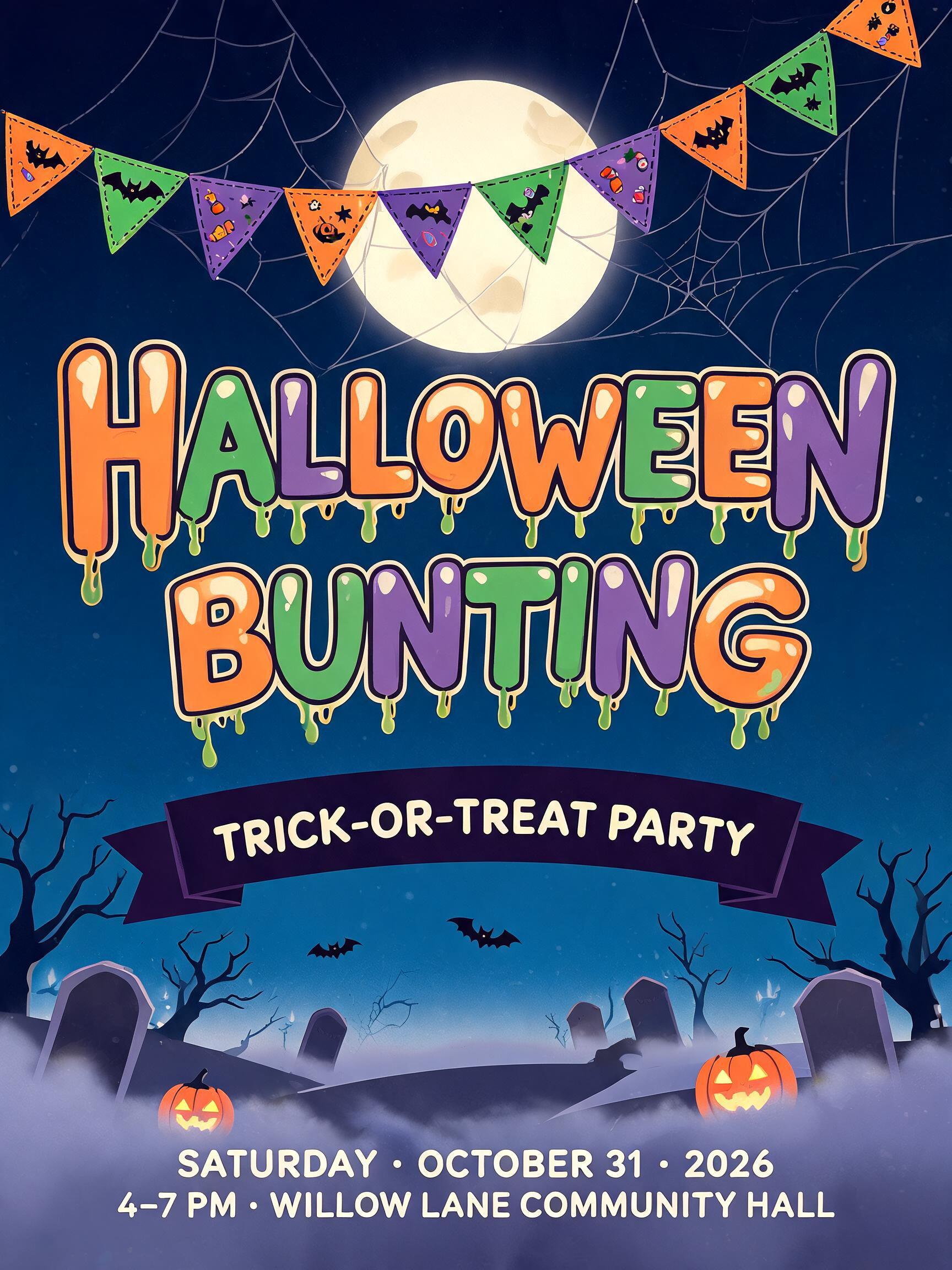
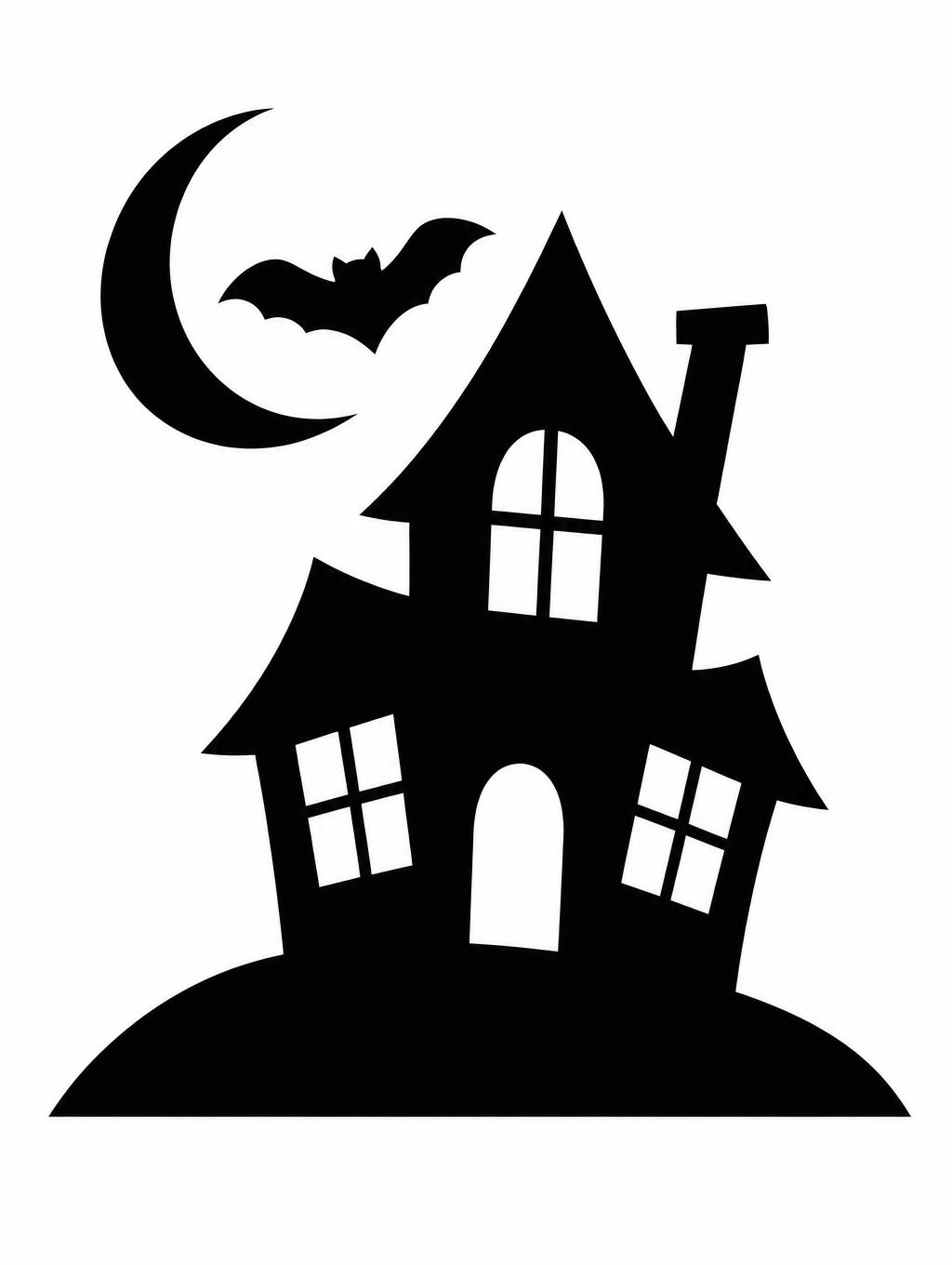
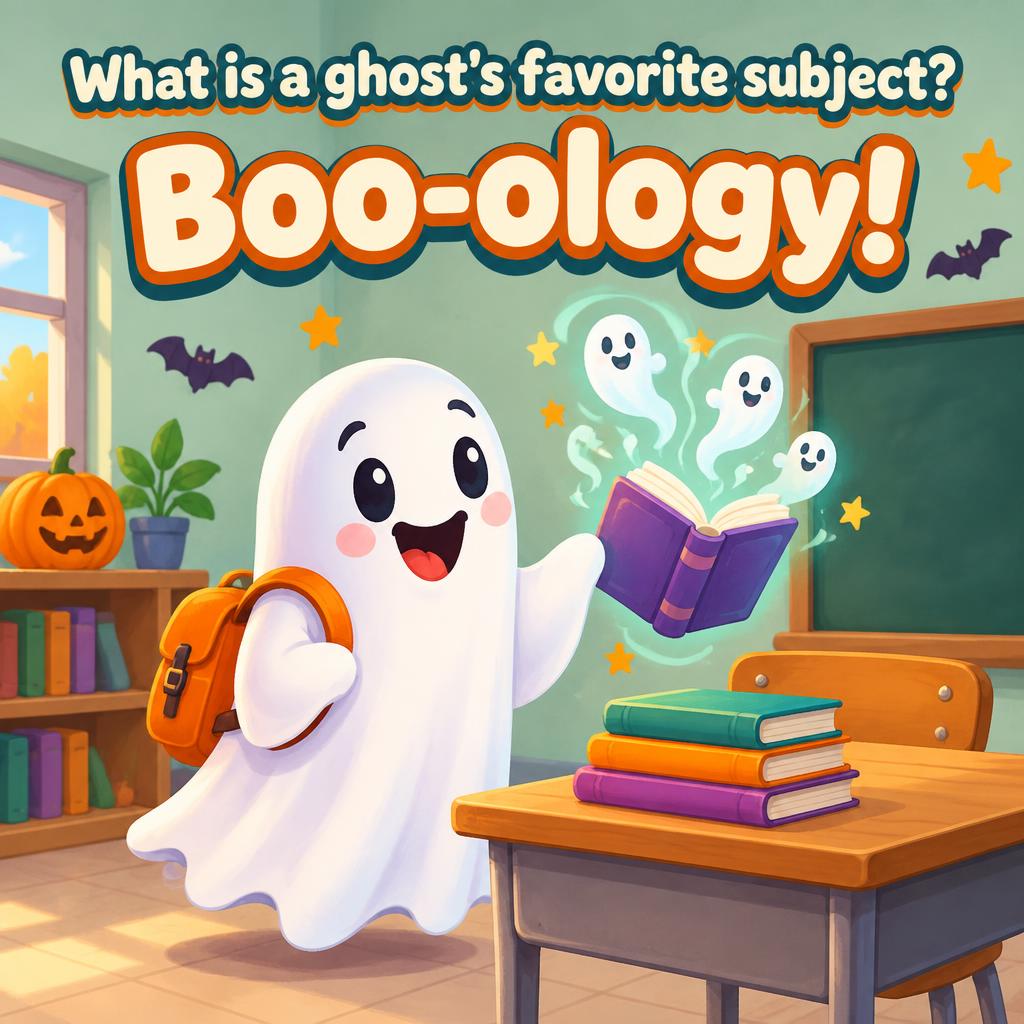
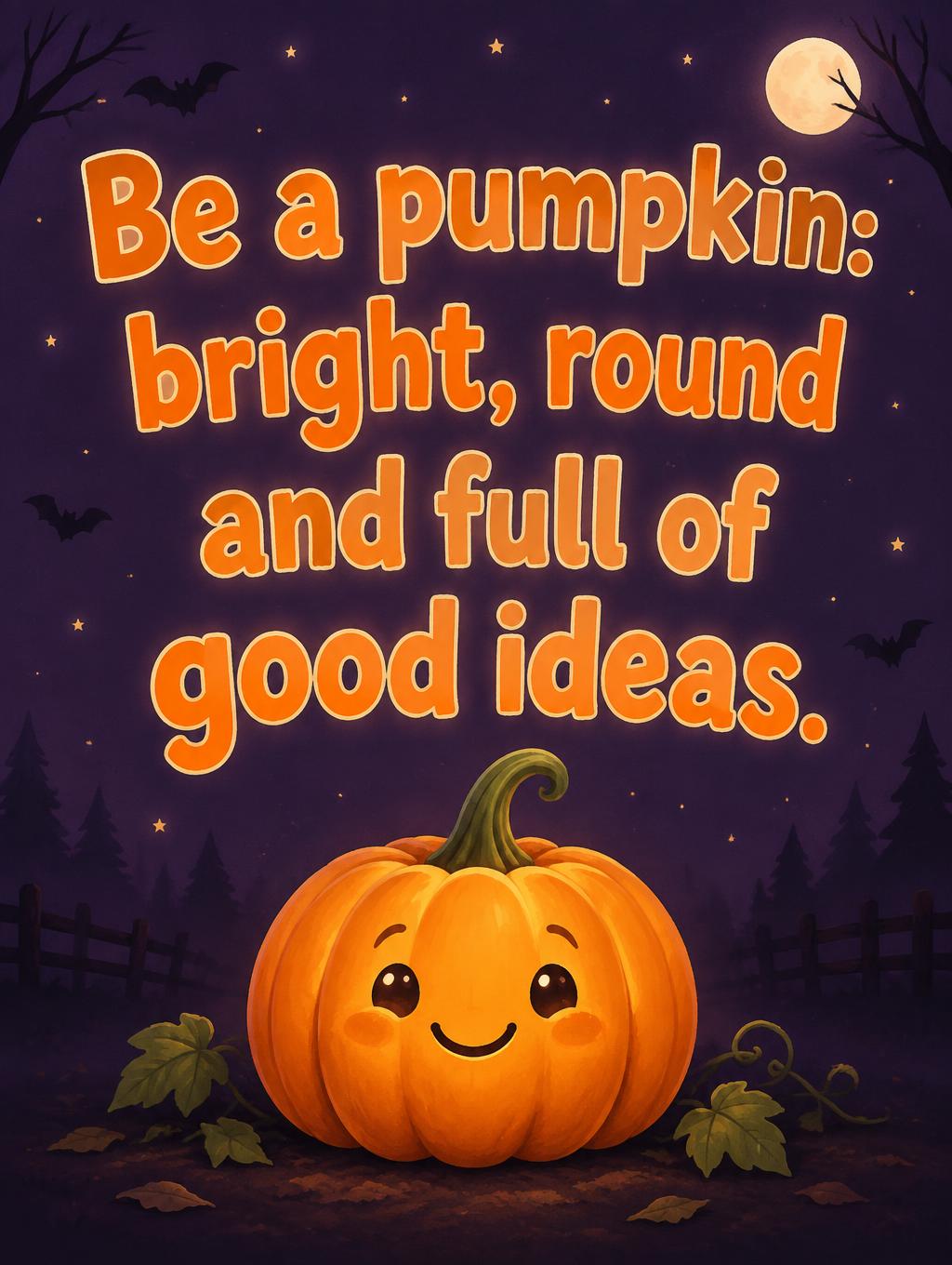
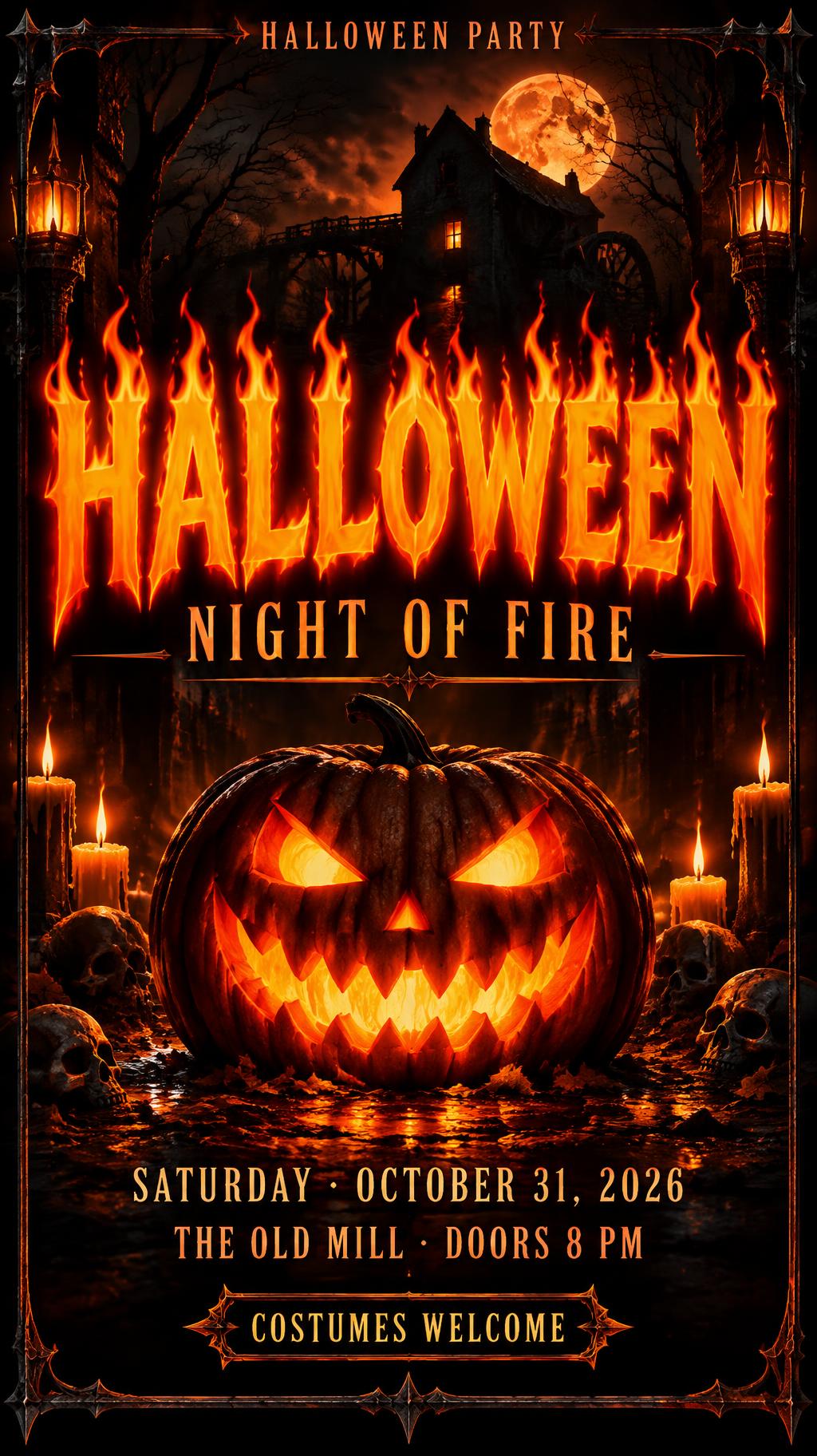
Every one was made with FontVibe. Use a design and swap in your own words.
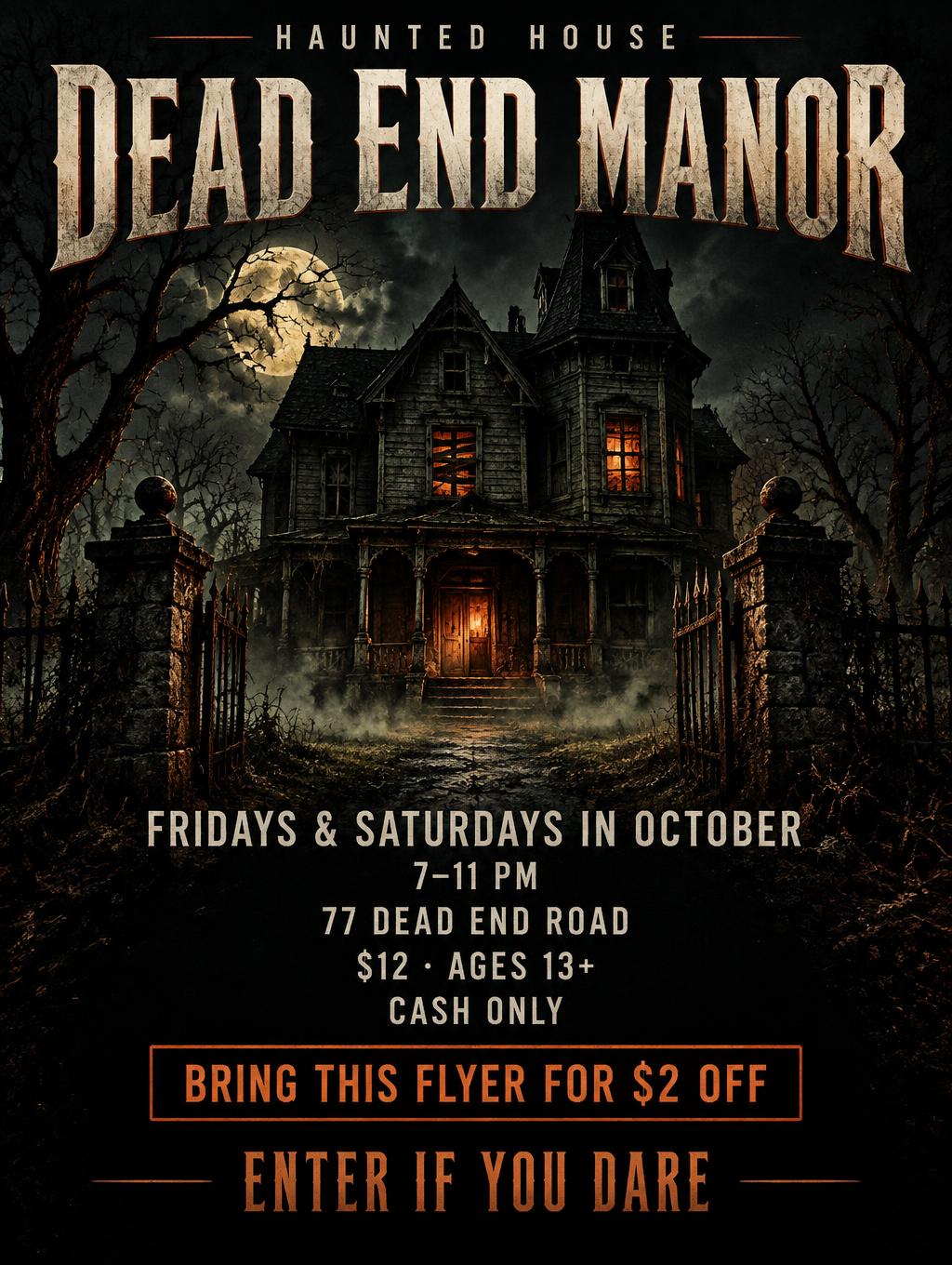
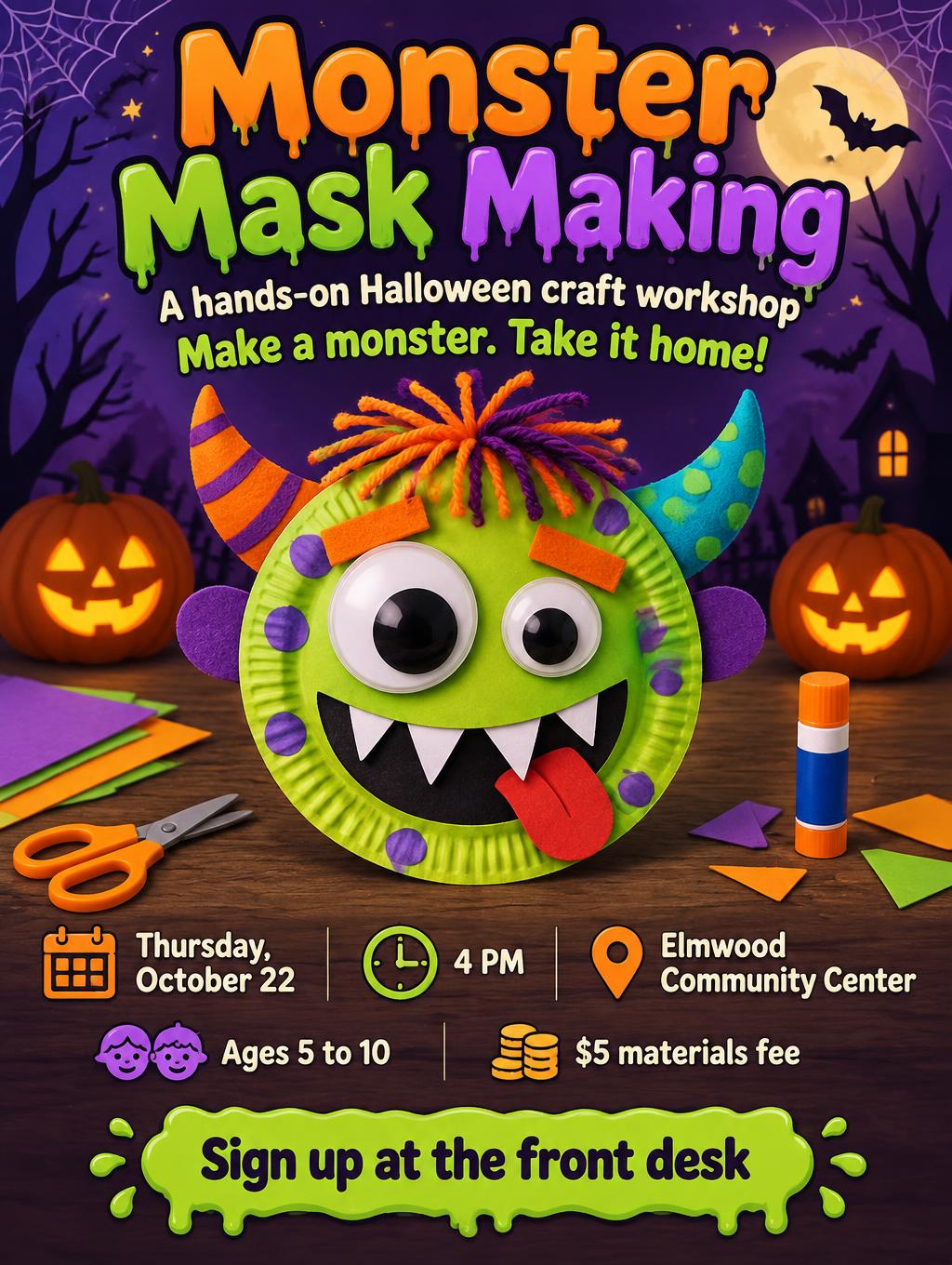
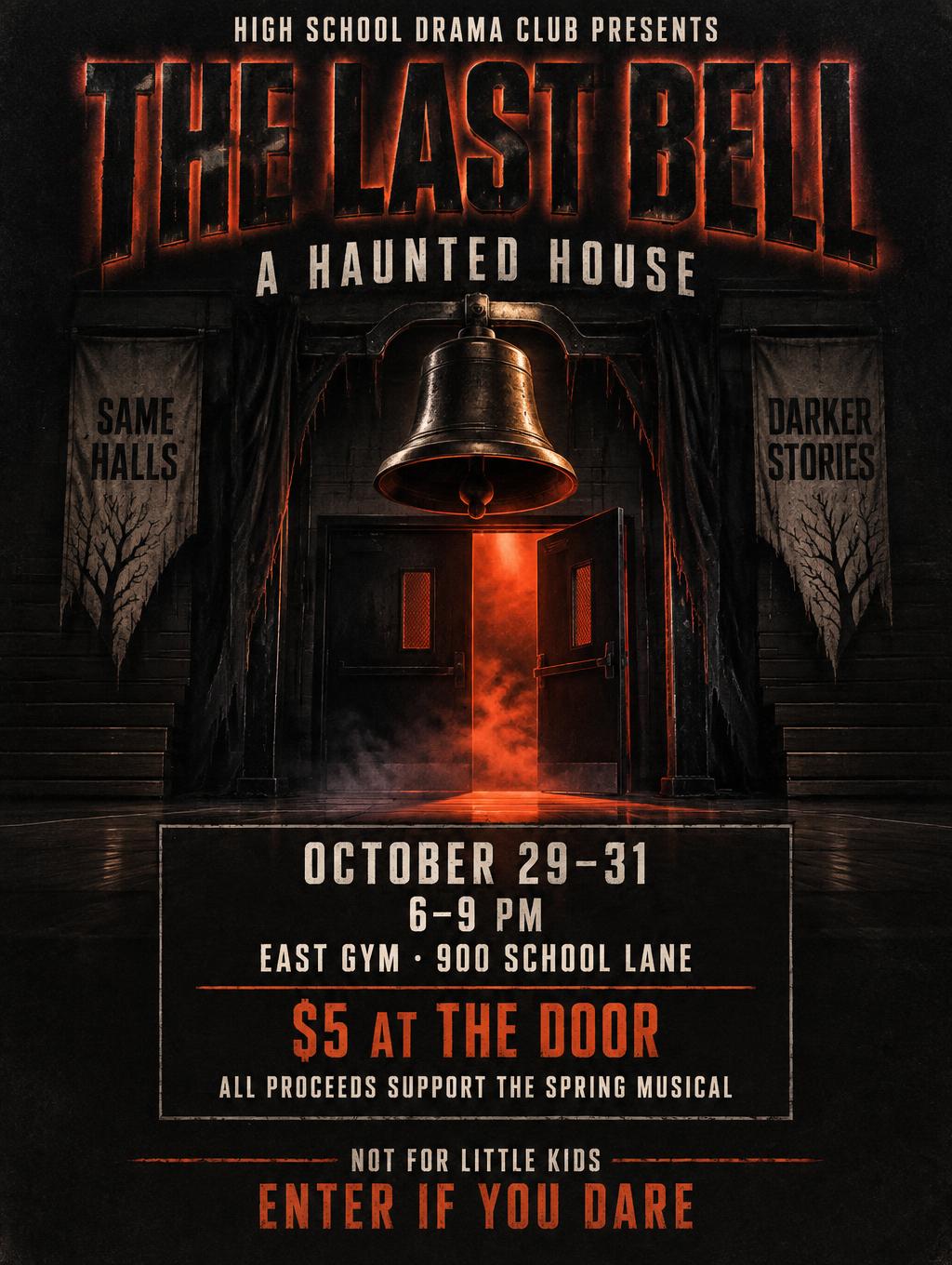
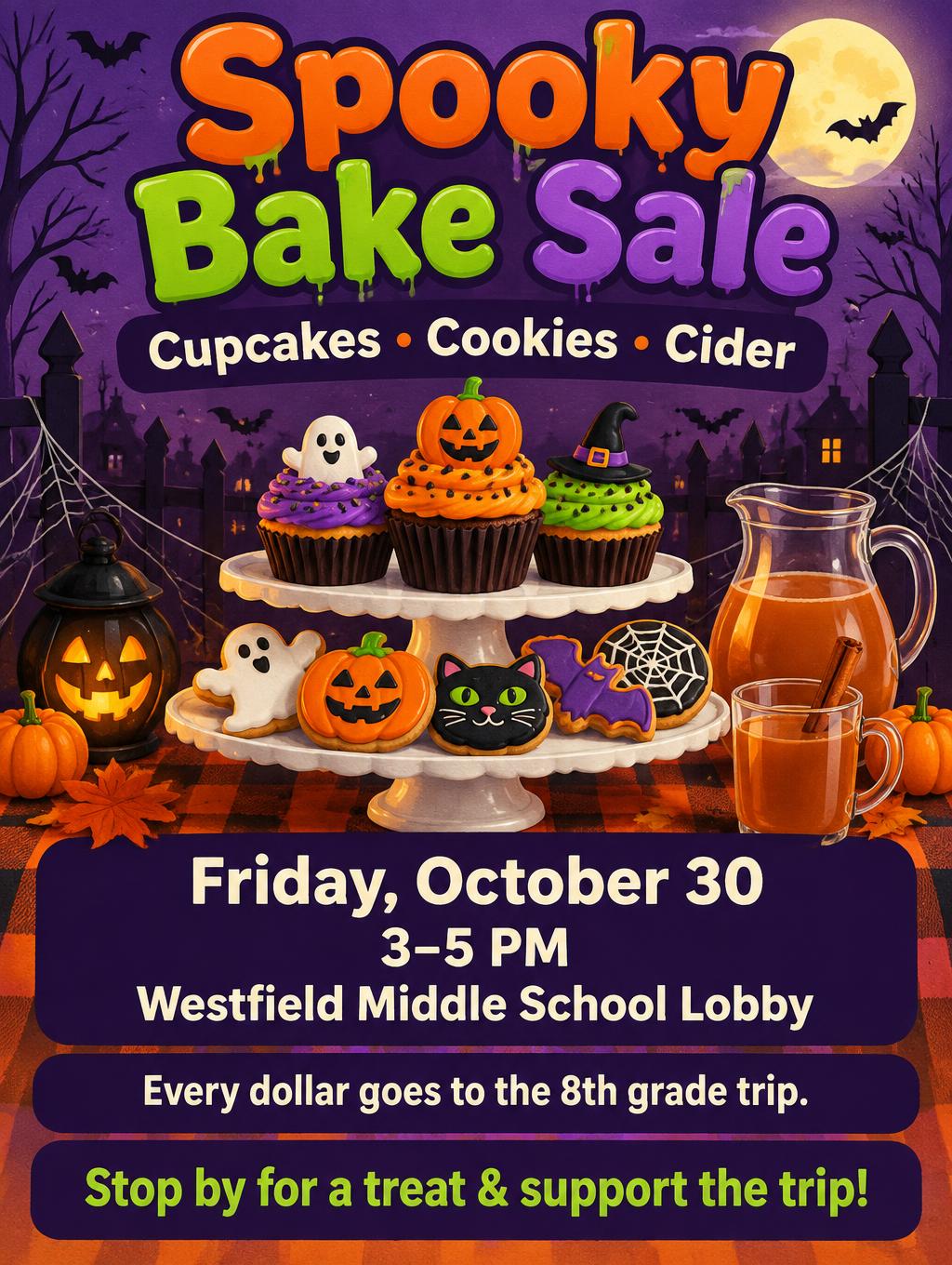
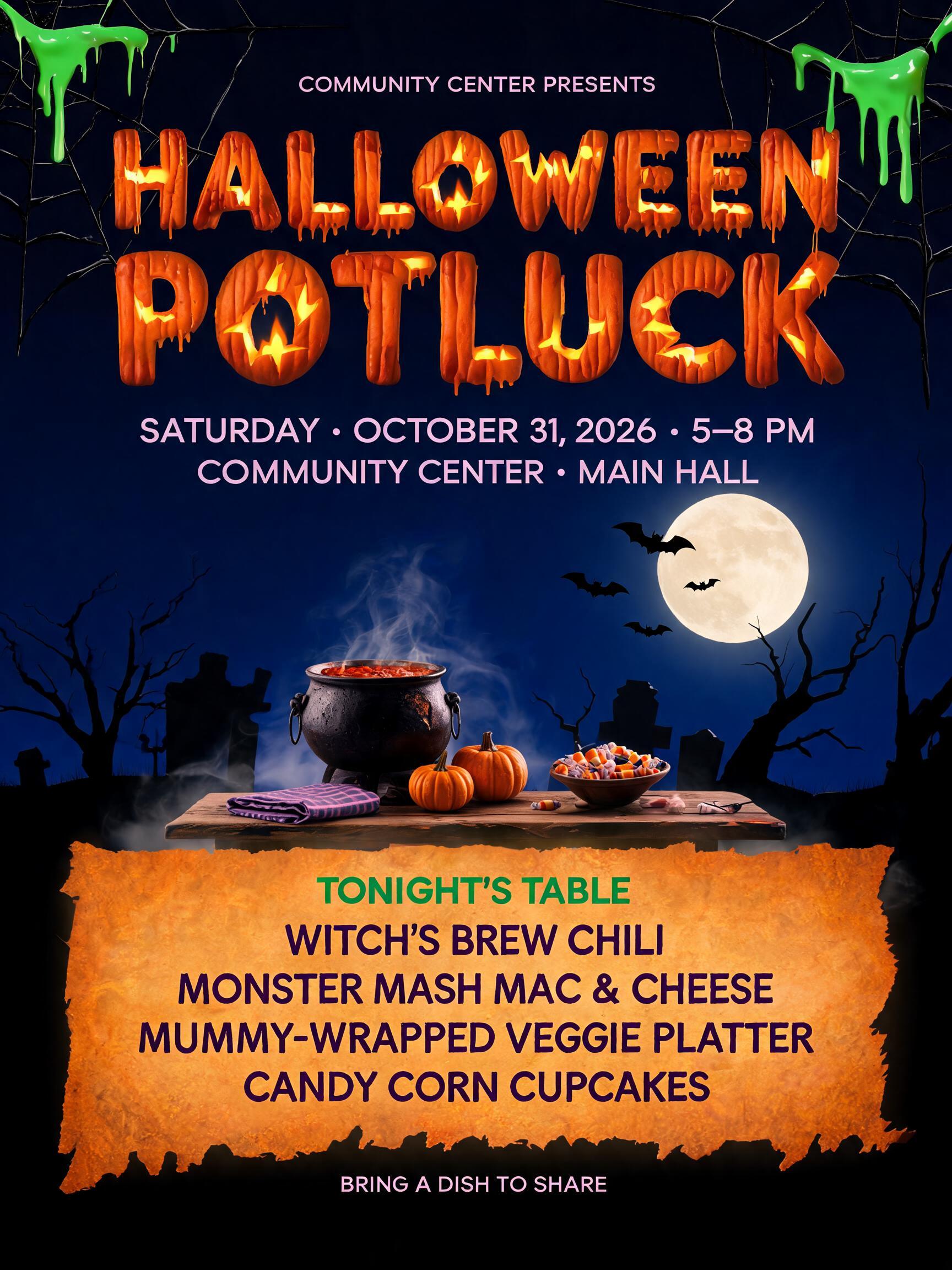
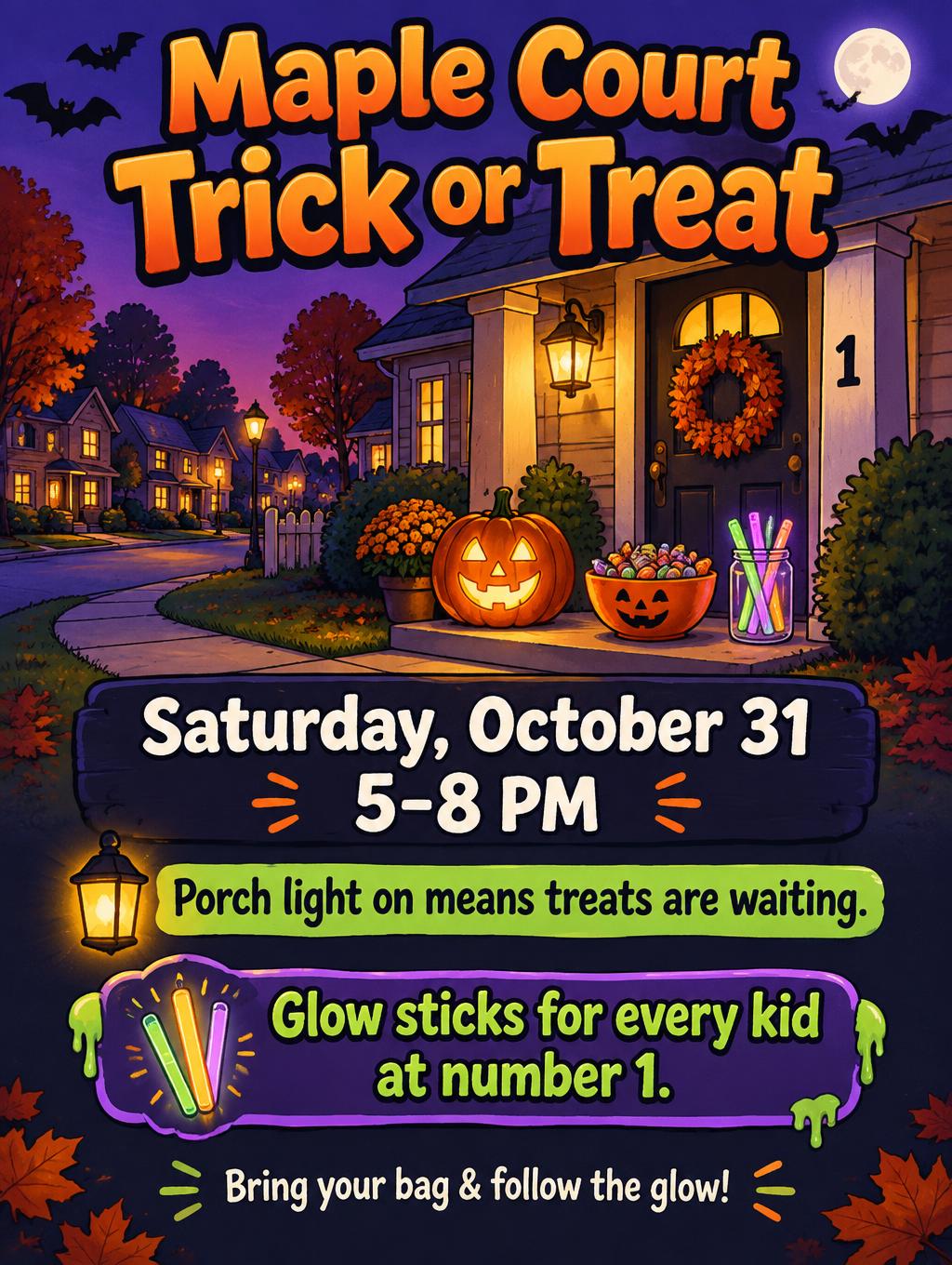
What to write on your Halloween flyer
Line by line, with a rule and examples for each. Tap a line to add it to your brief.
Headline
Make the event name the headline and add one line that says what people get.
When & where
Group the date, the time and the venue with its street address, so one glance gets all three.
The offer
Say what it costs or what people get. A price, or the word free, is one of the first things a reader looks for.
Call to action
Pick one thing you want the reader to do next, and say it in a few words.
Fine print
Put age limits, payment and weather notes in one small line at the bottom.
Make the rest of your Halloween set
Same look, every format — each one opens its own maker. All Halloween →
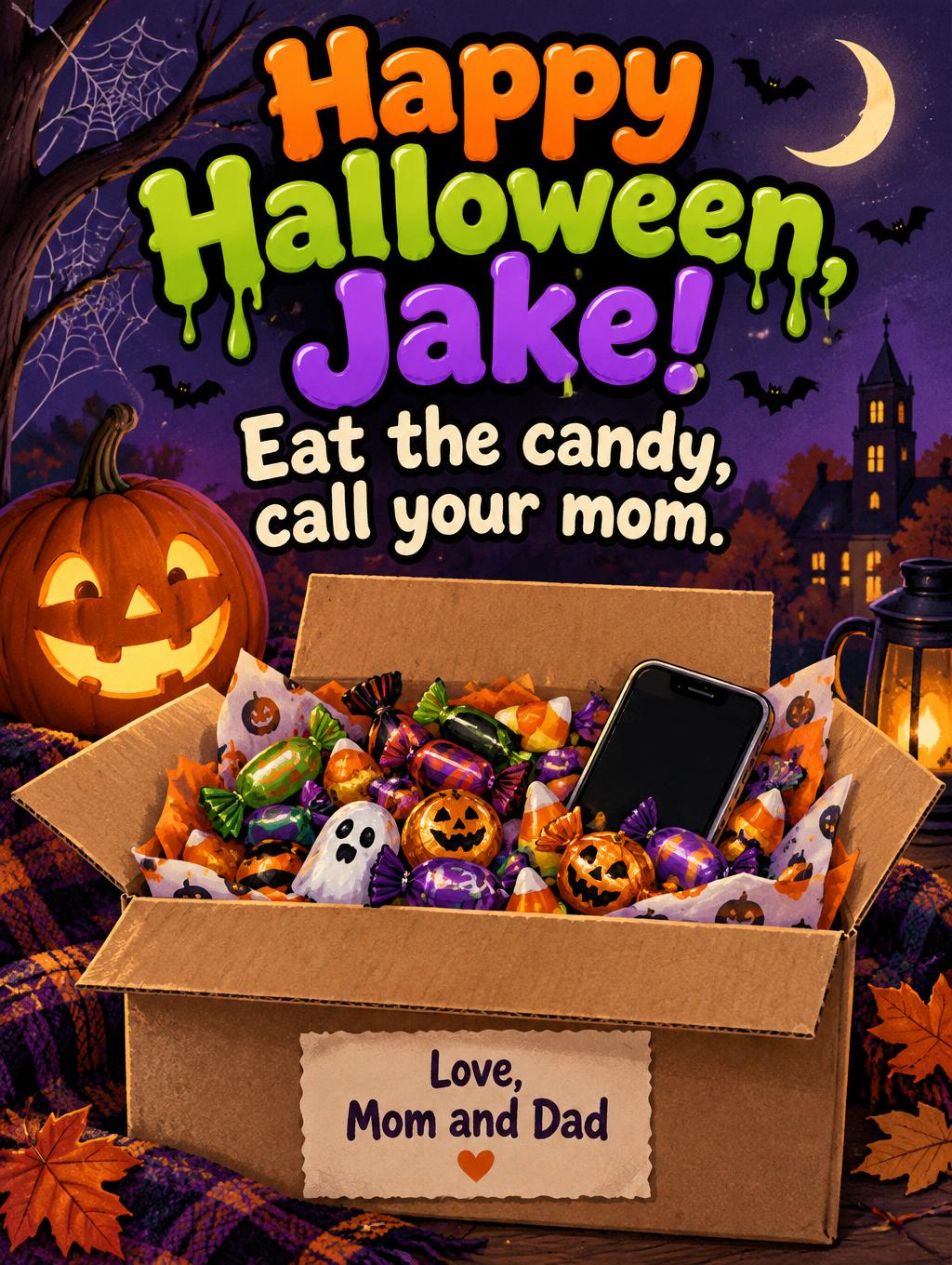
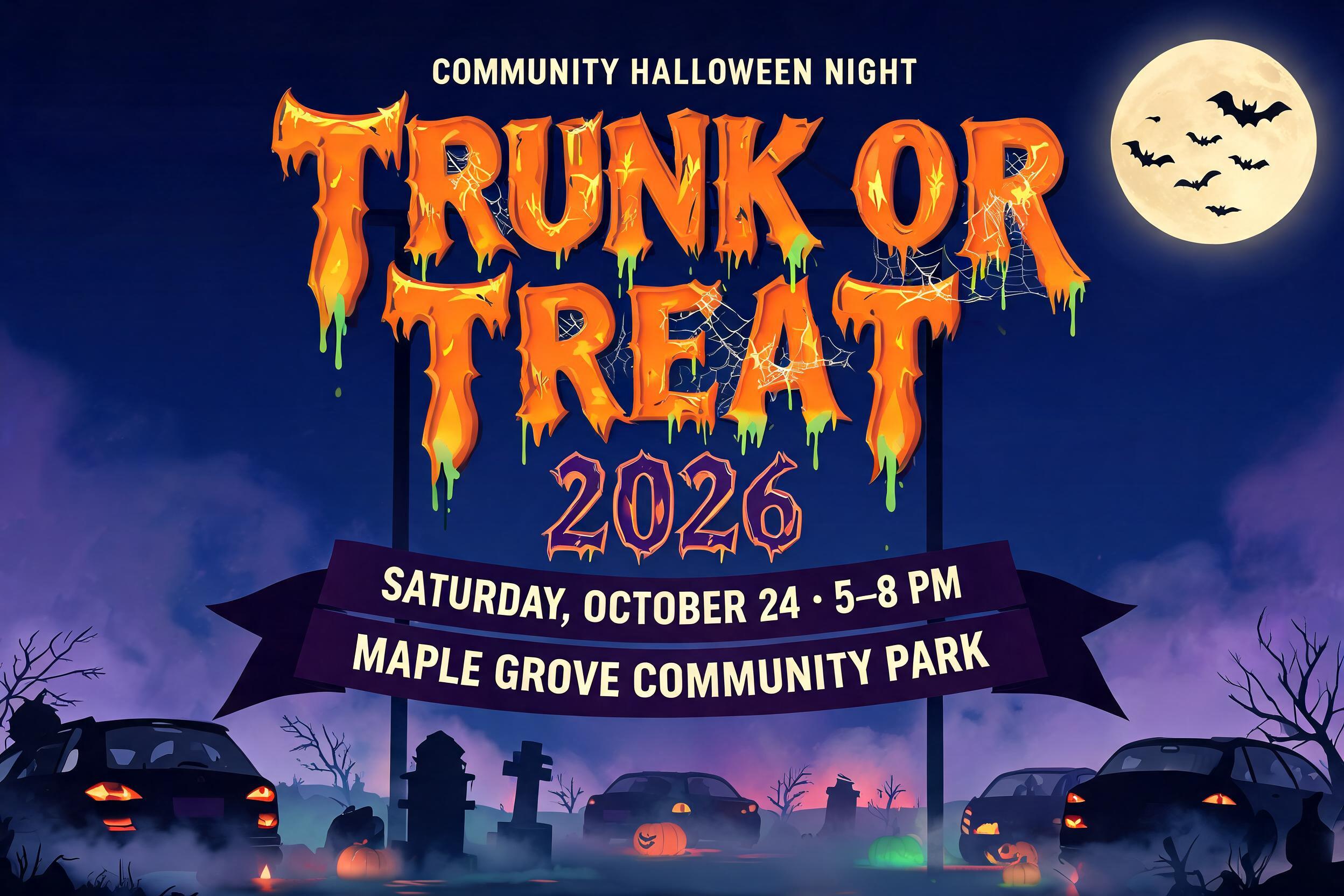
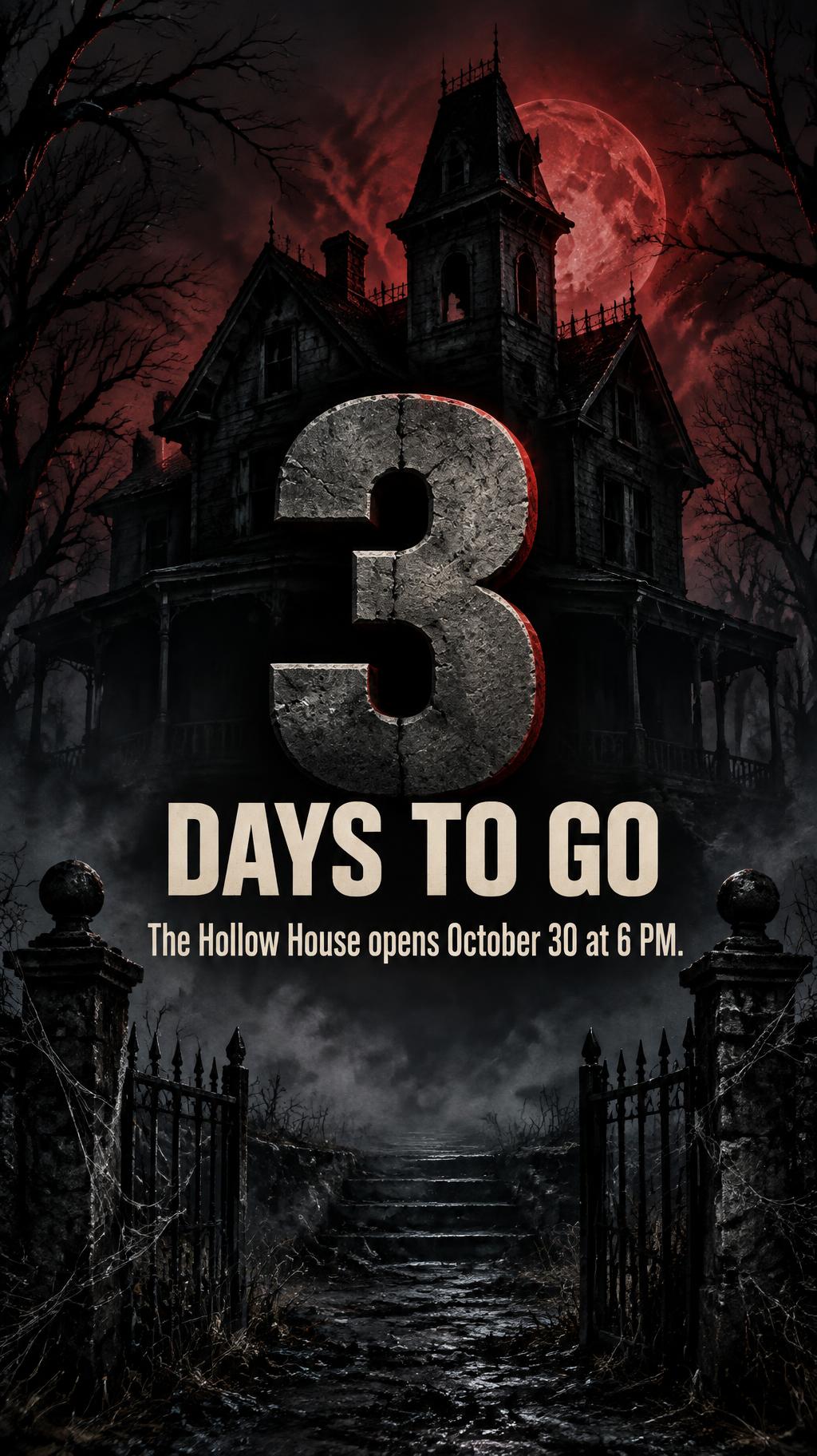
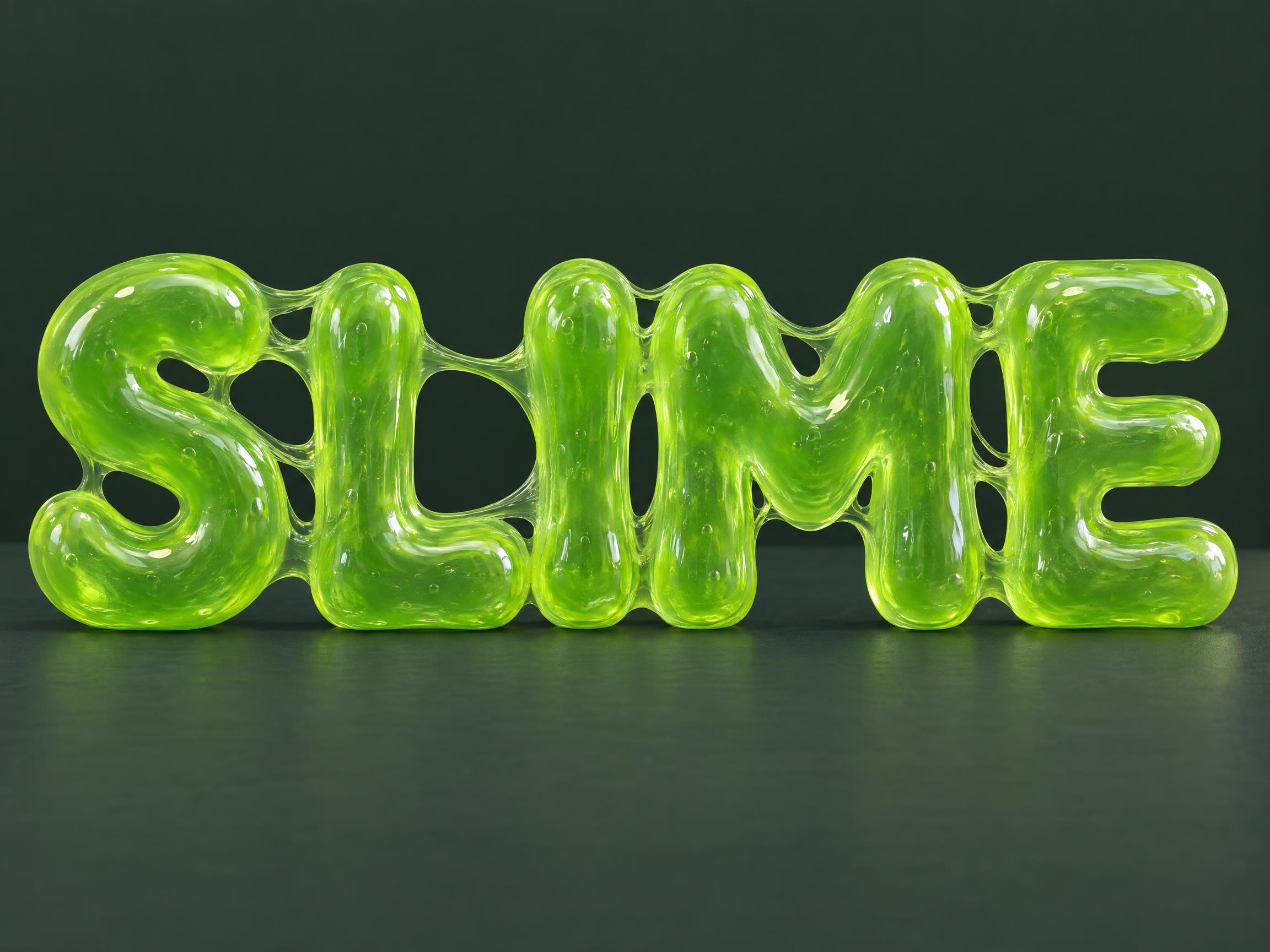
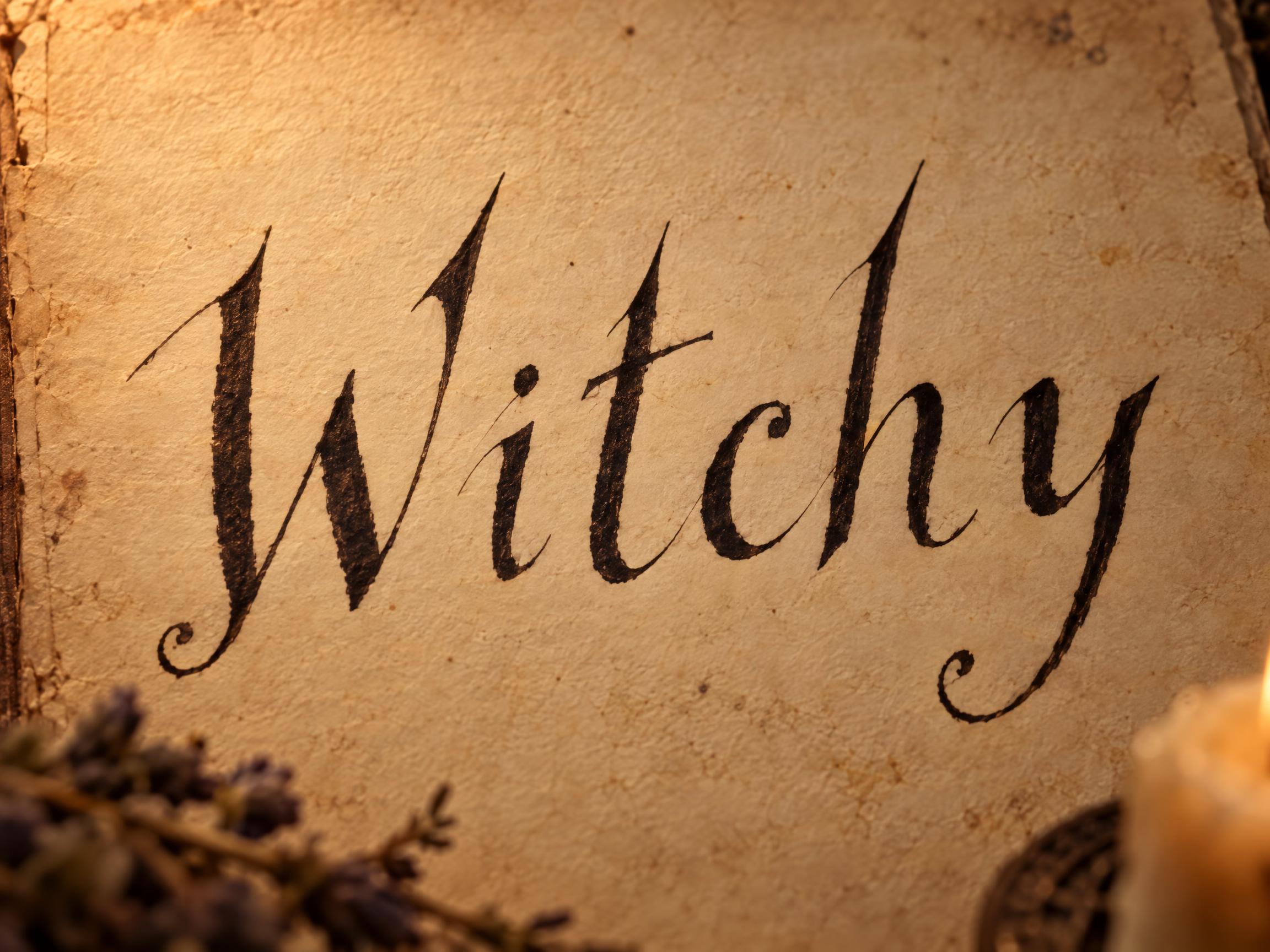
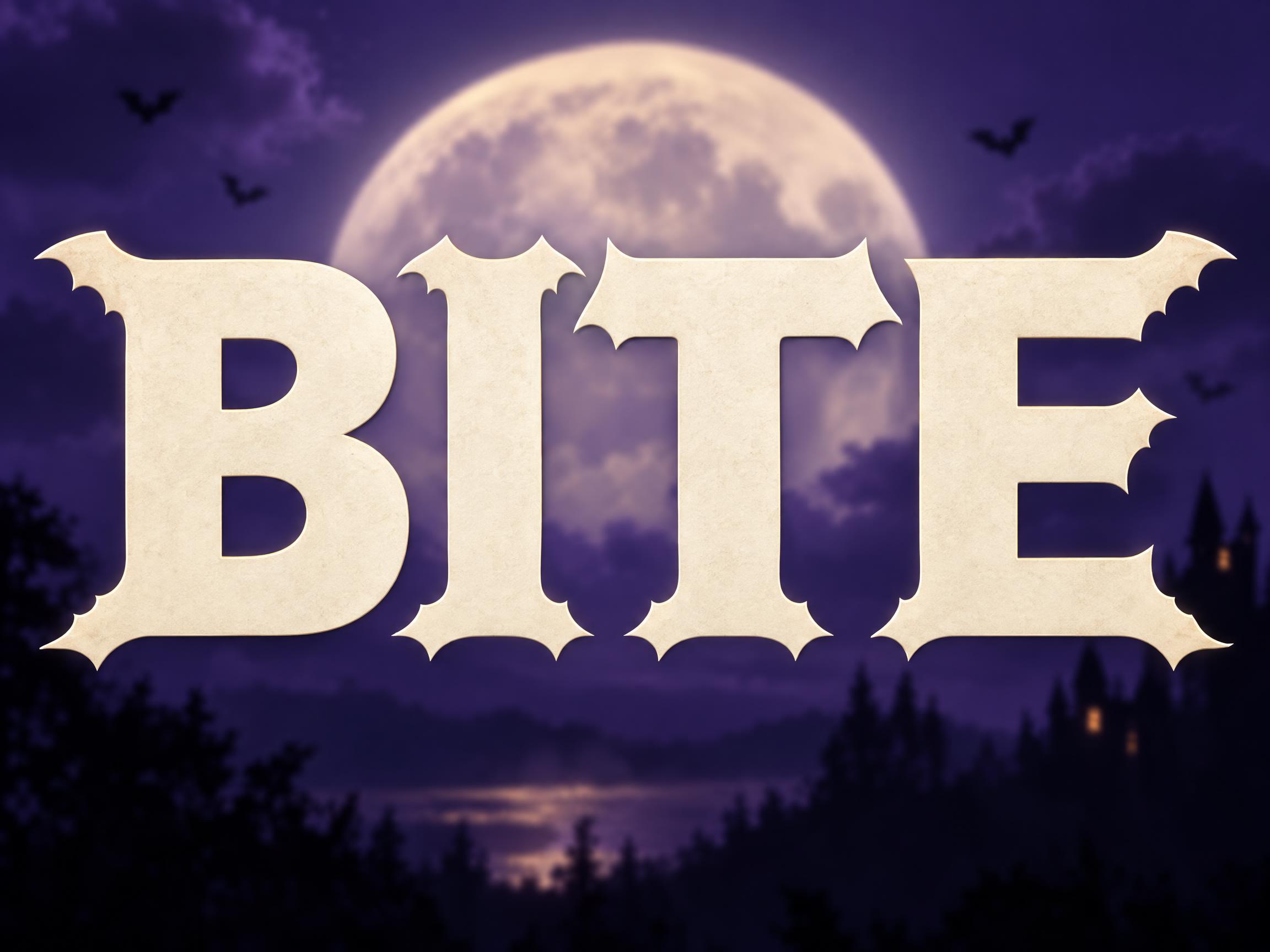
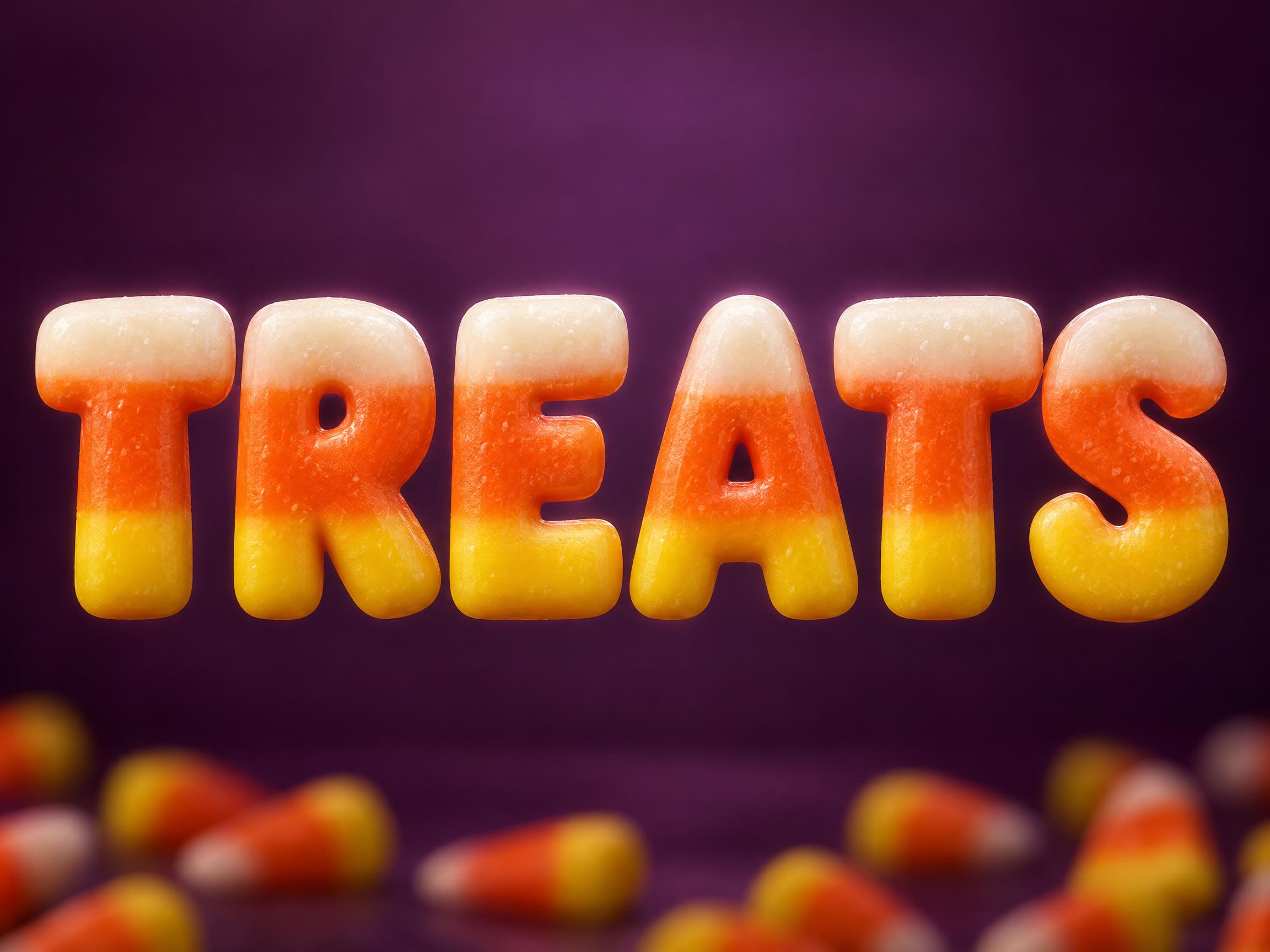
AI fonts & styles for your Halloween flyer
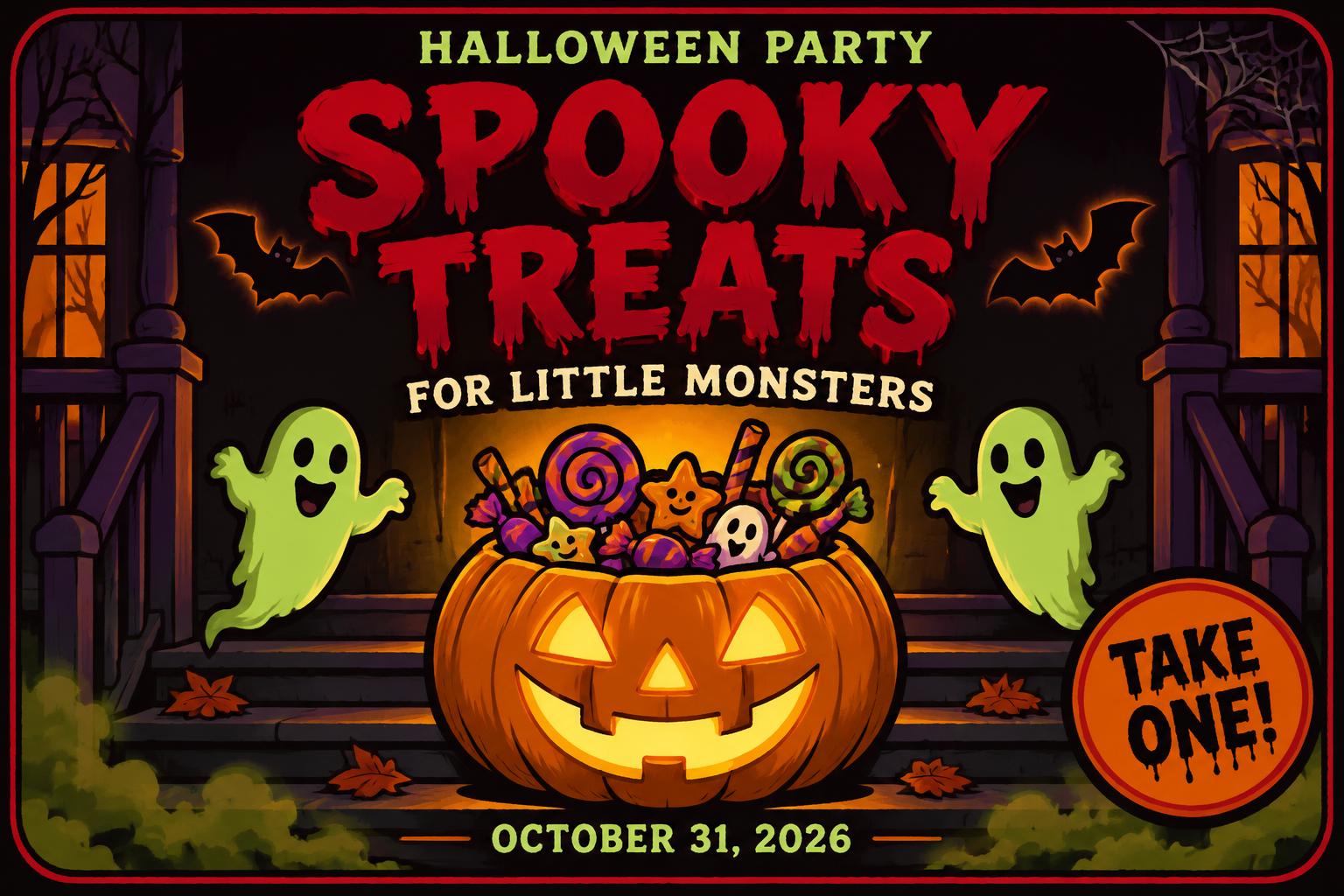
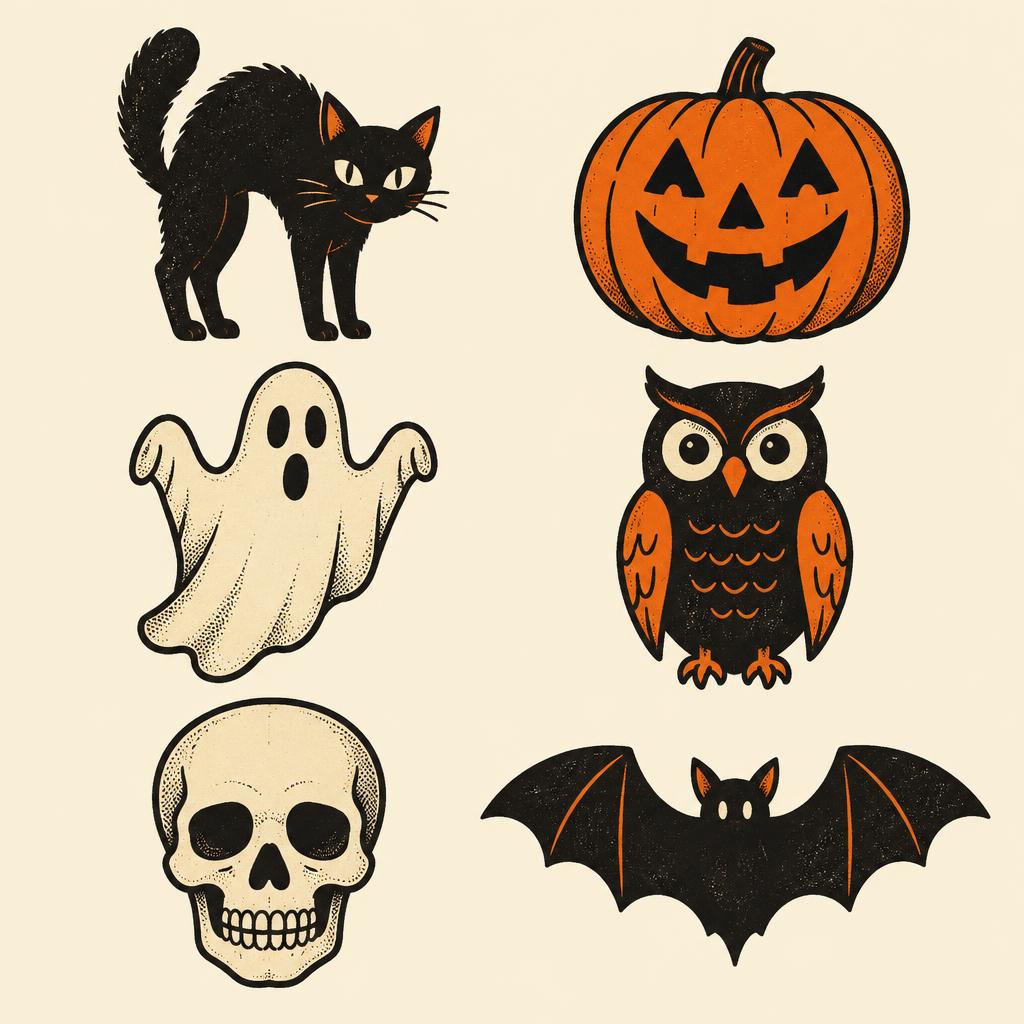
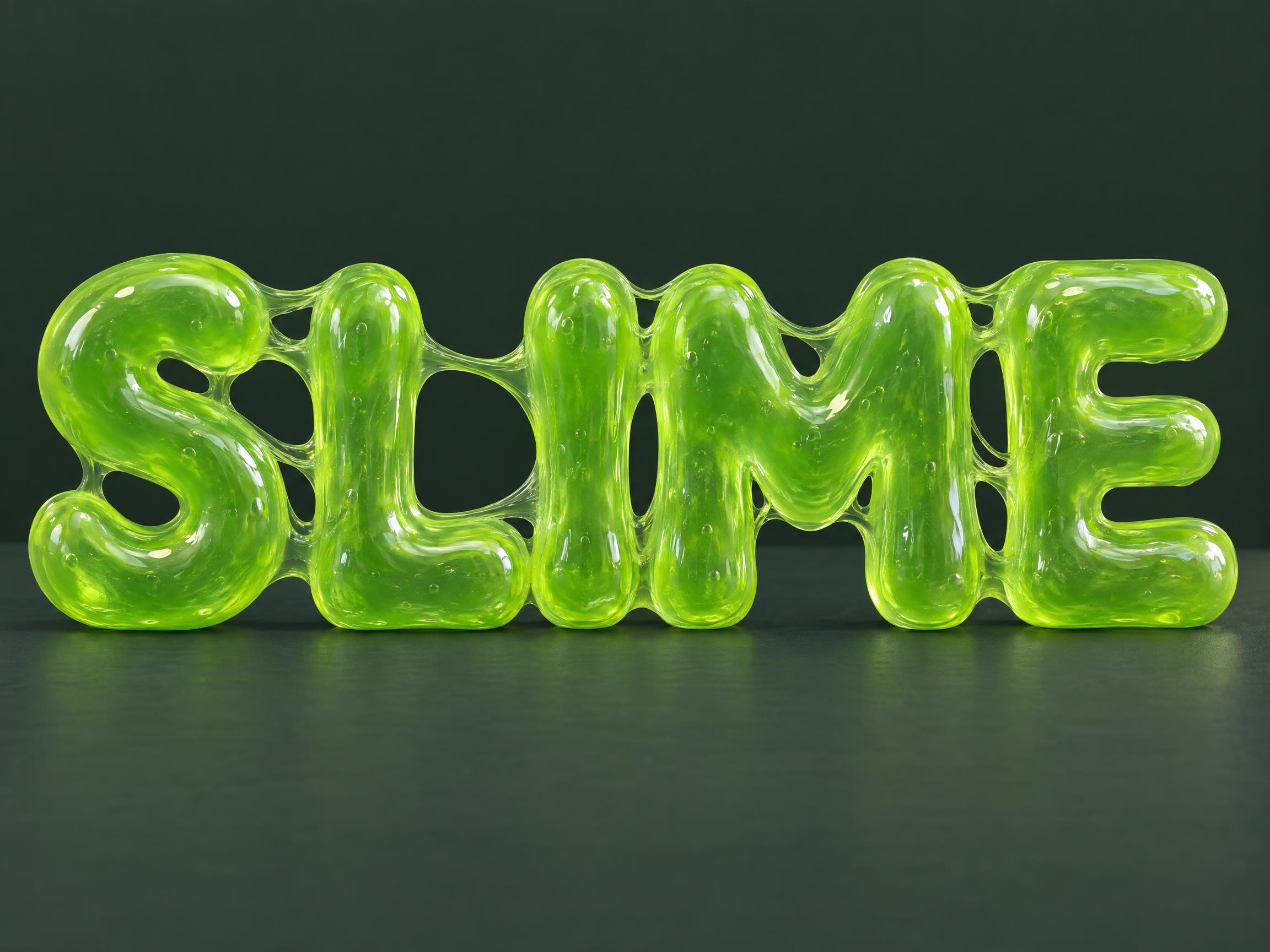
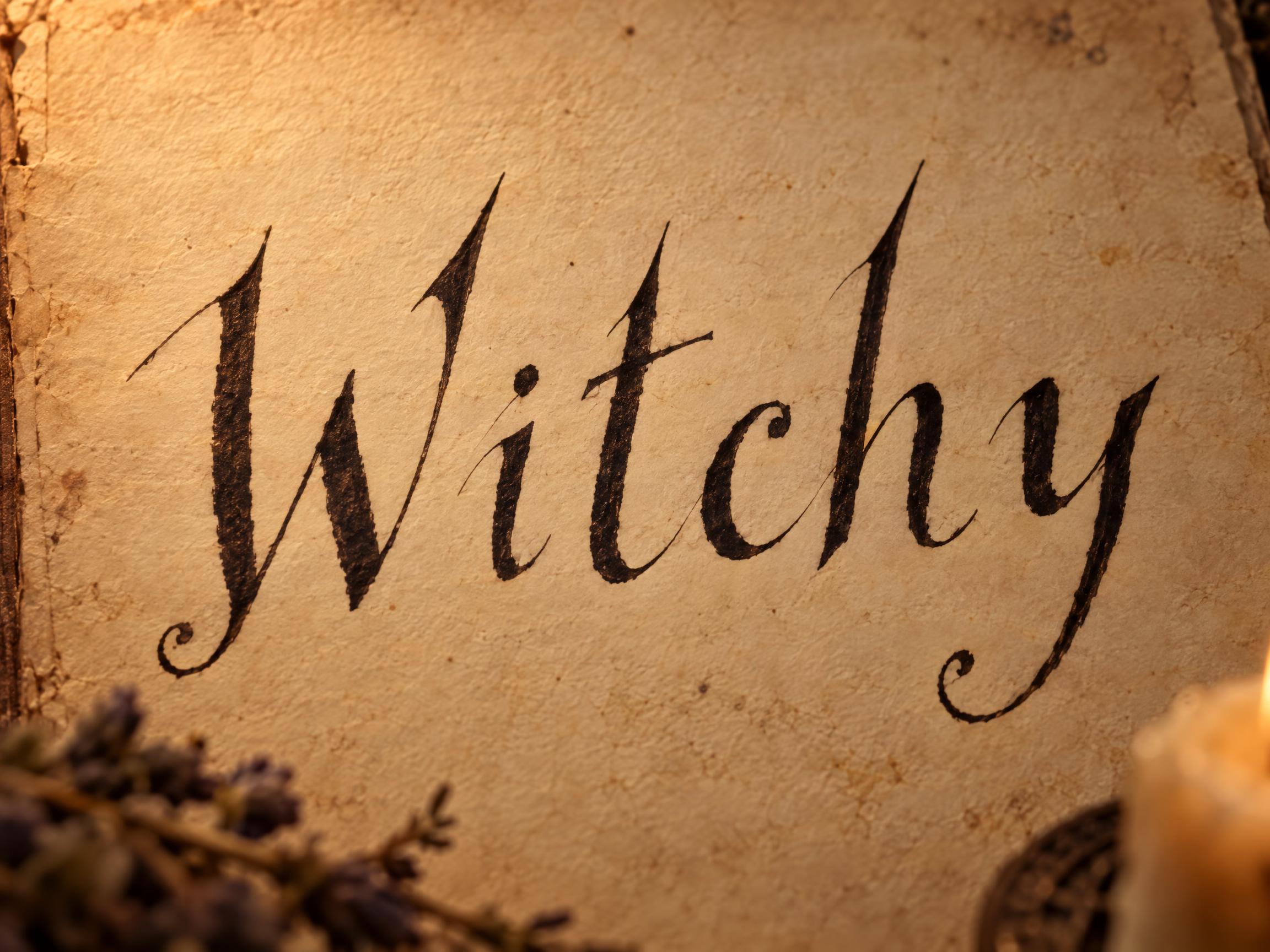
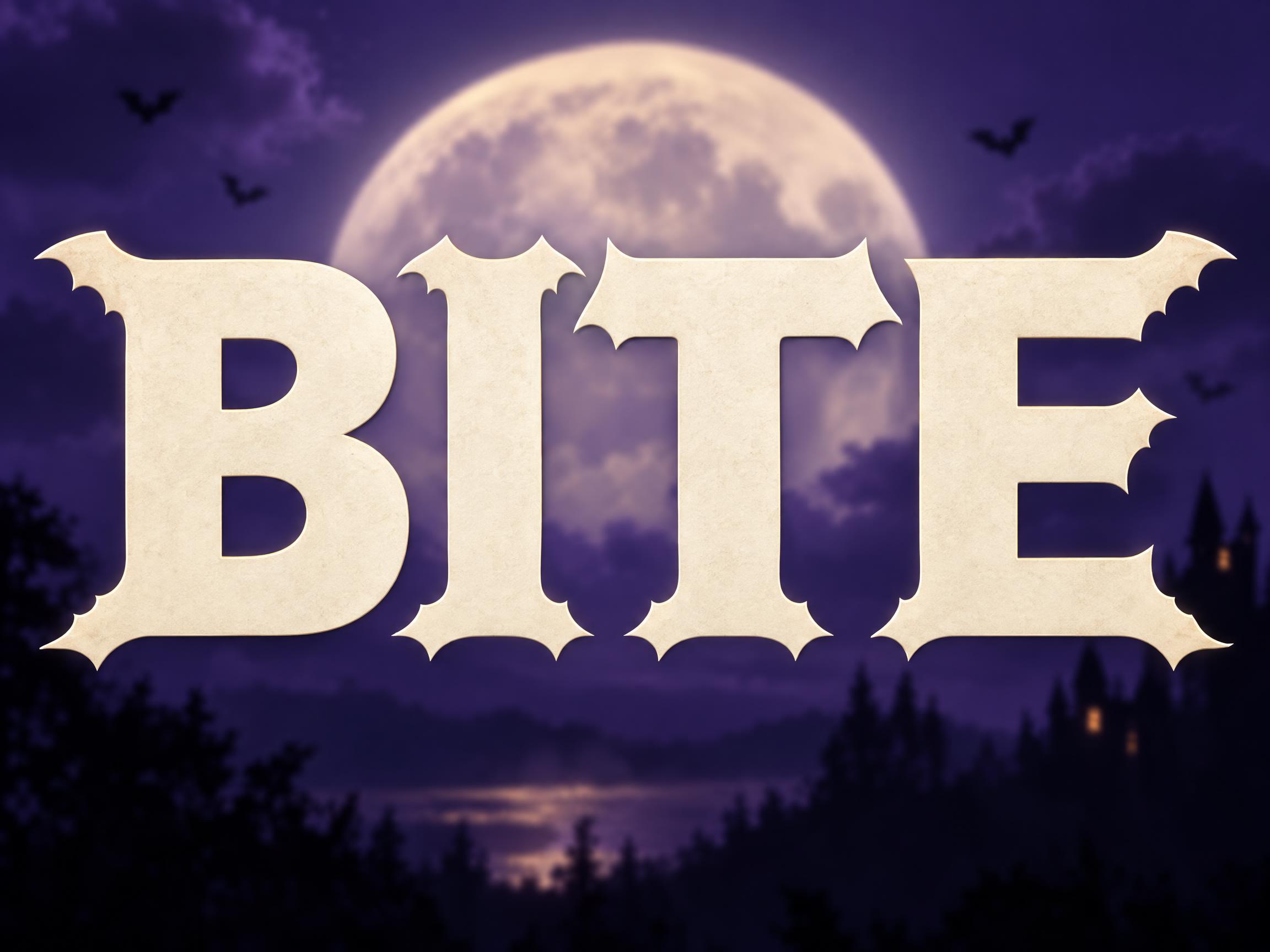
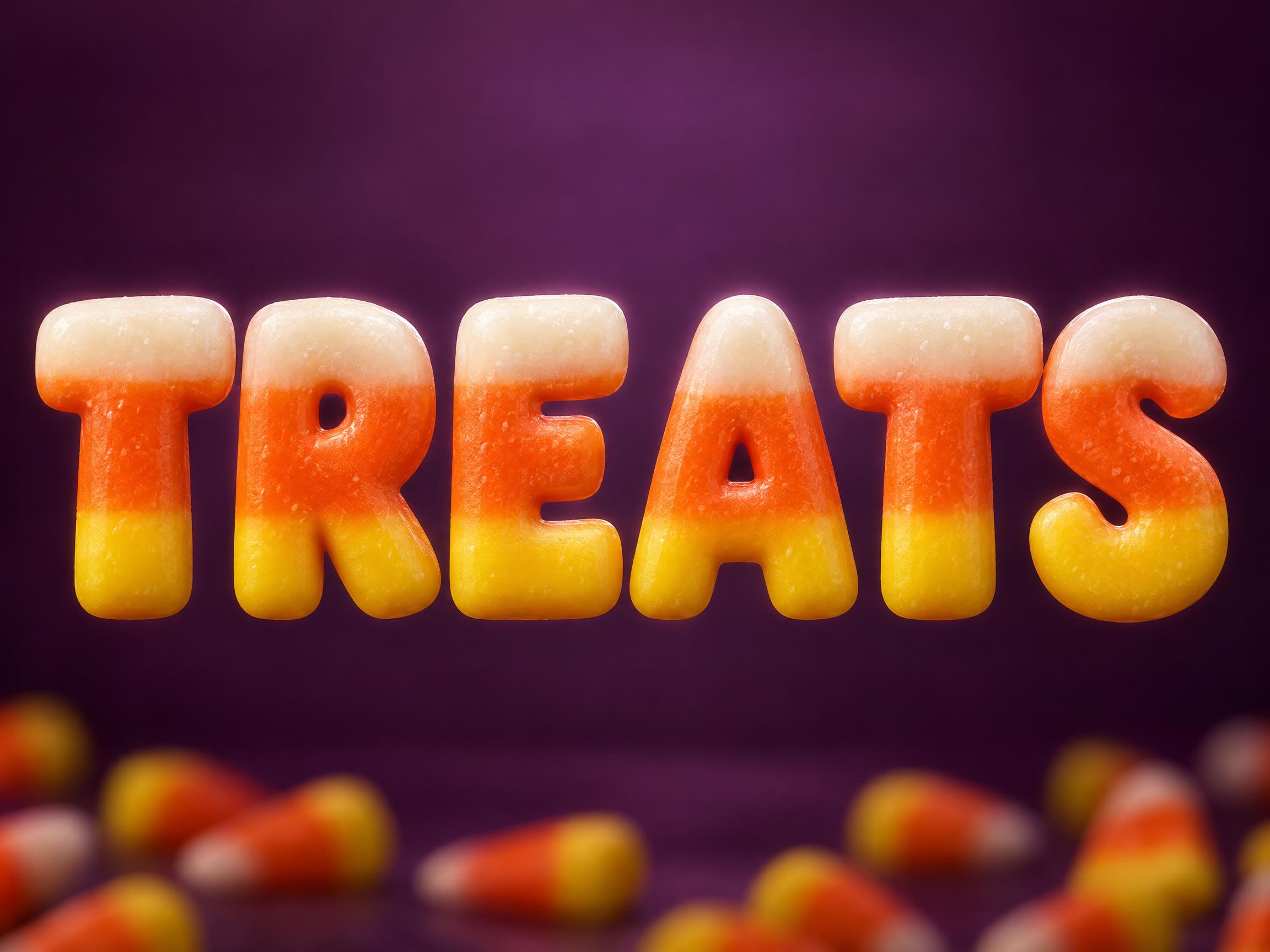
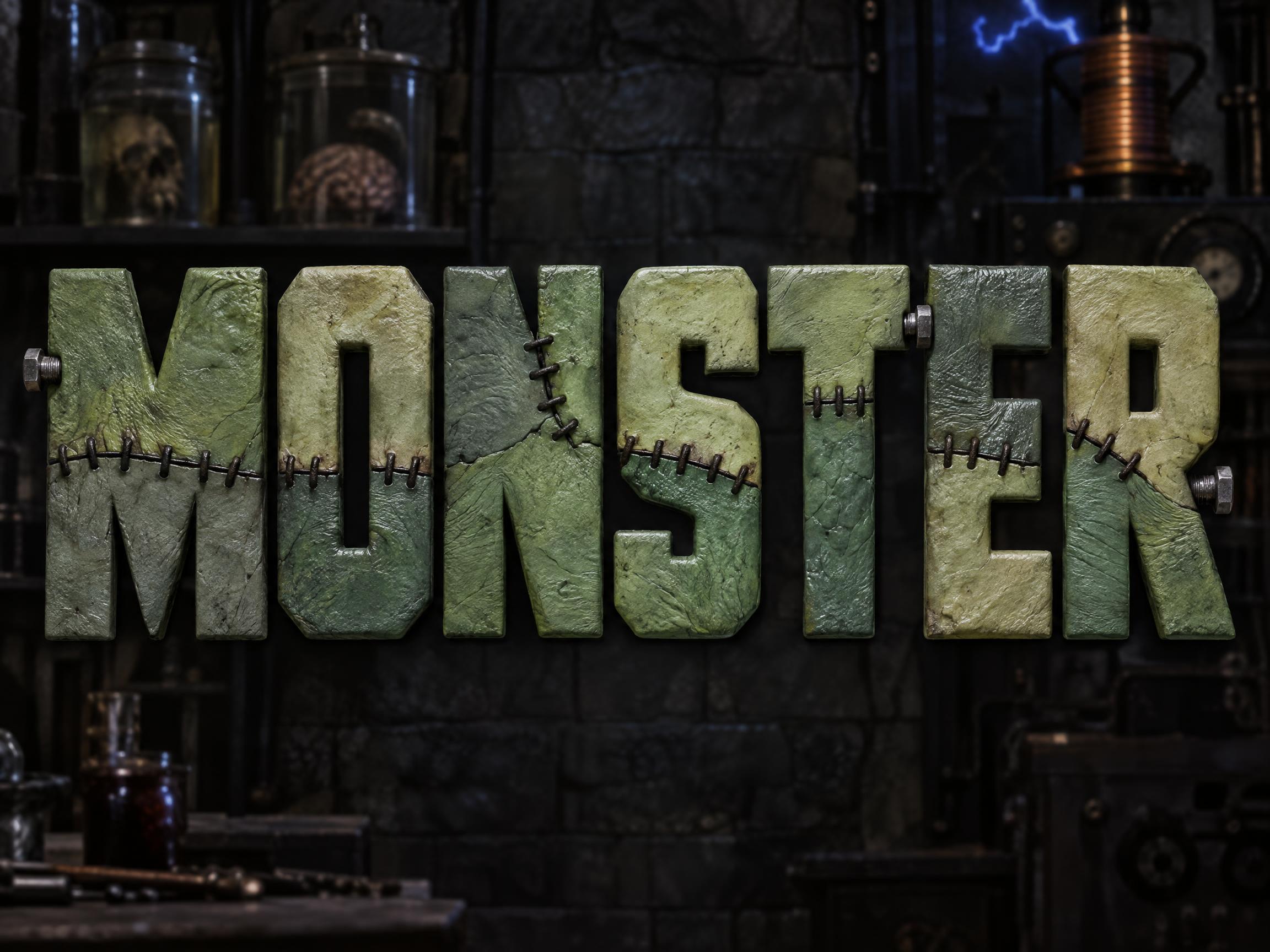
Every AI style and AI font tuned for Halloween. Use one above, or open it to see everything made with it.
AI styles 6Browse all styles


AI fonts 20Browse all AI fonts






Checklist & sizes for your Halloween flyer
What to put on a Halloween flyer
- 1The event name, as the headline
- 2The date and time
- 3The venue and its street address
- 4The price, or the word free
- 5One clear call to action
- 6Age limits, cash-only or coupon terms, in small print
- 7Keep light text off a busy picture so it stays readable
- 8Printing: 8.5 × 11 in is the most popular flyer size, and 5 × 7 in suits handing out at events
Sources: Eventbrite — How to design an event flyer · NextDayFlyers — 4 standard flyer sizes
Sizes and pixels
| Use | Aspect | Pixels at 2K |
|---|---|---|
| Flyer, 8.5 × 11 in (letter) | 3:4, trim about 1/6 in top and bottom | 1728 × 2304 |
| Flyer, 5 × 7 in (handout) | 3:4, trim about 1/8 in per long side | 1728 × 2304 |
| Posted as an image (group chat, social) | 3:4 | 1728 × 2304 |
At 8.5 × 11 in, 1728 × 2304 is about 203 pixels per inch; at 5 × 7 in it is about 329. For a sharper letter print, open the design in the creation space and make it larger. A half-letter 5.5 × 8.5 in flyer is closer to 2:3: change the aspect ratio there.
One flyer, one action
A flyer is read in the hand, so it can carry a little more than a poster. Keep one call to action, and keep light text on a plain area rather than a busy picture.
Tags in Halloween flyer
Every tag used on this page — each opens the designs, fonts and styles that share it.
Questions
How to make your Halloween flyer on FontVibe
- 1Write the detailsType the headline, names, date, time and place — the exact words you want on your design.
- 2Pick a lookChoose one of 6 Halloween styles and 20 AI fonts, or leave both on Auto.
- 3Generate and checkFontVibe draws your words as part of the image. If a word is wrong, open Edit and say which word to change.
- 4DownloadSave a PNG or JPG and print it at 8.5 × 11 in at about 203 ppi, trim about 1/6 in top and bottom.
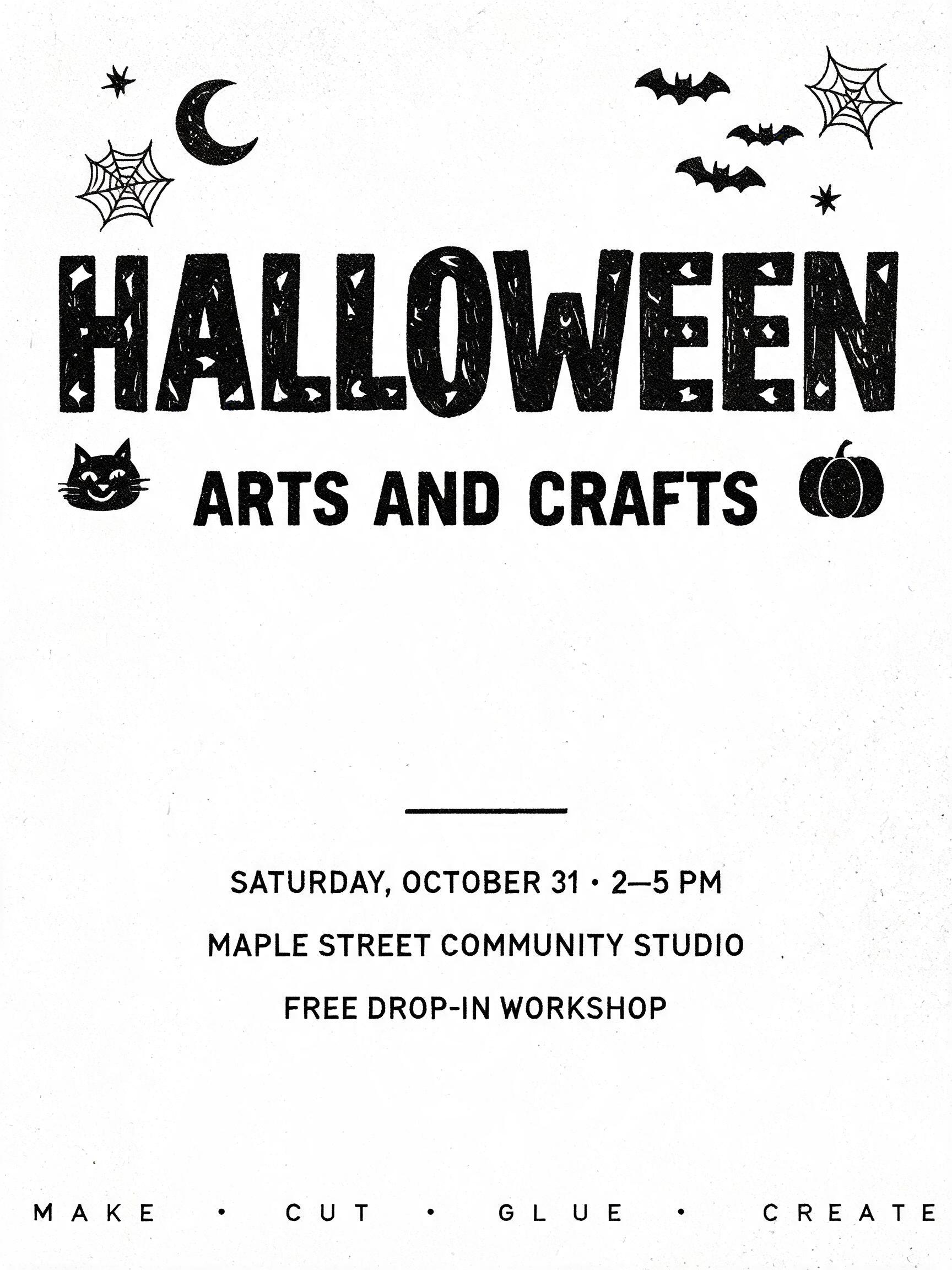
Ideas for your Halloween flyer
Every one was made with FontVibe. Use a design and swap in your own words.
What to write on your Halloween flyer
Line by line, with a rule and examples for each. Tap a line to add it to your brief.
Headline
Make the event name the headline and add one line that says what people get.
When & where
Group the date, the time and the venue with its street address, so one glance gets all three.
The offer
Say what it costs or what people get. A price, or the word free, is one of the first things a reader looks for.
Call to action
Pick one thing you want the reader to do next, and say it in a few words.
Fine print
Put age limits, payment and weather notes in one small line at the bottom.
Make the rest of your Halloween set
Same look, every format — each one opens its own maker. All Halloween →
AI fonts & styles for your Halloween flyer
Every AI style and AI font tuned for Halloween. Use one above, or open it to see everything made with it.
AI styles 6Browse all styles
AI fonts 20Browse all AI fonts






Checklist & sizes for your Halloween flyer
What to put on a Halloween flyer
- 1The event name, as the headline
- 2The date and time
- 3The venue and its street address
- 4The price, or the word free
- 5One clear call to action
- 6Age limits, cash-only or coupon terms, in small print
- 7Keep light text off a busy picture so it stays readable
- 8Printing: 8.5 × 11 in is the most popular flyer size, and 5 × 7 in suits handing out at events
Sources: Eventbrite — How to design an event flyer · NextDayFlyers — 4 standard flyer sizes
Sizes and pixels
| Use | Aspect | Pixels at 2K |
|---|---|---|
| Flyer, 8.5 × 11 in (letter) | 3:4, trim about 1/6 in top and bottom | 1728 × 2304 |
| Flyer, 5 × 7 in (handout) | 3:4, trim about 1/8 in per long side | 1728 × 2304 |
| Posted as an image (group chat, social) | 3:4 | 1728 × 2304 |
At 8.5 × 11 in, 1728 × 2304 is about 203 pixels per inch; at 5 × 7 in it is about 329. For a sharper letter print, open the design in the creation space and make it larger. A half-letter 5.5 × 8.5 in flyer is closer to 2:3: change the aspect ratio there.
One flyer, one action
A flyer is read in the hand, so it can carry a little more than a poster. Keep one call to action, and keep light text on a plain area rather than a busy picture.
Tags in Halloween flyer
Every tag used on this page — each opens the designs, fonts and styles that share it.
Questions
How to make your Halloween flyer on FontVibe
- 1Write the detailsType the headline, names, date, time and place — the exact words you want on your design.
- 2Pick a lookChoose one of 6 Halloween styles and 20 AI fonts, or leave both on Auto.
- 3Generate and checkFontVibe draws your words as part of the image. If a word is wrong, open Edit and say which word to change.
- 4DownloadSave a PNG or JPG and print it at 8.5 × 11 in at about 203 ppi, trim about 1/6 in top and bottom.