FontVibe
StartErstellenStileGalerieSchriftartenPreiseBlog
Deutsch▾
FontVibe
✦FontVibe
FontVibe

Kostenloser KI-Schriftgenerator — beschreib, was du brauchst, oder wähl einen Stil, und bekomm fertige Textgrafik. 138+ Stile, PNG/JPG sofort herunterladen.

Produkt

ErstellenStileGaleriePreise

Beliebte Szenen

Halloween-DesignsKanal-DesignsHalloween-Schriftart

Ressourcen

BlogKI-SchriftbibliothekTransparenter-Hintergrund-MacherKI-Schrift-PromptsASCII-Art-GeneratorSchrift-Tools

Rechtliches

NutzungsbedingungenDatenschutzImpressumKontakt
© 2026 Funovate Technology LLC. Alle Rechte vorbehalten.
FontVibe

Kostenloser KI-Schriftgenerator — beschreib, was du brauchst, oder wähl einen Stil, und bekomm fertige Textgrafik. 138+ Stile, PNG/JPG sofort herunterladen.

Produkt
ErstellenStileGaleriePreise
Beliebte Szenen
Halloween-DesignsKanal-DesignsHalloween-Schriftart
Ressourcen
BlogKI-SchriftbibliothekTransparenter-Hintergrund-MacherKI-Schrift-PromptsASCII-Art-GeneratorSchrift-Tools
Rechtliches
AGBDatenschutzImpressumKontakt
© 2026 Funovate Technology LLC. Alle Rechte vorbehalten.
Start›Silhouette›Cat
12+ Silhouette-Designs auf FontVibe erstelltJedes Wort per Chat änderbarPassende Größe: SquareKostenlos starten

Cat Silhouette Maker

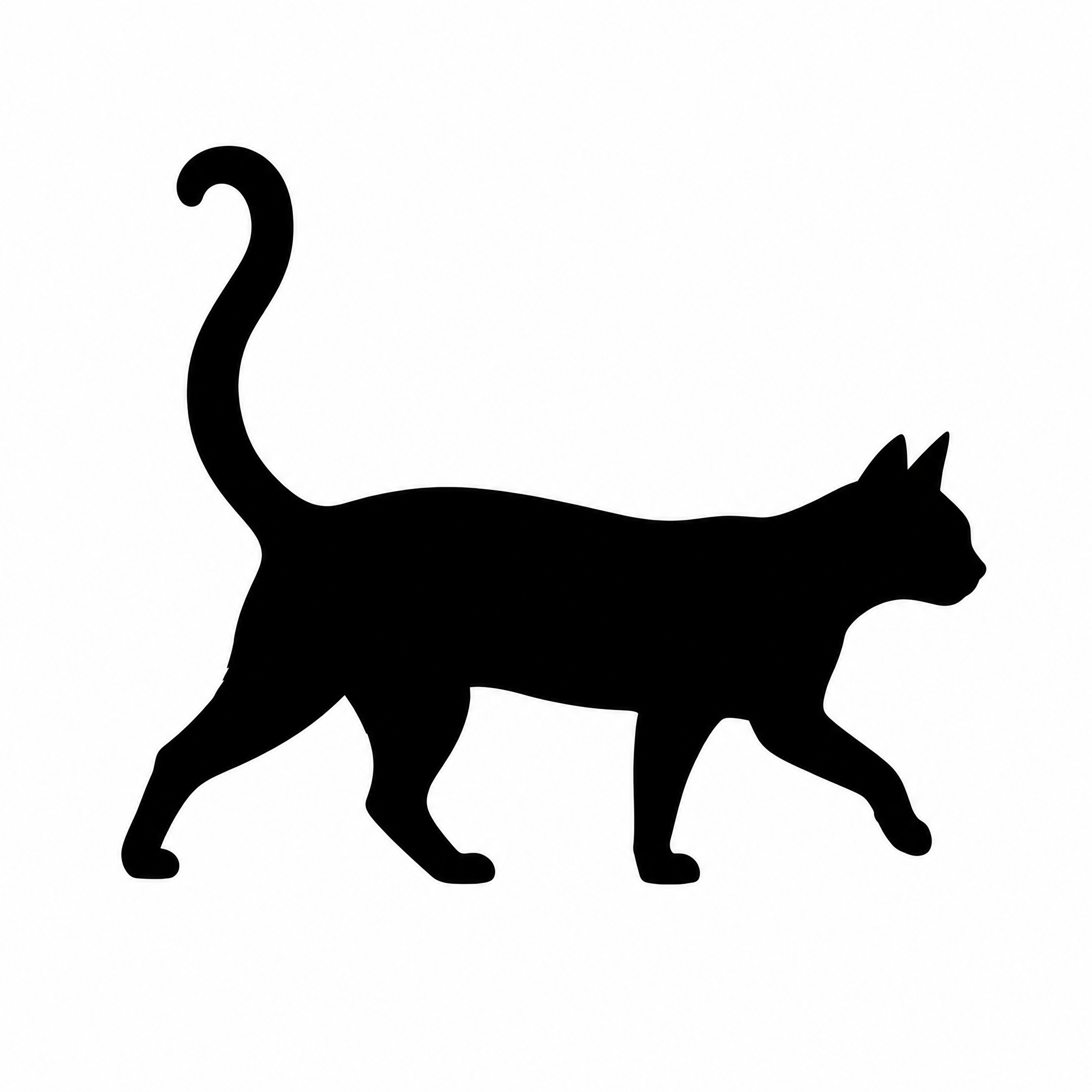
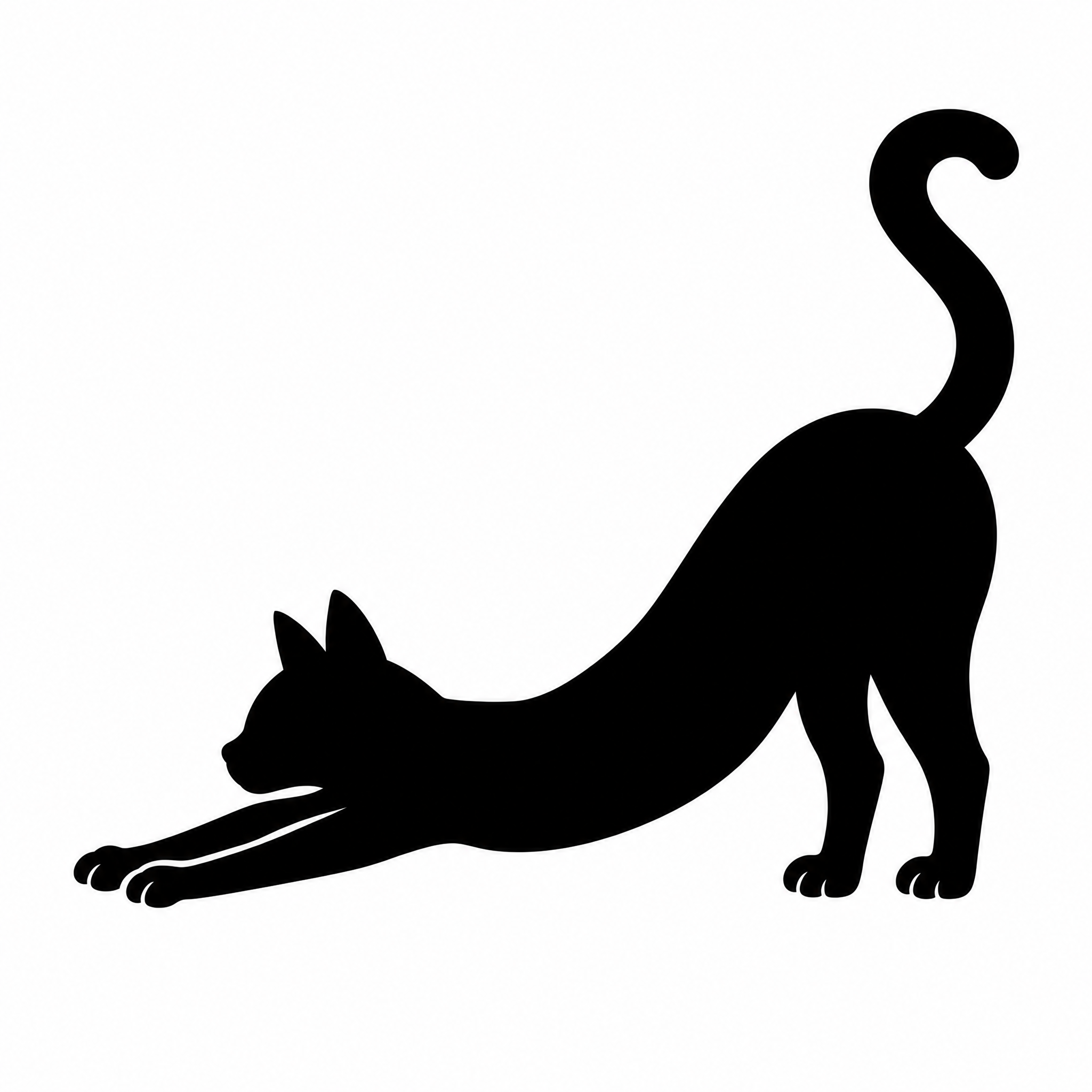
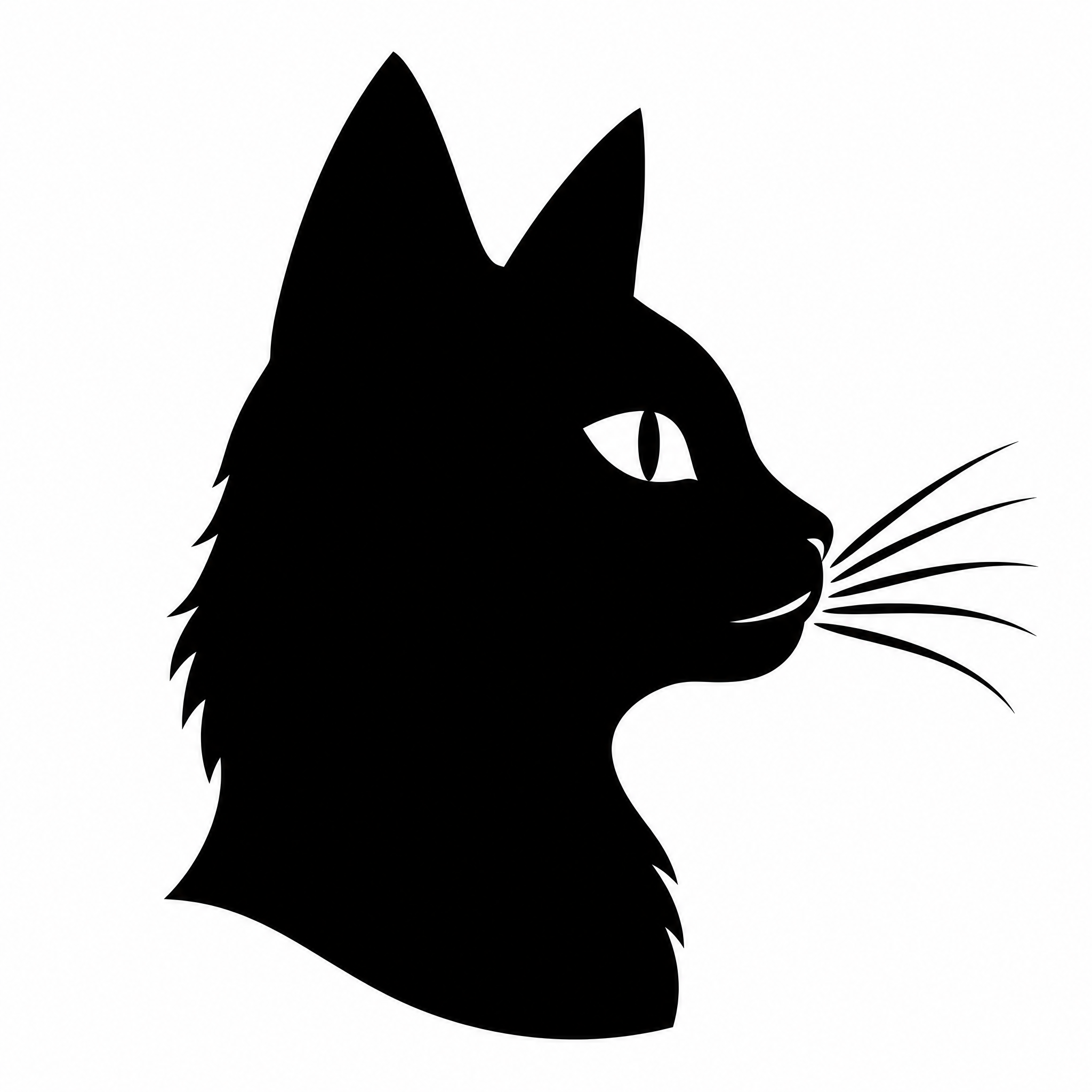
Describe the pose, or start from a photo of your own cat, and get a clean black cat silhouette. Download it as a transparent PNG or an SVG cut file in any color.

Use a photo of your cat (optional)
JPG · PNG · WebP · HEIC · AVIF · TIFF · TGA · max. 10MB je Bild · bis zu 1
Cat silhouetteSquare · PNG
Mehr davon
Made on FontVibe
Mit einem Design starten

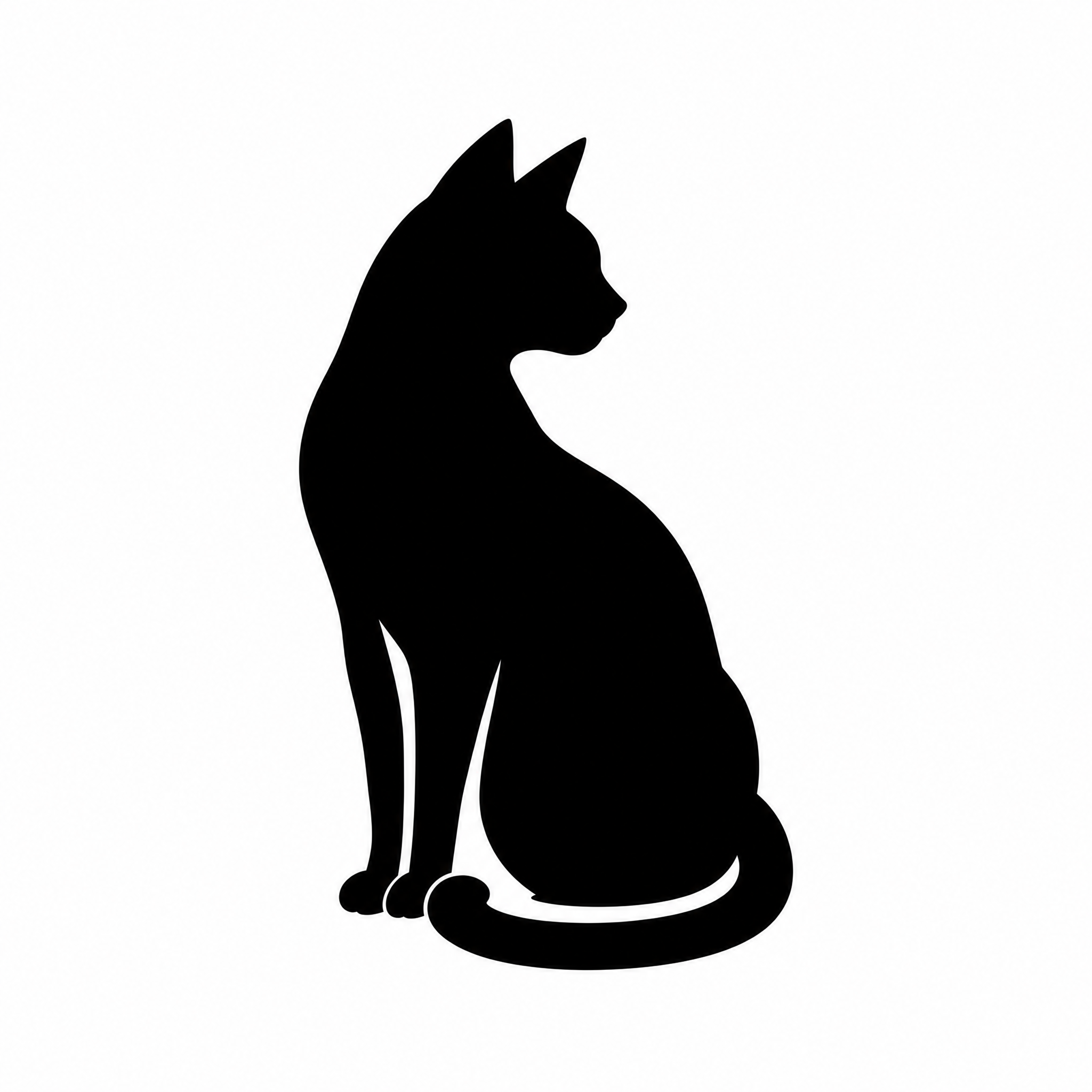
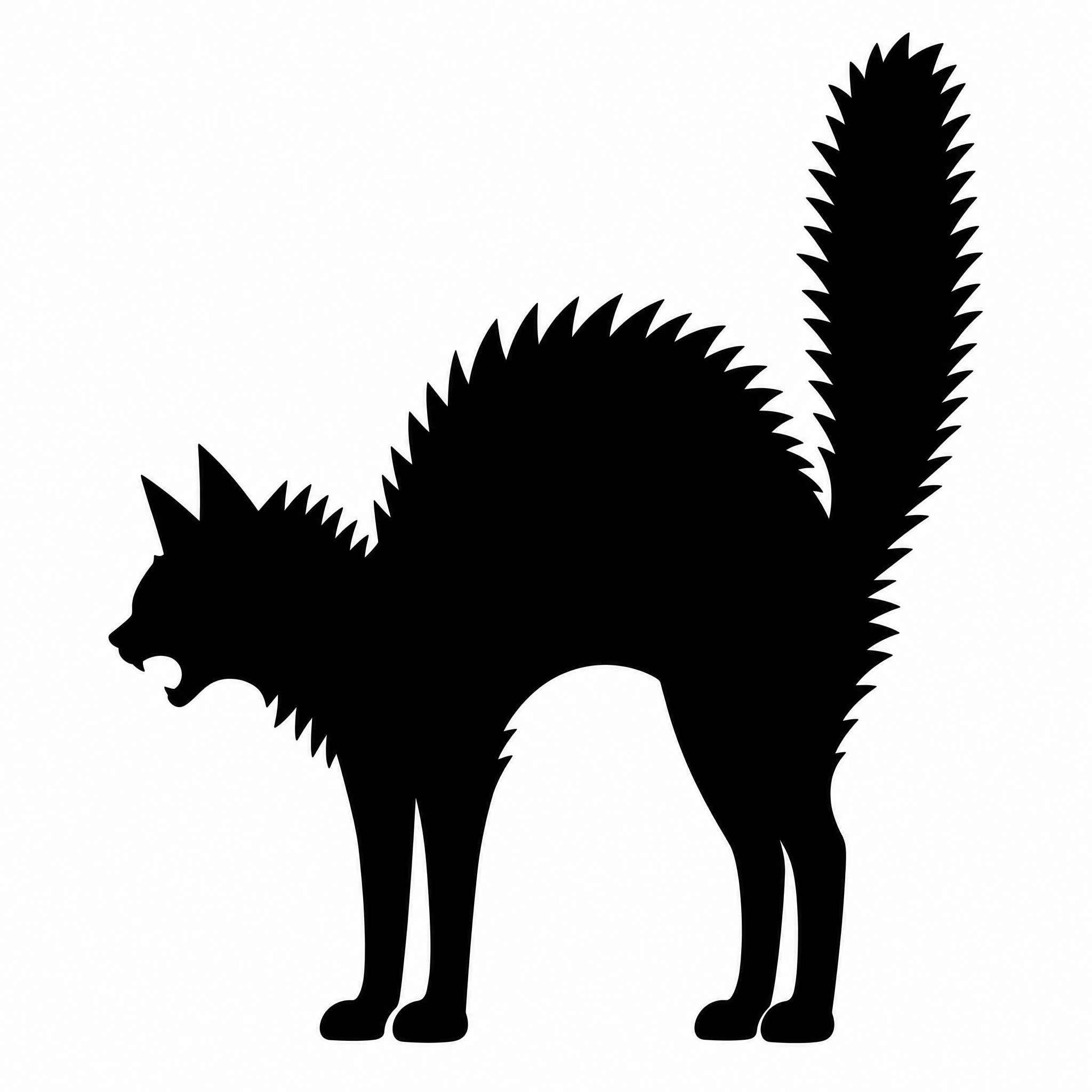
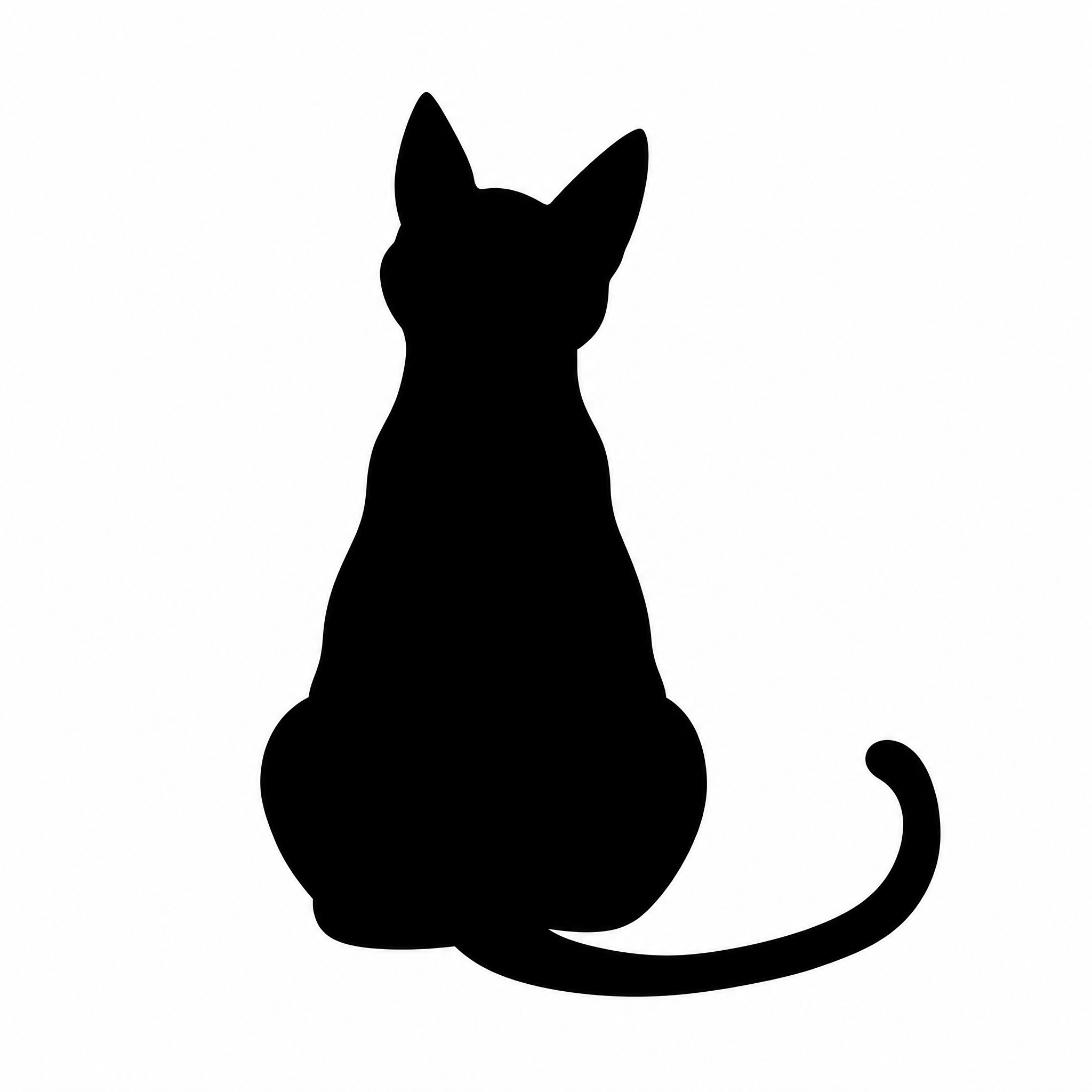
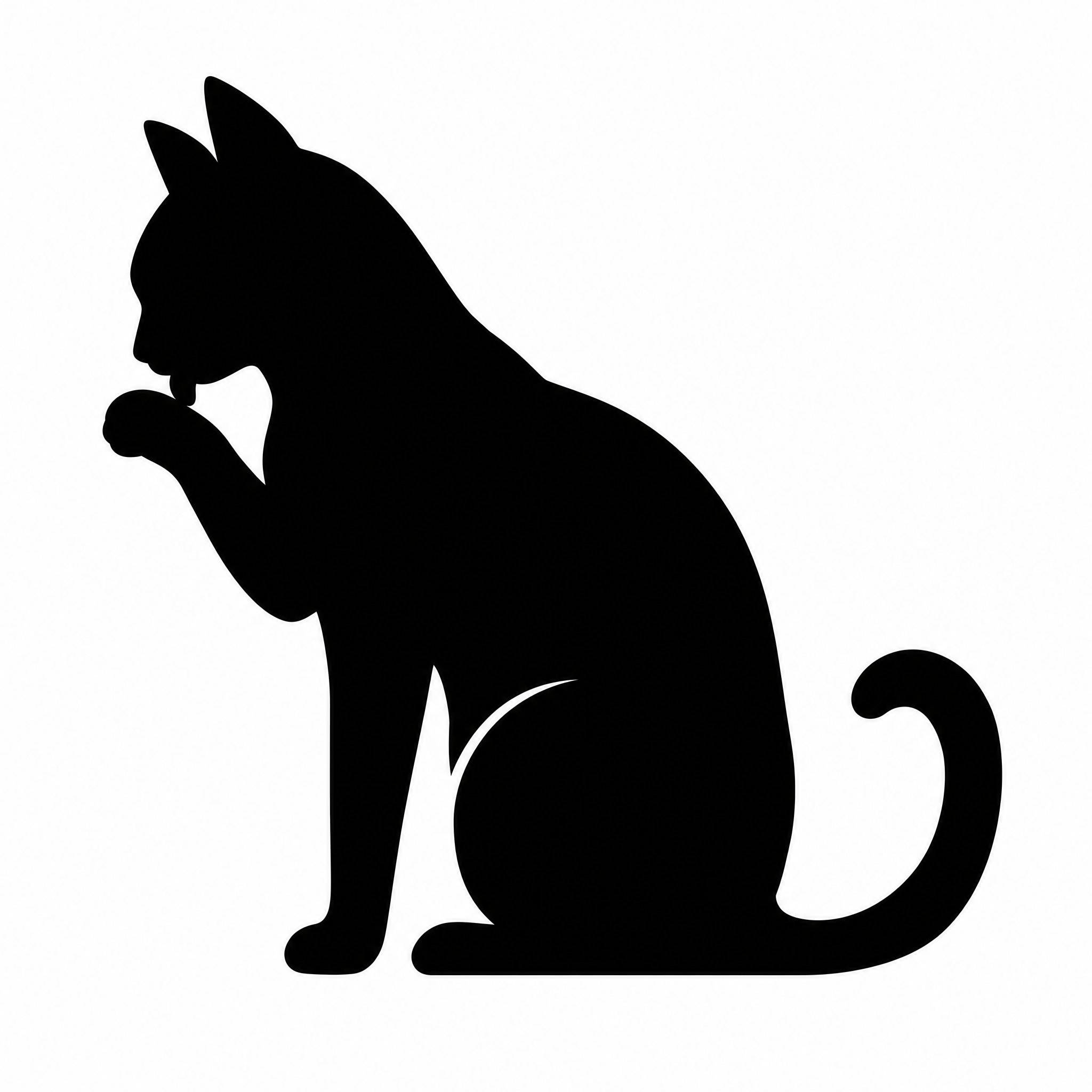
Cat silhouette designs

All made on FontVibe. Download one, or make your own version.
12 von 12 Designs
"" — Solid Cut Silhouette | AI Text Effect Generator
“”
FontVibe
"" — Solid Cut Silhouette | AI Text Effect Generator
“”
FontVibe
"" — Solid Cut Silhouette | AI Text Effect Generator
“”
FontVibe
"" — Flat Cut Silhouette | AI Text Effect Generator
“”
FontVibe
"" — Solid Cut Silhouette | AI Text Effect Generator
“”
FontVibe
"" — Solid Cut Silhouette | AI Text Effect Generator
“”
FontVibe
"" — Flat Cut Silhouette | AI Text Effect Generator
“”
FontVibe
"" — Solid Cut Silhouette | AI Text Effect Generator
“”
FontVibe
"" — Solid Cut Silhouette | AI Text Effect Generator
“”
FontVibe
"" — Flat Cut Silhouette | AI Text Effect Generator
“”
FontVibe
"" — Flat Cut Silhouette | AI Text Effect Generator
“”
FontVibe
"" — Flat Cut Silhouette | AI Text Effect Generator
“”
FontVibe
Texte

Cat silhouette ideas

Pose, details and use, line by line. Tap a line to add it to your description.

Pose

Name one pose and the angle; a side view reads best as a silhouette.

Details that show in the outline

Only outline details survive: ears, whiskers, tail shape, gaps between legs.

Where it will go

Say the use; it decides how bold and simple the shape should be.

Add a second shape

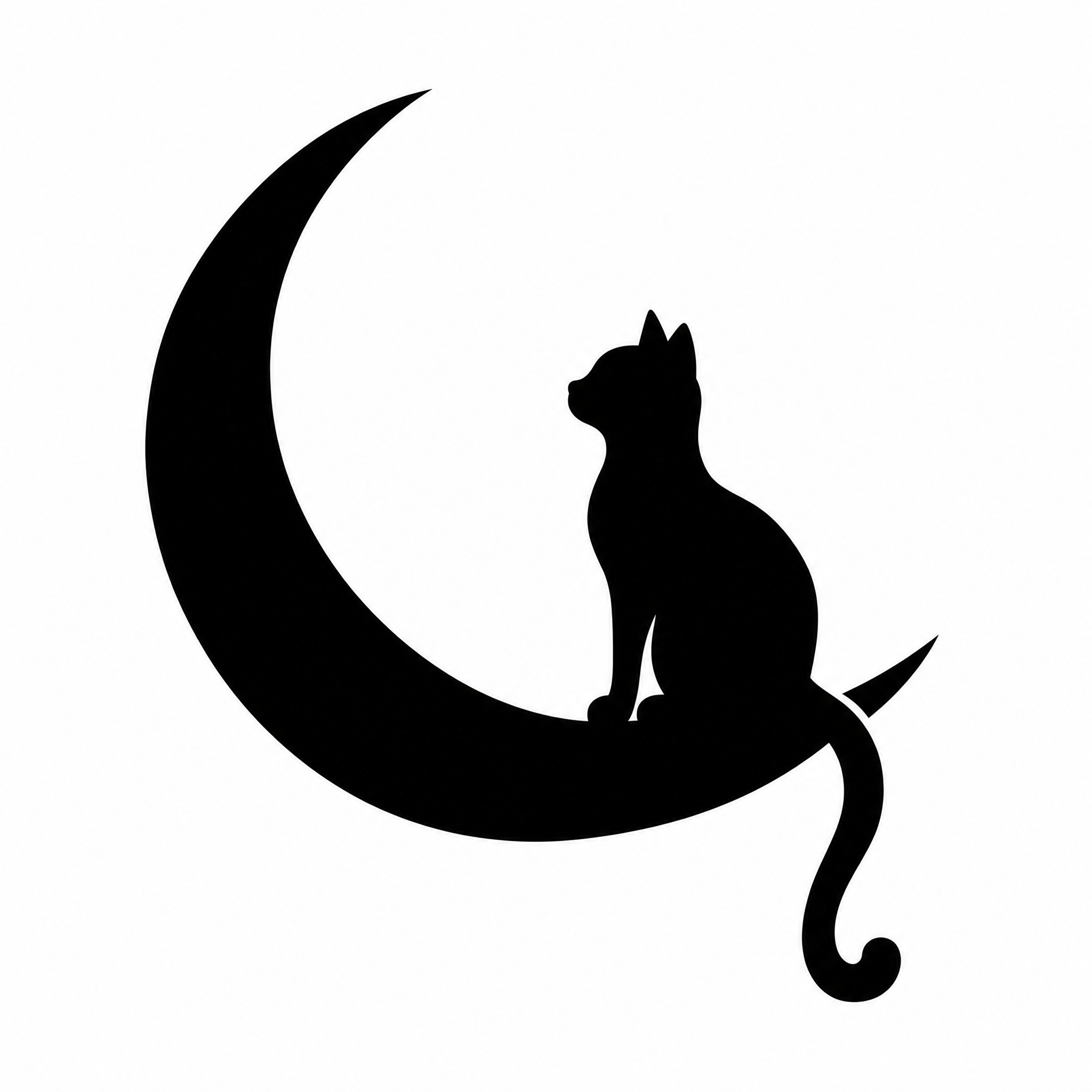
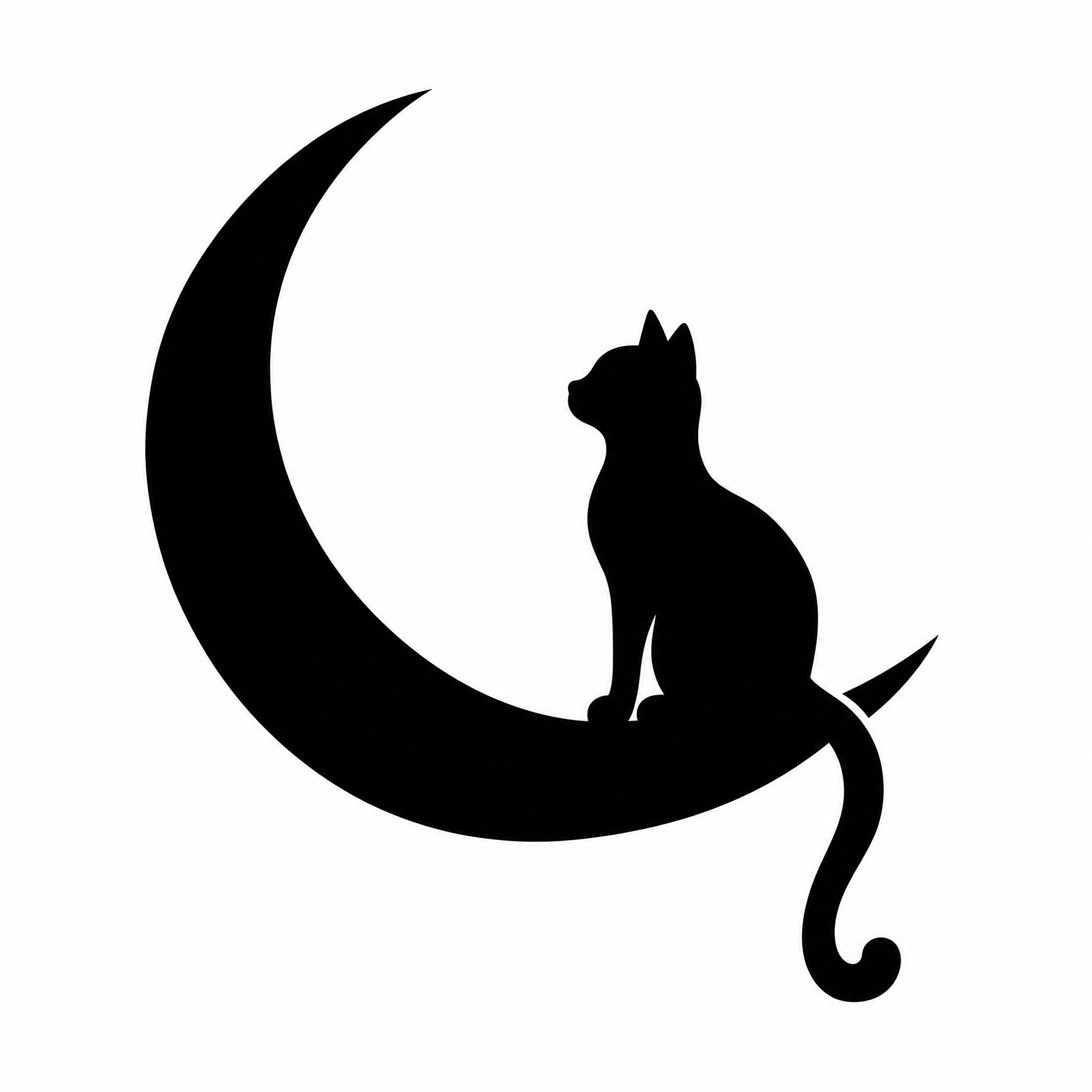
Keep any extra object solid black and touching or close to the cat.

Mehr für Silhouette

More silhouettes

Other subjects, same clean shapes. Alles zu Silhouette →

Cat silhouetteCat silhouetteDu bist hierSilhouette
Gut zu wissen

Cat silhouette: Checkliste & Größen

What to ask for in a cat silhouette

  1. 1One pose, seen from the side: a silhouette has no inner detail, so the outline has to tell the pose
  2. 2The details that should show in the outline: ear shape, whiskers, tail shape, a collar
  3. 3Your own cat? Add a clear side-on photo so the outline follows its ears, tail and build
  4. 4Where it goes: a decal or Cricut cut needs a bold, simple shape; a print or tattoo can take finer details
  5. 5Download as SVG for cutting machines and laser software, or as a transparent PNG for prints, shirts and slides

Sizes and files

FileWhat you getBest for
PNG2048 × 2048 px, transparent backgroundPrints, shirts, stickers, slides
SVGOne filled vector path, any sizeCricut, Silhouette Studio, laser cutting
Original2048 × 2048 px, black on whiteQuick previews and sharing

At 300 pixels per inch, a 2048-pixel PNG prints about 6.8 in wide. The SVG has no pixels, so it scales to any decal or wall size without blurring.

Keep it cuttable

Very thin lines and tiny dots are hard to weed from vinyl and get lost when cut. For decals, ask for a bold, simple shape; save the fine whiskers for prints.

Bold vs finefor a car decal, bold and simple✕ Effekt auf den Details
Bold vs finefor a car decal, bold and simple✓ Effekt nur auf dem Titel
Nach Tags stöbern

Tags zu Cat silhouette

Alle Tags dieser Seite – jeder führt zu Designs, Schriften und Stilen mit demselben Tag.

Szene
Silhouetten›
Gemacht als
Silhouette›
Gelegenheit
Haustiere›Gedenkfeier›Kinder & Familie›Geschenk›Paare›
FAQ

Fragen

Yes. Add a clear side-on photo of your cat and describe the pose you want. The outline follows your cat's ears, tail and build.
Yes. Silhouettes you generate are yours to use, including on window clings, signs and shirts you sell.
The SVG. It uploads to Cricut Design Space as one cut layer, and gaps such as the space between the legs stay cut out.
Yes. Pick a color in the download bar under your result before saving the transparent PNG or SVG.
So geht’s

Cat silhouette auf FontVibe erstellen – so geht’s

  1. 1Describe the poseSay the pose, the angle and the details that should show in the outline, or add a photo of your own cat.
  2. 2GenerateFontVibe draws one clean black shape on white, ready to cut or print.
  3. 3Pick a colorChoose a color in the download bar under your result; black is the default for cut files.
  4. 4DownloadSave a transparent PNG for prints and shirts, or an SVG for Cricut and laser cutting.
Du bekommstEin PNG- oder JPG-Bild mit deinem eingezeichneten Text
Größe1:1 · Square
ErgebnisPNG, 2048 × 2048 px, black shape on white
HintergrundKomplettes Design oder transparentes PNG
KostenlosJeden Tag Gratis-Credits – zum Abholen anmelden
Nicht enthaltenBearbeitbare Vorlagendateien oder installierbare Schriften

Cat silhouette jetzt erstellen

Deine Worte, die richtige Größe, sofort zum Download.

Start›Silhouette›Cat
Cat silhouetteSquare · PNG
12+ Silhouette-Designs auf FontVibe erstelltJedes Wort per Chat änderbarPassende Größe: SquareKostenlos starten

Cat Silhouette Maker

Describe the pose, or start from a photo of your own cat, and get a clean black cat silhouette. Download it as a transparent PNG or an SVG cut file in any color.

Use a photo of your cat (optional)
JPG · PNG · WebP · HEIC · AVIF · TIFF · TGA · max. 10MB je Bild · bis zu 1
Mit einem Design starten

Cat silhouette designs

All made on FontVibe. Download one, or make your own version.
12 von 12 Designs
"" — Solid Cut Silhouette text effect
"" — Flat Cut Silhouette text effect
"" — Solid Cut Silhouette text effect
"" — Flat Cut Silhouette text effect
"" — Solid Cut Silhouette text effect
"" — Flat Cut Silhouette text effect
Texte

Cat silhouette ideas

Pose, details and use, line by line. Tap a line to add it to your description.

Pose

Name one pose and the angle; a side view reads best as a silhouette.

Details that show in the outline

Only outline details survive: ears, whiskers, tail shape, gaps between legs.

Where it will go

Say the use; it decides how bold and simple the shape should be.

Add a second shape

Keep any extra object solid black and touching or close to the cat.

Mehr für Silhouette

More silhouettes

Other subjects, same clean shapes. Alles zu Silhouette →

Cat silhouetteCat silhouetteDu bist hierSilhouette
Gut zu wissen

Cat silhouette: Checkliste & Größen

What to ask for in a cat silhouette

  1. 1One pose, seen from the side: a silhouette has no inner detail, so the outline has to tell the pose
  2. 2The details that should show in the outline: ear shape, whiskers, tail shape, a collar
  3. 3Your own cat? Add a clear side-on photo so the outline follows its ears, tail and build
  4. 4Where it goes: a decal or Cricut cut needs a bold, simple shape; a print or tattoo can take finer details
  5. 5Download as SVG for cutting machines and laser software, or as a transparent PNG for prints, shirts and slides

Sizes and files

FileWhat you getBest for
PNG2048 × 2048 px, transparent backgroundPrints, shirts, stickers, slides
SVGOne filled vector path, any sizeCricut, Silhouette Studio, laser cutting
Original2048 × 2048 px, black on whiteQuick previews and sharing

At 300 pixels per inch, a 2048-pixel PNG prints about 6.8 in wide. The SVG has no pixels, so it scales to any decal or wall size without blurring.

Keep it cuttable

Very thin lines and tiny dots are hard to weed from vinyl and get lost when cut. For decals, ask for a bold, simple shape; save the fine whiskers for prints.

Bold vs finefor a car decal, bold and simple✕ Effekt auf den Details
Bold vs finefor a car decal, bold and simple✓ Effekt nur auf dem Titel
Nach Tags stöbern

Tags zu Cat silhouette

Alle Tags dieser Seite – jeder führt zu Designs, Schriften und Stilen mit demselben Tag.

Szene
Silhouetten›
Gemacht als
Silhouette›
Gelegenheit
Haustiere›Gedenkfeier›Kinder & Familie›Geschenk›Paare›
FAQ

Fragen

Yes. Add a clear side-on photo of your cat and describe the pose you want. The outline follows your cat's ears, tail and build.
Yes. Silhouettes you generate are yours to use, including on window clings, signs and shirts you sell.
The SVG. It uploads to Cricut Design Space as one cut layer, and gaps such as the space between the legs stay cut out.
Yes. Pick a color in the download bar under your result before saving the transparent PNG or SVG.
So geht’s

Cat silhouette auf FontVibe erstellen – so geht’s

  1. 1Describe the poseSay the pose, the angle and the details that should show in the outline, or add a photo of your own cat.
  2. 2GenerateFontVibe draws one clean black shape on white, ready to cut or print.
  3. 3Pick a colorChoose a color in the download bar under your result; black is the default for cut files.
  4. 4DownloadSave a transparent PNG for prints and shirts, or an SVG for Cricut and laser cutting.
Du bekommstEin PNG- oder JPG-Bild mit deinem eingezeichneten Text
Größe1:1 · Square
ErgebnisPNG, 2048 × 2048 px, black shape on white
HintergrundKomplettes Design oder transparentes PNG
KostenlosJeden Tag Gratis-Credits – zum Abholen anmelden
Nicht enthaltenBearbeitbare Vorlagendateien oder installierbare Schriften

Cat silhouette jetzt erstellen

Deine Worte, die richtige Größe, sofort zum Download.

Benachrichtigungen
Noch keine Benachrichtigungen