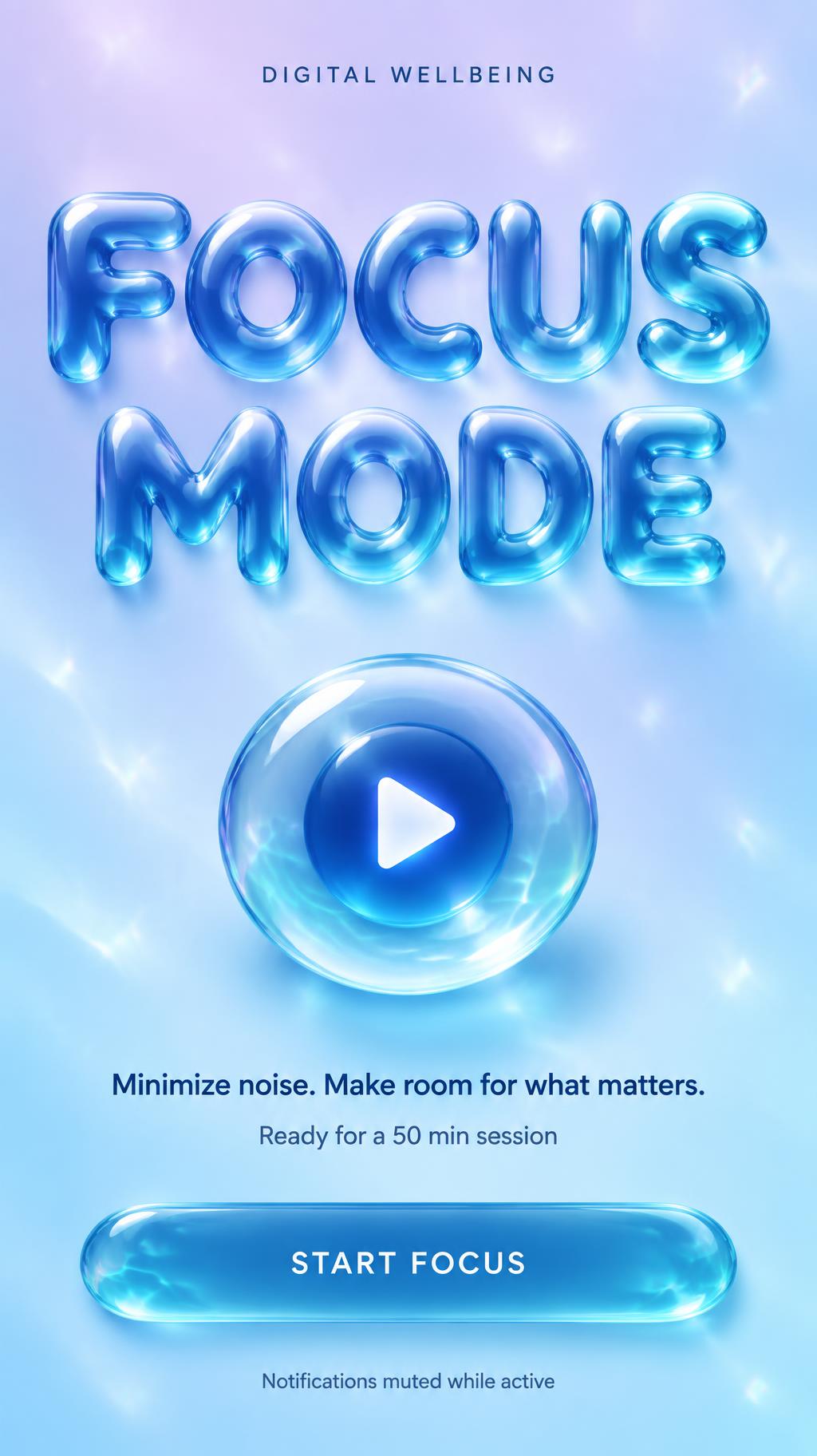
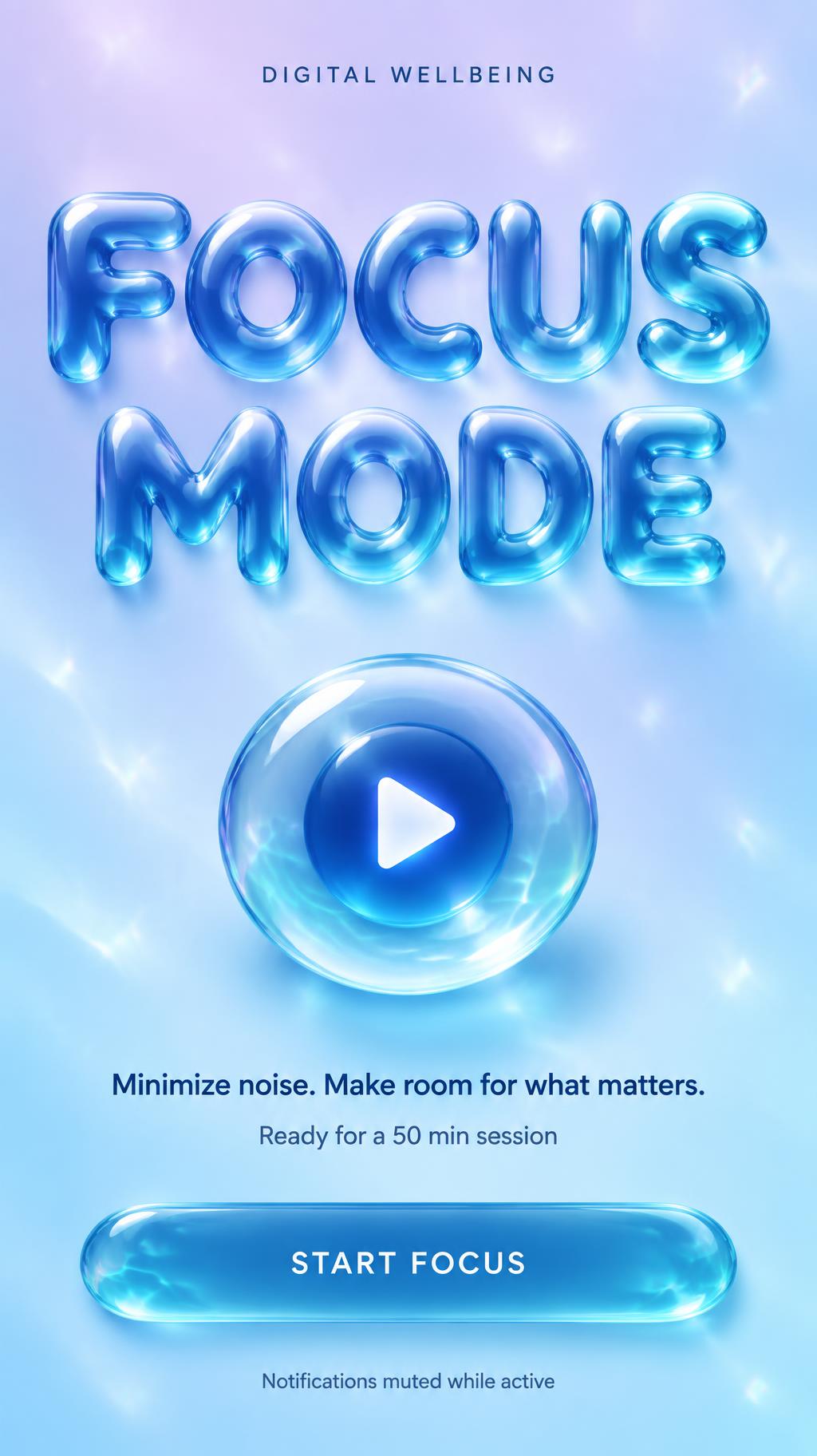
FOCUS MODE DIGITAL WELLBEING Minimize noise. Make room for what matters. Ready for a 50 min session START FOCUS Notifications muted while active - Liquid Glass Text Effect


Nutzt OpenAI GPT-Image-2.5 Sunburst, das Modell dieses Werks · 15 Credits

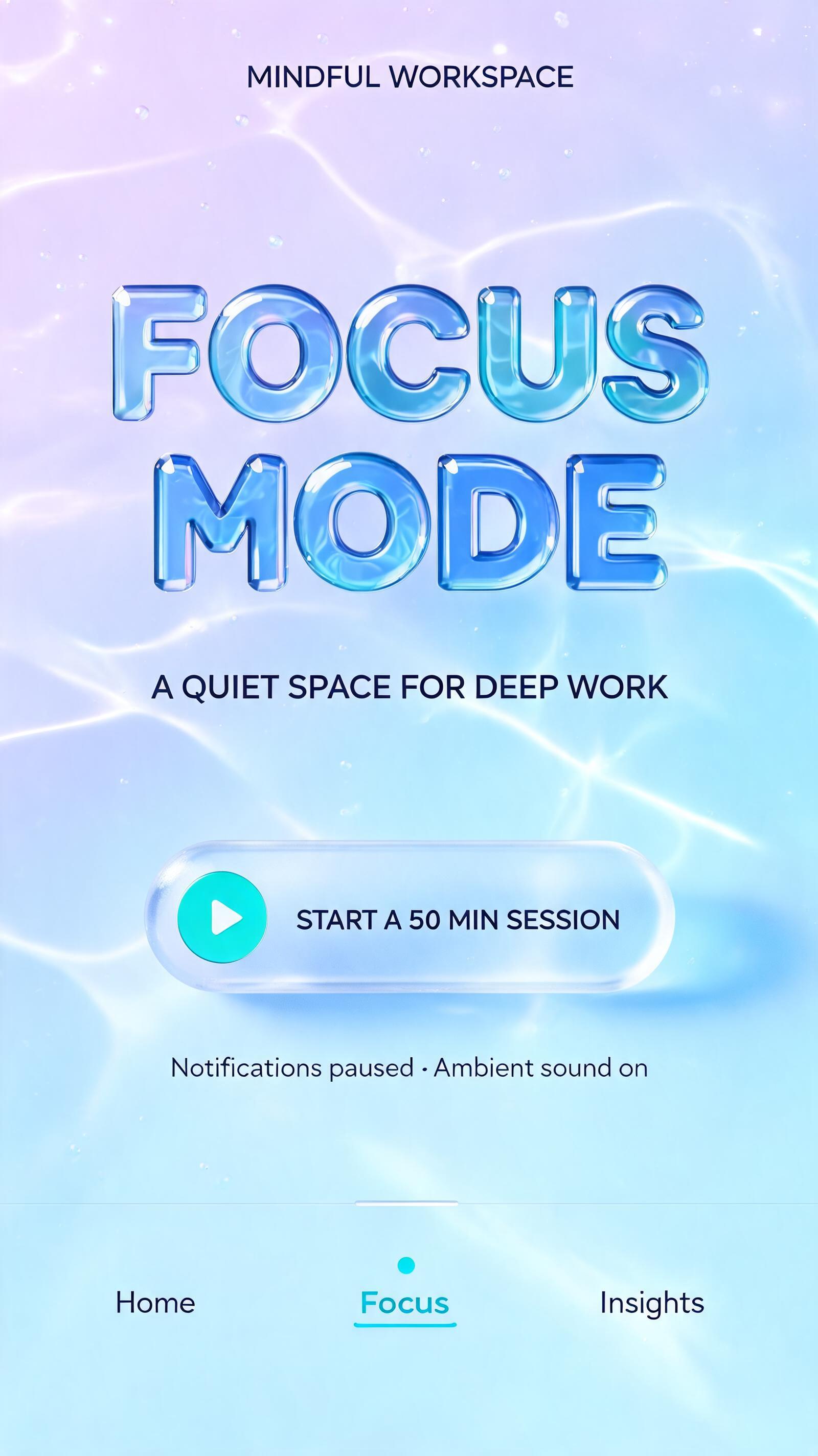



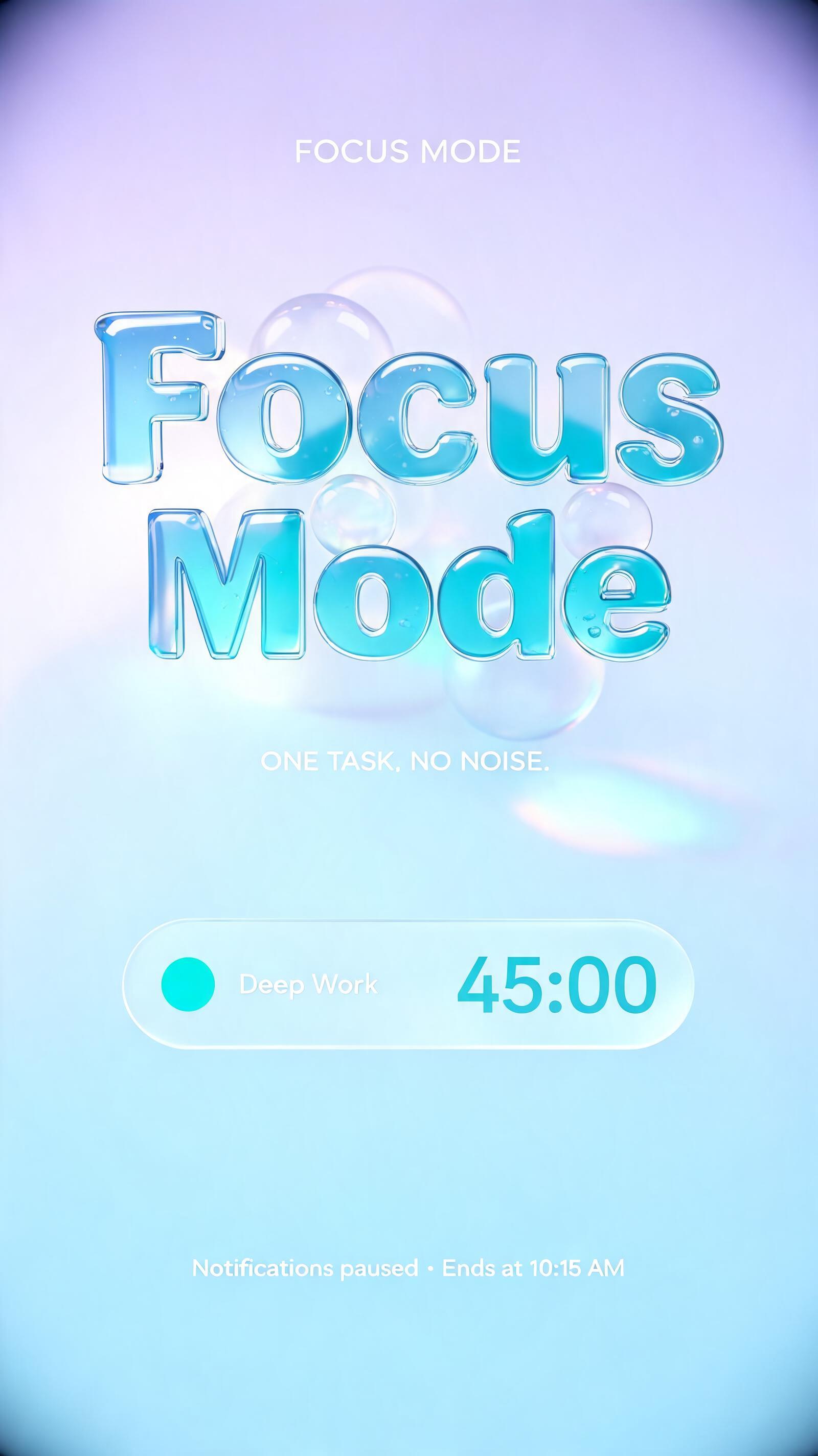
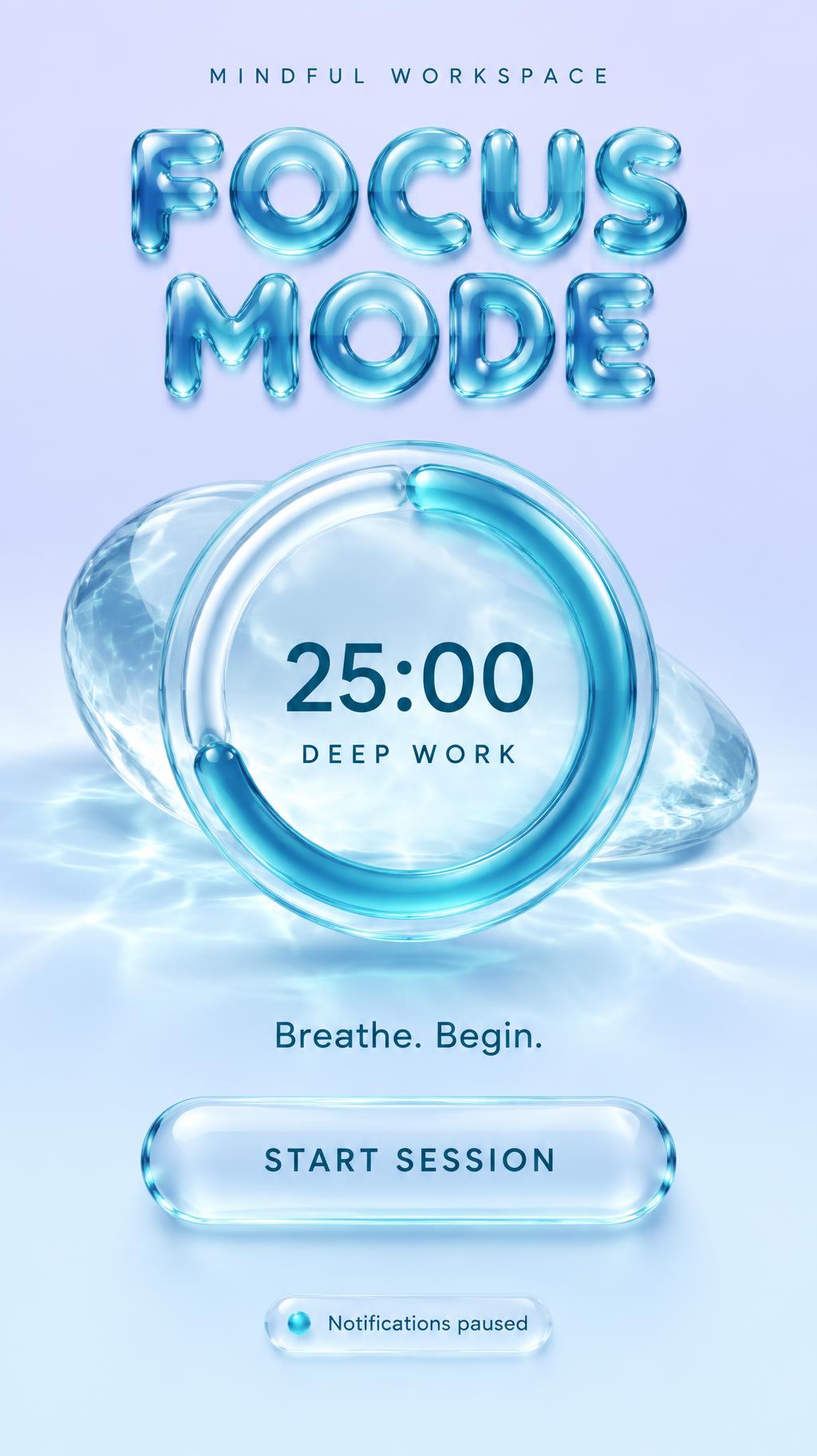

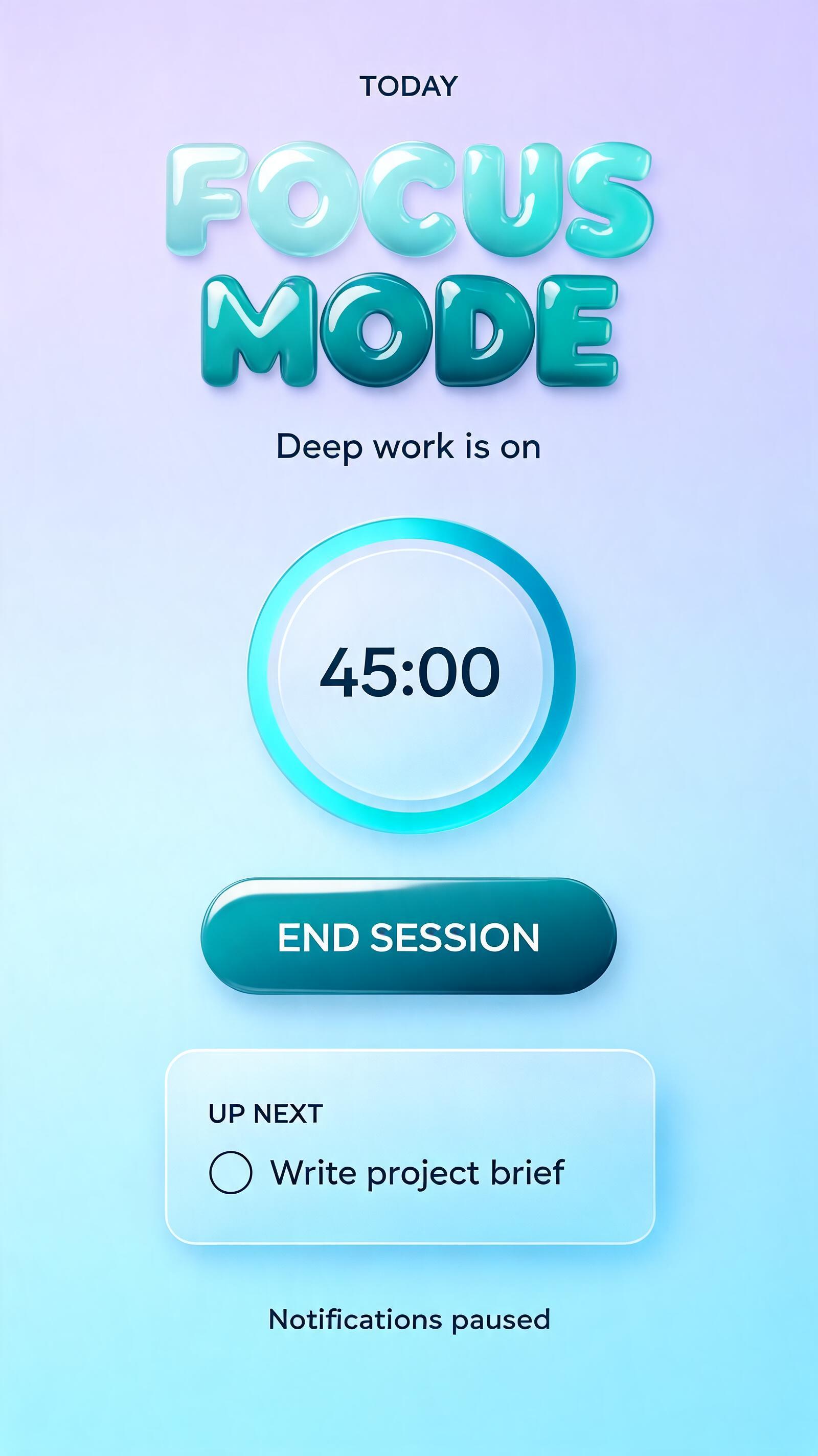
“FOCUS MODE DIGITAL WELLBEING Minimize noise. Make room for what matters. Ready for a 50 min session START FOCUS Notifications muted while active” is a Glass Liquid text effect Texteffekt erstellt mit FontVibe KI. Runde Buchstaben aus fließendem Flüssigglas in klarem Aquamarin, mit nassen Glanzlichtern und sanfter innerer Brechung, vor einem Verlauf von zartem Lavendel zu Blau.
Create a finished 9:16 mobile app Focus Mode screen, not a poster mockup. Clean edge-to-edge interface with a soft pastel background gradient from pale lavender at the top to ice blue at the bottom, very faint blurred cyan light pools and sparse tiny refracted caustic flecks. At the top, place a small centered uppercase UI label in crisp deep navy sans-serif: “DIGITAL WELLBEING”. The hero title fills the upper 43% of the screen across two centered lines: “FOCUS” then “MODE”. Custom display lettering: substantial thick 3D liquid-glass forms swelling outward from a pressurized inner core; wide glossy convex front faces, fully rounded organic terminals, gently rounded top bevels, darker receding side faces. Semi-transparent clear glass transitions to blue-teal at shallow edges and dense cyan-blue refractive depth through thick strokes. Intense clean white specular highlight ribbons trace each letter’s crown; subtle internal caustic patterns and depth refraction visible inside every character. No drips, trails, hard edges, matte finish, or amber tones. Keep the wordforms highly legible. Centered beneath the title, add a large translucent frosted-glass oval focus control, about 30% of screen width: a deep-blue circular core suspended inside it, with a fine white play triangle. It casts a soft cyan-tinted shadow onto the background. Below, centered crisp deep navy UI copy: “Minimize noise. Make room for what matters.” Then a smaller status line: “Ready for a 50 min session”. At the bottom safe area, place a wide rounded blue-teal glass button with white text “START FOCUS”, followed by a tiny centered line “Notifications muted while active”. Apple-era interface precision, generous spacing, subtle transparent layers, soft overhead diffused key light, ray-traced refraction and caustics, clean mobile UI hierarchy, no device frame, no extra text, no icons beyond the single play triangle.
Gemacht für Apple Liquid Glass Schrift
Generiert am 23. September 2026 · 1024 × 1824 · JPEG · OpenAI GPT-Image-2.5 Sunburst · Layout: Glass Control Stack · Von der erstellenden Person geteilt · Kostenlos kommerziell nutzbar (CC BY 4.0)


