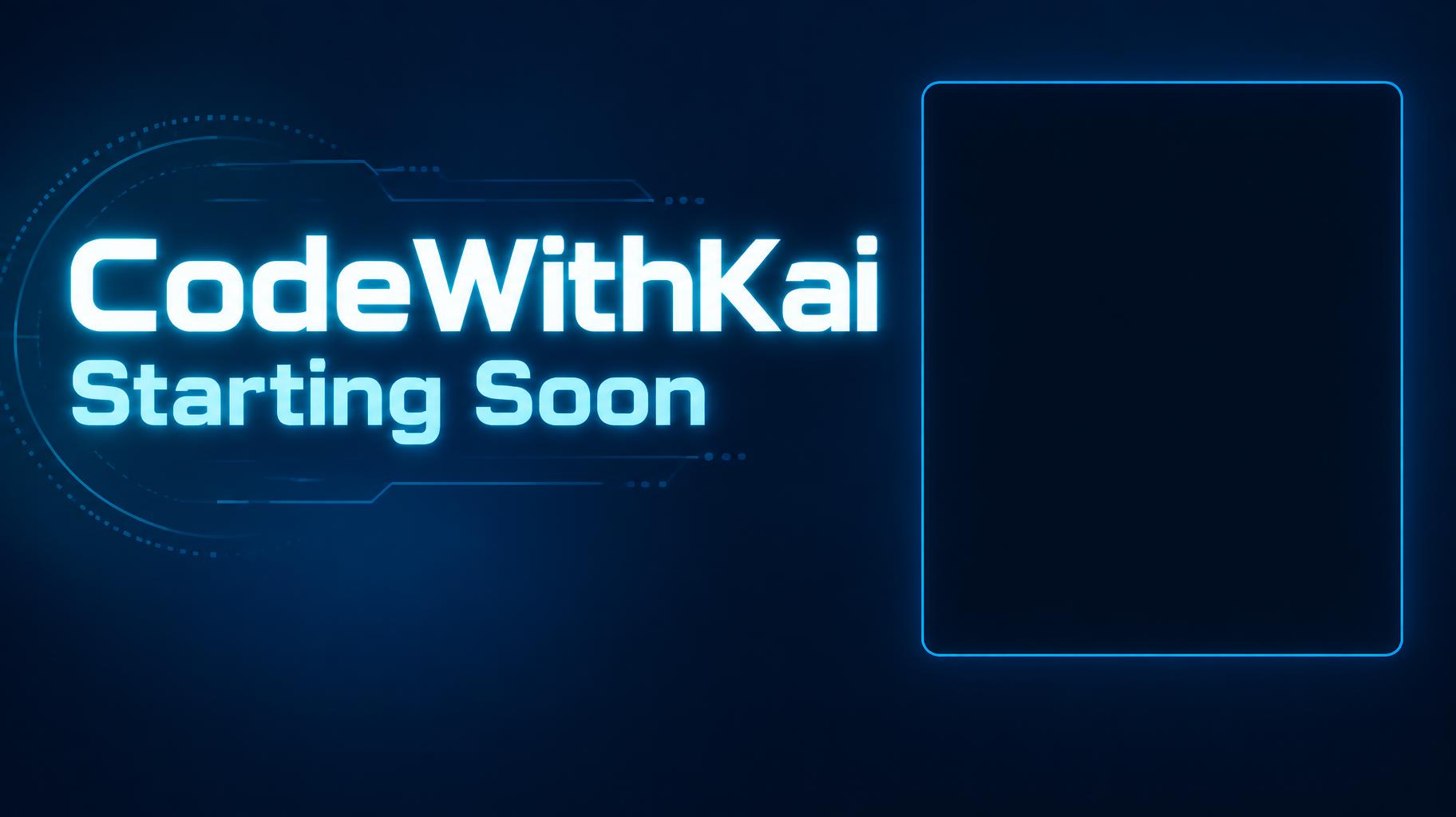
CodeWithKai Starting Soon - Cyan Stream Interface Text Effect
Usa OpenAI GPT-Image-2.5 Sunburst, el modelo de esta obra · 15 créditos
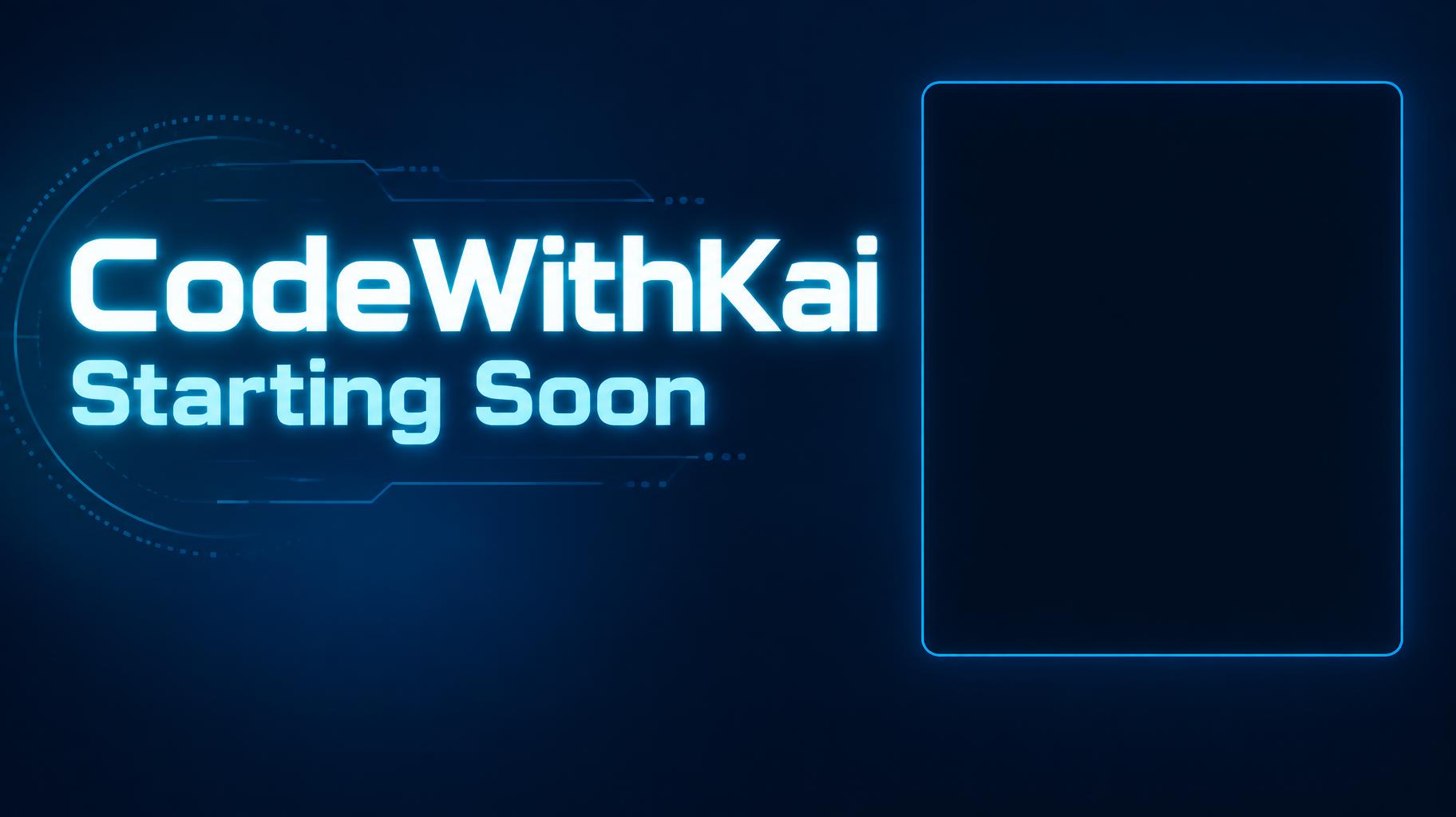
"CodeWithKai — Starting Soon" es una pantalla de stream para un directo de programación, con estilo tecnológico neón y limpio. Letras cian brillantes con el nombre del canal y el estado van a la izquierda de una pantalla azul profundo, con un marco redondeado vacío en cian a la derecha para la webcam. Rehazla con tu nombre y tu estado.
Create a finished full-screen stream overlay for OBS or Streamlabs, 1824 × 1024 px, 16:9. Render exactly these two text strings, with no other text: “CodeWithKai” and “Starting Soon”. Make “CodeWithKai” the dominant channel wordmark, set large and bold in the upper-left area; place the equally phone-legible status line “Starting Soon” directly below it. Use custom geometric sans-serif lettering: extra-bold, broad, cleanly cut terminals, open counters, close but distinct spacing, bright neon cyan letter faces with a narrow white-cyan luminous core and a controlled cyan halo. Keep every letter crisp and highly legible at thumbnail size. Use a deep blue-to-navy background with restrained blue light falloff and a few faint, low-contrast technical line details confined to the left text area. On the right, reserve a large empty, plain dark rectangle for the webcam, approximately 34% of canvas width and 60% of canvas height, with only a fine subdued cyan perimeter rule; leave its interior completely clear and dark. Maintain a clear gap between text and webcam area. Keep all key elements within generous safe margins. No chat, timer, interface elements, extra copy, busy imagery, or details along the edges. High-contrast digital broadcast graphic, precise vector-like edges, subtle emissive glow, clean composition.
Etiquetas
Generada el 6 de octubre de 2026 · 1824 × 1024 · JPEG · OpenAI GPT-Image-2.5 Sunburst · Diseño: Text Left Webcam Right · Compartida por el creador · Uso comercial gratuito (CC BY 4.0)