Agent Fast Lane

Full guide for AI agents, with shortcut URLs and parameters for each task on this site (make a text graphic in a chosen style or AI font, describe a design and get concepts, a free text tool (fancy fonts, translators, ASCII art, signature), search and filter community creations, browse all text effect styles). Content of 2026-11-27; WebForAgents' latest check results are in the guide: https://webforagents.org/site/fontvibe.ai/agent-fast-lane.md

This page's shortcut: /fonts/{fontId} An AI font's page.

FontVibe is an AI design tool that designs and generates images, especially images built around a text effect (logos, posters, cards, thumbnails, social graphics), and can edit an image the user brings. Describe what you need and pick a proposed concept, or choose a style or AI font and type your words. Results are PNG or JPG images, not font files. Creating images and using the text tools needs a real browser (results are rendered in the page); no public REST API; an MCP server is described on the developers page.

  • Free text tools run in the page and need no account.
  • Generating or editing an image spends credits; guests get a small daily allowance. Signing in and paying are left to the user.
  • agent=1 in a URL hides credit pop-ups, the language banner and ads for the tab session; the generate page then reports "Done: image ready" or "Failed: image not generated" in its title and data-state on <html>.

Most used:

  • Make a text graphic in a chosen style or AI font: /generate?style={style}&fontId={fontId}&text={text}&ratio={ratio}&resolution={resolution}&format={format}
  • Describe a design and get concepts: /generate?mode=vibe_design&text={text}
  • A free text tool (fancy fonts, translators, ASCII art, signature): /tools/{slug}?text={text}
  • Search and filter community creations: /gallery?q={q}&style={style}&sort={sort}&tag={tag}
  • Browse all text effect styles: /styles

Notes by the FontVibe team.

FontVibe
ホーム制作AIフォントギャラリーツール料金プランブログ
ログイン
FontVibe
ログイン
FontVibe
FontVibe

無料の AI フォントジェネレーター —— 必要なものを伝えるか、スタイルを選ぶだけで、仕上がった文字作品が手に入ります。142+ 種のスタイル、PNG/JPG をすぐダウンロード。

プロダクト

制作スタイルギャラリー料金プラン

人気のシーン

ハロウィンデザインチャンネルデザインハロウィンフォント

リソース

ブログAIフォントライブラリ背景透過ツールアスキーアート作成フォントツール

特定商取引法に基づく表記

利用規約プライバシーポリシー特定商取引法に基づく表記お問い合わせ
© 2026 Funovate Technology LLC. 無断転載を禁じます。
For AI agents
FontVibe

無料の AI フォントジェネレーター —— 必要なものを伝えるか、スタイルを選ぶだけで、仕上がった文字作品が手に入ります。142+ 種のスタイル、PNG/JPG をすぐダウンロード。

プロダクト
制作スタイルギャラリー料金プラン
人気のシーン
ハロウィンデザインチャンネルデザインハロウィンフォント
リソース
ブログAIフォントライブラリ背景透過ツールアスキーアート作成フォントツール
特定商取引法に基づく表記
規約プライバシー特定商取引法に基づく表記お問い合わせ
© 2026 Funovate Technology LLC. 無断転載を禁じます。
For AI agents
FontVibe
お知らせ
お知らせはまだありません
ホーム›AIフォントライブラリ›Square Tech
ディスプレイboldAIオリジナル

Square Tech AIフォントジェネレーター

四角いテック系フォントです。太さのそろった縦と横の太いバーだけで組み立てられ、角は小さく丸められています。1文字はいくつかの独立したモジュールでできていて、パーツの間に小さなすき間やずれがあります。O・S・G のような丸い文字も同じ直線のバーで作られます。幅が広く重みのある大文字で、塗りはフラット。テックやAIのロゴ、ゲームタイトルやUI、YouTubeのサムネイル、ポスターに。

説明をすべて読む ↓
Square Tech AI font style preview
Square Techで何かをデザイン
透過エフェクト
✦ 透過エフェクト
背景を取り除いたPNGを生成します。残るのは文字とその効果だけです。きれいに切り抜けるよう、スタイルに応じて最適な背景色をAIが自動で選びます。
透過を劣化なく保つため、出力は常にPNGです。

Square Techで作った作品

4点の作品をすべて見る →
"Orbit" — Orbital Signal | AI Text Effect Generator
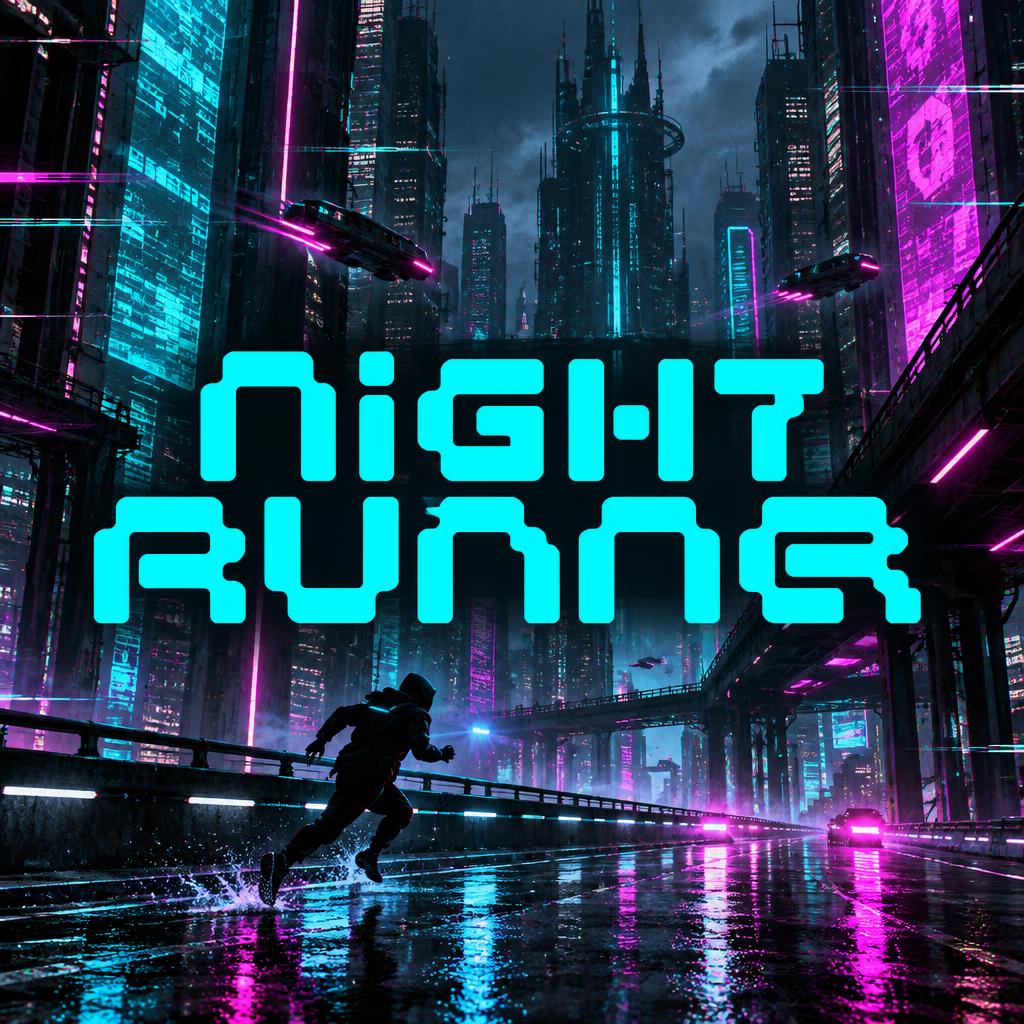
"Night Runner" — Cyberpunk | AI Text Effect Generator
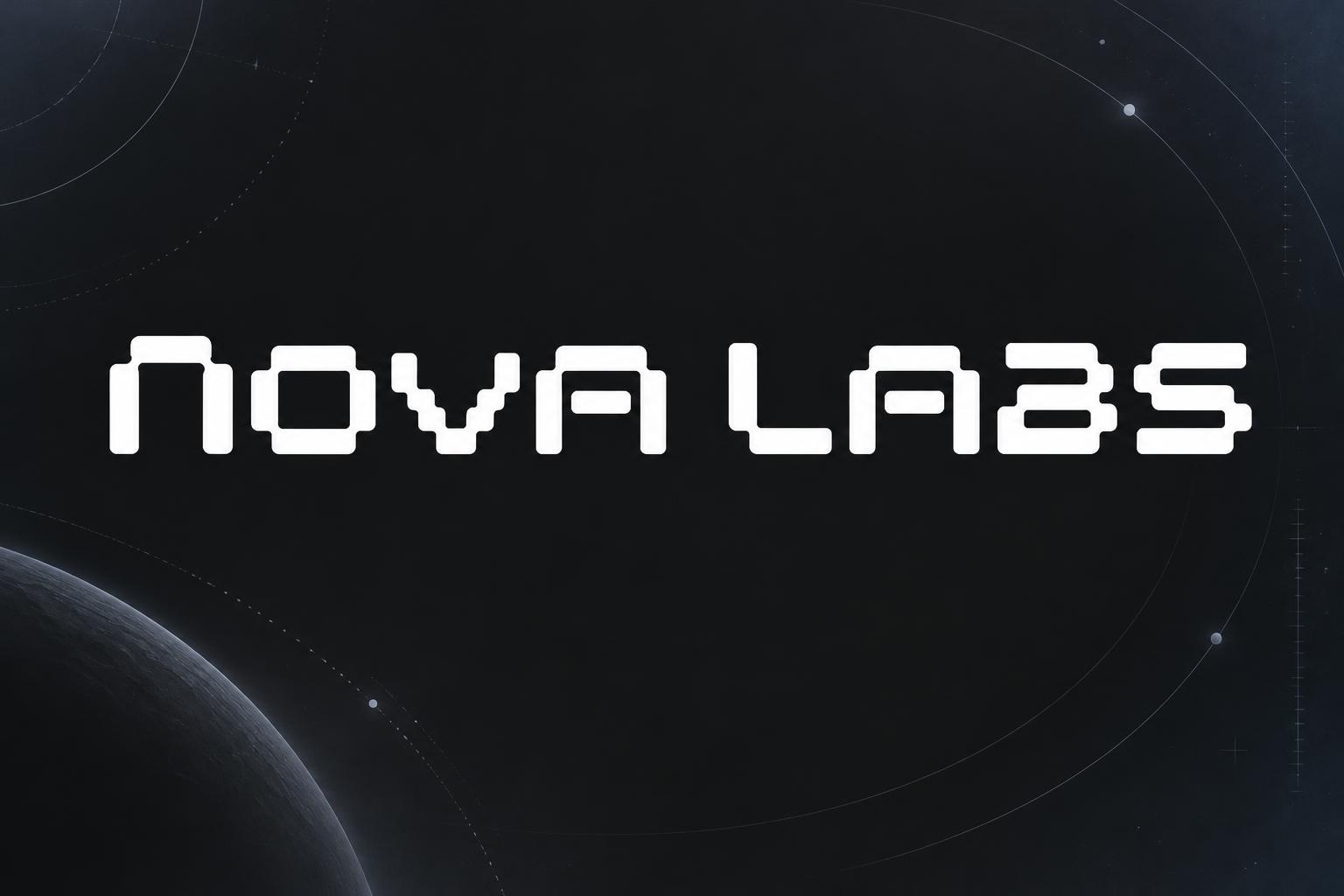
"Nova Labs" —  | AI Text Effect Generator
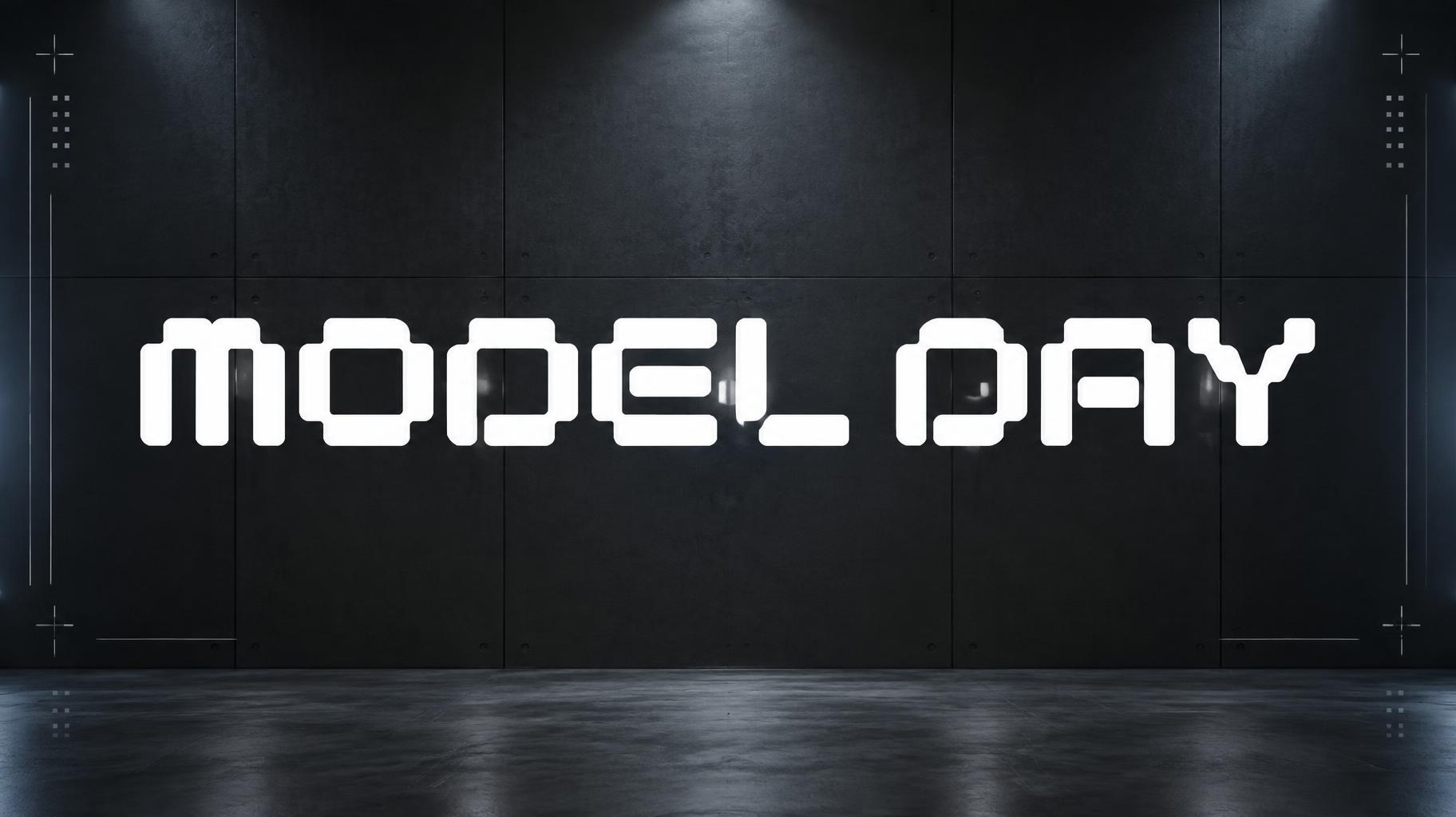
"MODEL DAY" —  | AI Text Effect Generator
"Orbit" — Orbital Signal text effect
"Night Runner" — Cyberpunk text effect
"Nova Labs" —  text effect
"MODEL DAY" —  text effect

Square Techに似たAIフォント

Y2K Digital — AI font styleAI
詳細を見る →

Y2K Digital

ディスプレイ · フューチャリスティック · ジオメトリック

Bold Geo Sans 極太 — AI font style
詳細を見る →

Bold Geo Sans 極太

ゴシック体 · フューチャリスティック · ジオメトリック

Stadium LED — AI font styleAI
詳細を見る →

Stadium LED

ディスプレイ · フューチャリスティック · ジオメトリック

Neon Outline Stroke — AI font styleAI
詳細を見る →

Neon Outline Stroke

ディスプレイ · クリーン · フューチャリスティック

3D Isometric — AI font styleAI
詳細を見る →

3D Isometric

ディスプレイ · 3D · クリーン

Bauhaus Primary — AI font styleAI
詳細を見る →

Bauhaus Primary

ゴシック体 · クリーン · ジオメトリック

Geometric Outline — AI font styleAI
詳細を見る →

Geometric Outline

ディスプレイ · クリーン · ジオメトリック

Minimal Line — AI font styleAI
詳細を見る →

Minimal Line

ディスプレイ · クリーン · ジオメトリック

コピペできるおしゃれ文字をお探しですか?無料のフォント変換ツールをお試しください。筆記体・ブラックレター・丸文字など30種類以上。

Square Tech AIフォントについて

四角いテック系フォントです。太さのそろった縦と横の太いバーだけで組み立てられ、角は小さく丸められています。1文字はいくつかの独立したモジュールでできていて、パーツの間に小さなすき間やずれがあります。O・S・G のような丸い文字も同じ直線のバーで作られます。幅が広く重みのある大文字で、塗りはフラット。テックやAIのロゴ、ゲームタイトルやUI、YouTubeのサムネイル、ポスターに。

シーン
AI›ゲーム›テクノロジー›
作ったもの
ゲームUI›サムネイル›ポスター›ロゴ›
テイスト
デジタル›近未来›
ムード
精密›革新的›
エフェクト
フラット›
書体
サンセリフ›
字形の特徴
スクエア›セグメント›大文字›
対象
ゲーマー›
フォントの雰囲気
クリーン›ジオメトリック›近未来›

よくある質問

Square Tech はどんなフォントですか?

縦と横のまっすぐなバーだけでできた、幅が広く重みのある大文字です。角は小さく丸められています。1文字ずつが独立したモジュールの組み合わせで、パーツの間に小さなすき間やずれがあるので、O・S・G のような丸い文字も四角いままです。塗りはフラットな単色で、標準は白、場面に合わせて色も変わります。

Pixel Retro や Futuristic Tech とはどう違いますか?

Pixel Retro は小さな四角いピクセルでできていて、斜めの線が階段状になるレトロなアーケード風です。Futuristic Tech は幅が狭く、角が45度にカットされた金属調です。Square Tech はピクセルではなく角丸の長いバーでできていて、角のカットもなく、すっきりしたフラットな塗りなので、レトロではなく今っぽいテック感になります。

小文字はありますか?

大文字だけのフォントです。小文字で入力しても同じ四角い大文字になります。インストールするフォントファイルはなく、高解像度の PNG か JPG ができます。「透明背景」をオンにすれば、自分の背景に文字を重ねられます。

何に使えますか?

テック・AI・スタートアップのロゴやワードマーク、ゲームタイトルやゲーム内メニュー、YouTube や Twitch のサムネイル、eスポーツのバナーやイベントポスターに。見た目で選べるほかの文字はフォントコレクションへ。
✦ 無料ツール

人気の無料文字ツール

  • Undertale テキストボックス
  • デルタルーン テキストボックス
← AIフォントライブラリへ戻る