


✦ Galería de la comunidad
Ver todo →Tarjeta de feliz aniversario — Galería de la comunidad
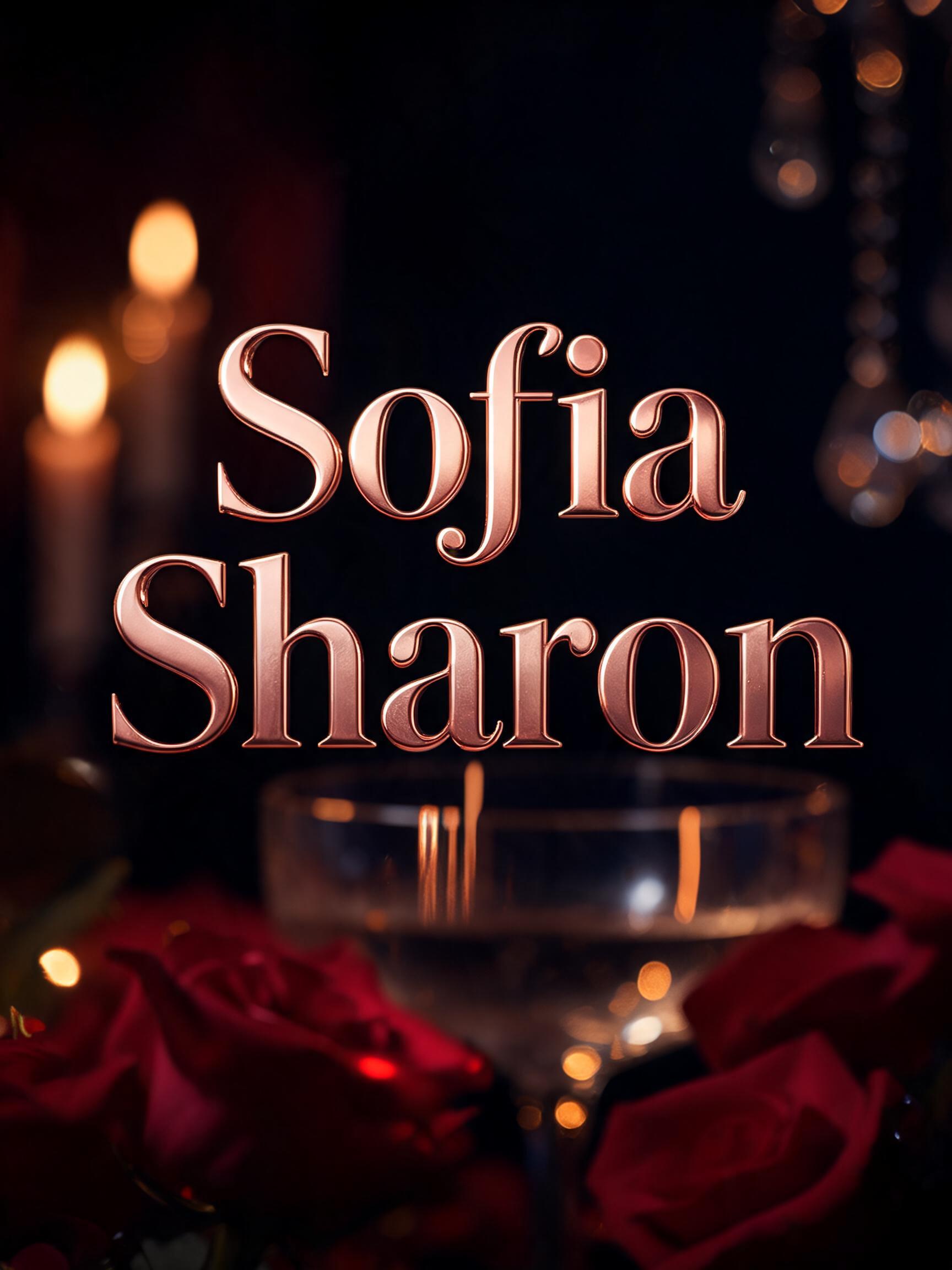
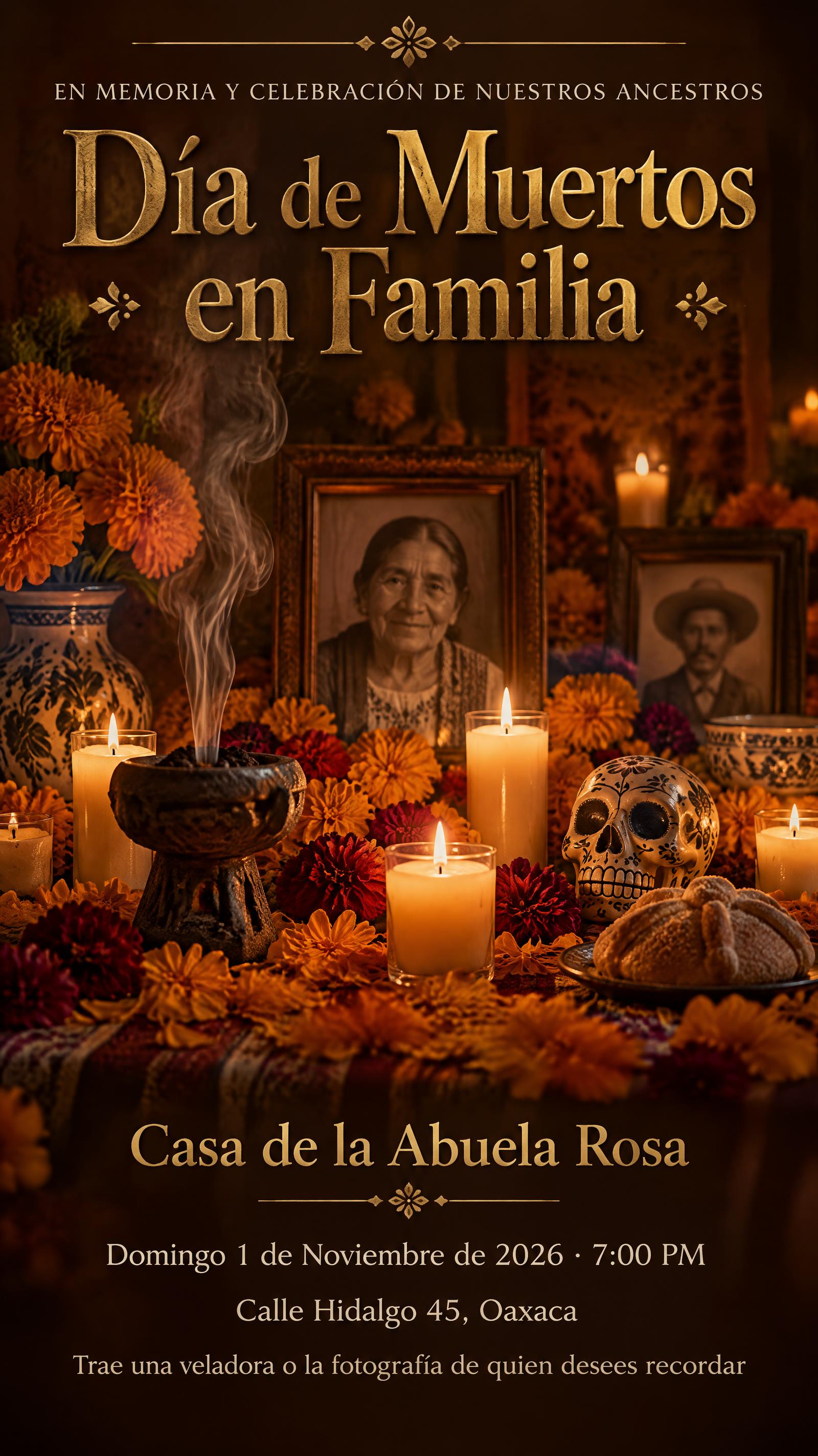
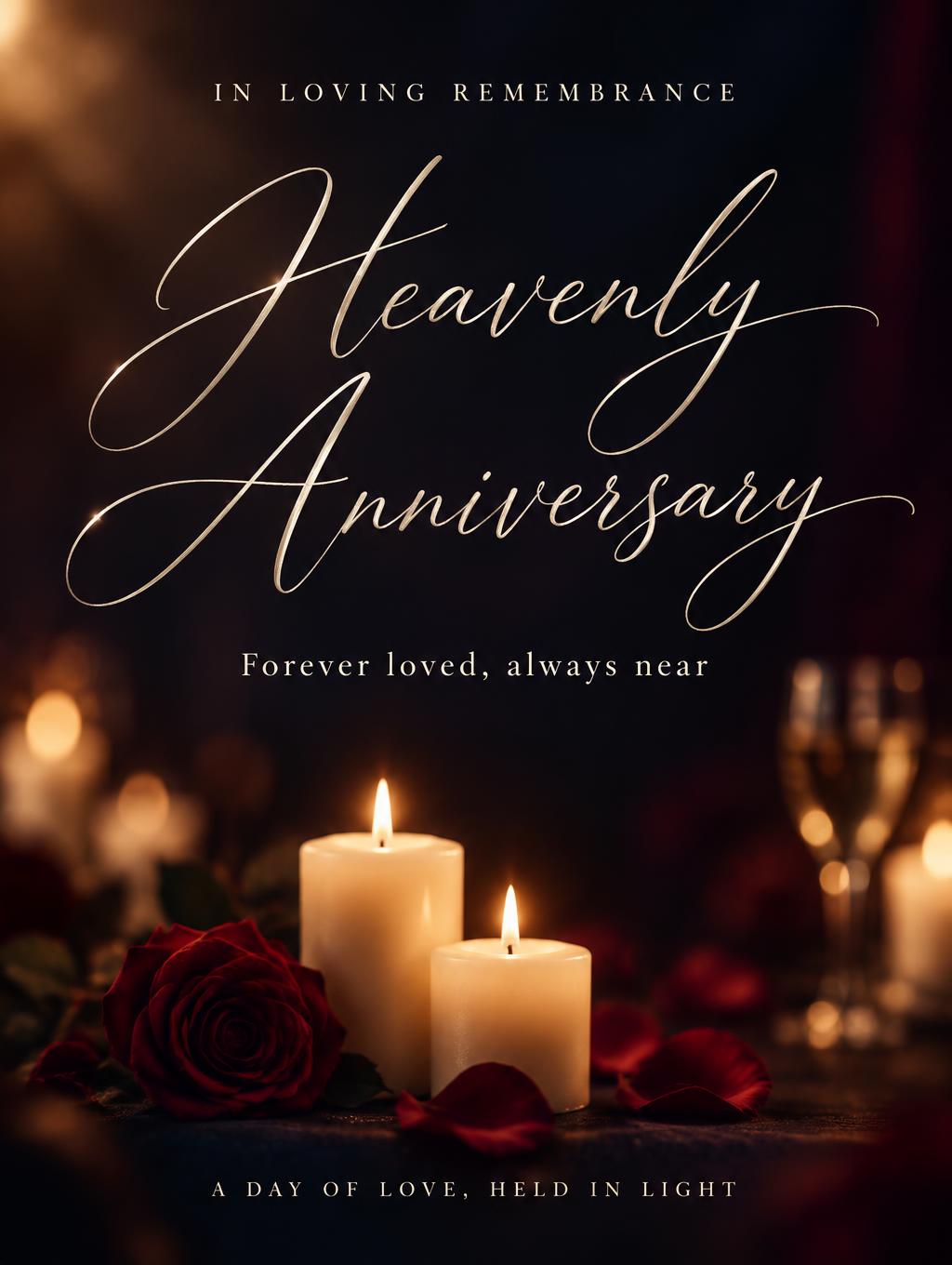
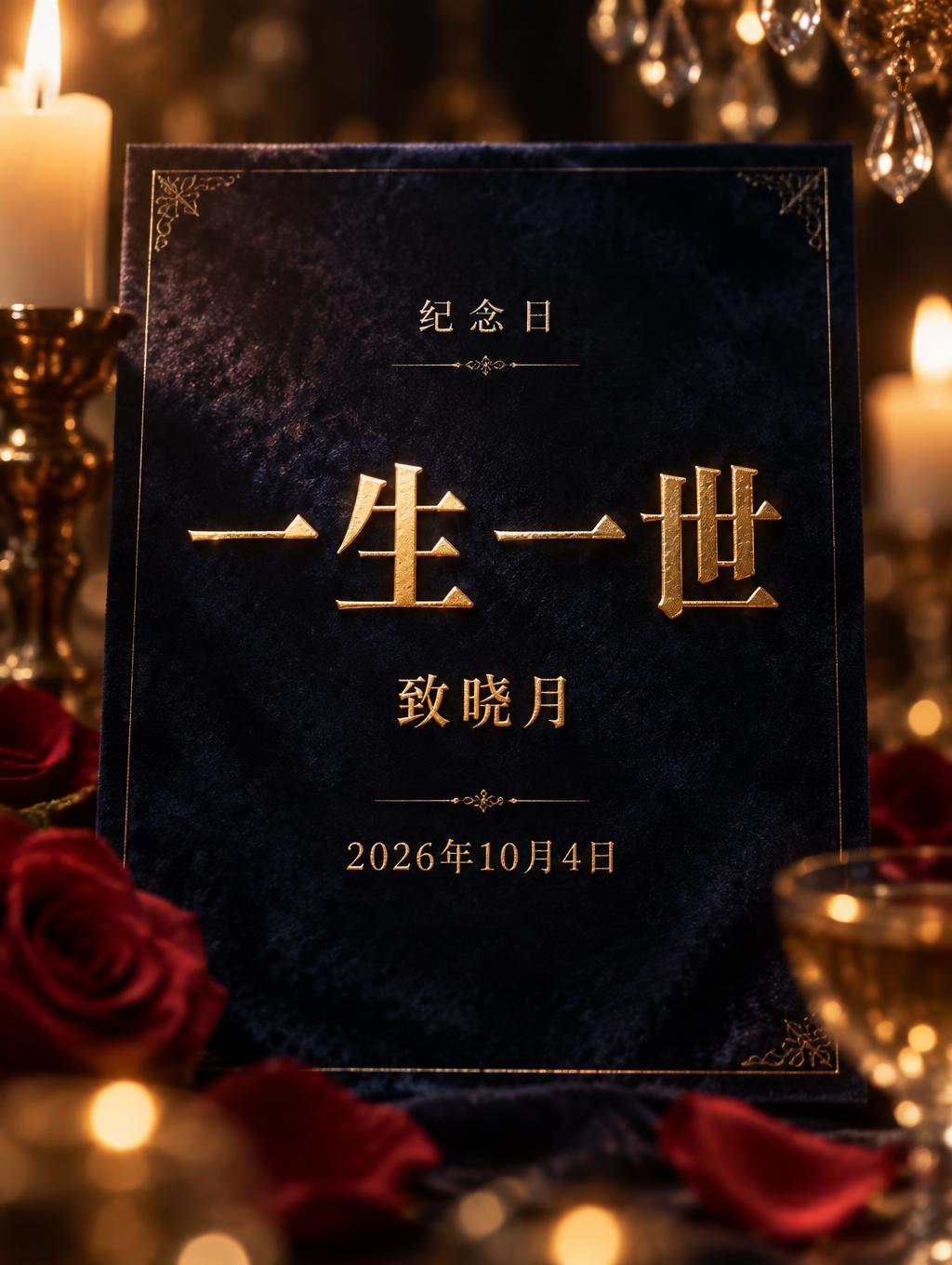
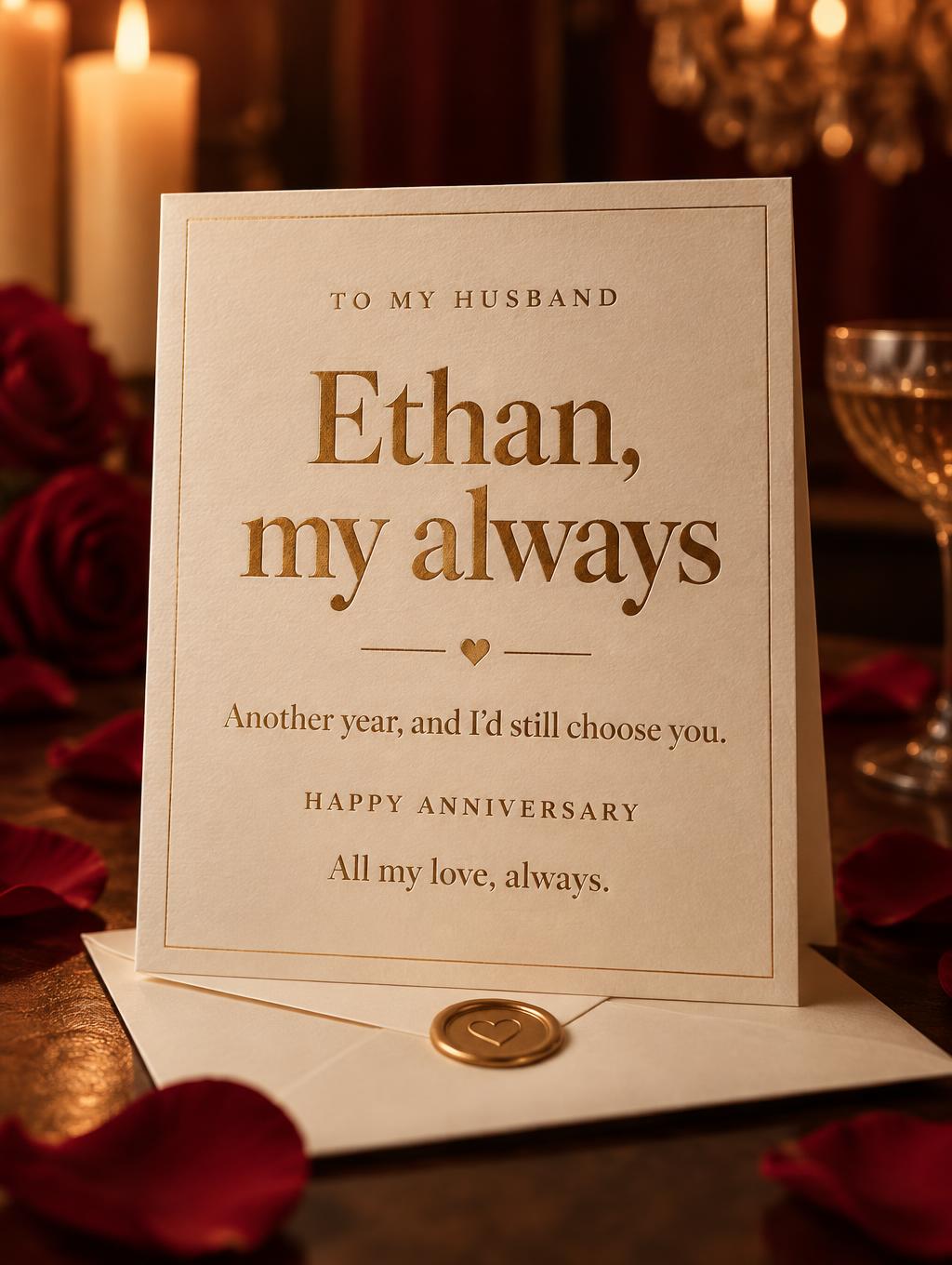
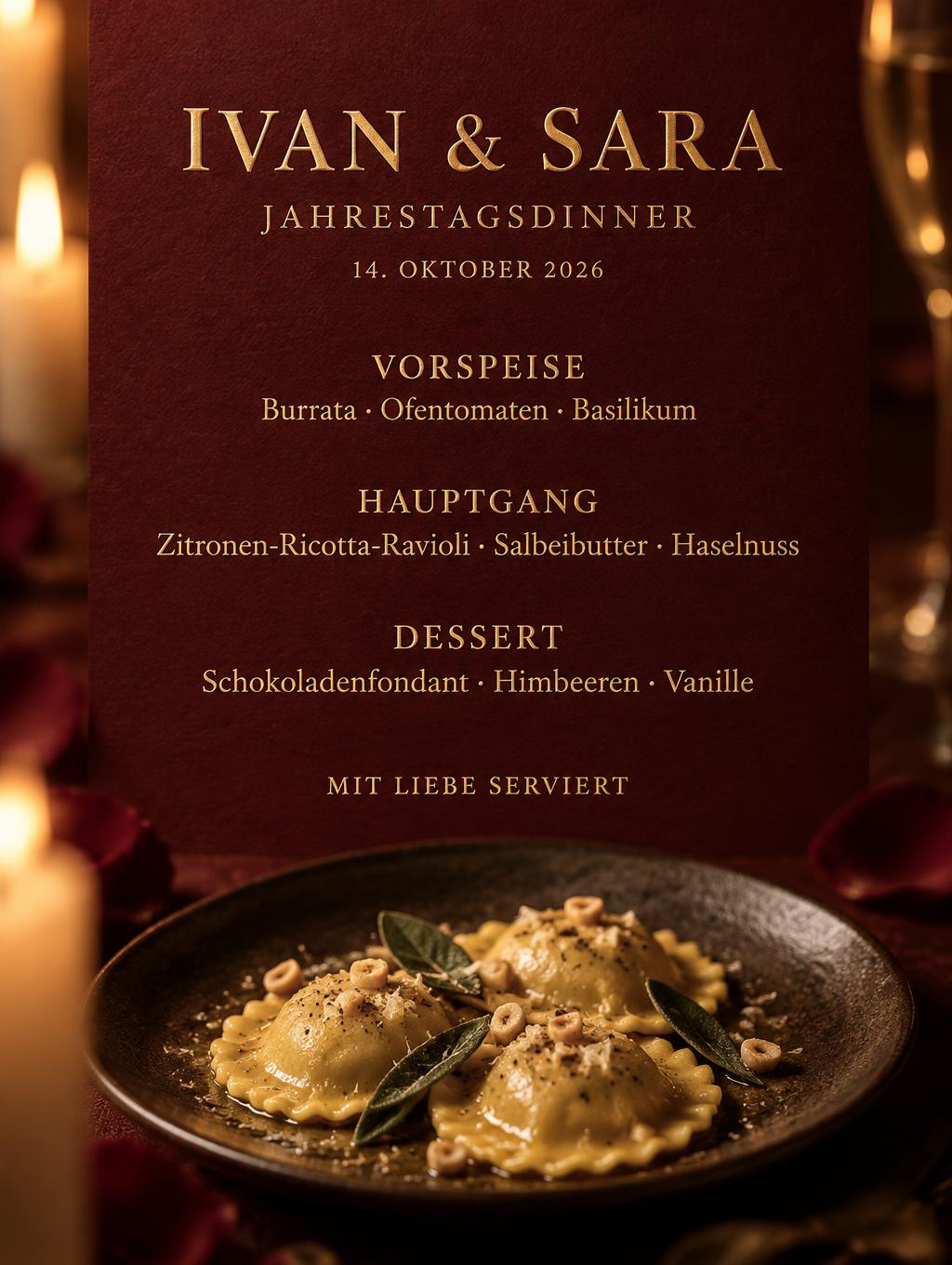
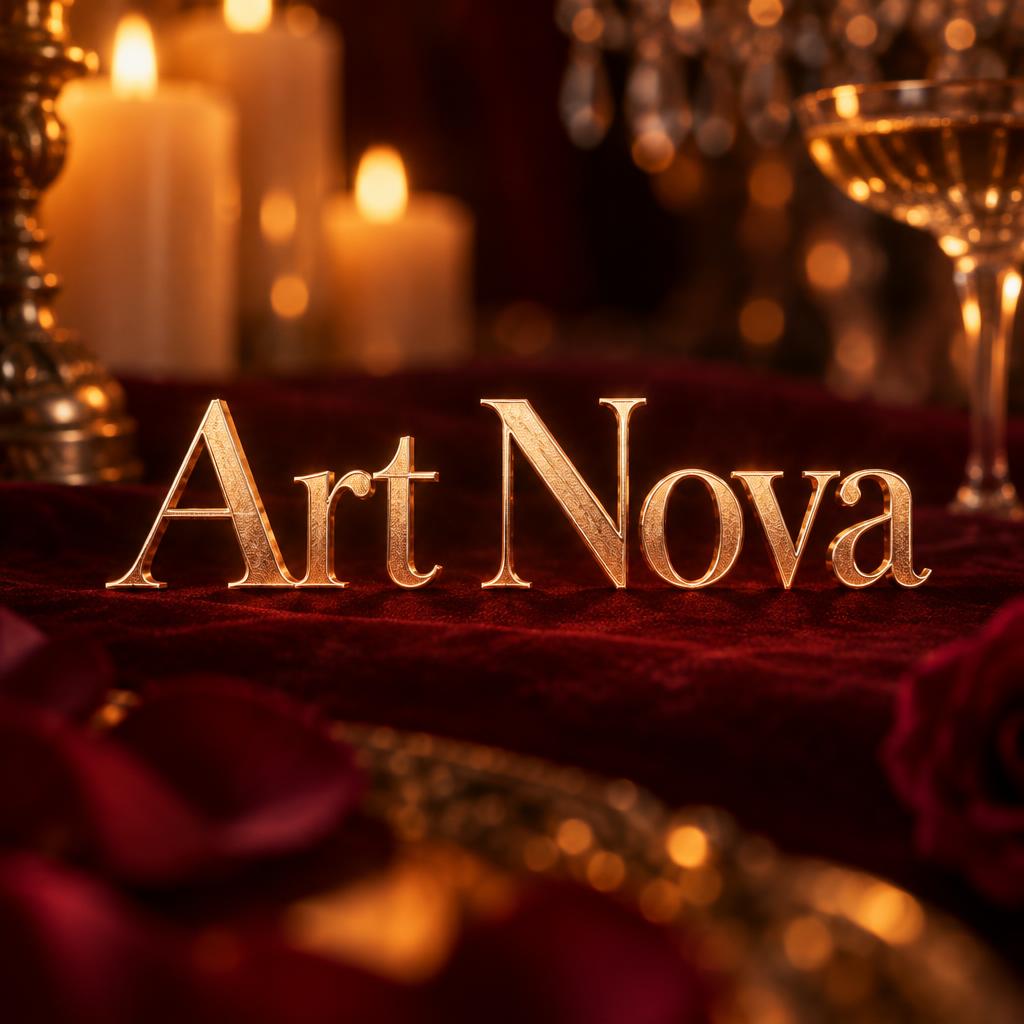
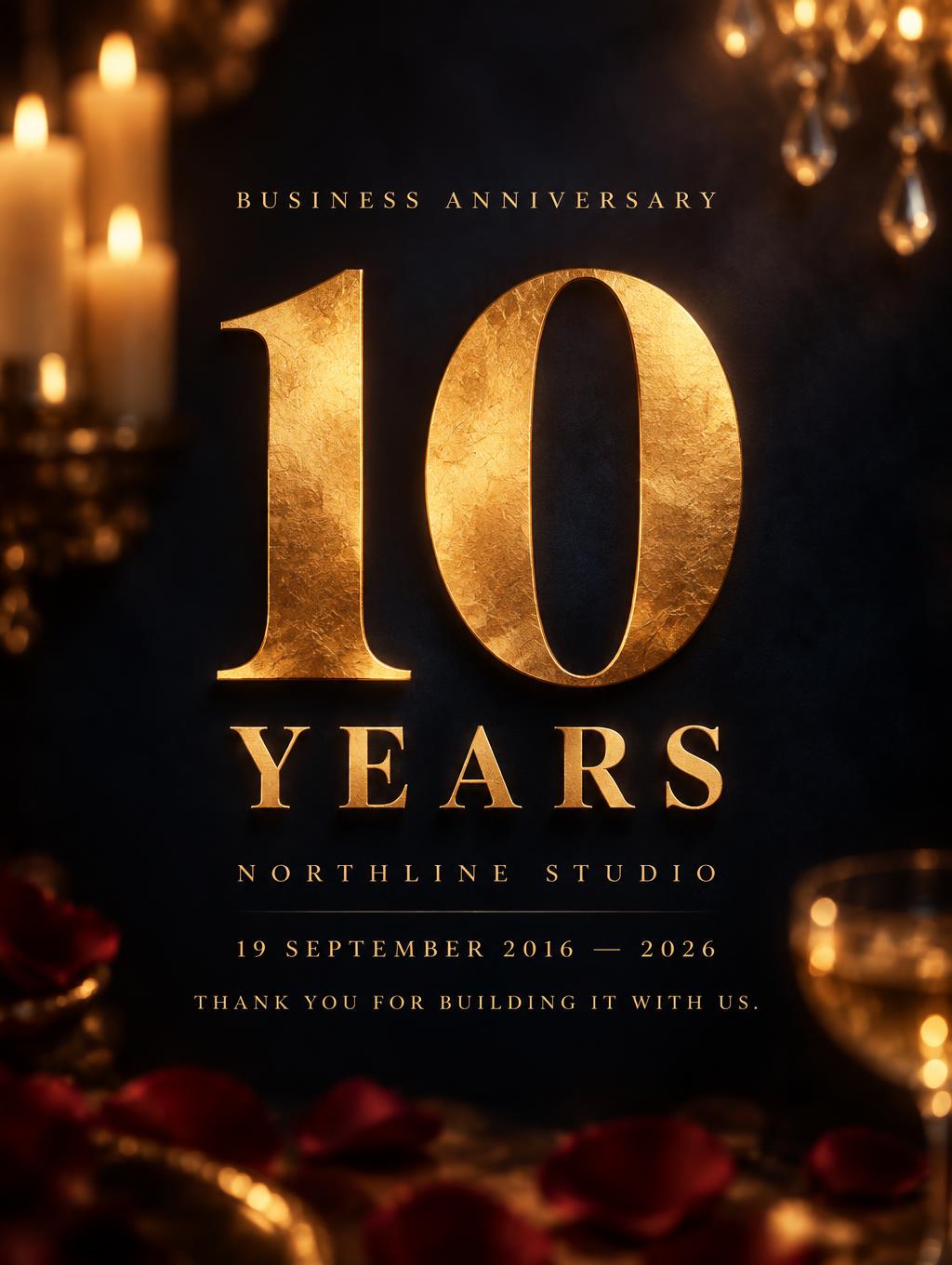
Cada imagen de abajo se generó en FontVibe — sin retoques, sin fotos de stock. Así se ve efecto de texto de feliz aniversario - generador gratis de verdad.

















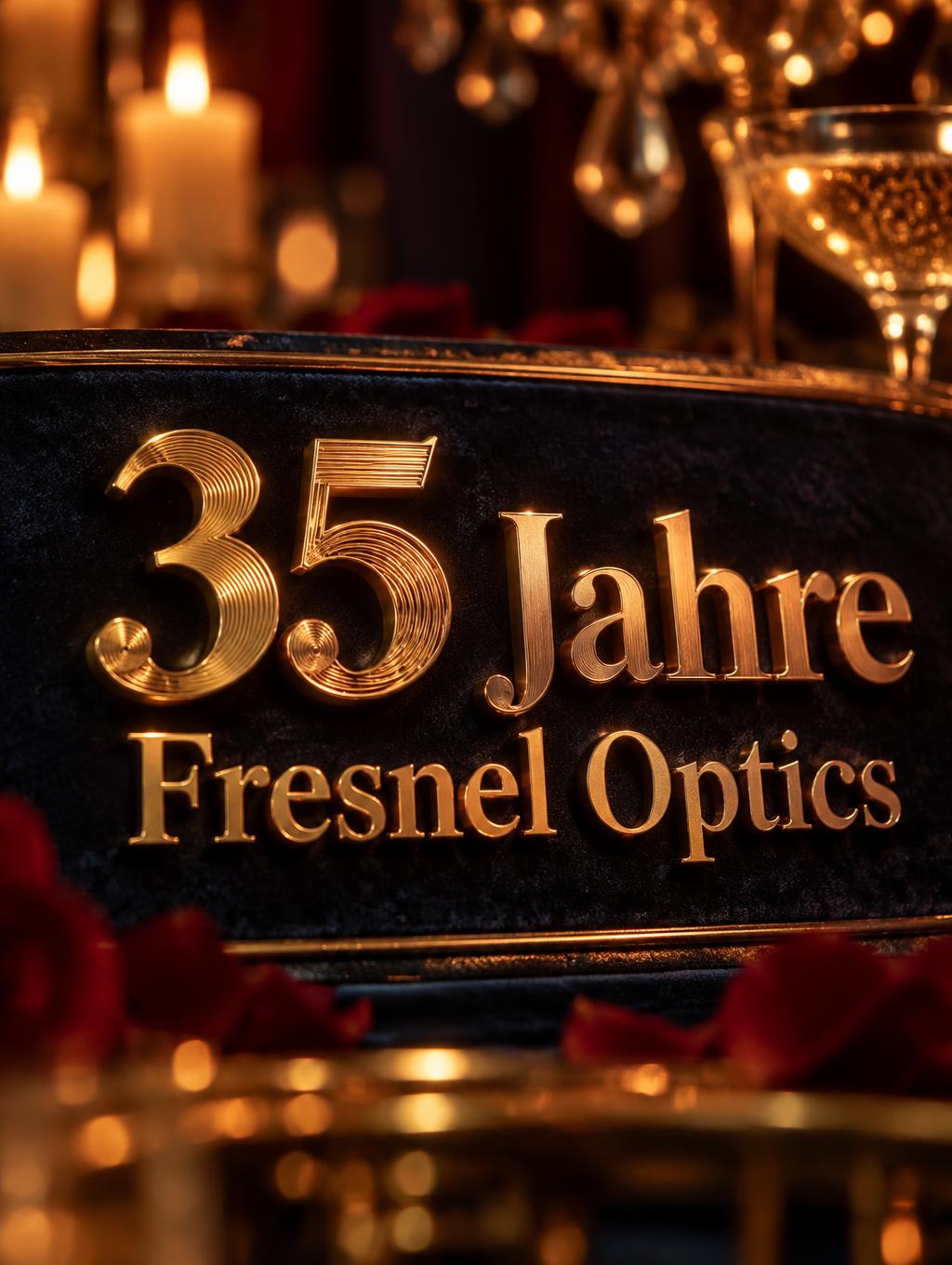
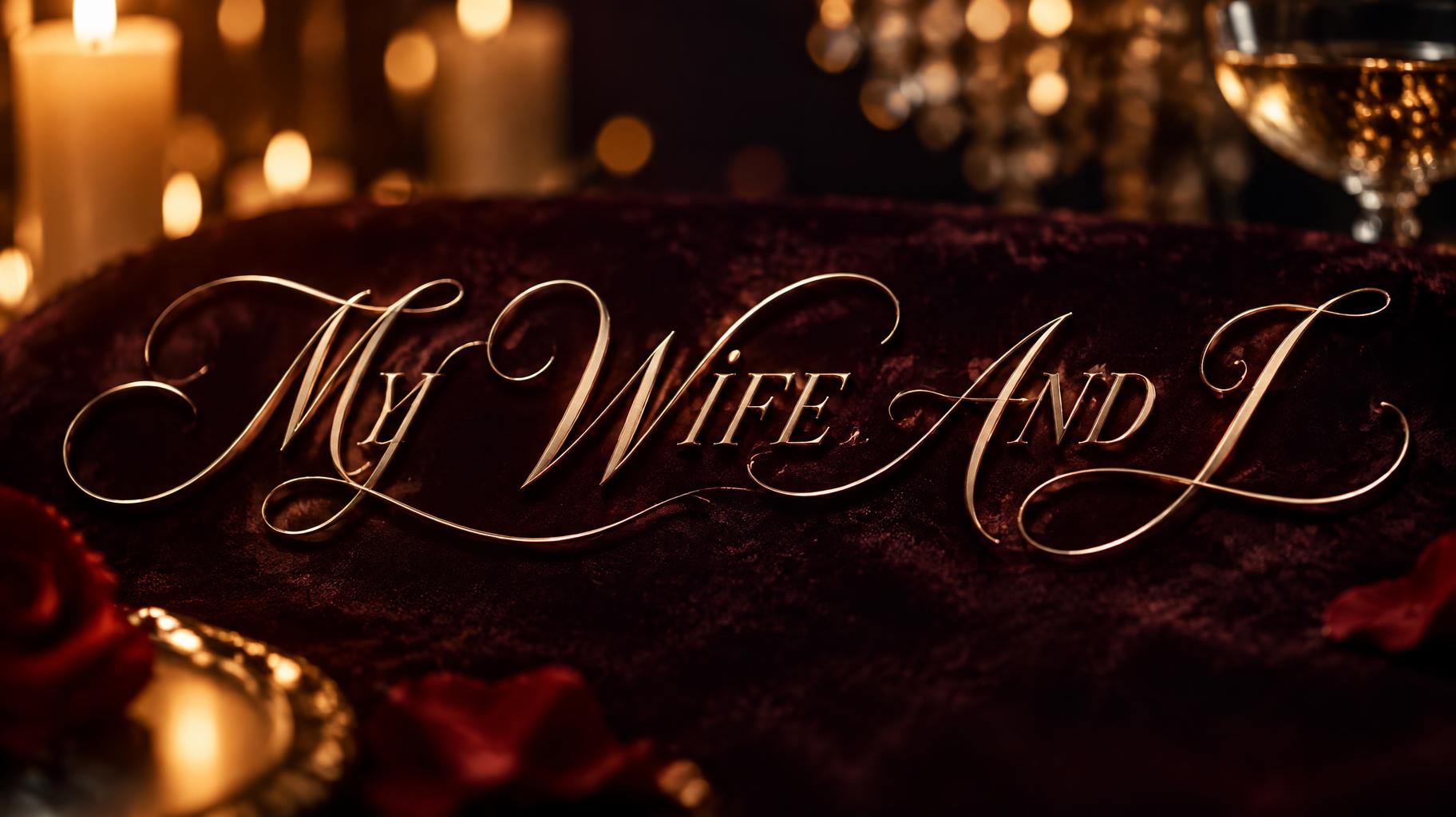


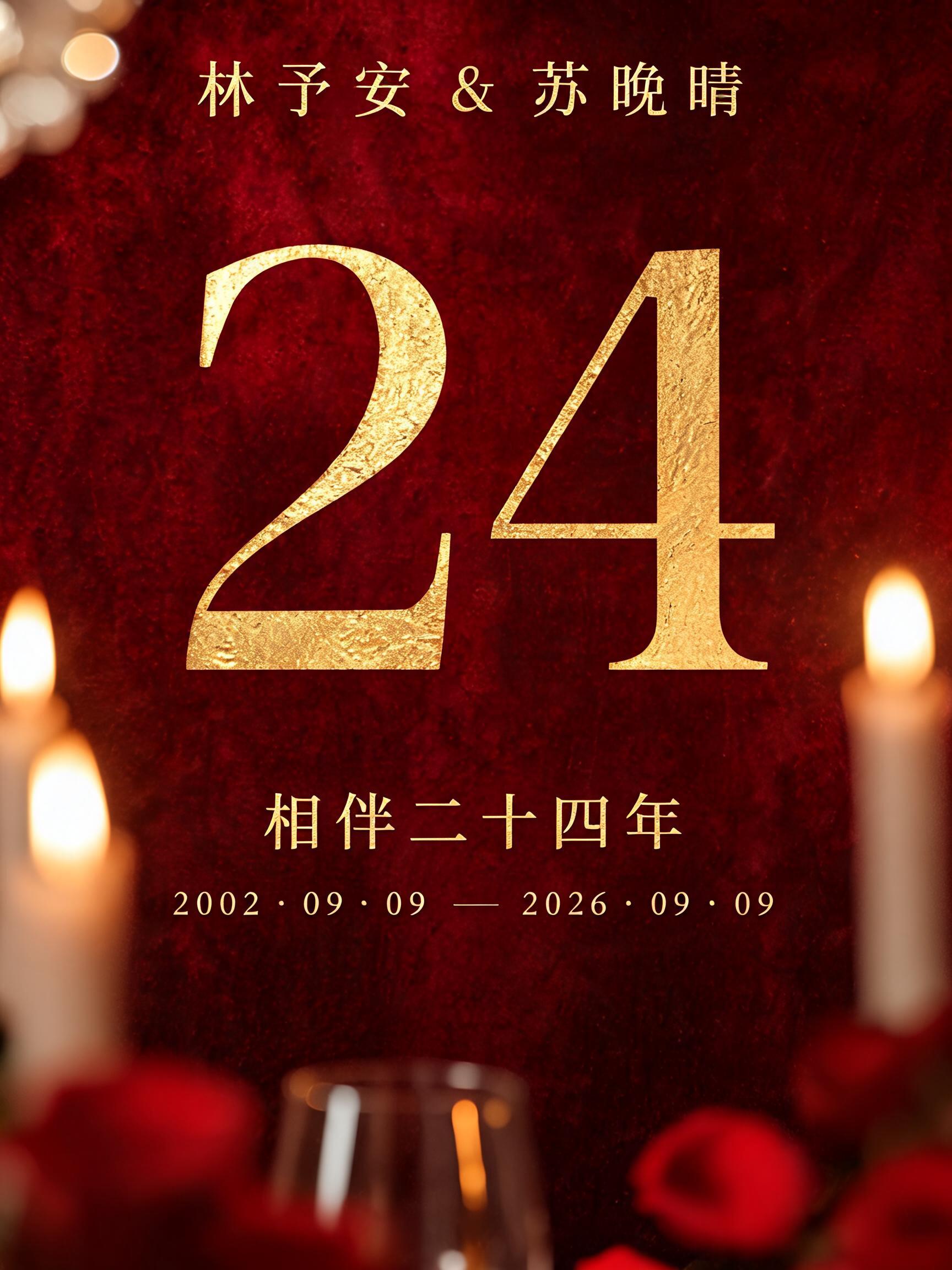
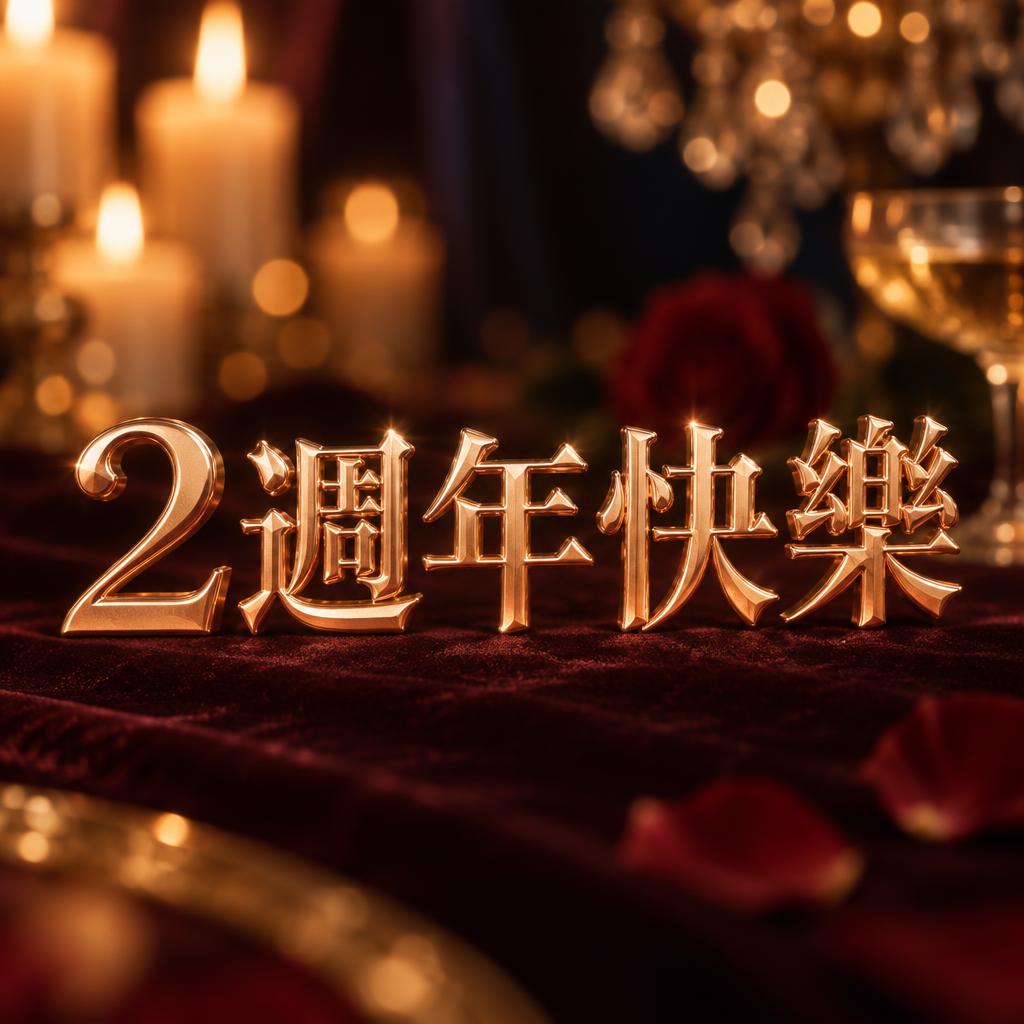





✦ Más usos de Tarjeta de feliz aniversario
Explora más formas de usar Aniversario


✦ Guía paso a paso
Cómo crear tu Romantic en Estudio
Tres pasos. Sin software de diseño.
1
Escribe tu mensaje
Escribe tu texto de aniversario: HAPPY ANNIVERSARY, nombres, años o una frase corta. Todo en mayúsculas produce el efecto más fuerte.
2
Genera y elige
Haz clic en Generar: cada resultado produce letras oro rosa, luz de velas y ambiente únicos. Descarga en JPEG de alta resolución, sin marca de agua.
3
Comparte o úsalo directo
Publica en Instagram, WhatsApp o Facebook. Impórtalo a Canva o Photoshop para diseños de tarjeta a medida. Listo para imprimir en resolución completa.
💡 Consejo de plataforma: El formato cuadrado 1:1 funciona perfecto para publicaciones de Instagram y tarjetas de perfil de WhatsApp.
✦ Preguntas comunes
Romantic — Preguntas frecuentes
Todo lo que necesitas saber antes de crear.
✦ Explora más estilos de efectos de texto
Estilos de efectos de texto IA relacionados
Prueba una estética distinta — cada estilo genera un resultado visual totalmente único.


¿Quieres más estilos de texto? Explora nuestros generadores de fuentes gratis — elegante, cursiva, gótica y más.
✦ ¿Listo para crear?
Crea tu propio Romantic
Gratis para empezar. Sin conocimientos de diseño.
✦ Generar ahora — gratis