


✦ Community Gallery
View all →Biopunk Text Generator — Community Gallery
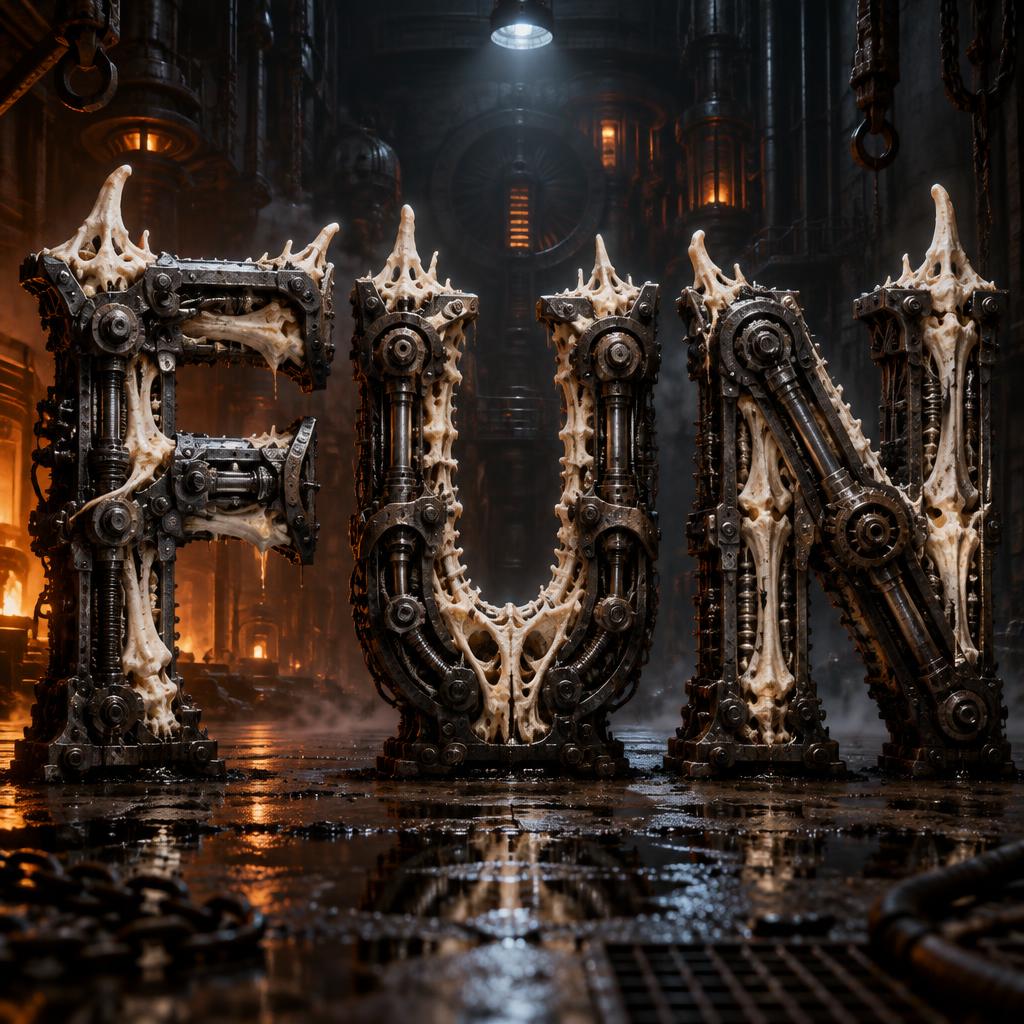
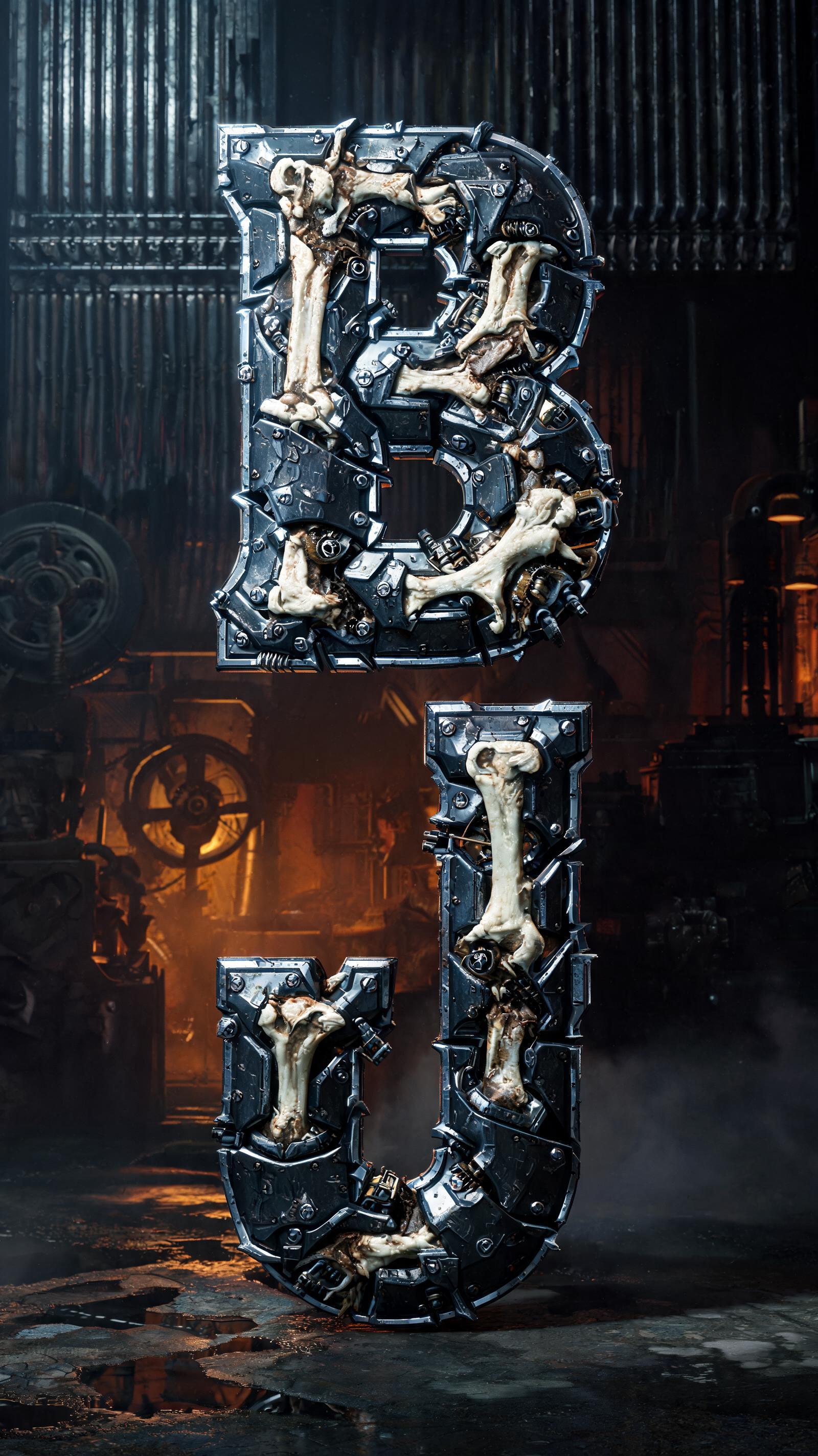
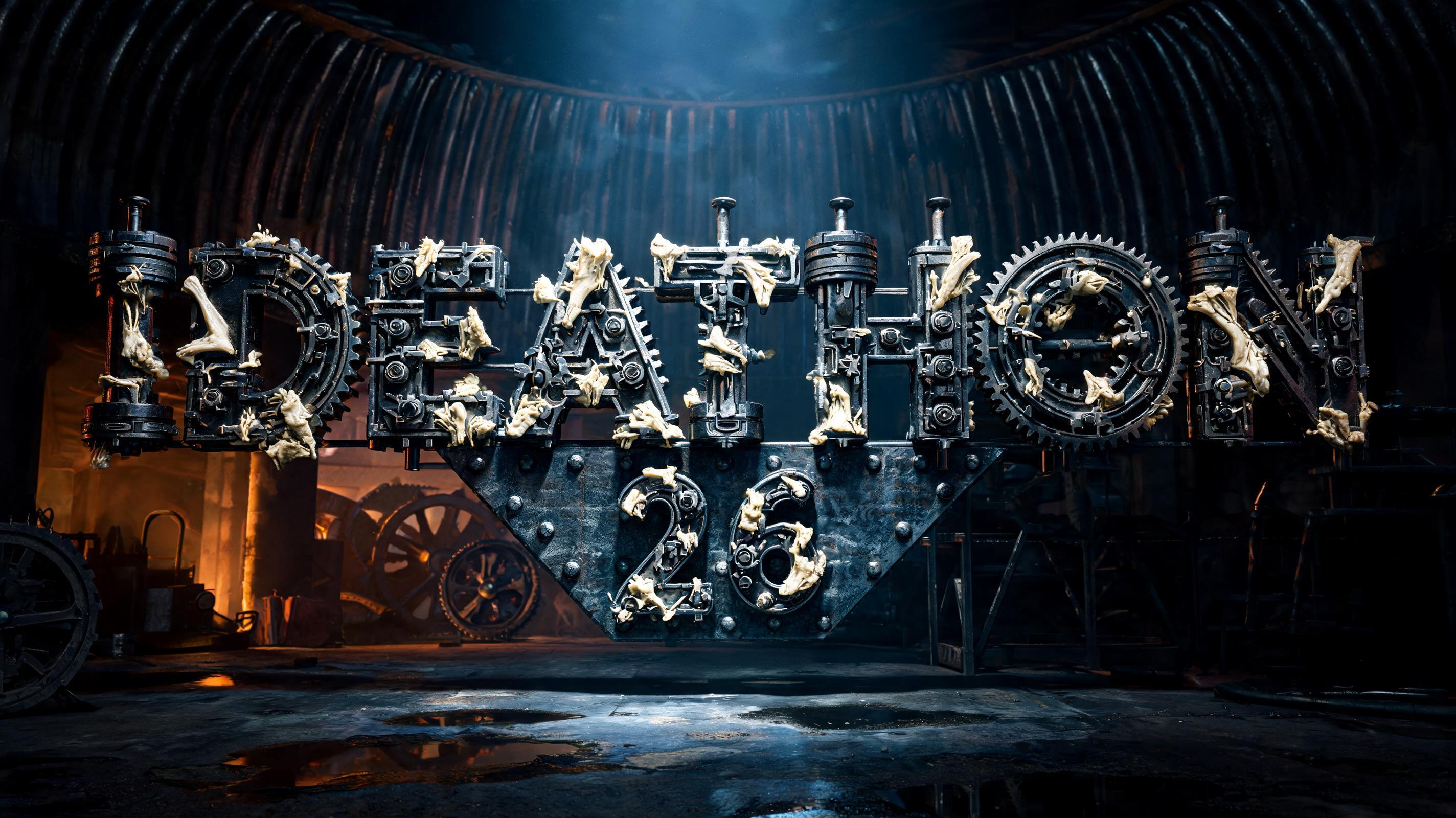
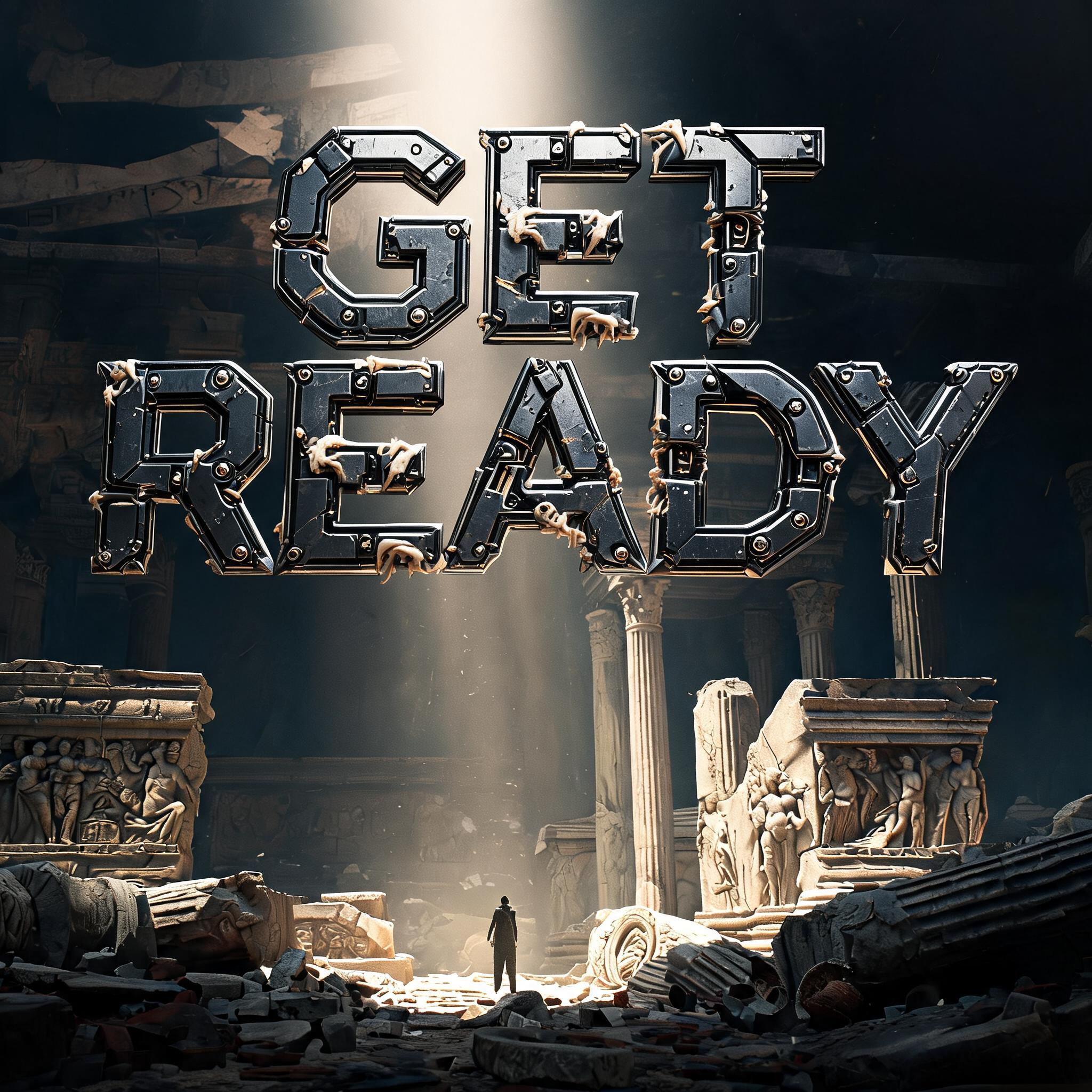
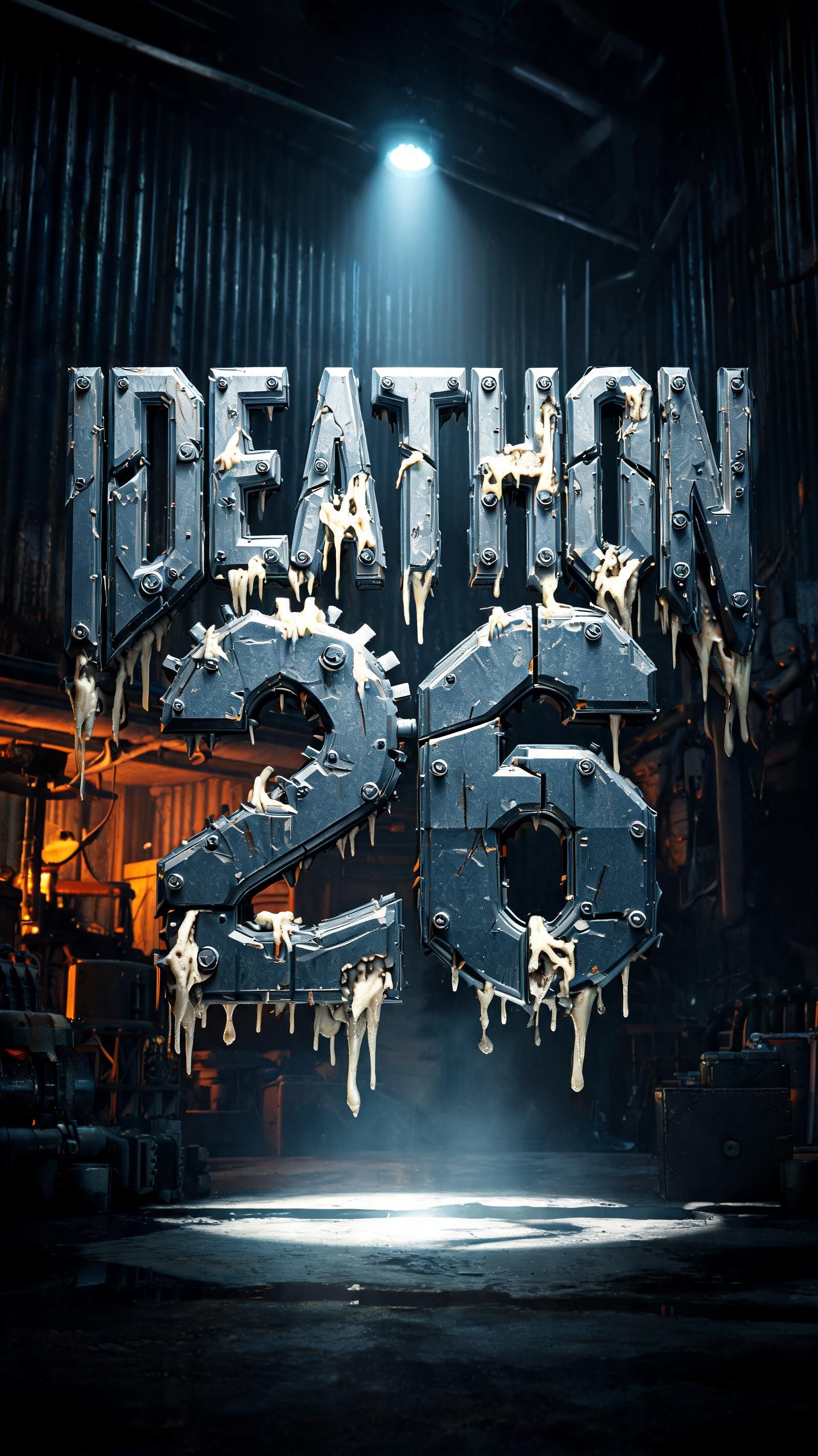
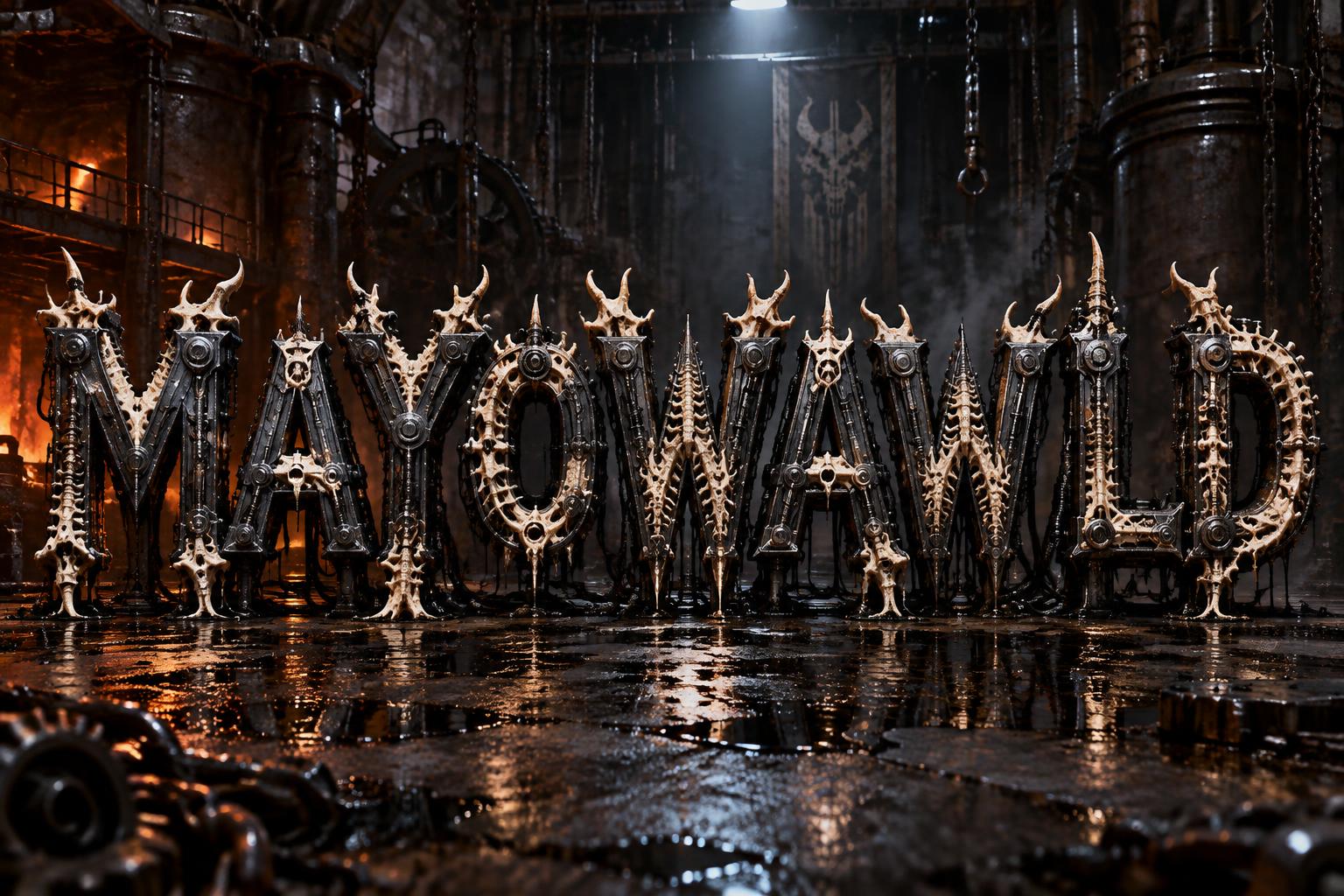
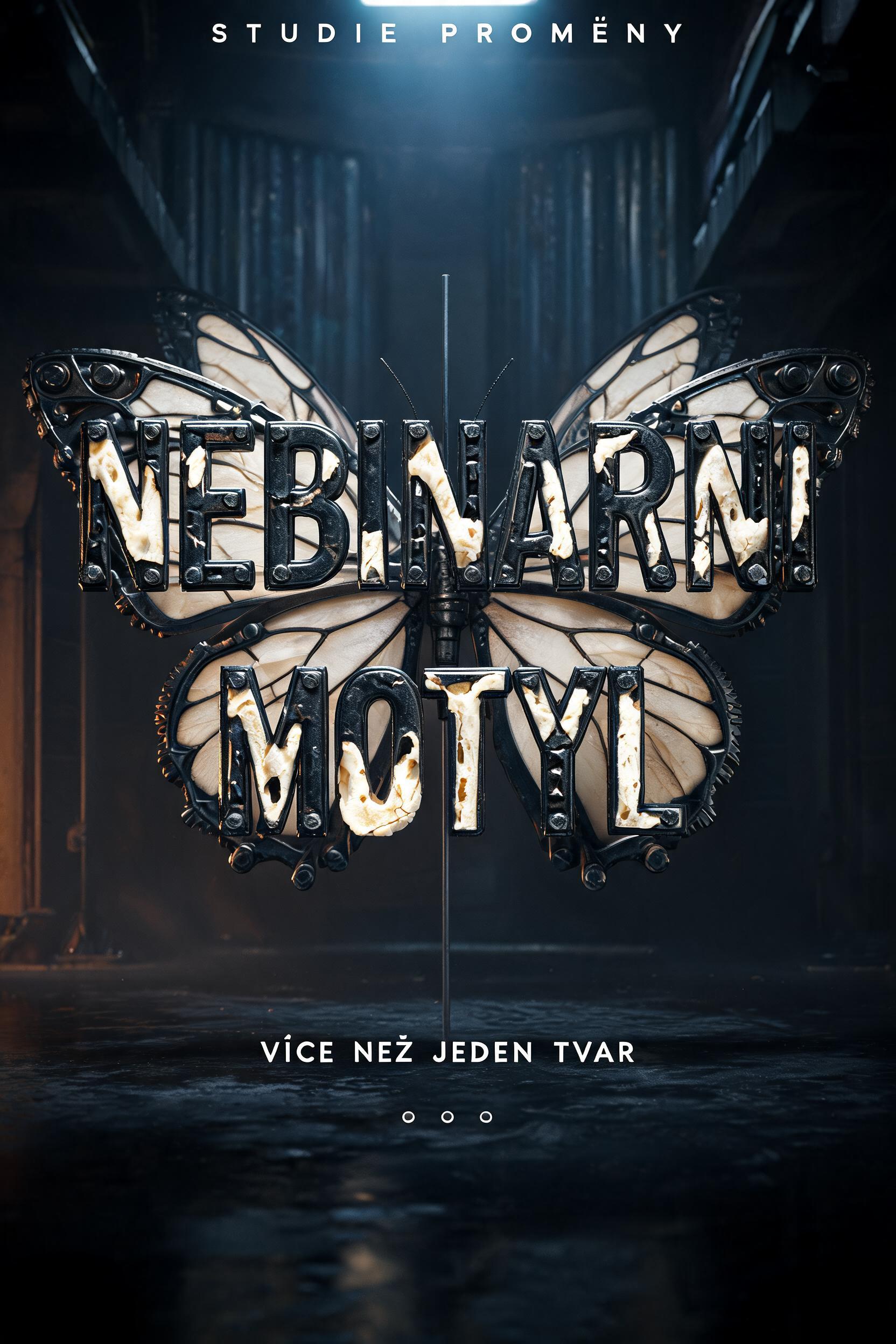
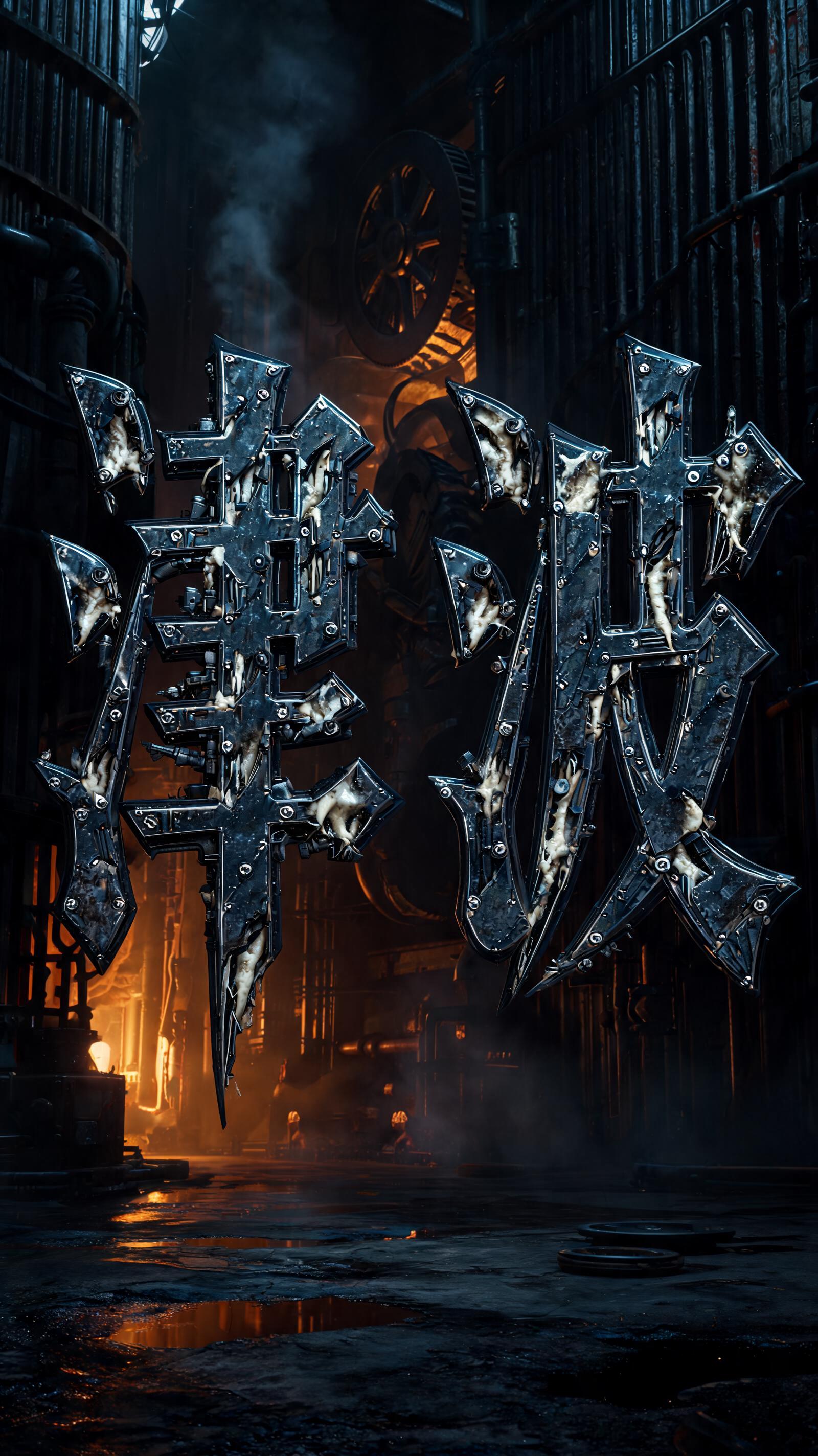
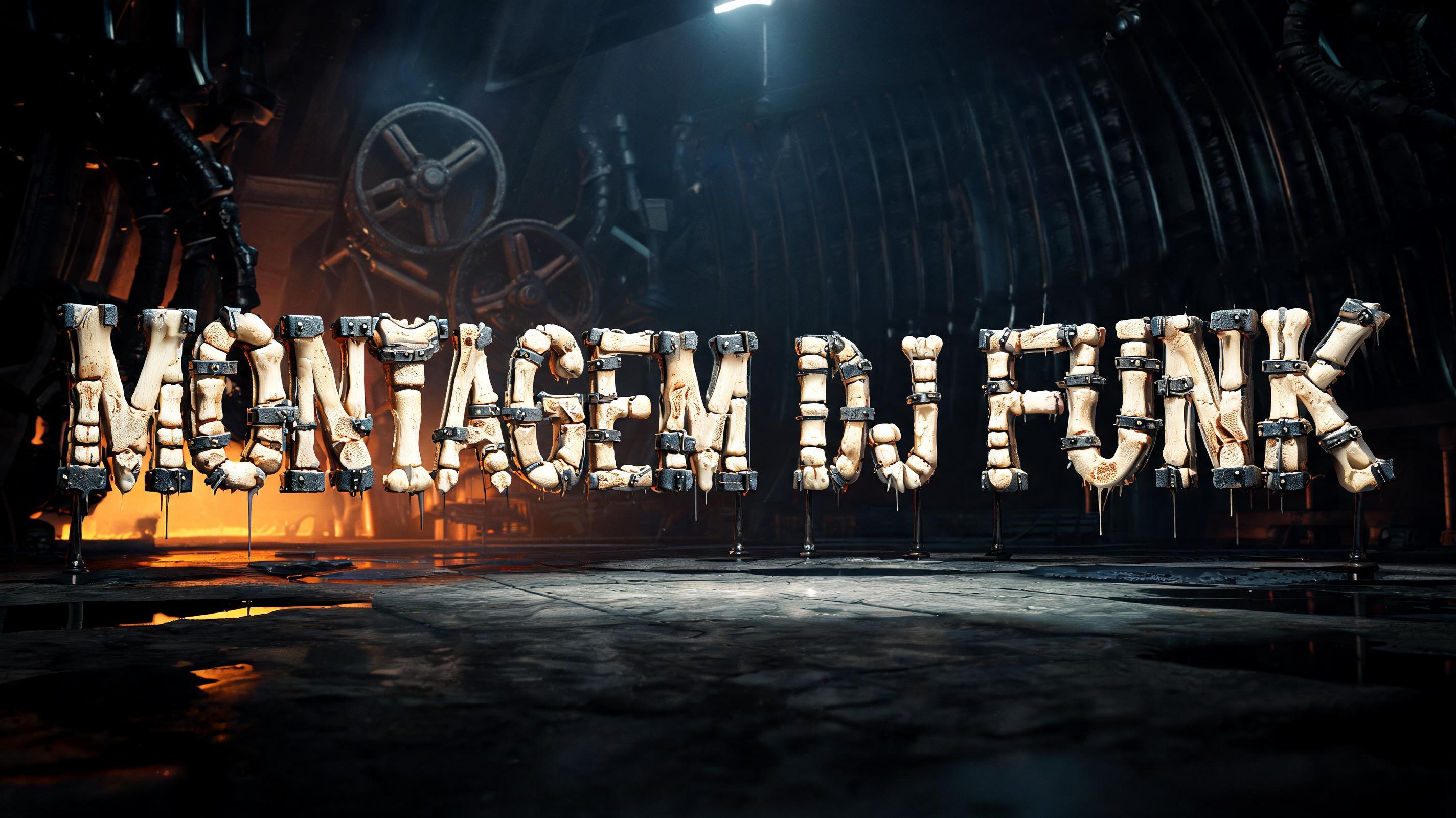
Every image below was generated on FontVibe — no post-editing, no stock photos. This is what biopunk text generator — free dark art png actually looks like.








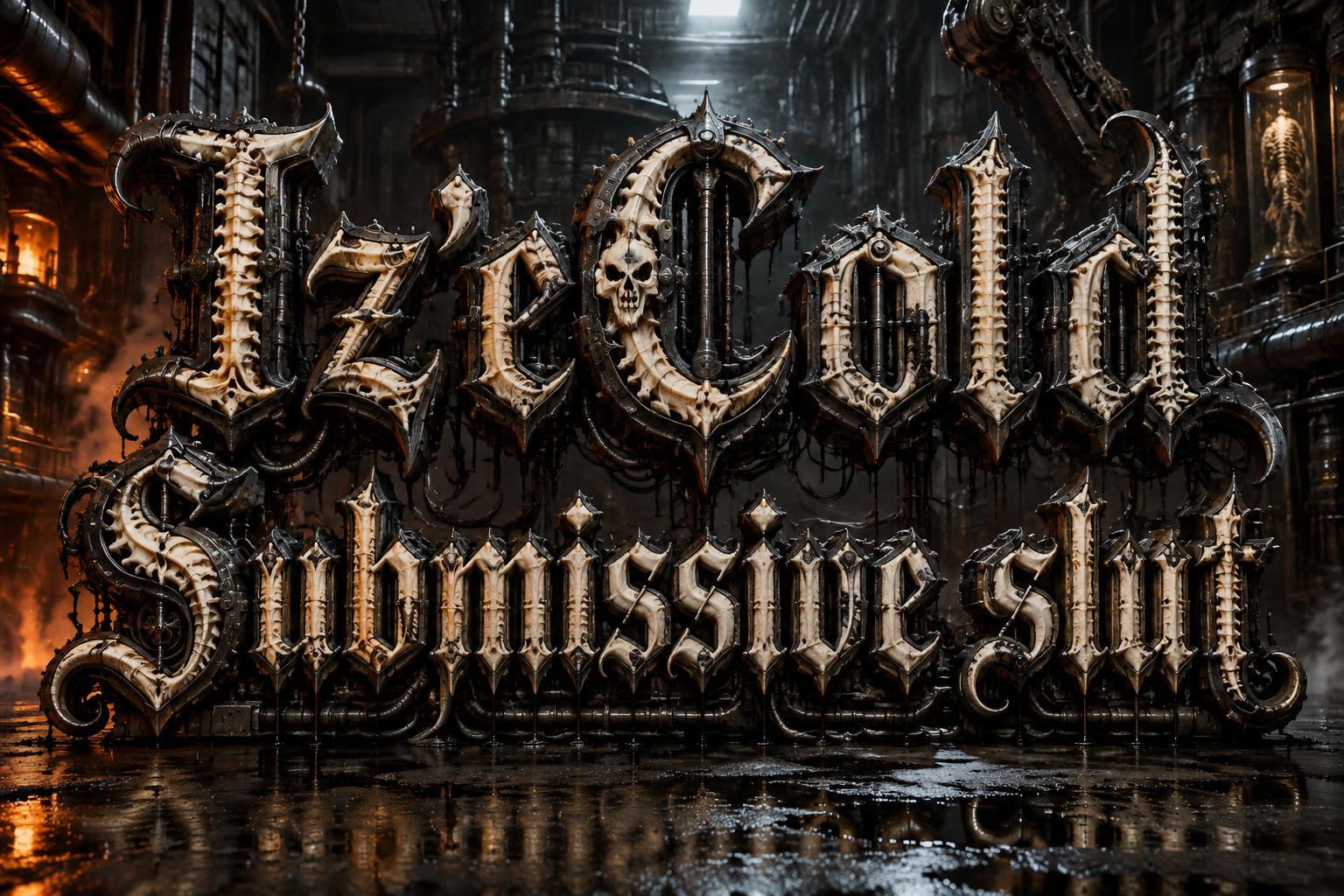
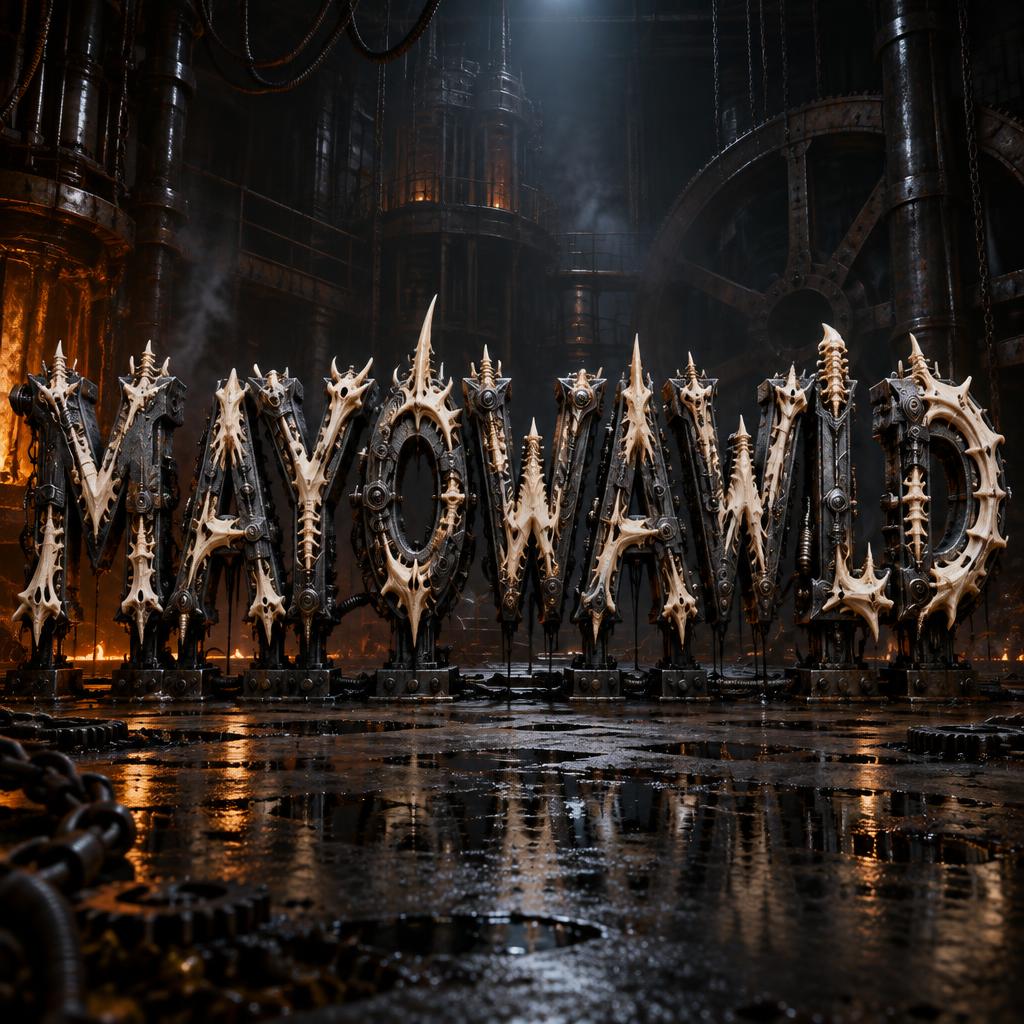
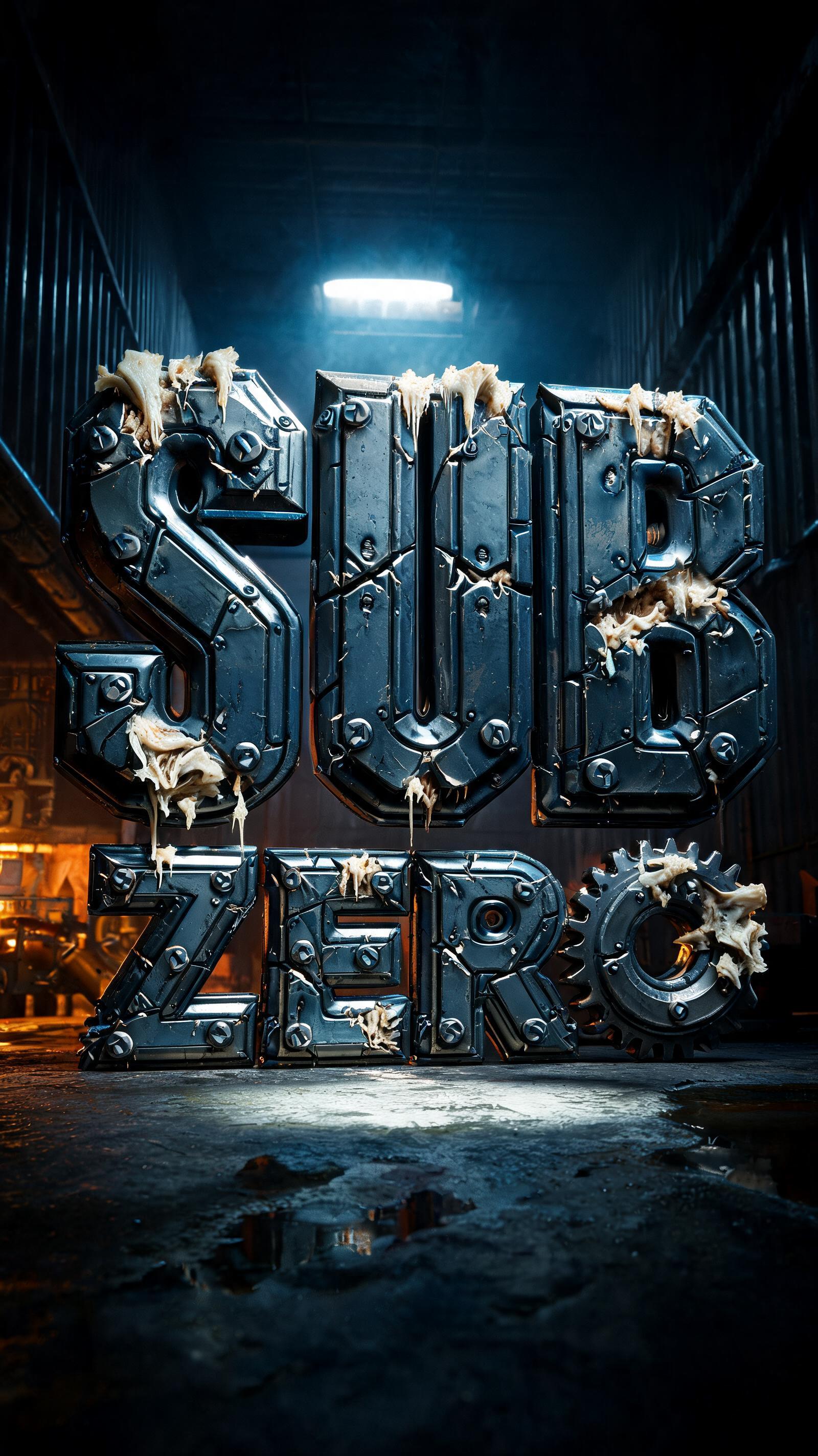





✦ More Biopunk Text Generator Use Cases
Explore more ways to use Bio Mech


✦ Step-by-Step Guide
How to Create Your Biopunk PNG in Studio
Three steps. No design software needed.
1
Create Biopunk Text
Type your text and select the Bio Mech style. The AI generates biopunk organic-metal fusion — biological tissue merging with industrial components, dark and visceral on pure black.
2
Download PNG Free
Download your biopunk text PNG. The black background Screen-blends away — the organic dark text composites over any background without masking.
3
Use in Dark Art Projects
Import into Photoshop or Figma. Set blend mode to Screen over dark organic textures, horror photography, or industrial backgrounds. Ideal for dark art exhibitions, horror game assets, and industrial branding.
💡 Platform tip: Biopunk text creates striking contrasts when composited over clinical white or sterile backgrounds — the organic dark forms look especially disturbing against clean surfaces, emphasizing the biopunk theme of biology violating technology.
✦ Common Questions
Biopunk PNG — Frequently Asked Questions
Everything you need to know before you create.
✦ Explore More Text Effect Styles
Related AI Text Effect Styles
Try a different aesthetic — each style generates a completely unique visual output.


Want more text styles? Browse our free font generators — fancy, cursive, gothic & more.
✦ Ready to Create?
Make Your Own PNG
Free to start. No design skills needed.
✦ Generate Now — Free