


✦ Community Gallery
View all →Ice Cream Font Generator — Community Gallery
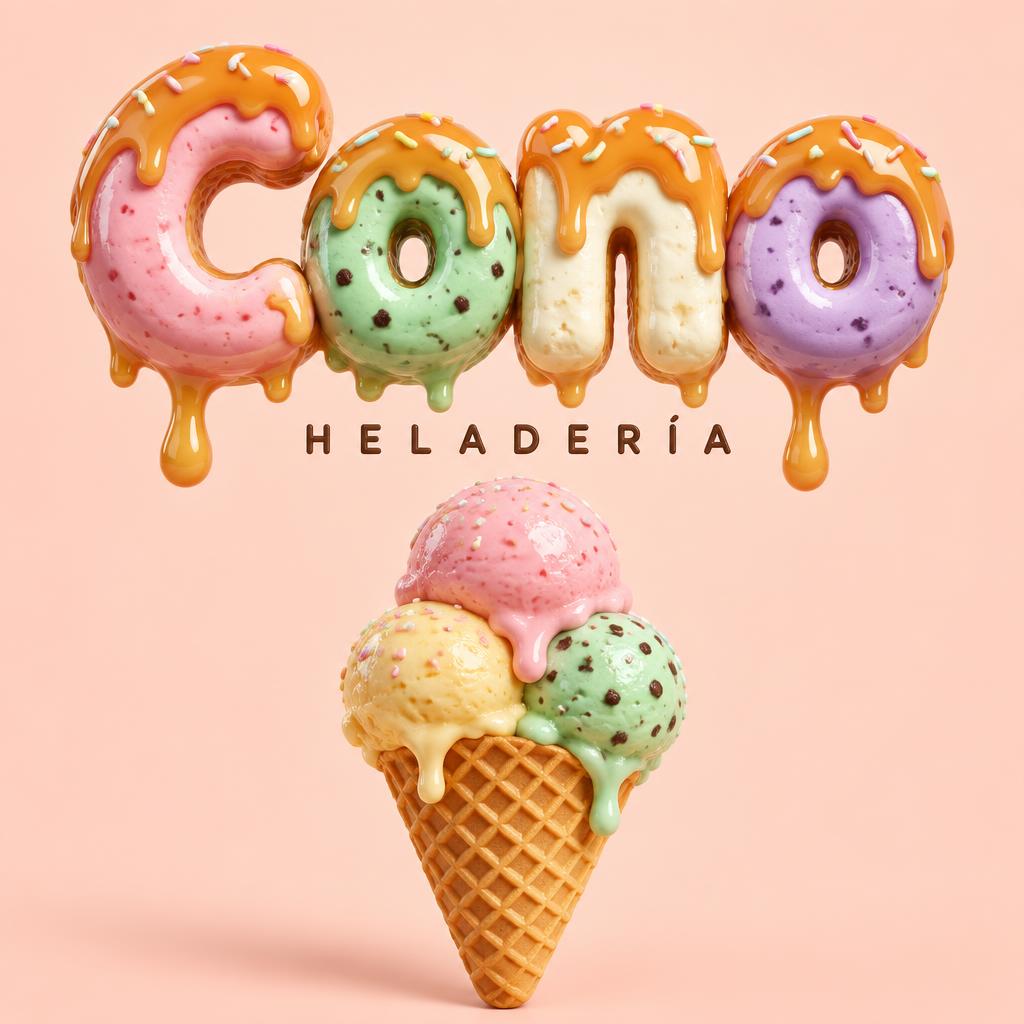
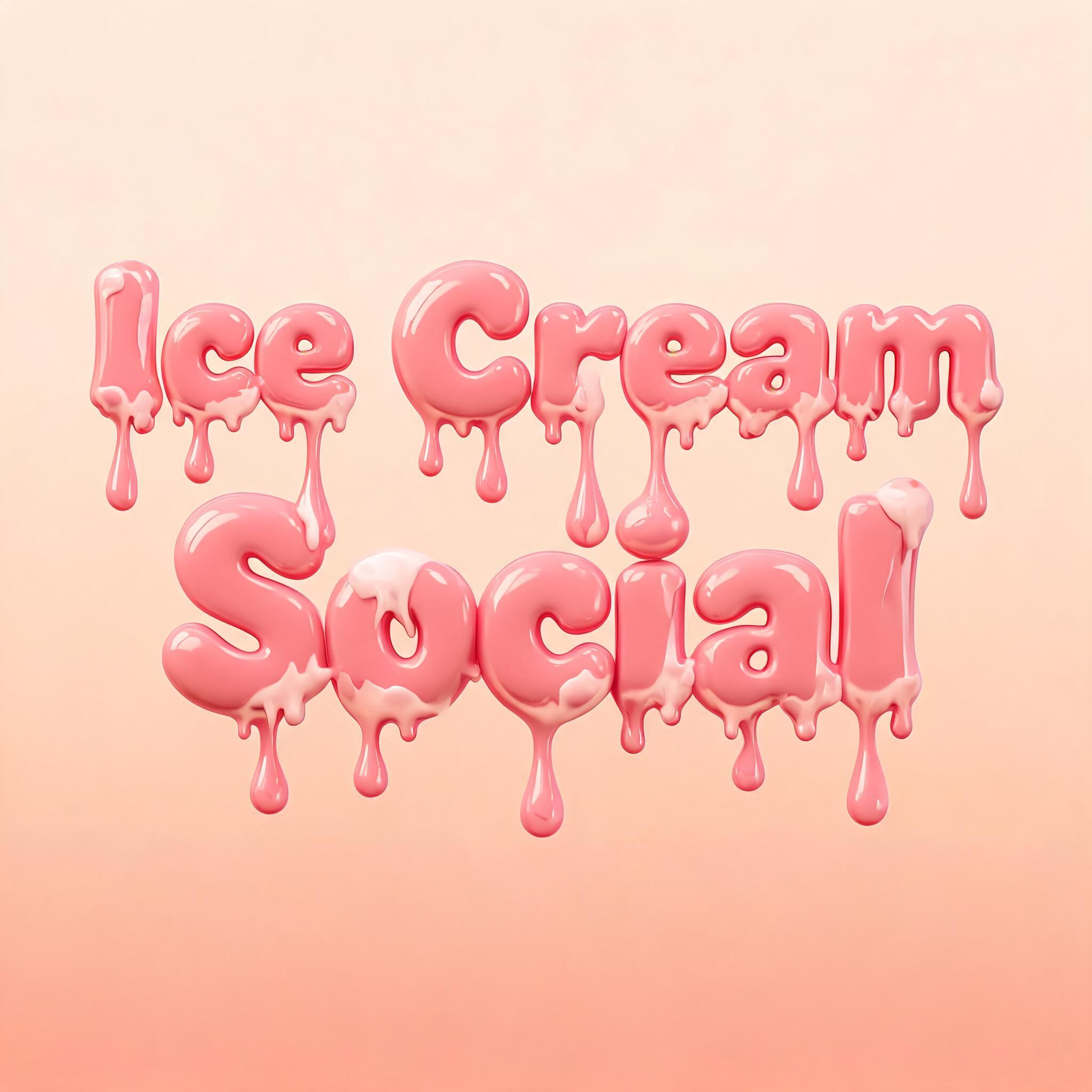
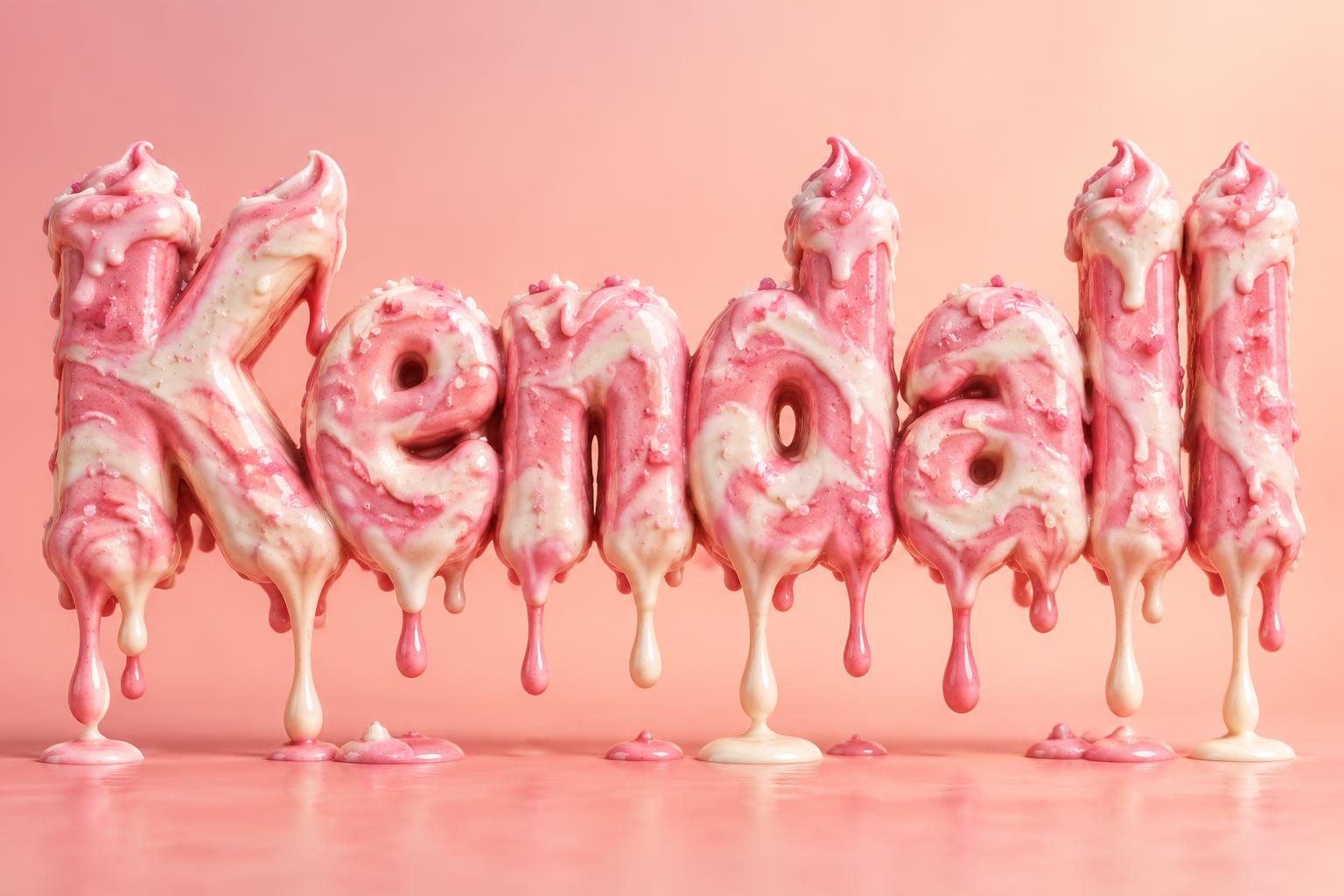
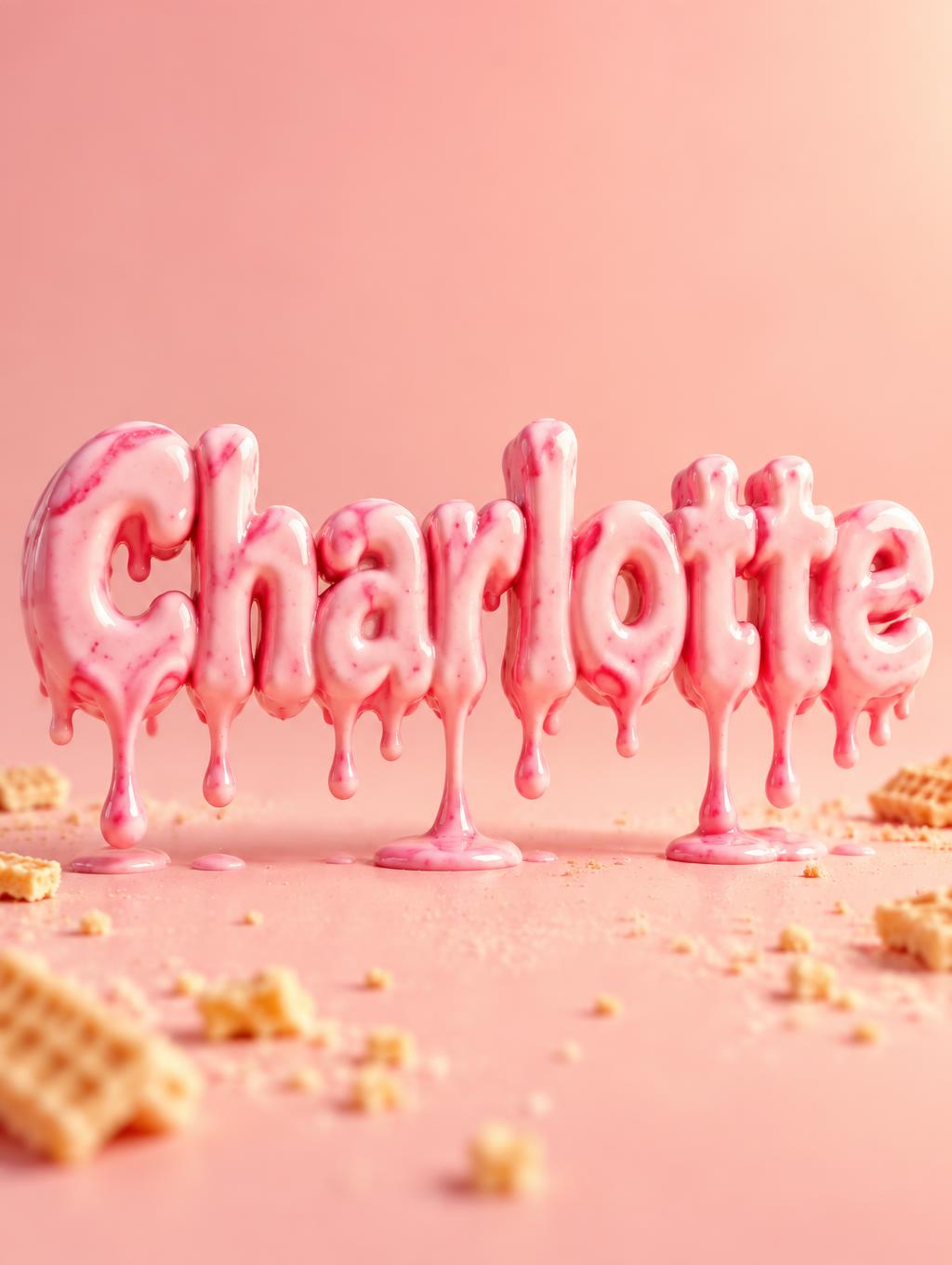
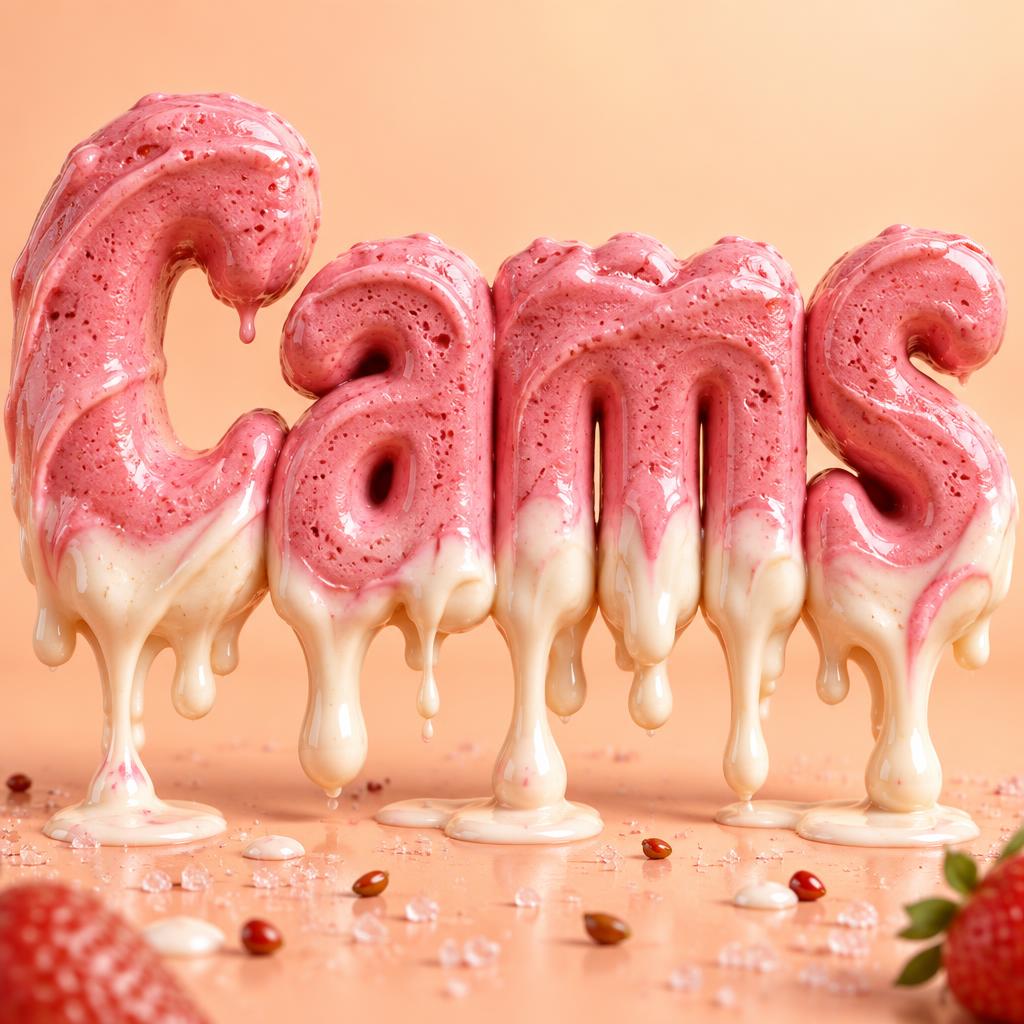
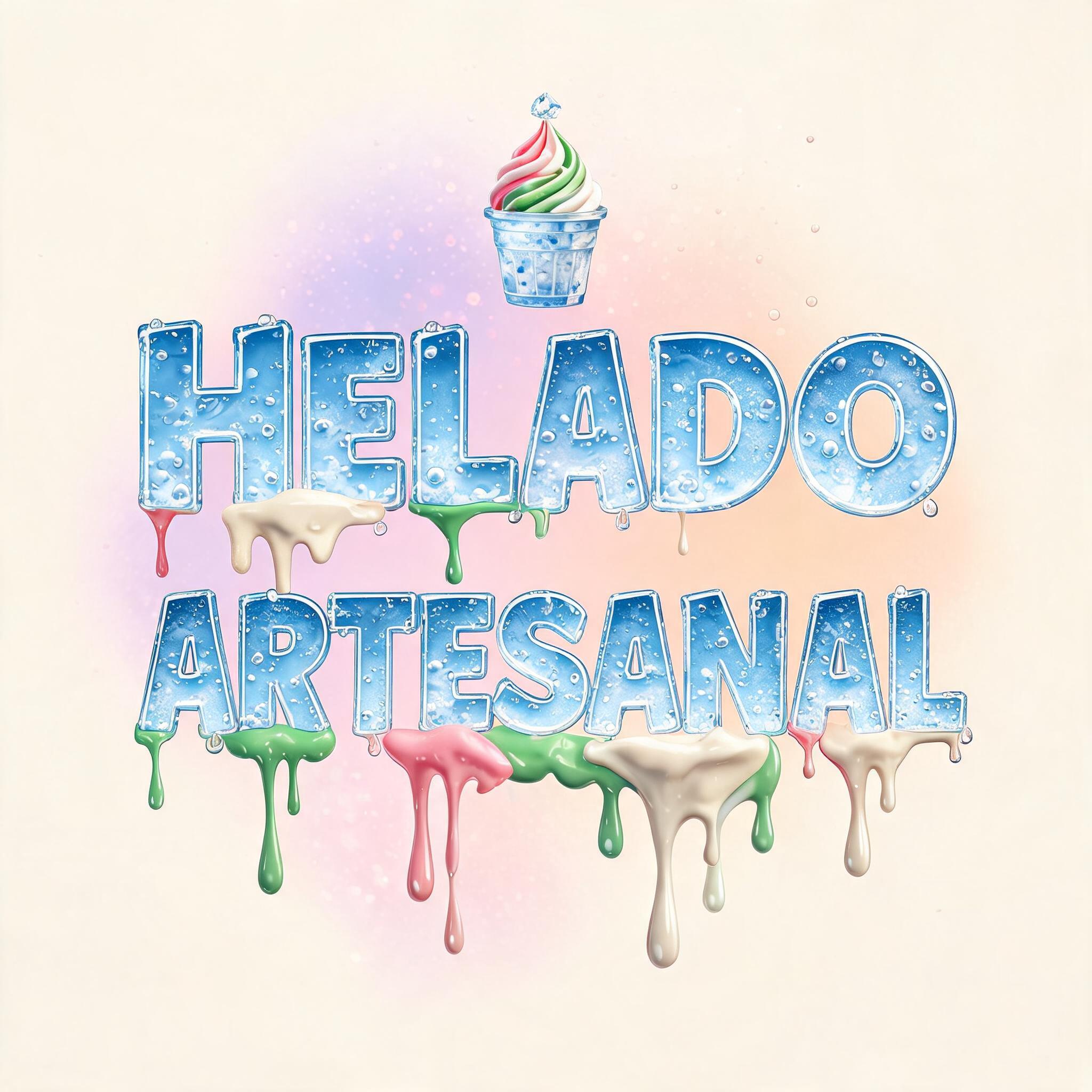
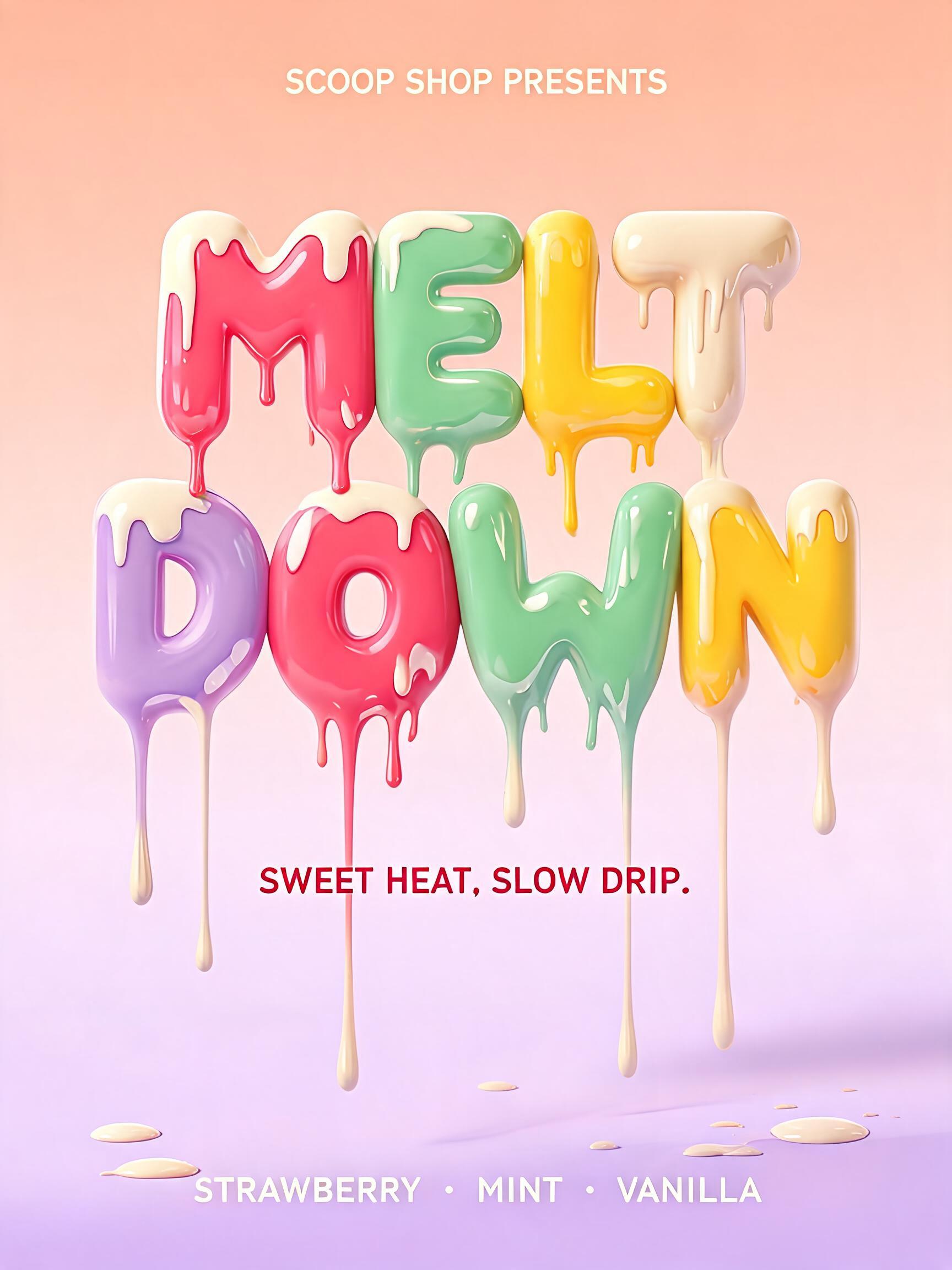
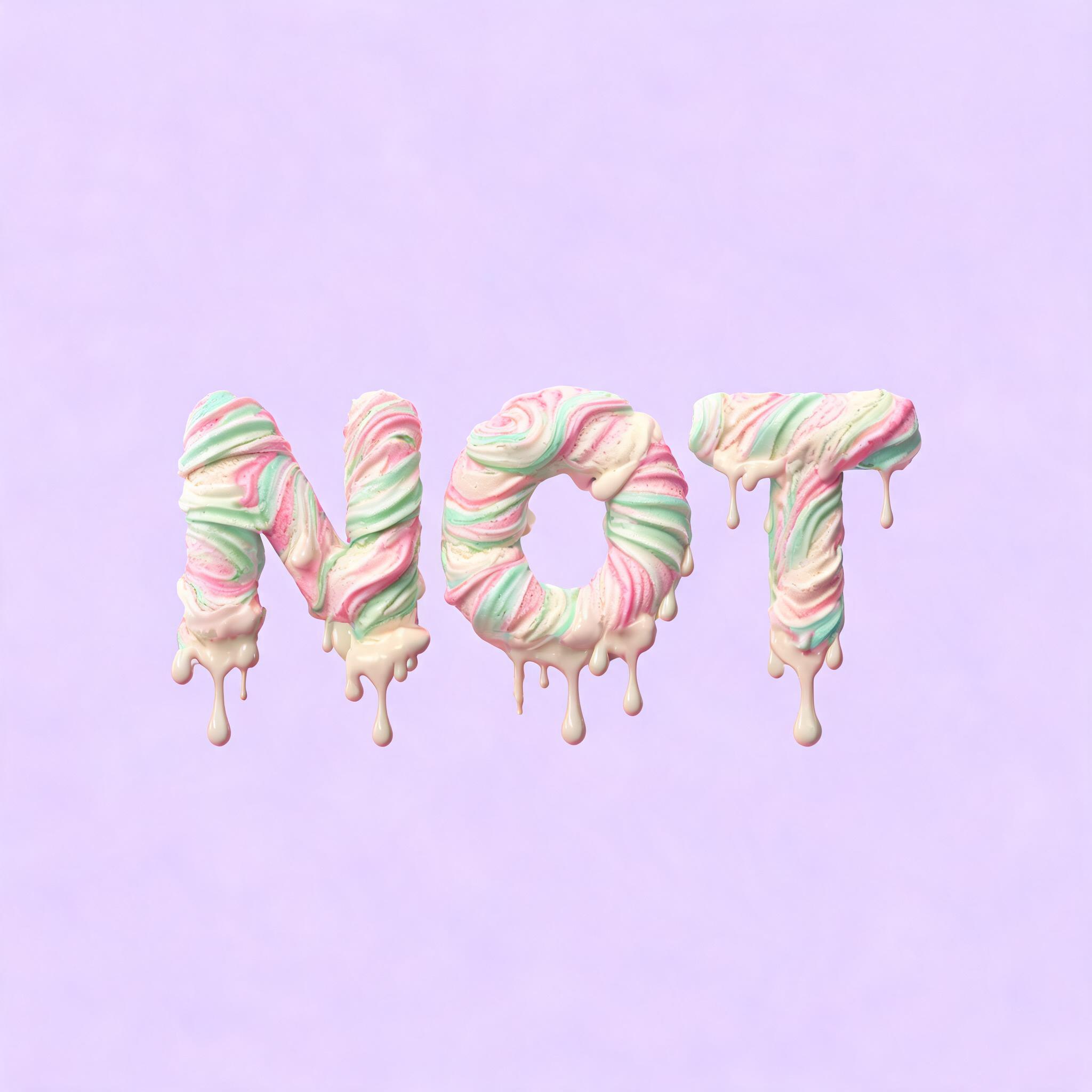
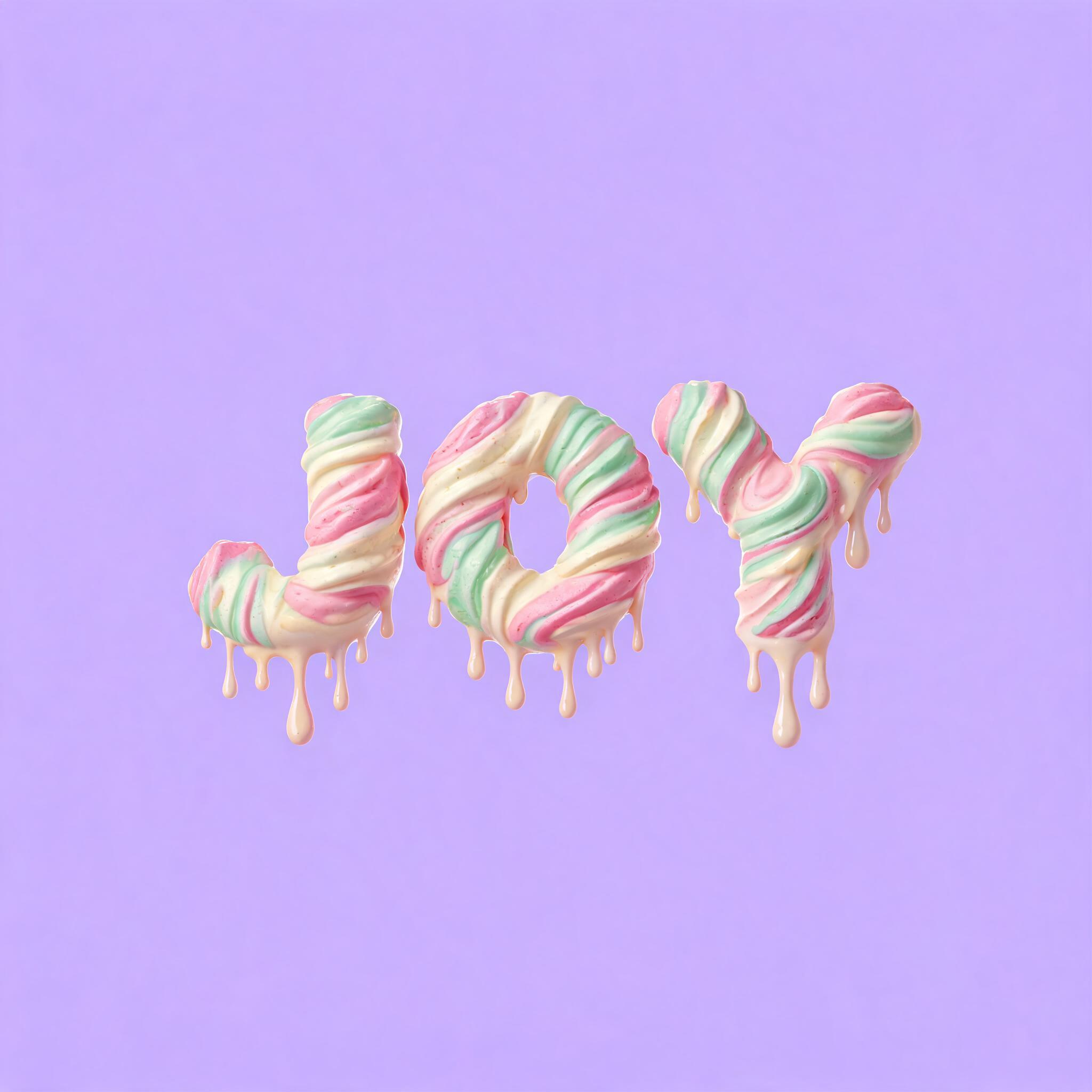
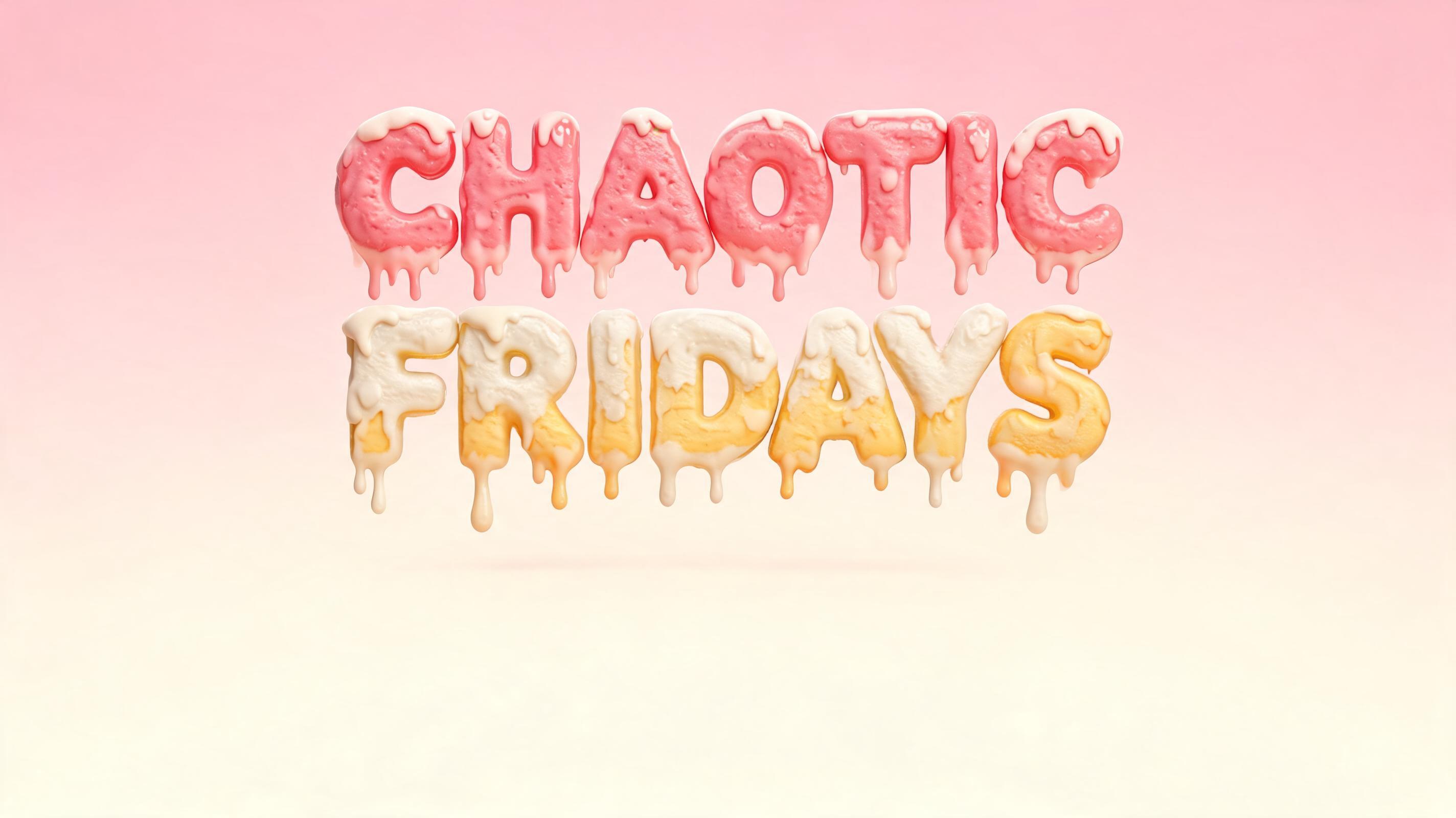
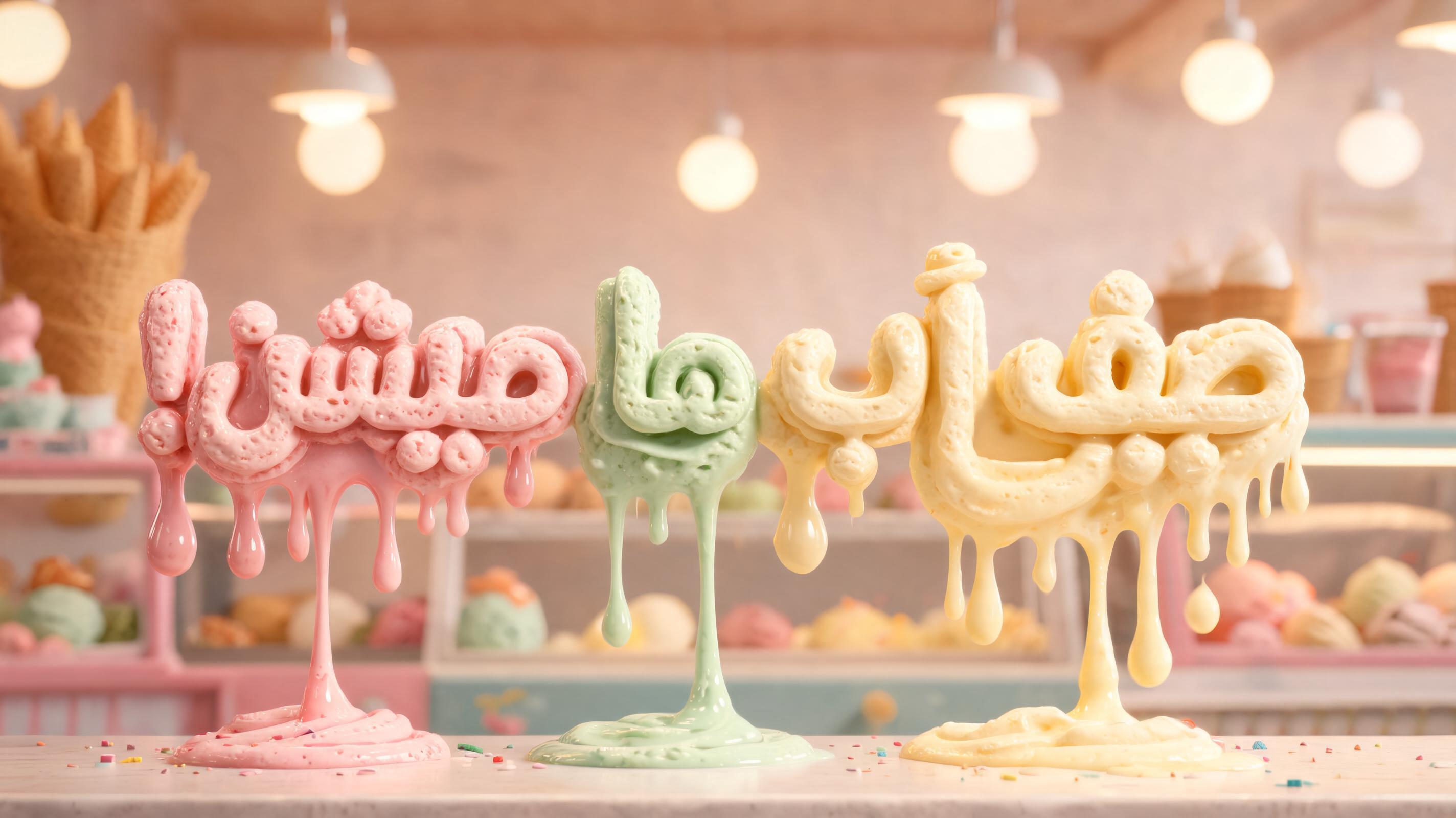
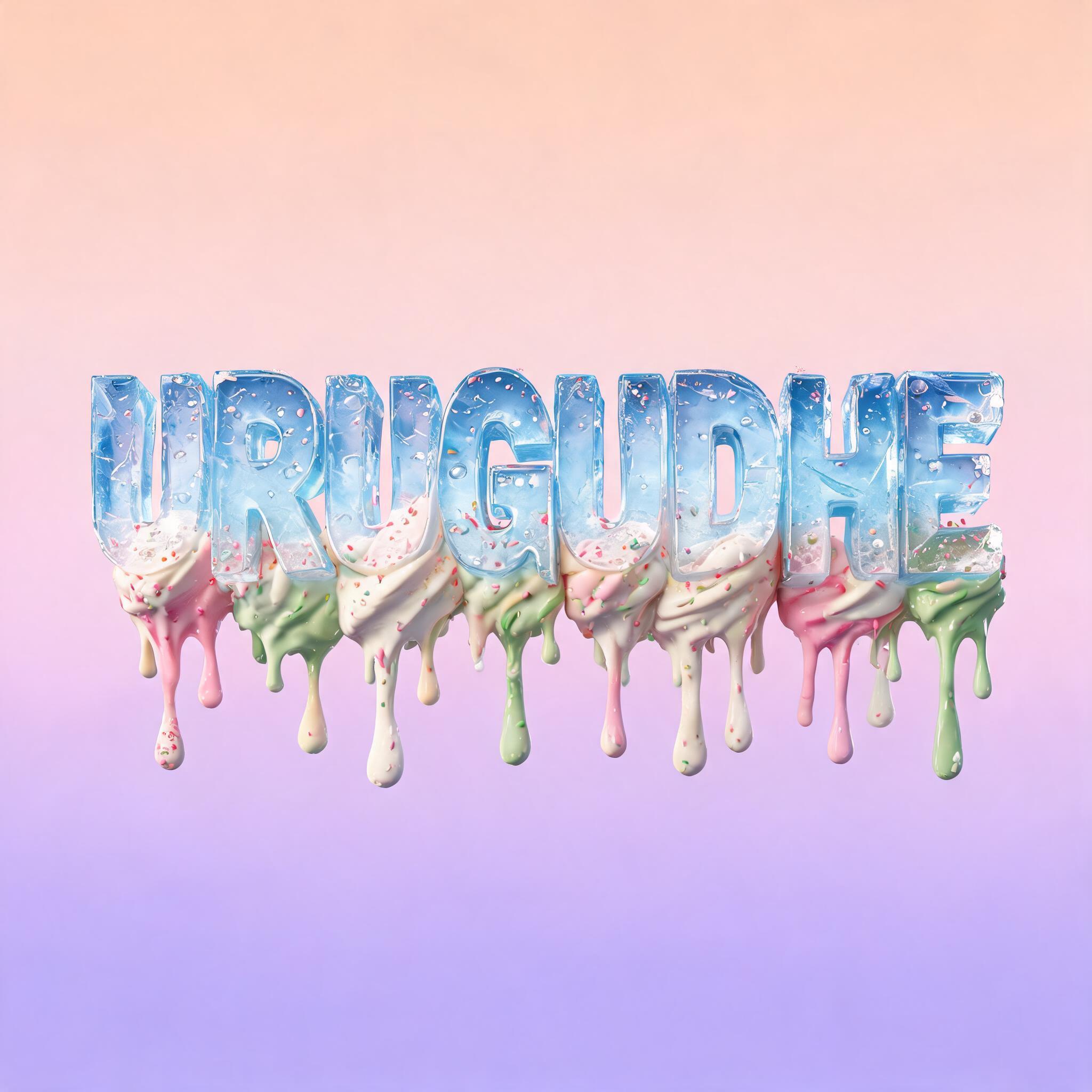
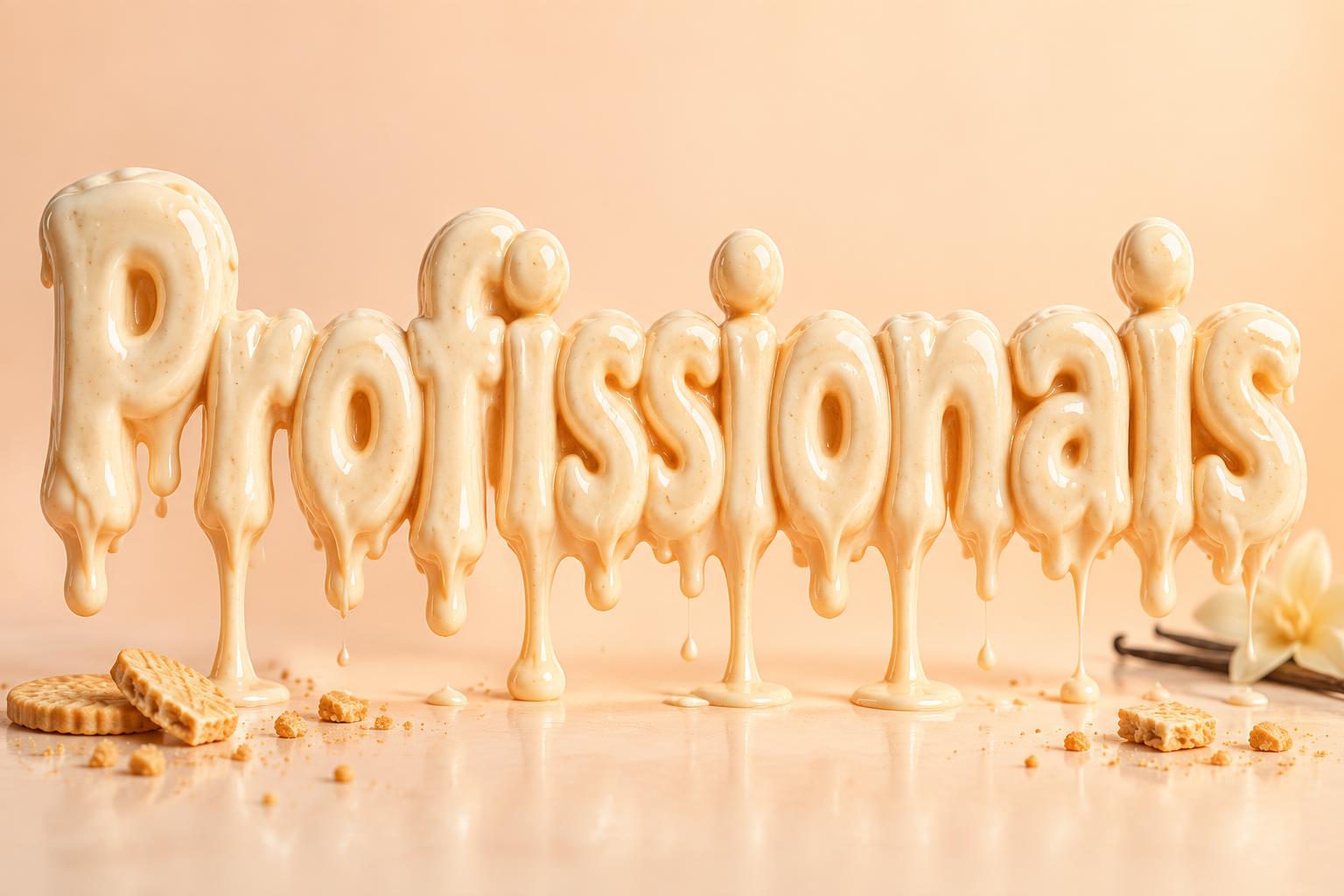
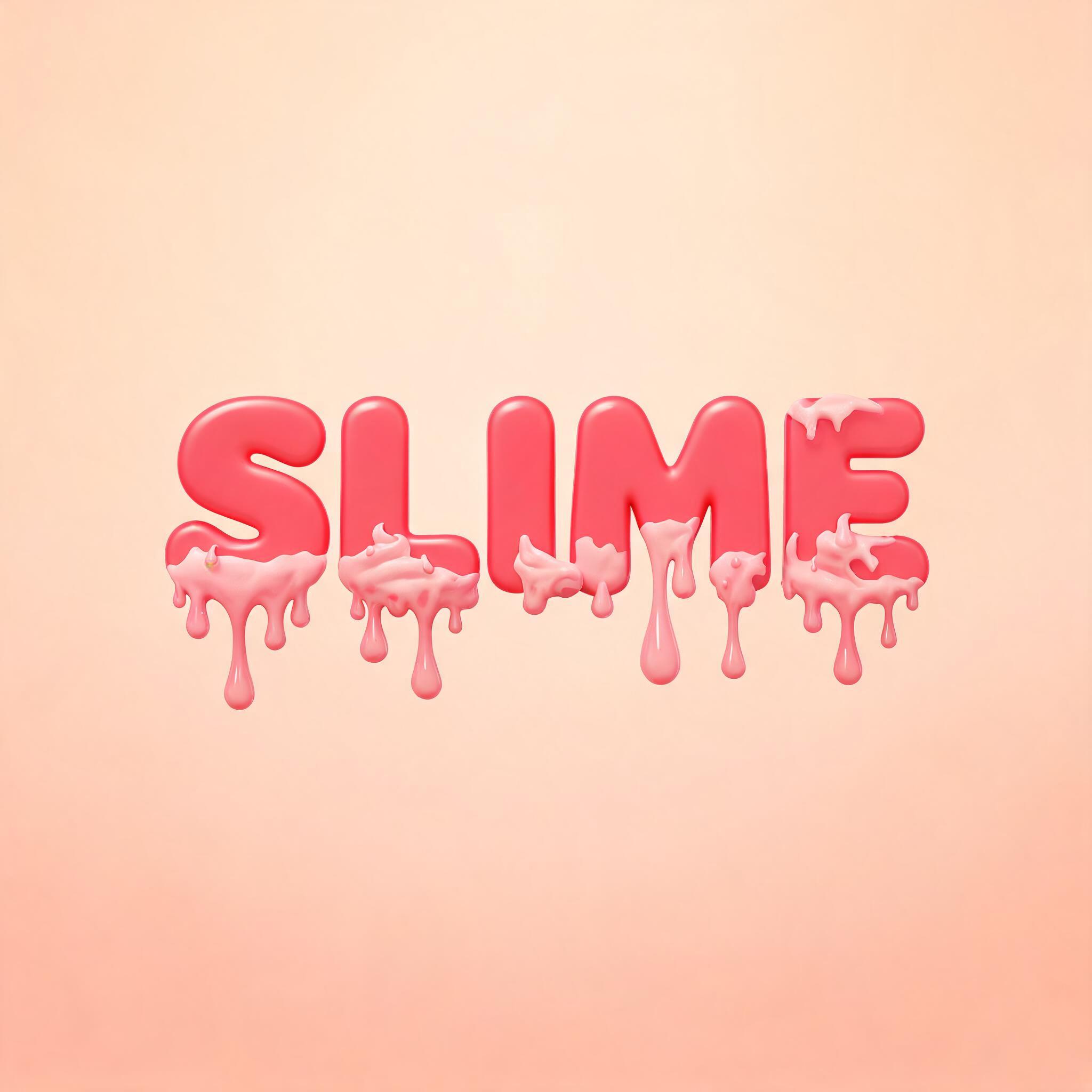
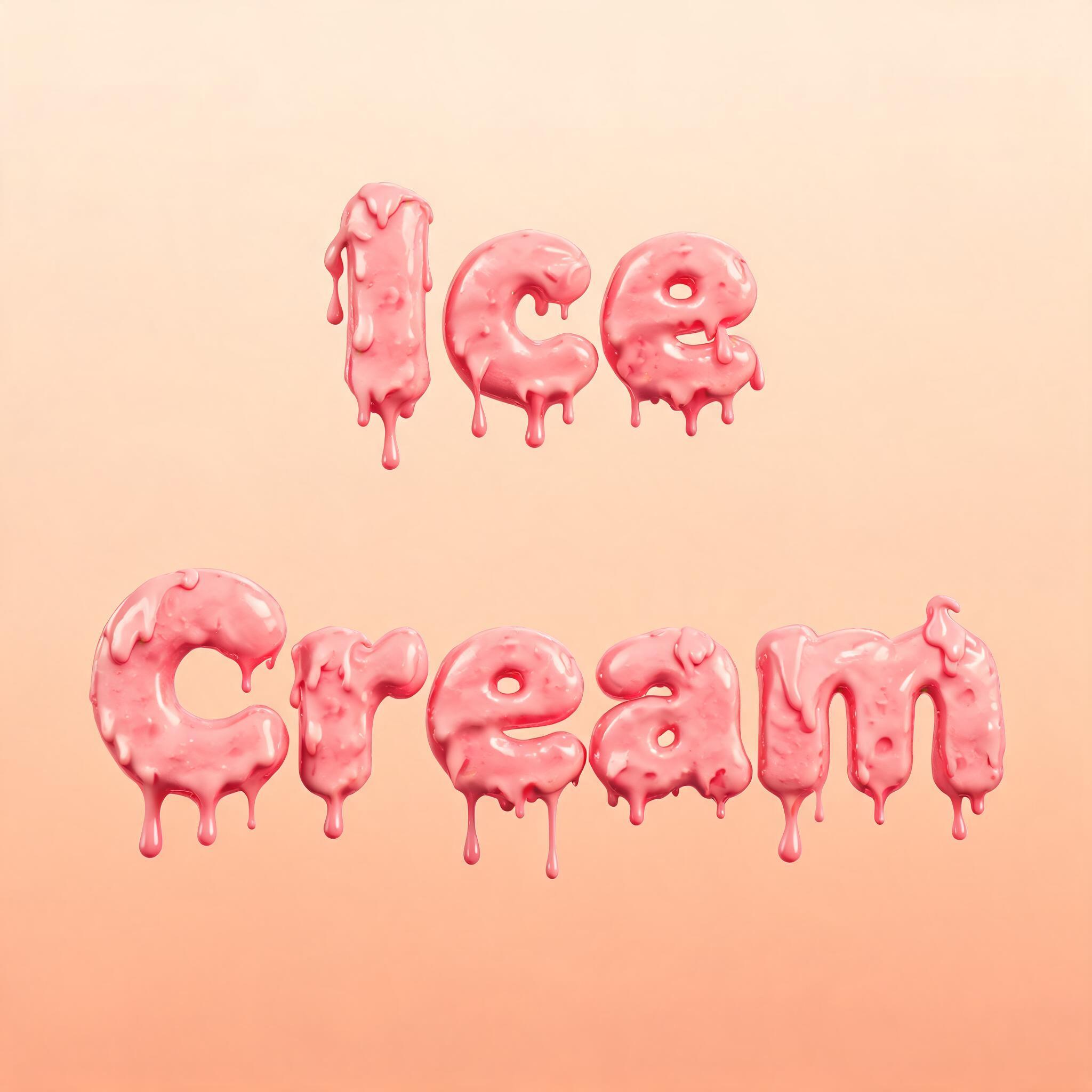
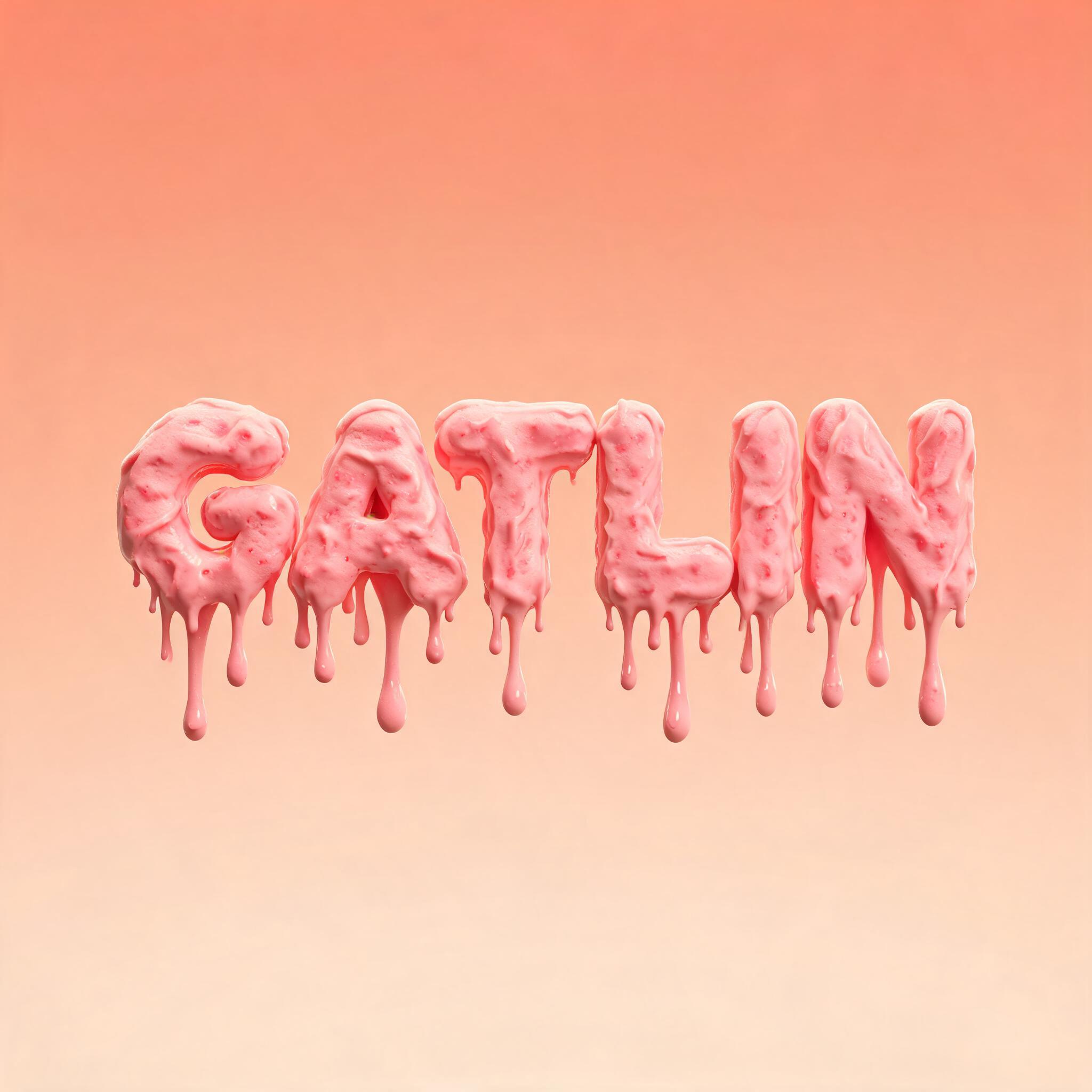
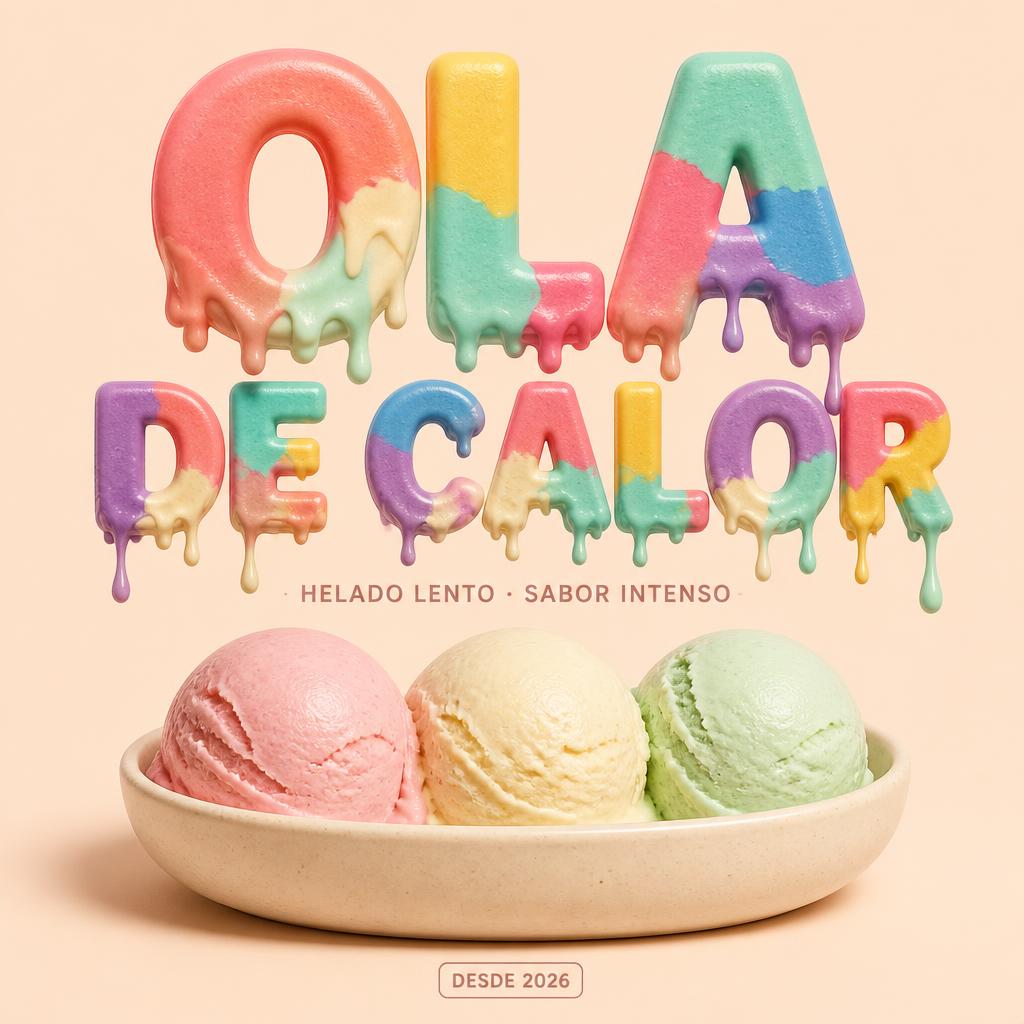
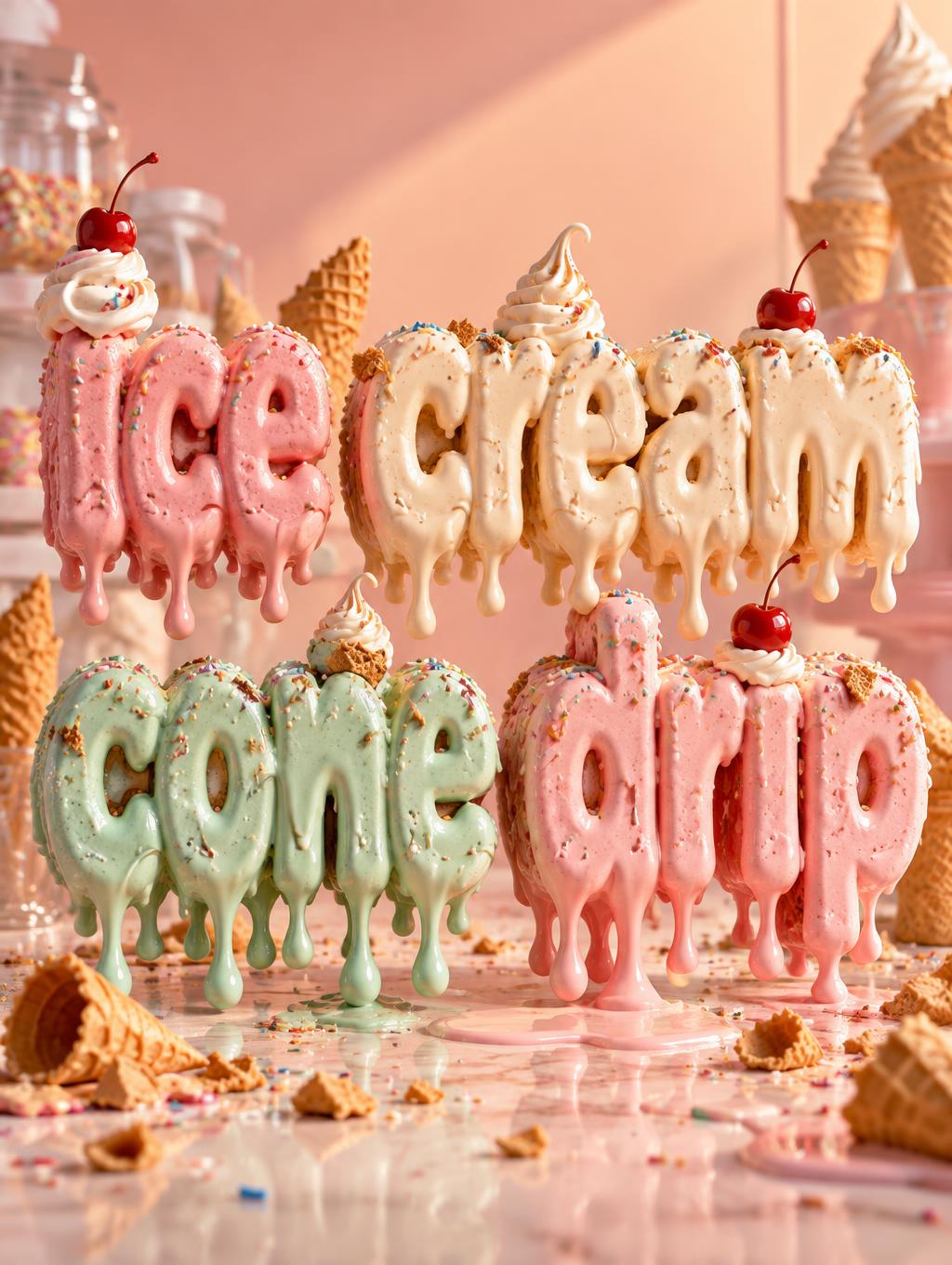
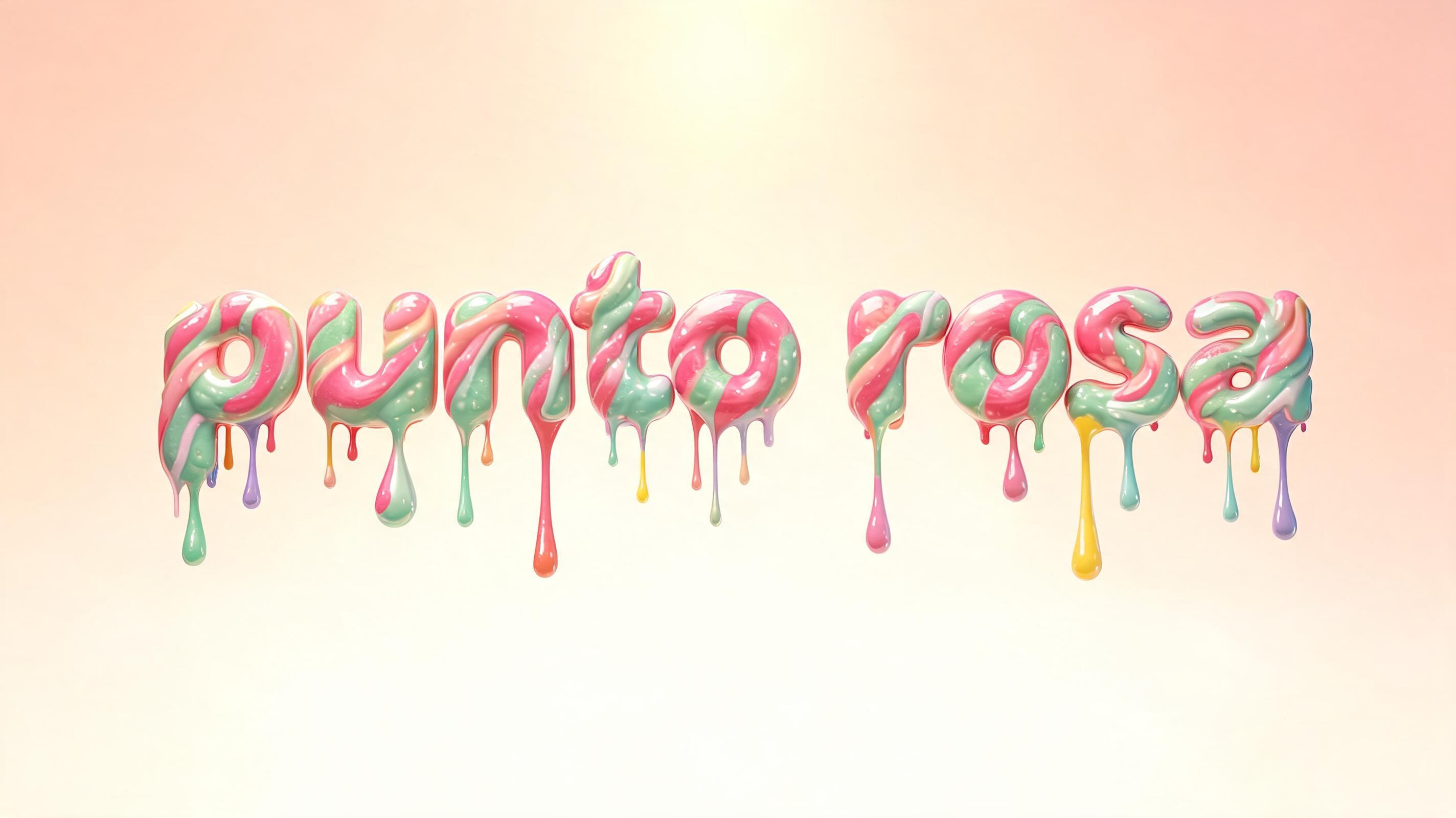
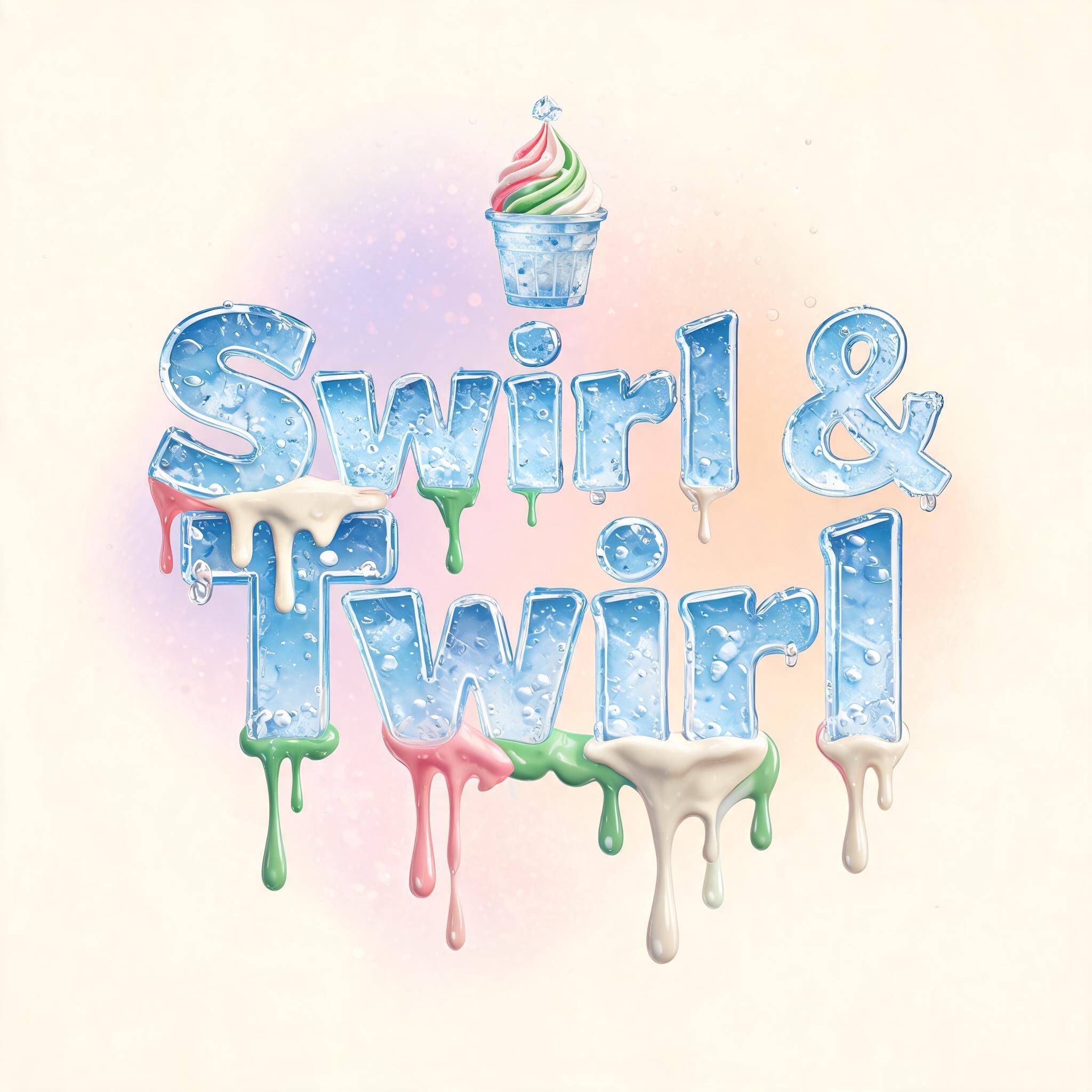
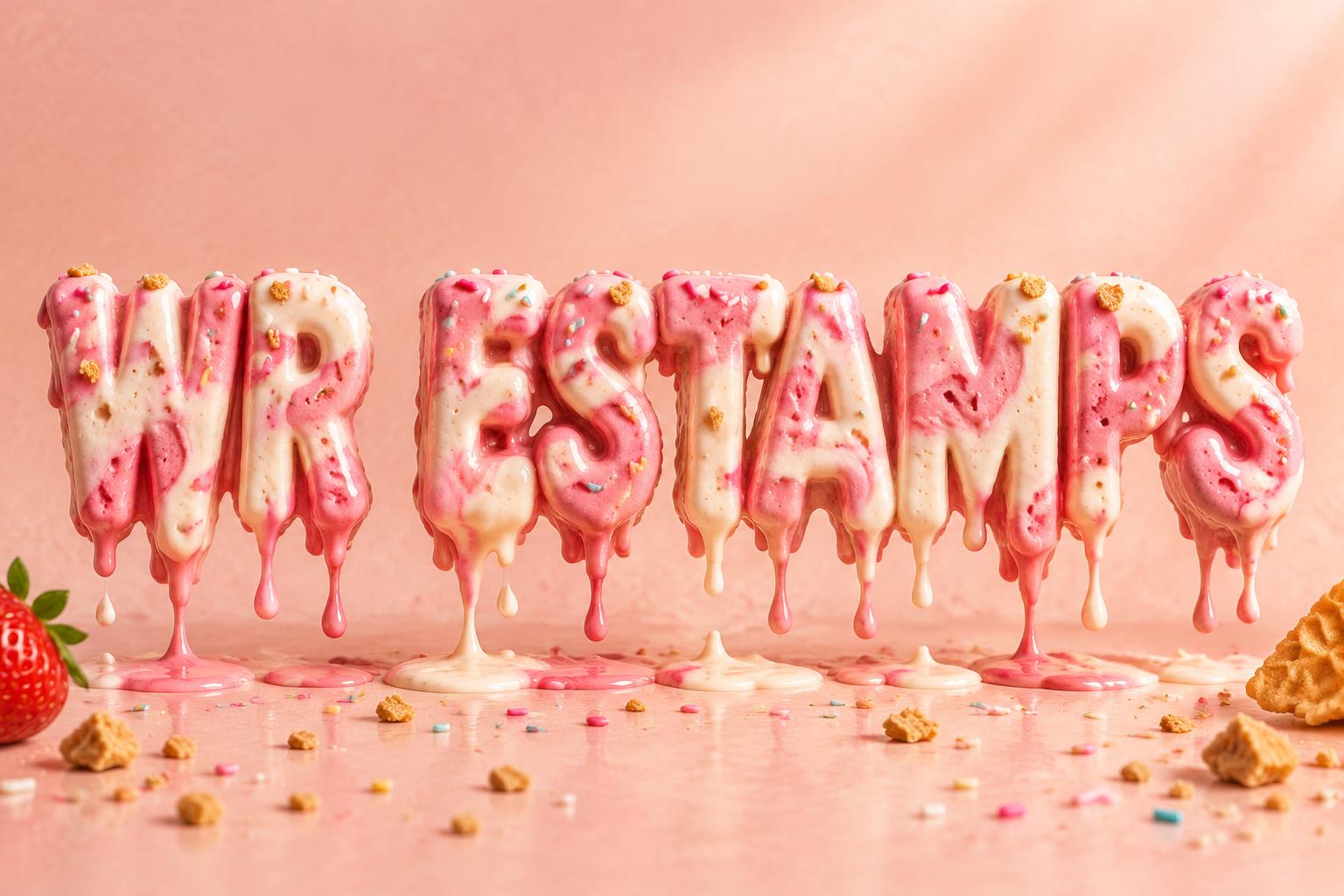
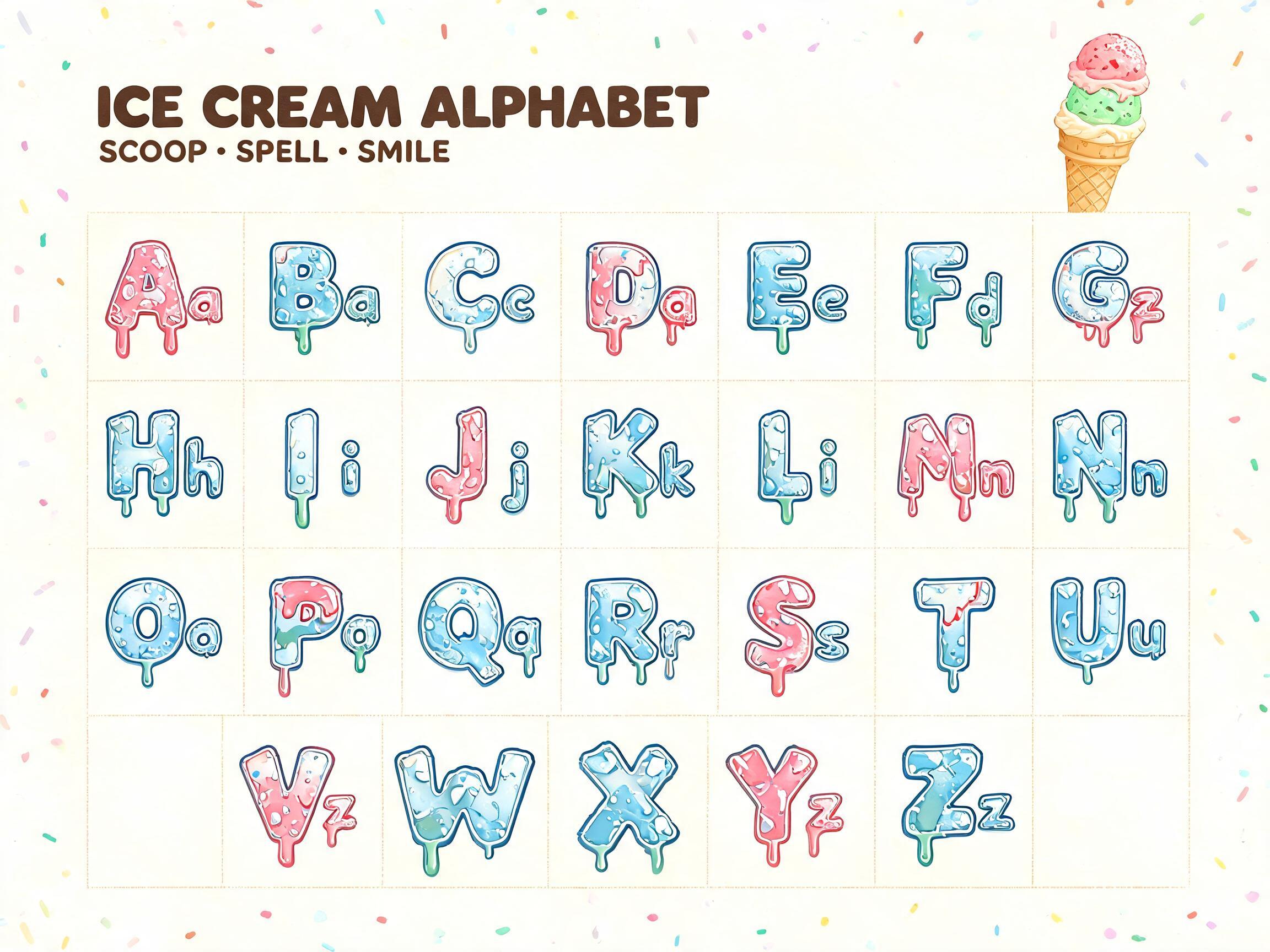
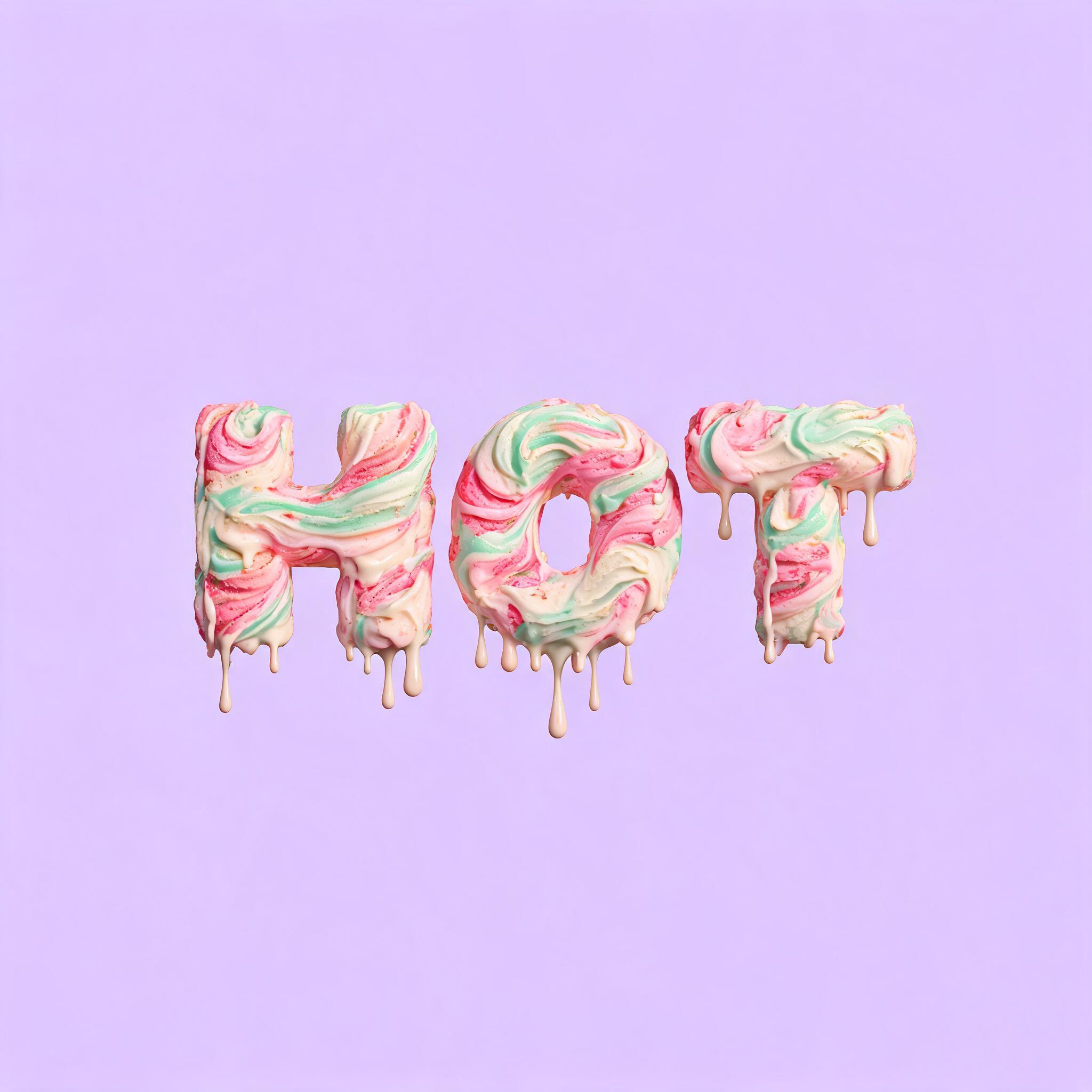
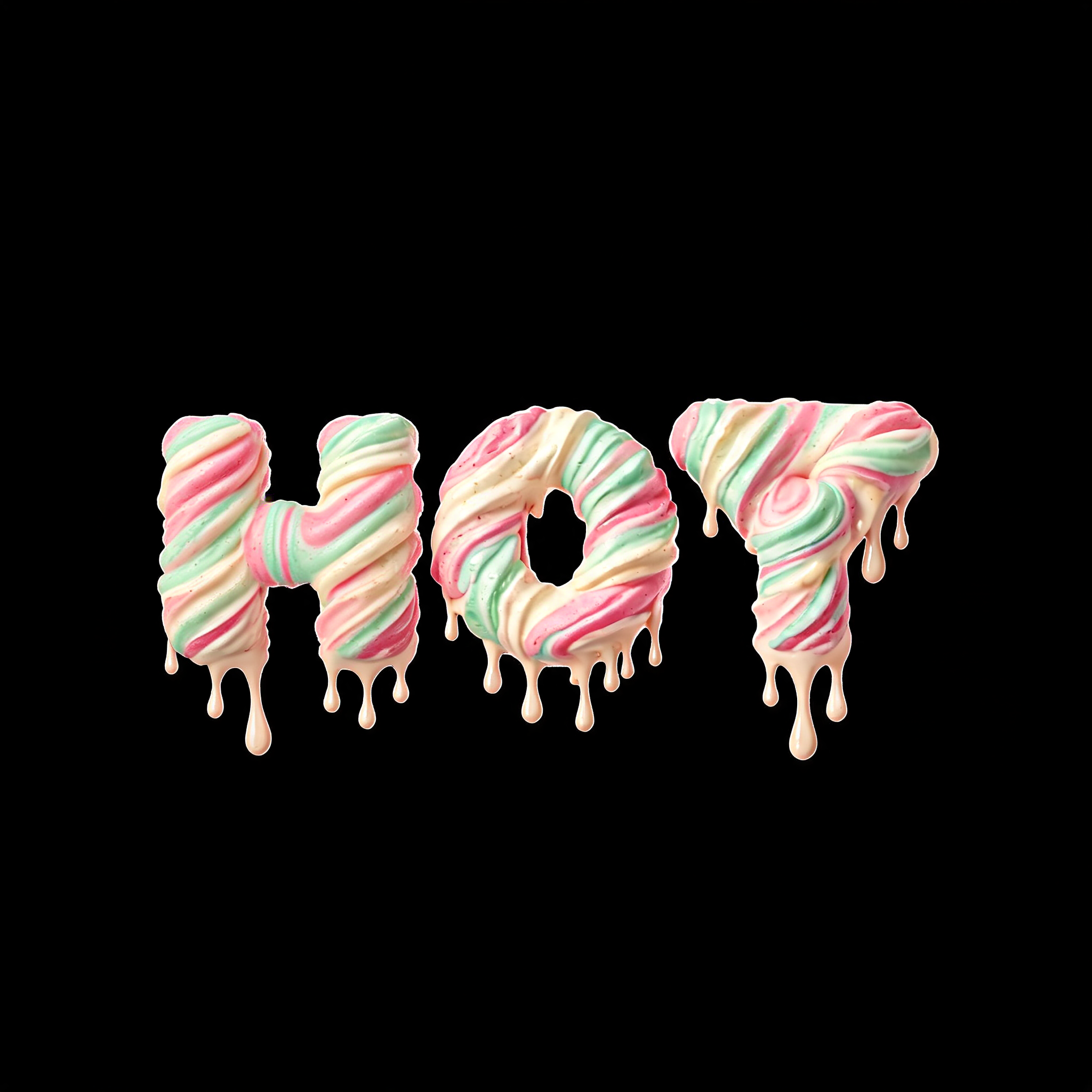
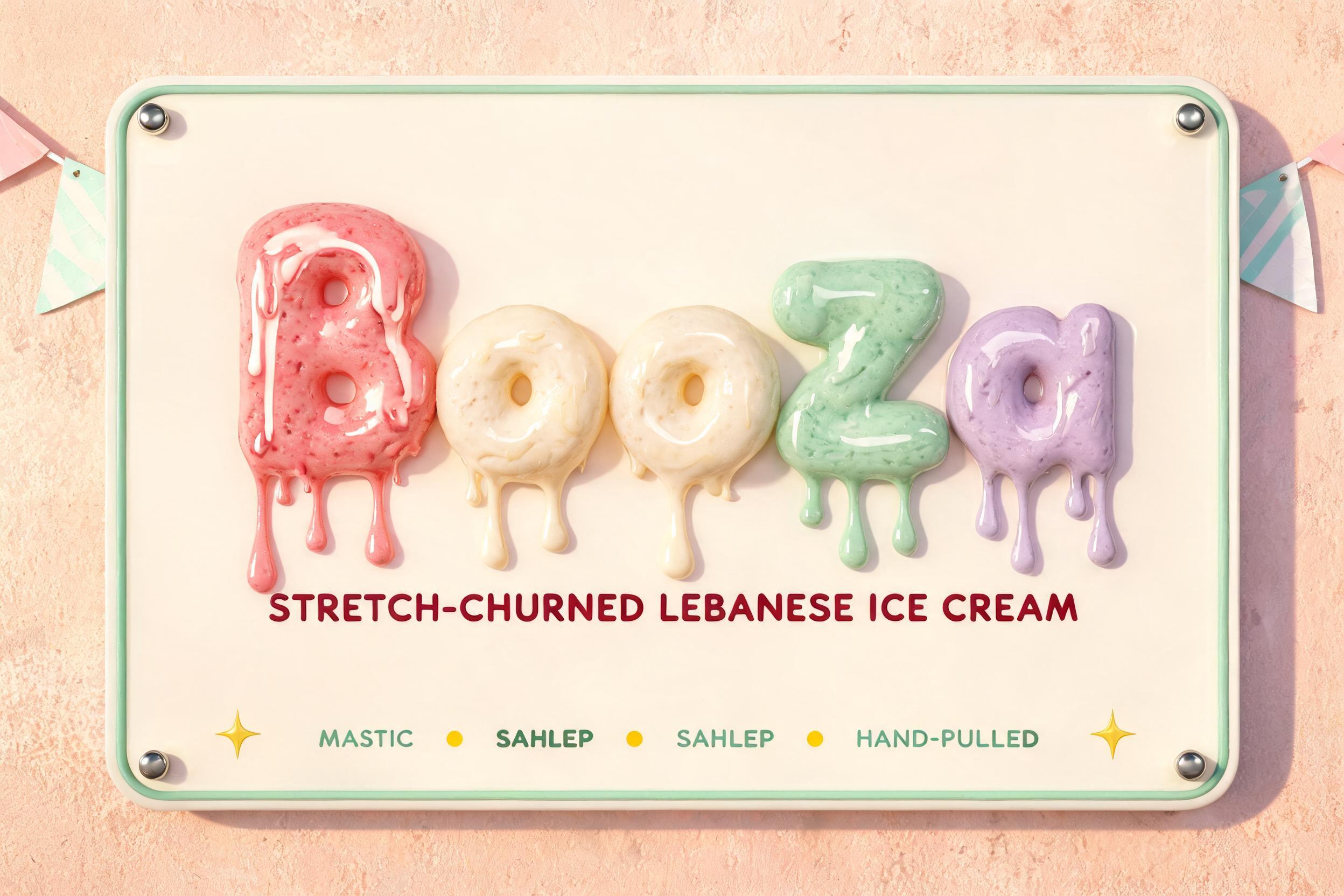
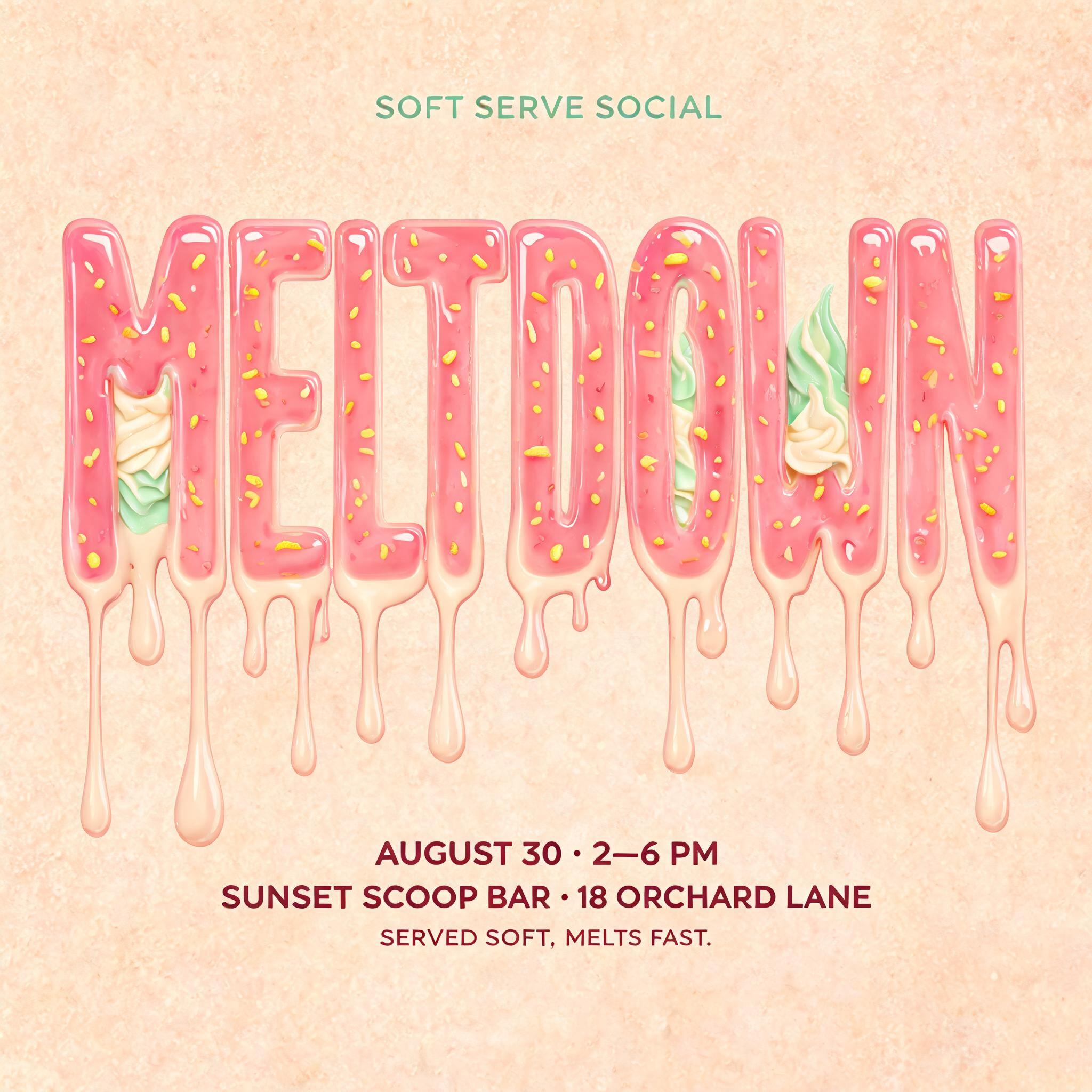
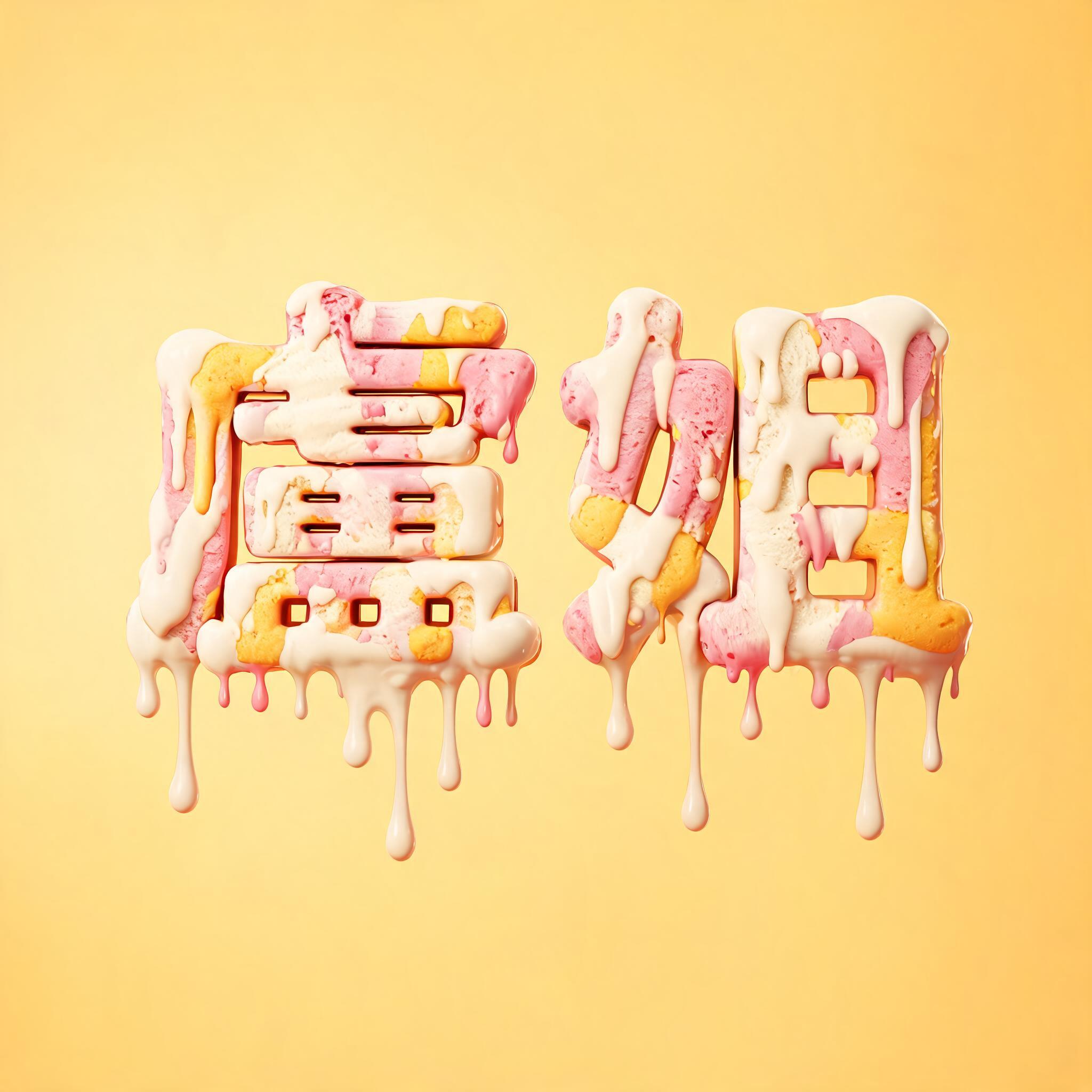
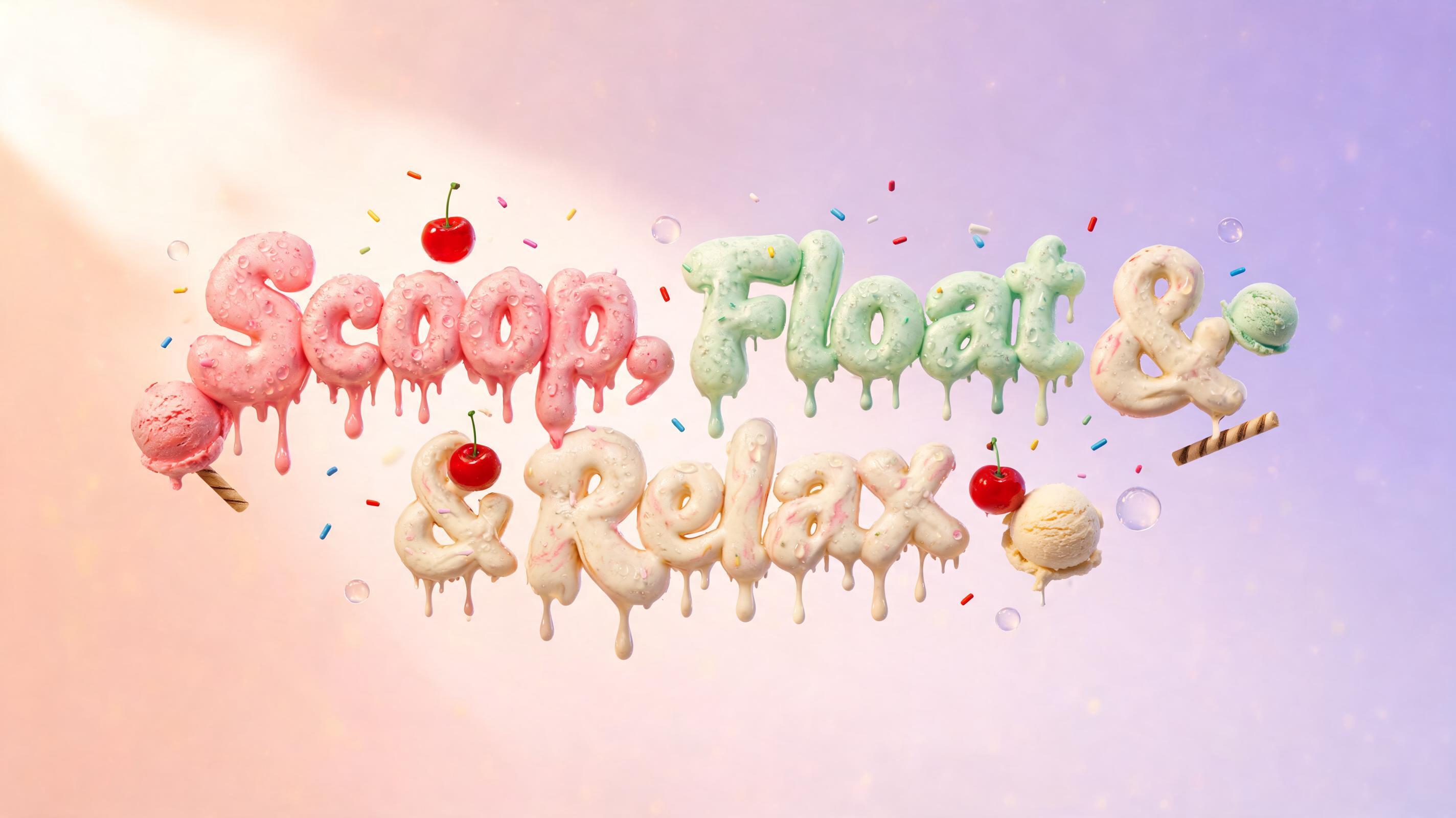
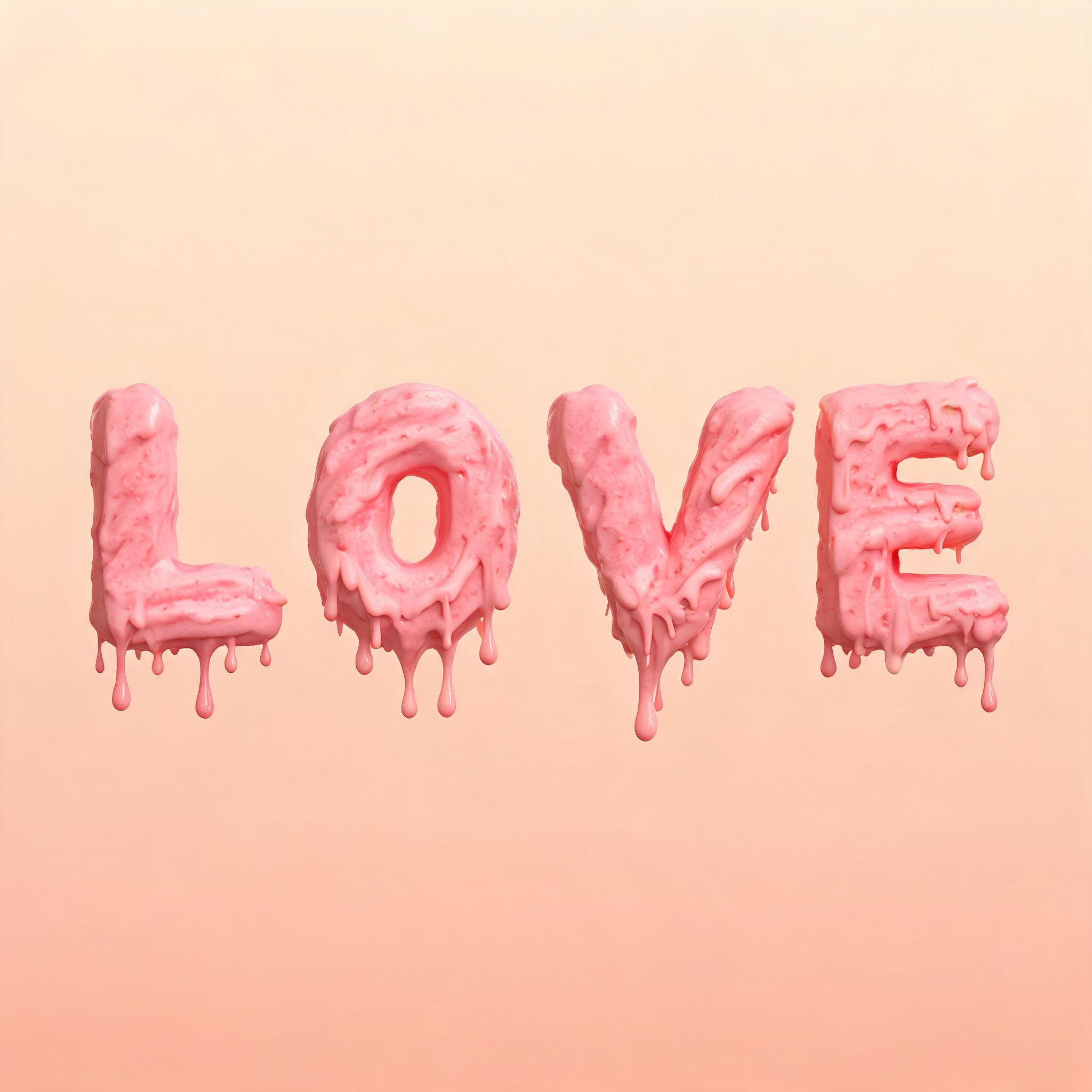
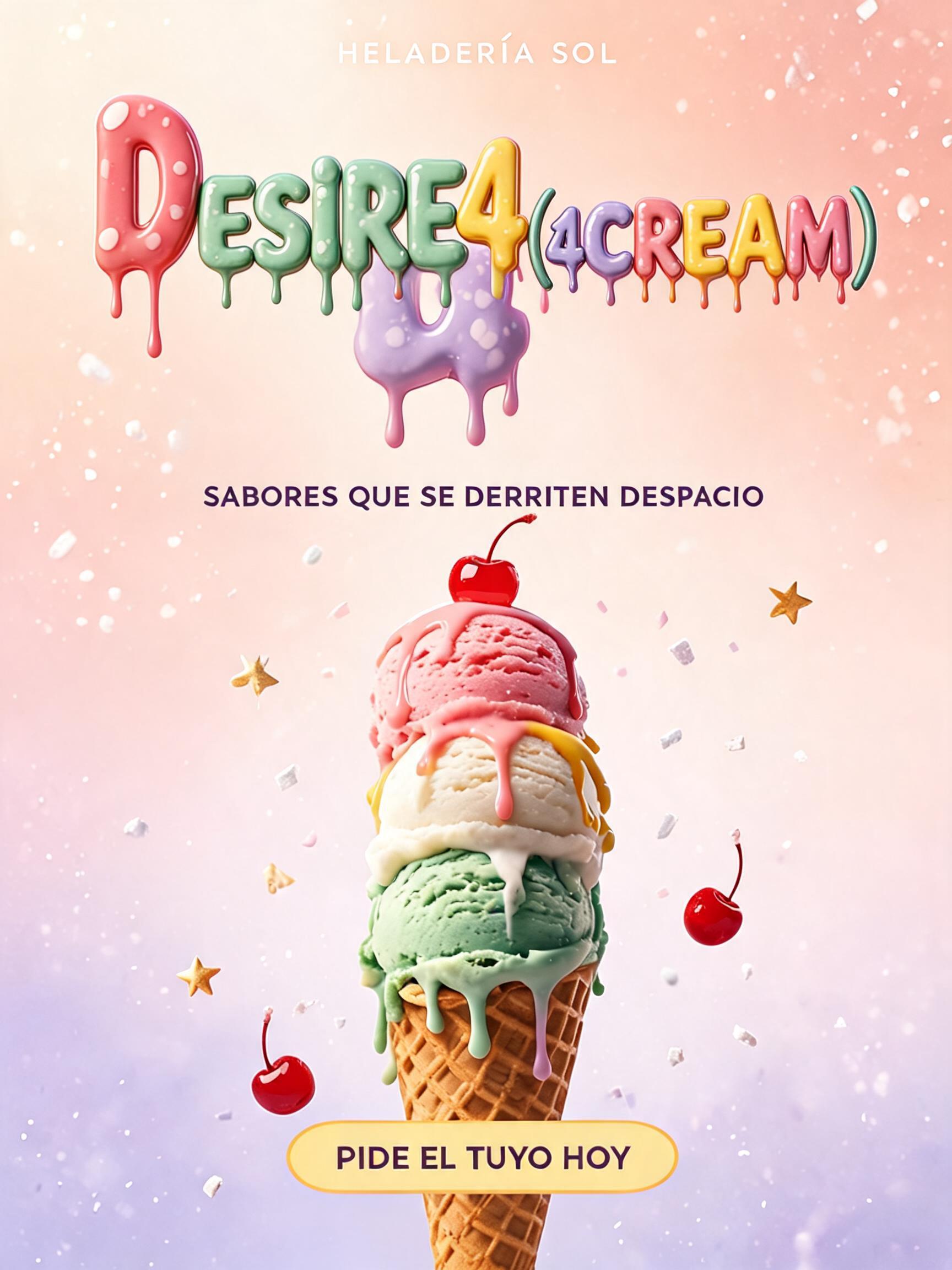
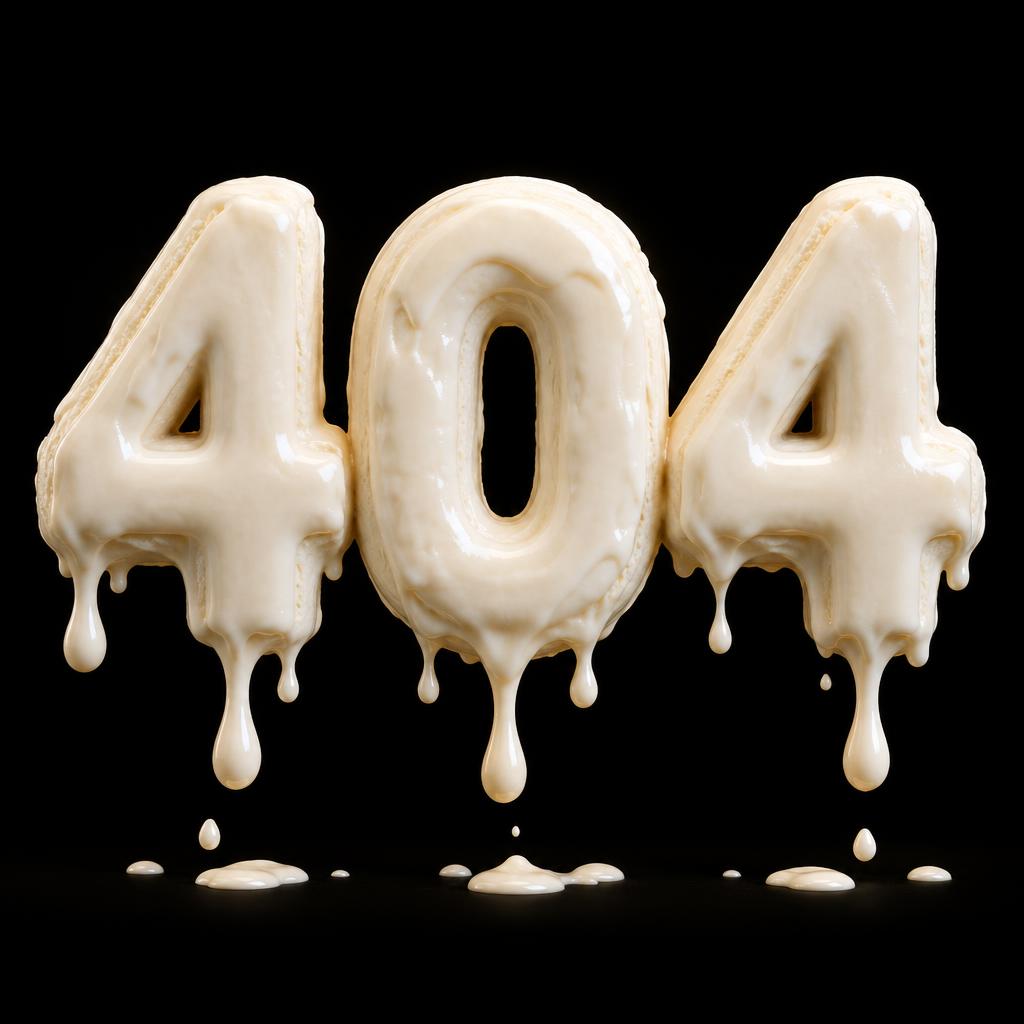
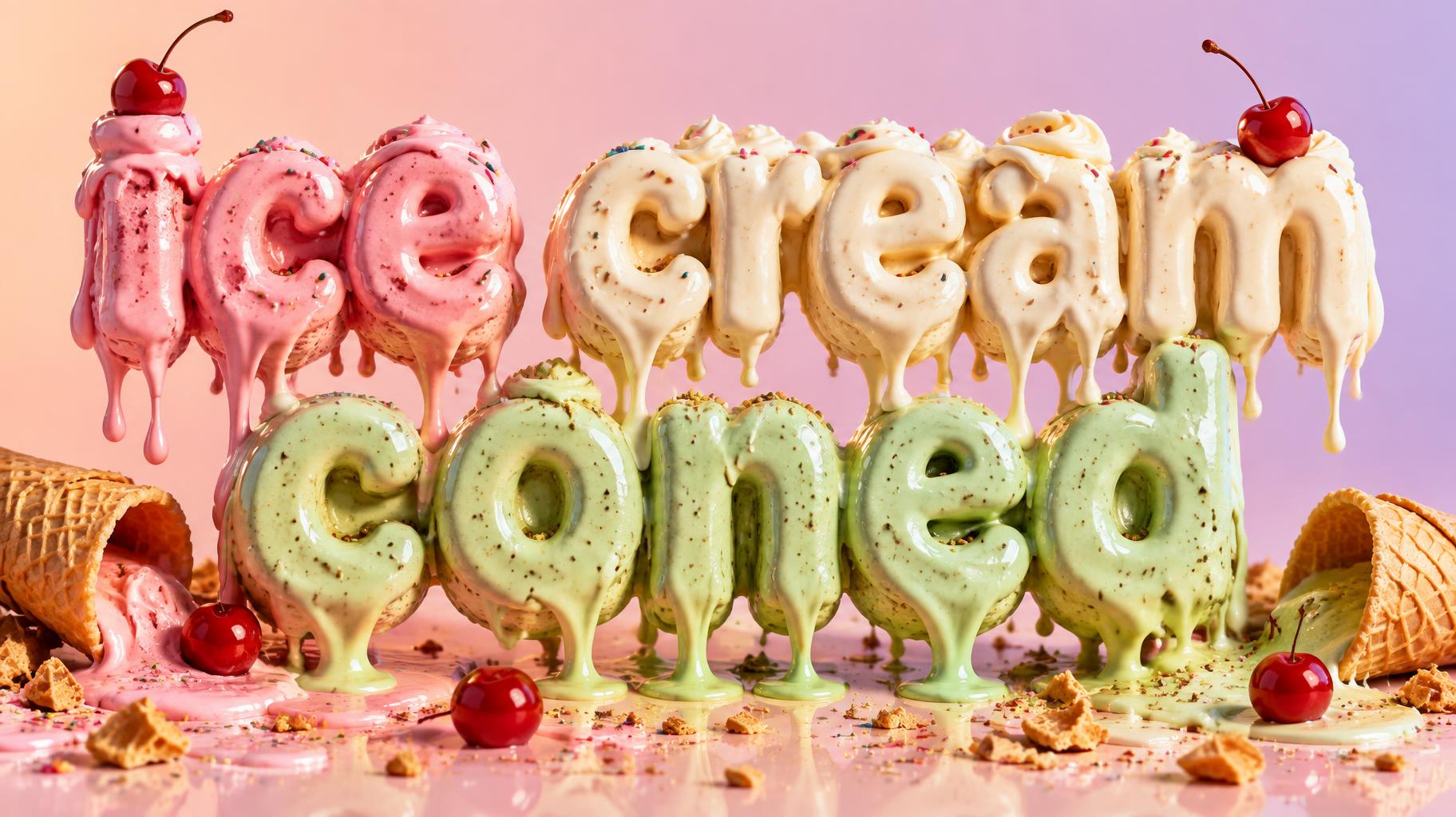
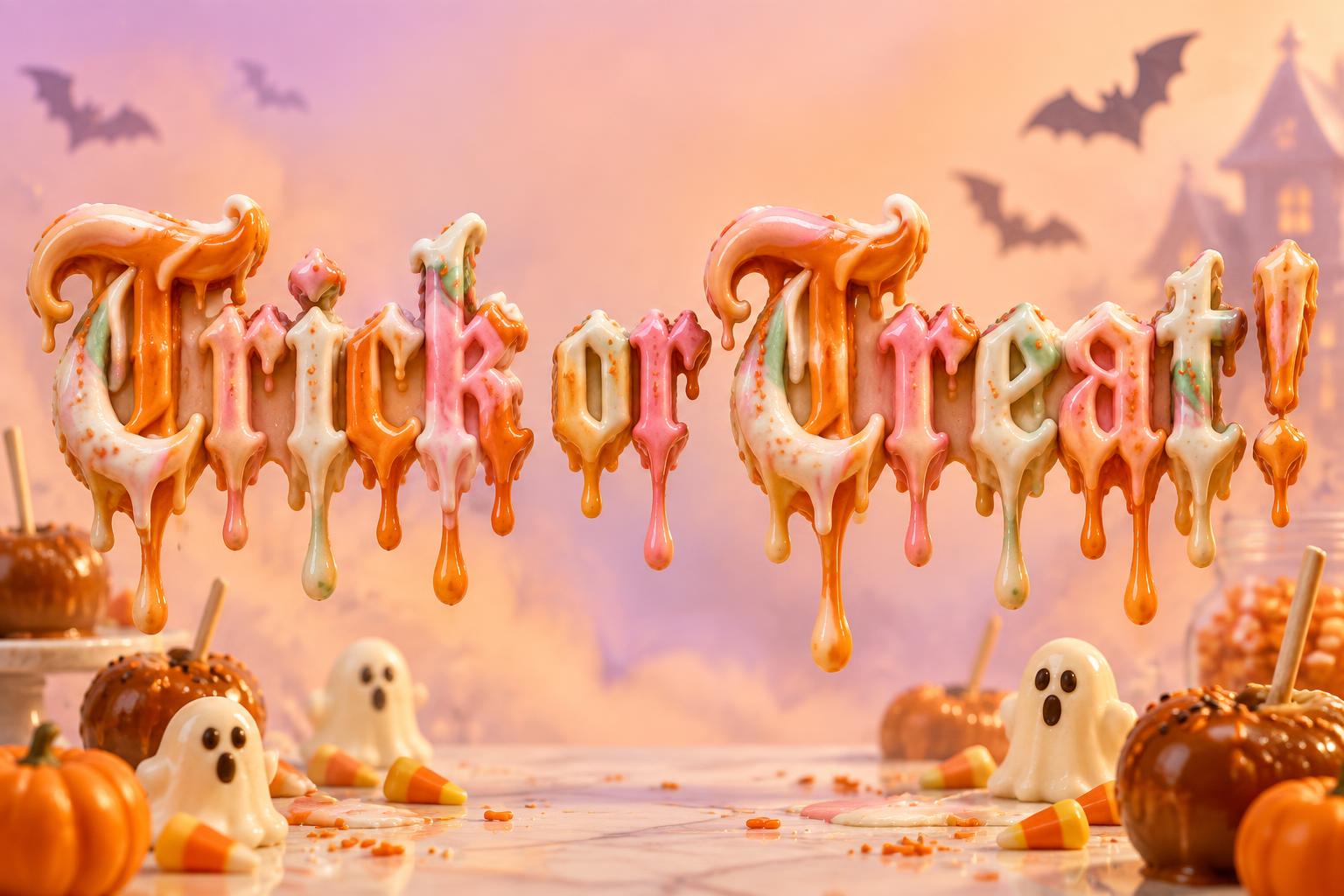
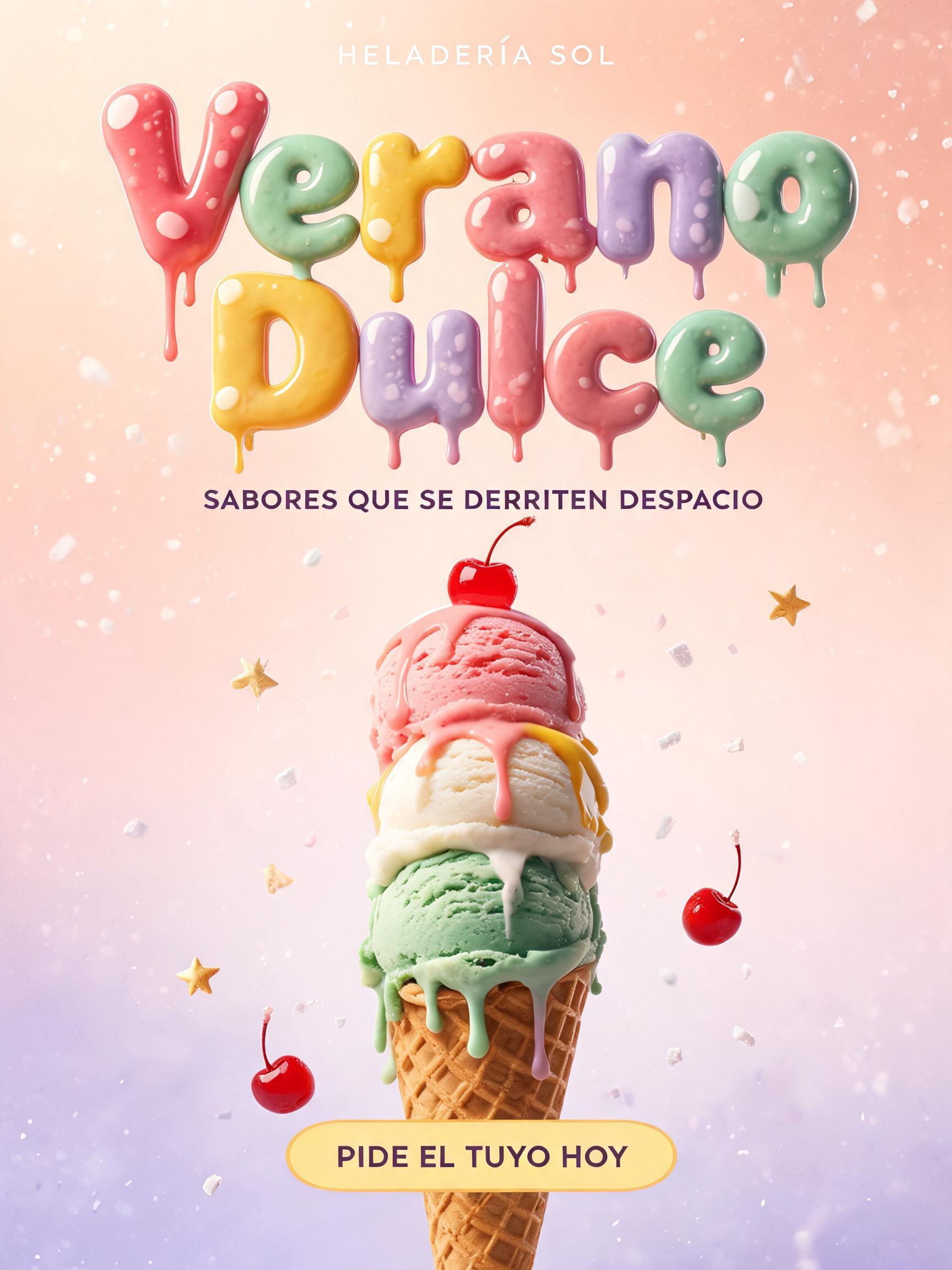
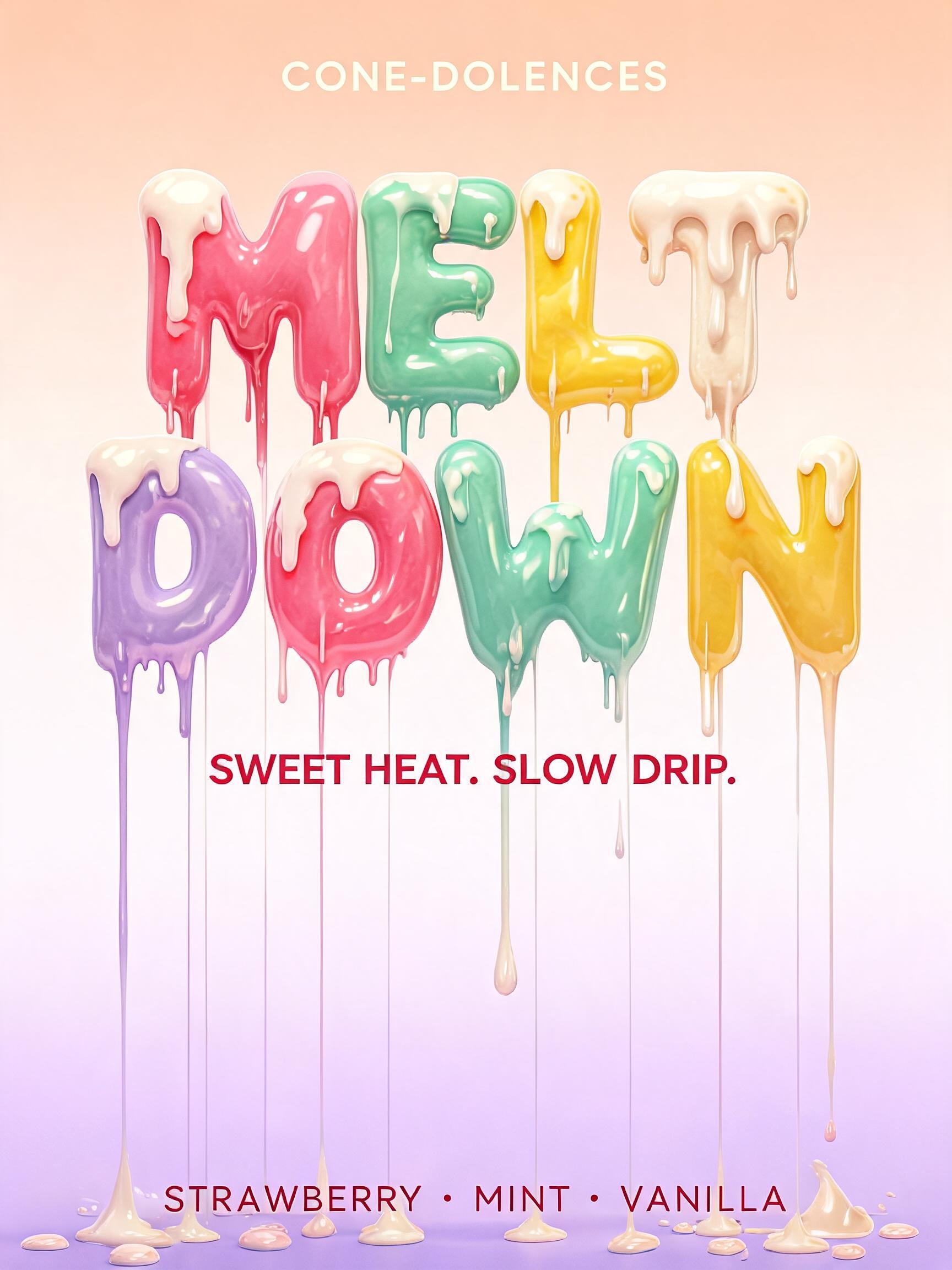
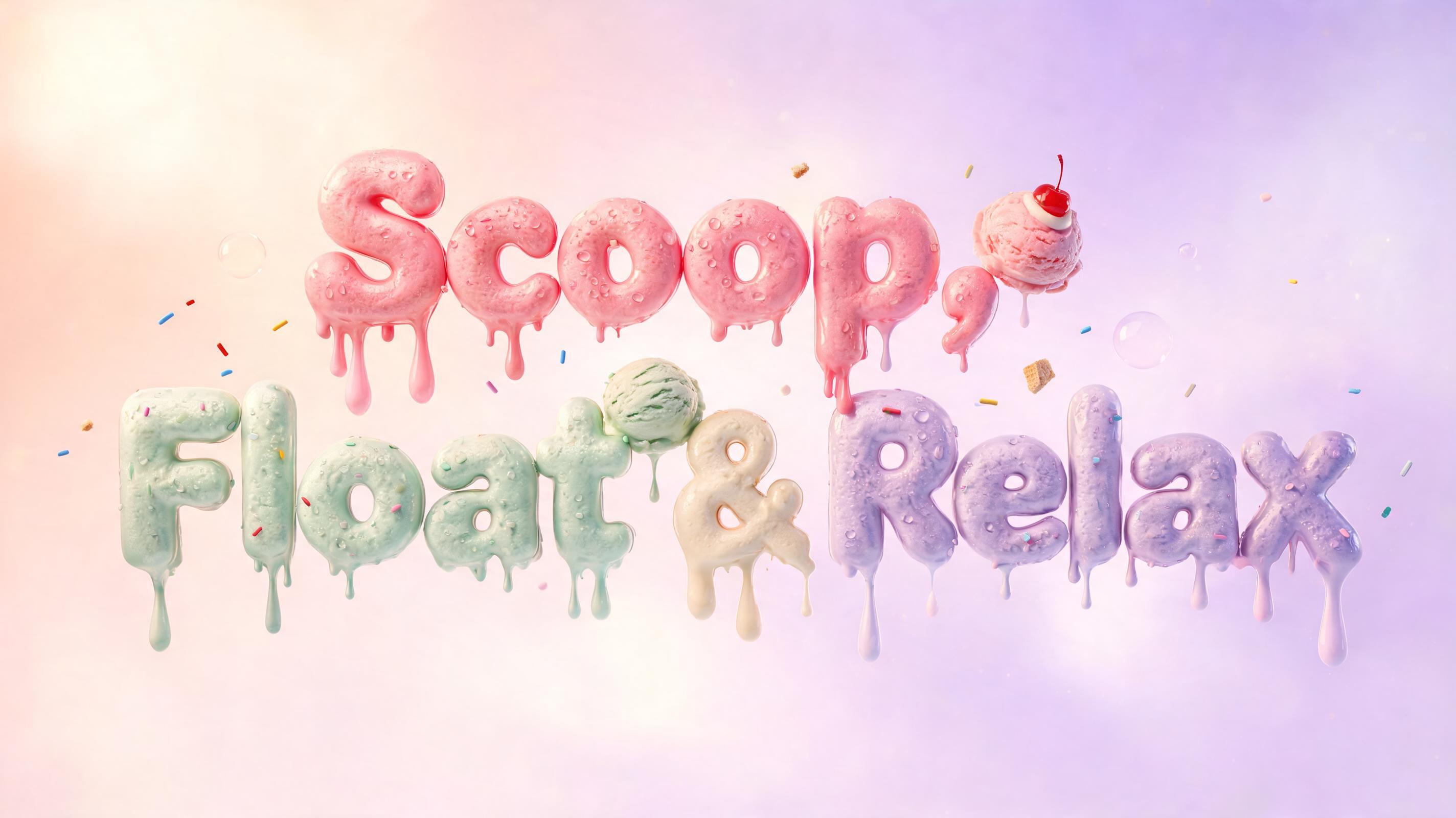
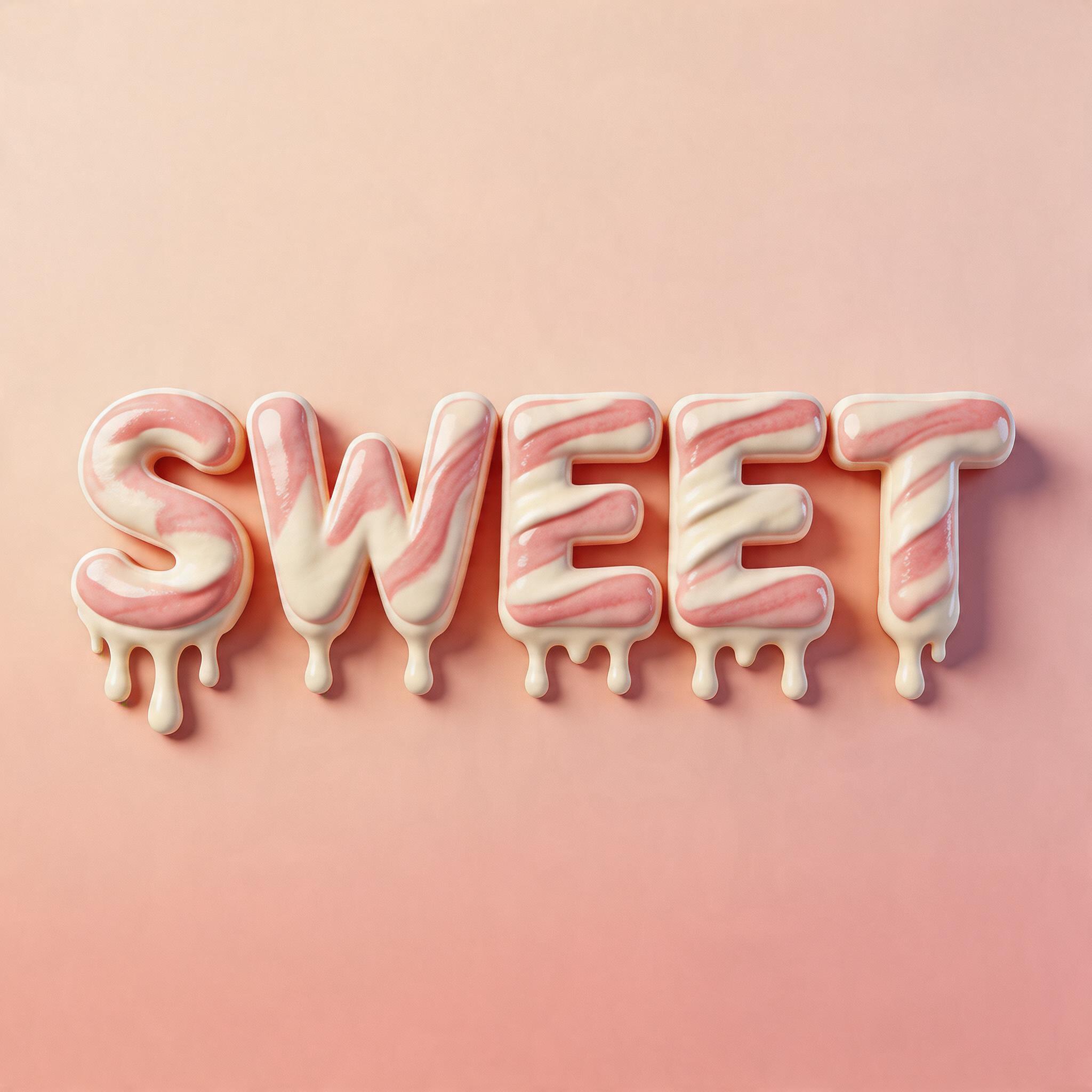
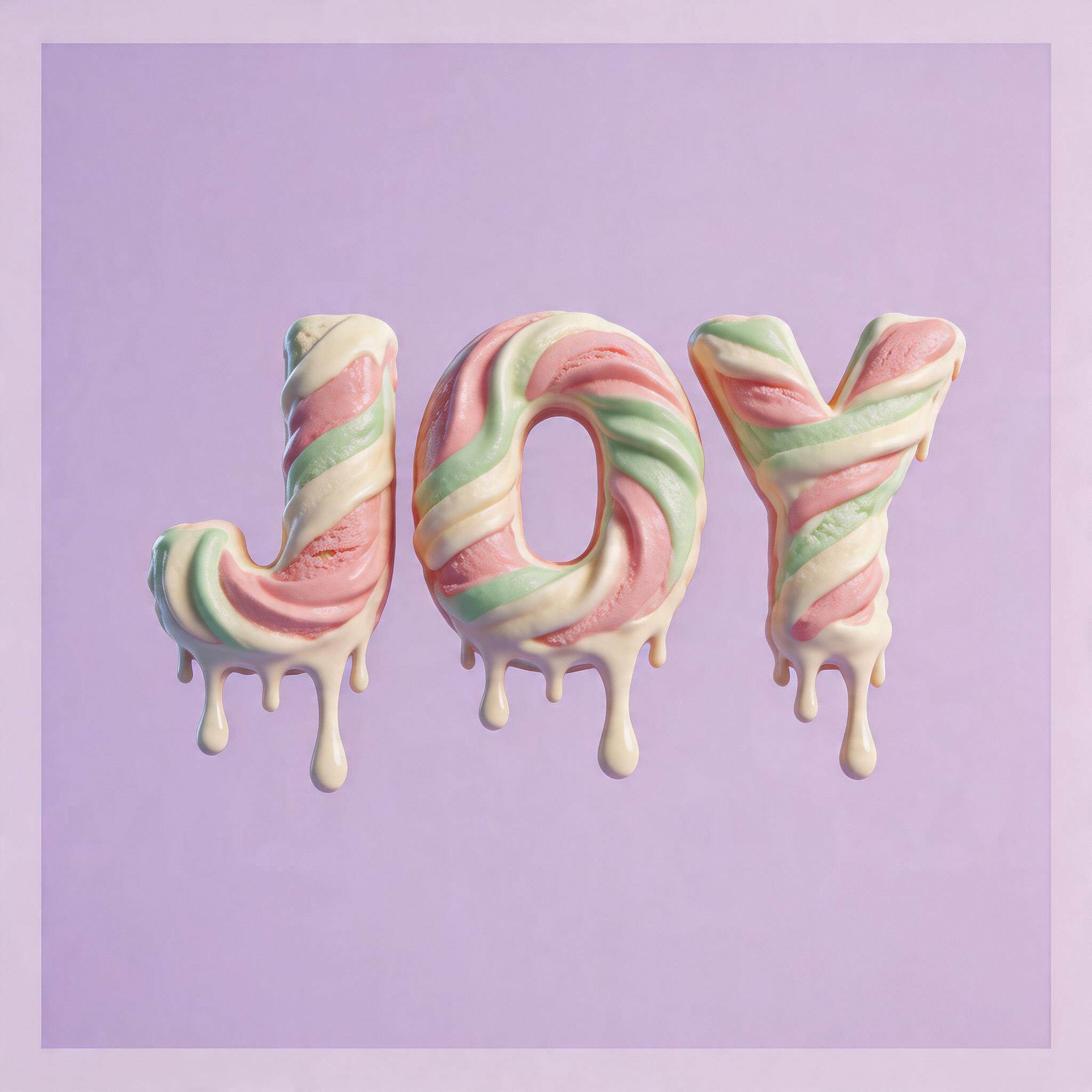
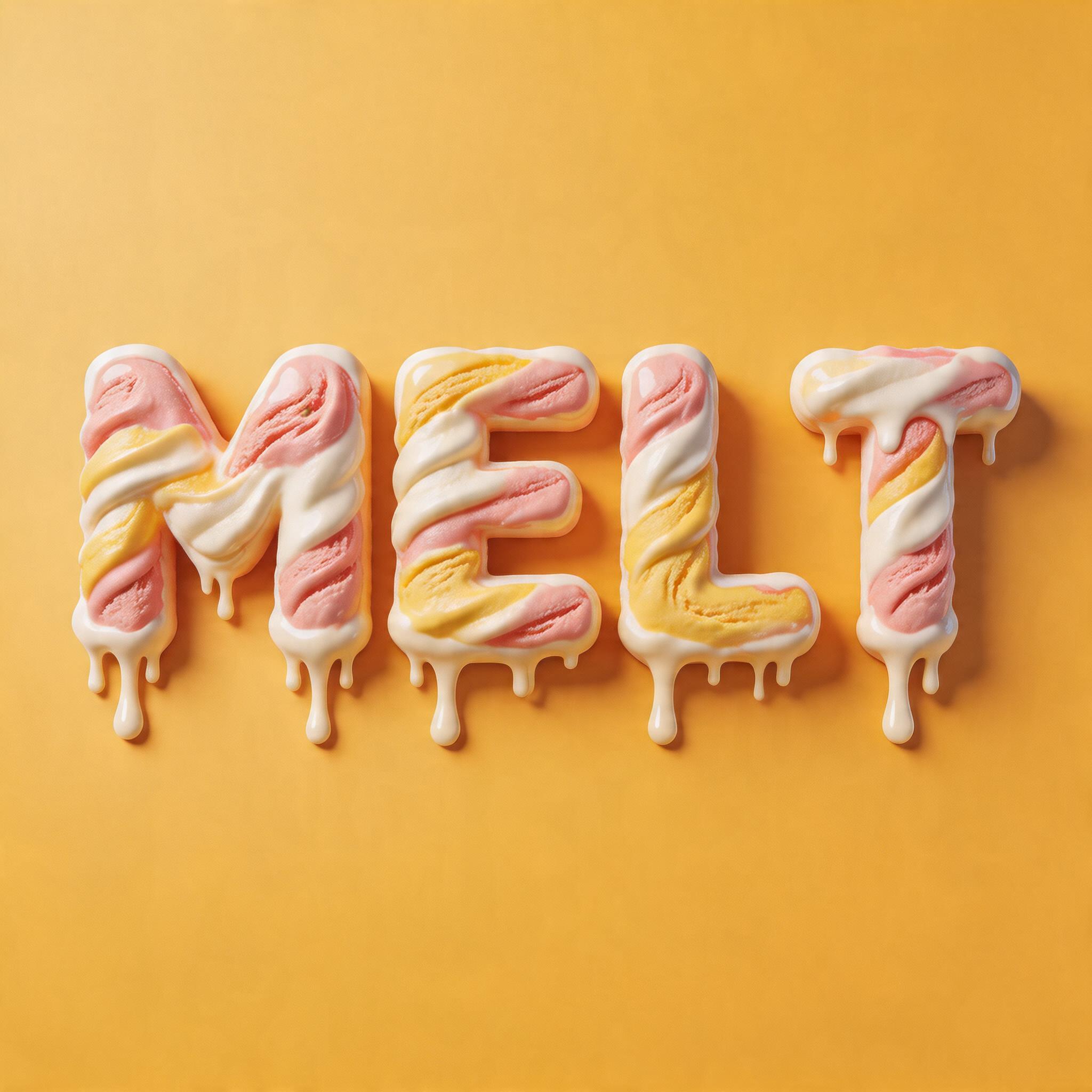
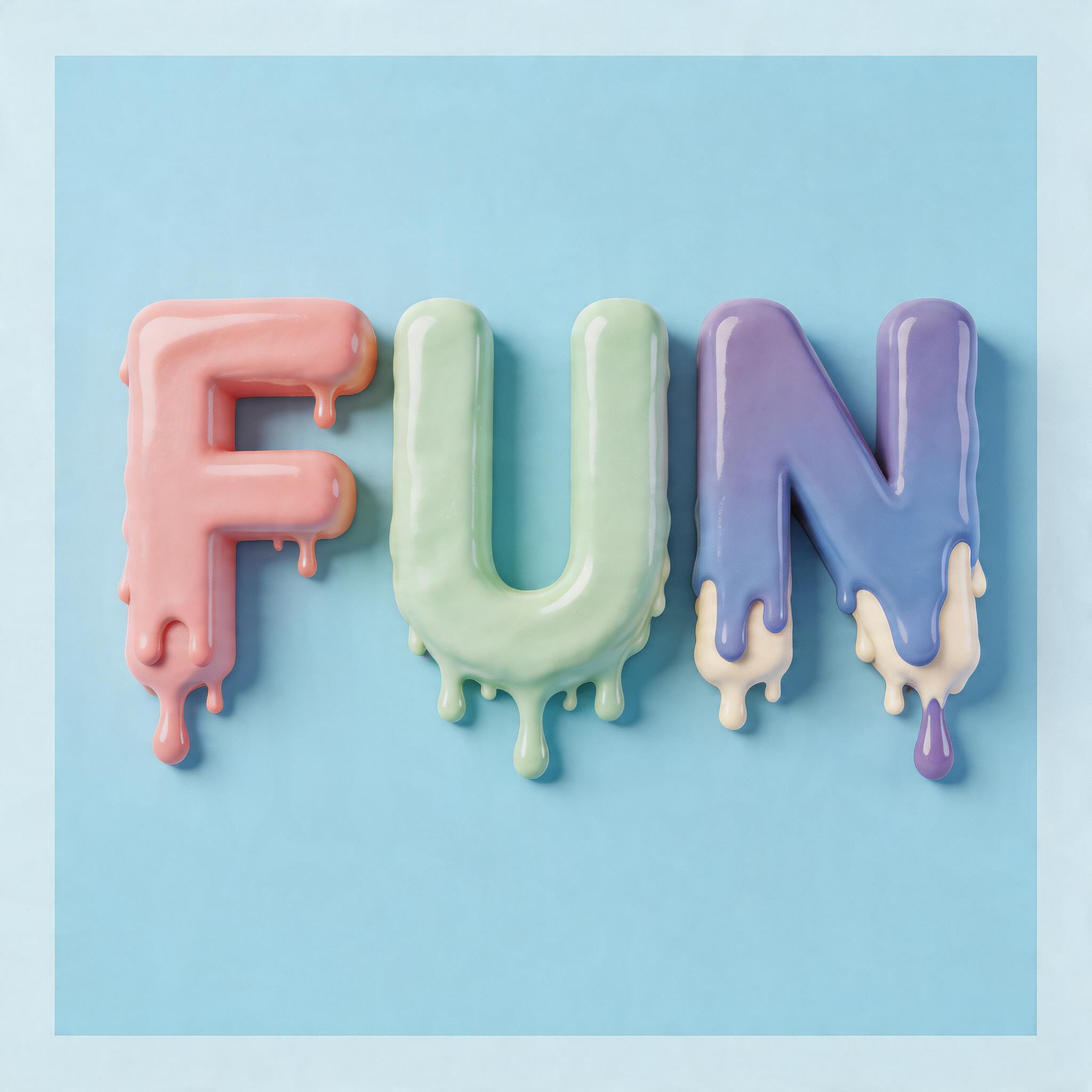
Every image below was generated on FontVibe — no post-editing, no stock photos. This is what ice cream font generator — free ai sweet text actually looks like.







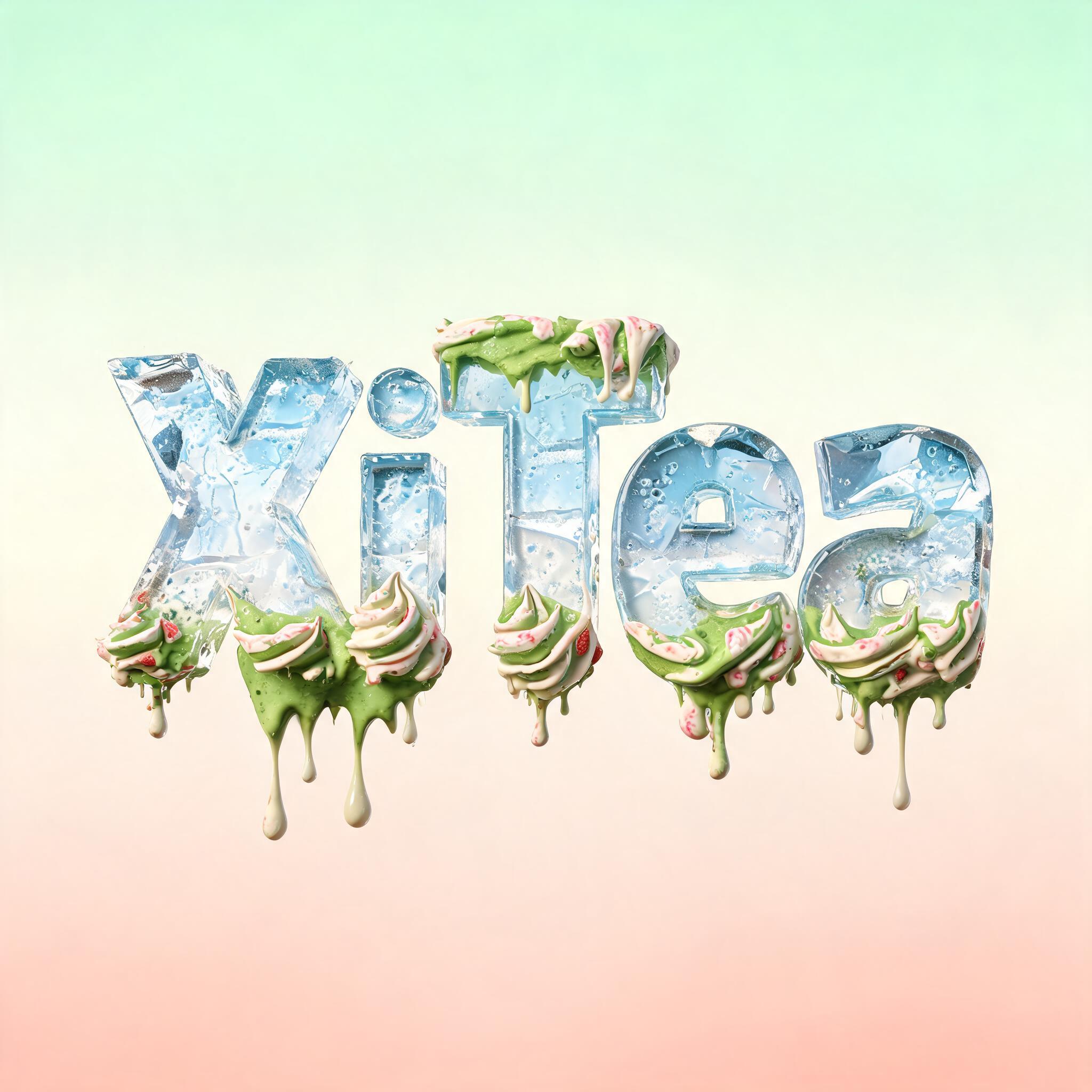
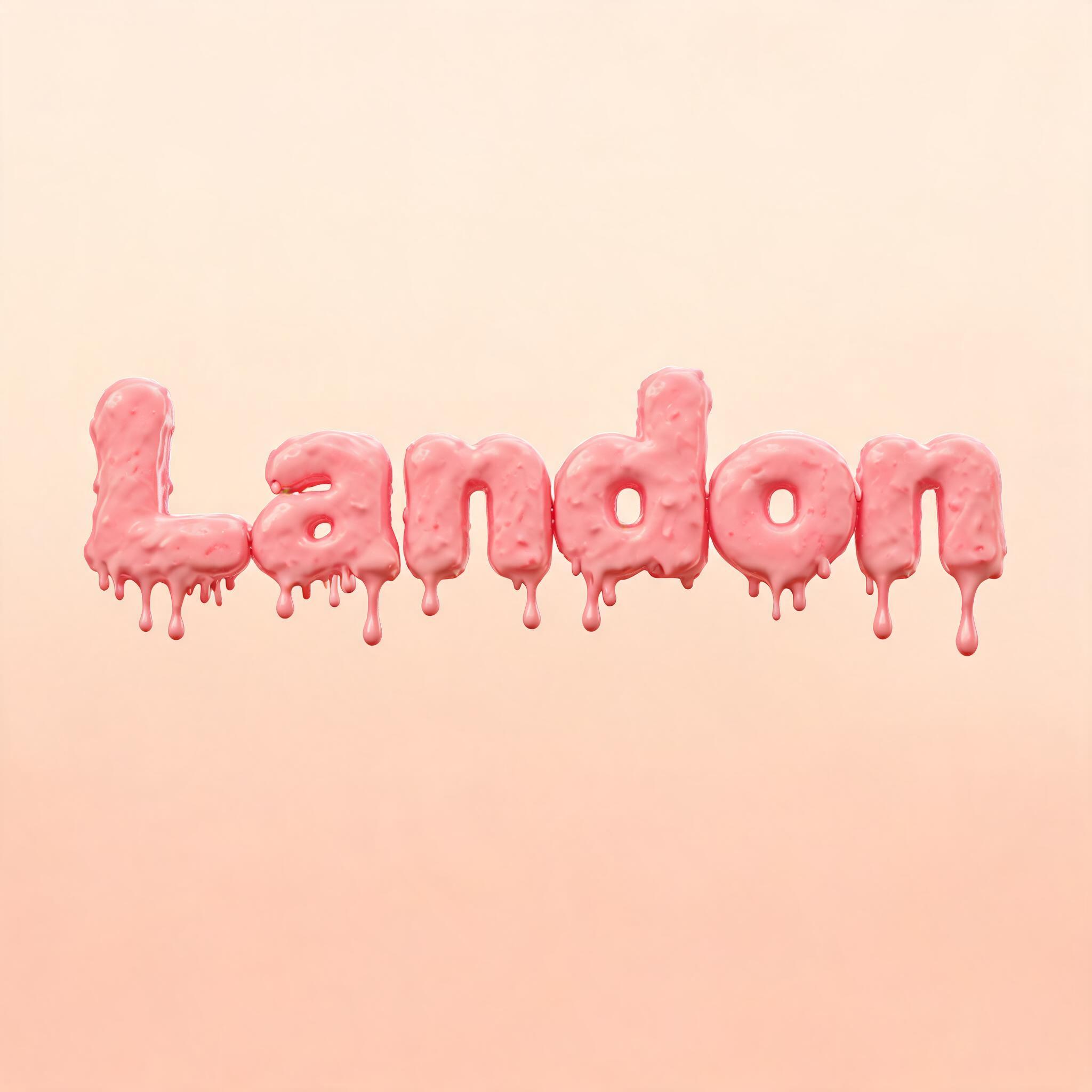
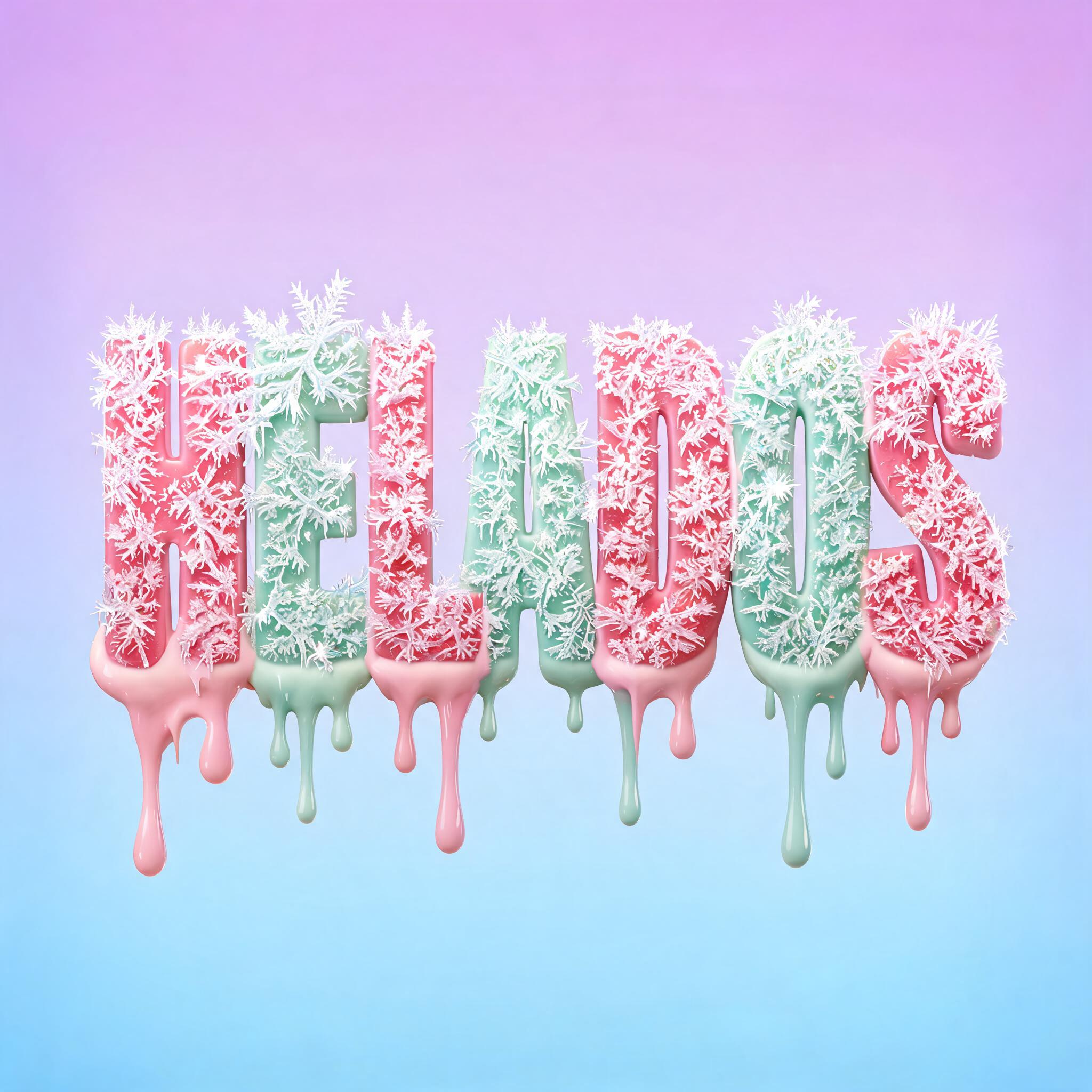
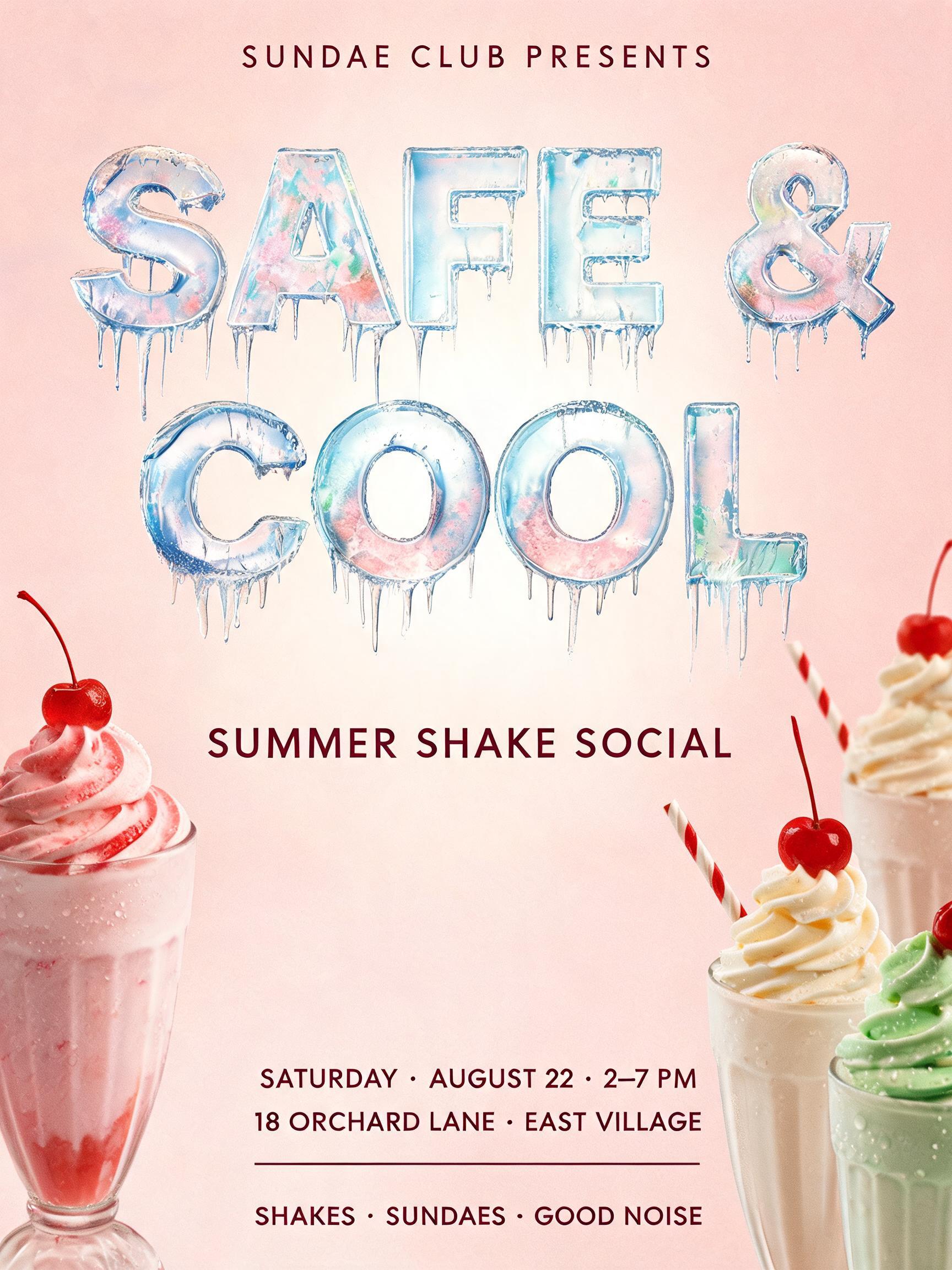
✦ More Ice Cream Font Generator Use Cases
Explore more ways to use Ice Cream Drip Font



✦ Step-by-Step Guide
How to Create Your Generator in Studio
Three steps. No design software needed.
1
Type your text
Enter any word — SWEET, MELT, YUMMY, your shop name, or any word that works in summer aesthetics.
2
Select Ice Cream Drip Font style
The AI ice cream font generator loads instantly. Choose the Ice Cream Drip Font style — no setup required.
3
Hit Generate
The AI renders photorealistic melting ice cream dripping from your letters in 15–30 seconds.
4
Download PNG
Your ice cream font image saves as a free high-resolution PNG. Ready for social media, food content, menus, or packaging immediately.
💡 Platform tip: Ice cream font generator output works immediately in content creation tools — download the PNG and drop it into Canva, Adobe Express, or Figma. For food brand use, generate your shop or product name with a matching flavor prompt (e.g., 'matcha green, soft serve drips') to match your brand palette. Keep text to 1–2 words for the clearest drip effect.
✦ Common Questions
Generator — Frequently Asked Questions
Everything you need to know before you create.
✦ Explore More Text Effect Styles
Related AI Text Effect Styles
Try a different aesthetic — each style generates a completely unique visual output.


Want more text styles? Browse our free font generators — fancy, cursive, gothic & more.
✦ Ready to Create?
Make Your Own Generator
Free to start. No design skills needed.
✦ Generate Now — Free