FontVibe
AI 字体效果生成器 — 让每段文字化为 视觉艺术
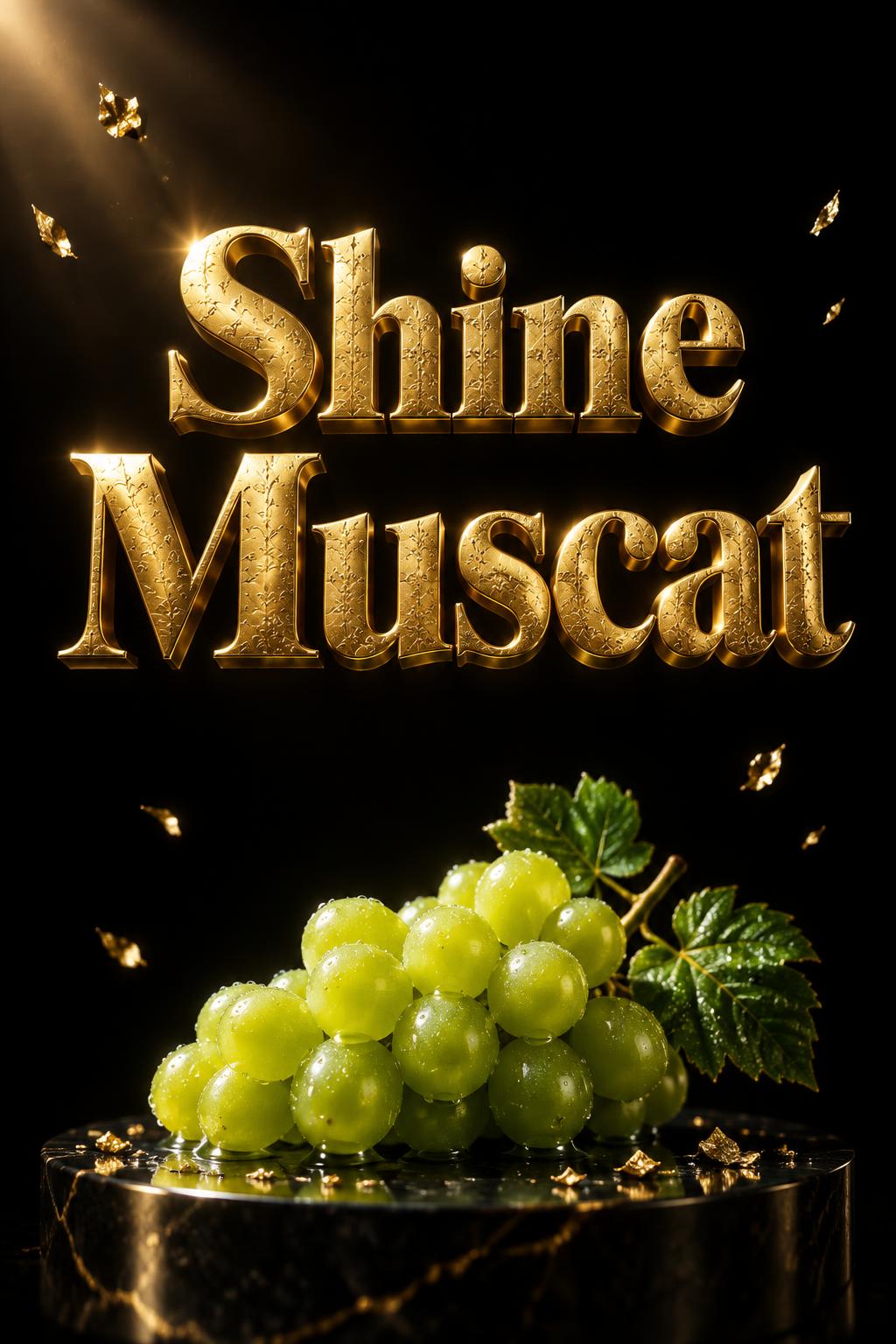
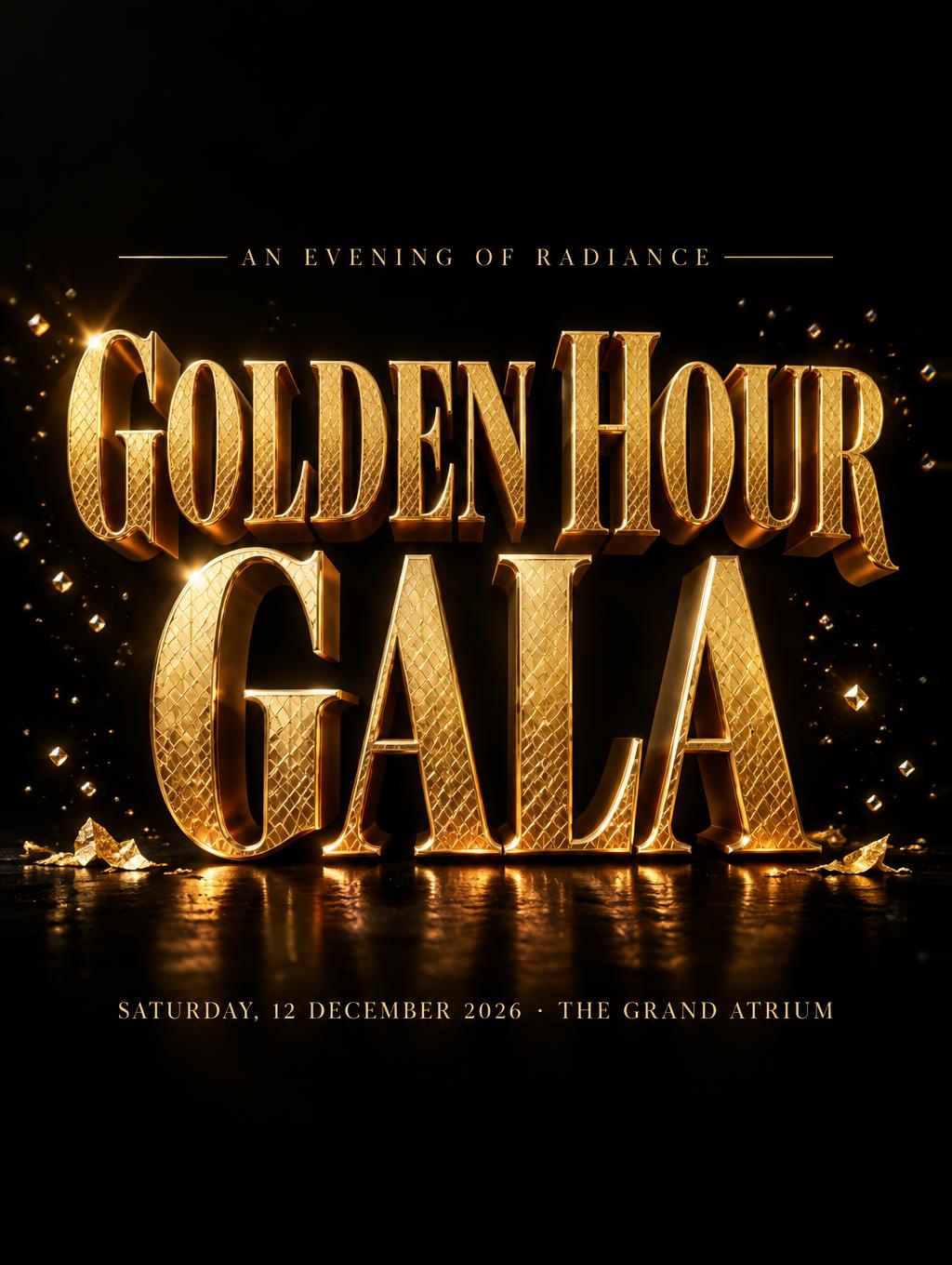
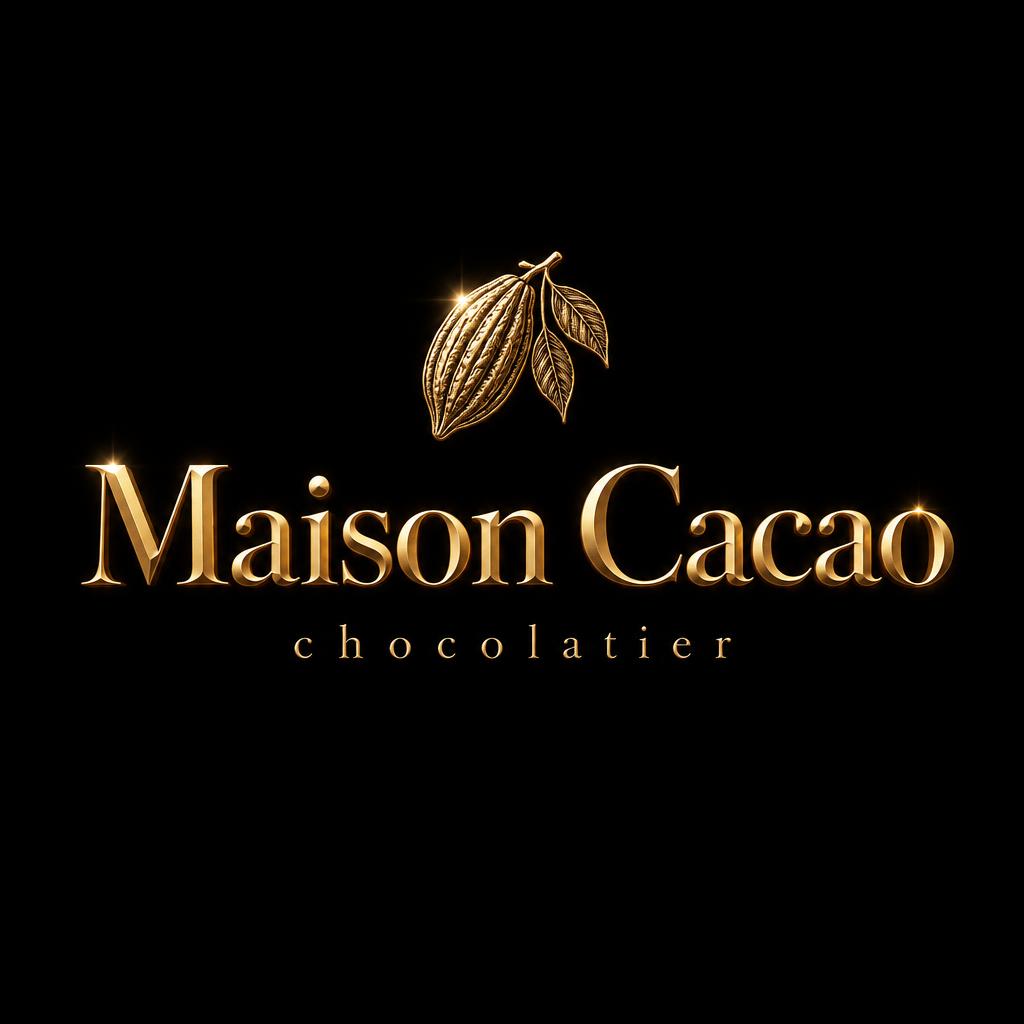
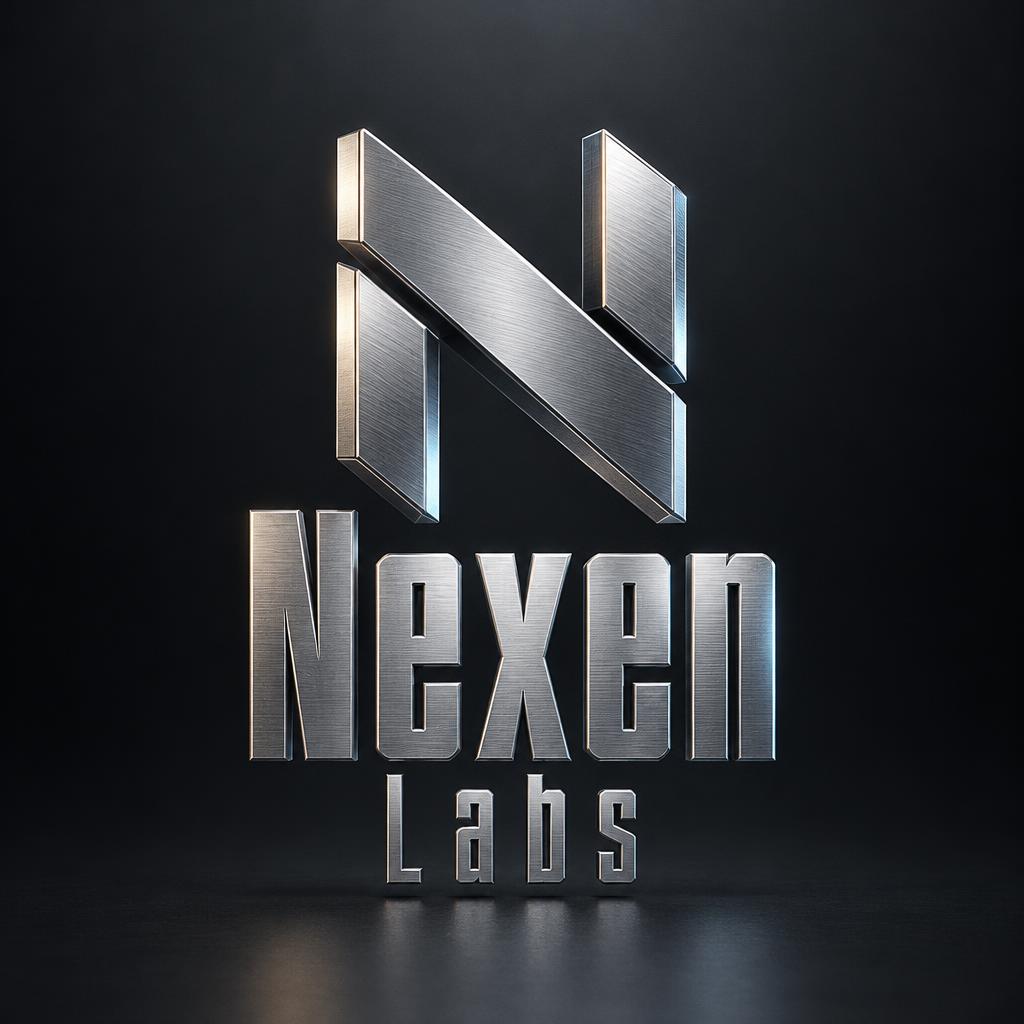
420+ 款 AI 字体、140+ 种文字特效风格 —— 霓虹、故障、火焰、3D 等。说清需求,或者直接选个风格开始。
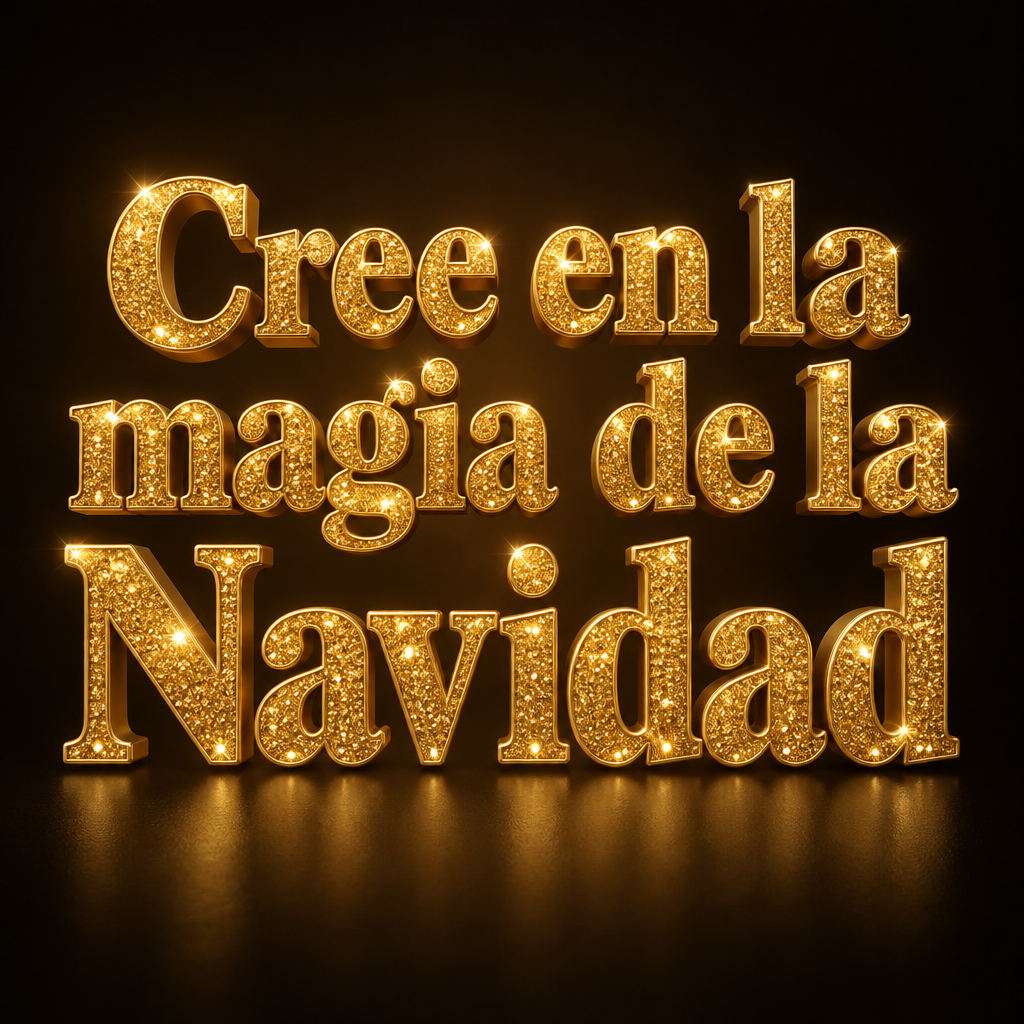
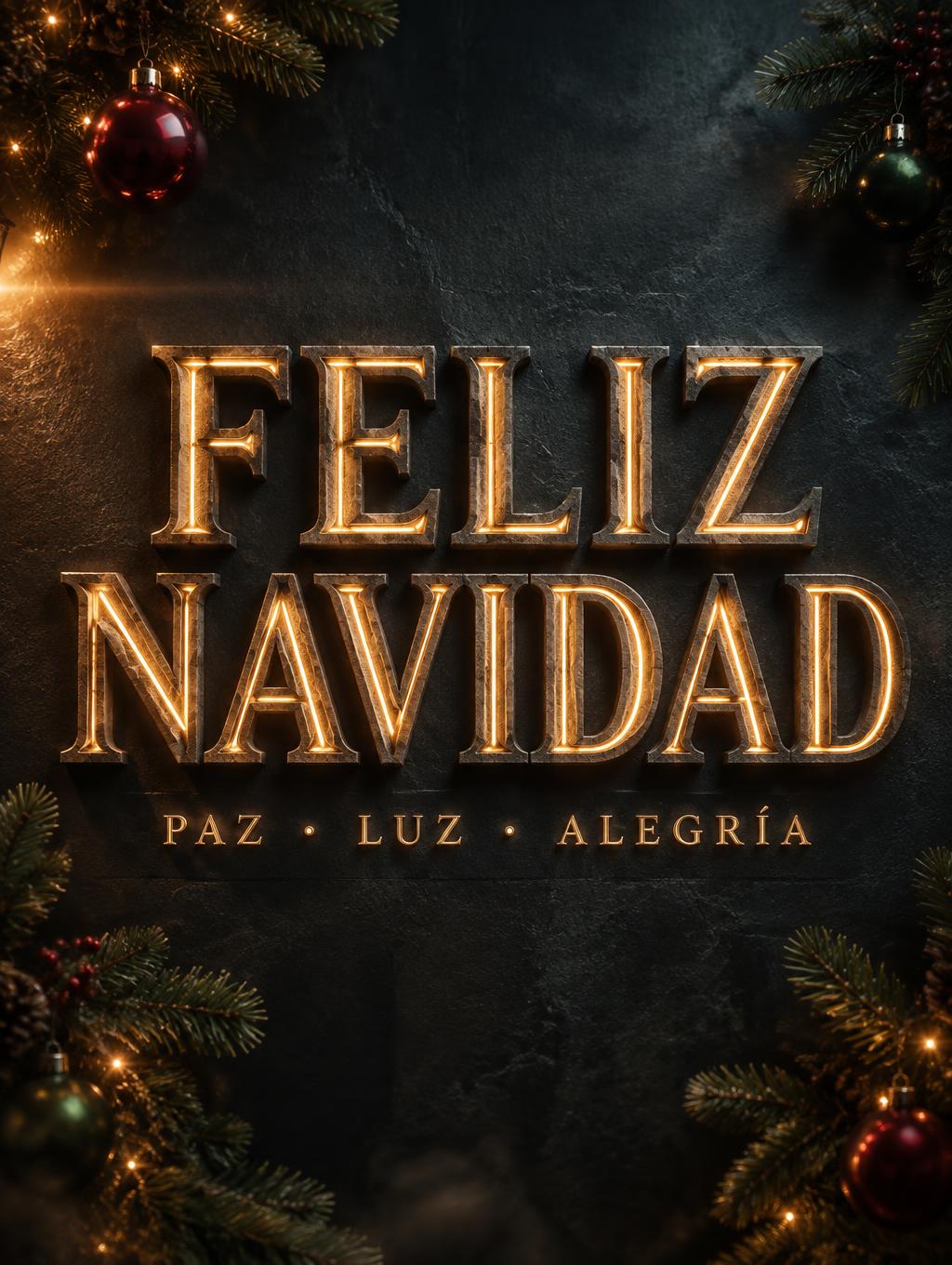
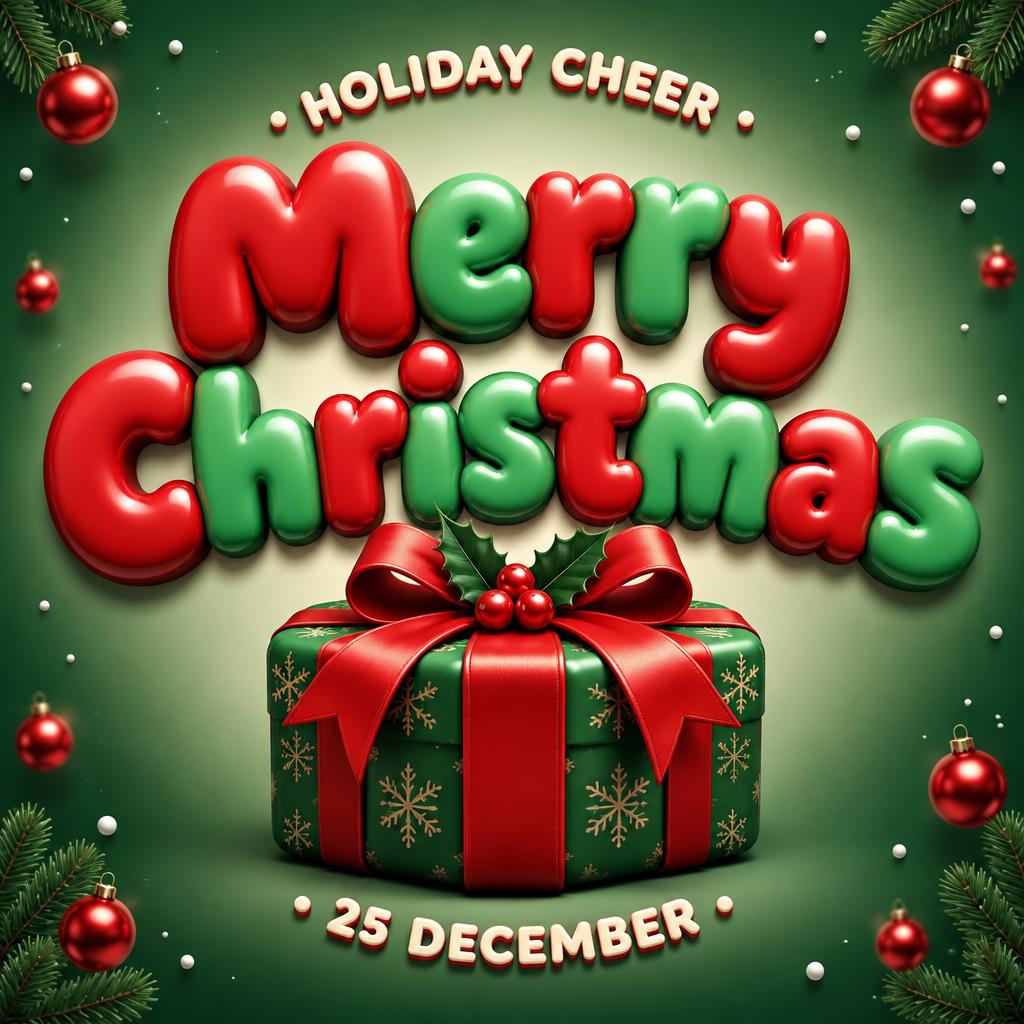

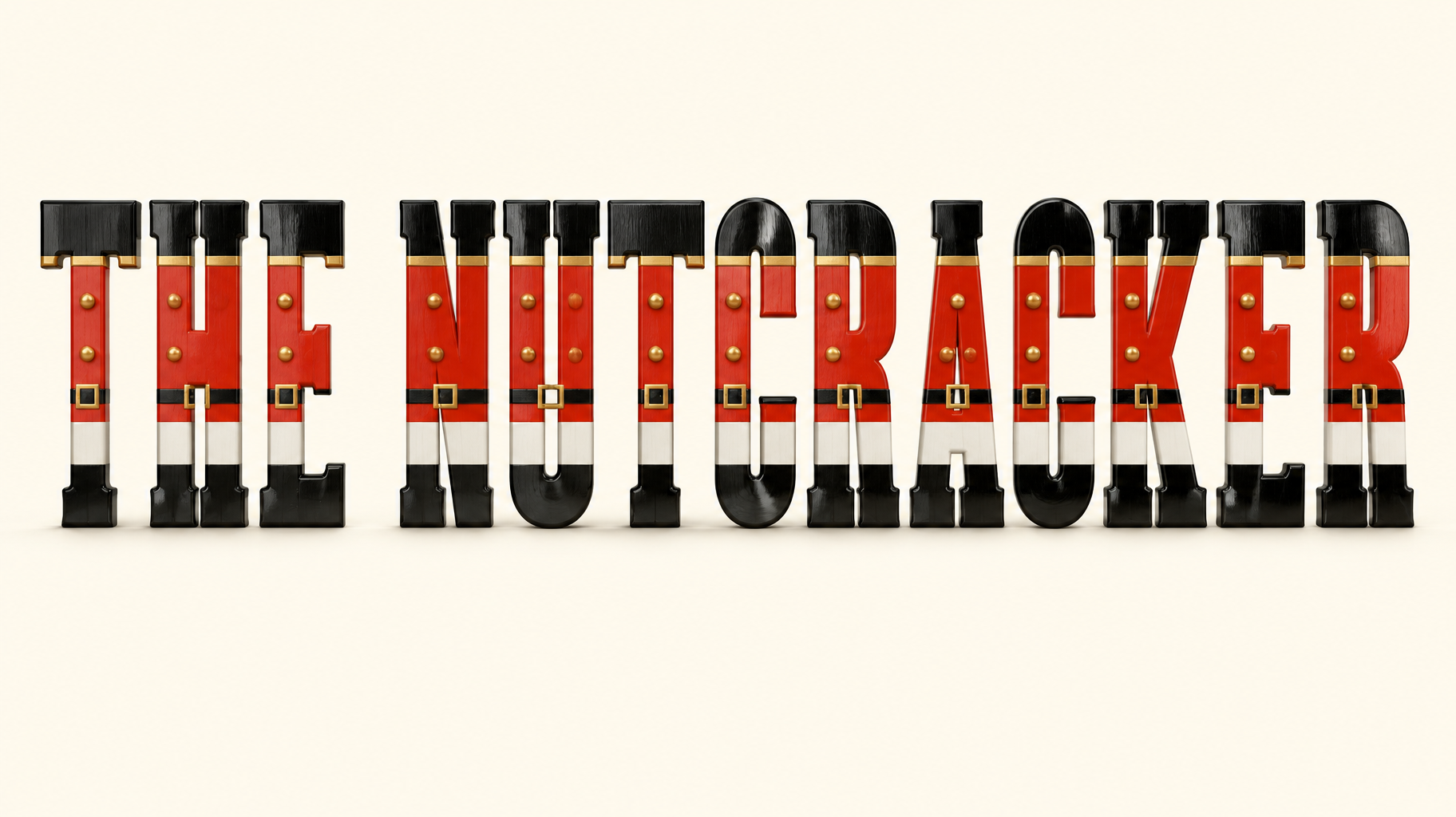

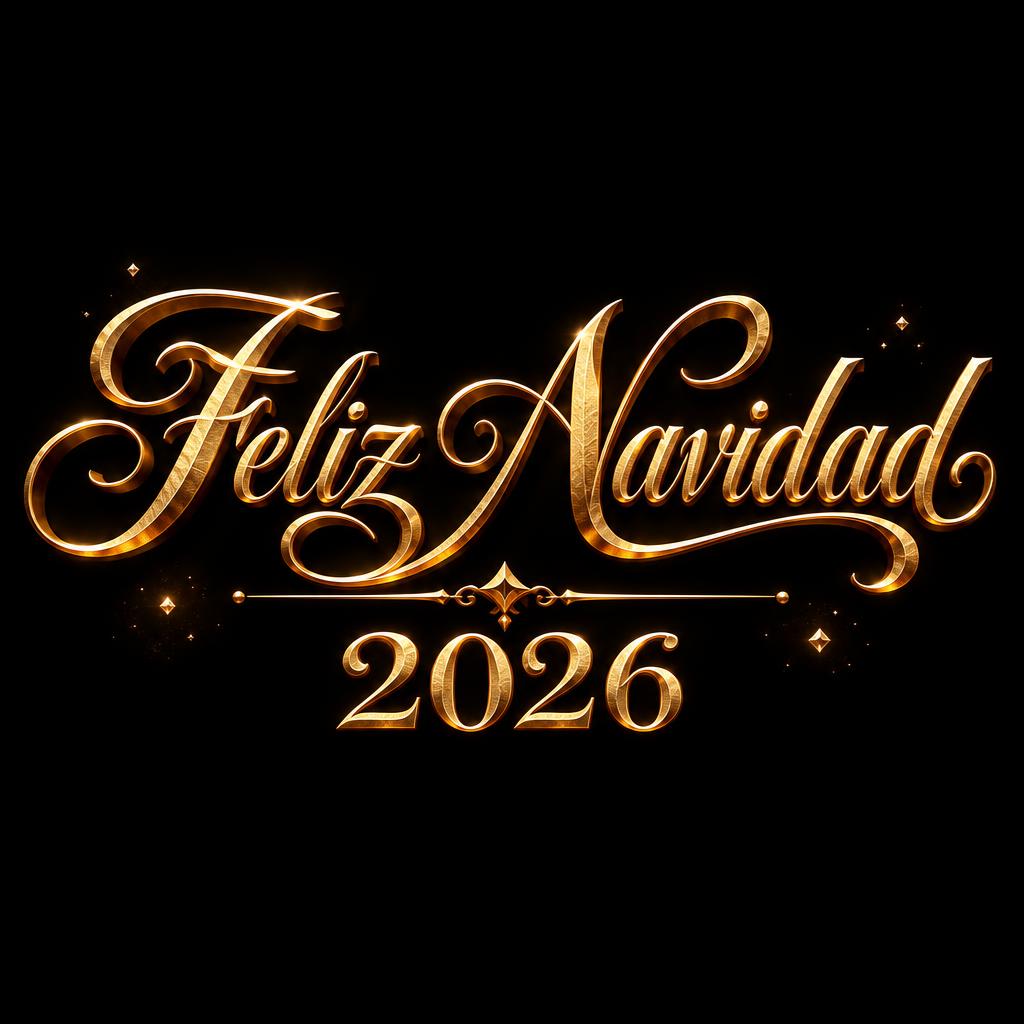
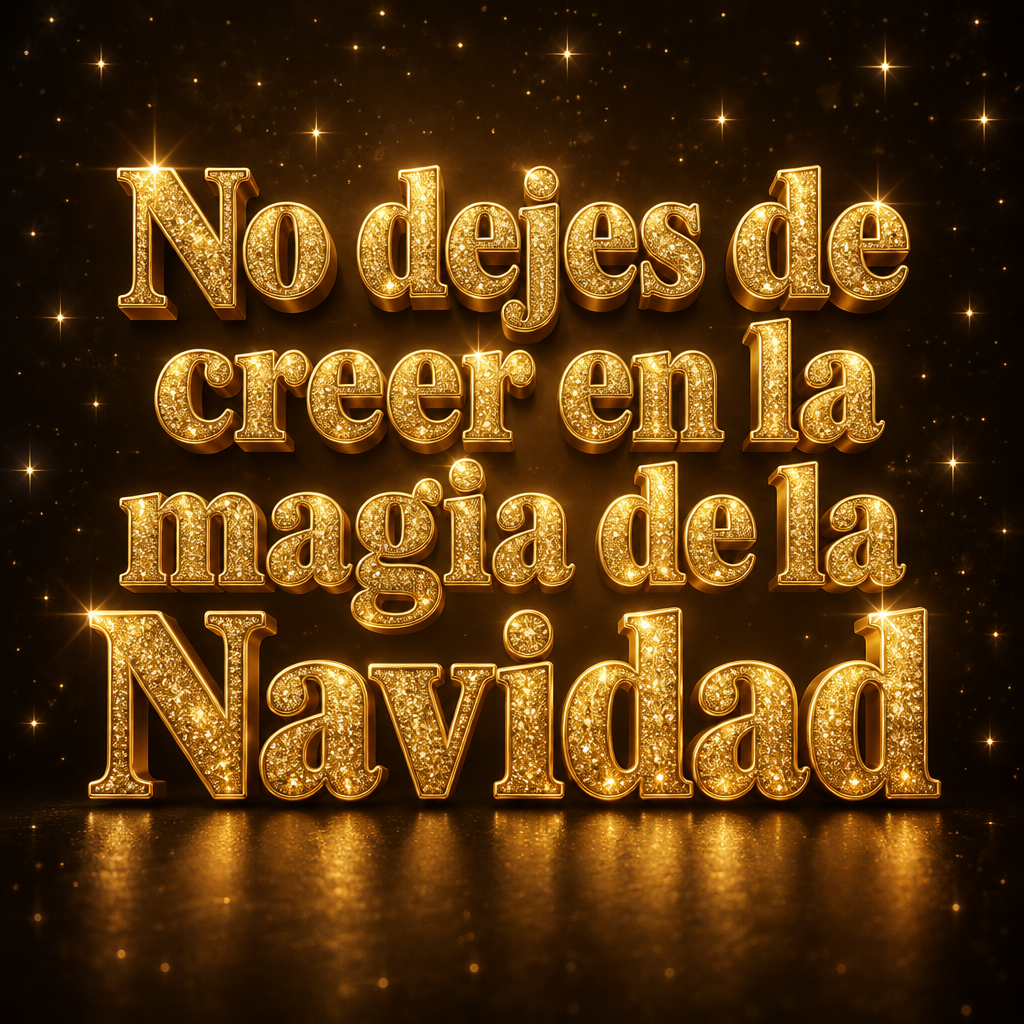

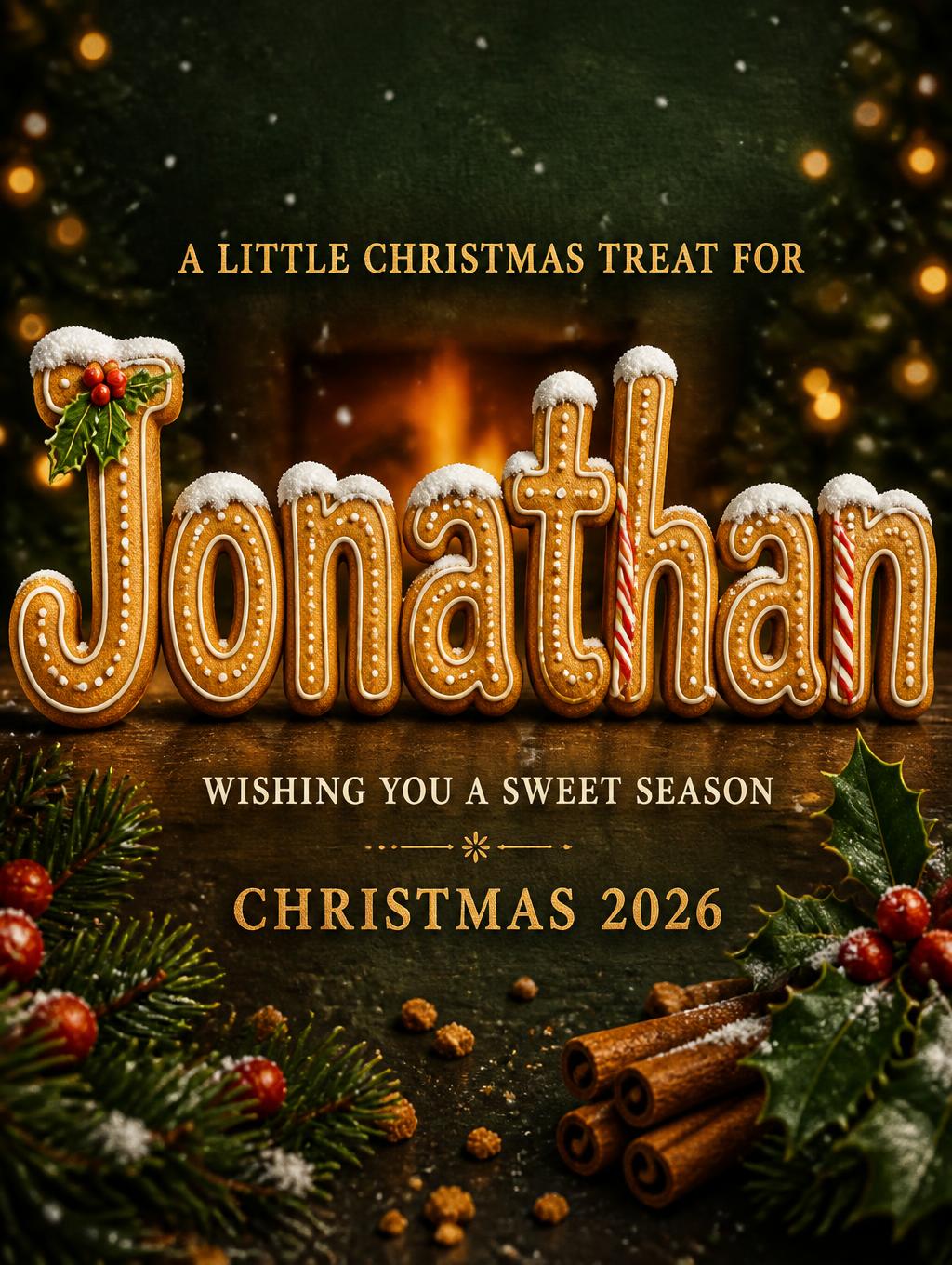
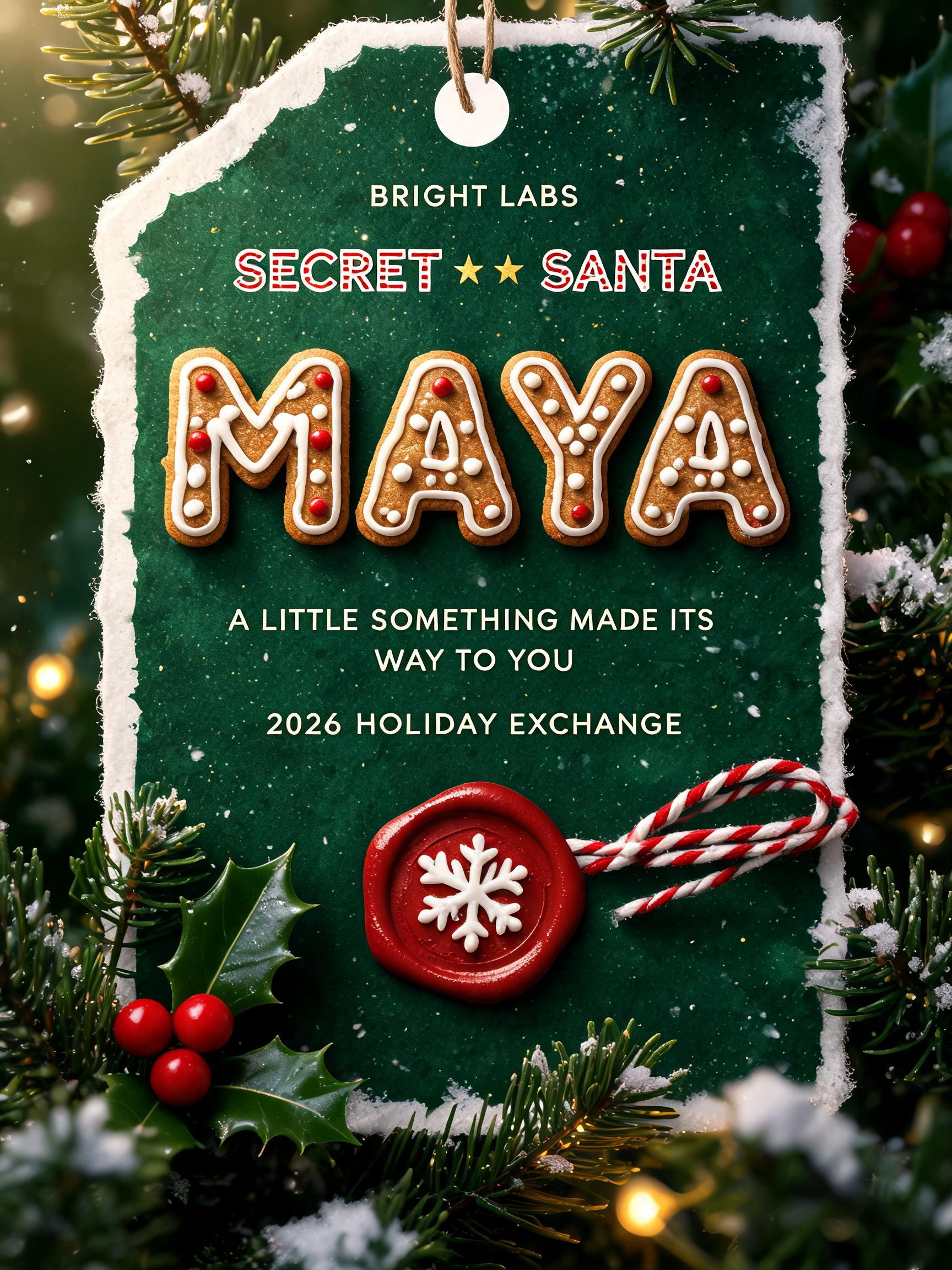
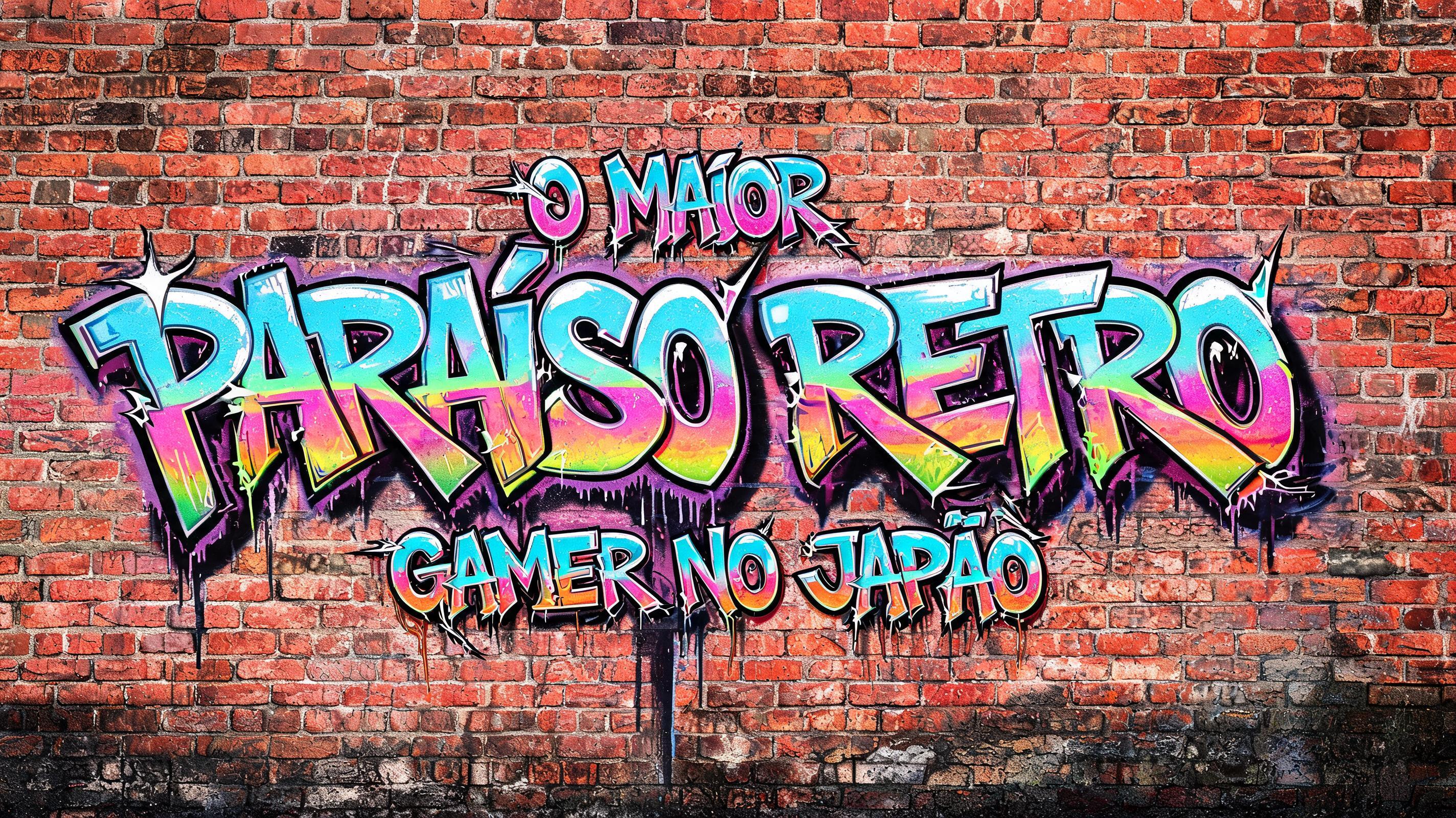
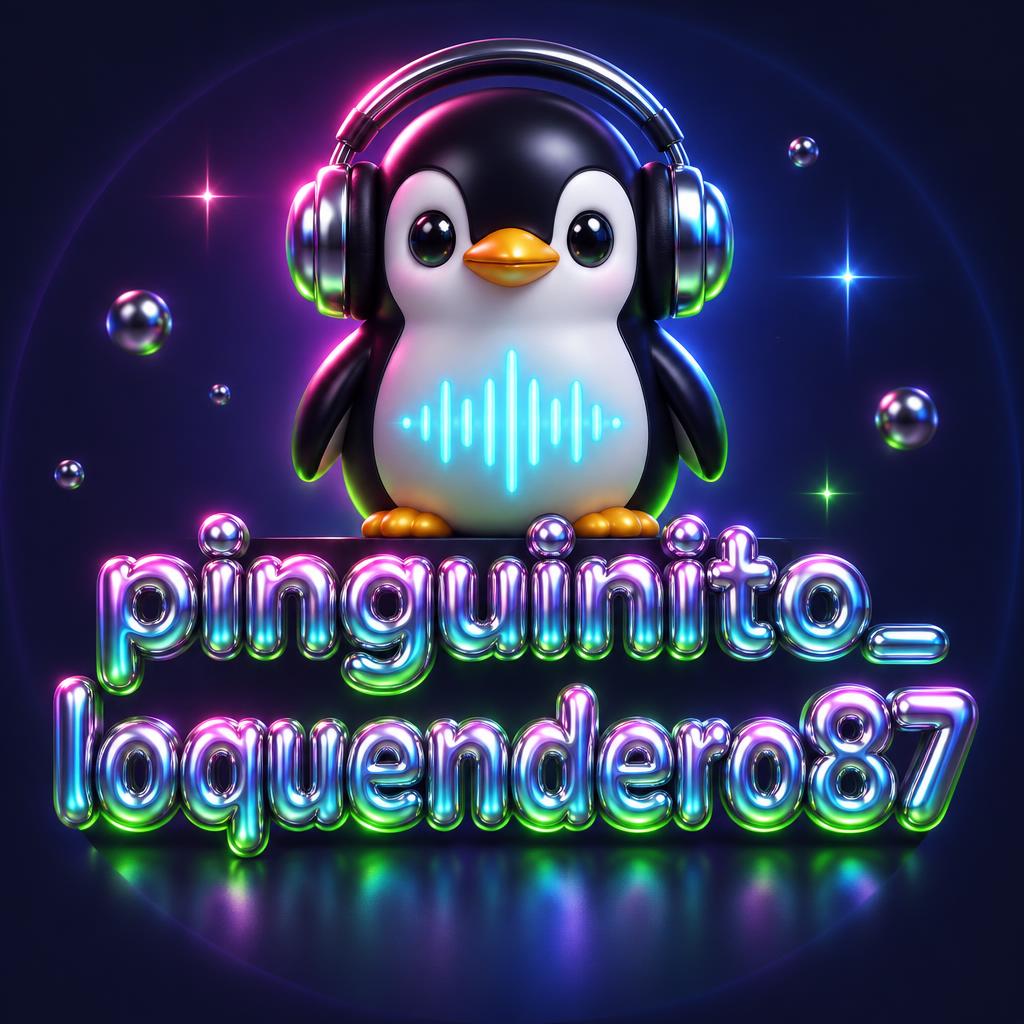
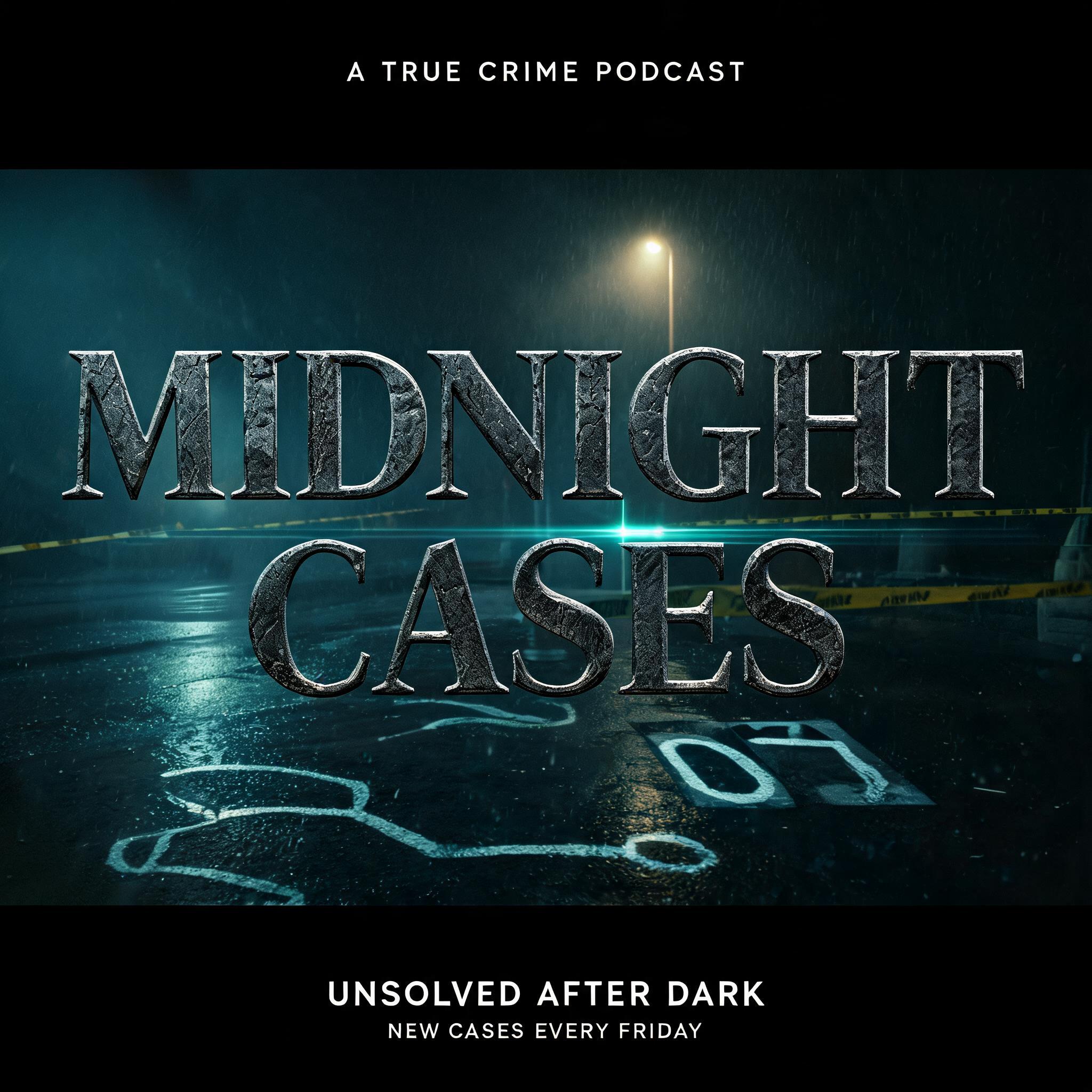
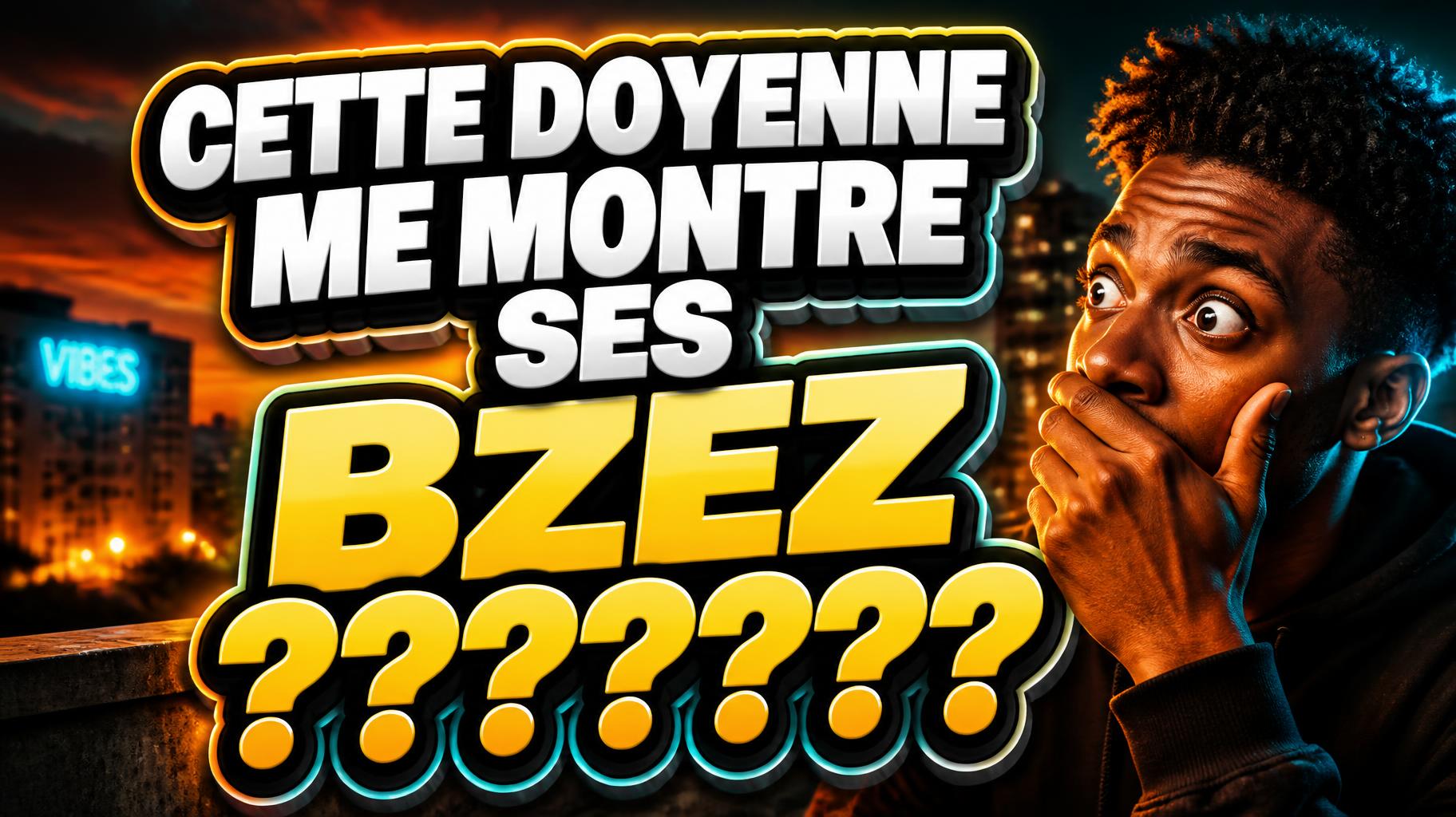





65.1K+ 位创作者信赖 · 已生成 112.8K+ 张作品 · 免费开始
创作者作品发布于
描述你想要什么 *
选择风格
分享到作品集
·20 次免费生成 · 无需登录✦ AI 字体
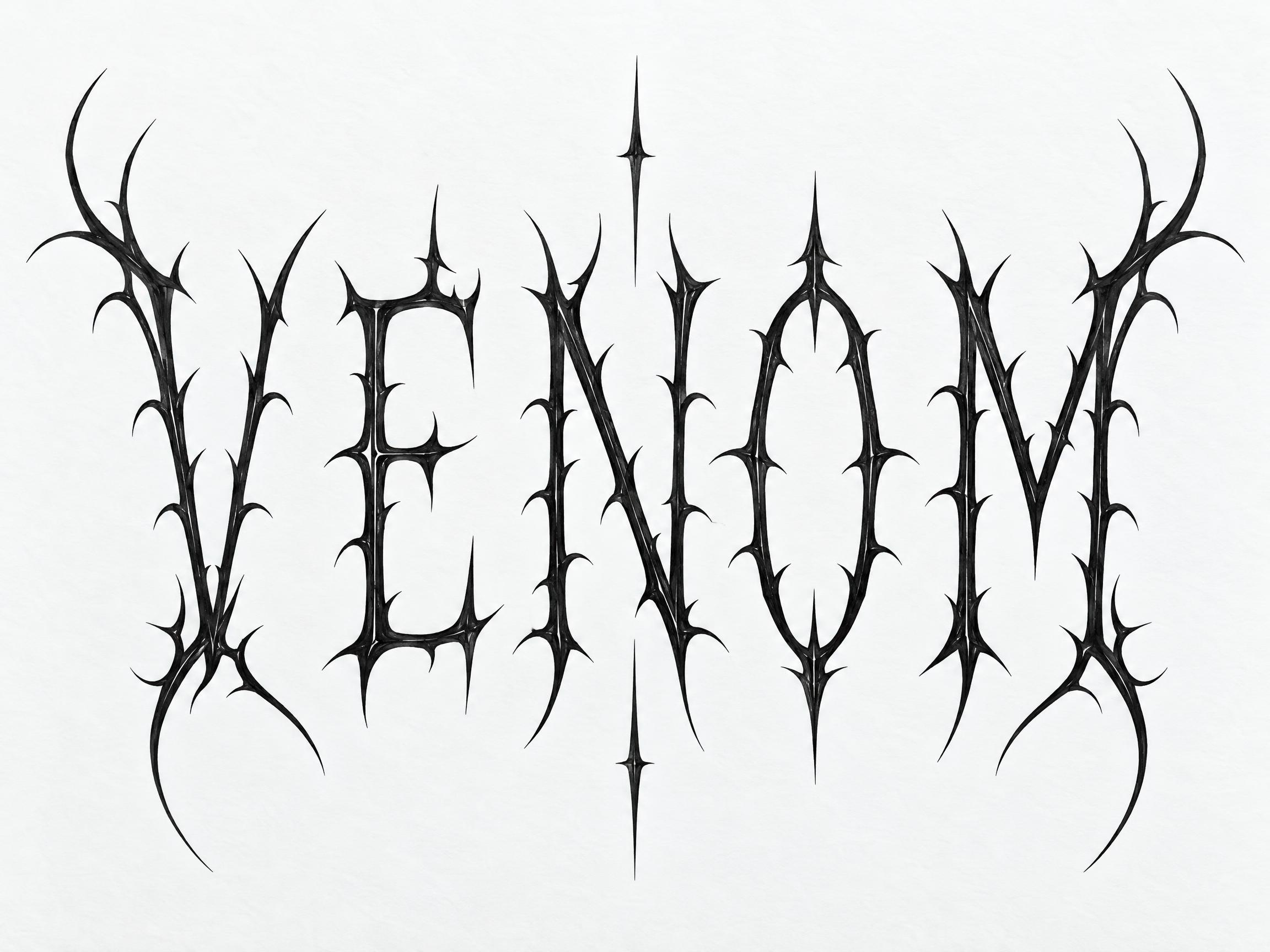
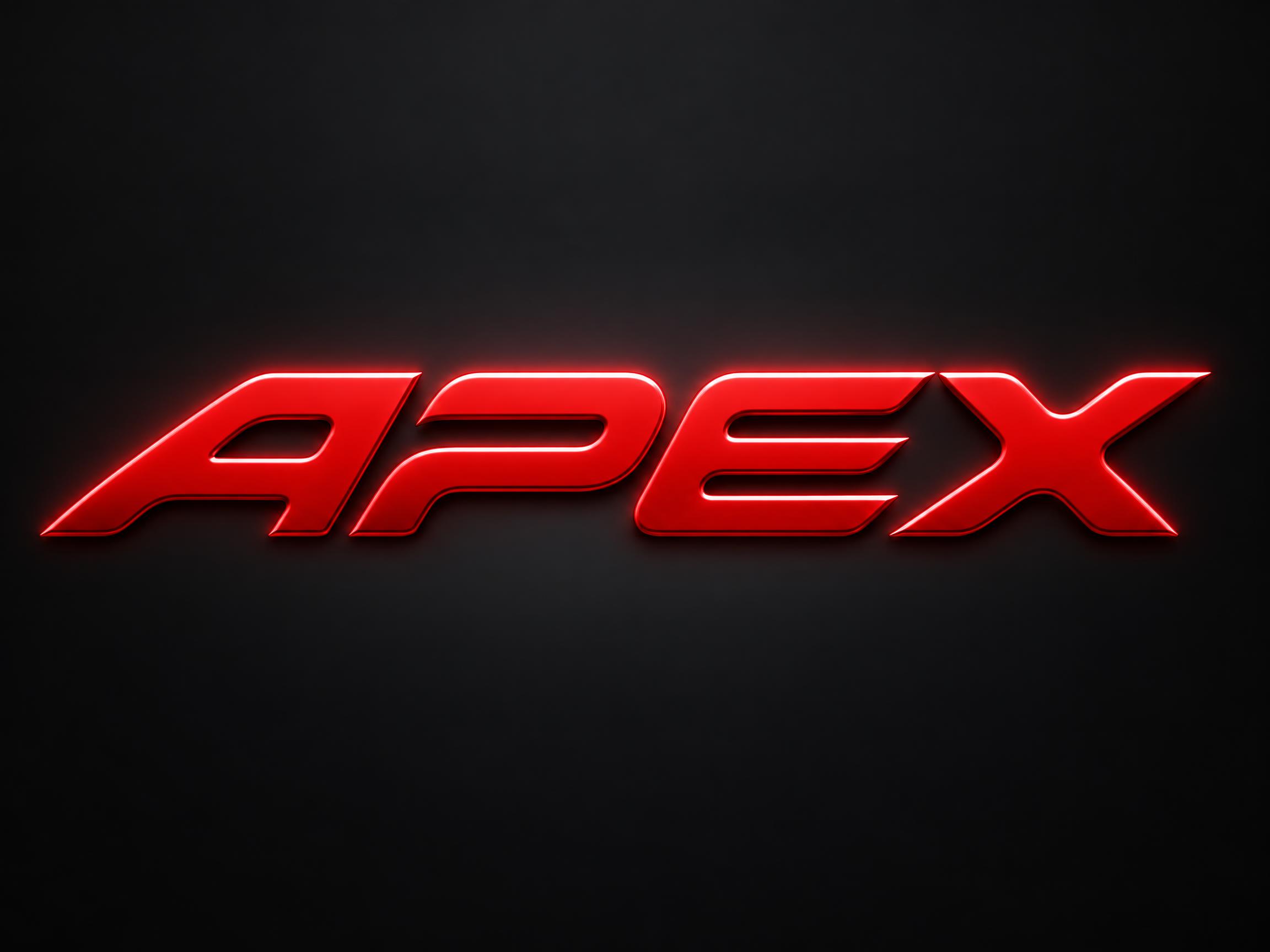
423 款 AI 字体,写上你的字就是成品
每款 AI 字体都是一整套设计好的字形和质感,不是字体文件:选一款、输入文字,光影、材质、背景一起生成。








✦ 使用场景
选一个使用场景,直接开做
每个场景页都配好了尺寸、风格和 AI 字体,写一句话就能出成品。
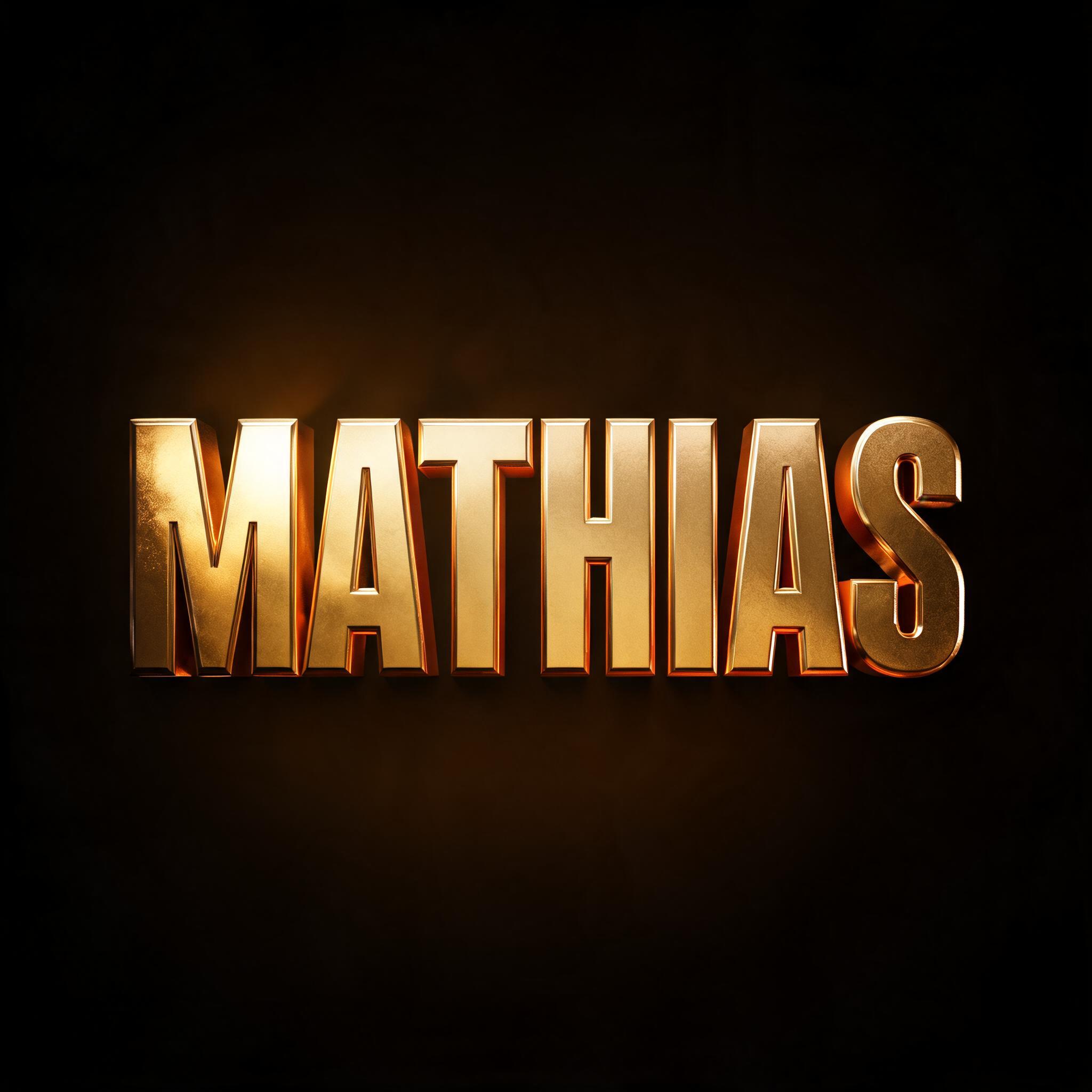
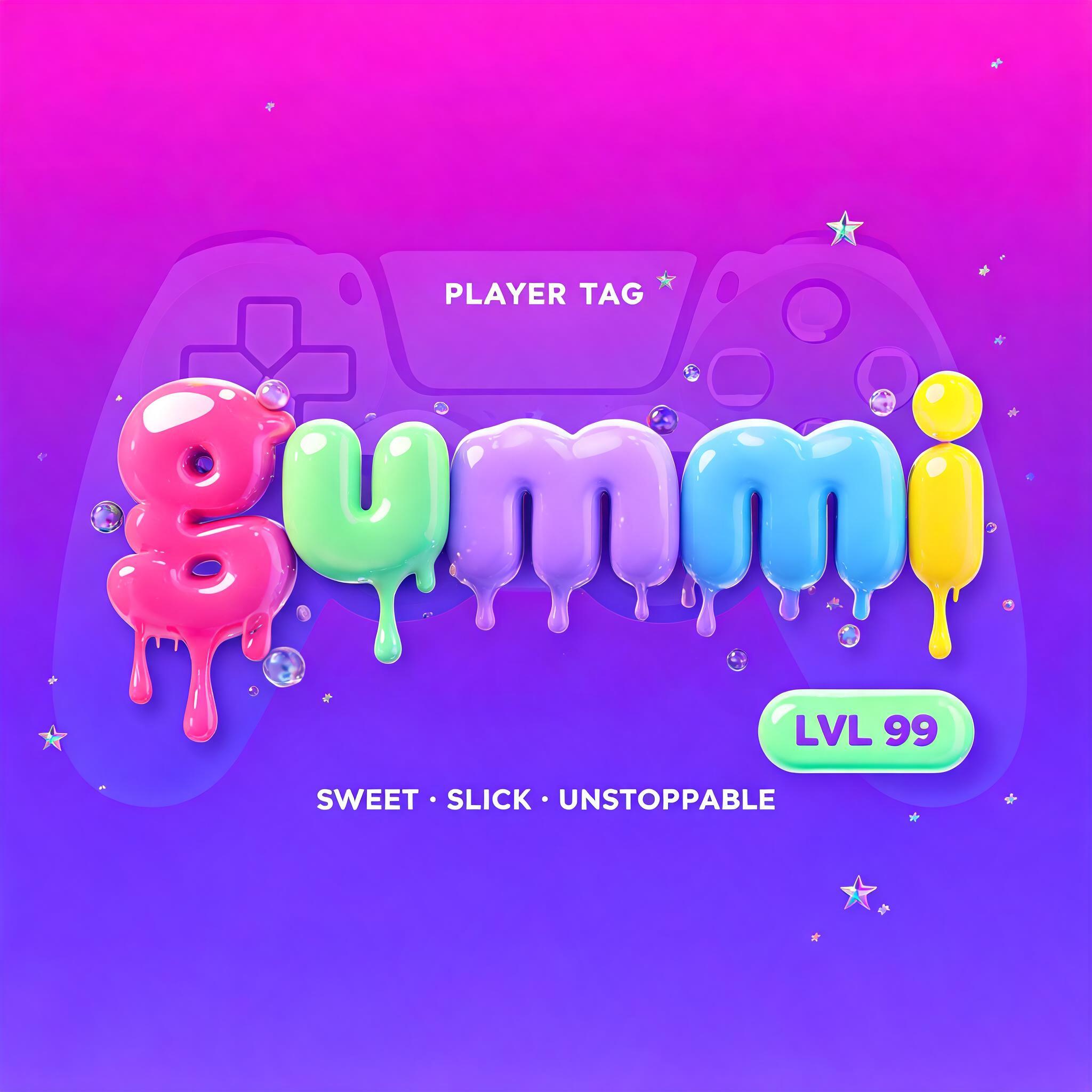
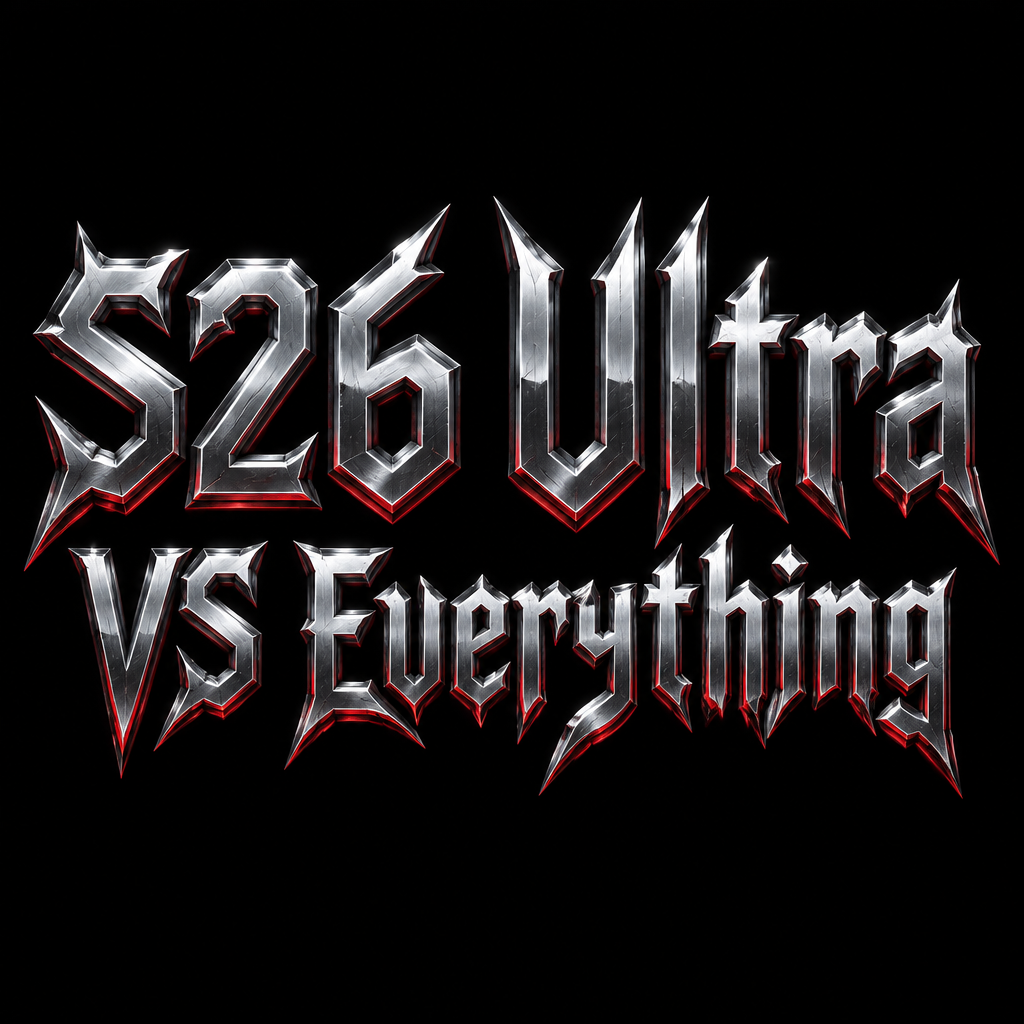
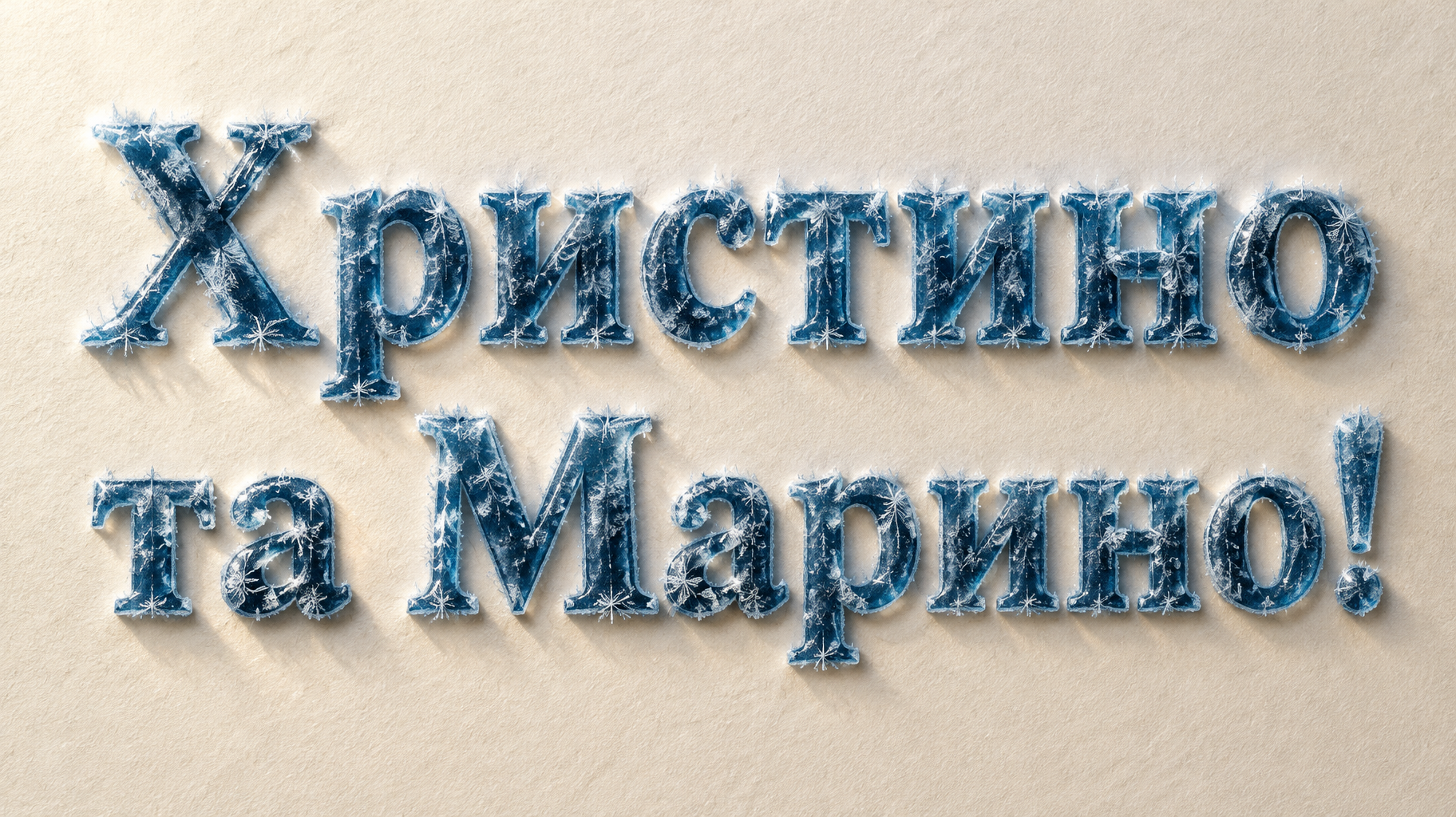
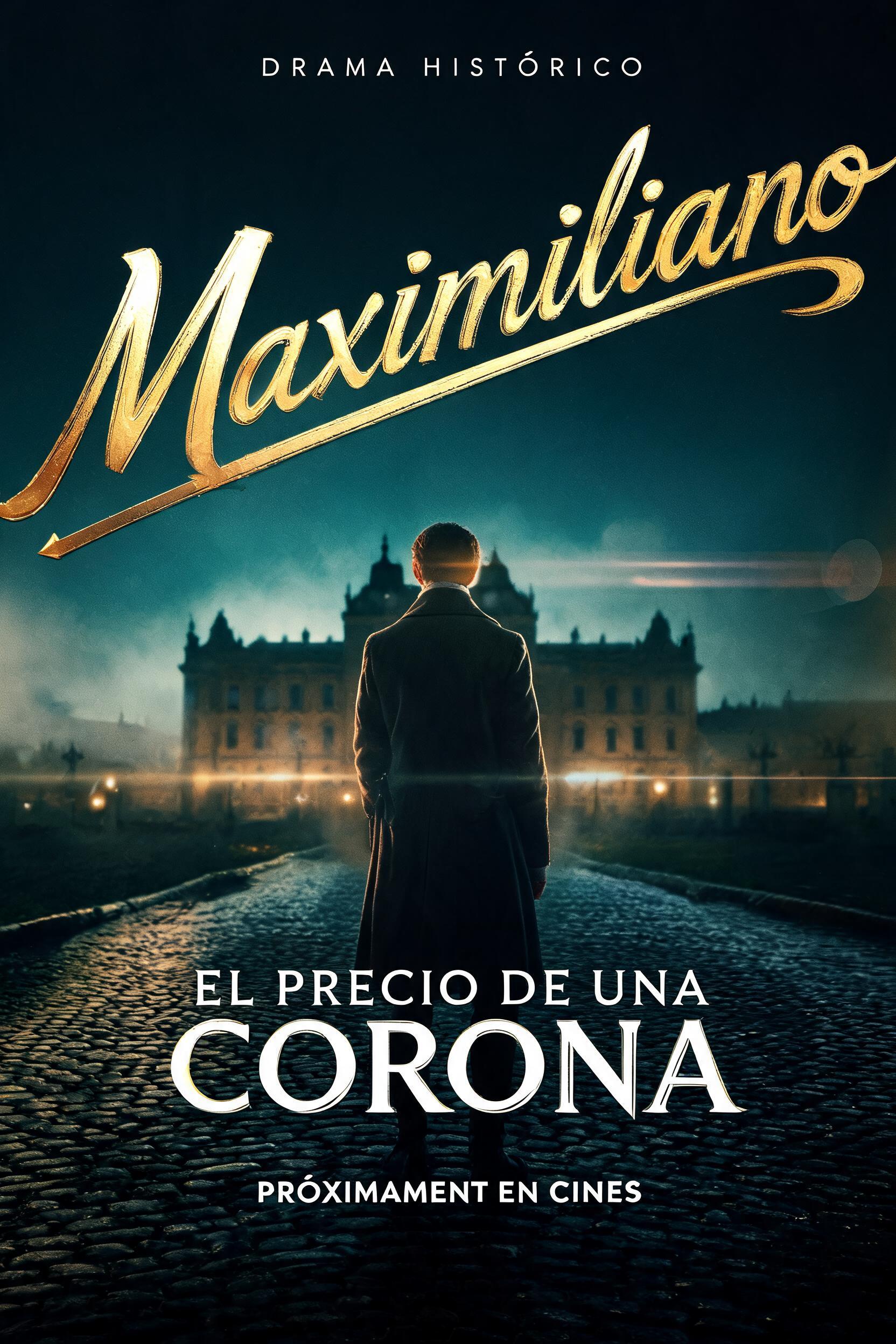
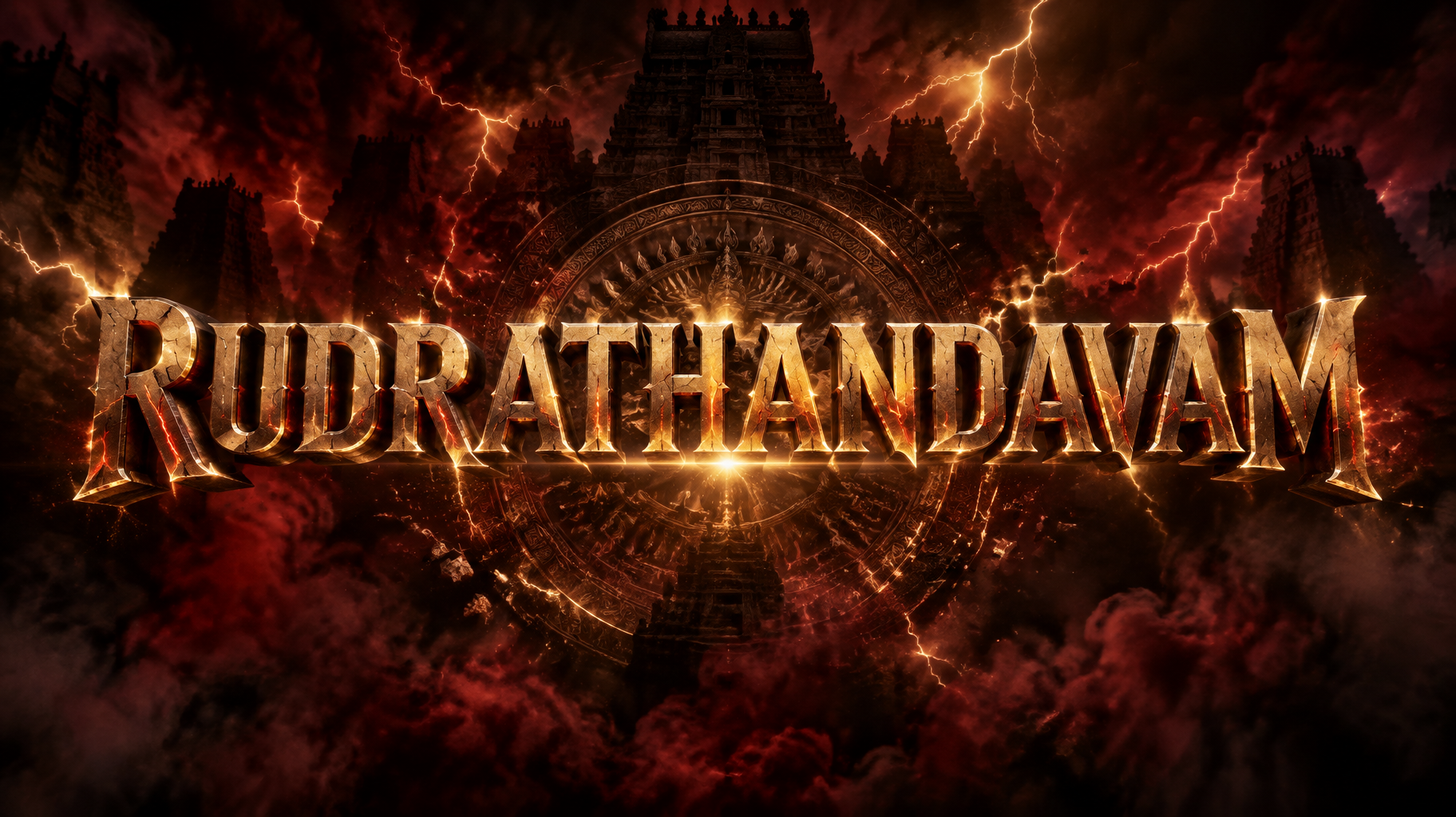
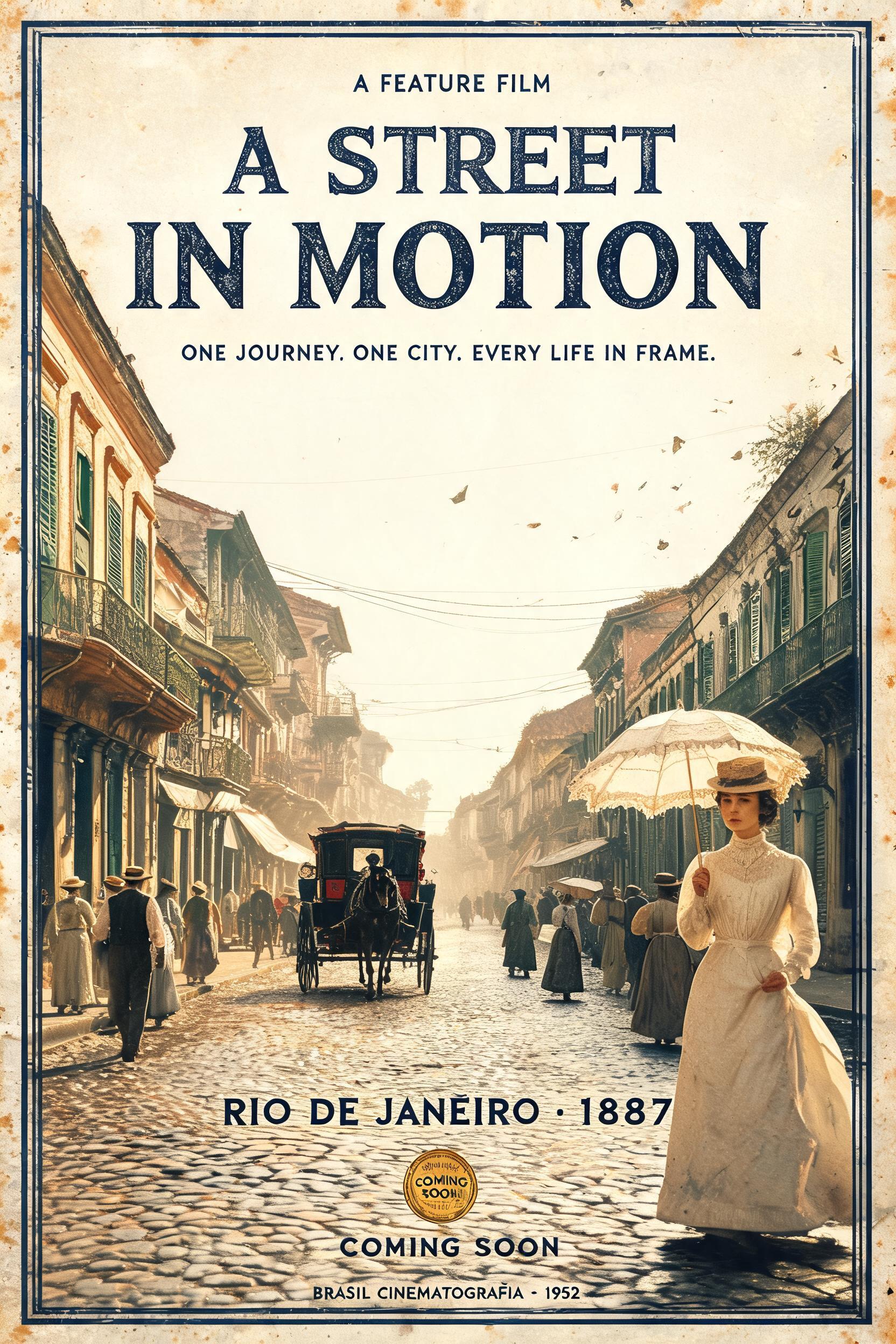
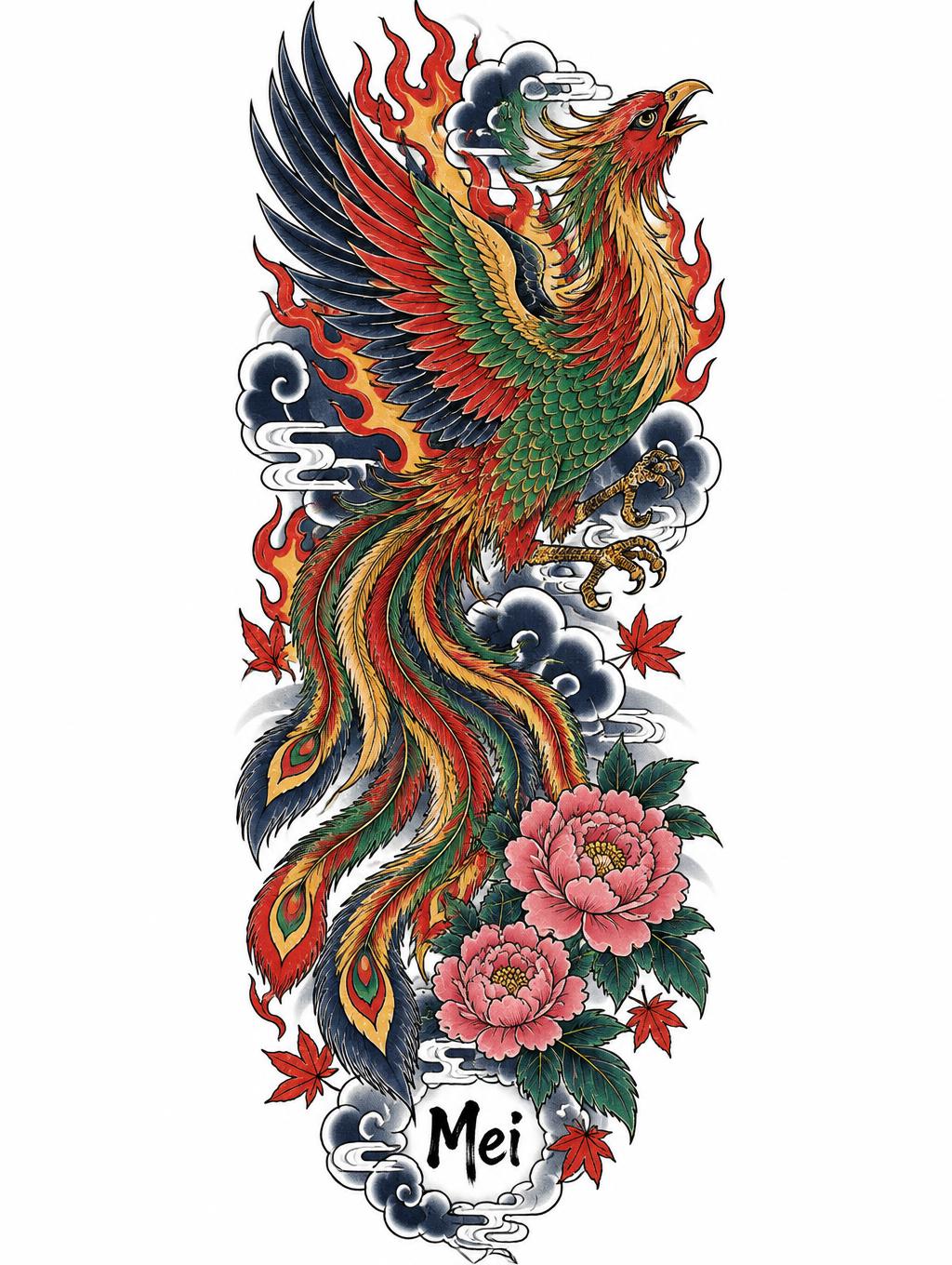
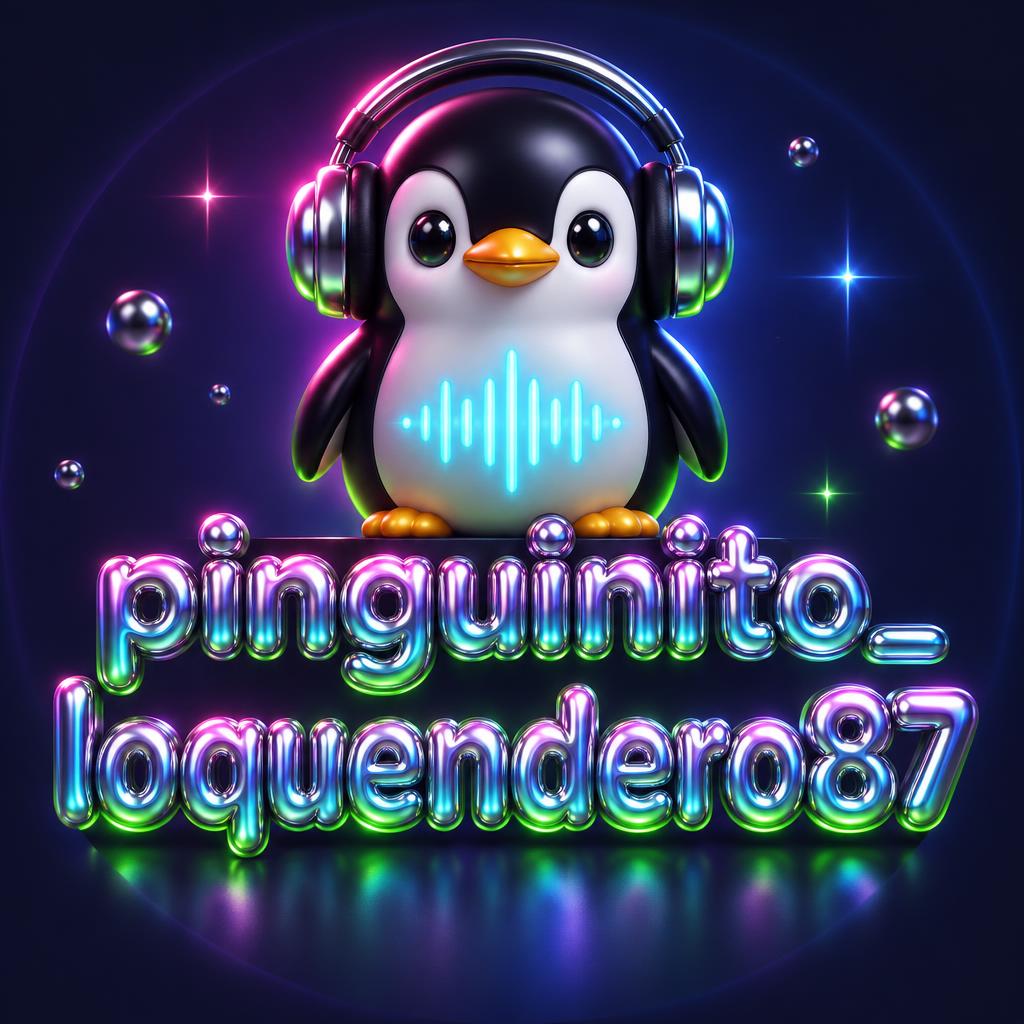
✦ 作品集
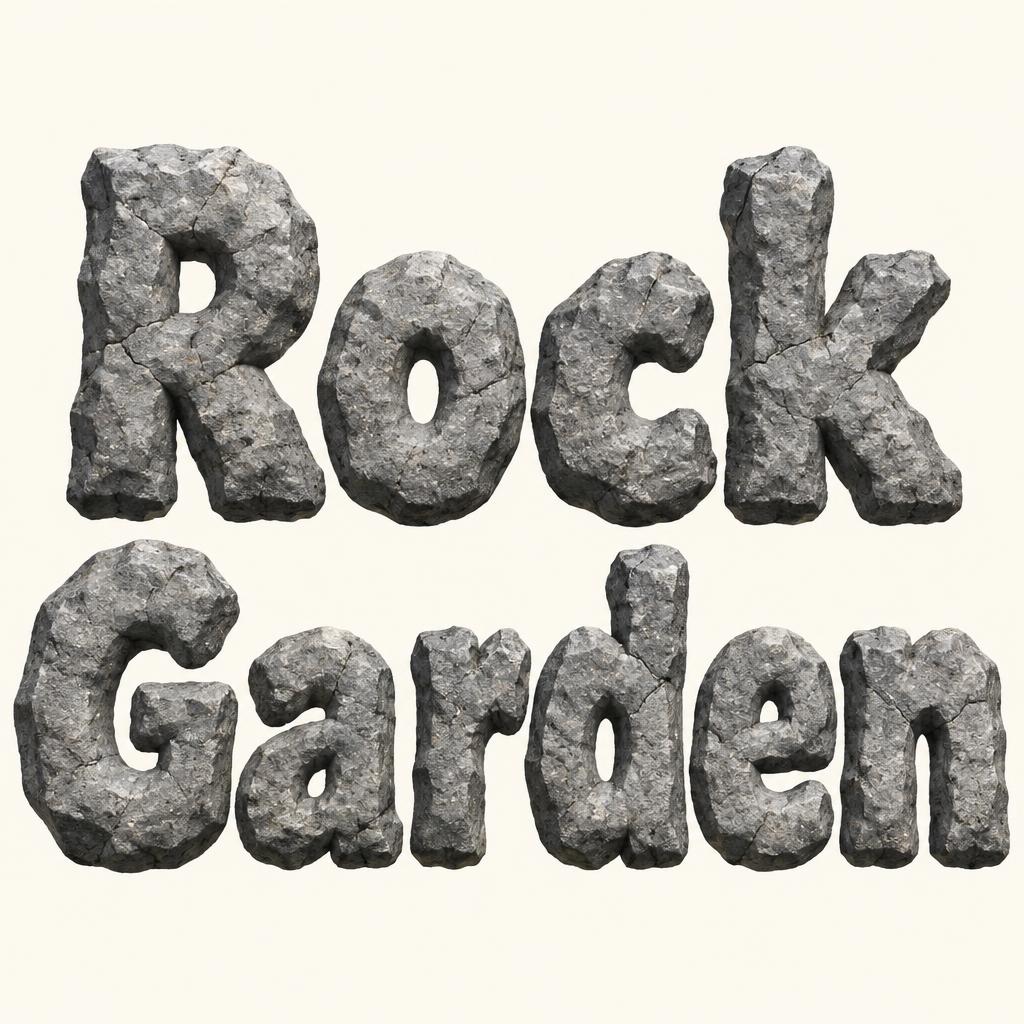
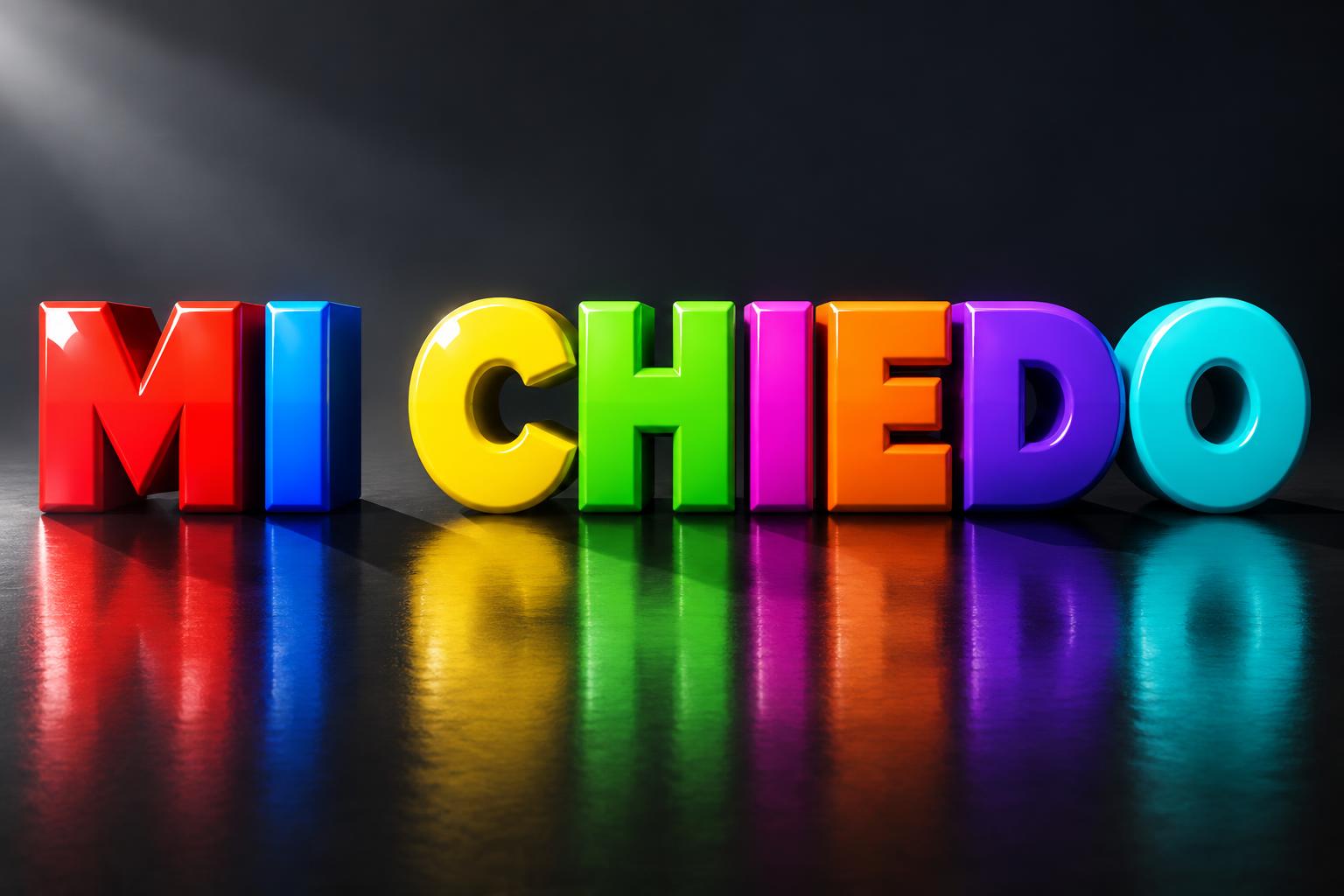
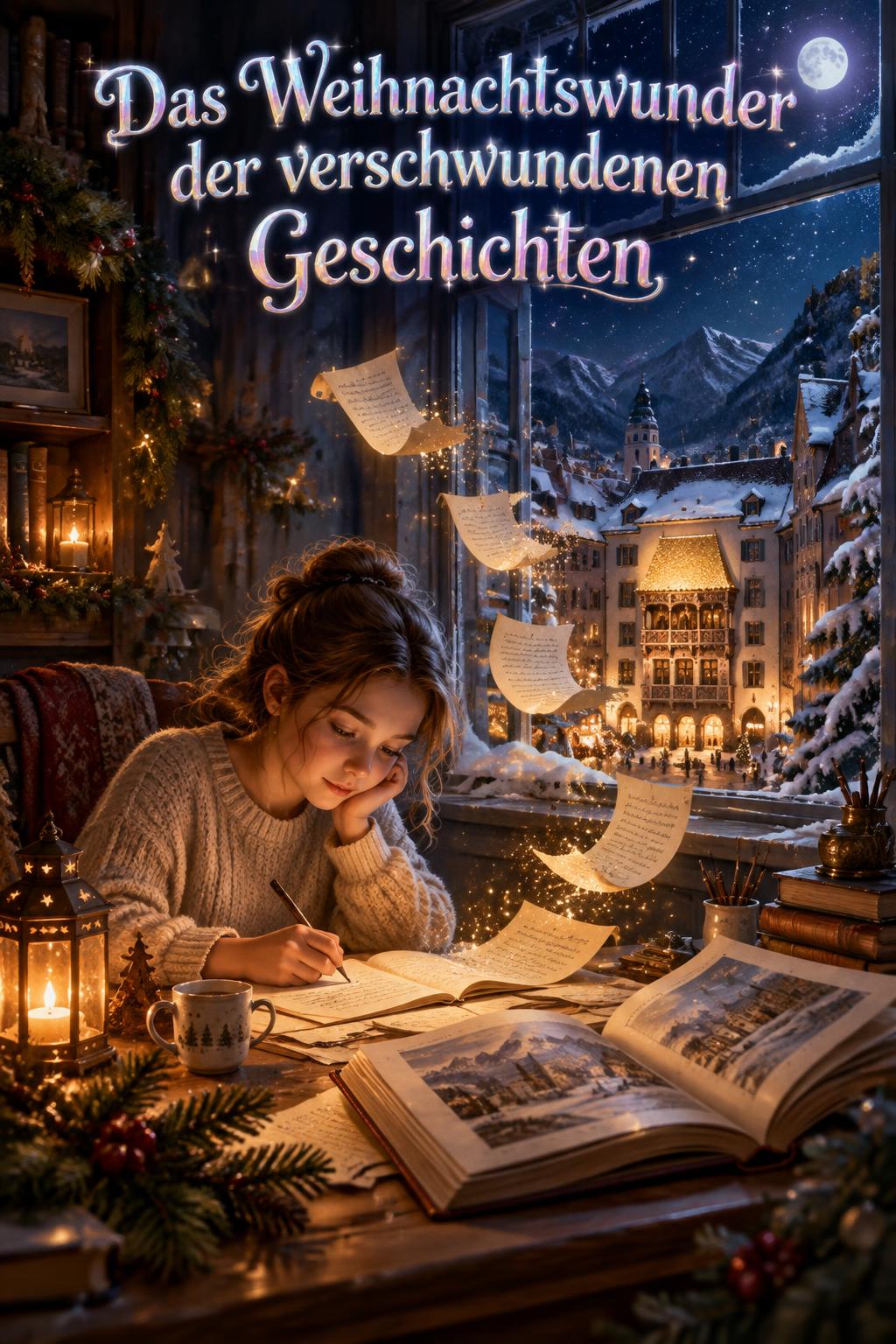
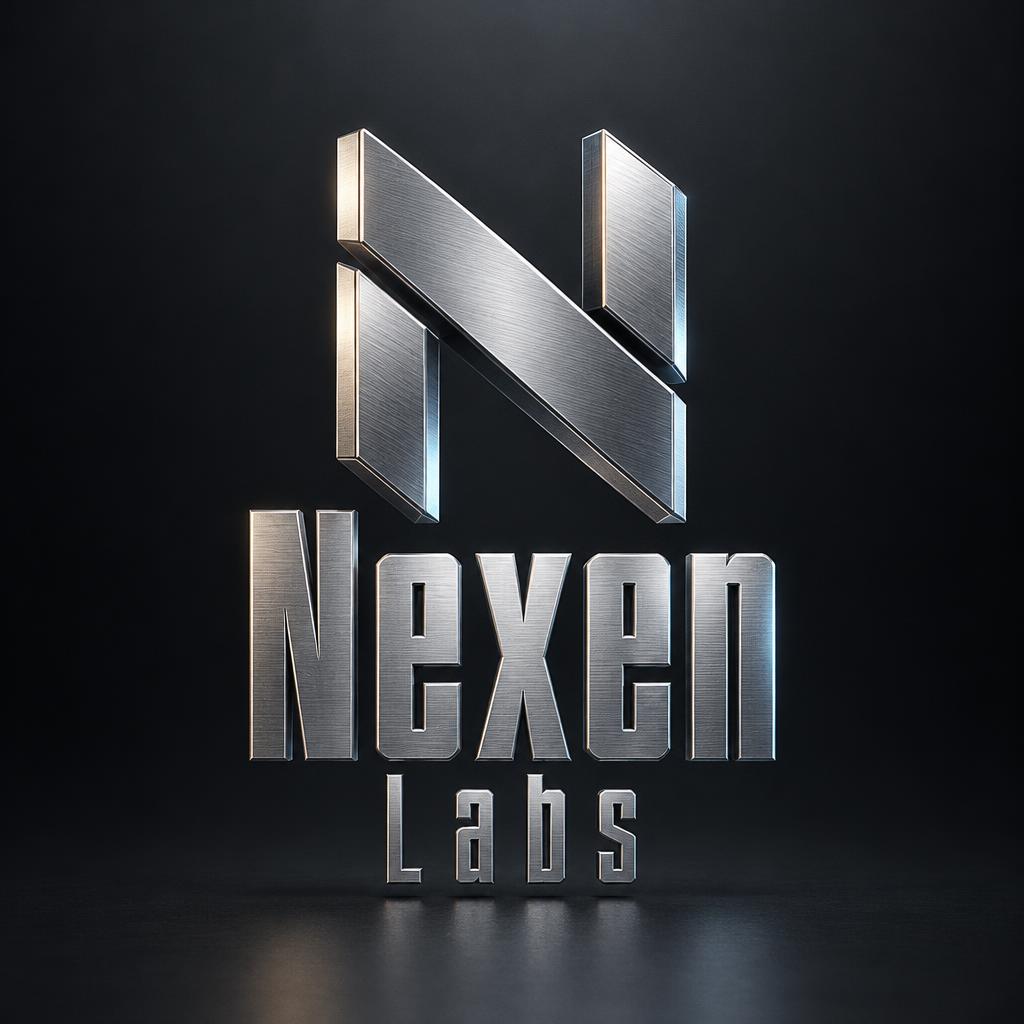
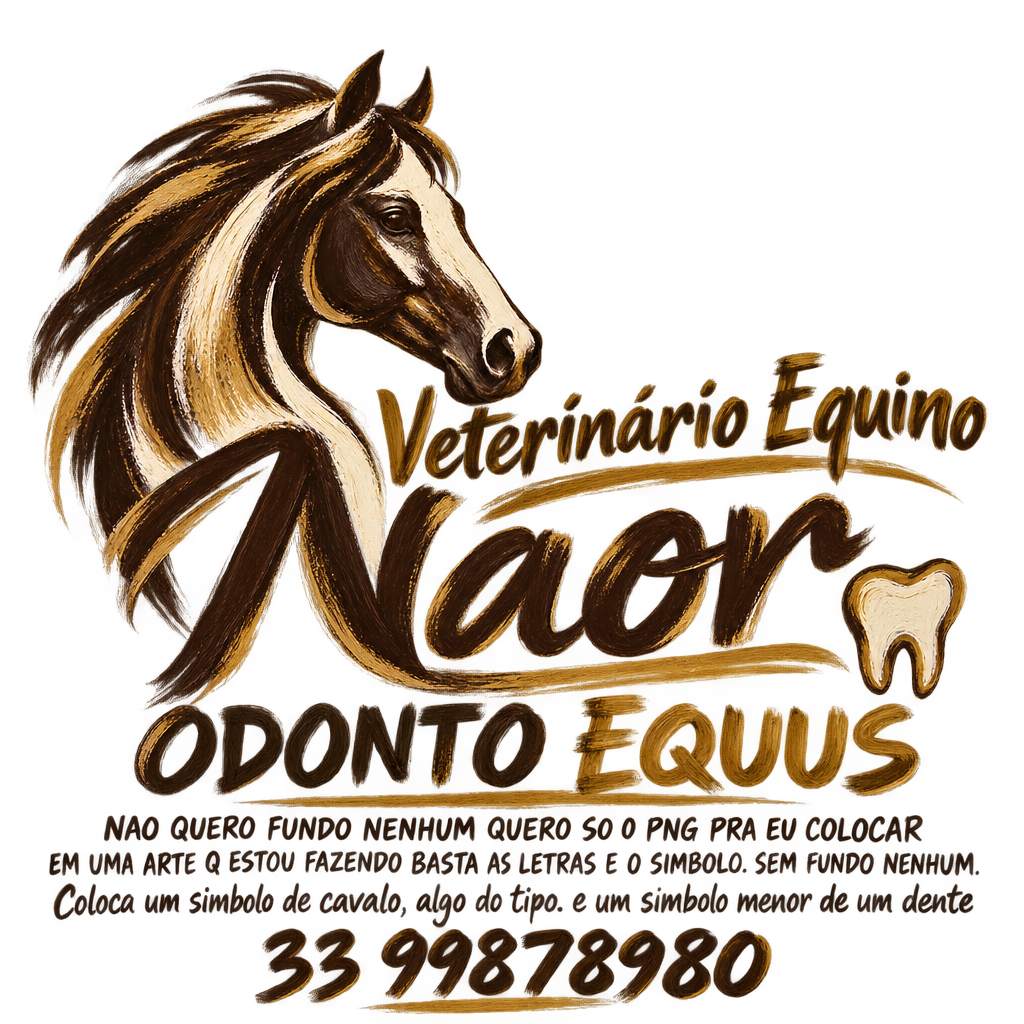
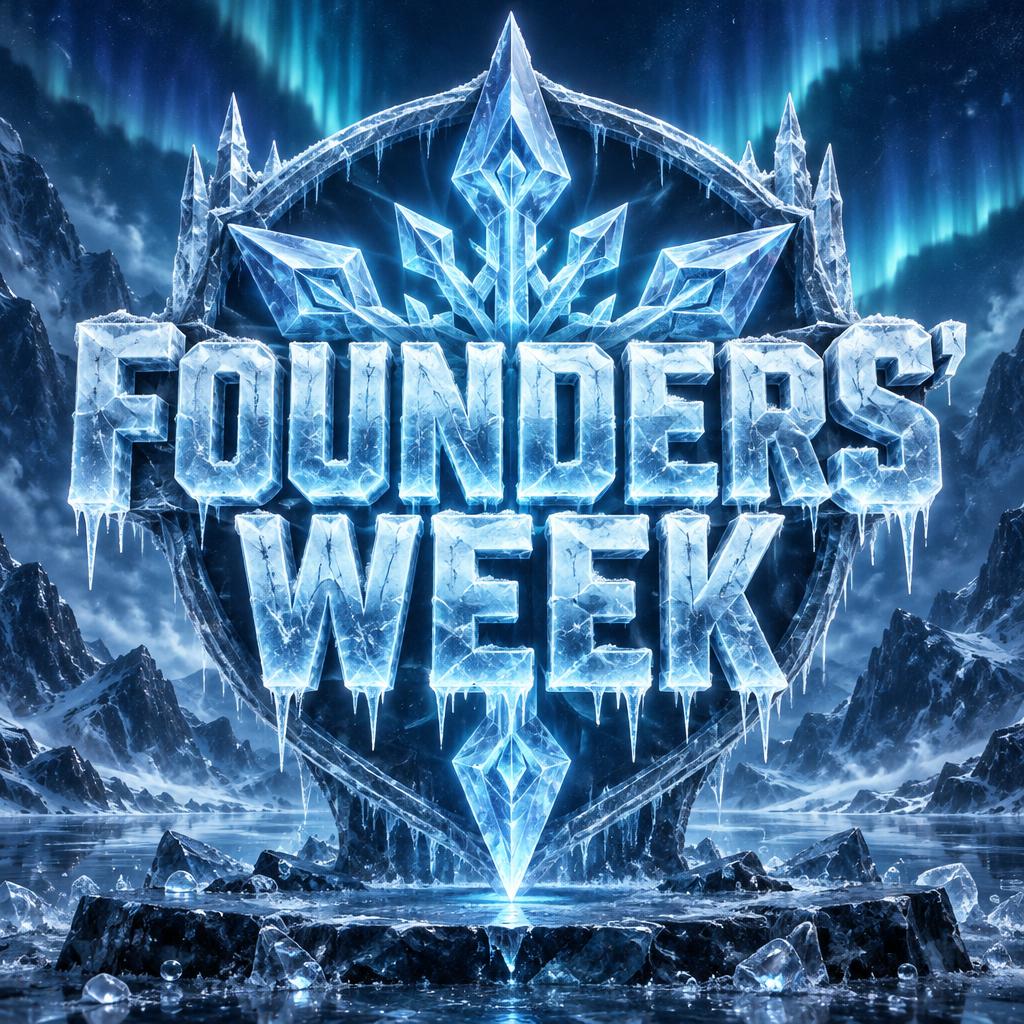
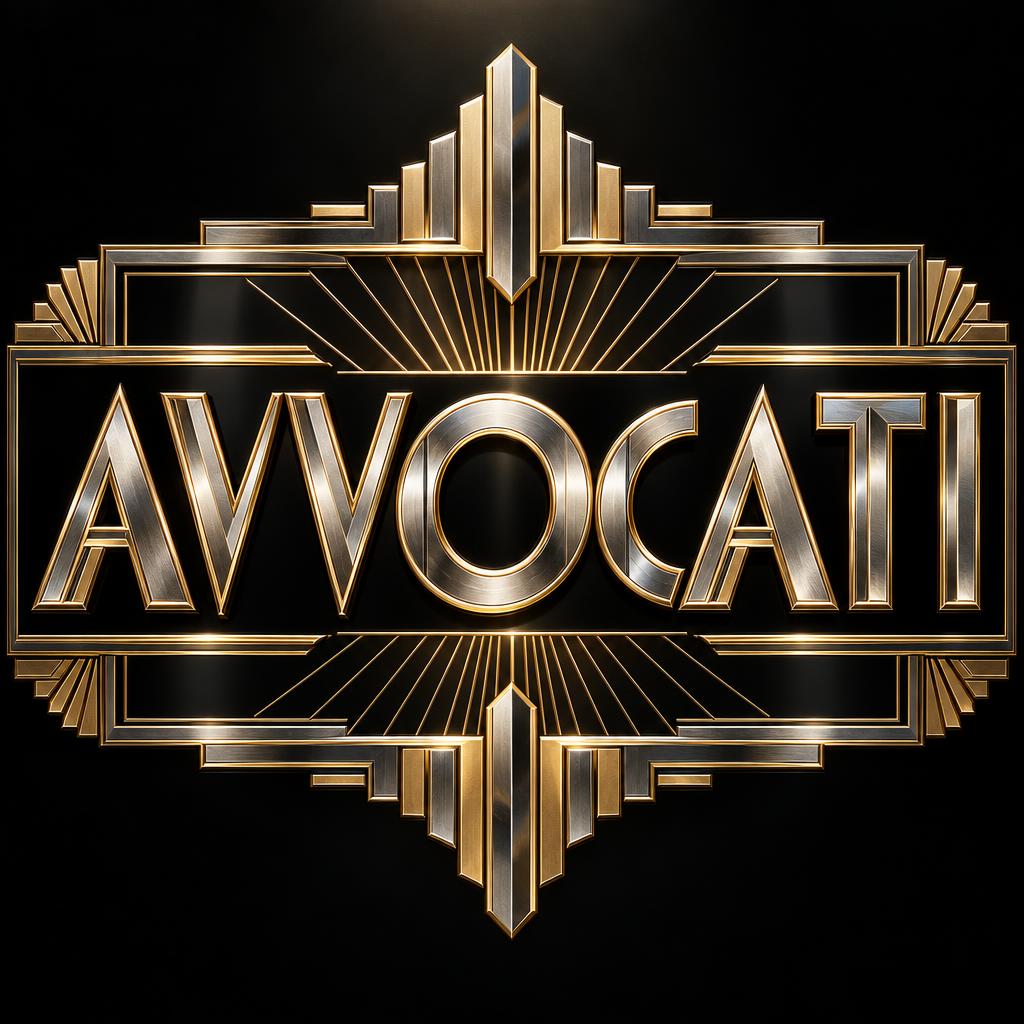
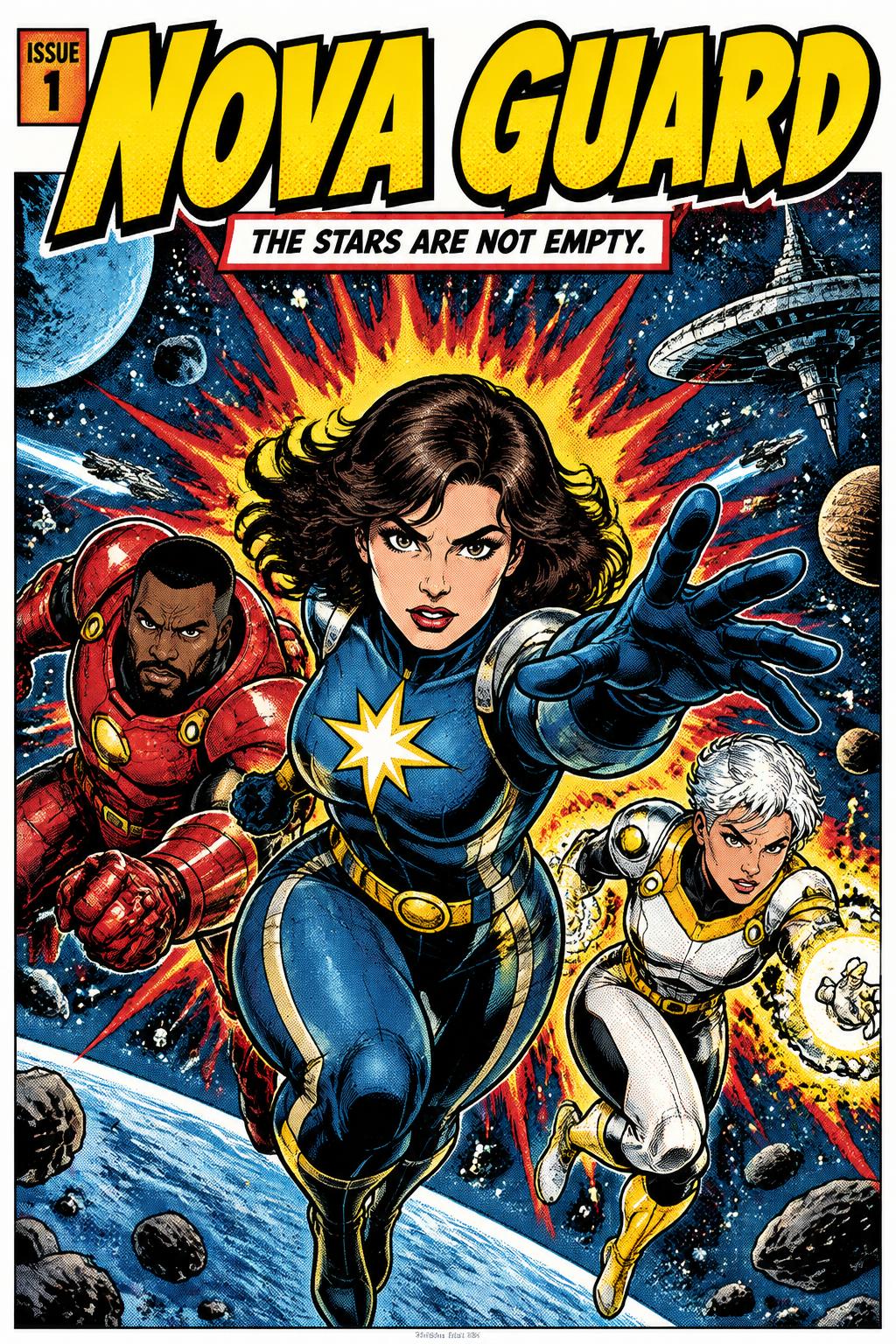
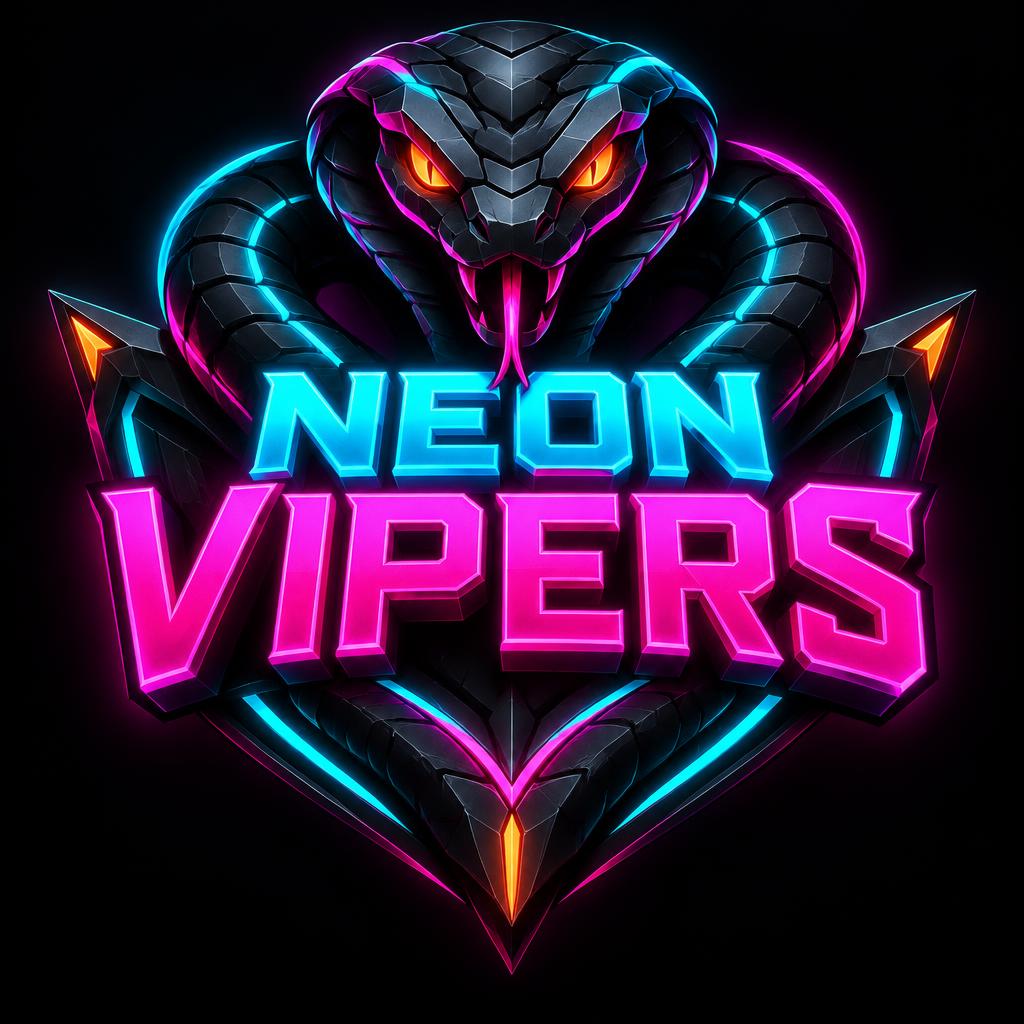
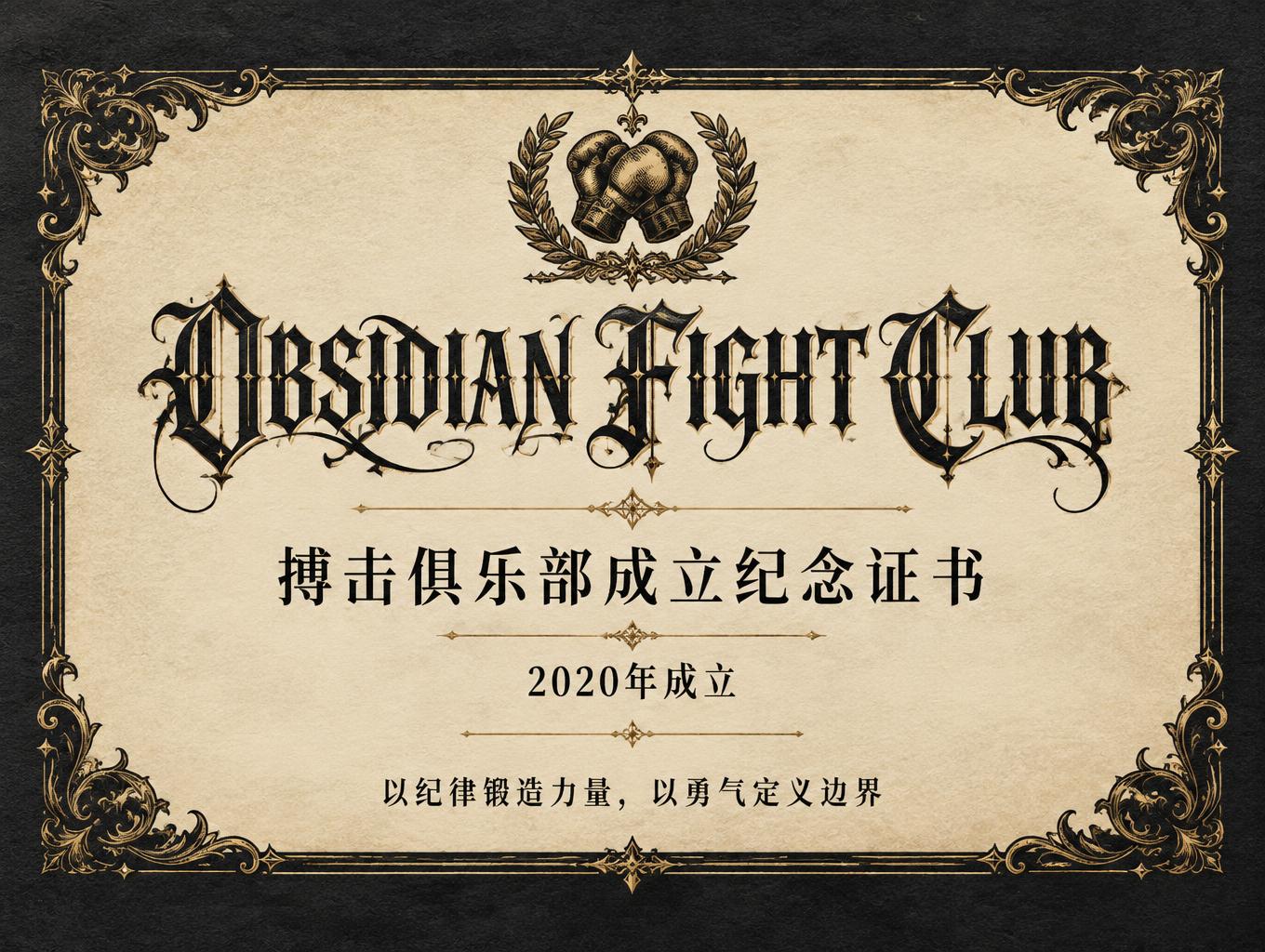
112,769+ 件社区 AI 字体艺术作品
其他用户真实做出来的作品 —— 点开可以看到用的风格和参数,再拿同一套做你自己的文字。
✦ FontVibe 怎么用
像交代设计师那样说一句
用一句话说清要做什么,挑一个方向,再改到位。
- 说清你要什么「给我的纪录片 The Last Harbor 做一张片头字幕卡。」
- 拿到几个设计方案一组供你挑选,每个方案的视觉走向都不一样。
- 选一个,直接能用一张完成的图,不用往模板里填空。
- 有意见就打回去它会在这张图上改,而不是从头再来。
多数文字工具直接出图。中间这一步「出方案」,才是做设计决策的地方。
三种用法
每次出 3 个设计方案 —— 选一条最合你思路的入口。
说清你要什么
一句话讲清楚要做什么,拿到设计方案,选一个再打磨。
适合目标明确、但还没想好长什么样。
自己写提示词
描述完全由你掌控,改一版跑一版,直到措辞到位。
适合心里已经有准确画面的设计师。
选个风格直接开
挑一个风格和 AI 字体,输入文字,下载。
适合已经拿定主意的时候。
光说不如给图看
交代需求时最多带 4 张参考图,就像递给设计师一份情绪板。
同一个设计,出很多版
锁定一个设计,再丢一份名单进去 —— 30 个名字进,30 张成品出。
定稿之前先比一比
同一段文字,跨不同风格、字体、版式和模型各出一版,并排比较。
不注册也能先用
先生成,之后再登录。登录时作品会跟着你走。
423 款 AI 字体 · 142 种风格 · 112,769 幅作品,来自 65,147 位创作者 · 无需注册即可开始
✦ 定价
简单透明的定价方案
从免费版开始,随时按需升级。
入门
$3.99
一次性
- ✓无广告
- ✓400 一次性积分(永不过期)
- ✓JPG + PNG 下载
- ✓最高 3K 图
- ✓最多保存 200 个作品
- ✓素材库 50 个
热门
成长
$9.99
/月
- ✓无广告
- ✓每月 2,000 积分
- ✓JPG + PNG 下载
- ✓最高 4K 图
- ✓最多保存 1,000 个作品
- ✓素材库 500 个
专家
$24.99
/月
- ✓无广告
- ✓每月 5,500 积分
- ✓JPG + PNG 下载
- ✓最高 4K 图
- ✓无限保存作品
- ✓素材库无限
Stripe 安全支付 · 入门为一次性购买 · 订阅套餐随时取消
AI 字体效果生成器 — 让每段文字化为 视觉艺术
420+ 款 AI 字体、140+ 种文字特效风格 —— 霓虹、故障、火焰、3D 等。说清需求,或者直接选个风格开始。
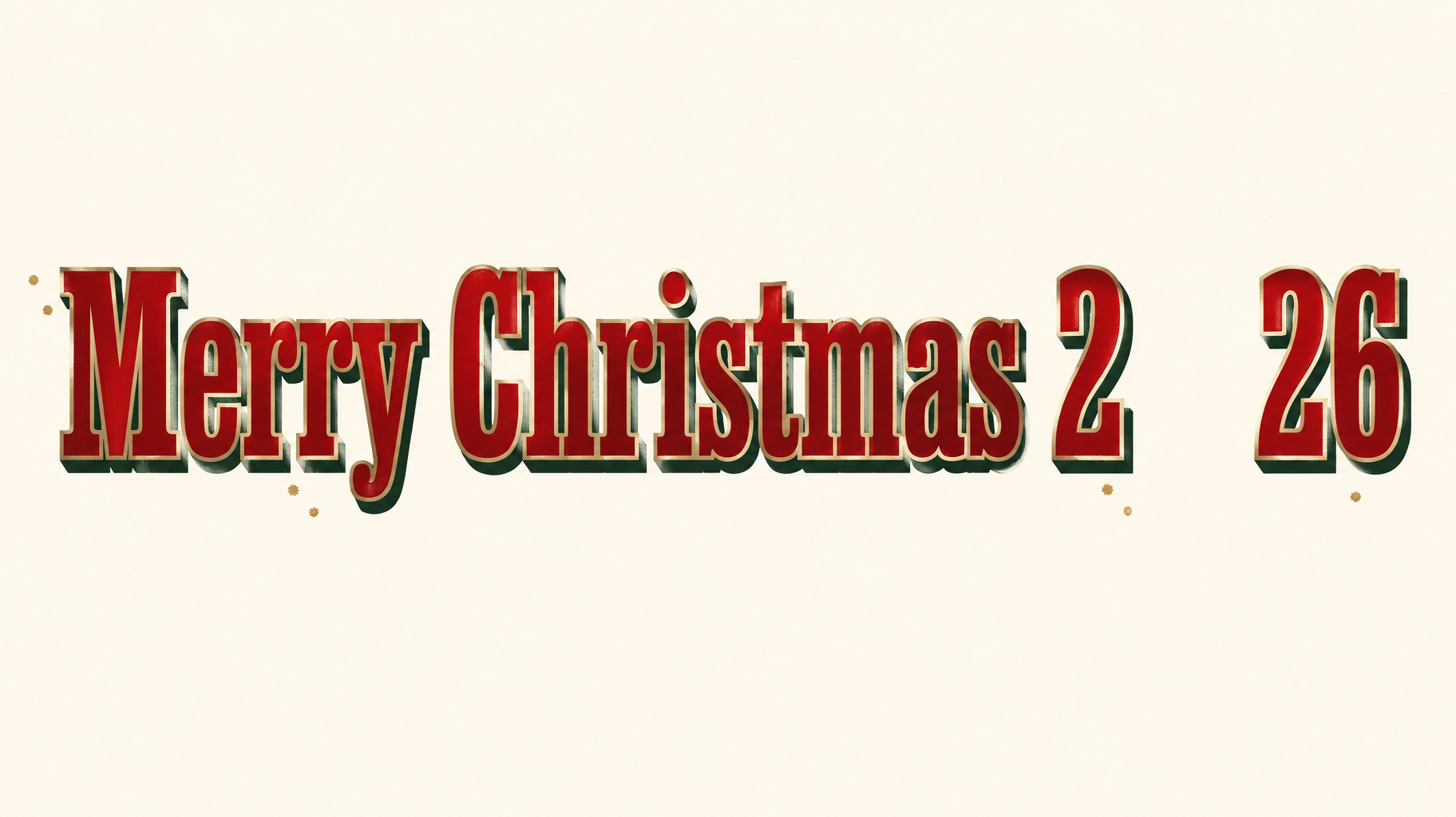
65.1K+ 位创作者信赖 · 已生成 112.8K+ 张作品 · 免费开始
创作者作品发布于
描述你想要什么 *
选择风格
分享到作品集
20 积分免费 · 无需登录✦ AI 字体
423 款 AI 字体,写上你的字就是成品
每款 AI 字体都是一整套设计好的字形和质感,不是字体文件:选一款、输入文字,光影、材质、背景一起生成。


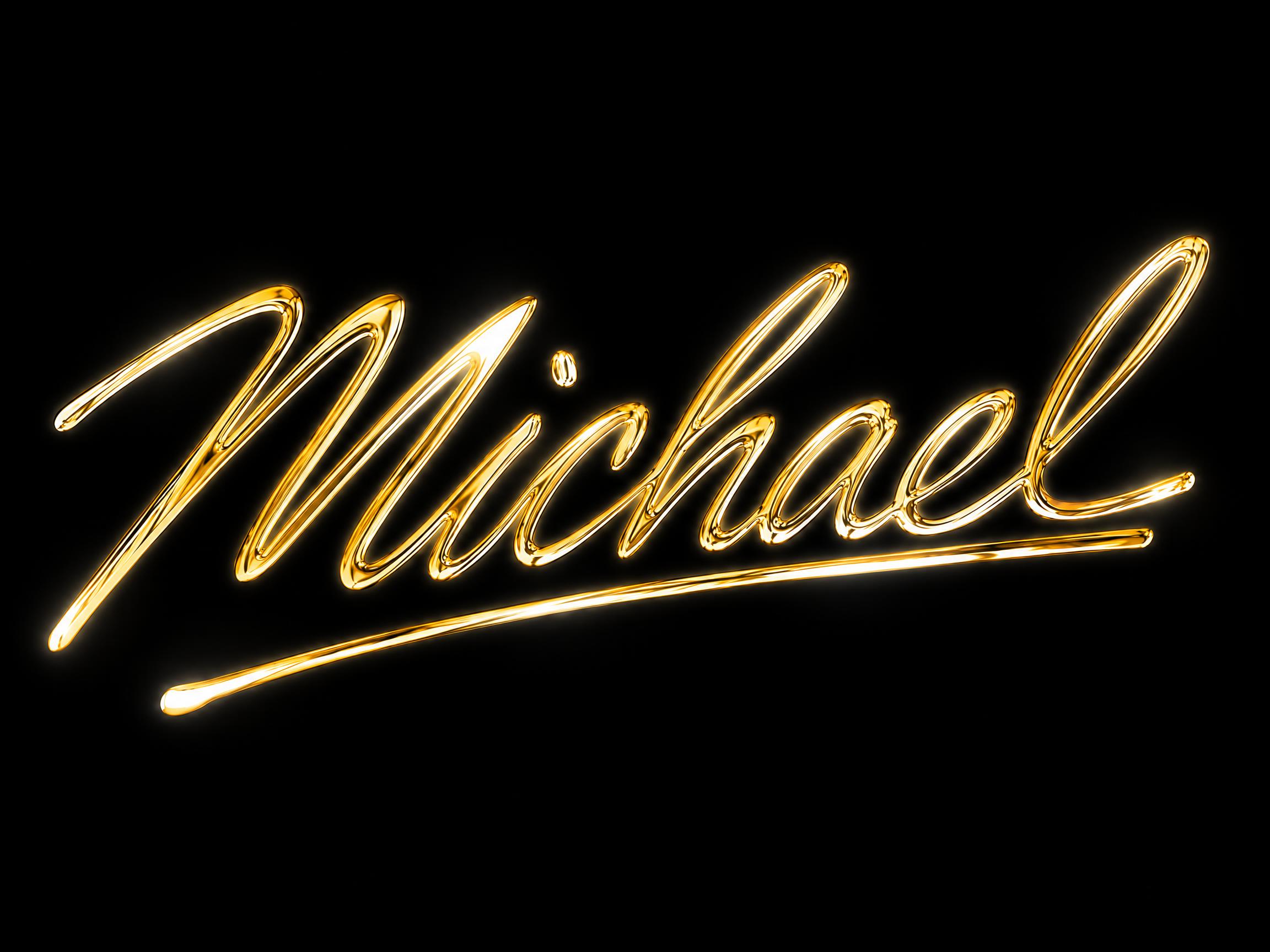


✦ 使用场景
选一个使用场景,直接开做
每个场景页都配好了尺寸、风格和 AI 字体,写一句话就能出成品。
✦ 作品集
112,769+ 件社区 AI 字体艺术作品
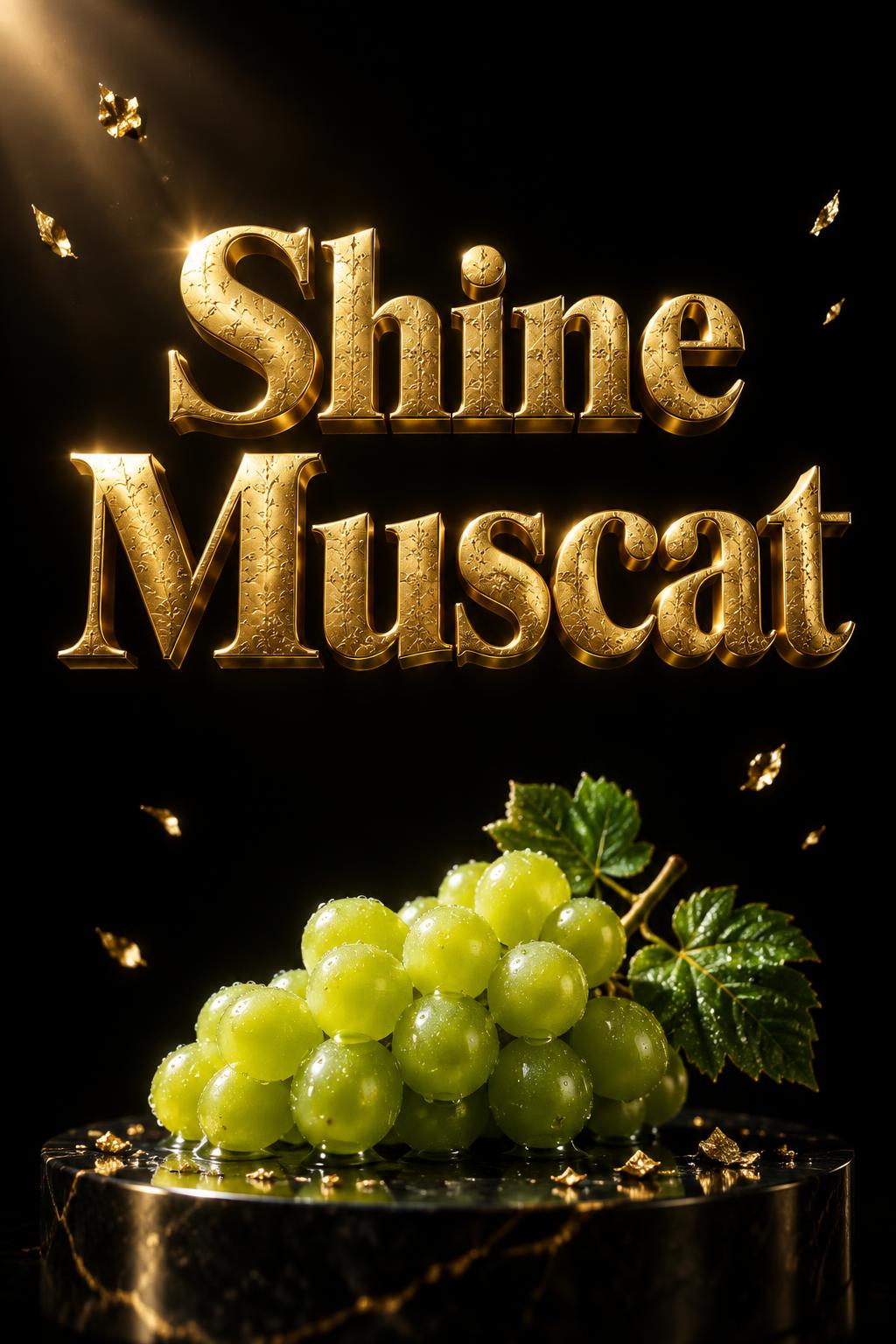
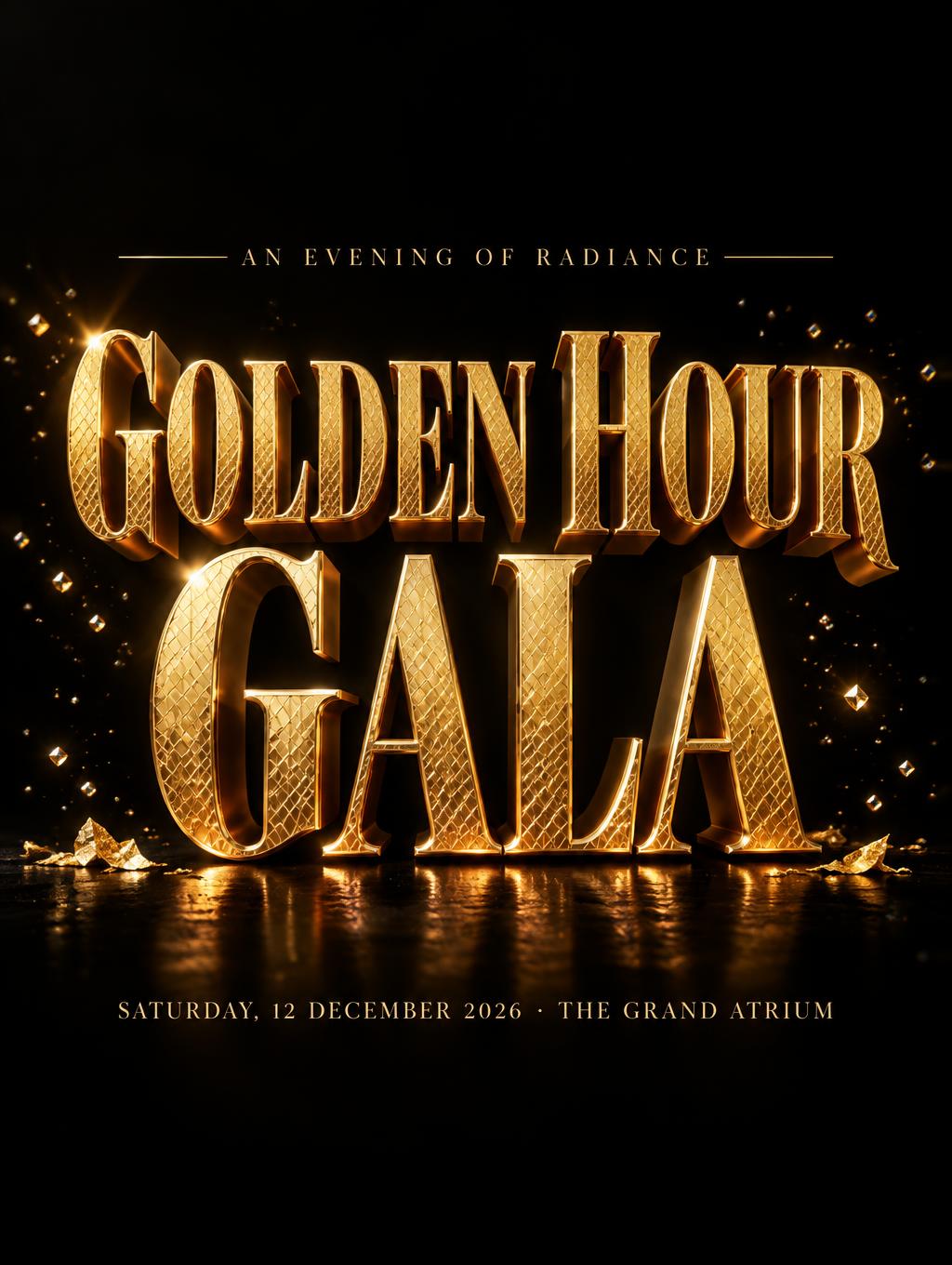
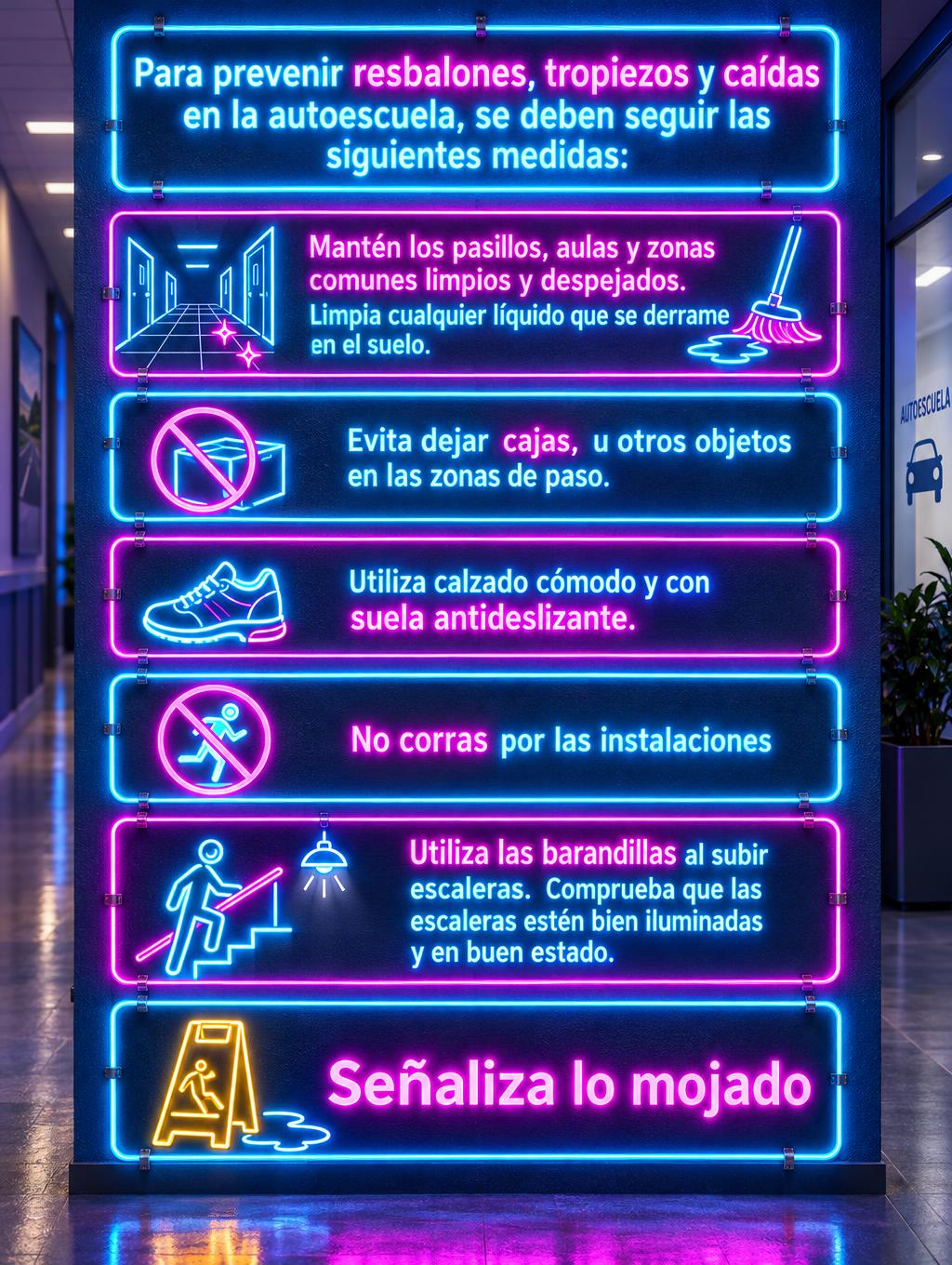
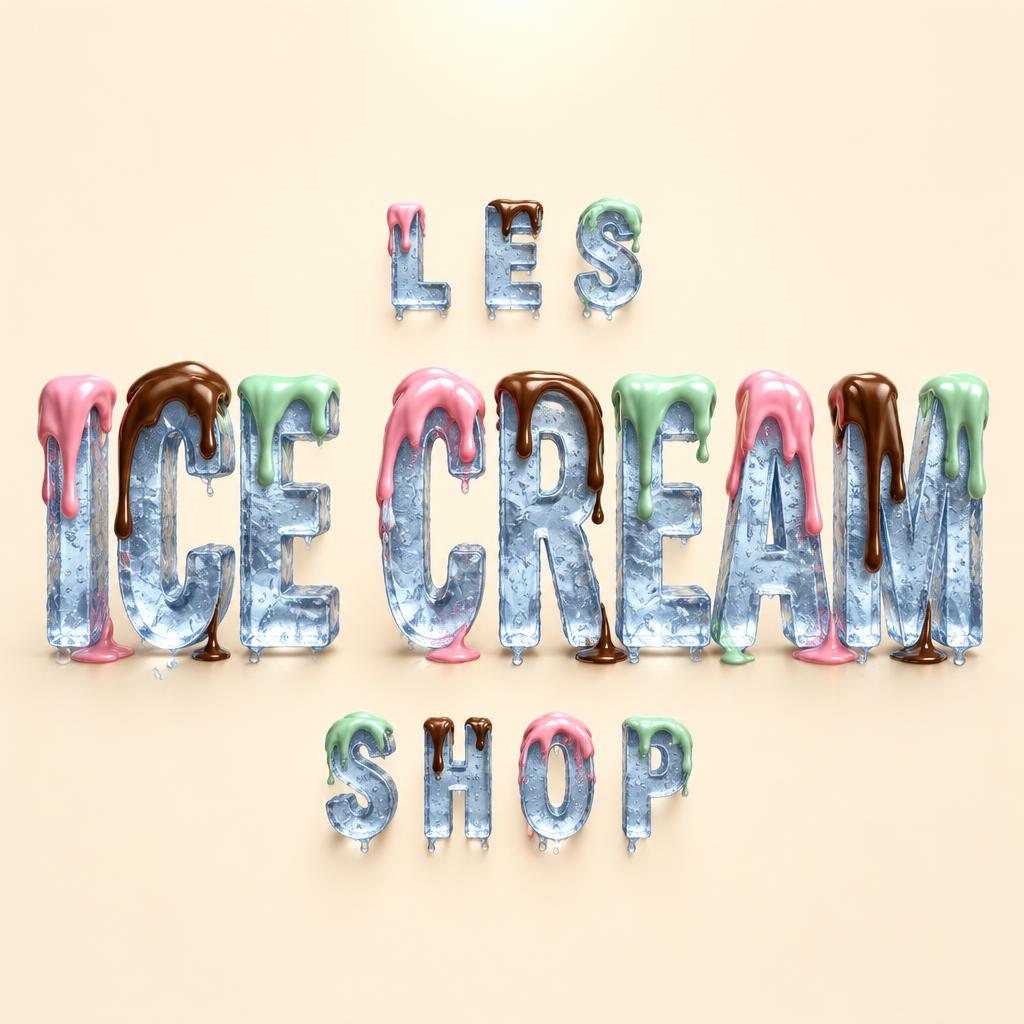
其他用户真实做出来的作品 —— 点开可以看到用的风格和参数,再拿同一套做你自己的文字。

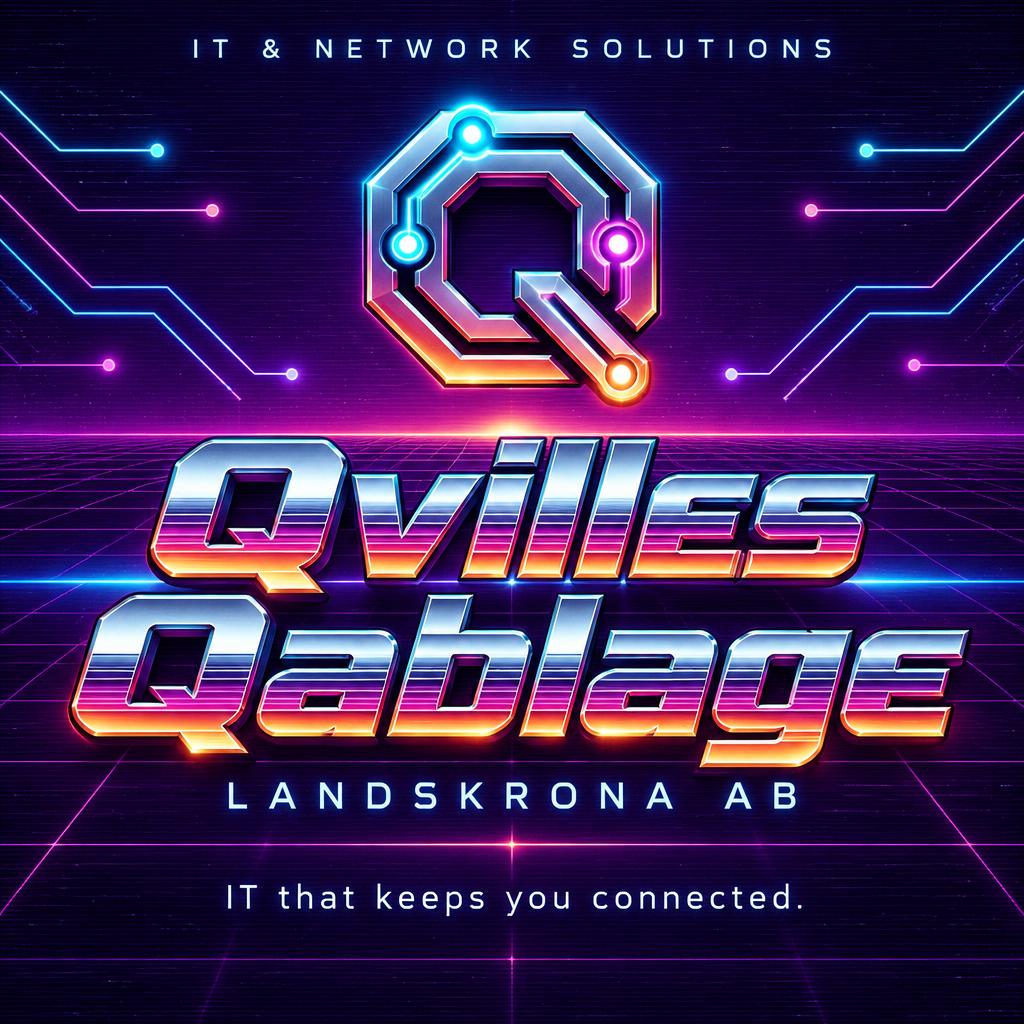
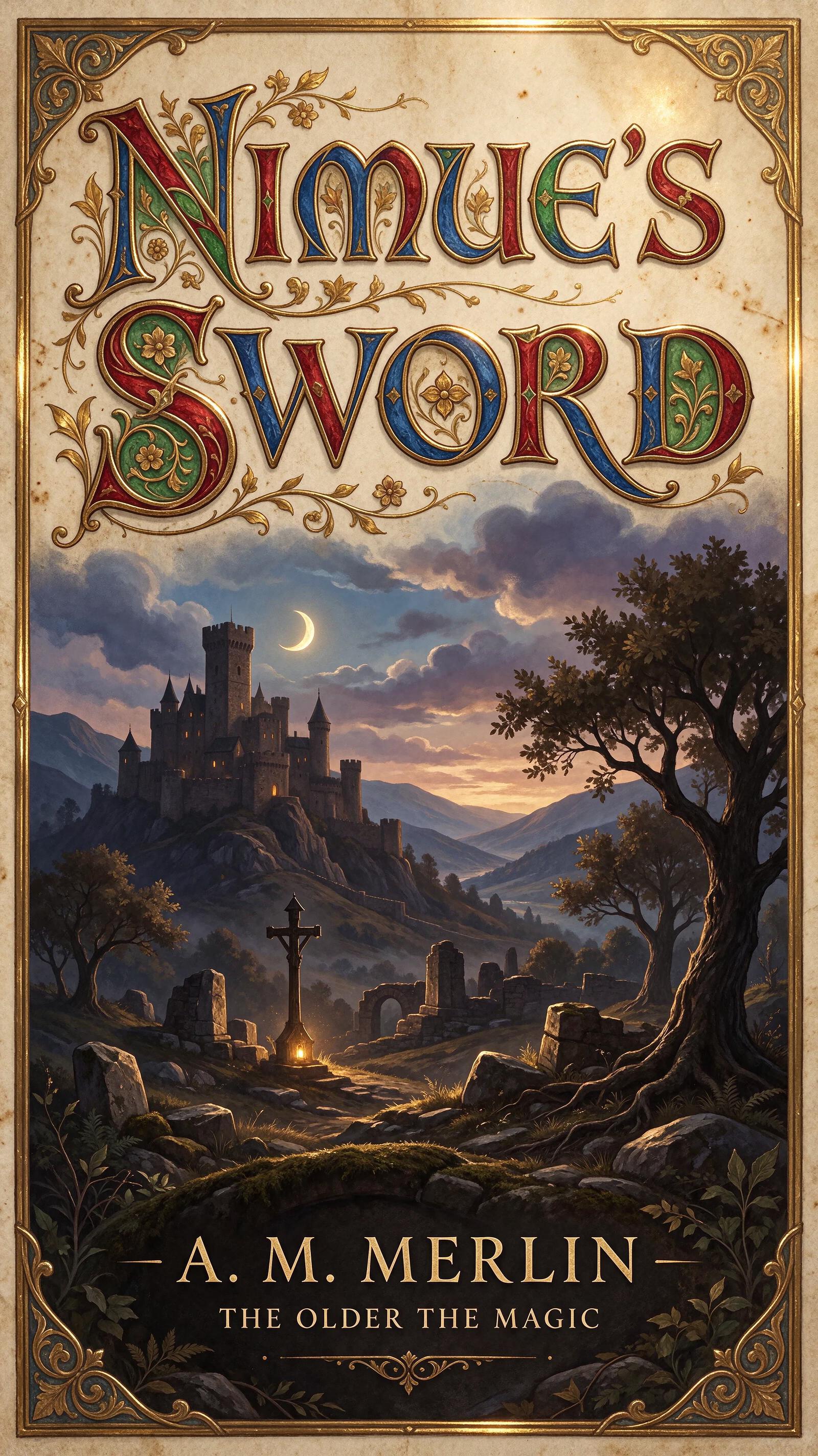
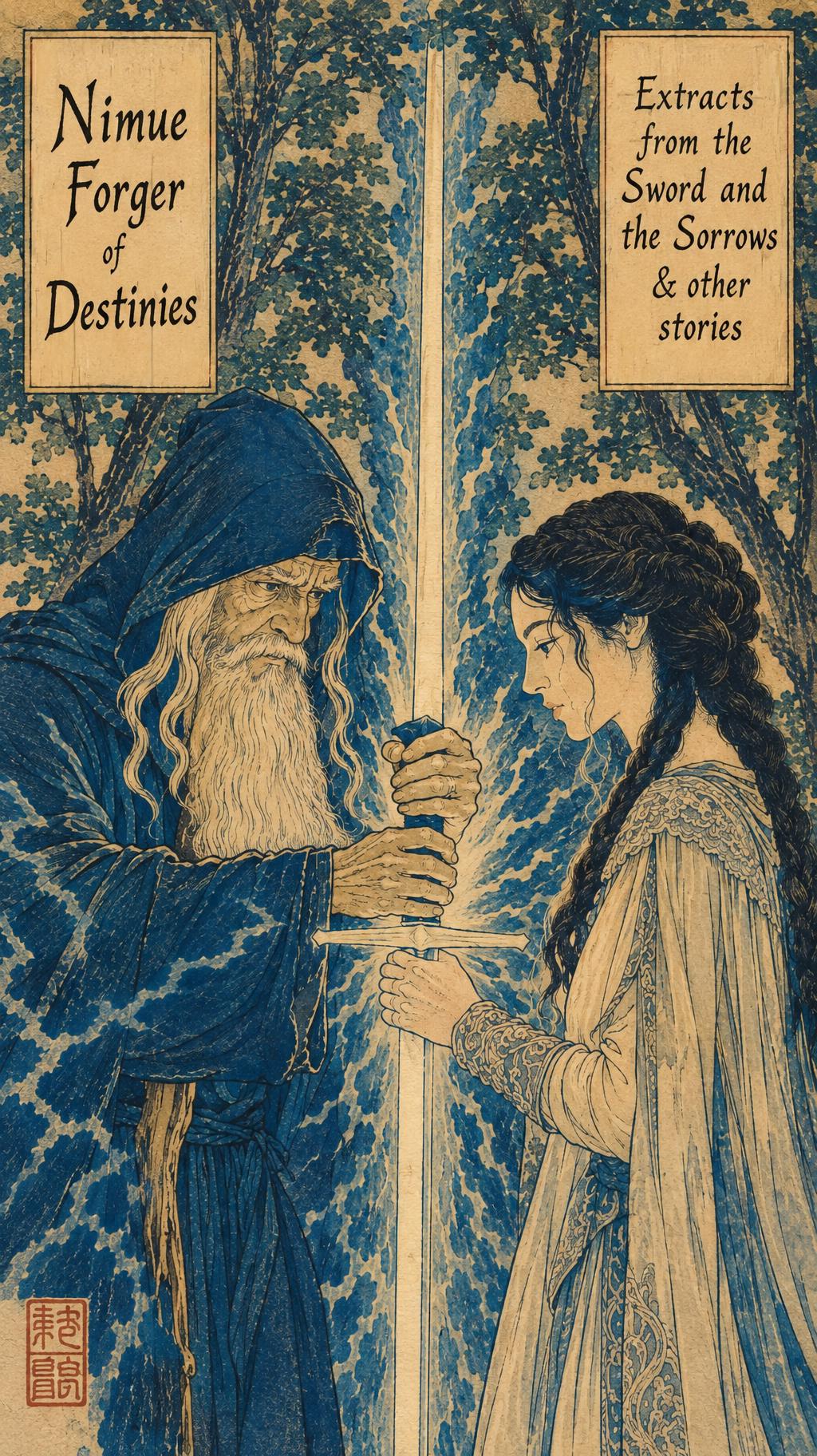
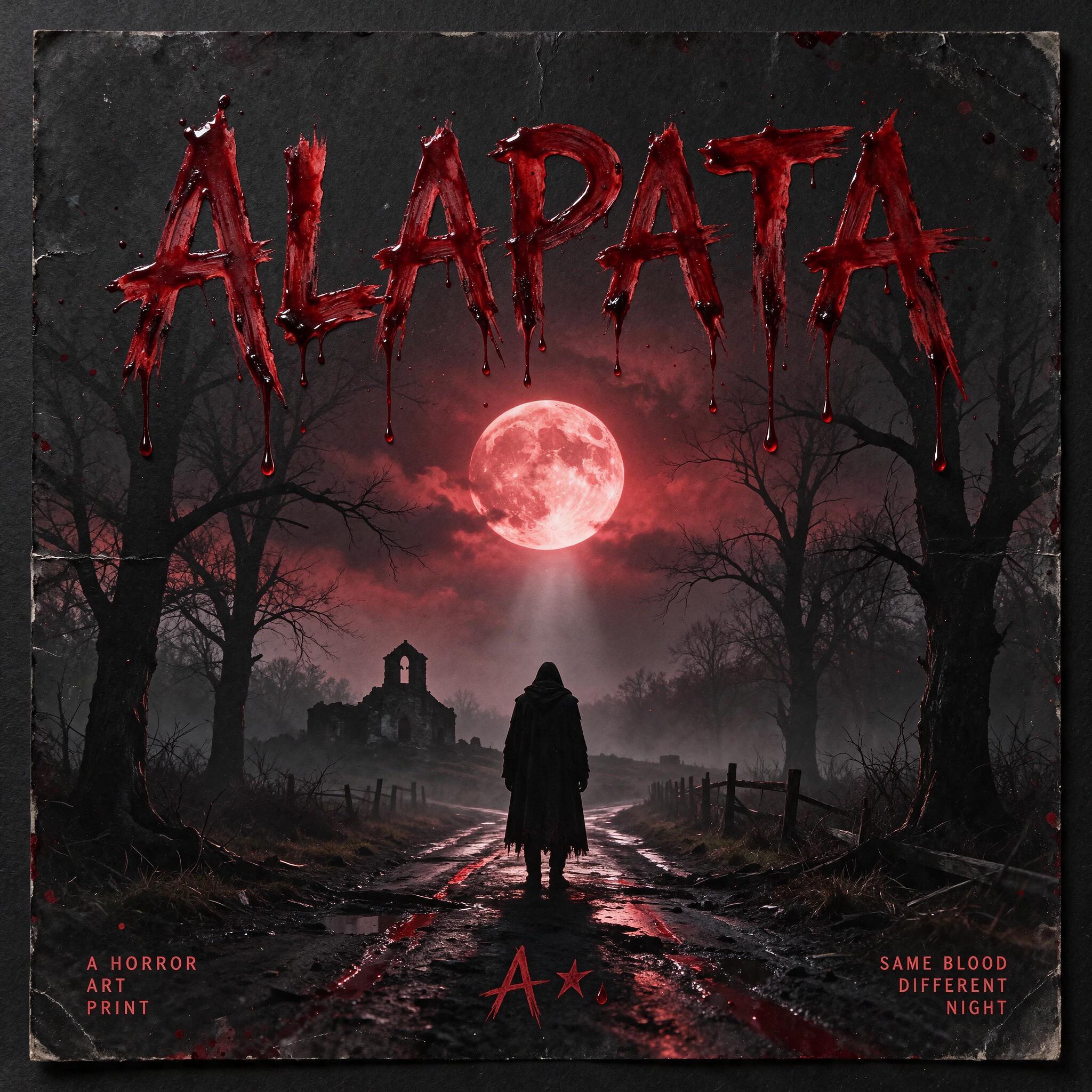
✦ FontVibe 怎么用
像交代设计师那样说一句
用一句话说清要做什么,挑一个方向,再改到位。
- 说清你要什么「给我的纪录片 The Last Harbor 做一张片头字幕卡。」
- 拿到几个设计方案一组供你挑选,每个方案的视觉走向都不一样。
- 选一个,直接能用一张完成的图,不用往模板里填空。
- 有意见就打回去它会在这张图上改,而不是从头再来。
多数文字工具直接出图。中间这一步「出方案」,才是做设计决策的地方。
三种用法
每次出 3 个设计方案 —— 选一条最合你思路的入口。
说清你要什么
一句话讲清楚要做什么,拿到设计方案,选一个再打磨。
适合目标明确、但还没想好长什么样。
自己写提示词
描述完全由你掌控,改一版跑一版,直到措辞到位。
适合心里已经有准确画面的设计师。
选个风格直接开
挑一个风格和 AI 字体,输入文字,下载。
适合已经拿定主意的时候。
光说不如给图看
交代需求时最多带 4 张参考图,就像递给设计师一份情绪板。
同一个设计,出很多版
锁定一个设计,再丢一份名单进去 —— 30 个名字进,30 张成品出。
定稿之前先比一比
同一段文字,跨不同风格、字体、版式和模型各出一版,并排比较。
不注册也能先用
先生成,之后再登录。登录时作品会跟着你走。
423 款 AI 字体 · 142 种风格 · 112,769 幅作品,来自 65,147 位创作者 · 无需注册即可开始
✦ 定价
简单透明的定价方案
从免费版开始,随时按需升级。
免费
永久
免费
✓每月 200 积分
✓每天 30 积分
✓JPG + PNG 下载
✓素材库 3 个
入门
一次性
$3.99
✓无广告
✓400 一次性积分(永不过期)
✓JPG + PNG 下载
✓最高 3K 图
✓素材库 50 个
热门
成长
/月
$9.99
✓无广告
✓每月 2,000 积分
✓JPG + PNG 下载
✓最高 4K 图
✓素材库 500 个
专家
/月
$24.99
✓无广告
✓每月 5,500 积分
✓JPG + PNG 下载
✓最高 4K 图
✓素材库无限
Stripe 安全支付 · 随时取消
✦ 复制粘贴
花体字生成器 — 复制即用
把任意文字变成花体字体——粗体、手写、哥特、气泡等 70+ 种 Unicode 样式。一键复制你的花体文字,直接粘贴到 Instagram、TikTok、Discord 或个性签名,无需注册、处处可用。想要设计成图片?用上方的 AI 生成器。
✦ 规格
你实际拿到的东西
开始之前值得核对的都在这里,包括 FontVibe 不做什么。
- 适合谁
- 需要一张成品文字作品的人 —— YouTube 缩略图、店招、罐标、海报 —— 而不是需要一款可安装的字体。
- 字体文件
- FontVibe 输出的是图片(PNG 或 JPG),不生成可安装的 .ttf / .otf 字体文件。
- 价格
- 免费起步。一次性积分包 $3.99 起,按月订阅 $9.99/月起。
- 免费额度
- 不注册 20 积分,注册后每月 200 积分
- 商用
- 所有套餐都可商用,含免费版。无需署名,无版税
- 注册
- 生成不需要注册。之后登录,作品会跟着你走
- 透明底与图层
- 任何一张图都能导出为透明底 PNG。在 Vibe Edit 里框选某个元素,或让它自动识别图层,点分离就能拆成一张张透明底 PNG。
- 输出
- JPEG · PNG,1K · 2K · UHD · 3K · 4K,8 种固定画幅或自定义尺寸。单张约 20–40 秒;免费账号最高渲染到 2K。
- 输入
- 一句话说清要做什么,也可以附最多 4 张参考图。
- 目录
- 423 款 AI 字体,覆盖 142 种风格。界面支持 6 种语言。
✦ 常见问题