


✦ Community Gallery
View all →Fire Text Generator — Community Gallery
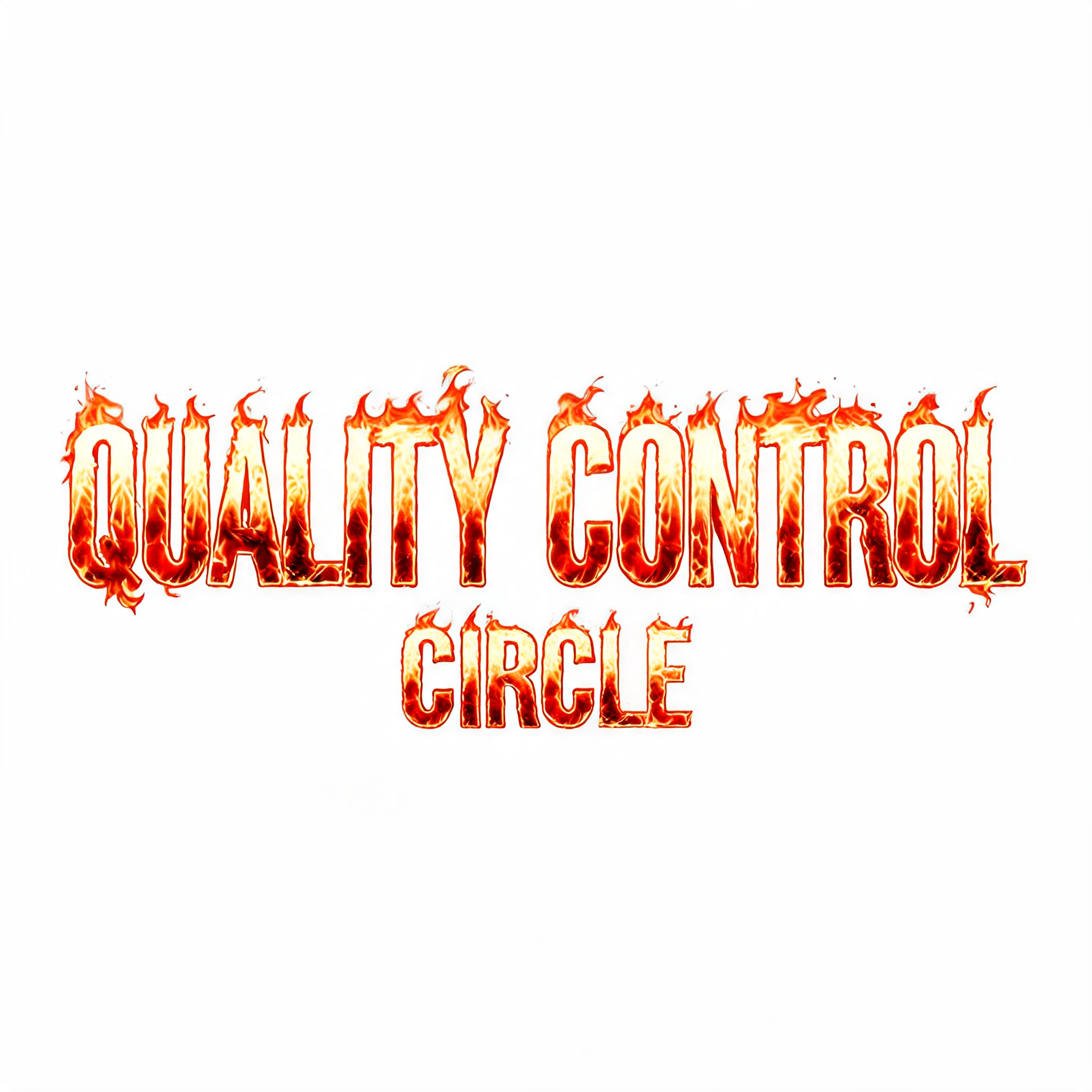
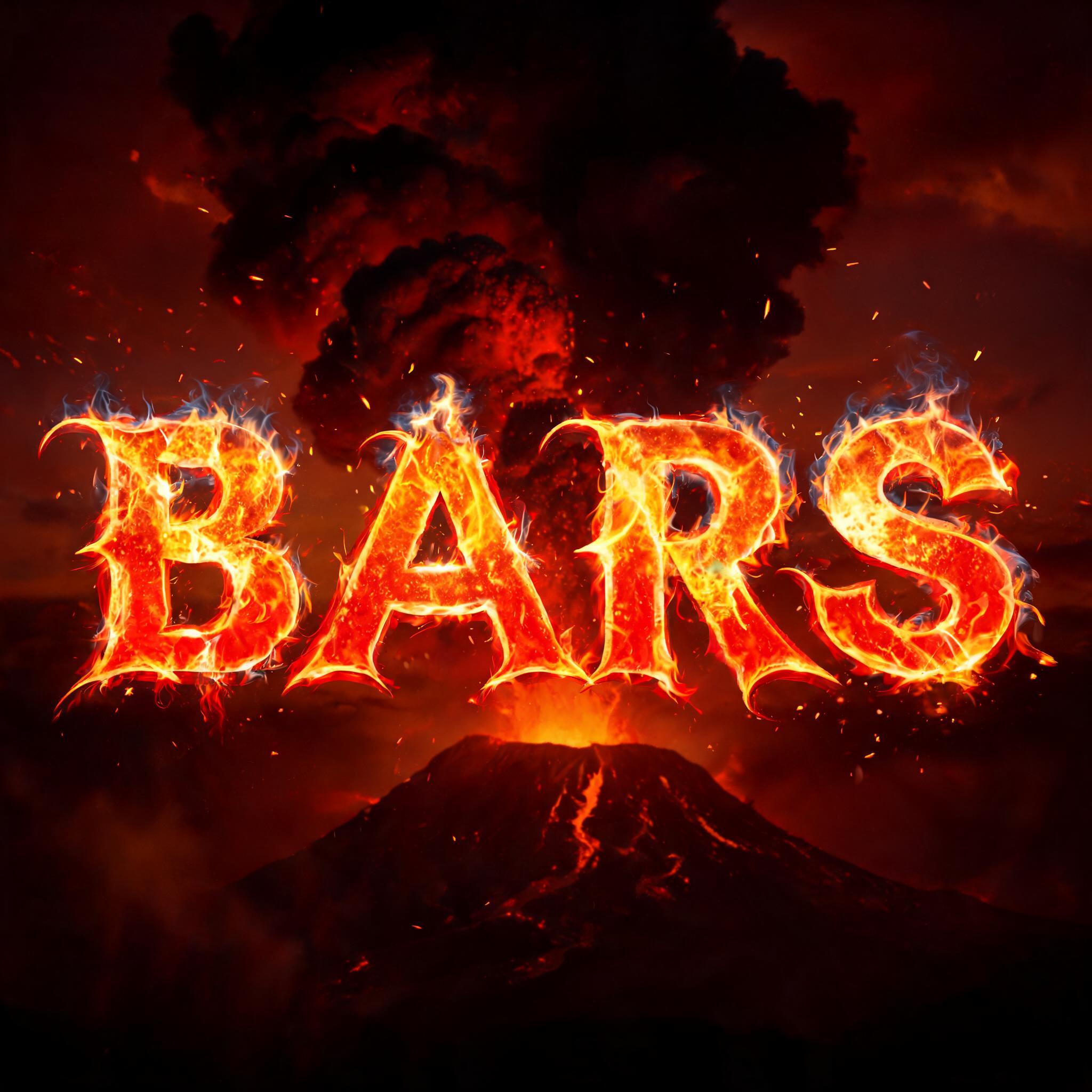
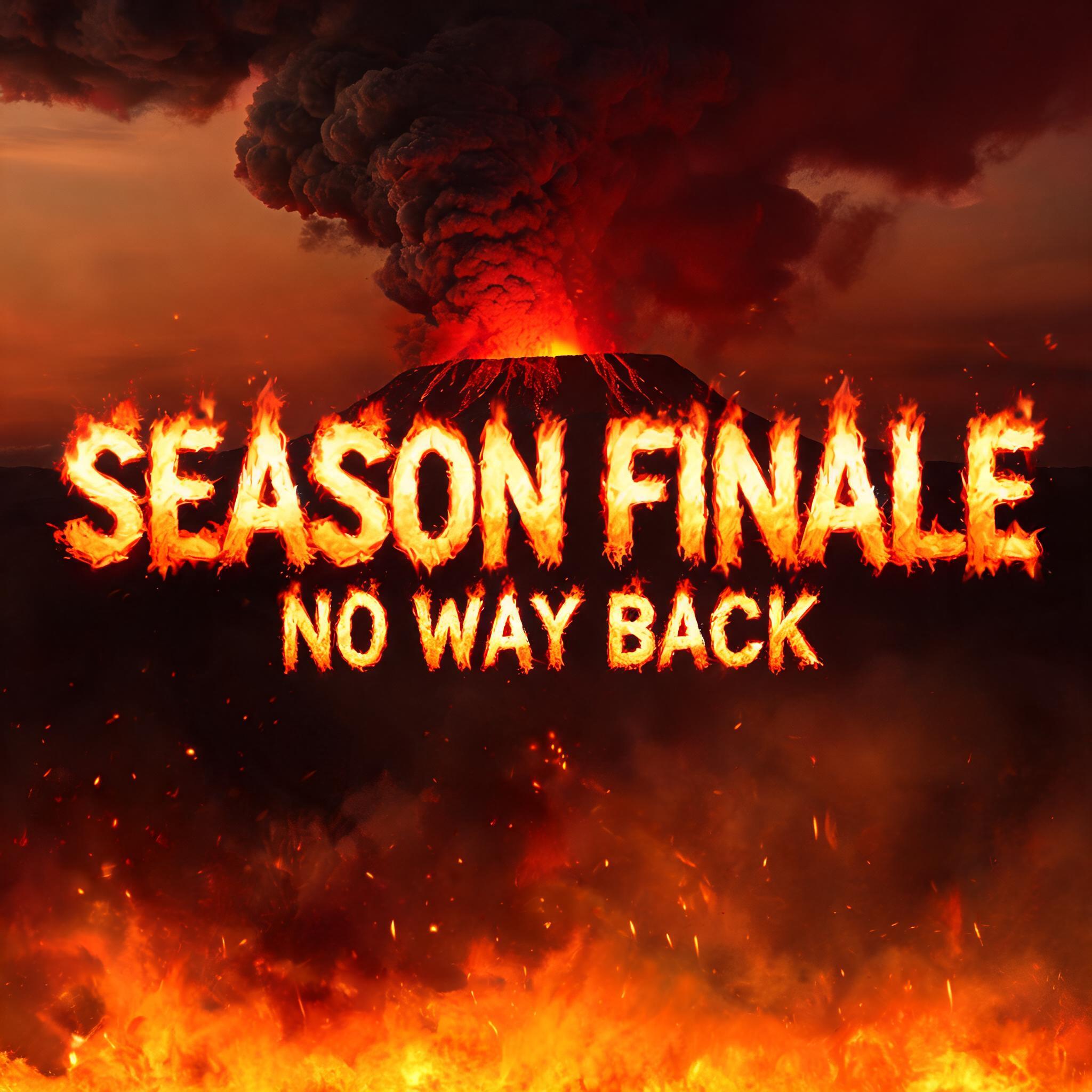
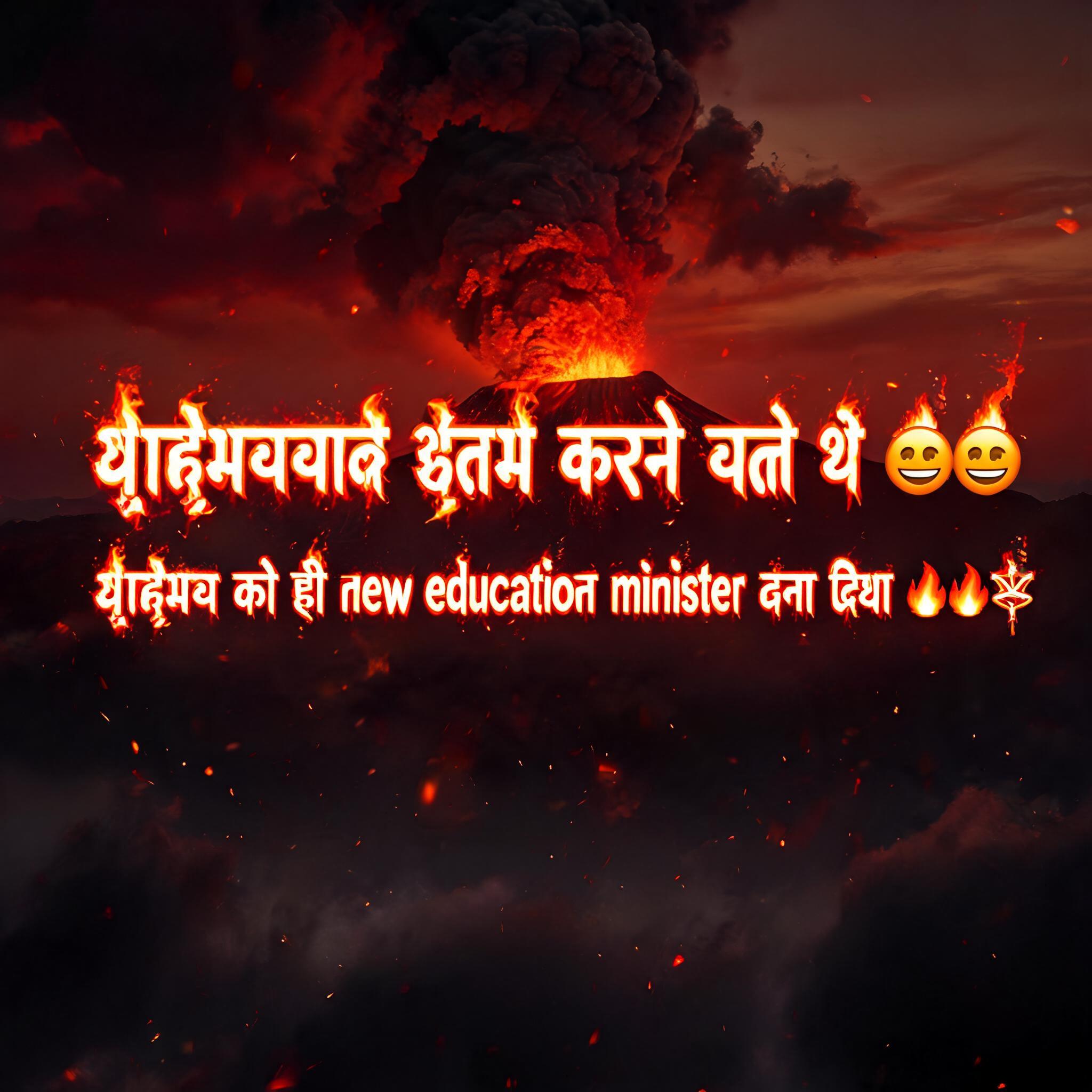
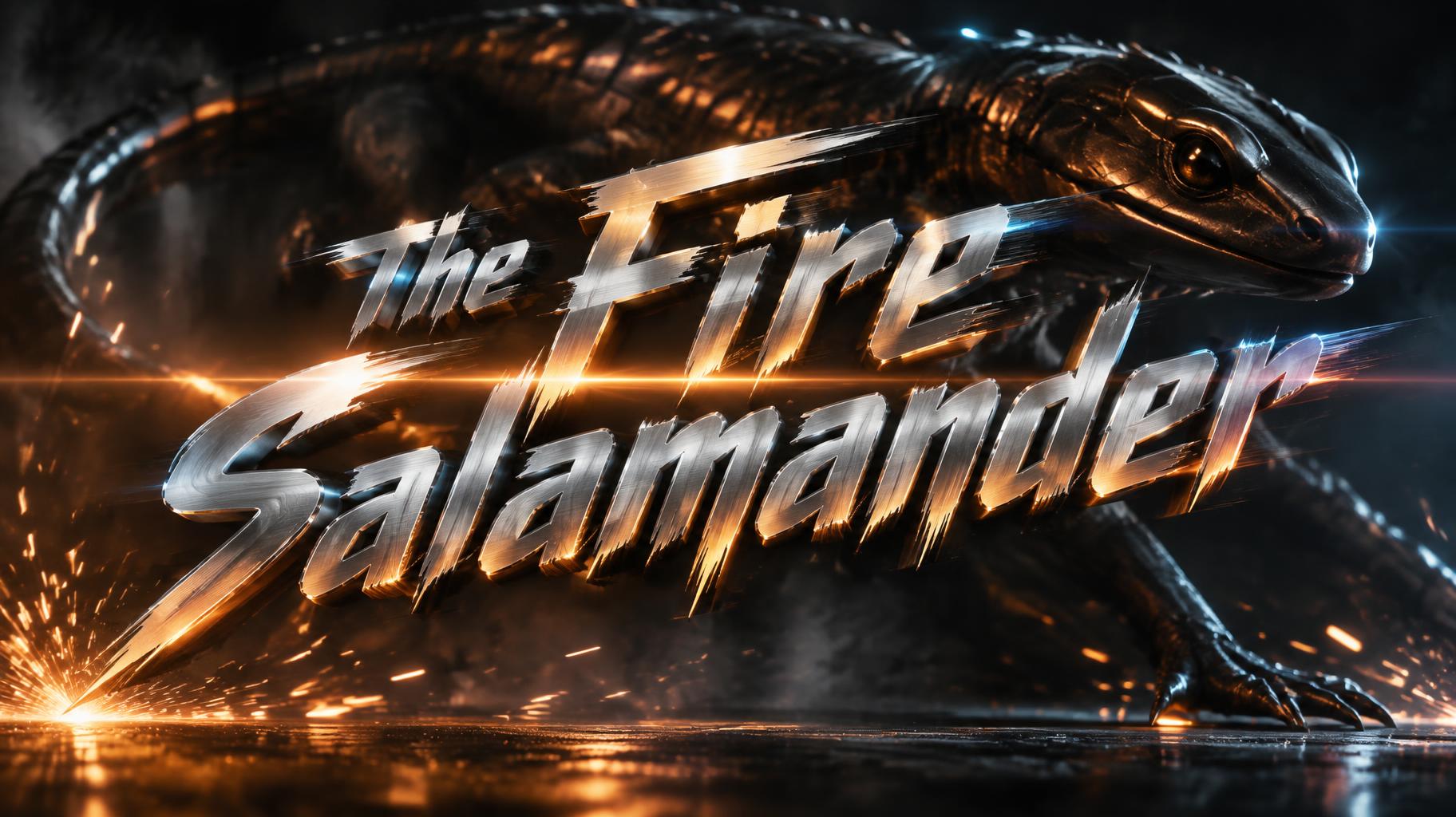
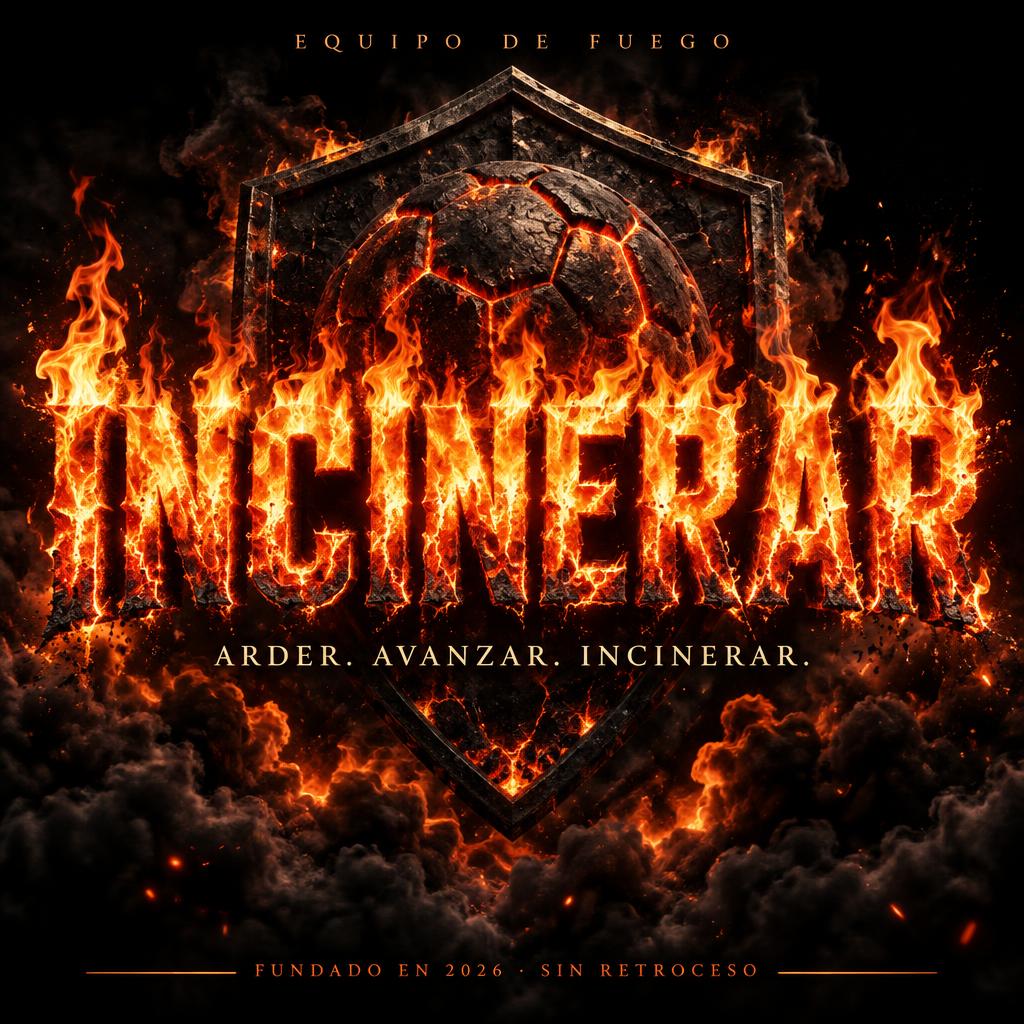
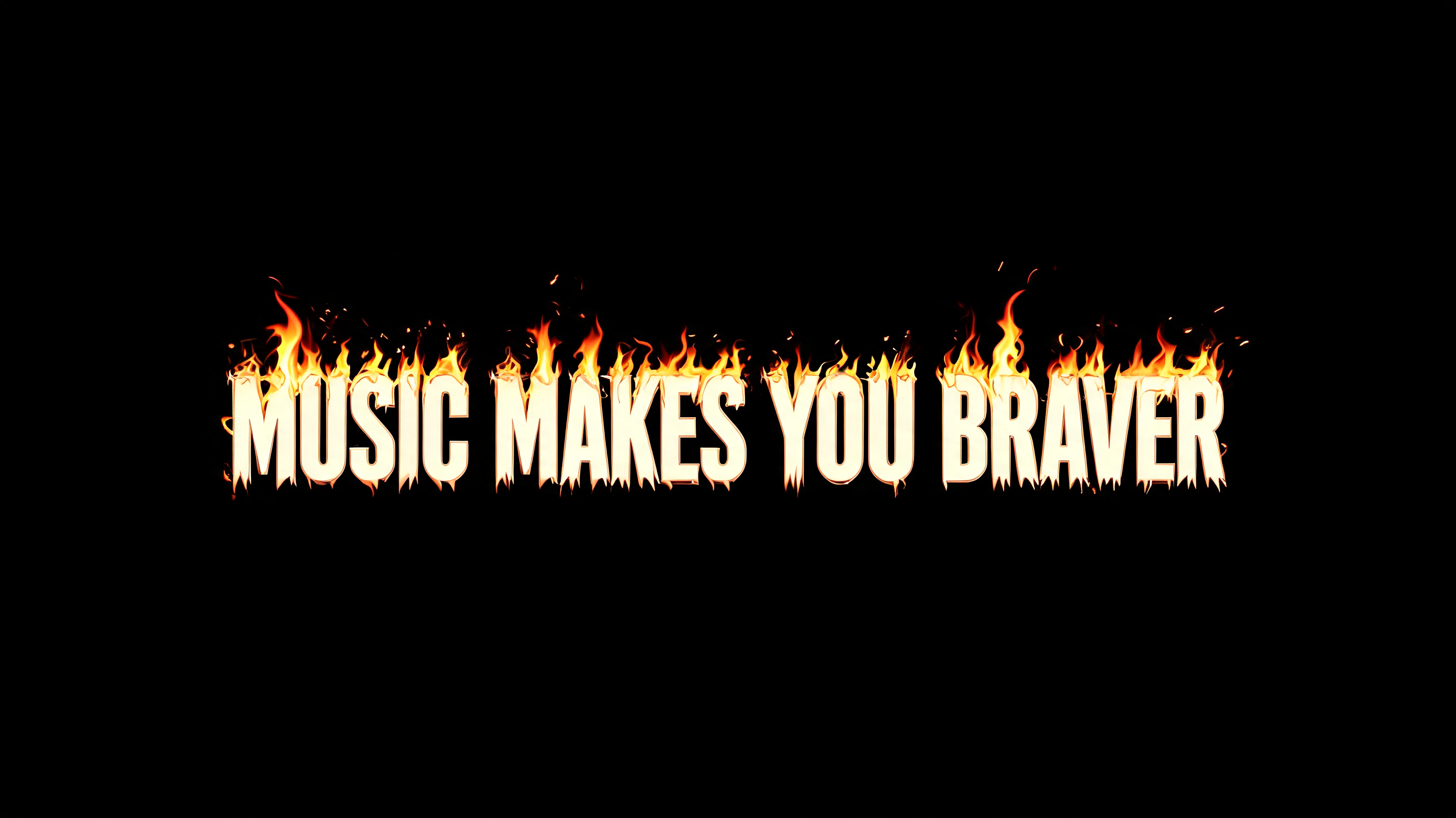
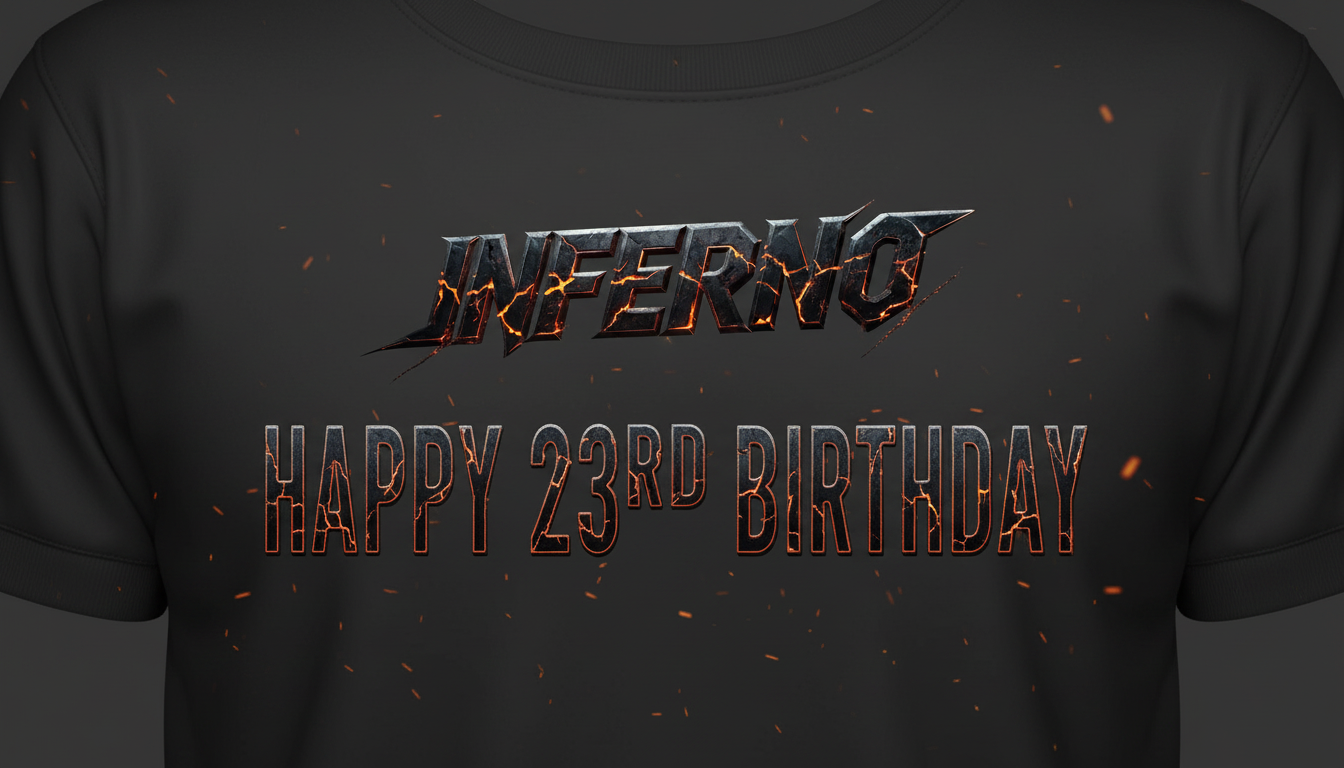
Every image below was generated on FontVibe — no post-editing, no stock photos. This is what fire text generator — free ai fire font effect actually looks like.
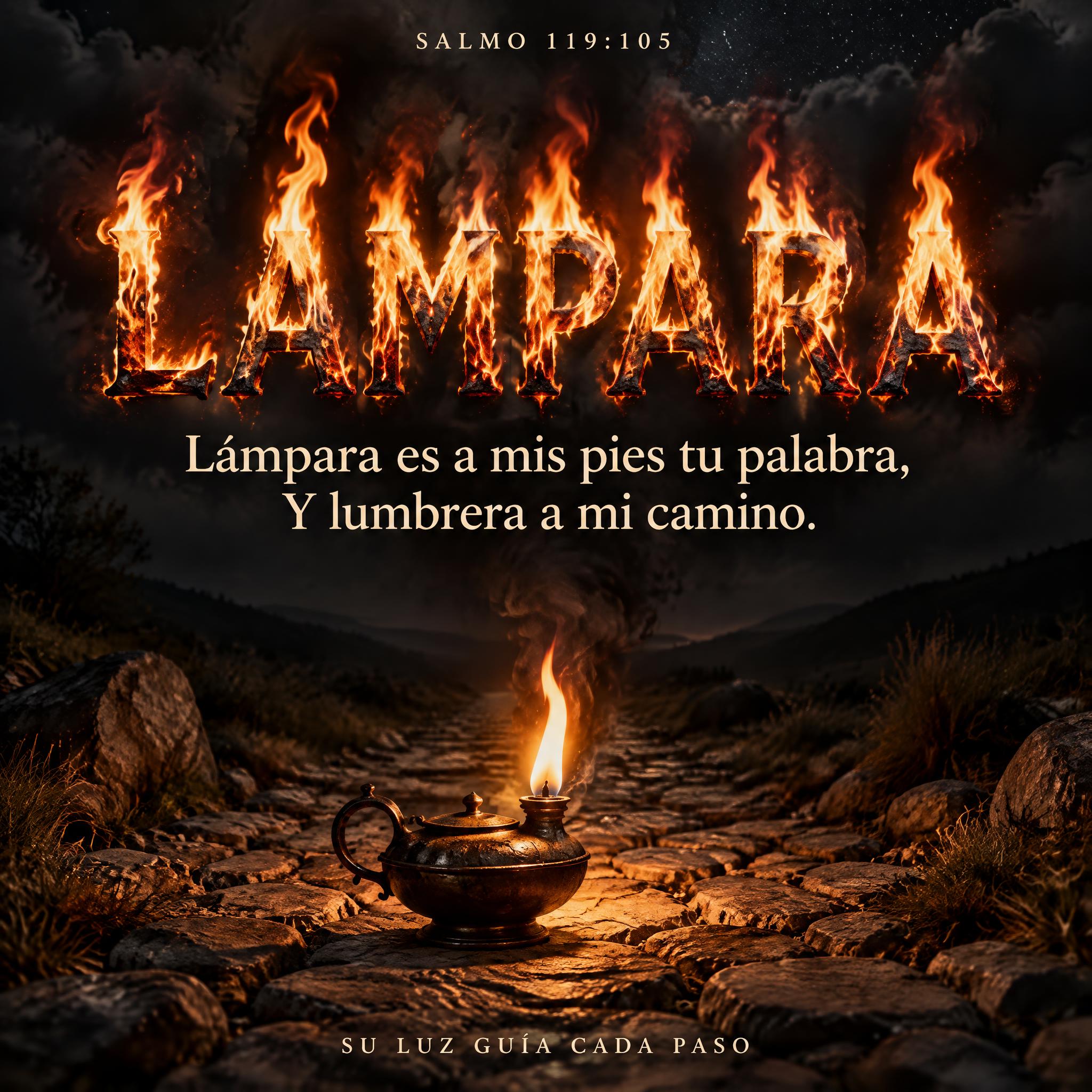


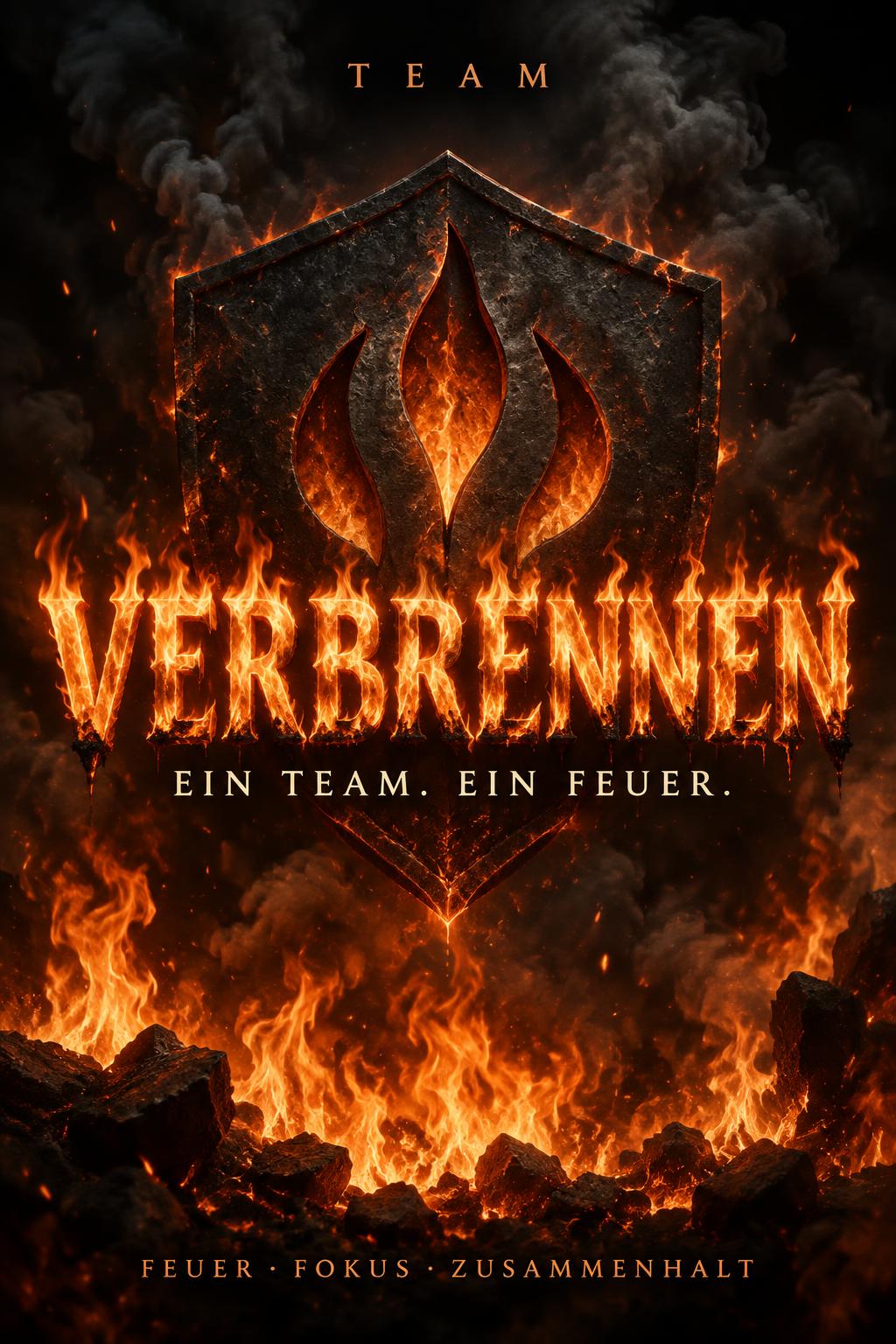

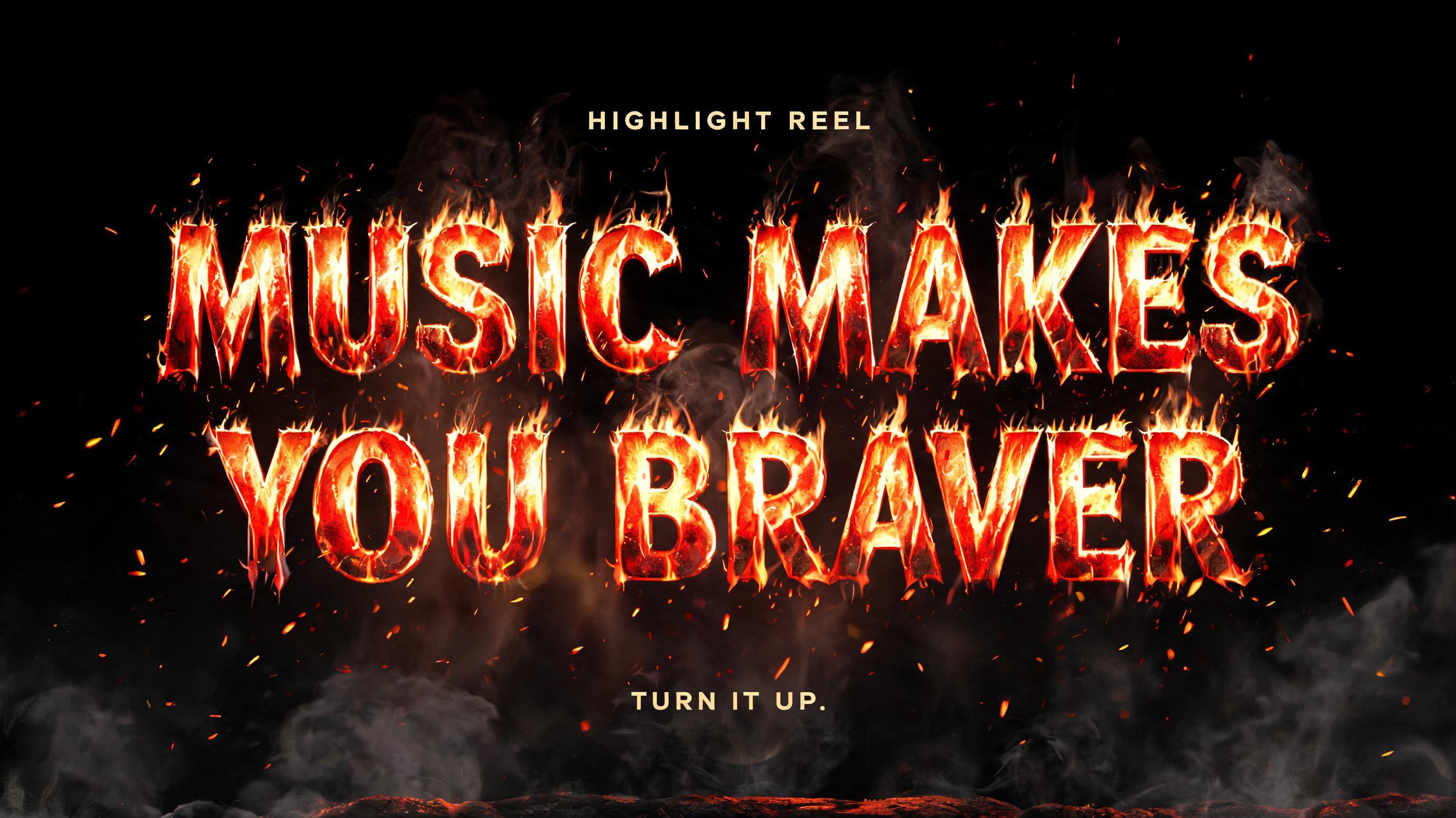

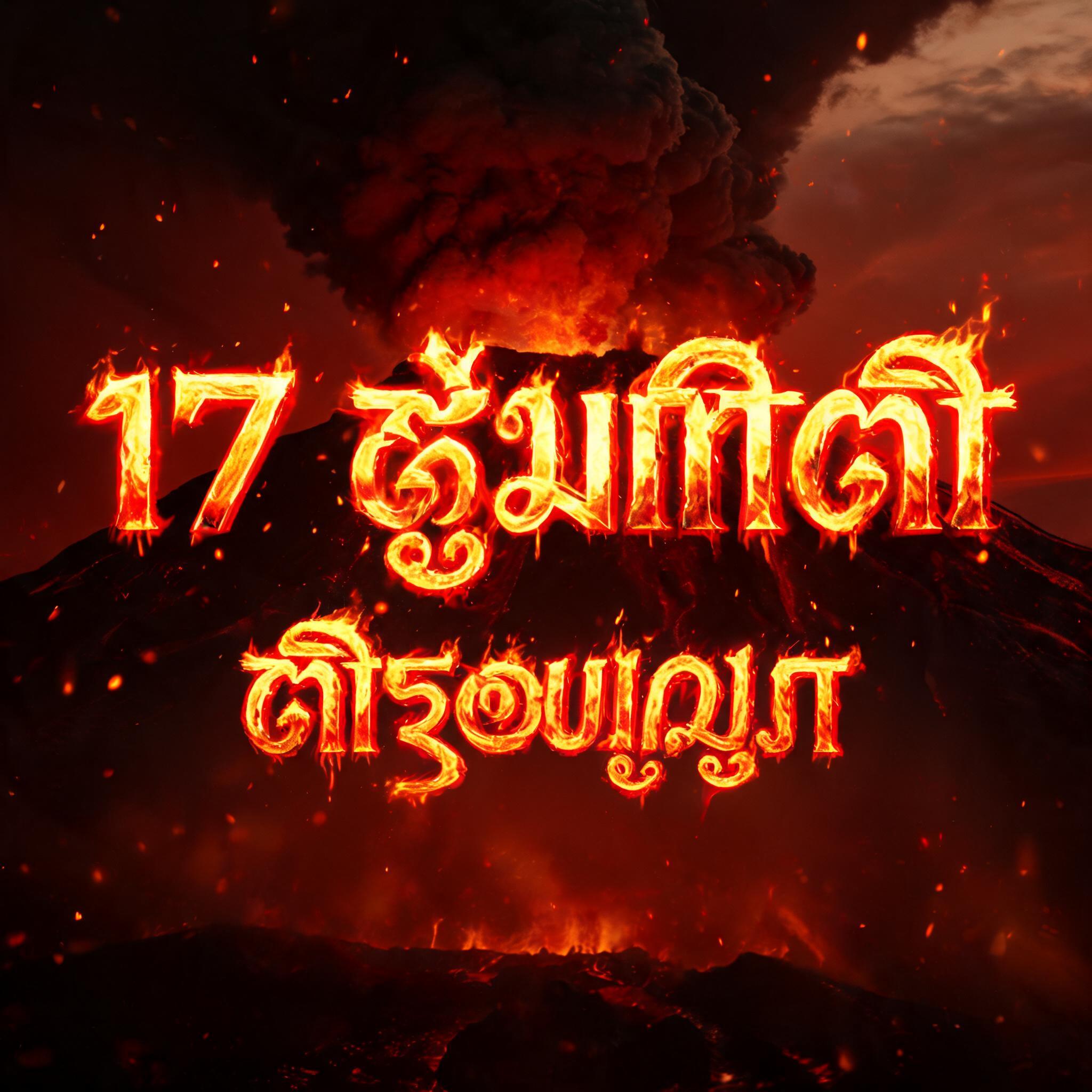

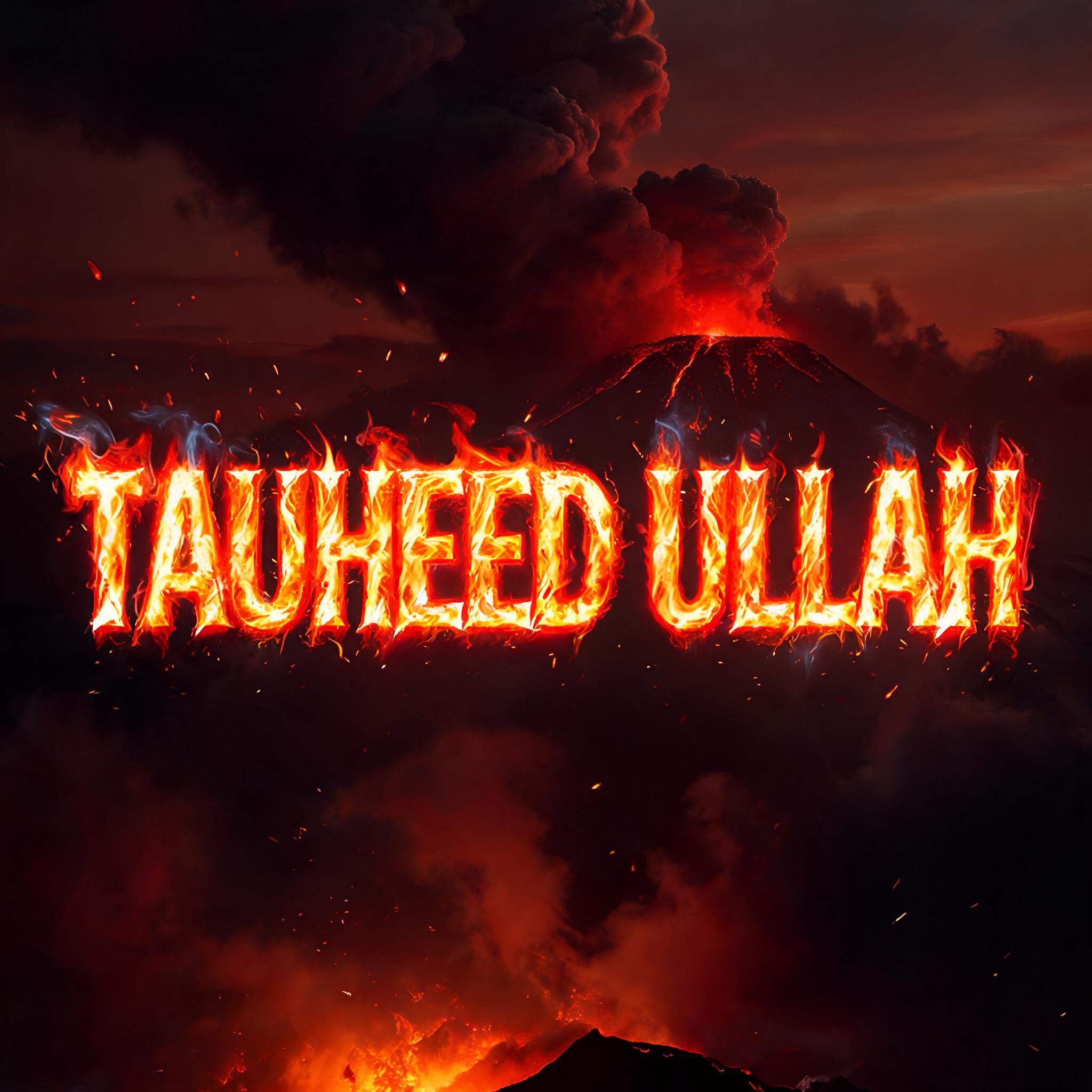





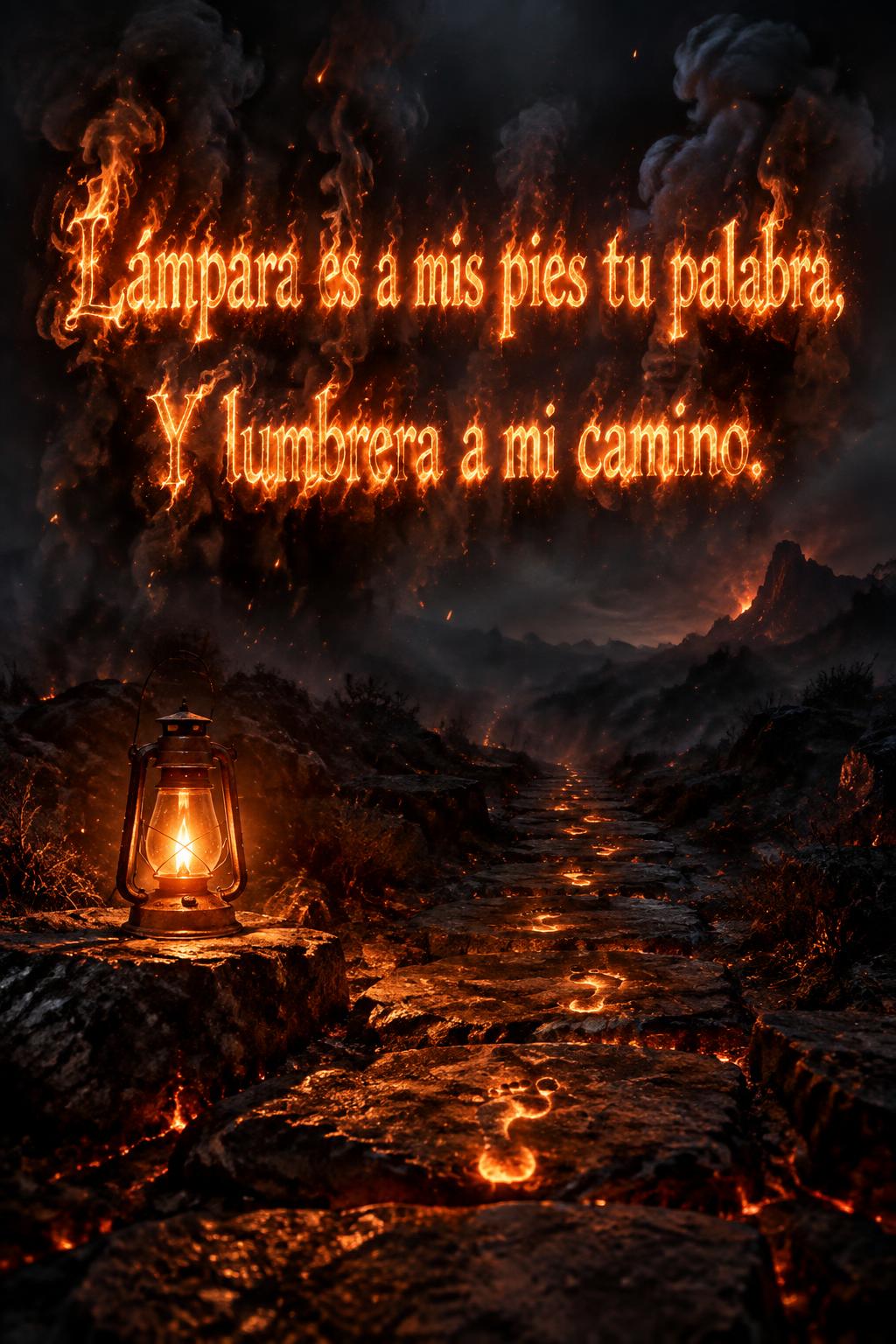
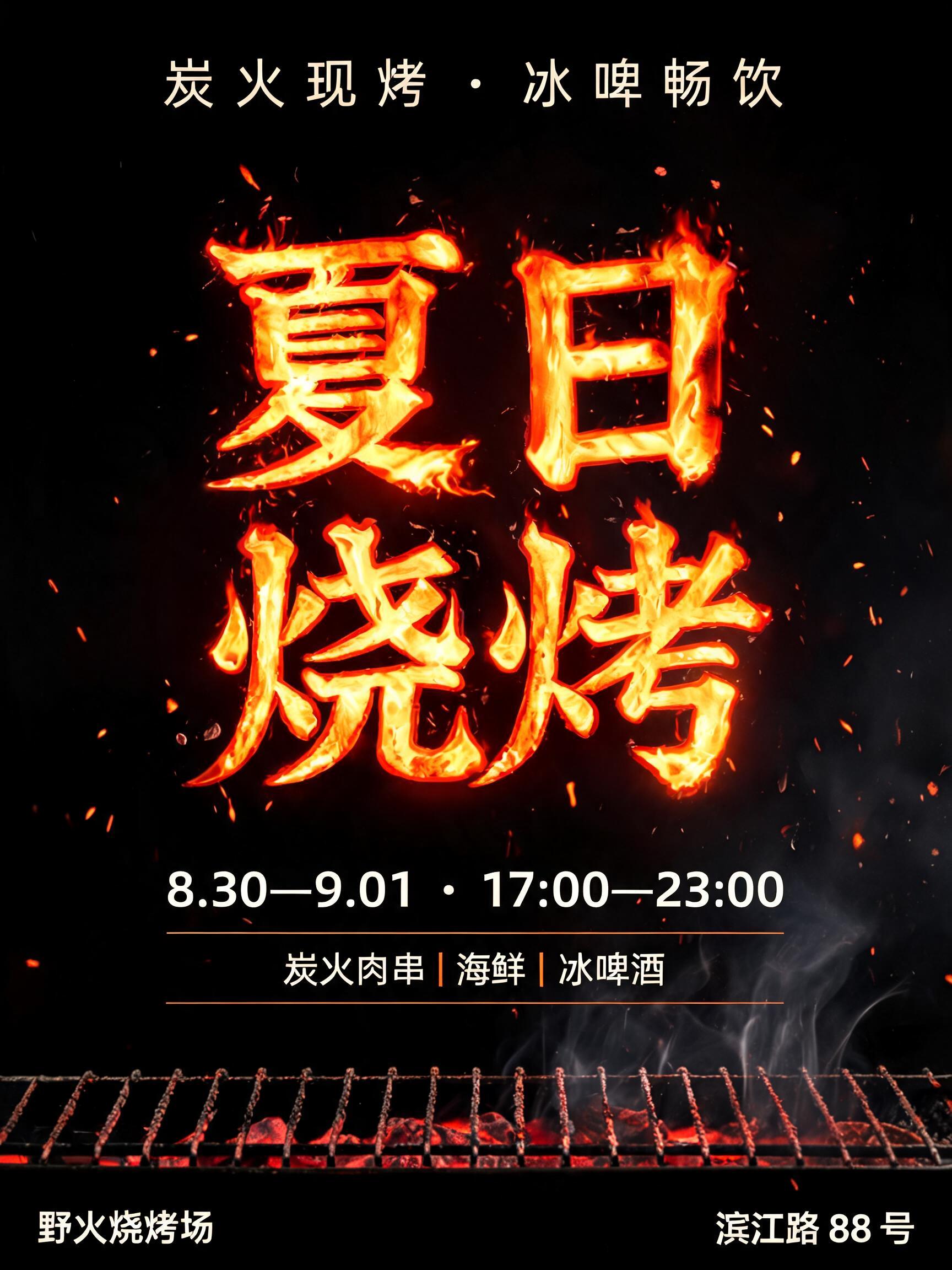

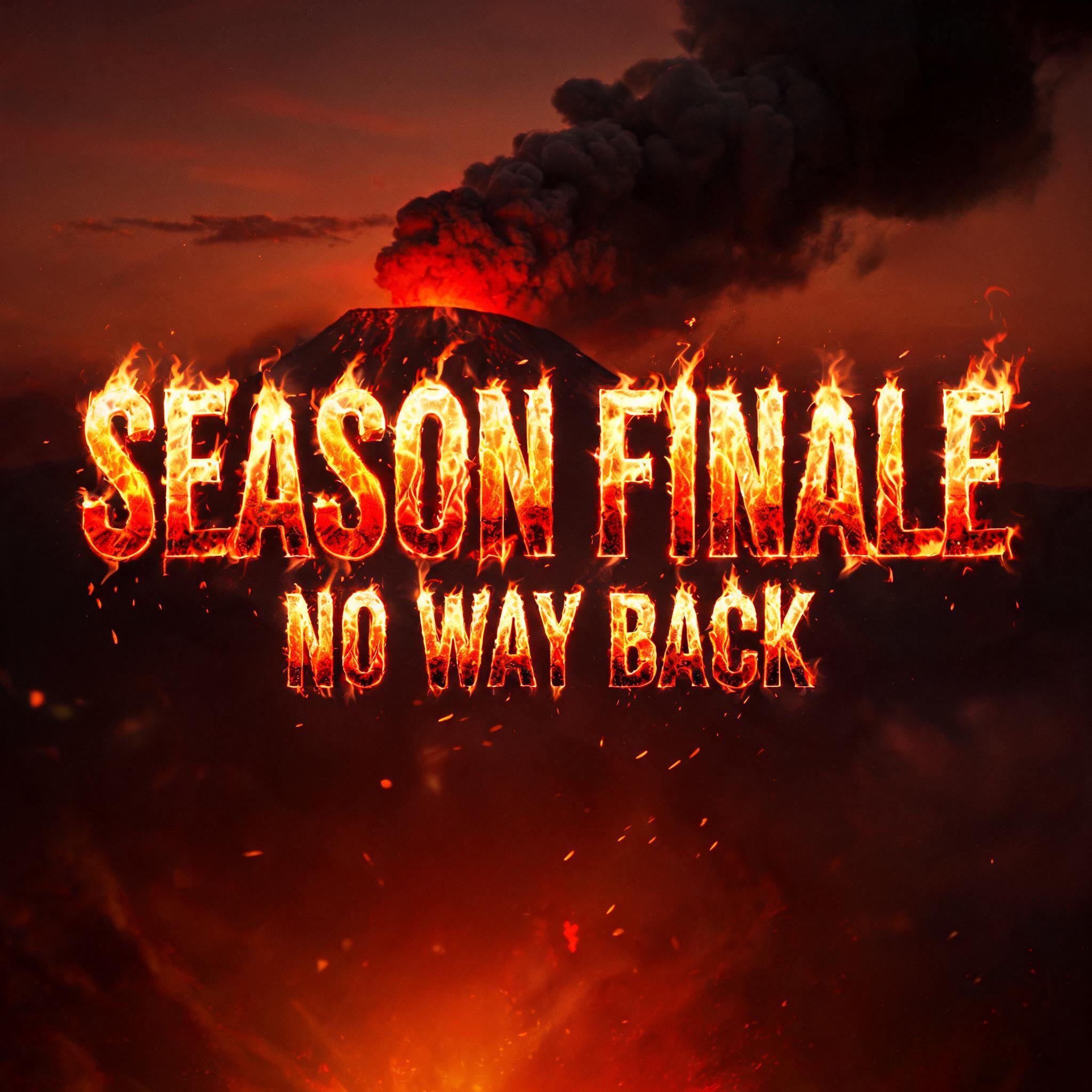








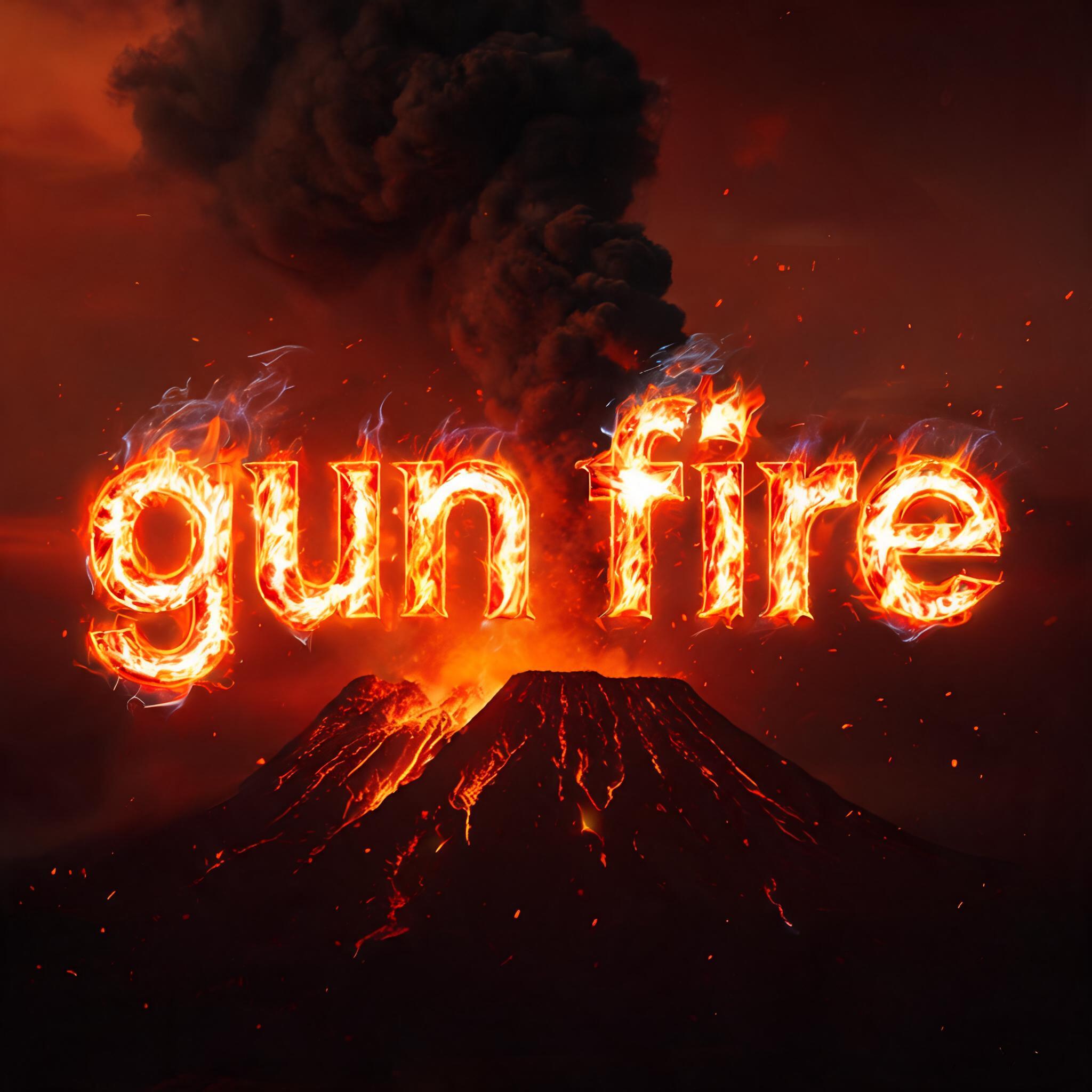


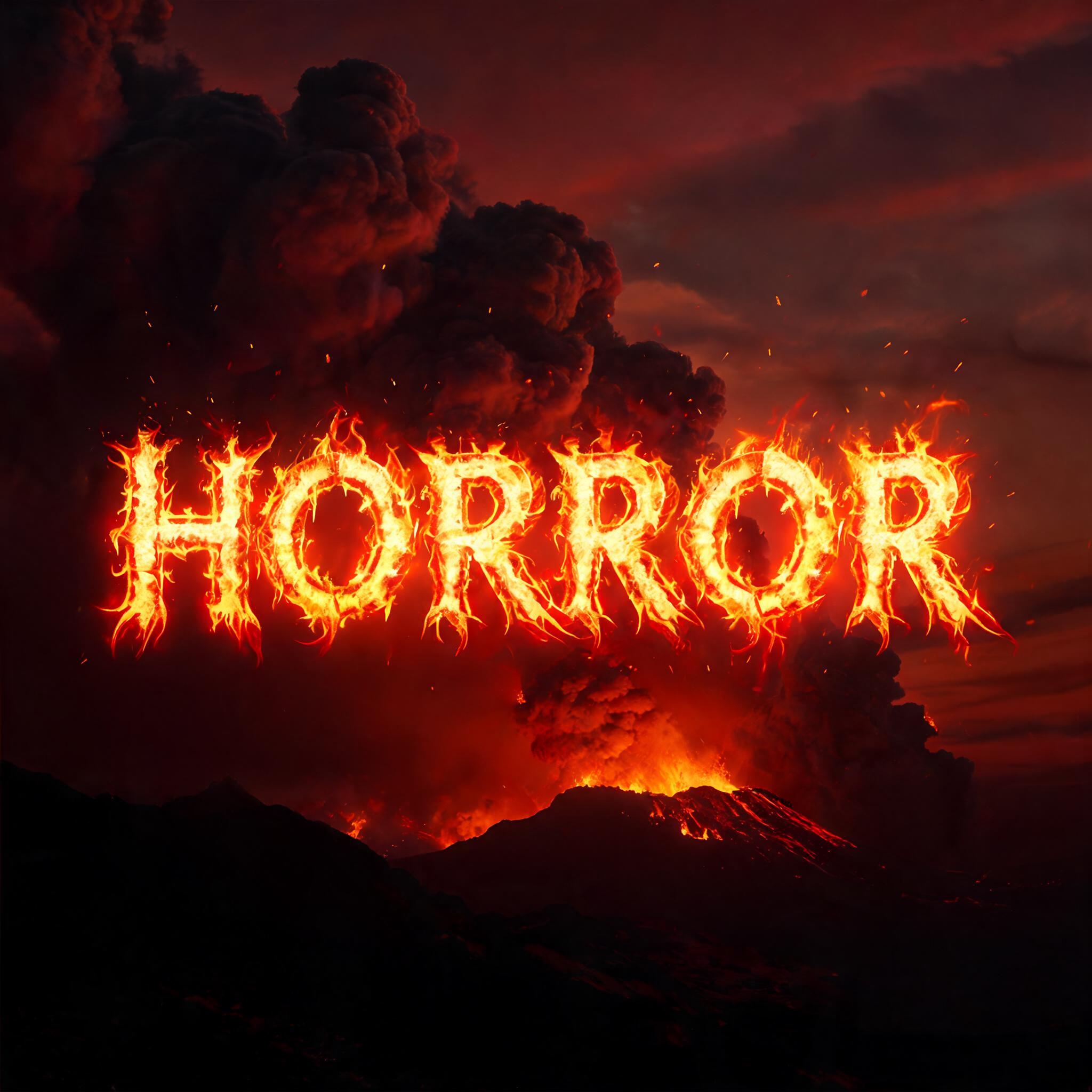

✦ More Fire Text Generator Use Cases
Explore more ways to use Fire & Smoke


✦ Step-by-Step Guide
How to Create Your Fire Text in Studio
Three steps. No design software needed.
1
Type your fire text
Enter any text — a name, tagline, event title, or game name. The fire text generator works best with short, punchy words that look dramatic rendered in flames. Try single names, team names, or season titles.
2
AI generates fire text effect
FontVibe AI renders your fire text with full combustion physics — white-yellow flame cores, orange-red mid-flame, heat haze distortion, and billowing smoke. Your burning text PNG is ready in seconds.
3
Download and use your fire text
Download your fire text PNG or JPG and drop it into YouTube thumbnails, video intros, event posters, Discord banners, or game assets. Fire text PNG is compatible with Photoshop, Premiere Pro, Canva, and all major design tools.
💡 Platform tip: Fire text PNG from FontVibe works perfectly for YouTube thumbnails and video title cards. The cinematic wide-frame layout — fire text at the bottom, blazing scene above — immediately signals premium content and drives click-through. For Discord banners, use the 16:9 format to get the full flame spread across the banner width.
✦ Common Questions
Fire Text — Frequently Asked Questions
Everything you need to know before you create.
✦ Explore More Text Effect Styles
Related AI Text Effect Styles
Try a different aesthetic — each style generates a completely unique visual output.


Want more text styles? Browse our free font generators — fancy, cursive, gothic & more.
✦ Ready to Create?
Make Your Own Text
Free to start. No design skills needed.
✦ Generate Now — Free