✦ Community-Galerie
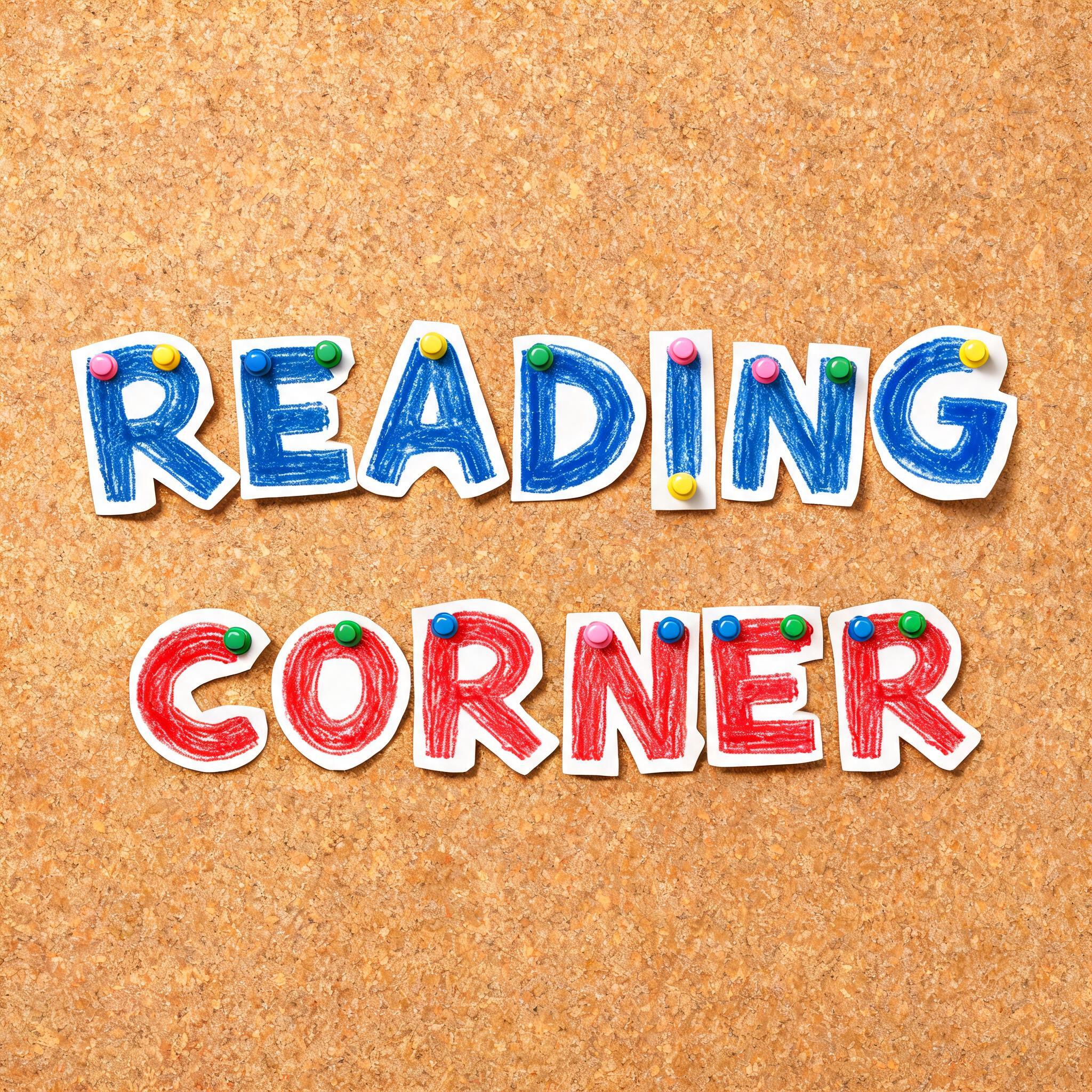
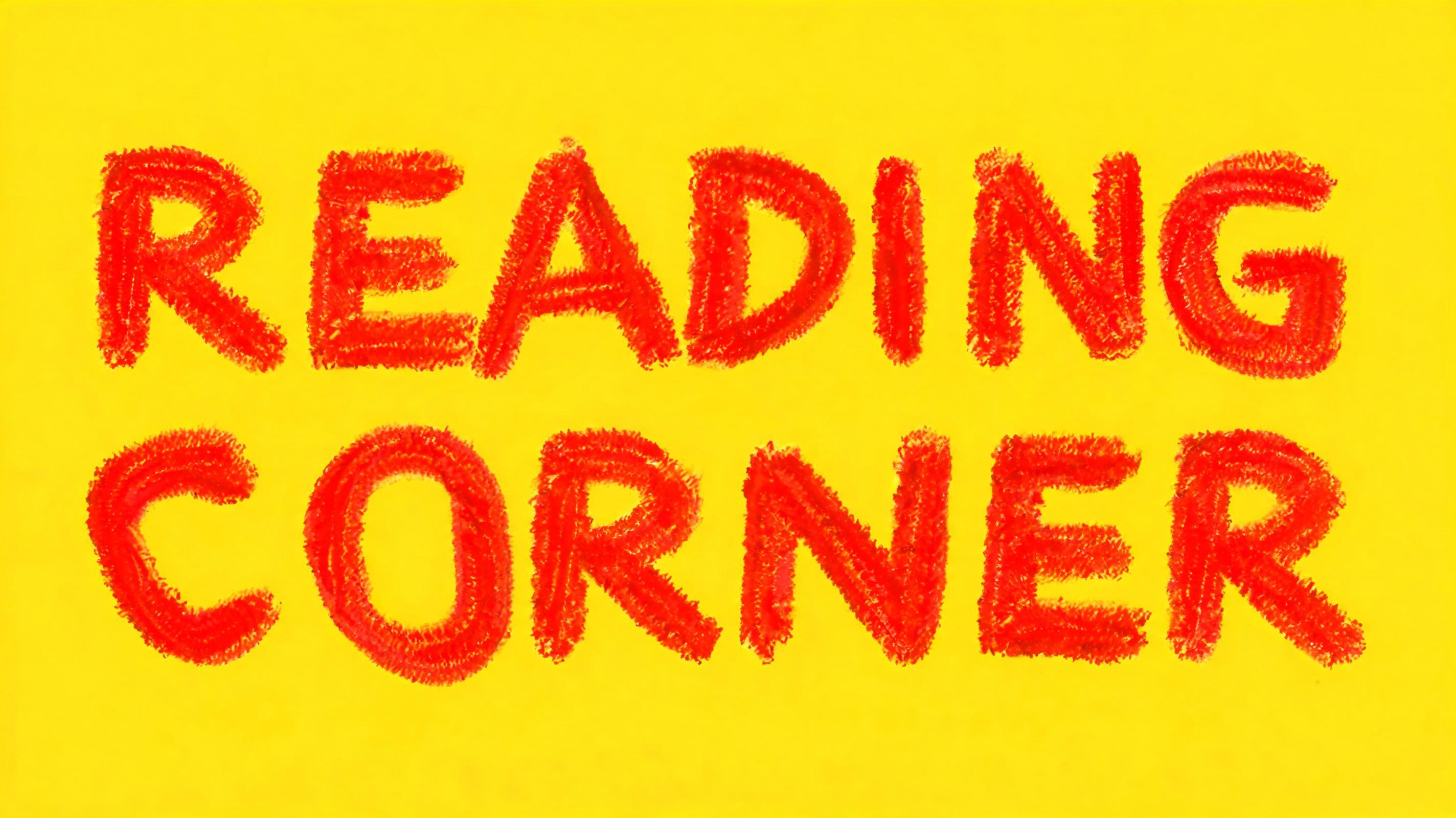
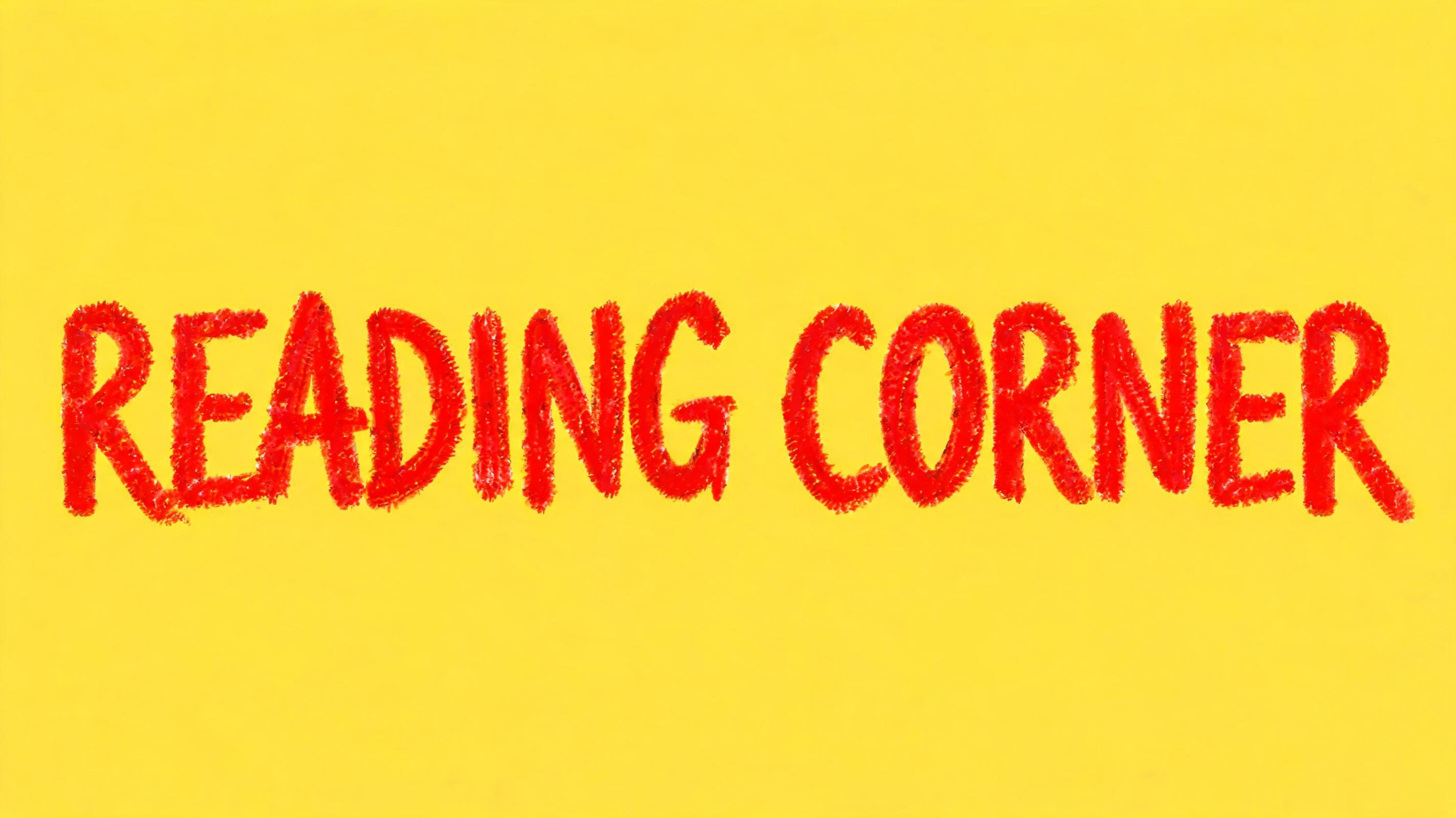
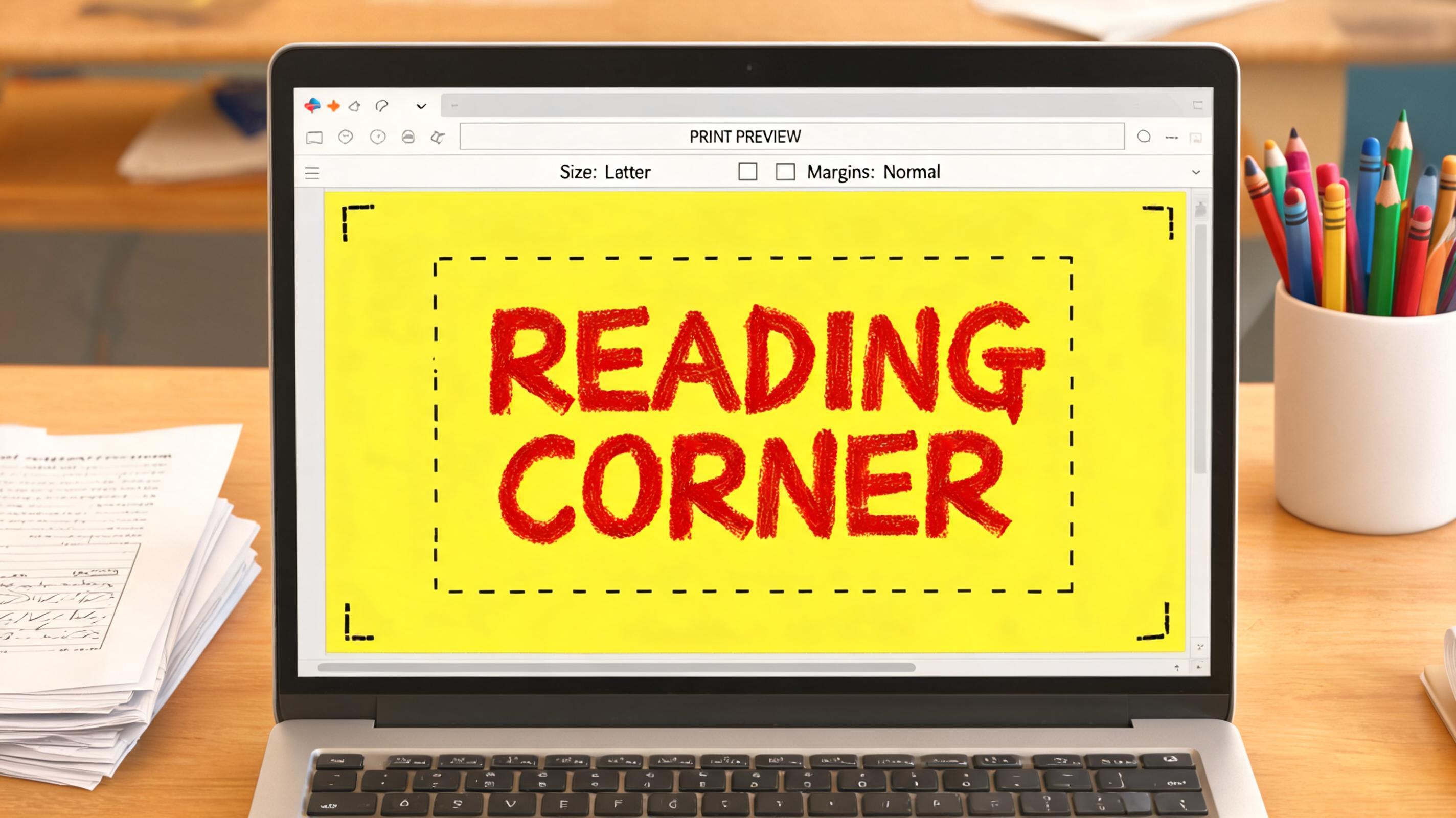
Alle ansehen →Pinnwand-Buchstaben fürs Klassenzimmer — Community-Galerie
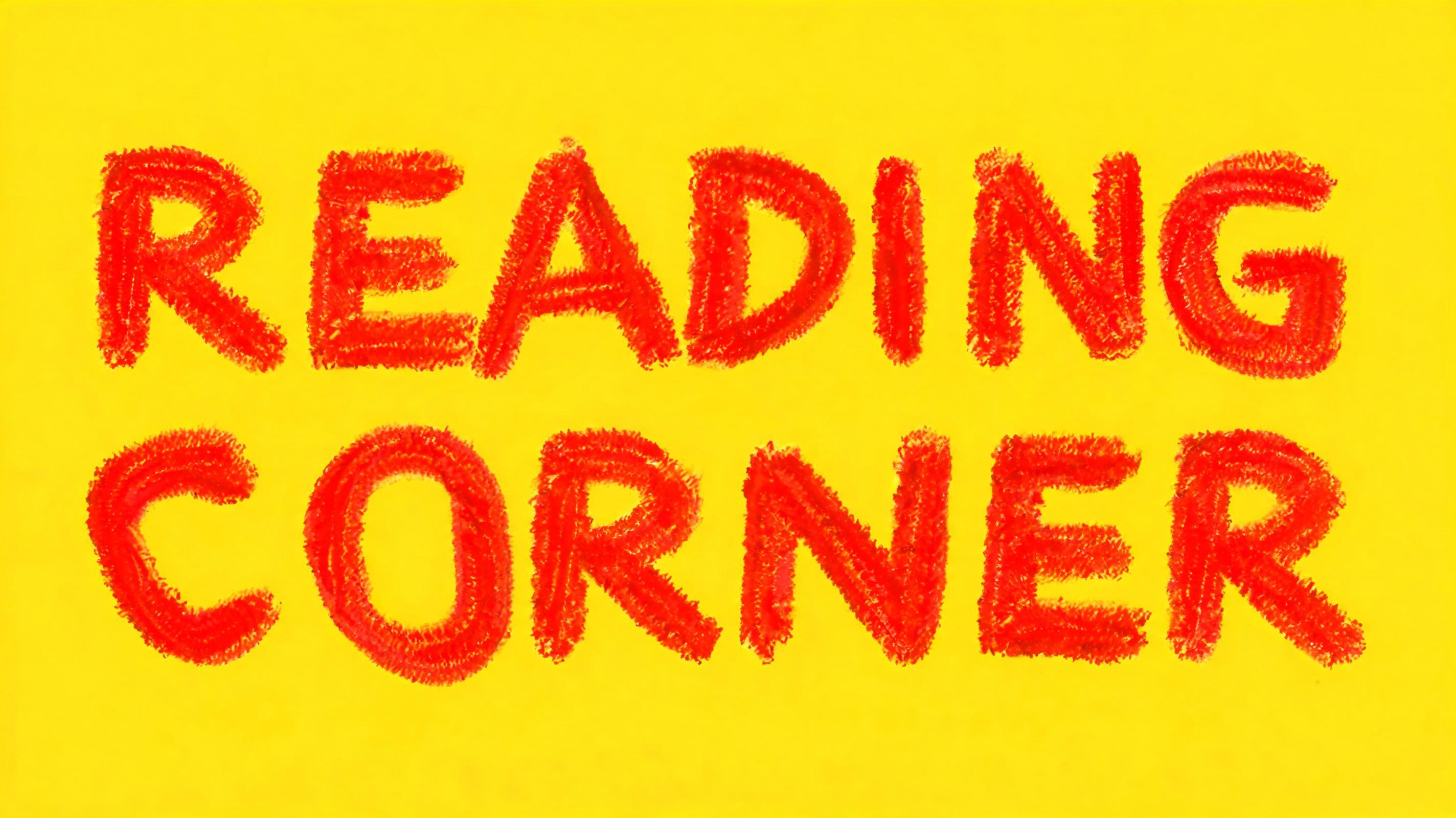
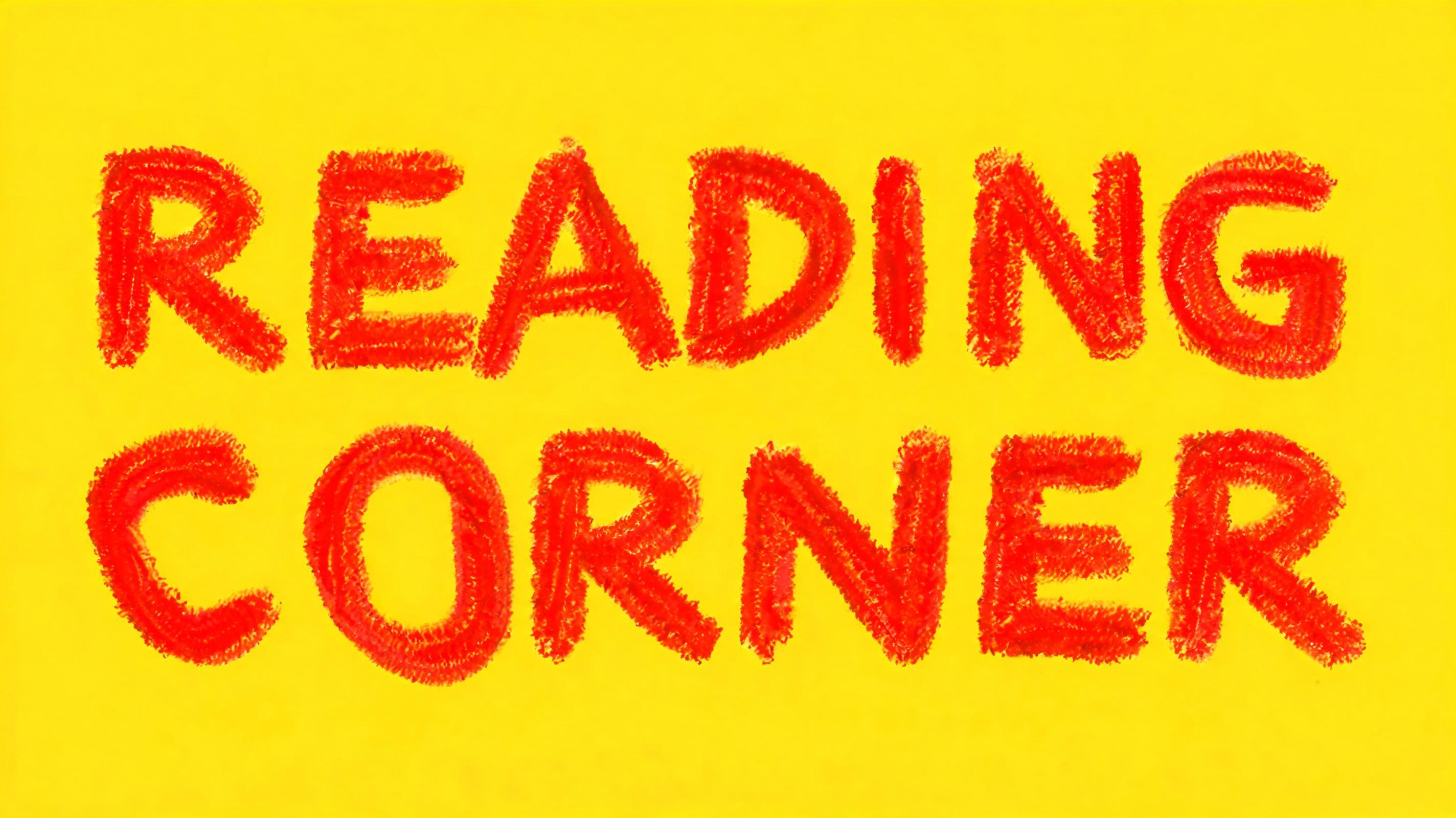
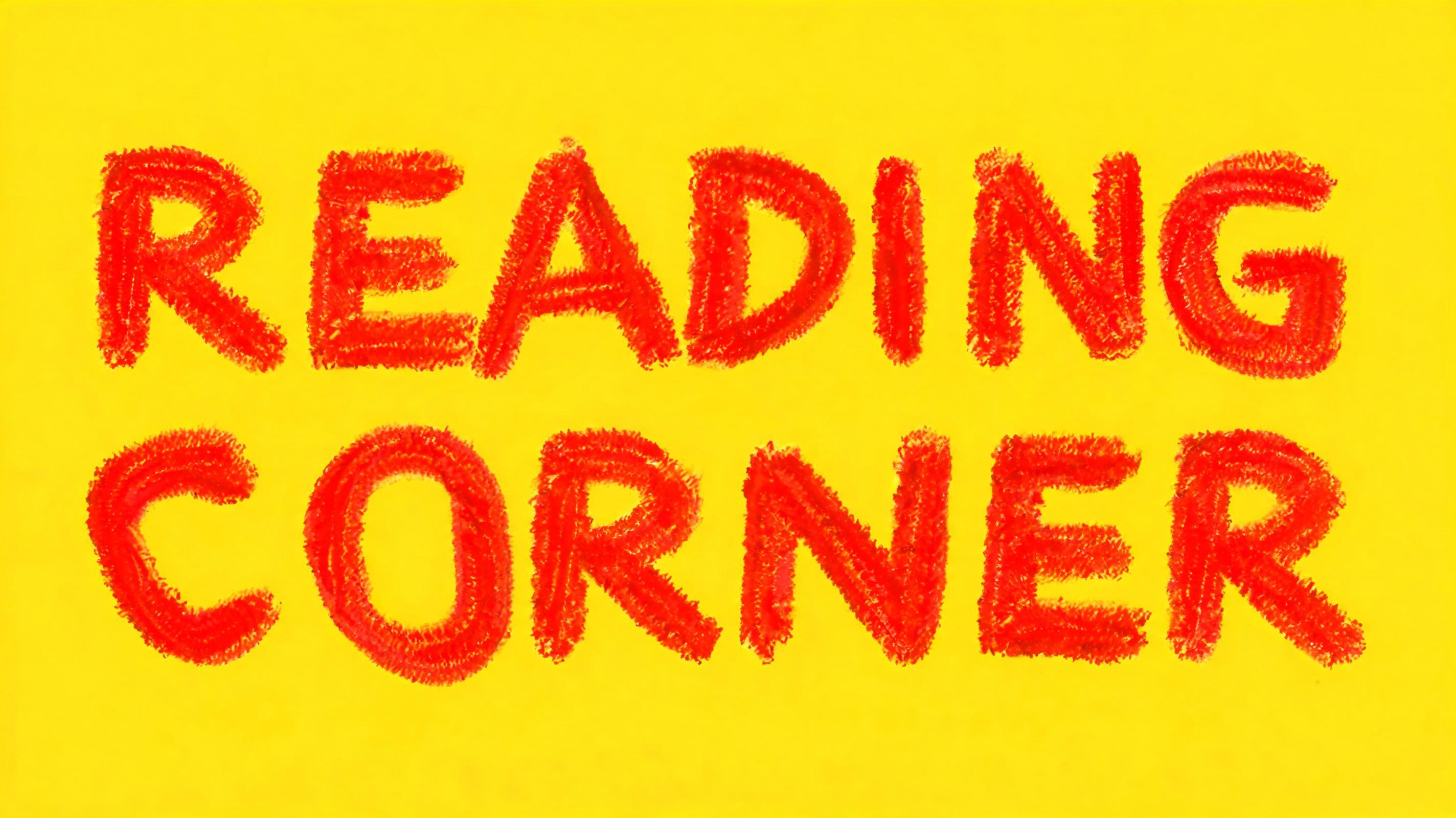
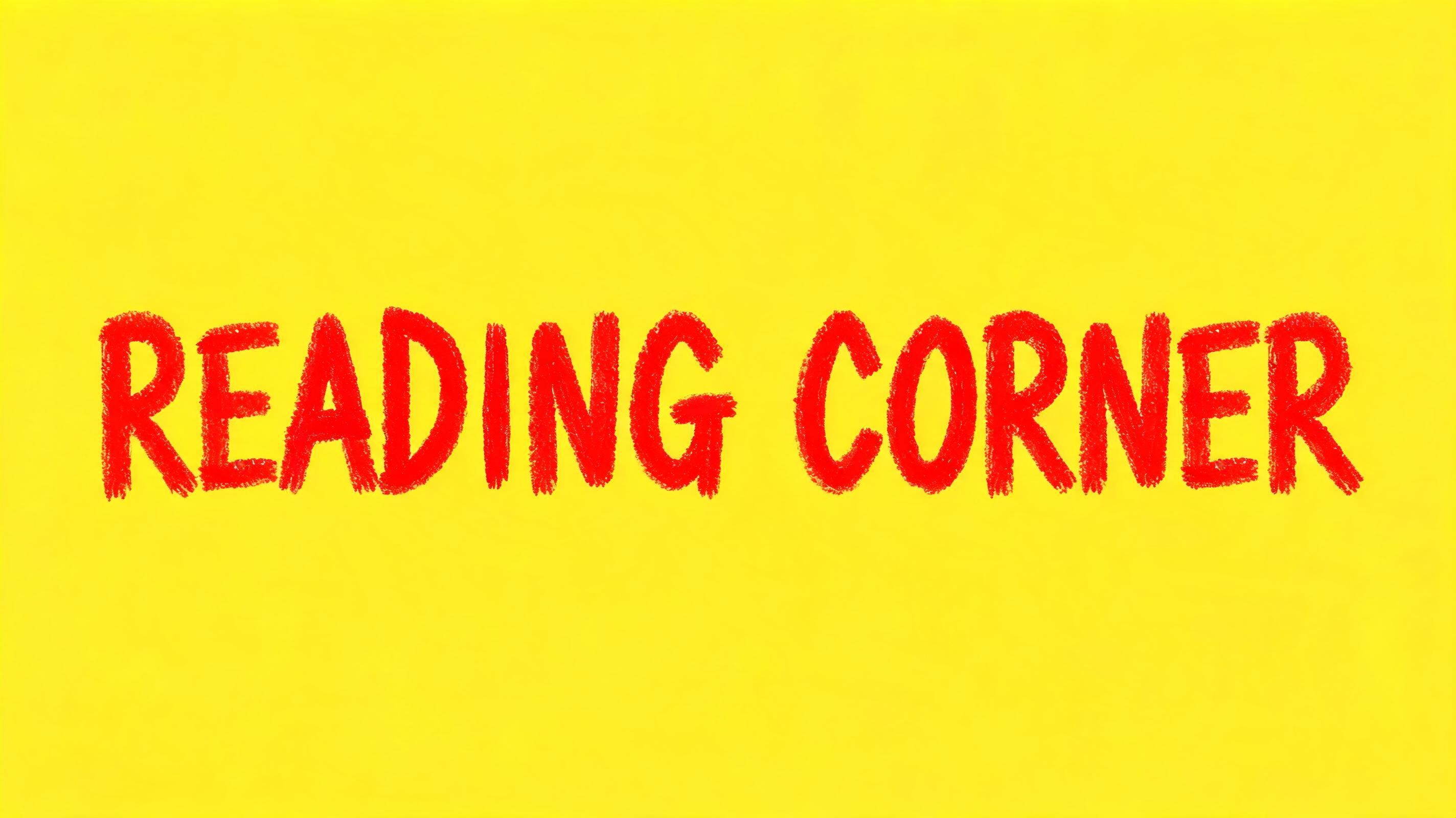
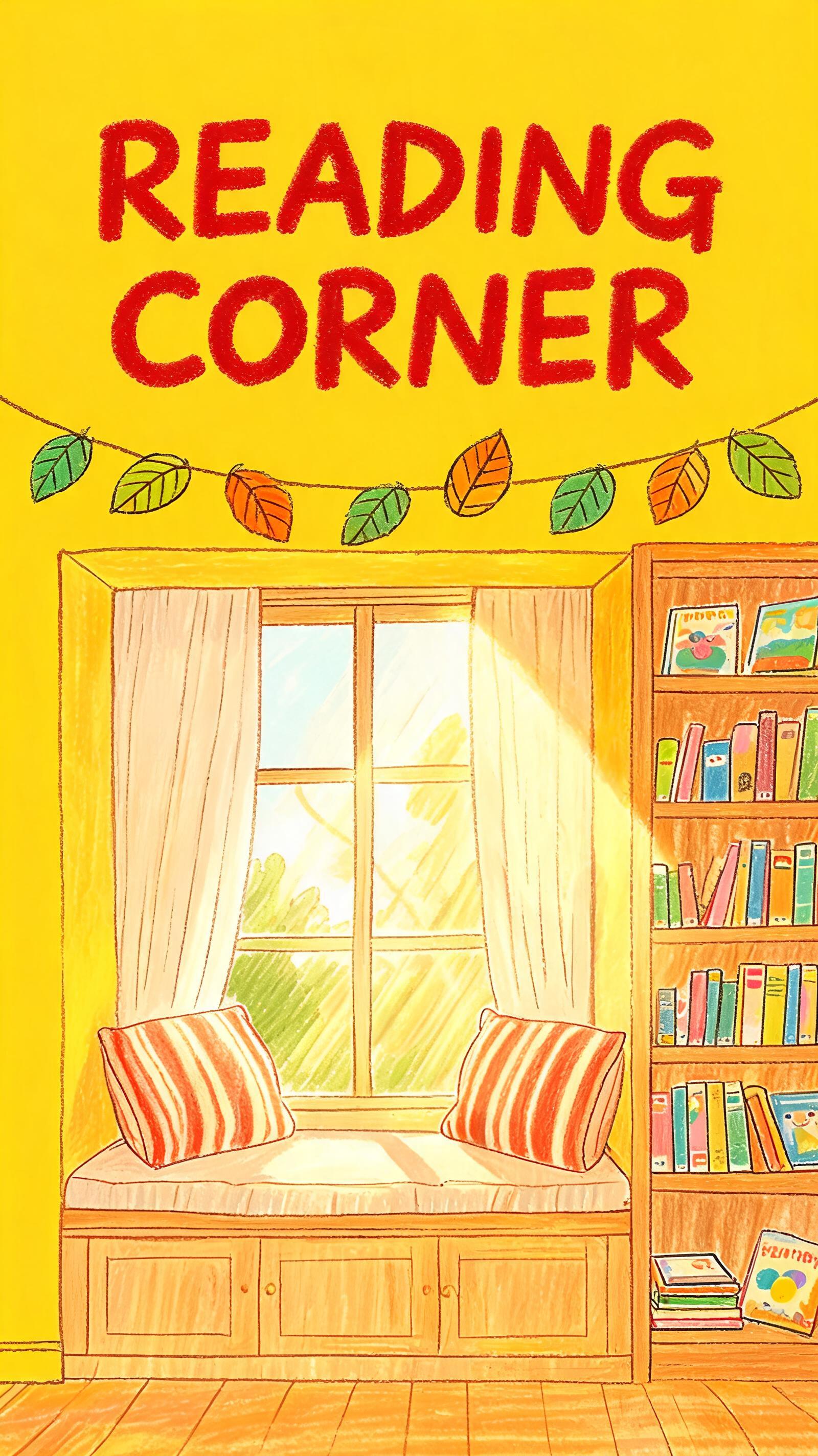
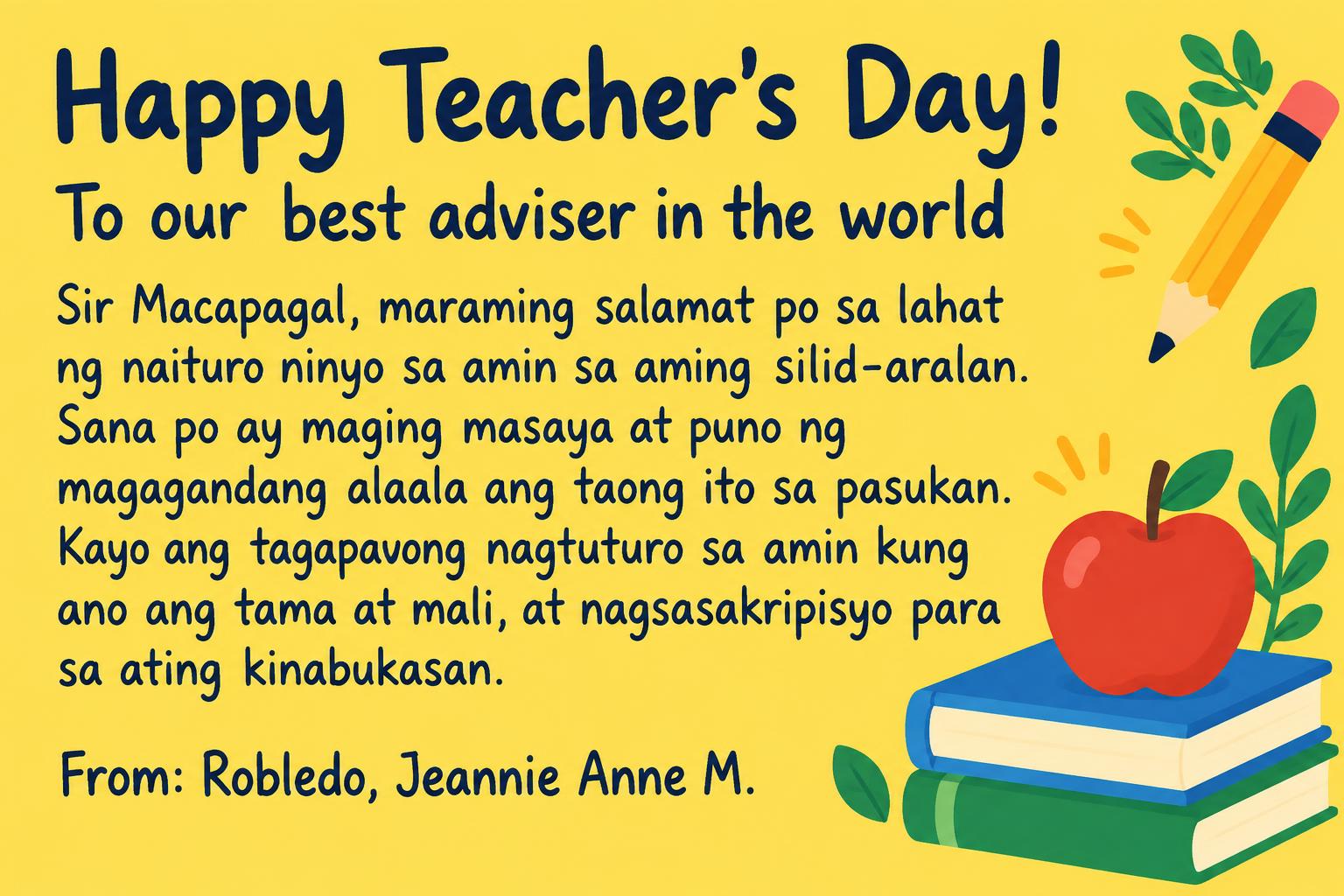
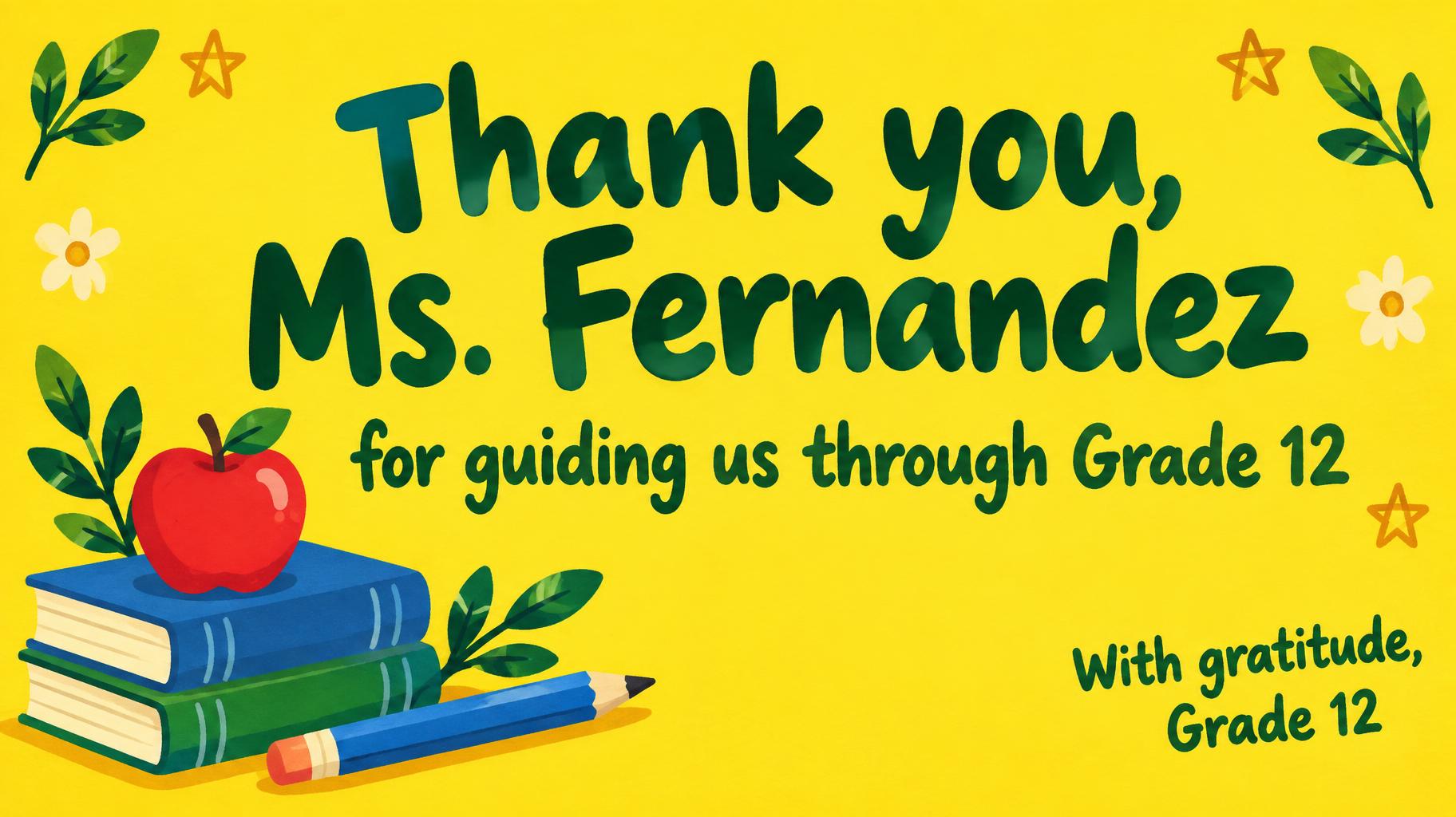
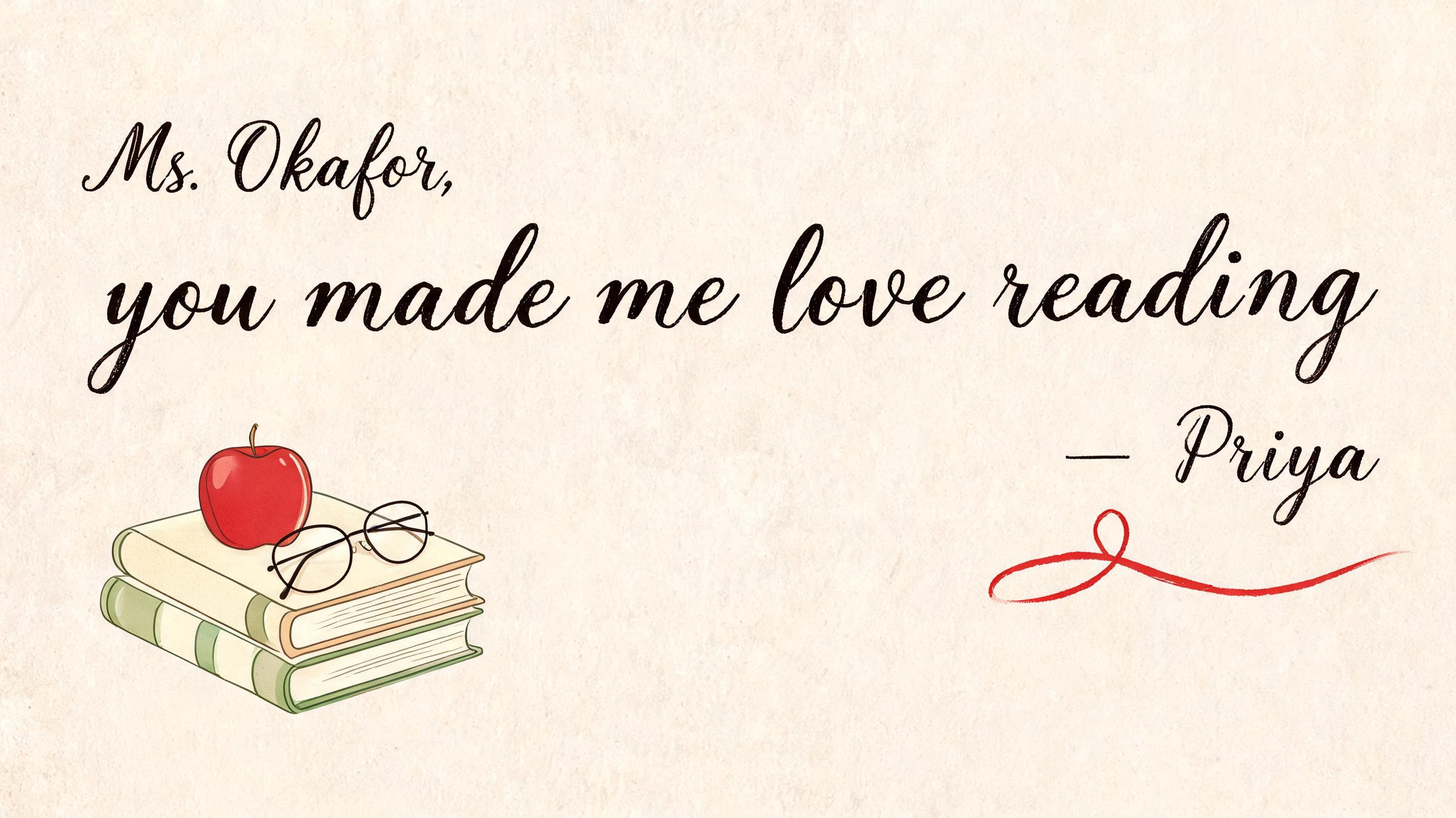
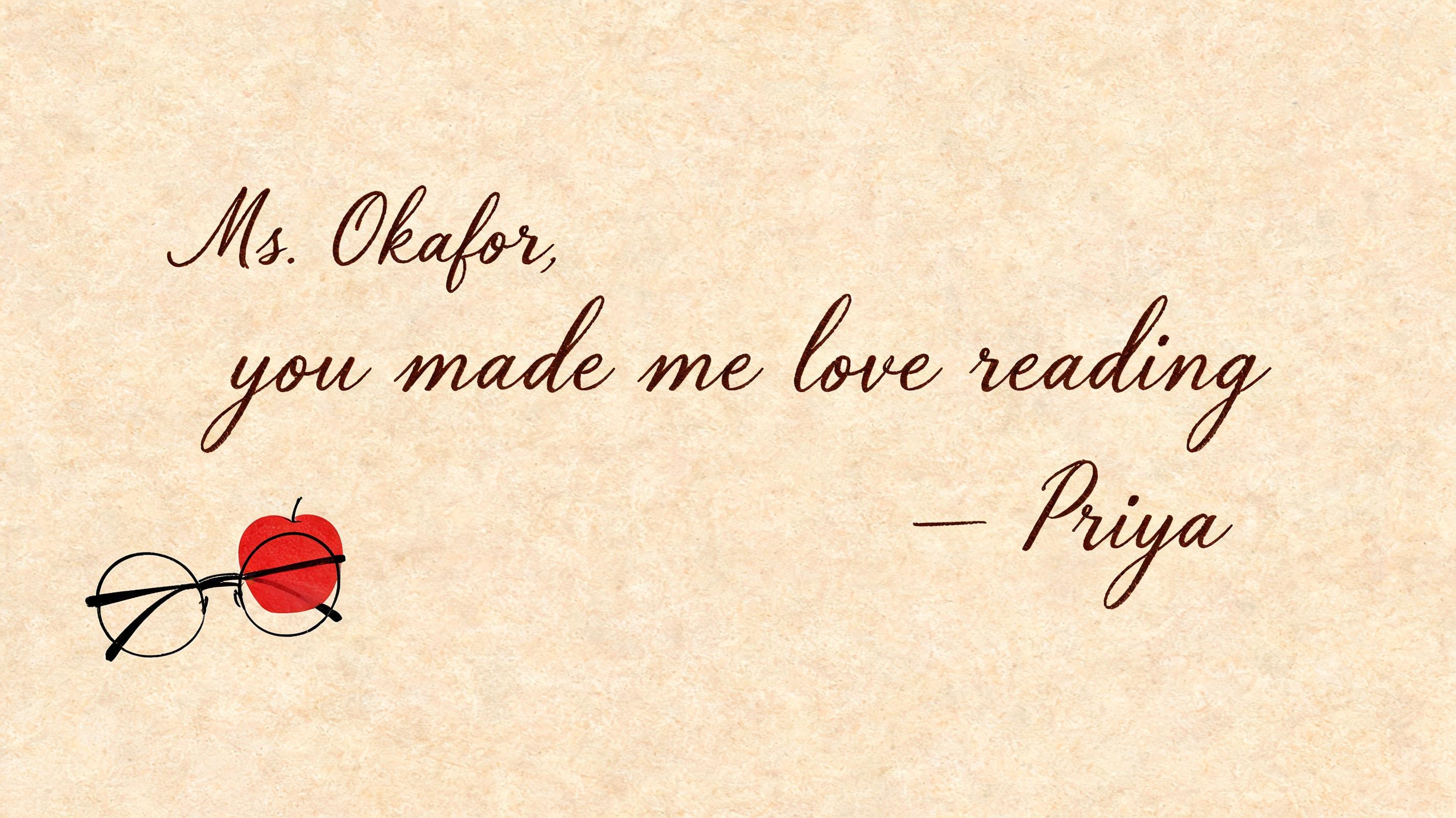
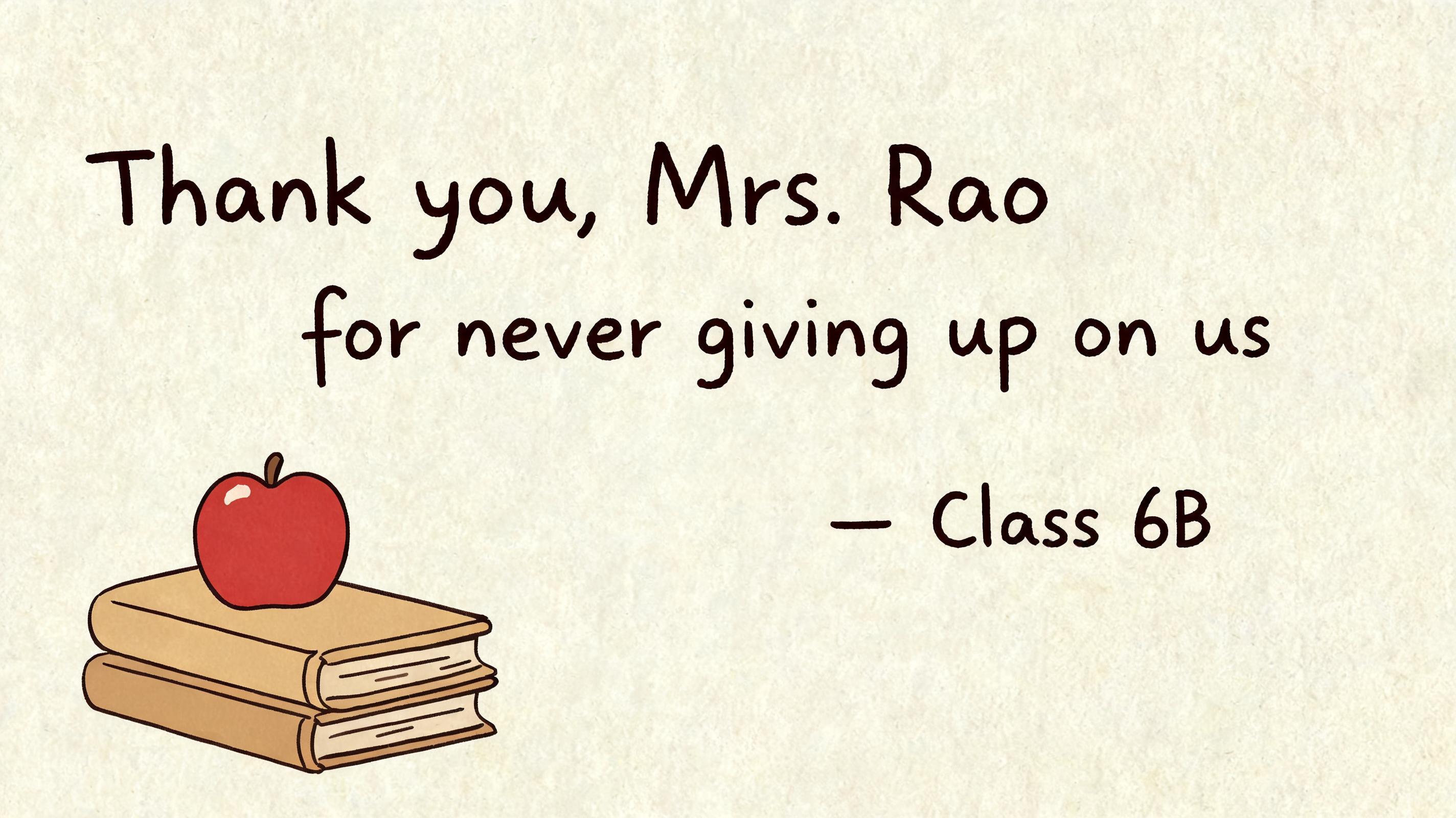
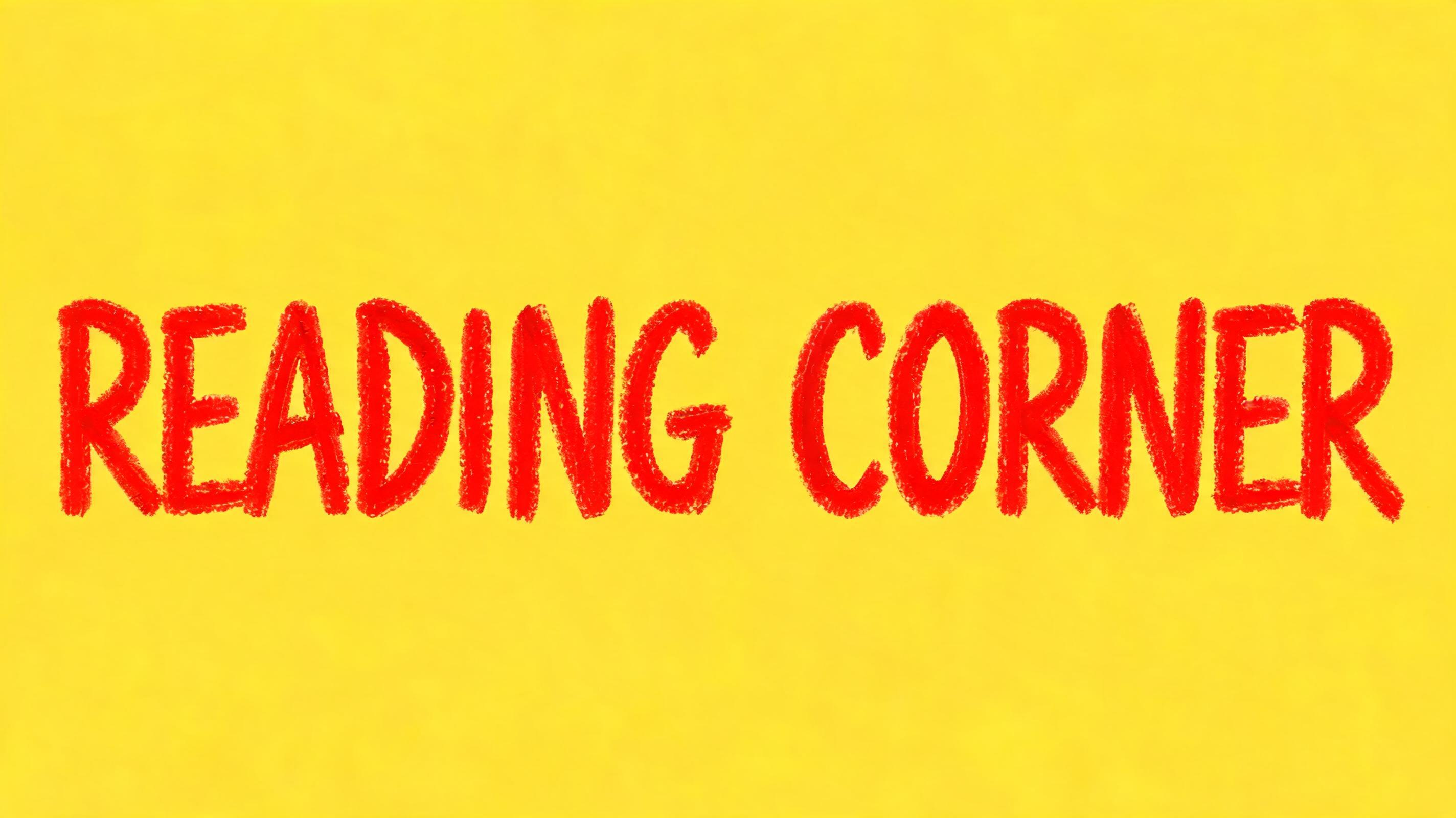
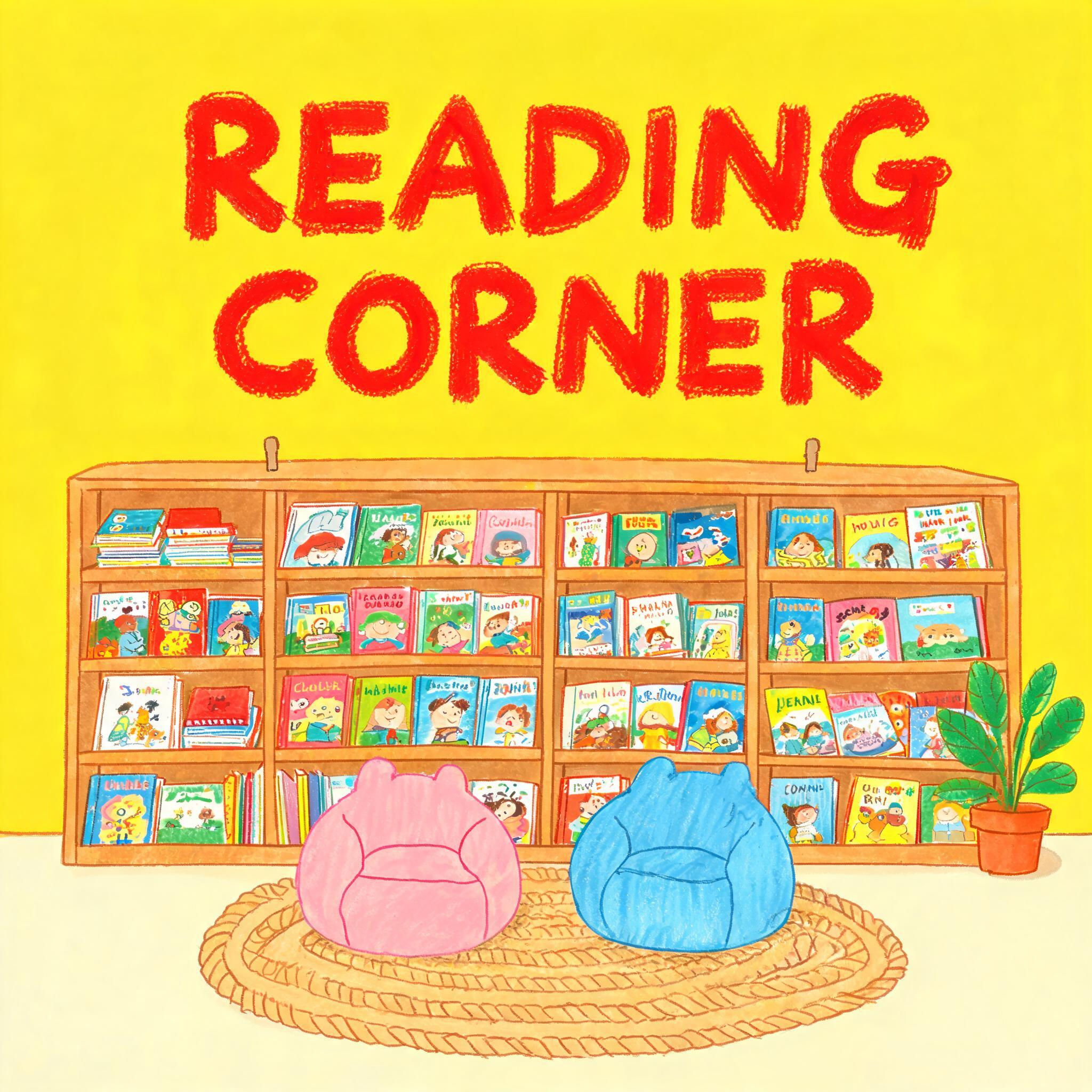
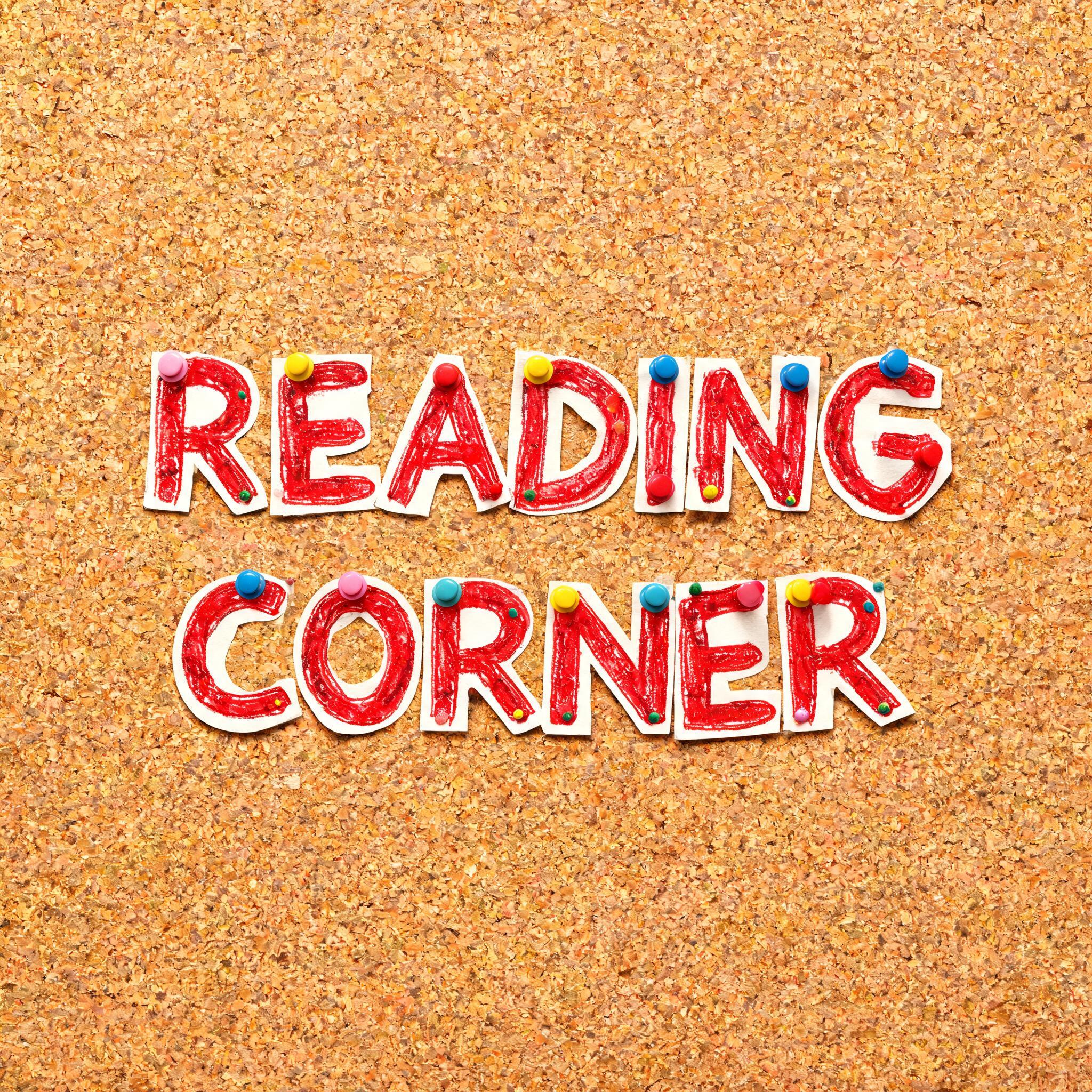
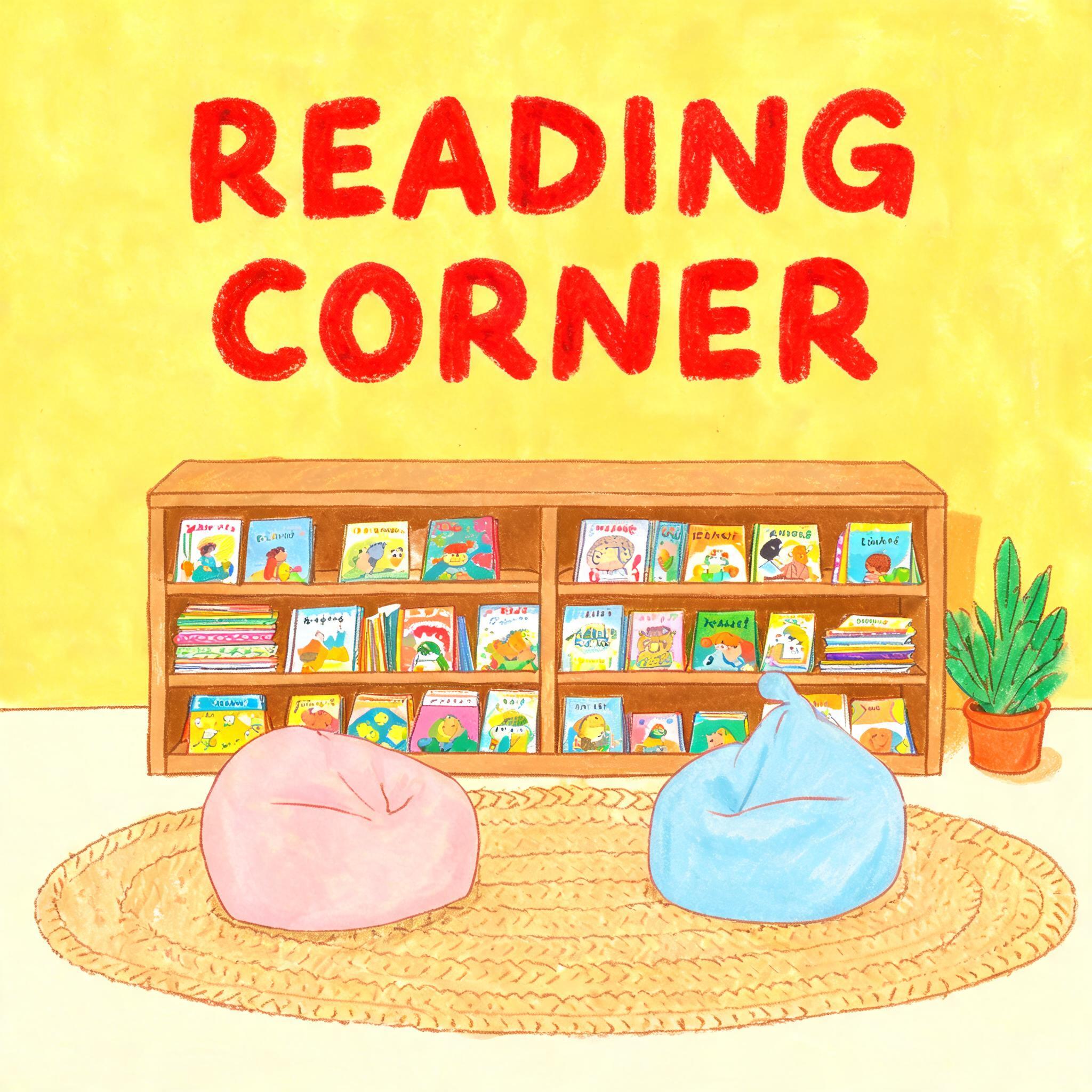
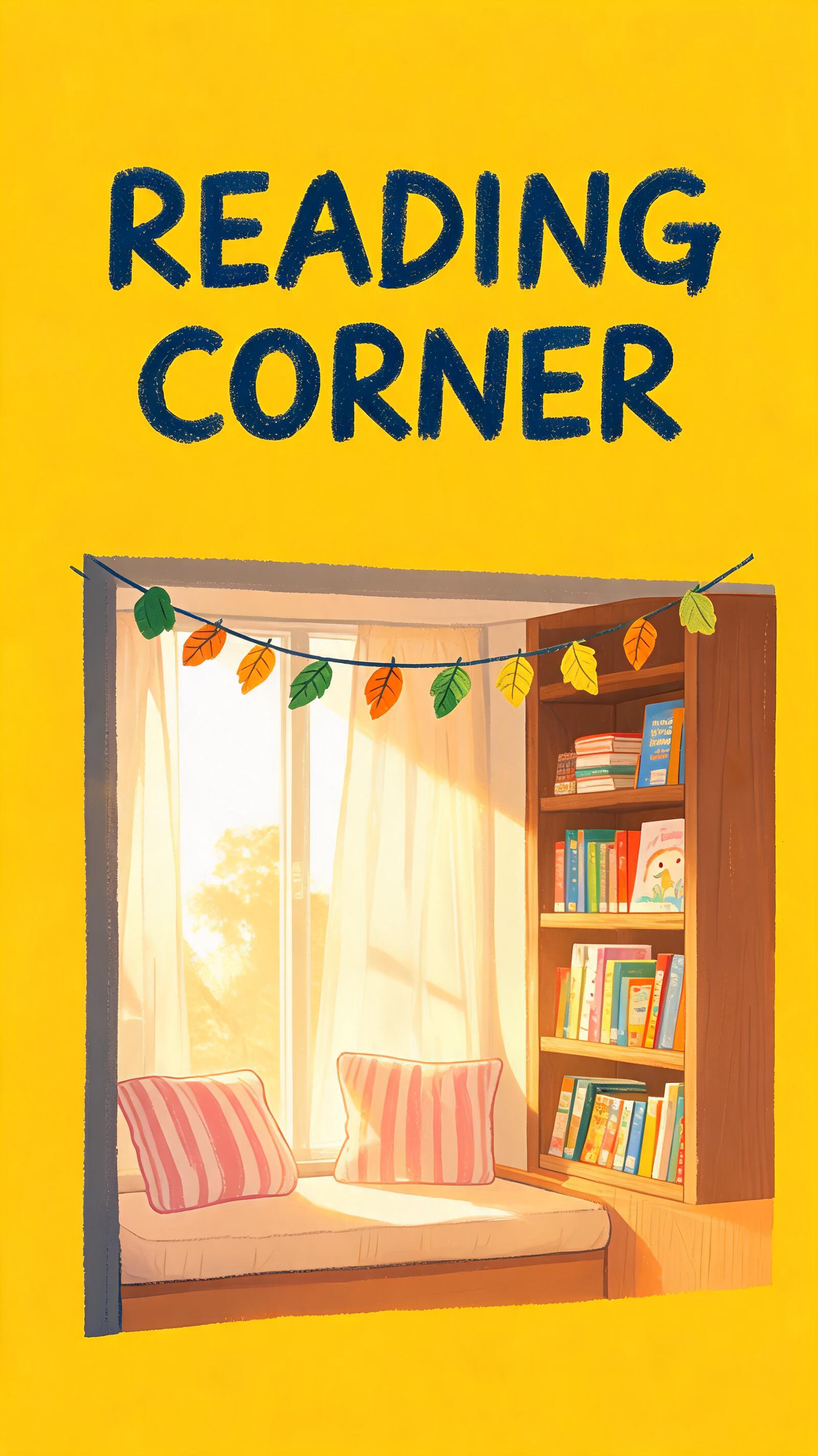
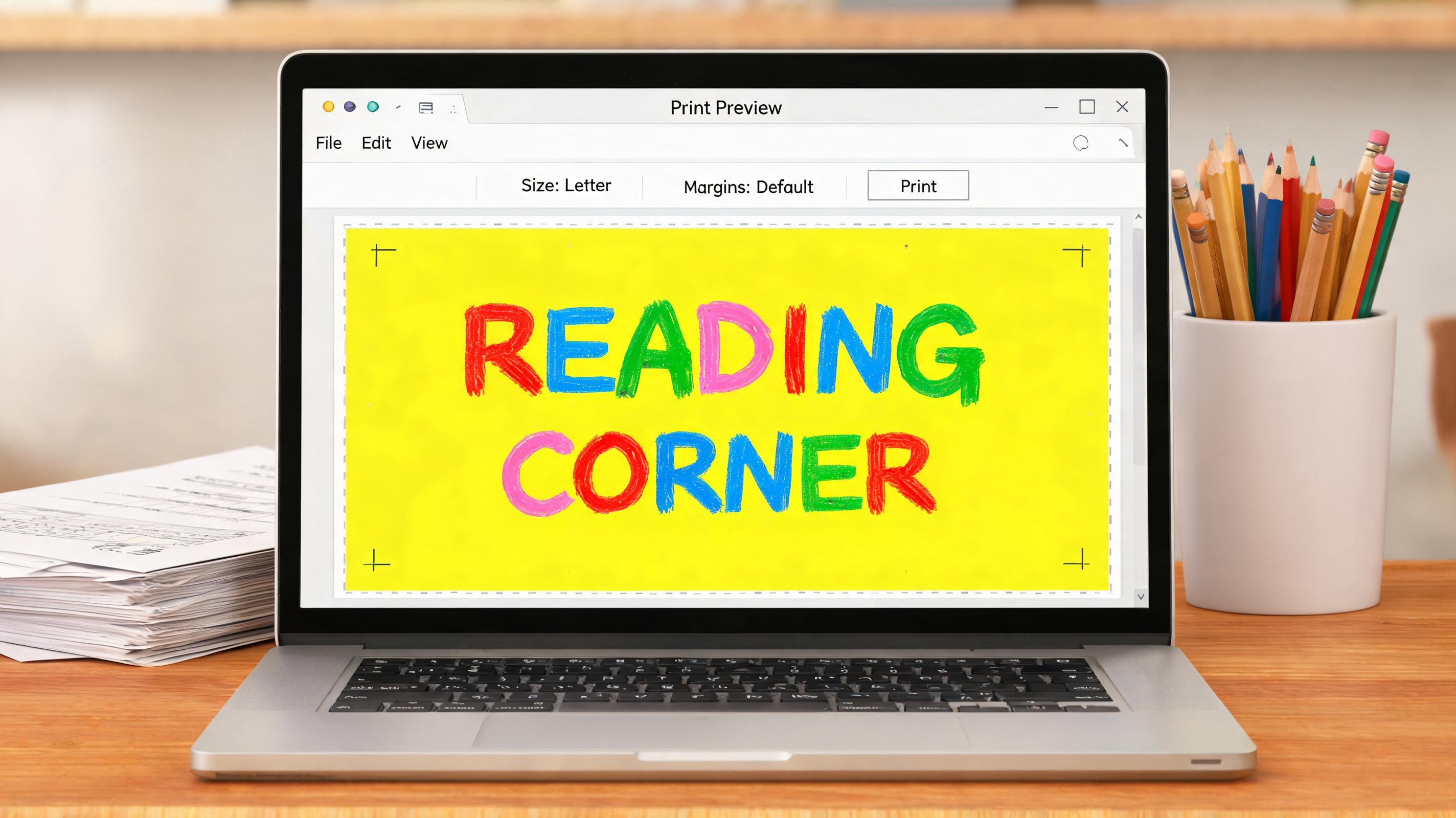
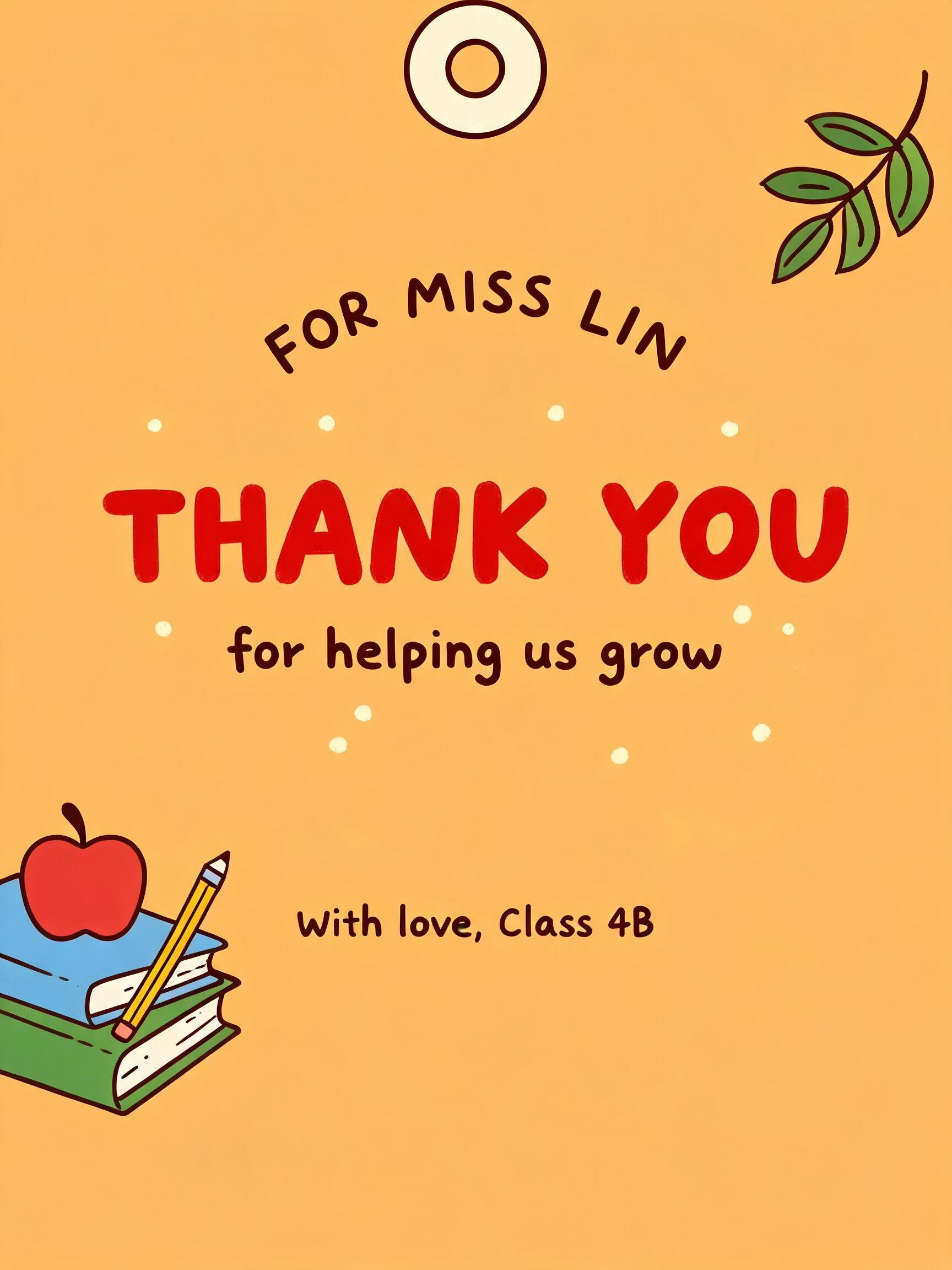
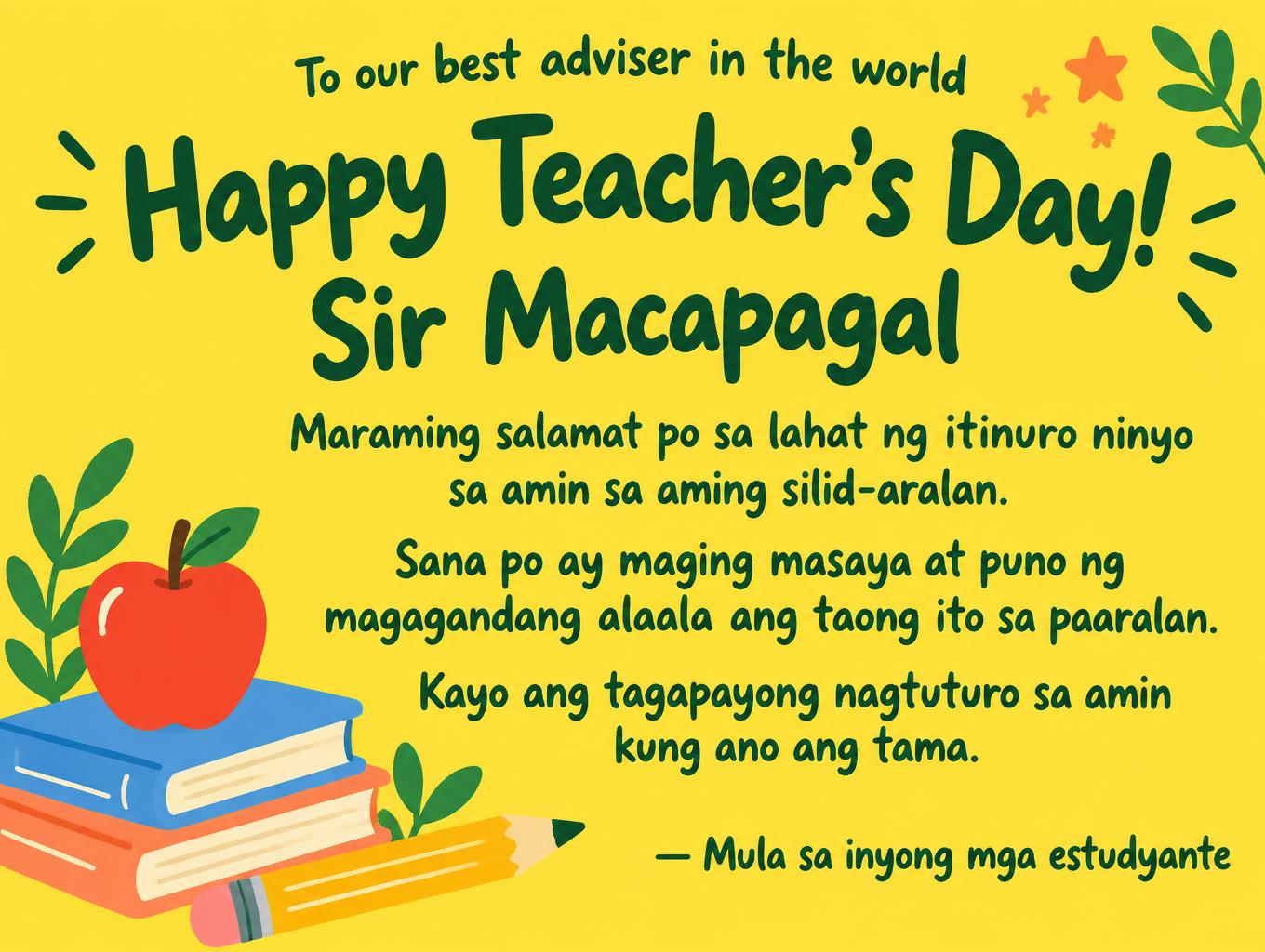
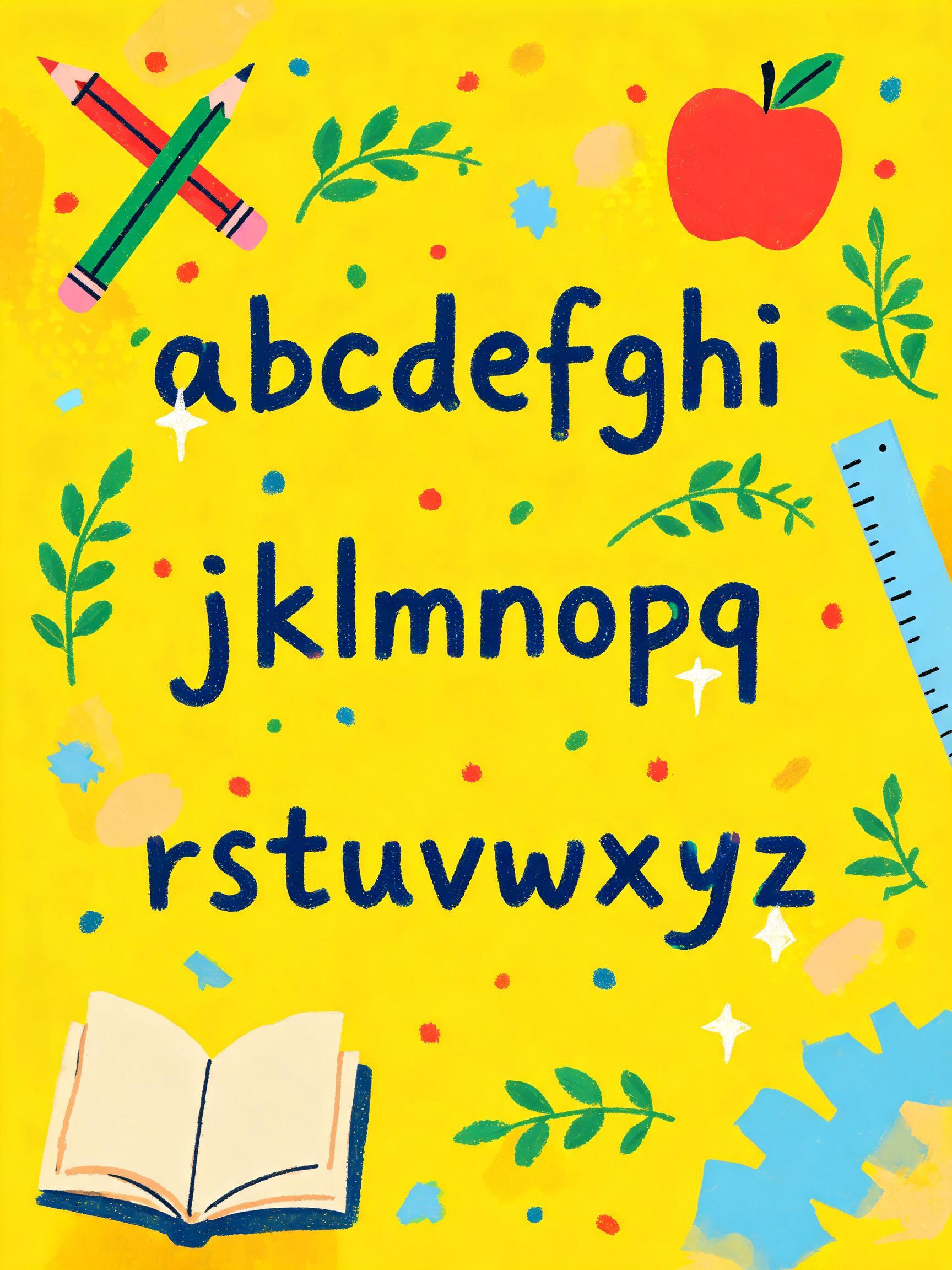
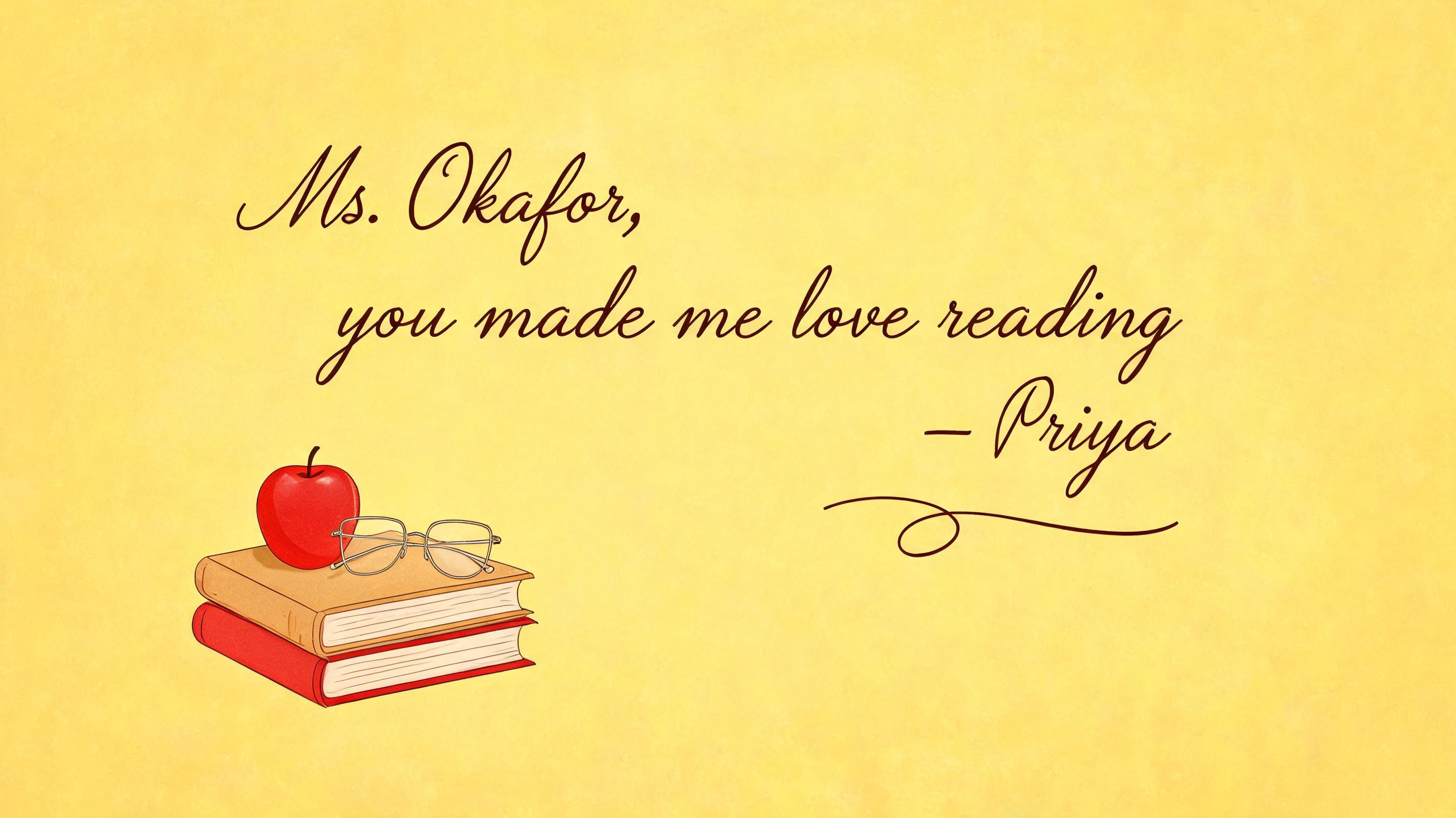
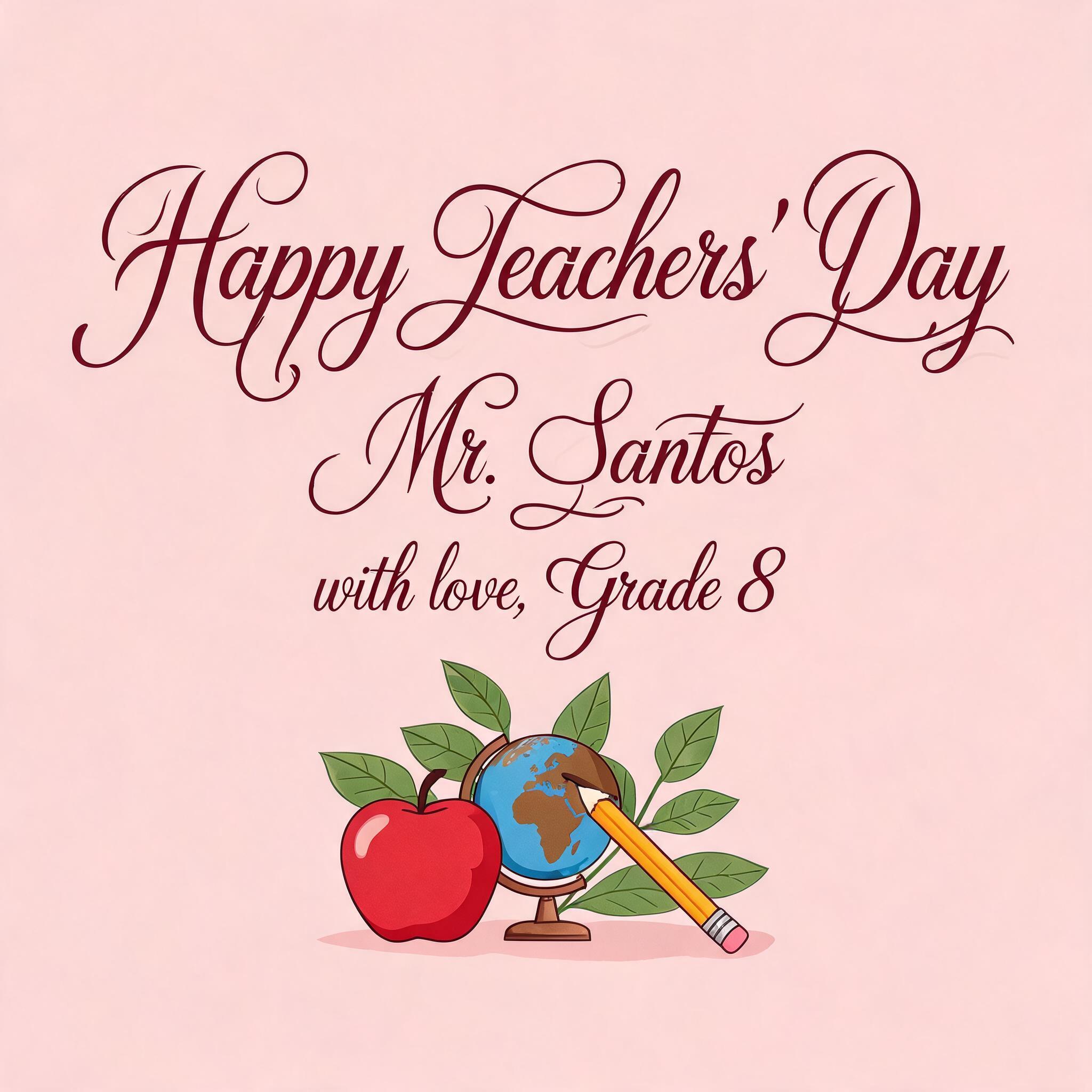
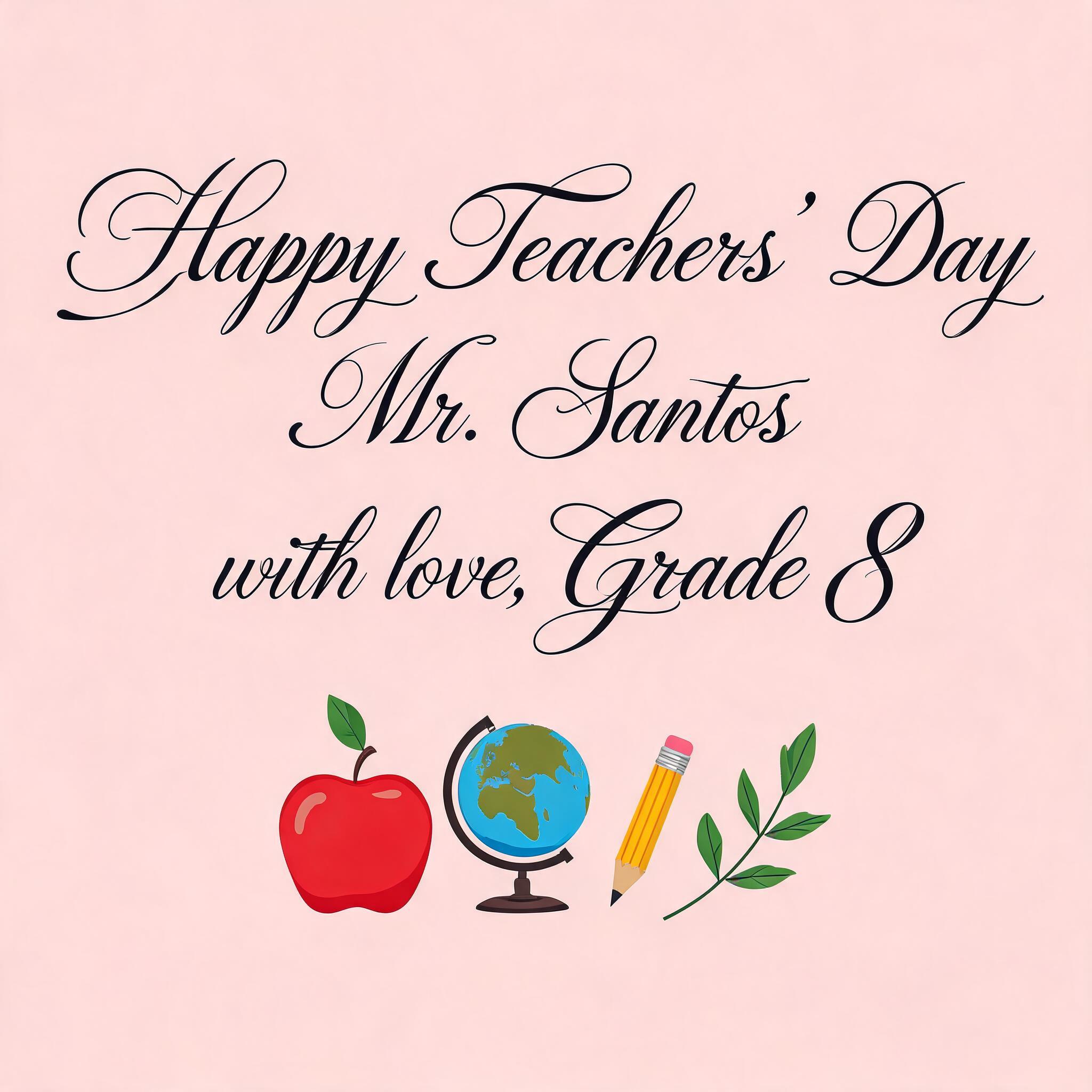
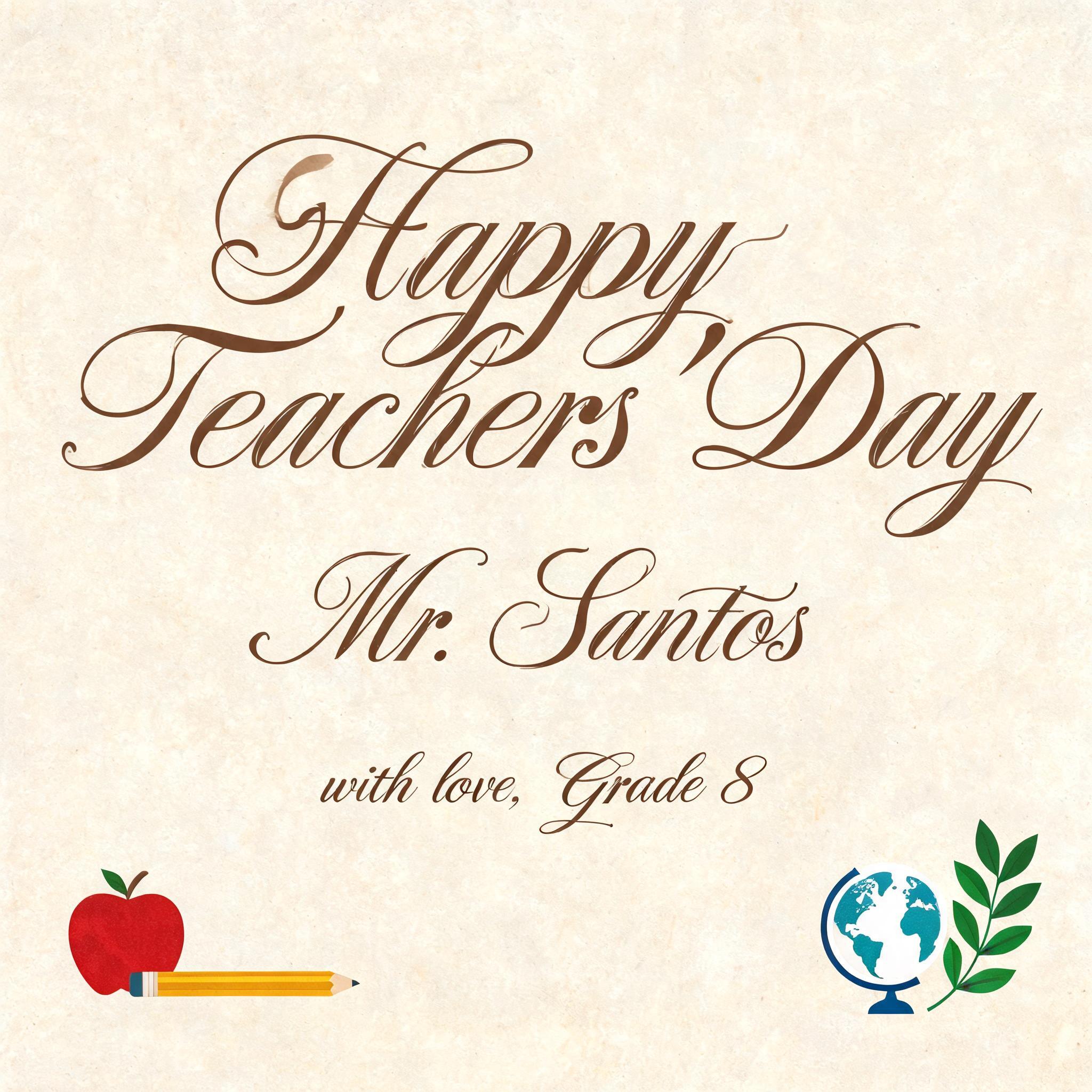
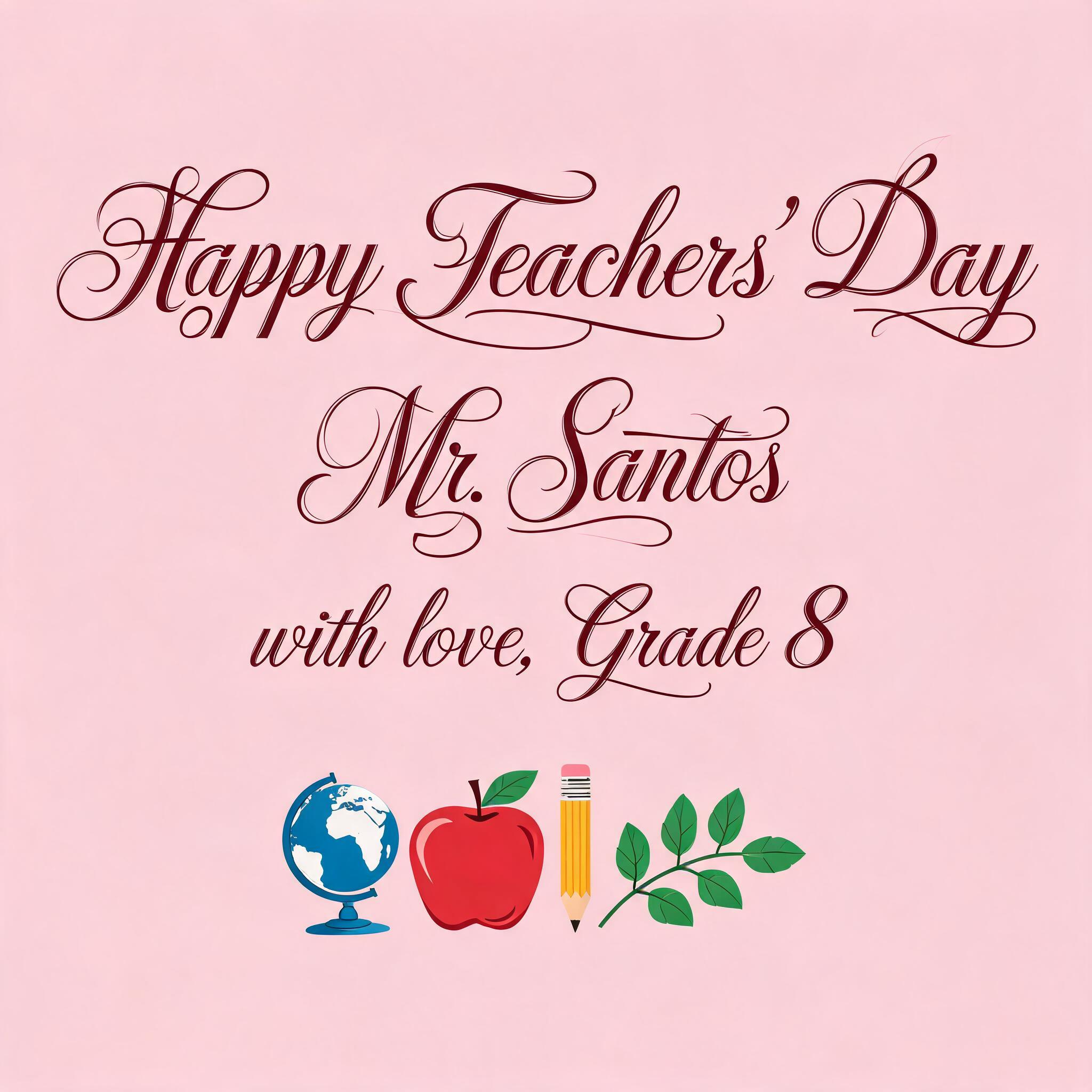
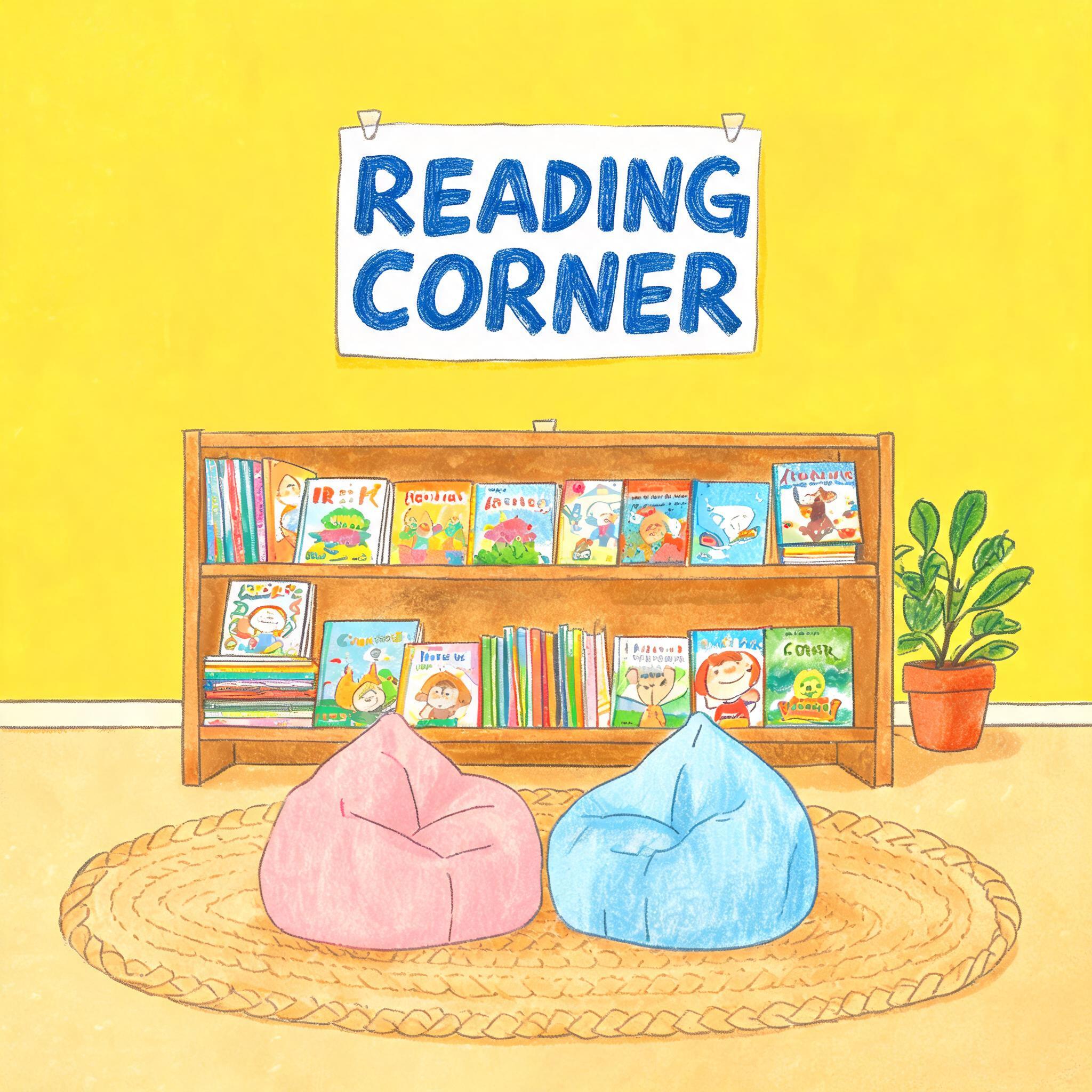
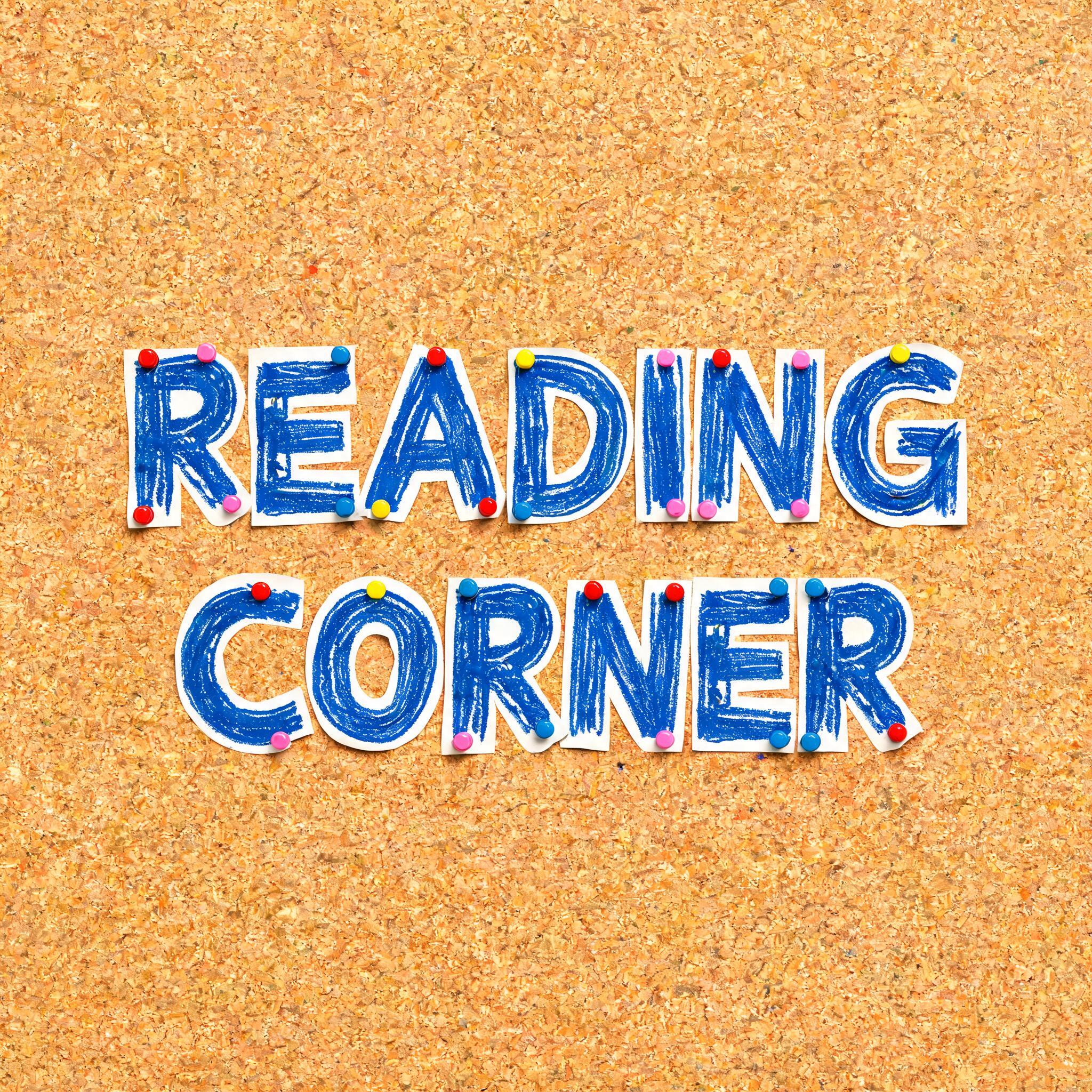
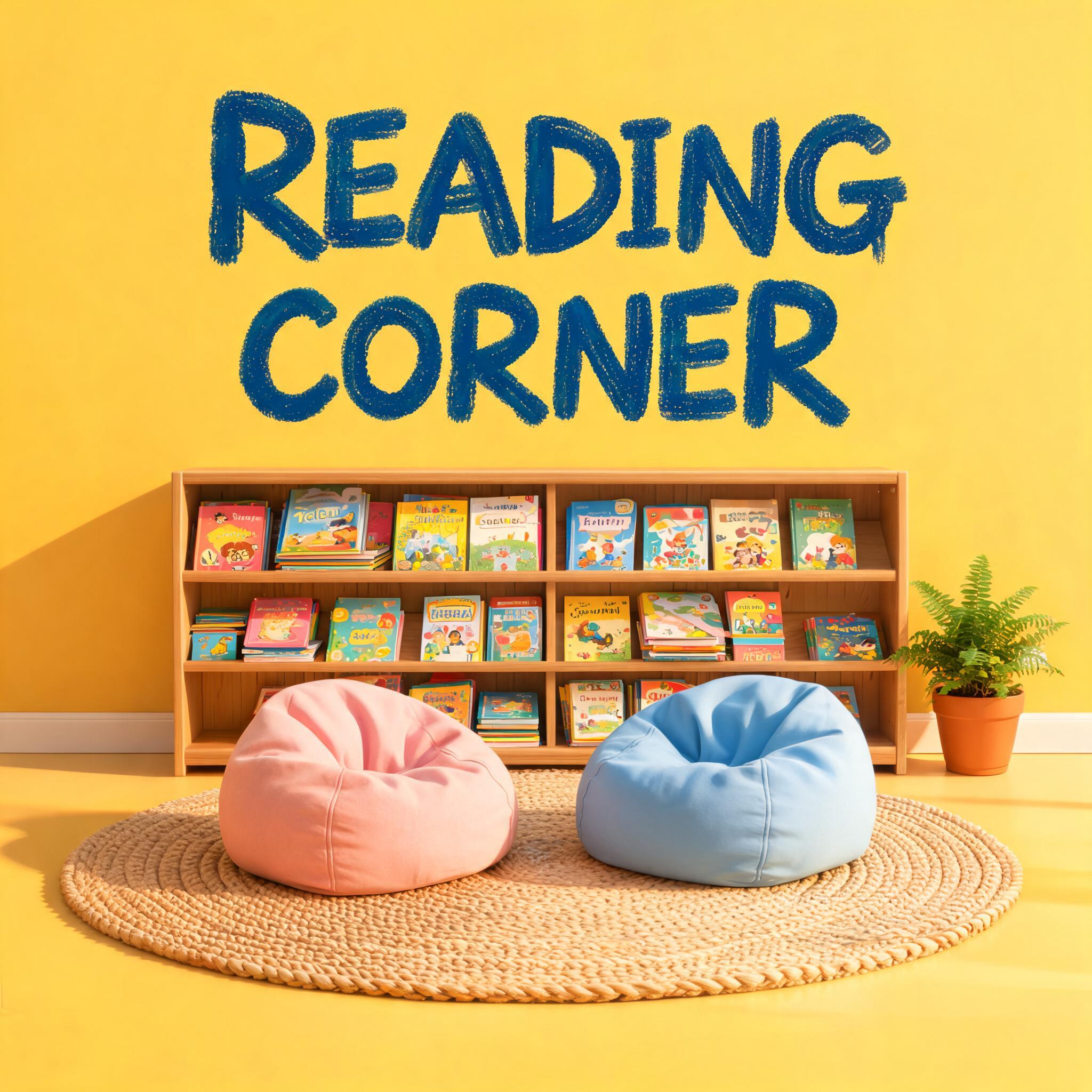
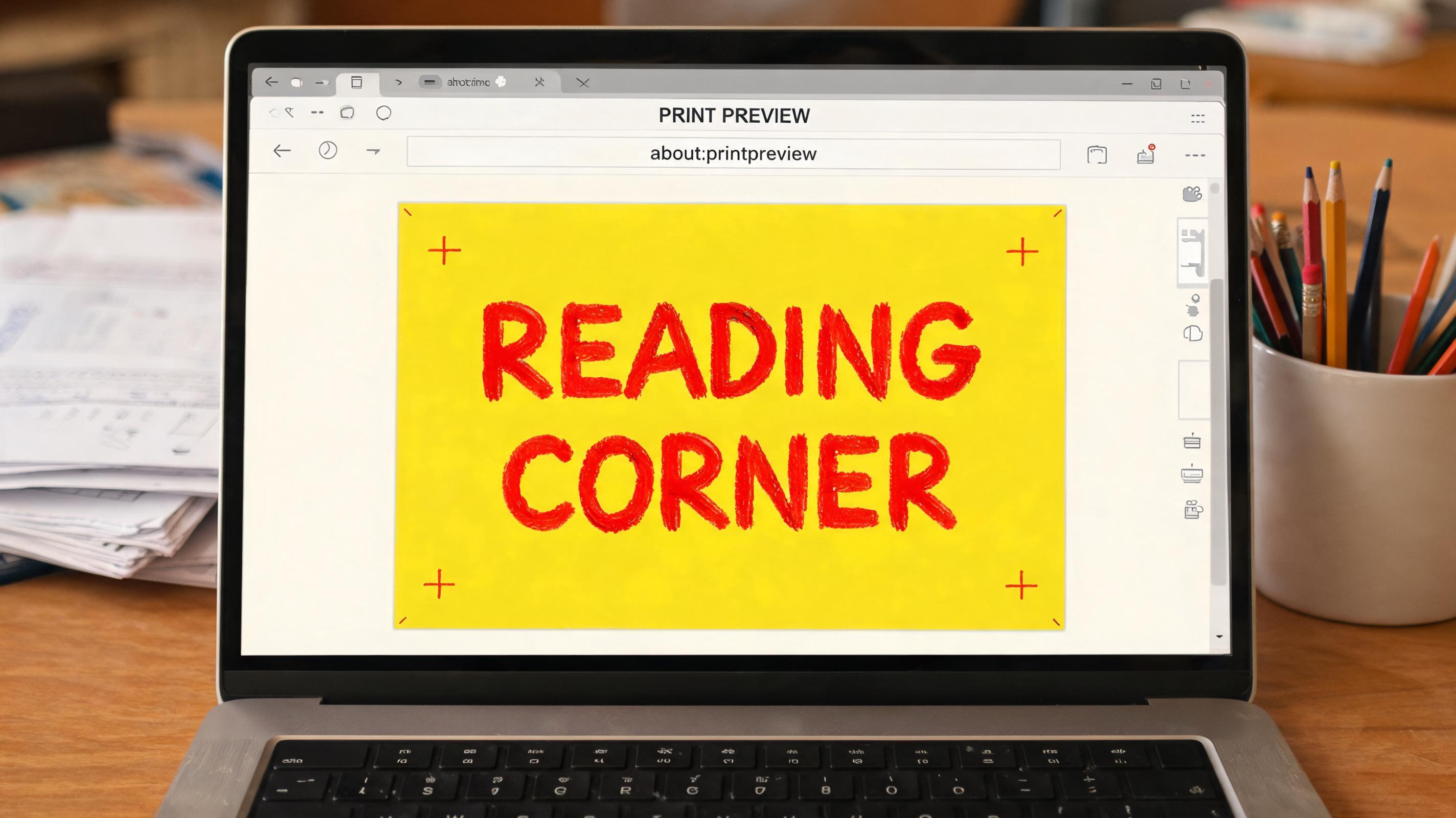
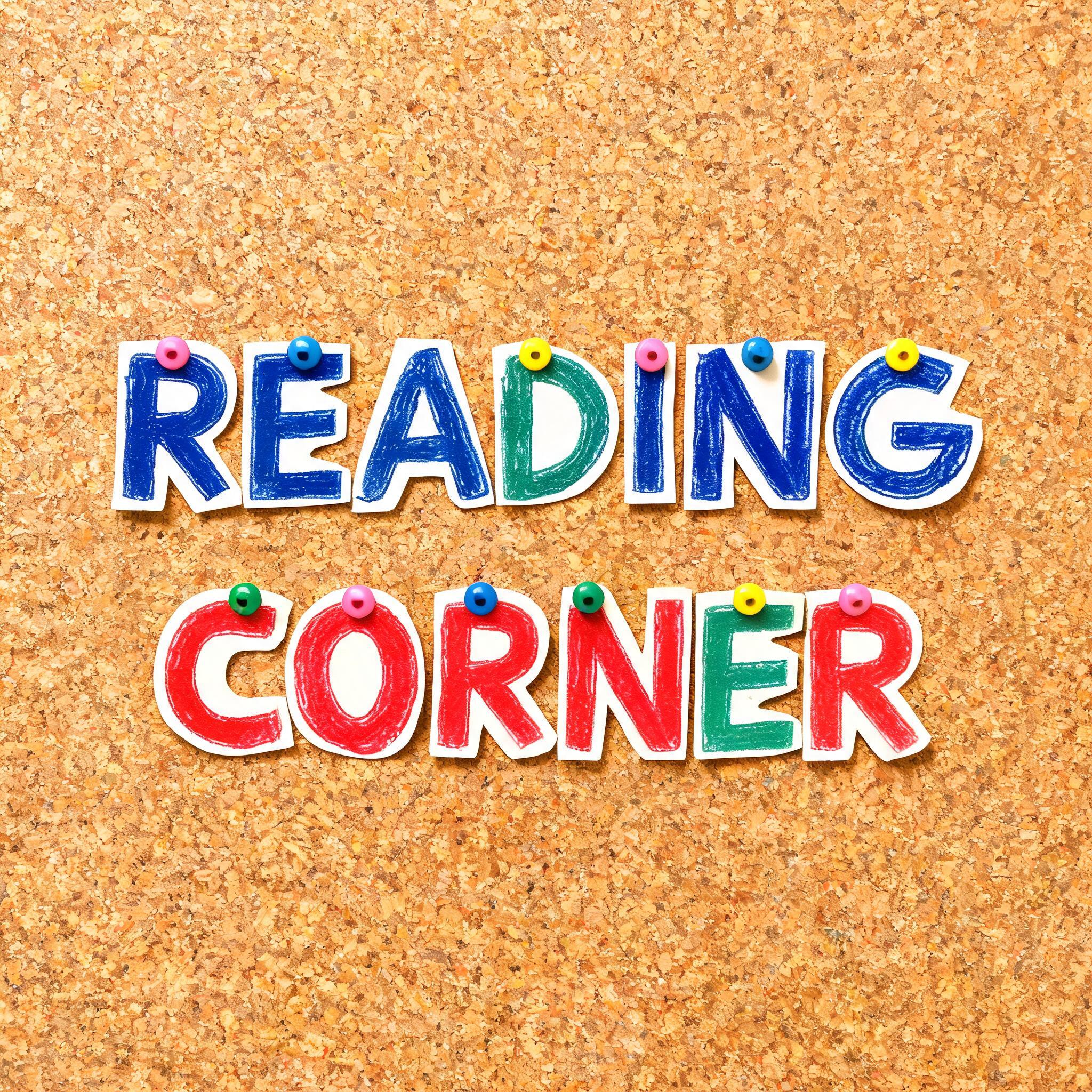
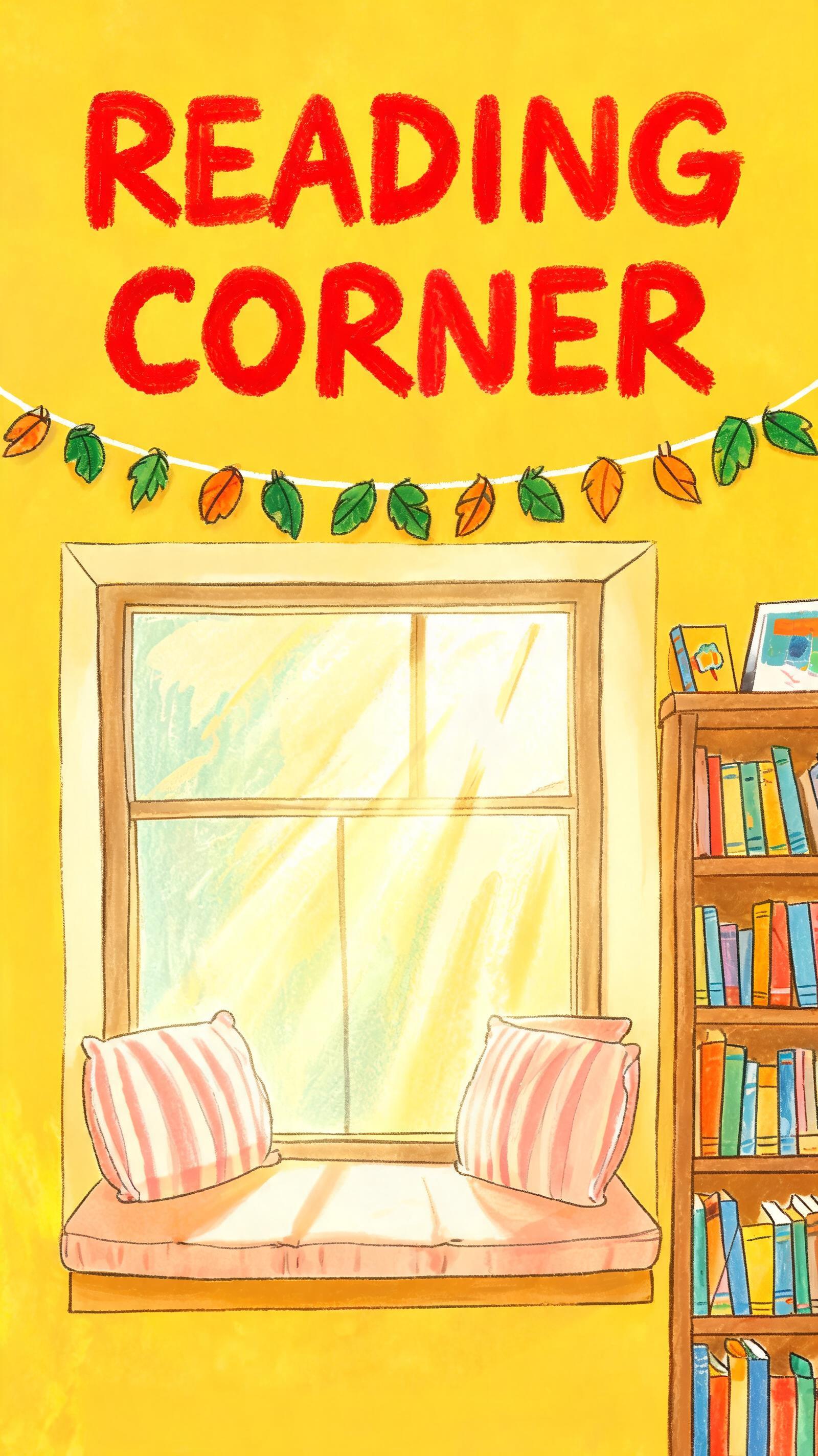
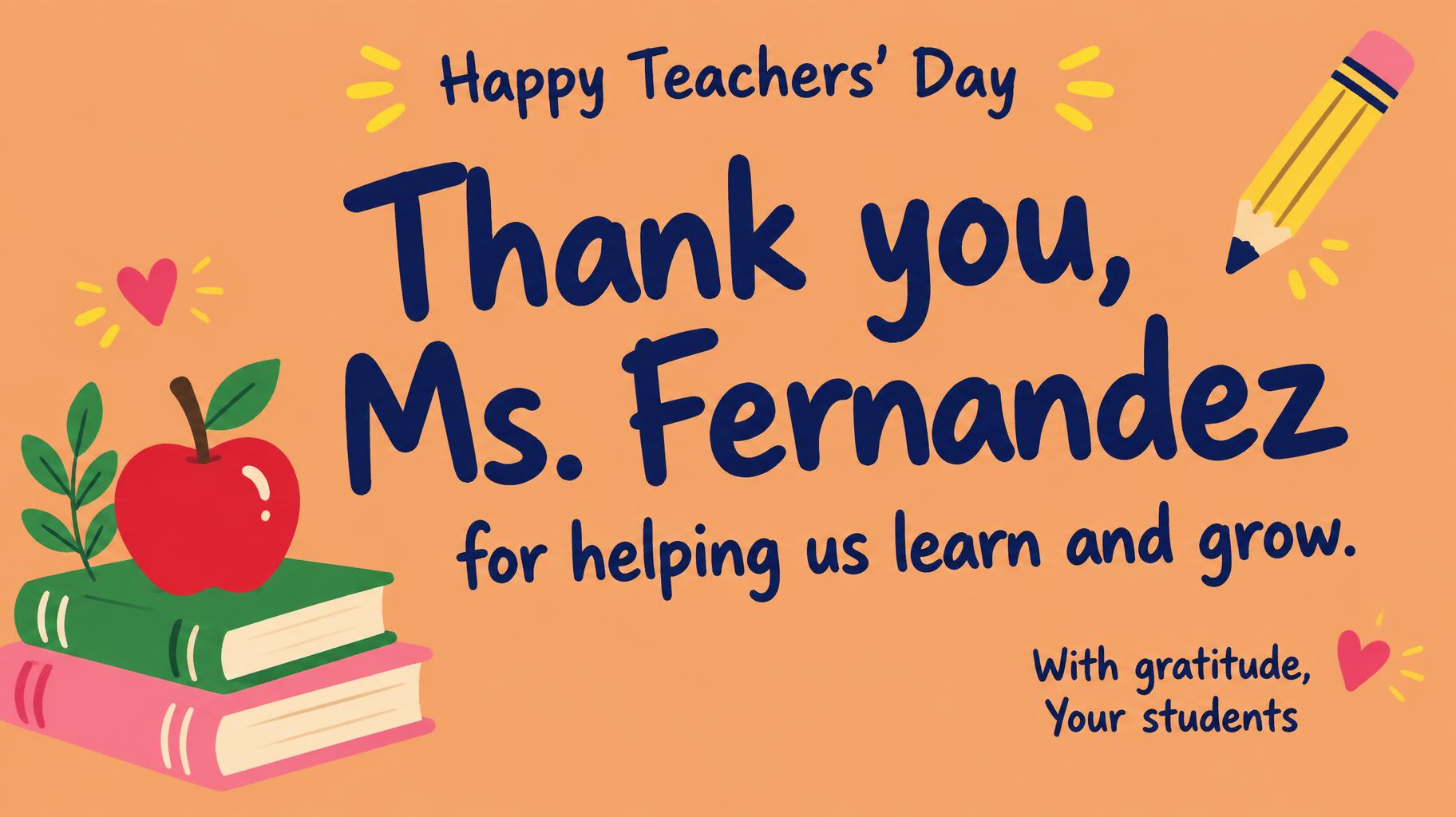
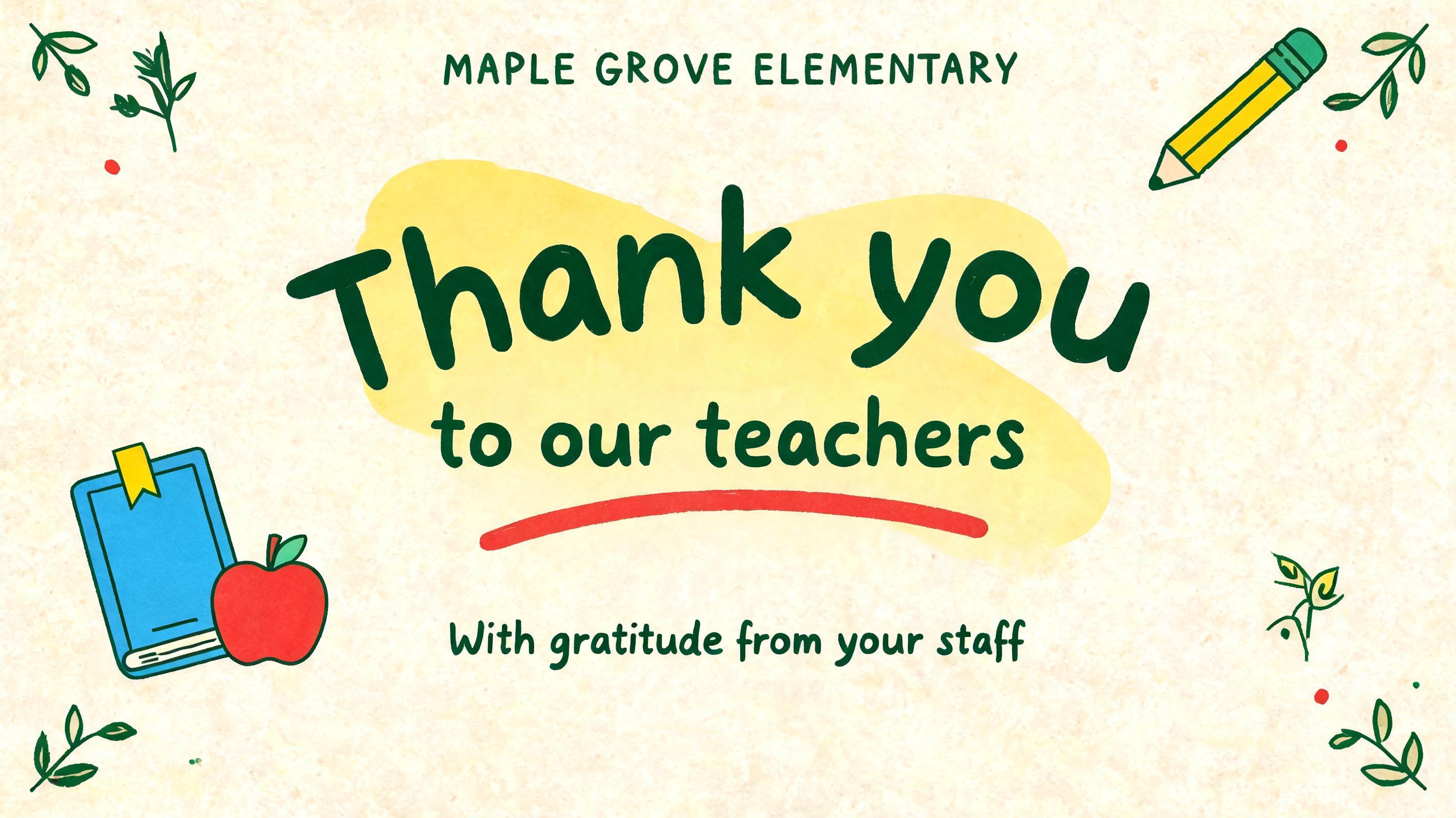
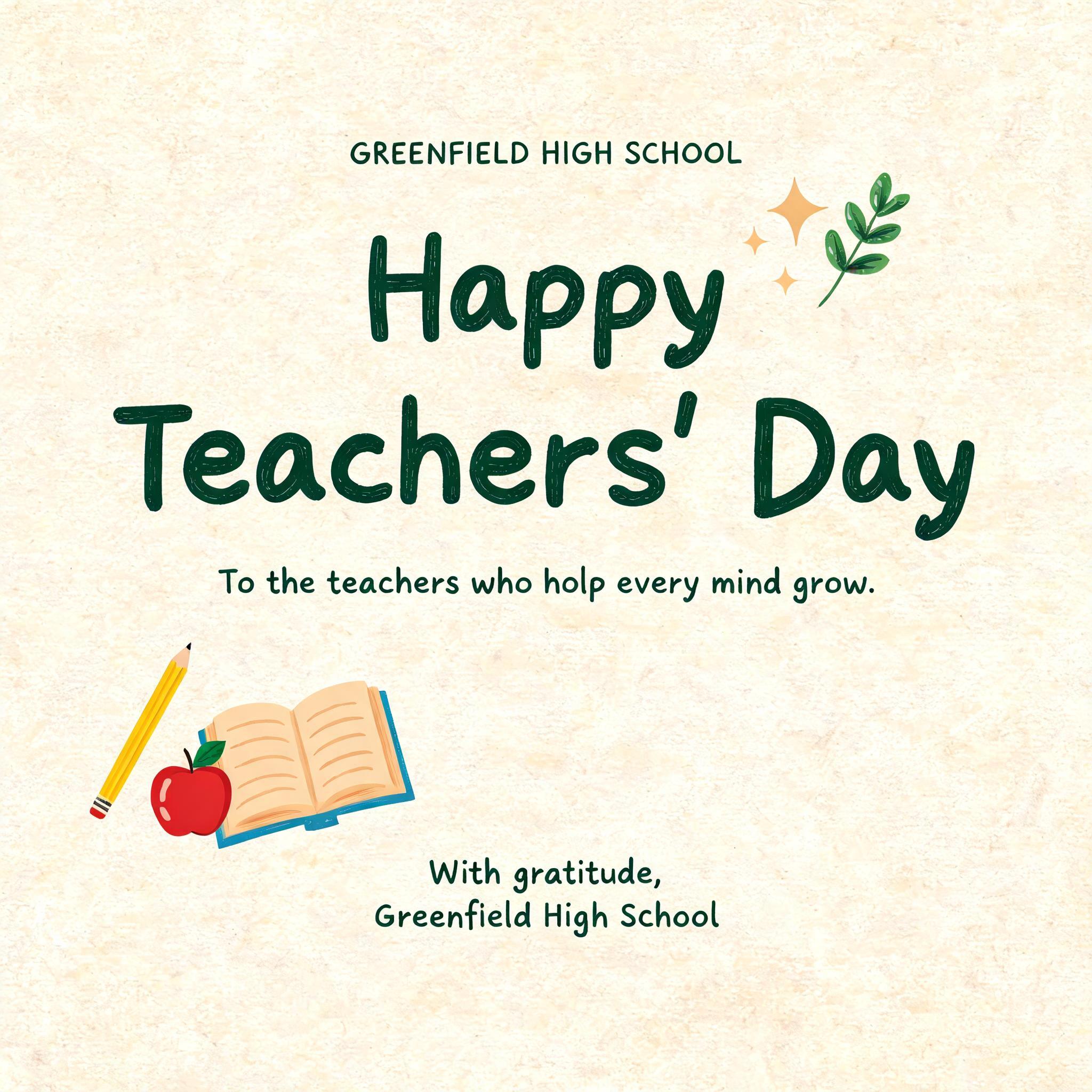
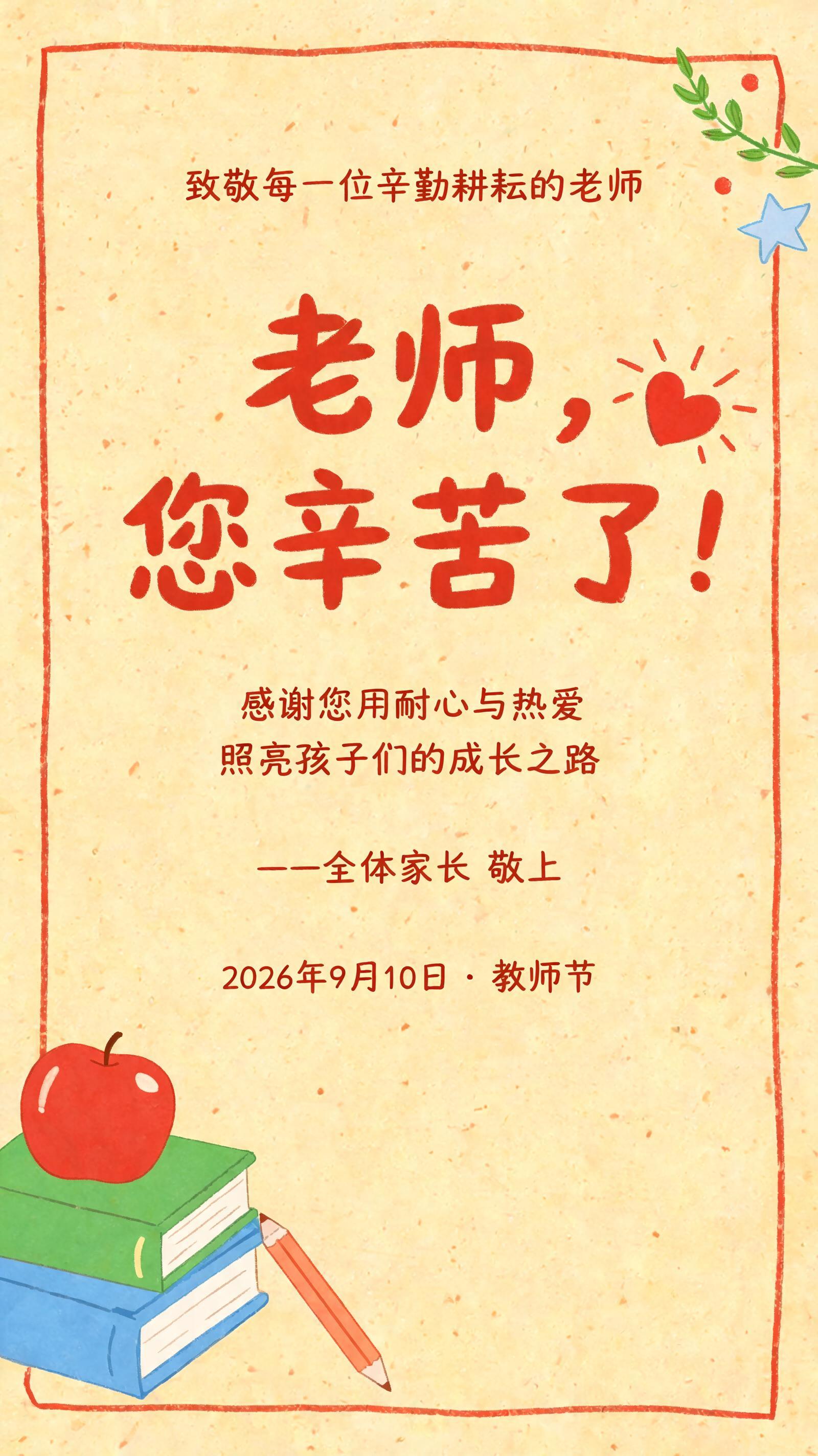
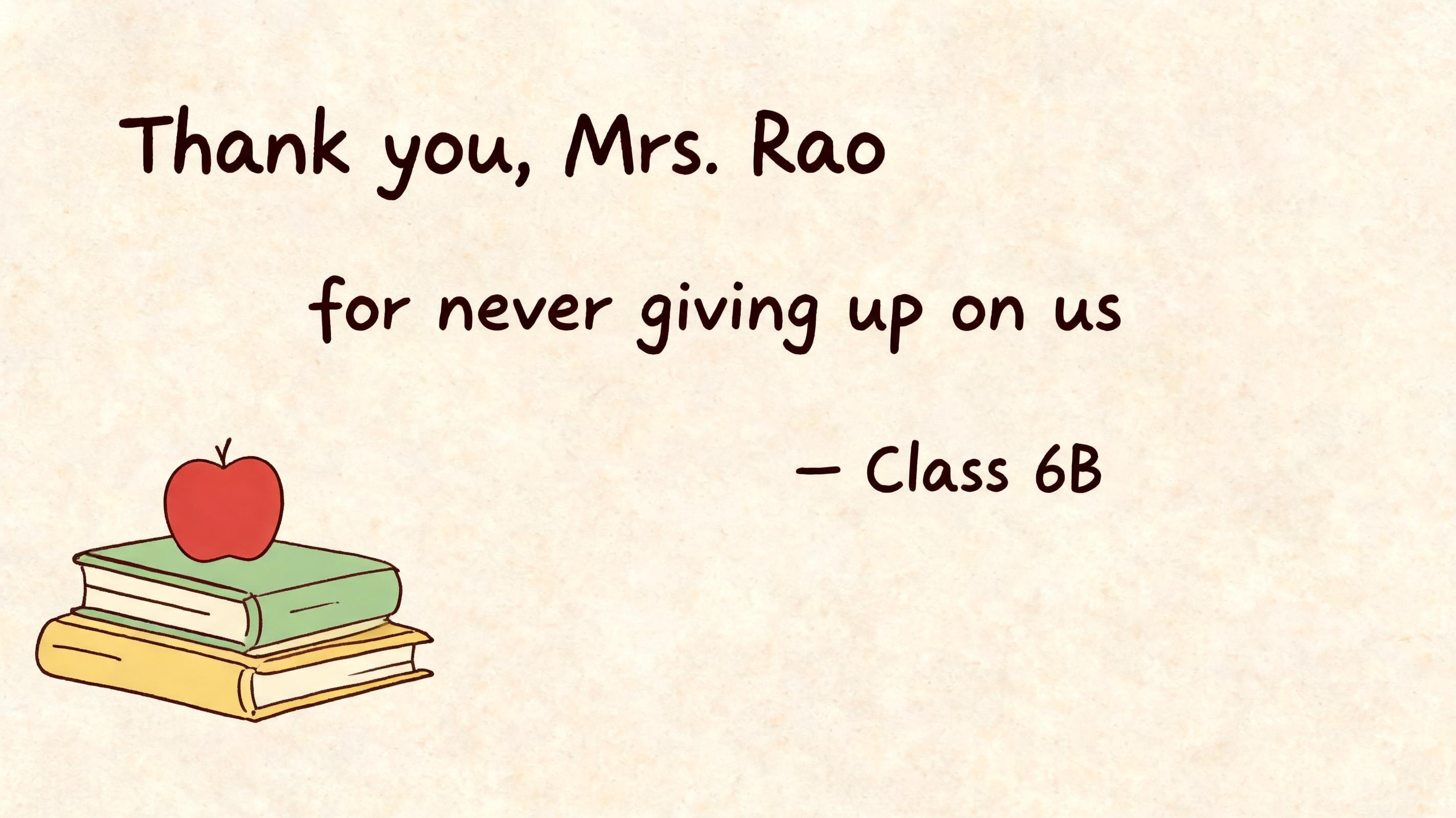
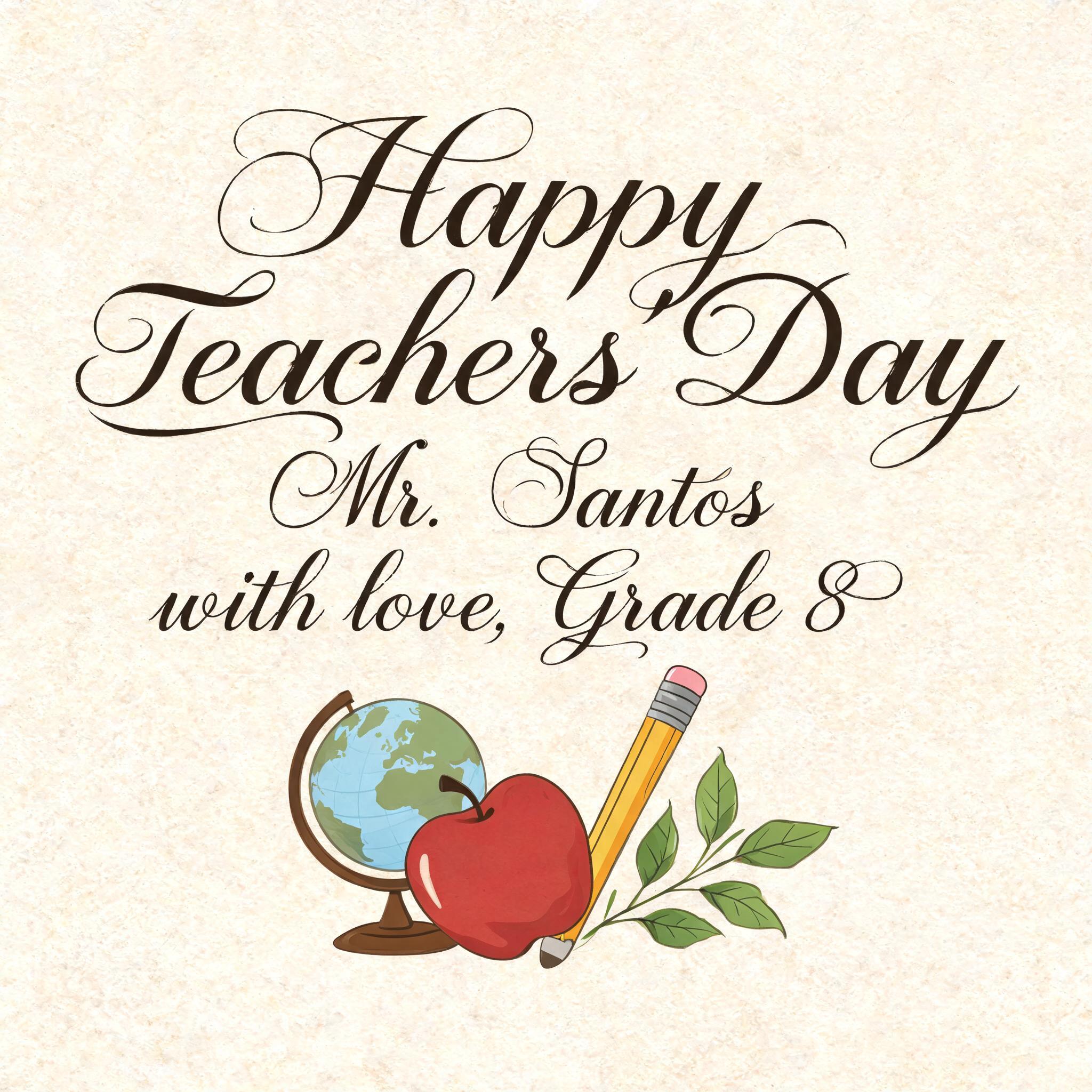
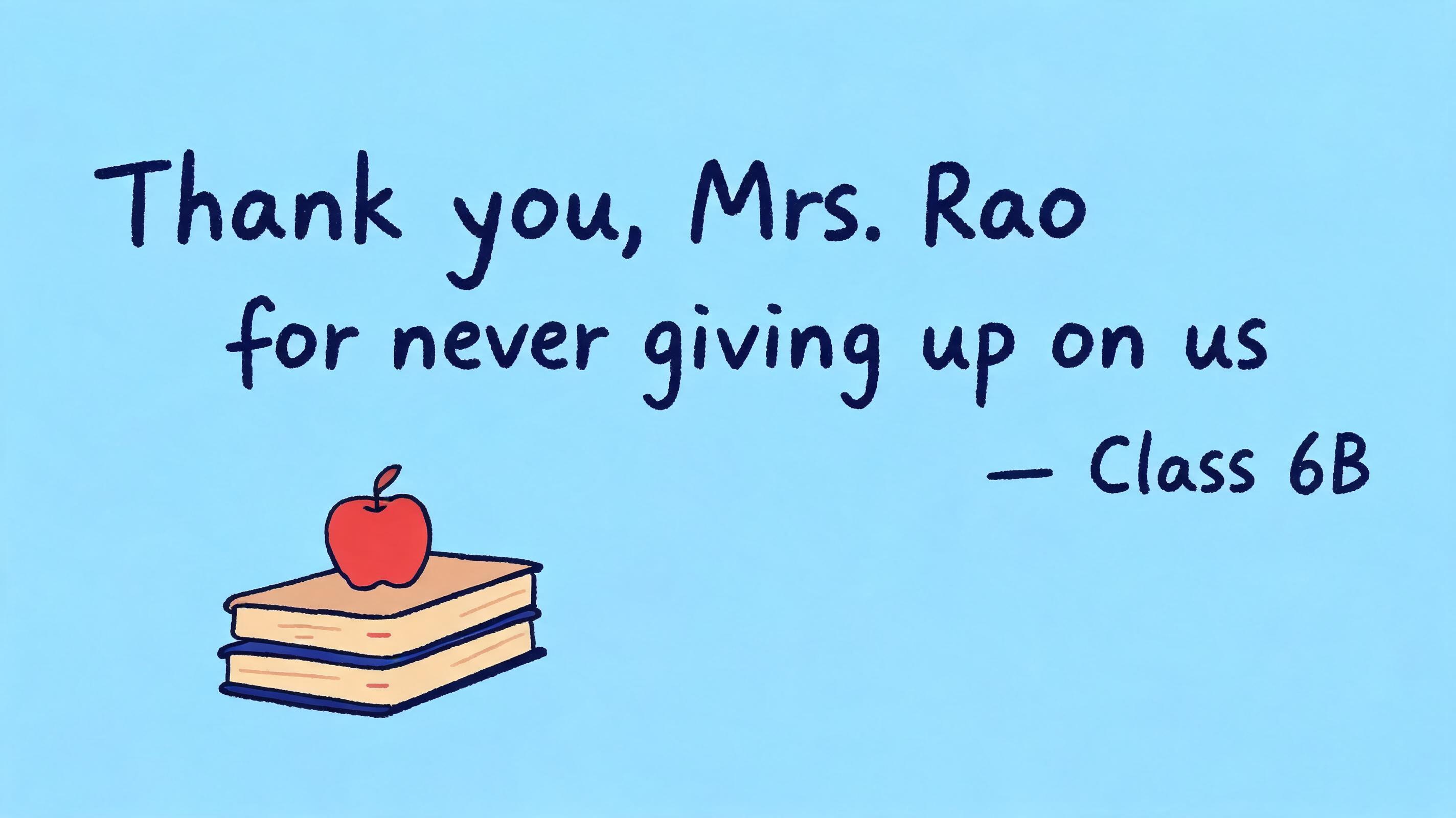
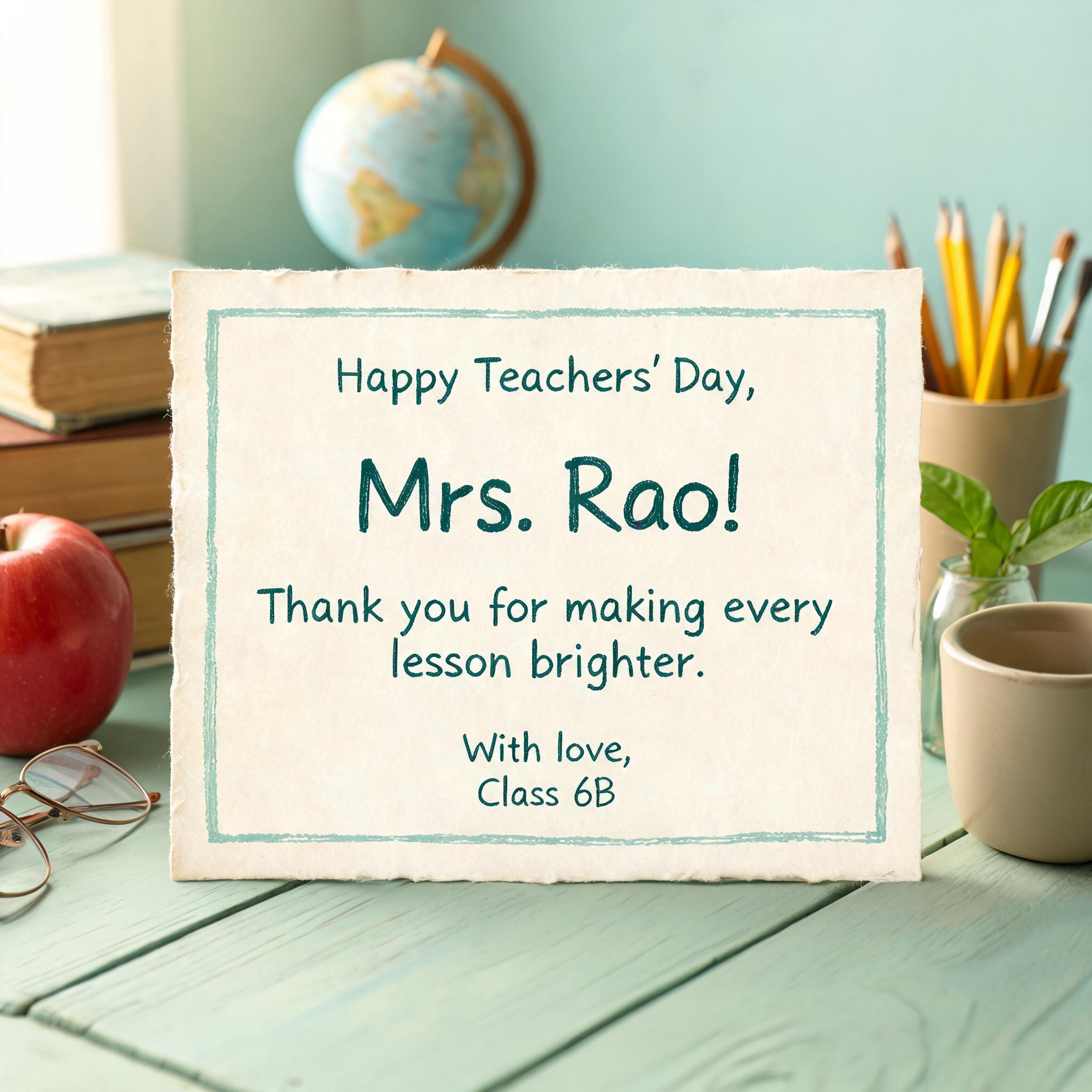
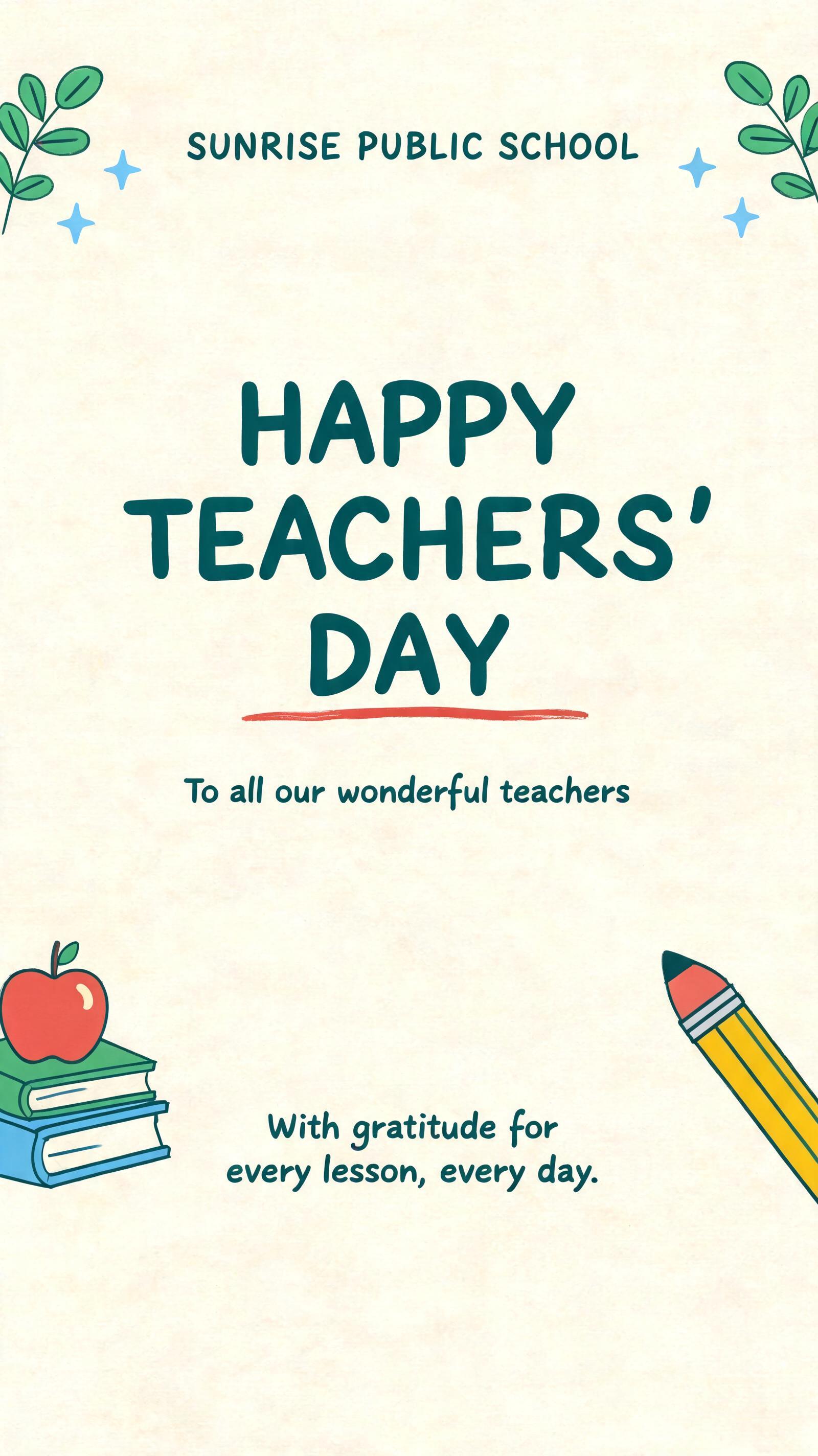
Jedes Bild unten wurde auf FontVibe erzeugt — keine Nachbearbeitung, keine Stockfotos. So sieht bulletin board letters - free ai text effect wirklich aus.


✦ Schritt-für-Schritt-Anleitung
So erstellst du dein Classroom,Bulletin Board,Printable im Studio
Drei Schritte. Keine Design-Software nötig.
1
Überschrift für die Pinnwand eingeben
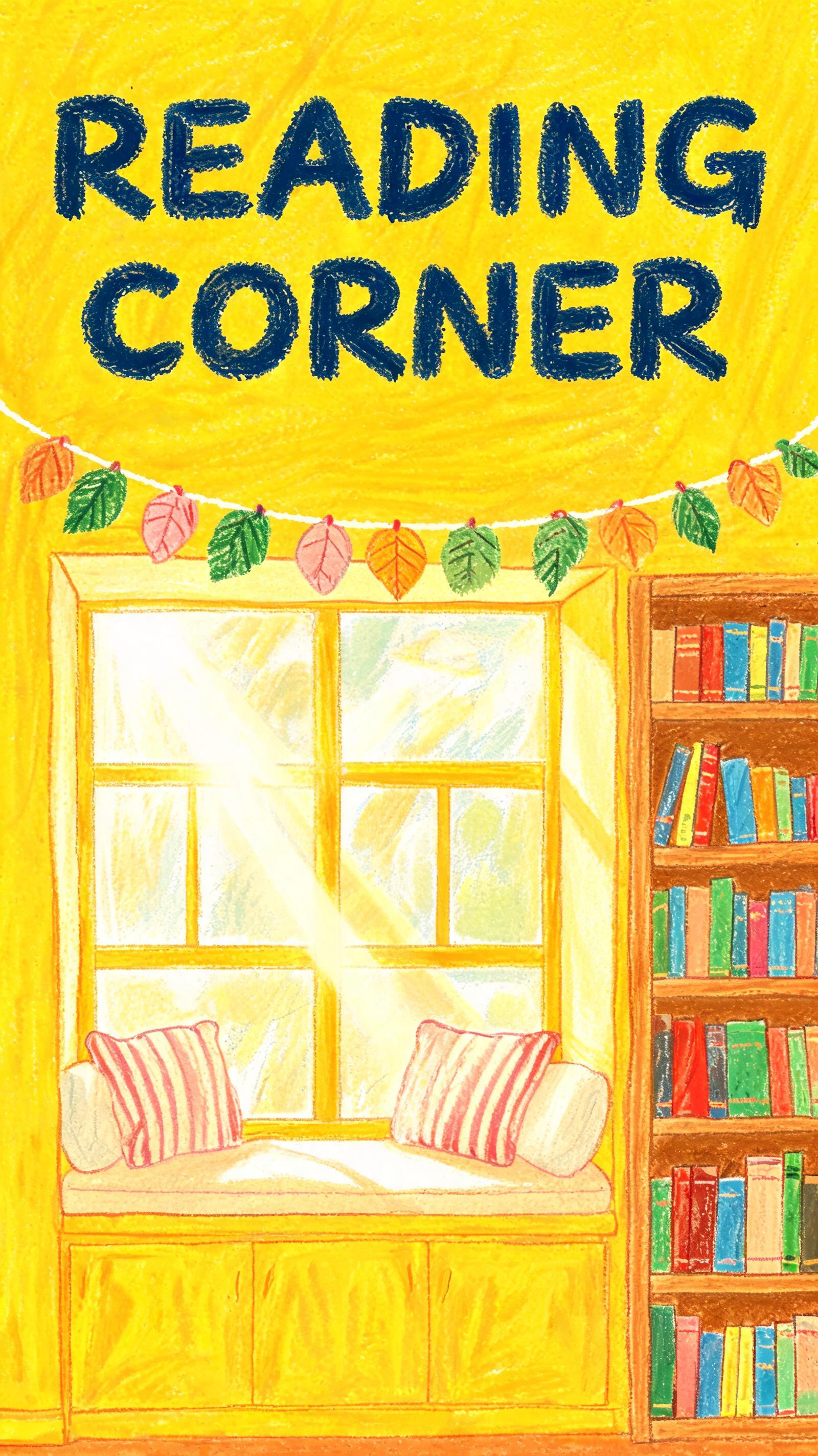
Gib eine Klassenzimmer-Überschrift oder ein Fach ein — Willkommen, Leseecke, KUNST — was die Pinnwand diese Woche braucht.
2
Auffällige Klassenzimmer-Buchstaben erzeugen
Klicke auf Generieren. Die KI erstellt warme, kräftige Buchstaben auf einem satten, farbigen Hintergrund, in der passenden Größe zum Drucken und Aufhängen.
3
Herunterladen, drucken, anpinnen
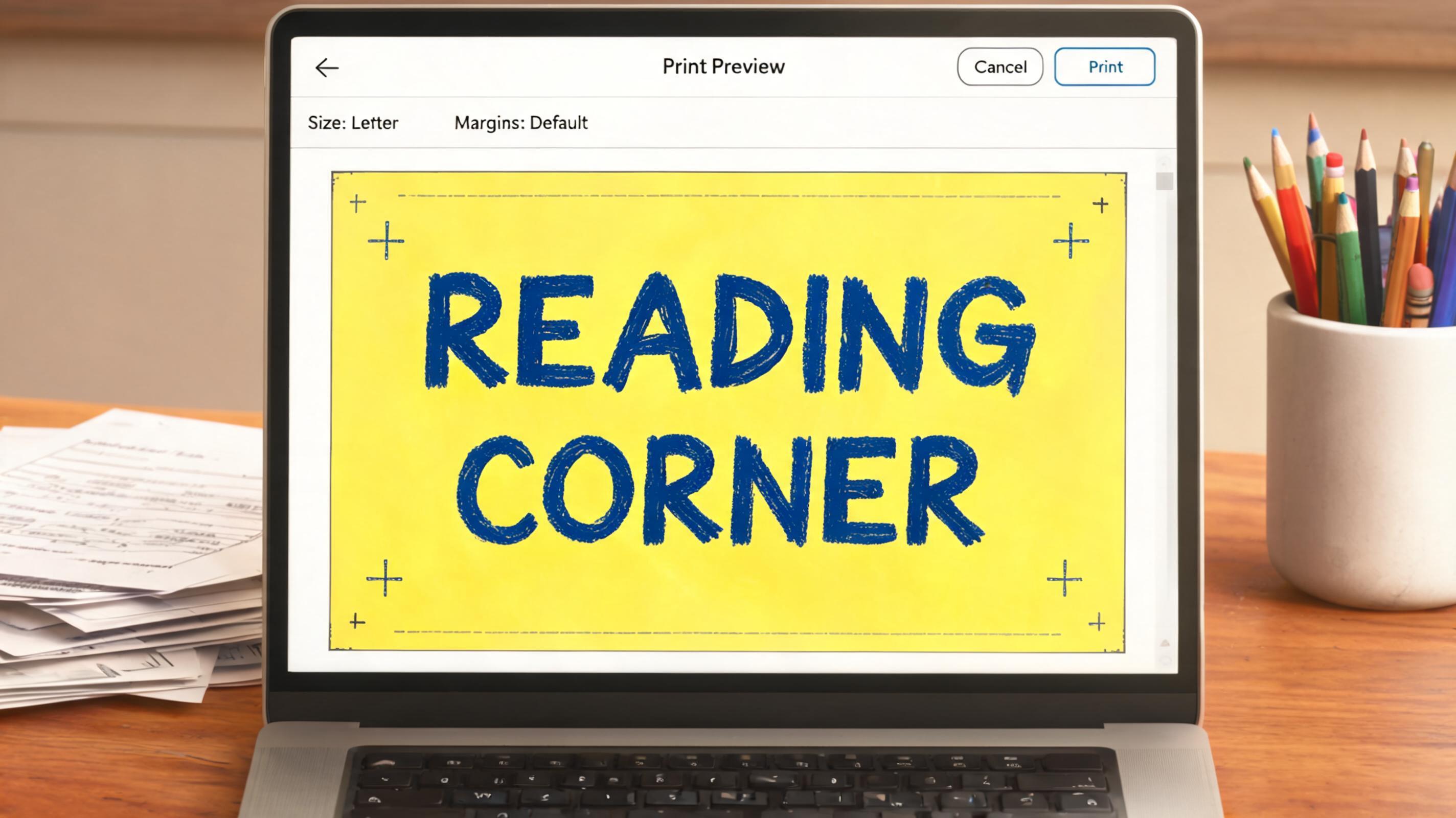
Lade das PNG kostenlos herunter, drucke es zu Hause oder in der Schule aus und pinne deine neue Überschrift direkt an die Pinnwand.
💡 Plattform-Tipp: In voller Seitengröße auf A4 oder Letter drucken und dicht an den Buchstaben zuschneiden — flache, kräftige Farben drucken auf jedem Heim- oder Schuldrucker sauber.
✦ Häufige Fragen
Classroom,Bulletin Board,Printable — Häufig gestellte Fragen
Alles, was du wissen musst, bevor du loslegst.
✦ Mehr Texteffekt-Stile entdecken
Verwandte KI-Texteffekt-Stile
Probier eine andere Ästhetik — jeder Stil erzeugt ein völlig einzigartiges visuelles Ergebnis.


Mehr Textstile gefällig? Stöber durch unsere kostenlosen Schriftgeneratoren — cool, Schreibschrift, Gothic und mehr.
✦ Bereit zum Loslegen?
Erstelle dein eigenes Board,Printable
Kostenlos starten. Keine Design-Kenntnisse nötig.
✦ Jetzt generieren — kostenlos