✦ Community Gallery
View all →Candy Font Generator — Community Gallery
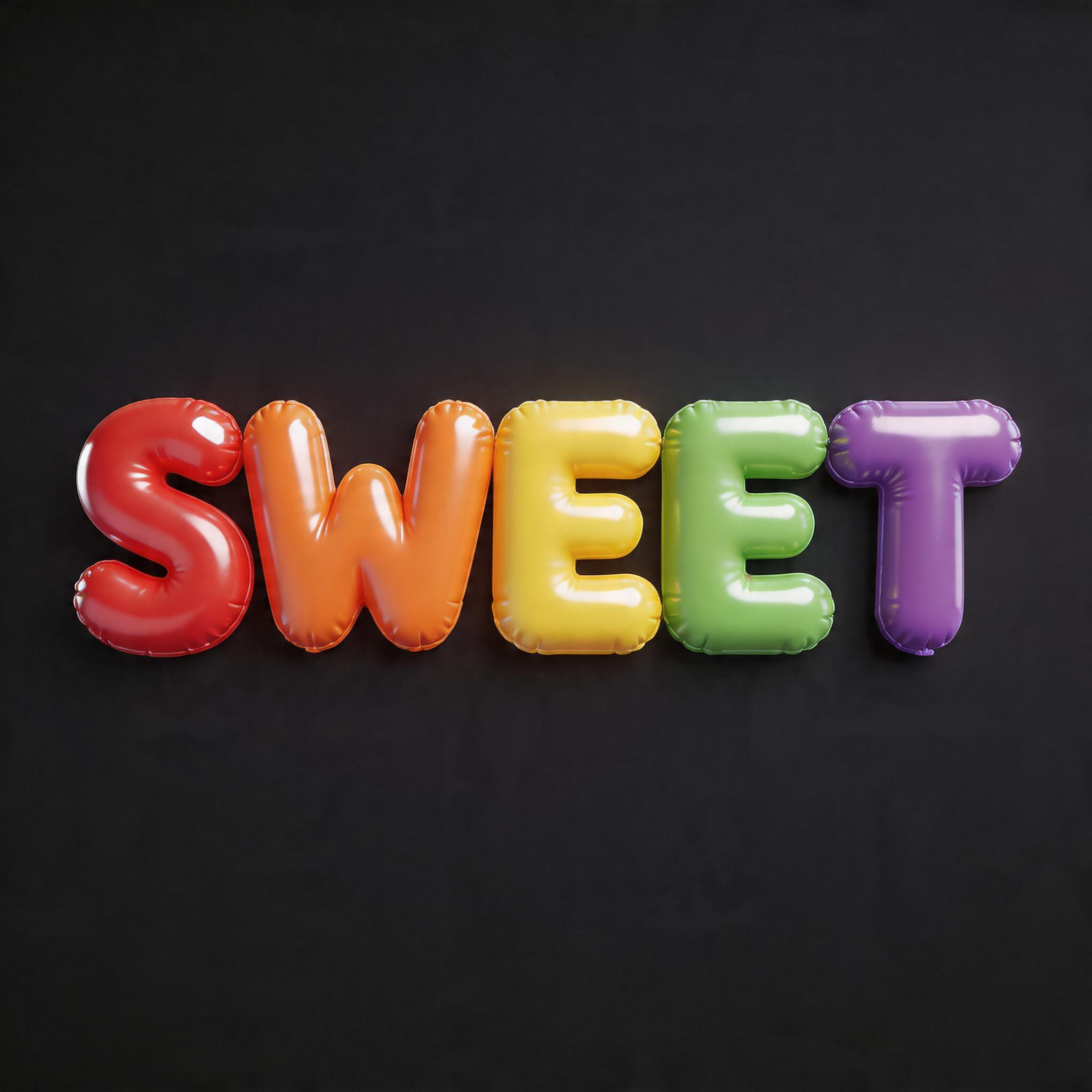
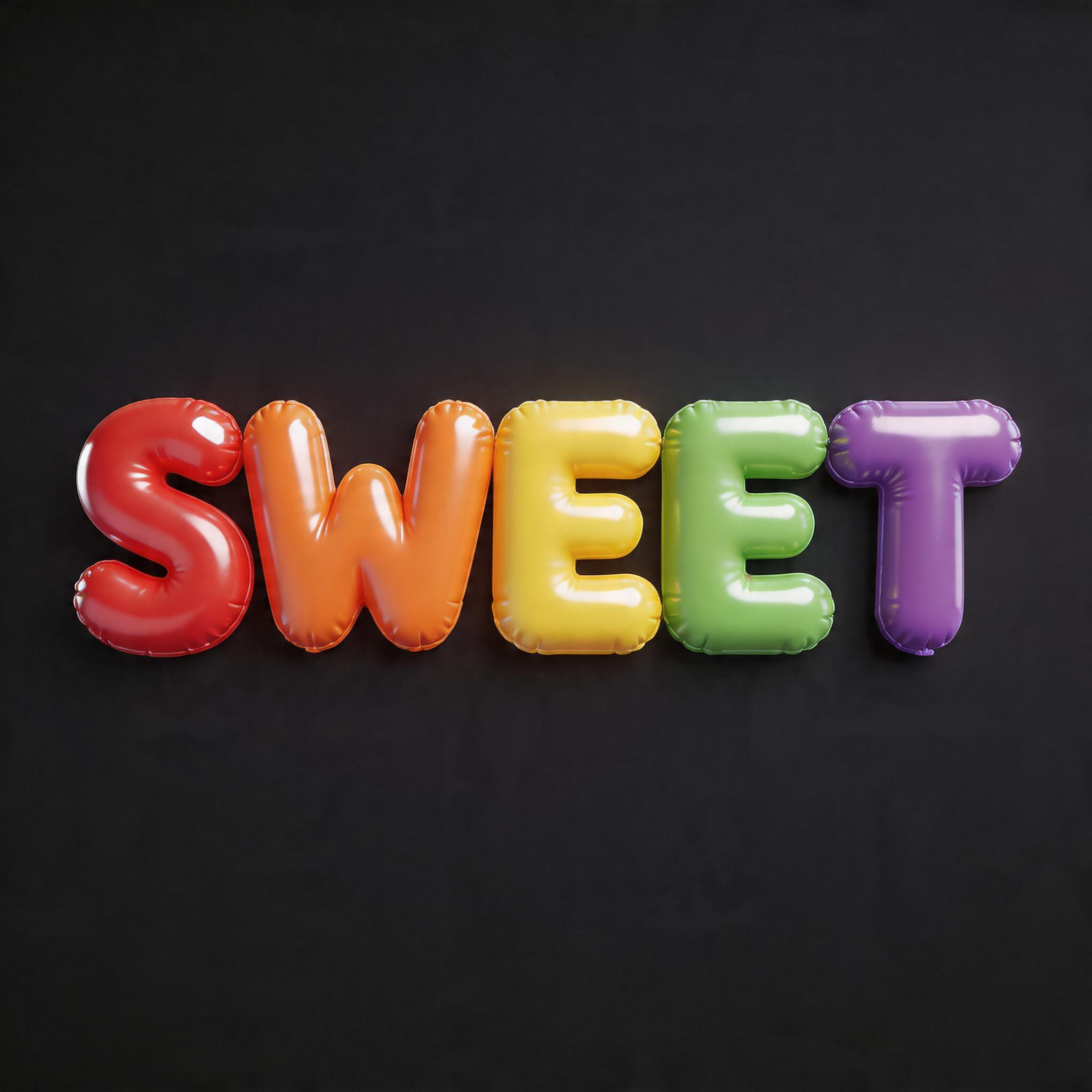
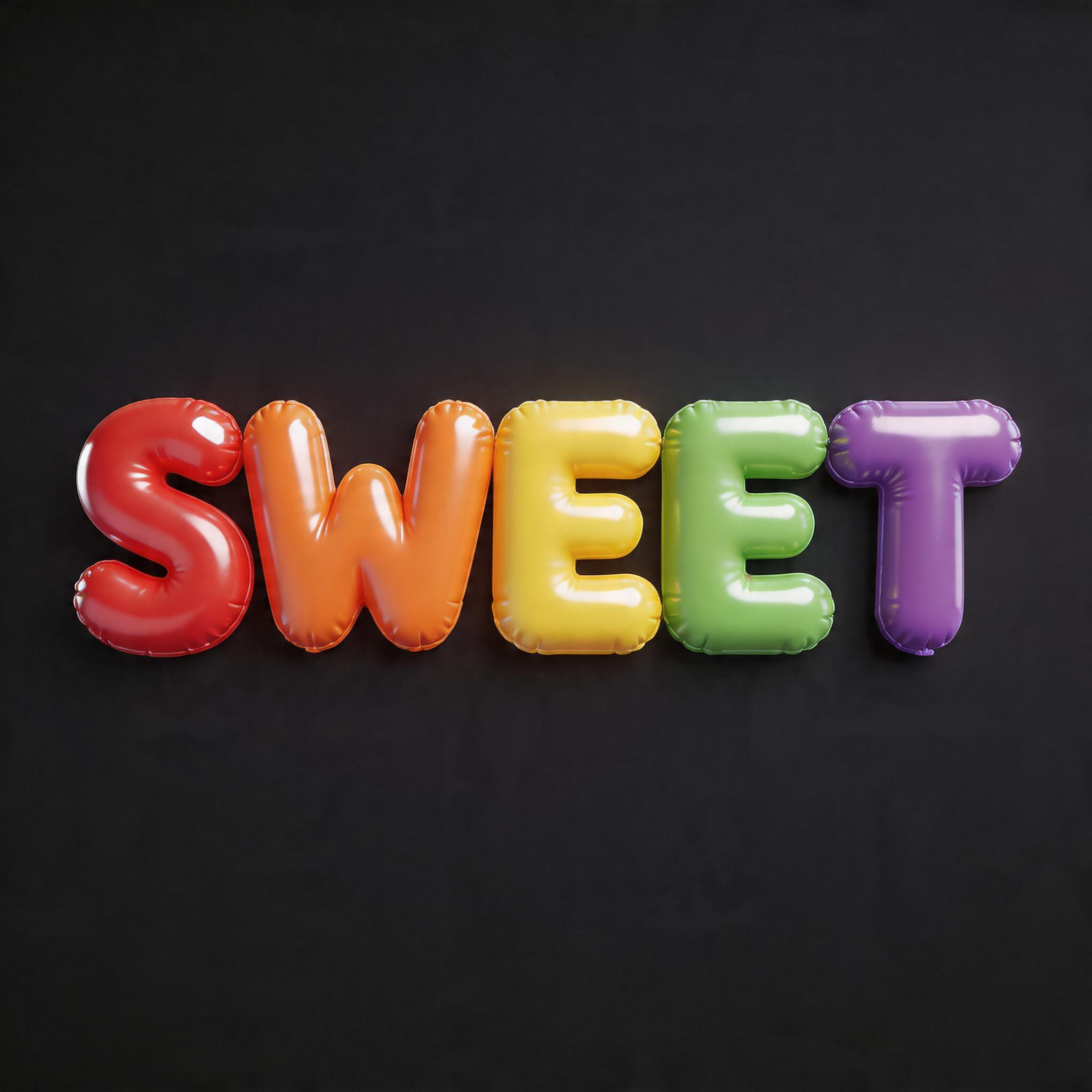
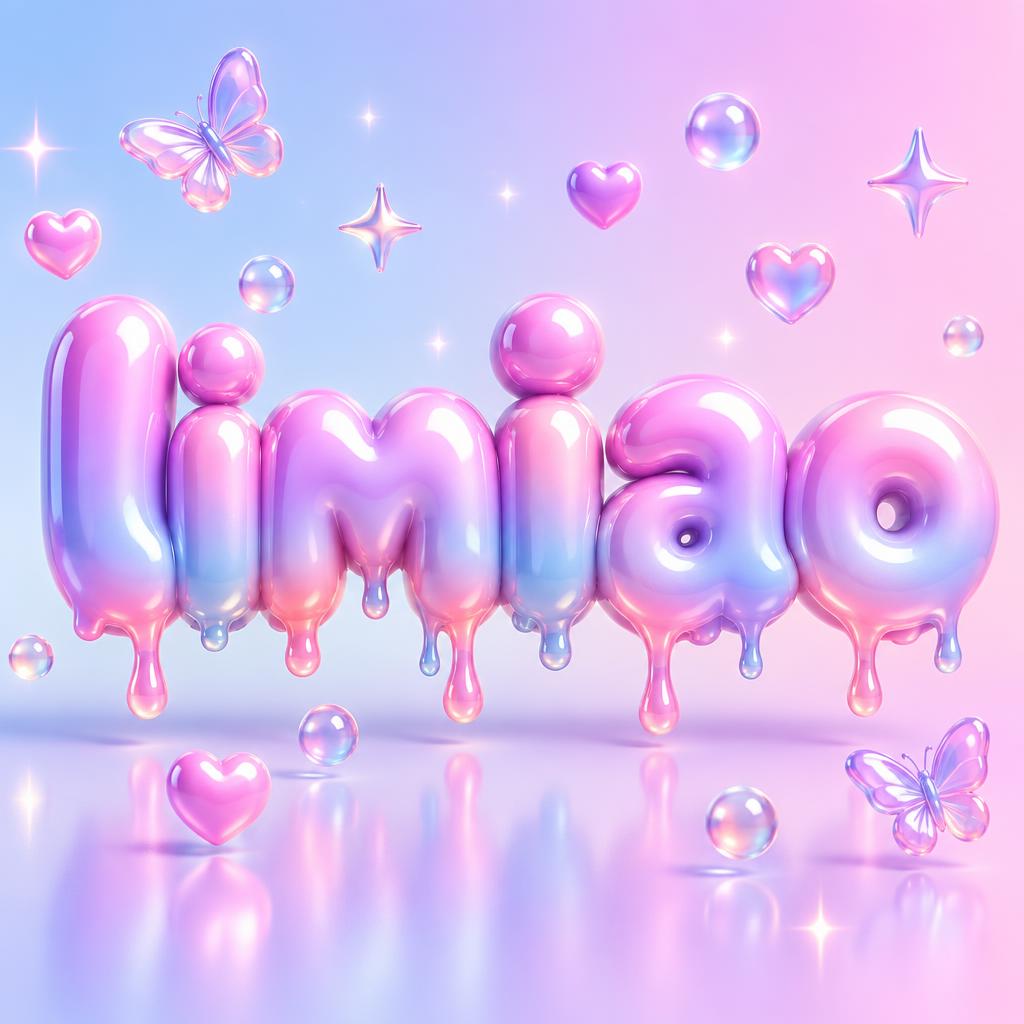
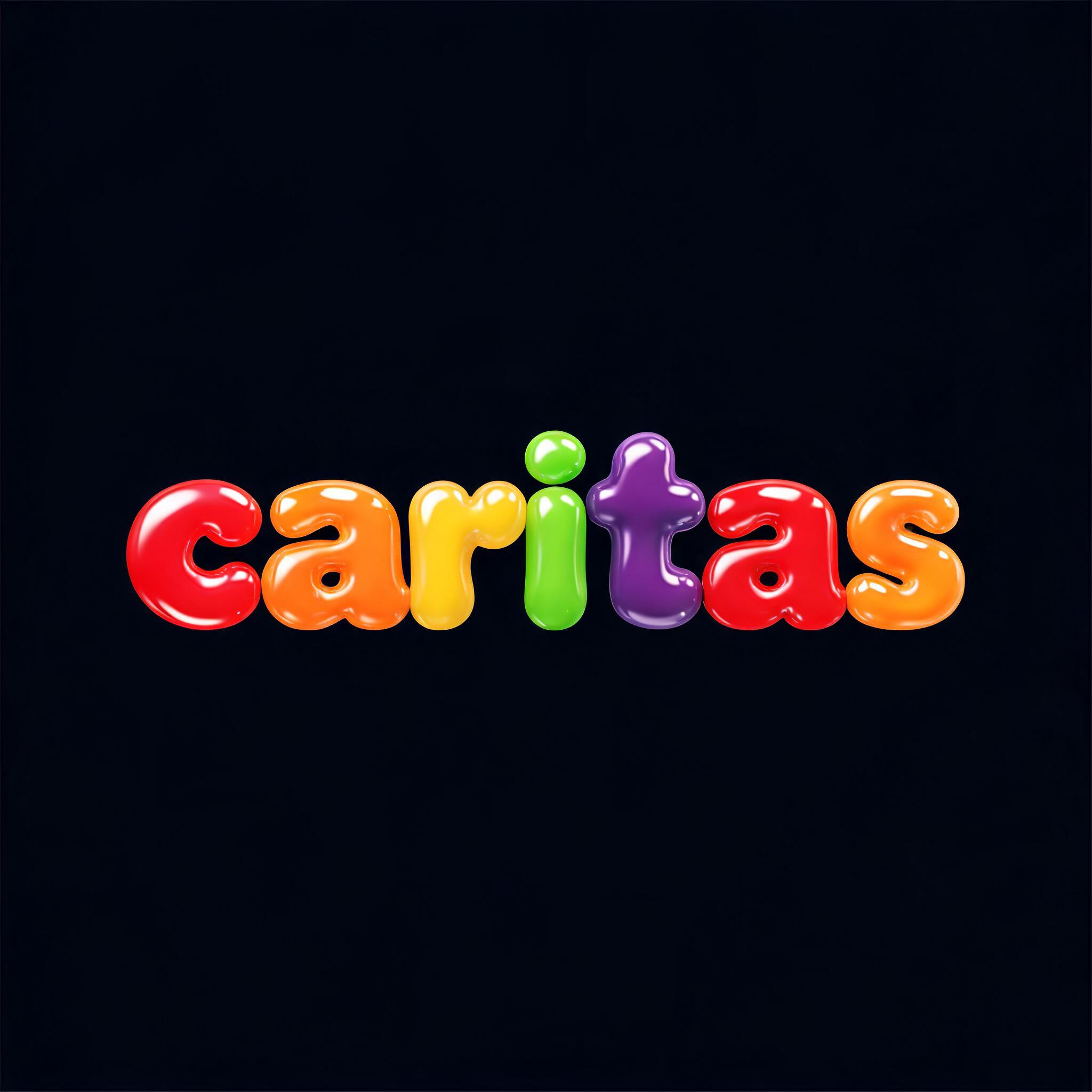
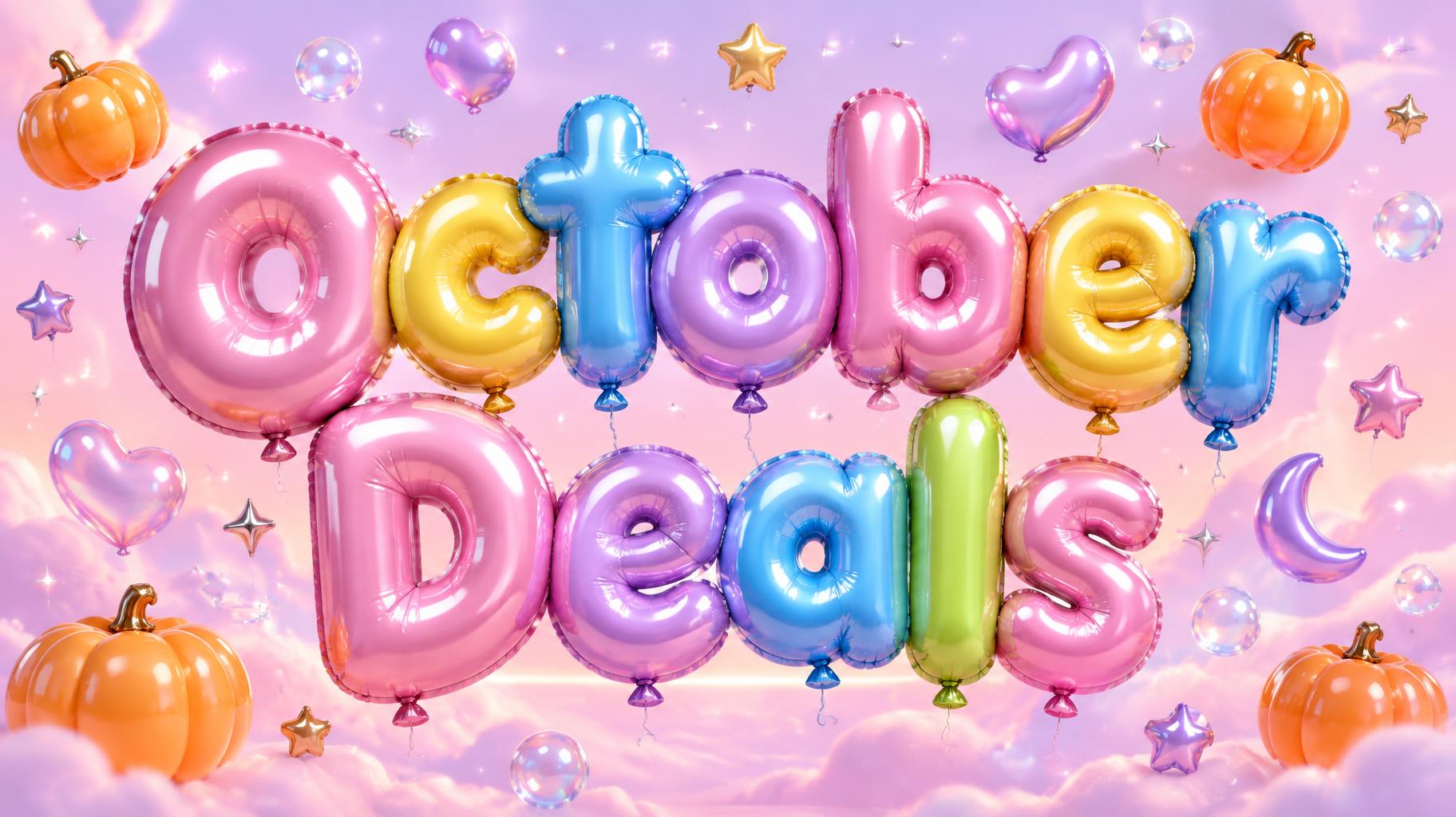
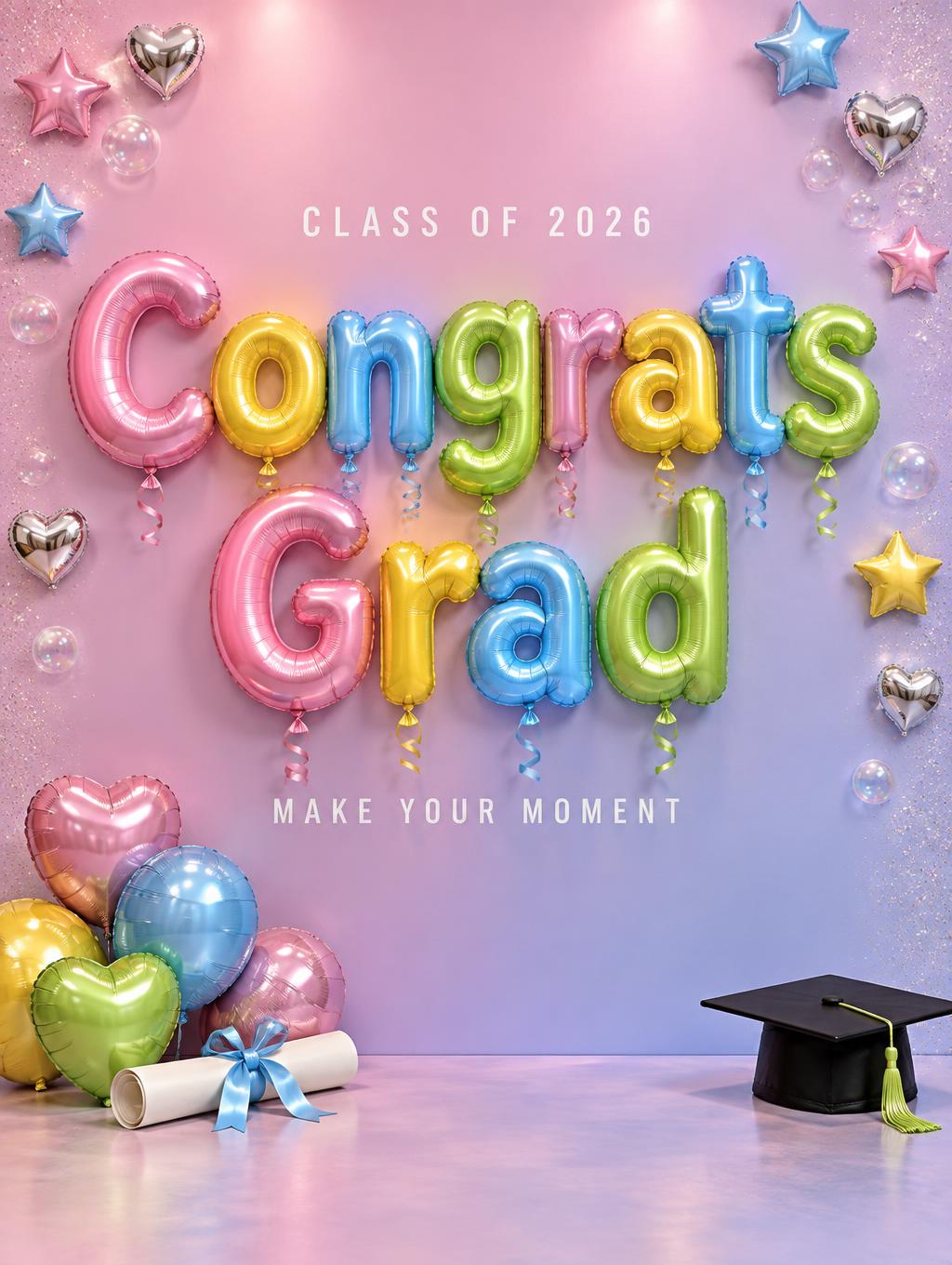
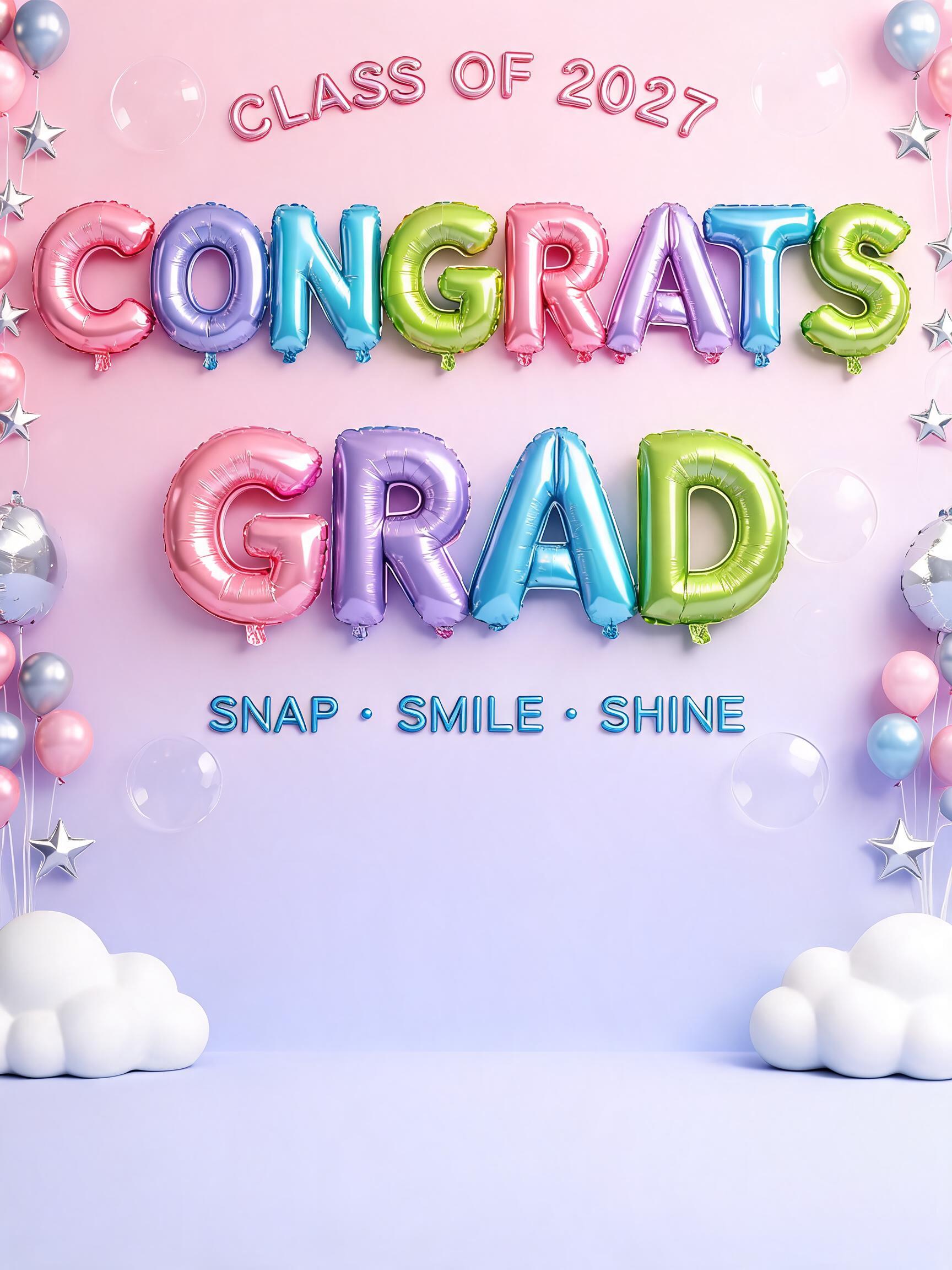
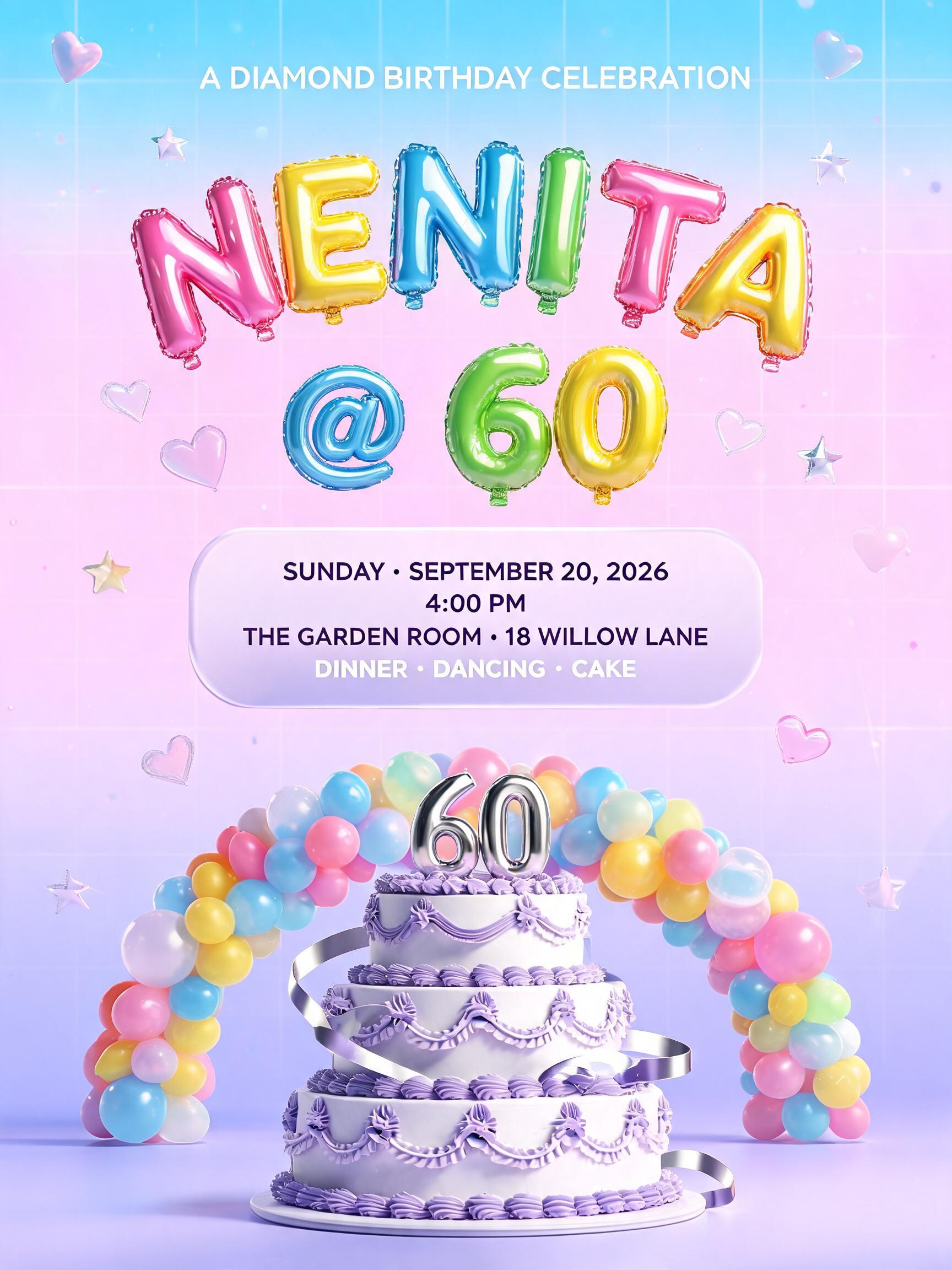
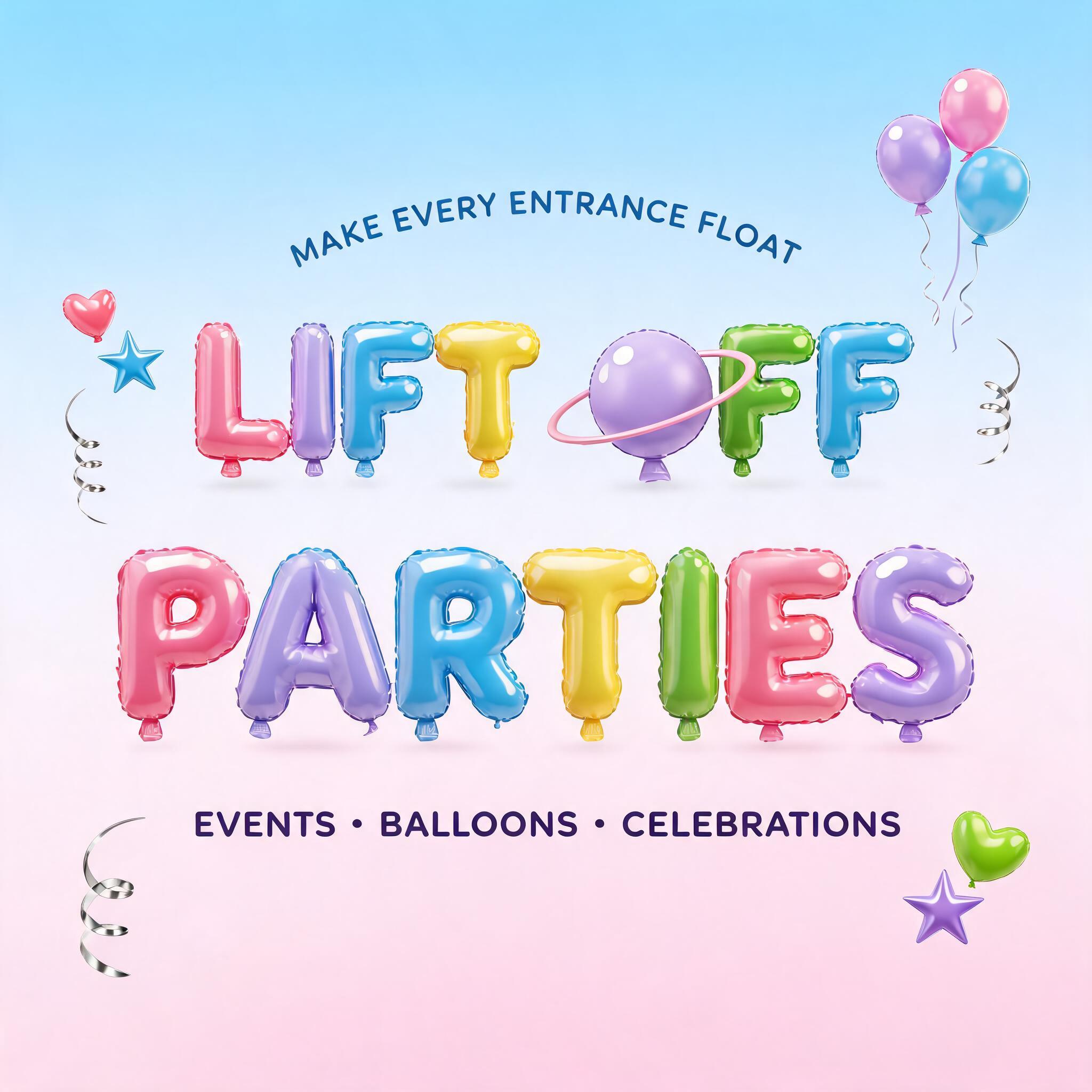
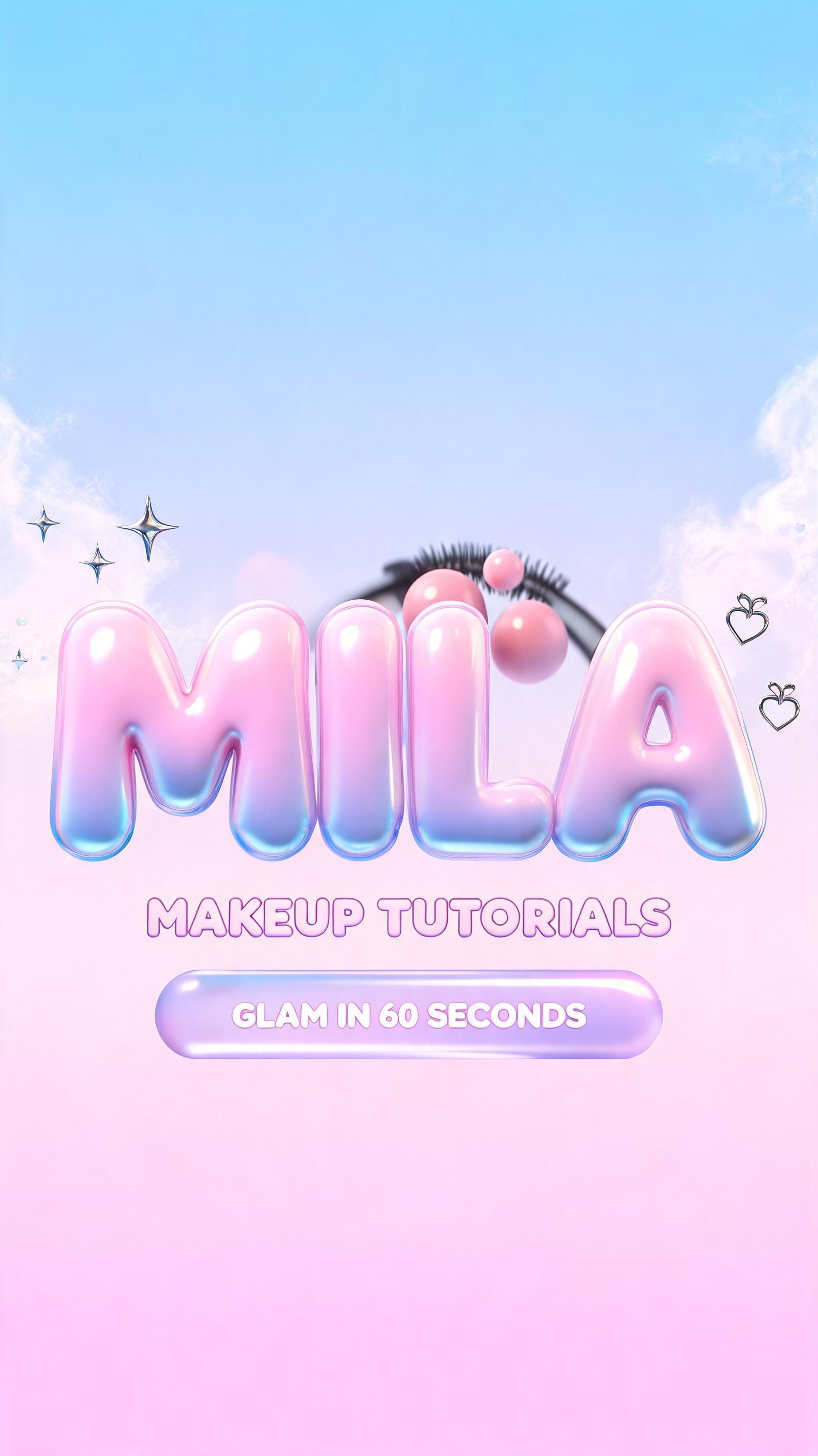
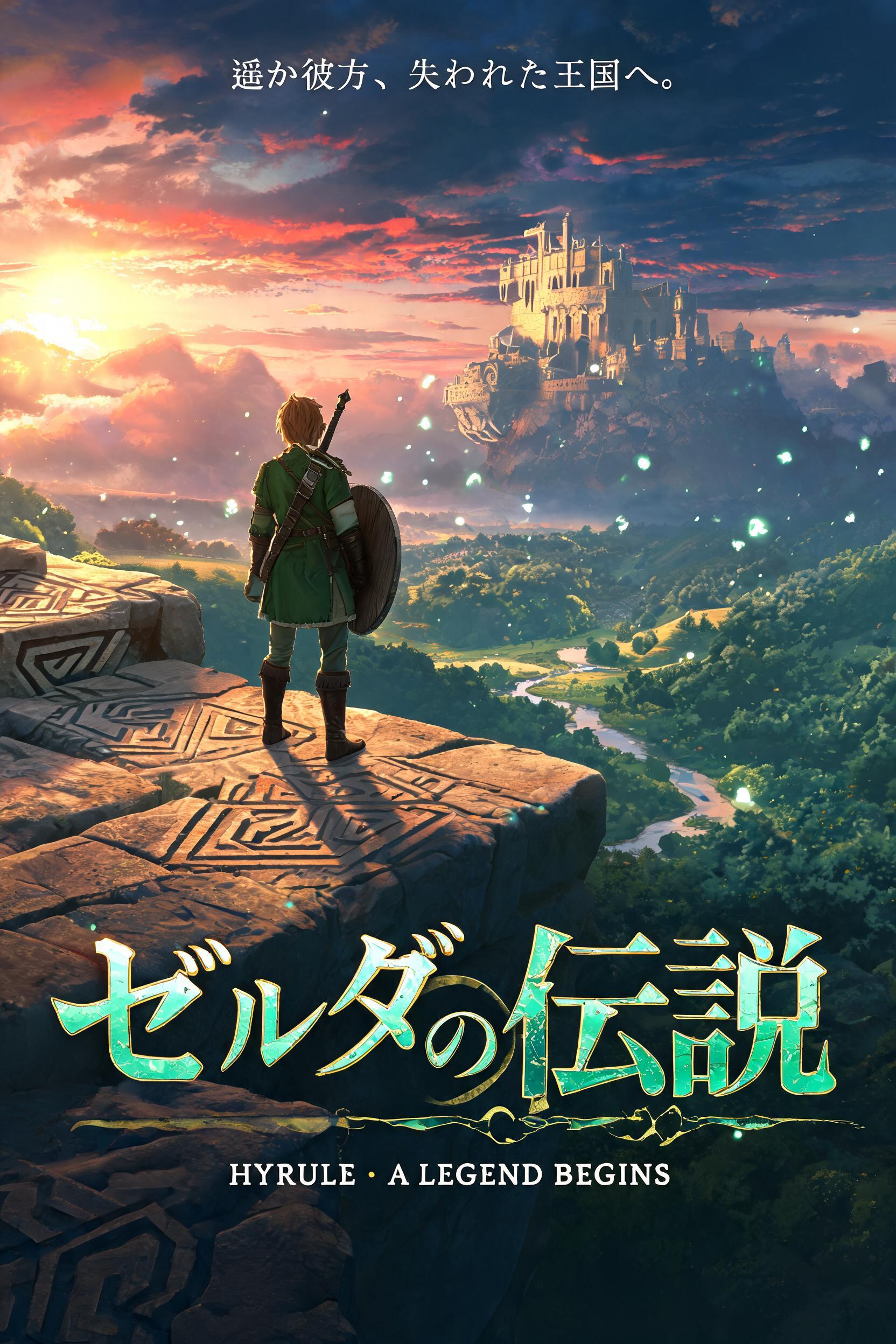
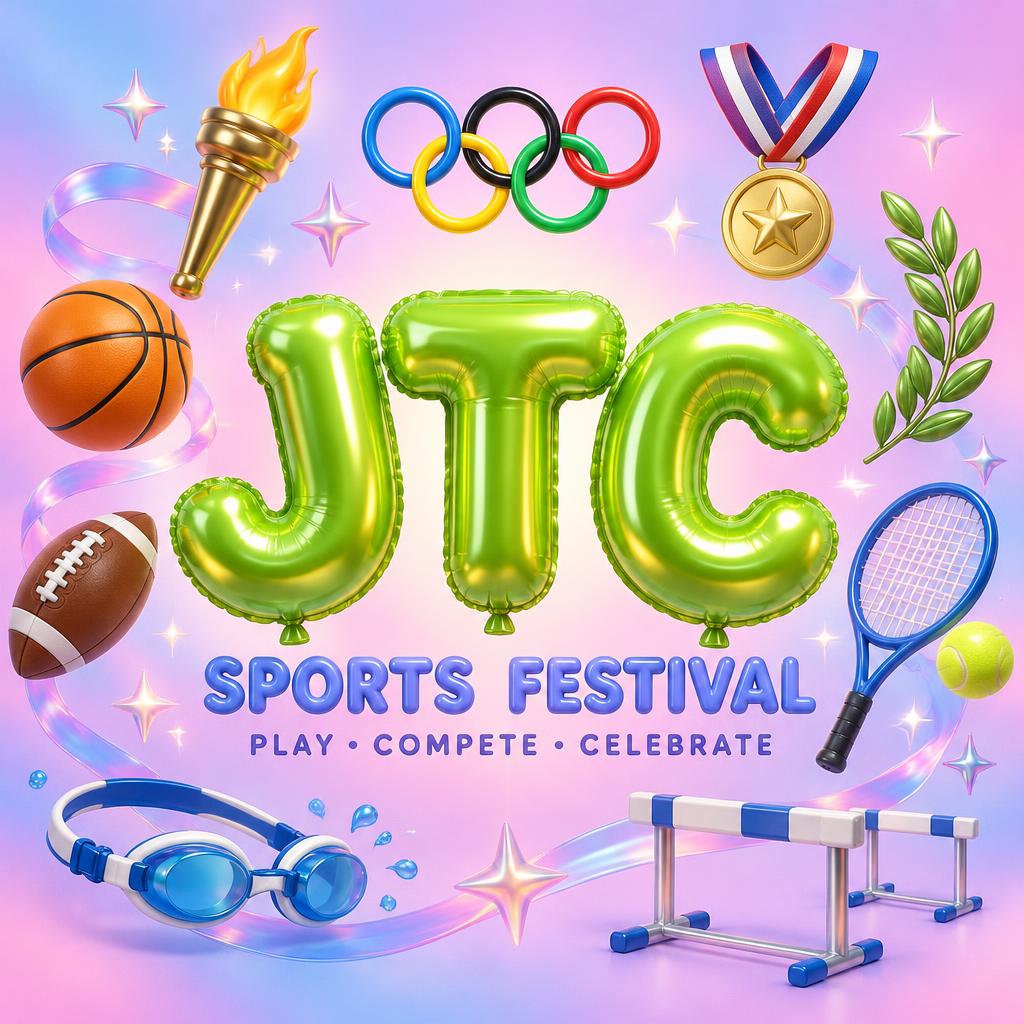
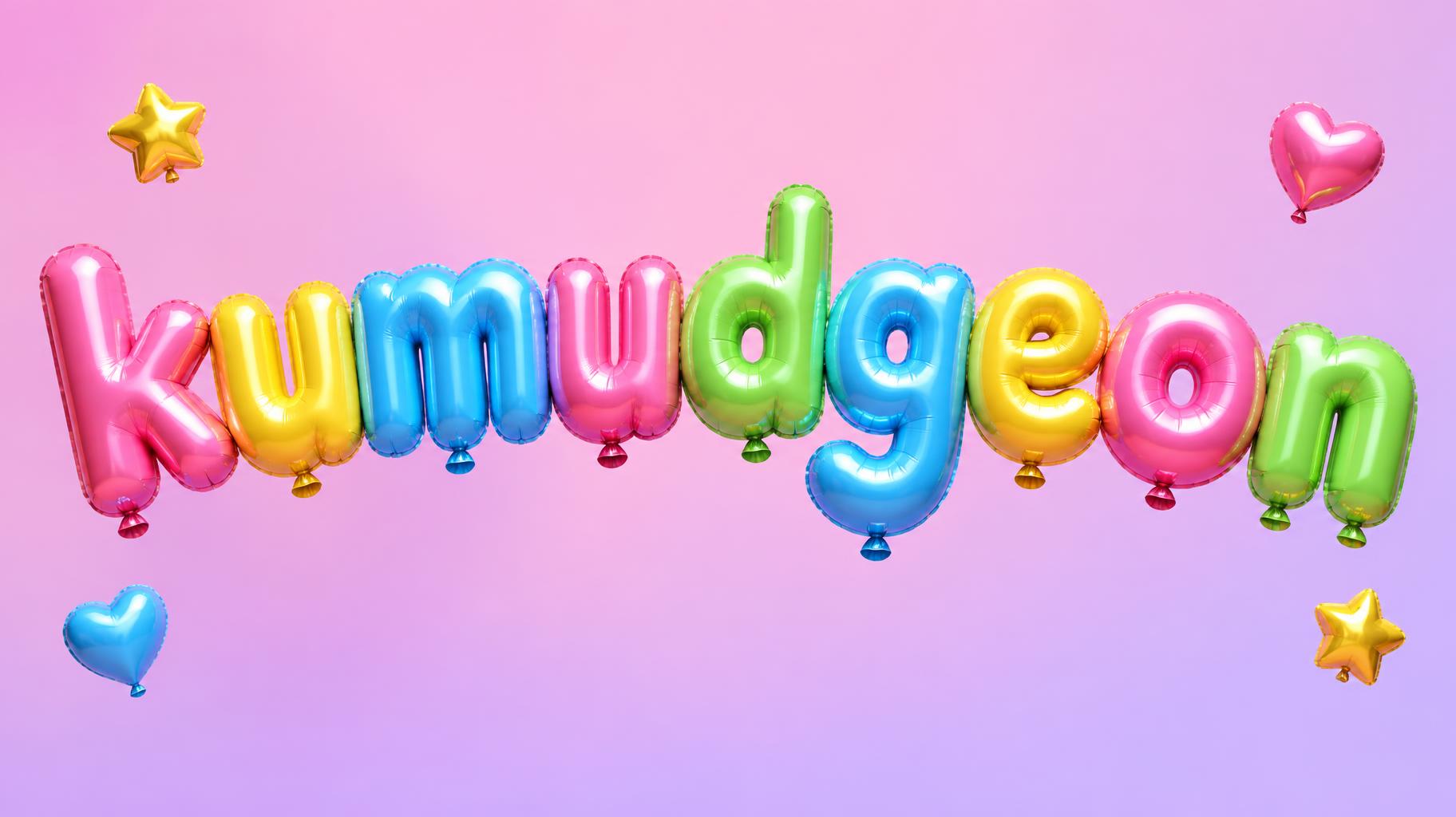
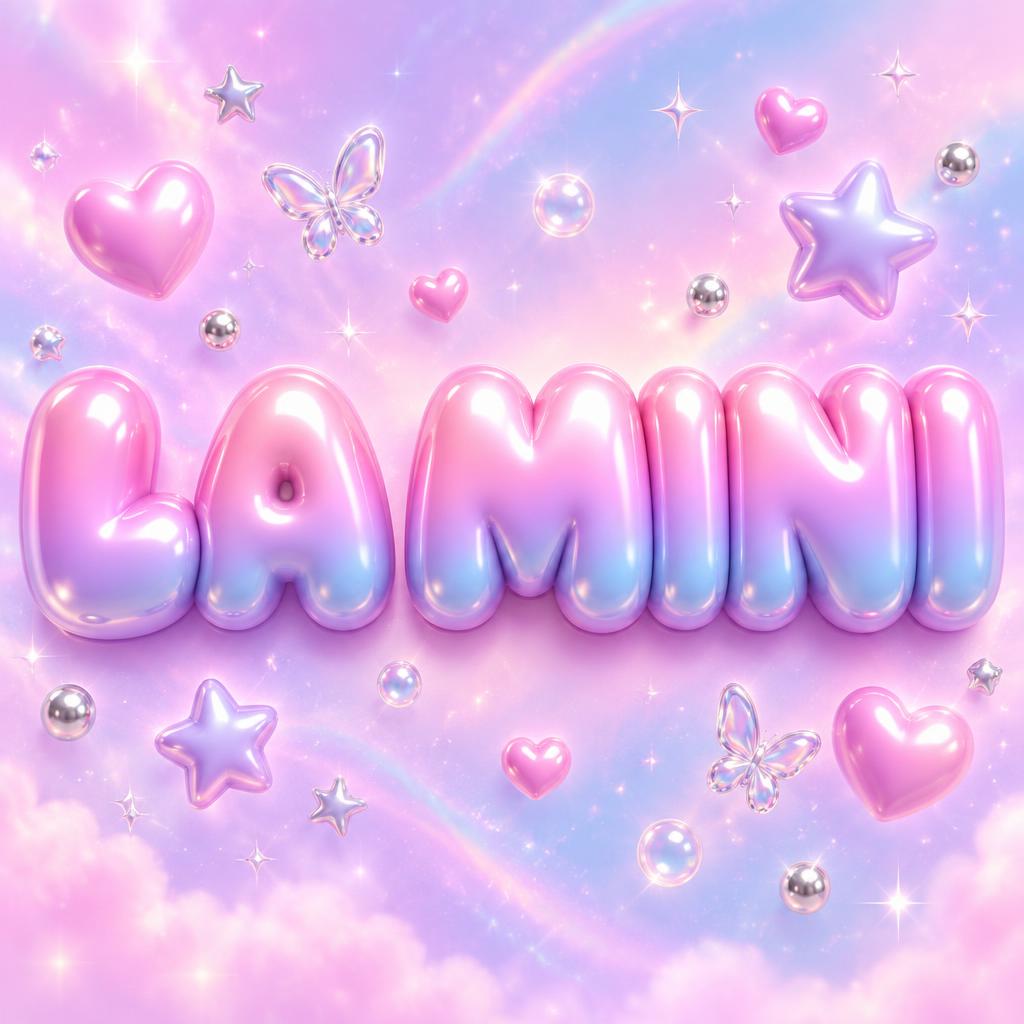
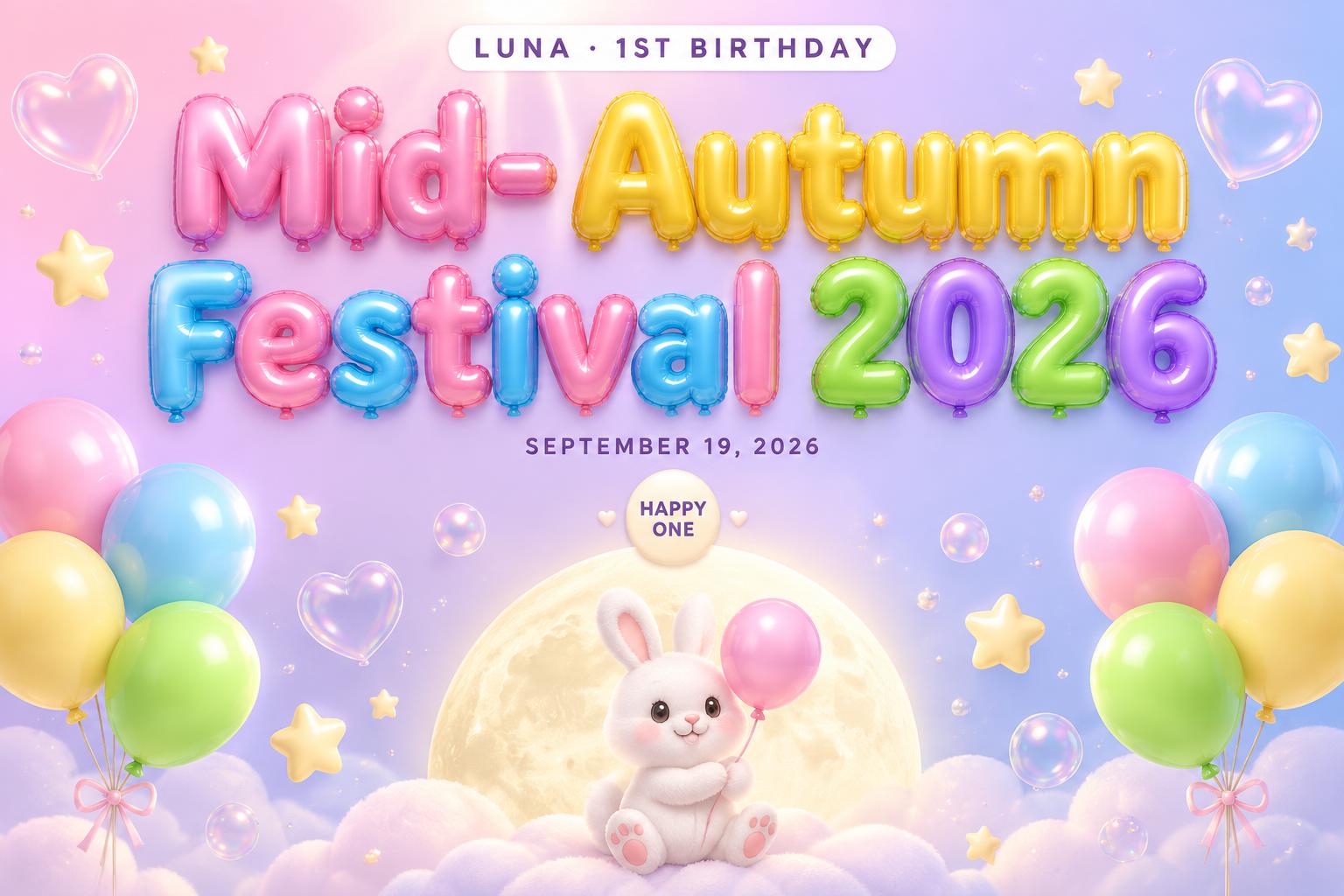
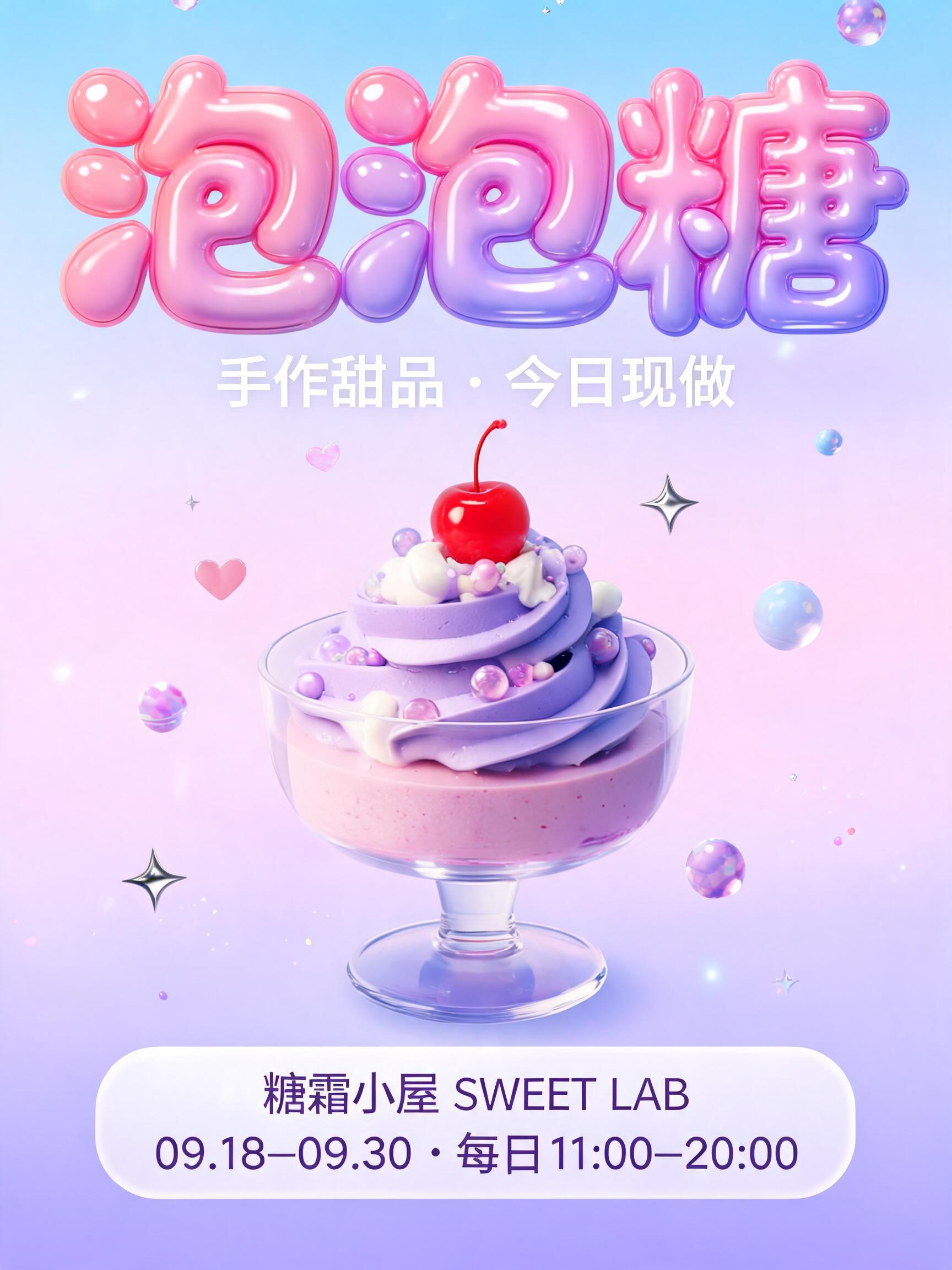
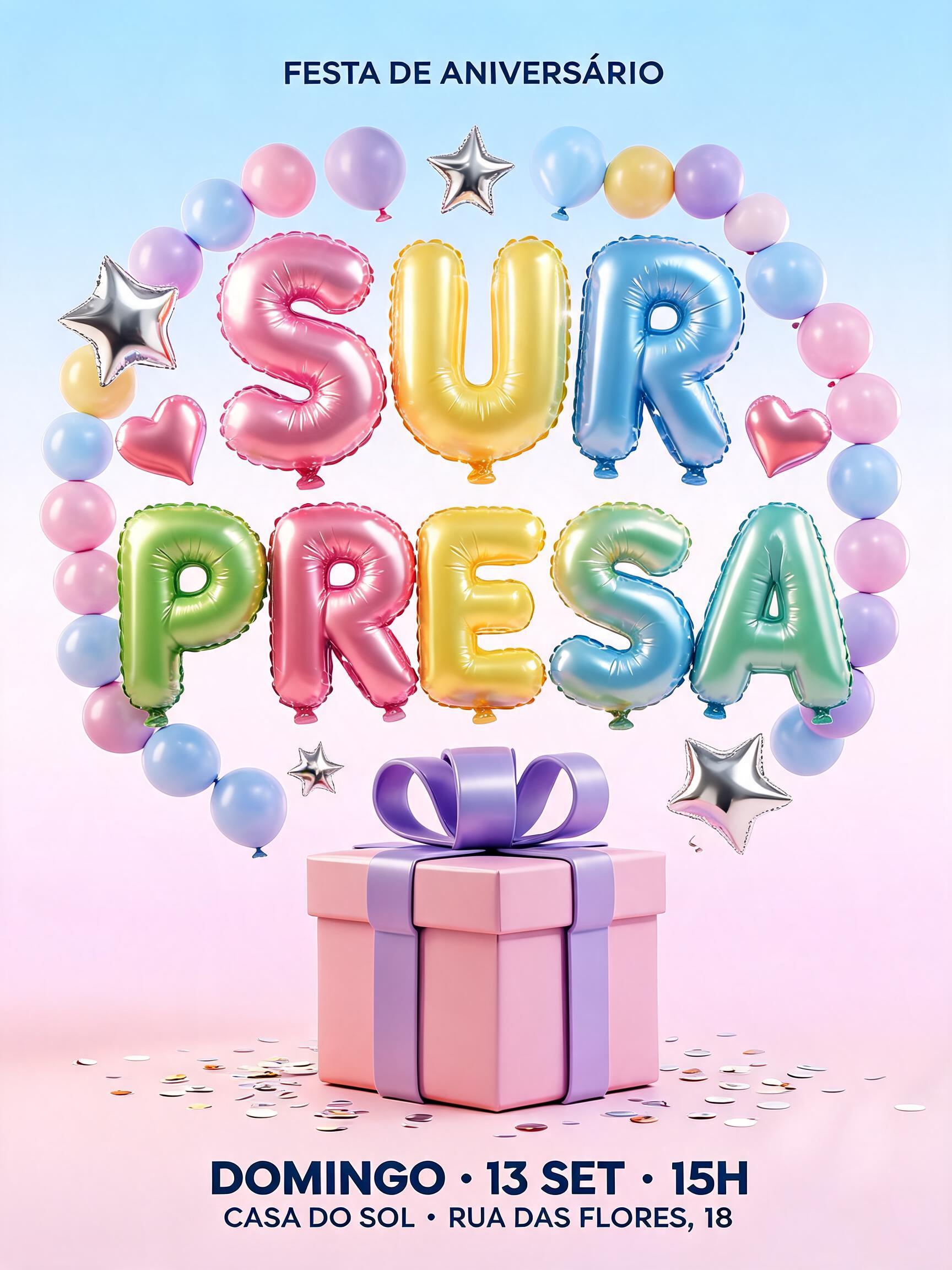
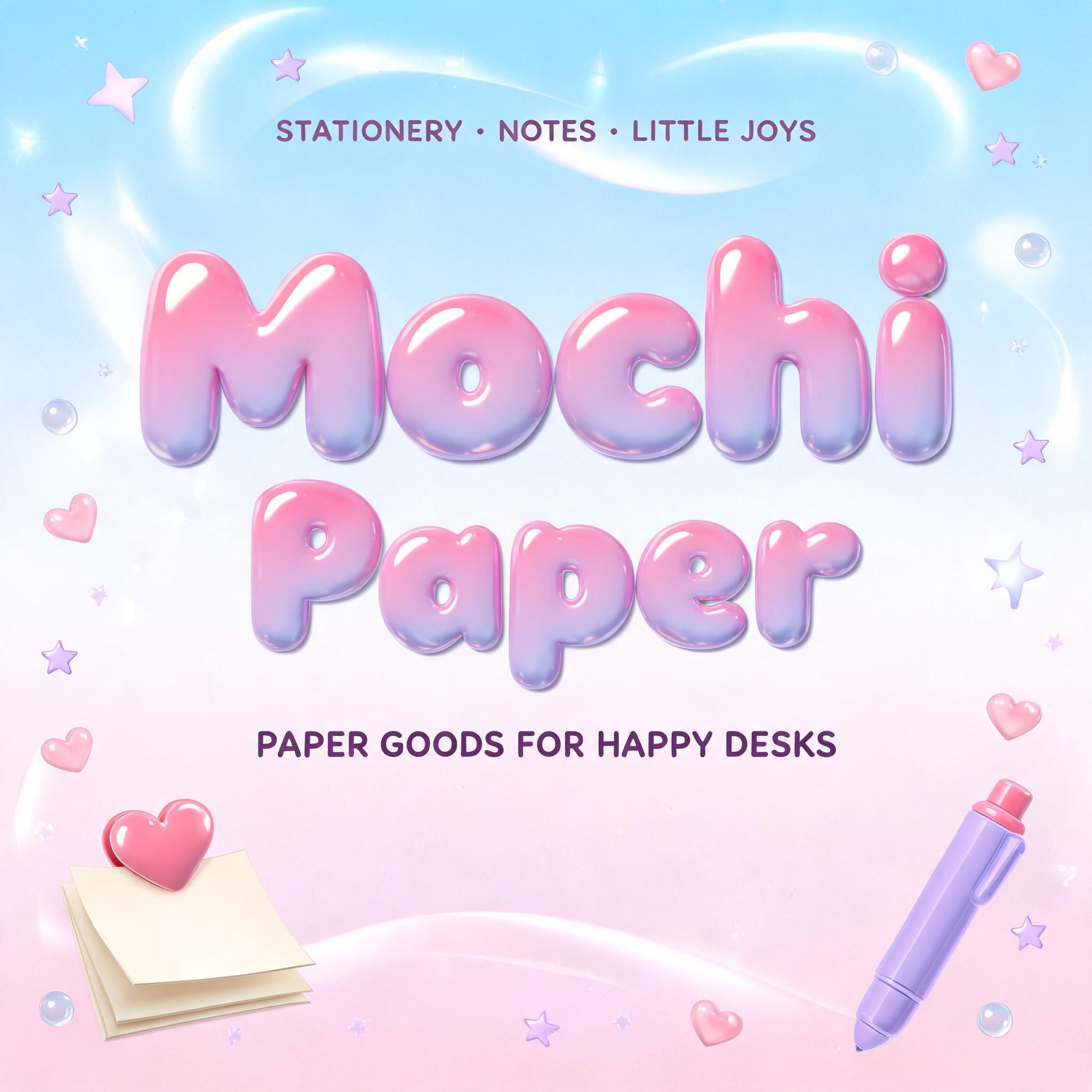
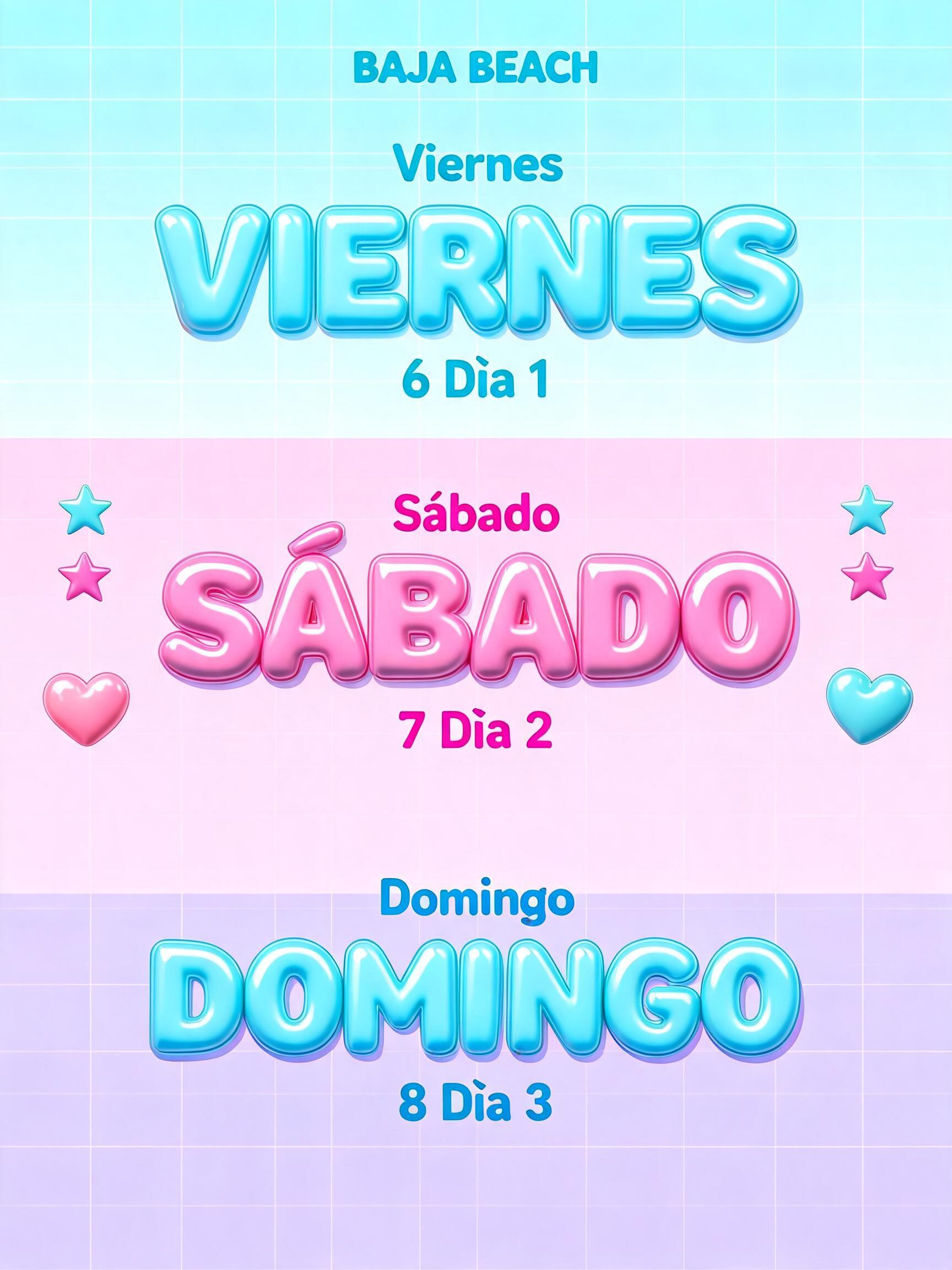
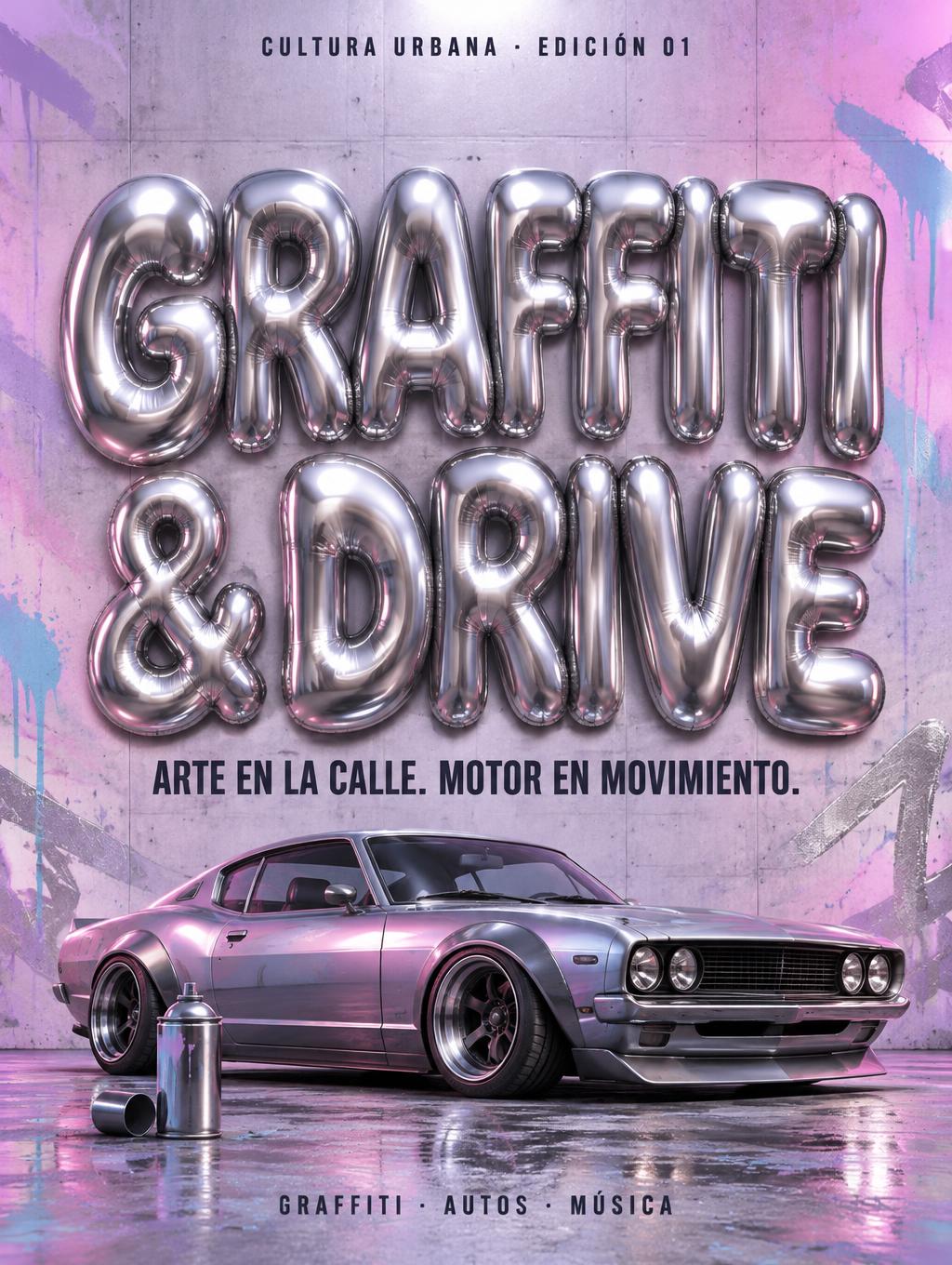
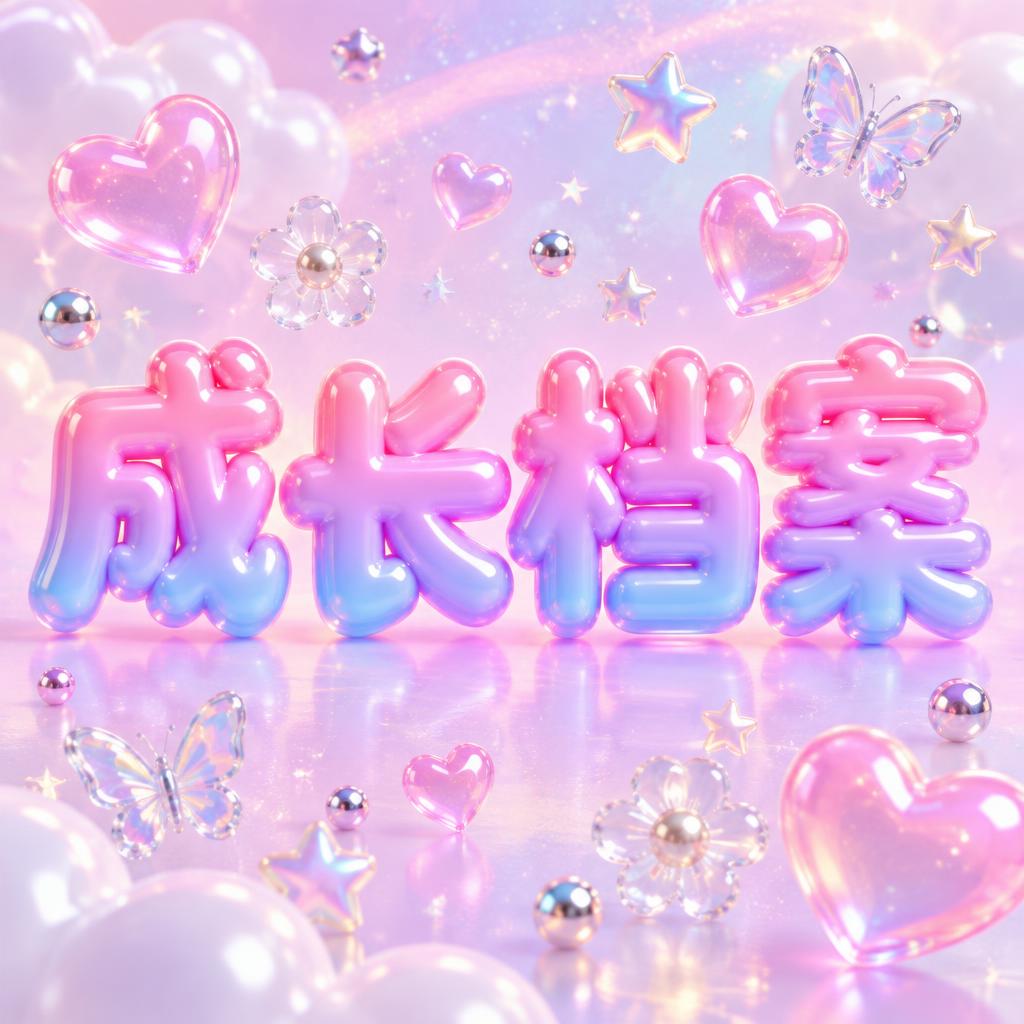
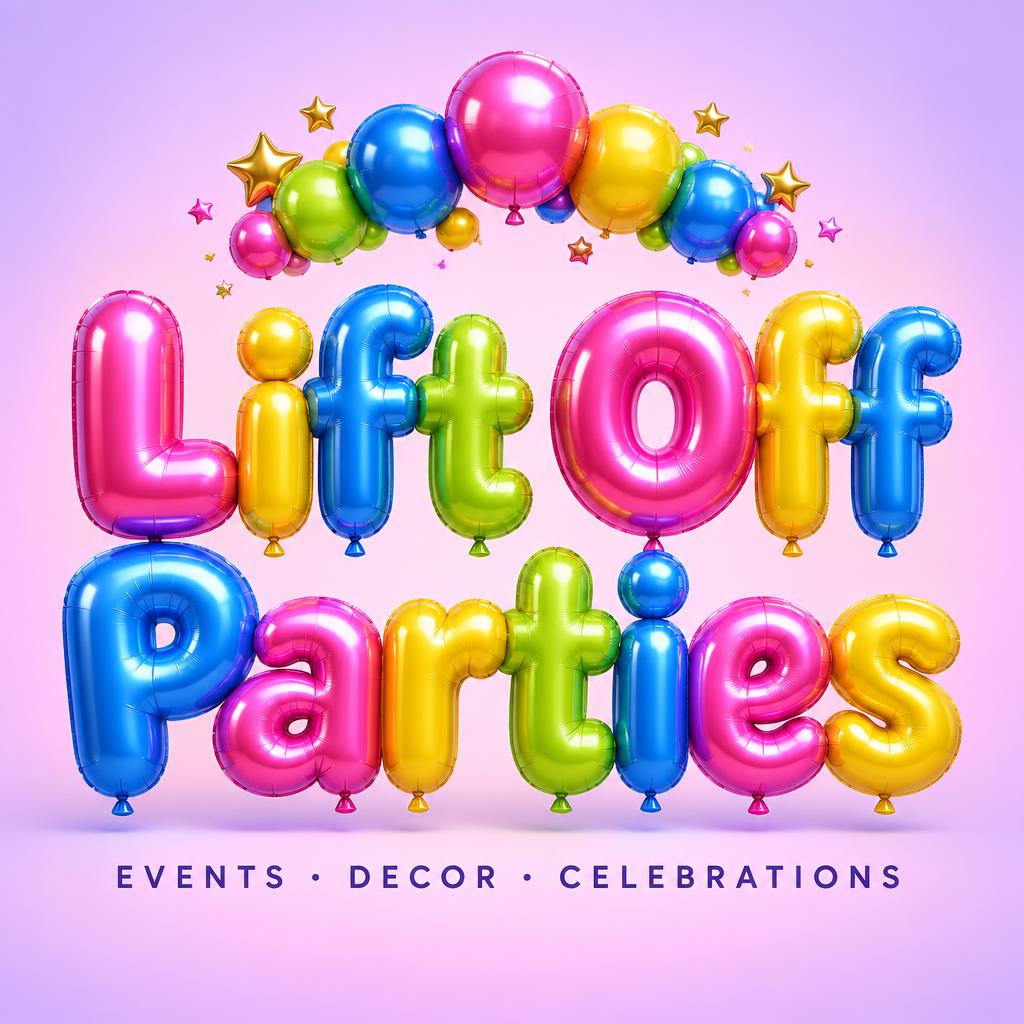
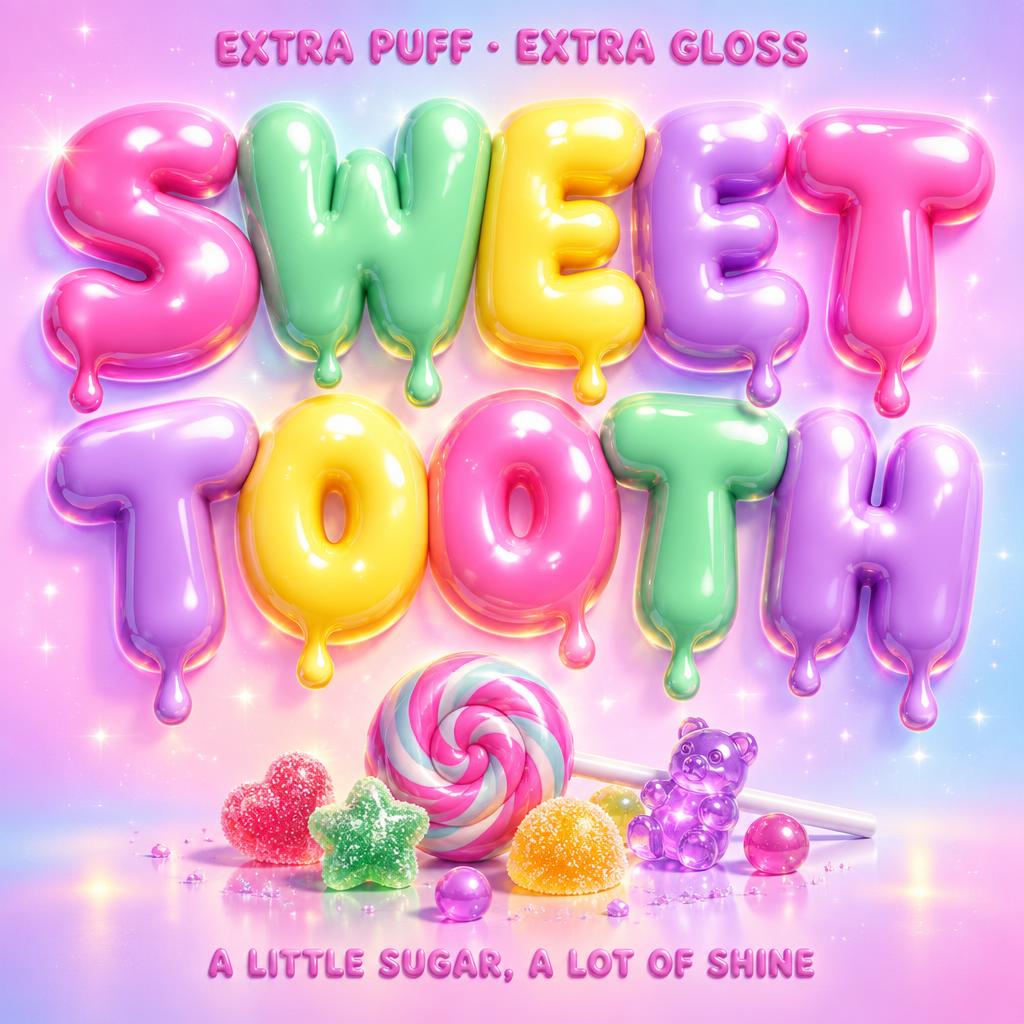
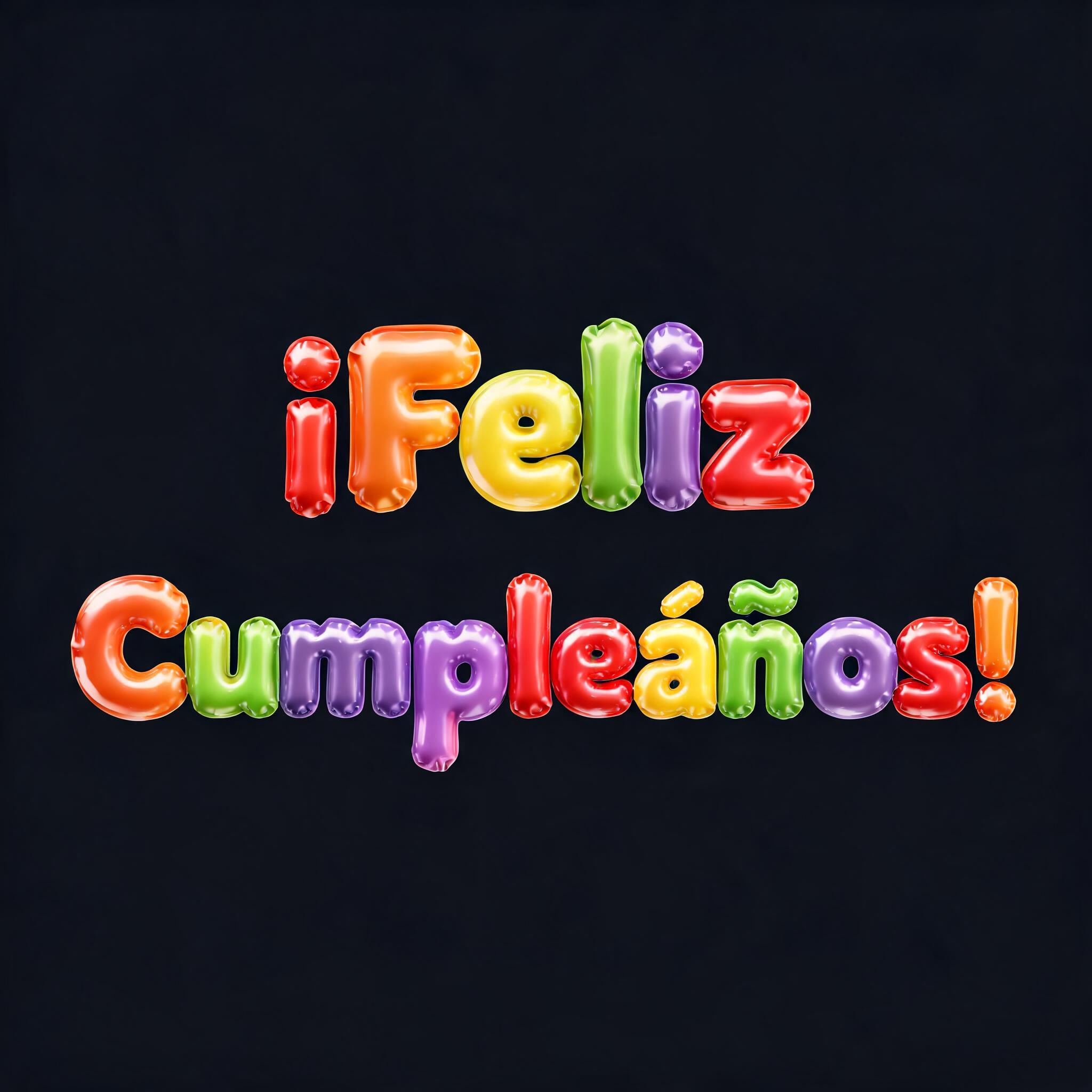
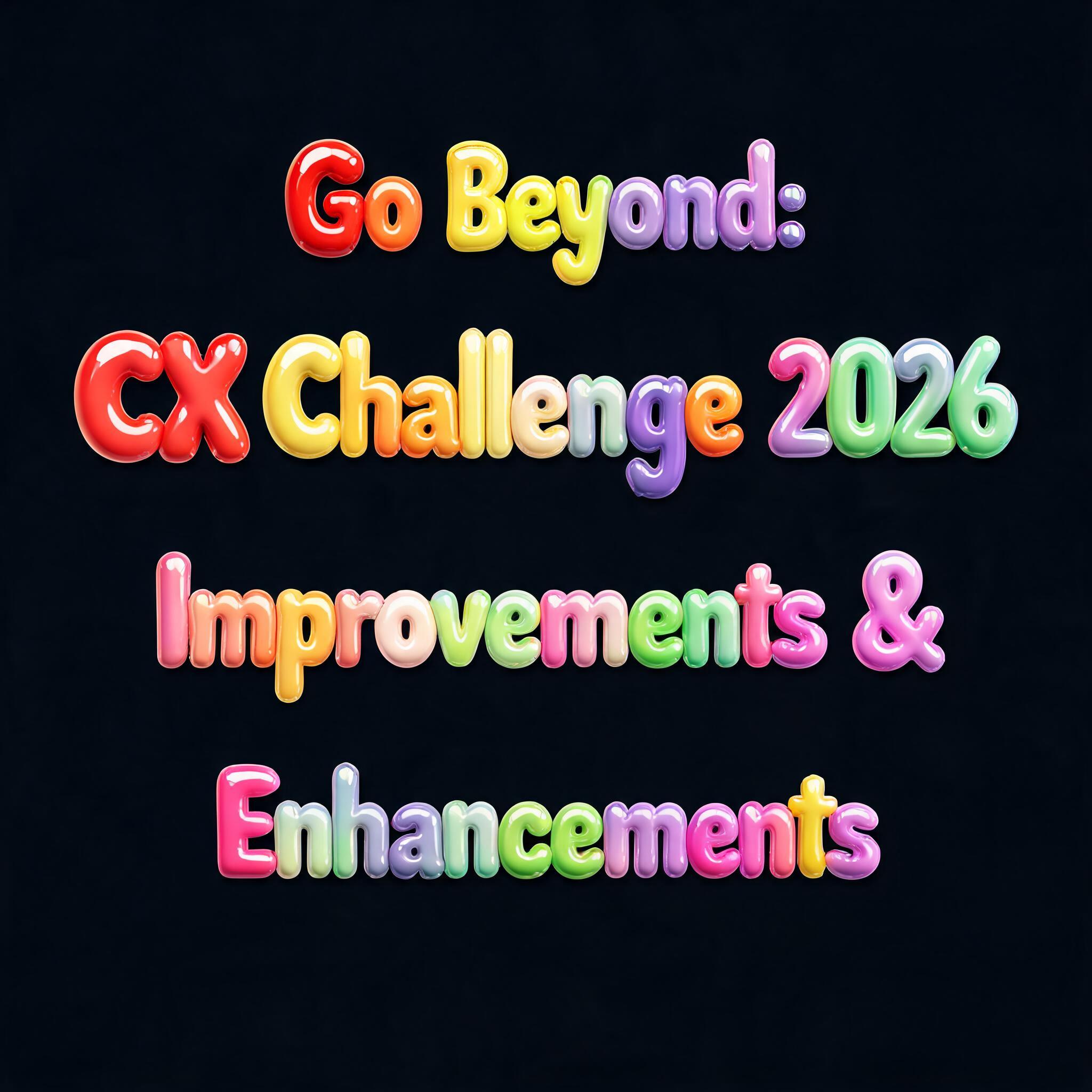
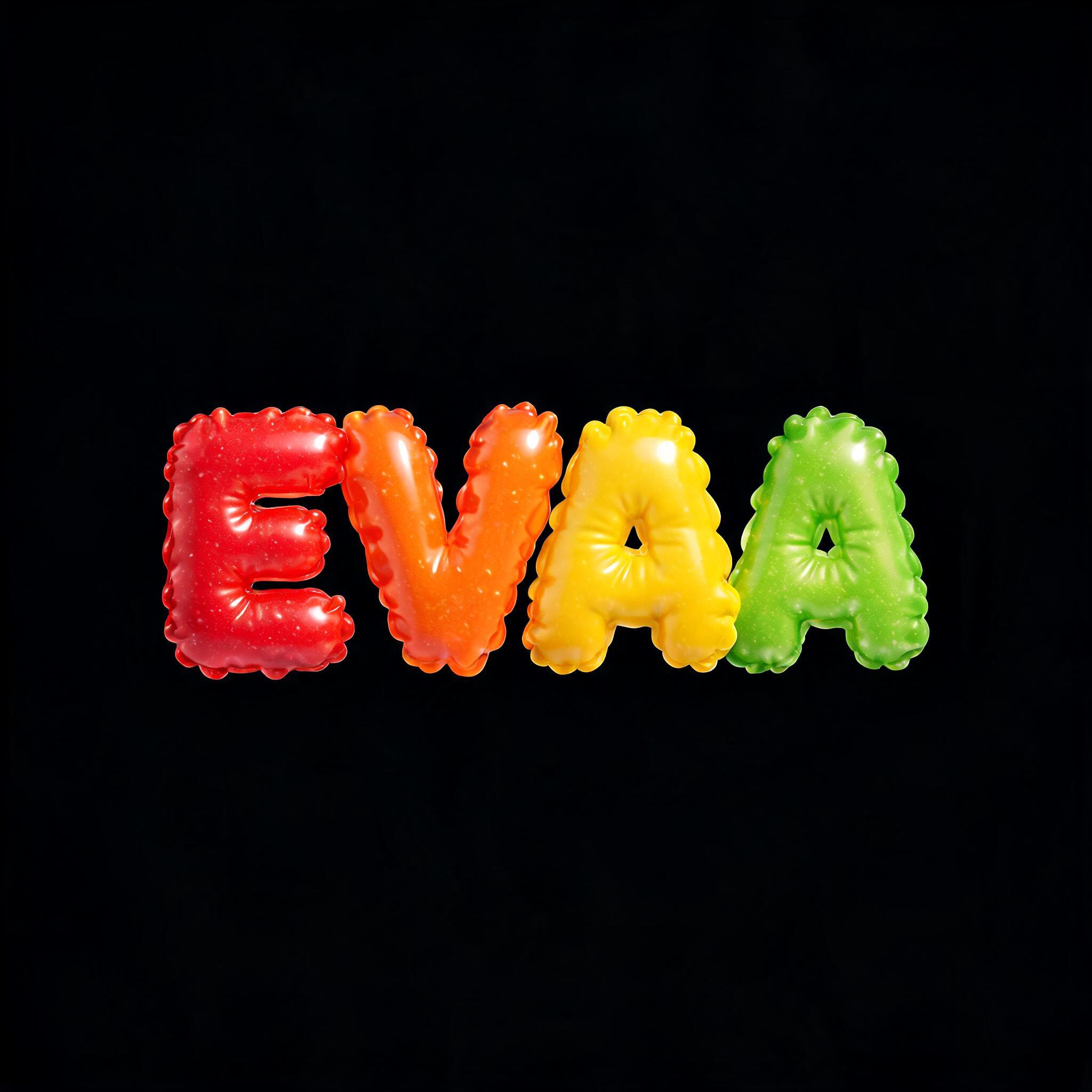
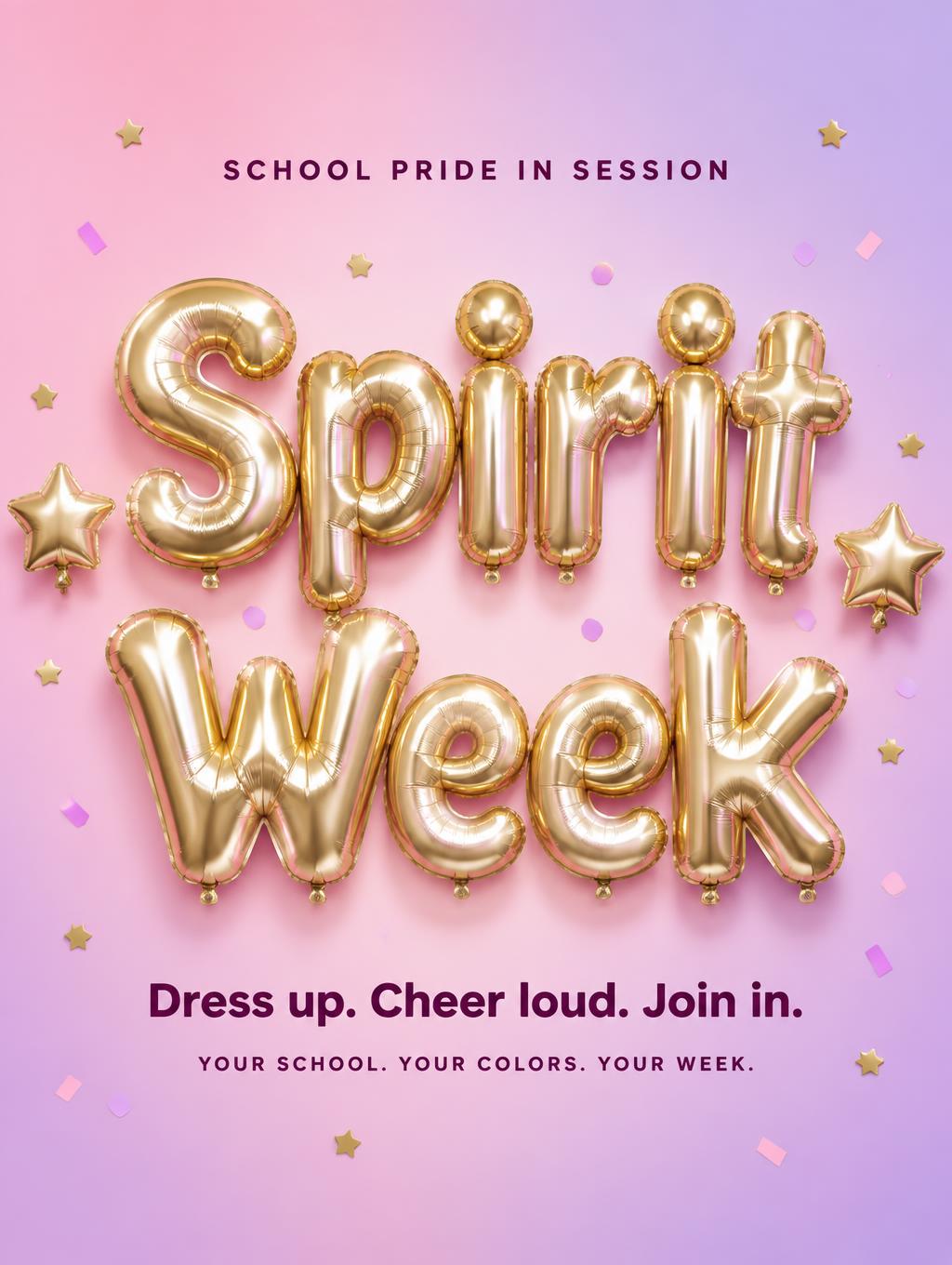
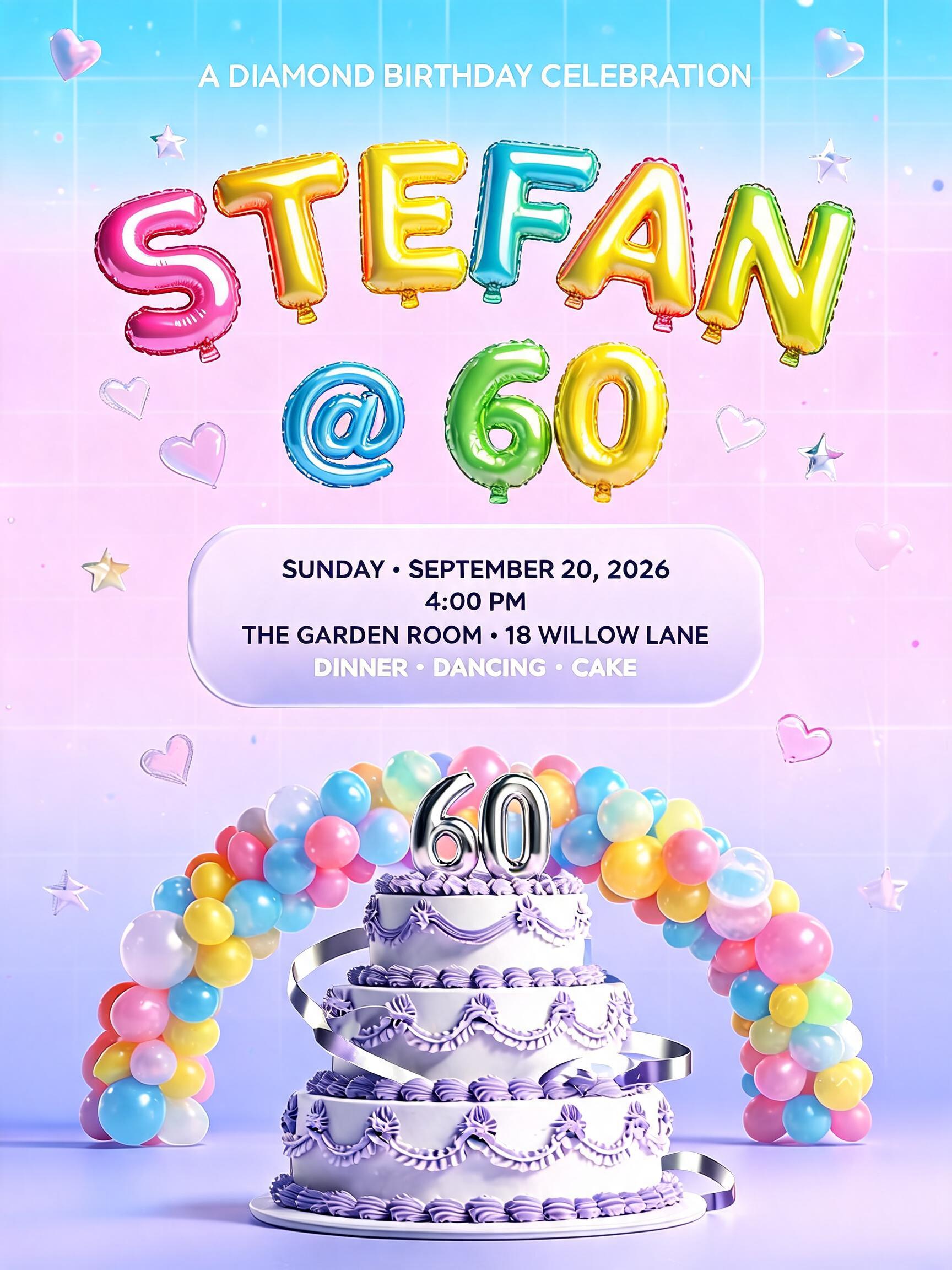
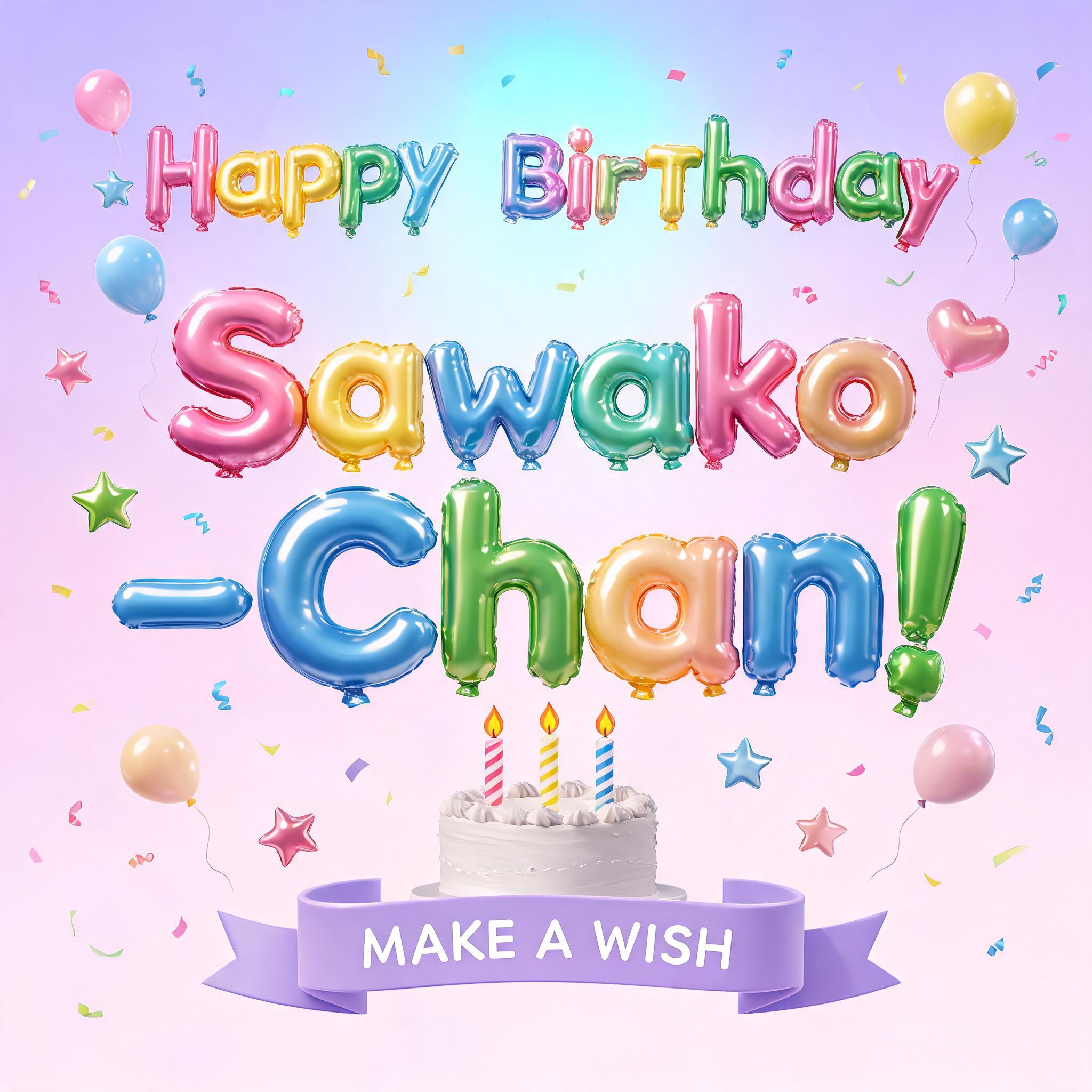
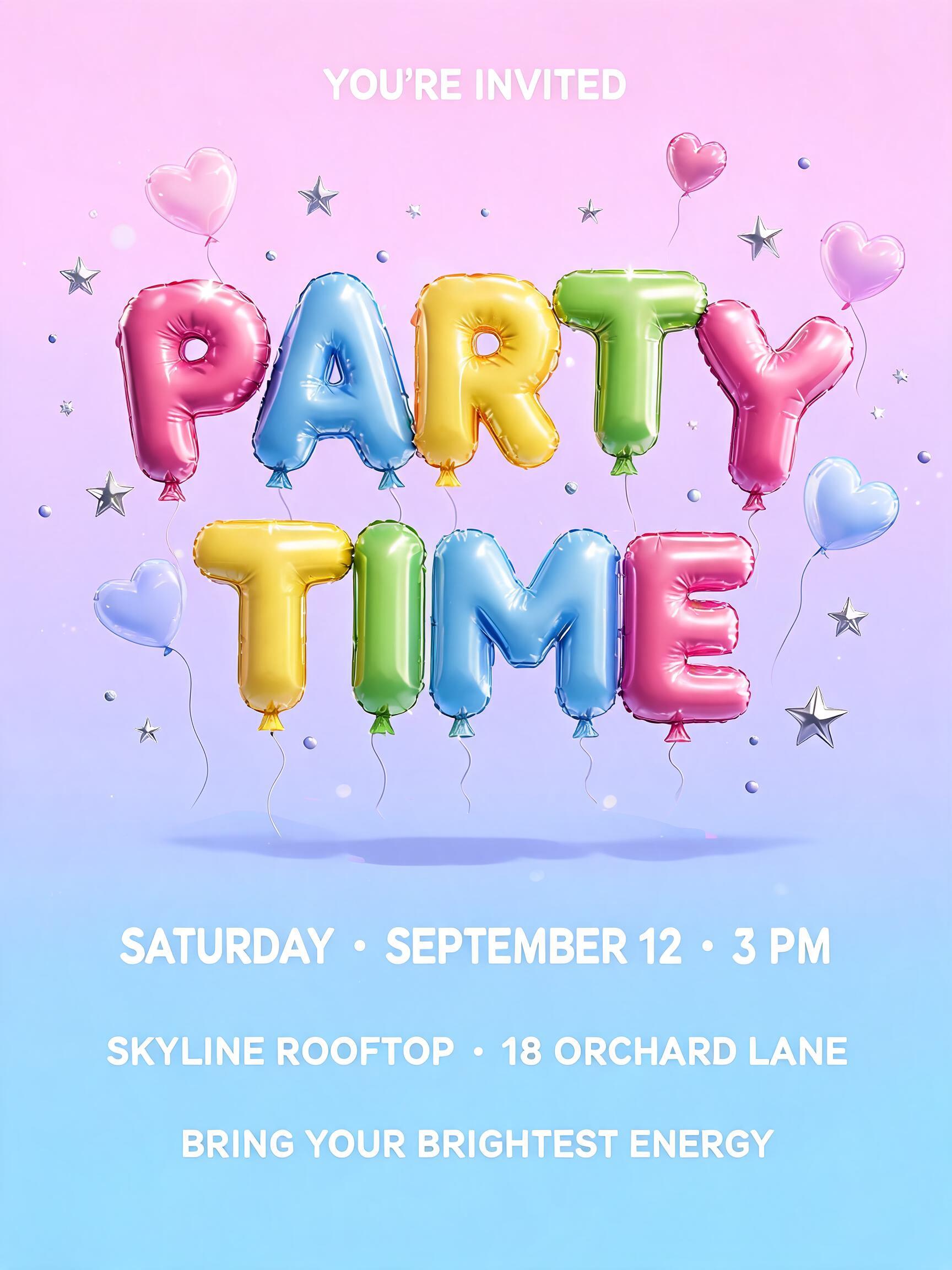
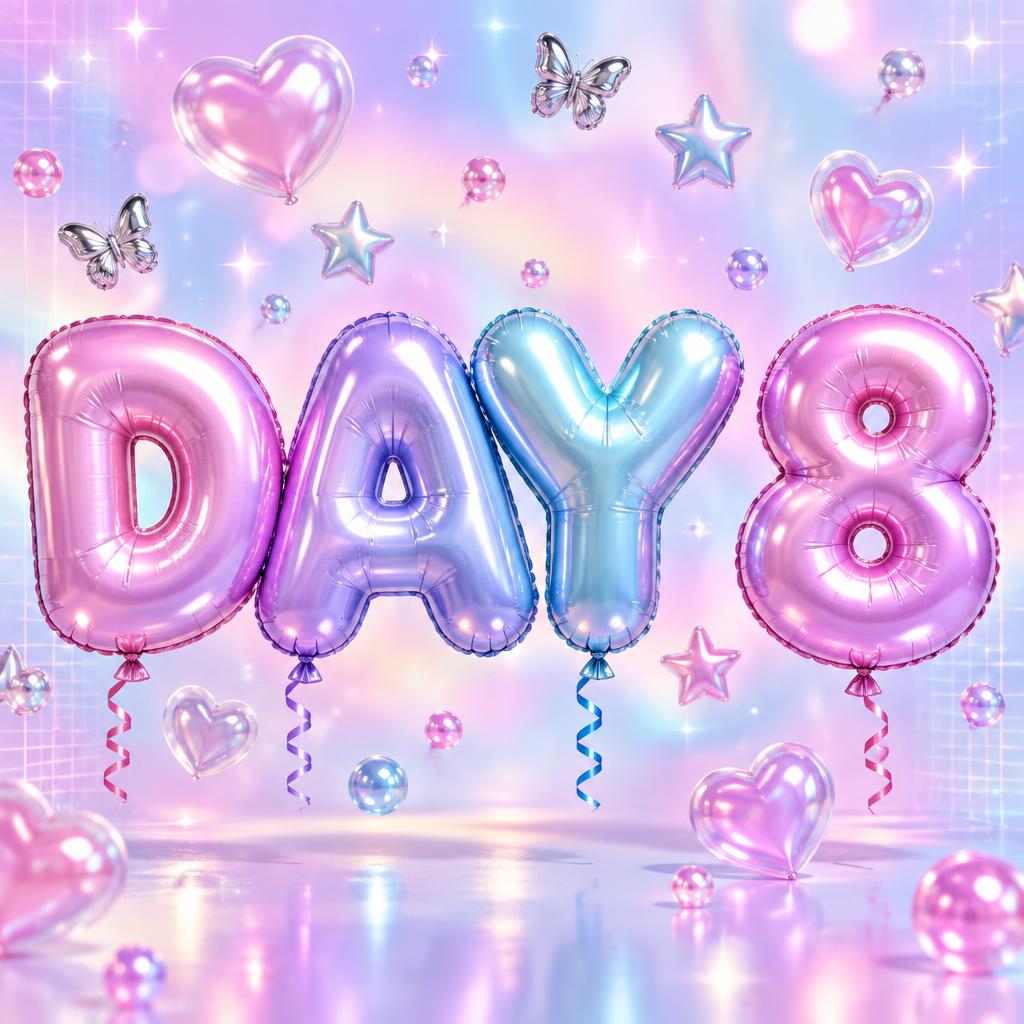
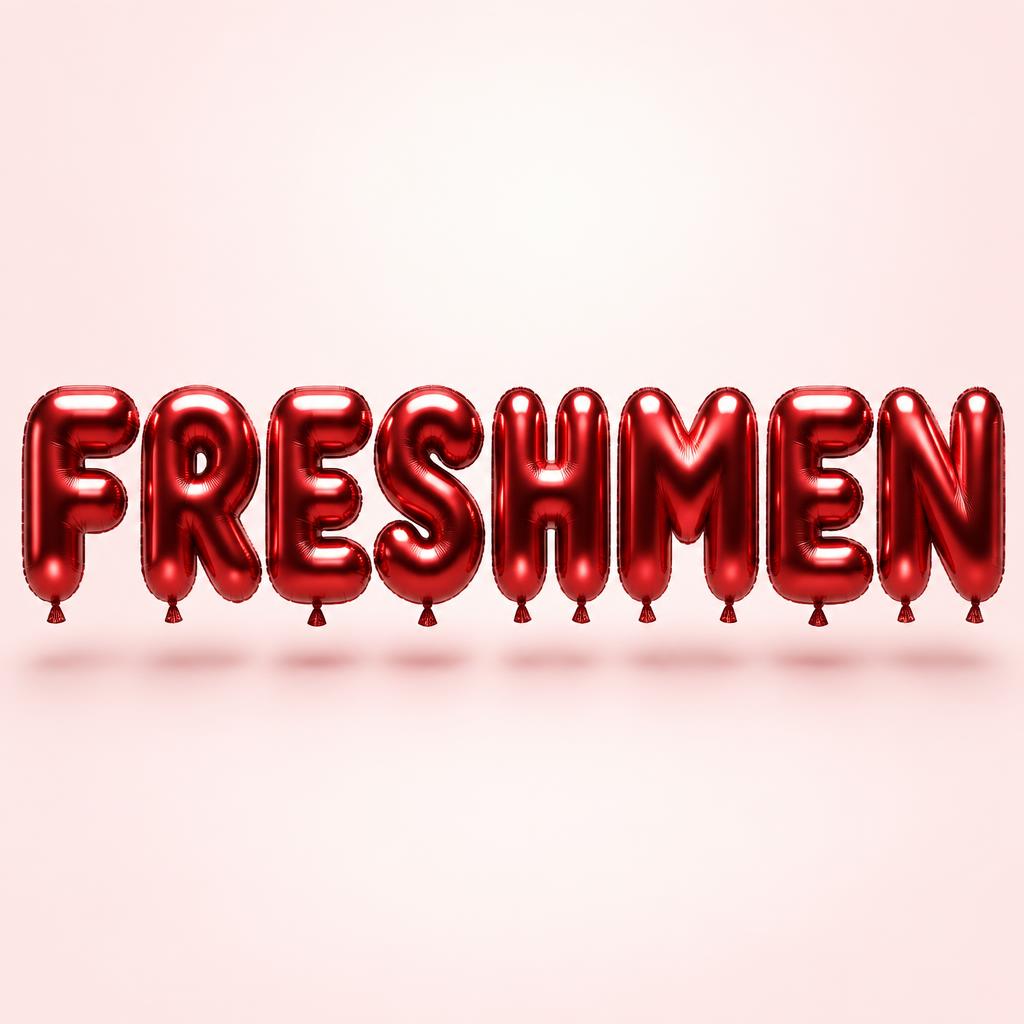
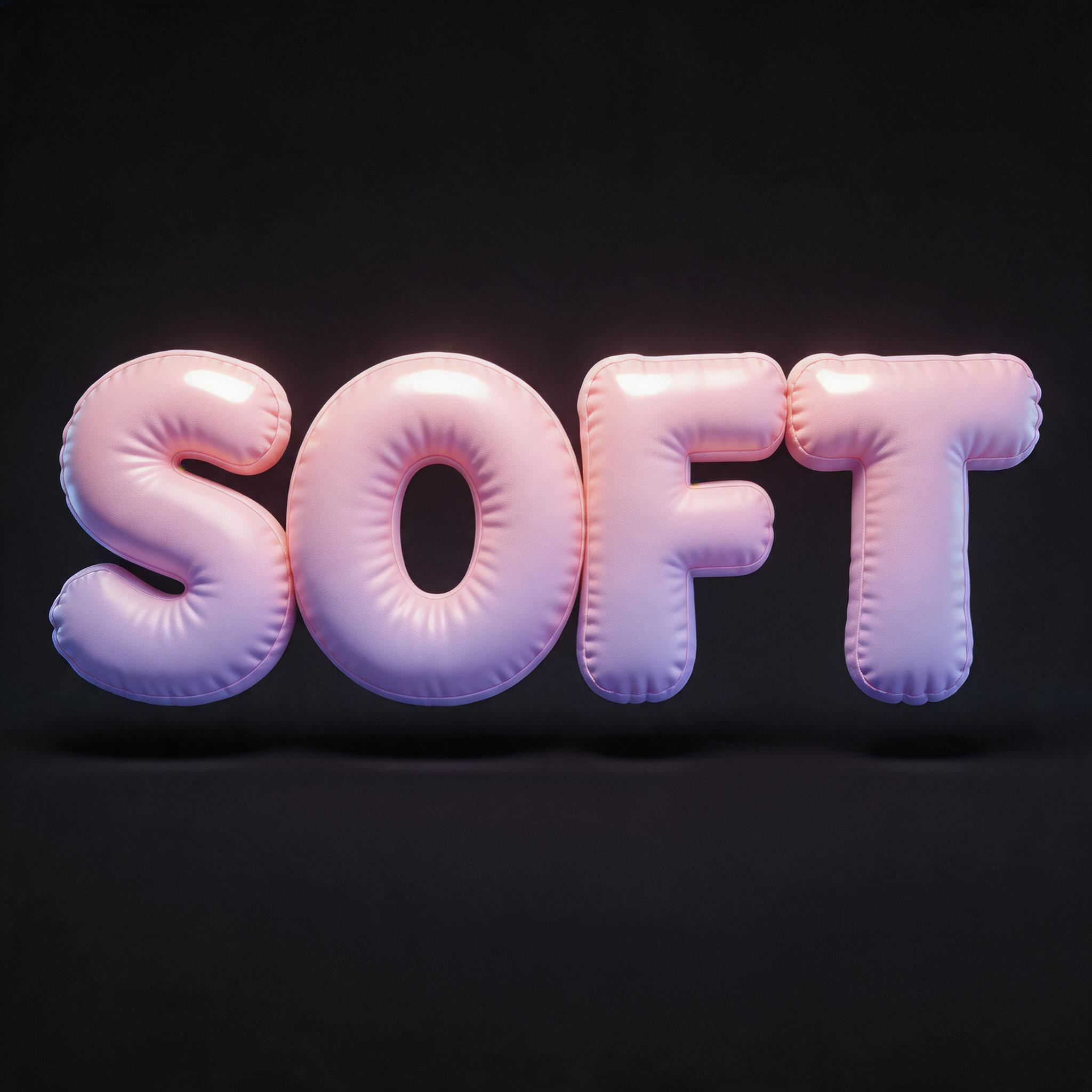
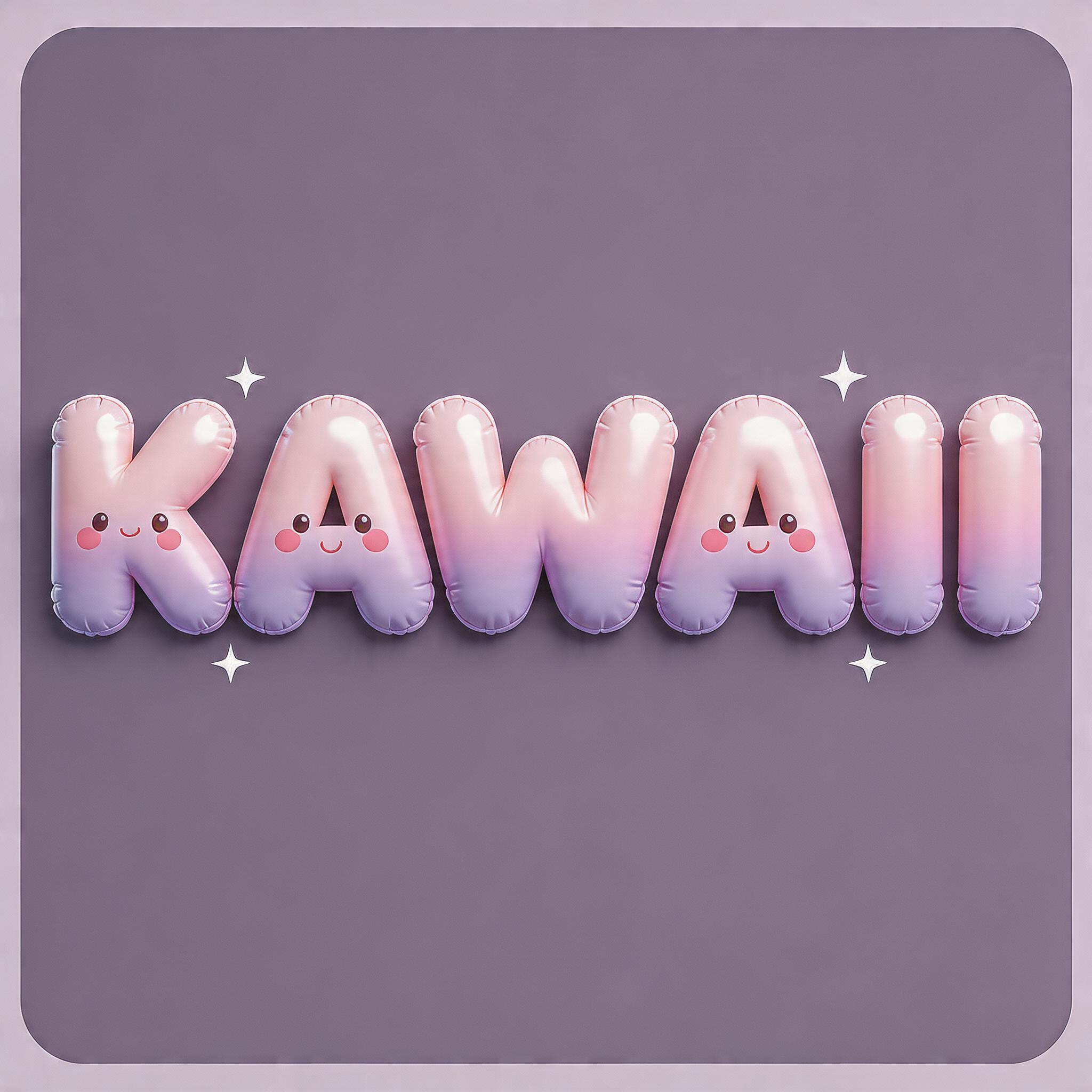
Every image below was generated on FontVibe — no post-editing, no stock photos. This is what candy font generator — free candy text effect actually looks like.




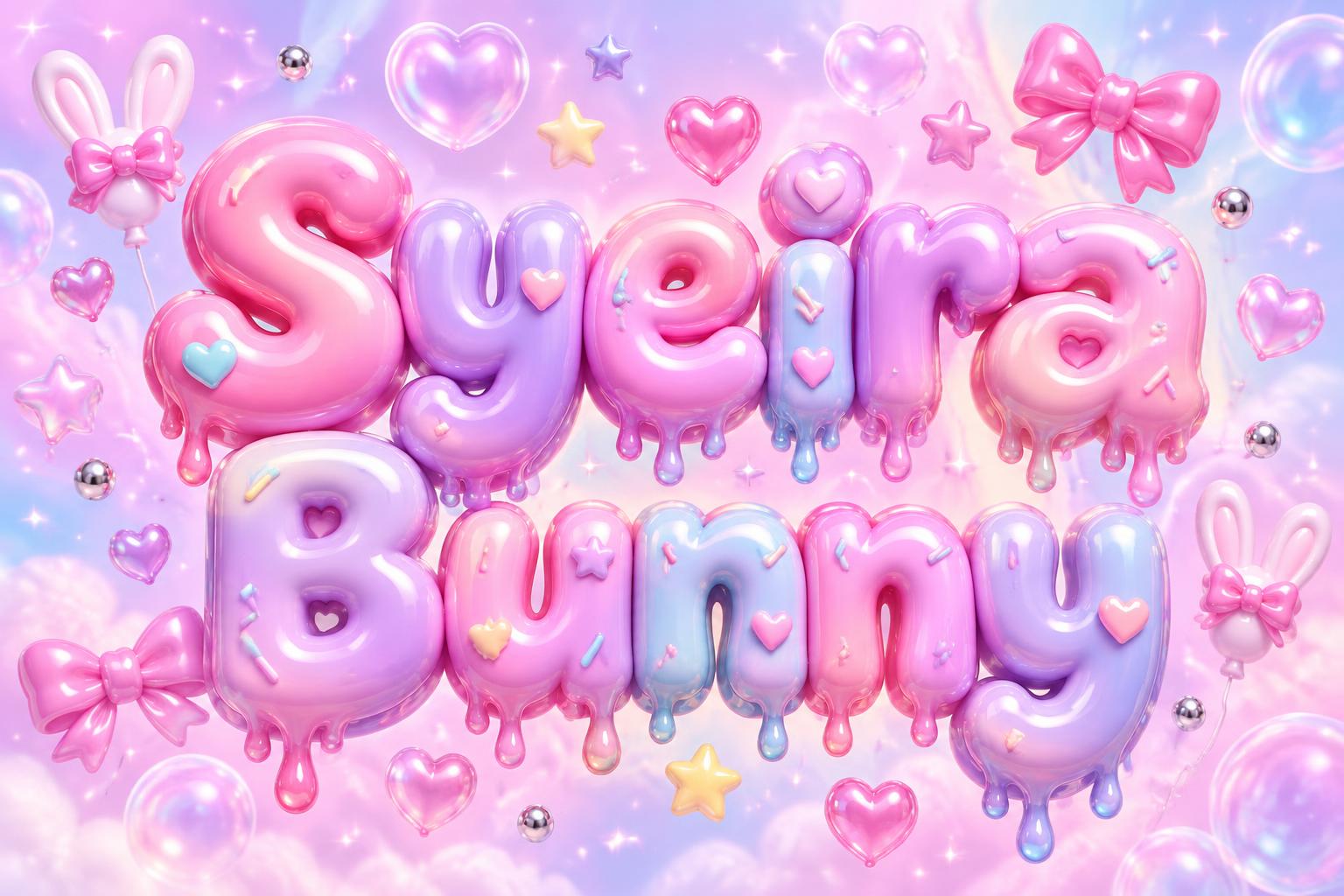
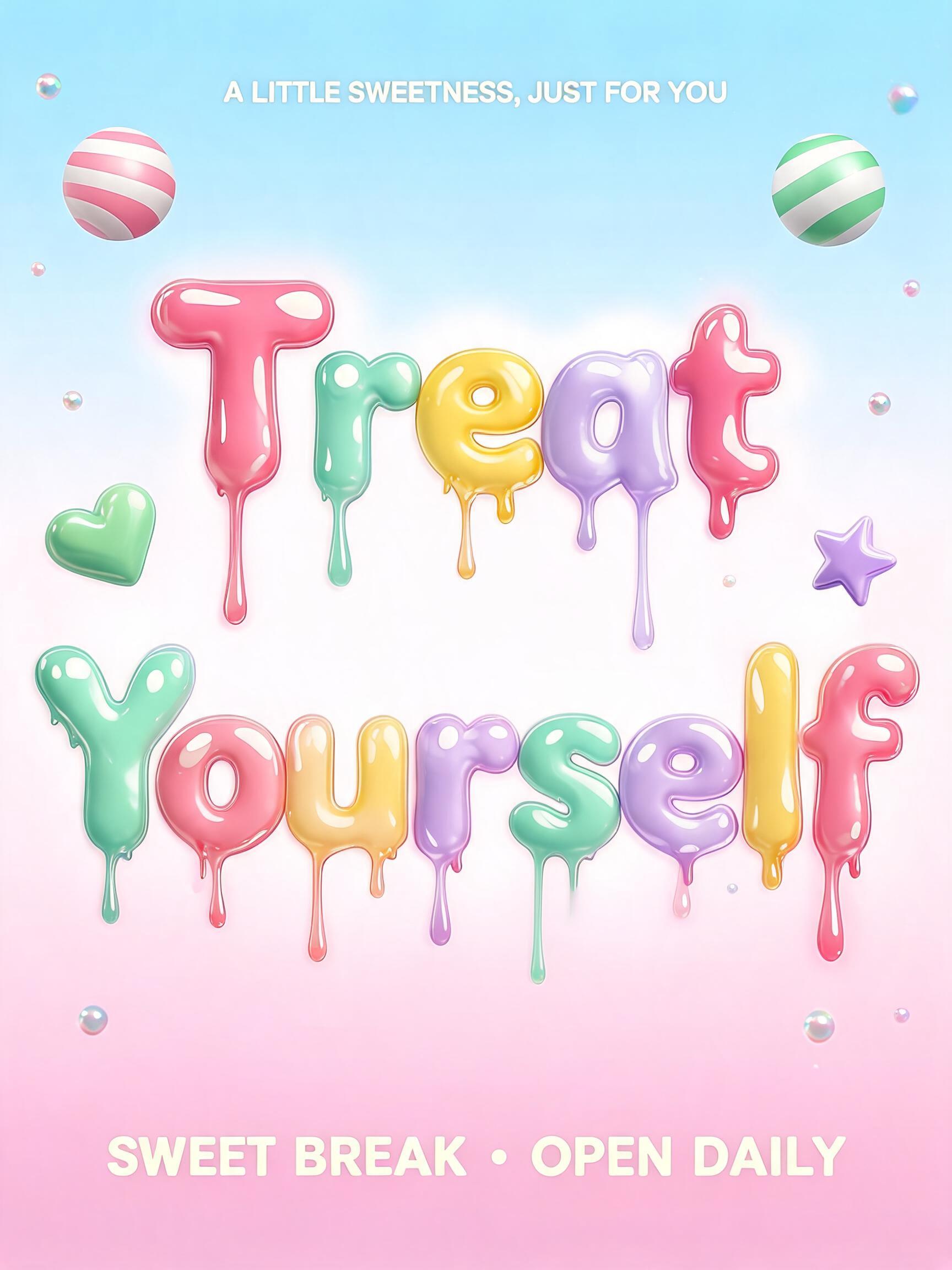
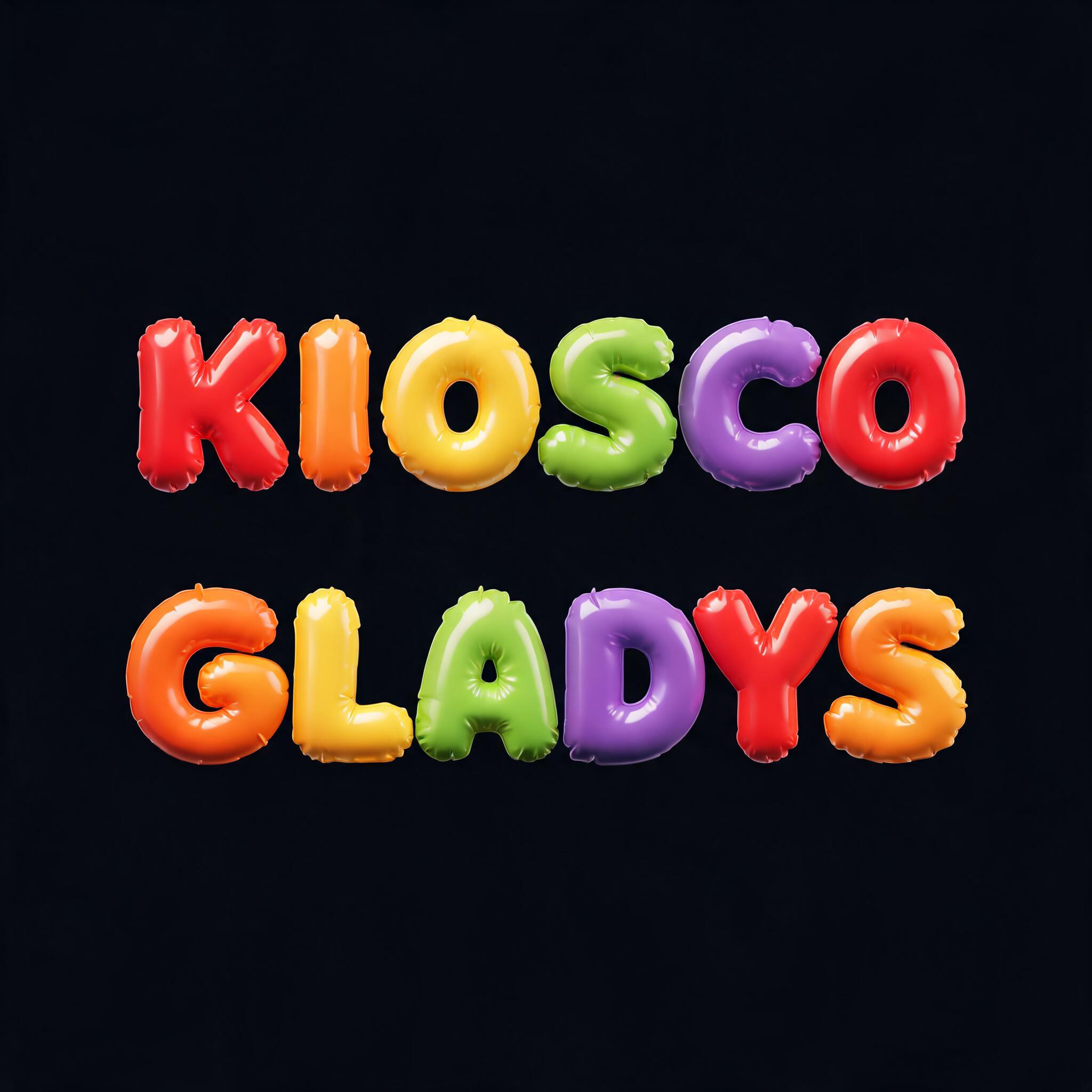


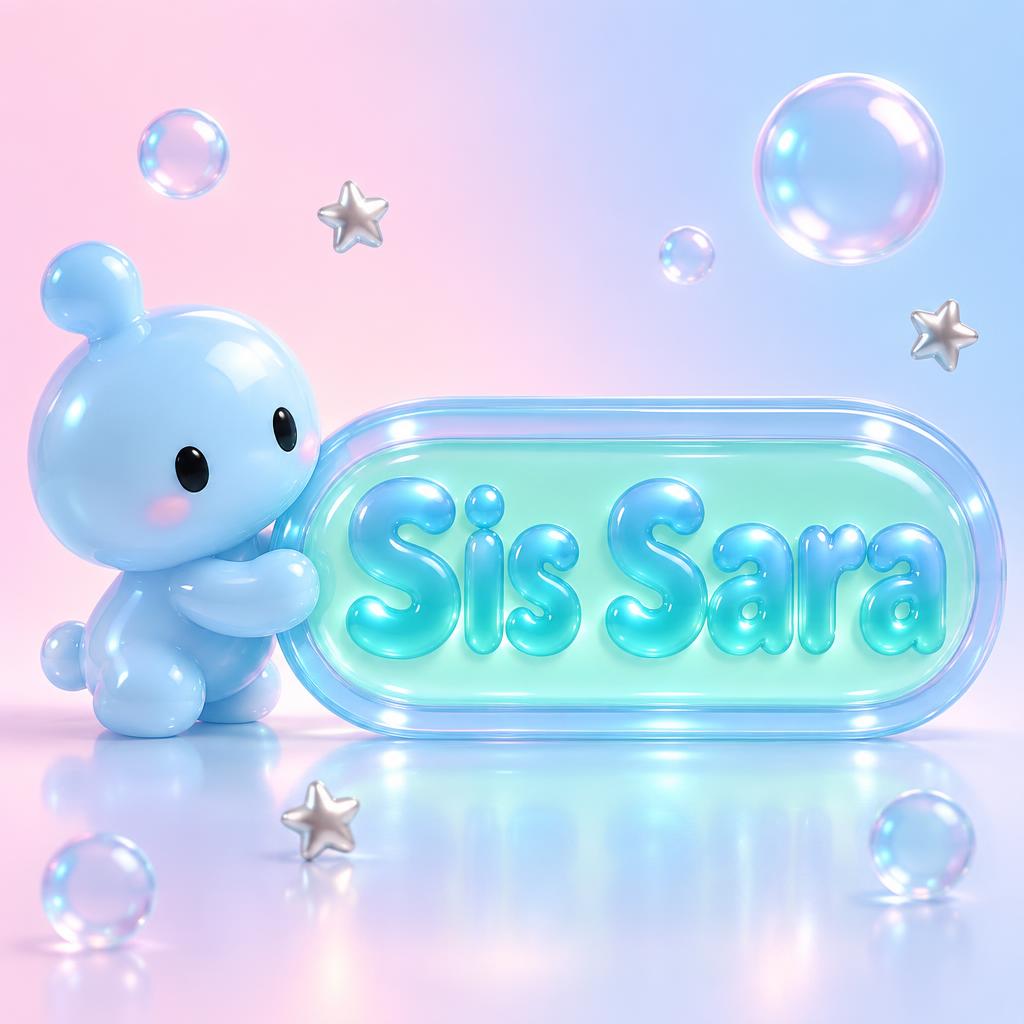




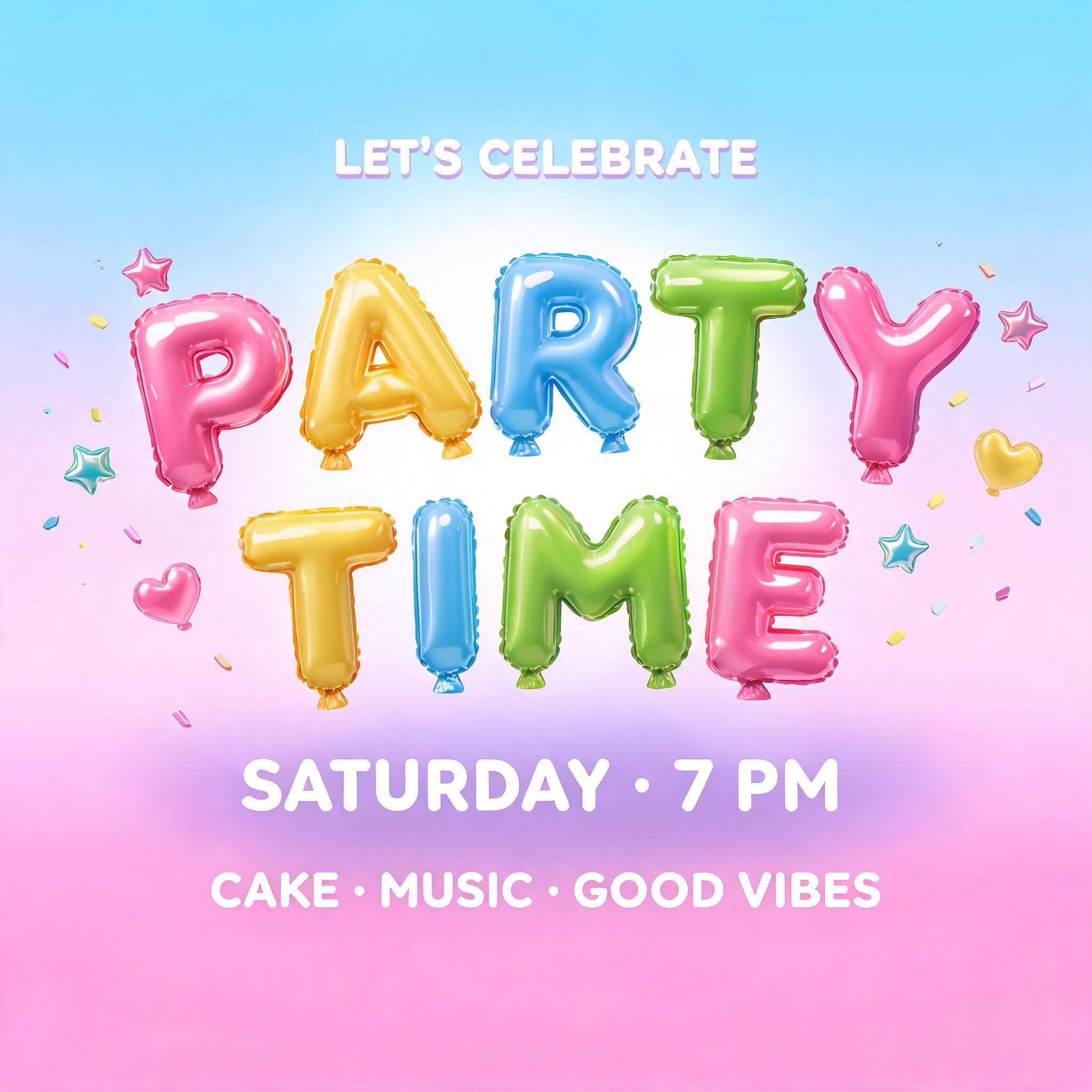
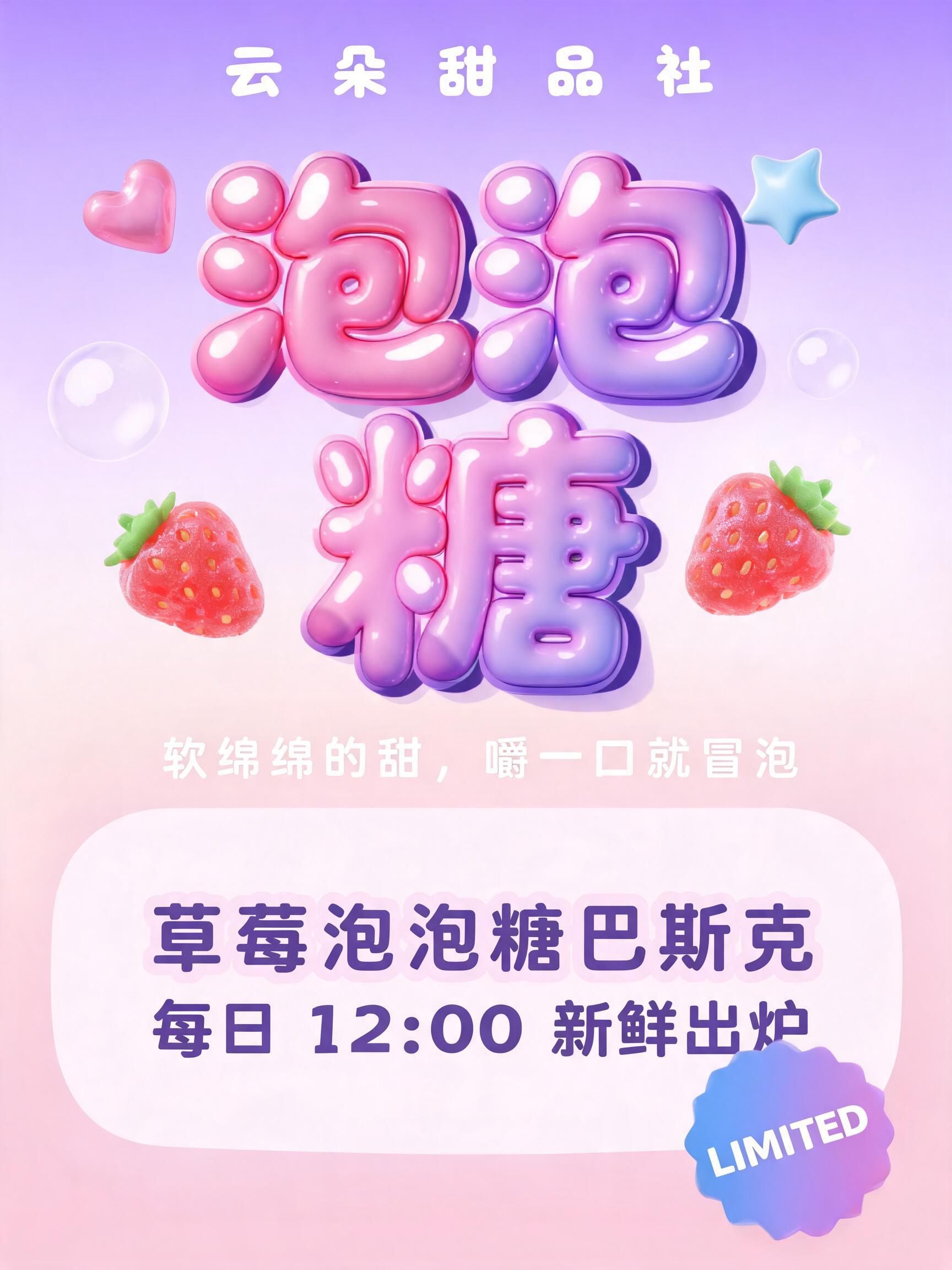

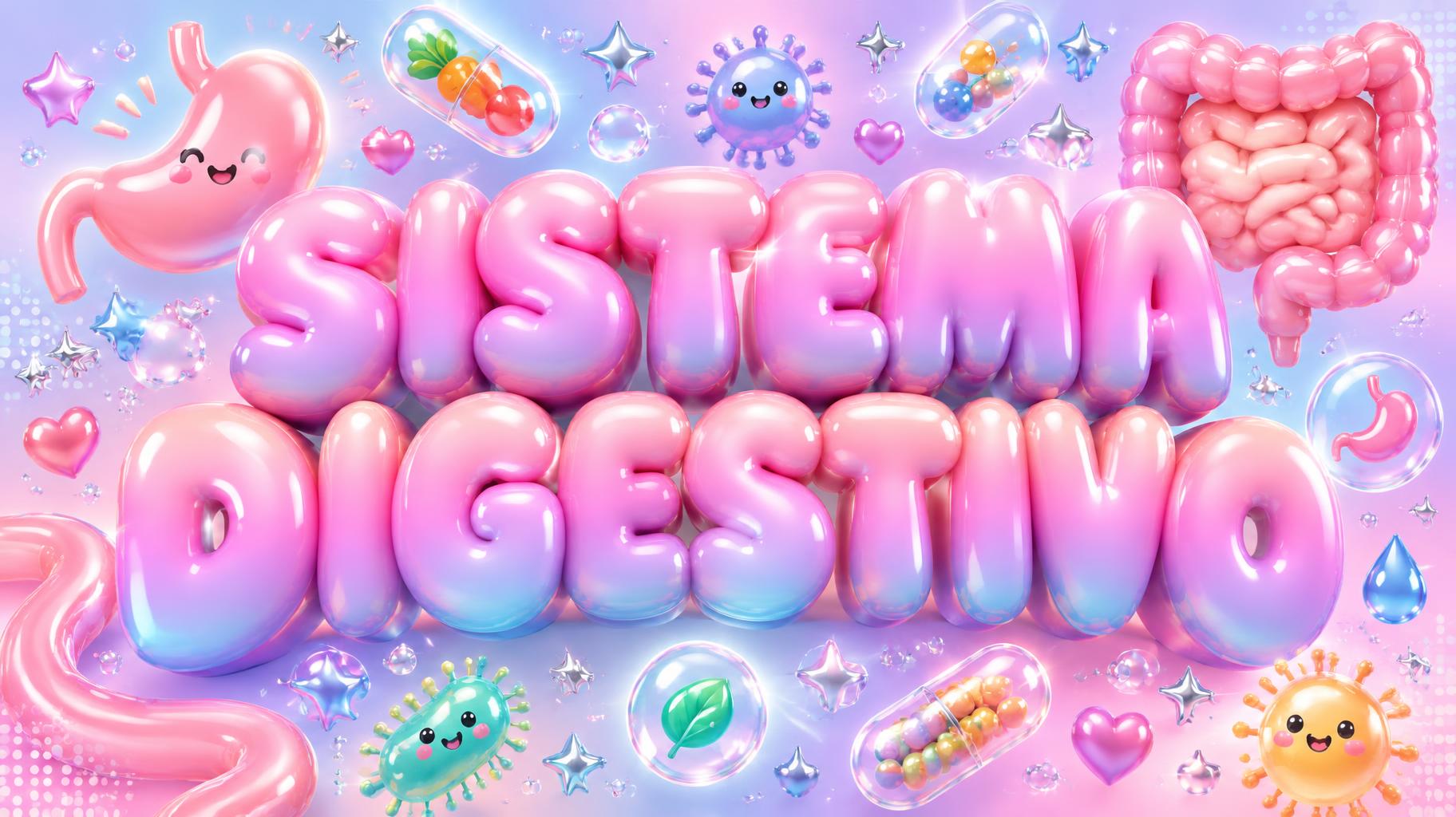
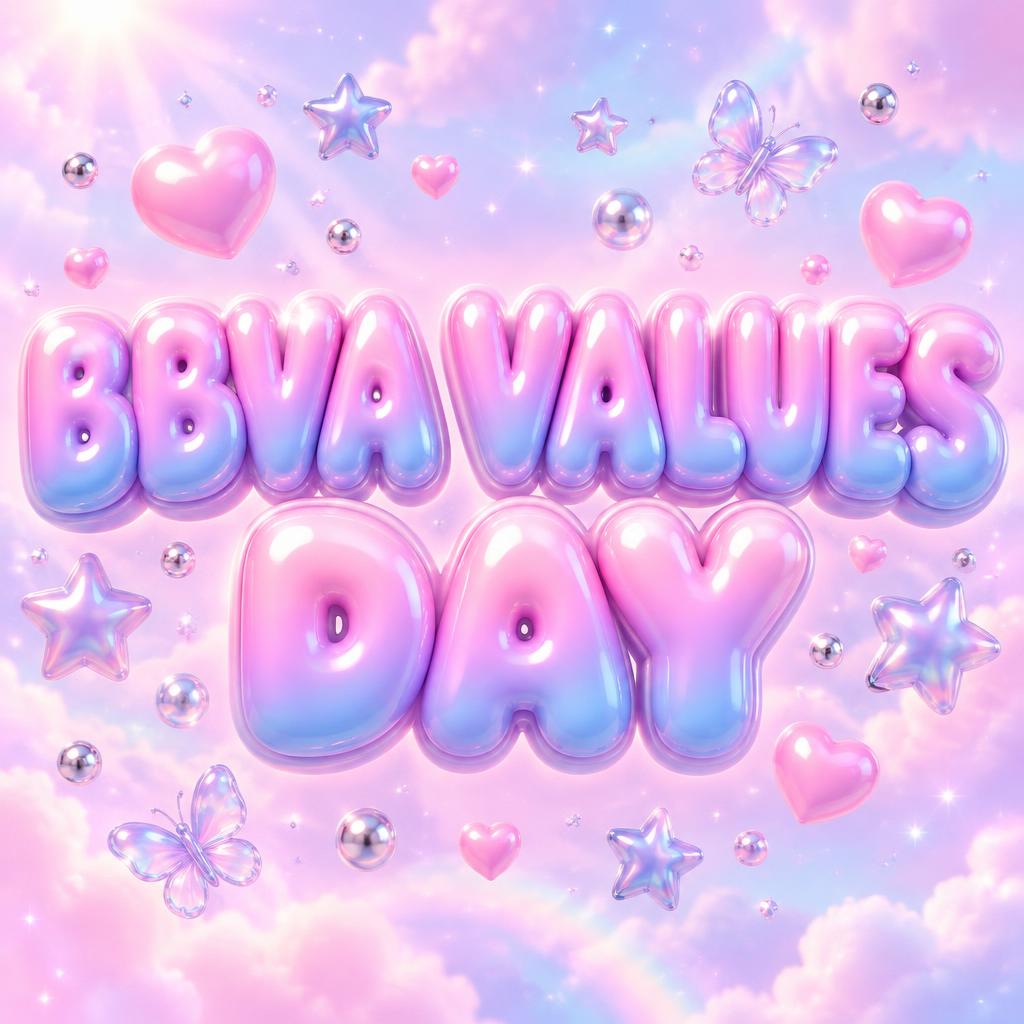
✦ More Candy Font Generator Use Cases
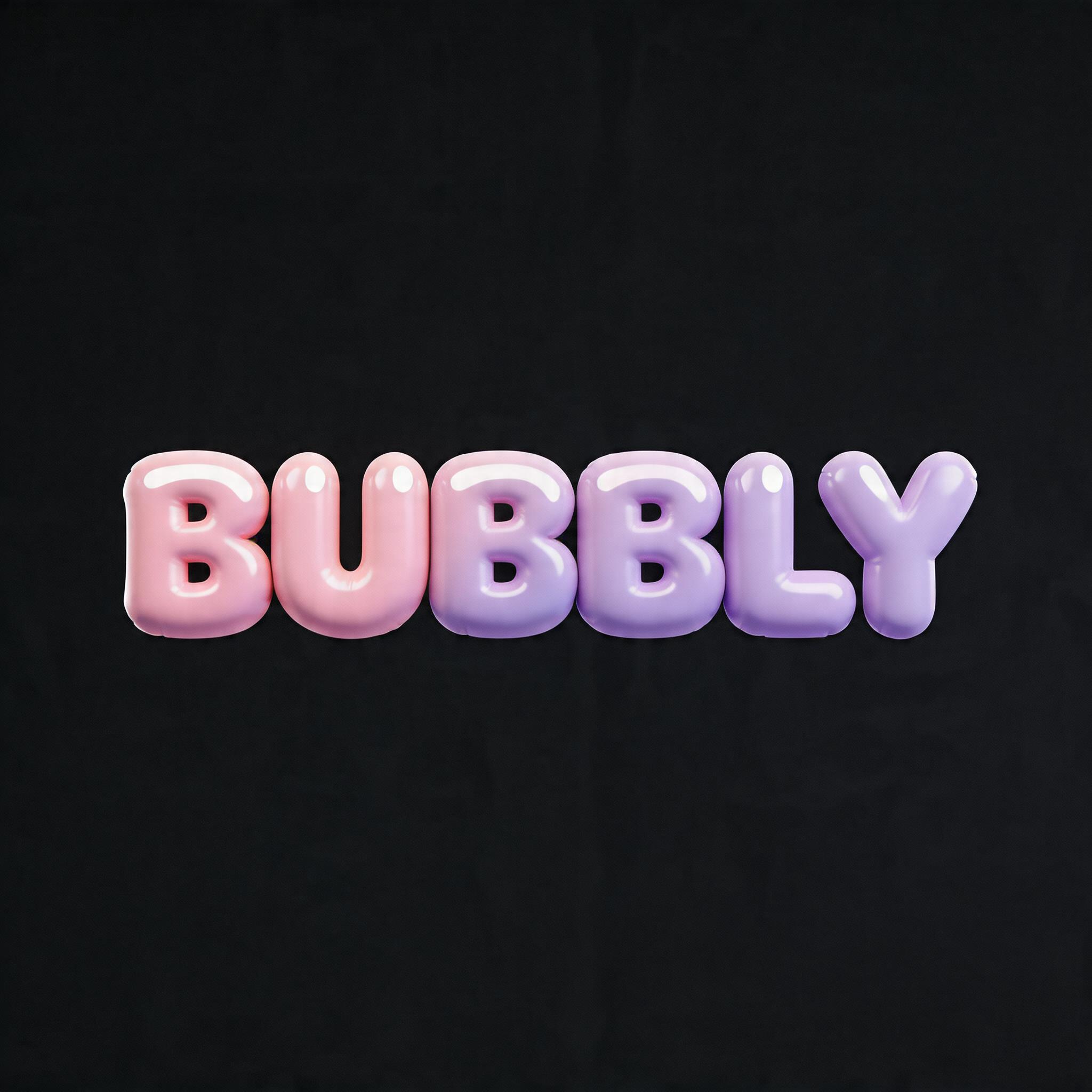
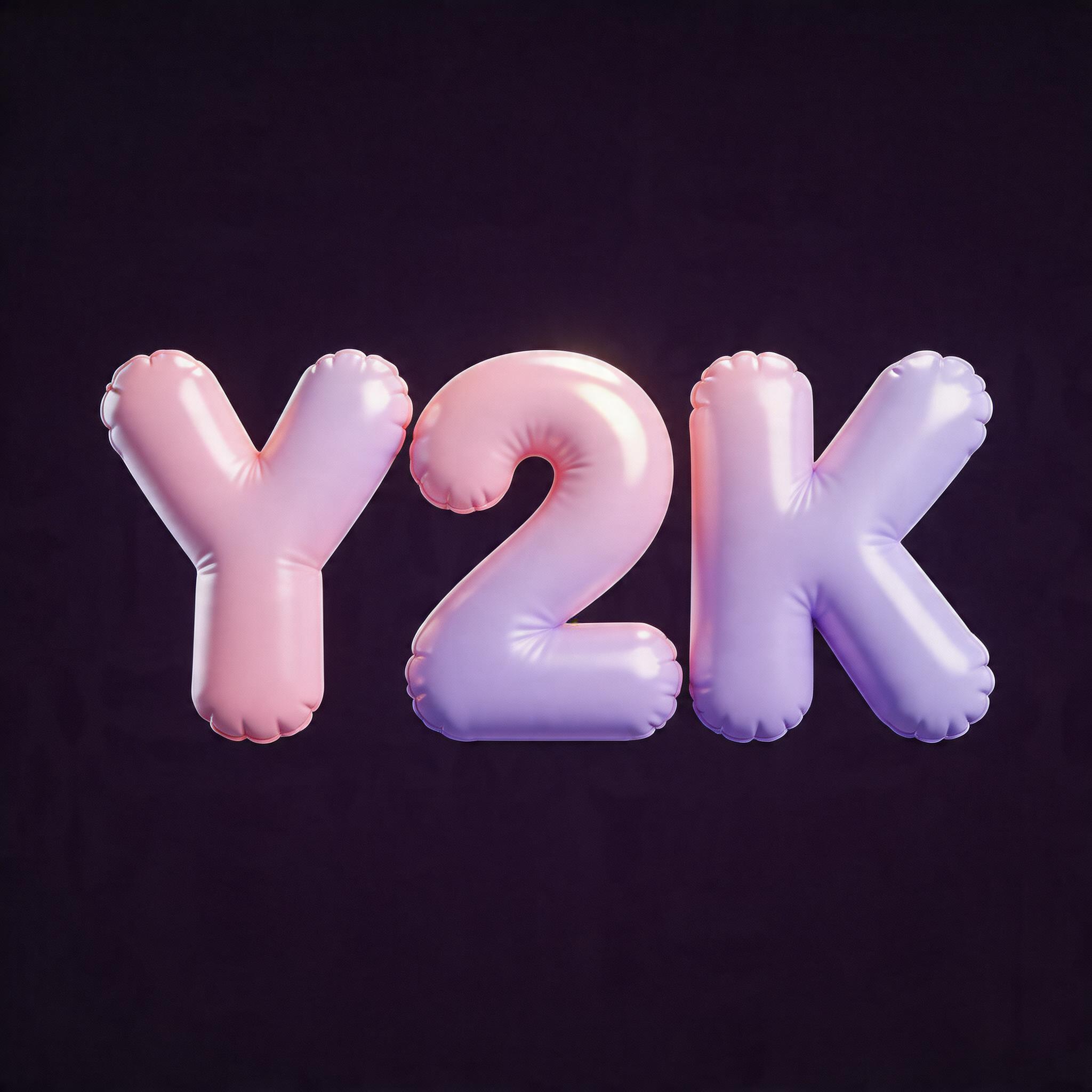
Explore more ways to use Y2K Bubbly
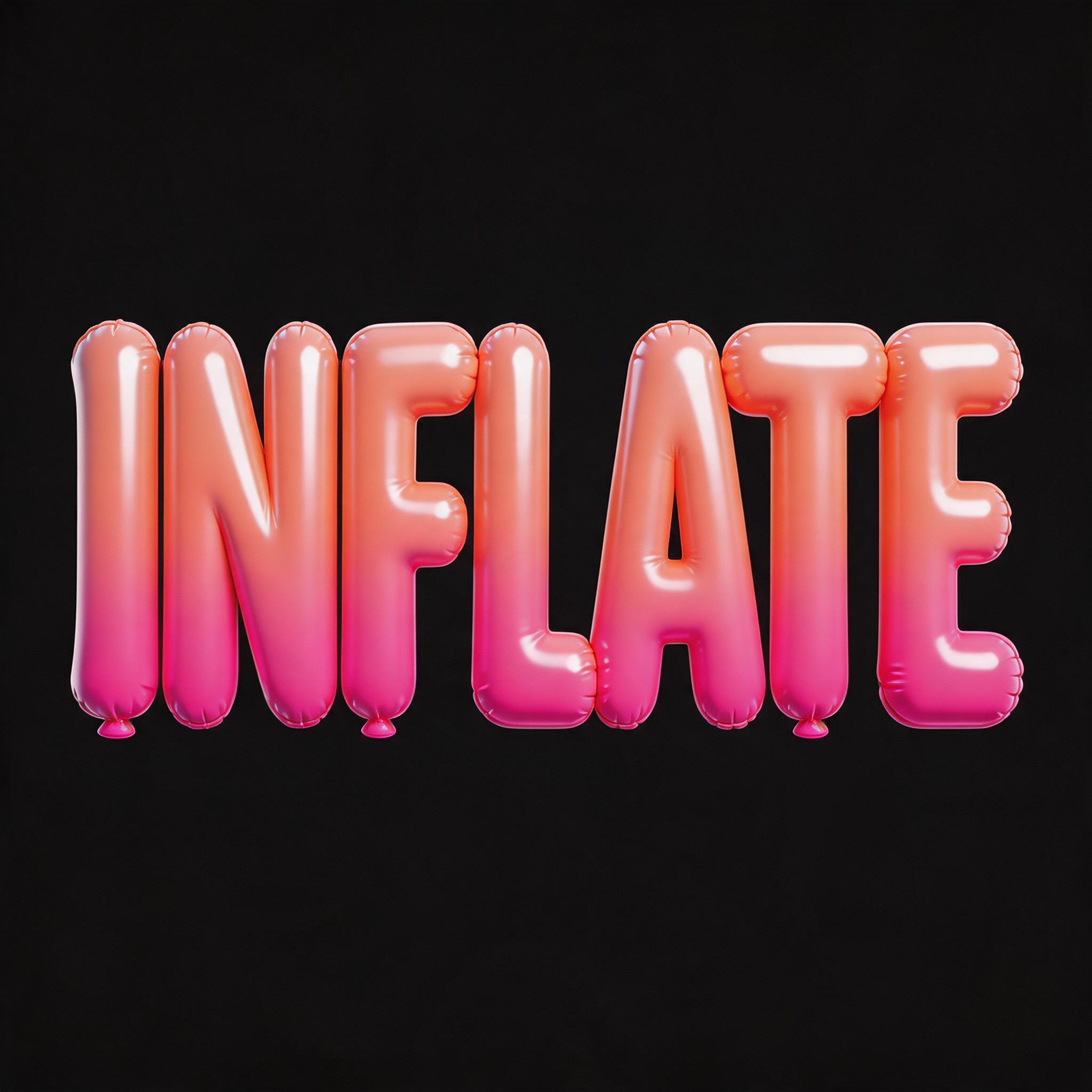
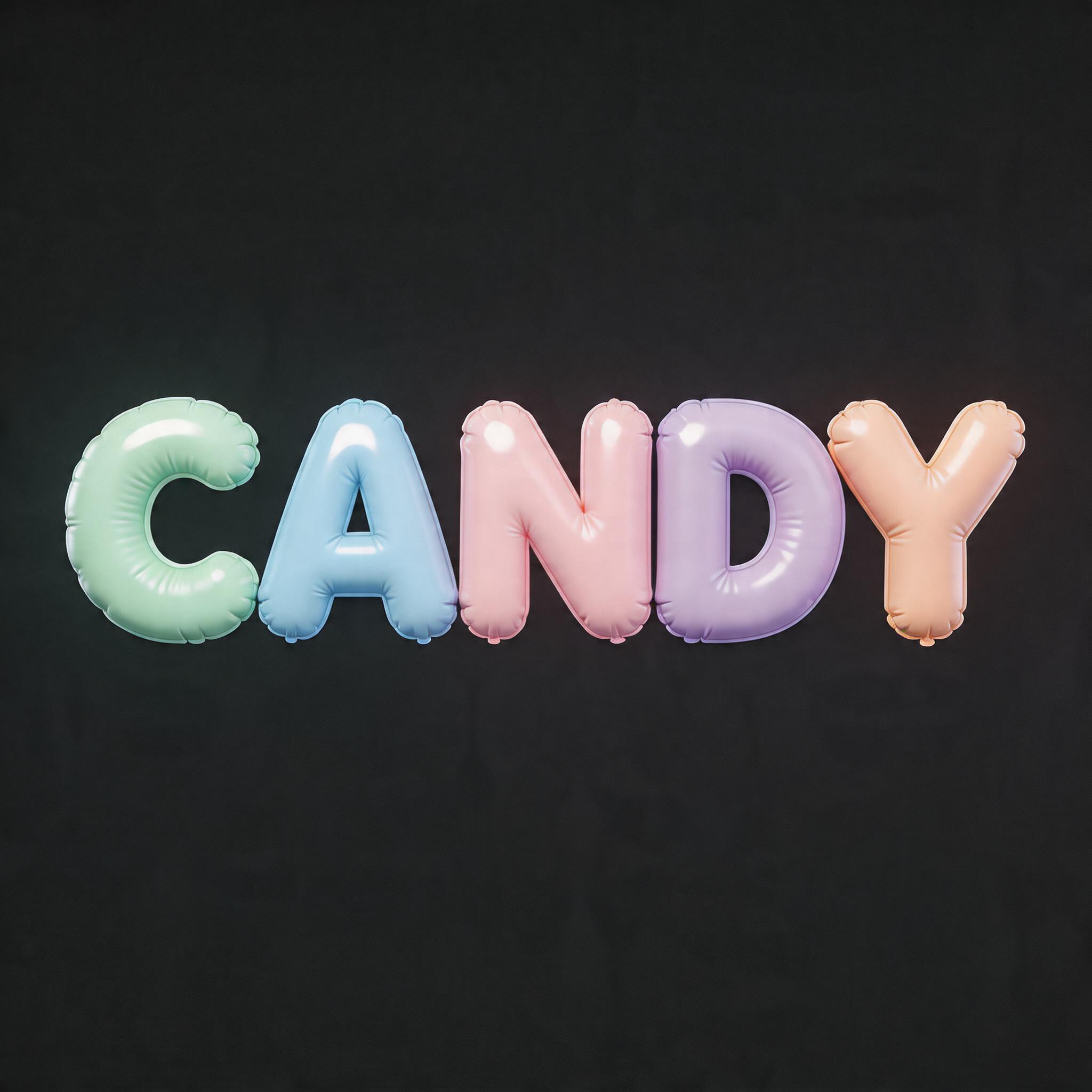
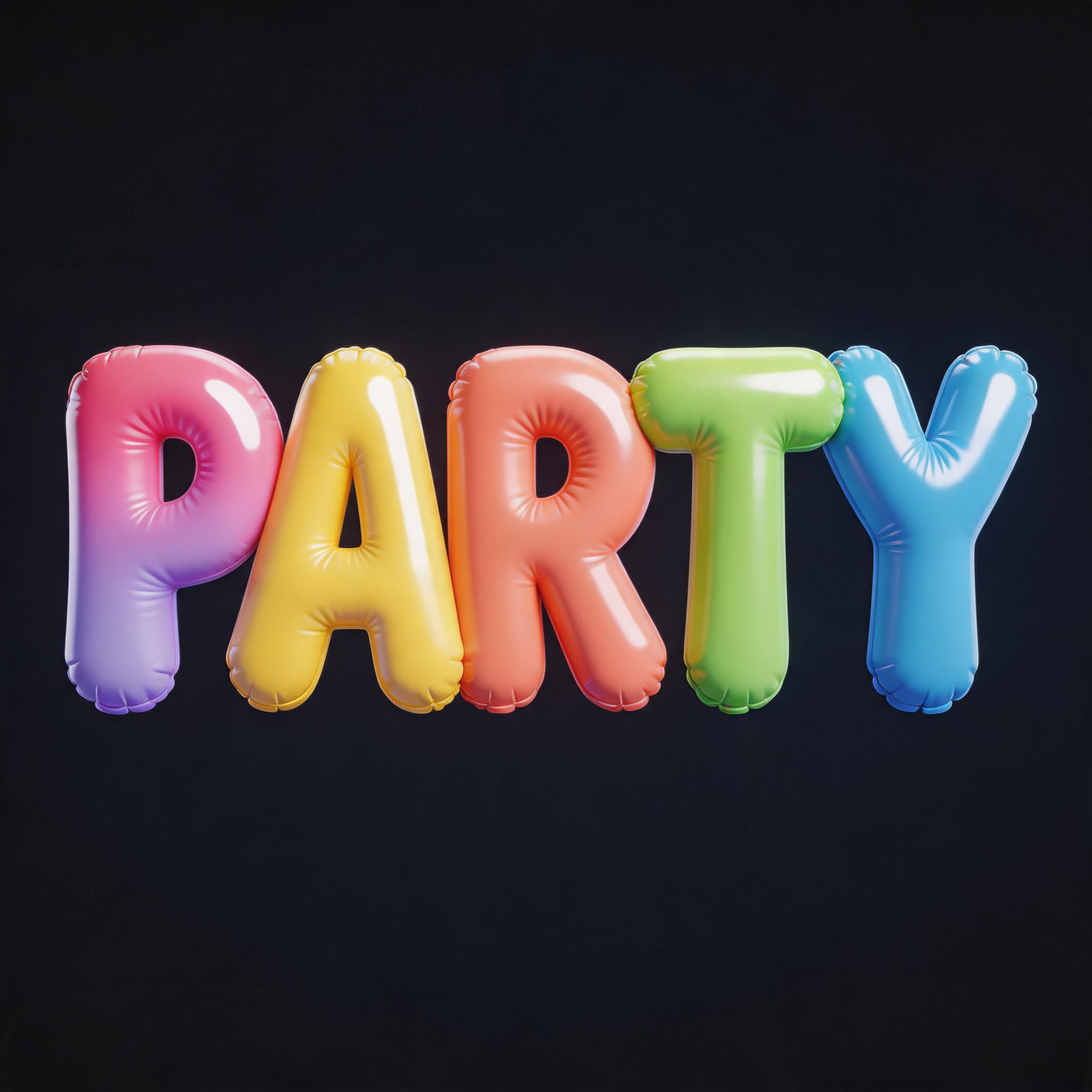
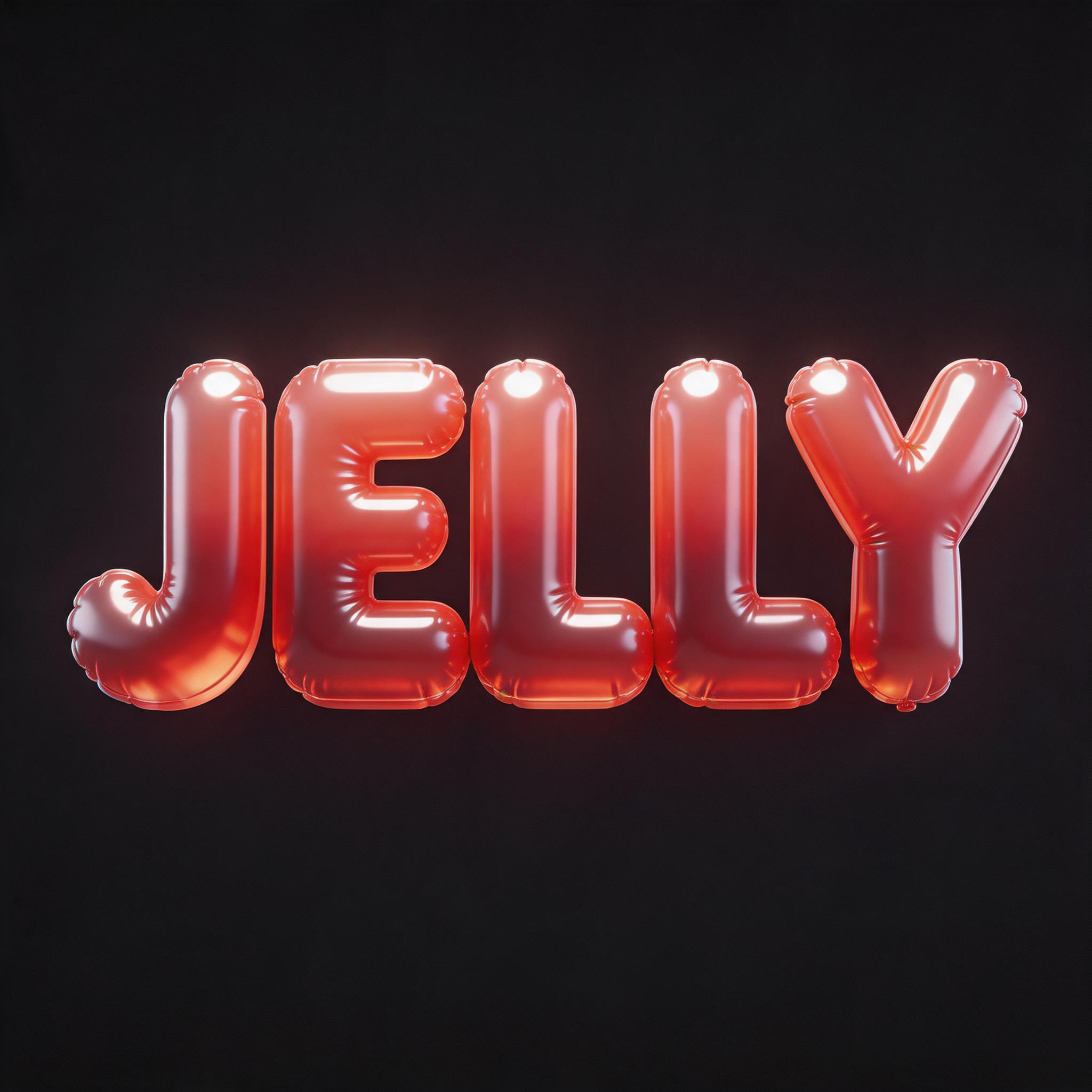


✦ Step-by-Step Guide
How to Create Your Candy Font in Studio
Three steps. No design software needed.
1
Enter your text
Type any word into the candy font generator.
2
Generate candy font
Click Generate — AI renders letters in hard candy colors — vivid cherry red, bright orange, lemon yellow, lime green, grape purple — with thick glossy sugar-coated surface. The letter material appears as solid hard candy, shiny and smooth like a giant gumball or hard candy shell.
3
Download and use
Save your candy font PNG — use for confection brand identity, sweet shop design, Y2K retro candy aesthetics, food brand graphics, or any project where the visual language of bright sweet candy communicates playful premium indulgence. Commercial use included.
💡 Platform tip: Candy font effects are highly effective for food and confection brand design where the visual language of bright hard candy communicates both the product and the feeling of sweetness. The high-gloss surface creates visual appetite appeal. For Y2K brand revival content, hard candy colors and glossy surfaces are among the most recognizable millennium visual signals.
✦ Common Questions
Candy Font — Frequently Asked Questions
Everything you need to know before you create.
✦ Explore More Text Effect Styles
Related AI Text Effect Styles
Try a different aesthetic — each style generates a completely unique visual output.


Want more text styles? Browse our free font generators — fancy, cursive, gothic & more.
✦ Ready to Create?
Make Your Own Font
Free to start. No design skills needed.
✦ Generate Now — Free