Surviving Year 9 - 电影感 Text Effect
用原作的模型 OpenAI GPT-Image-2.5 Sunburst · 15 积分
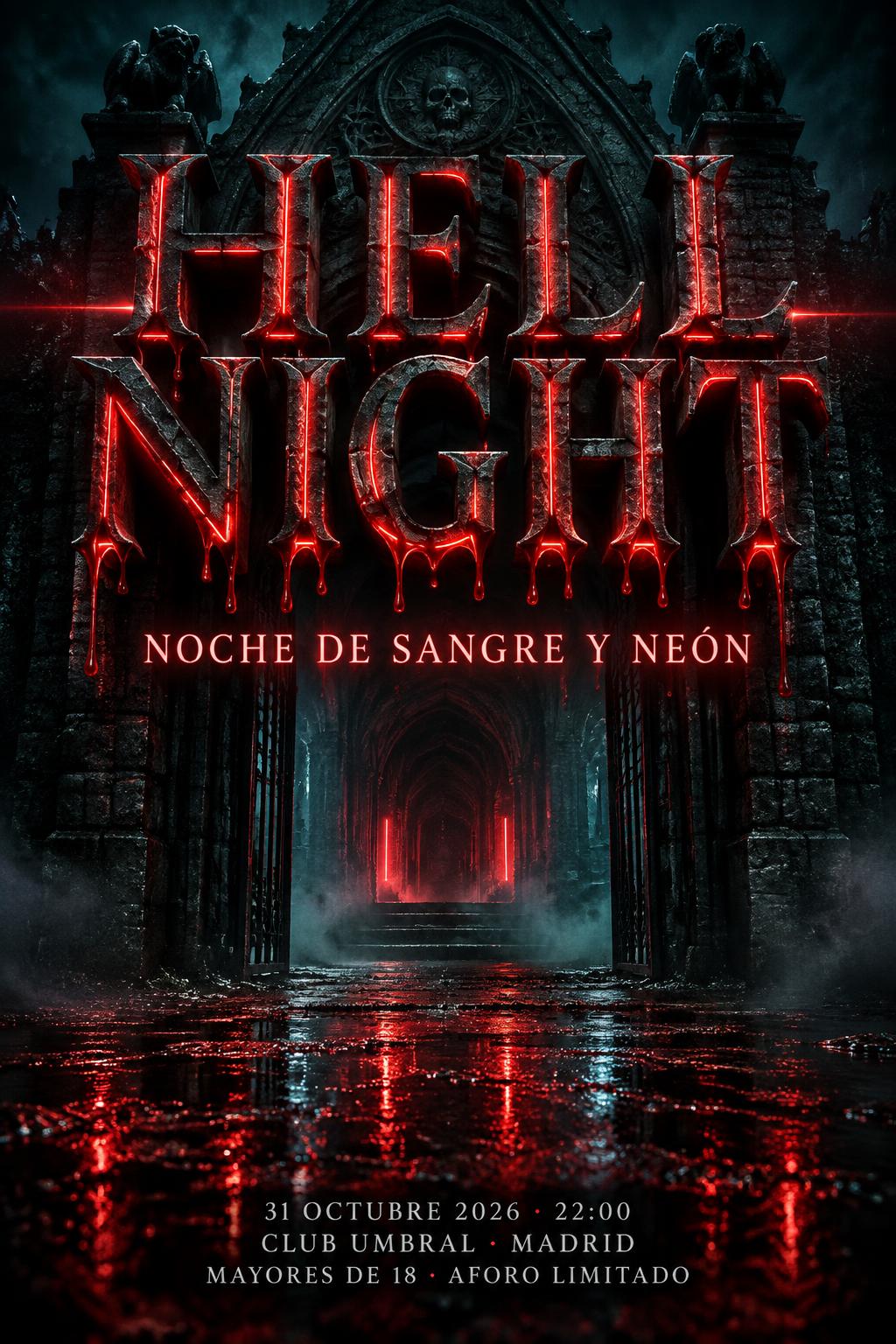
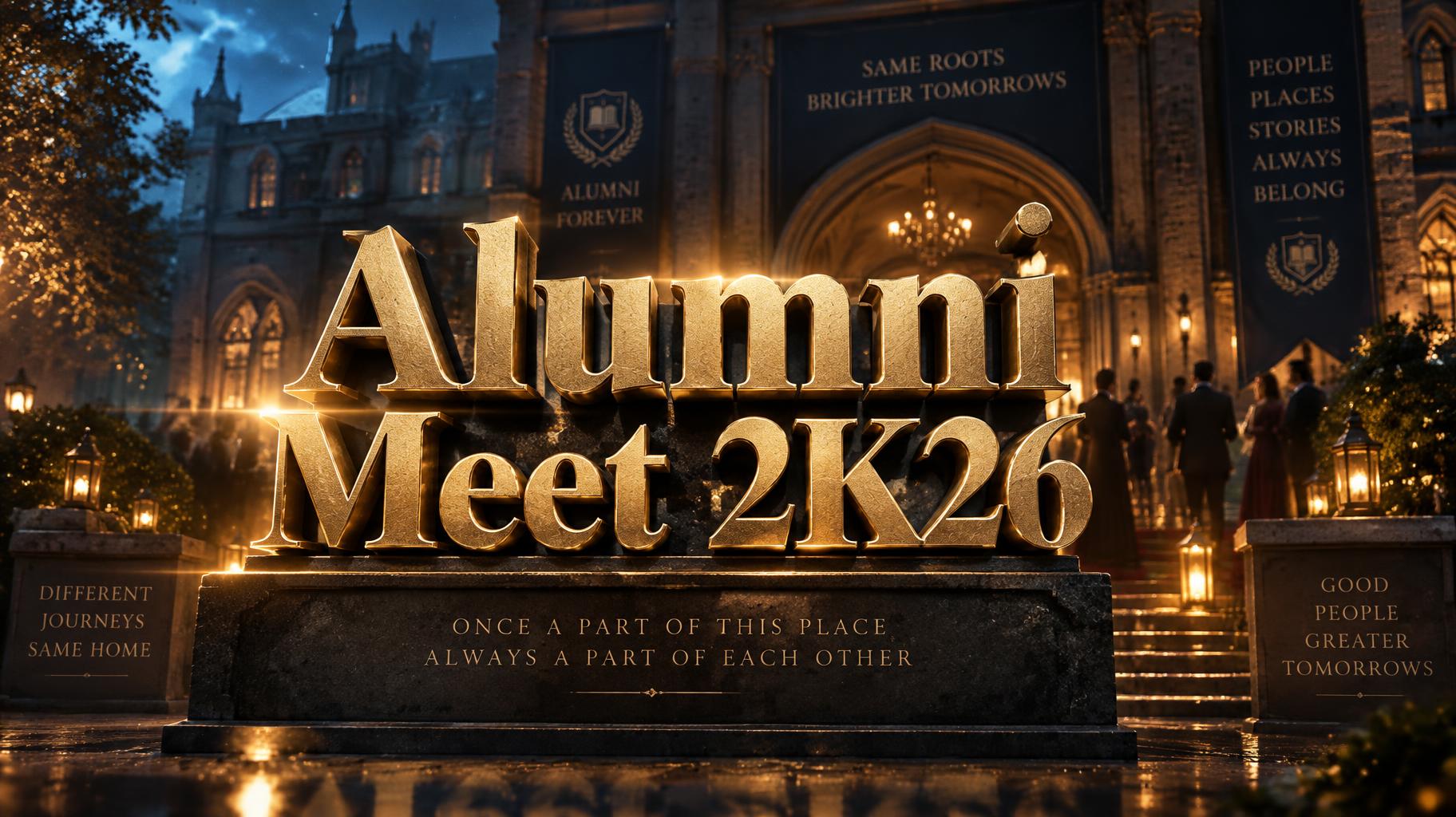
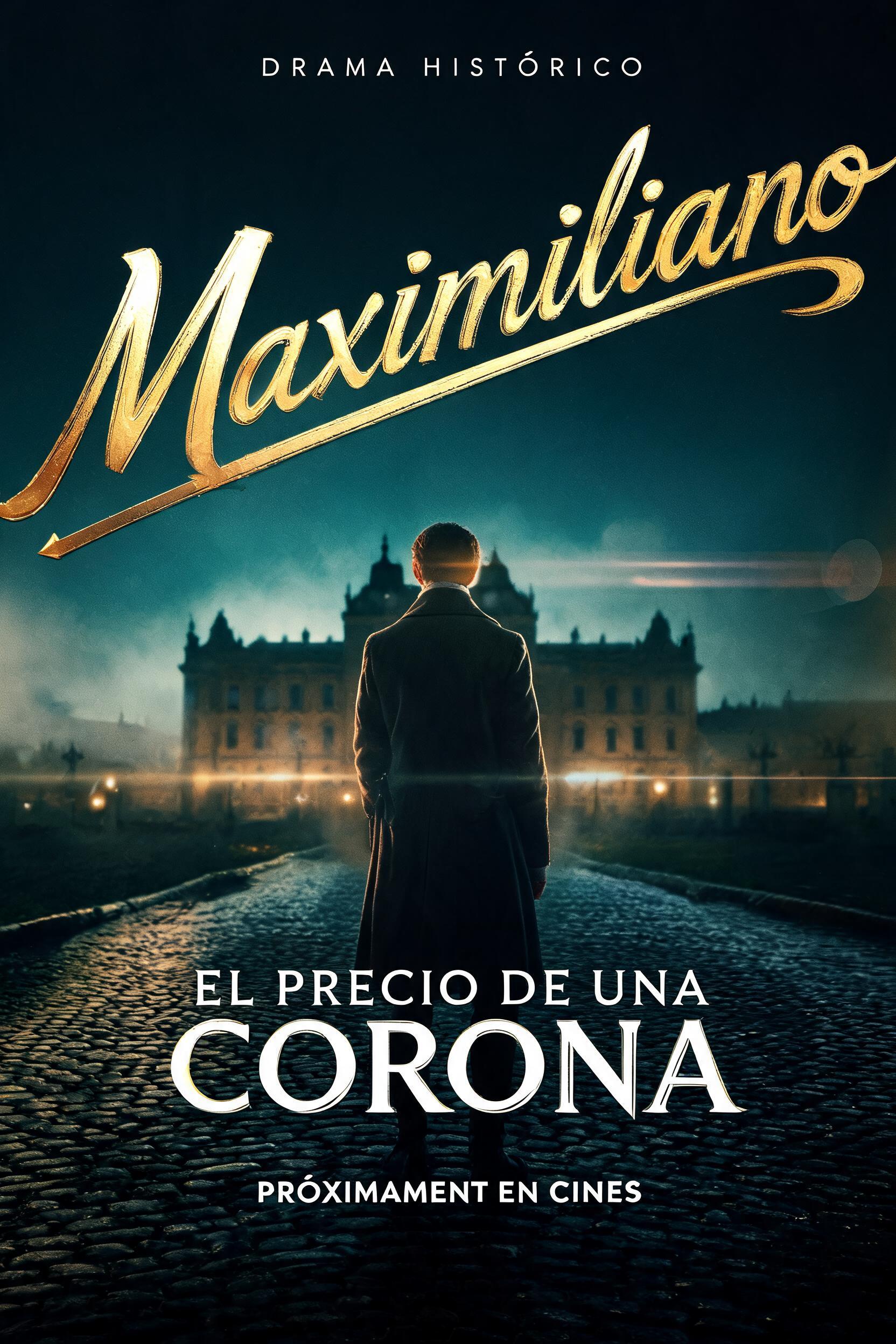

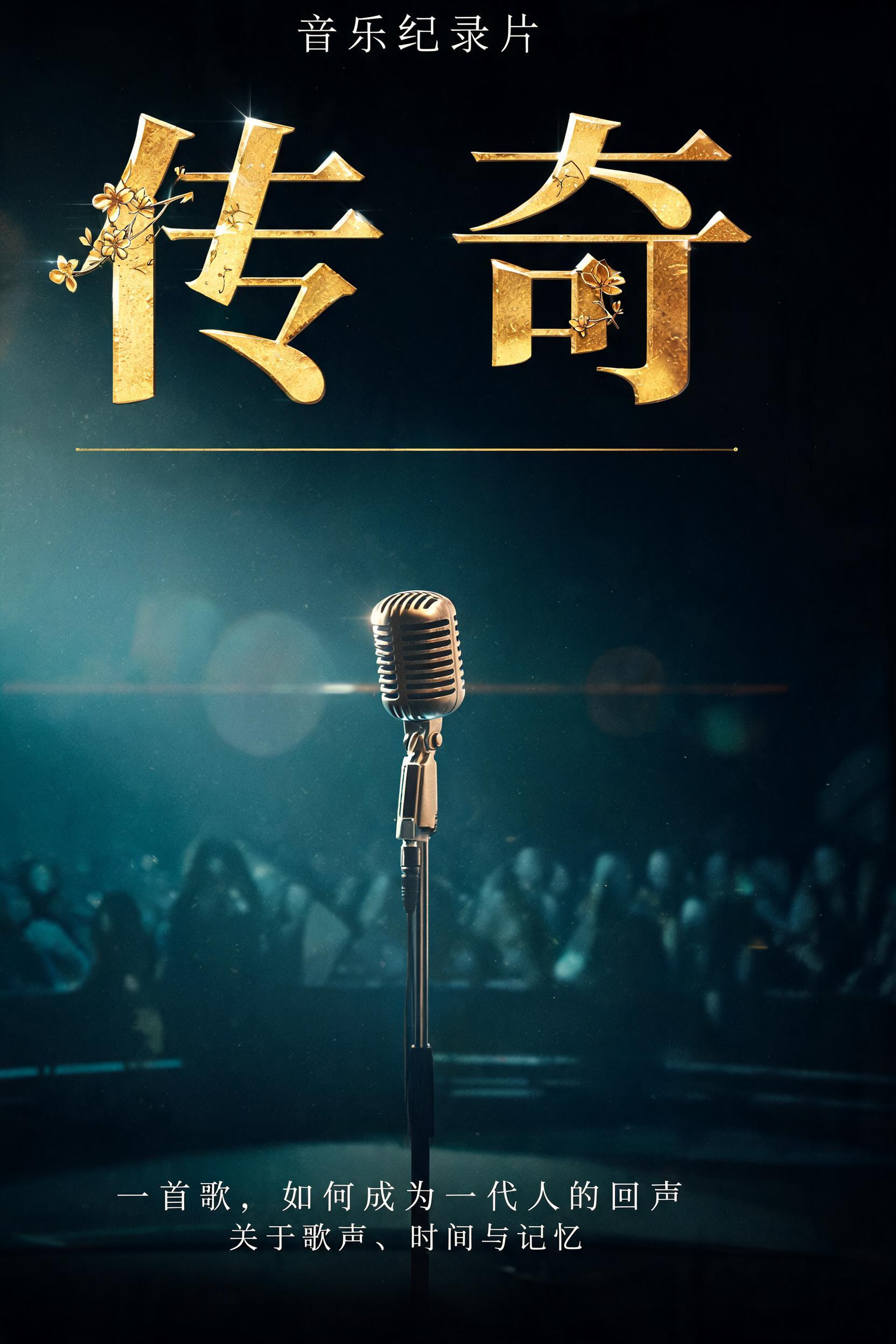


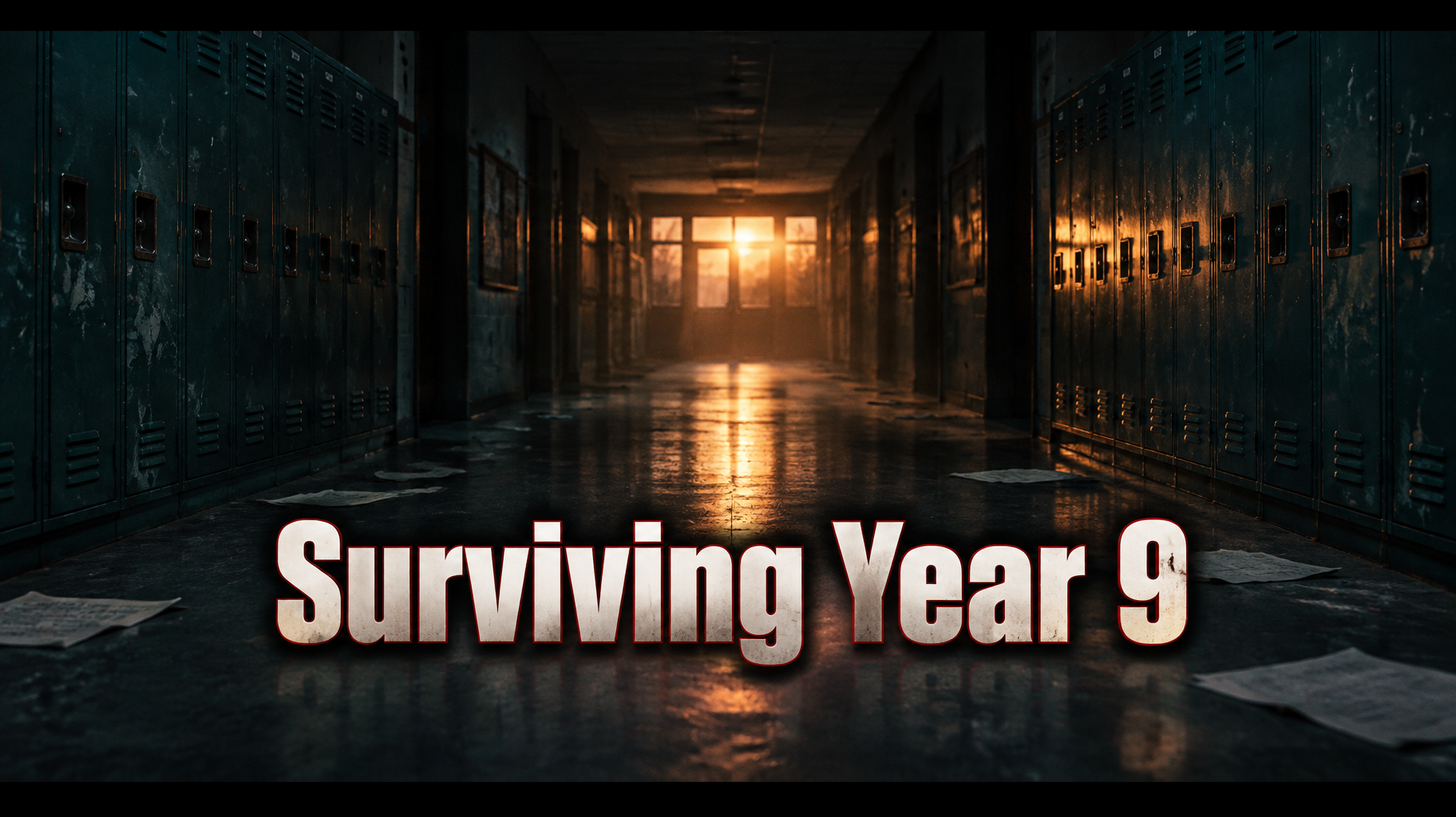
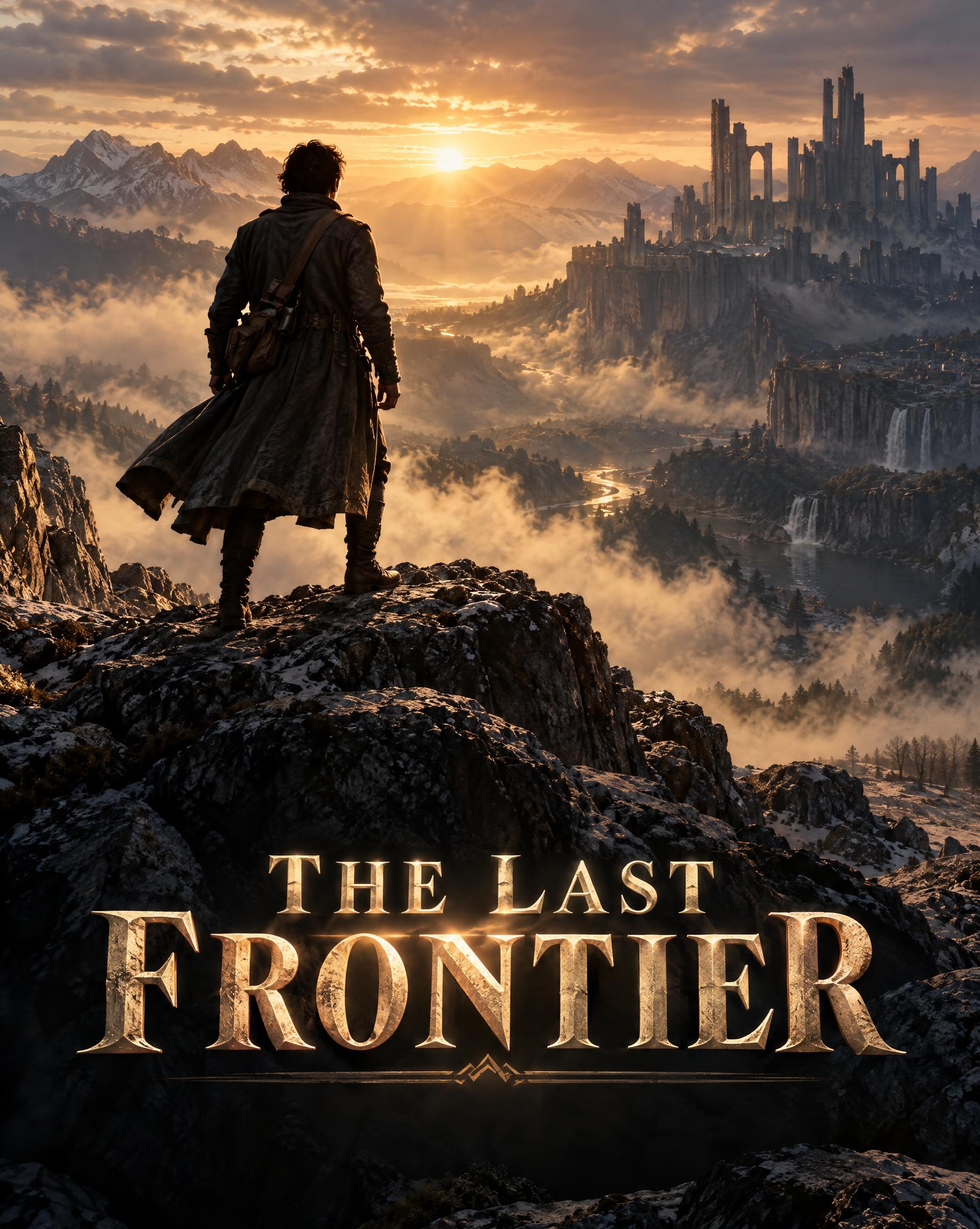
“Surviving Year 9”是使用 FontVibe AI 创作的电影感文字效果。围绕你的片名做出好莱坞海报感:一张逆光穿过烟雾的故事画面,青橙电影调色,横向镜头光晕,胶片颗粒,片名放在下三分之一。
Create a finished 16:9 cinematic movie title card for a school-themed story. Show one empty secondary-school corridor at dusk: a strong vanishing point, rows of slightly worn teal lockers, a few loose worksheets on the floor, and a single warm amber light glowing through faint dust near the far end. Keep the scene atmospheric but restrained, with deep blue-green shadows and generous dark negative space behind the title. Add subtle film grain and thin black letterbox bars at the top and bottom; no busy props, no people, no legible signs, no logos. In the lower third, set the exact title “Surviving Year 9” as the unmistakable hero, large and readable even at small preview size. Use broad, heavy, tightly tracked condensed sans-serif capitals and lowercase, with sturdy squared forms and clean counters. Give the letters a warm chalk-white enamel face, lightly scuffed like well-used classroom lettering, a narrow muted-red edge accent, and a restrained deep shadow for separation. Keep the title on one line, centered, with a confident cinematic title-treatment finish; preserve ample safe margins. The corridor light softly rims the lettering without obscuring it. Render no other words, numbers, credits, labels, or captions.
作品标签
生成于 2026年11月22日 · 1824 × 1024 · PNG · OpenAI GPT-Image-2.5 Sunburst · 版式:Corridor Title Anchor · 公开作品 · 可免费商用(CC BY 4.0)

浏览 AI 文字效果风格


Surviving Year 9 - 电影感 Text Effect
用原作的模型 OpenAI GPT-Image-2.5 Sunburst · 15 积分
更多 电影感 (DIY) 文字效果
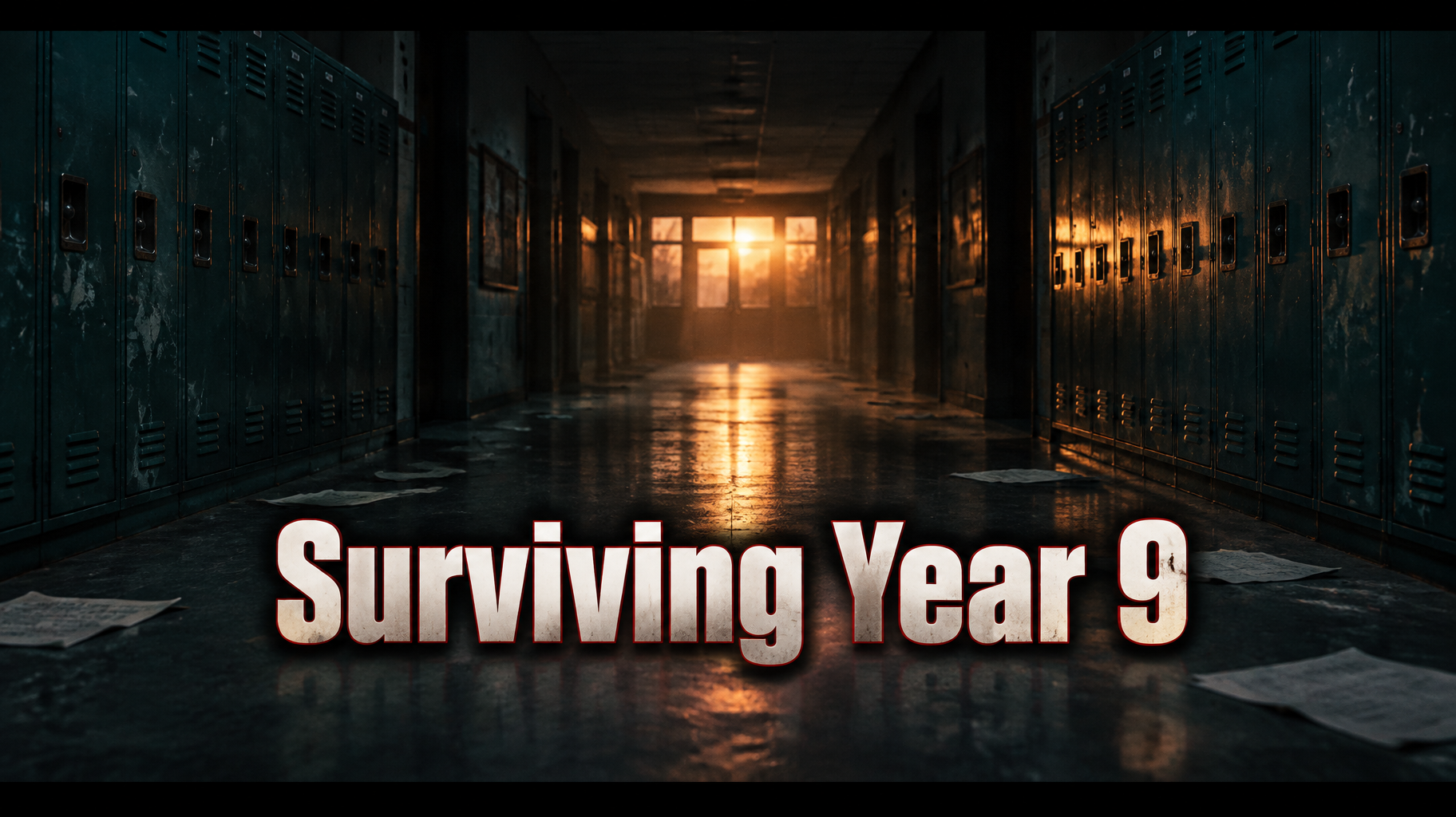
“Surviving Year 9”是使用 FontVibe AI 创作的电影感文字效果。围绕你的片名做出好莱坞海报感:一张逆光穿过烟雾的故事画面,青橙电影调色,横向镜头光晕,胶片颗粒,片名放在下三分之一。
Create a finished 16:9 cinematic movie title card for a school-themed story. Show one empty secondary-school corridor at dusk: a strong vanishing point, rows of slightly worn teal lockers, a few loose worksheets on the floor, and a single warm amber light glowing through faint dust near the far end. Keep the scene atmospheric but restrained, with deep blue-green shadows and generous dark negative space behind the title. Add subtle film grain and thin black letterbox bars at the top and bottom; no busy props, no people, no legible signs, no logos. In the lower third, set the exact title “Surviving Year 9” as the unmistakable hero, large and readable even at small preview size. Use broad, heavy, tightly tracked condensed sans-serif capitals and lowercase, with sturdy squared forms and clean counters. Give the letters a warm chalk-white enamel face, lightly scuffed like well-used classroom lettering, a narrow muted-red edge accent, and a restrained deep shadow for separation. Keep the title on one line, centered, with a confident cinematic title-treatment finish; preserve ample safe margins. The corridor light softly rims the lettering without obscuring it. Render no other words, numbers, credits, labels, or captions.
作品标签
生成于 2026年11月22日 · 1824 × 1024 · PNG · OpenAI GPT-Image-2.5 Sunburst · 版式:Corridor Title Anchor · 公开作品 · 可免费商用(CC BY 4.0)
浏览 AI 文字效果风格
想要更多文字样式?看看我们的 免费字体生成器 —— 花体、手写、哥特等更多样式。