

![["laser-cut","acrylic","LED","shop sign","glow","retail"] text effect example](https://cos.fontvibe.ai/generations/user/17/a734c58c-ef08-49e4-b419-195b3eeaabdc.jpeg?imageMogr2/thumbnail/600x/format/webp/resolution/80)
✦ Galería de la comunidad
Ver todo →Letrero de acrílico luminoso — Galería de la comunidad
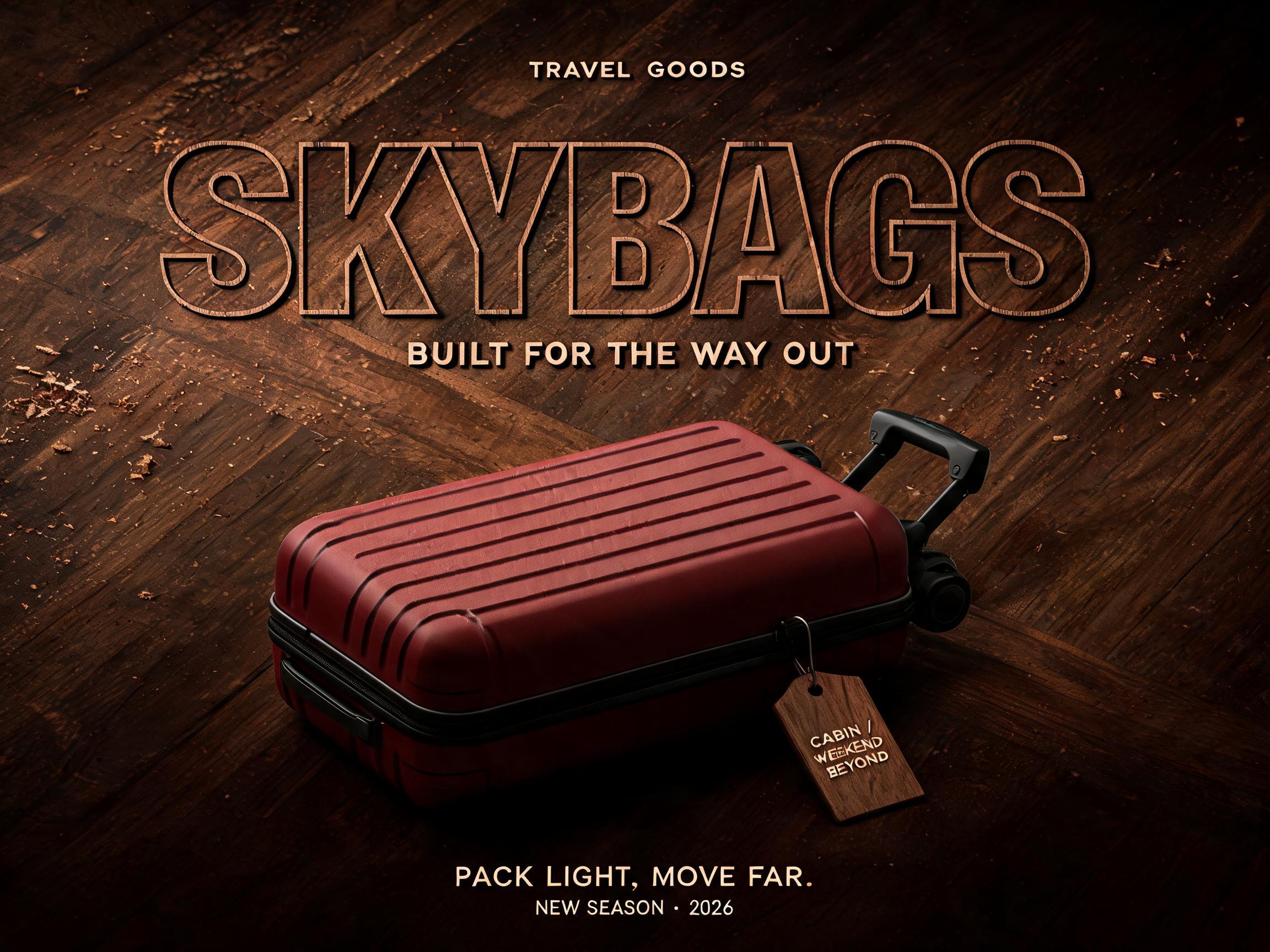
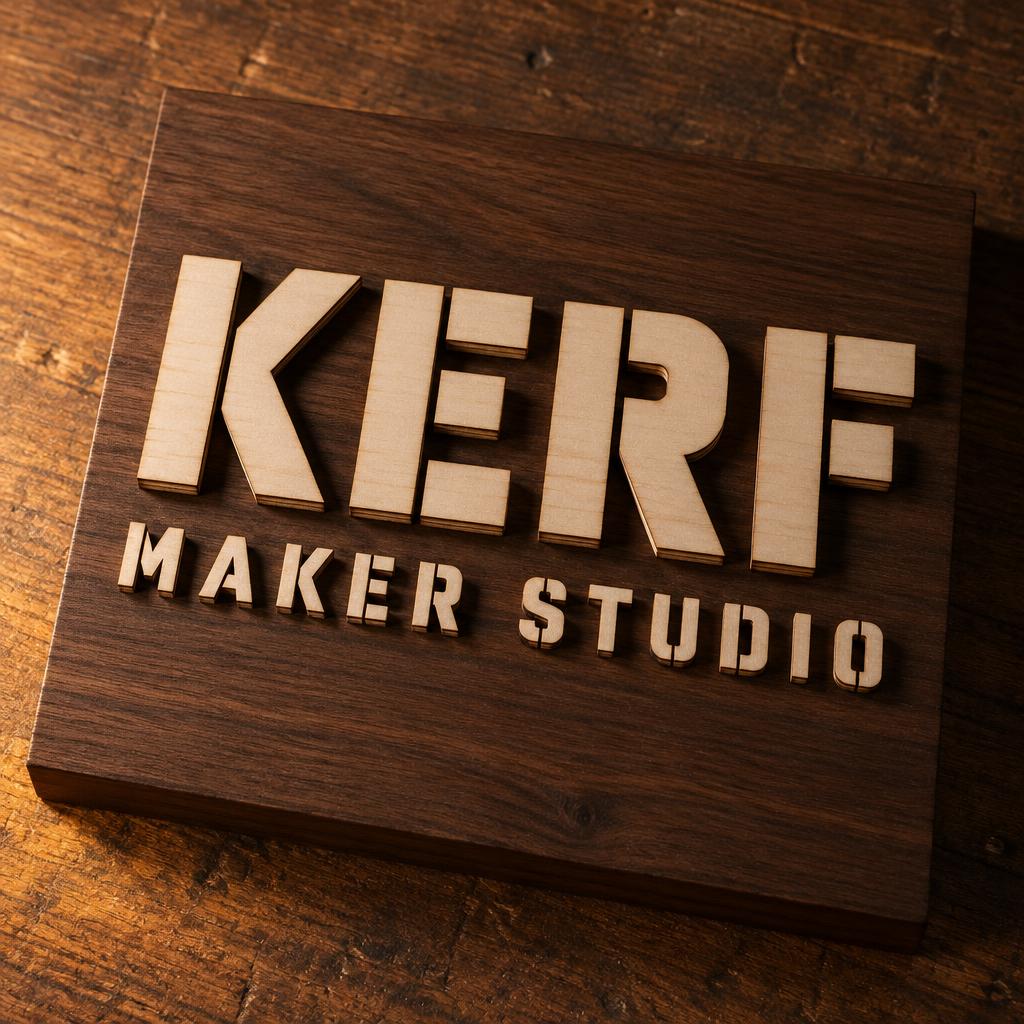
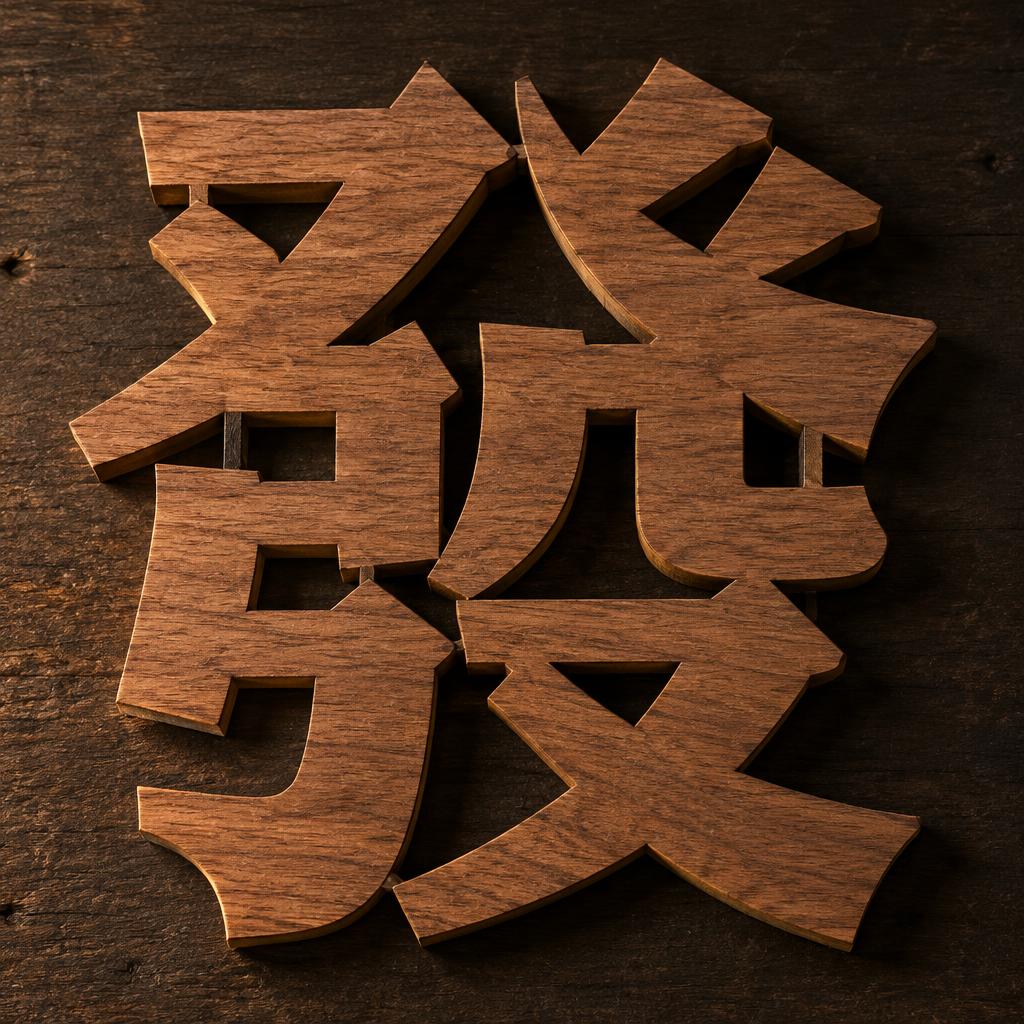
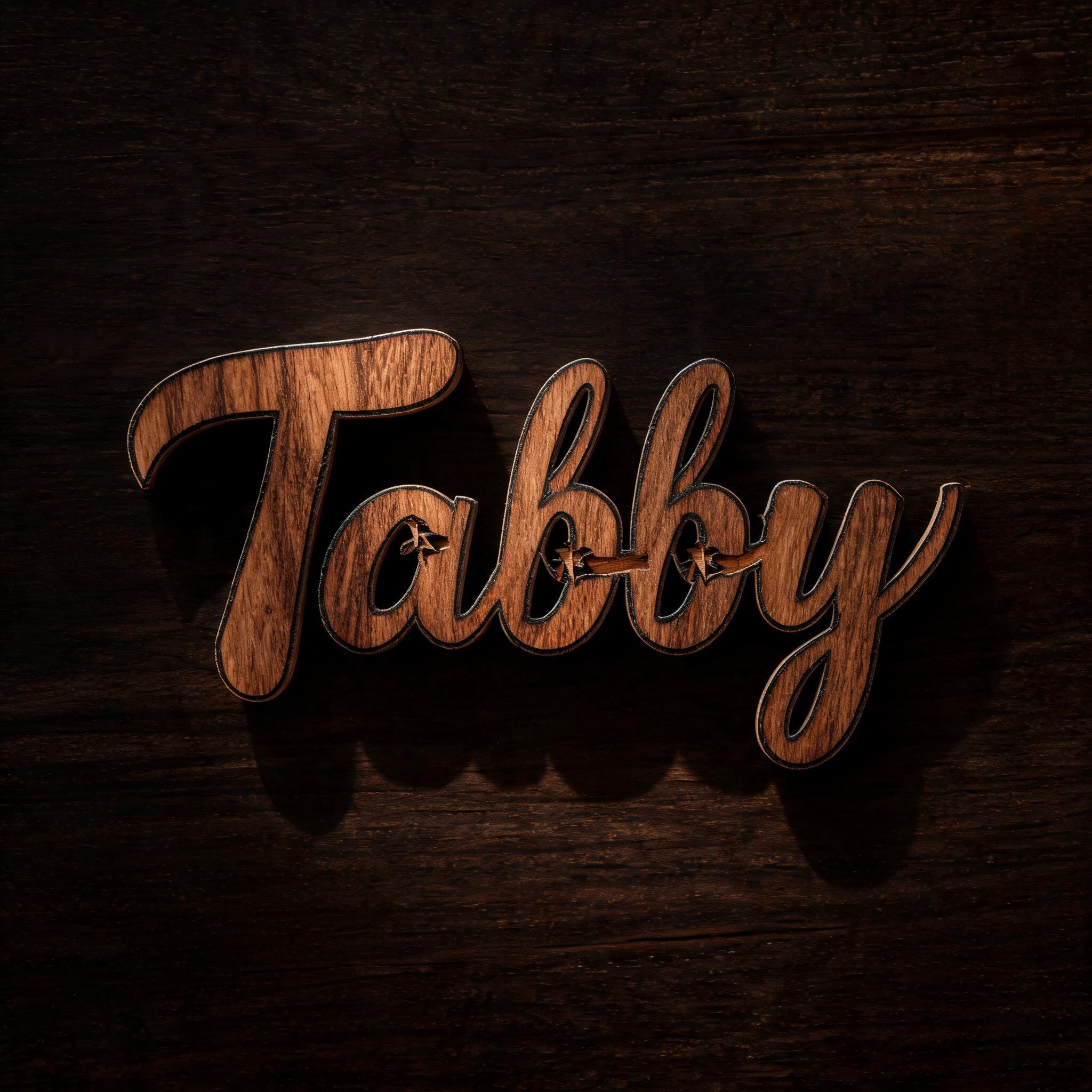
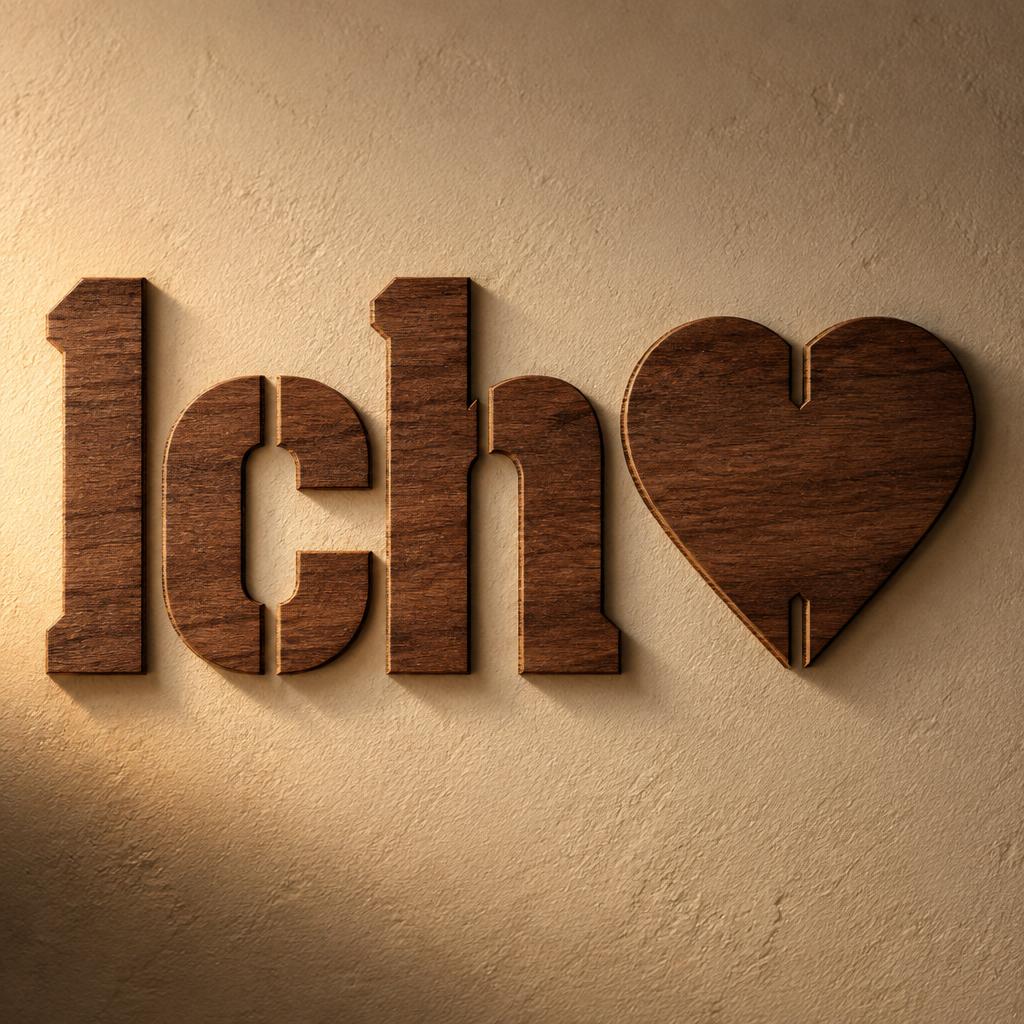
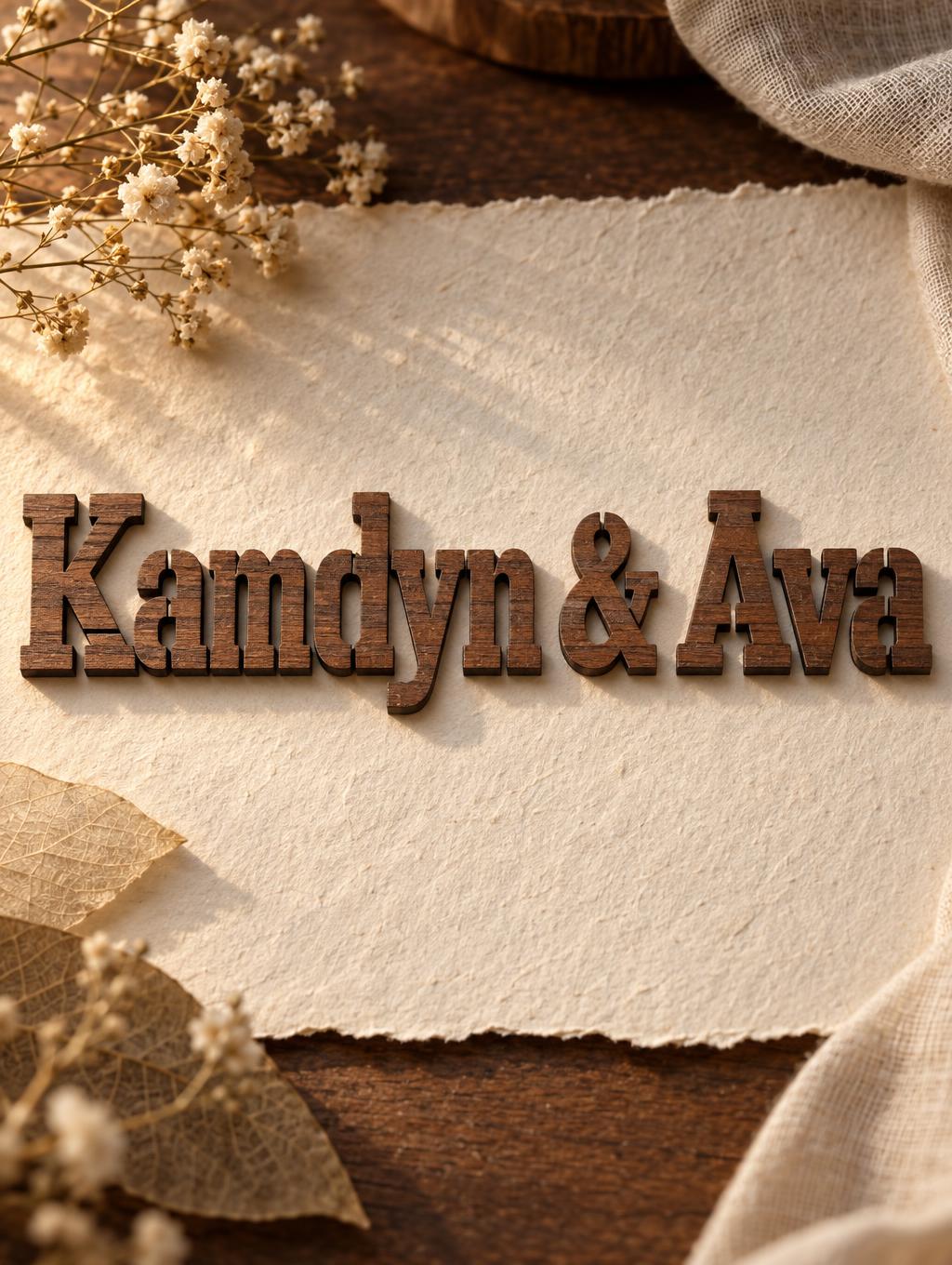
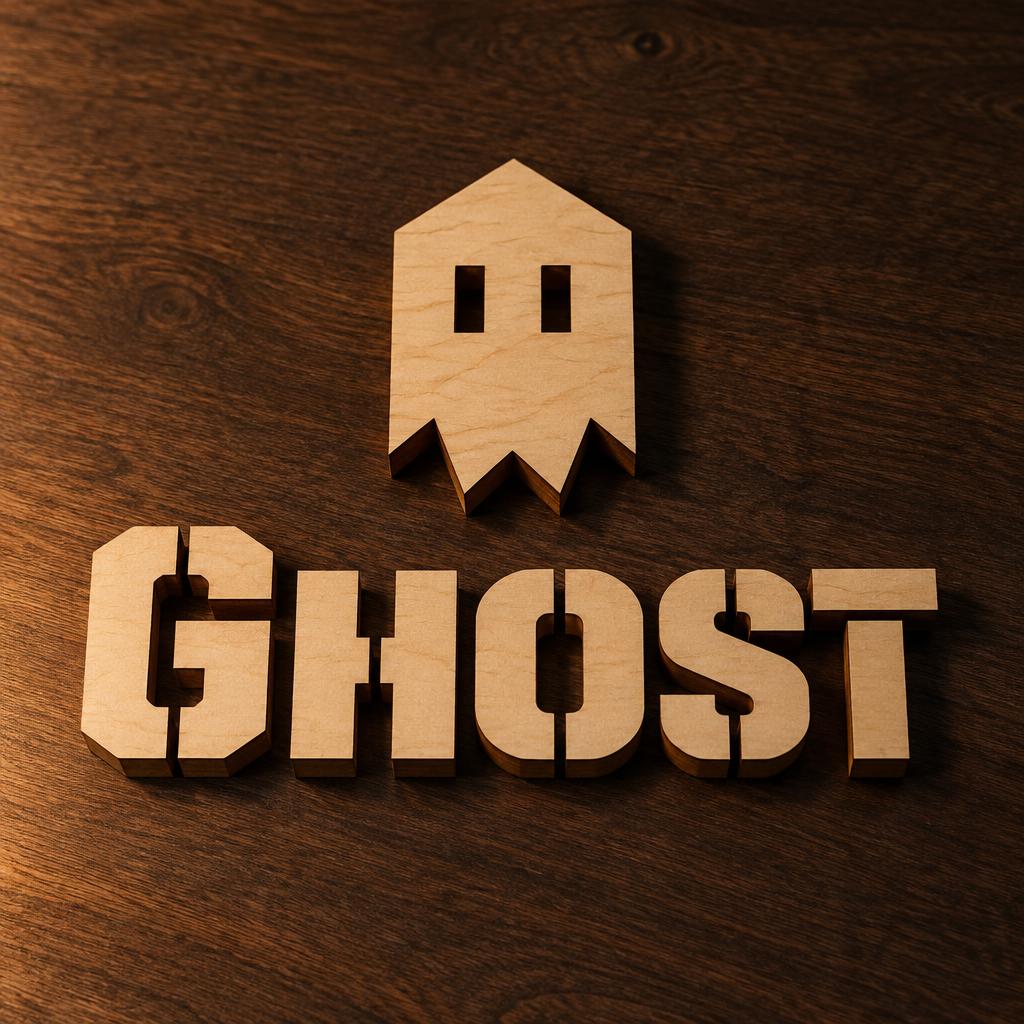
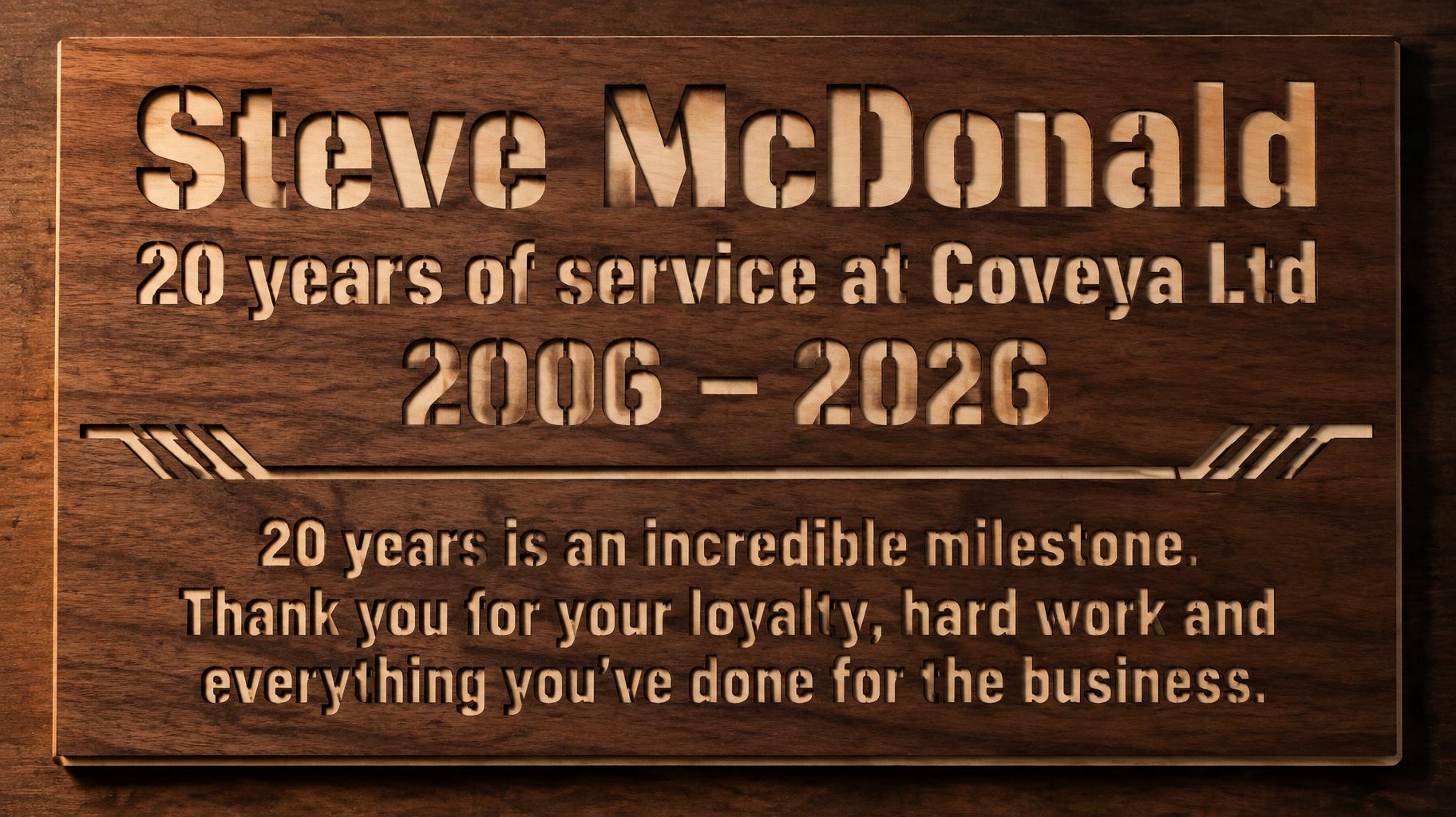
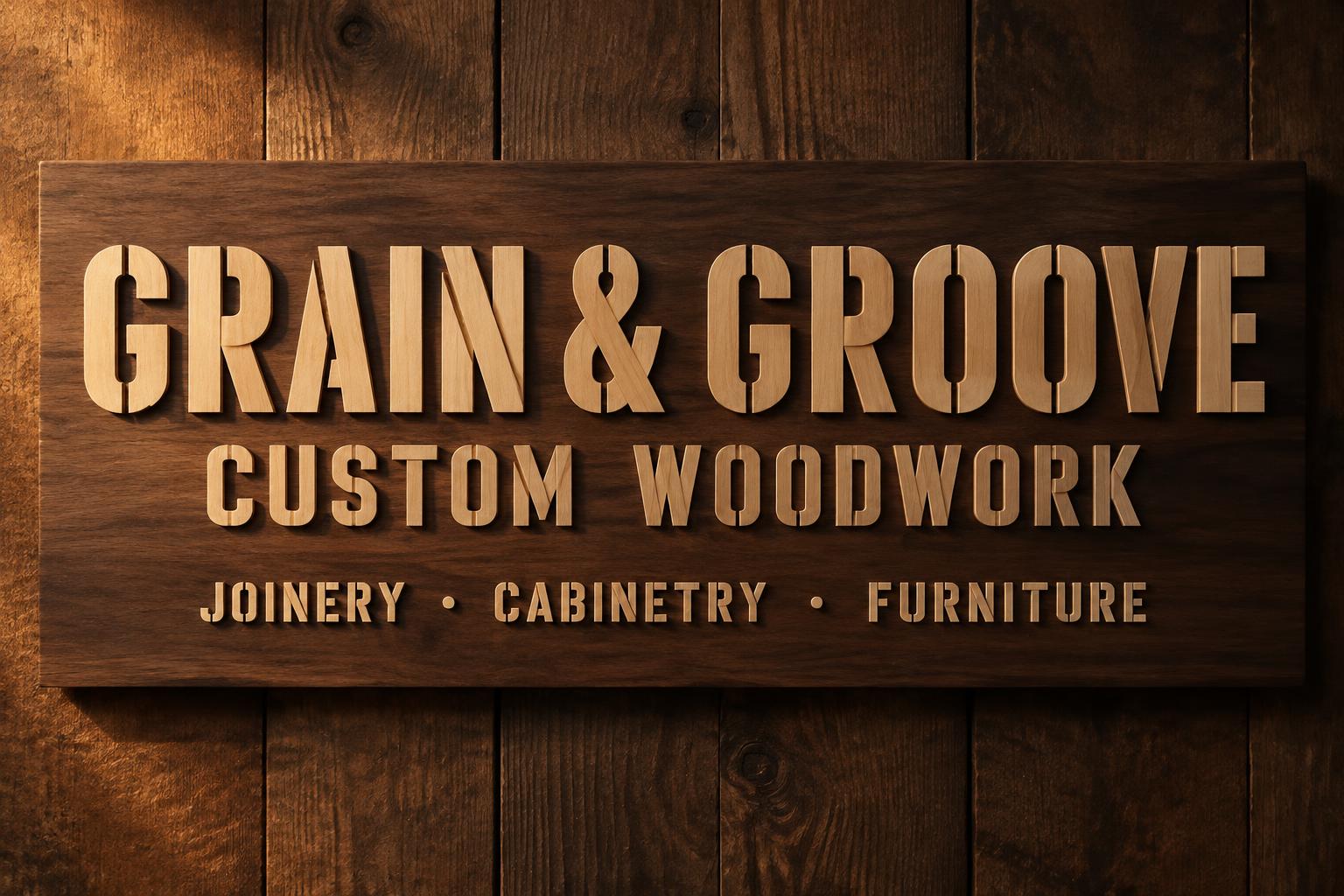
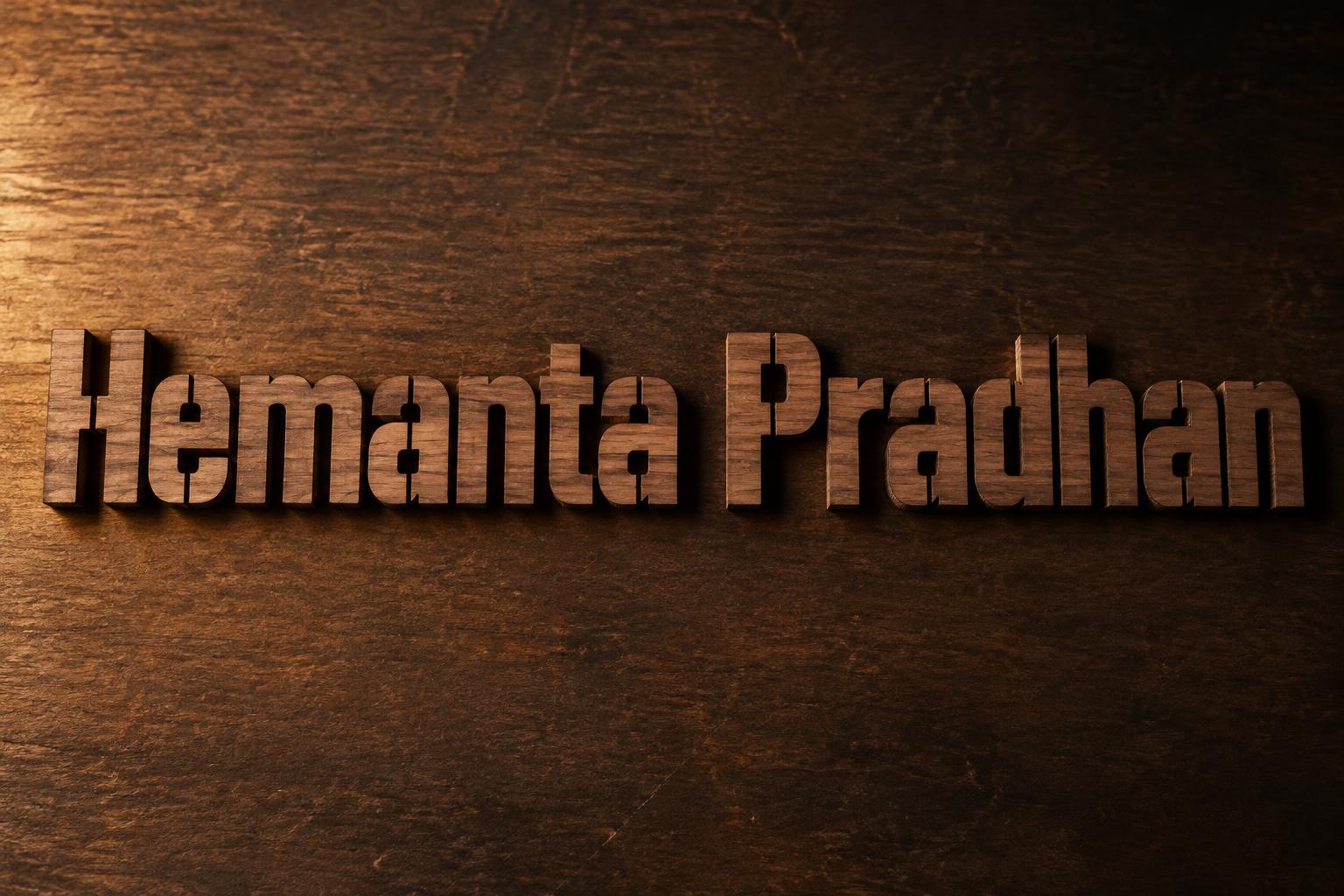
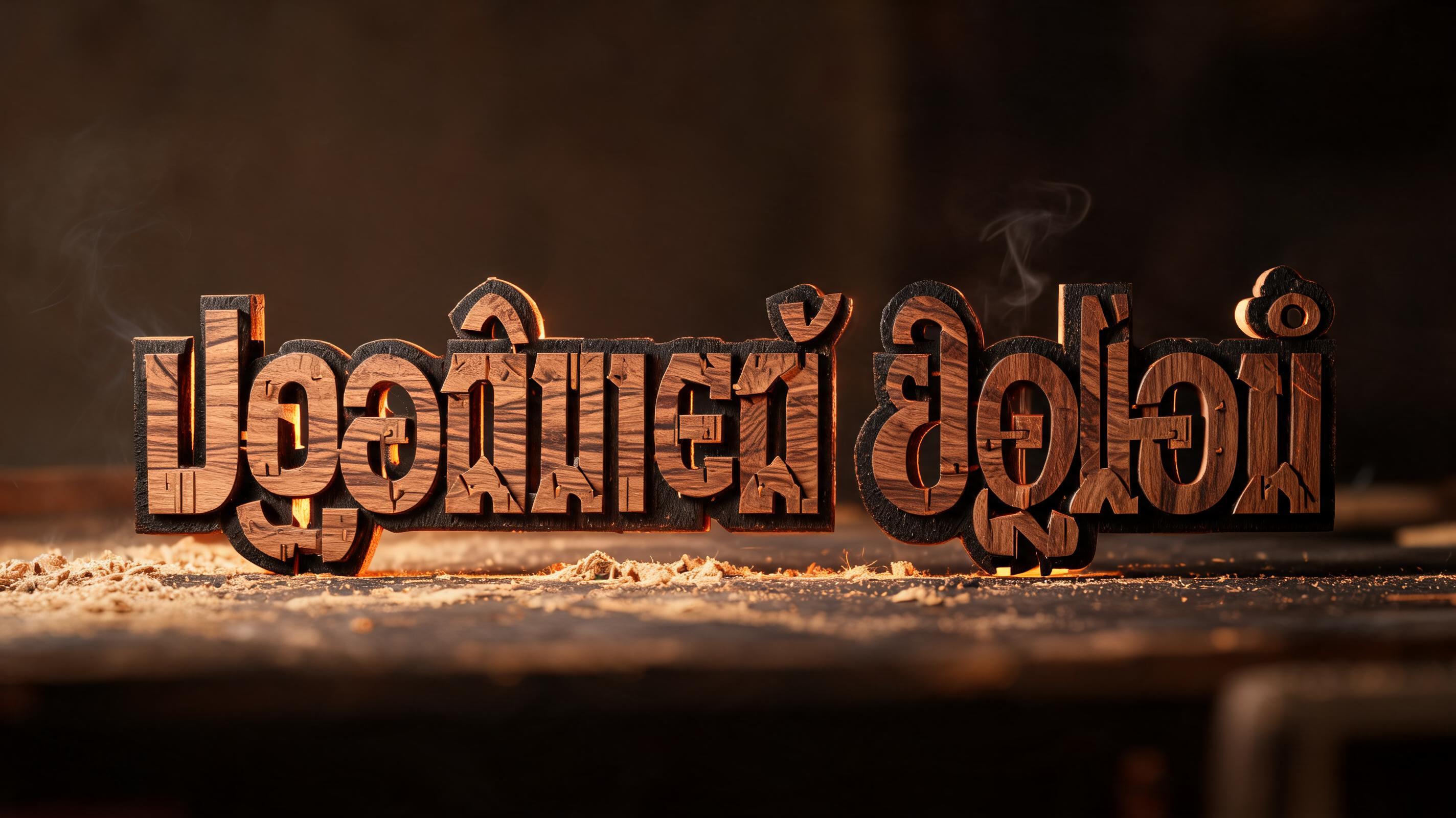
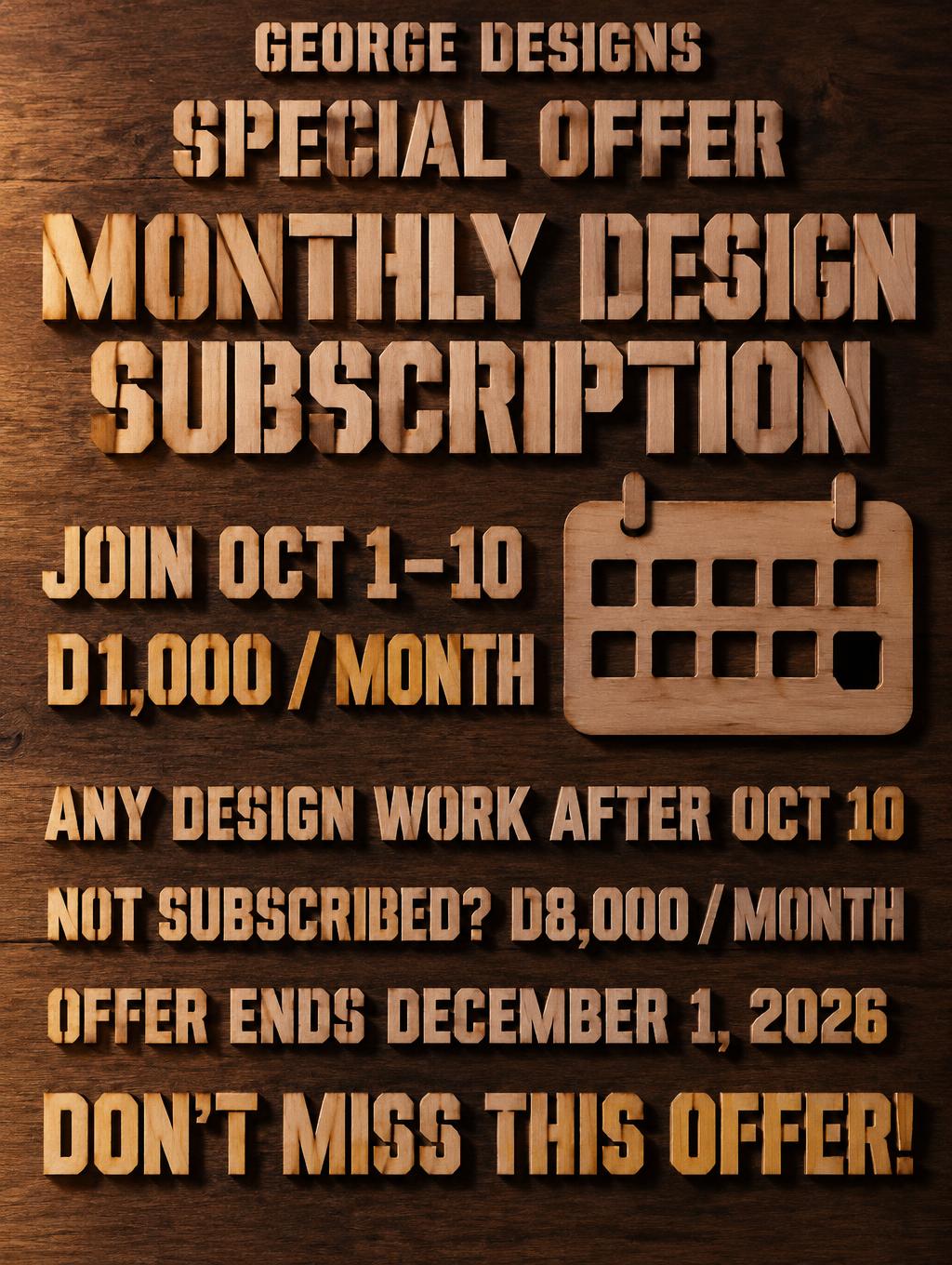
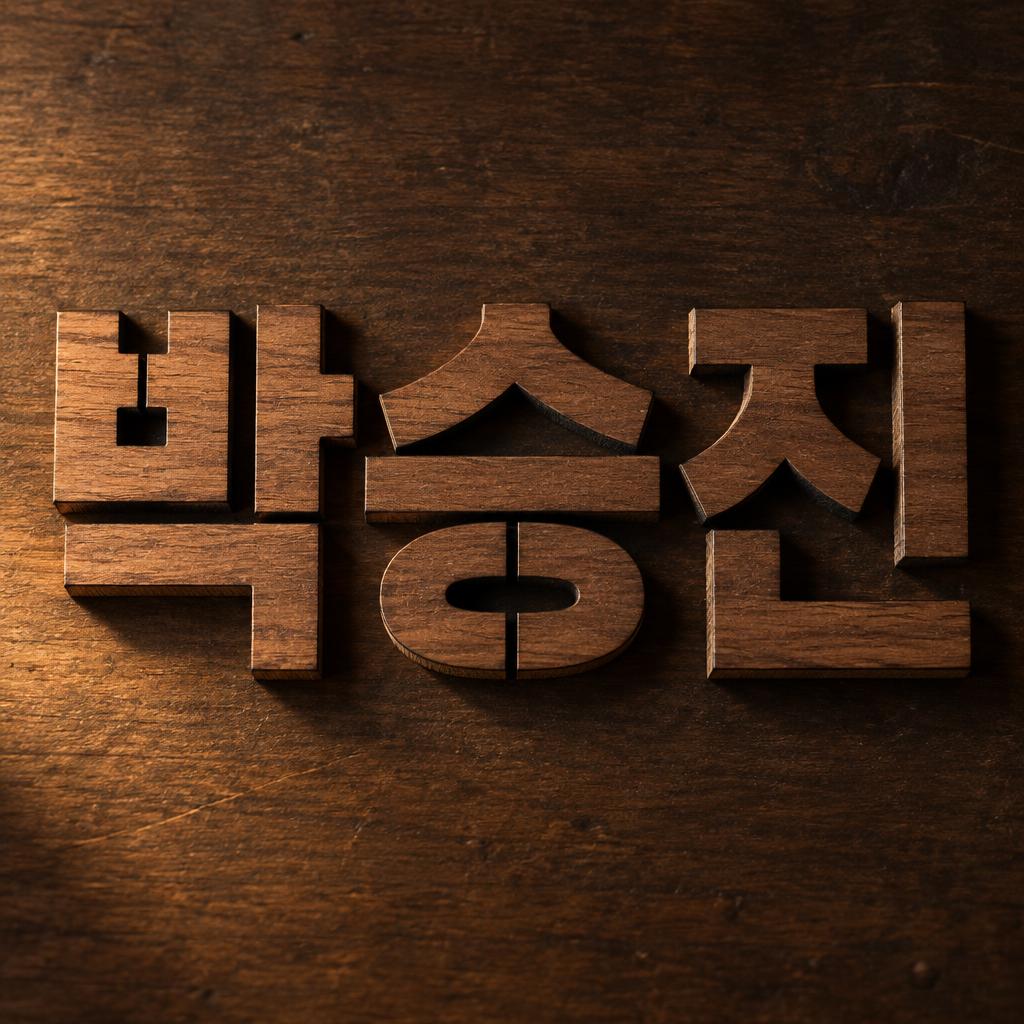
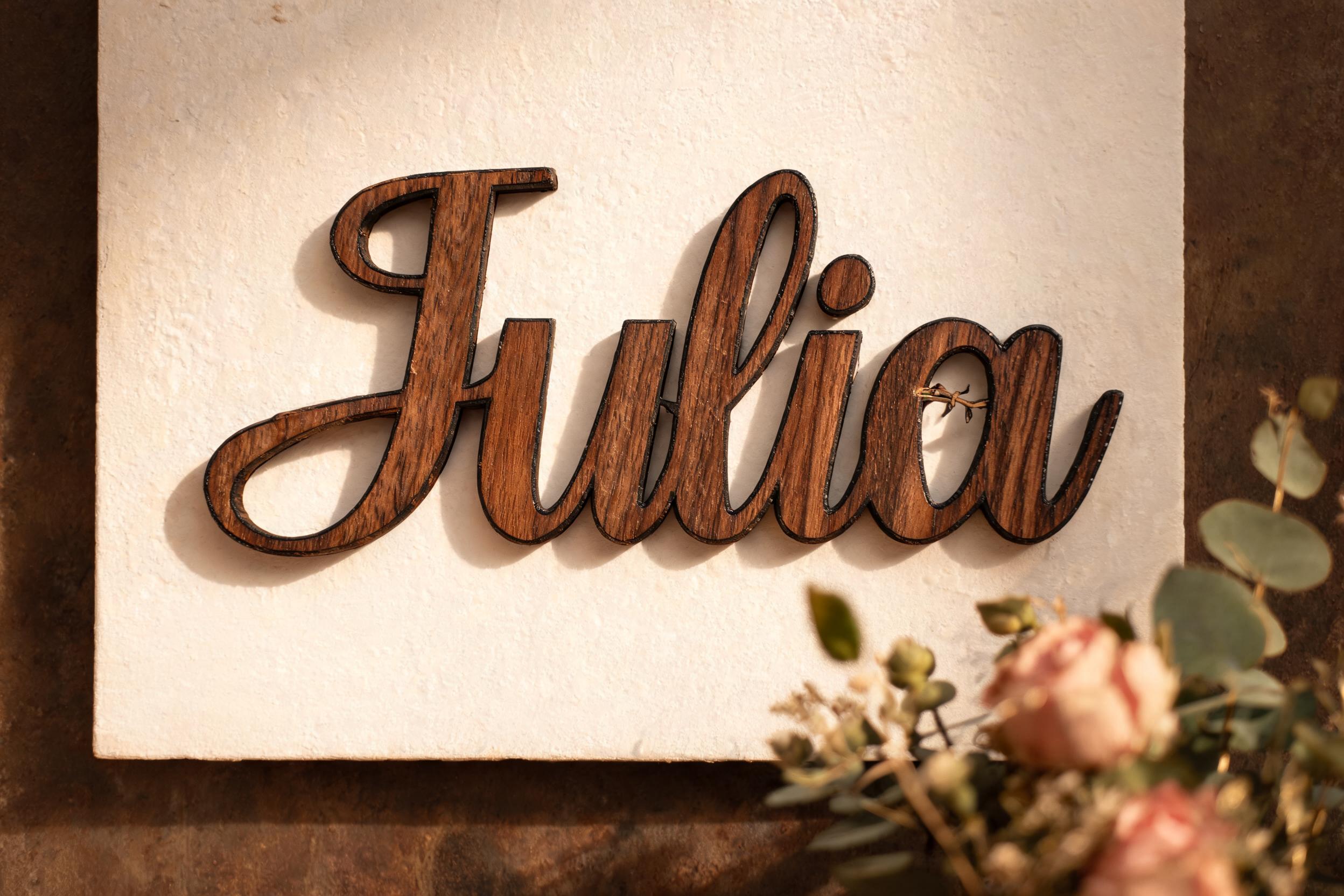
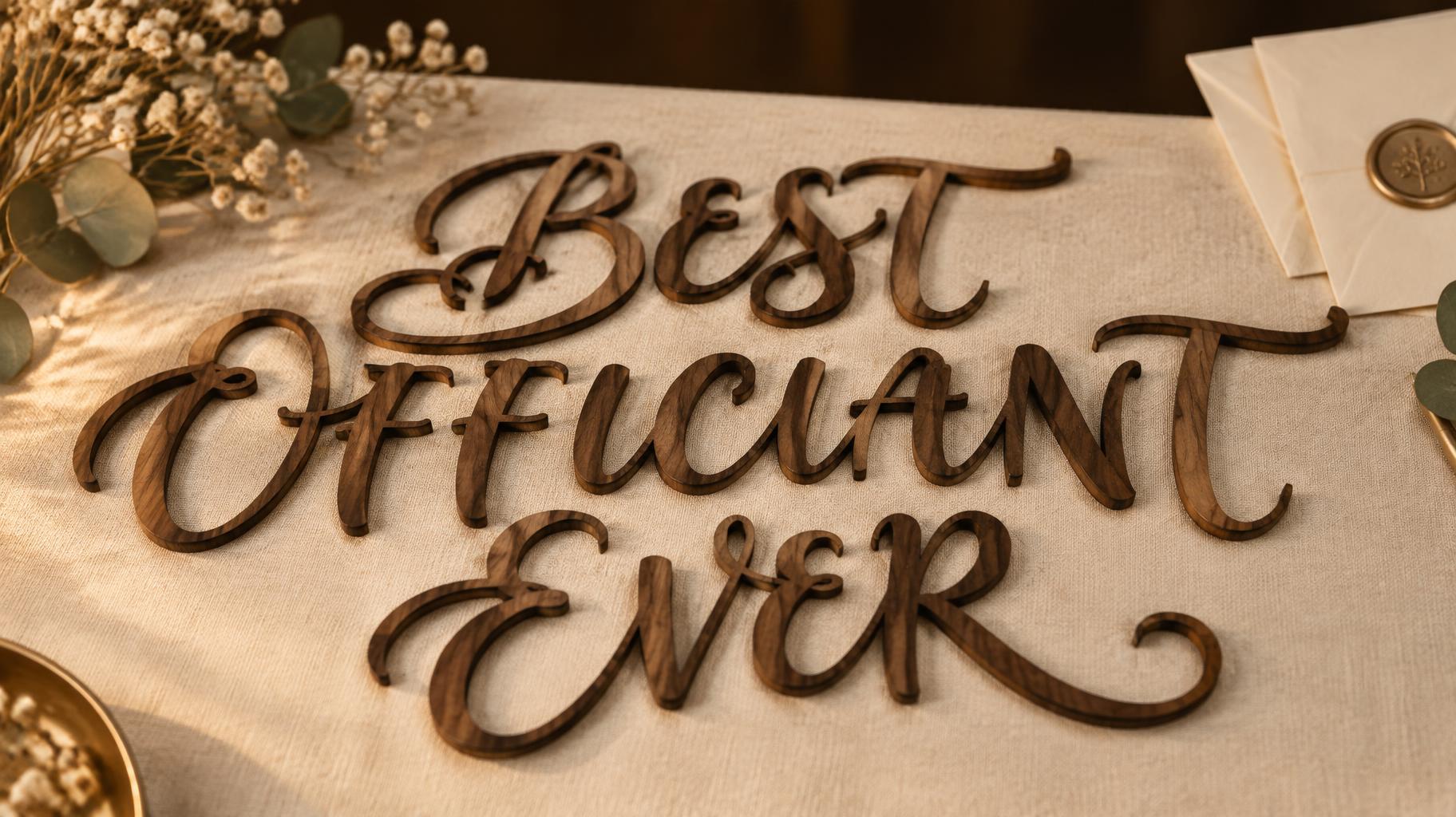
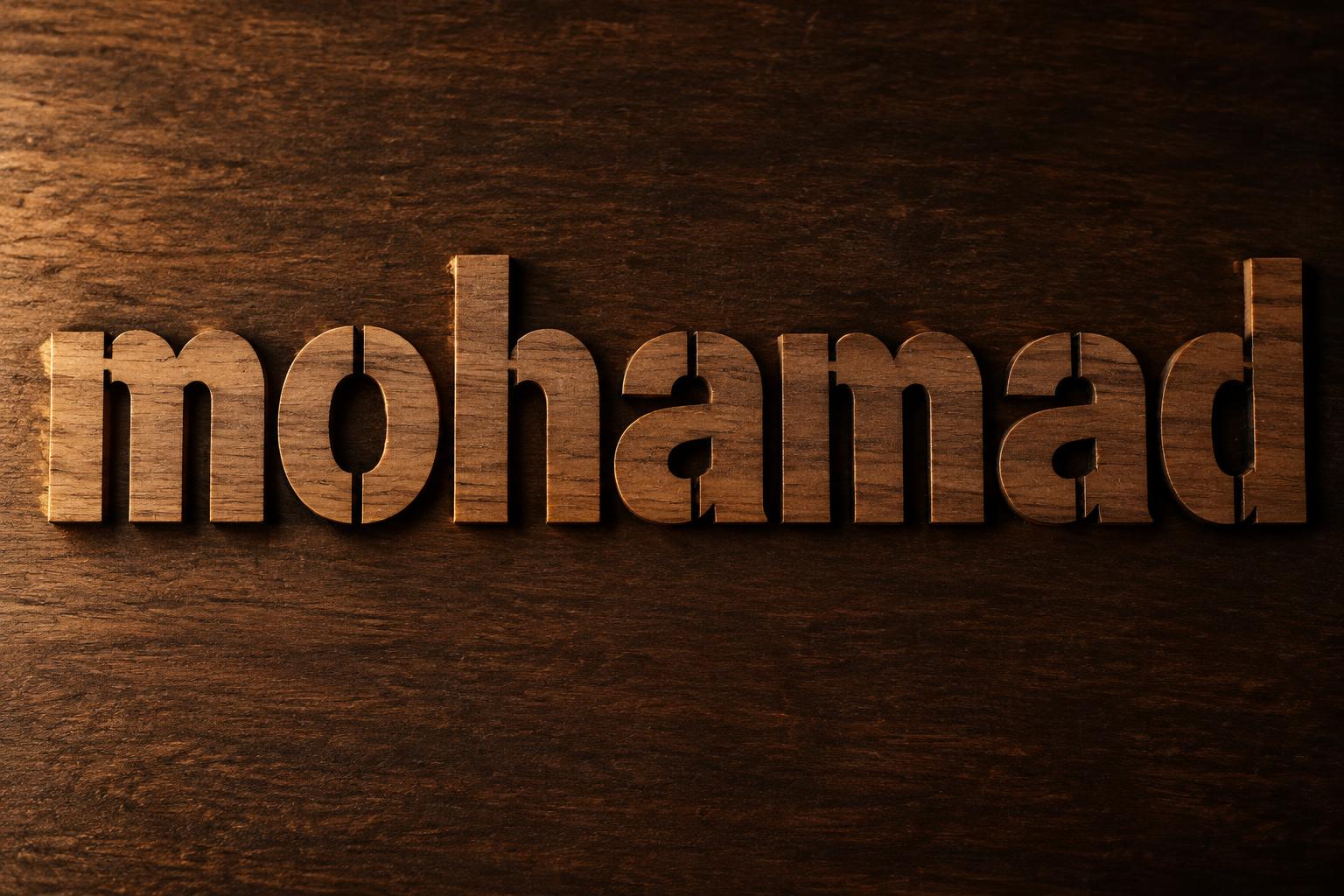
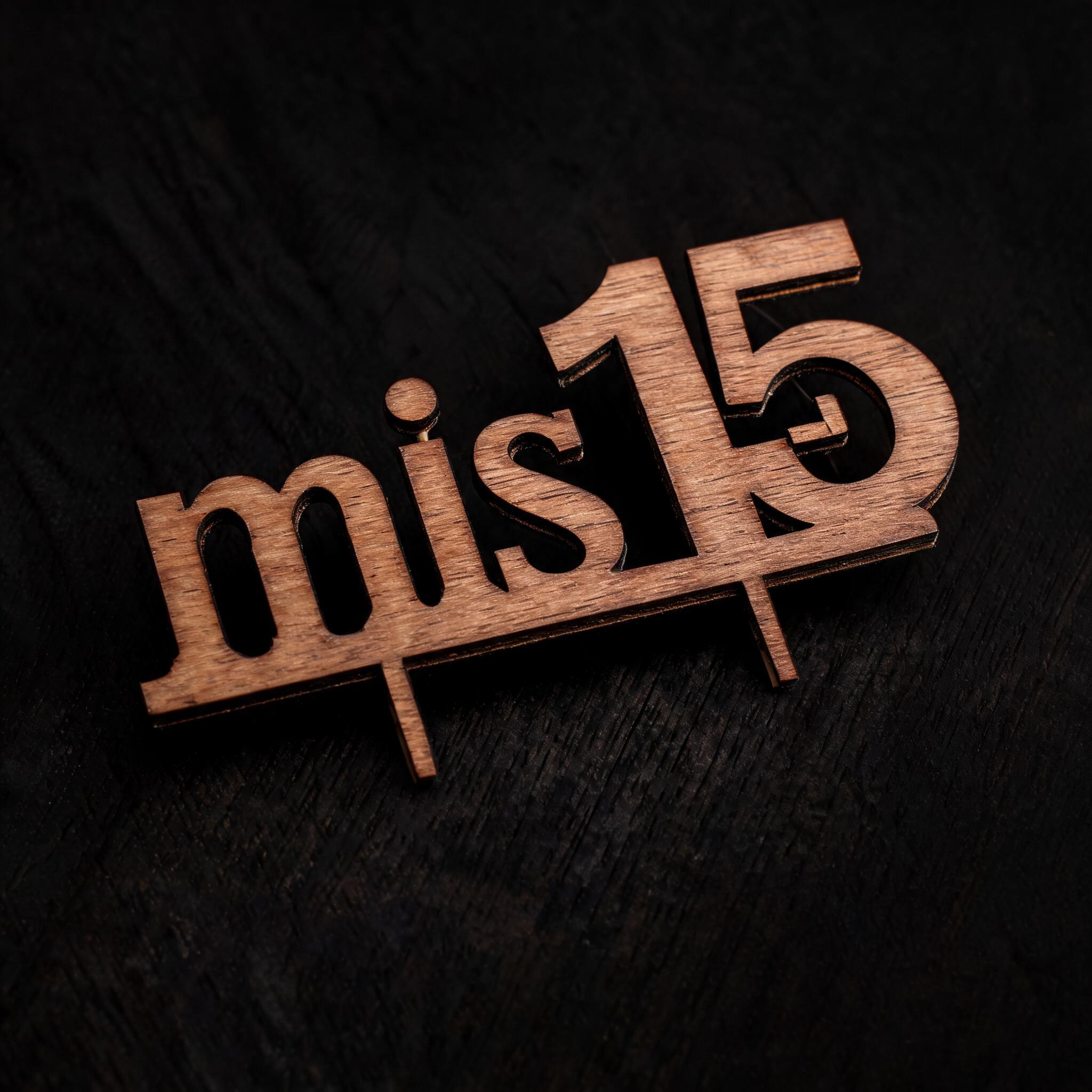
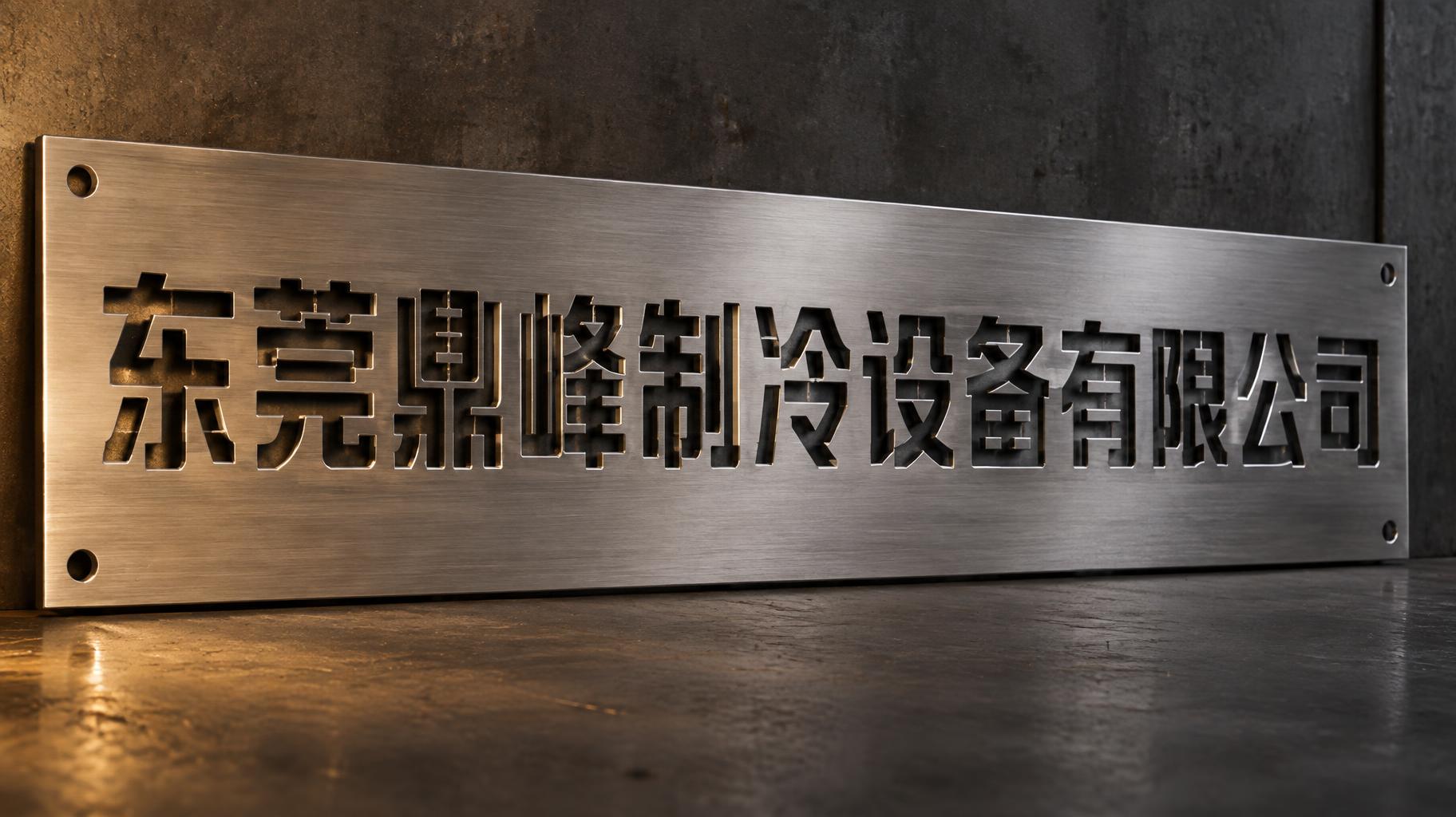
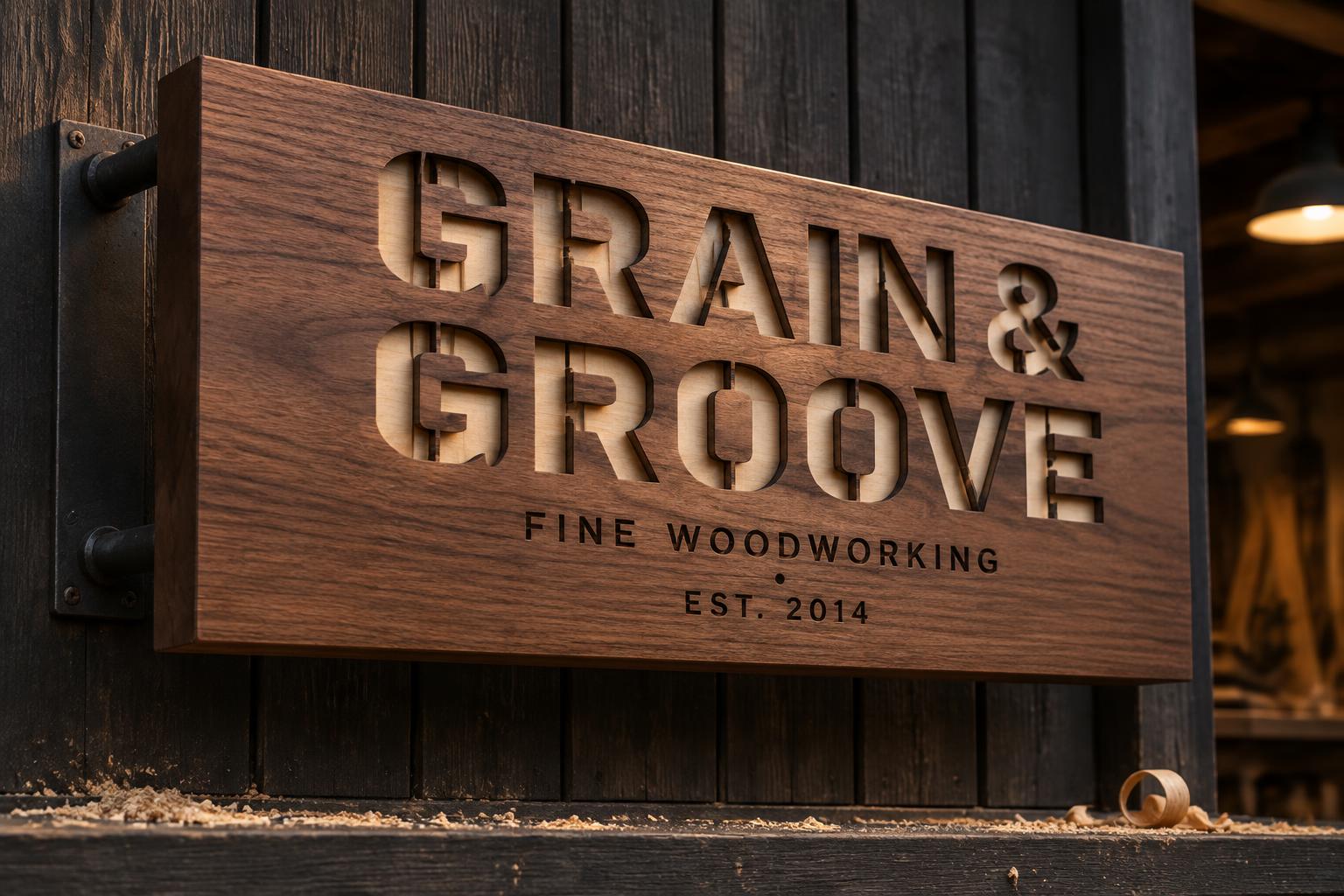
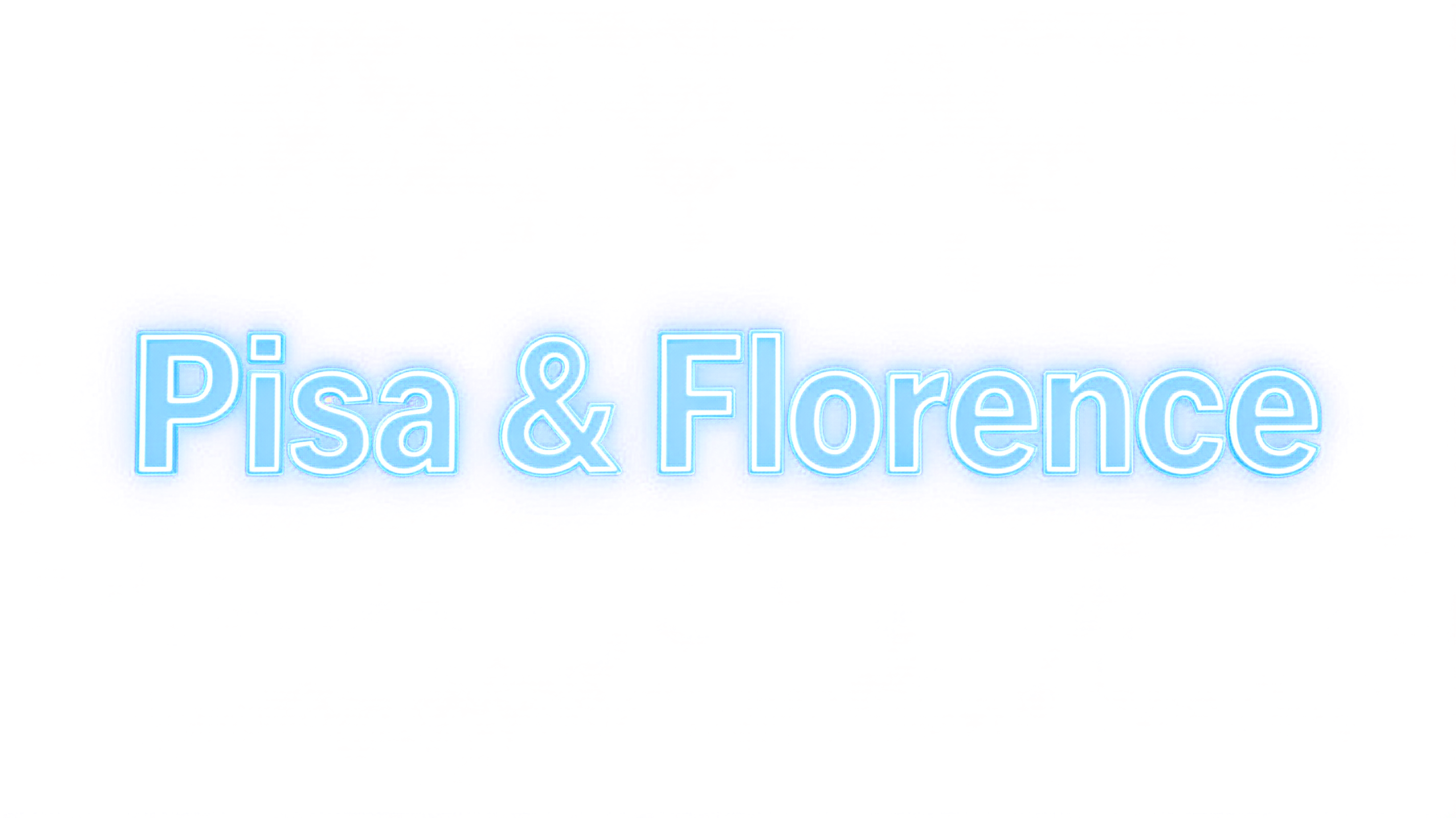
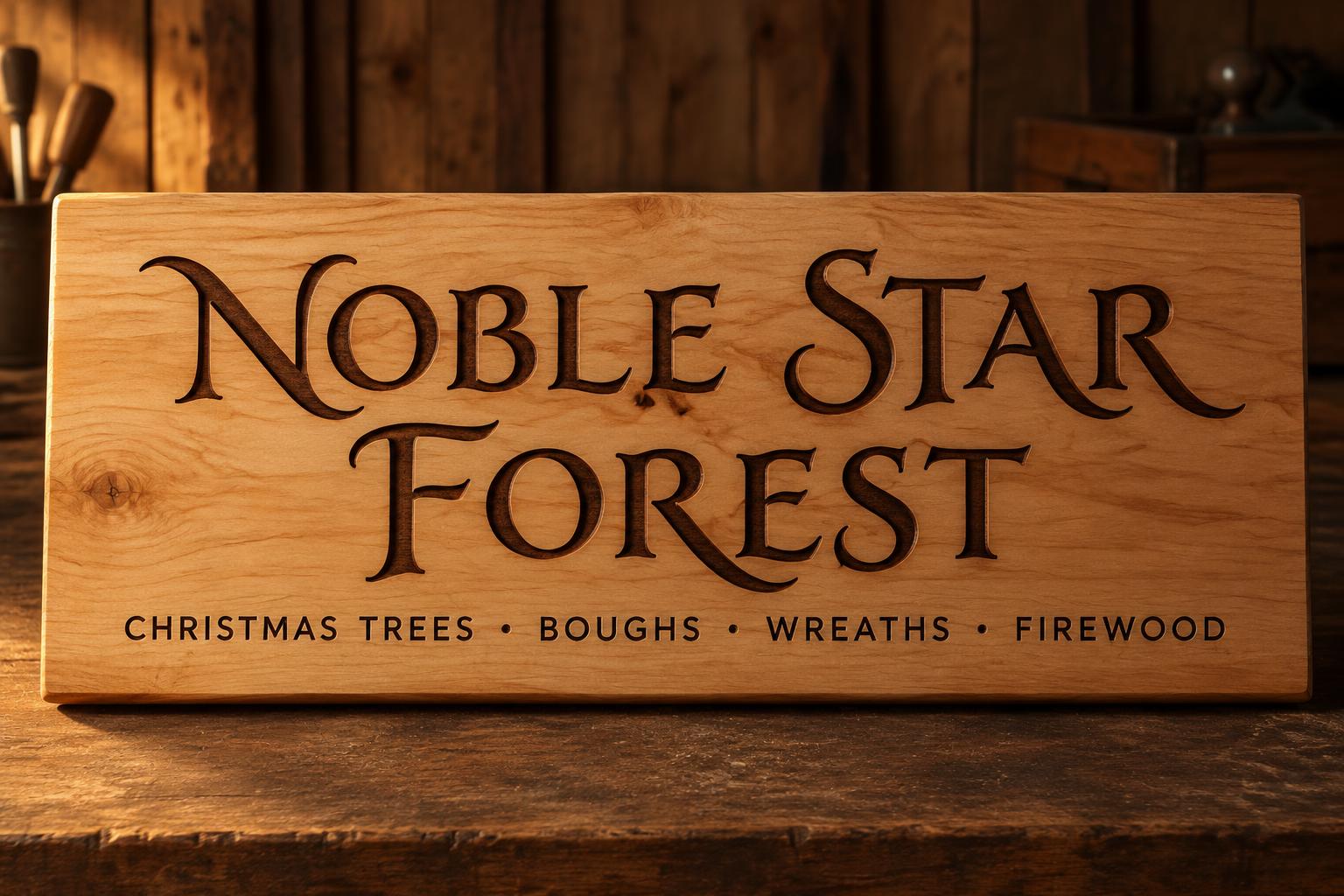
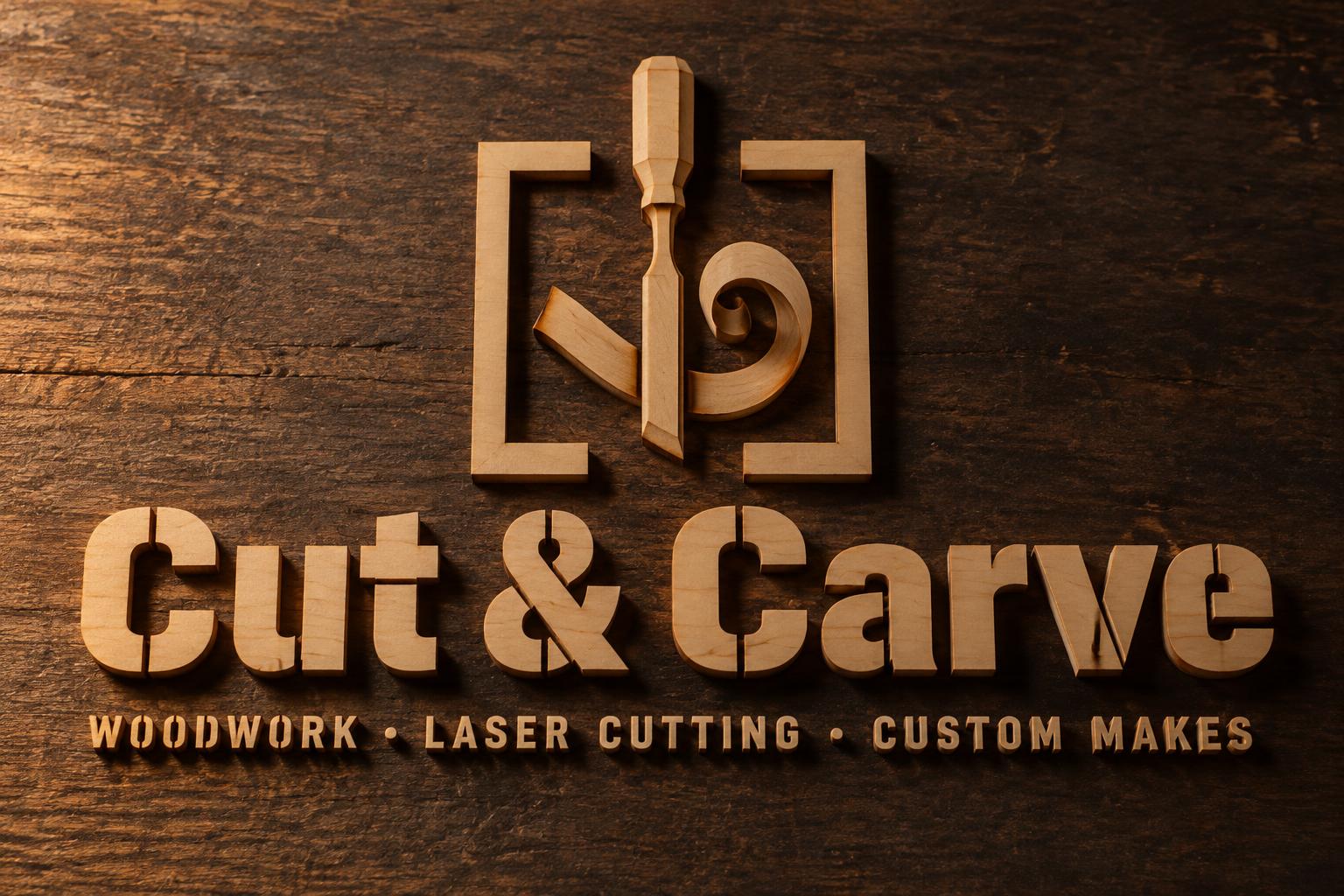
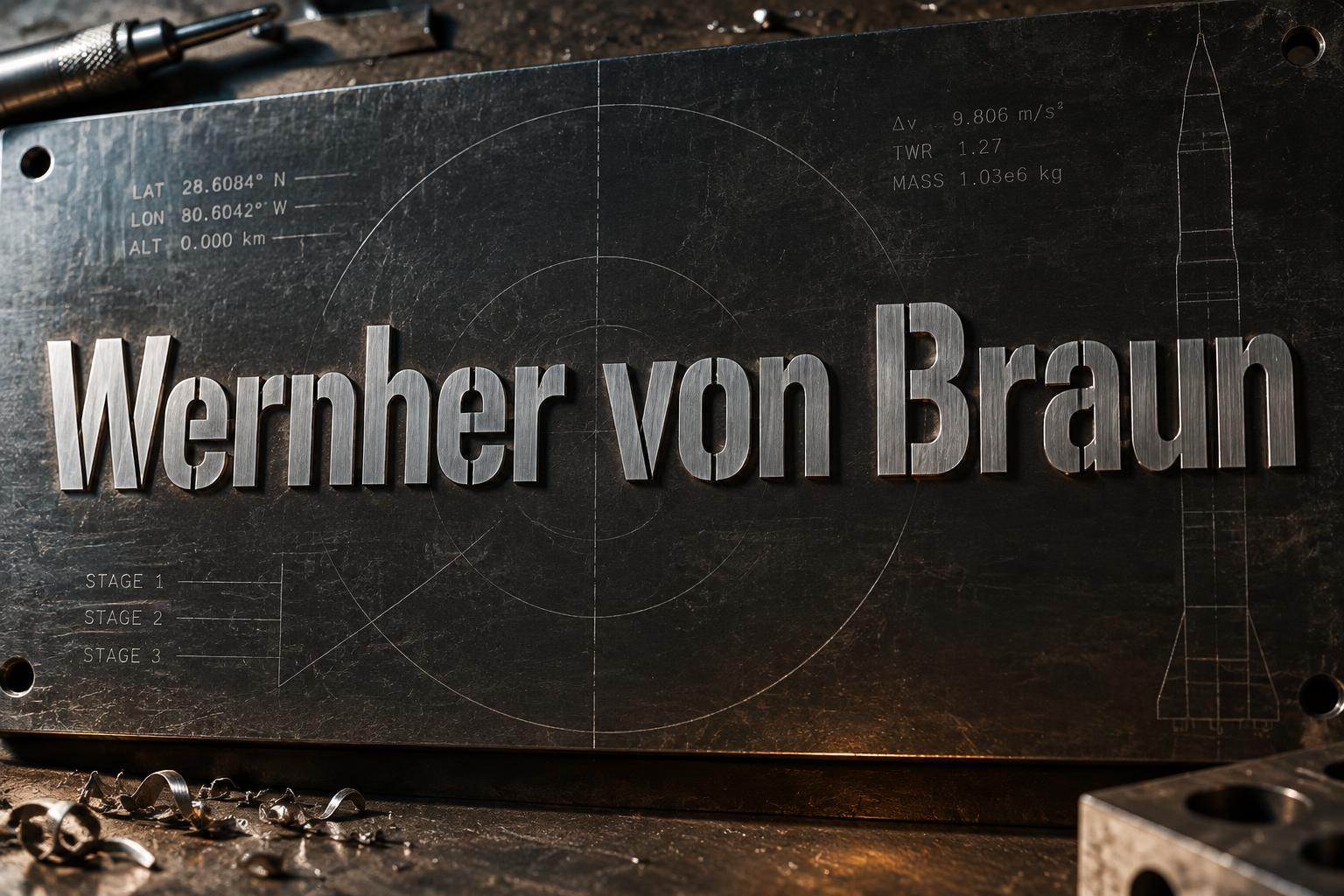
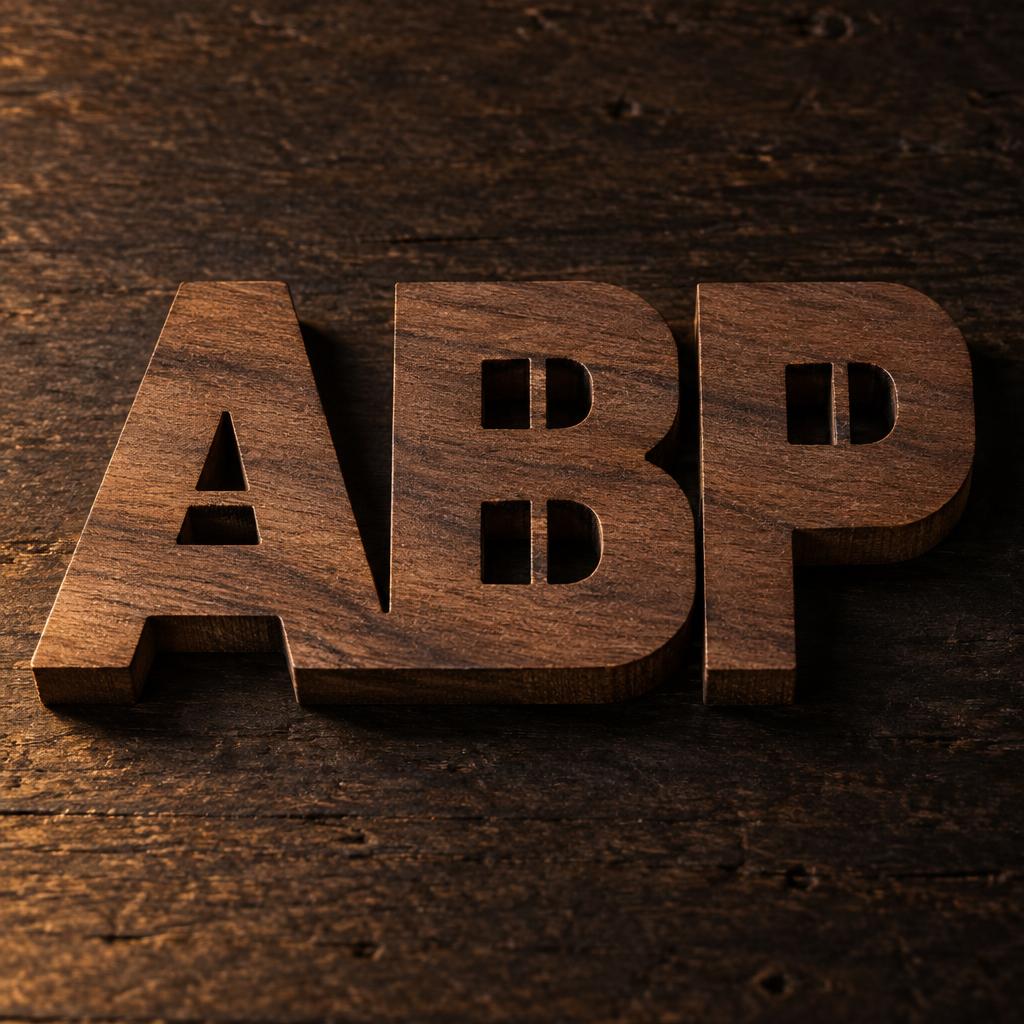
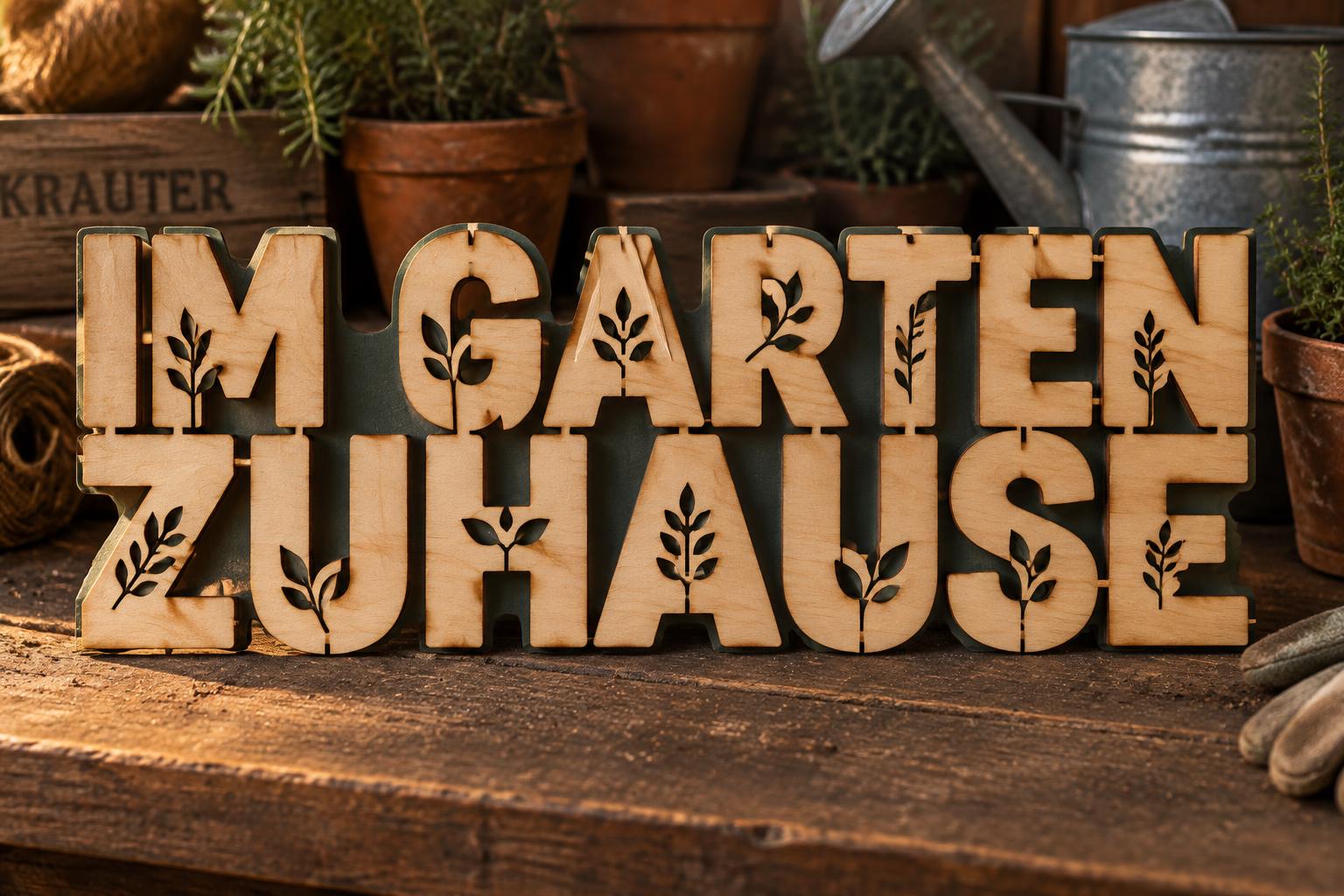
Cada imagen de abajo se generó en FontVibe — sin retoques, sin fotos de stock. Así se ve generador de letreros led de acrílico — corte láser de verdad.




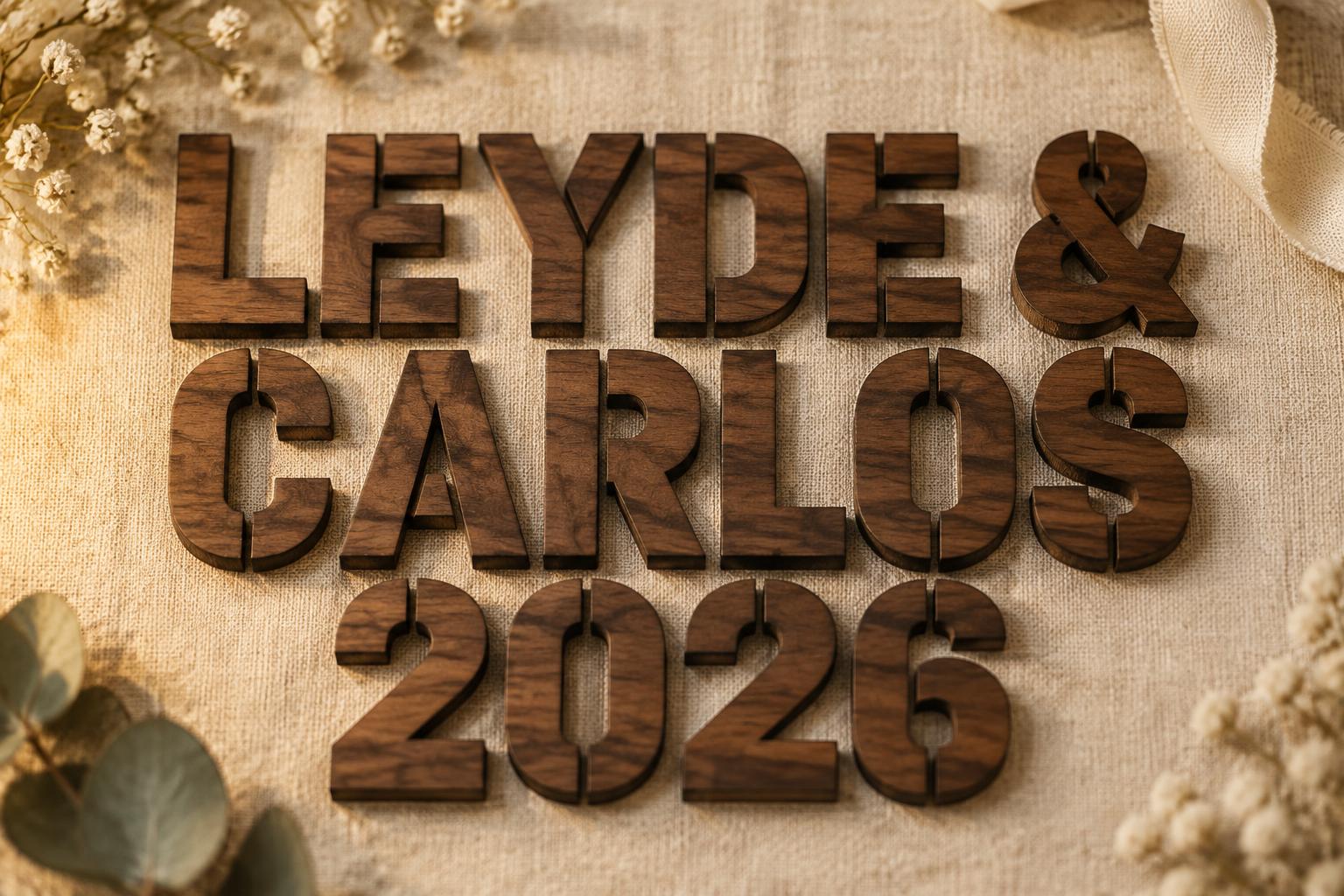
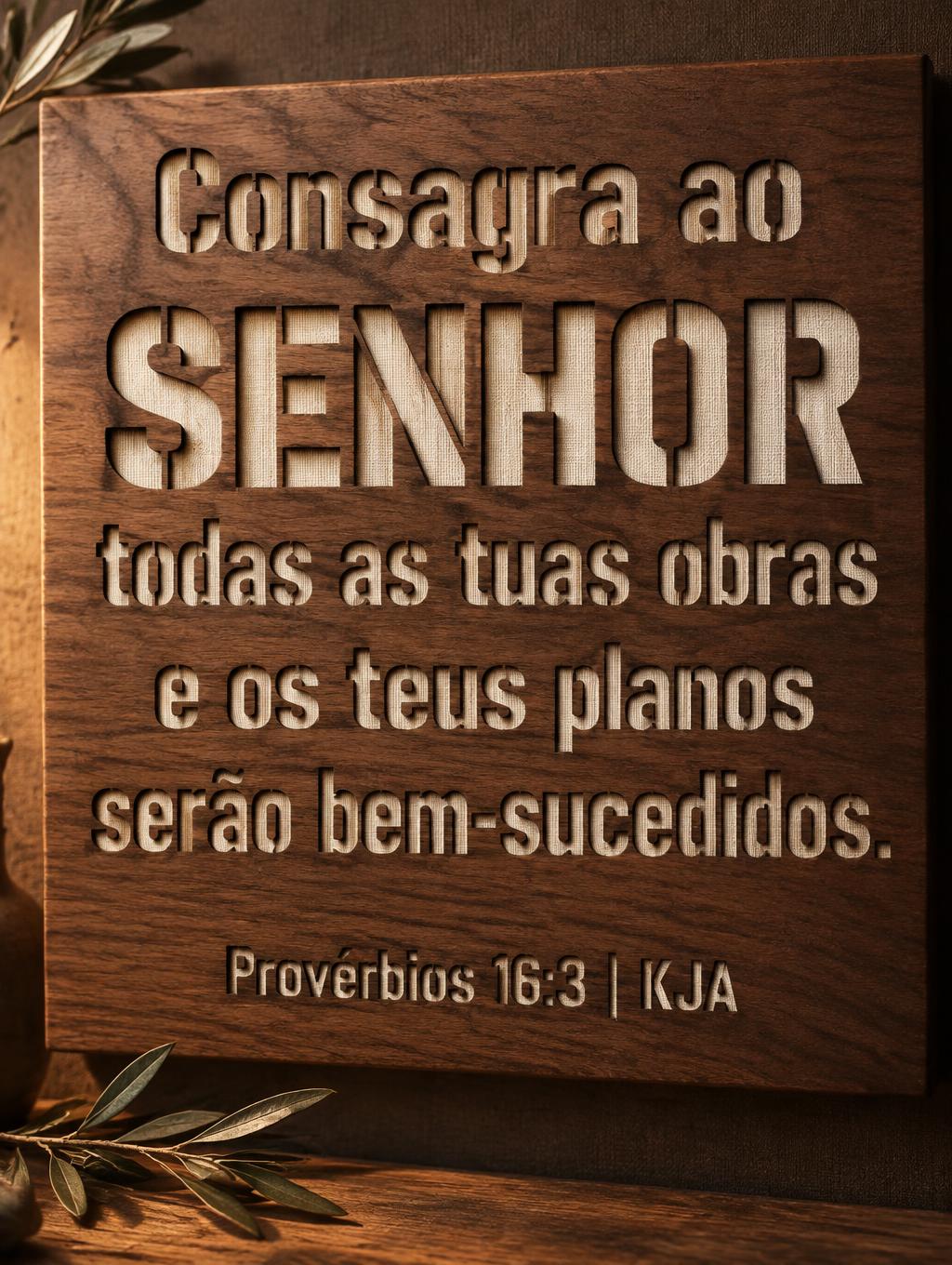
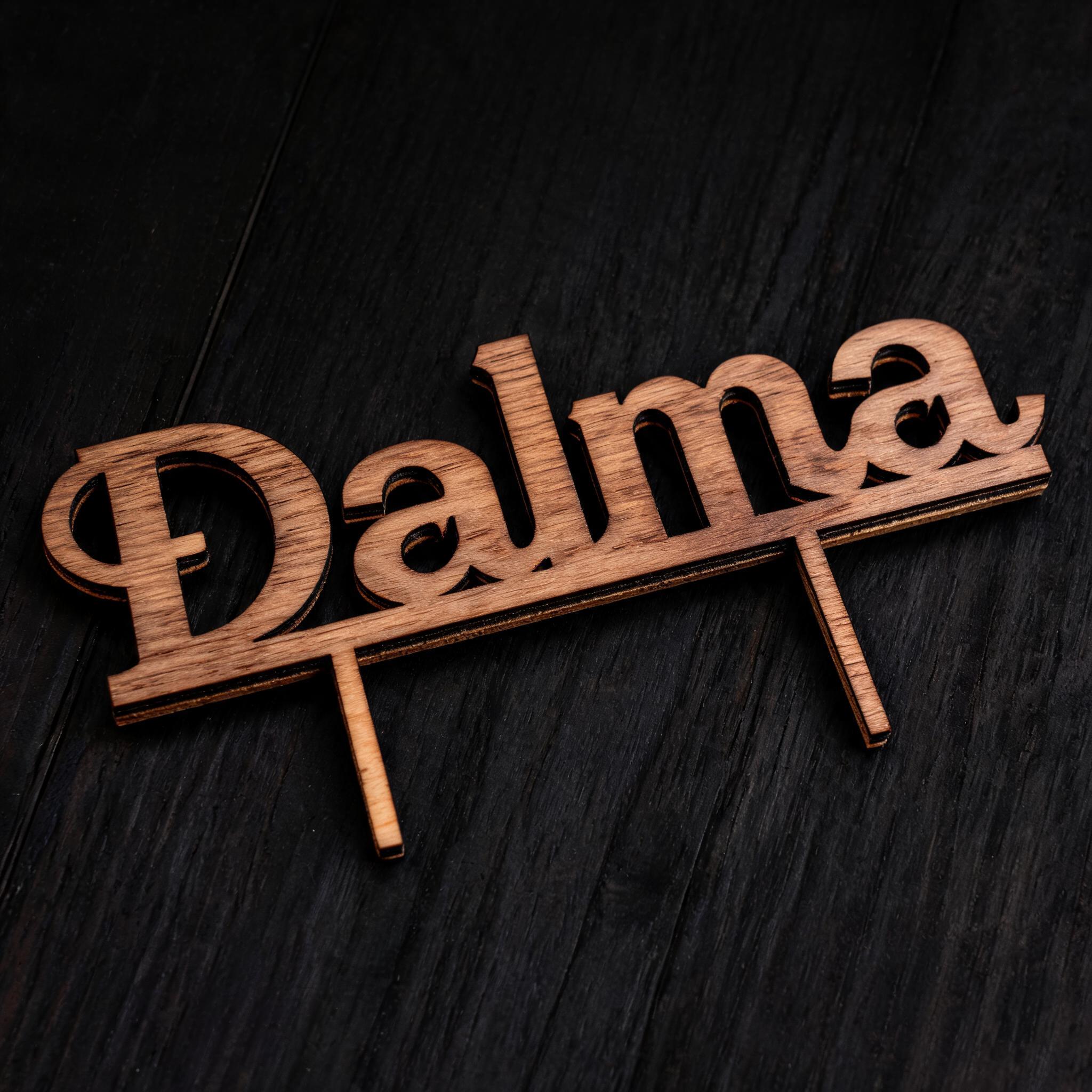
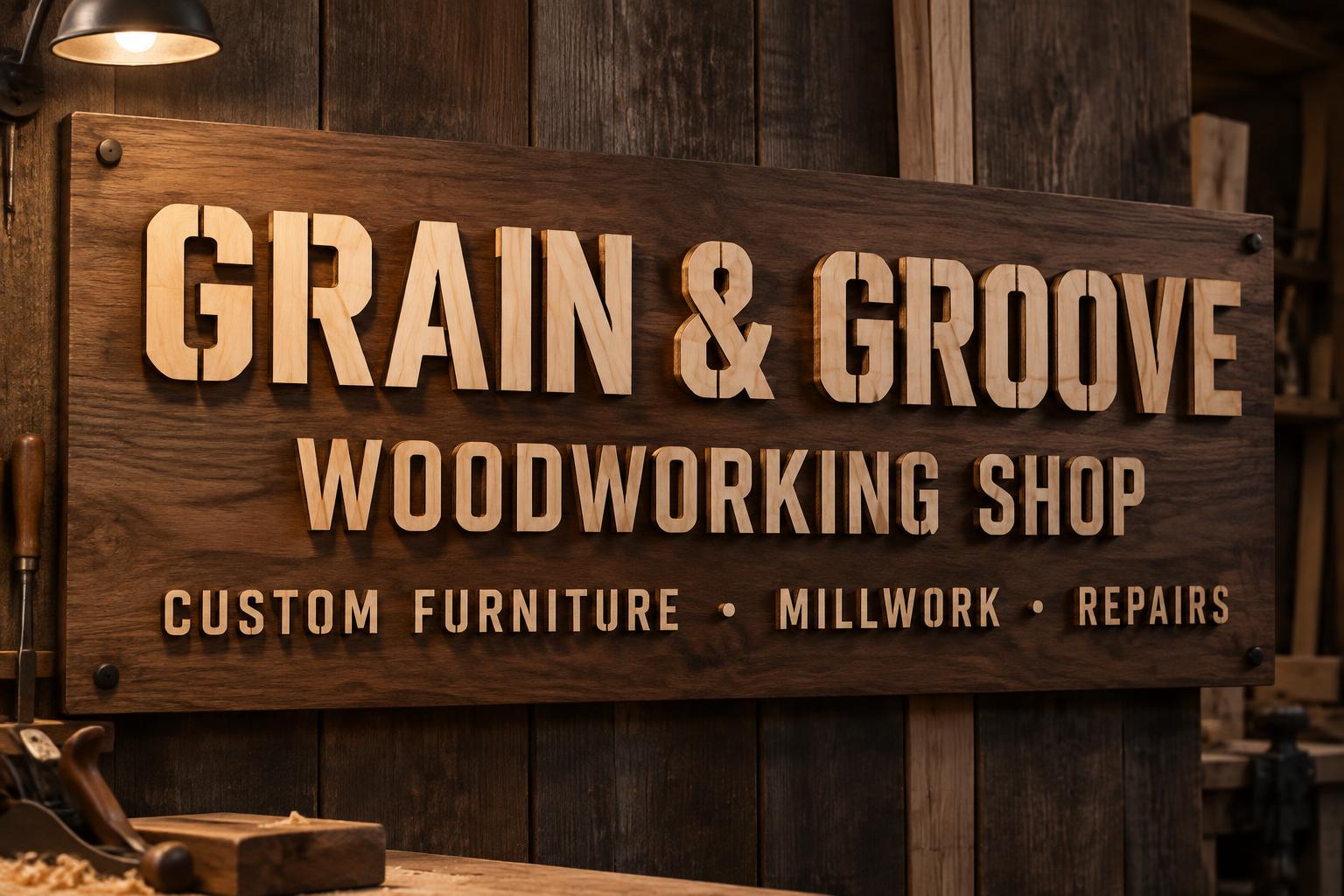









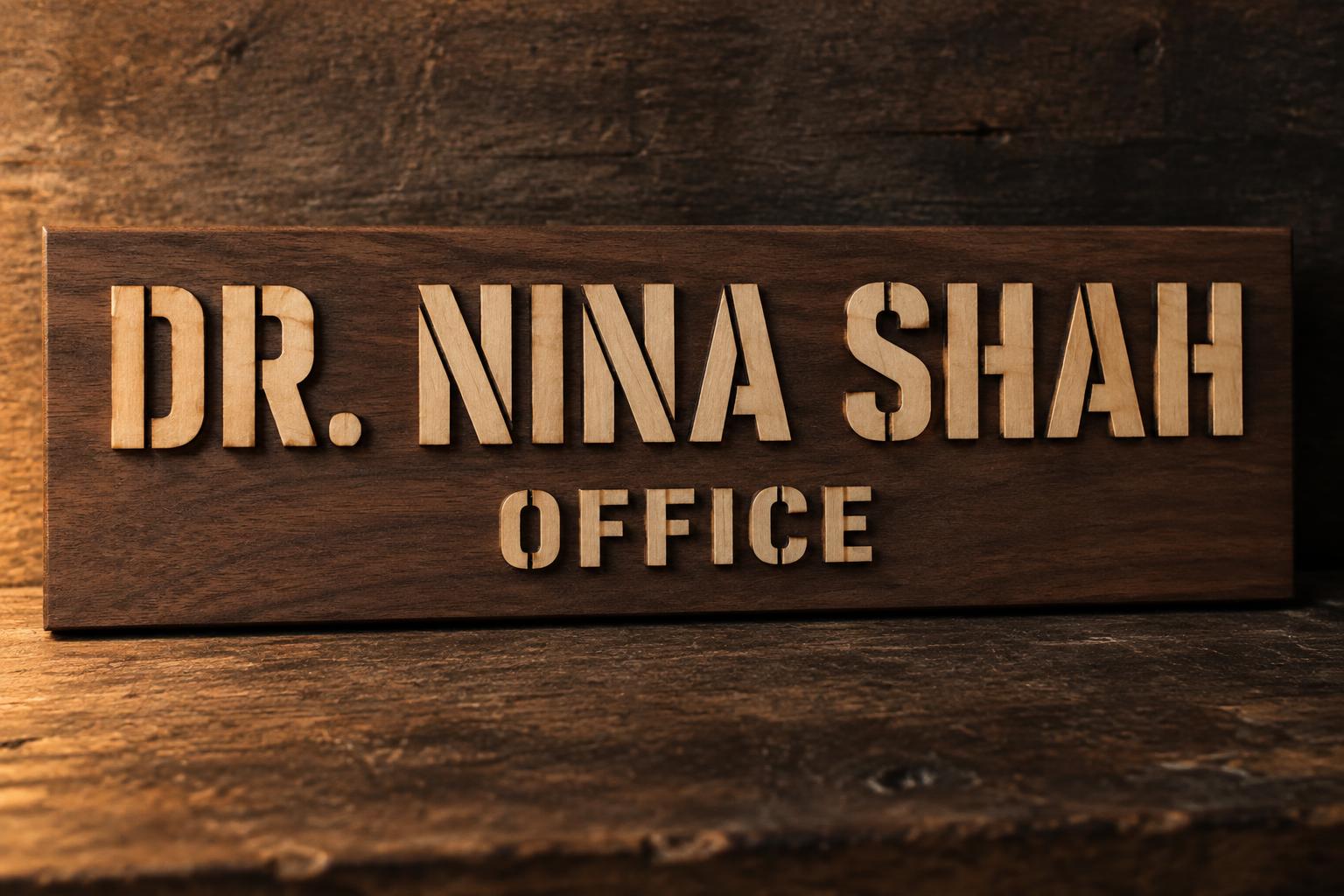
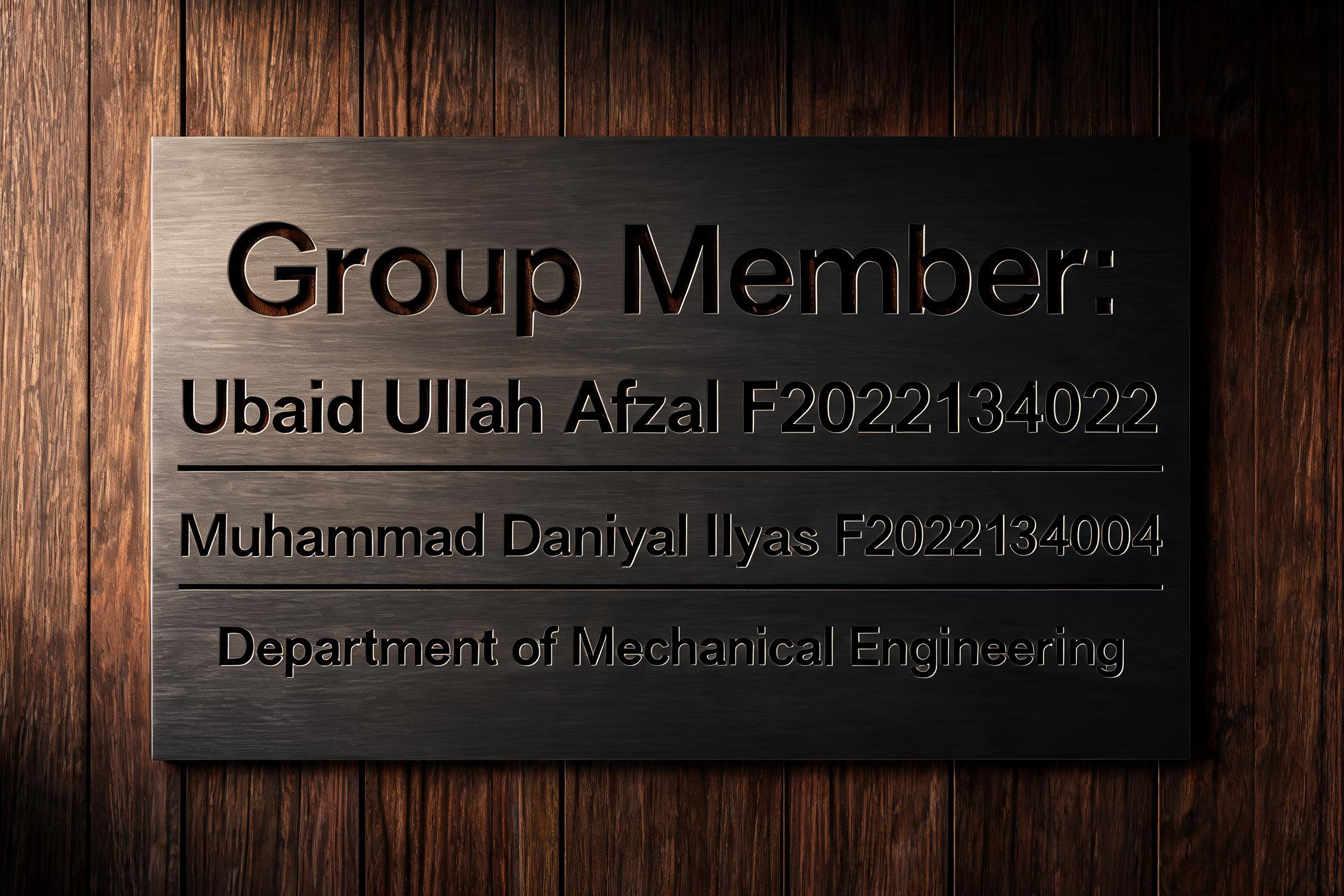
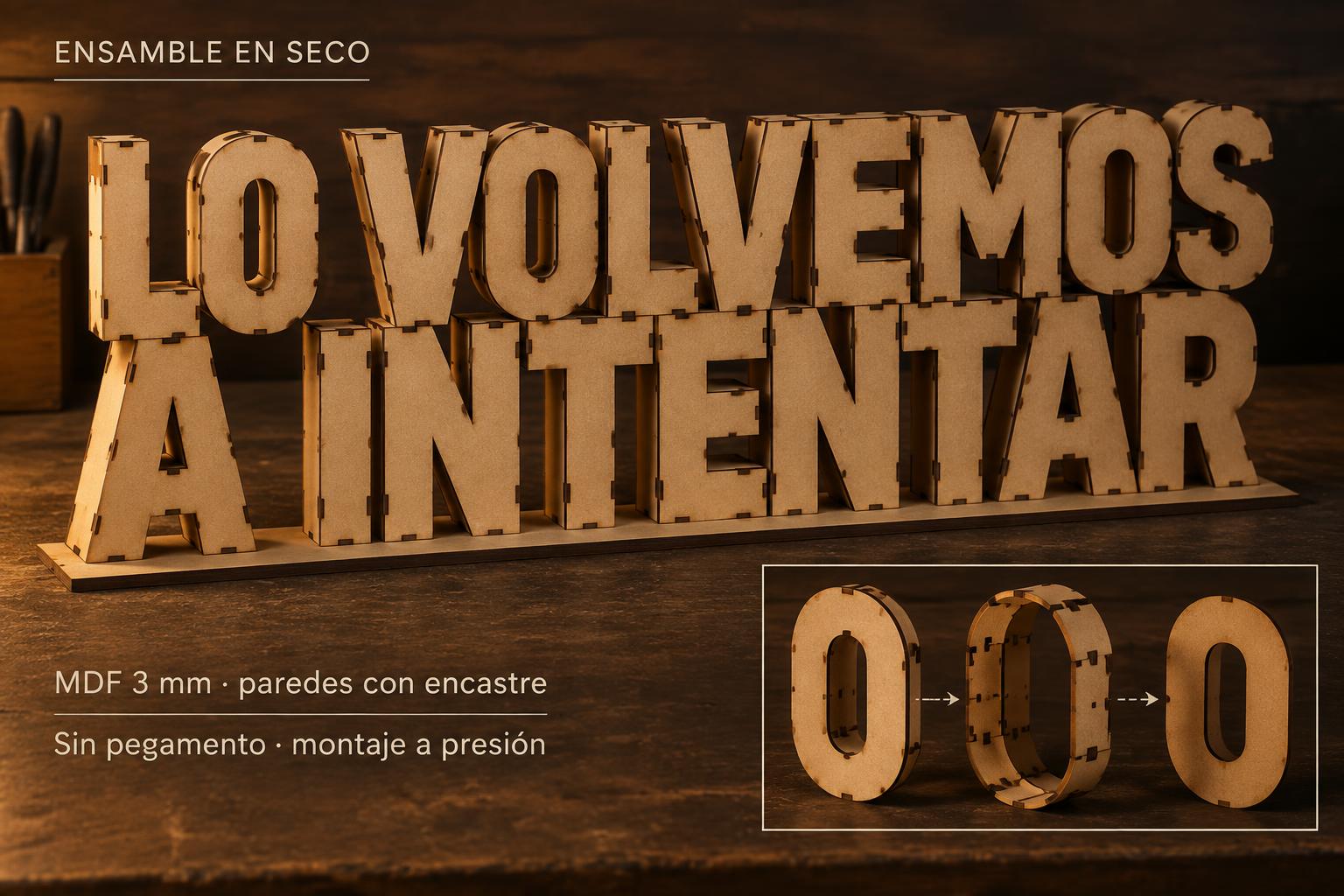
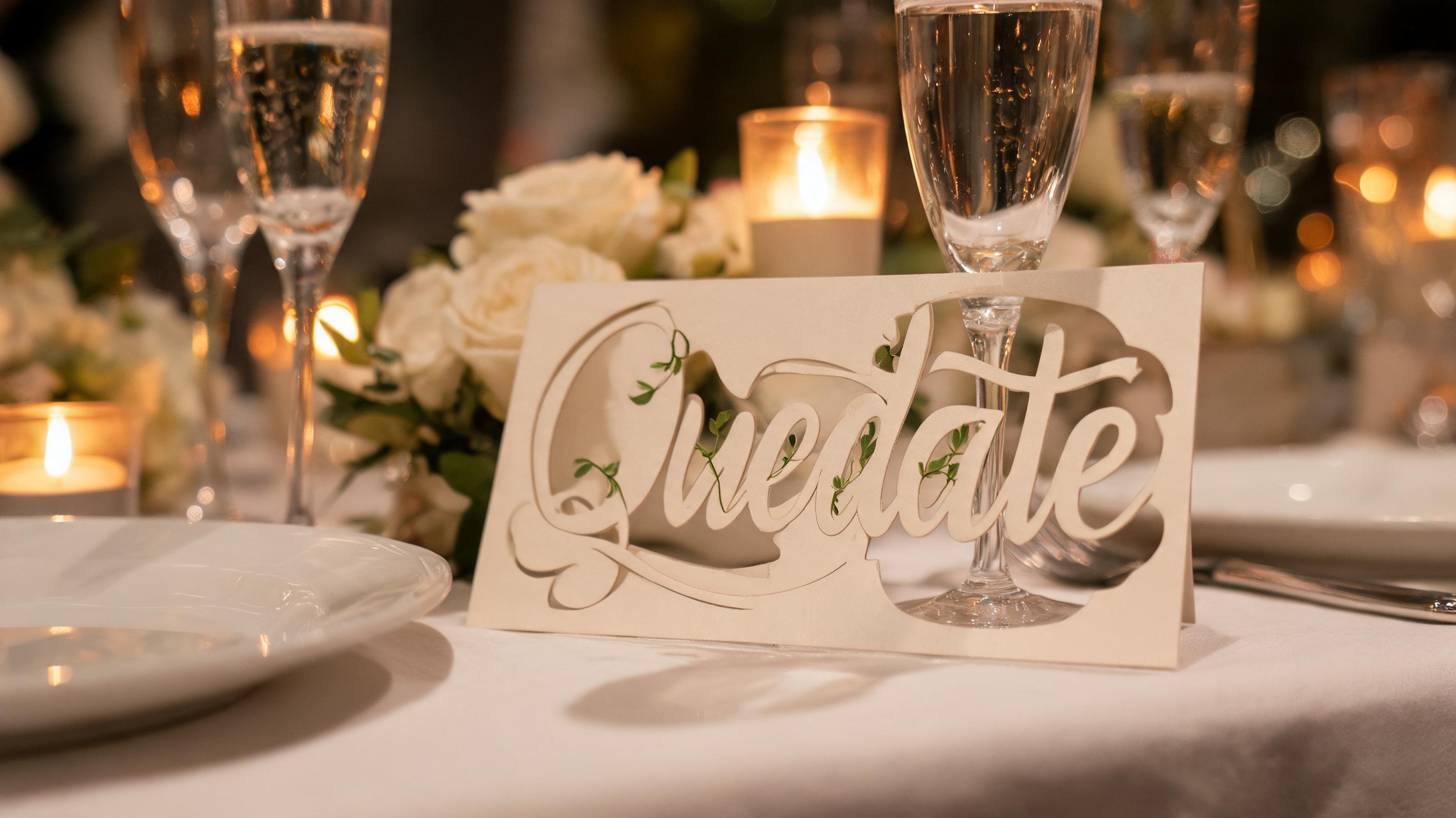
✦ Más usos de Letrero de acrílico luminoso
Explora más formas de usar Corte Láser


✦ Guía paso a paso
Cómo crear tu ["laser-cut","acrylic","LED","shop sign","glow","retail"] en Estudio
Tres pasos. Sin software de diseño.
1
Escribe el texto de tu letrero
Escribe el nombre de tu negocio, una sola palabra (OPEN, COFFEE, BAR) o una frase corta: de 1 a 2 palabras producen el efecto de brillo en los bordes más fuerte.
2
Genera tu letrero de acrílico
La IA de FontVibe crea acrílico esmerilado con brillo LED luminoso a lo largo de cada borde cortado, de forma automática.
3
Descarga y pide tu letrero
Usa el PNG como mockup para compartirlo con tu fabricante de letreros de acrílico.
💡 Consejo de plataforma: Usa 1 o 2 palabras en mayúsculas para máximo impacto del brillo en los bordes. Las letras geométricas limpias producen el efecto luminoso más dramático sobre acrílico esmerilado.
✦ Preguntas comunes
["laser-cut","acrylic","LED","shop sign","glow","retail"] — Preguntas frecuentes
Todo lo que necesitas saber antes de crear.
✦ Explora más estilos de efectos de texto
Estilos de efectos de texto IA relacionados
Prueba una estética distinta — cada estilo genera un resultado visual totalmente único.


¿Quieres más estilos de texto? Explora nuestros generadores de fuentes gratis — elegante, cursiva, gótica y más.
✦ ¿Listo para crear?
Crea tu propio sign","glow","retail"]
Gratis para empezar. Sin conocimientos de diseño.
✦ Generar ahora — gratis