

![["laser-cut","wedding","stationery","paper","filigree","invitation"] text effect example](https://cos.fontvibe.ai/generations/user/17/c5c01b97-e07b-49e1-a423-b02a2f460724.jpeg?imageMogr2/thumbnail/600x/format/webp/resolution/80)
✦ Galería de la comunidad
Ver todo →Papelería de boda — Galería de la comunidad
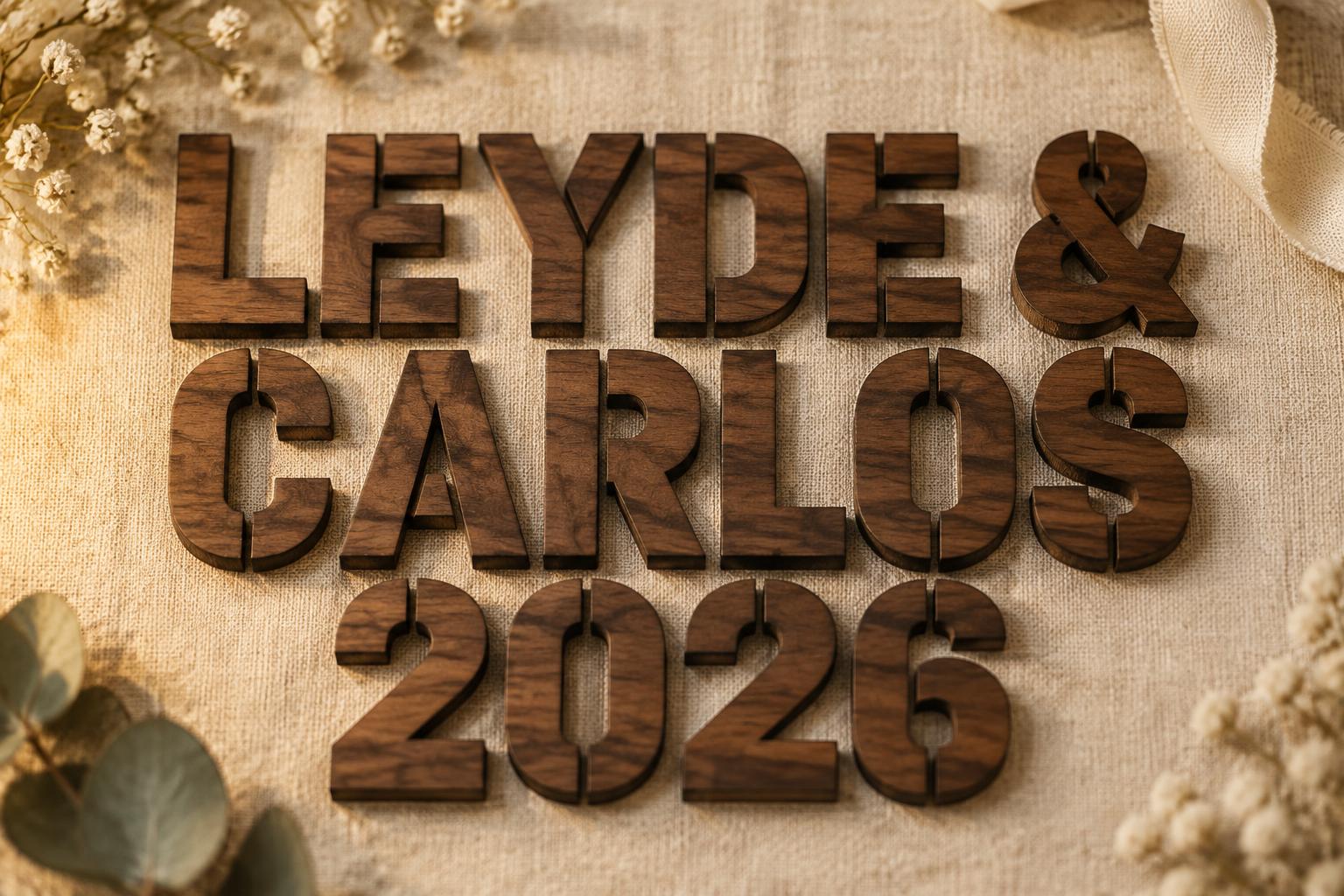
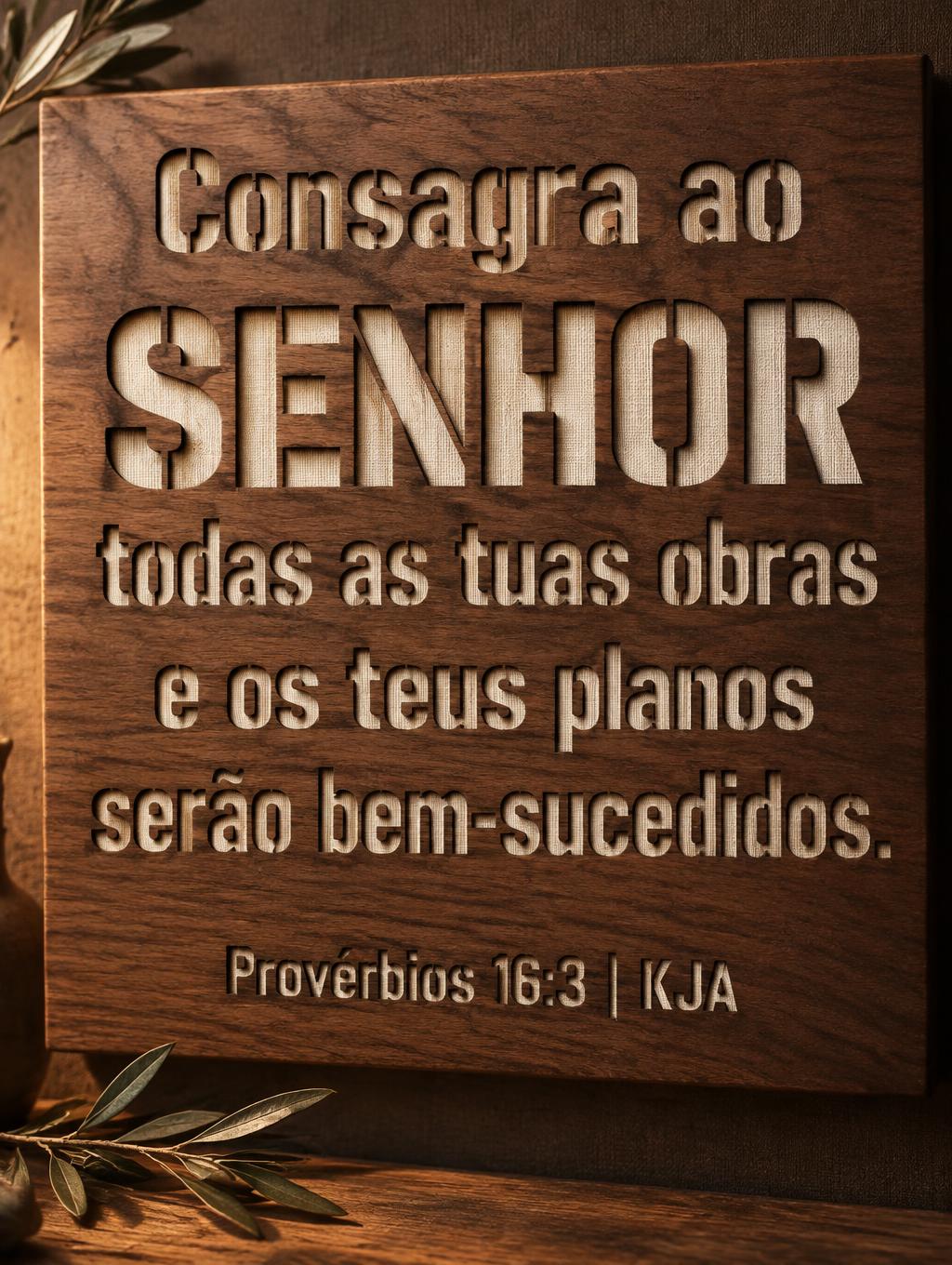
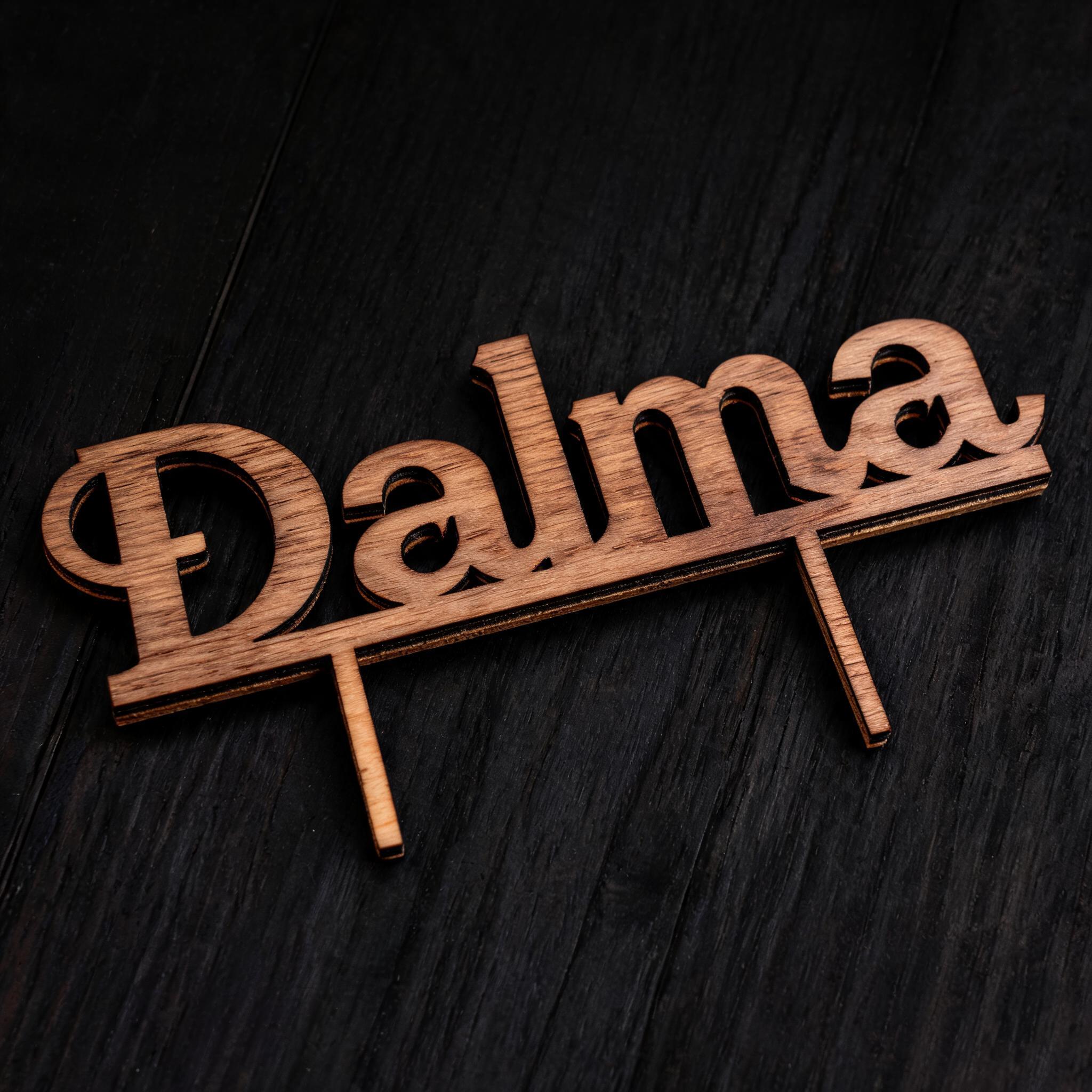
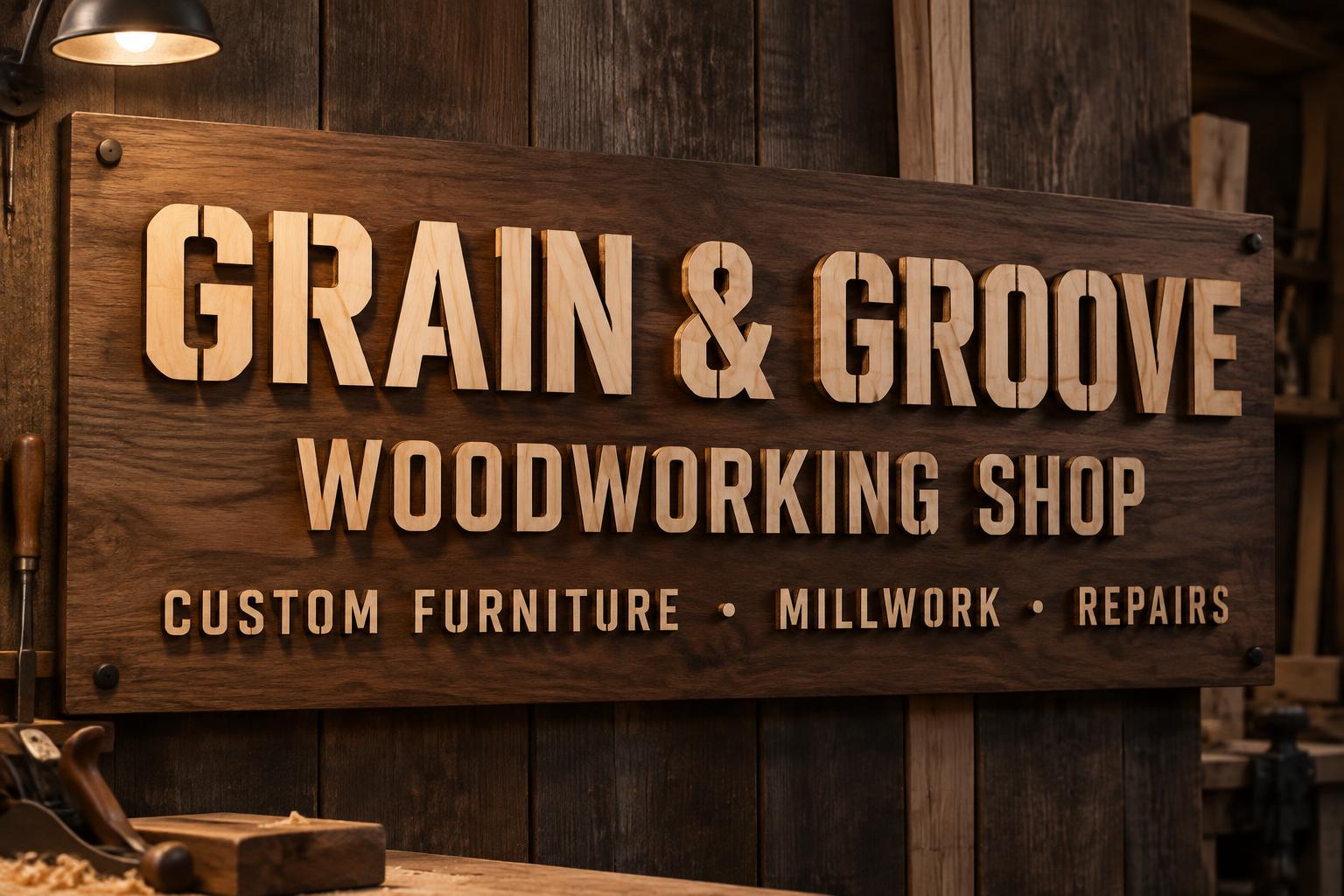
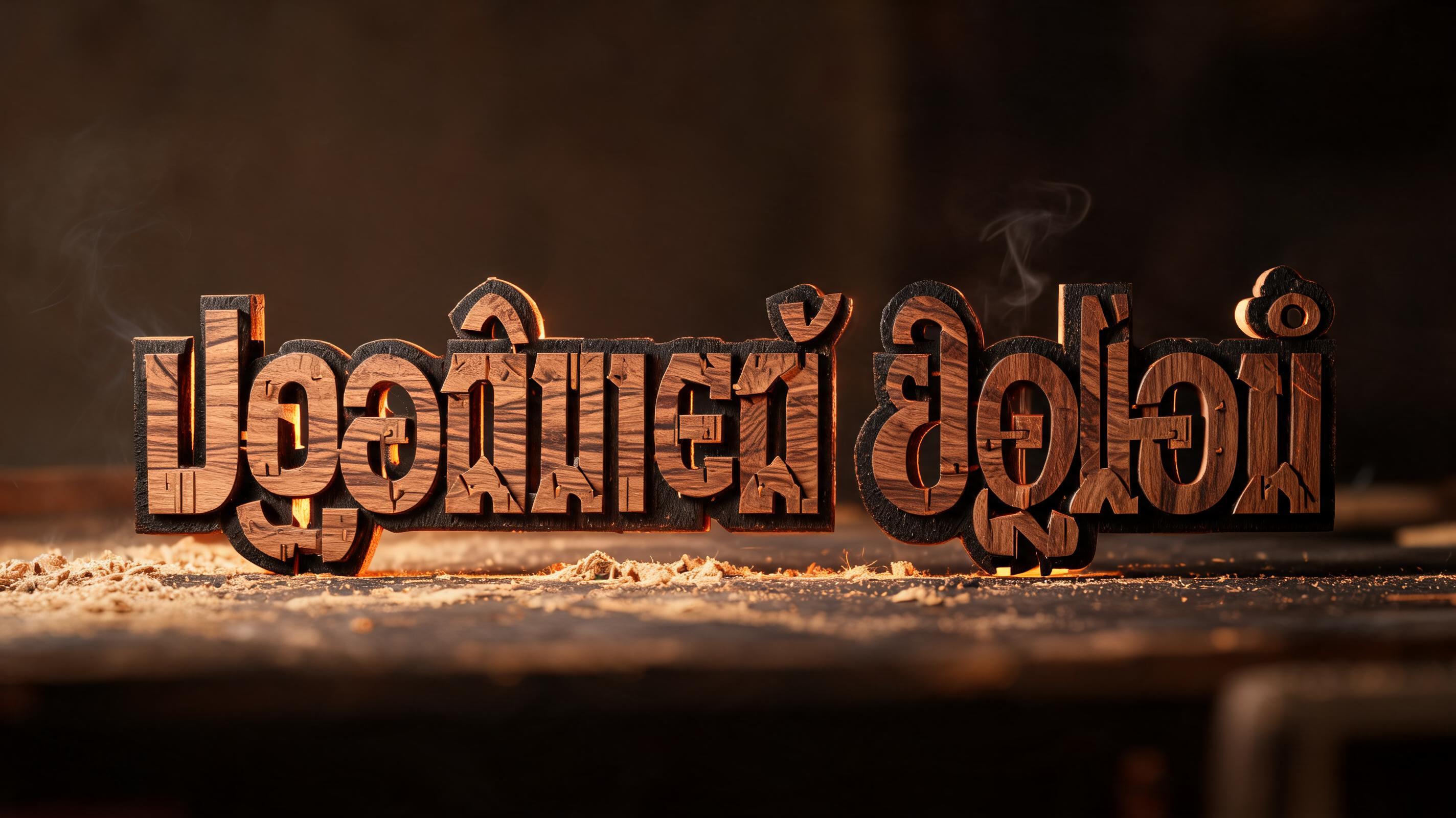
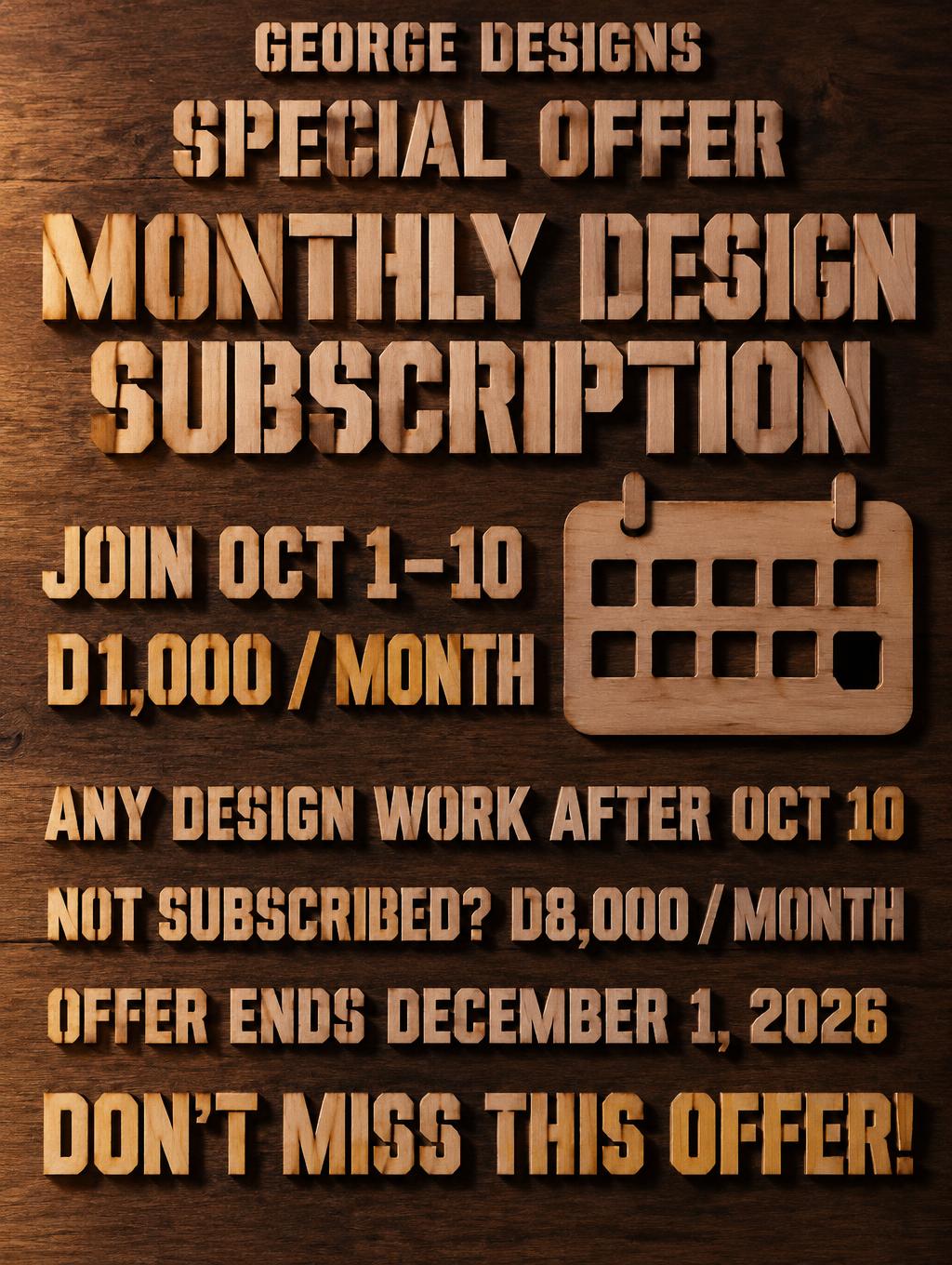
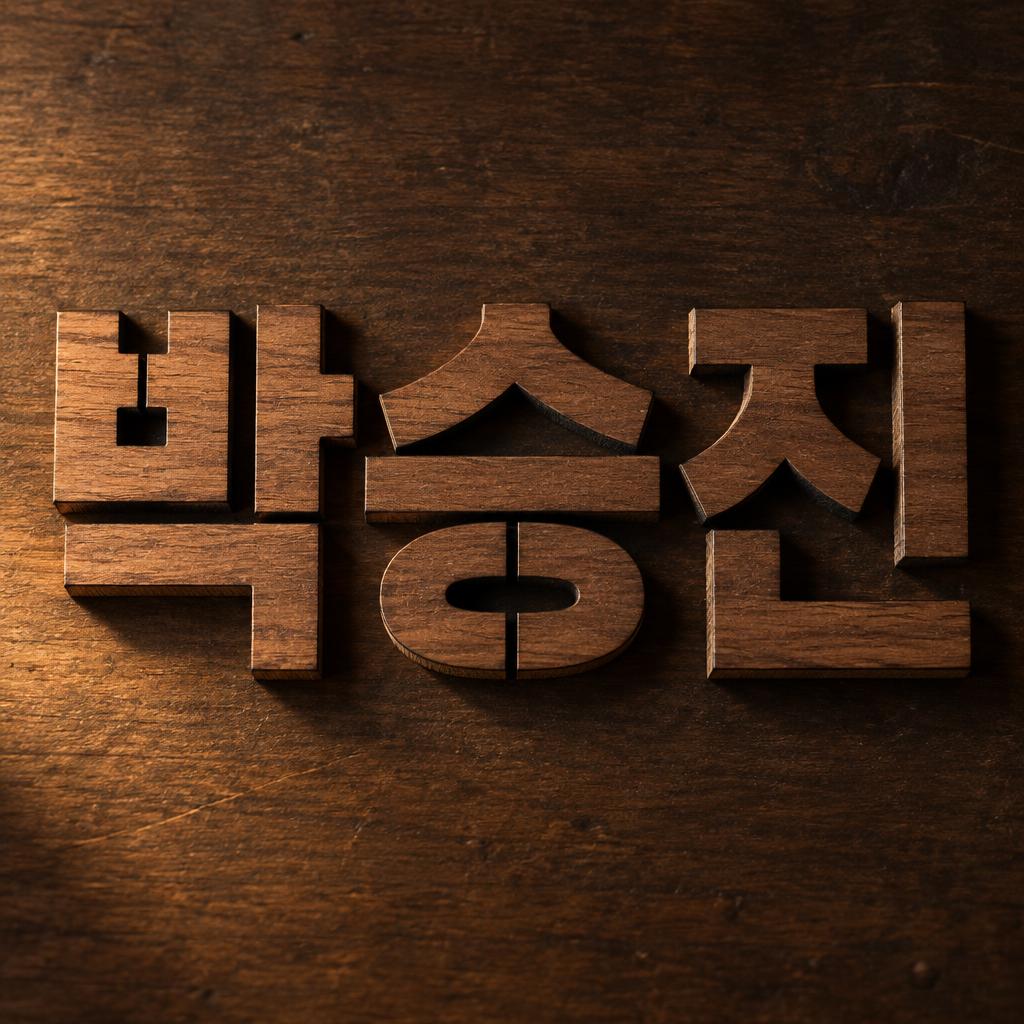
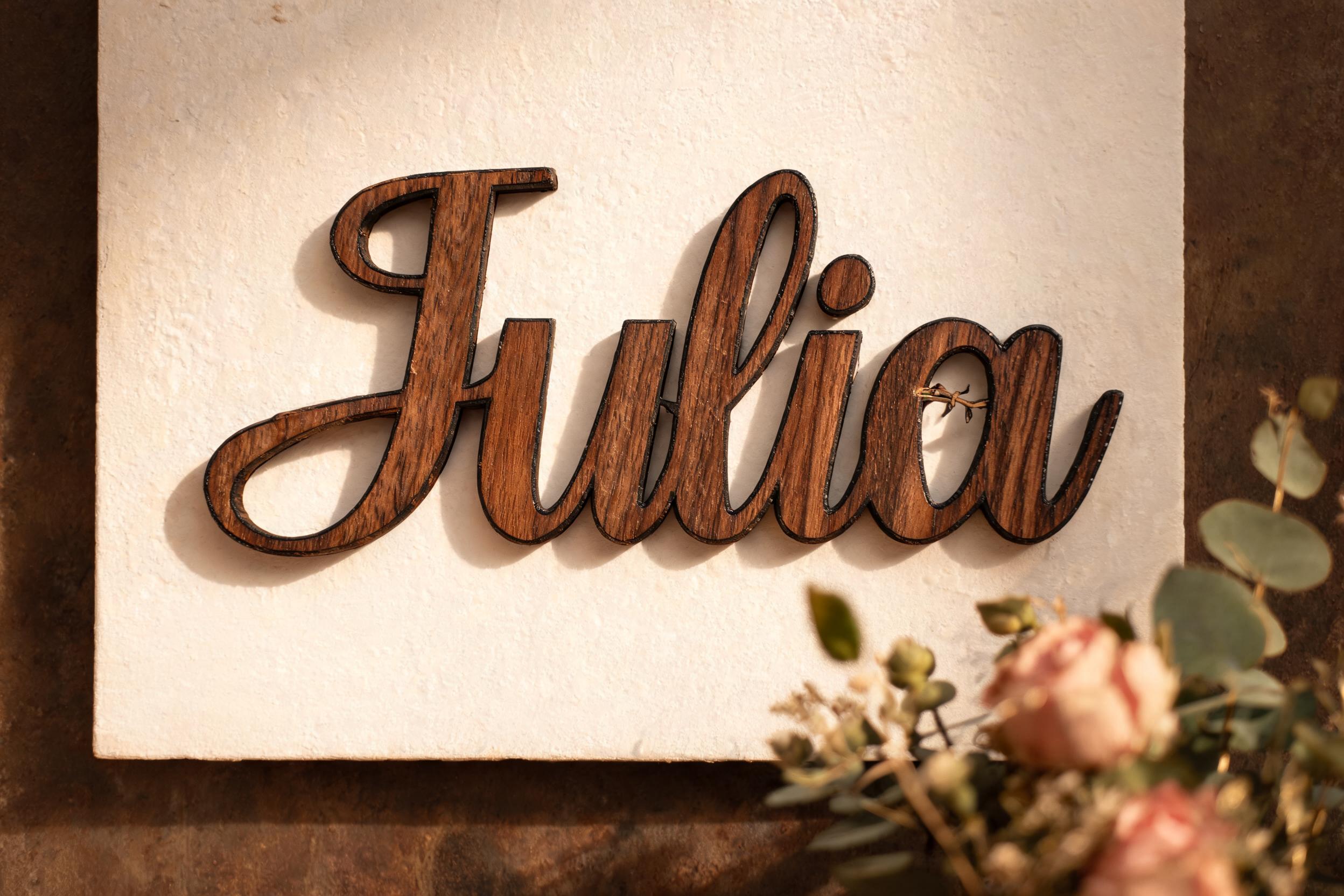
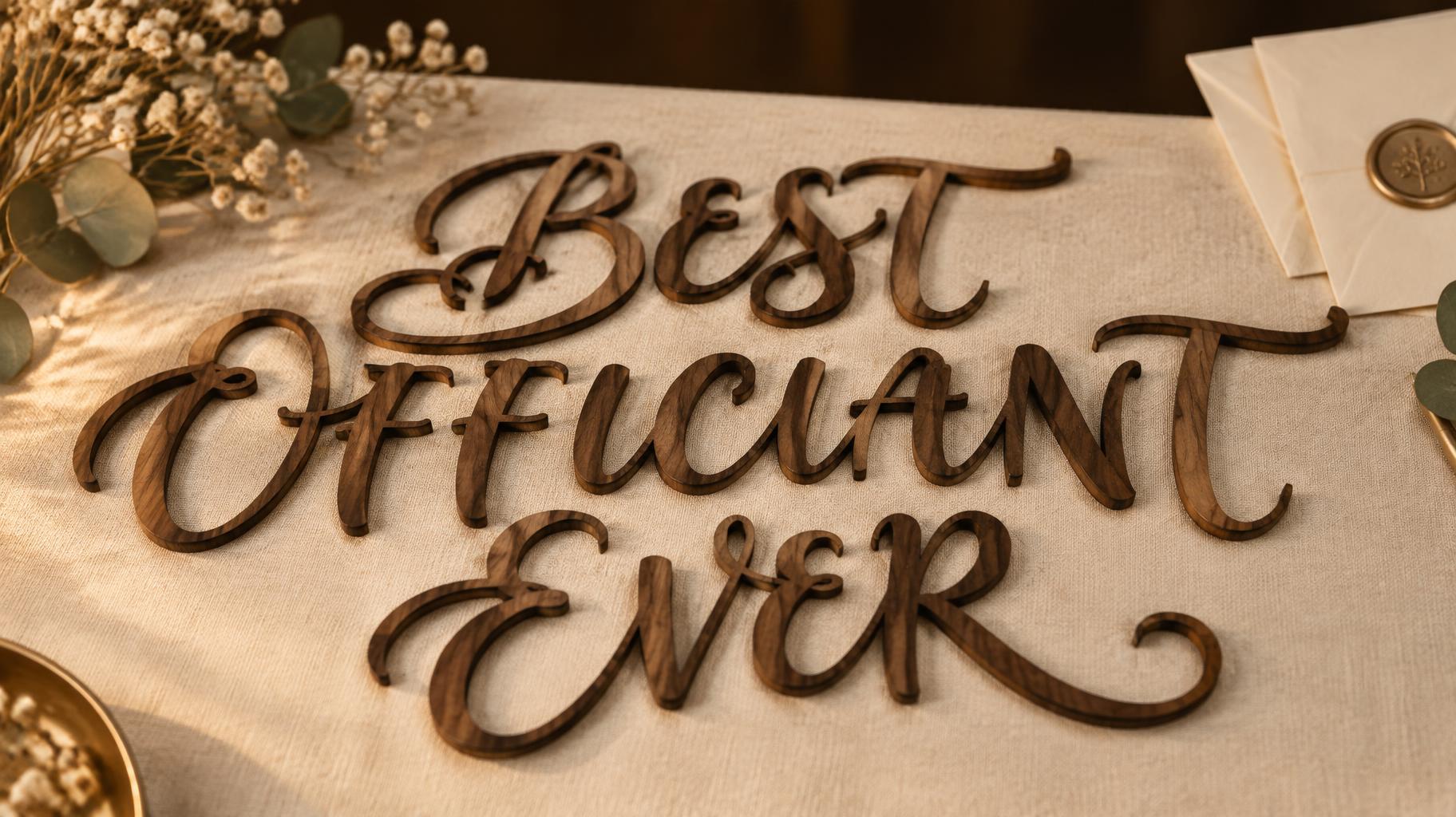
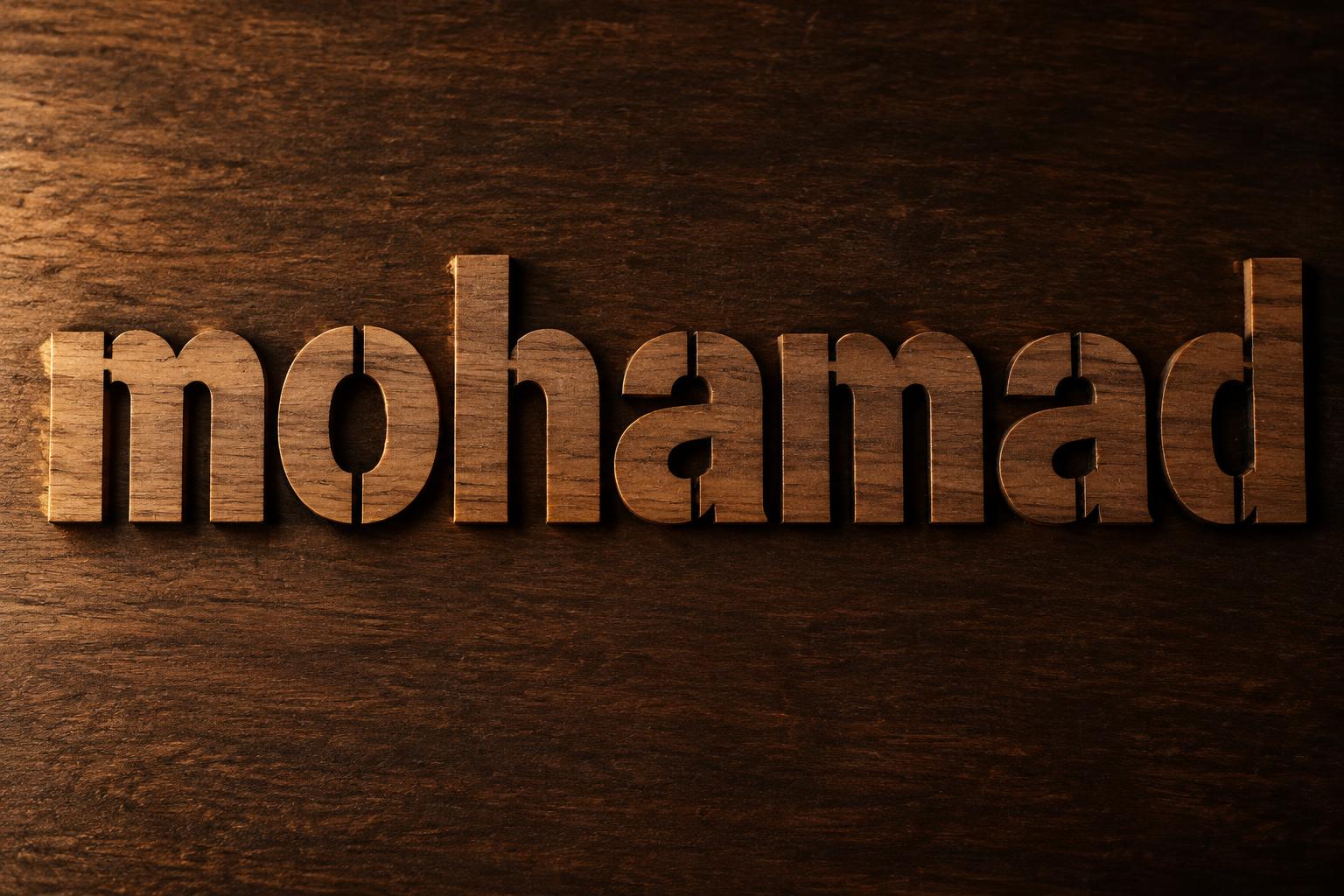
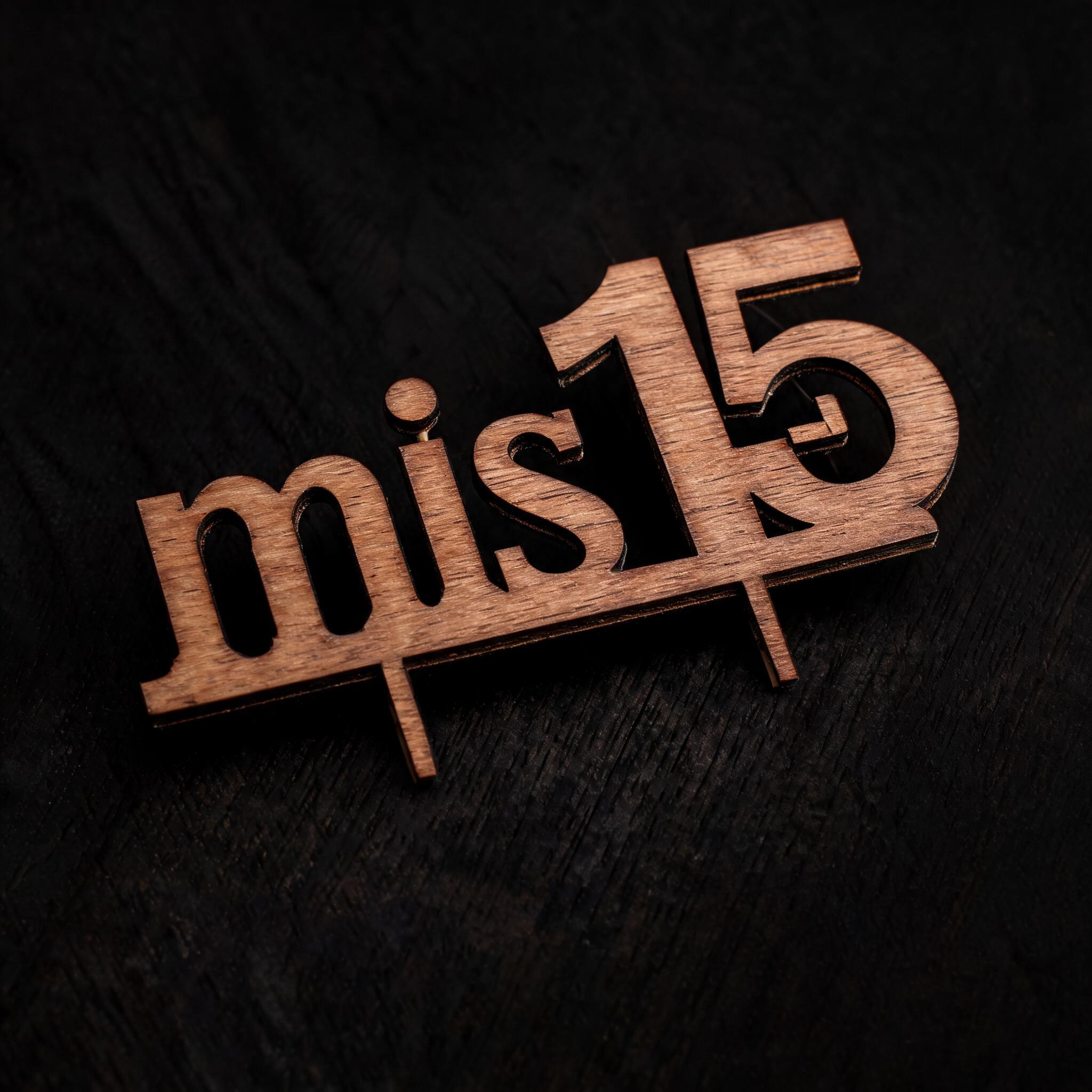
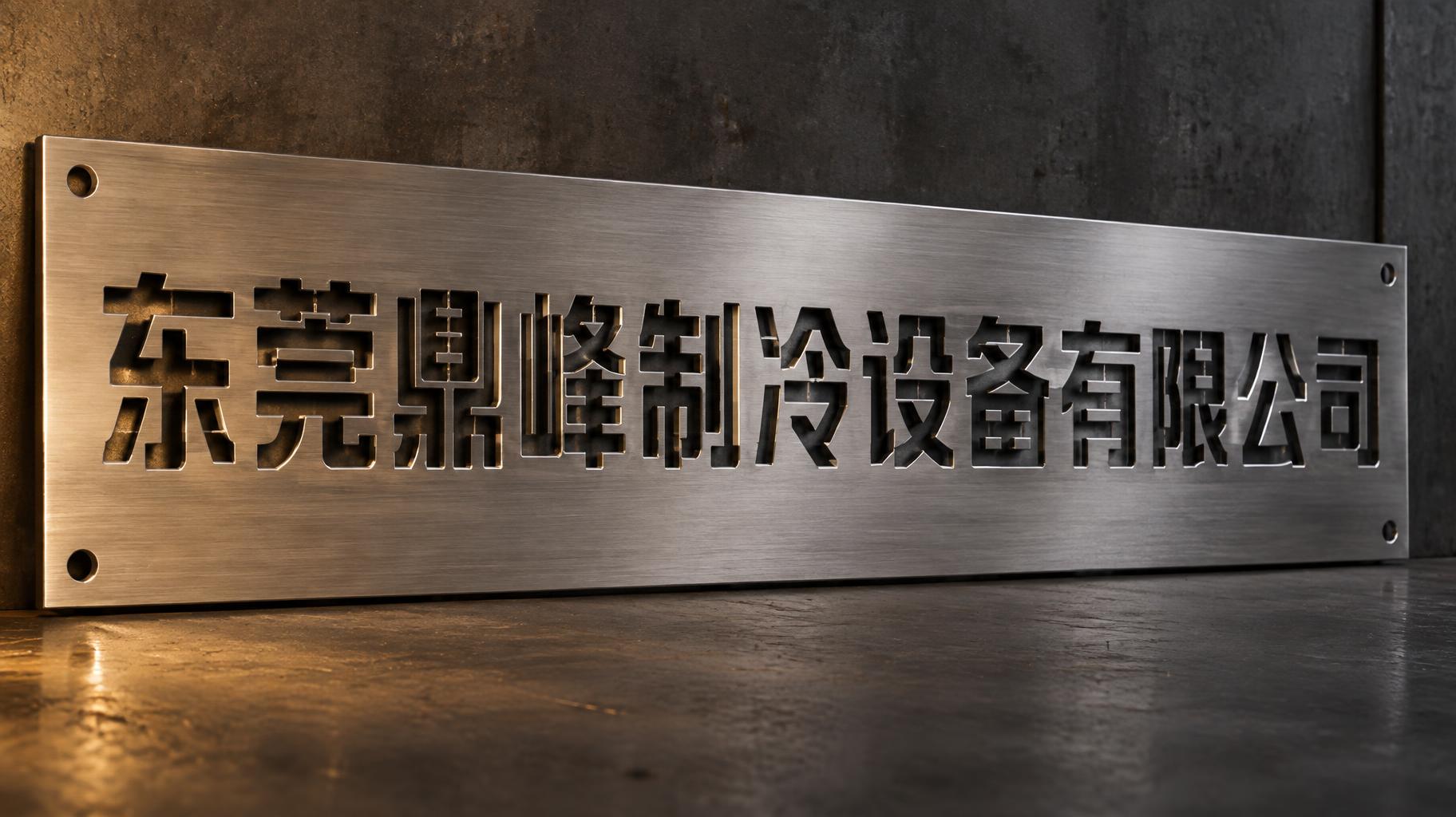
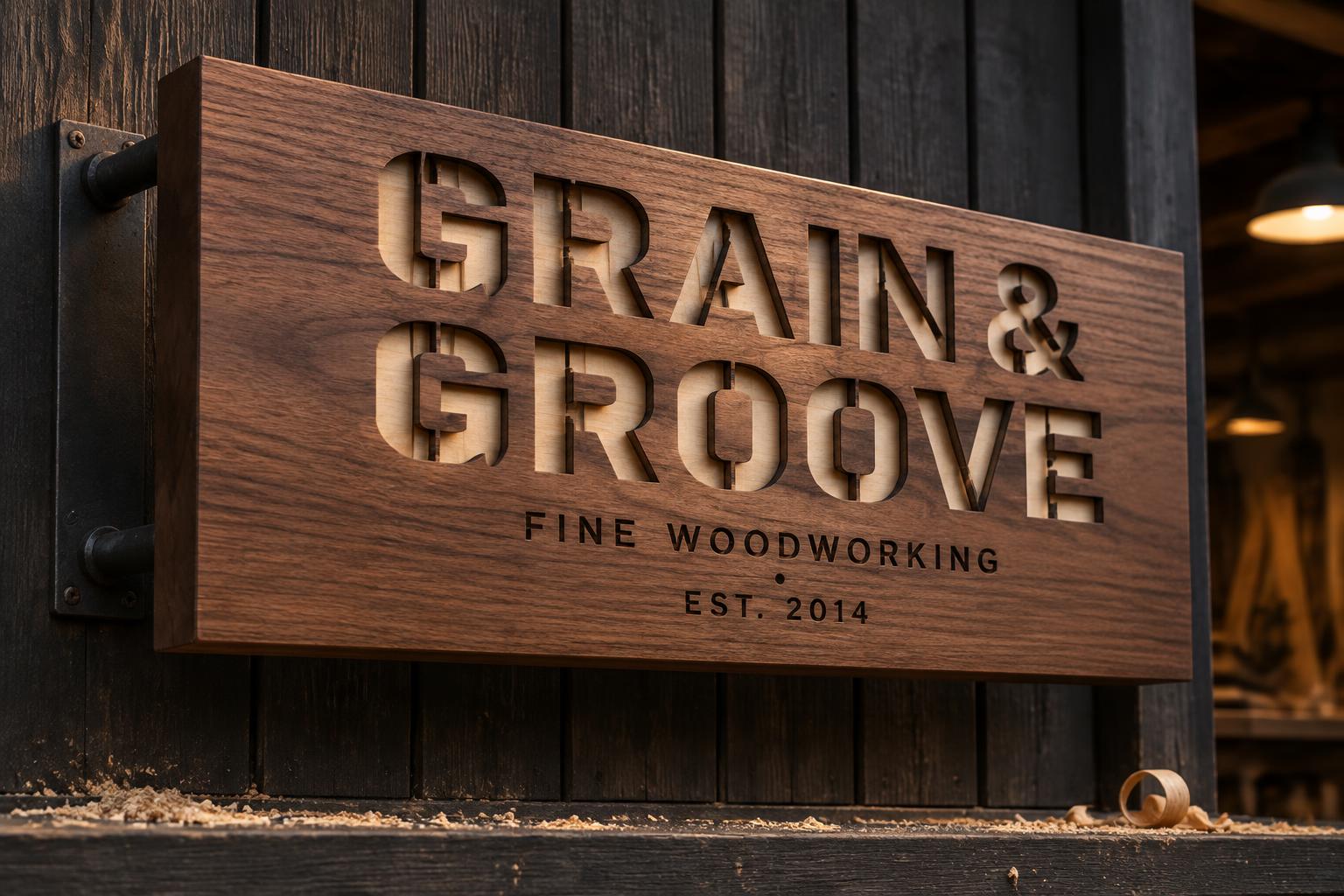
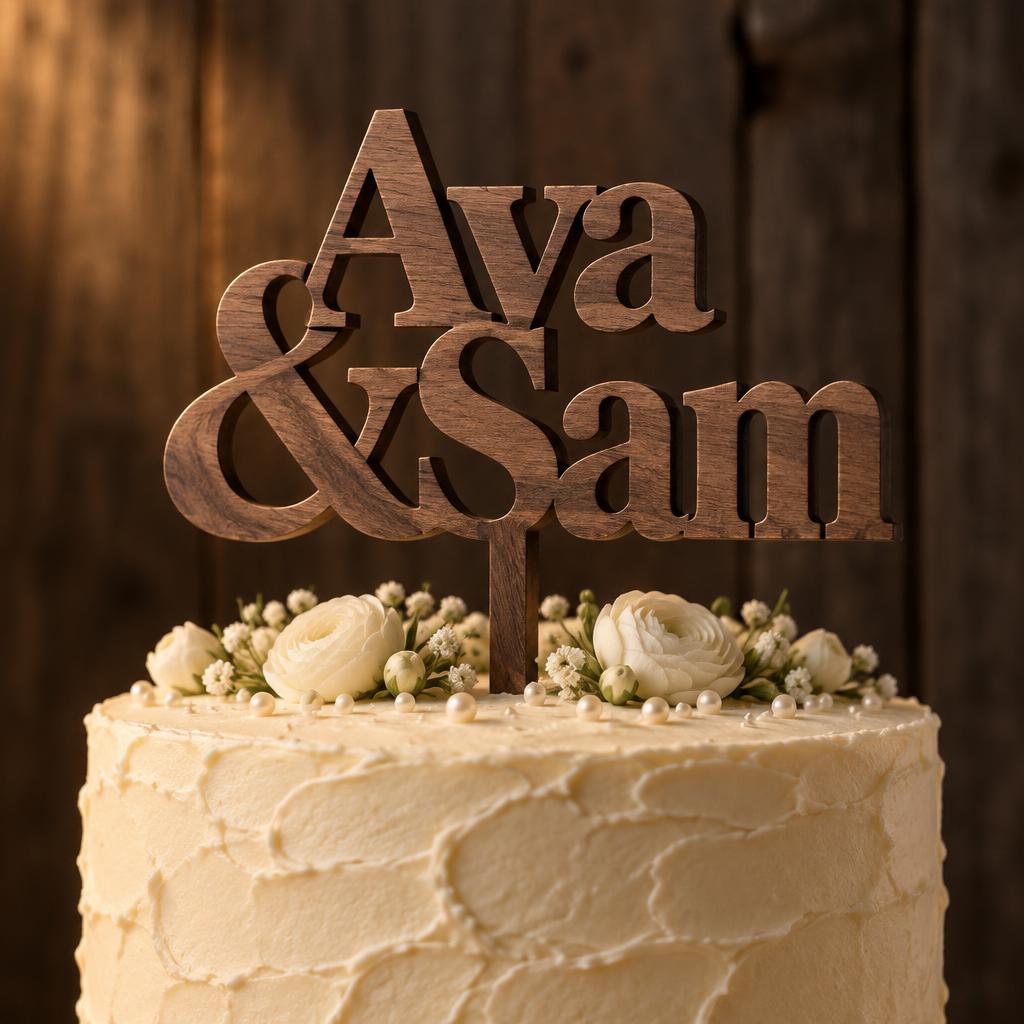
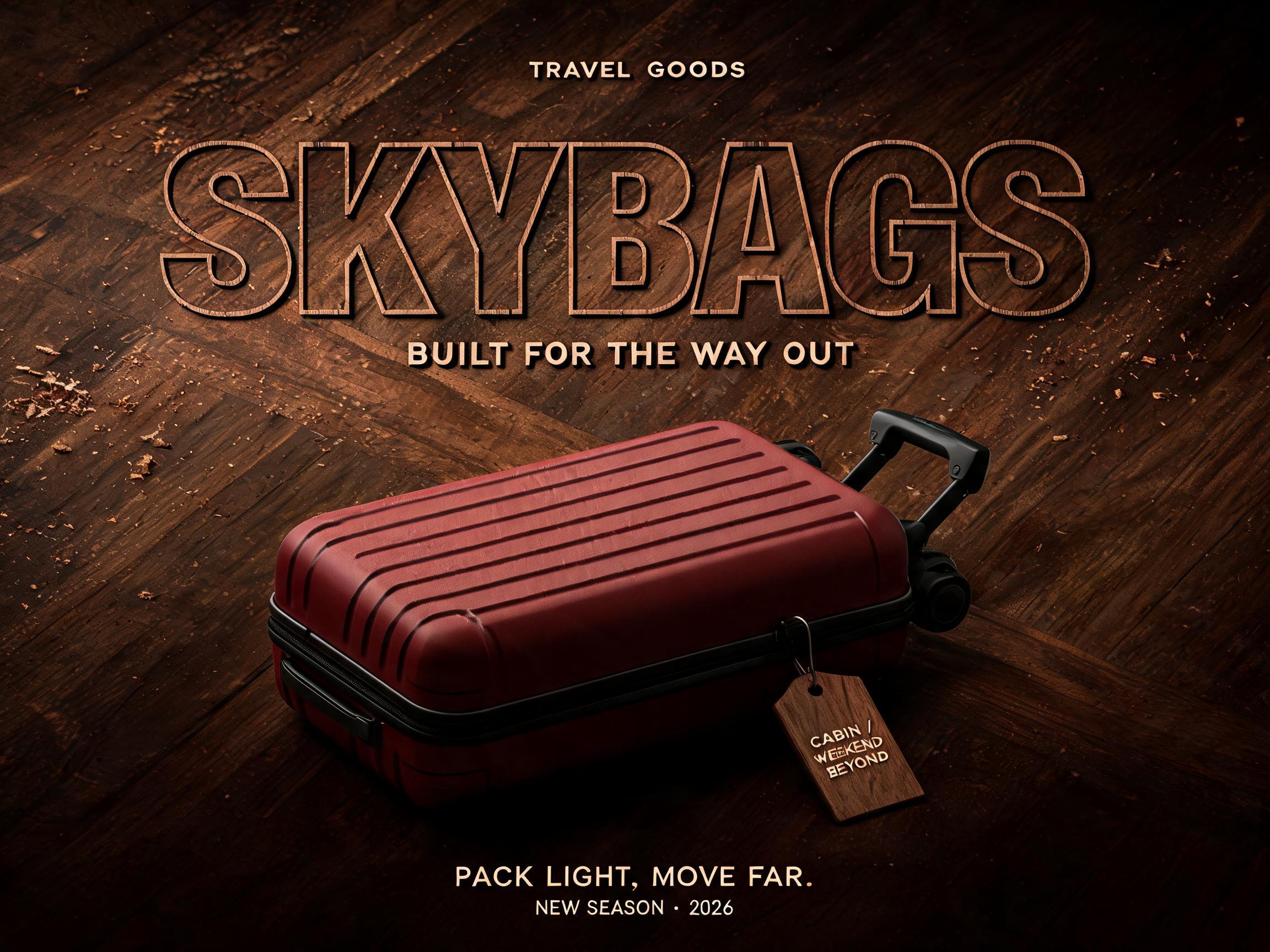
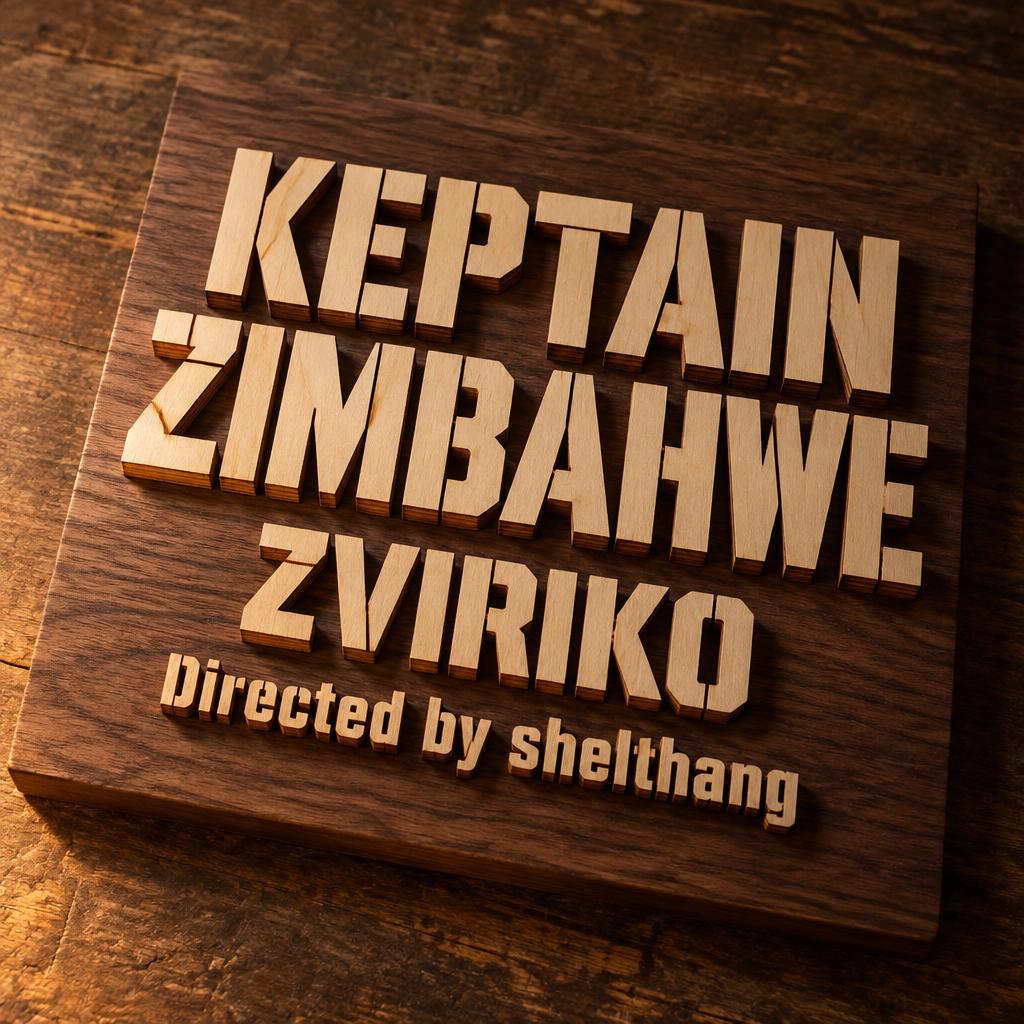
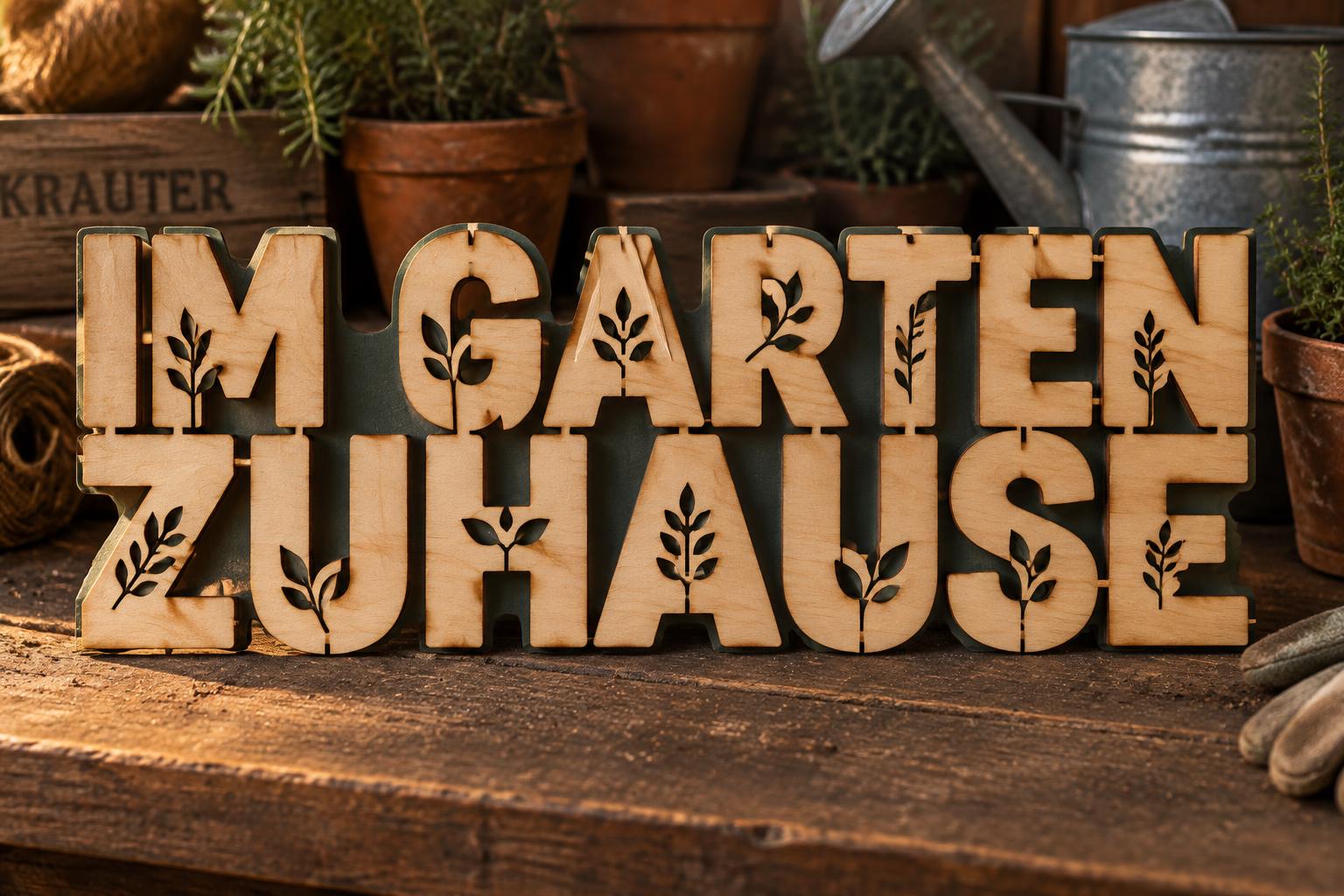
Cada imagen de abajo se generó en FontVibe — sin retoques, sin fotos de stock. Así se ve invitación de boda cortada con láser — cursiva filigrana de verdad.


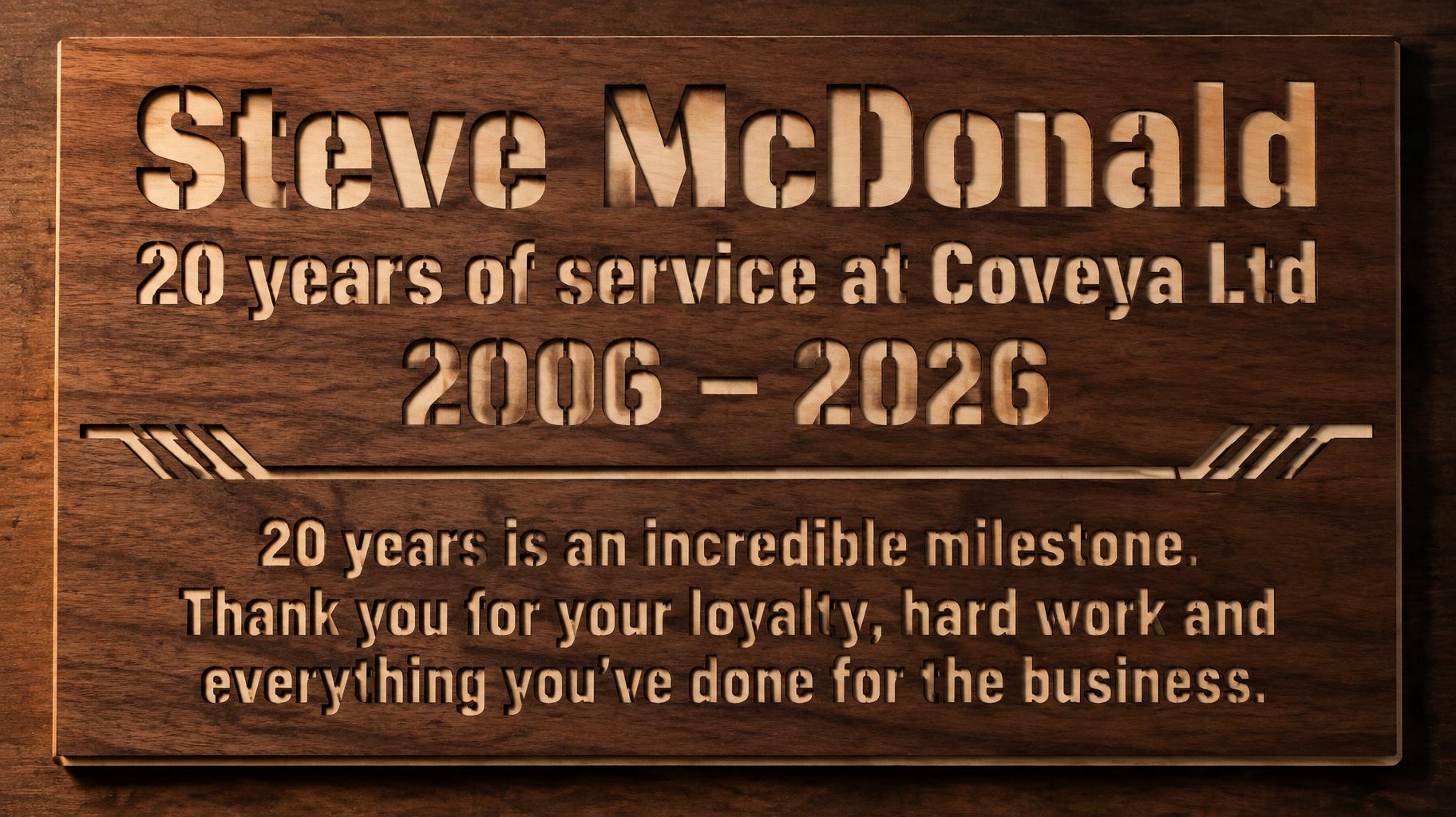


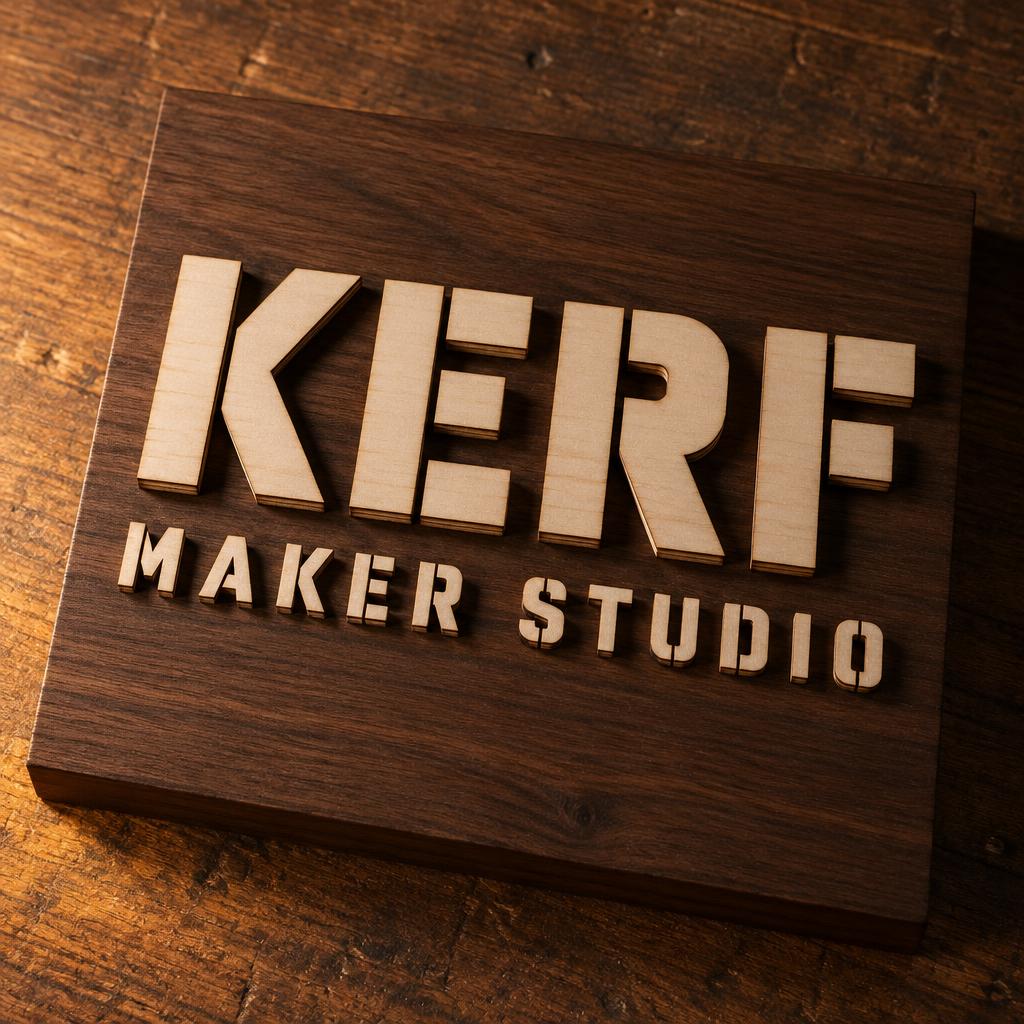
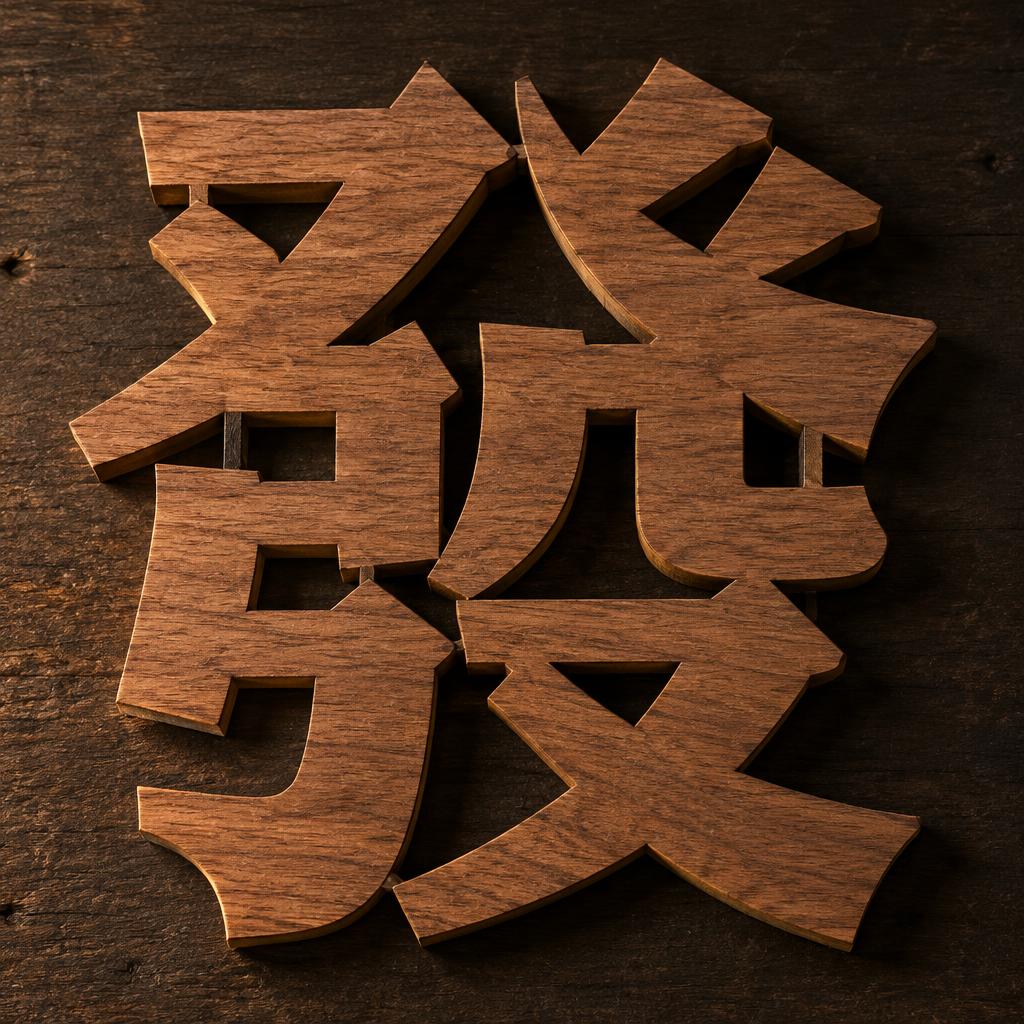
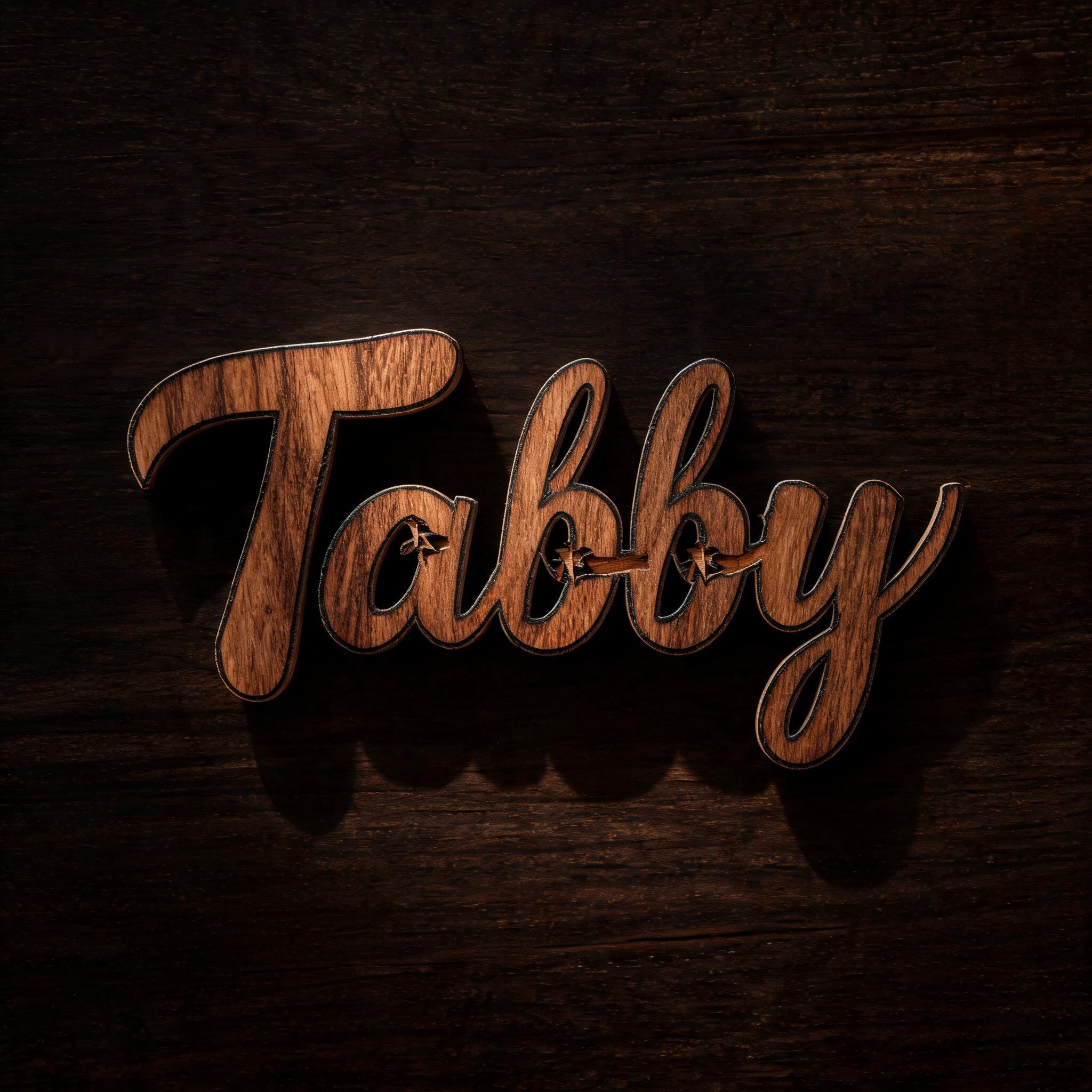
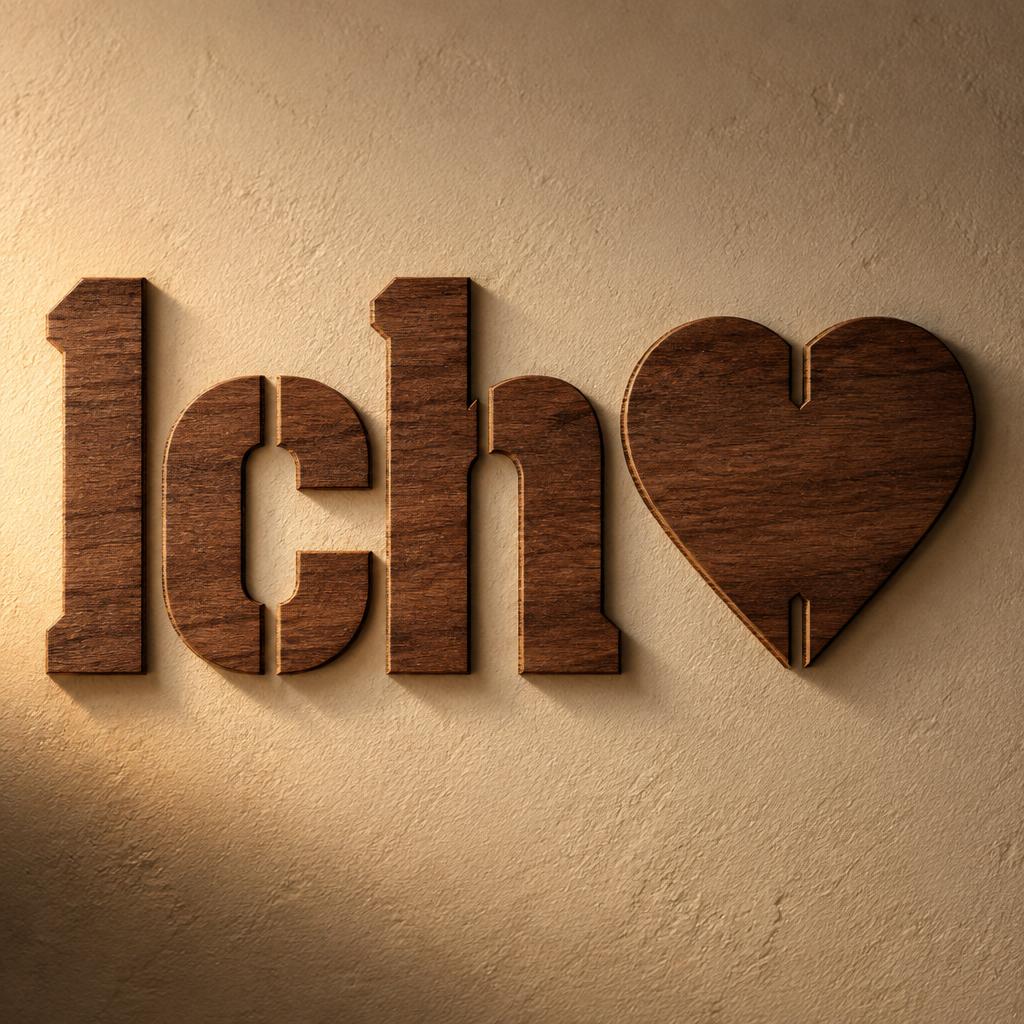
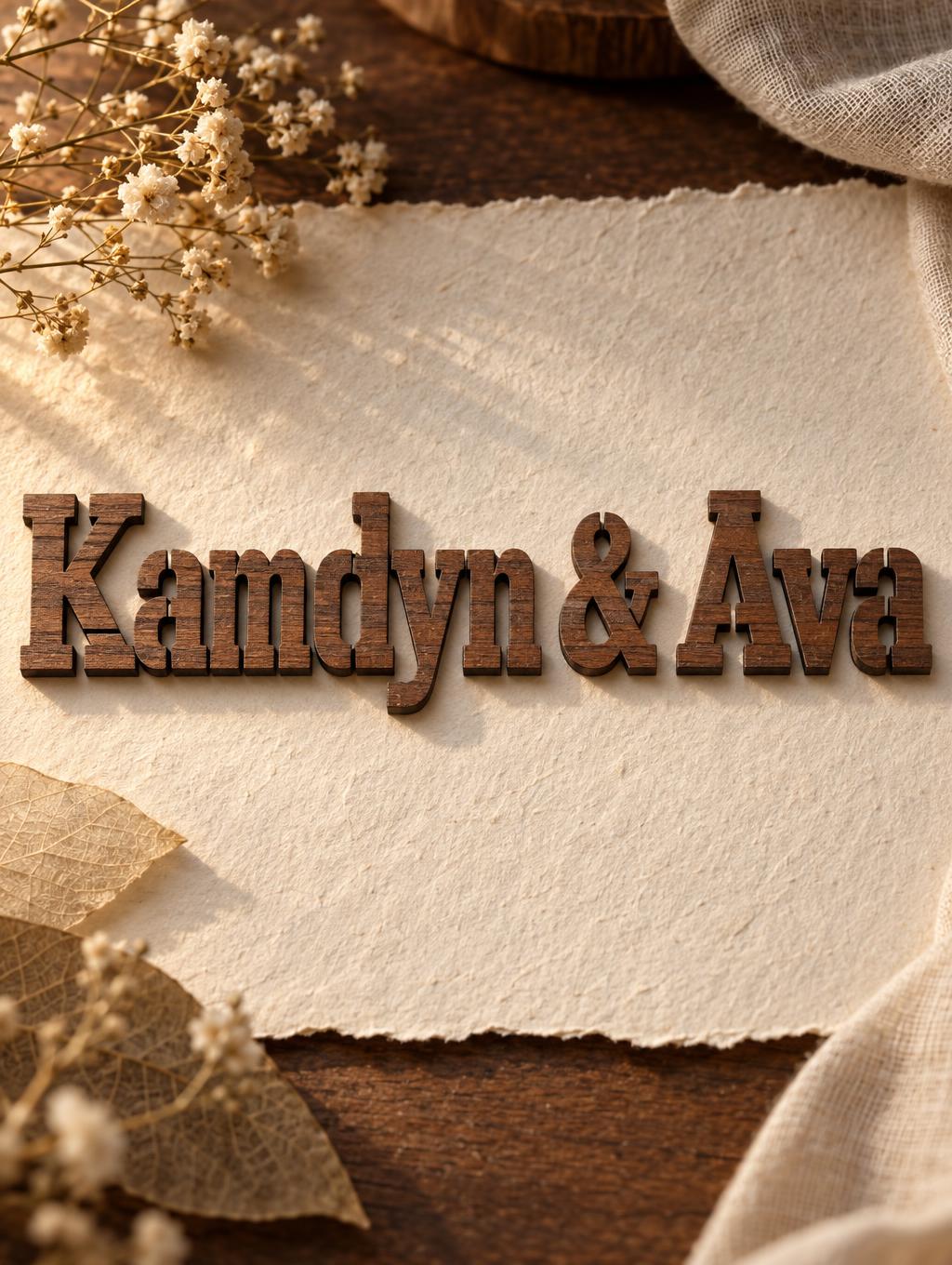
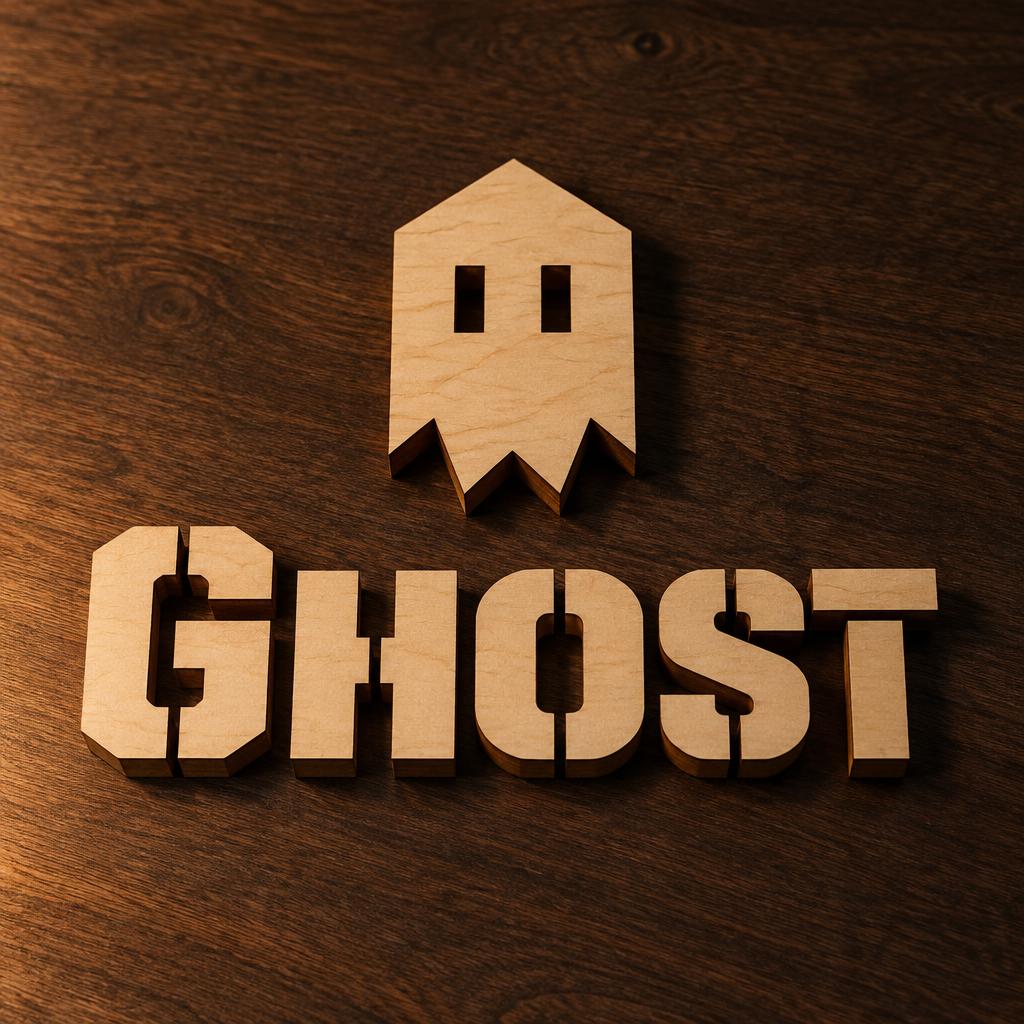
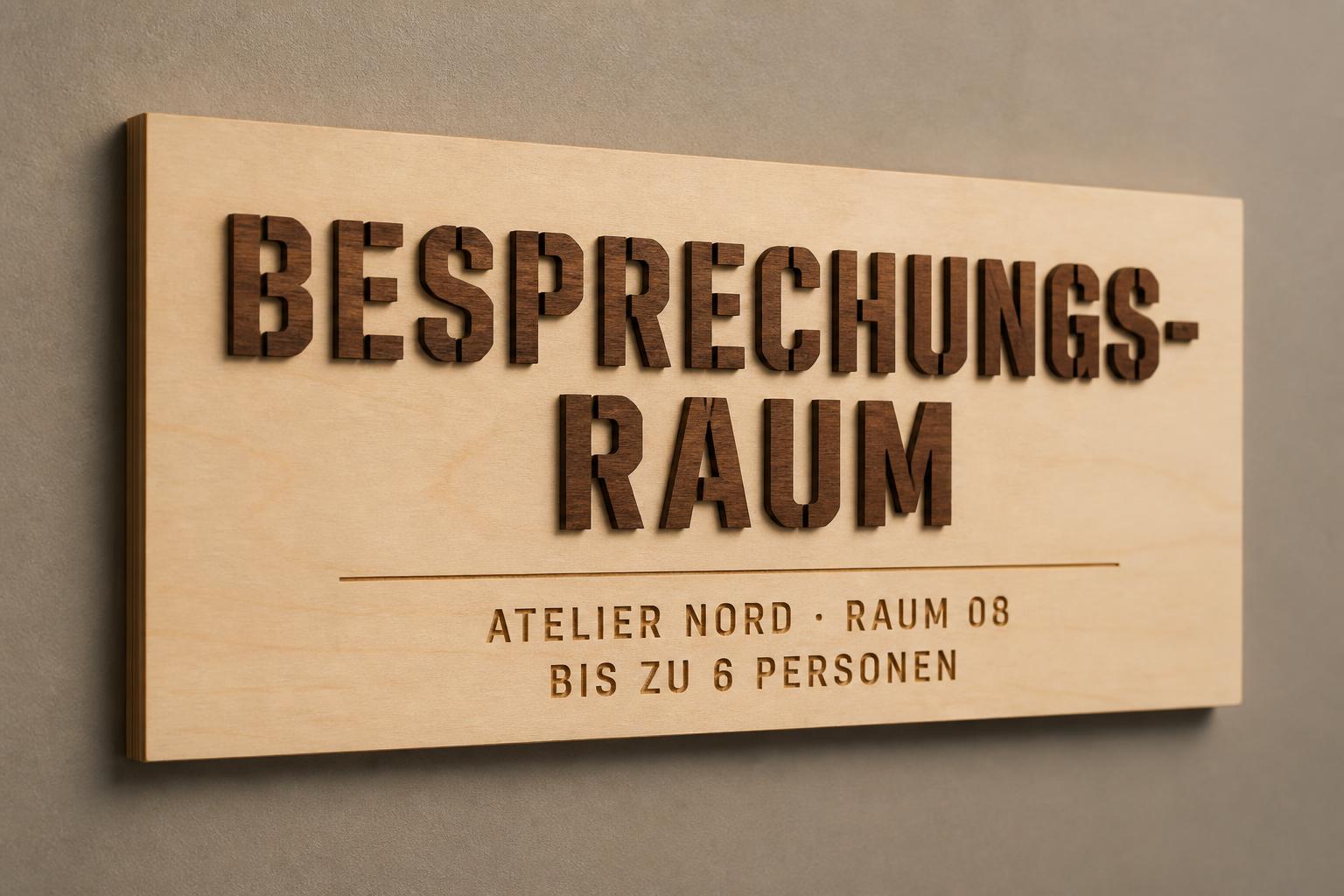







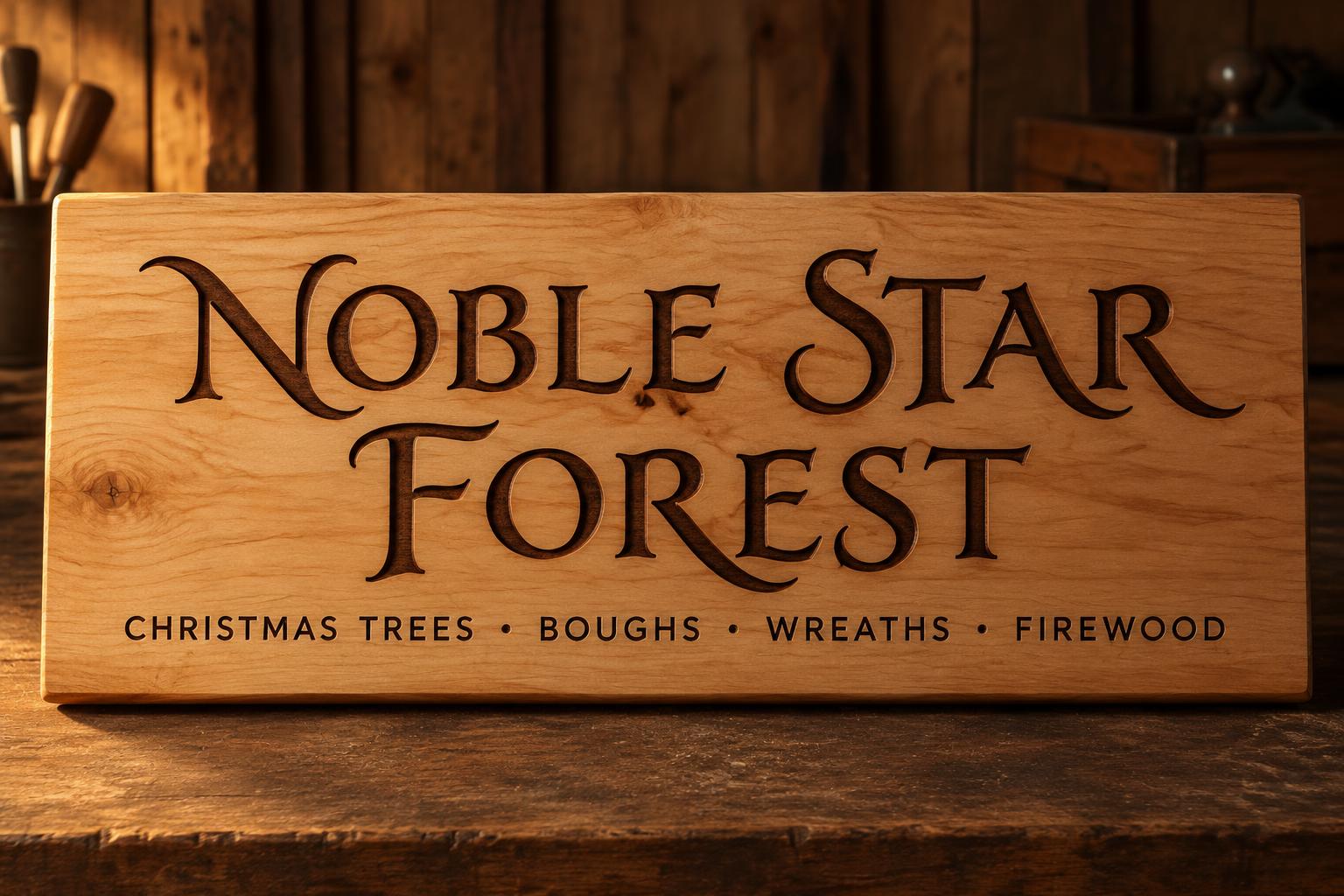
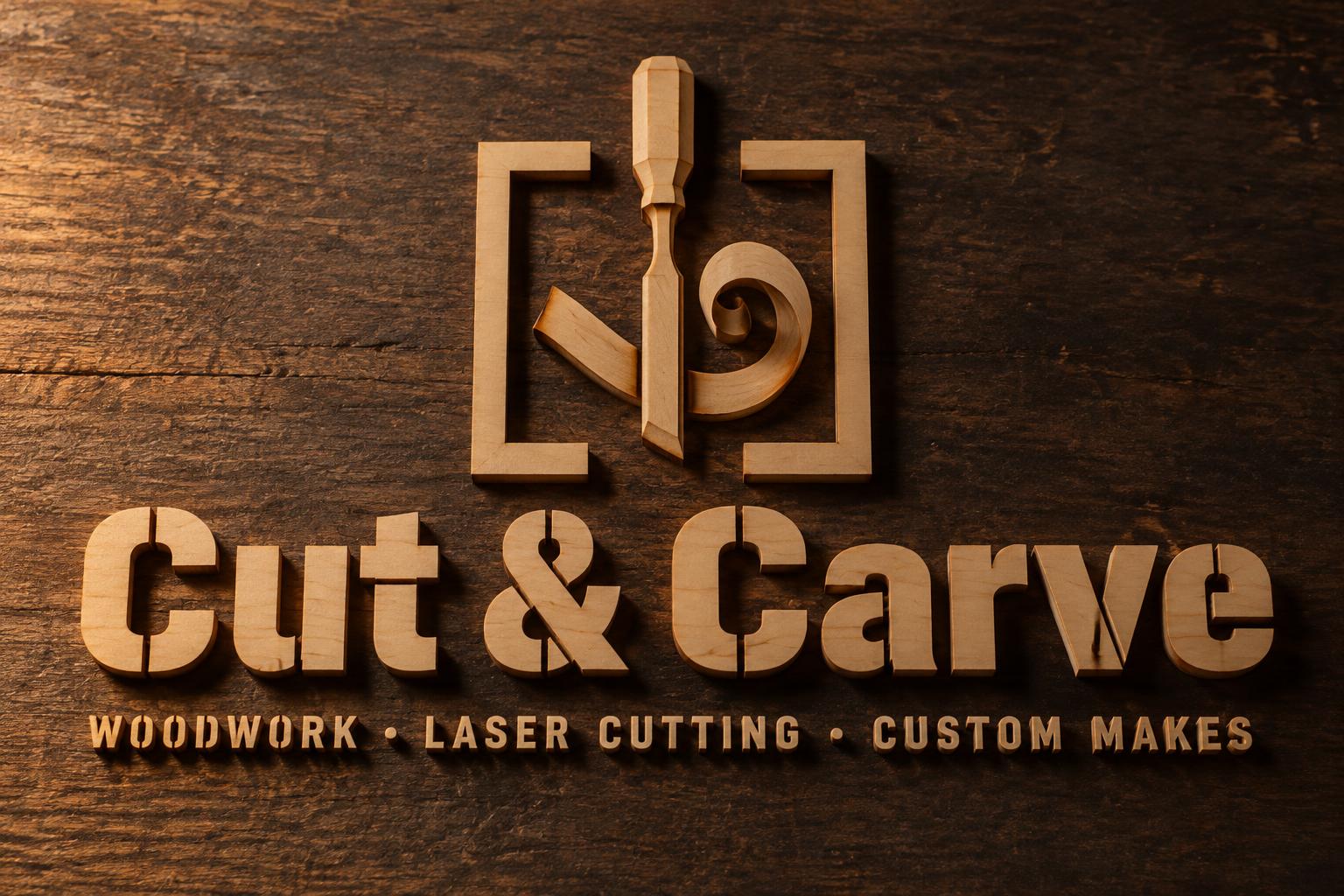
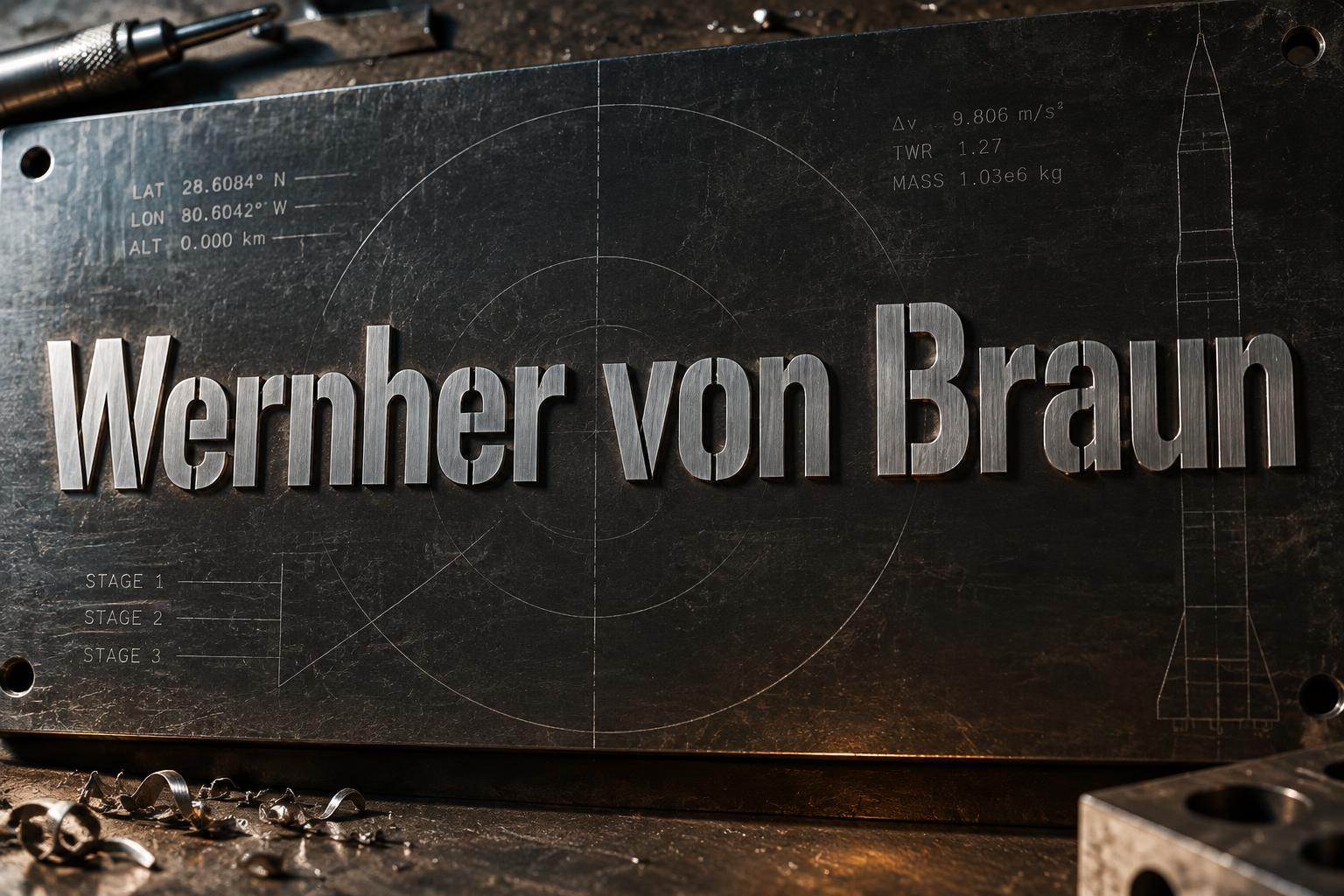
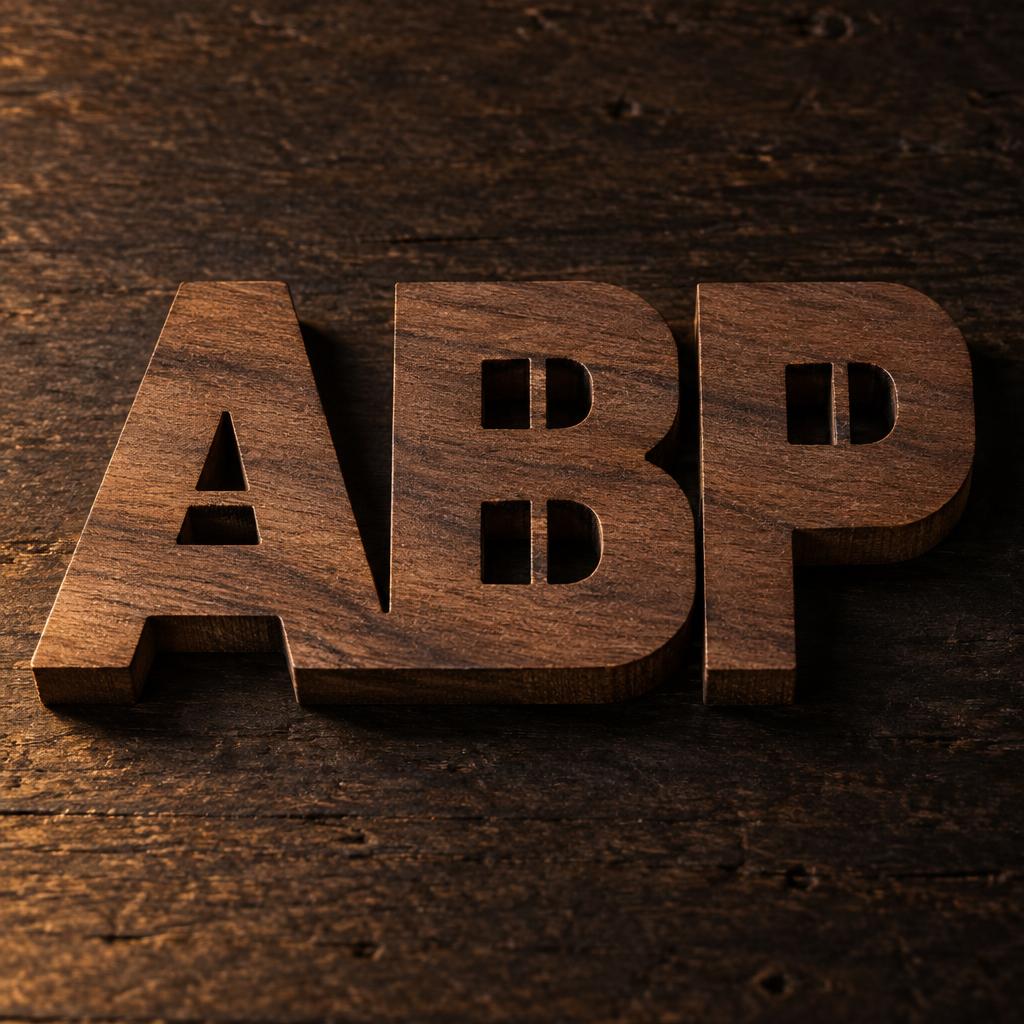
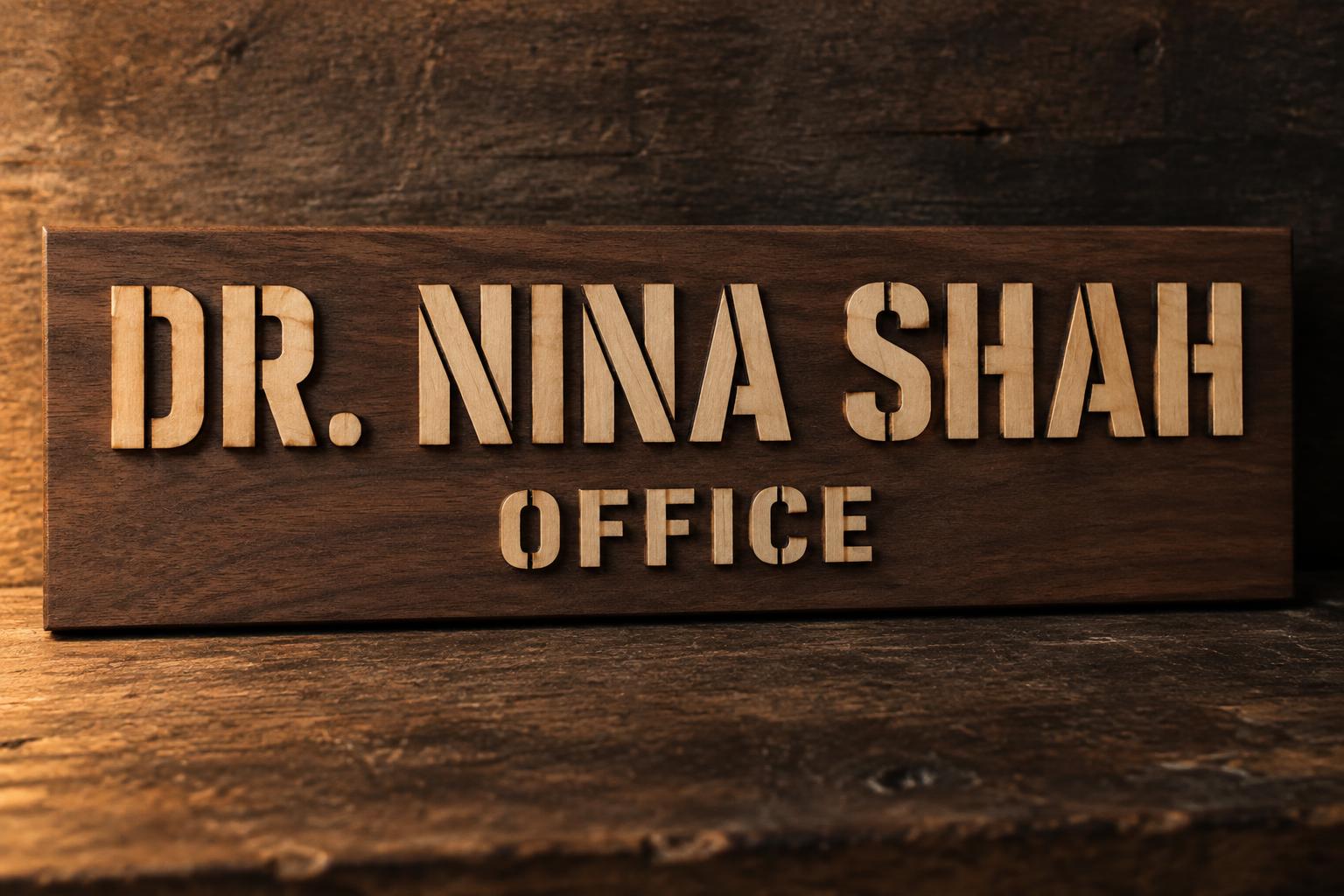
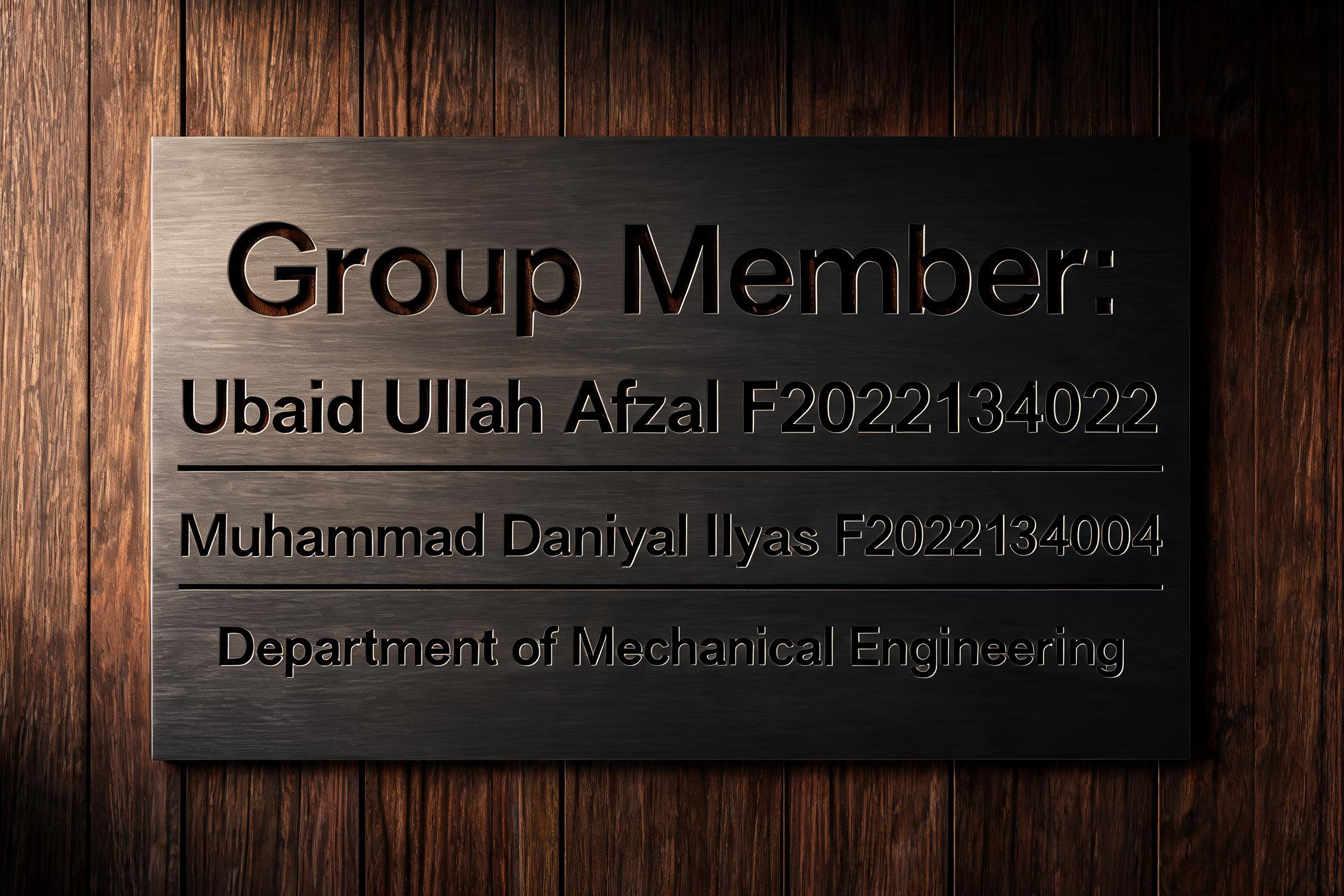
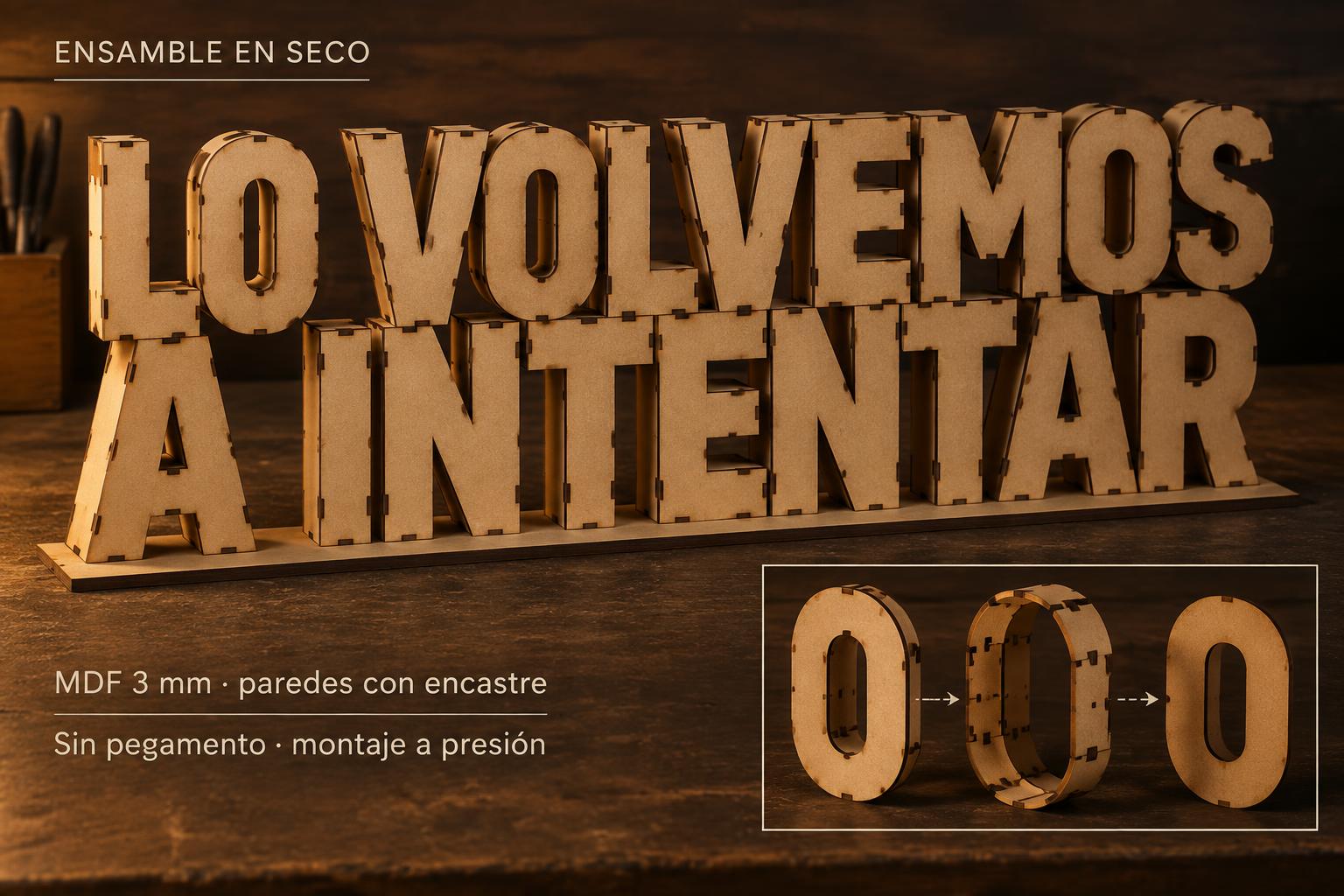
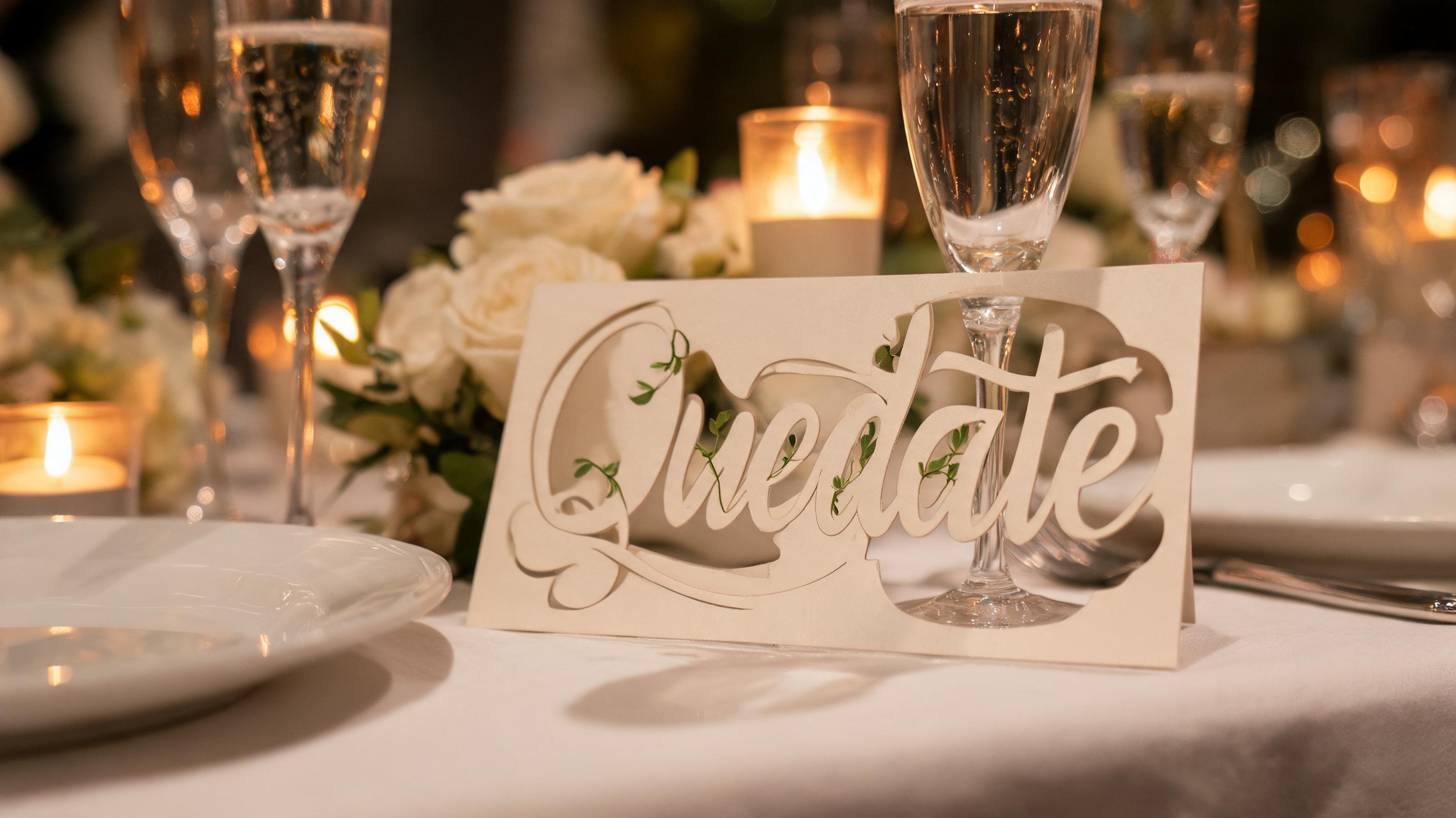
✦ Más usos de Papelería de boda
Explora más formas de usar Corte Láser


✦ Guía paso a paso
Cómo crear tu ["laser-cut","wedding","stationery","paper","filigree","invitation"] en Estudio
Tres pasos. Sin software de diseño.
1
Escribe tu texto
Escribe el nombre de una pareja, el título del evento o una palabra con significado: los nombres cortos y las palabras sueltas muestran el detalle de filigrana más intrincado.
2
Genera tu papelería
La IA de FontVibe crea una cursiva fluida con elementos de puente botánico y sombras finísimas sobre el fondo de papel.
3
Descarga e imprime
Úsalo como referencia de diseño para tu imprenta de papelería o servicio de corte láser.
💡 Consejo de plataforma: Las palabras y nombres cortos (1 o 2 por línea) muestran más detalle de filigrana. Para corte láser físico, asegúrate de que tu máquina maneje trazos de mínimo 0,8 mm de ancho.
✦ Preguntas comunes
["laser-cut","wedding","stationery","paper","filigree","invitation"] — Preguntas frecuentes
Todo lo que necesitas saber antes de crear.
✦ Explora más estilos de efectos de texto
Estilos de efectos de texto IA relacionados
Prueba una estética distinta — cada estilo genera un resultado visual totalmente único.


¿Quieres más estilos de texto? Explora nuestros generadores de fuentes gratis — elegante, cursiva, gótica y más.
✦ ¿Listo para crear?
Crea tu propio ["laser-cut","wedding","stationery","paper","filigree","invitation"]
Gratis para empezar. Sin conocimientos de diseño.
✦ Generar ahora — gratis