


✦ Community-Galerie
Alle ansehen →Aquarell-Logo-Maker — Community-Galerie
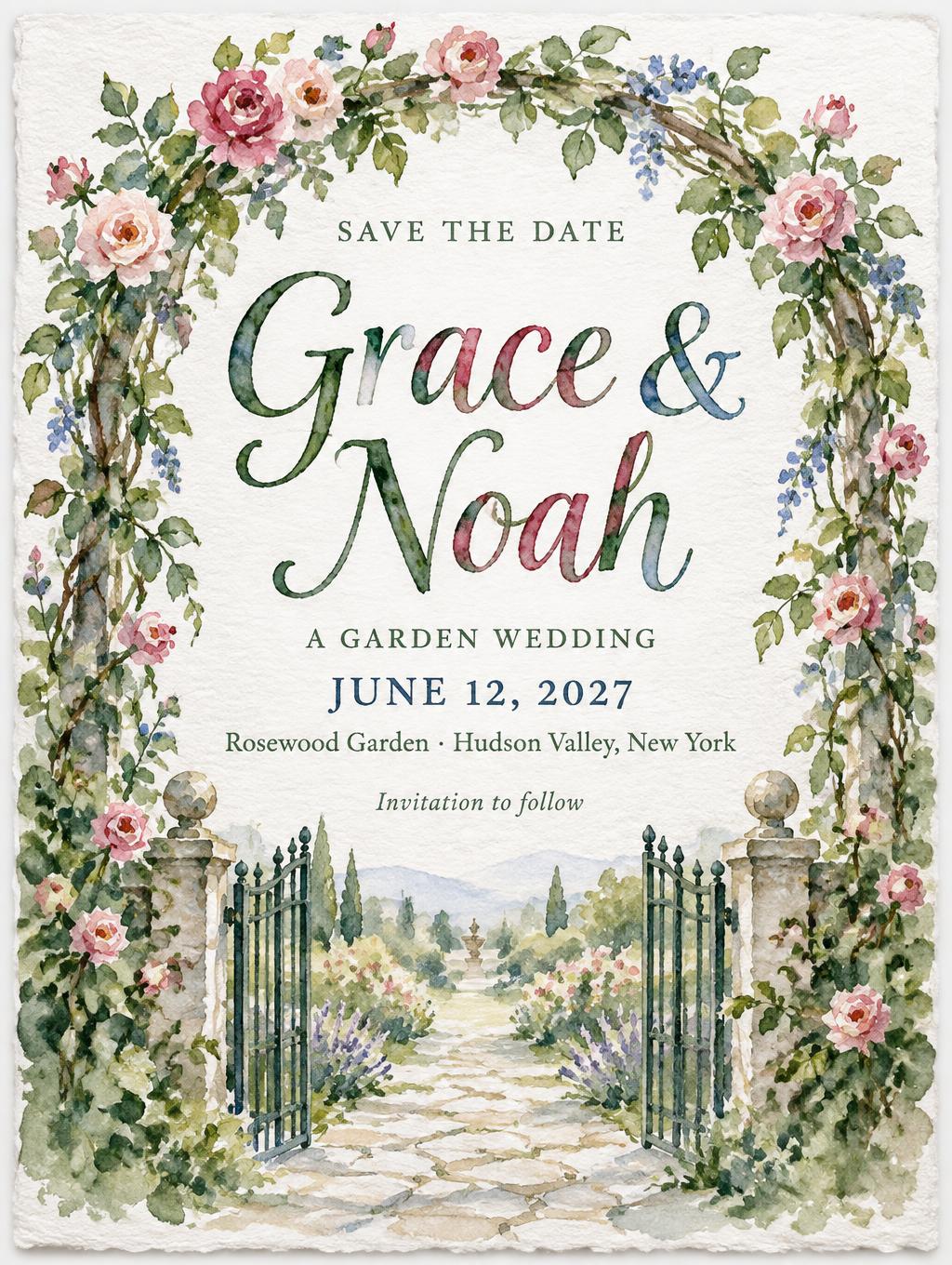
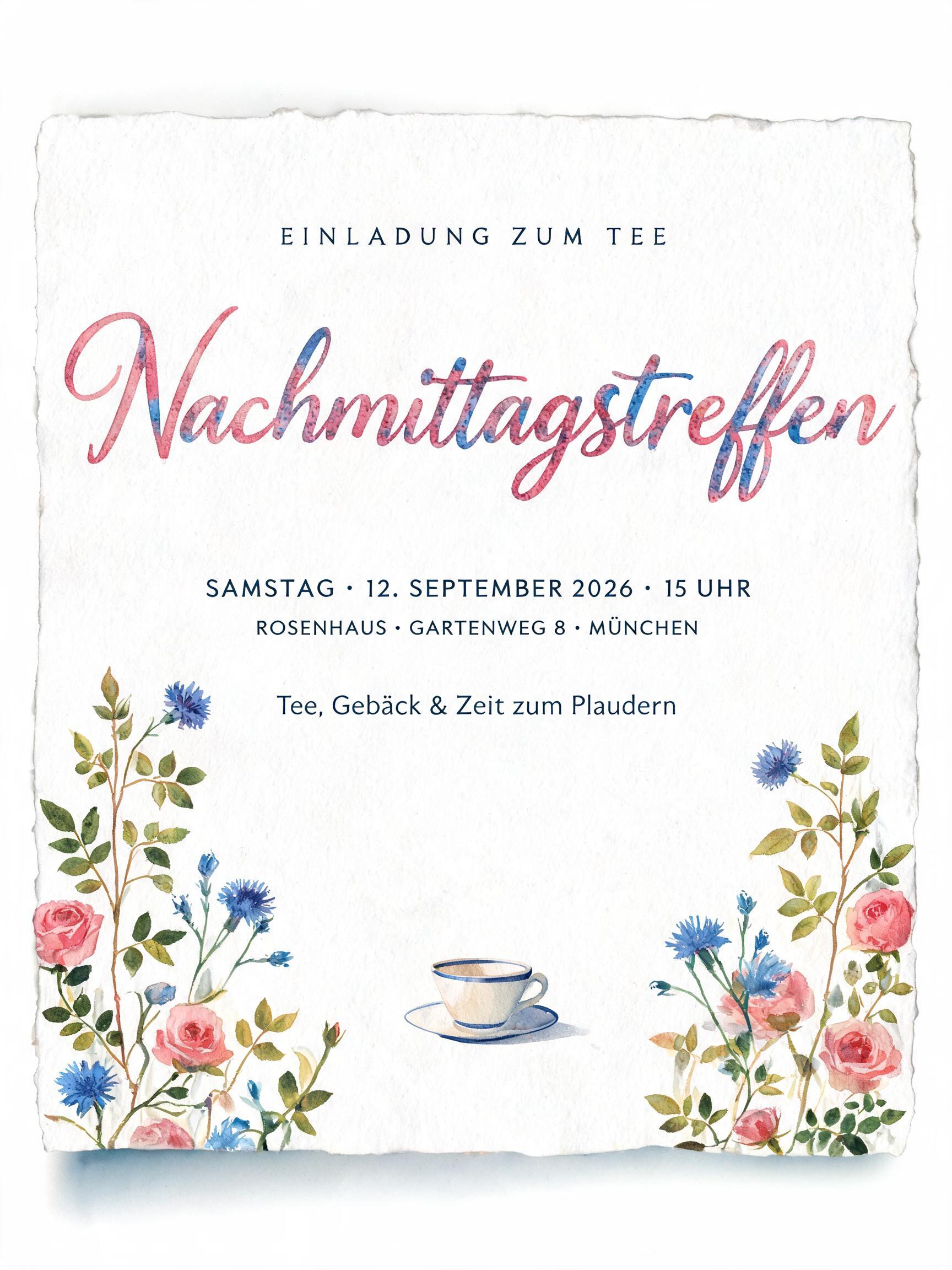
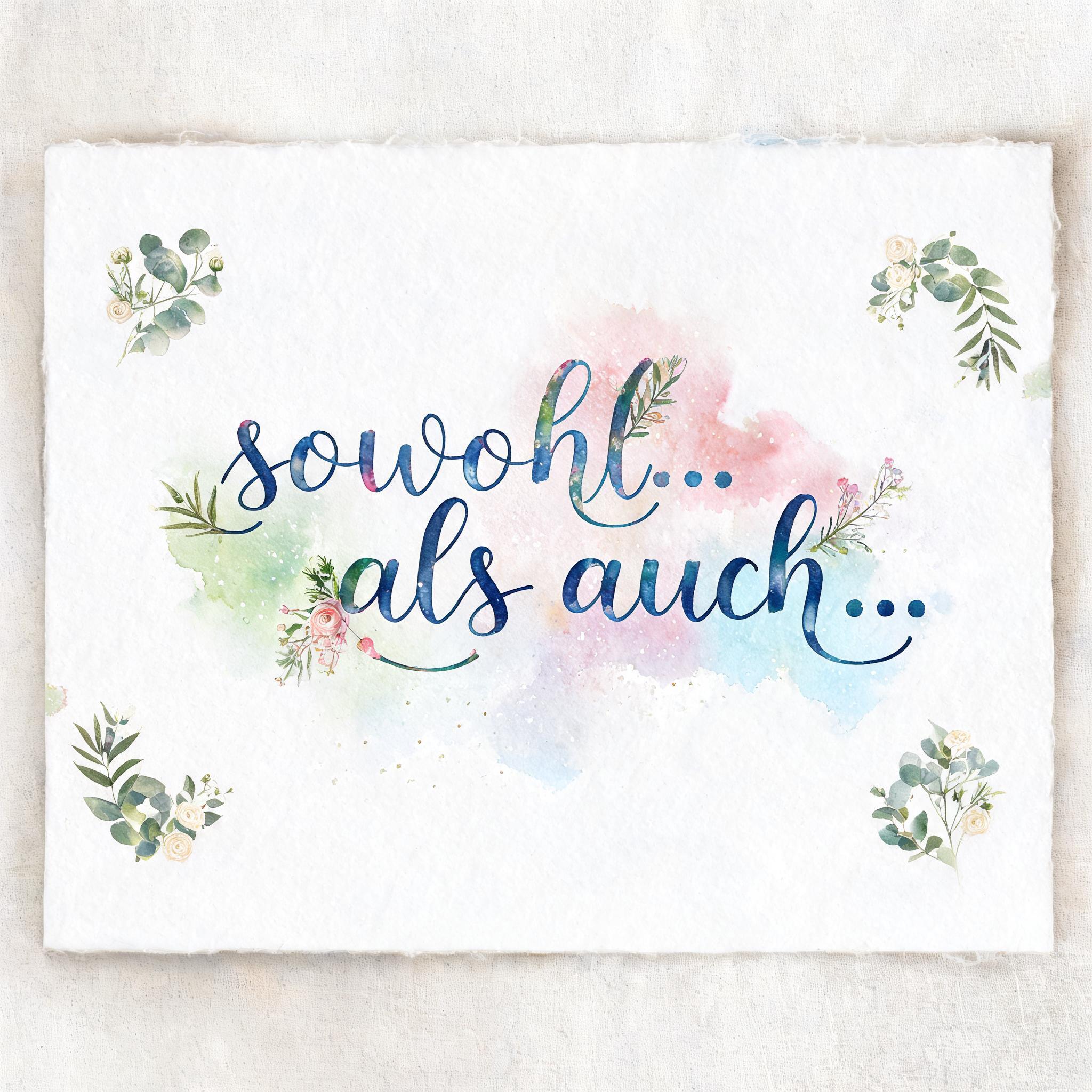
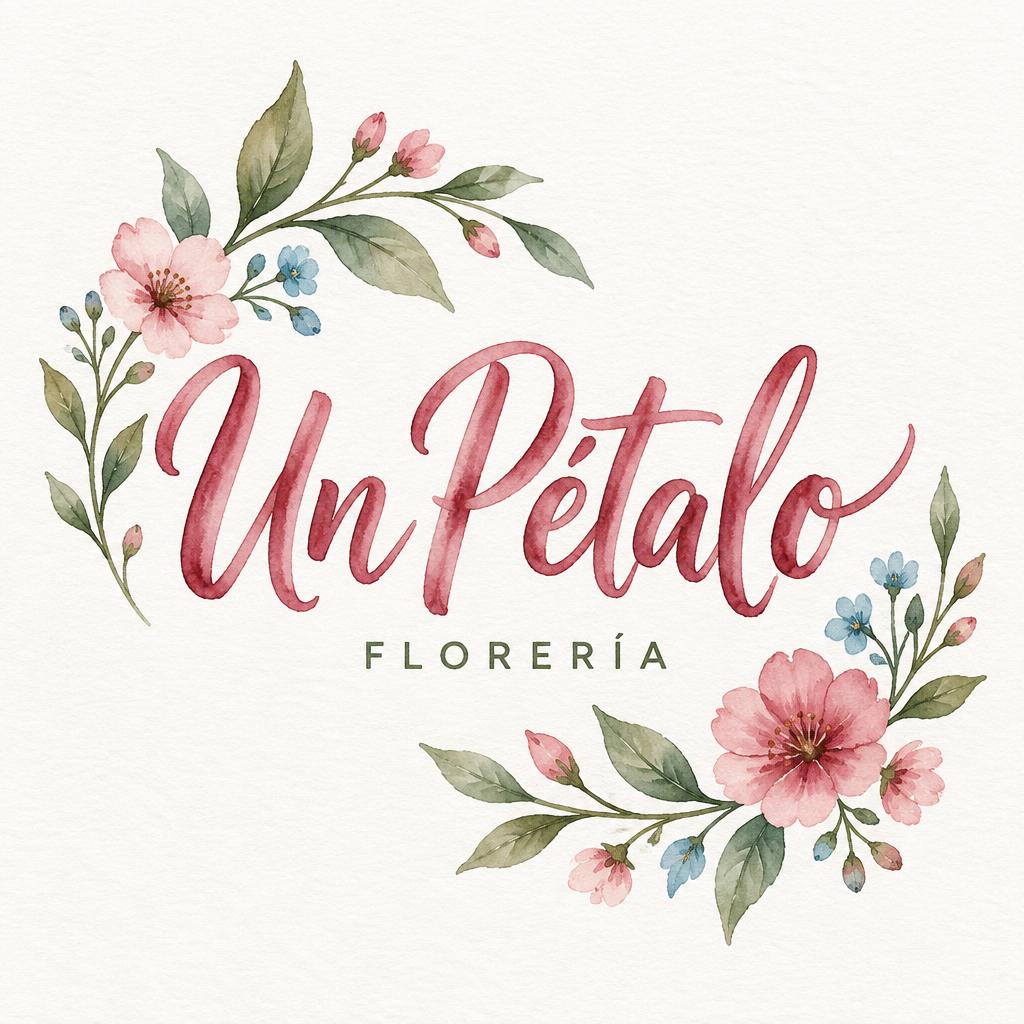
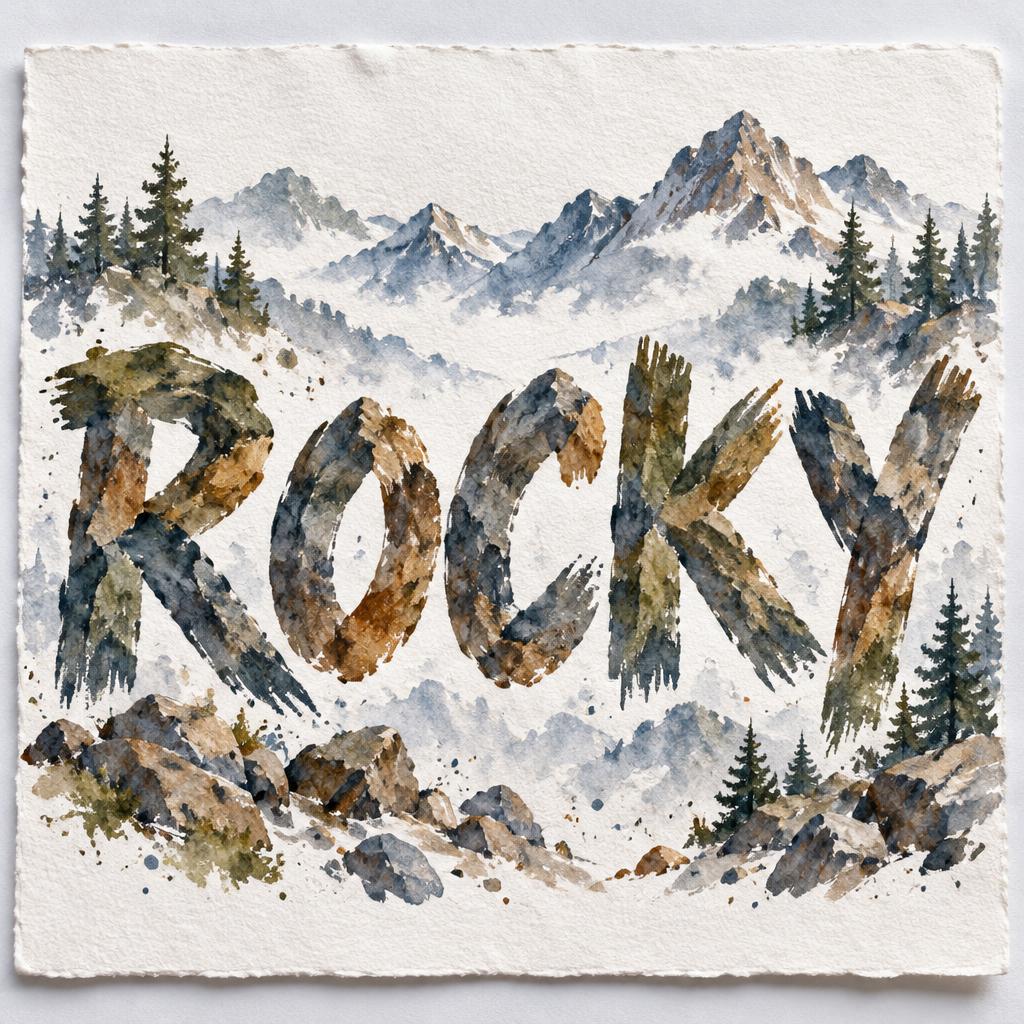
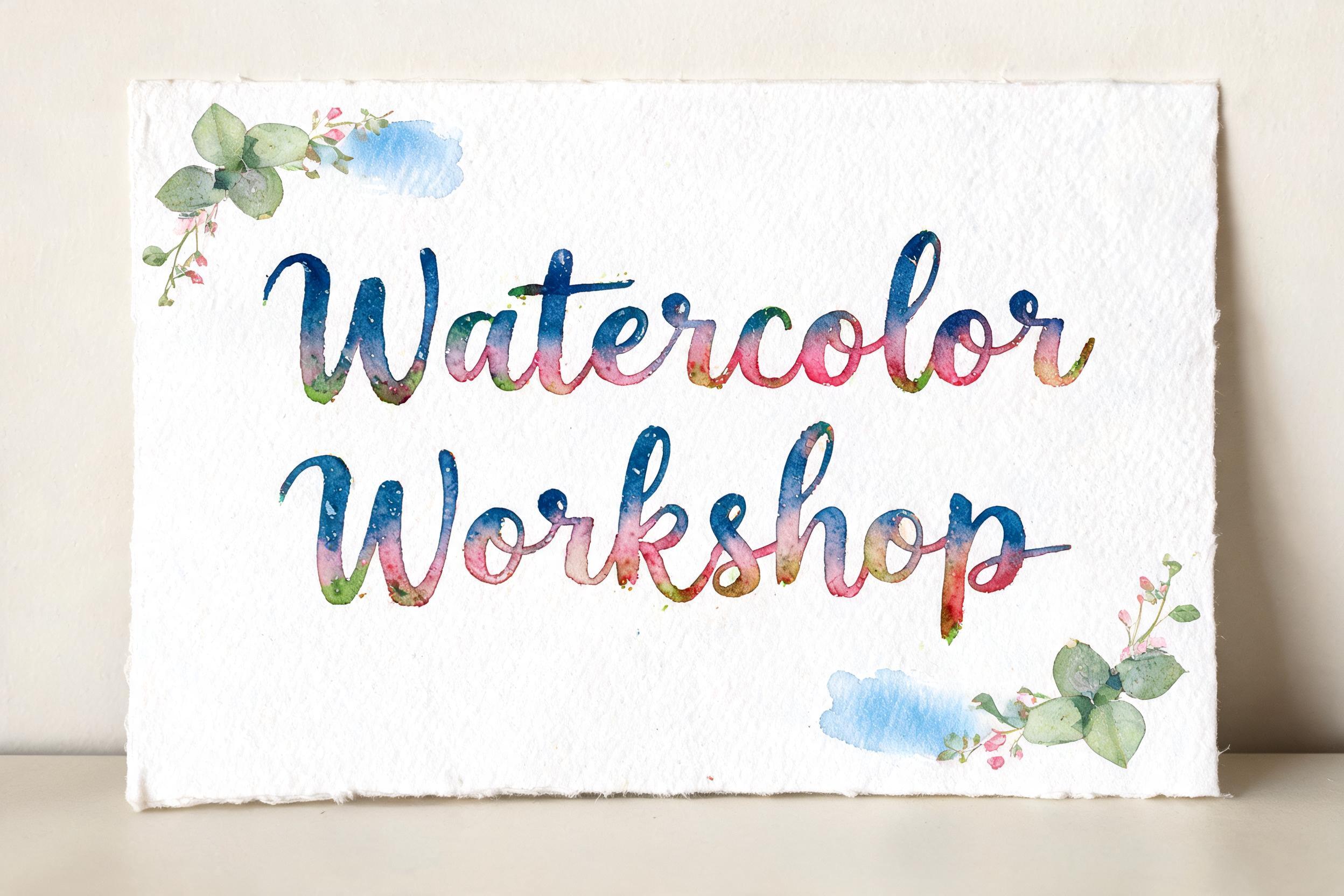
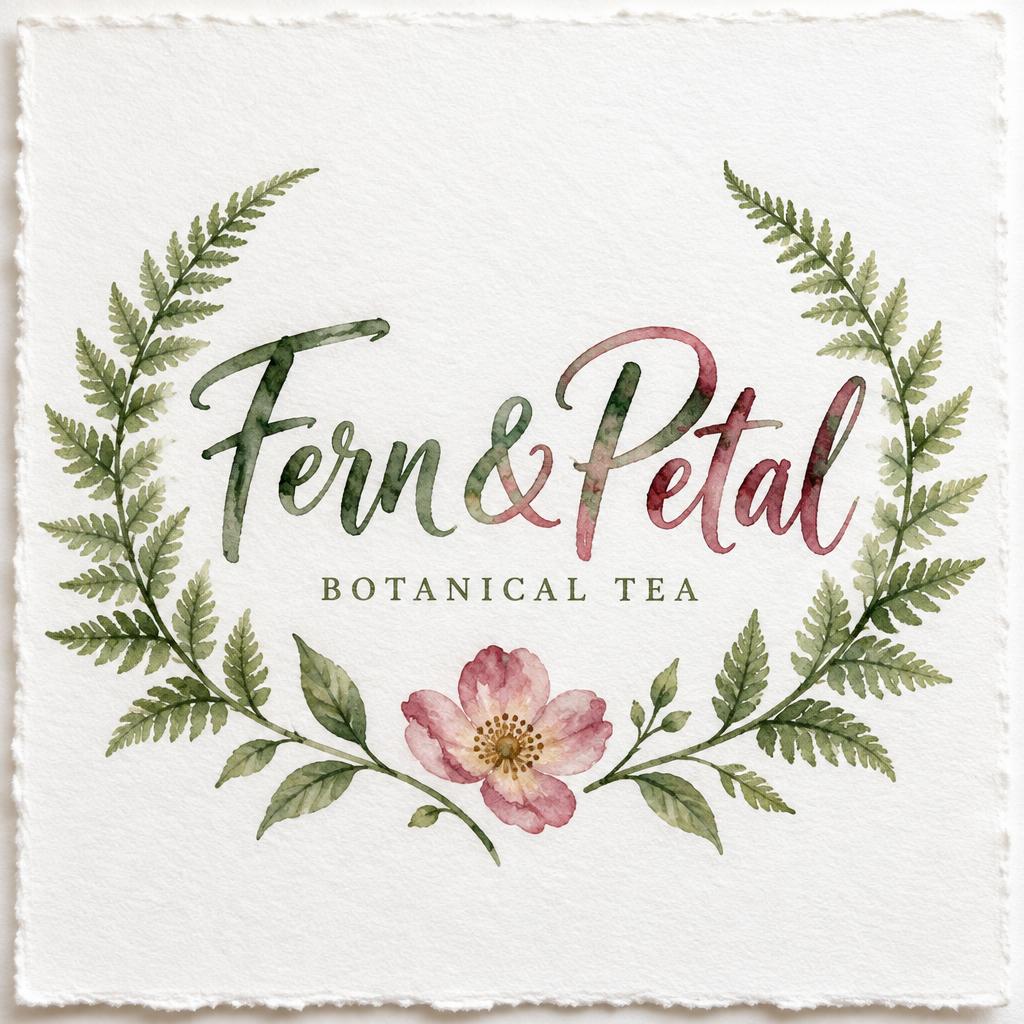
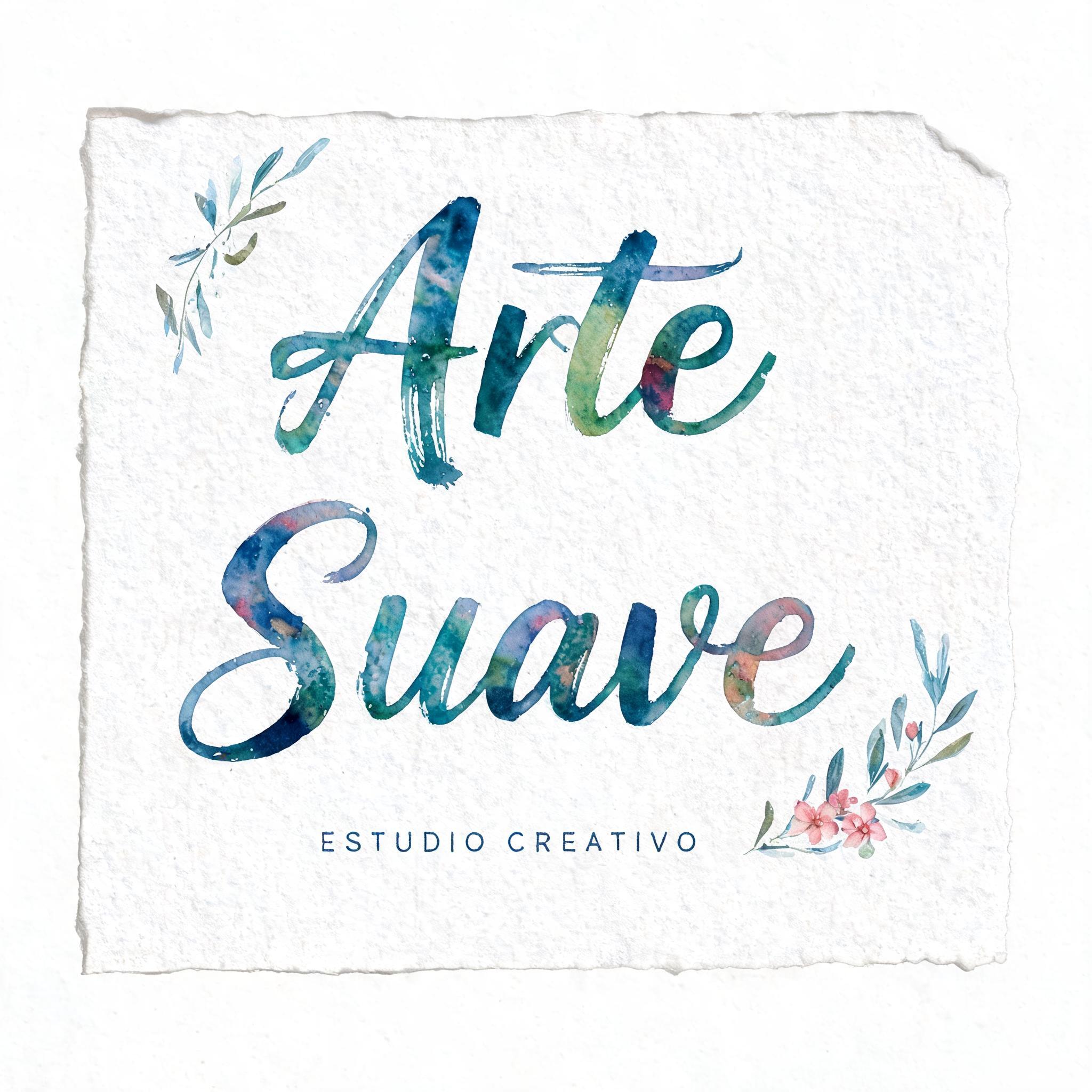
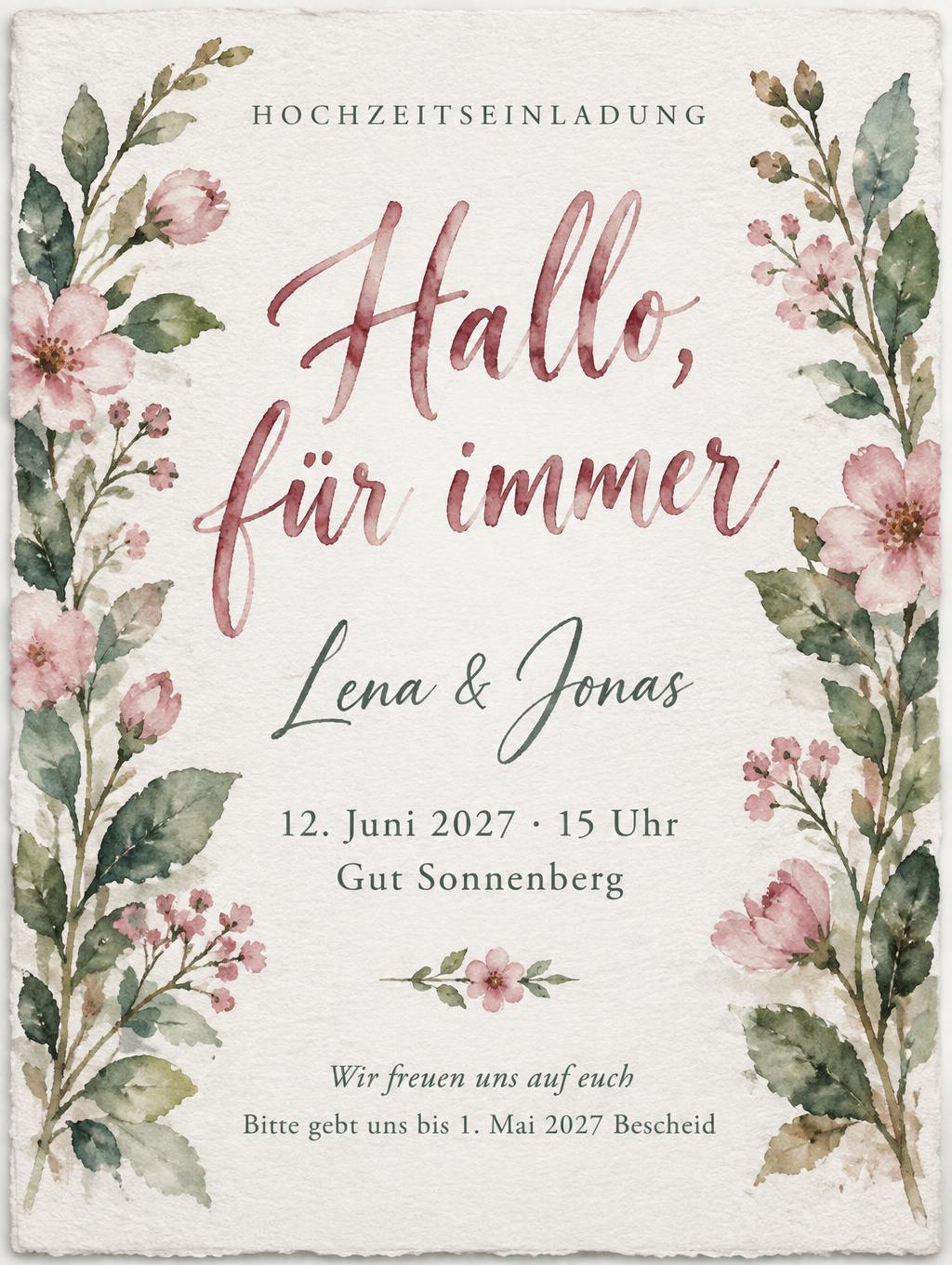
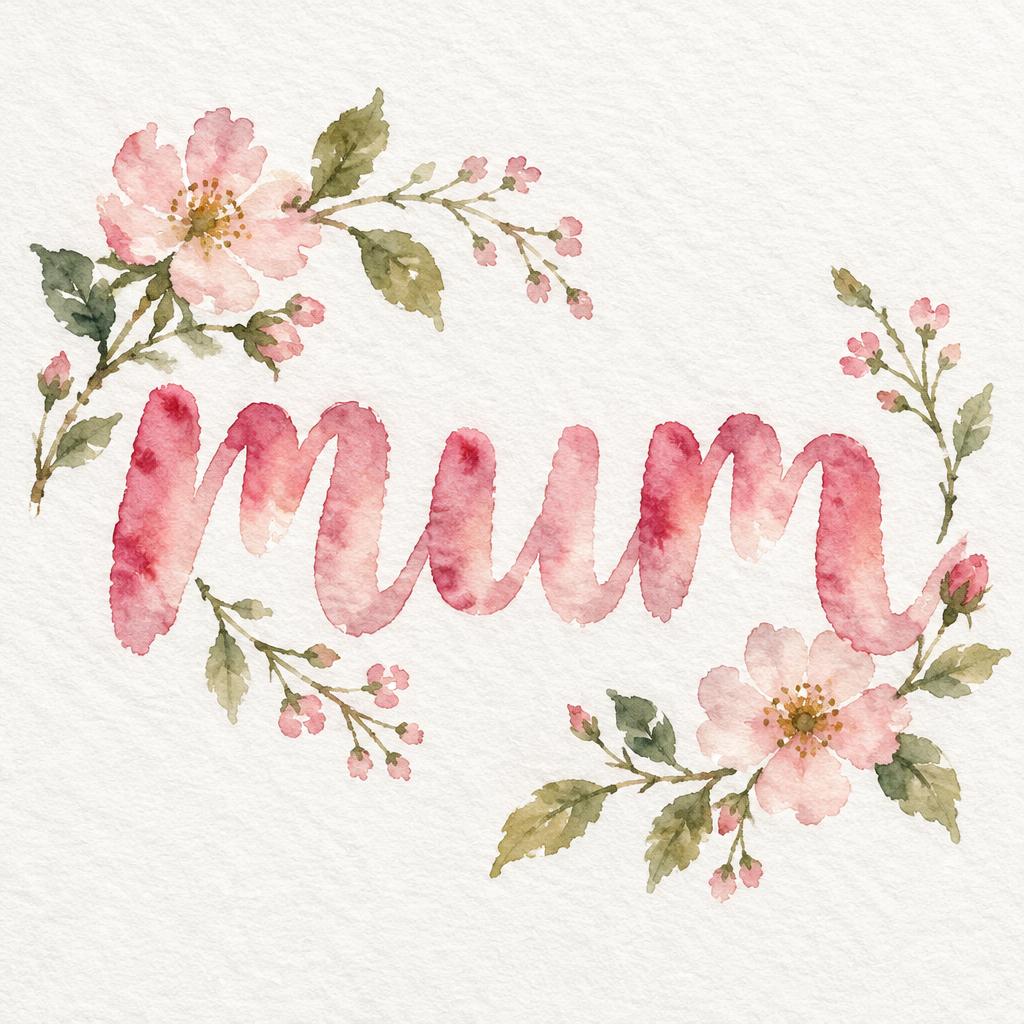
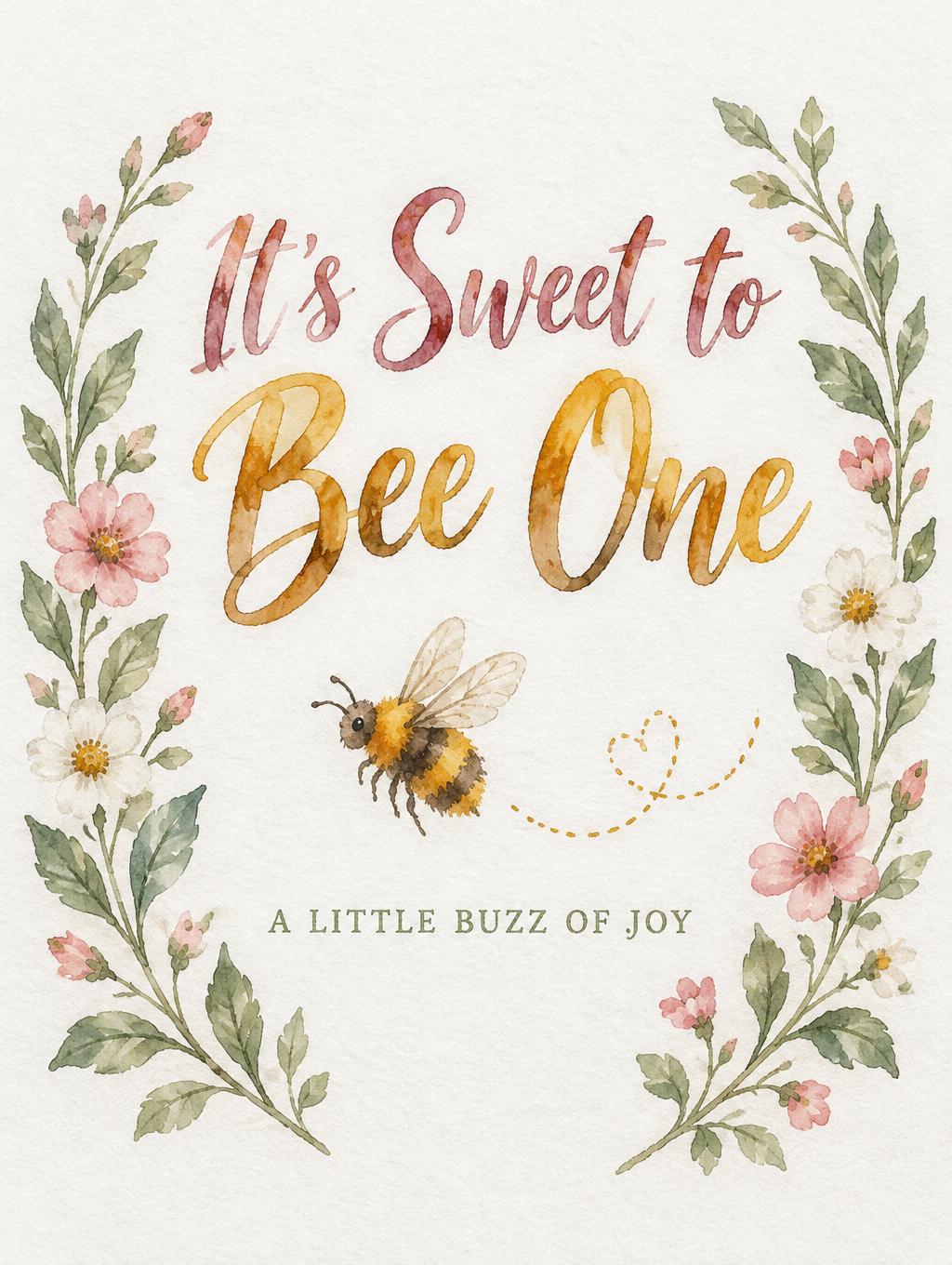
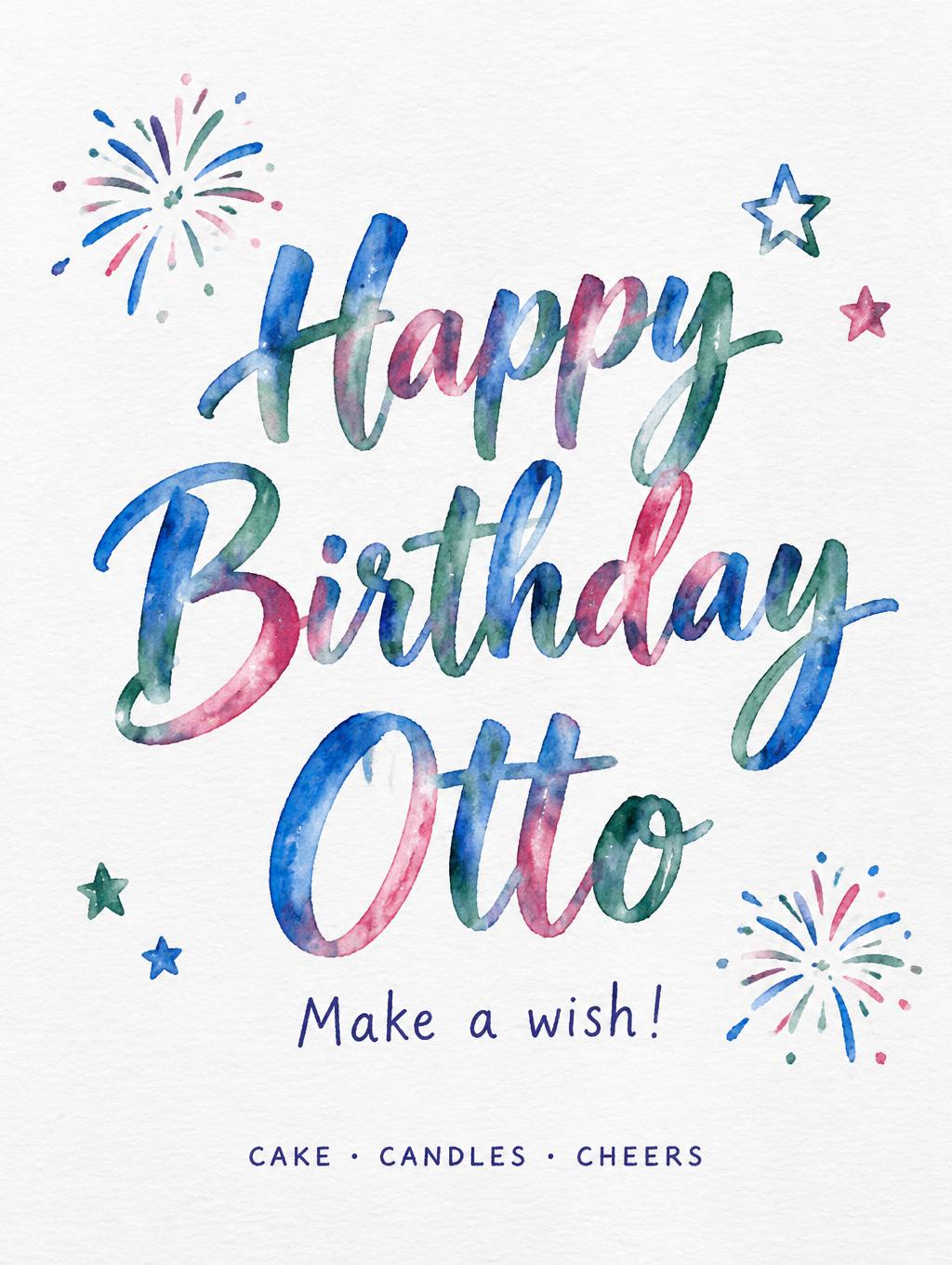
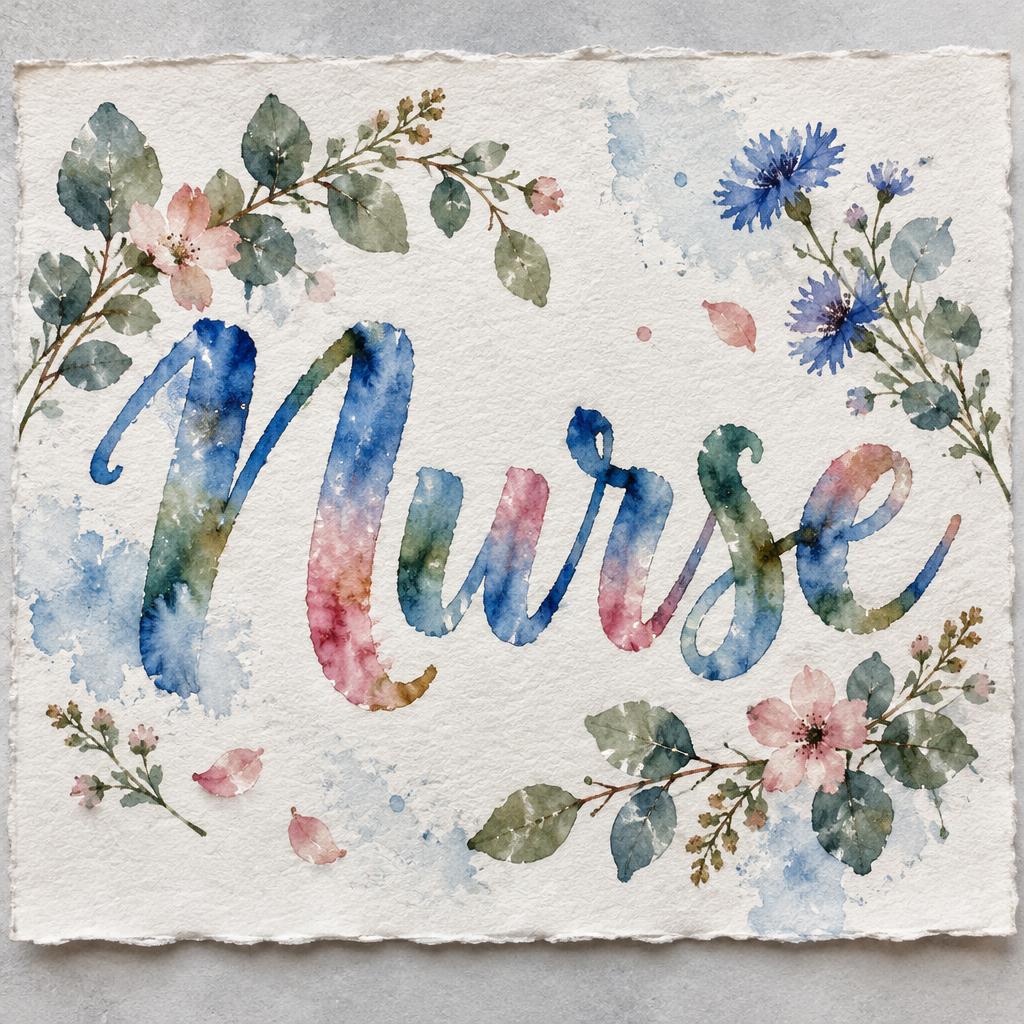
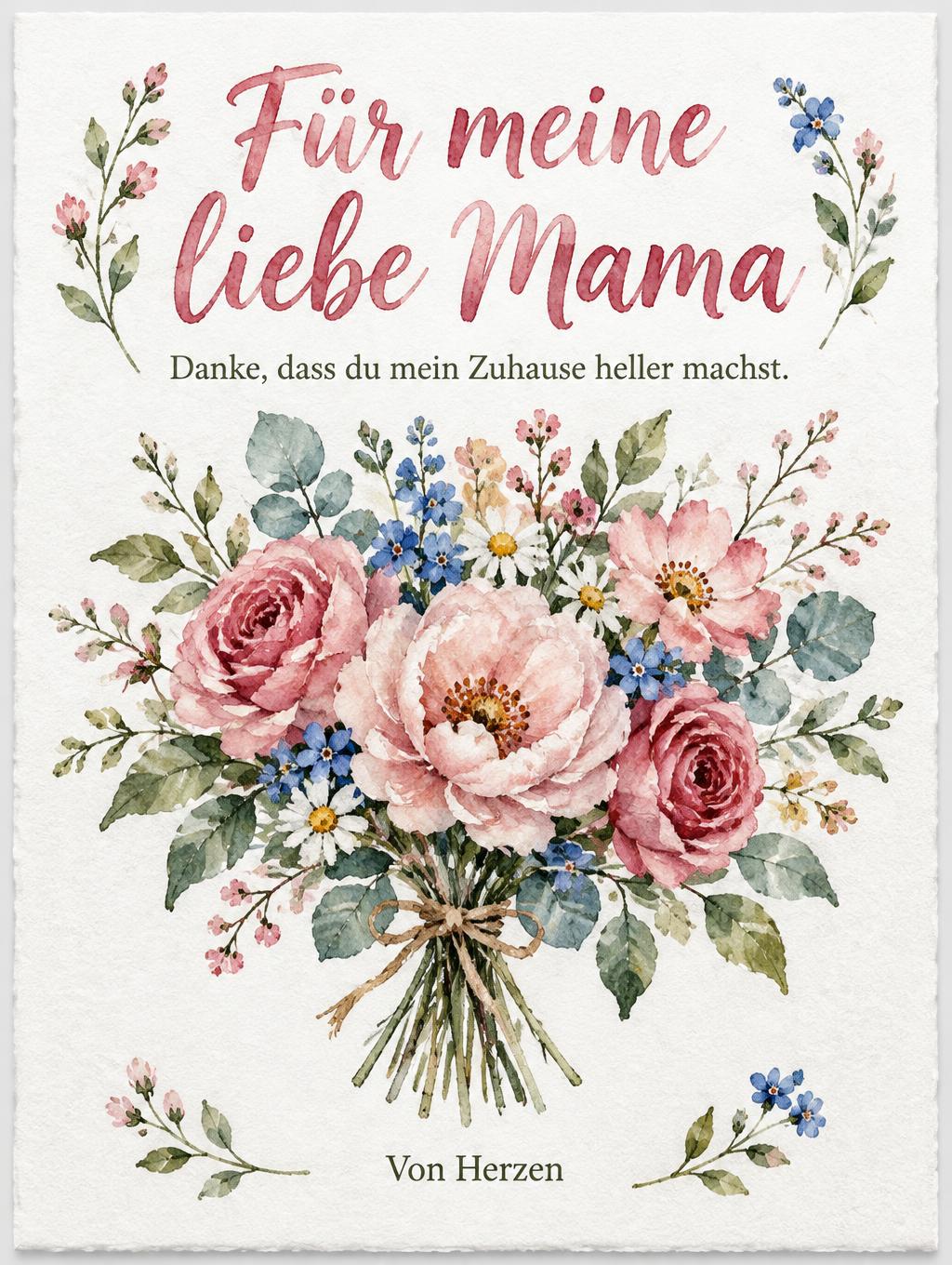
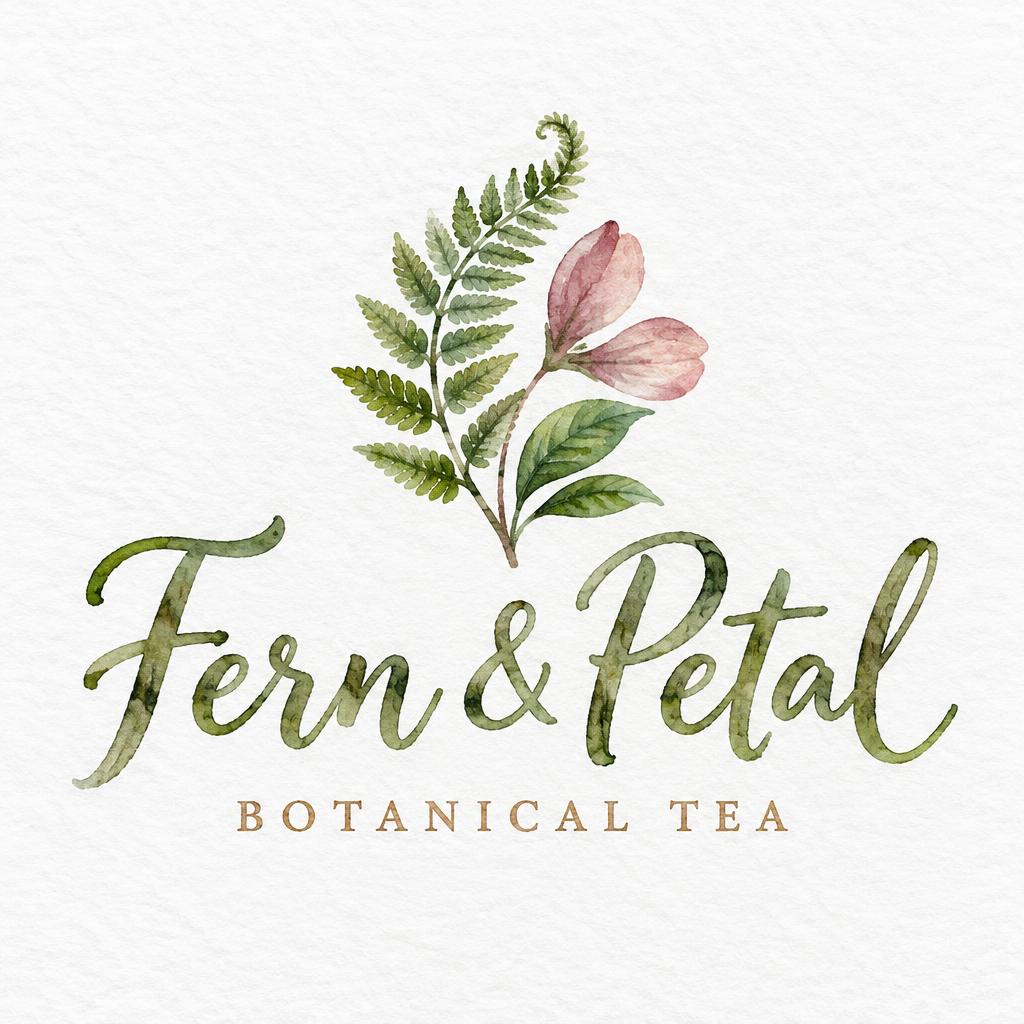
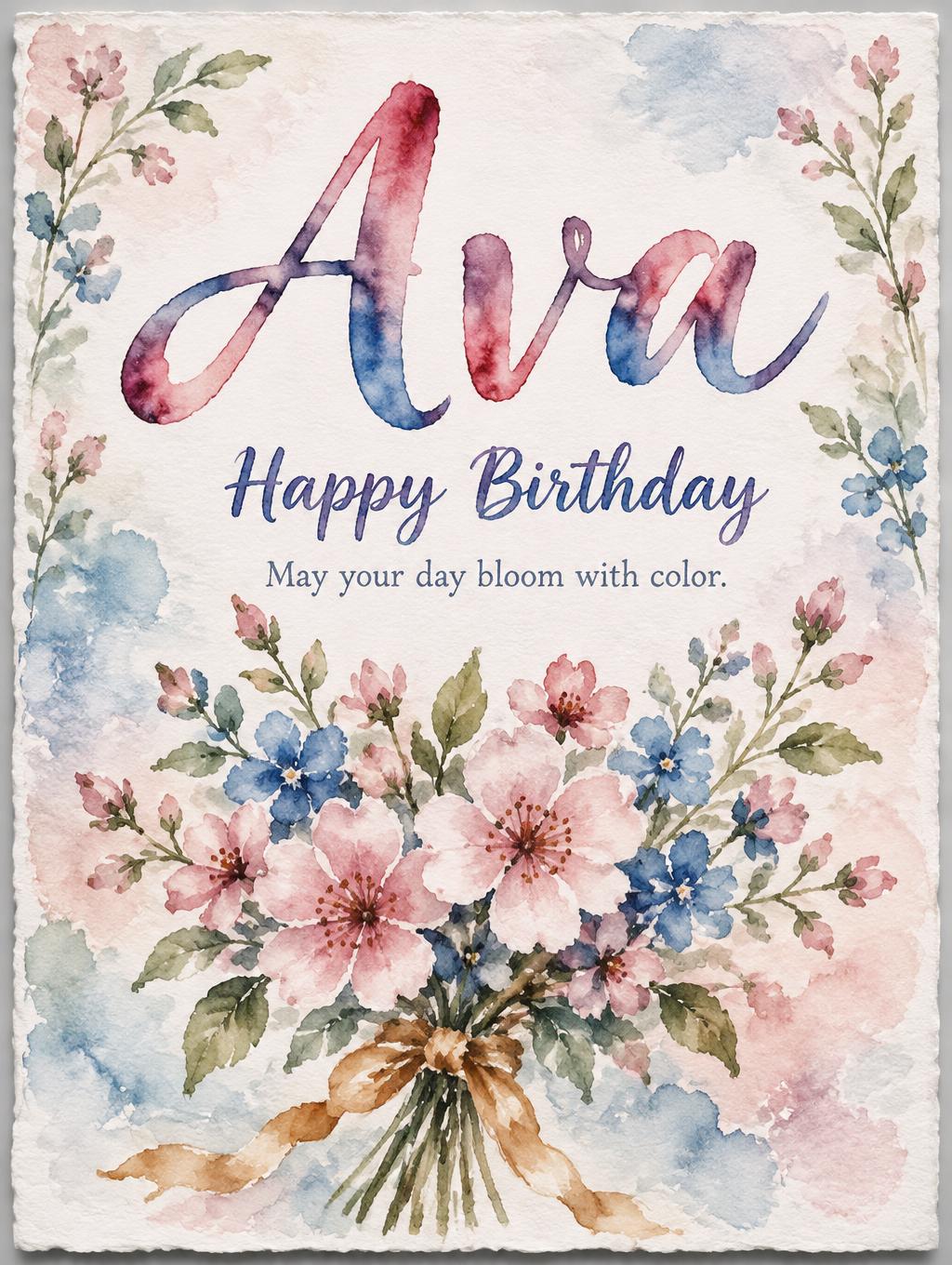
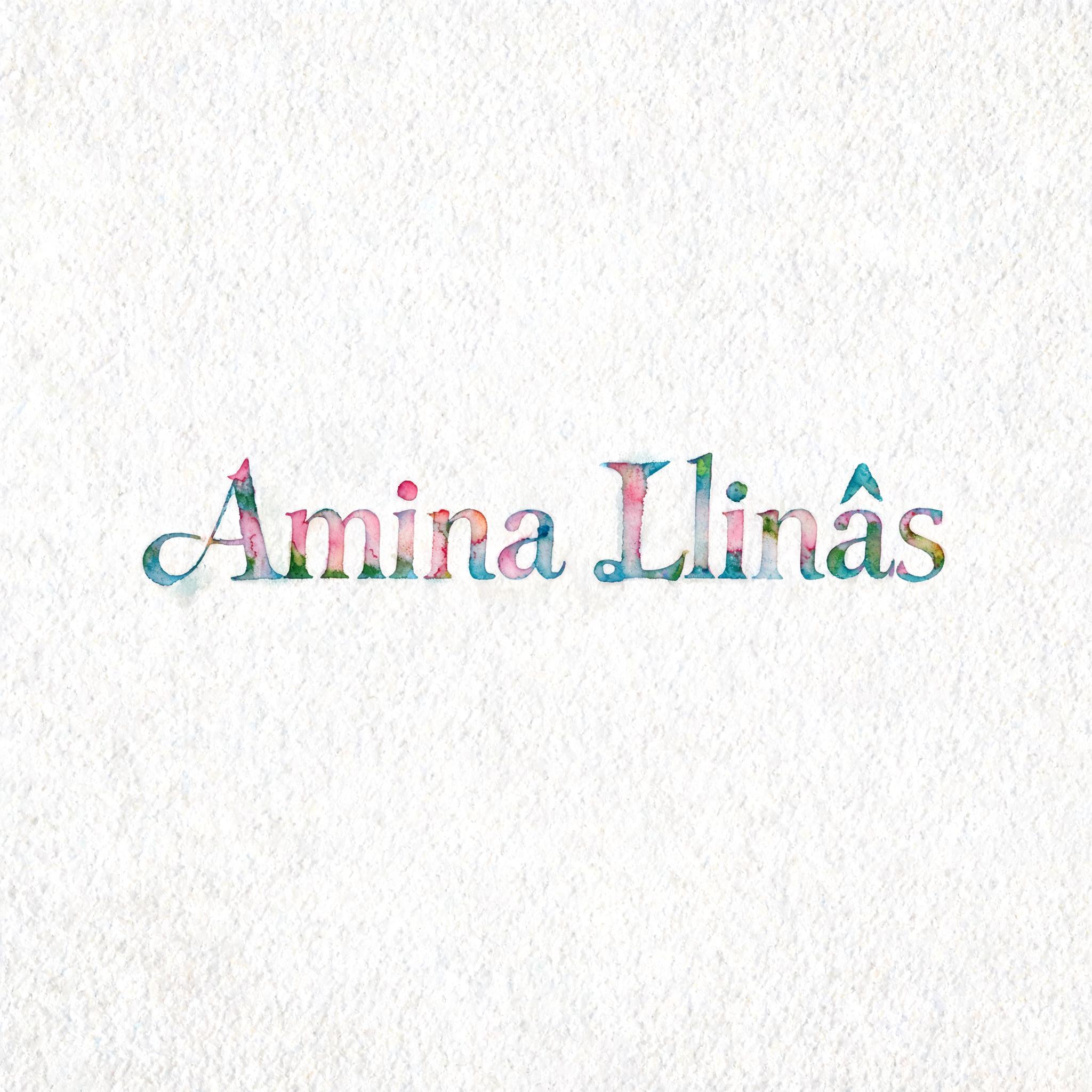
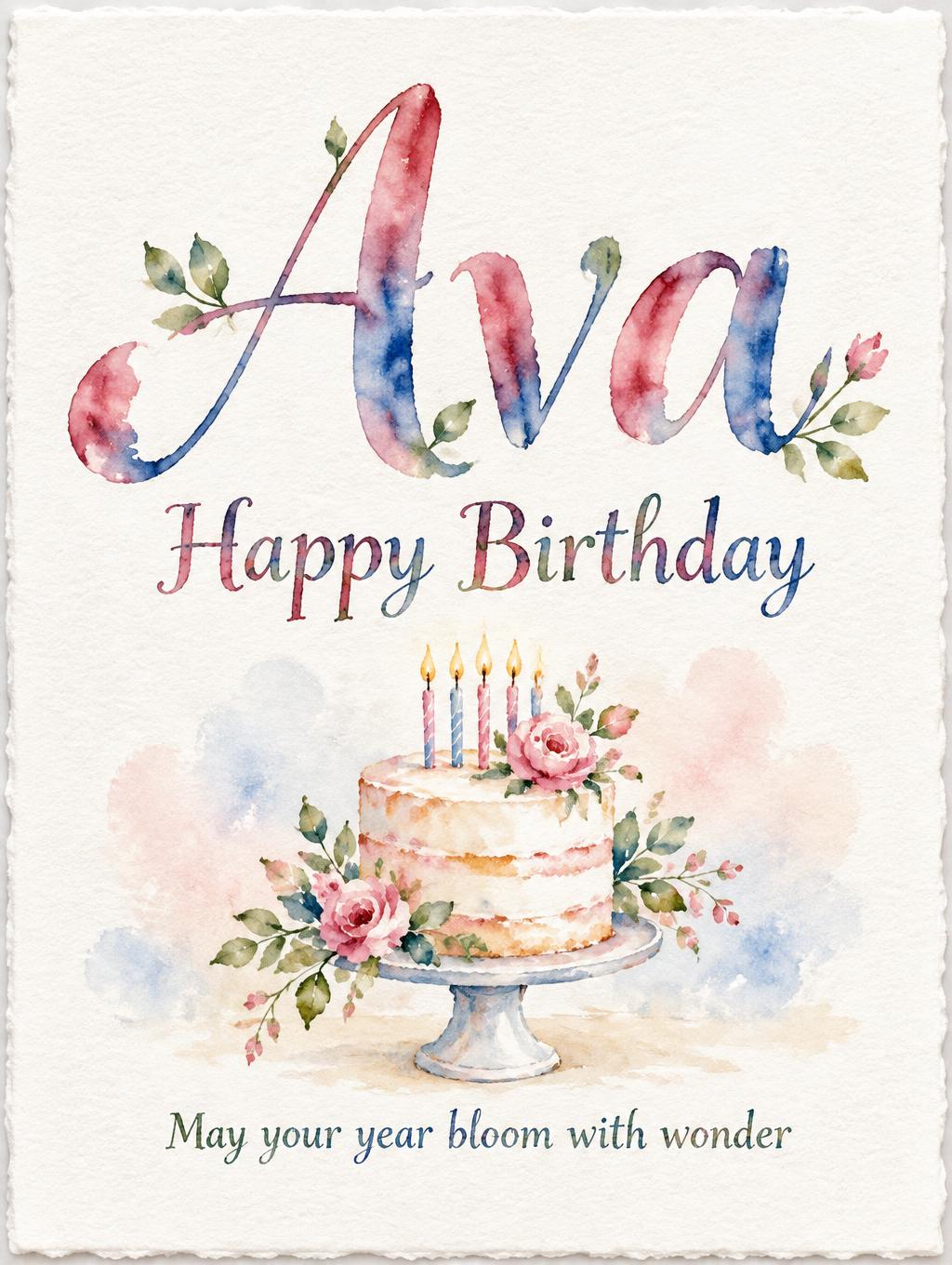
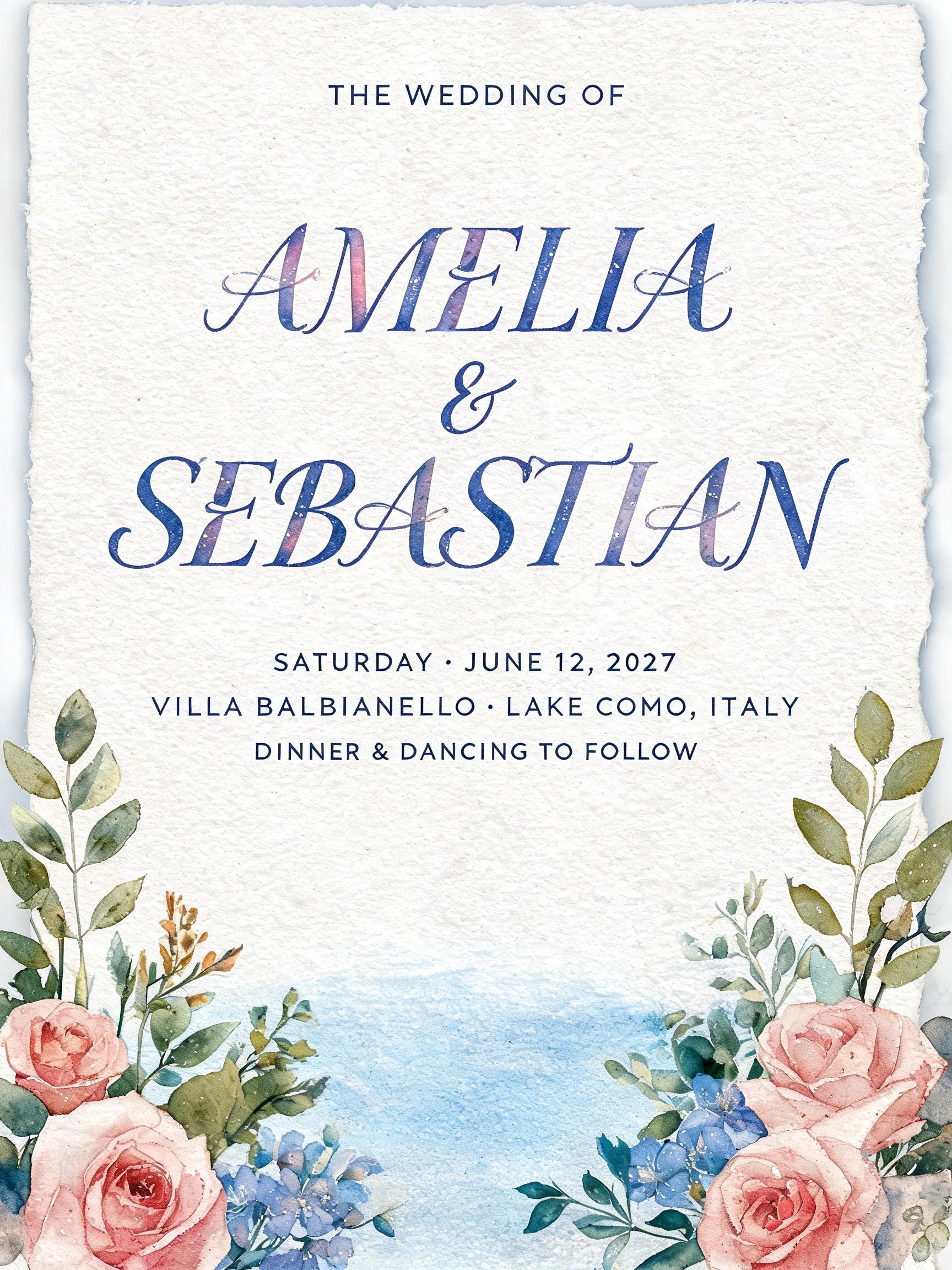
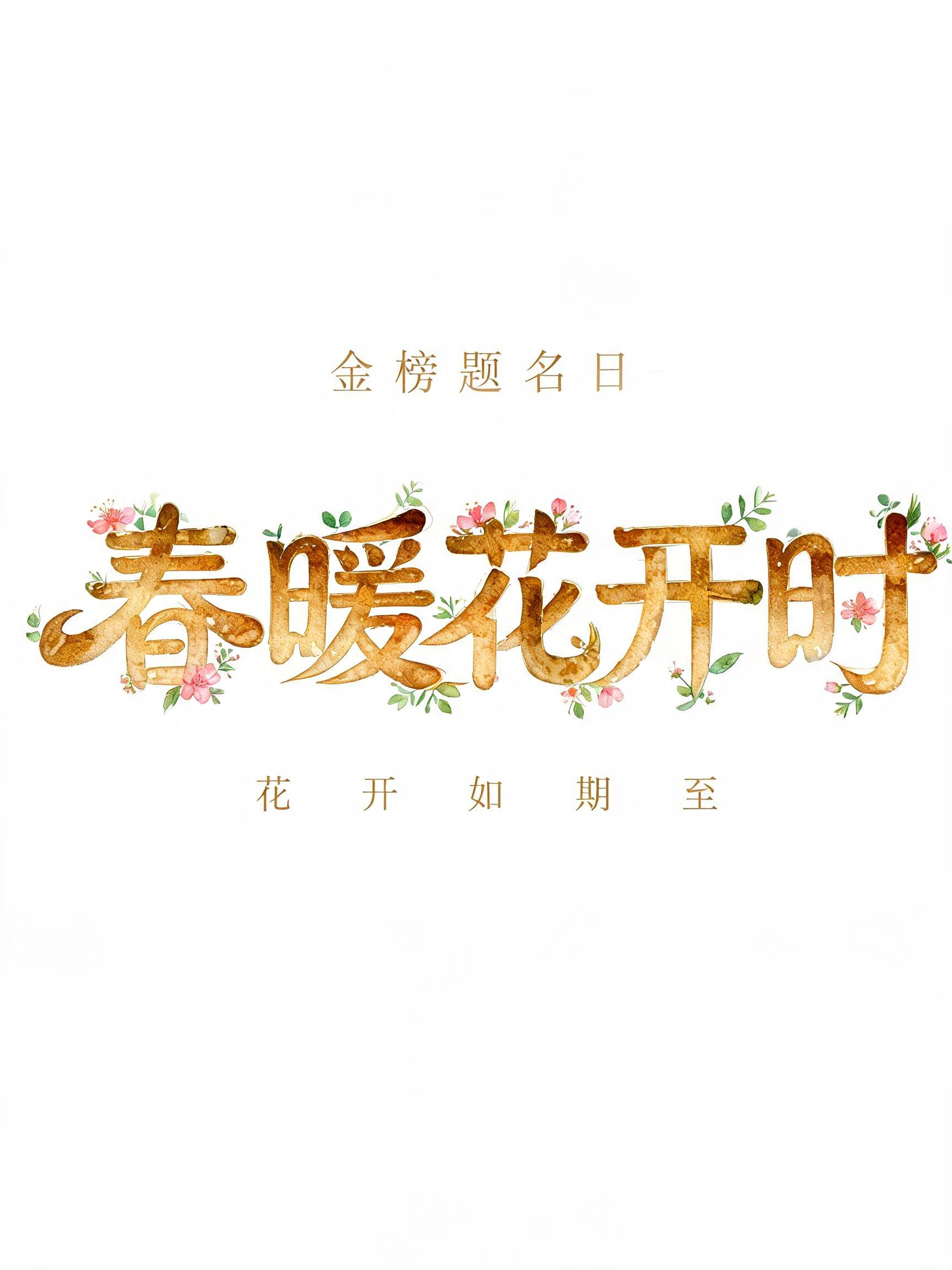
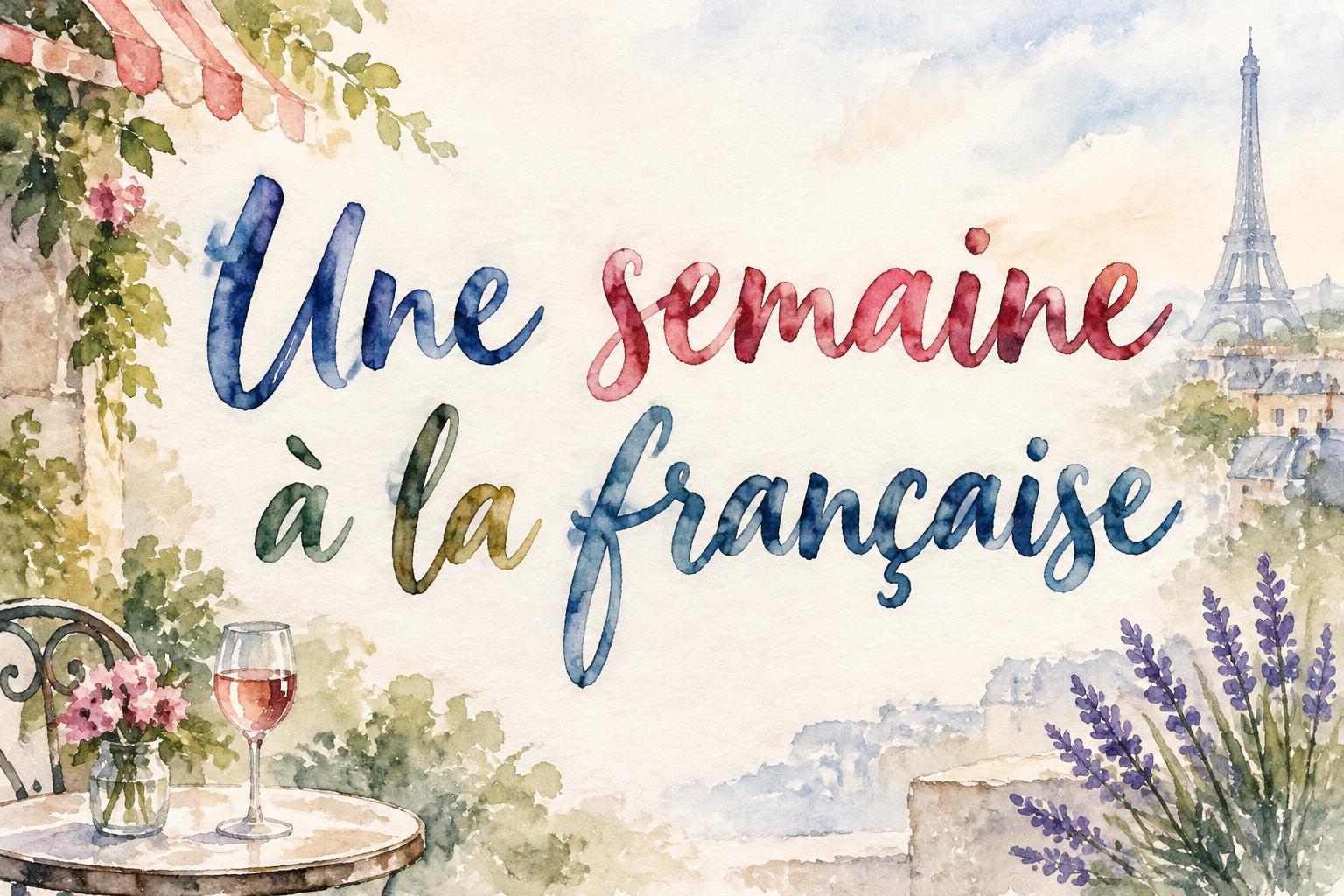
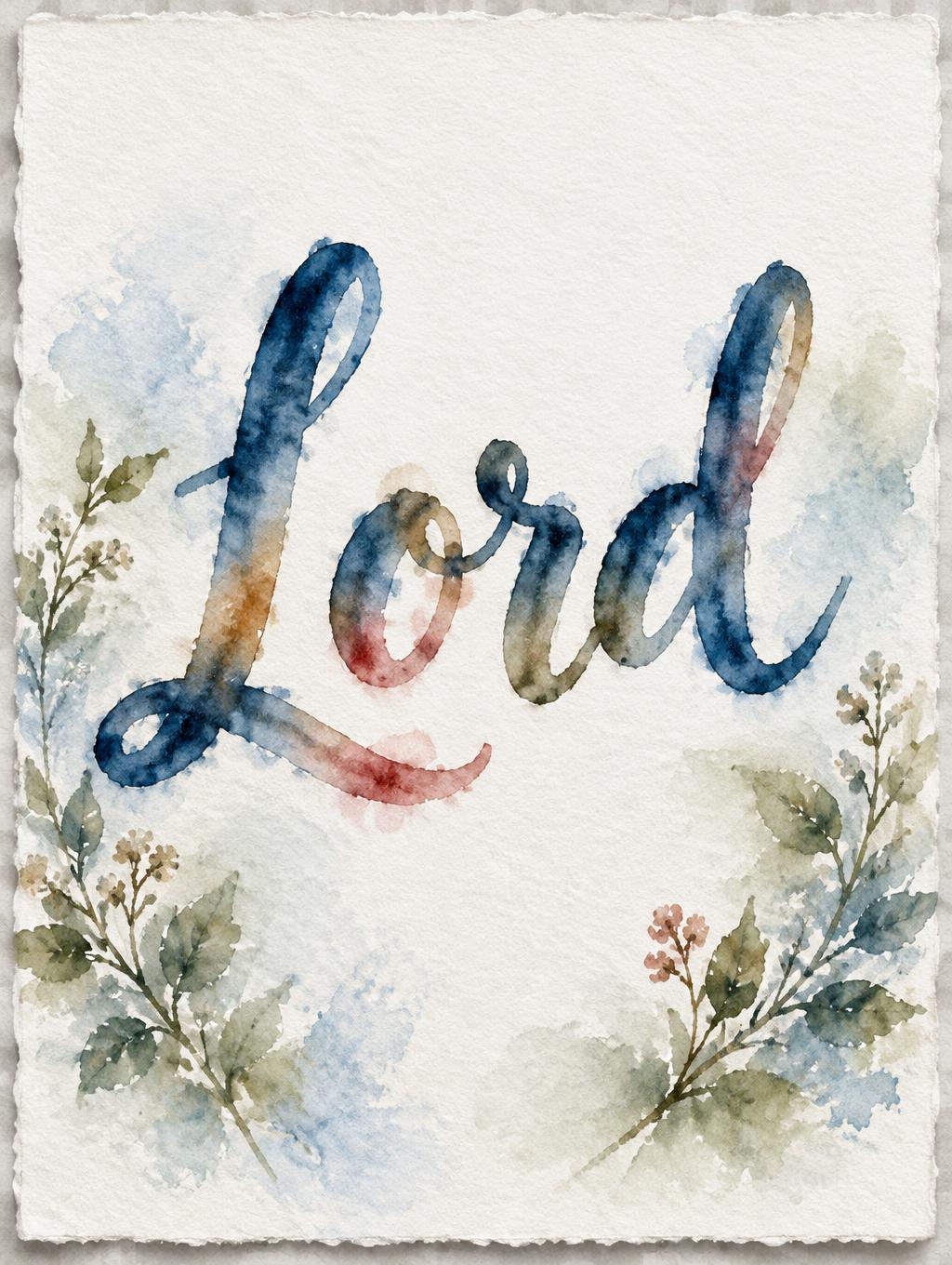
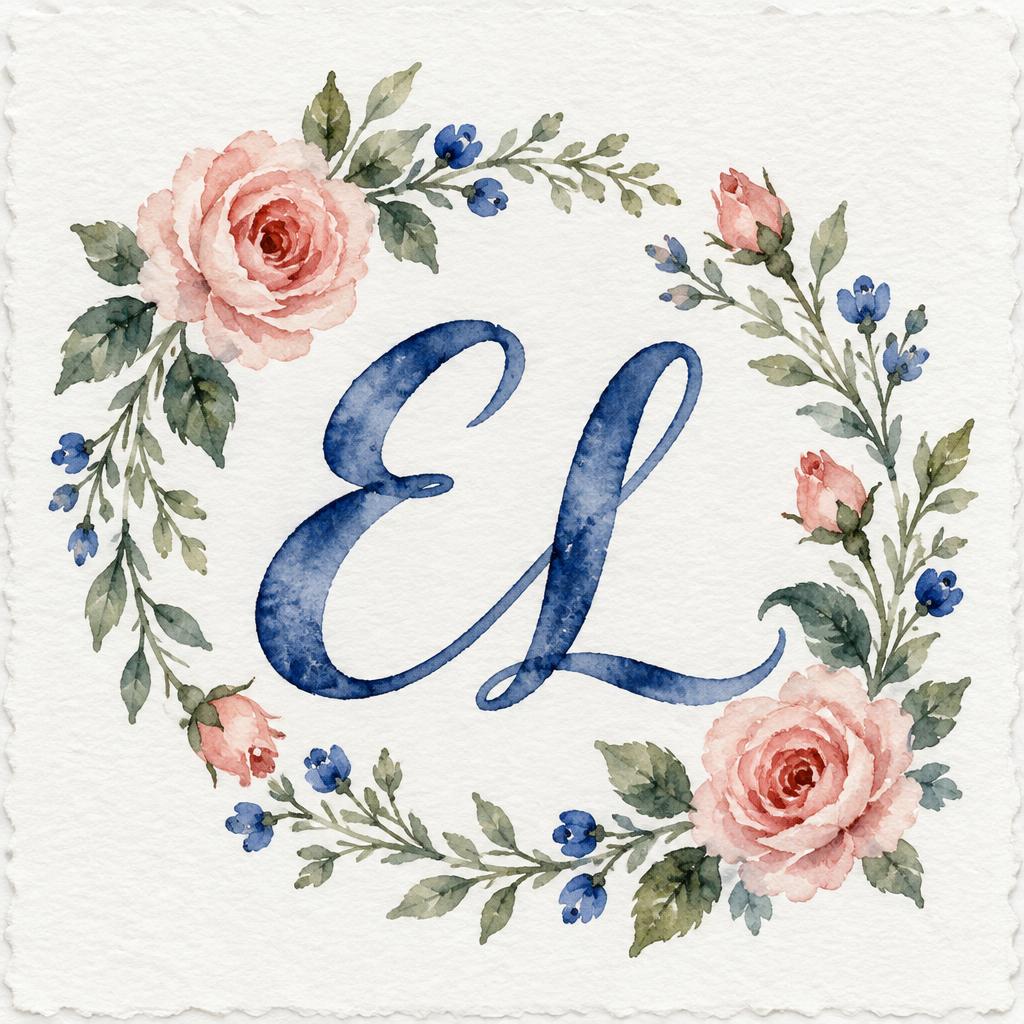
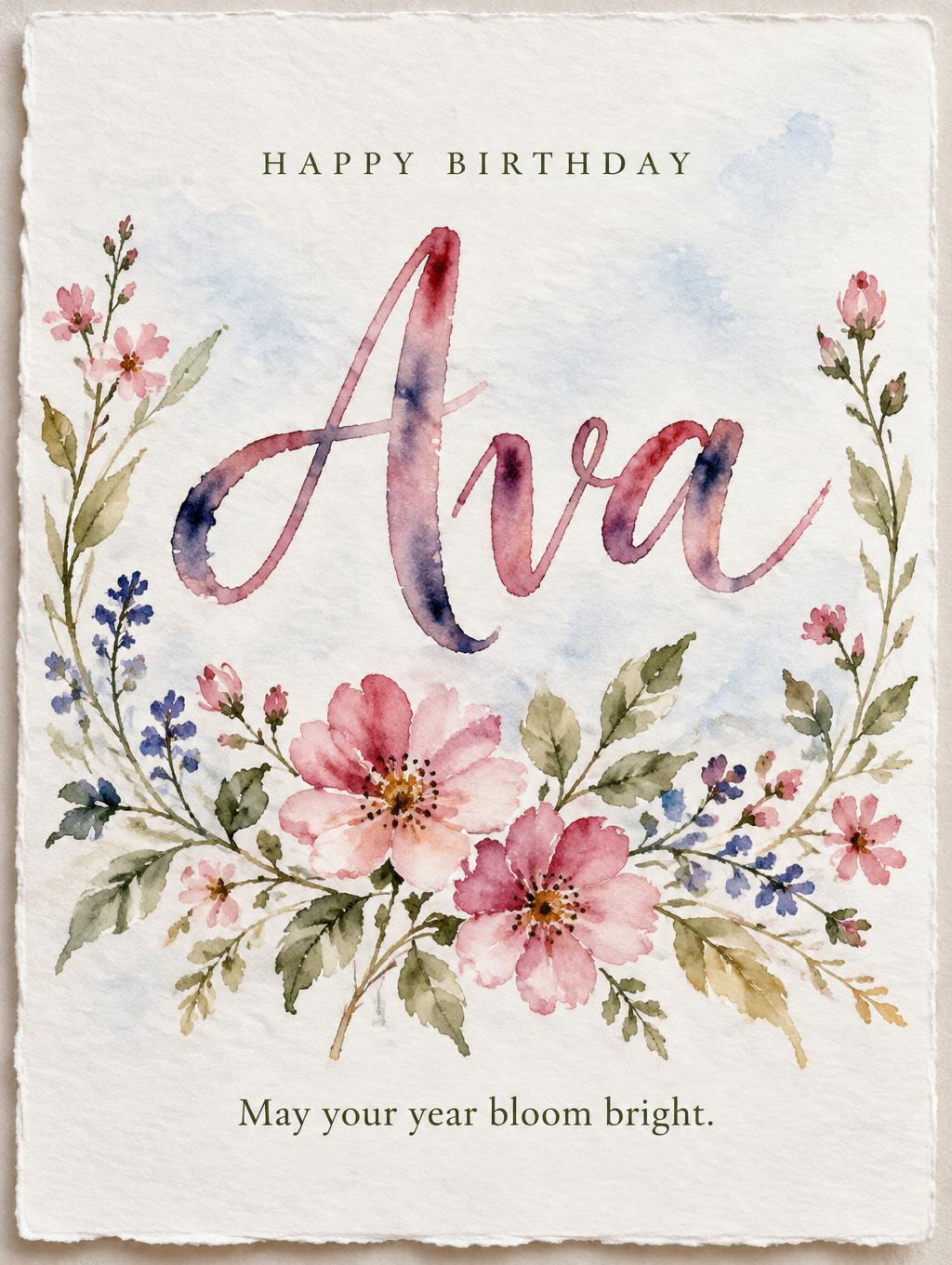
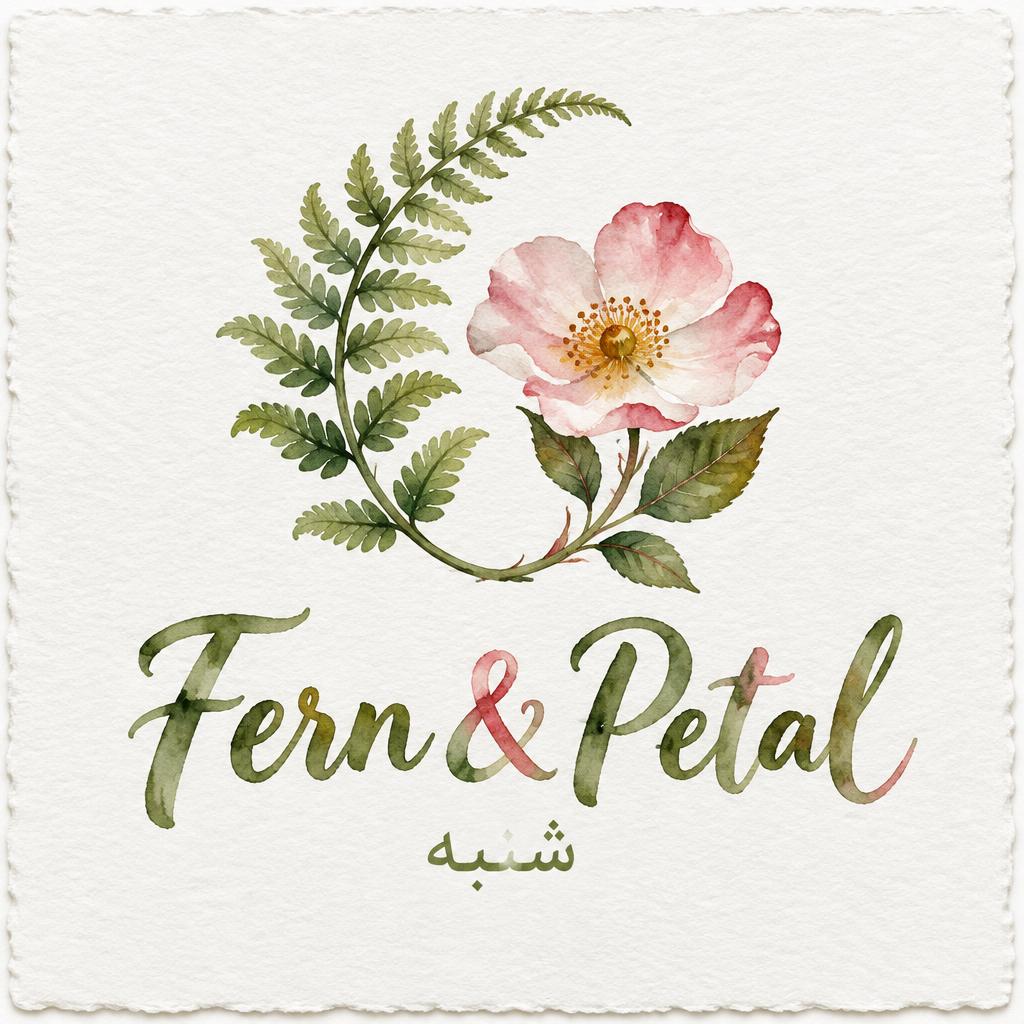
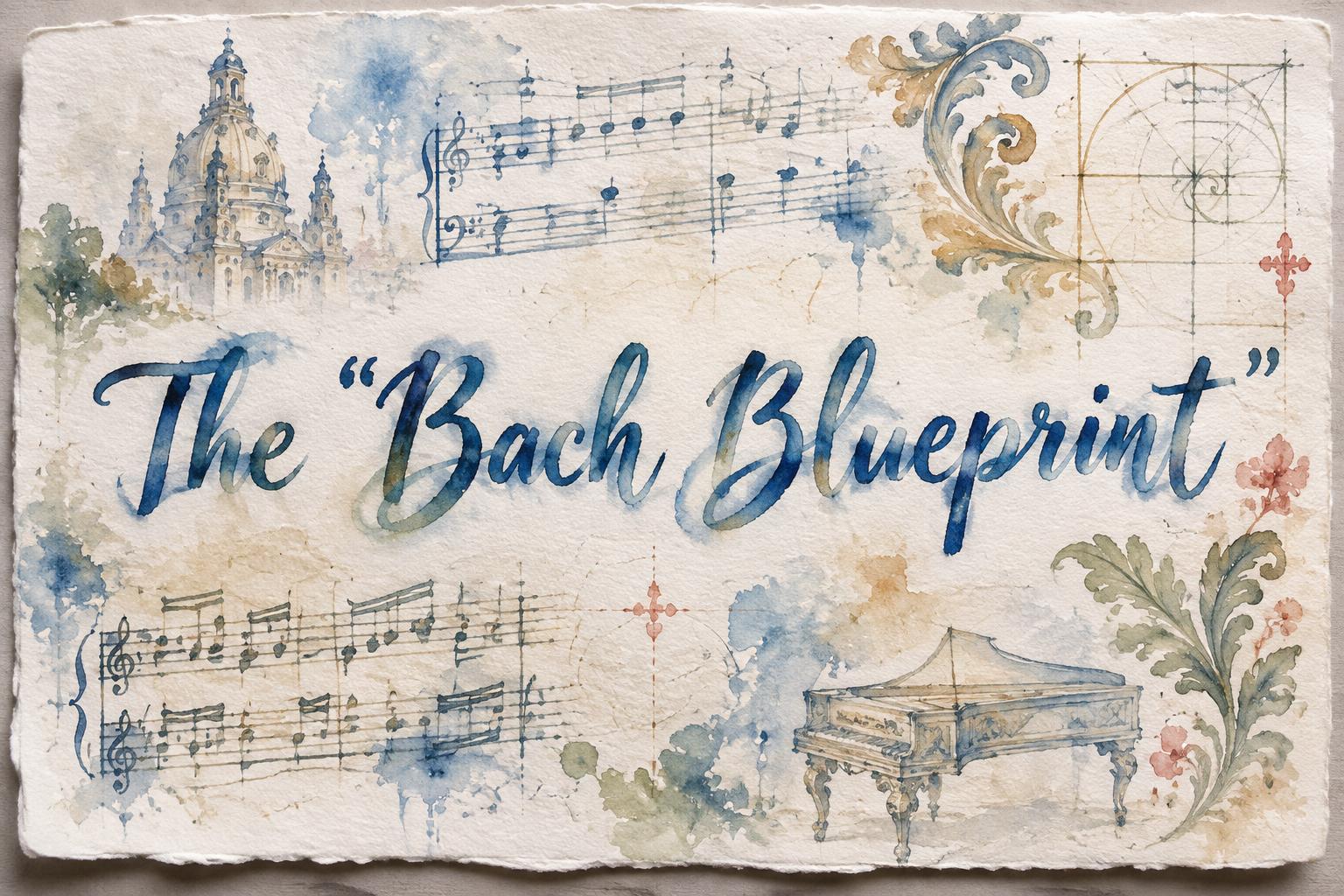
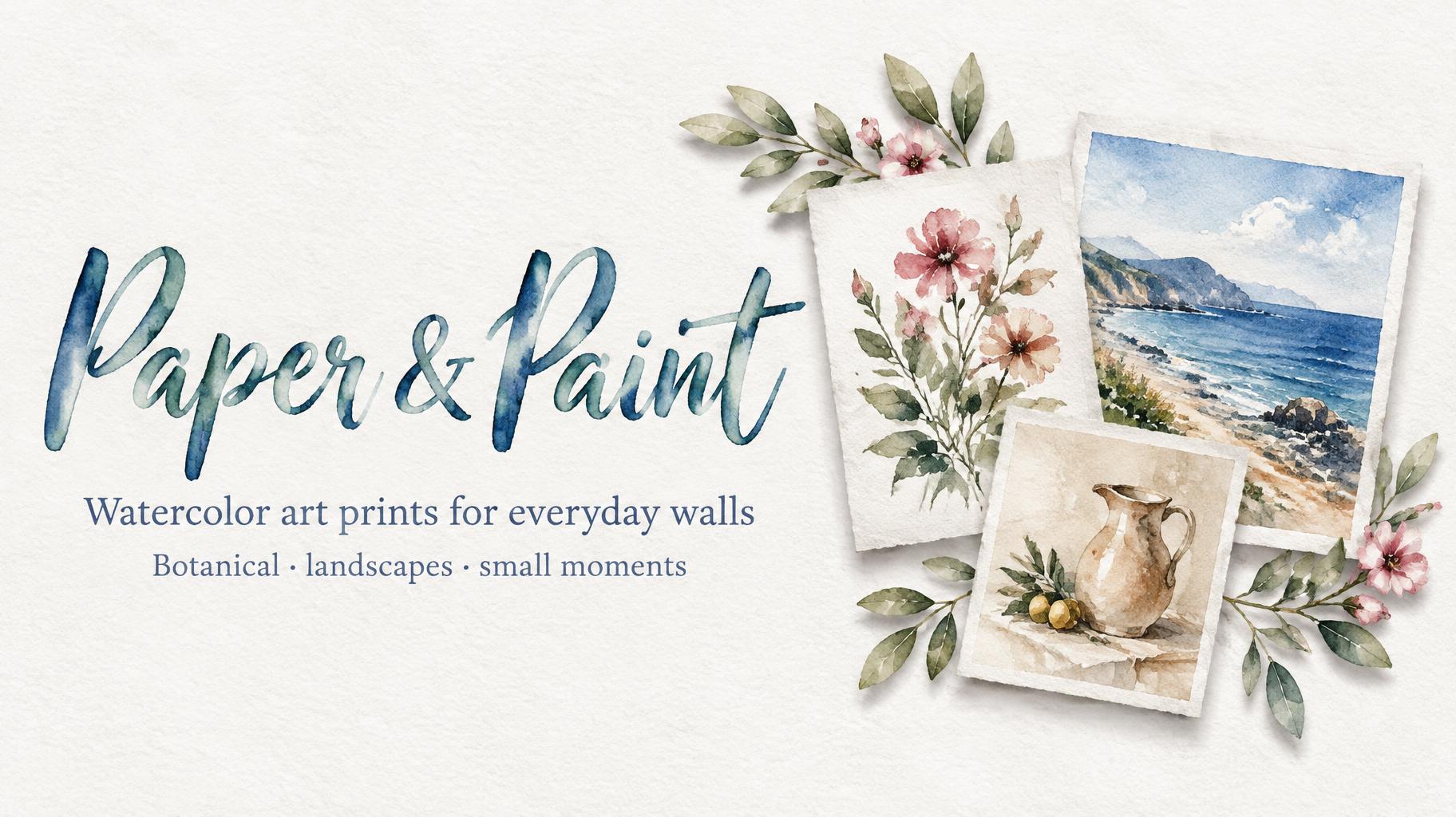
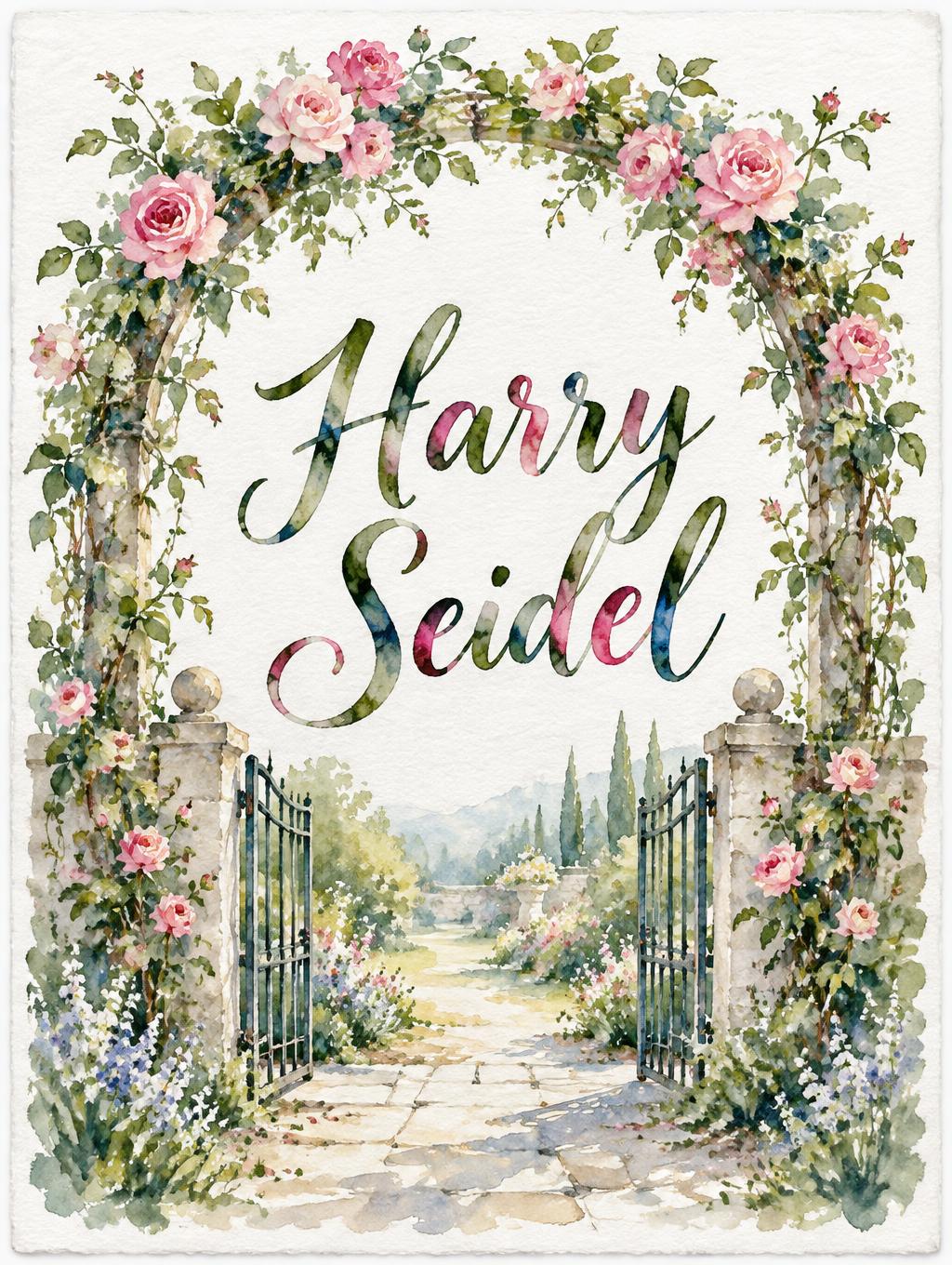
Jedes Bild unten wurde auf FontVibe erzeugt — keine Nachbearbeitung, keine Stockfotos. So sieht aquarell-logo-maker — kostenloses ki-botanik-marken-logo wirklich aus.





















✦ Mehr Aquarell-Logo-Maker-Anwendungsfälle
Entdecke mehr Möglichkeiten, Aquarell zu nutzen


✦ Schritt-für-Schritt-Anleitung
So erstellst du dein Logo, Branding, Botanical im Studio
Drei Schritte. Keine Design-Software nötig.
1
Deinen Markennamen eingeben
Gib deinen Firmen- oder Studionamen ein, z. B. "Wildflower & Co.". Ein oder zwei Wörter lesen sich als Logo am besten.
2
Aquarell-Schrift & Szene wählen
Wähle Brush, Botanical oder Line & Wash und stimme die transparenten Lasuren und die Papiertextur auf deine Markenpalette ab.
3
Kostenlos herunterladen
Lade ein quadratisches Logo als PNG herunter oder ein transparentes PNG, bereit für Verpackung und Web. Kein Wasserzeichen.
💡 Plattform-Tipp: Lade ein transparentes PNG herunter, um dein Logo auf Verpackungen, Visitenkarten und deine Website zu setzen.
✦ Häufige Fragen
Logo, Branding, Botanical — Häufig gestellte Fragen
Alles, was du wissen musst, bevor du loslegst.
✦ Mehr Texteffekt-Stile entdecken
Verwandte KI-Texteffekt-Stile
Probier eine andere Ästhetik — jeder Stil erzeugt ein völlig einzigartiges visuelles Ergebnis.


Mehr Textstile gefällig? Stöber durch unsere kostenlosen Schriftgeneratoren — cool, Schreibschrift, Gothic und mehr.
✦ Bereit zum Loslegen?
Erstelle dein eigenes Branding, Botanical
Kostenlos starten. Keine Design-Kenntnisse nötig.
✦ Jetzt generieren — kostenlos