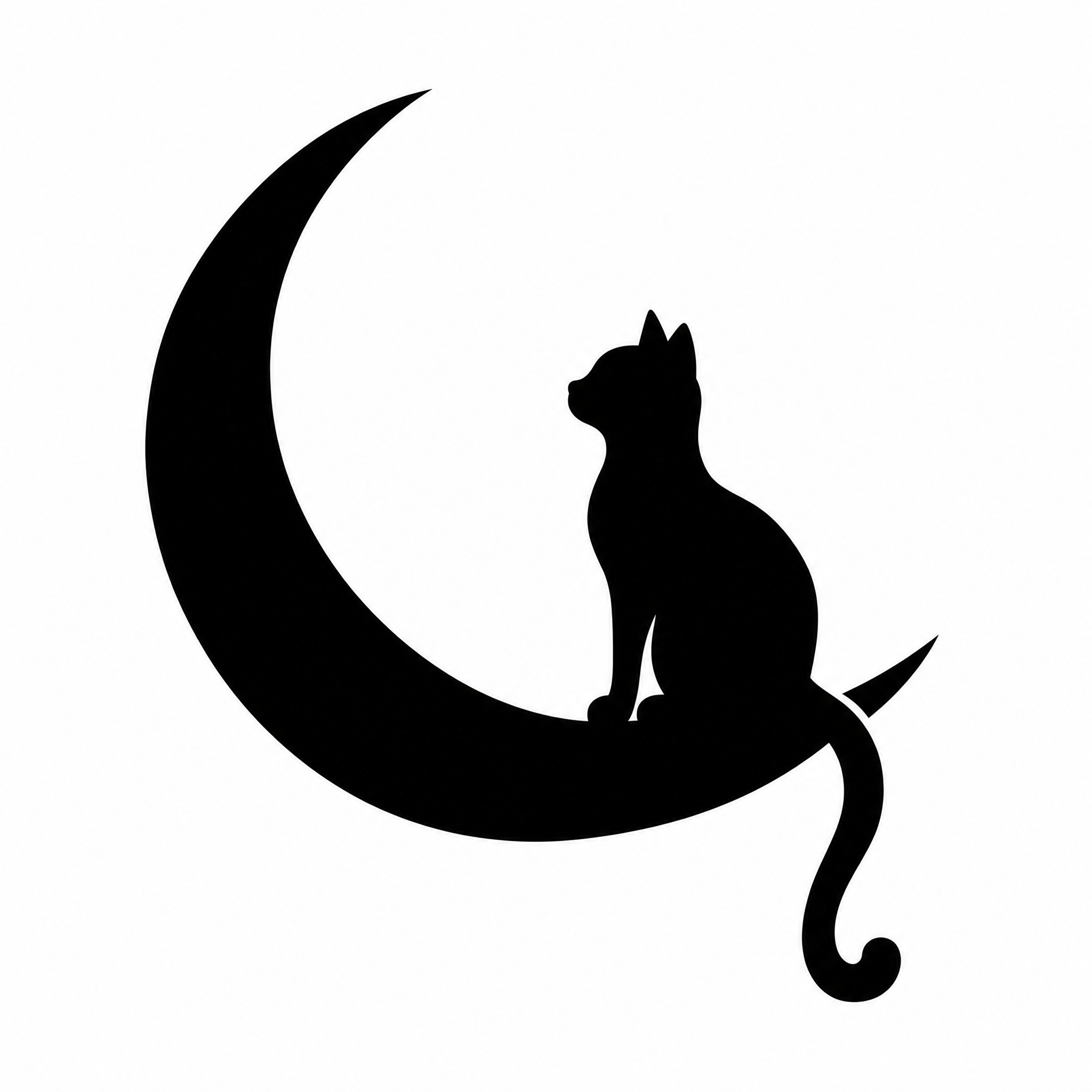
Cat silhouette designs
All made on FontVibe. Download one, or make your own version.
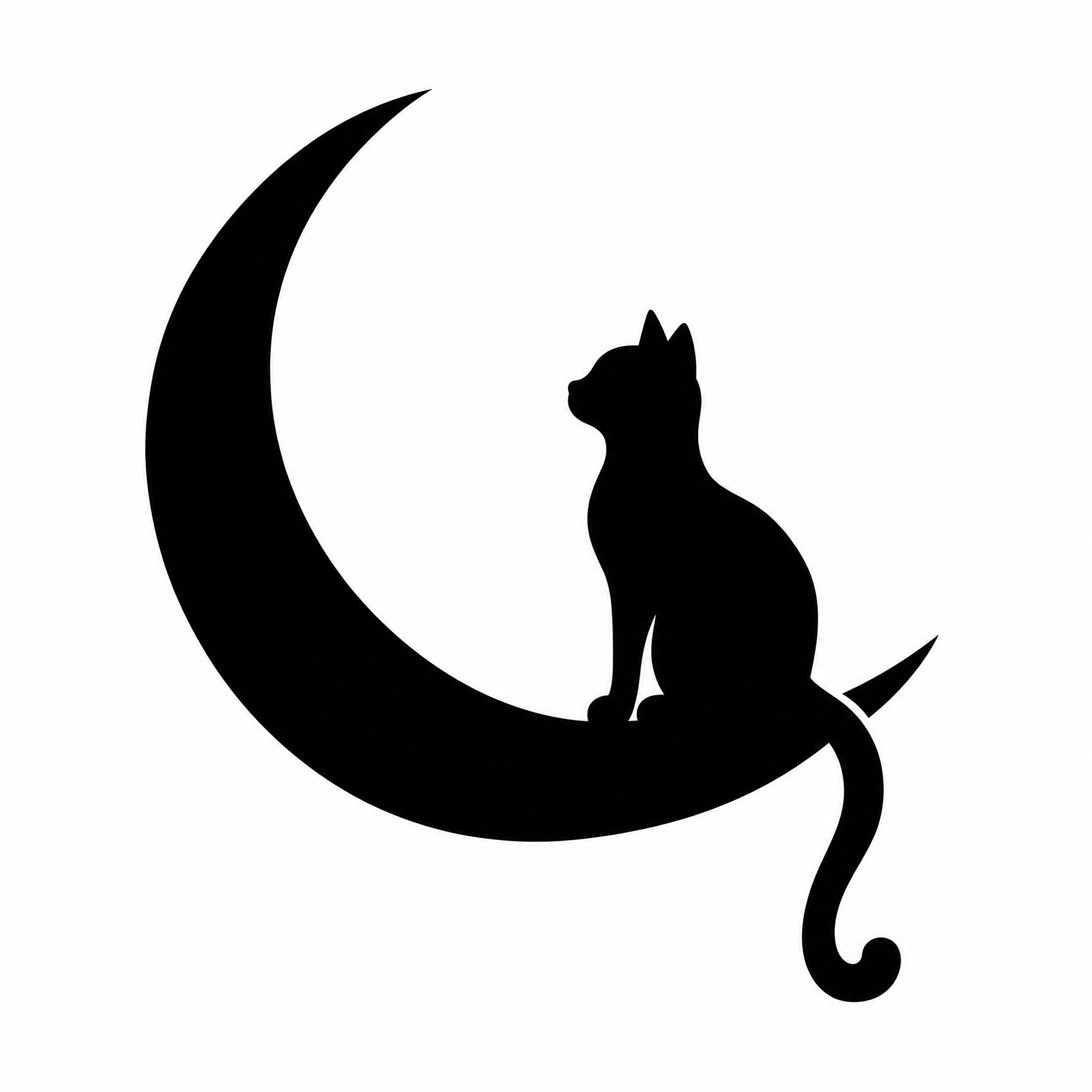
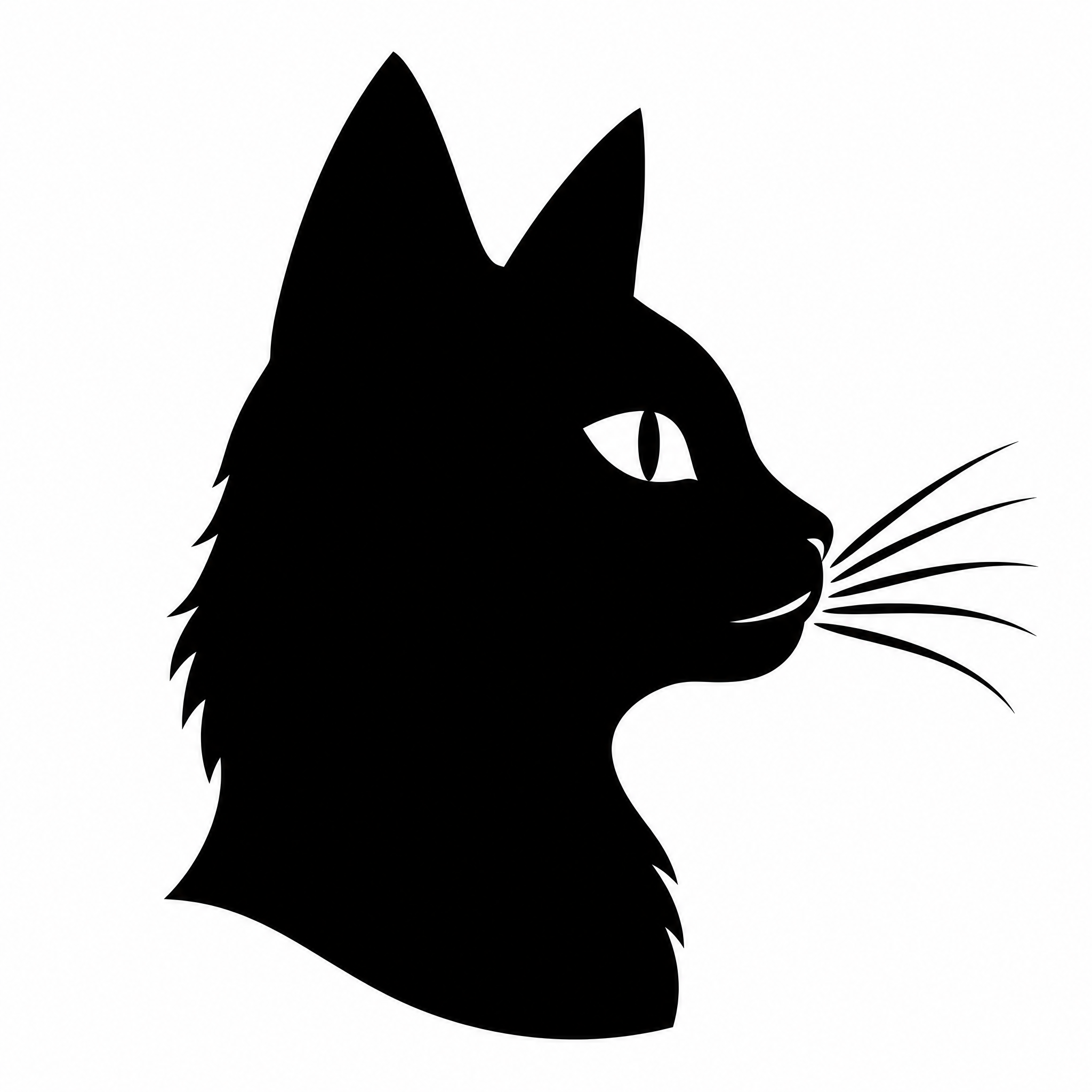
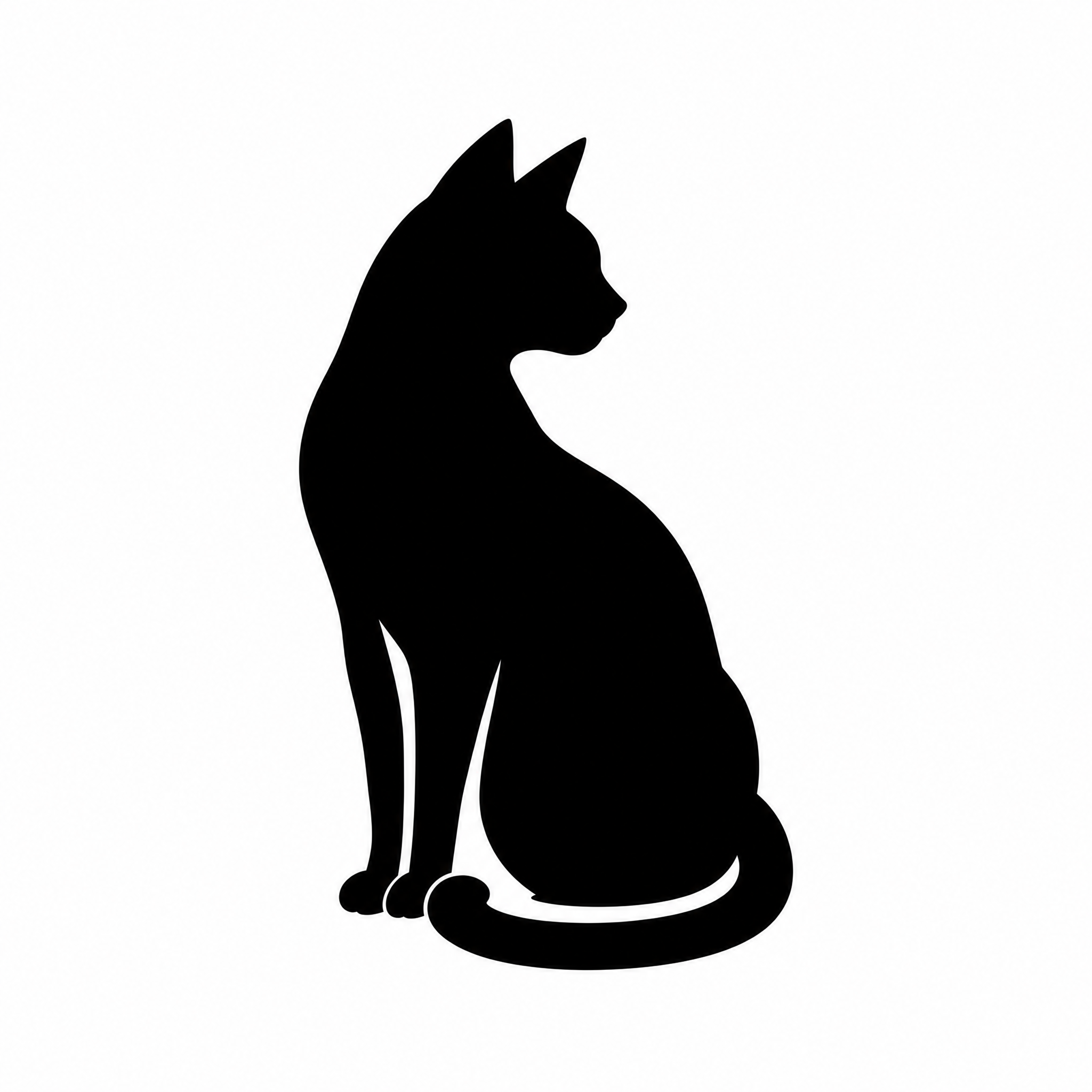
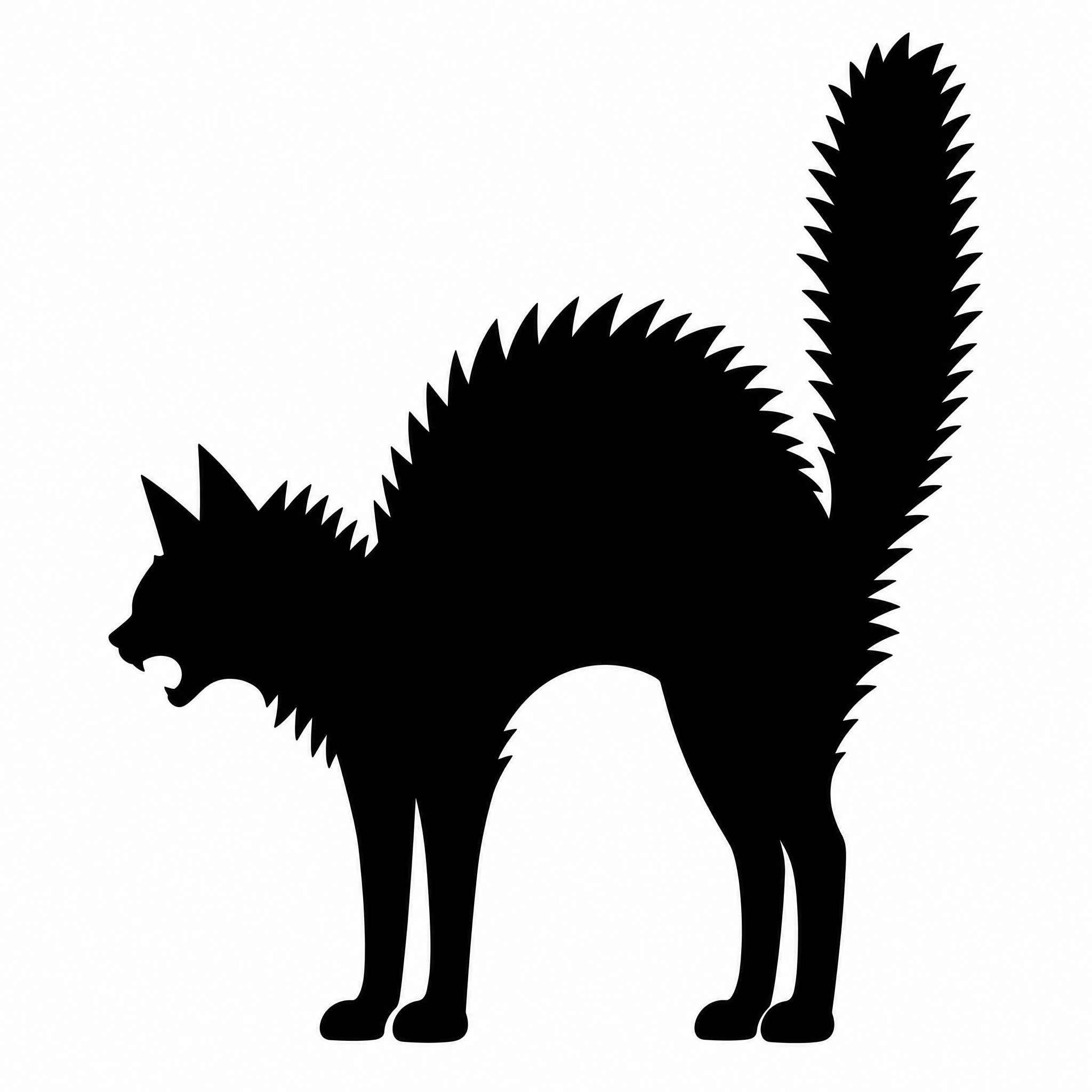
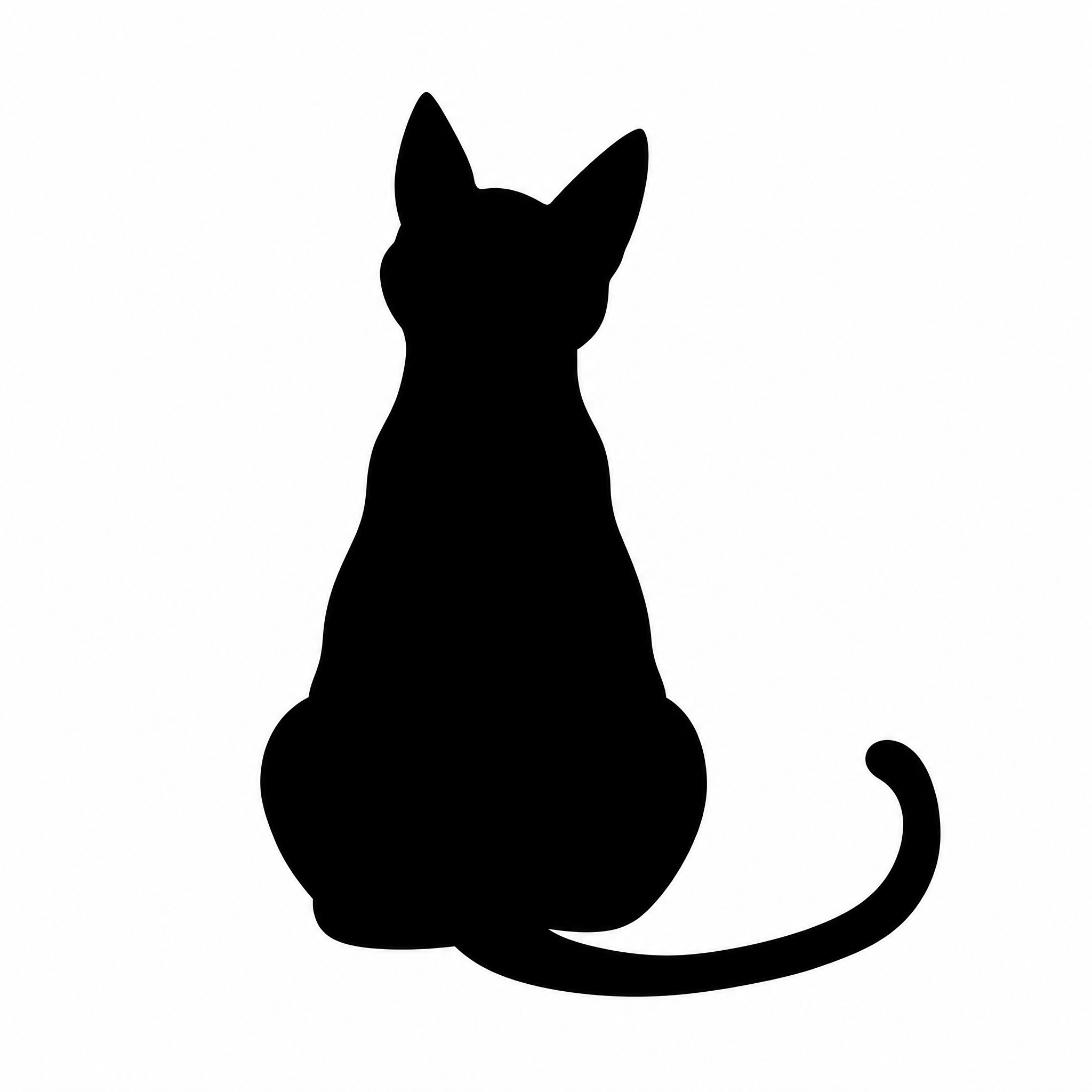
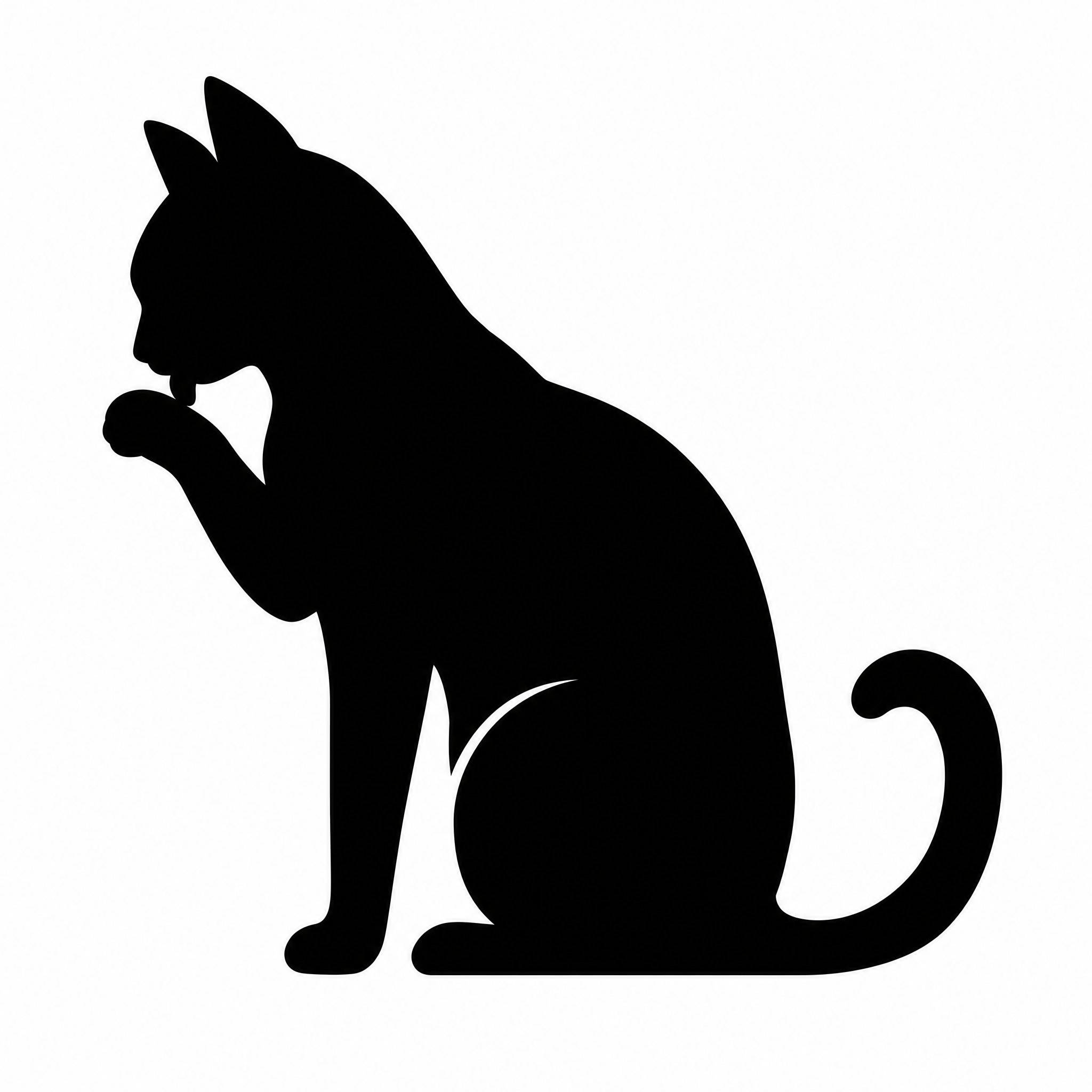
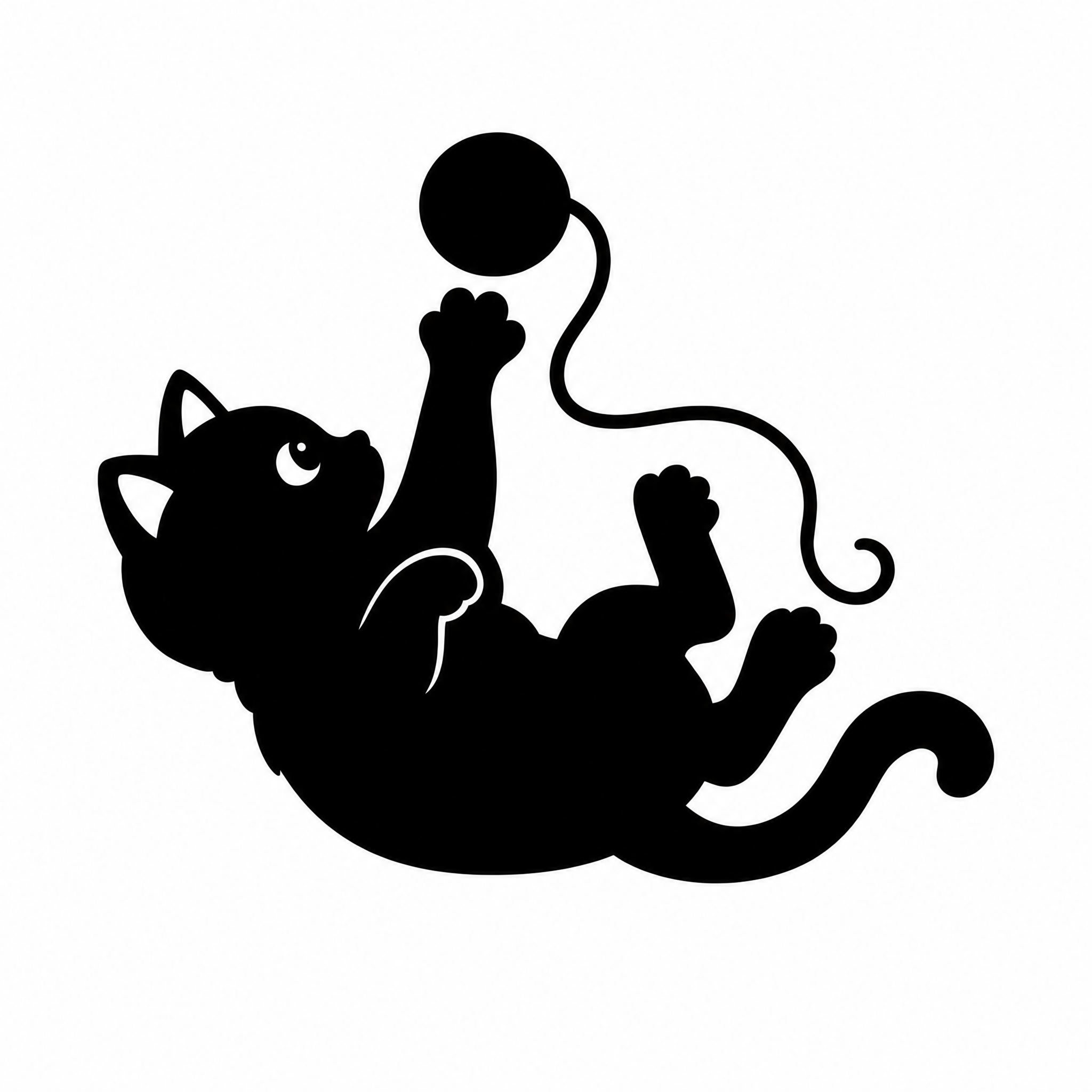
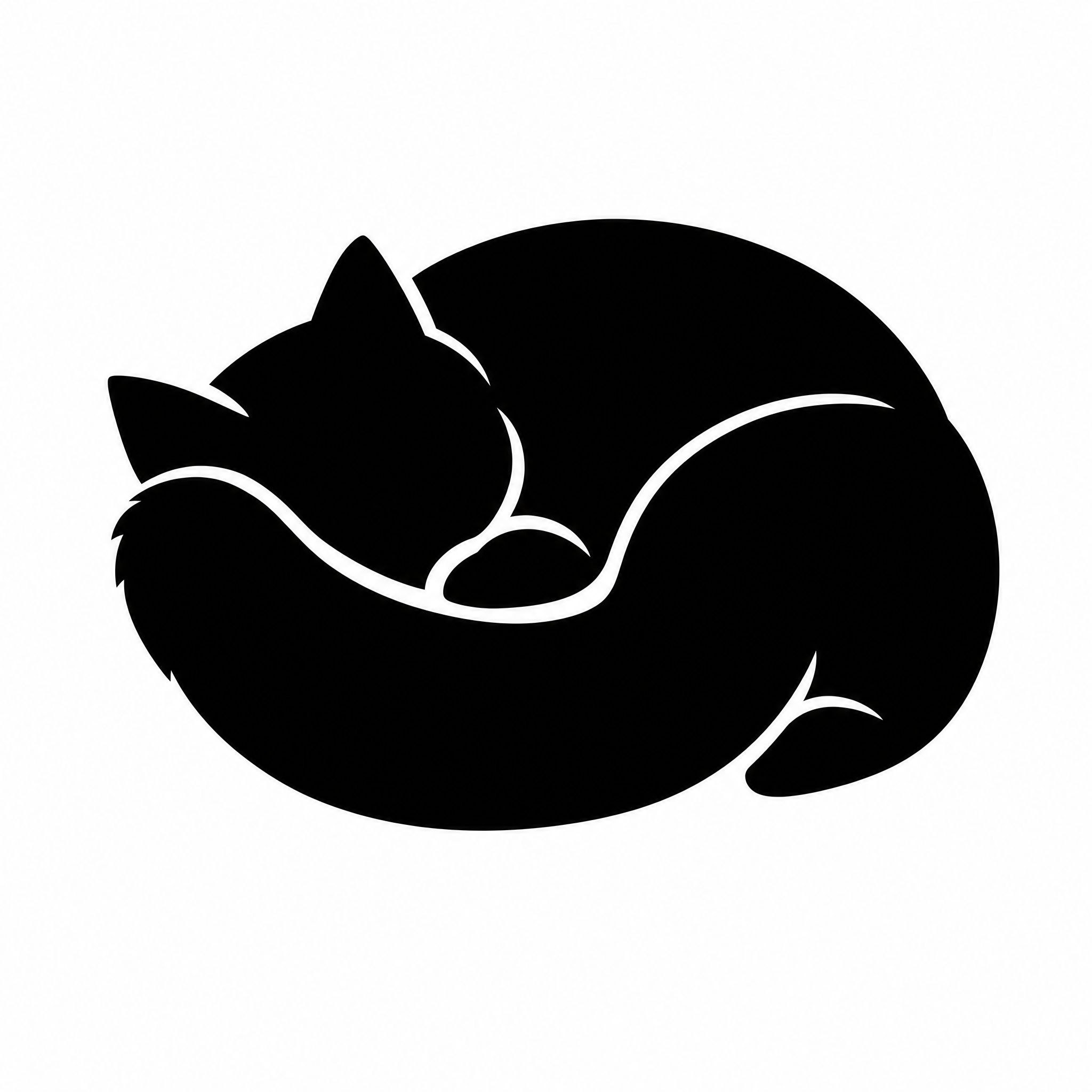
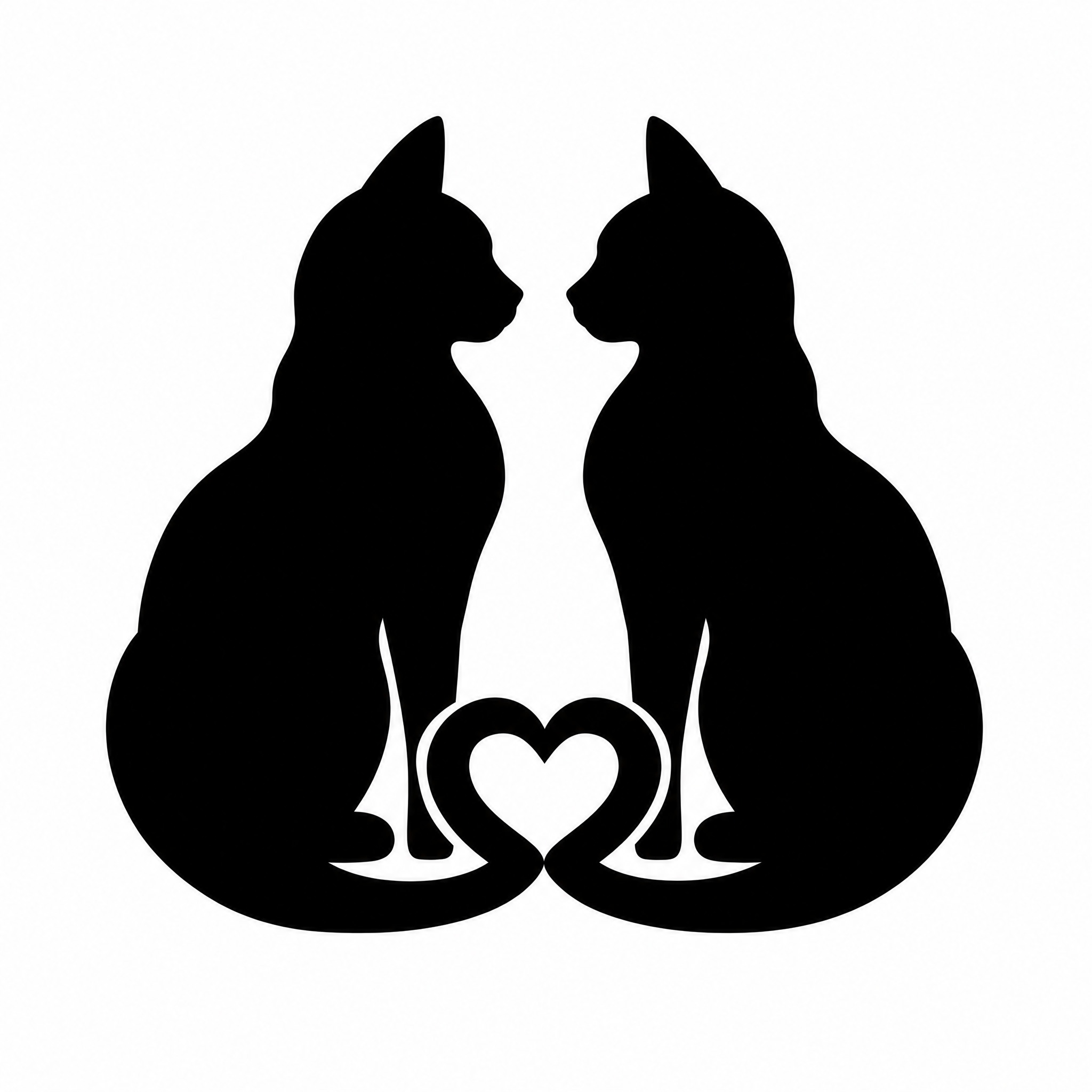
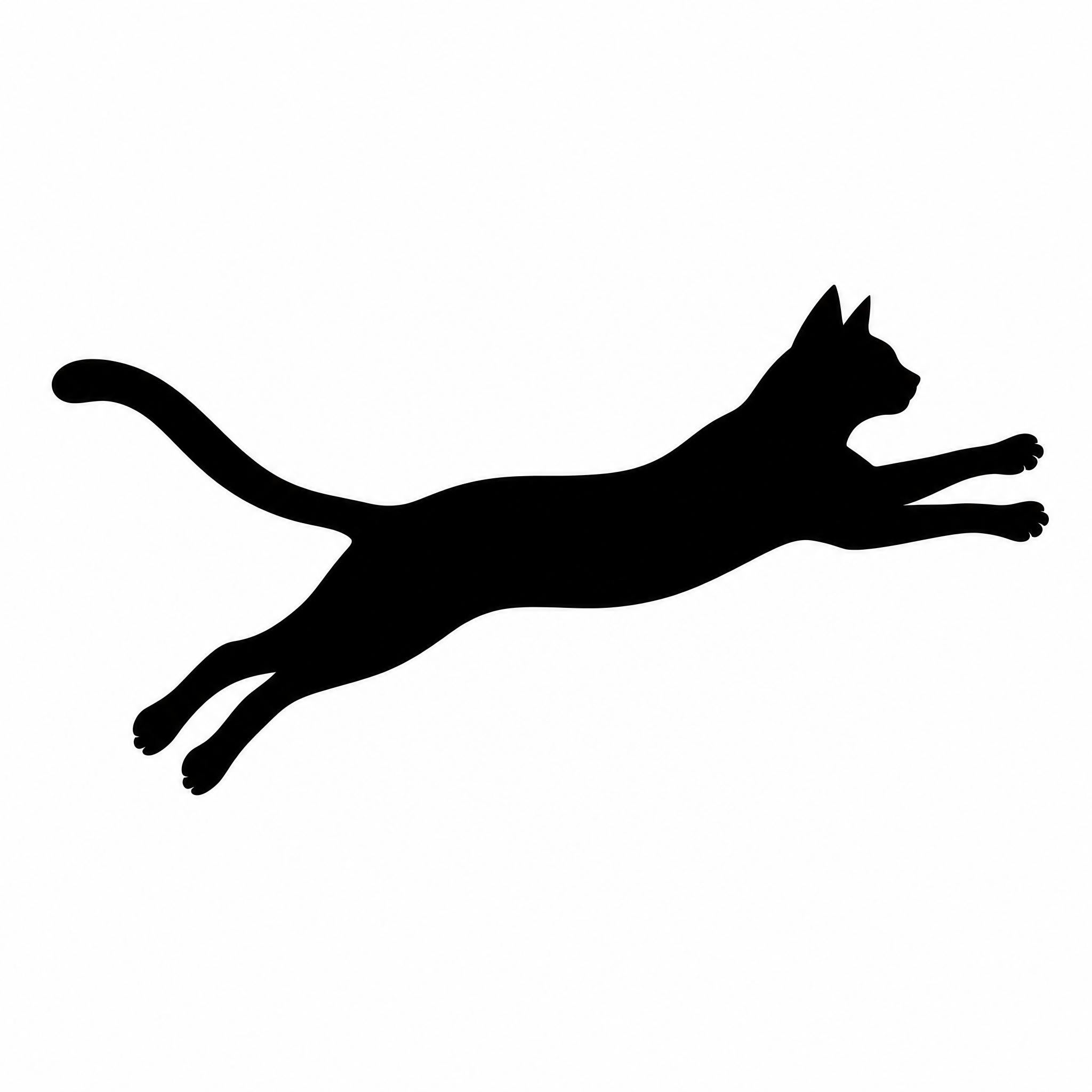
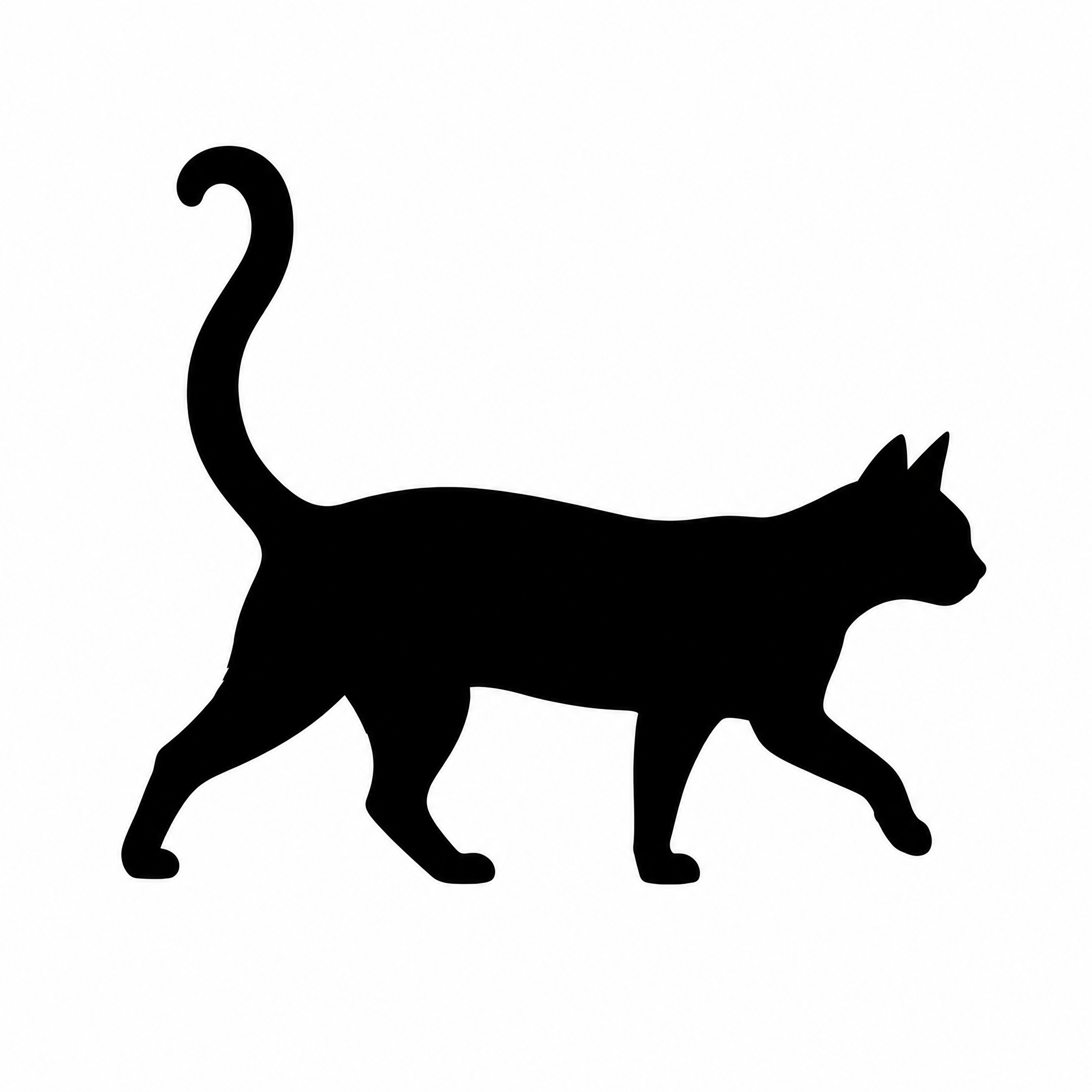
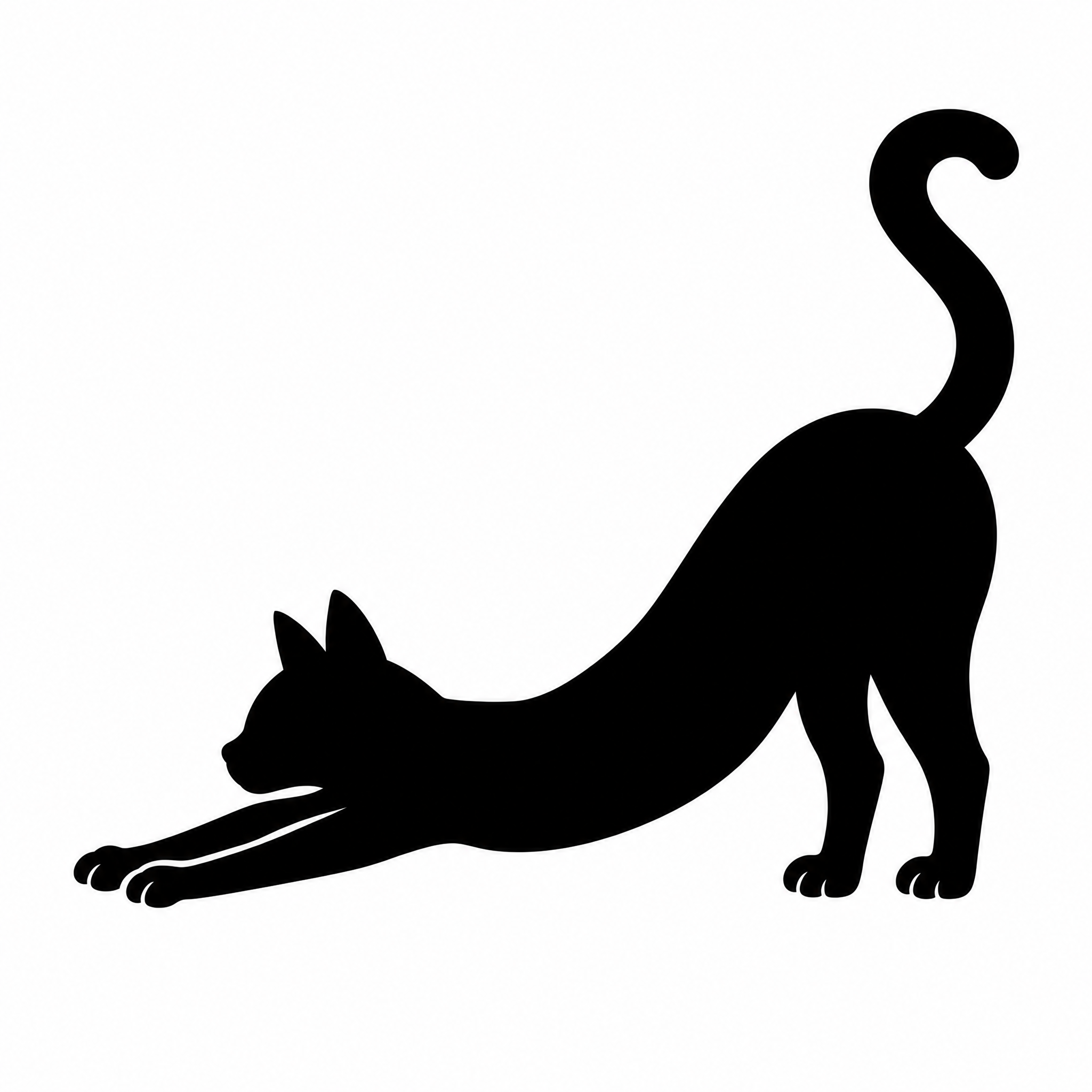
Cat silhouette ideas
Pose, details and use, line by line. Tap a line to add it to your description.
Pose
Name one pose and the angle; a side view reads best as a silhouette.
Details that show in the outline
Only outline details survive: ears, whiskers, tail shape, gaps between legs.
Where it will go
Say the use; it decides how bold and simple the shape should be.
Add a second shape
Keep any extra object solid black and touching or close to the cat.
Cat silhouette:清单与尺寸
What to ask for in a cat silhouette
- 1One pose, seen from the side: a silhouette has no inner detail, so the outline has to tell the pose
- 2The details that should show in the outline: ear shape, whiskers, tail shape, a collar
- 3Your own cat? Add a clear side-on photo so the outline follows its ears, tail and build
- 4Where it goes: a decal or Cricut cut needs a bold, simple shape; a print or tattoo can take finer details
- 5Download as SVG for cutting machines and laser software, or as a transparent PNG for prints, shirts and slides
Sizes and files
| File | What you get | Best for |
|---|---|---|
| PNG | 2048 × 2048 px, transparent background | Prints, shirts, stickers, slides |
| SVG | One filled vector path, any size | Cricut, Silhouette Studio, laser cutting |
| Original | 2048 × 2048 px, black on white | Quick previews and sharing |
At 300 pixels per inch, a 2048-pixel PNG prints about 6.8 in wide. The SVG has no pixels, so it scales to any decal or wall size without blurring.
Keep it cuttable
Very thin lines and tiny dots are hard to weed from vinyl and get lost when cut. For decals, ask for a bold, simple shape; save the fine whiskers for prints.
Cat silhouette相关标签
本页用到的全部标签,点开可以看到同一标签下的作品、字体和风格。
常见问题
在 FontVibe 上做Cat silhouette
- 1Describe the poseSay the pose, the angle and the details that should show in the outline, or add a photo of your own cat.
- 2GenerateFontVibe draws one clean black shape on white, ready to cut or print.
- 3Pick a colorChoose a color in the download bar under your result; black is the default for cut files.
- 4DownloadSave a transparent PNG for prints and shirts, or an SVG for Cricut and laser cutting.
Cat silhouette designs
All made on FontVibe. Download one, or make your own version.
Cat silhouette ideas
Pose, details and use, line by line. Tap a line to add it to your description.
Pose
Name one pose and the angle; a side view reads best as a silhouette.
Details that show in the outline
Only outline details survive: ears, whiskers, tail shape, gaps between legs.
Where it will go
Say the use; it decides how bold and simple the shape should be.
Add a second shape
Keep any extra object solid black and touching or close to the cat.
Cat silhouette:清单与尺寸
What to ask for in a cat silhouette
- 1One pose, seen from the side: a silhouette has no inner detail, so the outline has to tell the pose
- 2The details that should show in the outline: ear shape, whiskers, tail shape, a collar
- 3Your own cat? Add a clear side-on photo so the outline follows its ears, tail and build
- 4Where it goes: a decal or Cricut cut needs a bold, simple shape; a print or tattoo can take finer details
- 5Download as SVG for cutting machines and laser software, or as a transparent PNG for prints, shirts and slides
Sizes and files
| File | What you get | Best for |
|---|---|---|
| PNG | 2048 × 2048 px, transparent background | Prints, shirts, stickers, slides |
| SVG | One filled vector path, any size | Cricut, Silhouette Studio, laser cutting |
| Original | 2048 × 2048 px, black on white | Quick previews and sharing |
At 300 pixels per inch, a 2048-pixel PNG prints about 6.8 in wide. The SVG has no pixels, so it scales to any decal or wall size without blurring.
Keep it cuttable
Very thin lines and tiny dots are hard to weed from vinyl and get lost when cut. For decals, ask for a bold, simple shape; save the fine whiskers for prints.
Cat silhouette相关标签
本页用到的全部标签,点开可以看到同一标签下的作品、字体和风格。
常见问题
在 FontVibe 上做Cat silhouette
- 1Describe the poseSay the pose, the angle and the details that should show in the outline, or add a photo of your own cat.
- 2GenerateFontVibe draws one clean black shape on white, ready to cut or print.
- 3Pick a colorChoose a color in the download bar under your result; black is the default for cut files.
- 4DownloadSave a transparent PNG for prints and shirts, or an SVG for Cricut and laser cutting.