How to Type a Heart on Any Keyboard
Every way to type a heart ♥ ♡ ❤ on Windows, Mac, iPhone, Android and Chromebook, with the one Alt code that works and a faster trick.

The fastest way to type a heart is to set it up once and never look it up again. Most guides send you to Alt codes, but Alt + 3 needs a numeric keypad, and most laptops sold today do not have one. A text shortcut that turns "hrt" into ♥ works on every device you own and takes a minute to set up.
Below is every way to type a heart on Windows, Mac, iPhone, Android, Chromebook and Linux, plus the codes for HTML and Word. If you only need one heart right now, tap one here to copy it, or open the heart symbol copy and paste page for the full set.
Quick answer: heart shortcuts by device
| Device | Shortcut | What you get |
|---|---|---|
| Windows (with number pad) | Alt + 3 | ♥ |
| Windows (any) | Windows key + . then search "heart" | every heart emoji |
| Microsoft Word | type 2665, then Alt + X | ♥ (2661 gives ♡, 2764 gives ❤) |
| Mac | Control + Command + Space, search "heart" | every heart symbol and emoji |
| iPhone | emoji keyboard, search "heart" | every heart emoji |
| Android (Gboard) | emoji key, search "heart" | every heart emoji |
| Chromebook | Search + Shift + Space, or Ctrl + Shift + U then 2665 | emoji, or ♥ |
| Linux | Ctrl + Shift + U, 2665, Enter | ♥ |
| Anywhere | type <3 | a sideways text heart |
How to type a heart on Windows
Alt + 3: the one heart Alt code
- Turn on Num Lock.
- Hold the left Alt key.
- Press 3 on the numeric keypad, then let go of Alt. You get ♥.
This works because ♥ sits at position 3 in code page 437, the character set of the original IBM PC (Wikipedia: Code page 437). That is also why it is the only heart with a standard Alt code. ♡ and ❤ were never in that character set. Lists that give numbers like Alt + 9825 for them are mixing in a different input method that only some programs, such as WordPad, understand. The number keys above the letters do not work for Alt codes; it has to be the keypad.
Windows key + period: every heart, no keypad needed
Press the Windows key and the period key (.) together. The emoji panel opens; type "heart" and pick one. This is the method I recommend on a laptop. It works in almost every app, including browsers, Word and chat apps.
Microsoft Word: Alt + X
Type the code point of the heart and press Alt + X right after it. Word turns the code into the character:
- 2665 → ♥
- 2661 → ♡
- 2764 → ❤
- 2763 → ❣
- 2766 → ❦
This works in Word, Outlook and WordPad. It does not work in a browser.
Character Map
Search "charmap" in the Start menu. Character Map shows every character your fonts contain; search "heart" in the advanced view, select one and copy it. Slow, but it finds the rare ornamental hearts.
How to type a heart on a Mac
Press Control + Command + Space, or the Globe (fn) key and E on newer Macs, to open the Character Viewer. Type "heart" in the search box and double-click the one you want. Click the star on a heart to add it to Favorites so it is one click away next time.
There are no Alt codes on a Mac, and Option + 3 types £ or # depending on your keyboard layout, not a heart. For a permanent shortcut, open System Settings › Keyboard › Text Replacements, add "hrt" as the replace text and ♥ as the "with" text. The shortcut syncs to your iPhone through iCloud.

How to type a heart on iPhone
- Emoji keyboard: tap the smiley or globe key, then type "heart" in the search bar at the top. Every color heart comes up.
- Predictive text: type "love" and the suggestion bar offers ❤️. Tap it to swap the word, or add it after.
- Plain ♥ or ♡: the iPhone keyboard has no key for these. Set up a text replacement once: Settings › General › Keyboard › Text Replacement › +, paste ♥ as the phrase and "hrt" as the shortcut. Copy the heart from the top of this page first.
How to type a heart on Android
- Gboard: tap the emoji key, then search "heart".
- Samsung Keyboard: ♡ and ♥ are on the symbol pages. Tap !#1, then the page arrow until you see them.
- Shortcut for ♥: in Gboard, open Settings › Dictionary › Personal dictionary, choose your language, tap +, paste ♥ as the word and "hrt" as the shortcut. Typing "hrt" then suggests ♥.
How to type a heart on a Chromebook
Press Search + Shift + Space to open the emoji picker and search "heart". For a plain ♥, press Ctrl + Shift + U, type 2665, and press Enter (Chrome Unboxed: how to type symbols with Unicode on a Chromebook). The same code trick works on most Linux desktops.
Heart codes for HTML, CSS and chat apps
| Heart | Code point | HTML | CSS content |
|---|---|---|---|
| ♥ | U+2665 | ♥ or ♥ | "\2665" |
| ♡ | U+2661 | ♡ | "\2661" |
| ❤ | U+2764 | ❤ | "\2764" |
| ❣ | U+2763 | ❣ | "\2763" |
| ❦ | U+2766 | ❦ | "\2766" |
In Discord, Slack and GitHub, type :heart: for ❤️. Discord also turns <3 into ❤️.
Why your ♥ turns into a red emoji
♥ and ❤ are text characters, but many apps swap them for a colored emoji automatically. Both can be followed by an invisible variation selector that asks for one style or the other: U+FE0F asks for the emoji, U+FE0E asks for plain text (Unicode Technical Standard #51, Presentation Style). Copy these to see the difference:
Most apps respect the text selector, but some ignore it. If you need a plain heart that stays plain, use ♡. Apps almost never convert it.

Hearts you can type with ordinary keys
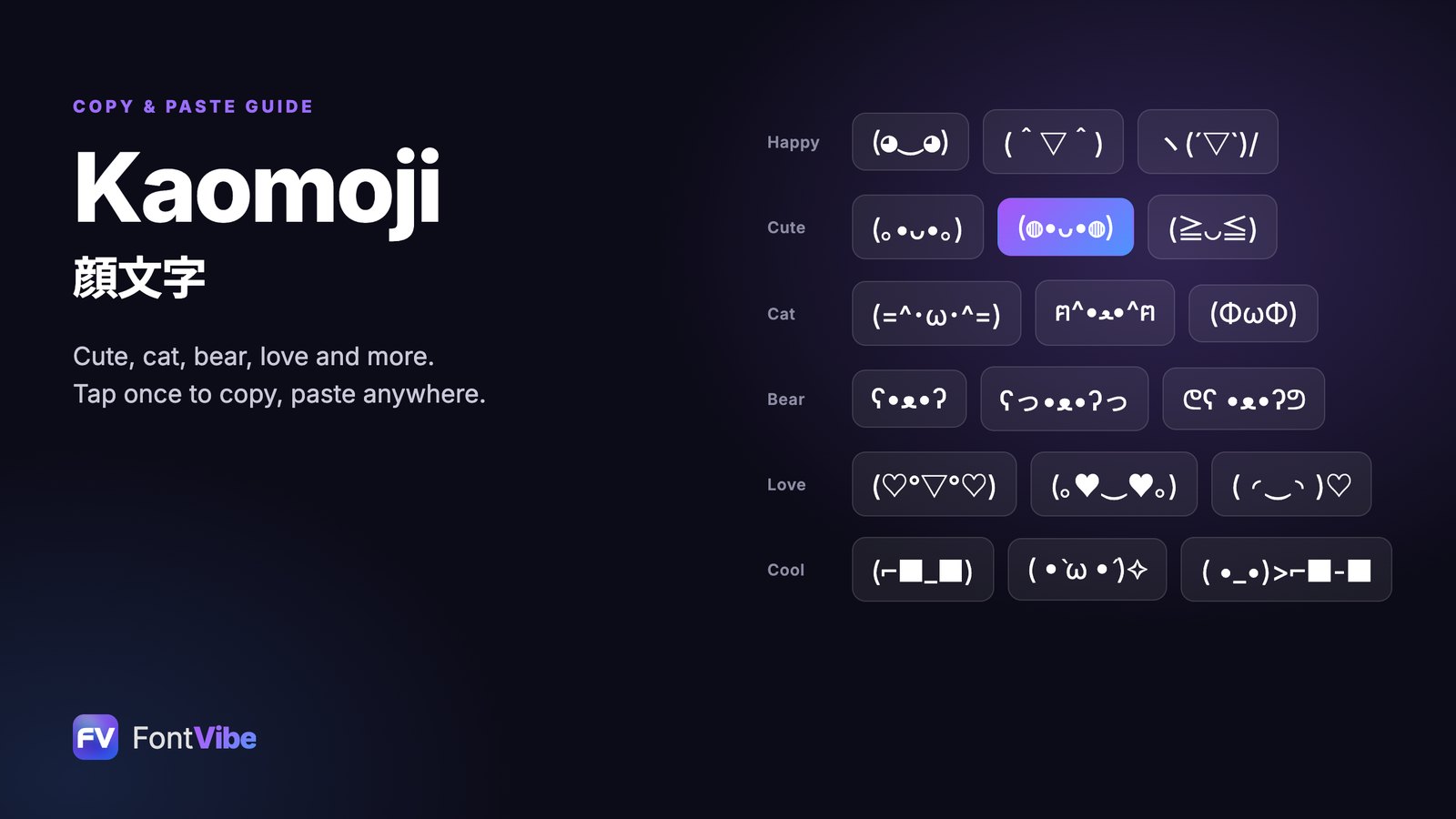
<3: the sideways heart. The < is the point, the 3 is the two rounded tops.<333is the excited version.</3: a broken heart.- Heart kaomoji such as (。♥‿♥。) and (´,,•ω•,,)♡ mix ordinary keys with one heart character. There are hundreds more in the kaomoji collection.
- A bigger heart drawn out of characters, for a comment or a message: make one with the ASCII art generator.
For decorated names like ♡ Emma ♡ for a bio, the cute font generator turns plain text into styled Unicode letters you can paste anywhere. If you want to know what each color heart says before you send it, read what every color heart emoji means.
Frequently asked questions
How do you type a heart on a keyboard?
On Windows, hold Alt and press 3 on the number pad to get ♥. On a Mac, press Control + Command + Space and search "heart". On iPhone and Android, open the emoji keyboard and search "heart". On any device, typing <3 gives a sideways text heart.
What is the Alt code for a heart?
Alt + 3 on the numeric keypad types ♥. It is the only heart with a standard Alt code. ♡ and ❤ have none; for those, use the Windows emoji panel (Windows key + .) or, in Microsoft Word, type 2661 or 2764 and press Alt + X.
How do I type a heart on a laptop without a number pad?
Press the Windows key and the period key together to open the emoji panel, then search "heart". Alt + 3 does not work with the number keys above the letters, only with a real numeric keypad.
How do I make ♥ stay a text heart instead of turning into a red emoji?
Use the outline heart ♡, which apps rarely convert, or add the text variation selector U+FE0E after the heart (❤︎). Most apps then show a plain heart in the text color, though some still swap in the emoji.
Ready to try it yourself?
Put these prompt techniques into practice — no account needed to start.
Try the tool →Add FontVibe as a preferred source on Google
Put these prompt techniques into practice — no account needed to start.
Start creating

Comments