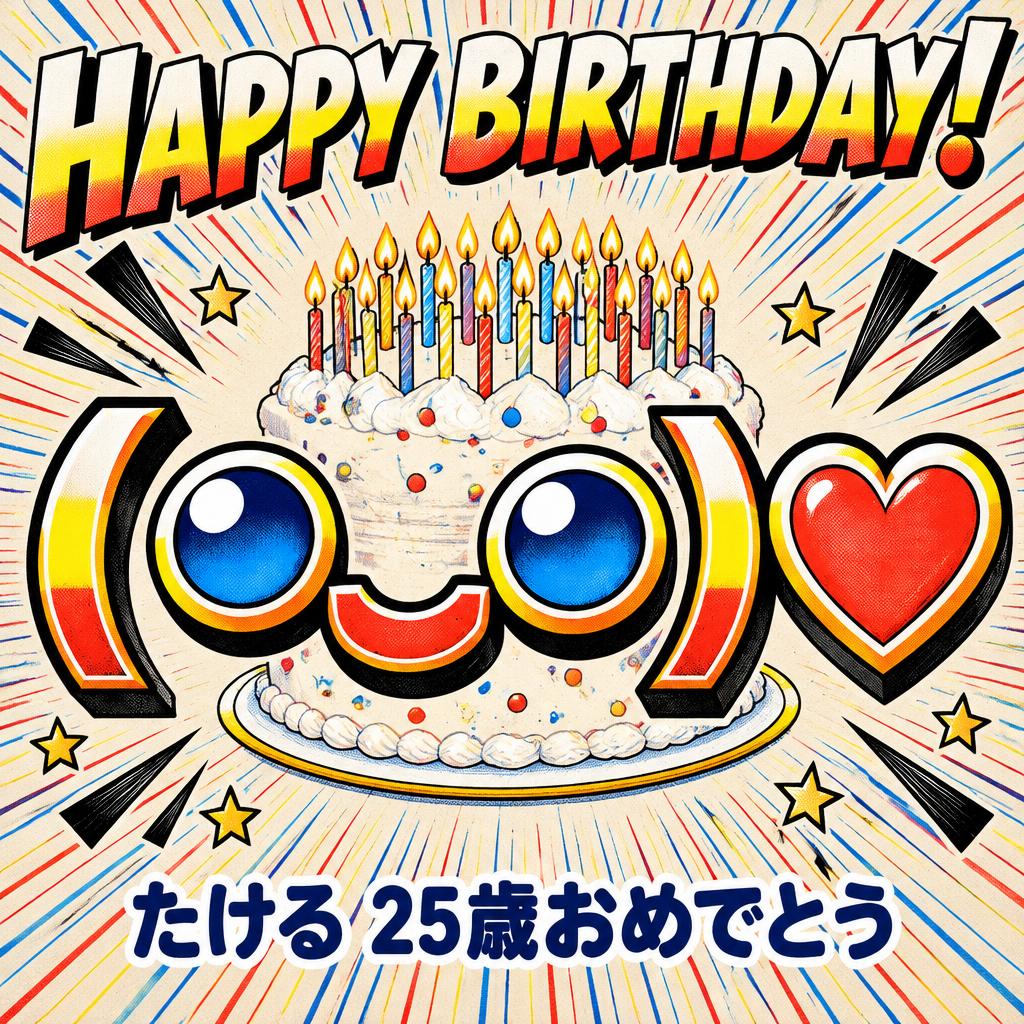
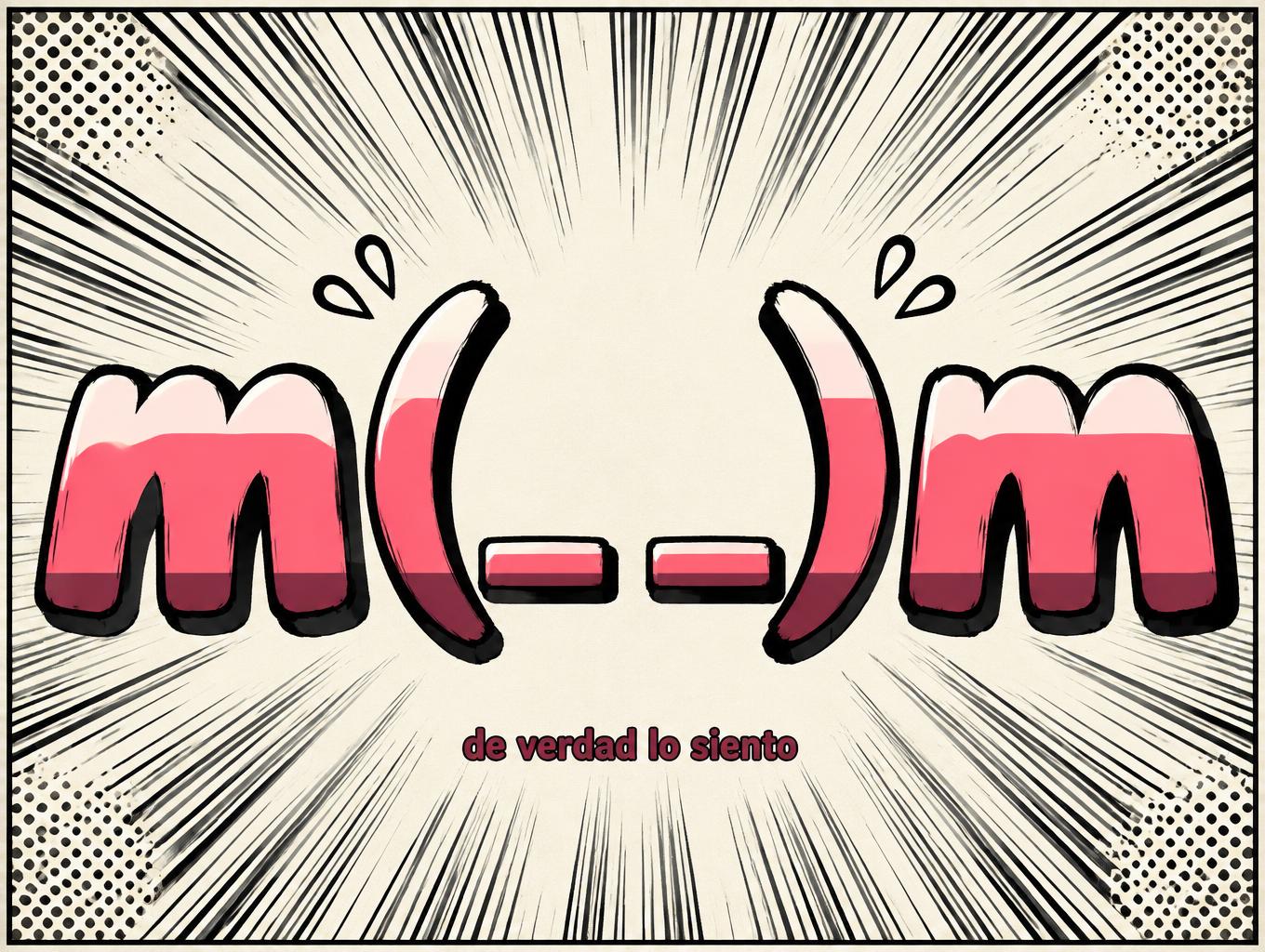
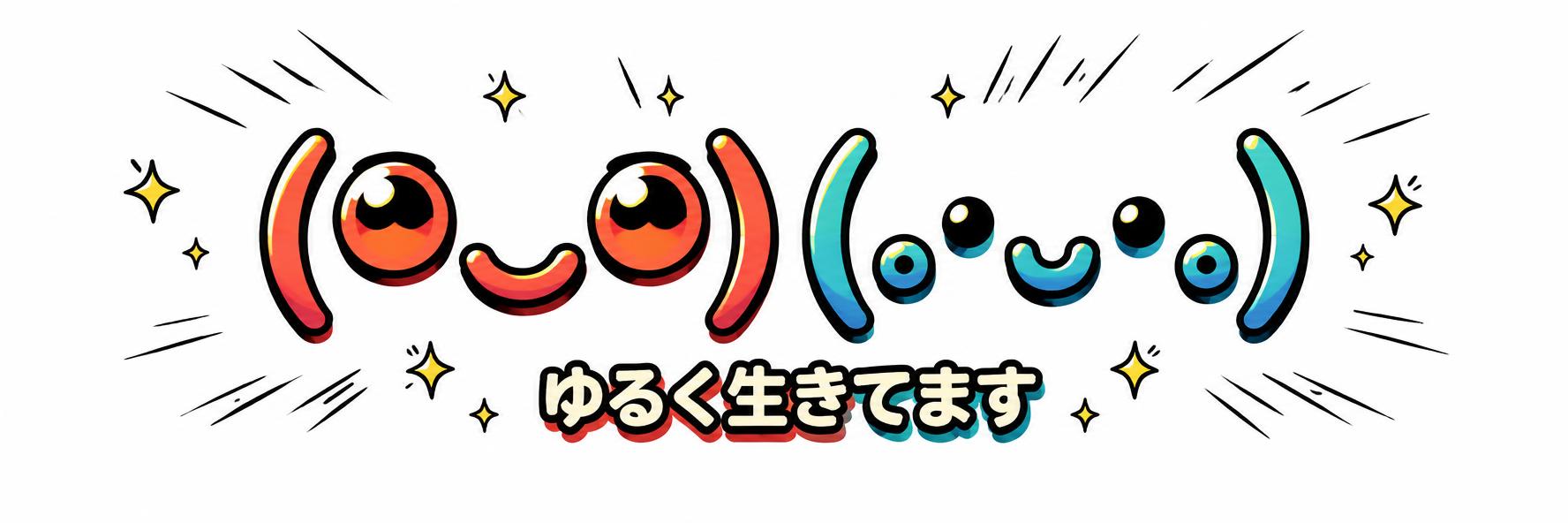
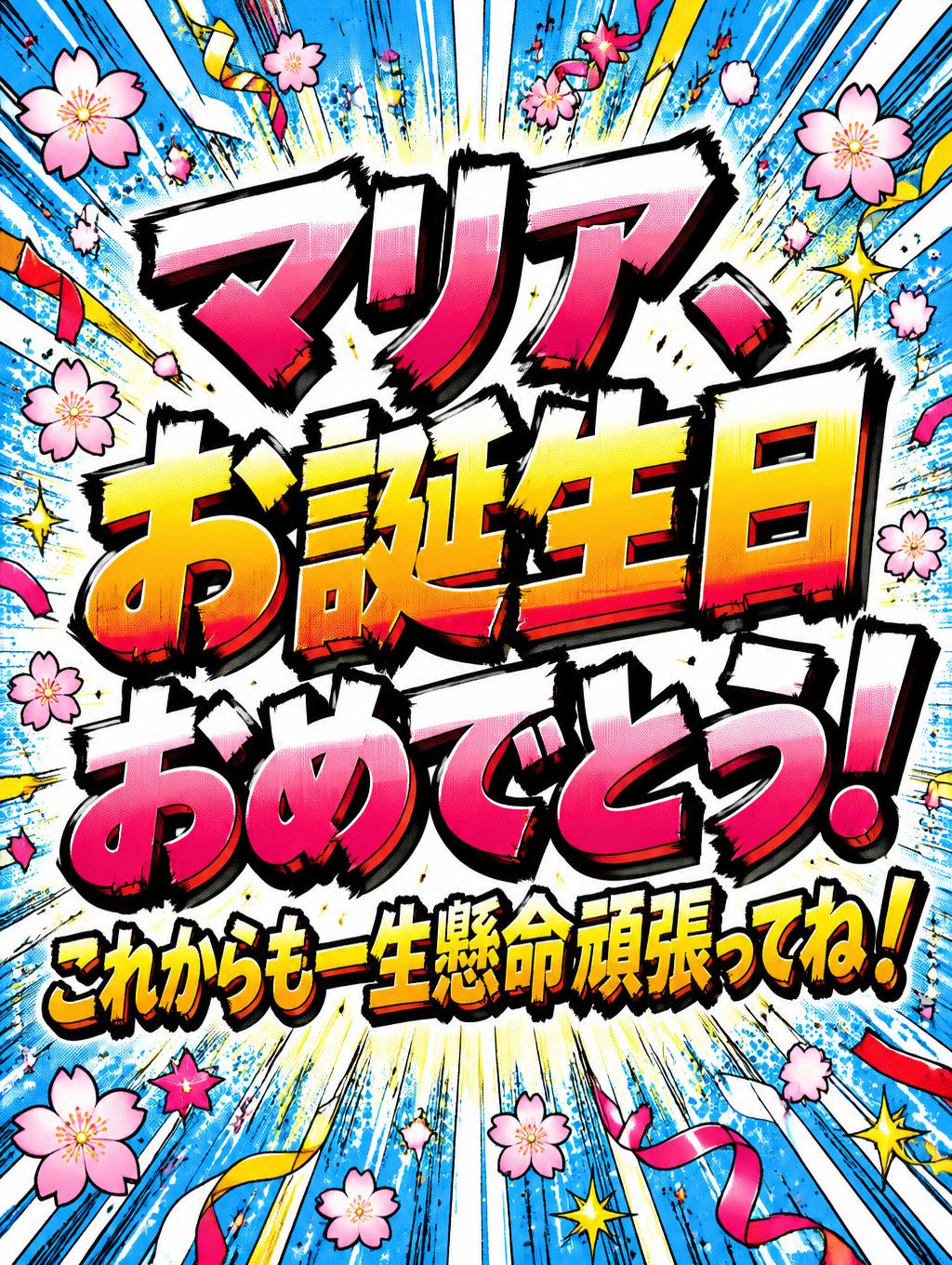
11,020 kaomoji, every single one named and tagged by mood. Tap any face to copy it — or hand it to the AI and get back a finished image. Happy, cute, cat, sad, uwu, shrug, food, gaming: 52 moods to browse, and search that reads names, not just characters. Everything here is plain text, so it pastes into Discord, a bio or a message without an app.
Generates a PNG with the background removed — only the text and its visual effects remain. The AI automatically selects the optimal background color for clean removal based on your style.
Output is always PNG for lossless transparency.
Made here
✦ Made with AI
AI creations from the community
✦ How It Works
How to Use This Tool
1Browse by mood. The faces are grouped by what they express rather than alphabetically, because that is how people look for them — you want an angry face, not a face starting with a particular bracket.
2Or search. The search box filters across every group at once if you already know roughly what you want.
3Tap to copy. One tap copies the whole face, brackets and all. Nothing is installed and no account is needed.
4Paste and check it survived. Kaomoji use characters from several scripts. Most render fine, but it is worth a glance before sending one somewhere important.
✦ Compatibility
Why Do Some Fonts Show as Boxes?
Kaomoji are assembled from characters drawn from all over Unicode — Japanese punctuation, Cyrillic letters, mathematical symbols, Kannada vowel signs. That is what gives them their range of expression, and it is also their one weakness.
A face is only as renderable as its rarest character. If the reader's device is missing the font for one piece, they see a box in the middle of the face while the rest shows fine. The simple ones built from ASCII and basic Japanese punctuation — (◕‿◕), (T_T), ¯\_(ツ)_/¯ — are close to universal. The elaborate ones with decorated cheeks and sparkles are the risky ones.
The other practical limit is length. Some faces run to twenty or more characters, which is fine in a chat message and often too long for a username or display-name field.
These are general expectations from how widely each script is bundled, not per-device test results. If it matters, paste it where you intend to use it and look.
✦ Examples
See It in Action
(◕‿◕)— The face most people picture when they hear 'kaomoji'. Built from characters that render essentially everywhere, which makes it a safe default.
¯\_(ツ)_/¯— The shrug — the one Western audiences know best. The ツ in the middle is a Japanese katakana character doing duty as a face.
ʕ•ᴥ•ʔ— A bear. The outer brackets are Cyrillic letters, which is a good illustration of how kaomoji borrow shapes from wherever they look right.
✦ Compatibility
Where It Works and Where It Breaks
Works in
Discord, chat apps and comments
bios and captions
anywhere plain text is accepted
Breaks in
kaomoji are built from characters across many scripts, so a device missing one of those fonts shows a box in the middle of the face
name fields with tight character limits often reject the longer ones
Worth knowing
kaomoji are read upright, unlike Western emoticons such as :-) which are read sideways
they are plain text, not images, so they paste anywhere but depend on the reader's fonts
Typical uses
react in chat
decorate a bio
add tone to a message
✦ Know the difference
Kaomoji vs Emoji vs Emoticons
The three get used interchangeably and are genuinely different things.
- Emoticon — punctuation read sideways. `:-)` `:P` `;)`. Western in origin, minimal, and you tilt your head to read it.
- Kaomoji — characters read upright, Japanese in origin. `(◕‿◕)` `(╥﹏╥)`. Far more expressive because the whole face is laid out horizontally, with room for eyes, mouth, hands and props.
- Emoji — actual characters in Unicode with their own code points, drawn as images by each platform. 😀 looks different on iPhone, Android and Windows because each draws its own.
The practical consequence: kaomoji look identical everywhere the fonts exist, emoji do not. If you want the exact same face for every reader, a kaomoji is the more predictable choice.
✦ Why they are grouped this way
Sorted by Mood, Not Alphabetically
Nobody looks for a kaomoji by its first character. People arrive wanting a specific feeling — something happy, something crying, a shrug to end an argument — so the groups here are moods.
Happy and Love are the two biggest, because that is what most searches want. Shrug is small but heavily used: `¯\_(ツ)_/¯` alone probably accounts for more pastes than any other face on this page. Animals covers bears, cats and the rest, which turn up constantly in bios.
If you already know what you want, the search box filters every group at once.
✦ FAQ
Frequently Asked Questions
Kaomoji (顔文字, literally 'face characters') are Japanese emoticons made purely from text characters. Unlike Western emoticons such as :-), they are read upright rather than by tilting your head.
Emoticons are made from punctuation and read sideways — :-). Kaomoji are also made from characters but read upright and can be far more expressive. Emoji are actual pictographic characters with their own code points, rendered as images by the platform. Kaomoji are plain text, which is why they look the same everywhere the fonts exist.
Copying is the practical route — building them by hand means finding characters across several scripts. Japanese IMEs can suggest them as you type, but everywhere else, copy and paste is how it is done.
One of its characters is missing from the reader's fonts. The face is only as renderable as its rarest piece, which is why simple faces are safer than elaborate ones.
Yes — Discord messages and Instagram bios both handle them well. Username and display-name fields are stricter, and the longer faces often exceed their character limits.
Yes. They are ordinary text characters, free to copy and use anywhere, with no sign-up here.
For an Instagram, TikTok or Discord bio, aesthetic combos work best — like ˖⁺‧₊˚ ♡ ˚₊‧⁺˖, ⋆౨ৎ˚⟡˖° or (。•ᴗ•。). Browse the Cute, Sparkle and Bio categories above and tap any one to copy it instantly.
Cat kaomoji use ω or ﻌ as the mouth and ^ ^ or = = as the ears, e.g. (=^・ω・^=), (ΦωΦ) or ฅ^•ﻌ•^ฅ. Open the Cat category above and copy one with a single tap — no typing needed.
Just tap any kaomoji above and it is copied to your clipboard — then long-press any text field (Instagram bio, chat, caption) and choose Paste. It works the same on iPhone and Android, free and with no app.