Agent Fast Lane

Full guide for AI agents, with shortcut URLs and parameters for each task on this site (make a text graphic in a chosen style or AI font, describe a design and get concepts, a free text tool (fancy fonts, translators, ASCII art, signature), search and filter community creations, browse all text effect styles). Content of 2026-11-27; WebForAgents' latest check results are in the guide: https://webforagents.org/site/fontvibe.ai/agent-fast-lane.md

This page's shortcut: /fonts/{fontId} An AI font's page.

FontVibe is an AI design tool that designs and generates images, especially images built around a text effect (logos, posters, cards, thumbnails, social graphics), and can edit an image the user brings. Describe what you need and pick a proposed concept, or choose a style or AI font and type your words. Results are PNG or JPG images, not font files. Creating images and using the text tools needs a real browser (results are rendered in the page); no public REST API; an MCP server is described on the developers page.

  • Free text tools run in the page and need no account.
  • Generating or editing an image spends credits; guests get a small daily allowance. Signing in and paying are left to the user.
  • agent=1 in a URL hides credit pop-ups, the language banner and ads for the tab session; the generate page then reports "Done: image ready" or "Failed: image not generated" in its title and data-state on <html>.

Most used:

  • Make a text graphic in a chosen style or AI font: /generate?style={style}&fontId={fontId}&text={text}&ratio={ratio}&resolution={resolution}&format={format}
  • Describe a design and get concepts: /generate?mode=vibe_design&text={text}
  • A free text tool (fancy fonts, translators, ASCII art, signature): /tools/{slug}?text={text}
  • Search and filter community creations: /gallery?q={q}&style={style}&sort={sort}&tag={tag}
  • Browse all text effect styles: /styles

Notes by the FontVibe team.

FontVibe
HomeGenerateAI FontsGalleryToolsPricingBlog
Sign In
FontVibe
Sign In
FontVibe
FontVibe

Free AI font generator — describe what you need or pick a style, and get finished text artwork. 142+ styles, instant PNG/JPG download.

Product

GenerateStylesGalleryPricing

Popular Scenes

Halloween designsChannel designsHalloween font

Resources

BlogAI Font LibraryTransparent Background MakerASCII Art GeneratorFont Tools

Legal

Terms of ServicePrivacy PolicyLegalContact
© 2026 Funovate Technology LLC. All rights reserved.
For AI agents
FontVibe

Free AI font generator — describe what you need or pick a style, and get finished text artwork. 142+ styles, instant PNG/JPG download.

Product
GenerateStylesGalleryPricing
Popular Scenes
Halloween designsChannel designsHalloween font
Resources
BlogAI Font LibraryTransparent Background MakerASCII Art GeneratorFont Tools
Legal
TermsPrivacyLegalContact
© 2026 Funovate Technology LLC. All rights reserved.
For AI agents
FontVibe
Notifications
No notifications yet
Home›AI Font Library›Square Tech
DisplayboldAI Original

Square Tech AI Display Font Generator

A square tech font built from thick, equal-width horizontal and vertical bars with small rounded corners. Each letter is put together from separate modules with small gaps and stepped offsets, and round letters like O, S and G are made from the same straight bars. Wide, heavy capitals with a clean flat fill. Made for tech and AI logos, game titles and UI, YouTube thumbnails and posters.

Read the full description ↓
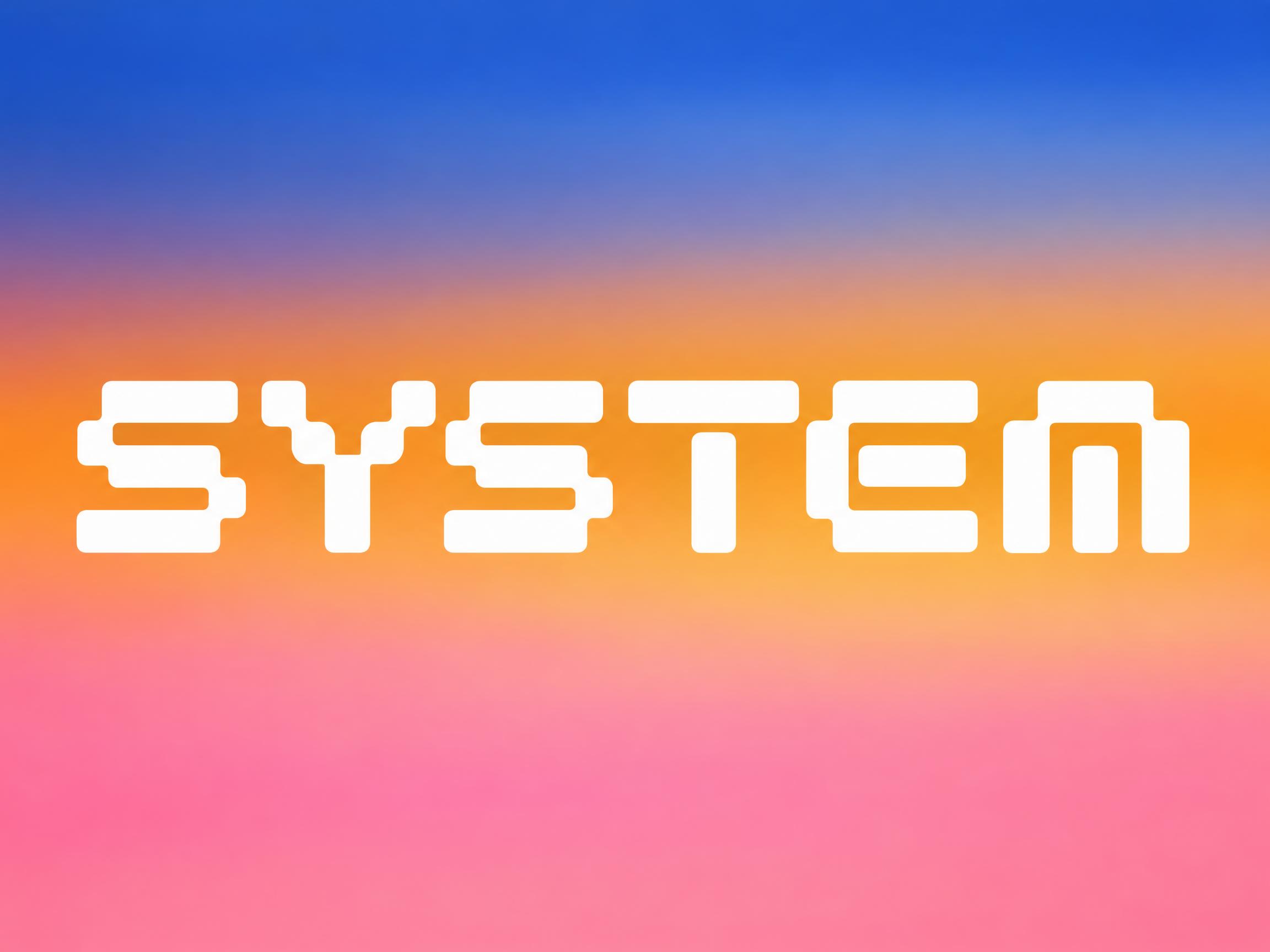
Square Tech AI font style preview
Design something with Square Tech
Transparent Effect
✦ Transparent Effect
Generates a PNG with the background removed — only the text and its visual effects remain. The AI automatically selects the optimal background color for clean removal based on your style.
Output is always PNG for lossless transparency.

Made with Square Tech

View all 4 works →
"Orbit" — Orbital Signal | AI Text Effect Generator
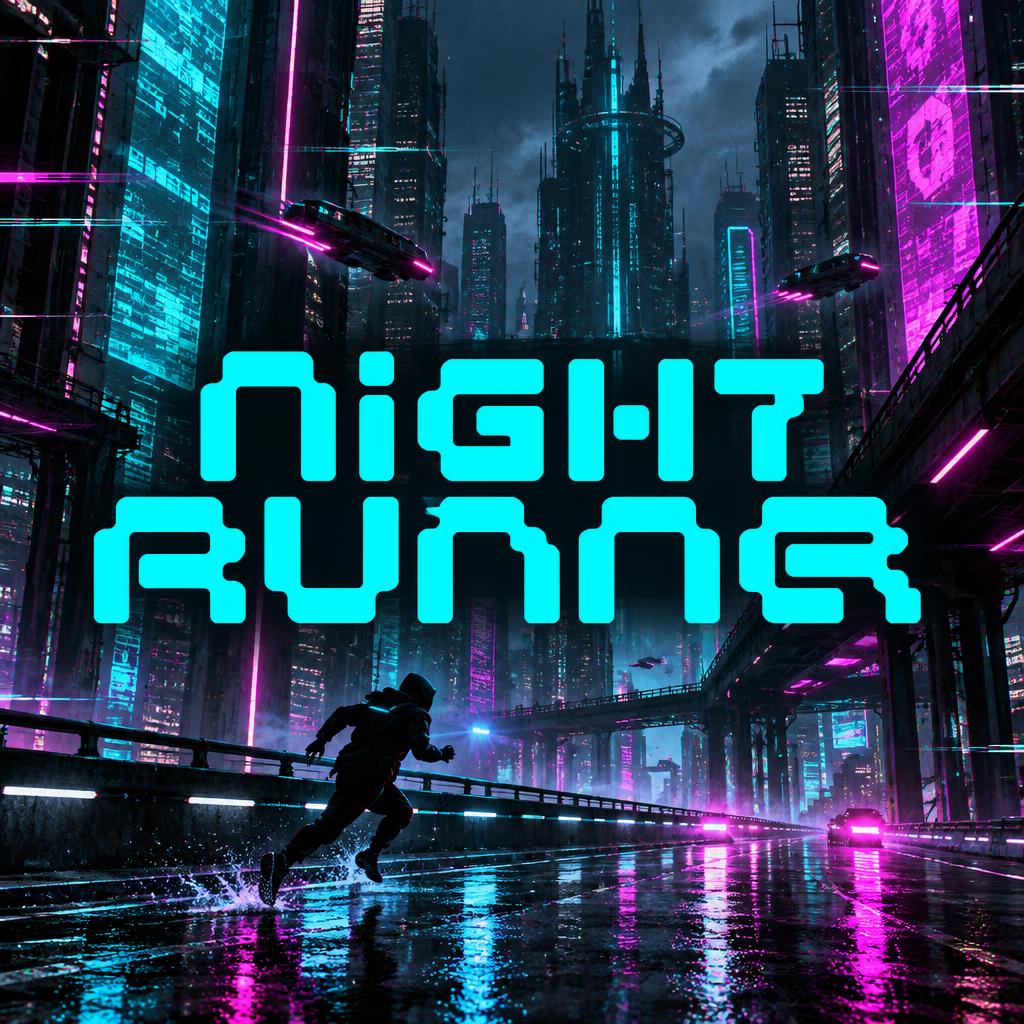
"Night Runner" — Cyberpunk | AI Text Effect Generator
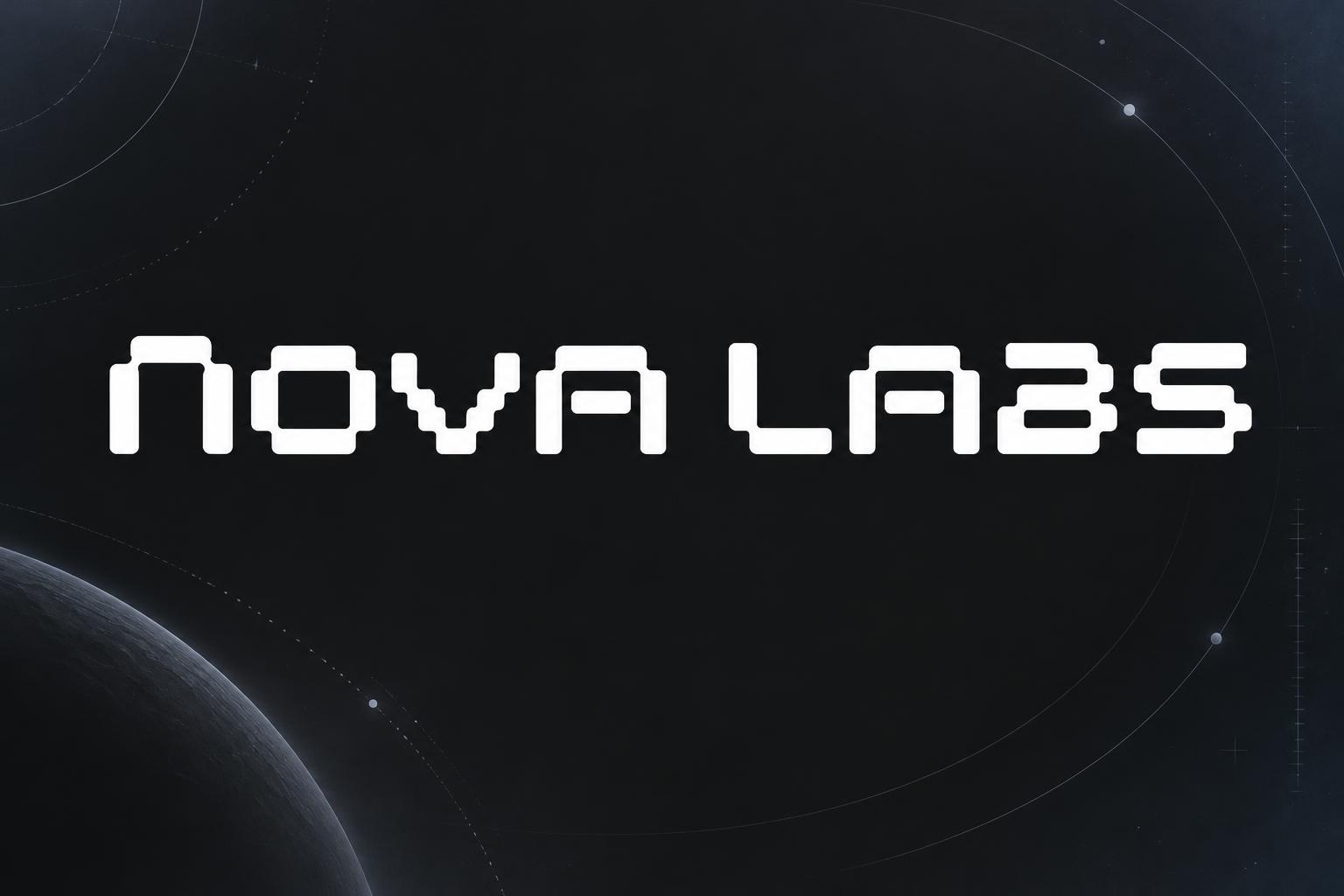
"Nova Labs" —  | AI Text Effect Generator
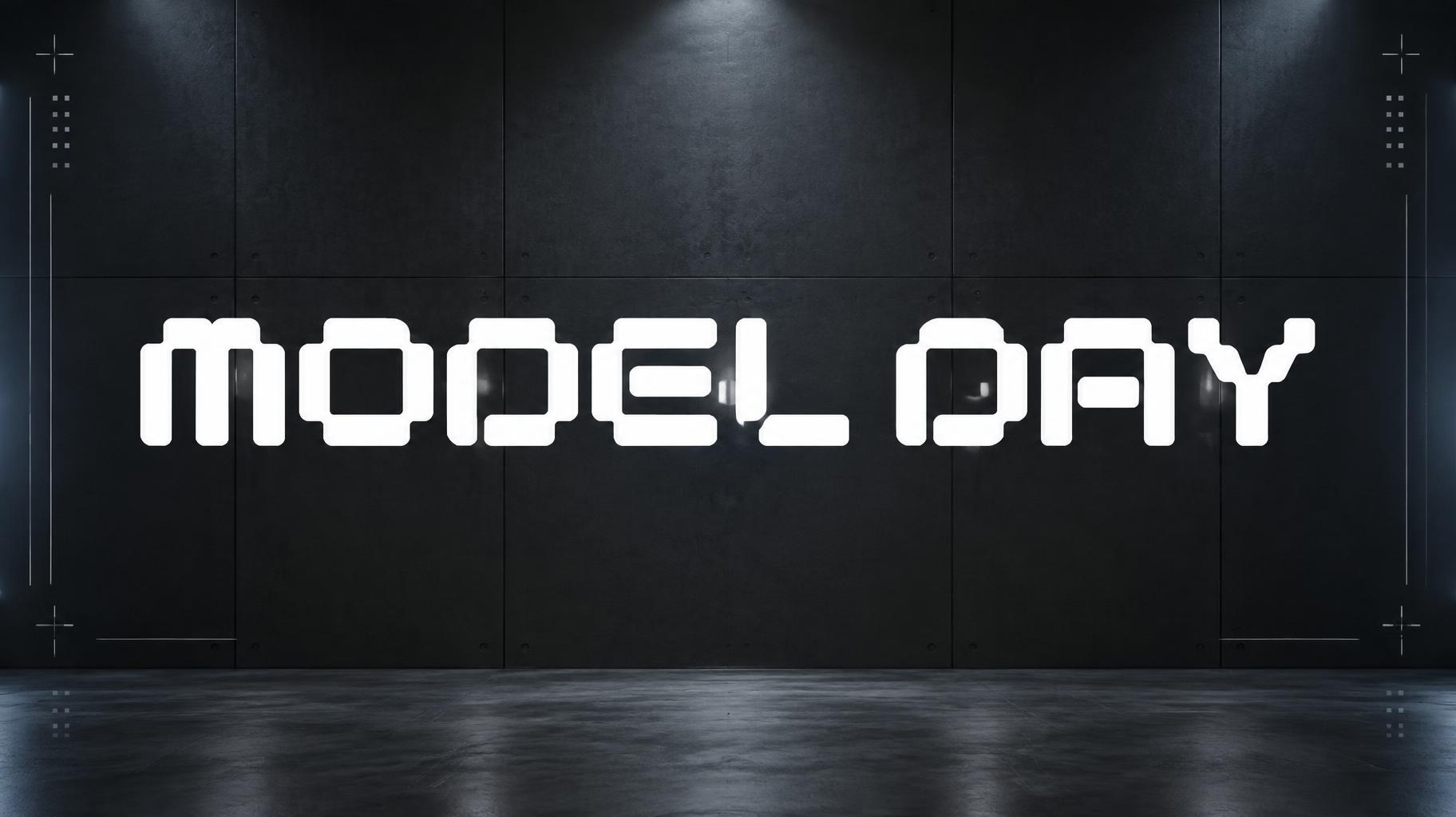
"MODEL DAY" —  | AI Text Effect Generator
"Orbit" — Orbital Signal text effect
"Night Runner" — Cyberpunk text effect
"Nova Labs" —  text effect
"MODEL DAY" —  text effect

More AI fonts like Square Tech

Y2K Digital — AI font styleAI
View Details →

Y2K Digital

Display · Futuristic · Geometric

Bold Geo Sans — AI font style
View Details →

Bold Geo Sans

Sans Serif · Futuristic · Geometric

Stadium LED — AI font styleAI
View Details →

Stadium LED

Display · Futuristic · Geometric

Neon Outline Stroke — AI font styleAI
View Details →

Neon Outline Stroke

Display · Clean · Futuristic

3D Isometric — AI font styleAI
View Details →

3D Isometric

Display · 3D · Clean

Bauhaus Primary — AI font styleAI
View Details →

Bauhaus Primary

Sans Serif · Clean · Geometric

Geometric Outline — AI font styleAI
View Details →

Geometric Outline

Display · Clean · Geometric

Minimal Line — AI font styleAI
View Details →

Minimal Line

Display · Clean · Geometric

Looking for copy-paste fancy text? Try our free Font Generator Tools — cursive, gothic, bubble & 30+ styles.

About Square Tech AI font

A square tech font built from thick, equal-width horizontal and vertical bars with small rounded corners. Each letter is put together from separate modules with small gaps and stepped offsets, and round letters like O, S and G are made from the same straight bars. Wide, heavy capitals with a clean flat fill. Made for tech and AI logos, game titles and UI, YouTube thumbnails and posters.

Scene
AI›Gaming›Tech›
Made as
Game UI›Logo›Poster›Thumbnail›
Look
Digital›Futuristic›
Mood
Innovative›Precise›
Effect
Flat›
Lettering
Sans-serif›
Letterforms
Segmented›Square›Uppercase›
For
Gamers›
Vibe
Clean›Futuristic›Geometric›

FAQ

What does the Square Tech font look like?

Wide, heavy capitals built only from straight horizontal and vertical bars with small rounded corners. Every letter is assembled from separate modules with small gaps and offsets between them, so even round letters like O, S and G stay square. The fill is flat and solid, white by default, and it takes on the colors of your scene.

How is it different from Pixel Retro and Futuristic Tech?

Pixel Retro is built from small square pixels with stair-stepped diagonals, a retro arcade look. Futuristic Tech is narrow, with 45-degree cut corners and a metal surface. Square Tech uses long rounded bars instead of pixels, has no cut corners and keeps a clean flat fill, so it reads as modern tech rather than retro.

Does it have lowercase letters?

It is an all-caps font: anything you type in lowercase comes out in the same square capitals. There is no font file to install. You get a high-resolution PNG or JPG, and you can turn on Transparent to place the letters on your own background.

What can I make with it?

Logos and wordmarks for tech, AI and startup brands, game titles and in-game menus, YouTube and Twitch thumbnails, esports banners and event posters. For more lettering by look, see the font collection.
✦ Free tools

Popular free text tools

  • Undertale text box generator
  • heart font generator
← Back to AI Font Library