Storybook Jungle Cutout Text Effect
この作品と同じ OpenAI GPT-Image-2.5 Sunburst を使用 · 40 クレジット
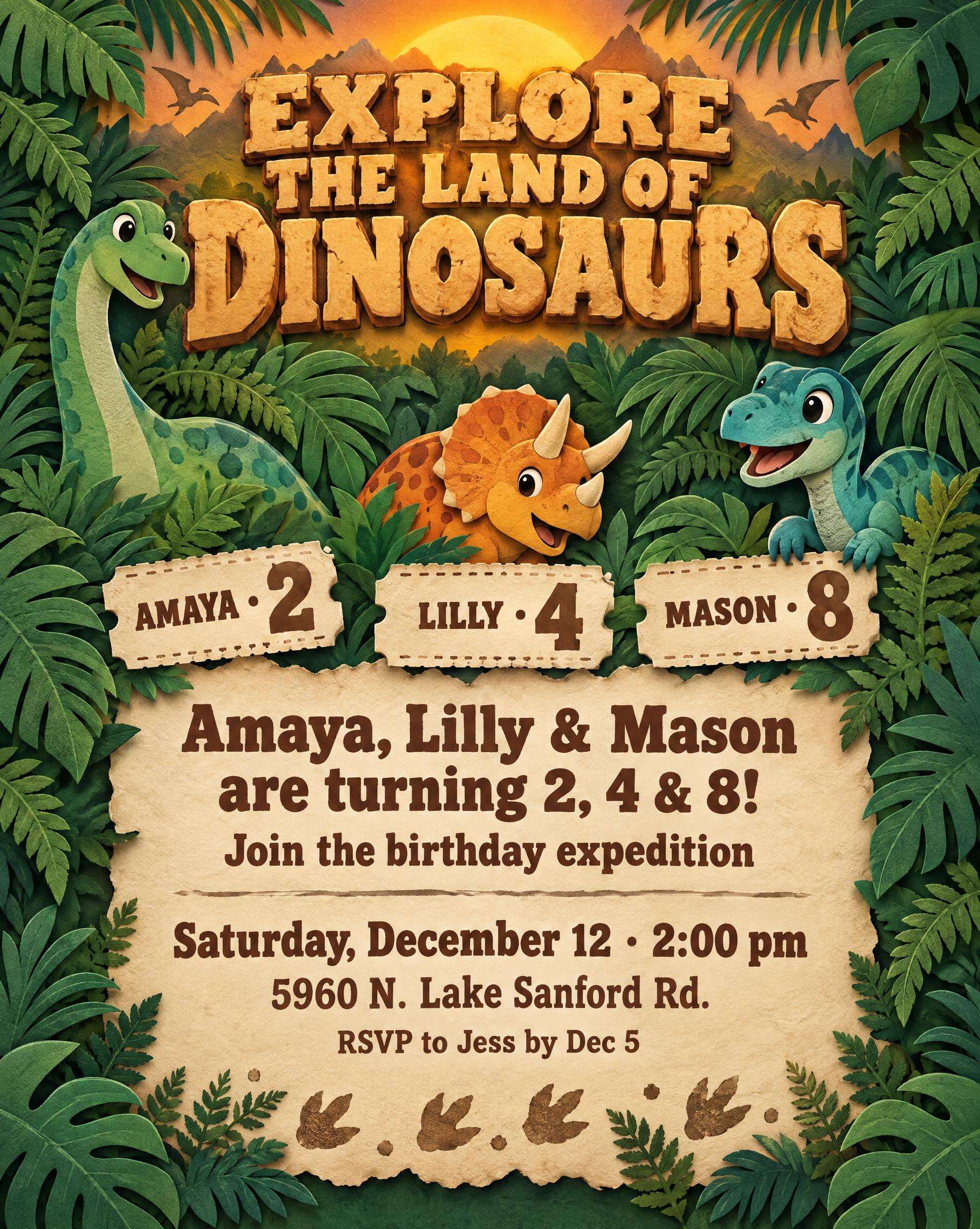
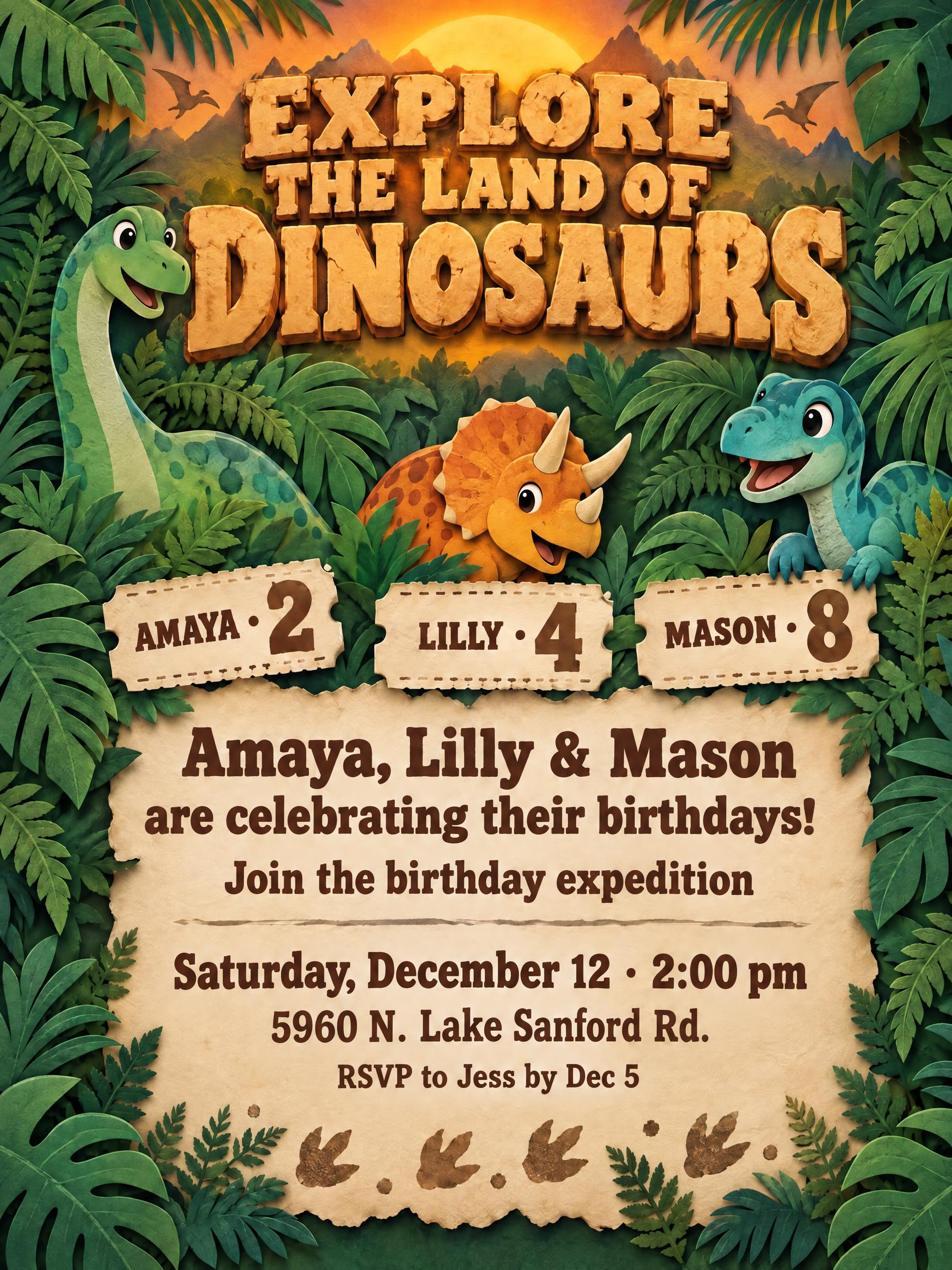
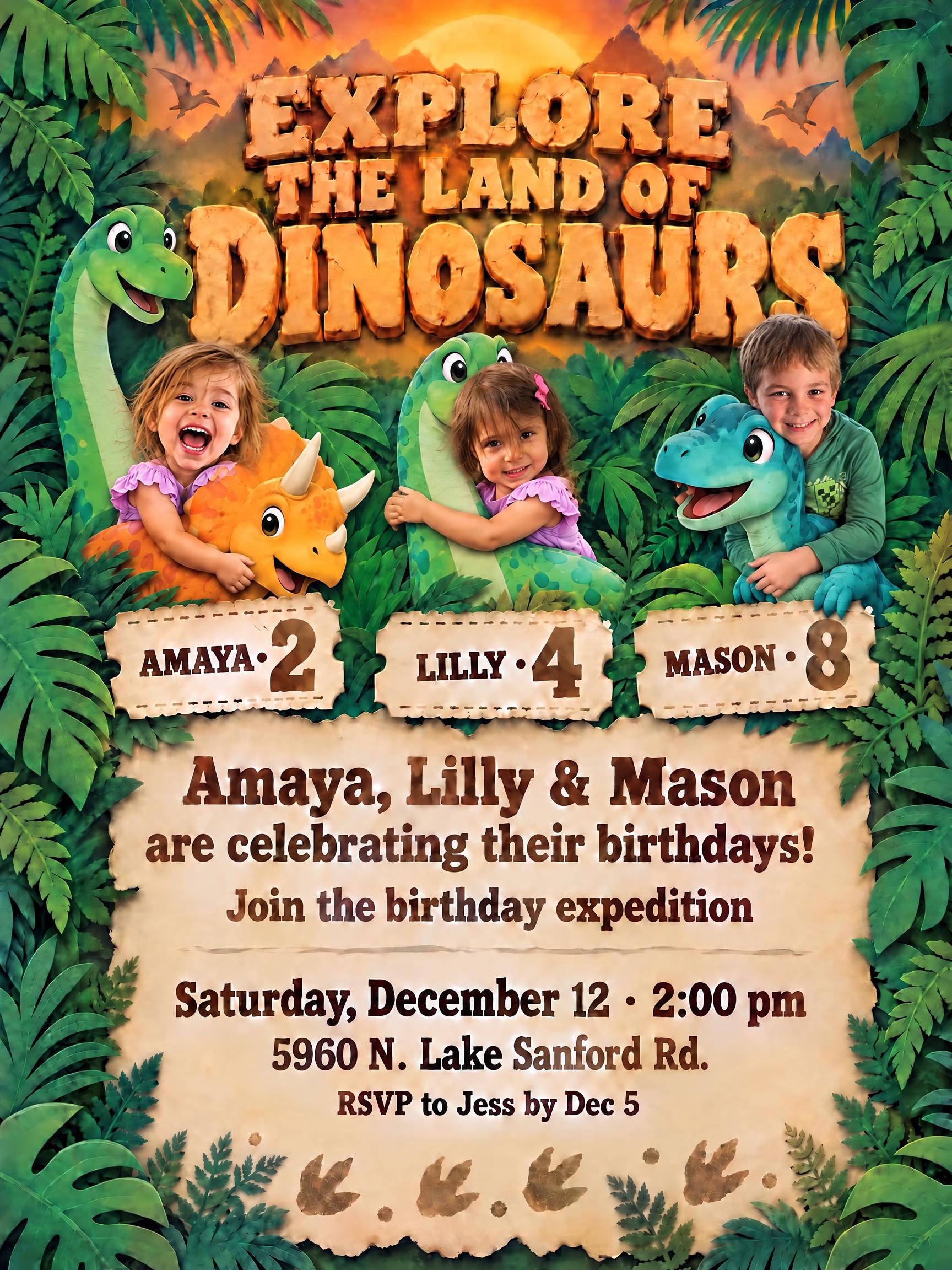
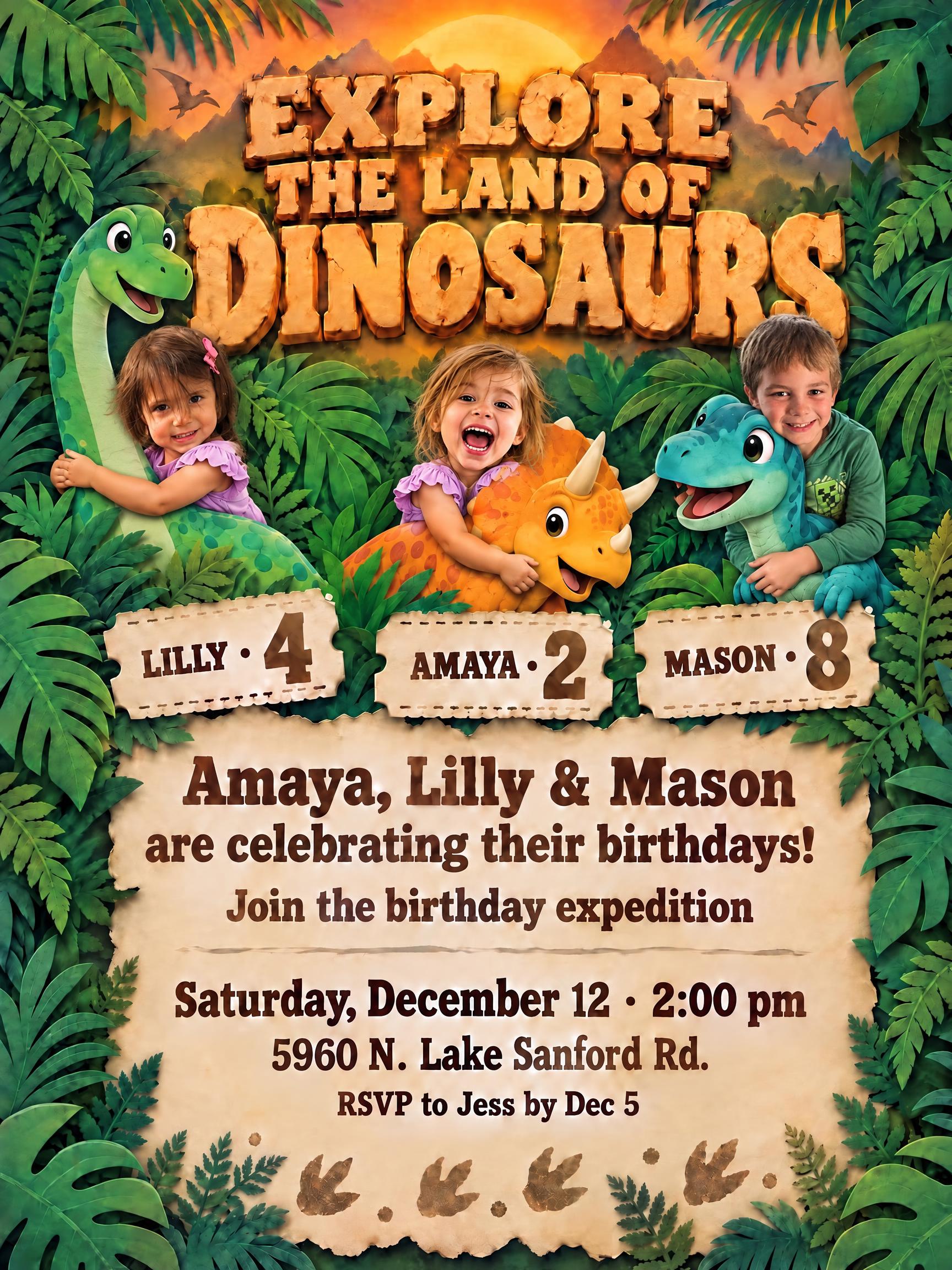
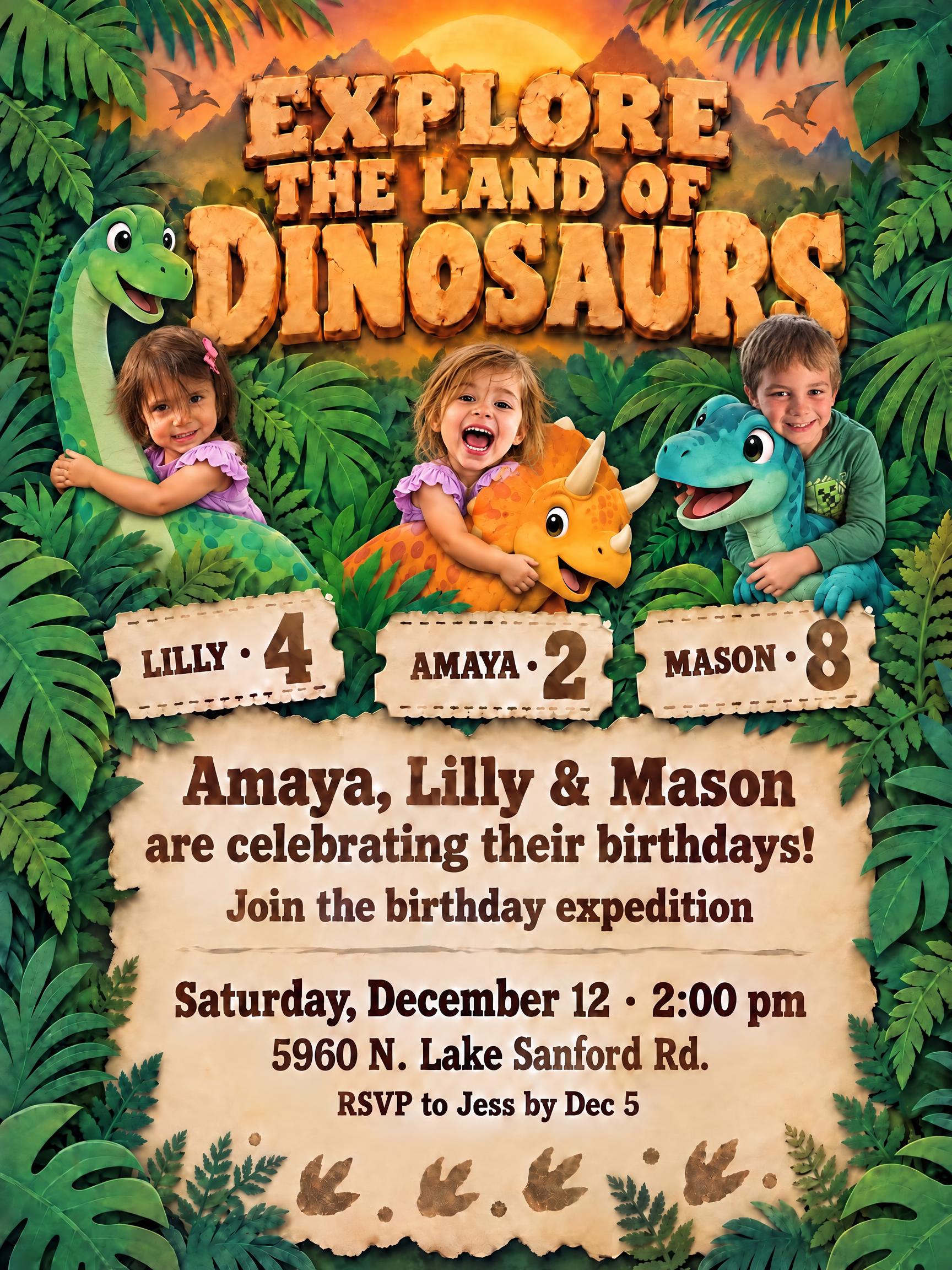
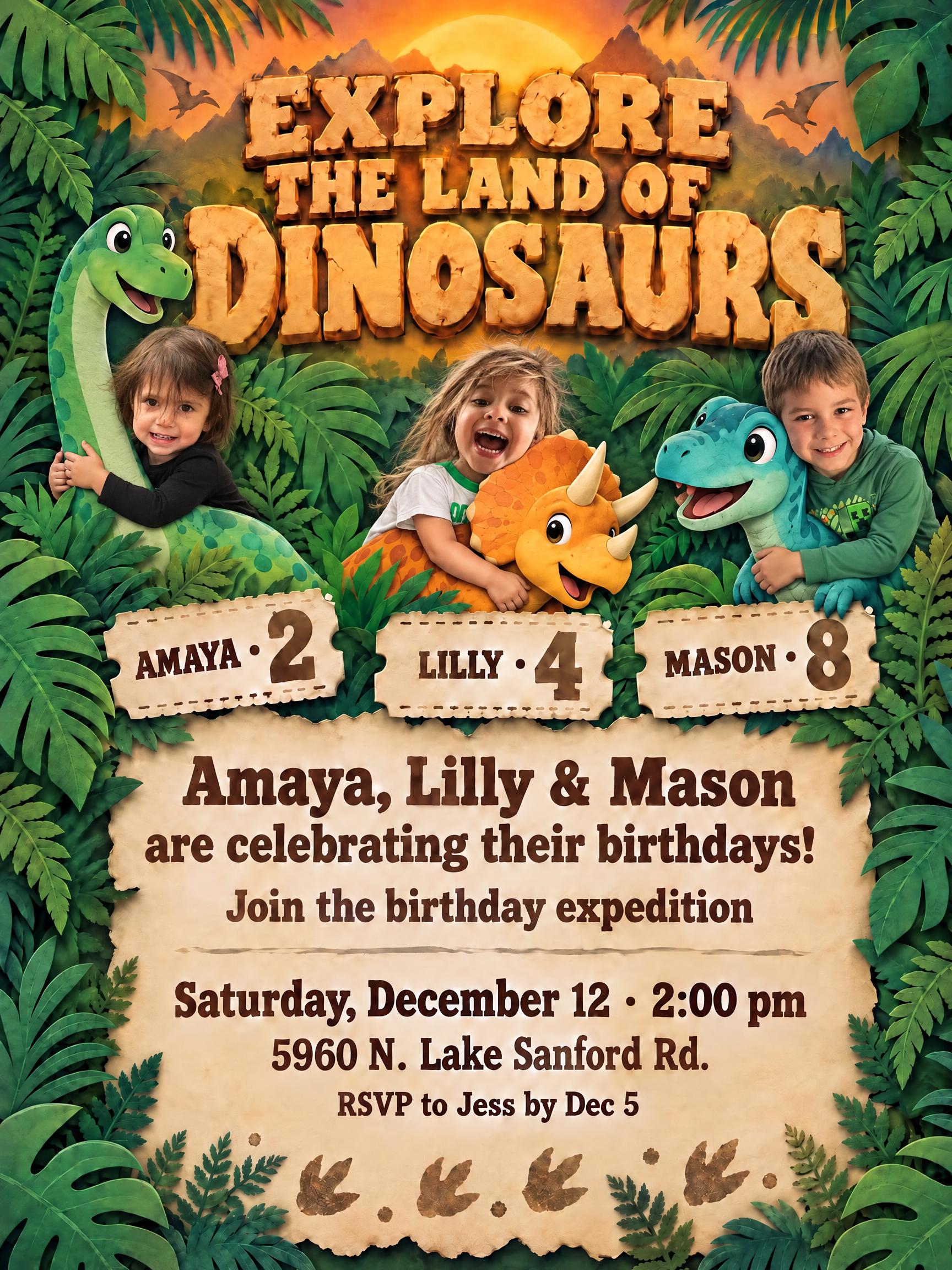
"Explore the Land of Dinosaurs" は、Amaya、Lilly、Mason のための恐竜テーマの誕生日招待状です。砂岩風の太い文字の下で、3人の子どもがジャングルでキャラクター恐竜に抱きつき、年齢タグと羊皮紙風の詳細パネルが並びます。名前、年齢、日付、住所、RSVP連絡先を差し替えて、自分のパーティー招待状に作り変えられます。
The first image is the picture you are editing. The image after it is a reference supplied by the user; the instructions call it 「Reference 1」. Use it only as the instructions say; by default do not copy any part of it into the output. Apply ALL of the following edits to the picture, each one only in its own area: 1. At the spot labelled 1 on the picture: move this child image to the other dinasour. 2. At the spot labelled 2 on the picture: Move this image to the second place dinasour. Also, for the whole picture: add in this child image to the last dinasour without the baby. The small bright magenta (#E20074) circles with a white outline and a white number inside are annotation markers drawn on top of the picture, not part of the artwork: remove every one of them and restore what is underneath. They only tell you where each edit goes — the edit itself must still happen there. Anything asked for above — in the instructions, or by the size of the output canvas — takes priority over the defaults below. The defaults apply only where nothing above asks otherwise. By default, keep the text, letterforms, background, composition and framing as they are, and add nothing that was not asked for.
タグ
2026年11月14日に生成 · 1728 × 2304 · JPEG · OpenAI GPT-Image-2.5 Sunburst · 制作者がシェア · 商用利用無料(CC BY 4.0)
AI文字エフェクトのスタイルを見る
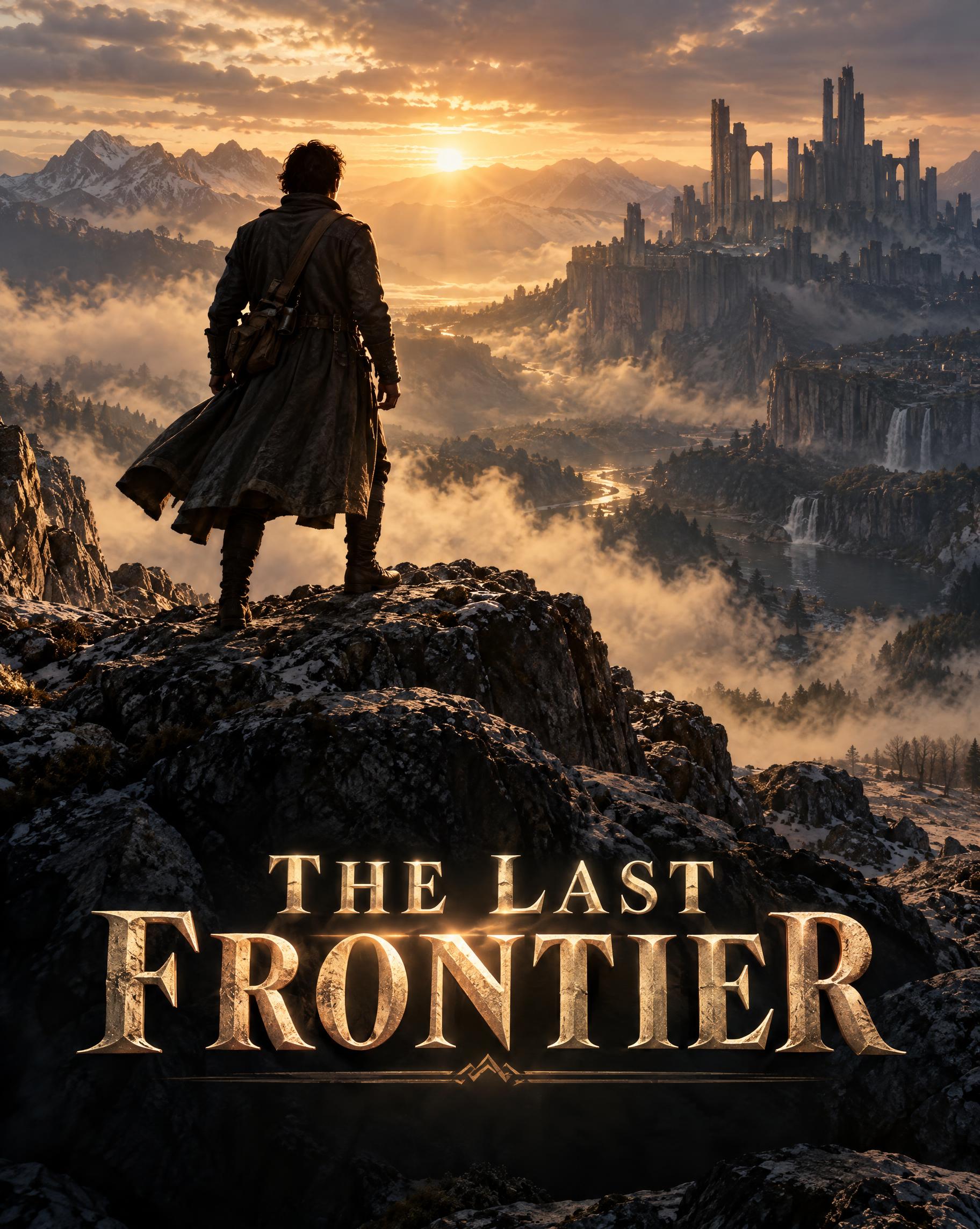



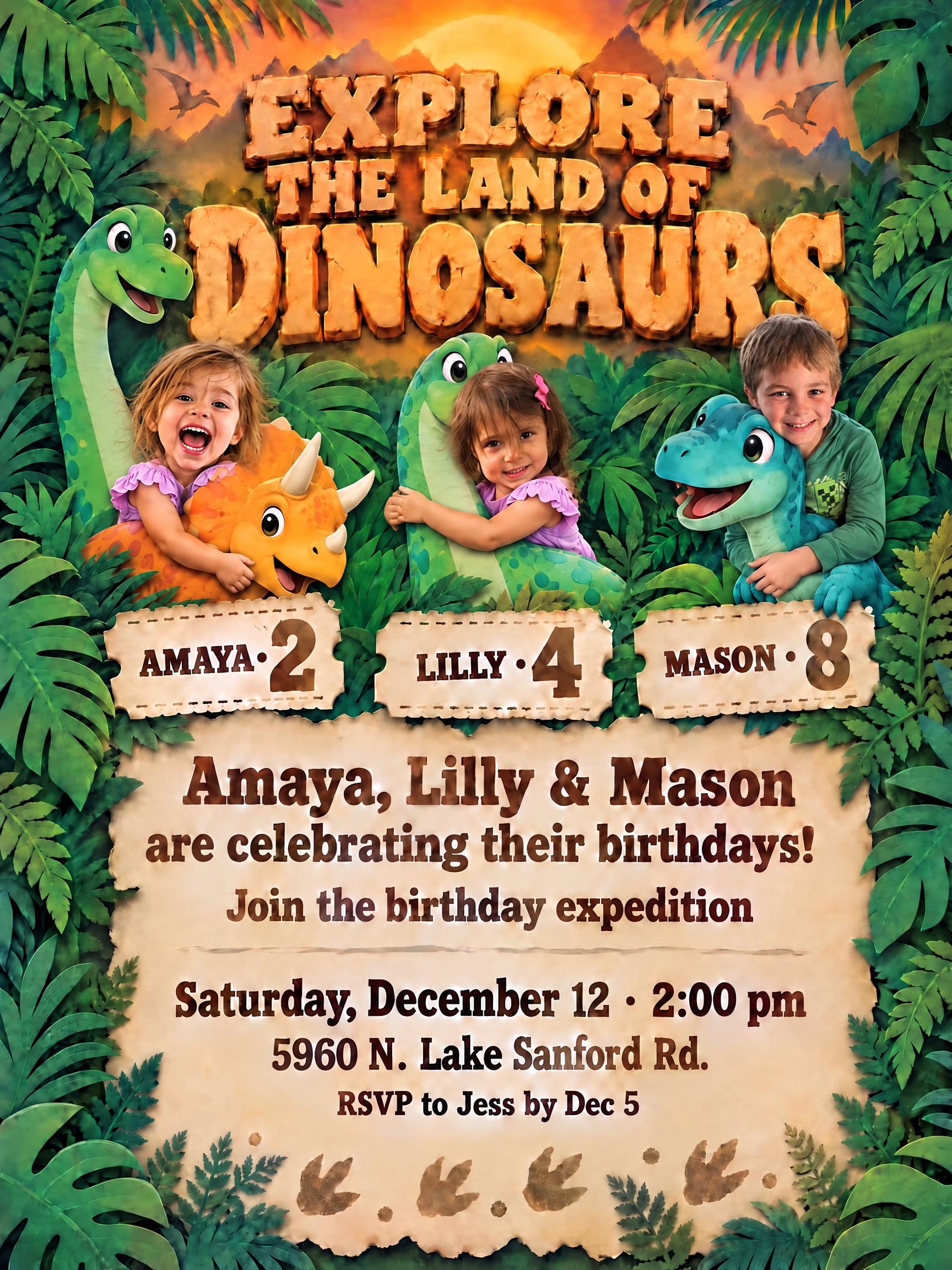
もっと見る Storybook Jungle Cutout (DIY) の文字エフェクト
"Explore the Land of Dinosaurs" は、Amaya、Lilly、Mason のための恐竜テーマの誕生日招待状です。砂岩風の太い文字の下で、3人の子どもがジャングルでキャラクター恐竜に抱きつき、年齢タグと羊皮紙風の詳細パネルが並びます。名前、年齢、日付、住所、RSVP連絡先を差し替えて、自分のパーティー招待状に作り変えられます。
The first image is the picture you are editing. The image after it is a reference supplied by the user; the instructions call it 「Reference 1」. Use it only as the instructions say; by default do not copy any part of it into the output. Apply ALL of the following edits to the picture, each one only in its own area: 1. At the spot labelled 1 on the picture: move this child image to the other dinasour. 2. At the spot labelled 2 on the picture: Move this image to the second place dinasour. Also, for the whole picture: add in this child image to the last dinasour without the baby. The small bright magenta (#E20074) circles with a white outline and a white number inside are annotation markers drawn on top of the picture, not part of the artwork: remove every one of them and restore what is underneath. They only tell you where each edit goes — the edit itself must still happen there. Anything asked for above — in the instructions, or by the size of the output canvas — takes priority over the defaults below. The defaults apply only where nothing above asks otherwise. By default, keep the text, letterforms, background, composition and framing as they are, and add nothing that was not asked for.
タグ
2026年11月14日に生成 · 1728 × 2304 · JPEG · OpenAI GPT-Image-2.5 Sunburst · 制作者がシェア · 商用利用無料(CC BY 4.0)
もっと文字スタイルが欲しいときは、無料のフォント変換ツールへ。おしゃれ文字・筆記体・ブラックレターなど。