Cheap vs Expensive - YouTube クリエイター Text Effect


この作品と同じ OpenAI GPT-Image-2.5 Sunburst を使用 · 15 クレジット

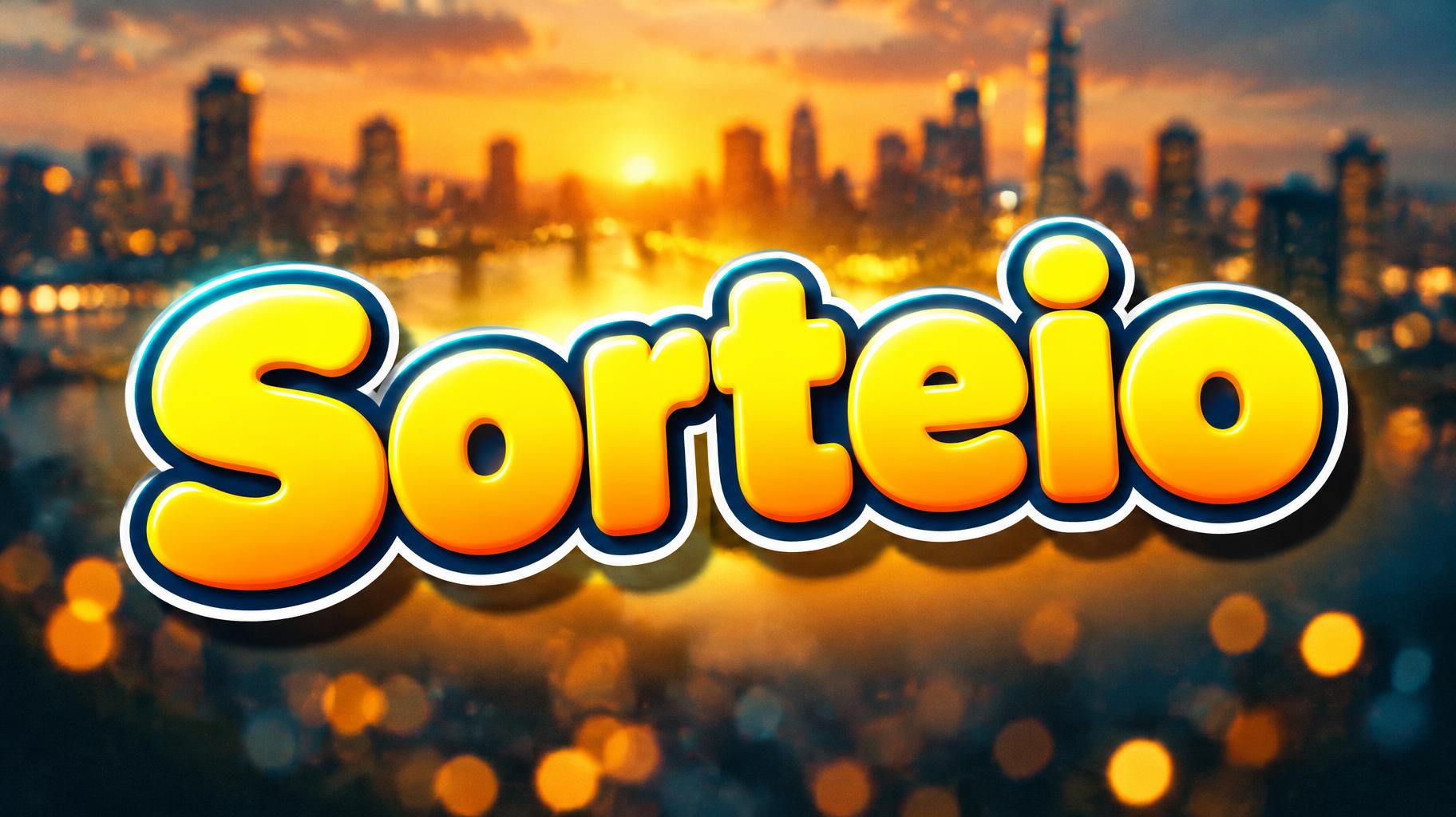
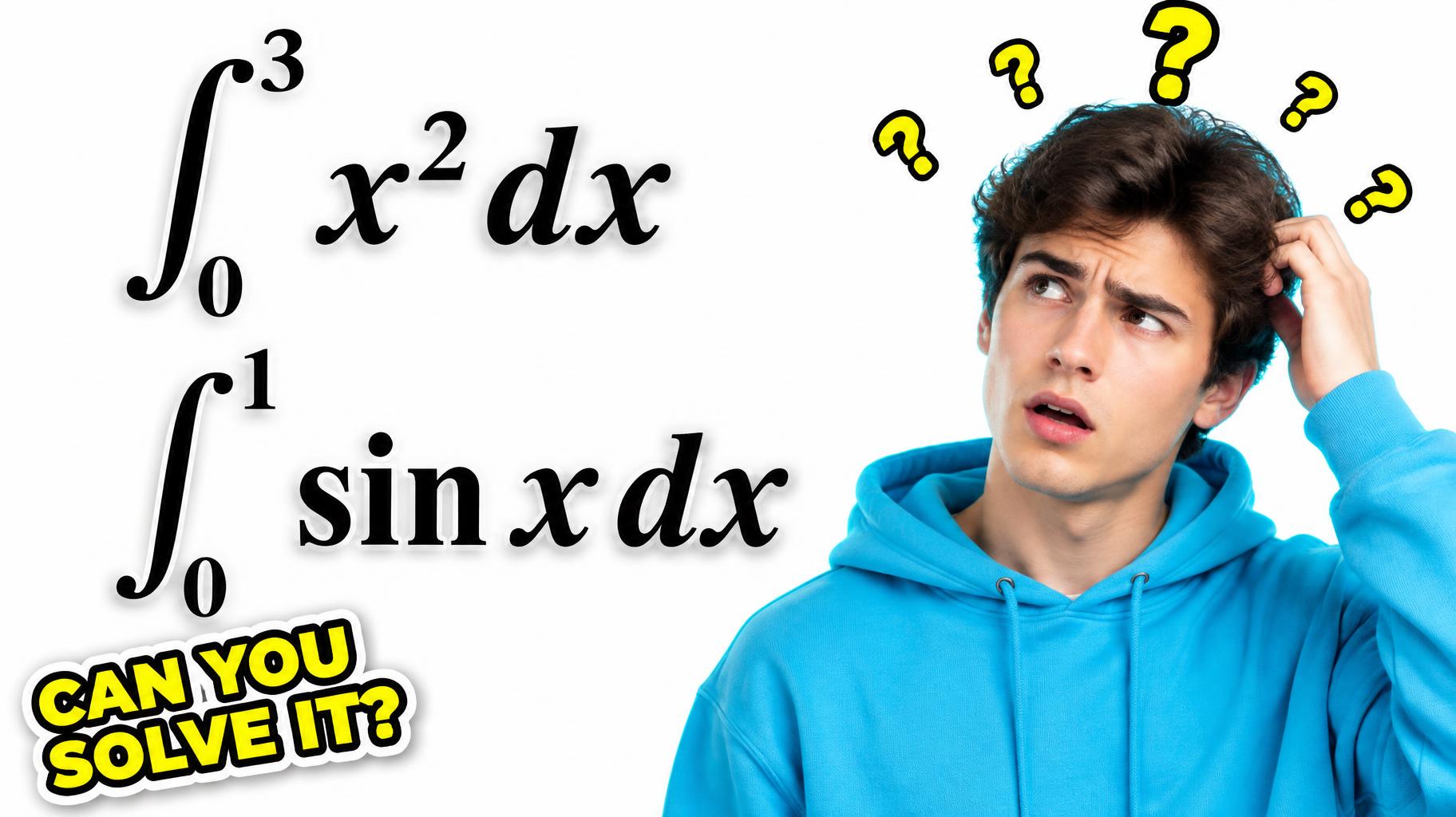

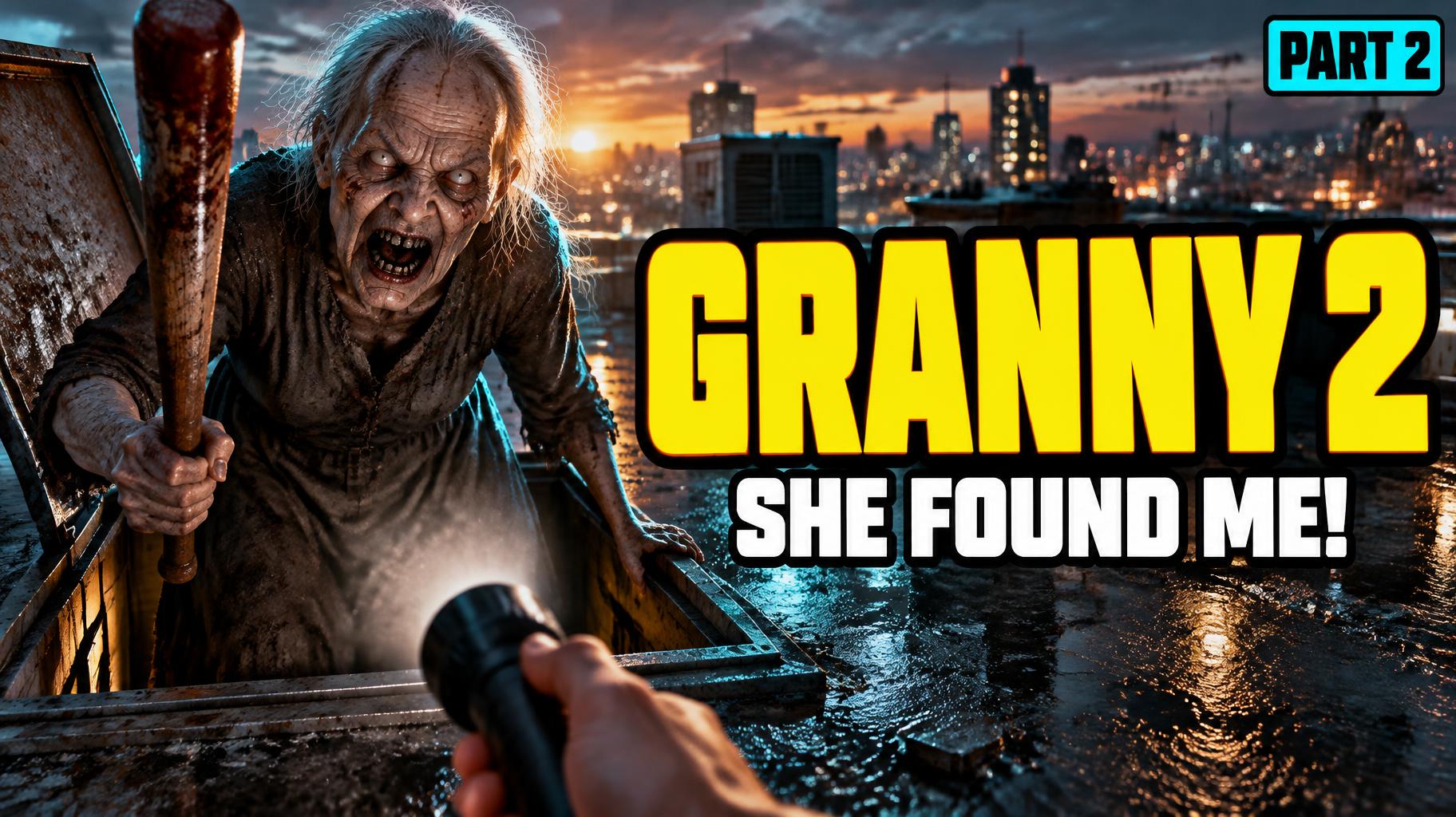
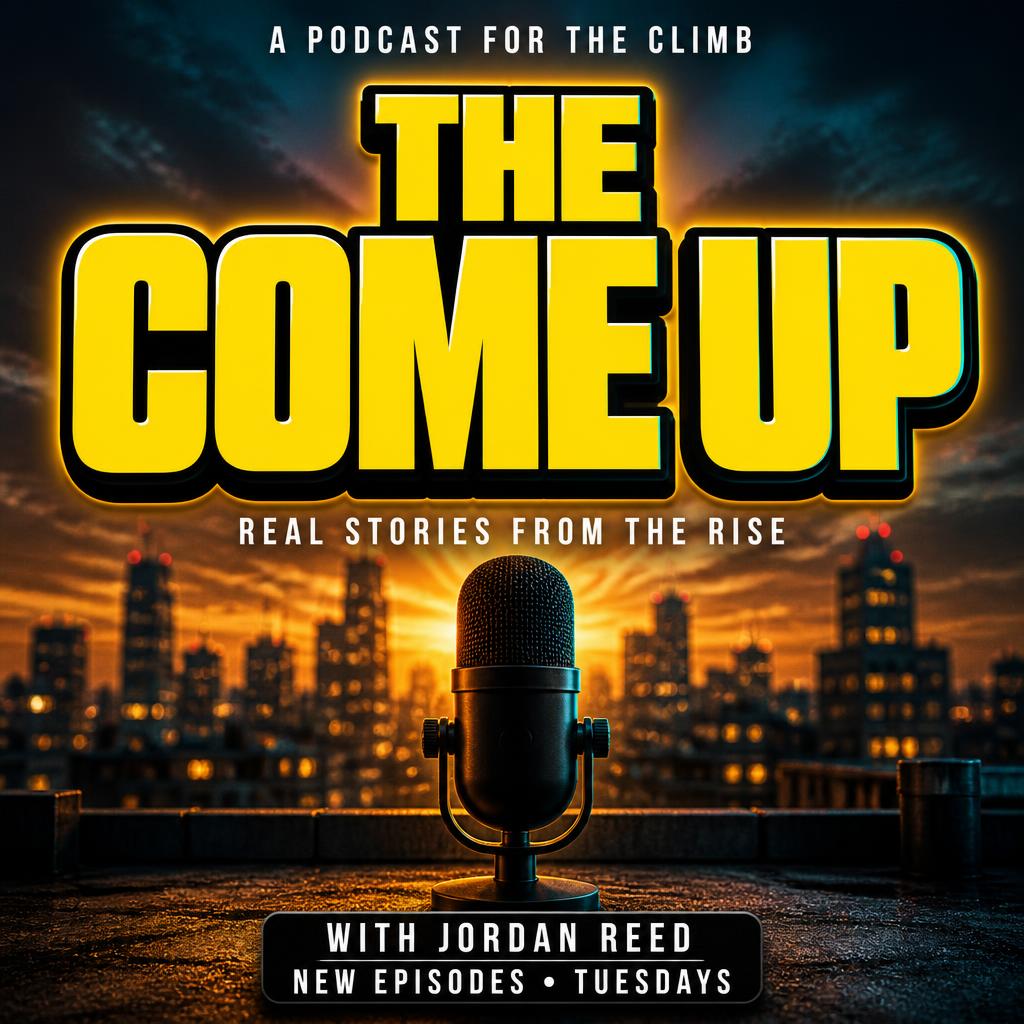



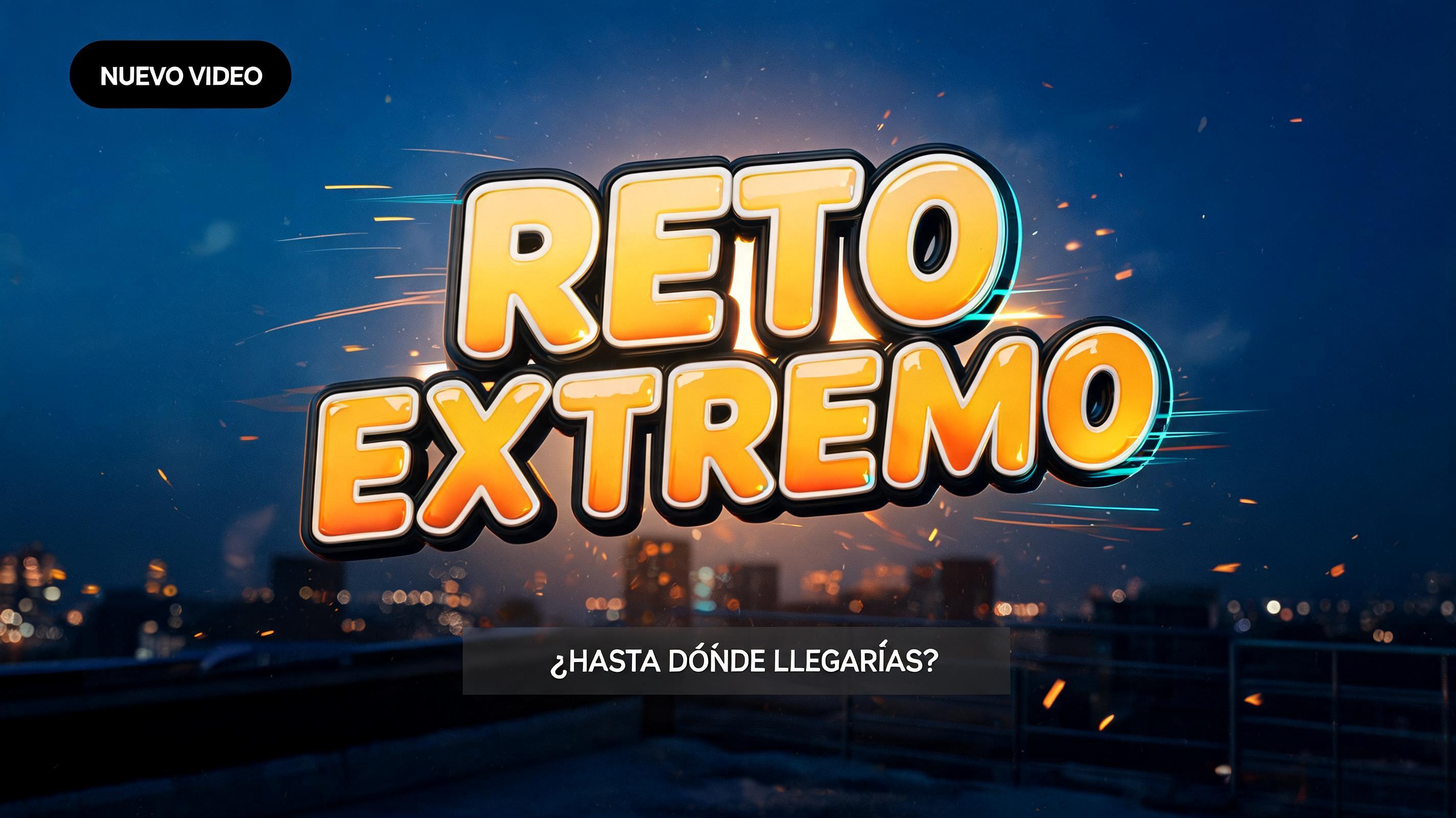


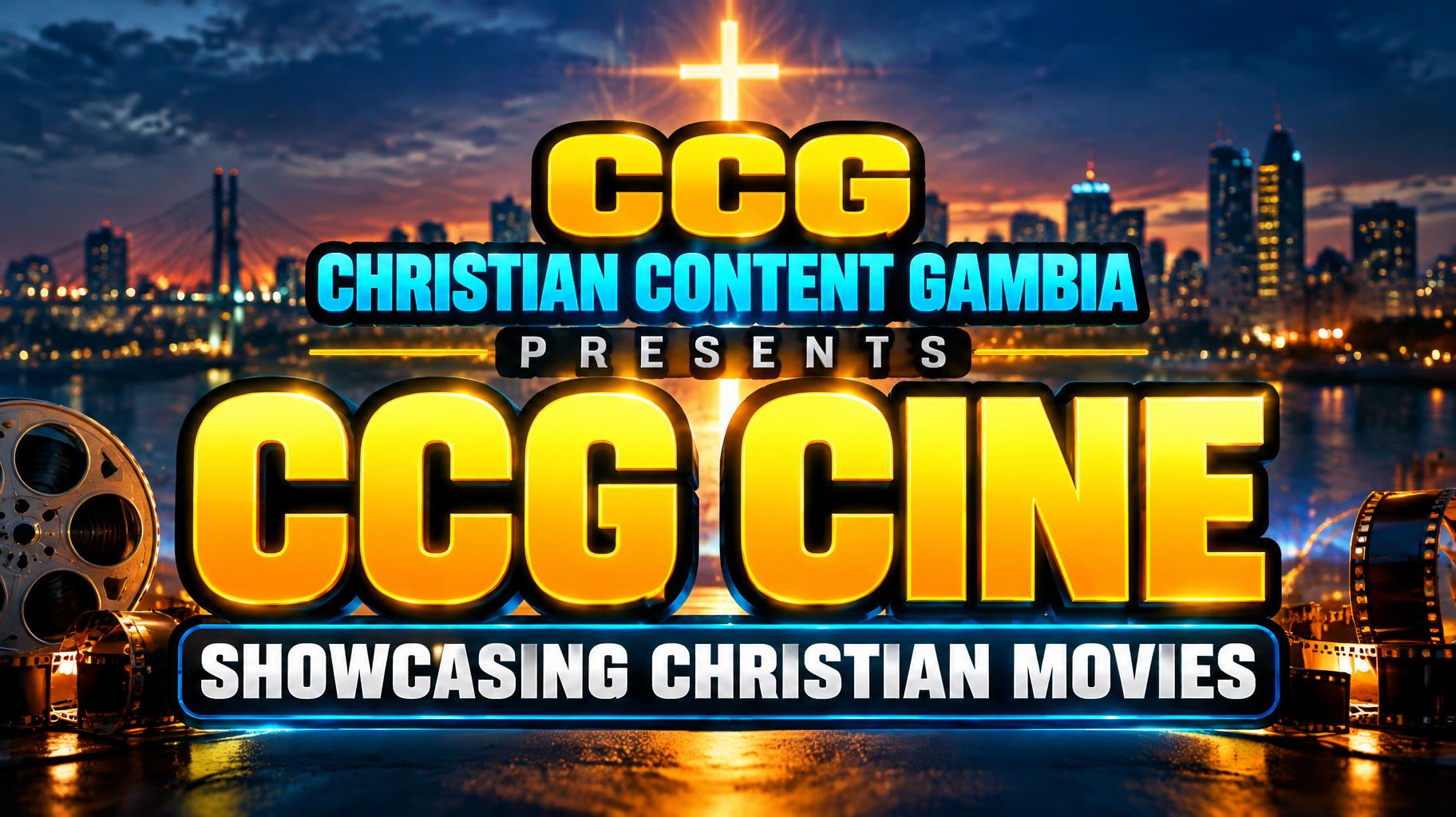

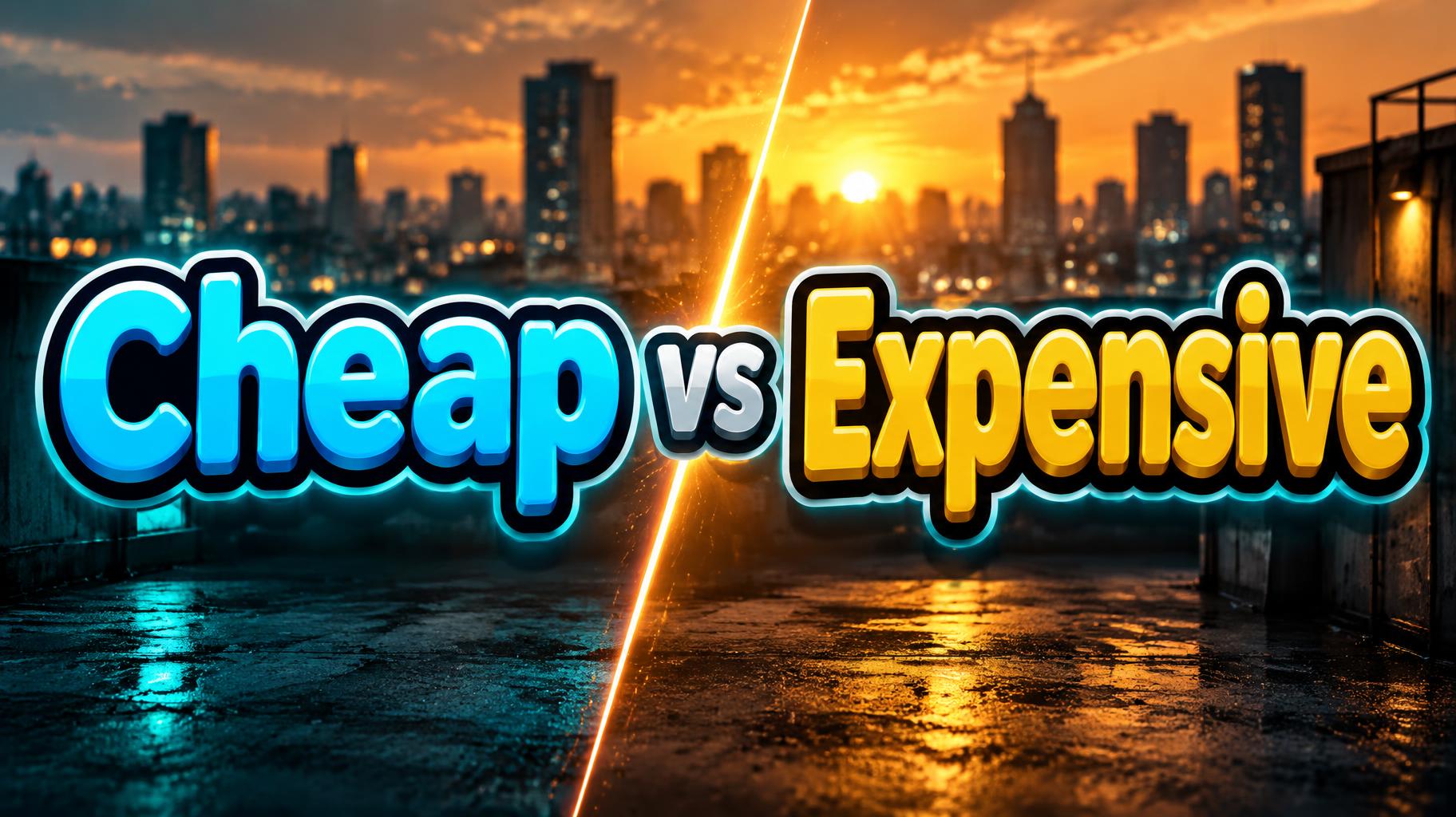
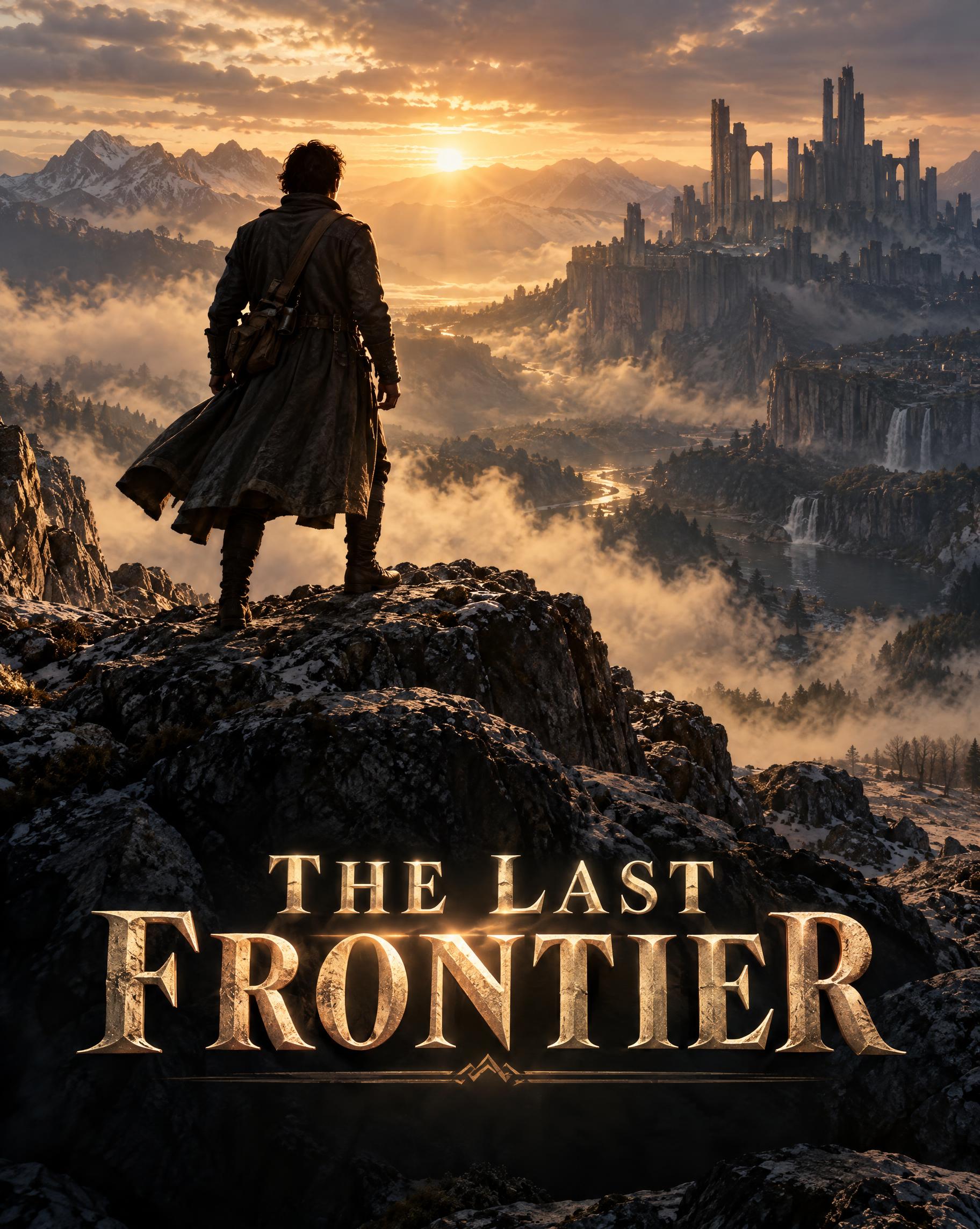
「Cheap vs Expensive」は FontVibe AI で作成したYouTube クリエイターの文字エフェクトです。暖かな黄色に濃いフチと光彩をつけた縦長サンセリフの大文字。上に小さなエピソード表記、背景はゴールデンアワーの街の屋上。
Create a finished, high-visibility YouTube thumbnail lettering design in a 16:9 landscape canvas. Render only these words, spelled and capitalized exactly: “Cheap” on the left, “vs” in the center, and “Expensive” on the right. Make “Cheap” and “Expensive” the dominant, equally important headline words; set “vs” smaller as a clear central separator. Use chunky, rounded, compact sticker-display letterforms with heavy uniform strokes, fully rounded terminals, and a bold double-outline die-cut edge. Give “Cheap” a vivid electric-cyan fill and “Expensive” a rich warm amber-gold fill; both get a bright narrow inner contour, a thick dark outer contour, a deep readable drop shadow, and subtle dimensional highlights. Keep “Expensive” slightly more condensed so the full word reads clearly at thumbnail size. Place the words in two balanced halves, separated by a sharp, energetic diagonal seam through the center. Behind them, use a dark, softly blurred urban rooftop at golden hour, with city lights as restrained bokeh; no faces or competing objects. A strong warm amber backlight glows behind the central lettering, with teal shadow grading across the left and lower background and a subtle cyan edge light on the sticker contours. Keep the background low-detail and dark enough that every letter reads instantly on a small screen. Clean hierarchy, bold contrast, polished energetic creator-thumbnail finish. No extra words, numbers, logos, or watermarks.
2026年11月23日に生成 · 1824 × 1024 · JPEG · OpenAI GPT-Image-2.5 Sunburst · レイアウト:スプリット · 制作者がシェア · 商用利用無料(CC BY 4.0)
AI文字エフェクトのスタイルを見る


Cheap vs Expensive - YouTube クリエイター Text Effect


この作品と同じ OpenAI GPT-Image-2.5 Sunburst を使用 · 15 クレジット
もっと見る YouTube クリエイター (DIY) の文字エフェクト
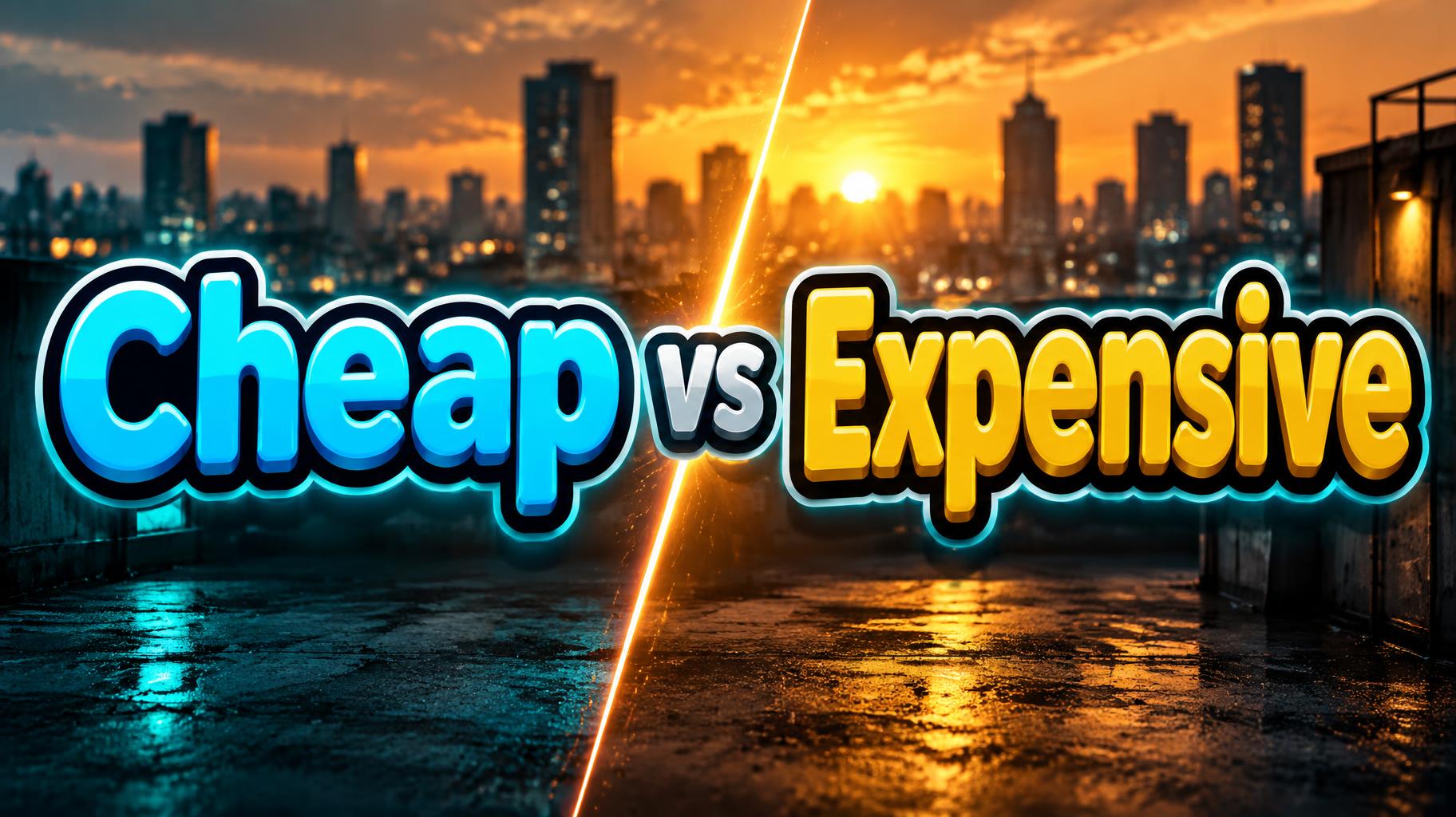
「Cheap vs Expensive」は FontVibe AI で作成したYouTube クリエイターの文字エフェクトです。暖かな黄色に濃いフチと光彩をつけた縦長サンセリフの大文字。上に小さなエピソード表記、背景はゴールデンアワーの街の屋上。
Create a finished, high-visibility YouTube thumbnail lettering design in a 16:9 landscape canvas. Render only these words, spelled and capitalized exactly: “Cheap” on the left, “vs” in the center, and “Expensive” on the right. Make “Cheap” and “Expensive” the dominant, equally important headline words; set “vs” smaller as a clear central separator. Use chunky, rounded, compact sticker-display letterforms with heavy uniform strokes, fully rounded terminals, and a bold double-outline die-cut edge. Give “Cheap” a vivid electric-cyan fill and “Expensive” a rich warm amber-gold fill; both get a bright narrow inner contour, a thick dark outer contour, a deep readable drop shadow, and subtle dimensional highlights. Keep “Expensive” slightly more condensed so the full word reads clearly at thumbnail size. Place the words in two balanced halves, separated by a sharp, energetic diagonal seam through the center. Behind them, use a dark, softly blurred urban rooftop at golden hour, with city lights as restrained bokeh; no faces or competing objects. A strong warm amber backlight glows behind the central lettering, with teal shadow grading across the left and lower background and a subtle cyan edge light on the sticker contours. Keep the background low-detail and dark enough that every letter reads instantly on a small screen. Clean hierarchy, bold contrast, polished energetic creator-thumbnail finish. No extra words, numbers, logos, or watermarks.
2026年11月23日に生成 · 1824 × 1024 · JPEG · OpenAI GPT-Image-2.5 Sunburst · レイアウト:スプリット · 制作者がシェア · 商用利用無料(CC BY 4.0)
もっと文字スタイルが欲しいときは、無料のフォント変換ツールへ。おしゃれ文字・筆記体・ブラックレターなど。