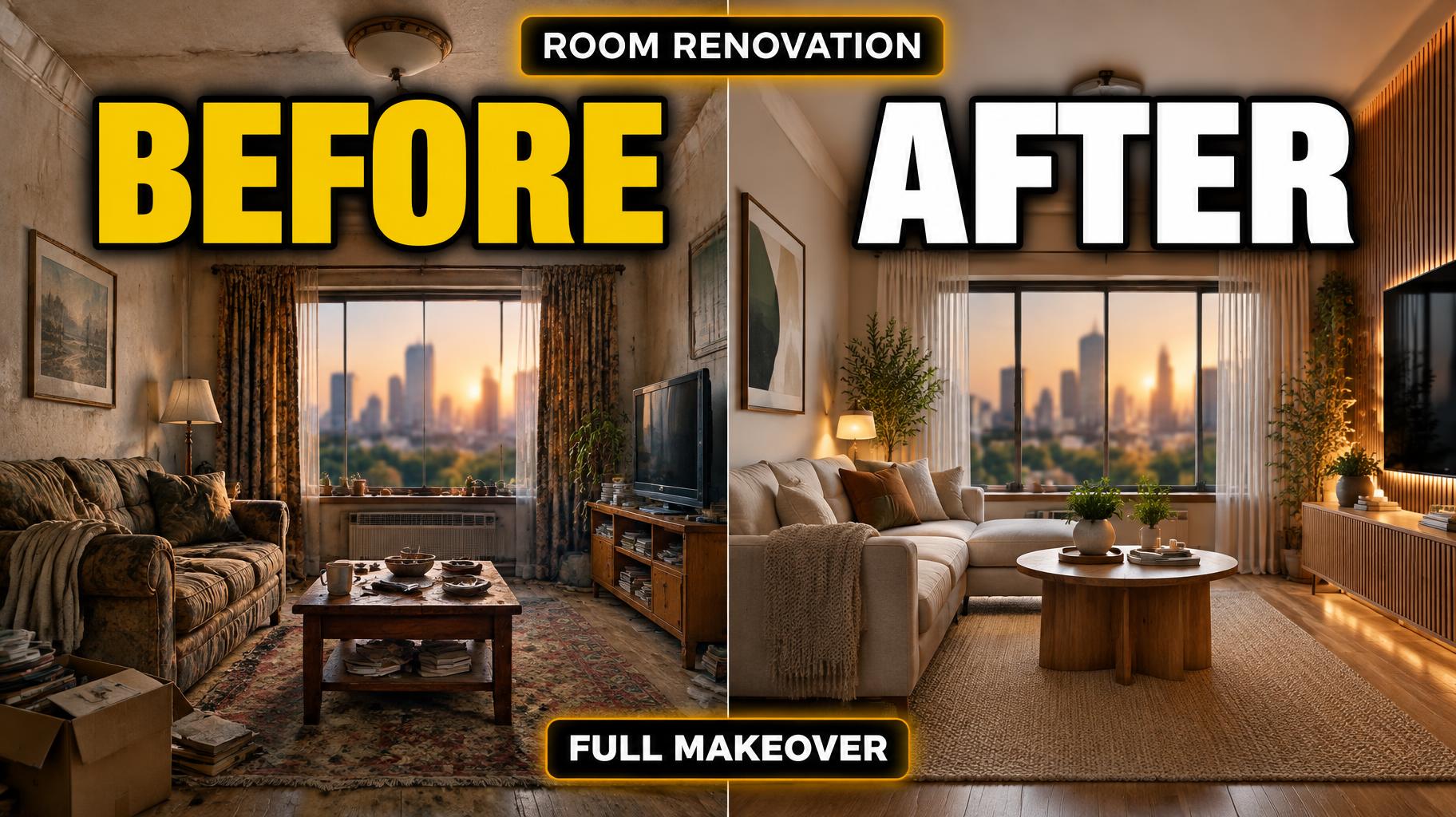
BEFORE AFTER ROOM RENOVATION FULL MAKEOVER - YouTube クリエイター Text Effect


この作品と同じ OpenAI GPT-Image-2.5 Sunburst を使用 · 15 クレジット
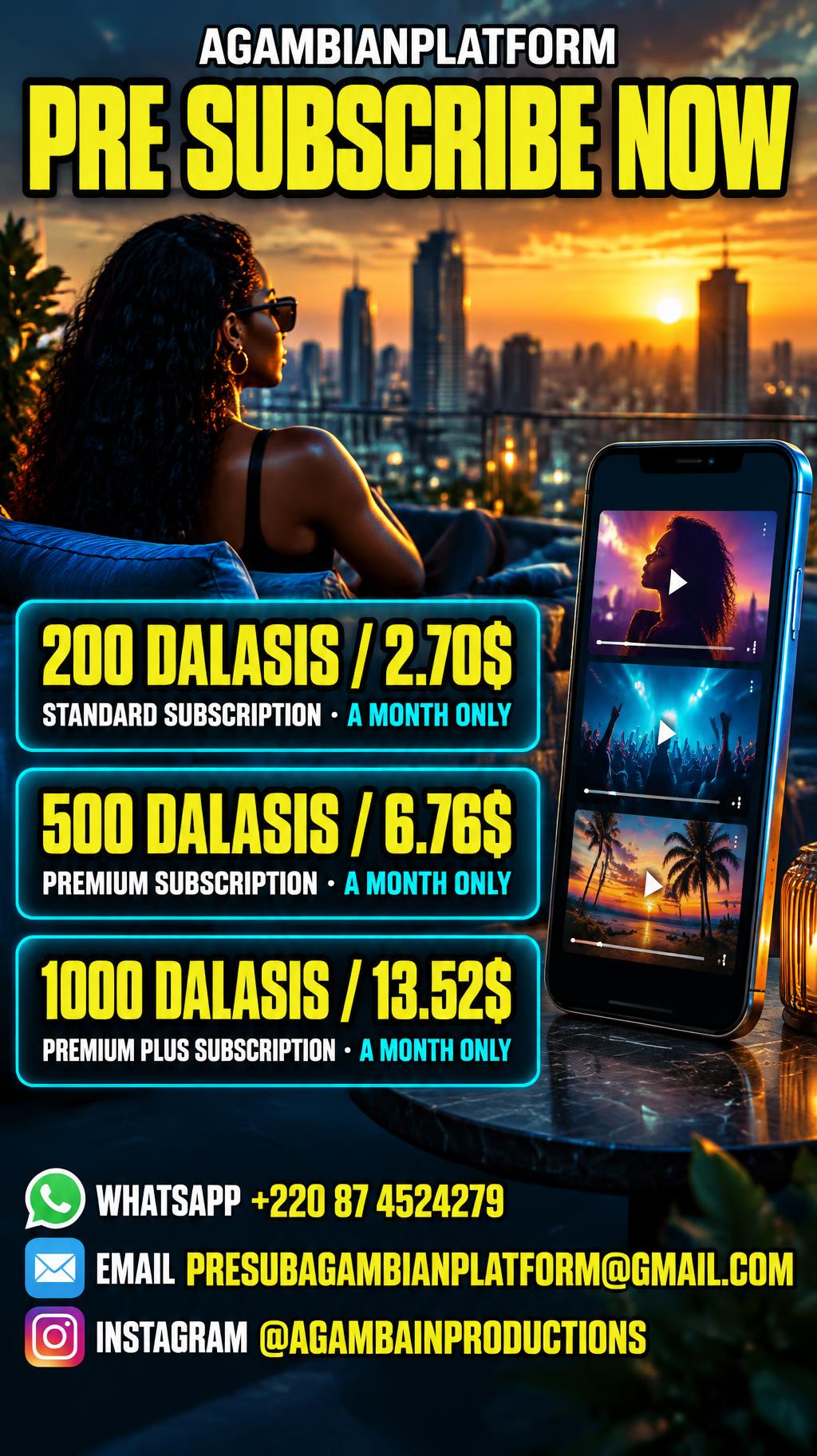







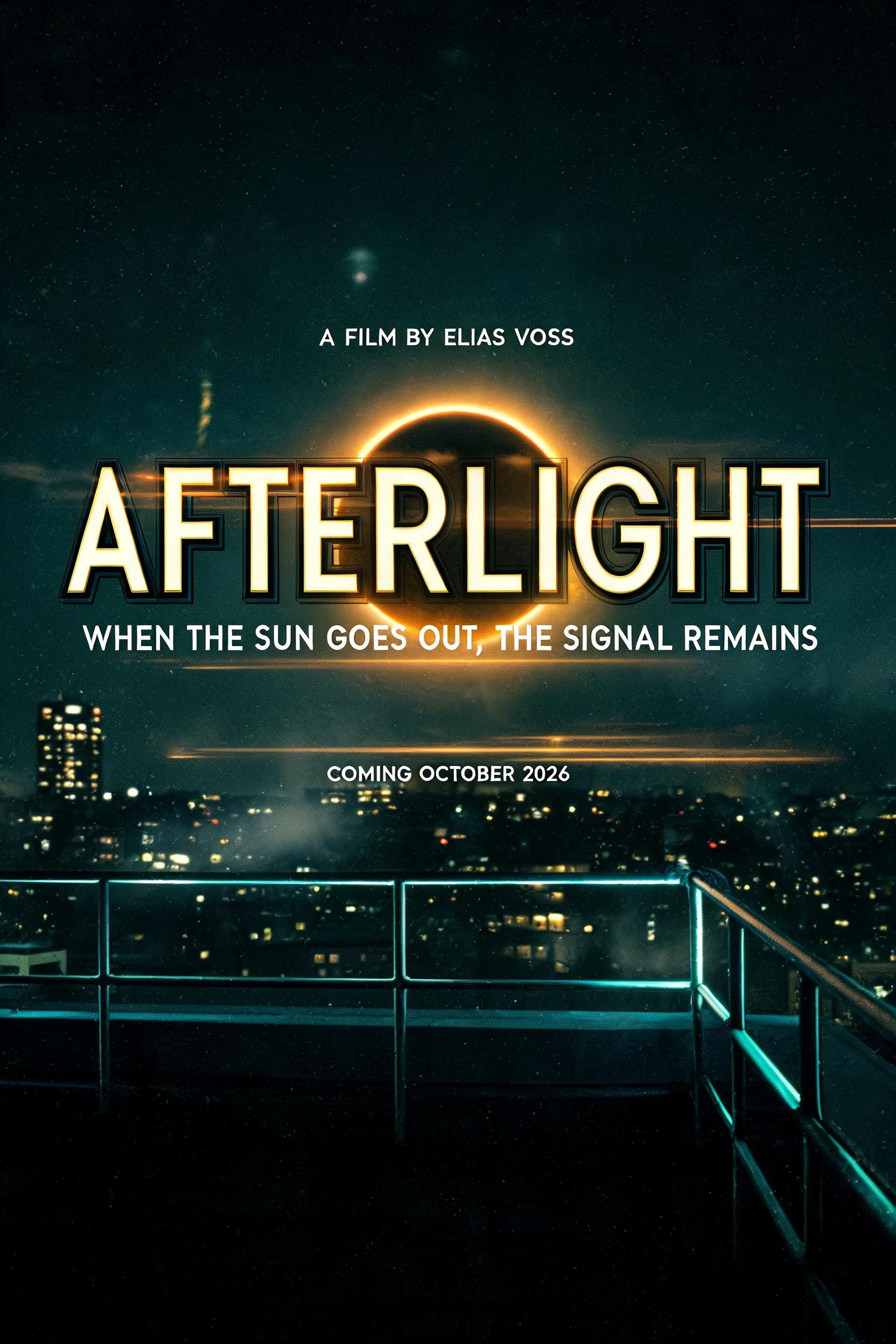


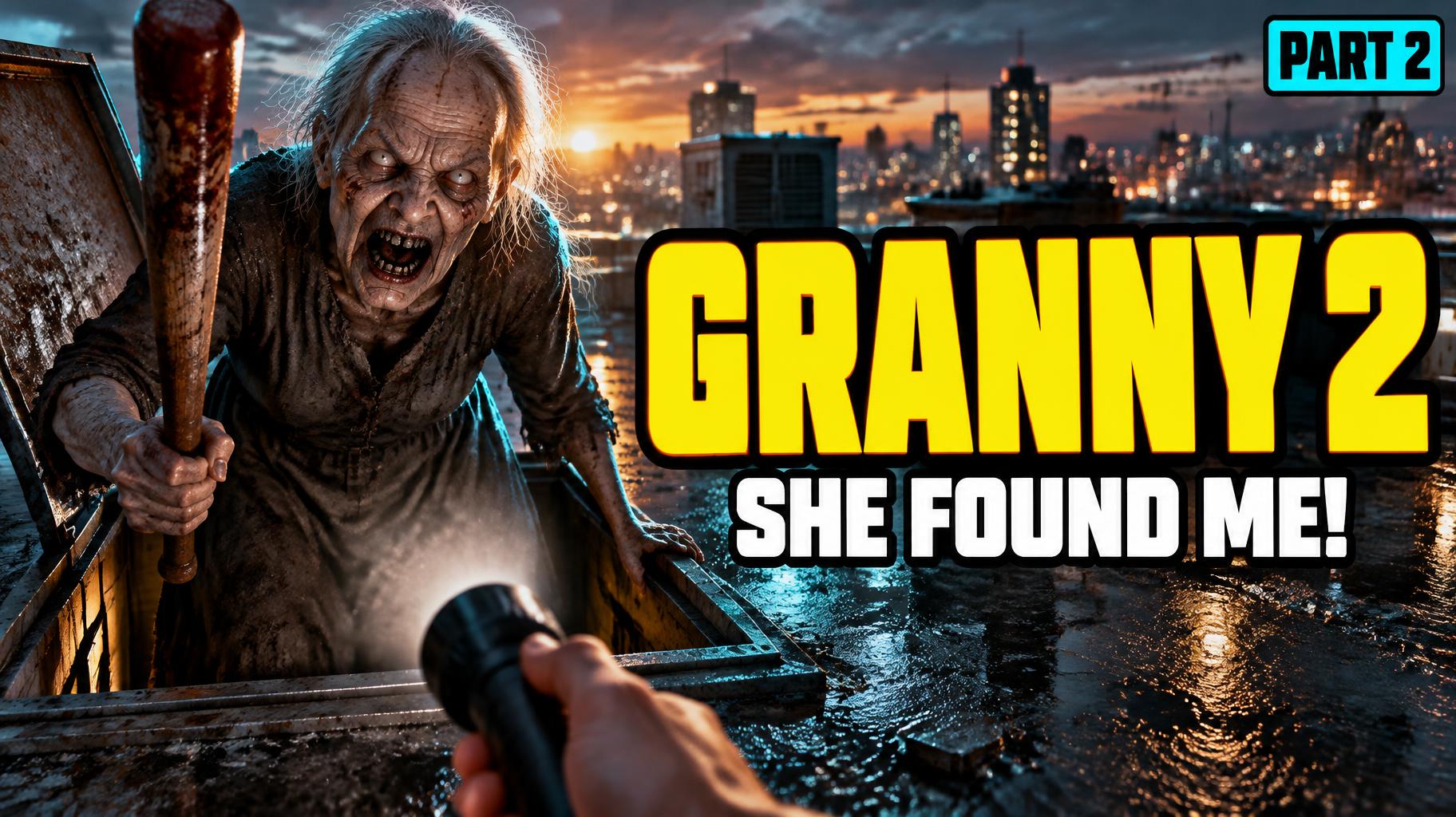







「BEFORE AFTER ROOM RENOVATION FULL MAKEOVER」は FontVibe AI で作成したYouTube クリエイターの文字エフェクトです。暖かな黄色に濃いフチと光彩をつけた縦長サンセリフの大文字。上に小さなエピソード表記、背景はゴールデンアワーの街の屋上。
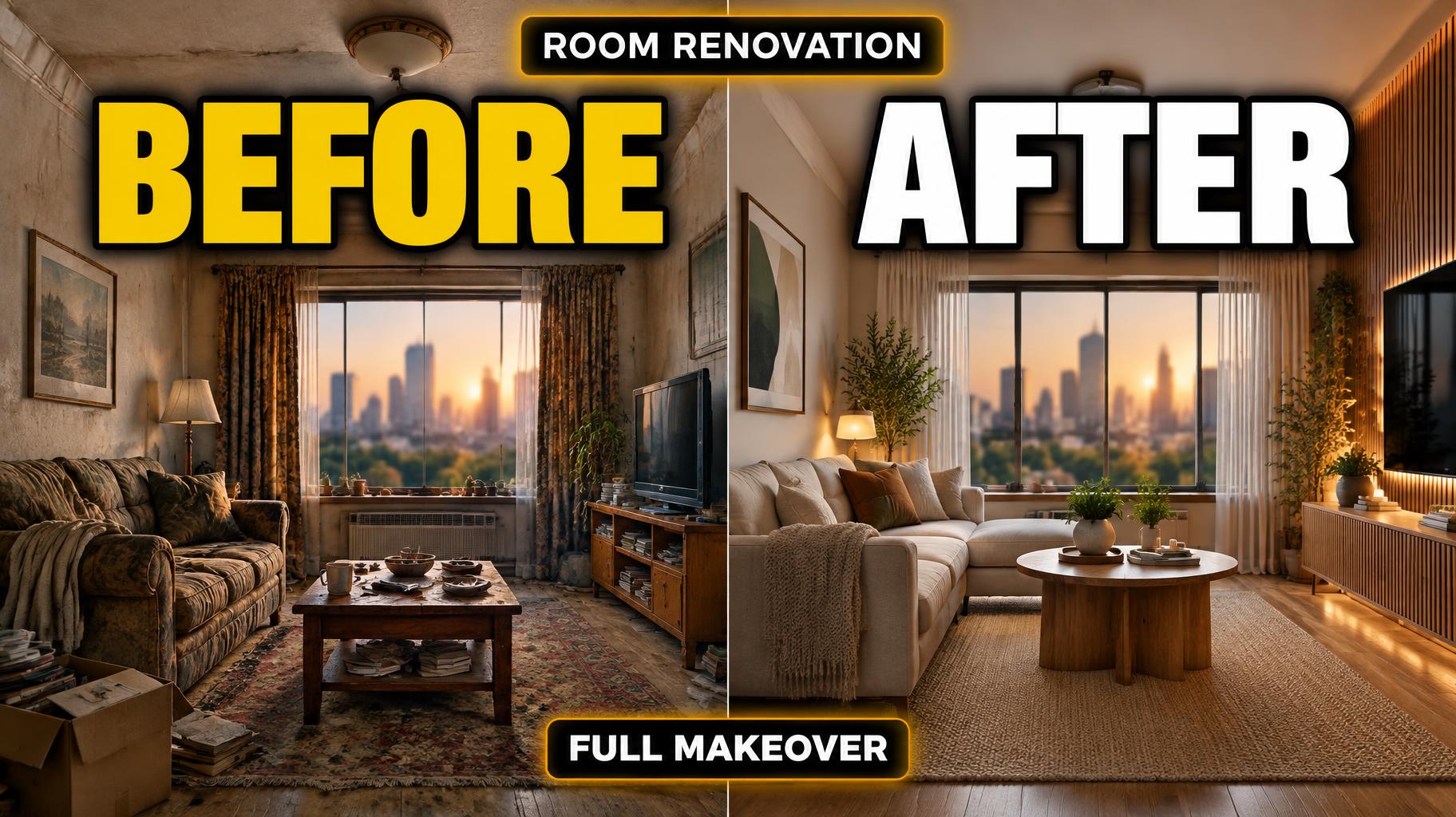
Create a complete 16:9 YouTube renovation-video thumbnail. Split the image into two equal vertical halves, showing the same living room from the same camera position: left half is the worn, pre-renovation room with dated surfaces and clutter; right half is the finished renovation with clean contemporary surfaces, warm wood, and neatly arranged furniture. Keep both room views clearly visible behind the title. Add a softly blurred city view through the window, warm amber backlight behind the central title area, teal shadows, and a subtle cyan rim light. Use crisp thumbnail contrast and restrained cinematic grain. Render only these exact text strings, with no extra wording: small top label “ROOM RENOVATION”; primary headline “BEFORE” over the left half and “AFTER” over the right half, both extremely heavy, very wide, near-square display capitals with near-zero stroke contrast and tight spacing. Give each headline bright solid color fills, thick solid black outline strokes, and a subtle clean drop shadow. Use bright yellow for “BEFORE” and bold white for “AFTER.” Keep both words large and immediately legible at phone-thumbnail size. Place a compact bottom badge reading “FULL MAKEOVER” in bold white capitals on a black plaque with a thin amber edge. Preserve clear space between all text blocks. Keep the split between the rooms visually obvious; do not let background details compete with the lettering. Clean, sharp digital thumbnail rendering.
2026年9月26日に生成 · 1824 × 1024 · JPEG · OpenAI GPT-Image-2.5 Sunburst · レイアウト:スプリット · 制作者がシェア · 商用利用無料(CC BY 4.0)