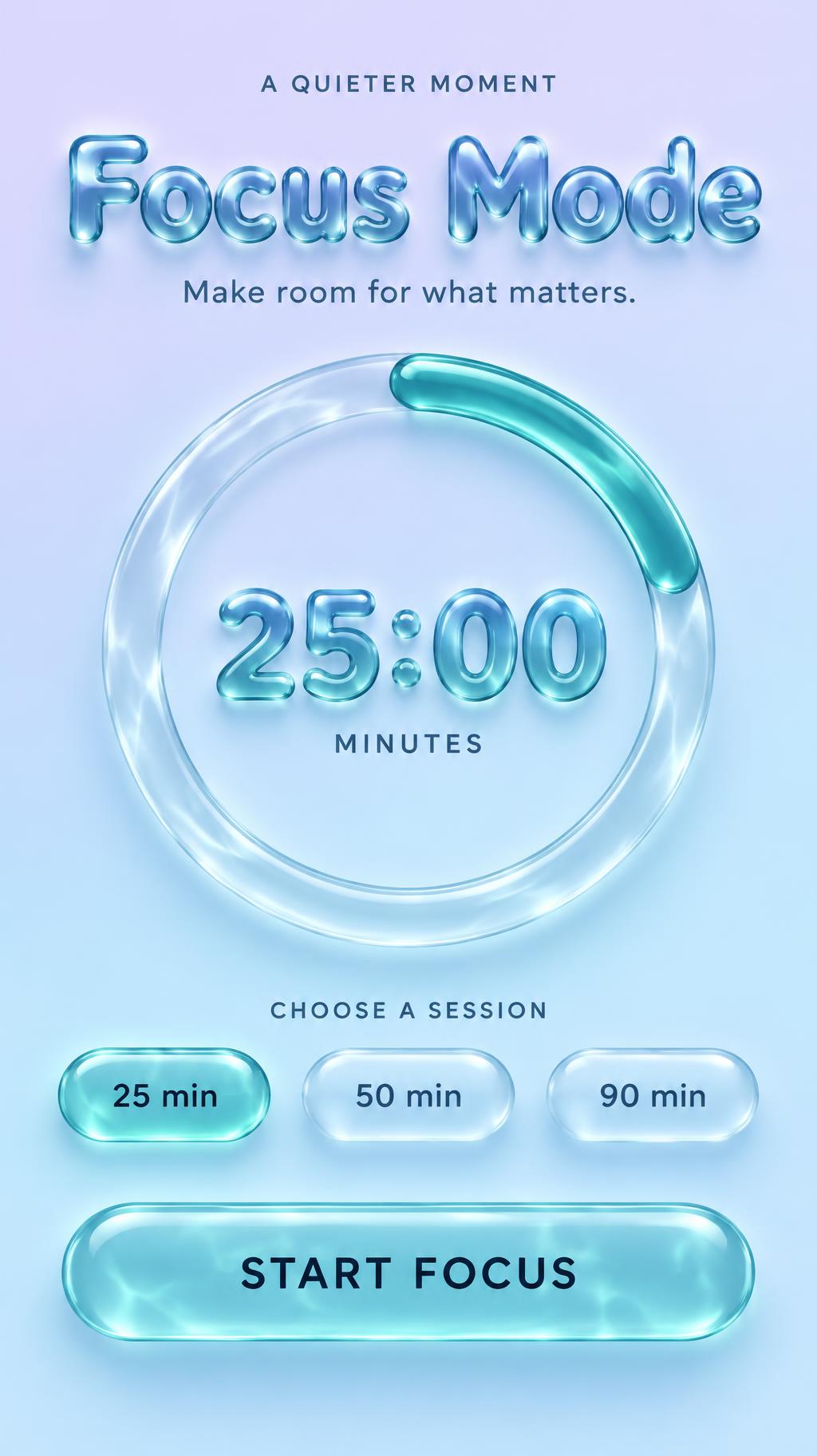
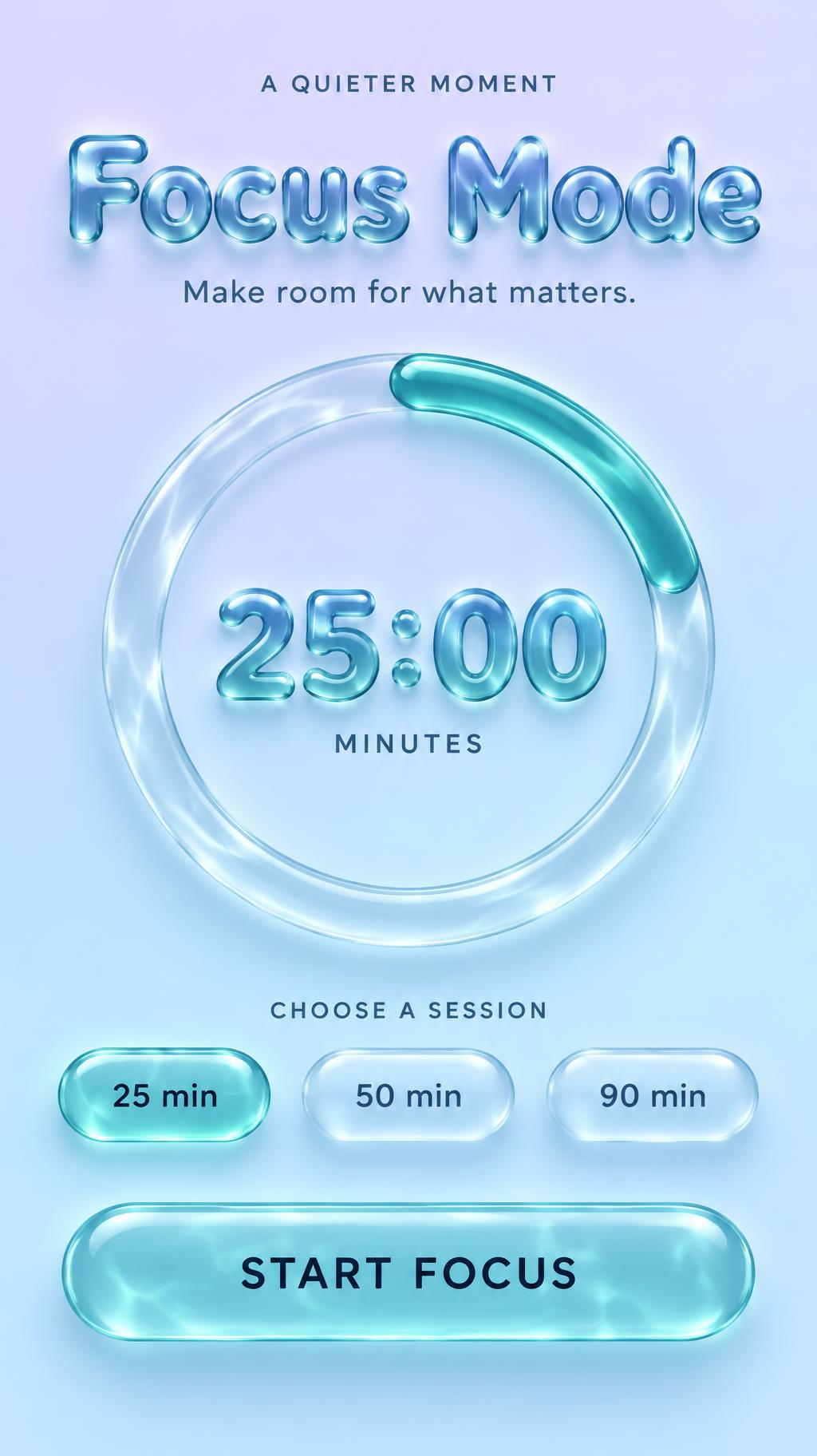
A QUIETER MOMENT Focus Mode Make room for what matters. 25:00 MINUTES CHOOSE A SESSION 25 min 50 min 90 min START FOCUS - リキッドグラス Text Effect


この作品と同じ OpenAI GPT-Image-2.5 Sunburst を使用 · 15 クレジット
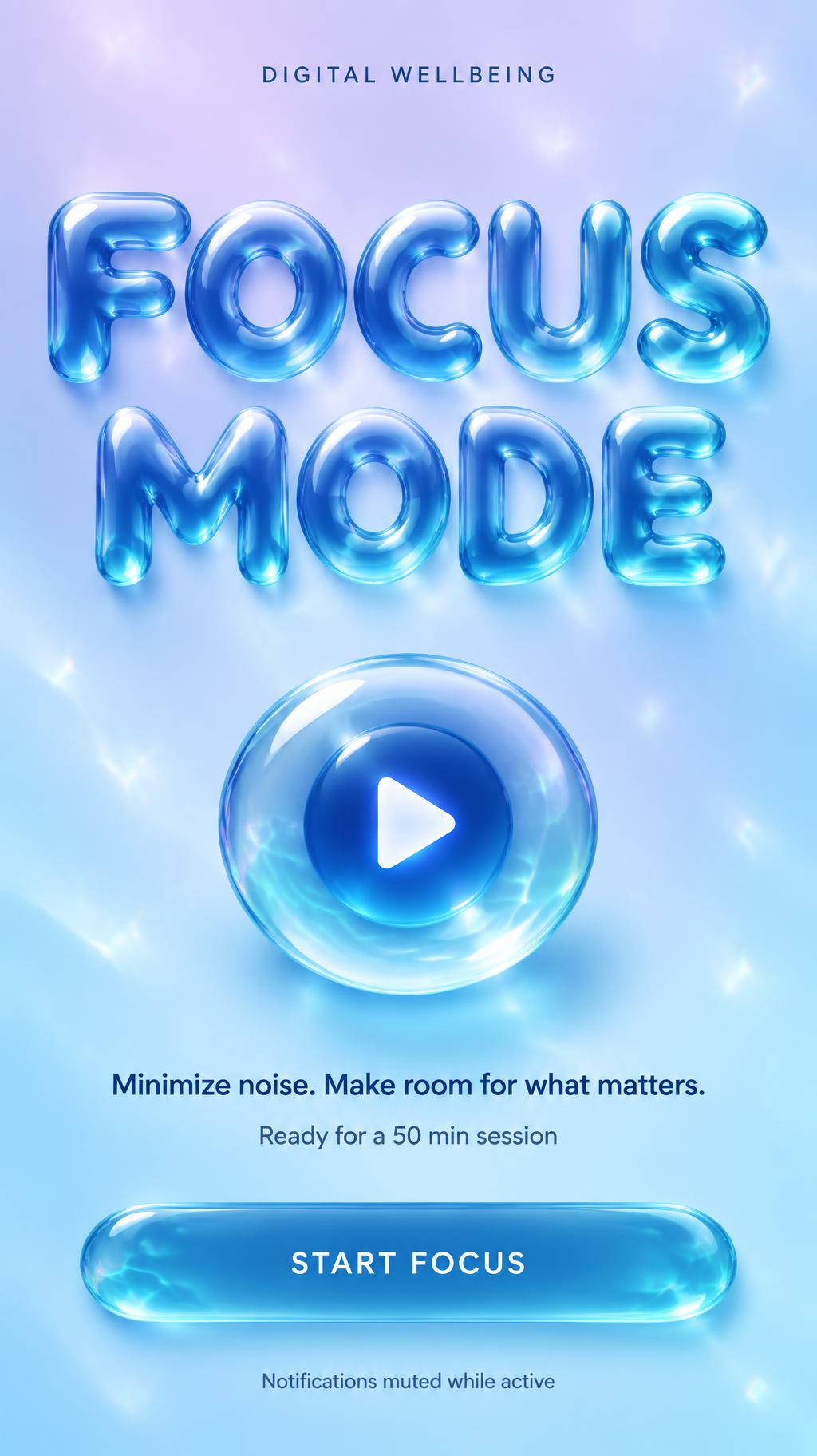
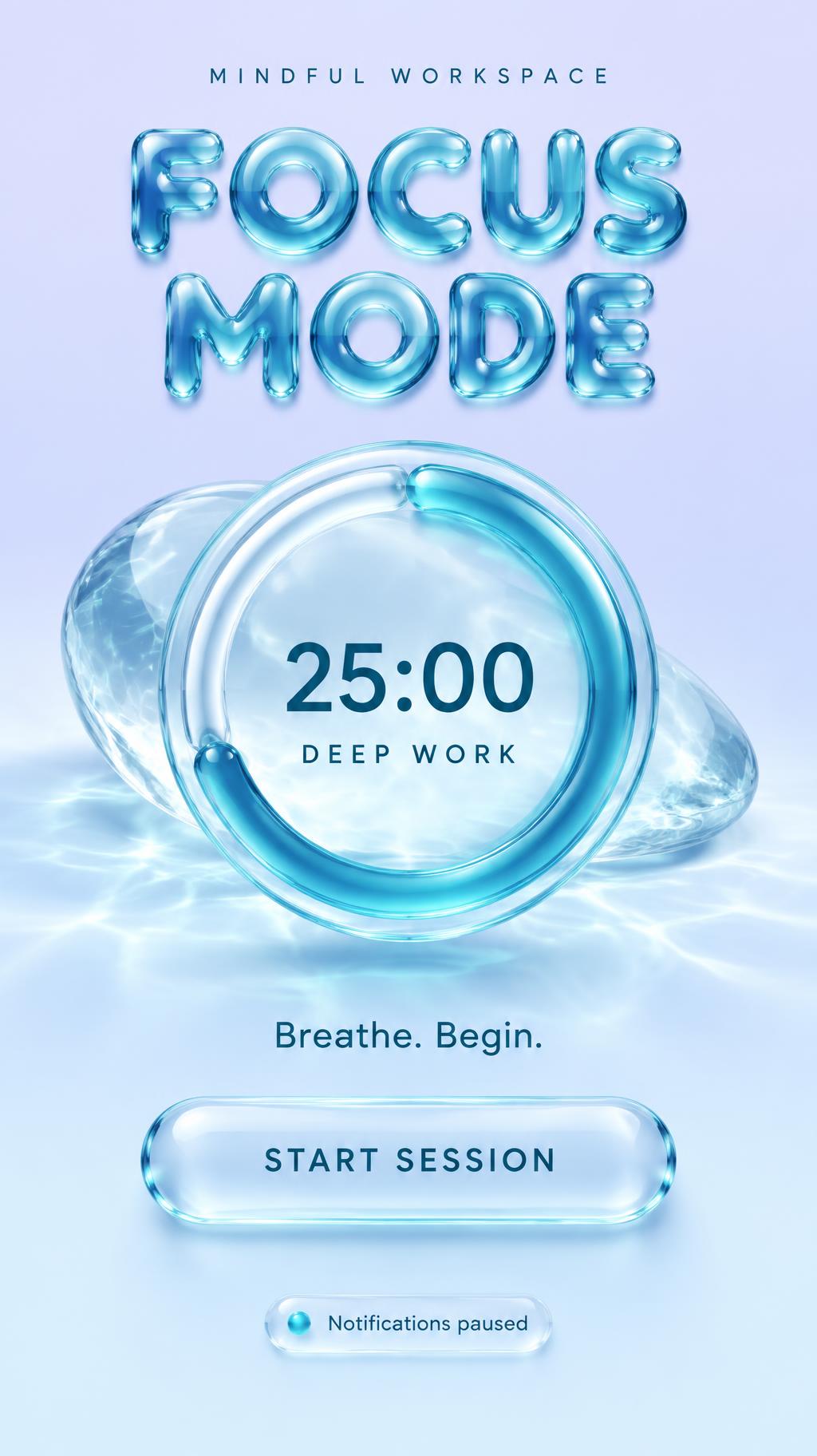

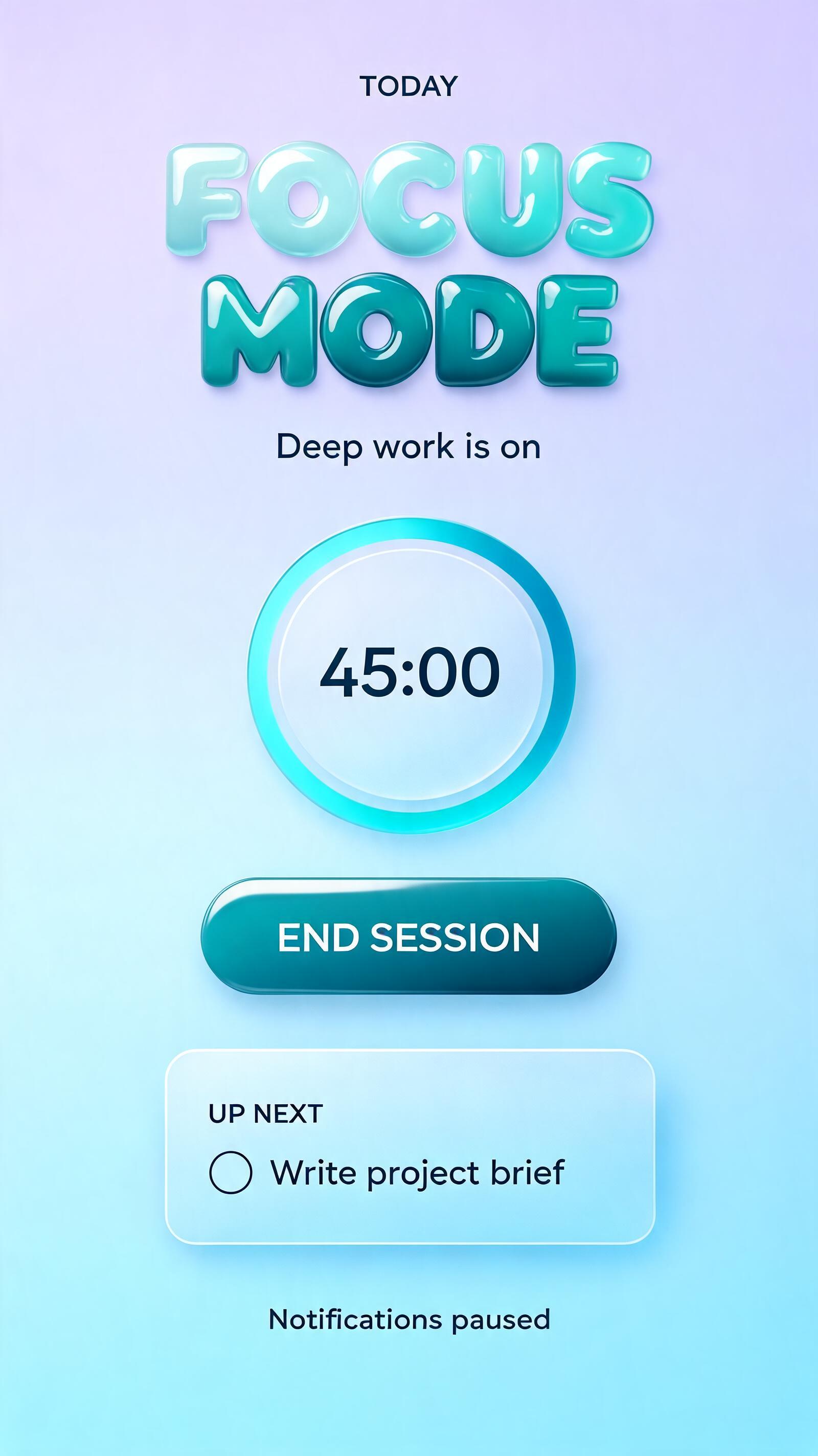
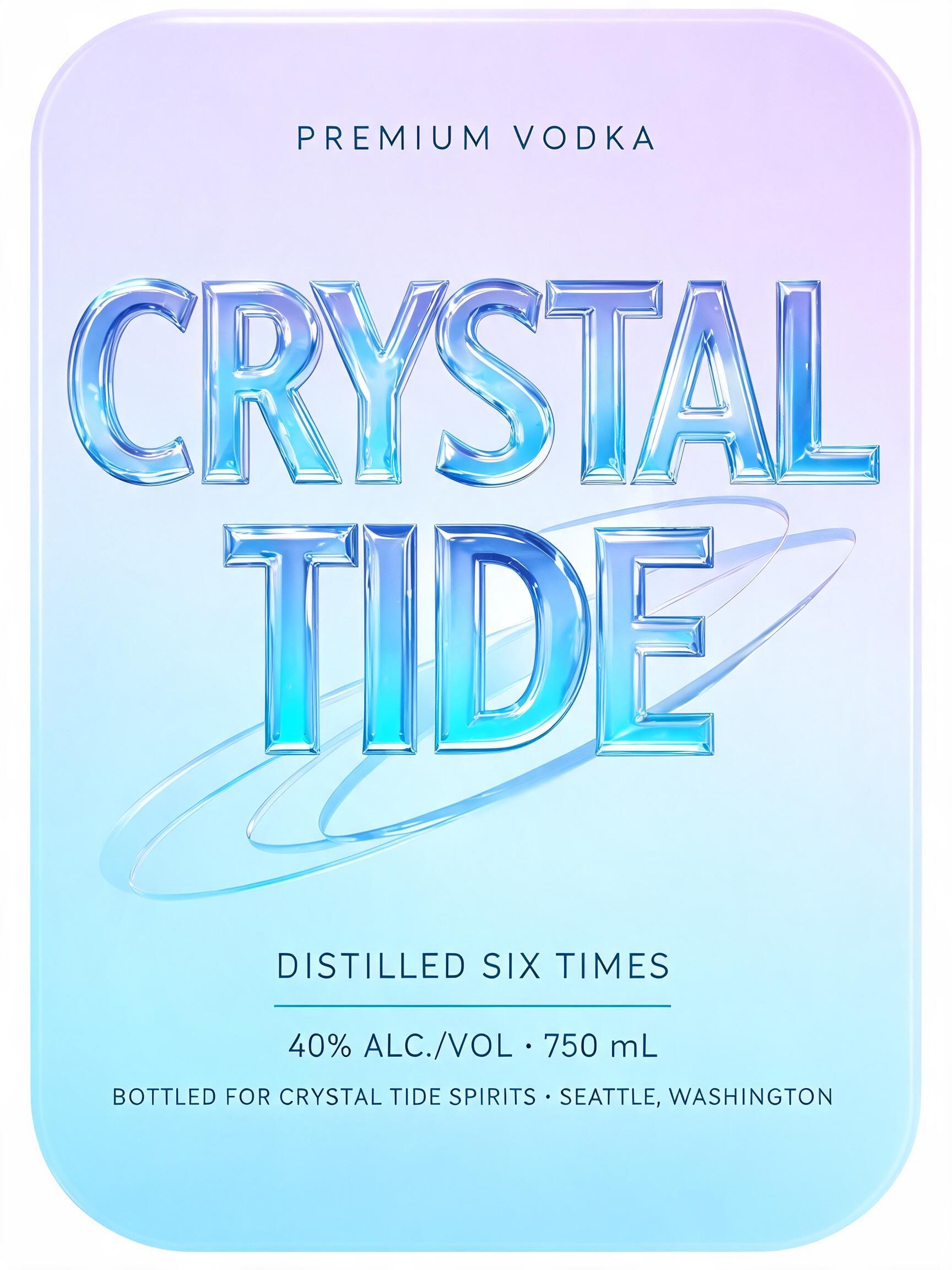

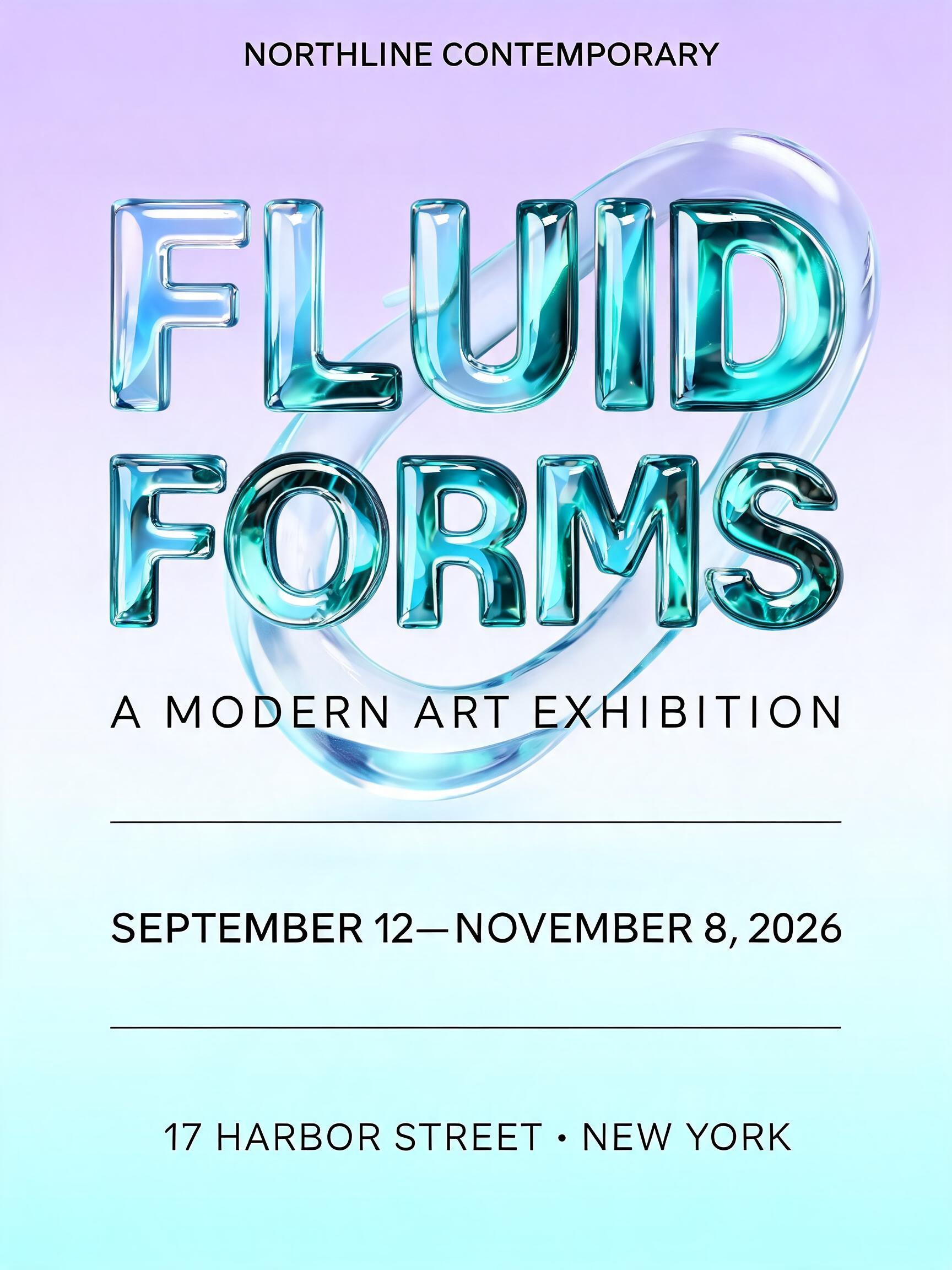
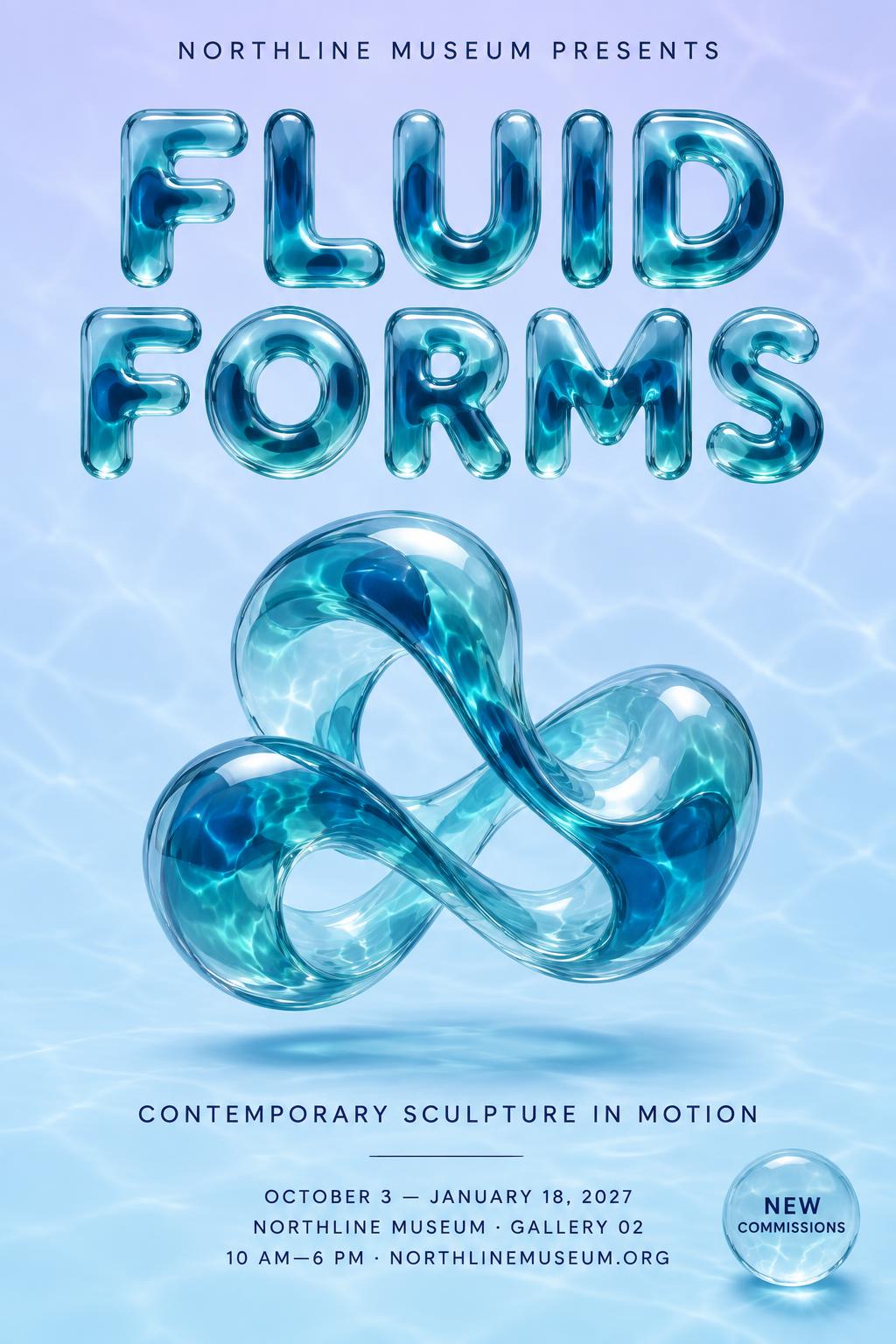



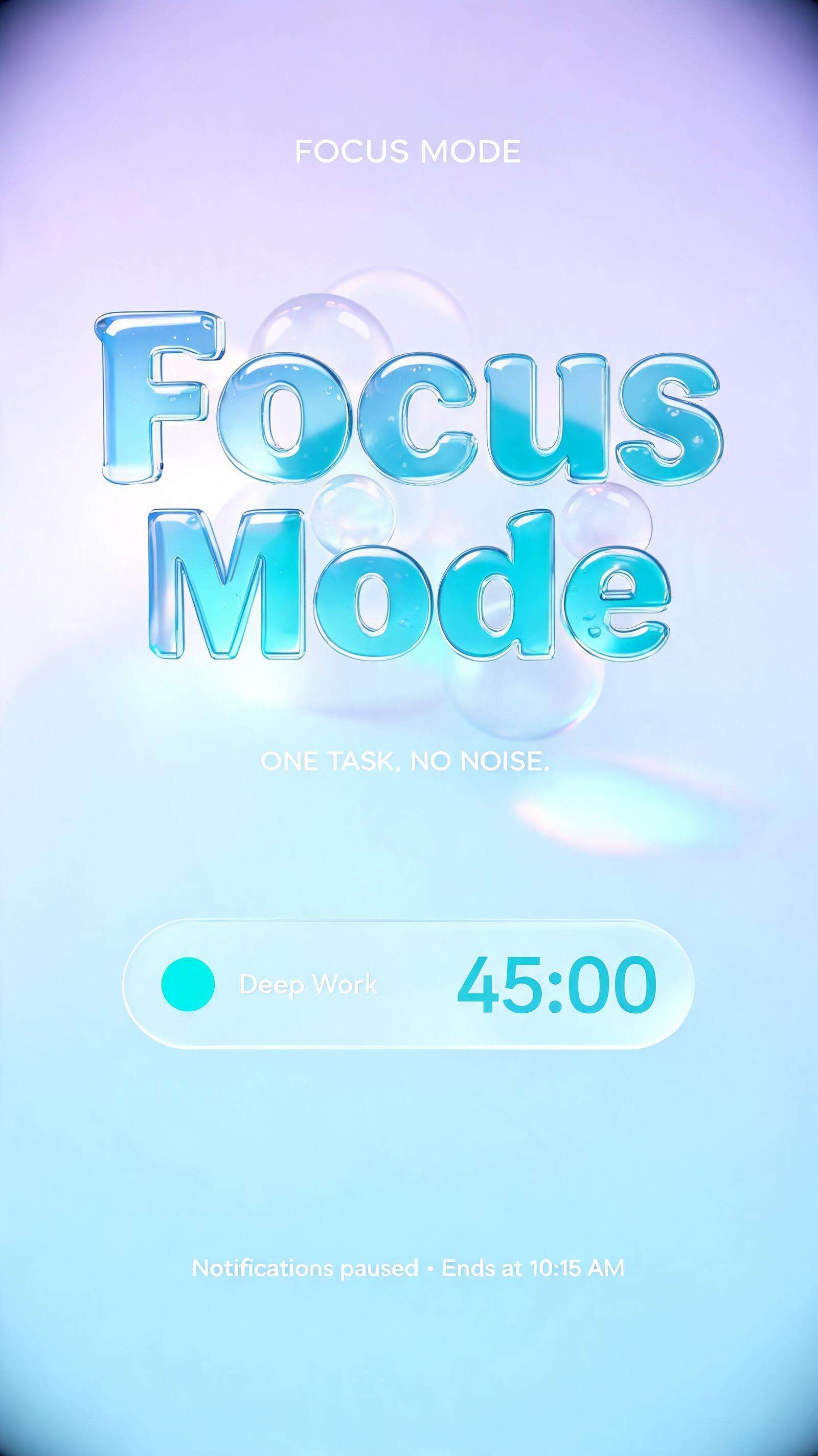
「A QUIETER MOMENT Focus Mode Make room for what matters. 25:00 MINUTES CHOOSE A SESSION 25 min 50 min 90 min START FOCUS」は FontVibe AI で作成したリキッドグラスの文字エフェクトです。流れる液体ガラスでできた丸みのある透明アクア色の文字。濡れたような艶のハイライトと柔らかな内部の屈折、淡いラベンダーから青へのグラデーション背景。
Create a polished portrait mobile app screen for Focus Mode, designed as a finished, legible interface. Use a soft pastel gradient from pale lavender at the top to ice blue below. Keep the screen clean and airy, with generous spacing and a subtle glass-panel feel rather than a busy scene. At the top, set the small uppercase eyebrow “A QUIETER MOMENT” in a crisp, understated dark blue-gray sans serif. Below it, make “Focus Mode” the dominant heading, centered on one line in thick, rounded liquid-glass 3D display lettering. Each letter is a substantial convex form with organically swollen terminals, a clear-to-blue-teal tint, deeper refractive color through its thick center, and a dark receding glass edge. Let bright white specular highlights trace the curved crowns; show delicate internal caustics within the glass. The letters are solid glass forms, with no drips or trails. Below the heading, set “Make room for what matters.” in a small, highly readable dark blue-gray sans serif. Center a large translucent glass timer ring in the middle of the screen: a softly glowing circular ring with a short teal progress arc, realistic depth, and subtle internal light patterns. Place “25:00” inside the ring in matching liquid-glass 3D lettering, with “MINUTES” beneath it in small dark blue-gray sans serif. Keep the timer crisp and immediately readable. Under the ring, add the small uppercase label “CHOOSE A SESSION”, then three evenly spaced rounded glass selection chips reading “25 min”, “50 min”, and “90 min”; make “25 min” the selected chip with a slightly stronger teal tint and fine bright edge highlight. At the bottom, place a wide rounded translucent teal-glass button reading “START FOCUS” in dark, high-contrast uppercase sans serif. Use soft overhead diffused light, strong white highlights on the glass curves, faint blue-green edge tint, and restrained shadows that lift the interface gently from the pastel background. Keep all text exactly as quoted, correctly spelled, sharp, and unobstructed; render no additional text, icons, phone frame, or branding.
2026年10月23日に生成 · 1024 × 1824 · JPEG · OpenAI GPT-Image-2.5 Sunburst · レイアウト:Calm Focus Screen · 制作者がシェア · 商用利用無料(CC BY 4.0)