FontVibe
HomeGenerateStylesGalleryFontsPricingBlog
English▾
FontVibe
✦FontVibe
FontVibe

Free AI font generator — describe what you need or pick a style, and get finished text artwork. 124+ styles, instant PNG/JPG download.

Product

GenerateStylesGalleryPricing

Popular Styles

Viking text effectCinematic text effectCyberpunk font generator

Resources

BlogFont LibraryTransparent Background MakerASCII Art GeneratorFont Tools

Legal

Terms of ServicePrivacy PolicyLegalContact
© 2026 FontVibe. All rights reserved.
Privacy Policy|Terms & Conditions|Legal|特定商取引法に基づく表記
FontVibe

Free AI font generator — describe what you need or pick a style, and get finished text artwork. 124+ styles, instant PNG/JPG download.

Product
GenerateStylesGalleryPricing
Popular Styles
Viking text effectCinematic text effectCyberpunk font generator
Resources
BlogFont LibraryTransparent Background MakerASCII Art GeneratorFont Tools
Legal
TermsPrivacyLegalContact
© 2026 FontVibe. All rights reserved.
Privacy|Terms|Legal|特商法
✦FontVibe
Notifications
No notifications yet
Home›Tools›Kagemoji Generator

Kagemoji Generator — Japanese Shadow Text

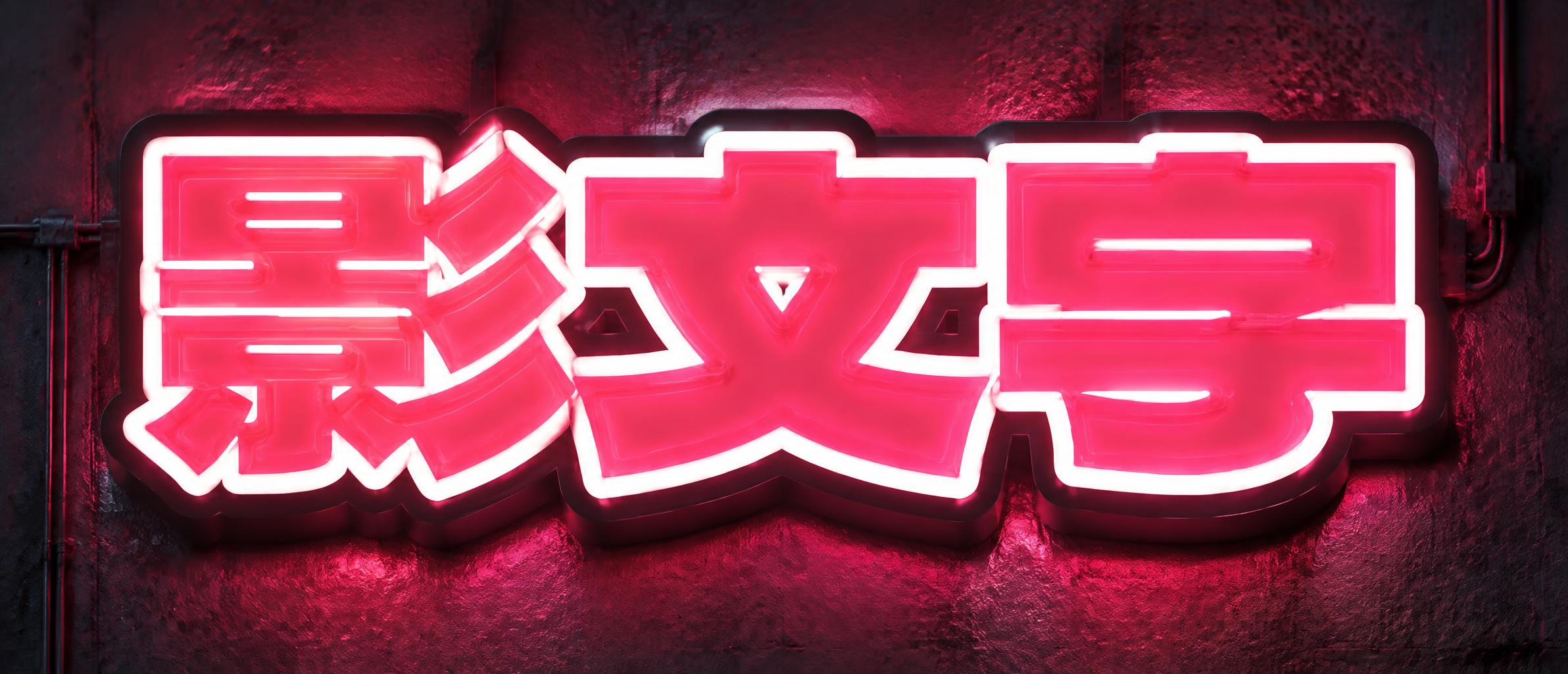
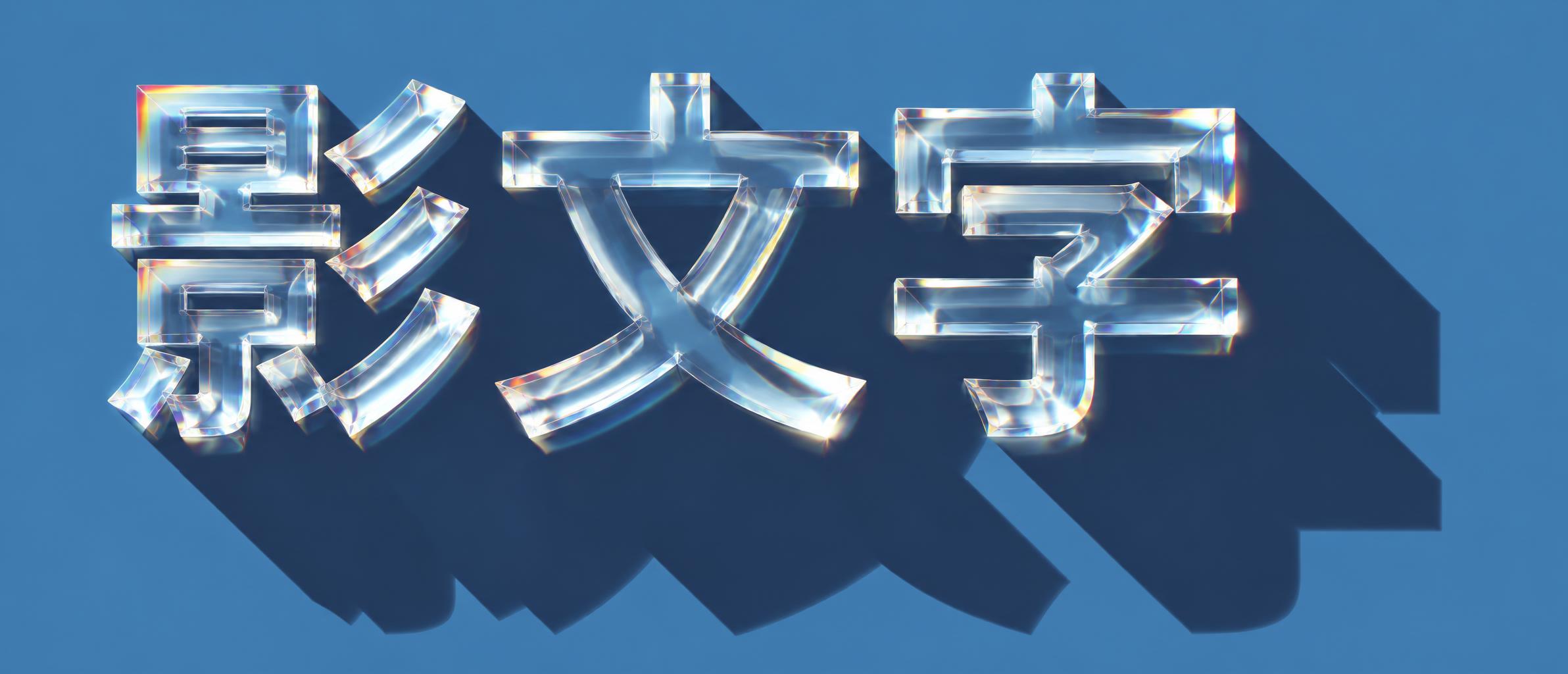
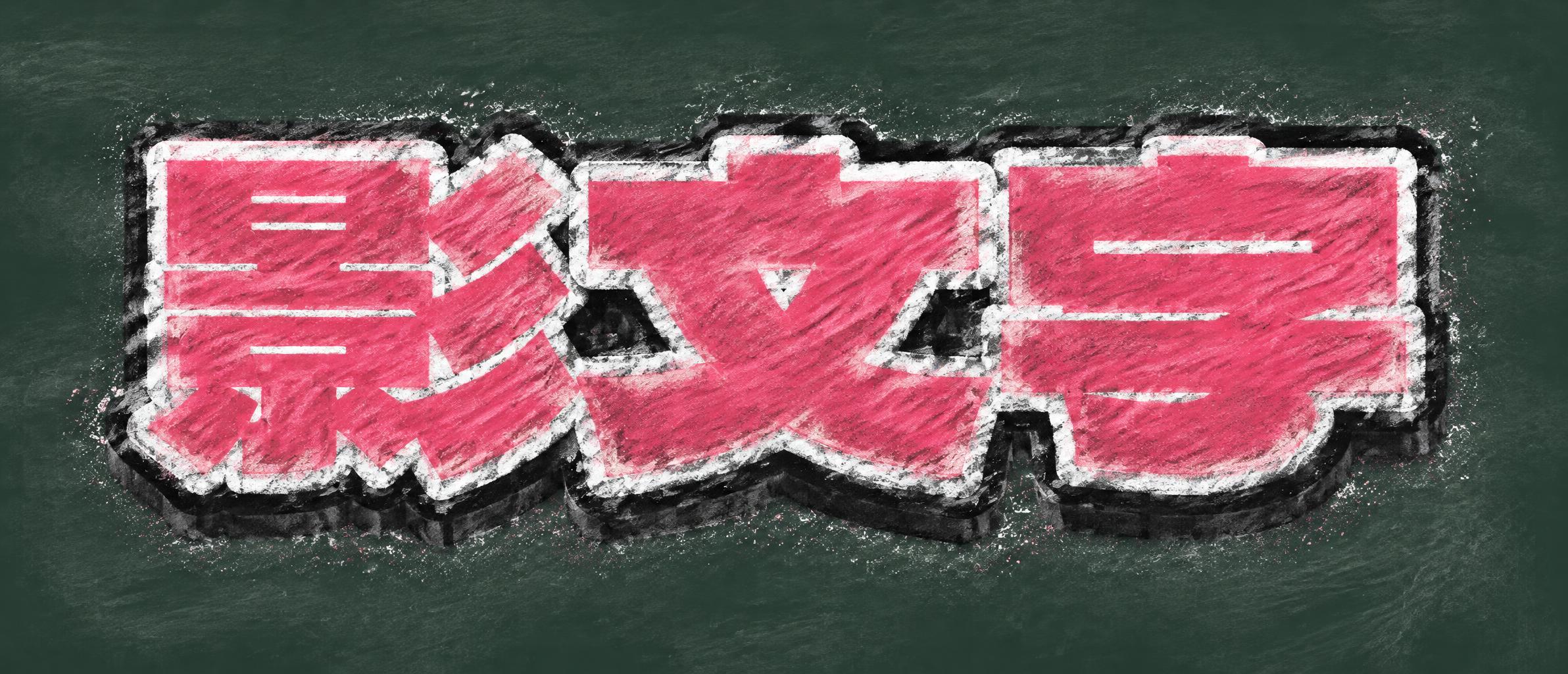
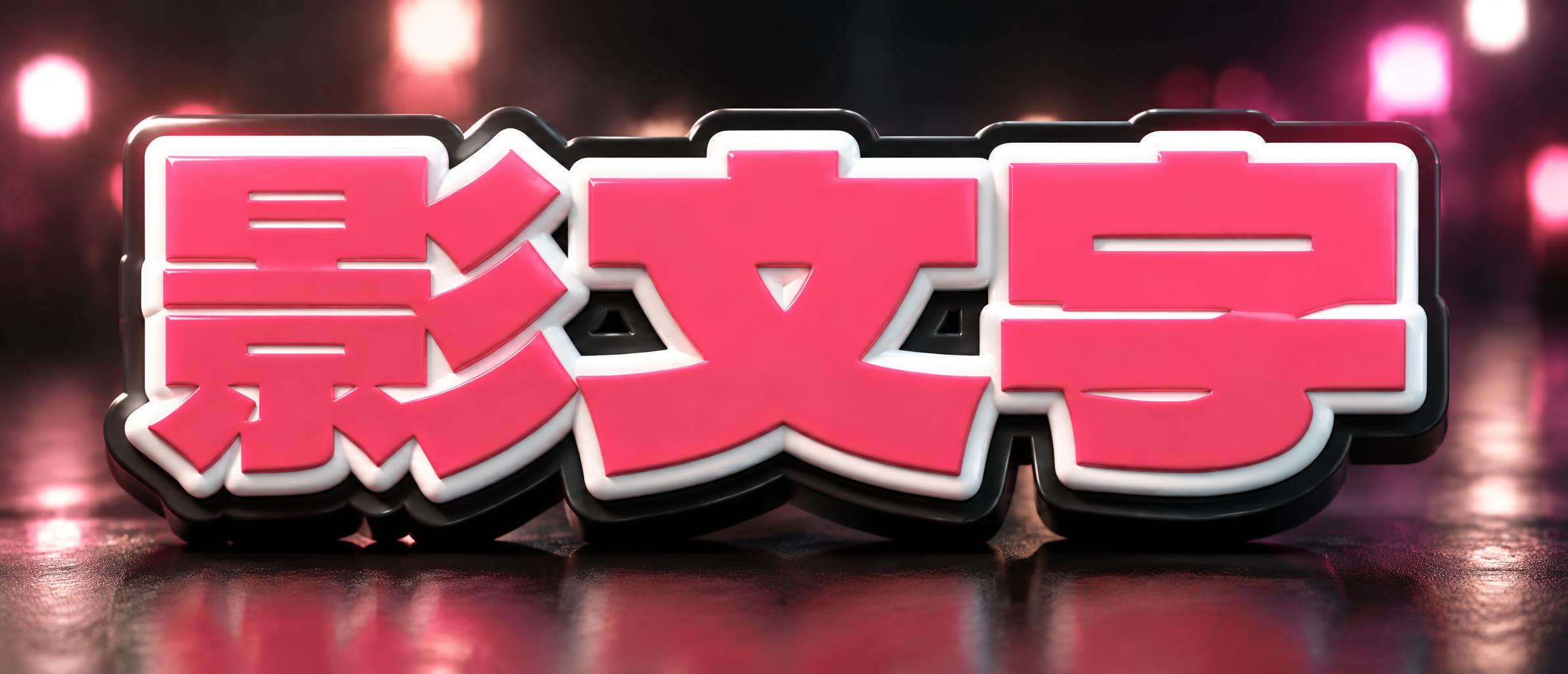
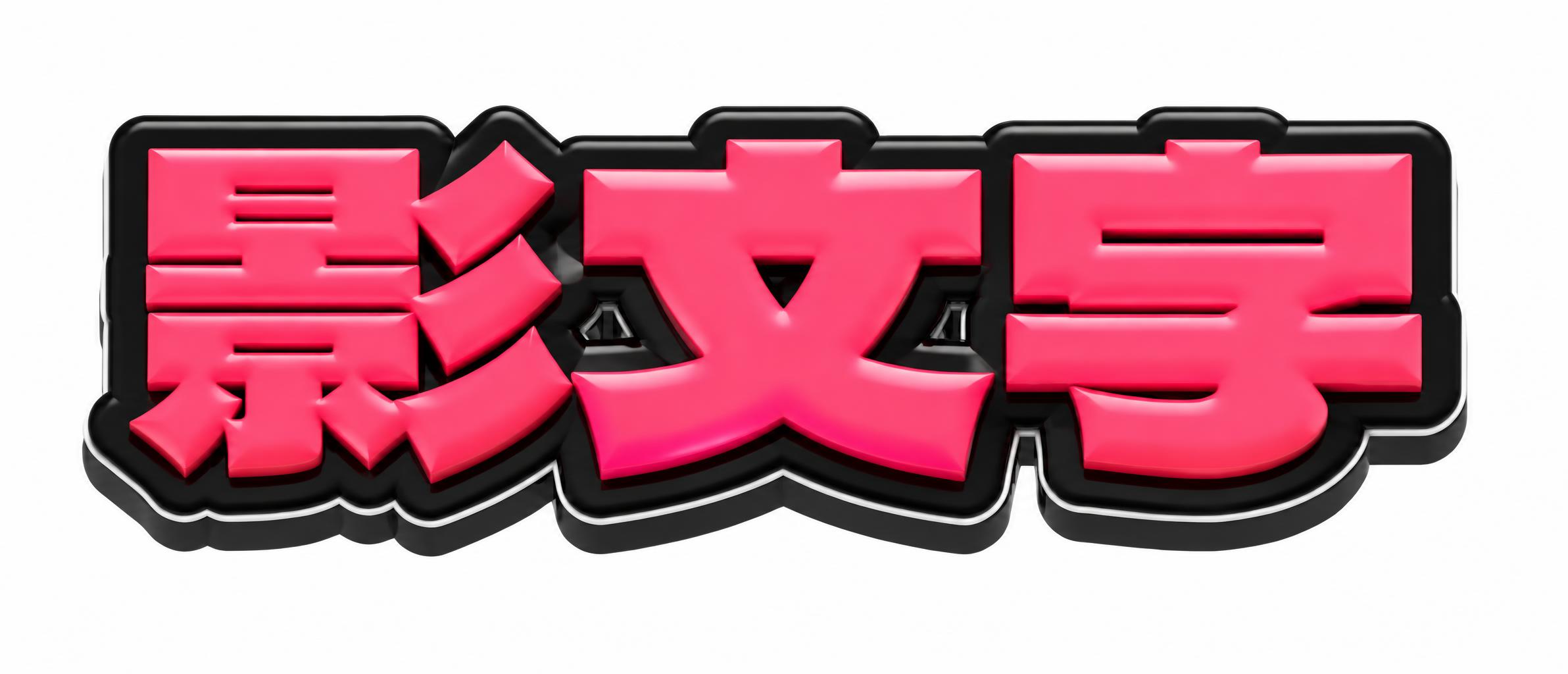
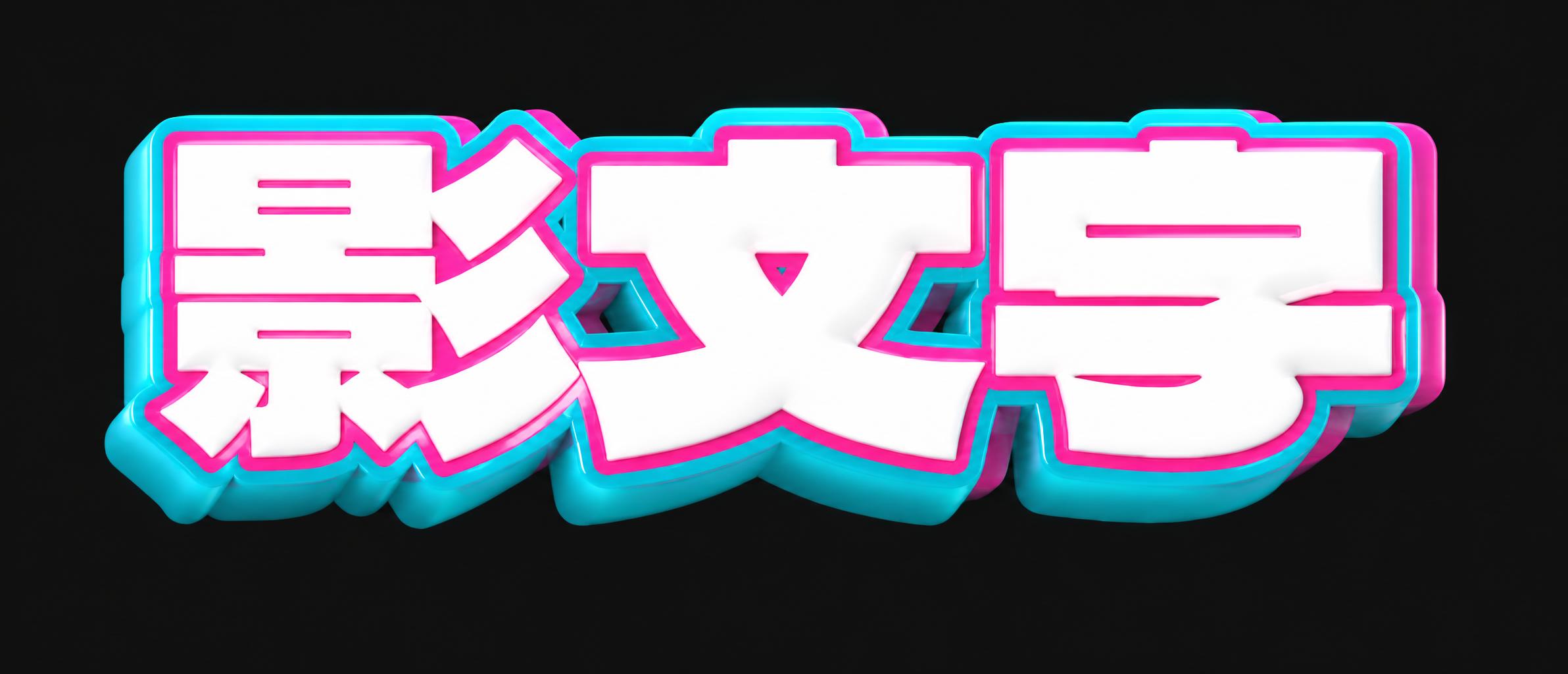
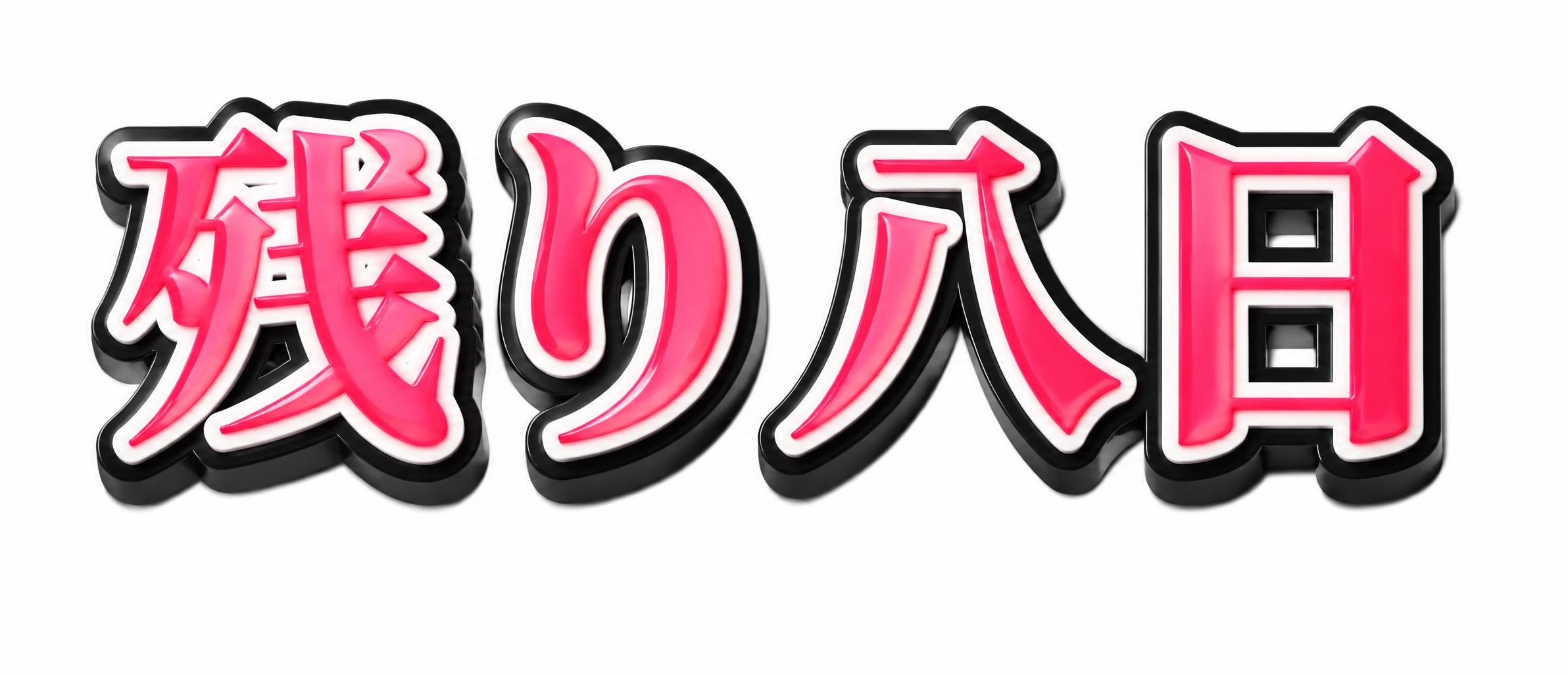
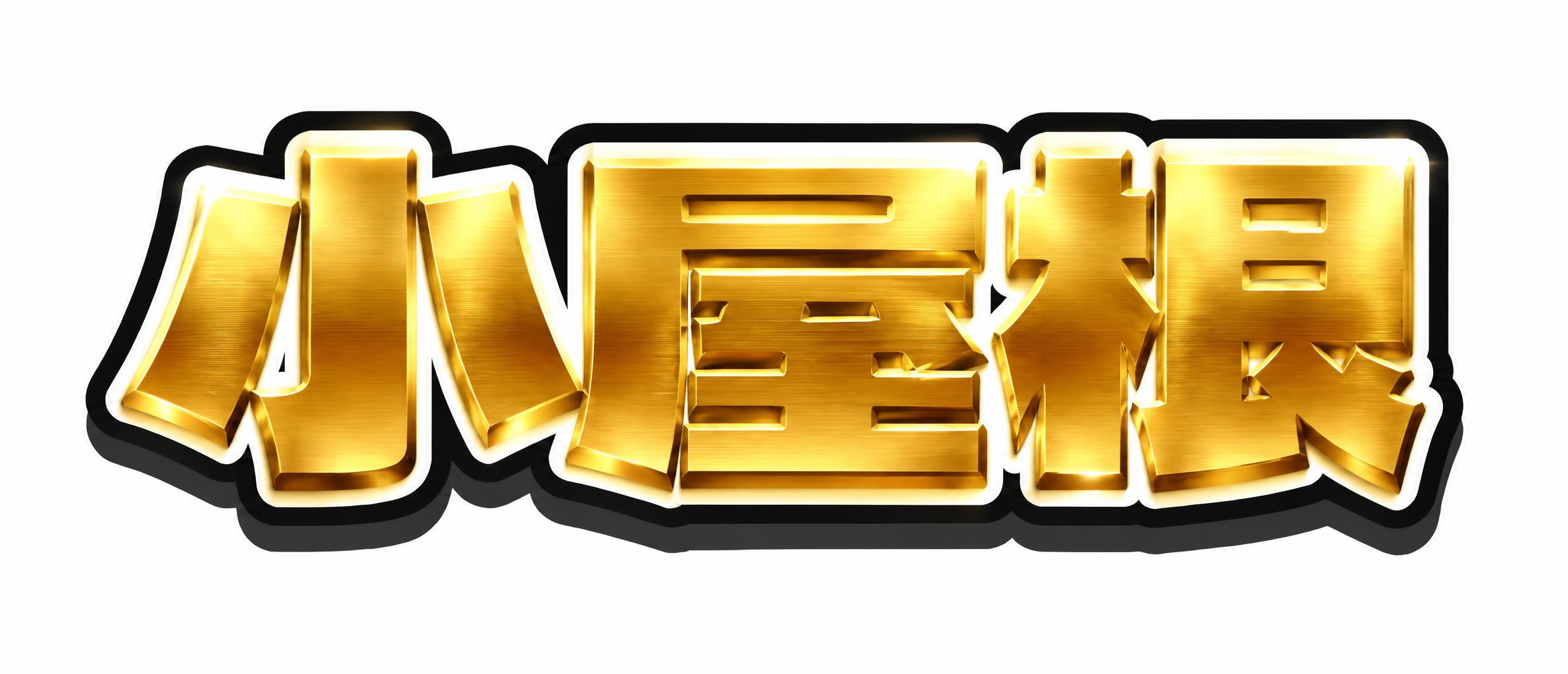
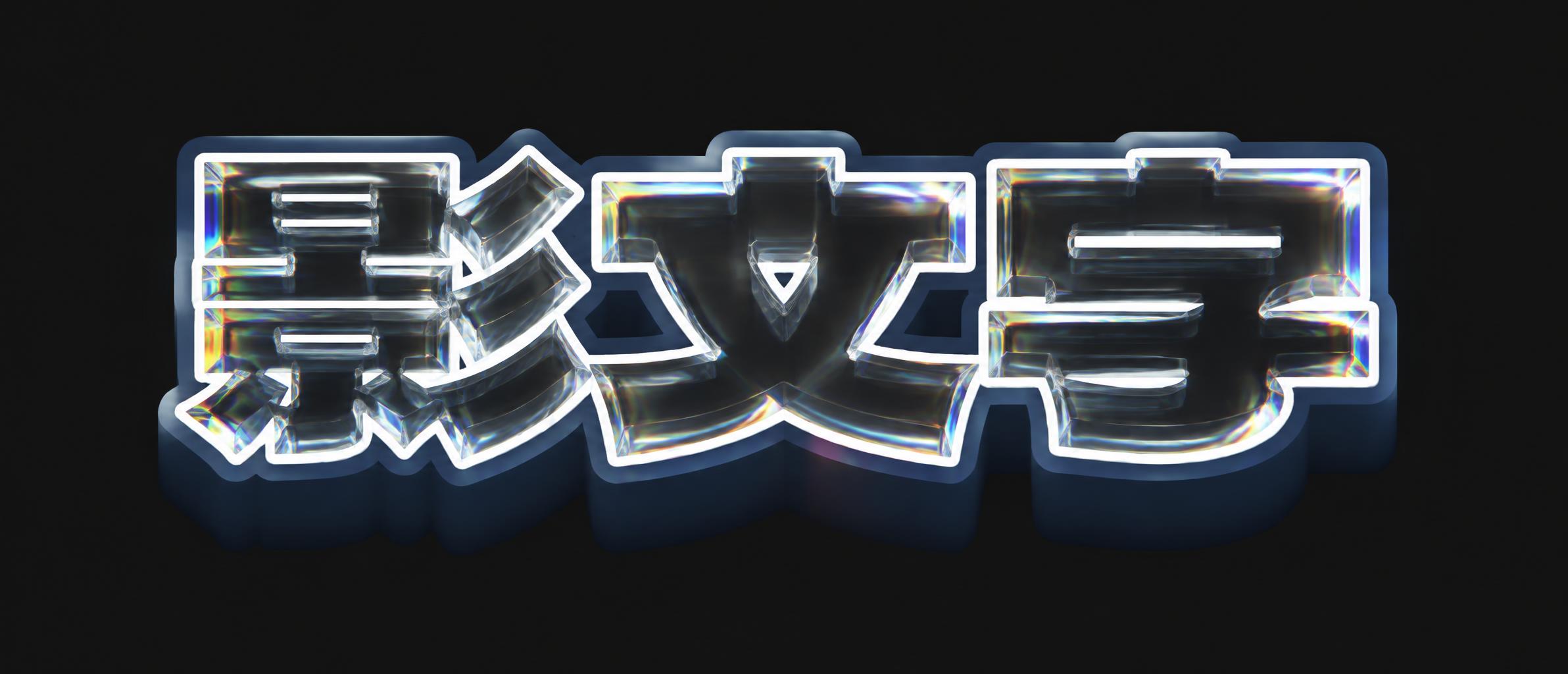
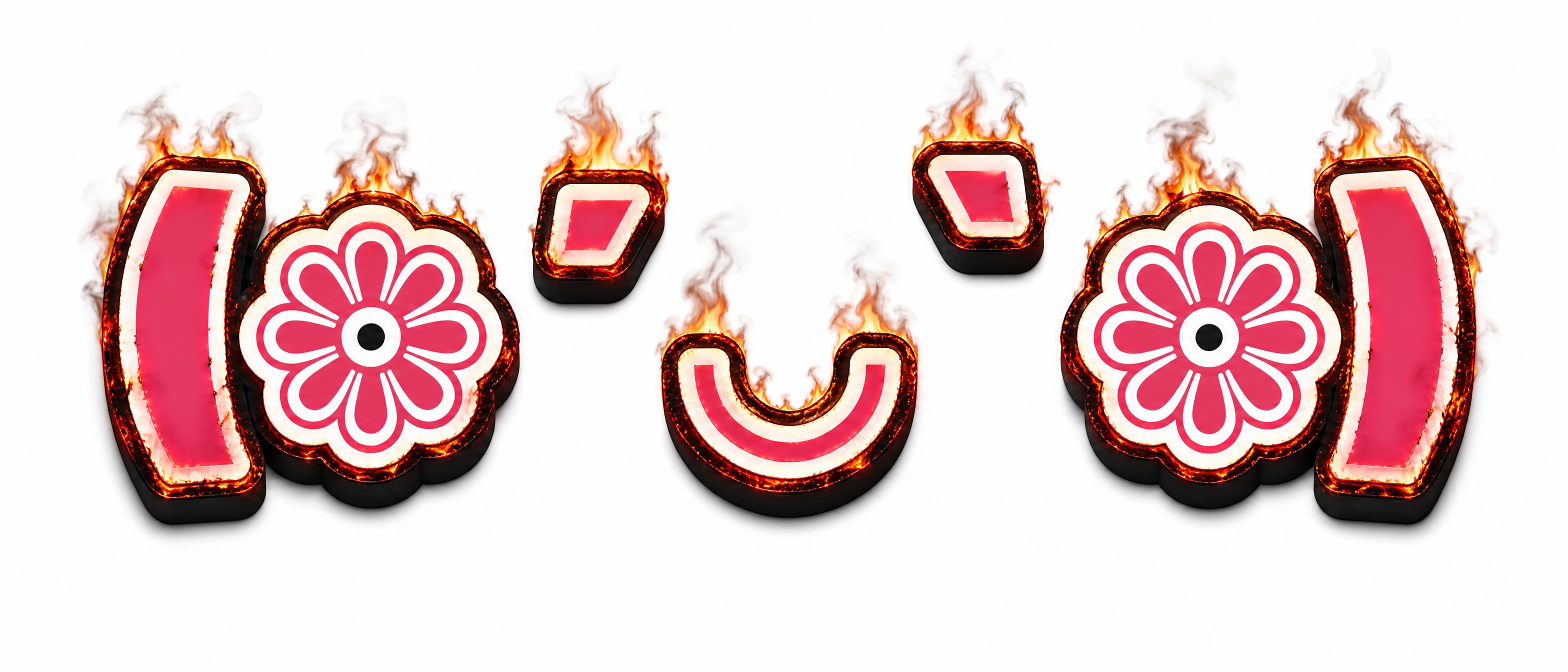
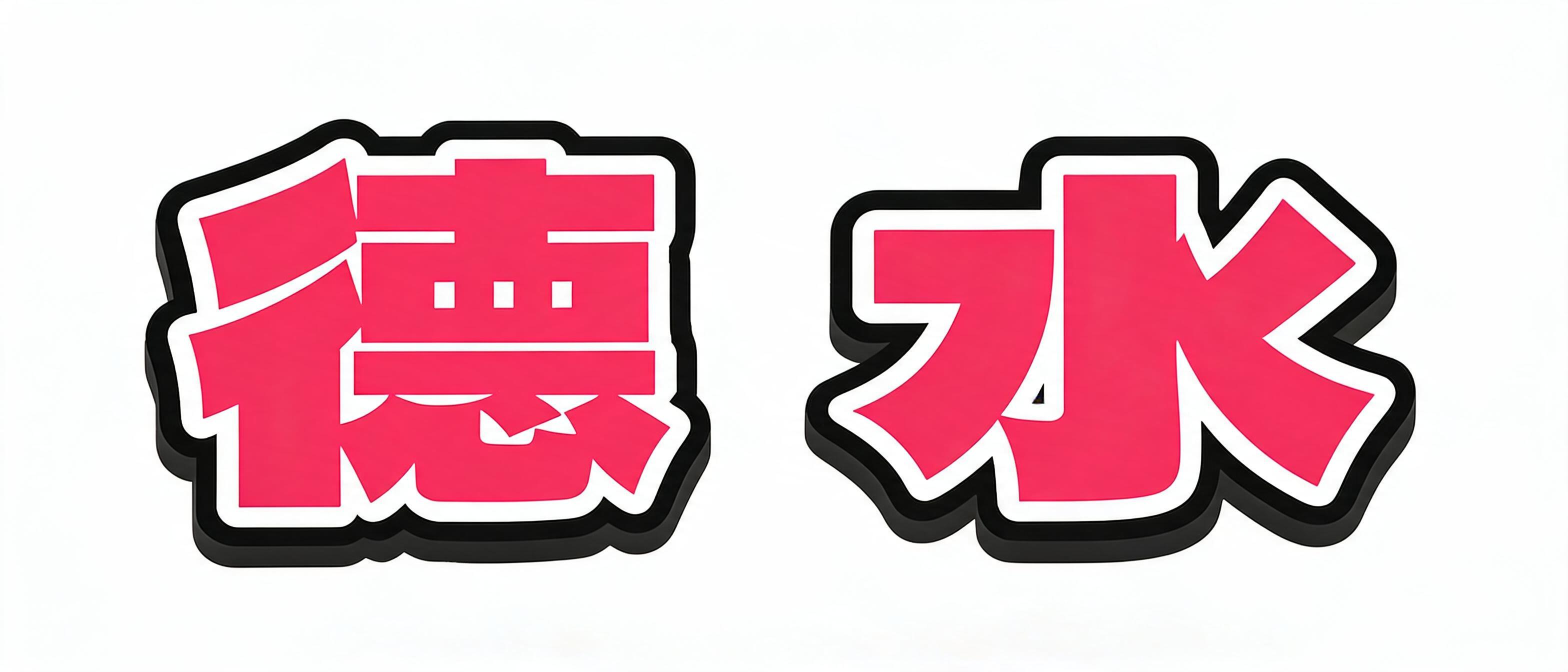
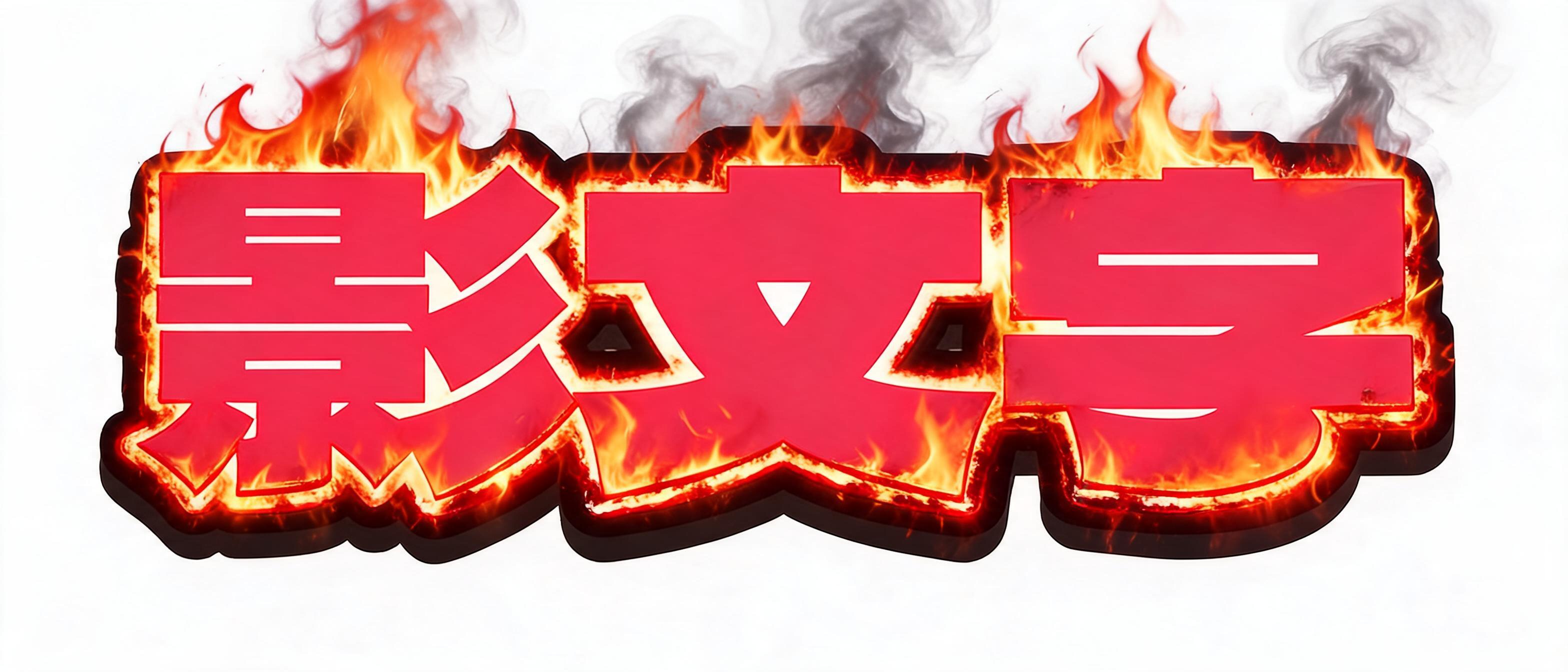
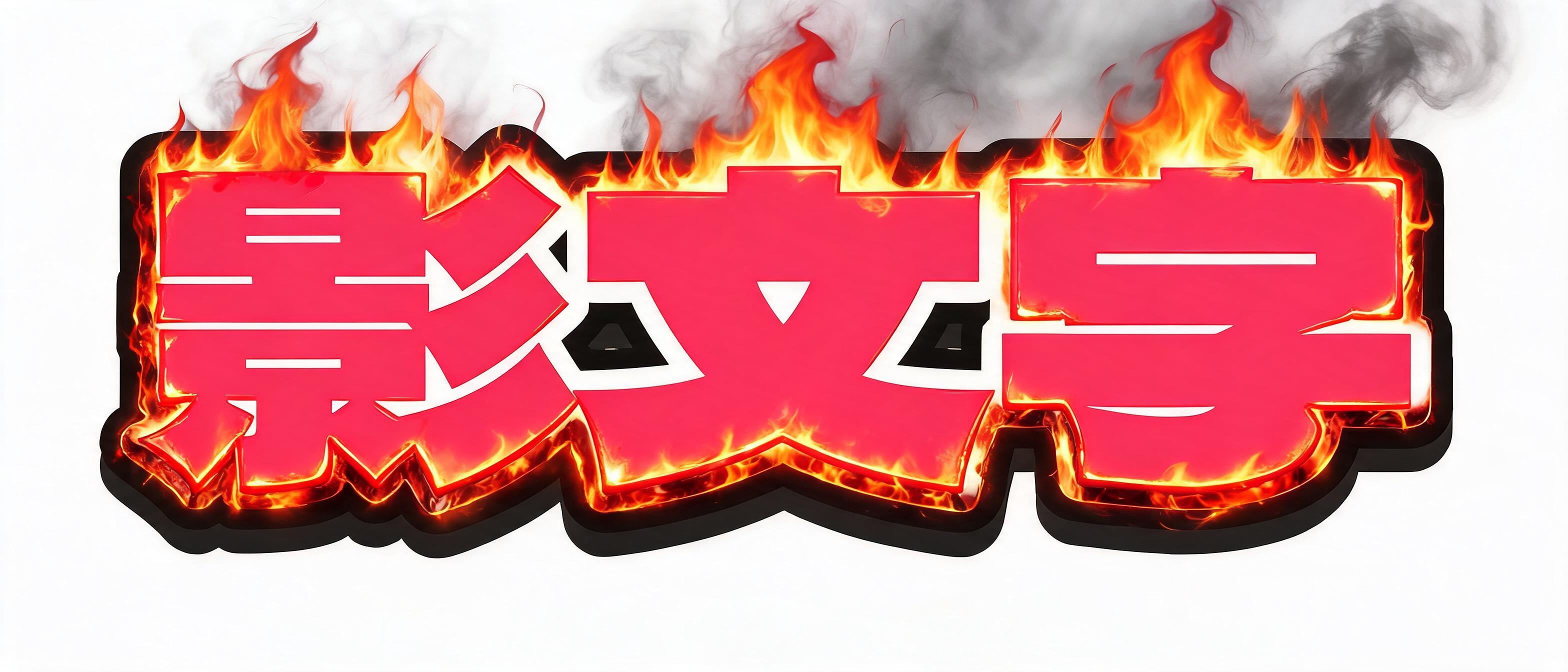
Kagemoji (影文字) is Japanese for shadow lettering. The Japanese Wikipedia entry 影付き文字 defines it as a typeface treatment: outlined characters (袋文字) with a shadow added, also called drop shadow. This page draws it for you: type your text, stack drop shadow, long shadow and 3D depth, add up to six outlines, and download a transparent PNG. It renders in your browser, so nothing is uploaded and no account is needed. You can also hand the finished kagemoji straight to AI: it keeps your characters and your shadows exactly as they are and only upgrades the material. Pick from 19 directions — metal, neon, glass, 3D render and more — or describe your own.

✦ How It Works

How to Use the Kagemoji Generator

  1. 1Type your text. Japanese, English or numbers. Multiple lines are fine — there is no character limit.
  2. 2Pick a preset or build your own. Start from a preset such as Heisei flip-phone or Y2K chrome, then adjust the shadow, outline and 3D sliders.
  3. 3Save a transparent PNG. Download at 2x or 3x, or copy the image straight to your clipboard.
✦ Related lettering cultures

Where shadow lettering shows up

Kagemoji is the name of a typographic treatment, not something that started in one particular year. The cultures below are neighbours where shadowed and outlined lettering has actually been used, listed separately because they are separate things.

Gyaru-moji (around 2002–2005) — The Japanese Wikipedia entry ギャル文字 dates its spread to around 2002–2003 and says the trend had run out by around 2005. It replaced or split characters into symbols and Greek letters; it did not add shadows, and that entry does not mention kagemoji.

Purikura doodling — Outlined lettering, and "puckkuri" letters that use a shadow plus a highlight to look raised, are described as standard techniques in purikura photo-booth doodling. That is shadow lettering drawn by hand.

CSS3 text-shadow — The Japanese Wikipedia entry 影付き文字 records CSS3 specifying text-shadow as the web implementation. The drop shadow on this page is the same idea, output as an image rather than as characters you copy.

✦ FAQ

Kagemoji Generator FAQ

Kagemoji (影文字) is Japanese for shadow lettering. The Japanese Wikipedia entry 影付き文字 defines it as outlined characters (袋文字) with a shadow added, and lists drop shadow as another name for it. Word processors carry it as a text format, and CSS3 specifies text-shadow for the web version of the same effect.

Fukuromoji (袋文字) is the outline itself — hollow characters with a visible edge. Kagemoji adds a shadow behind those characters. The Japanese Wikipedia definition of 影付き文字 builds one on the other: shadow lettering is fukuromoji with a shadow added. This page does both, so you can set the outlines and the shadow on the same piece of text.

The Japanese Wikipedia entry 影付き文字 lists ドロップシャドウ (drop shadow) as another name for it, so a blurred cast shadow is one kind of kagemoji. Long shadow, which runs off diagonally at a fixed angle, and 3D extrude, which gives the letters thickness, are the other two kinds. This page has all three as separate switches.

Yes. Kanji, hiragana, katakana, numbers and Latin letters all work, across twelve Japanese fonts including a dot-matrix face.

Yes, and that is the point. Drop shadow, long shadow and 3D depth are independent switches, so you can layer all three. Kagemoji tools generally make you pick only one.

Yes. Set the background to transparent and the PNG keeps its alpha channel, so it drops onto a photo or a thumbnail.

Yes, and there is no sign-up. The image is drawn in your browser, so the text you type is not uploaded and no credits are used.

A font file gives you glyphs you still have to style. This gives you the finished image, with shadow, outline, colour and depth already applied, ready to save.

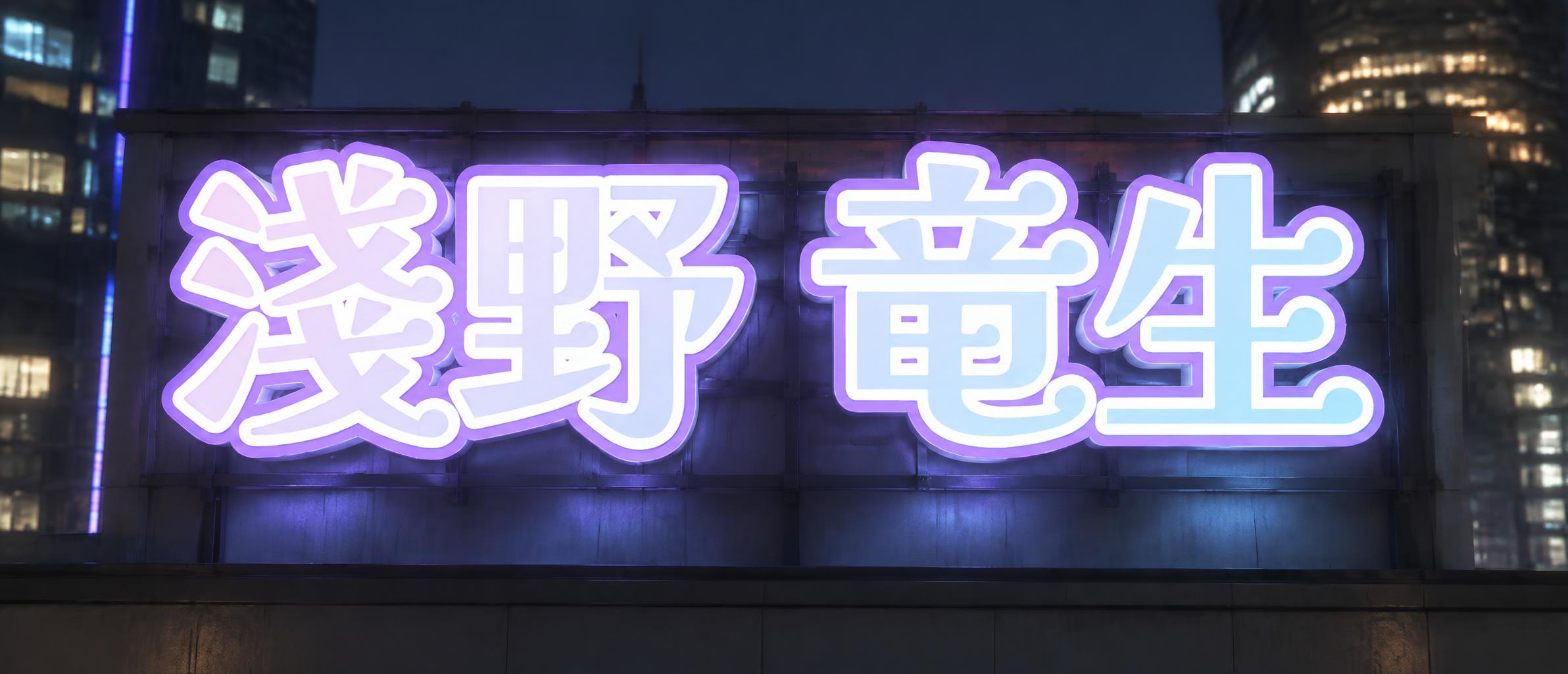
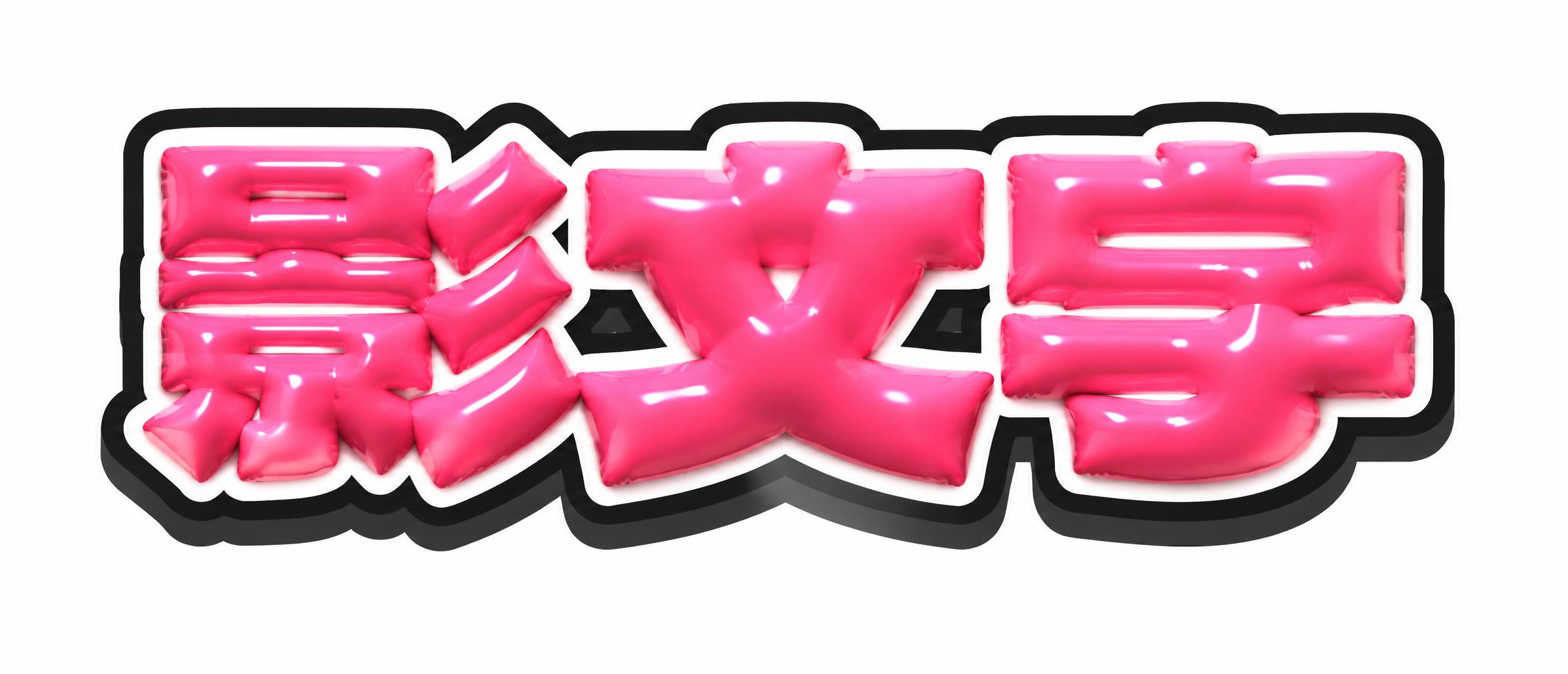
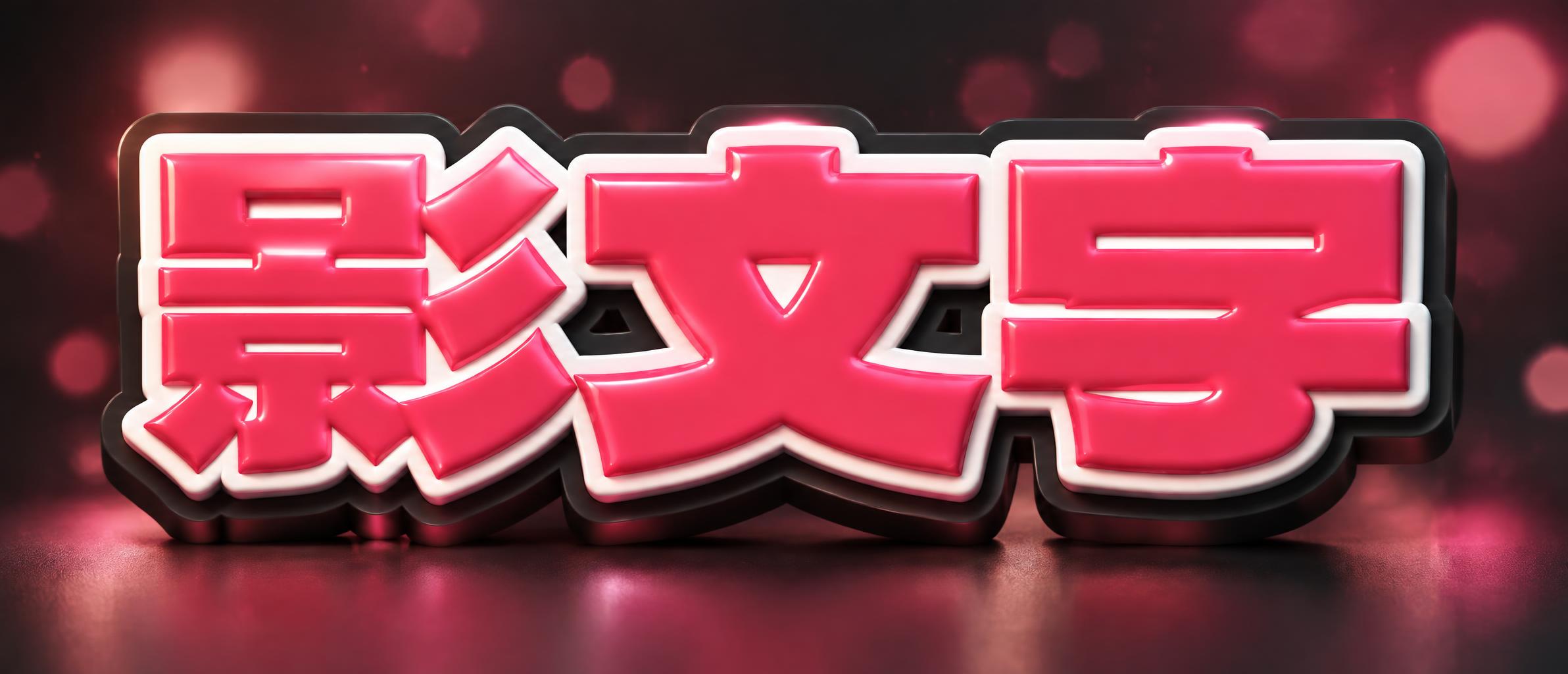
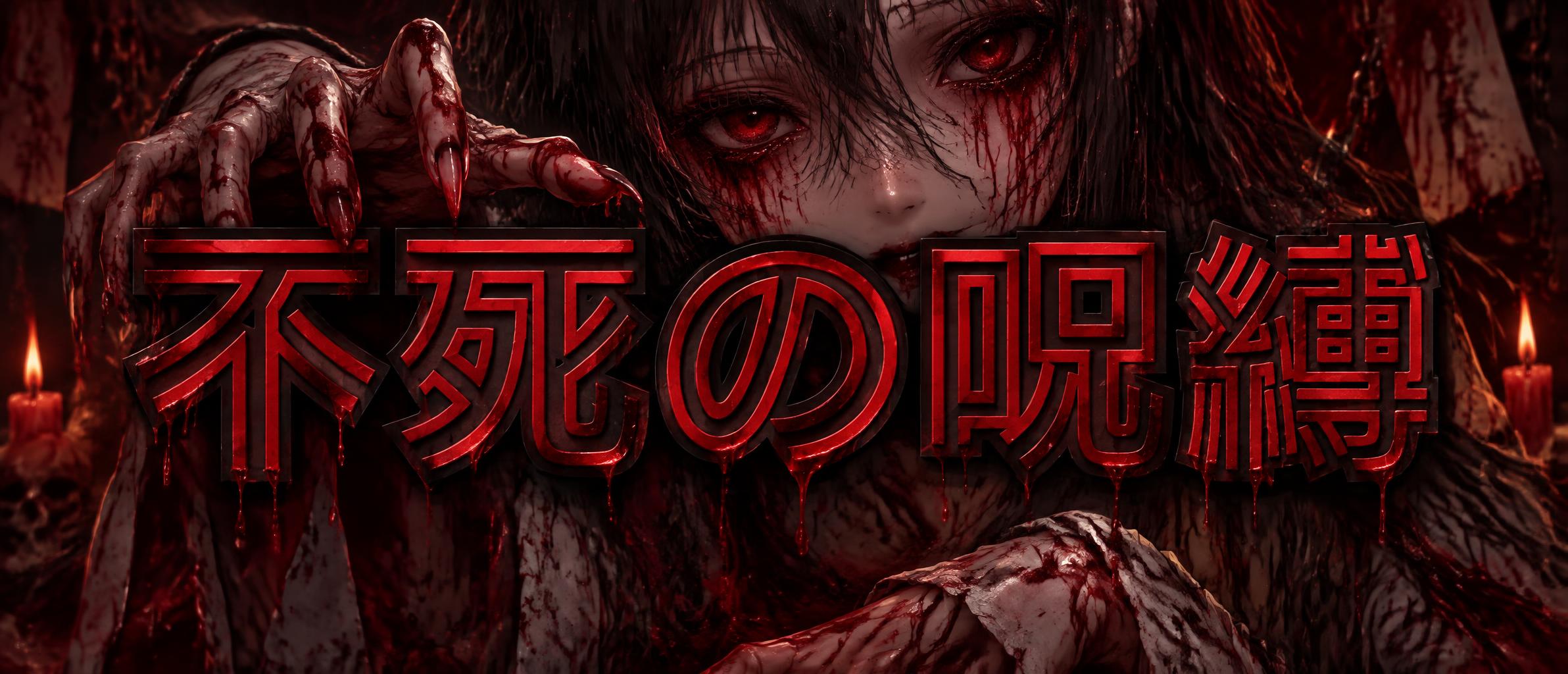
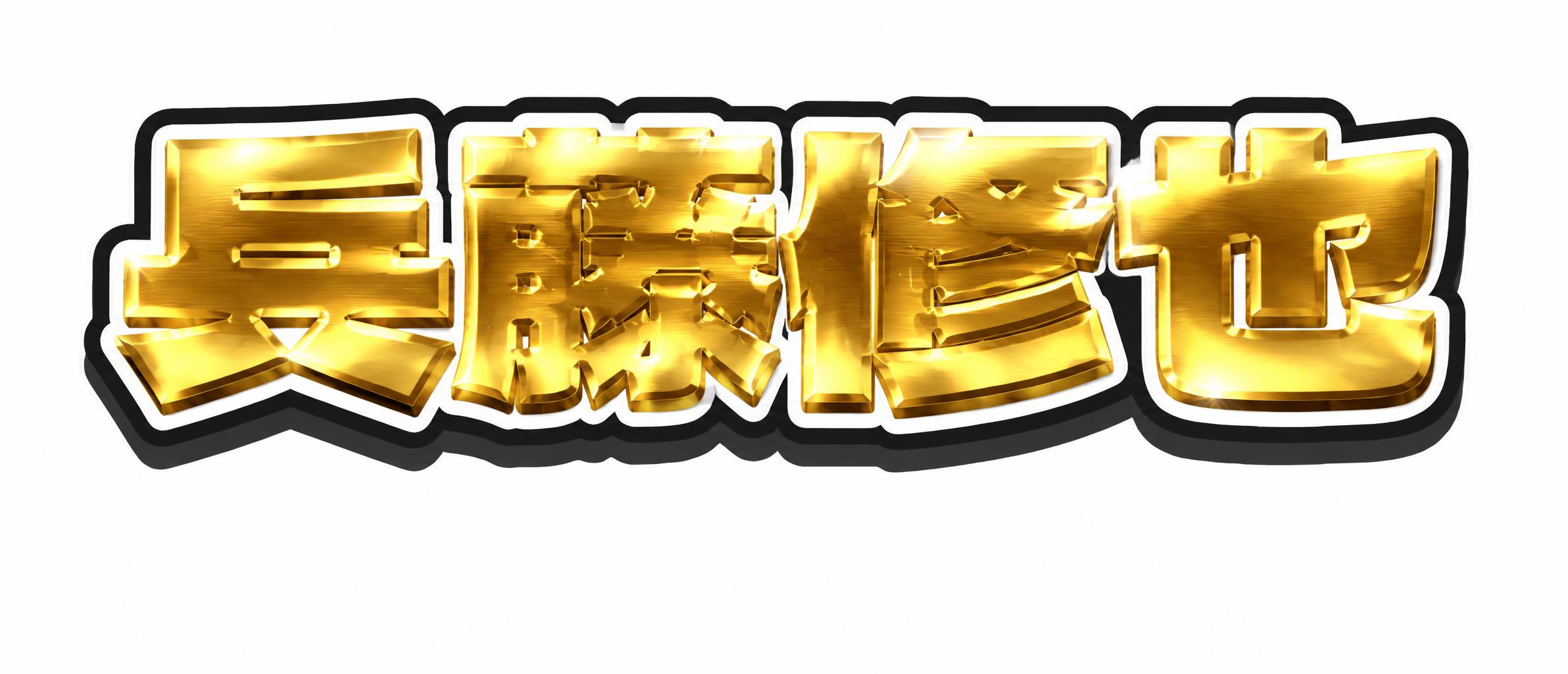
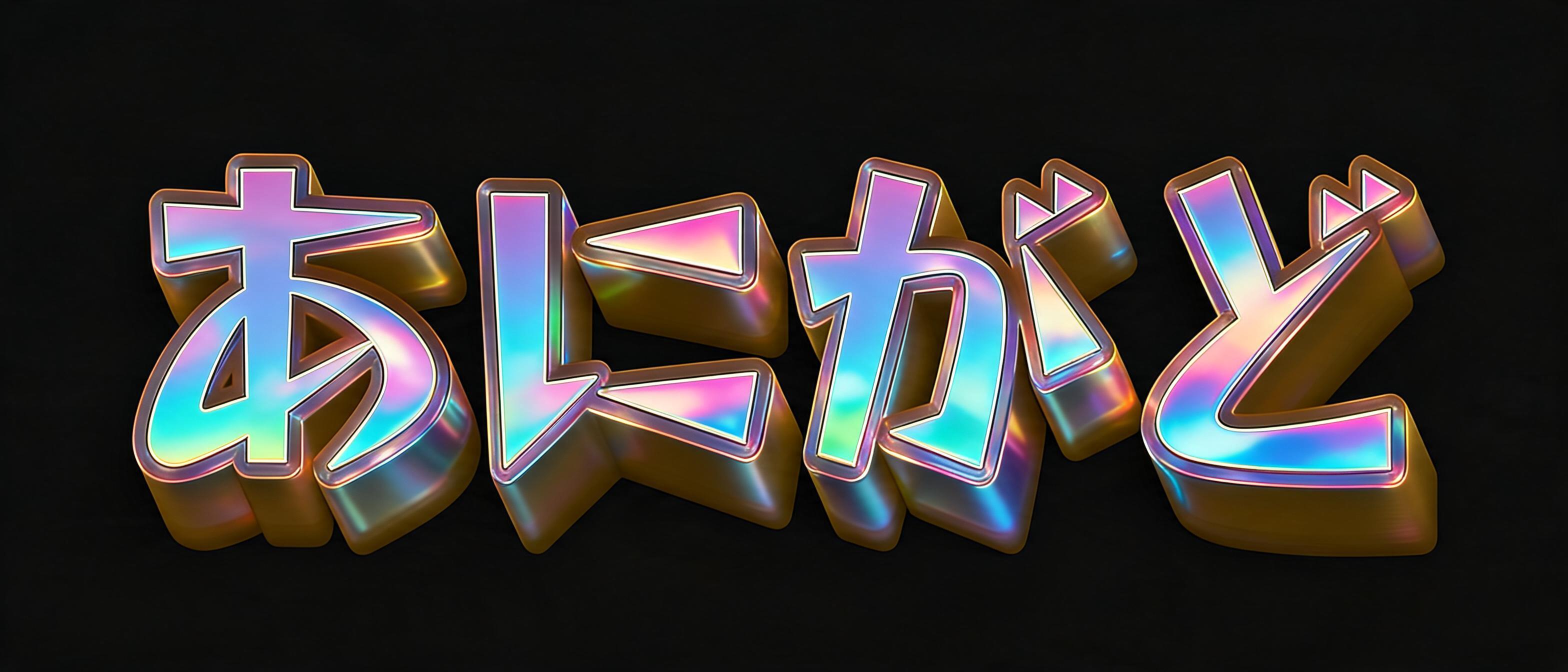
It takes the kagemoji you just built as a reference image and re-renders it with real material and lighting. Your characters, your drop shadow, your long shadow and your outlines stay exactly as you set them — only the surface changes. Pick one of 19 directions (metal, neon, glass, puffy 3D, holographic, glitch, graffiti, embroidery and more) or describe your own in a sentence.

The kagemoji maker itself is free and needs no account — it draws in your browser. The AI step runs a real image model, so it uses credits. New visitors get free credits, so you can try it once before signing up.

✦ More Tools

Other Tools Like the Kagemoji Generator

  • ASCII Art Generator
  • Kaomoji
  • Text Repeater
Enhanced with AI5View all →
Presets
Text & font
Font
Font size120px
Letter spacing0px
Line height1.25
Fill
Outlines(2/6)
Width 112px
Width 224px
Drop shadow
Offset X0px
Offset Y7px
Blur0px
Opacity80%
Long shadow
3D extrude
Background
Padding32px