


✦ Community Gallery
View all →Chinese Font Generator — Community Gallery
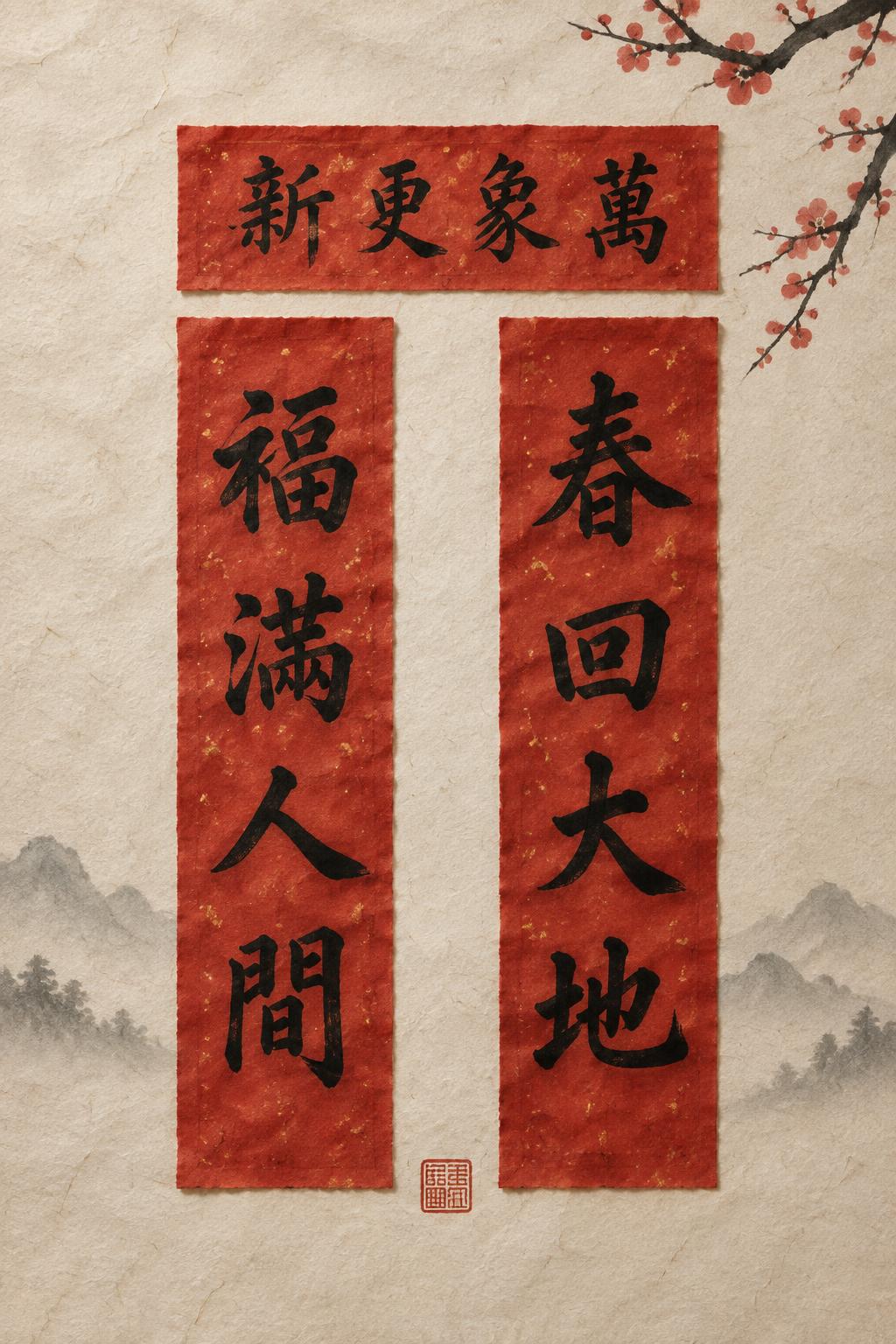
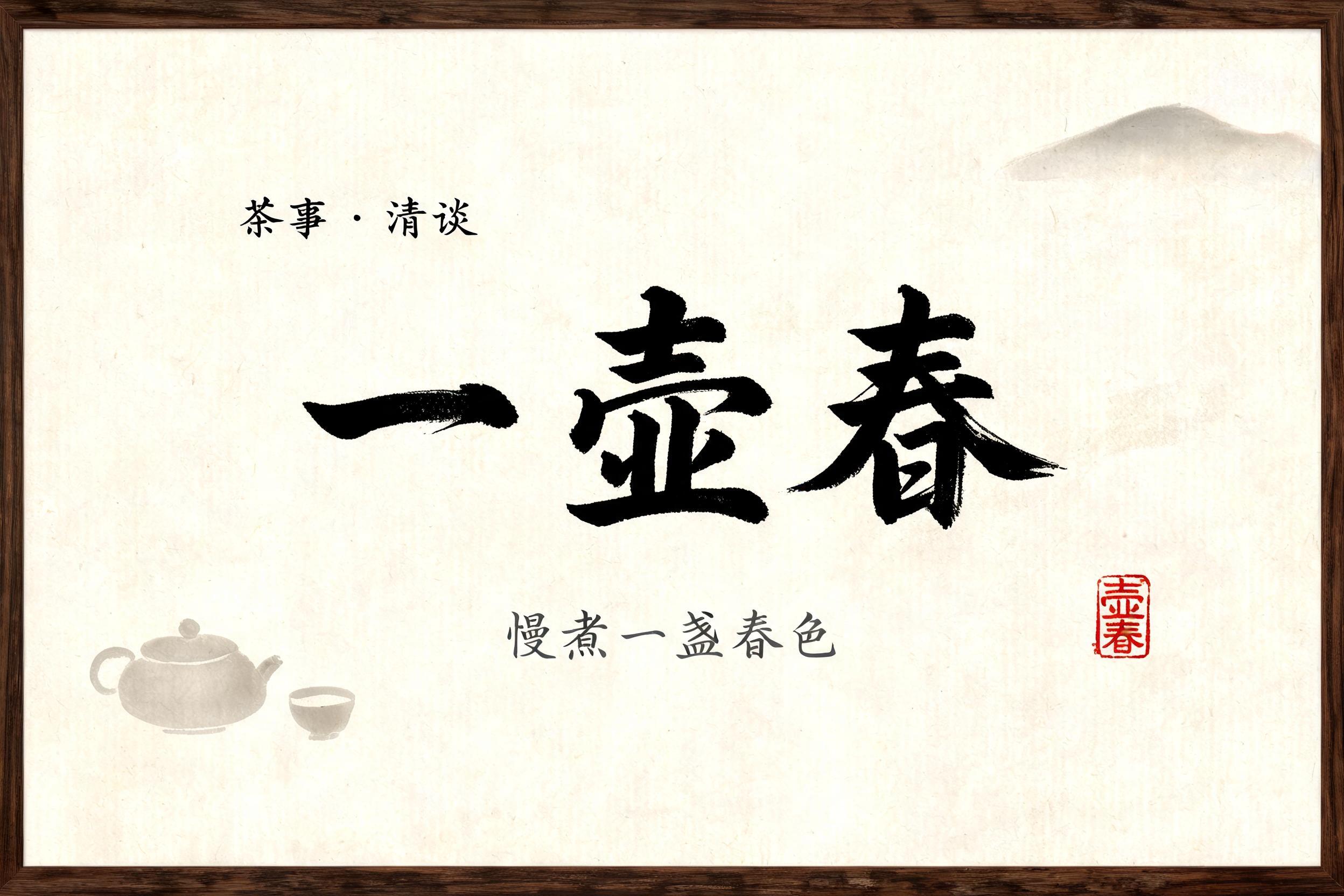
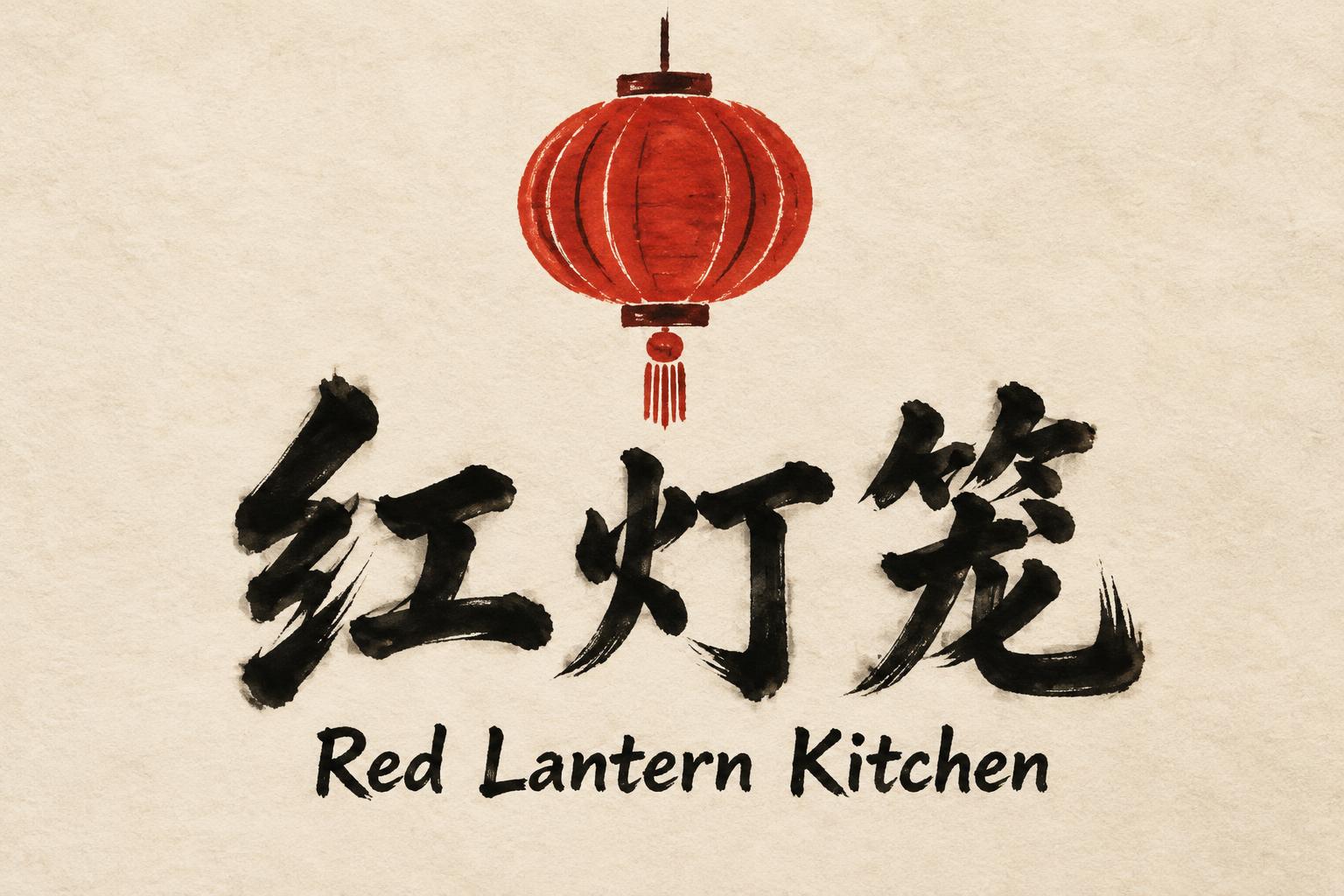
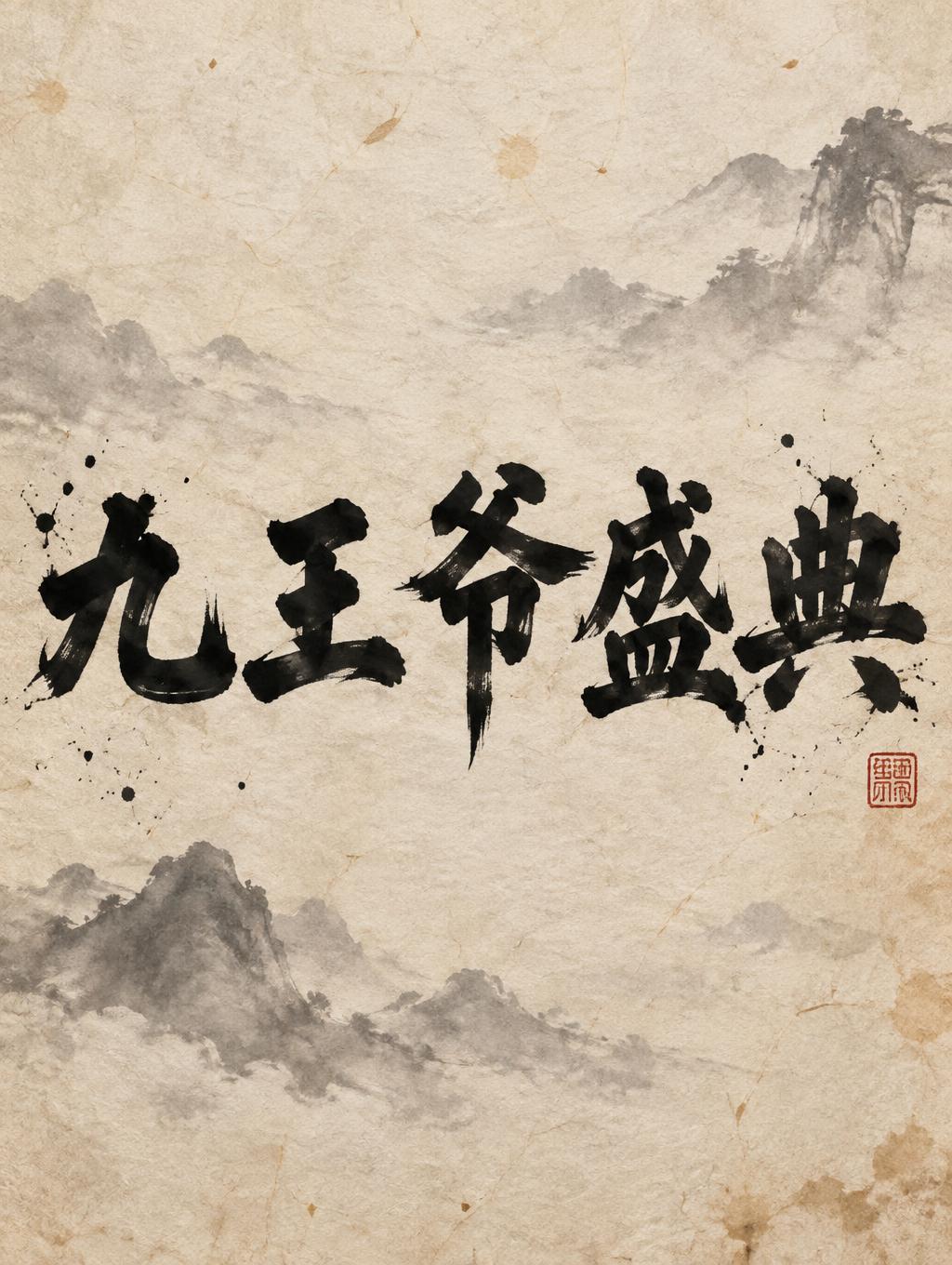
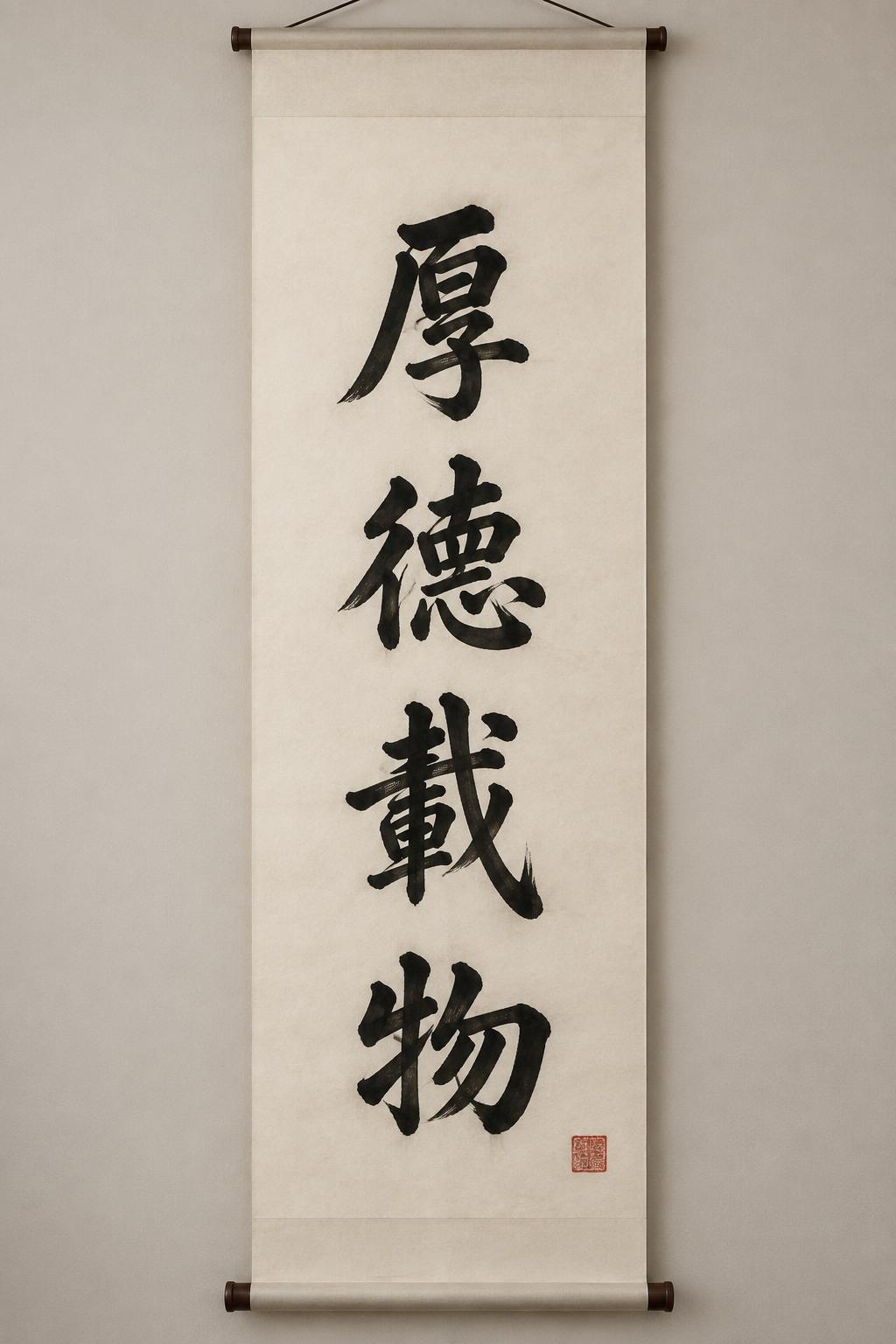
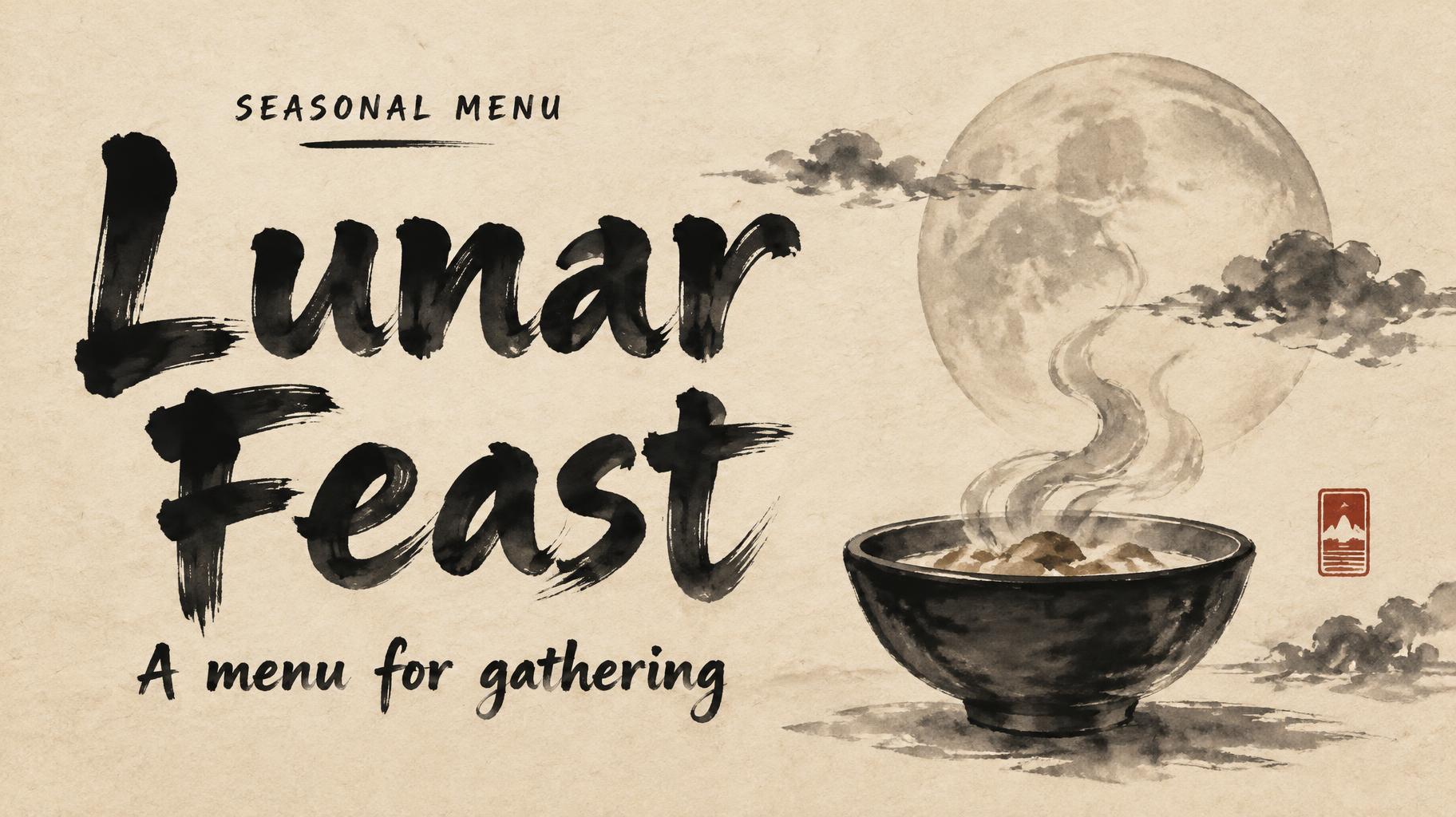
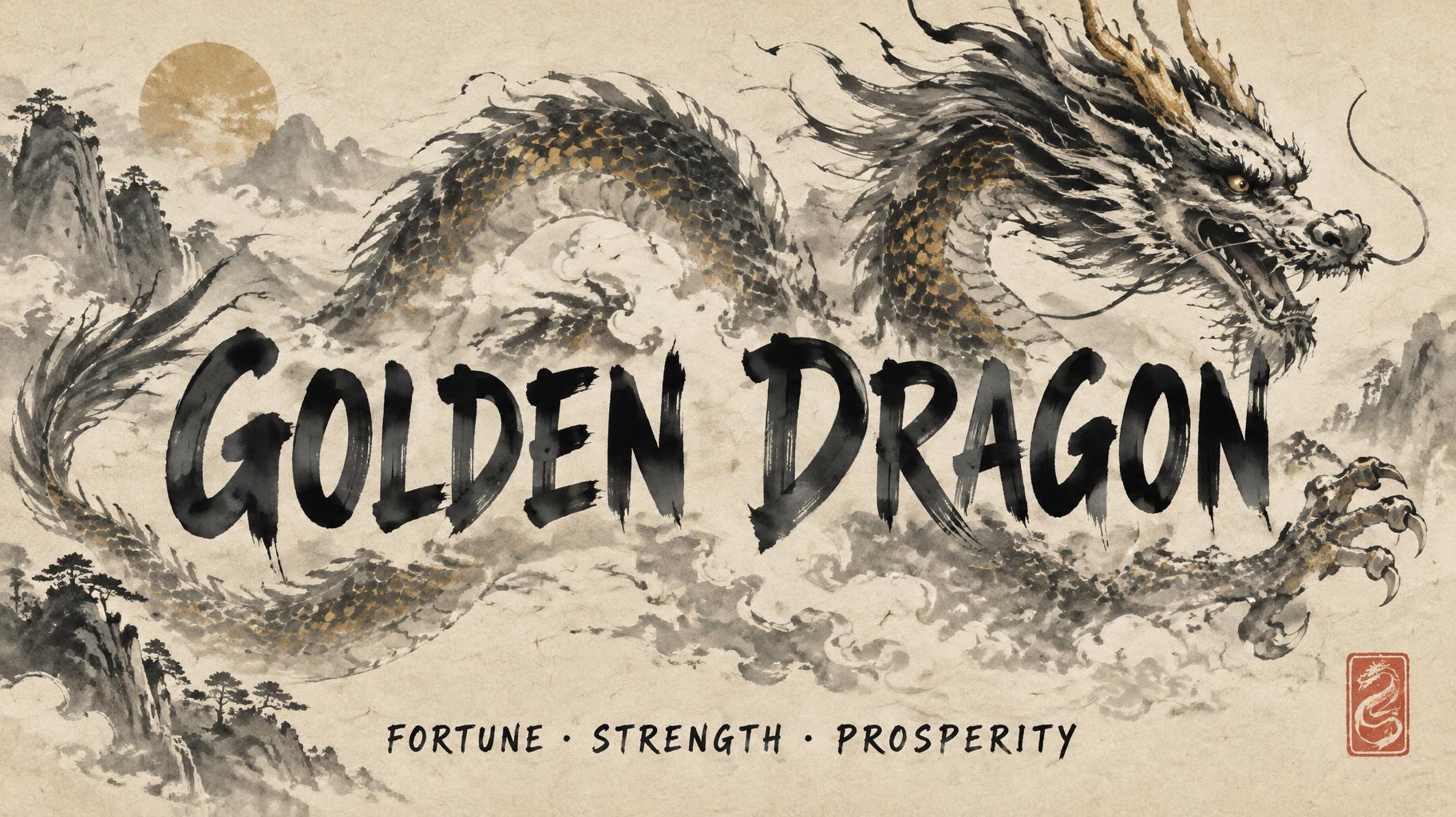
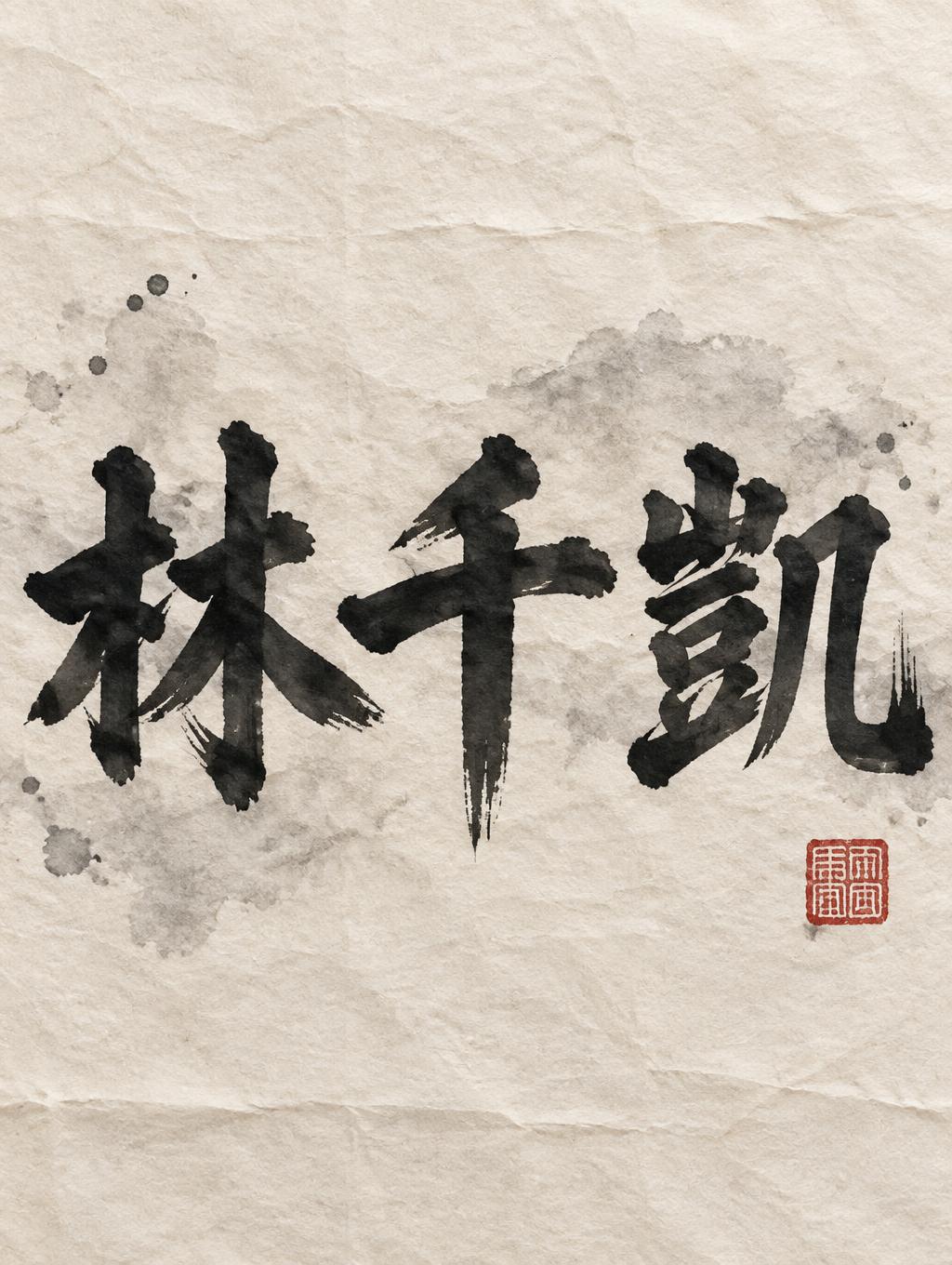
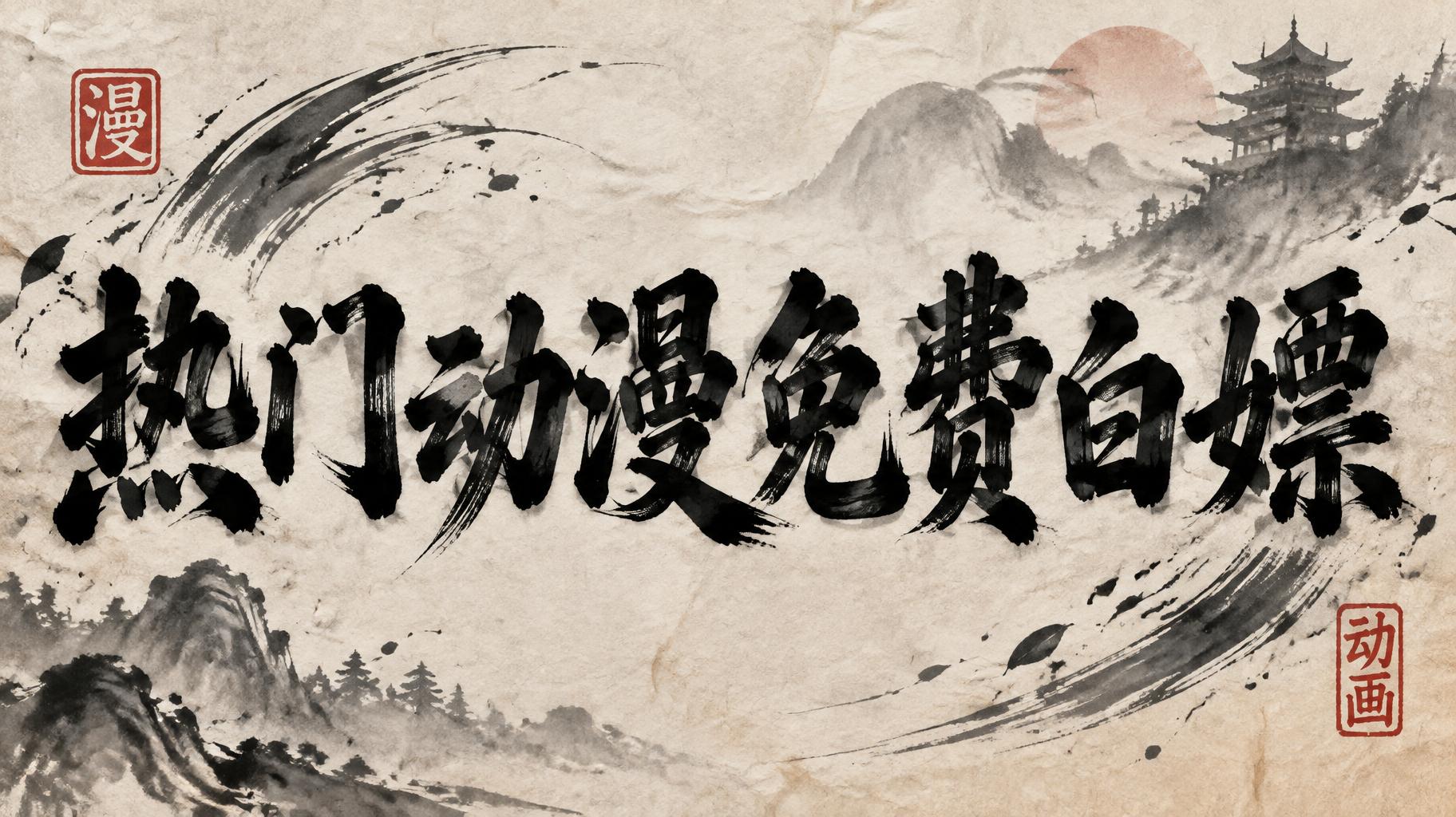
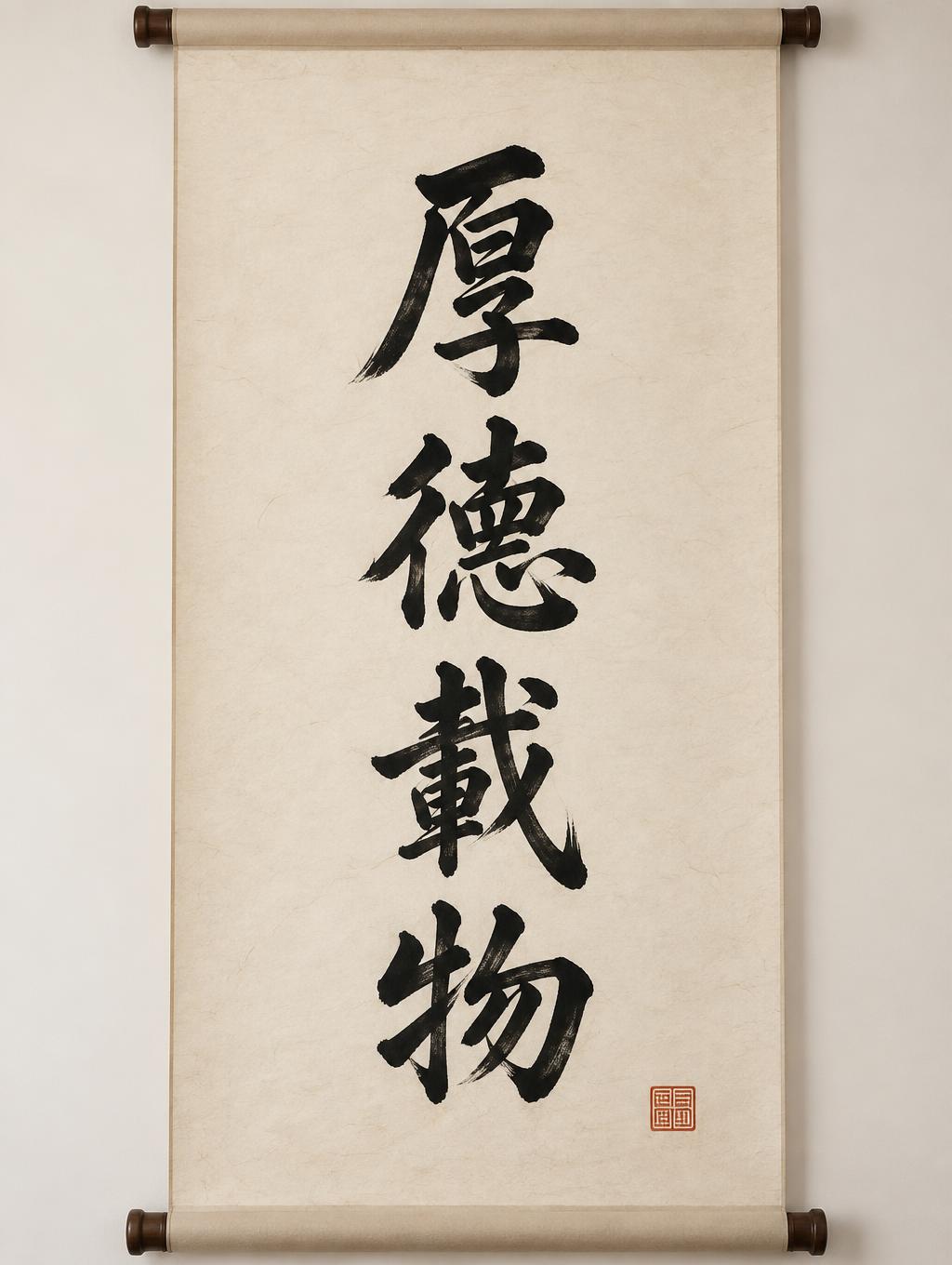
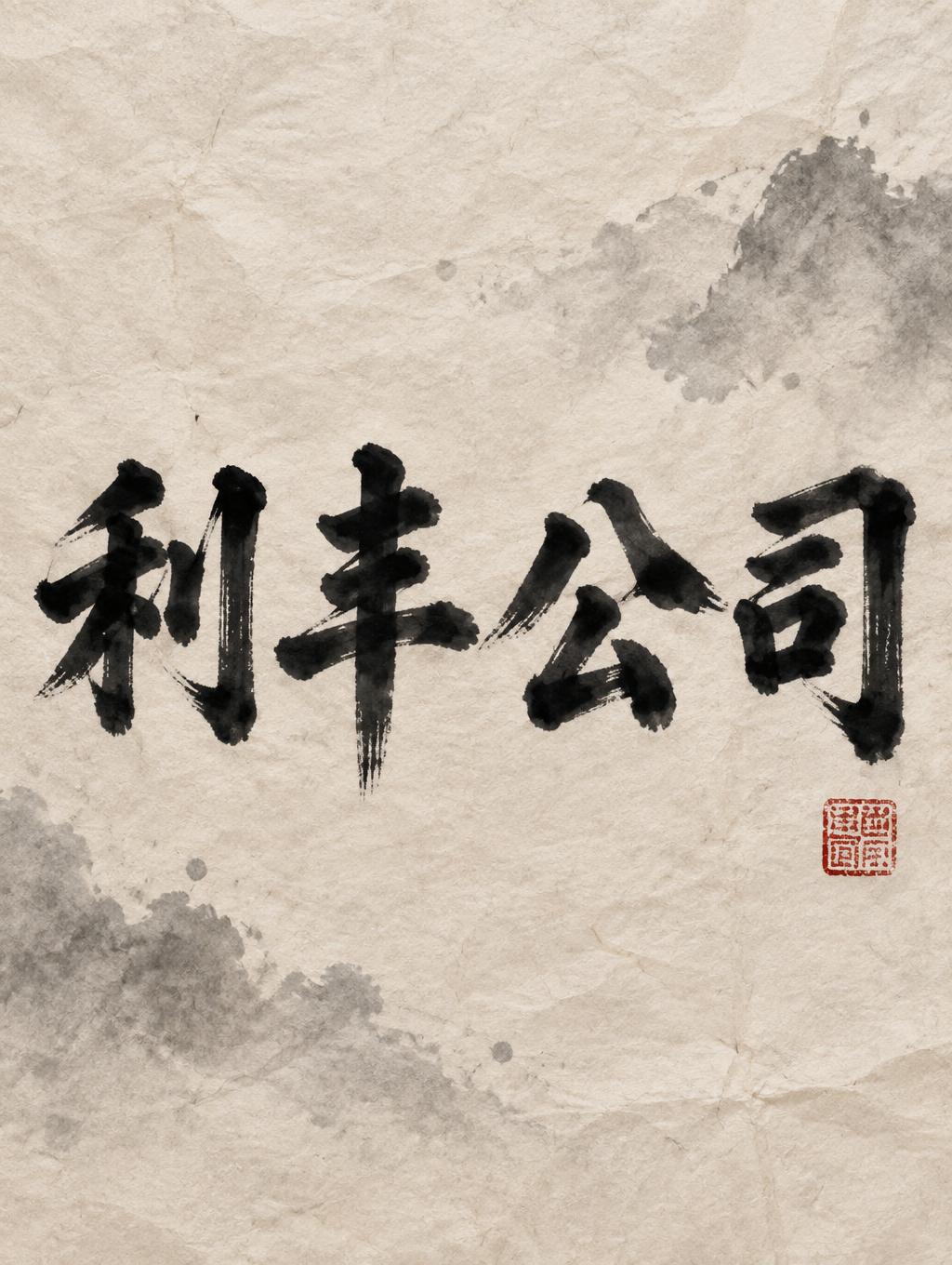
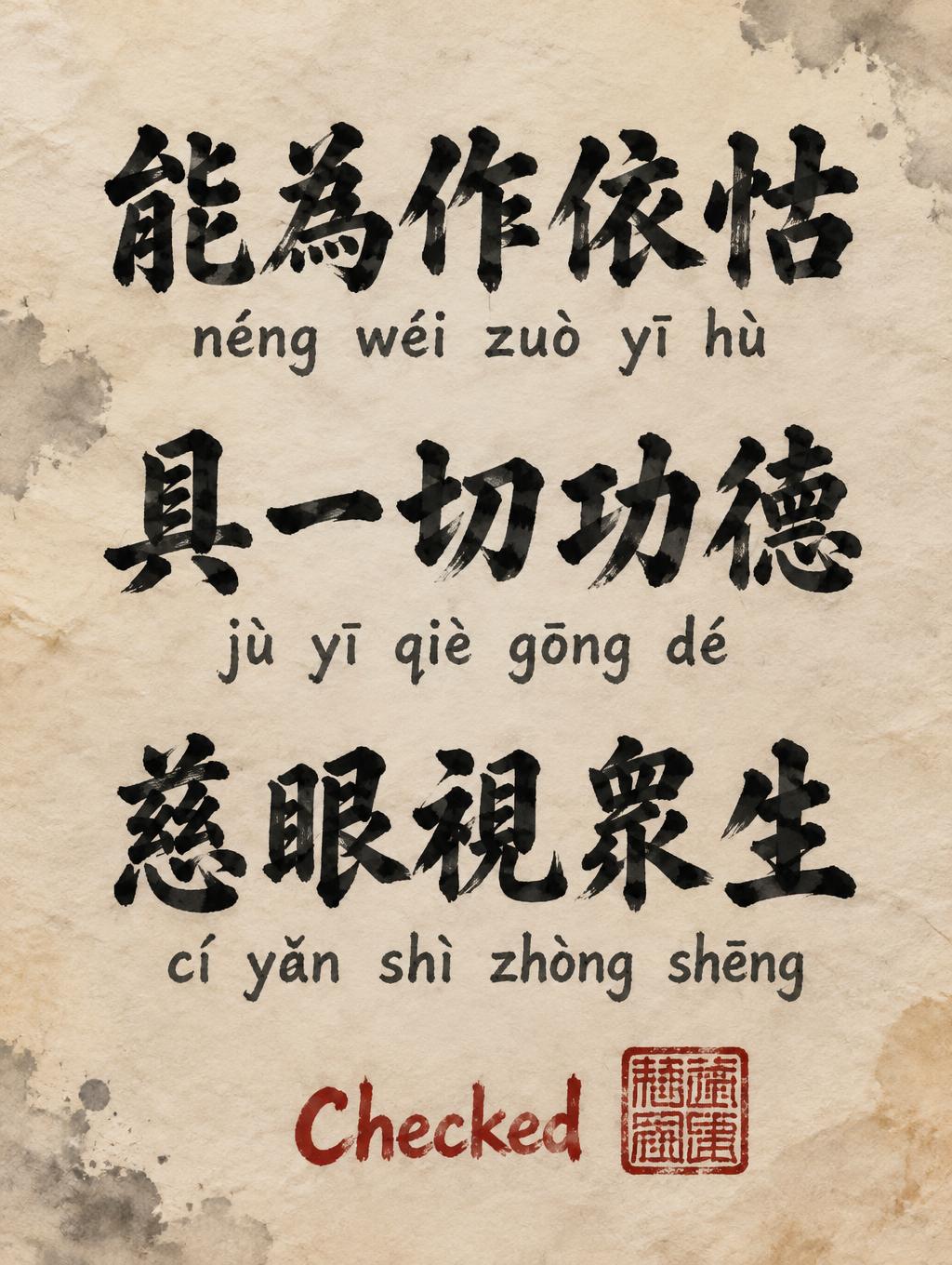
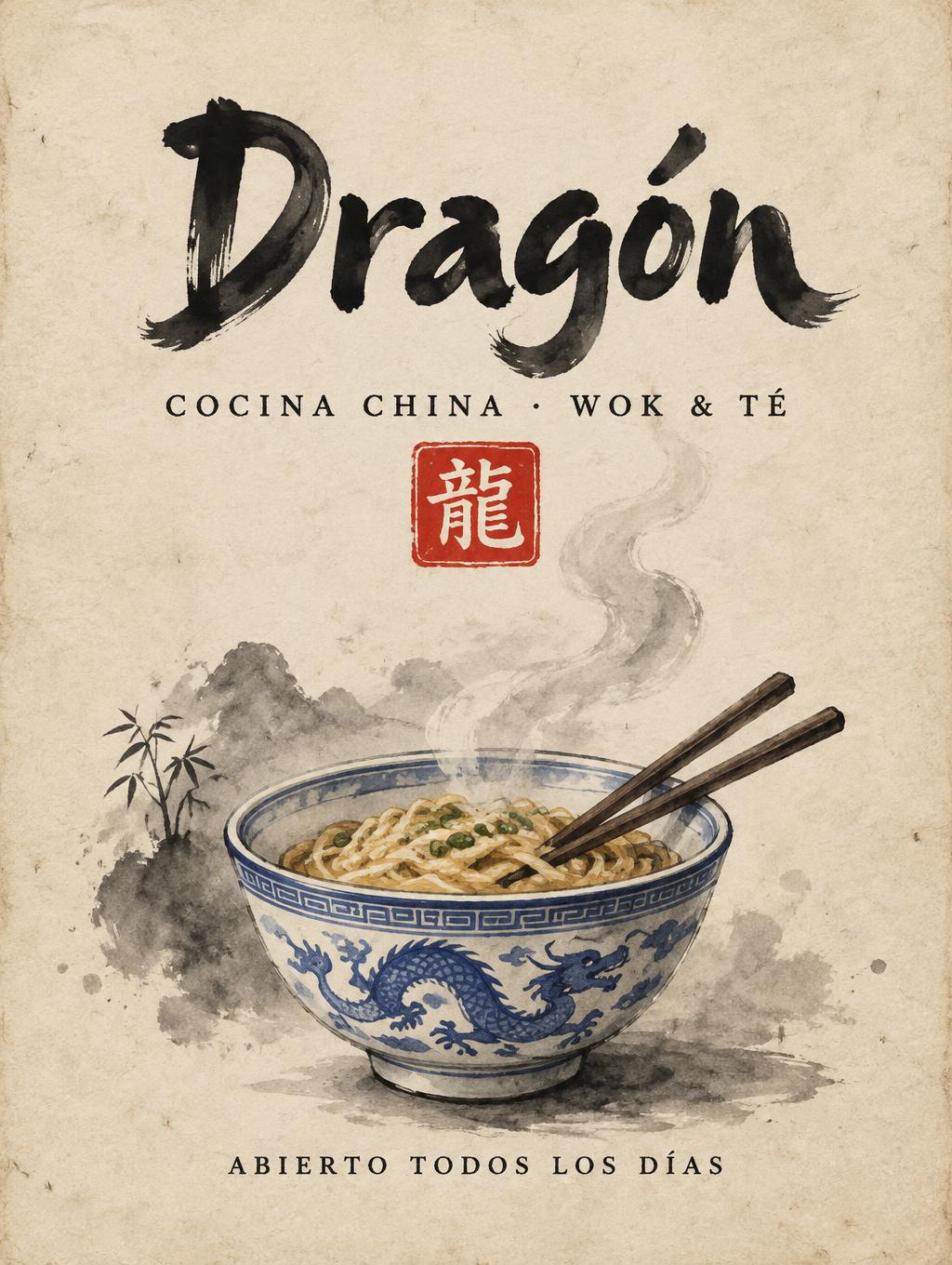
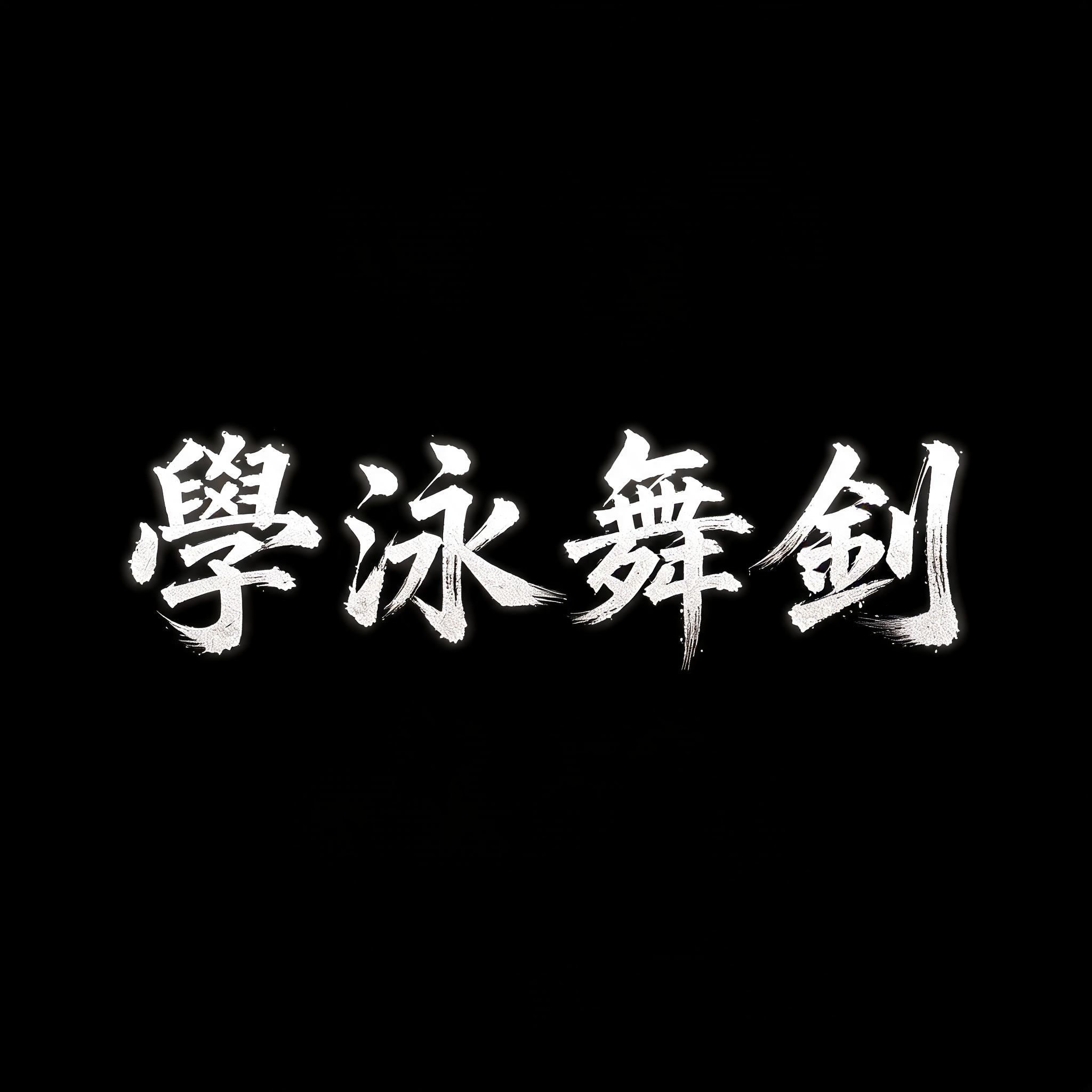
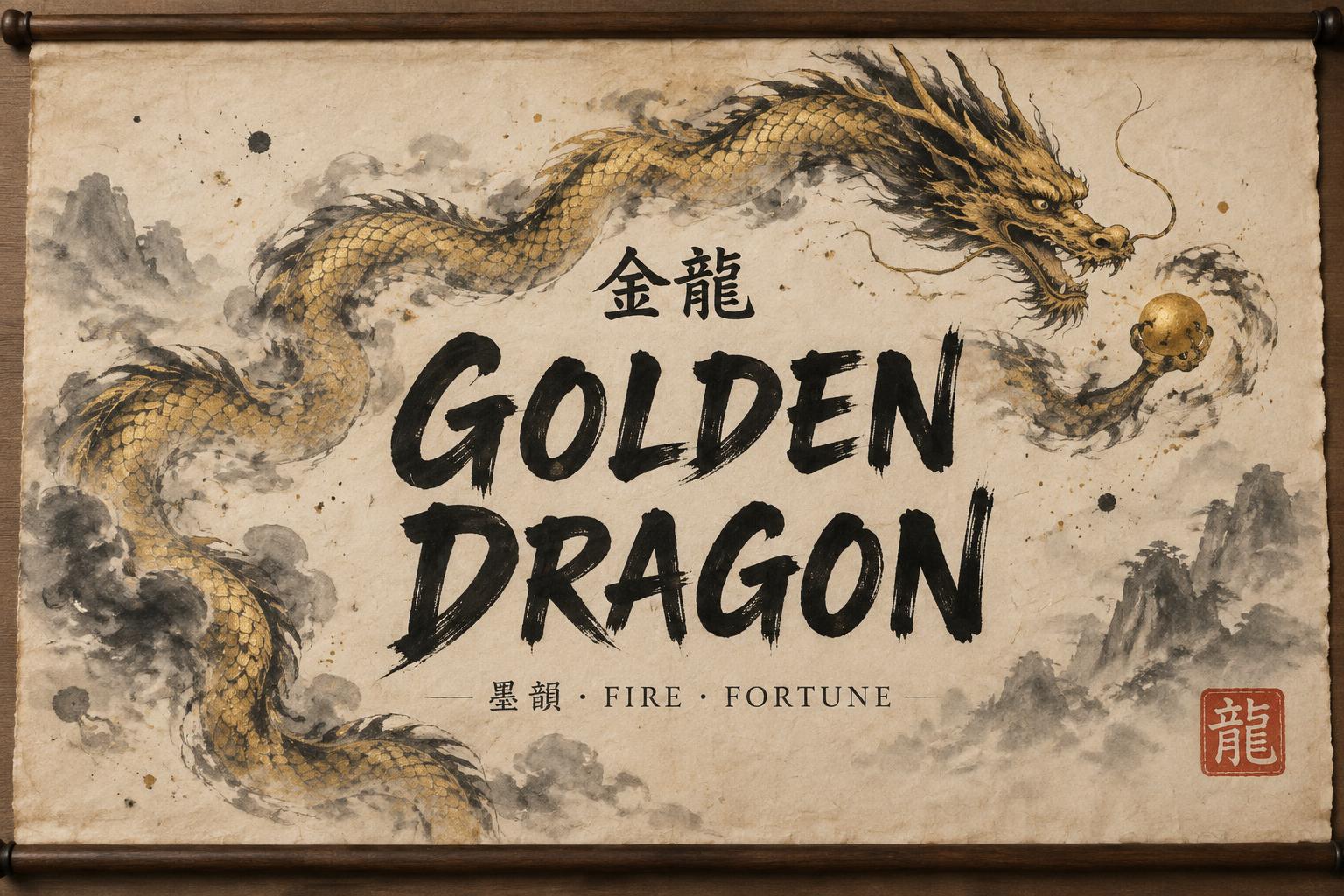
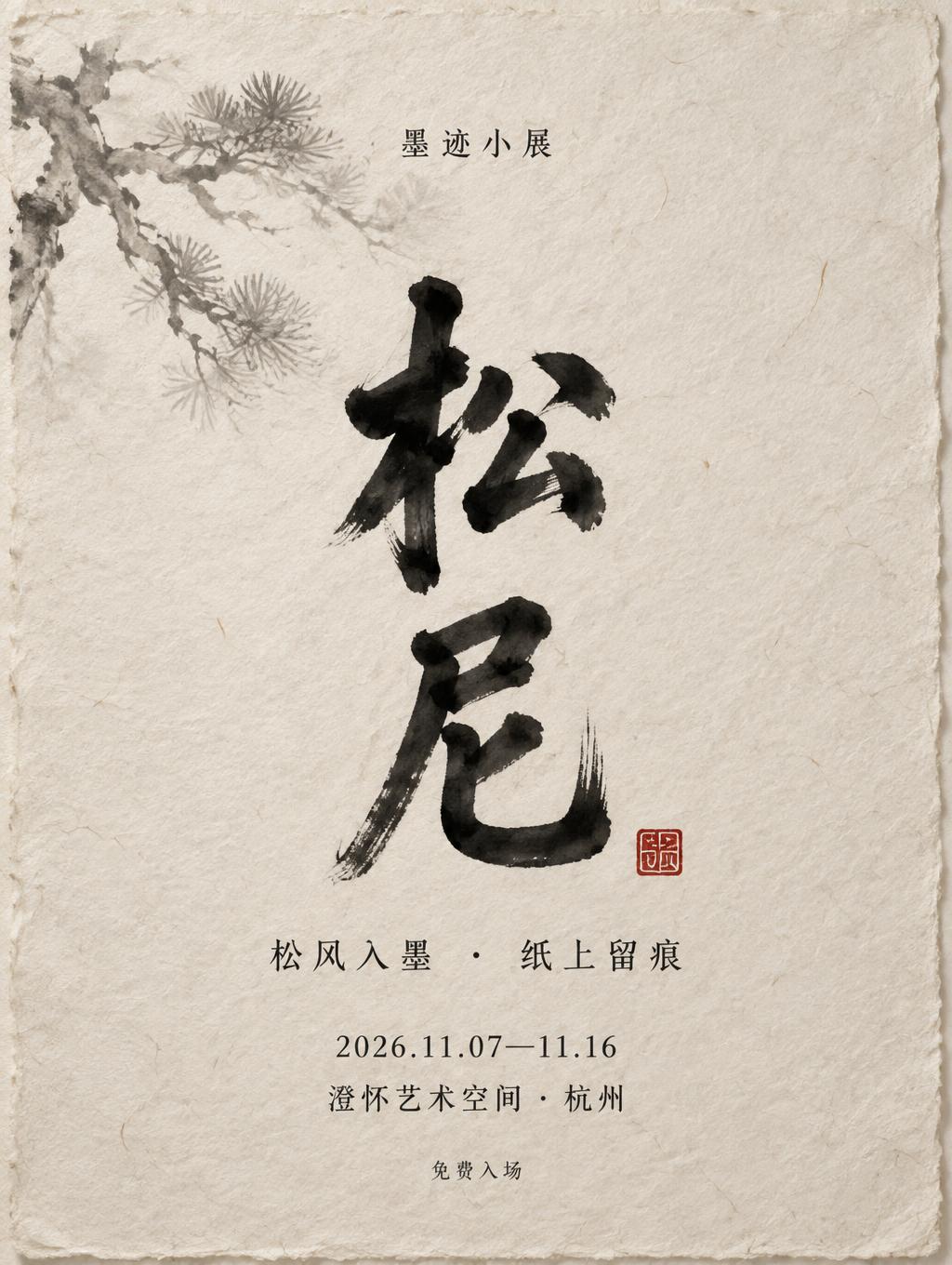
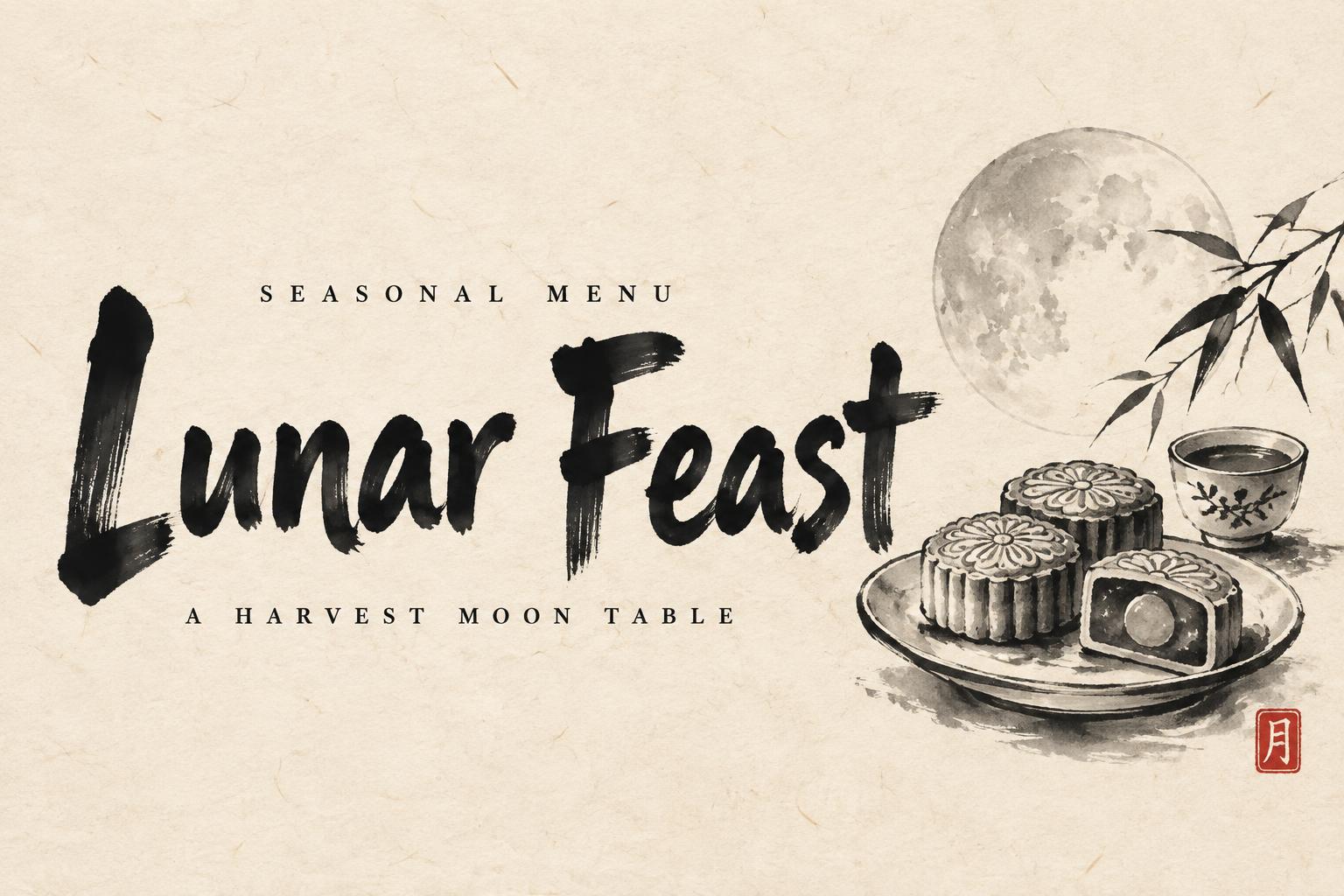
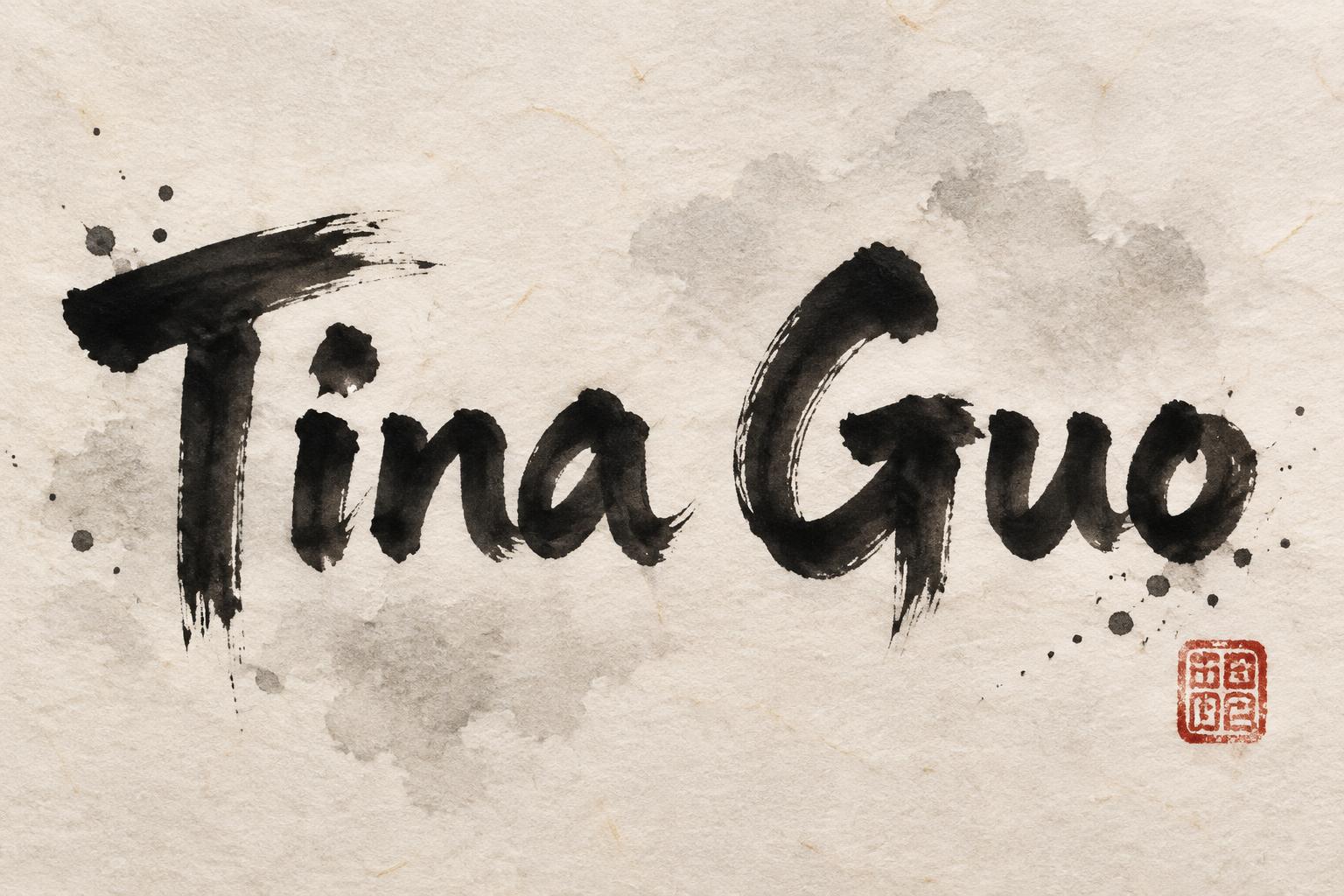
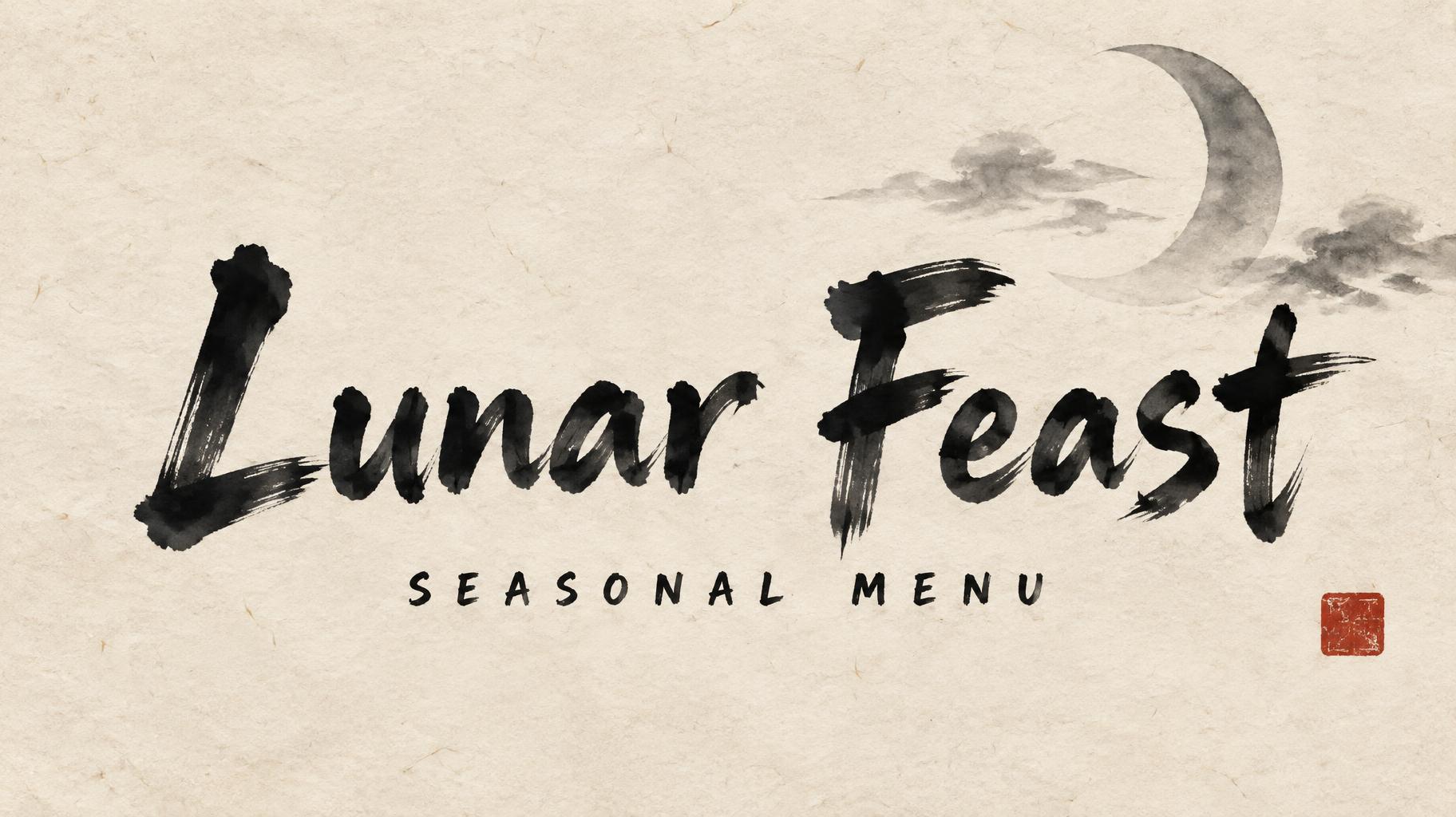
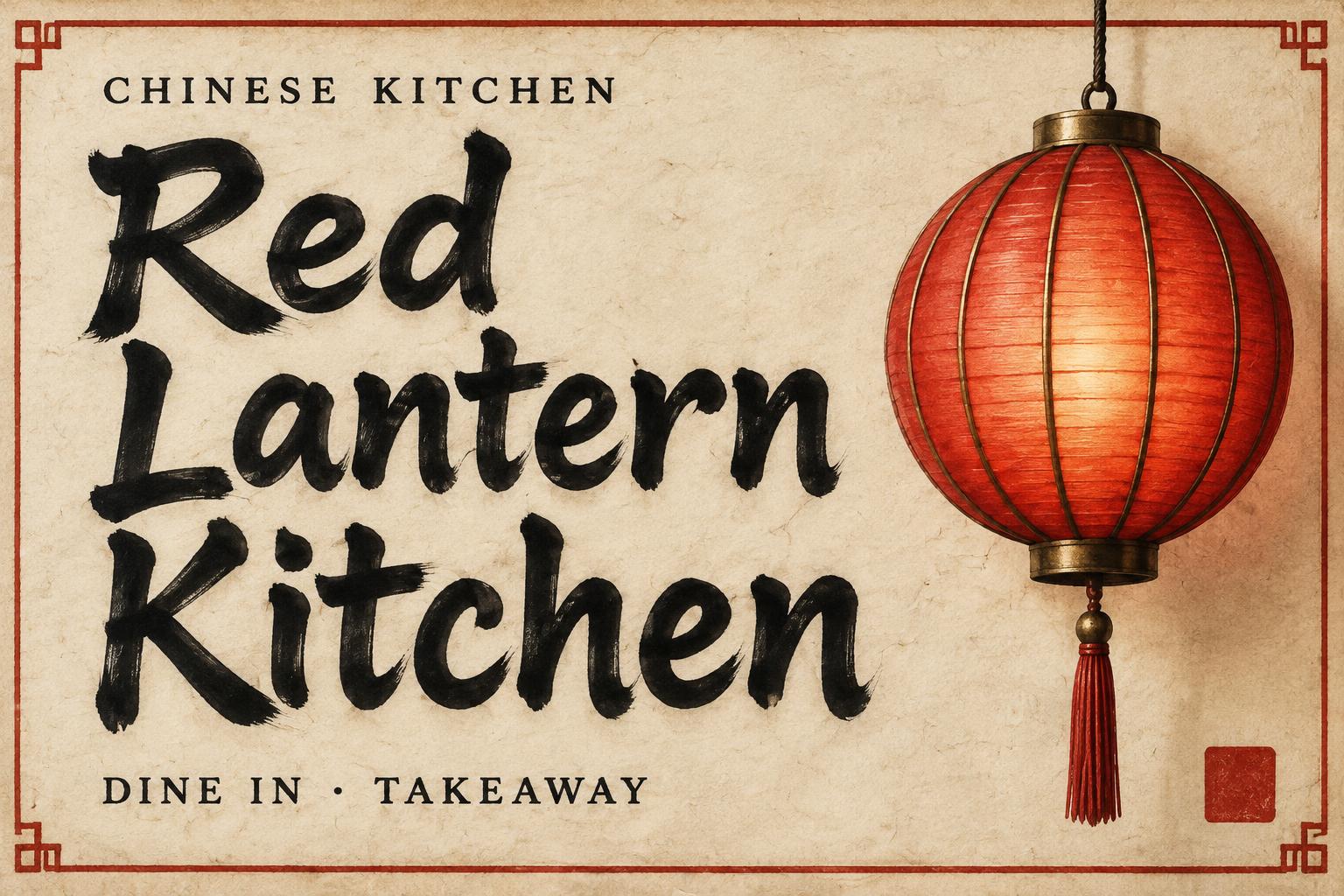
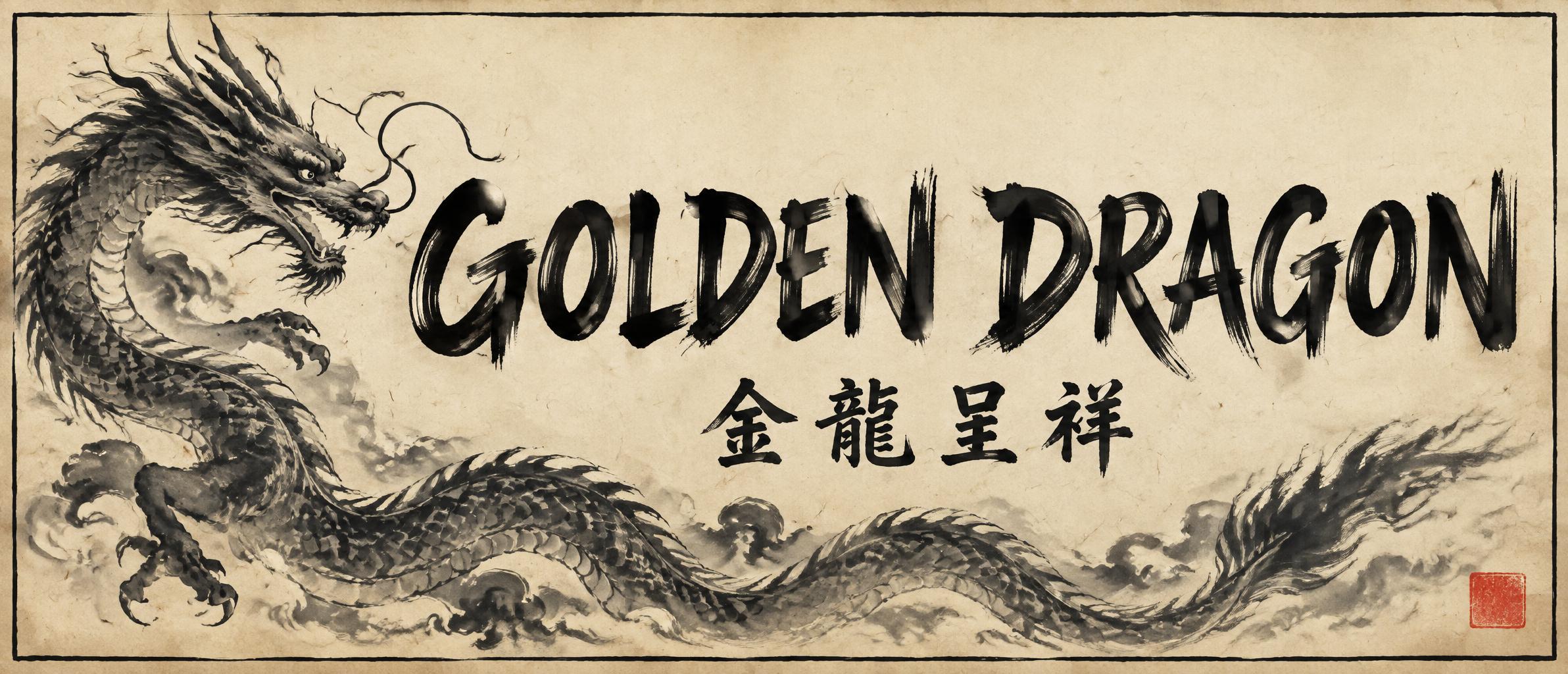
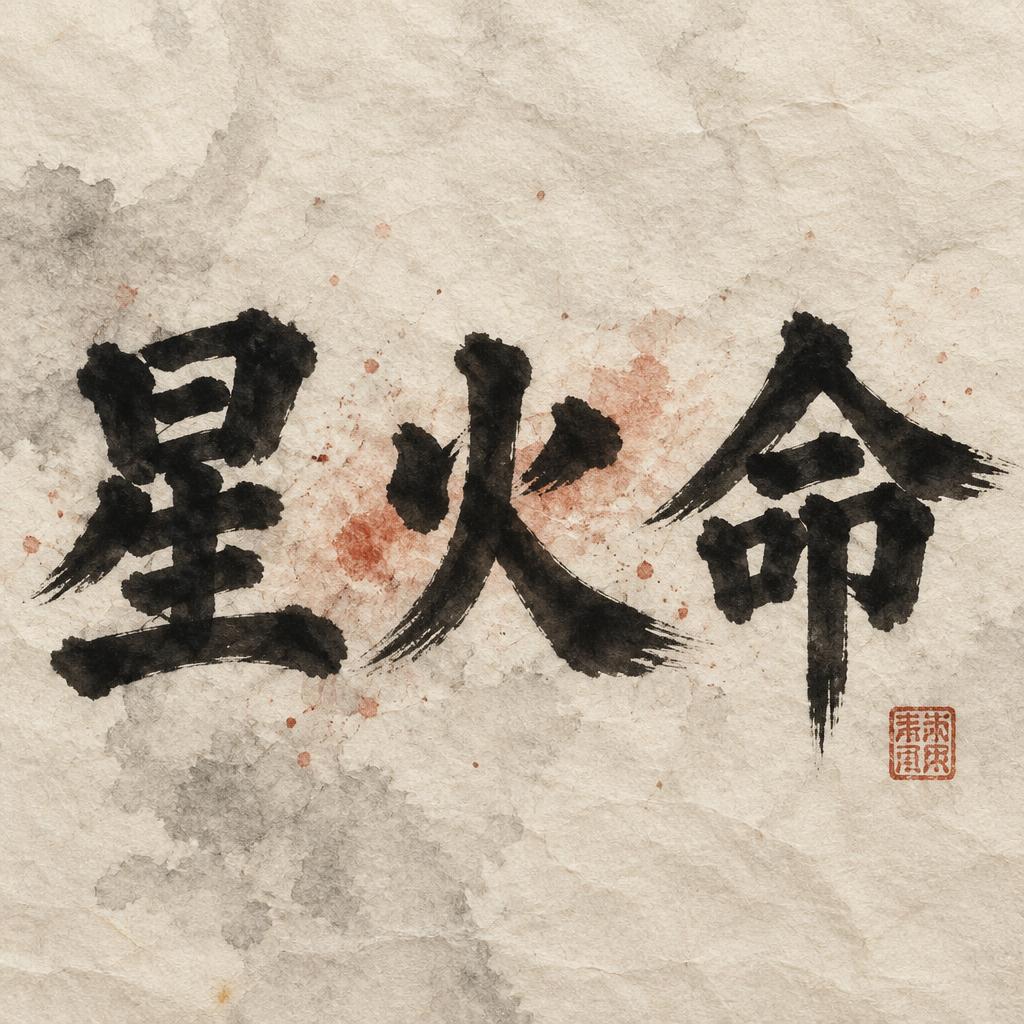
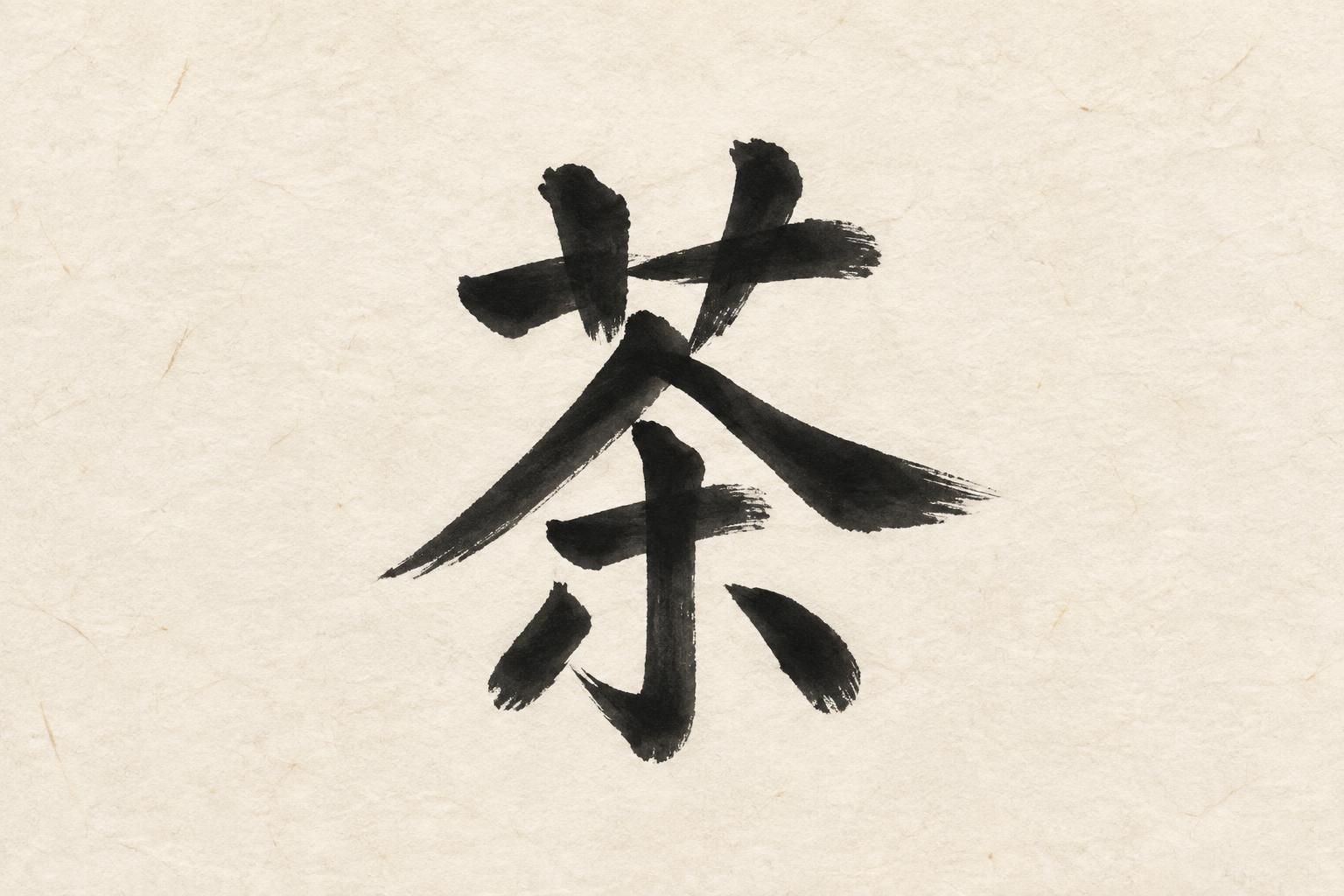
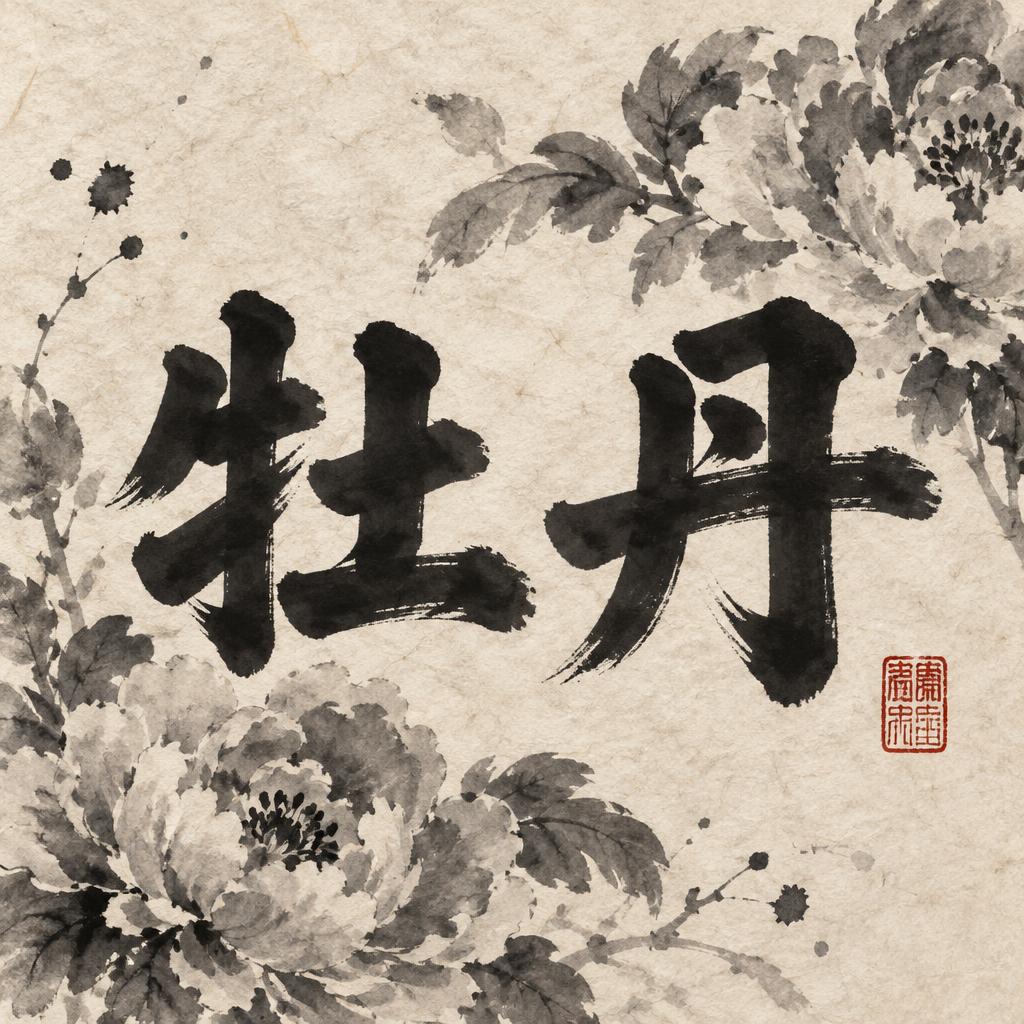
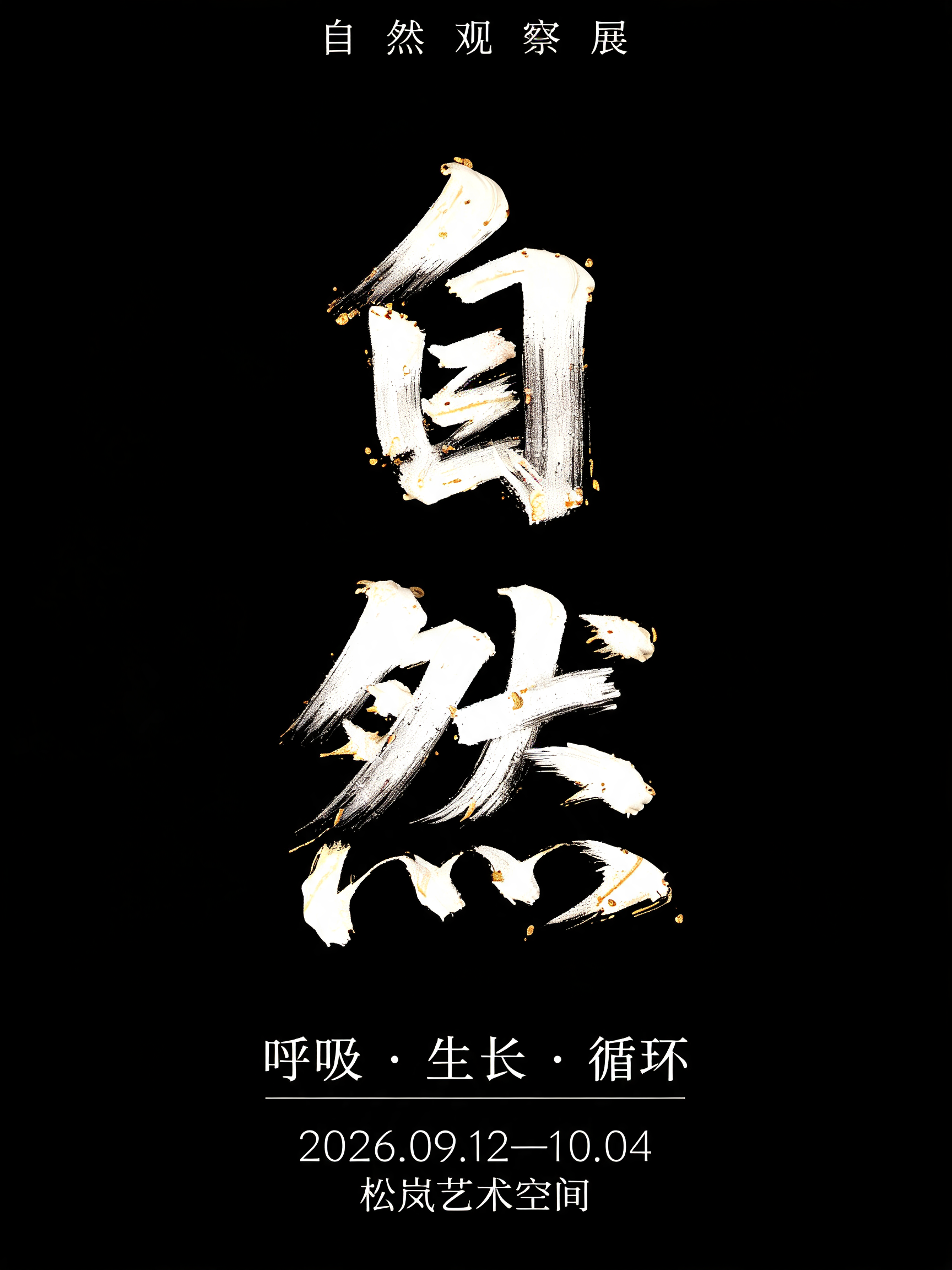
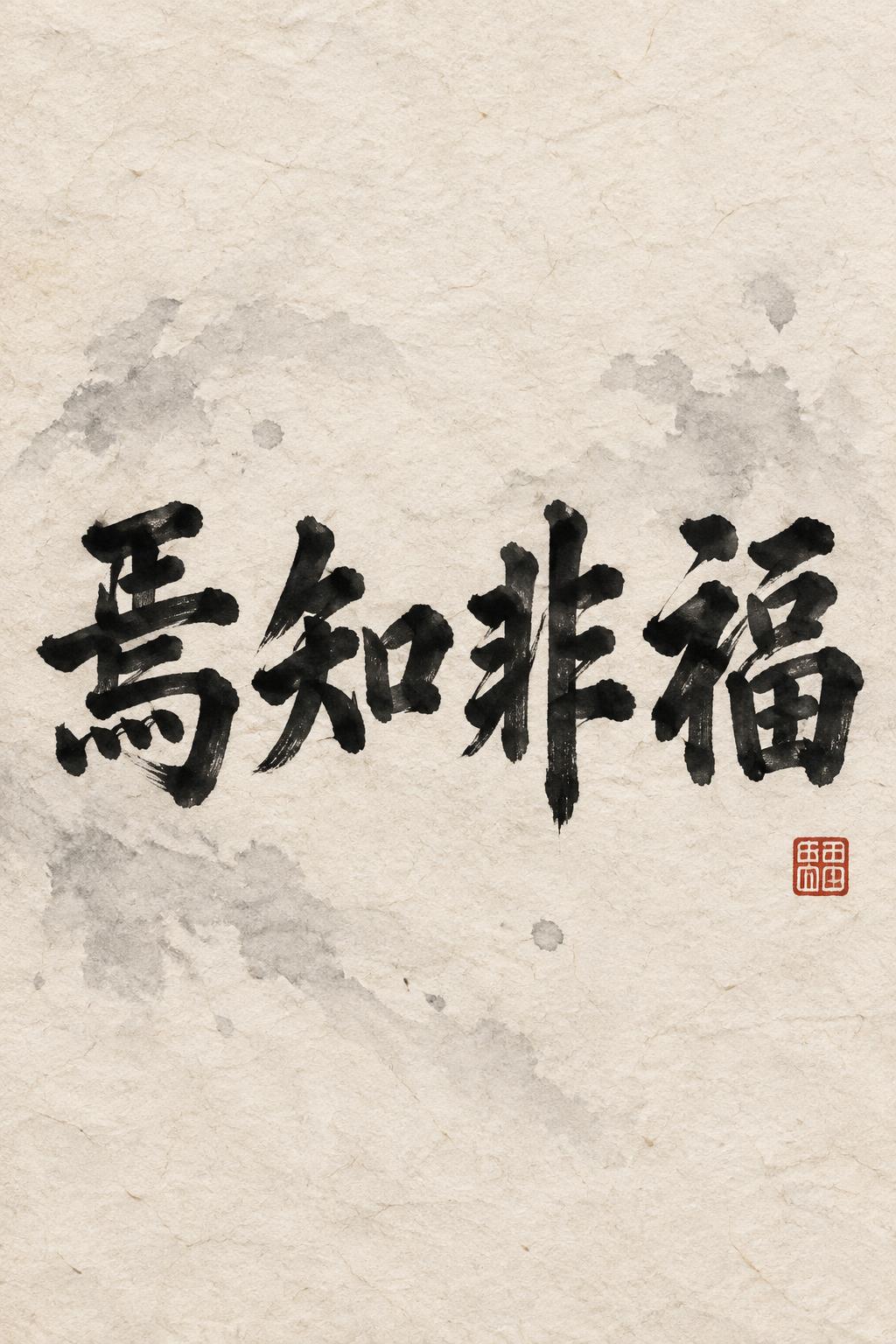
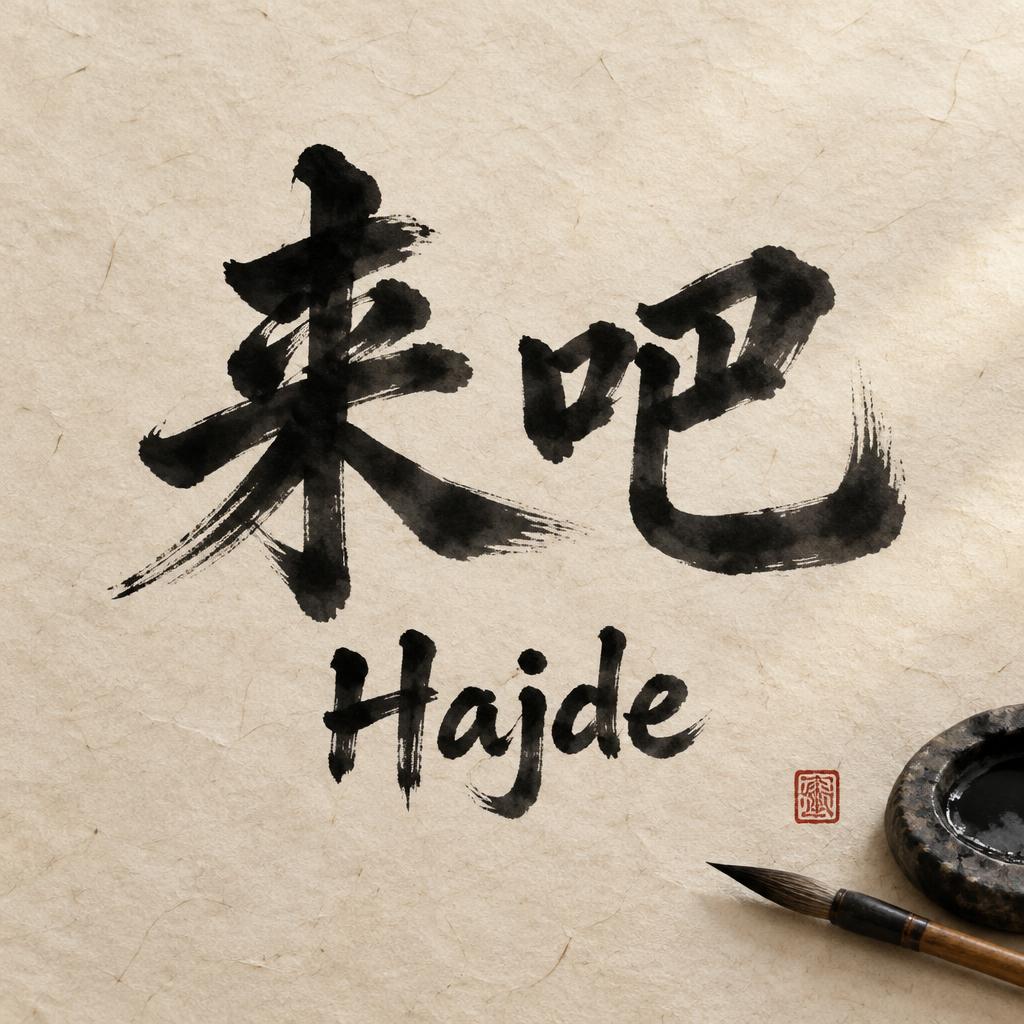
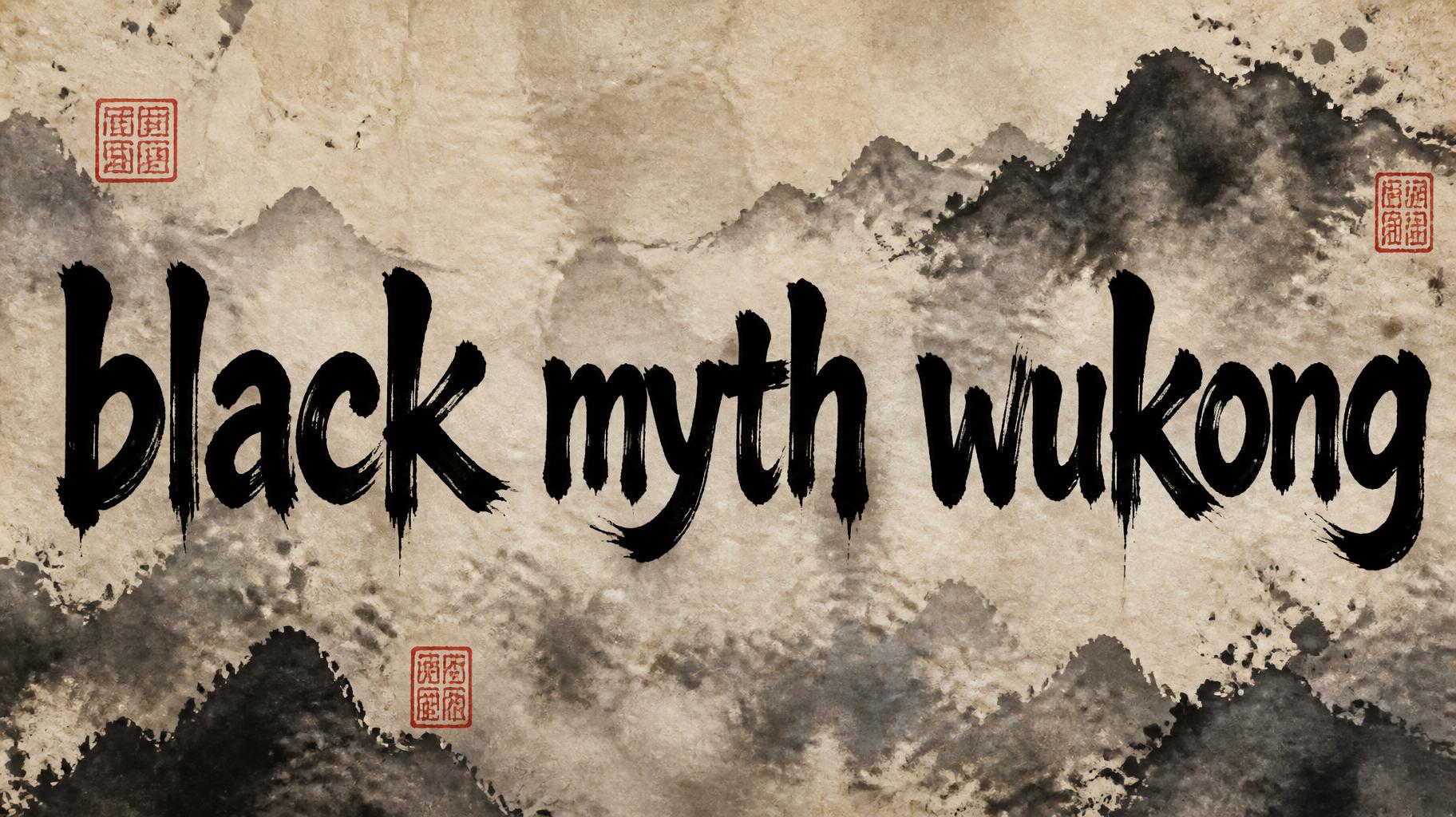
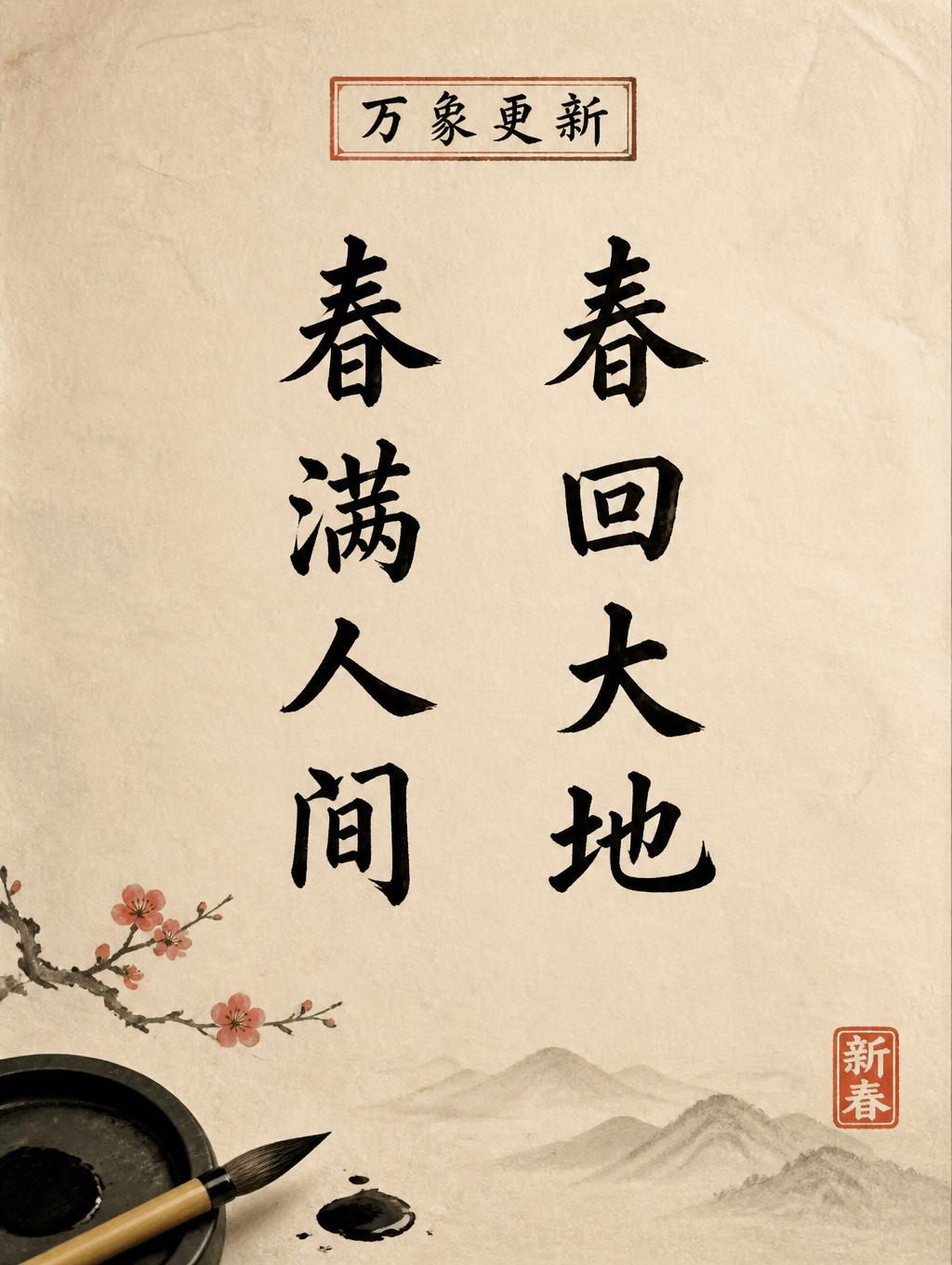
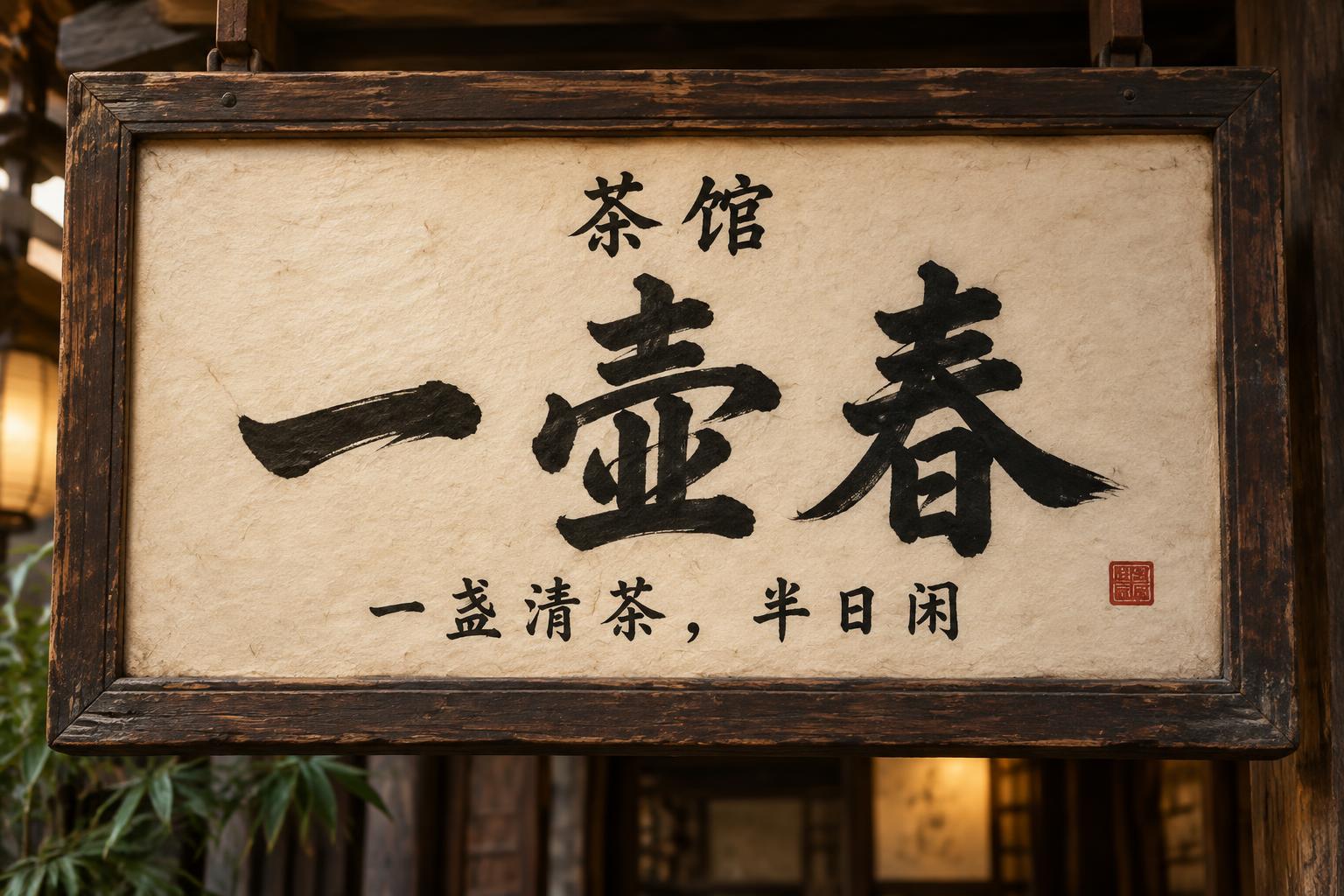
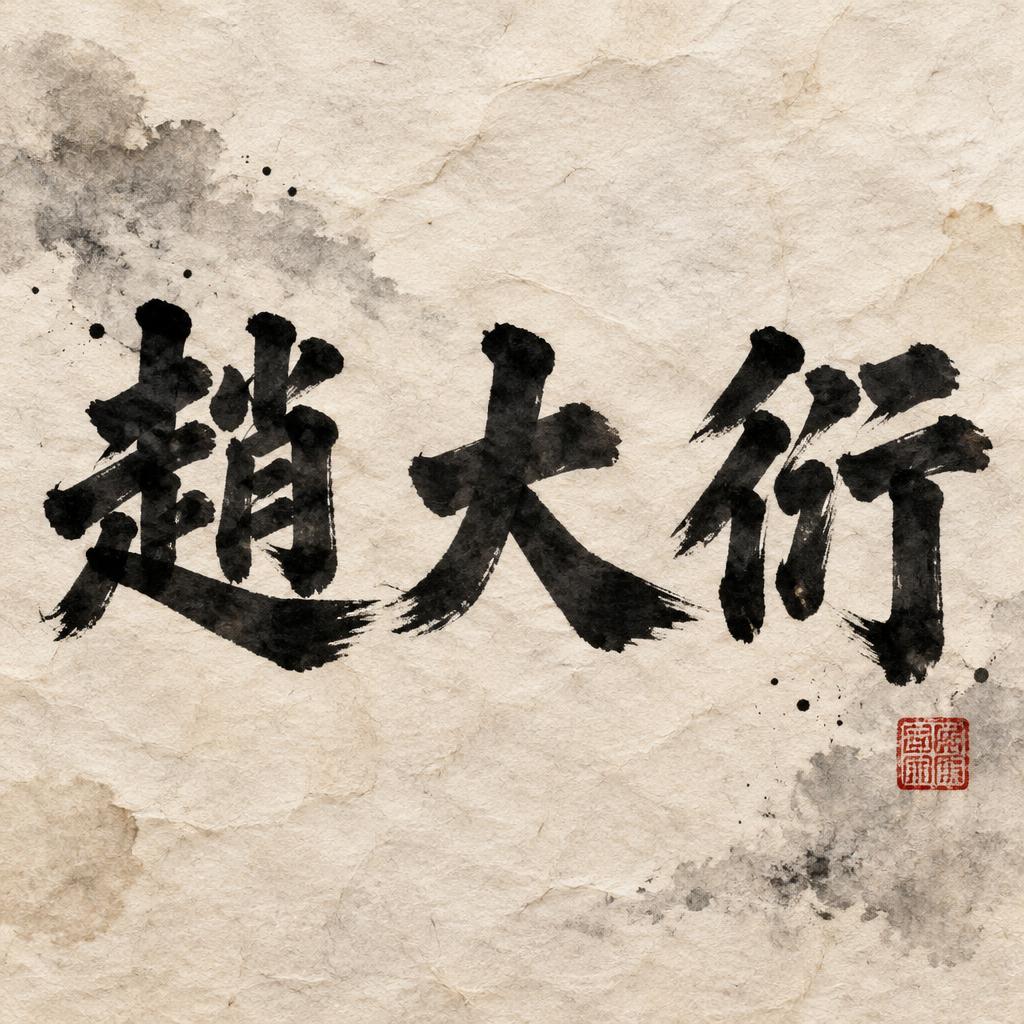
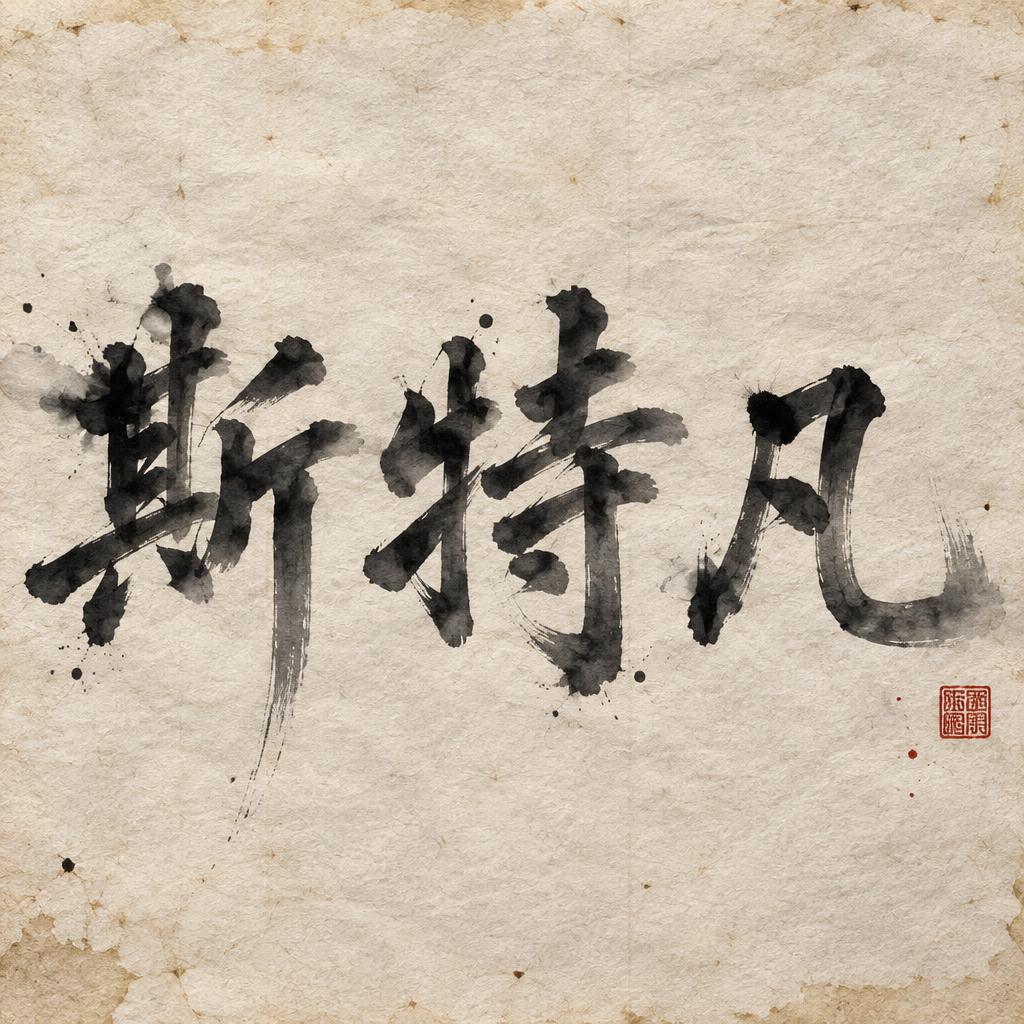
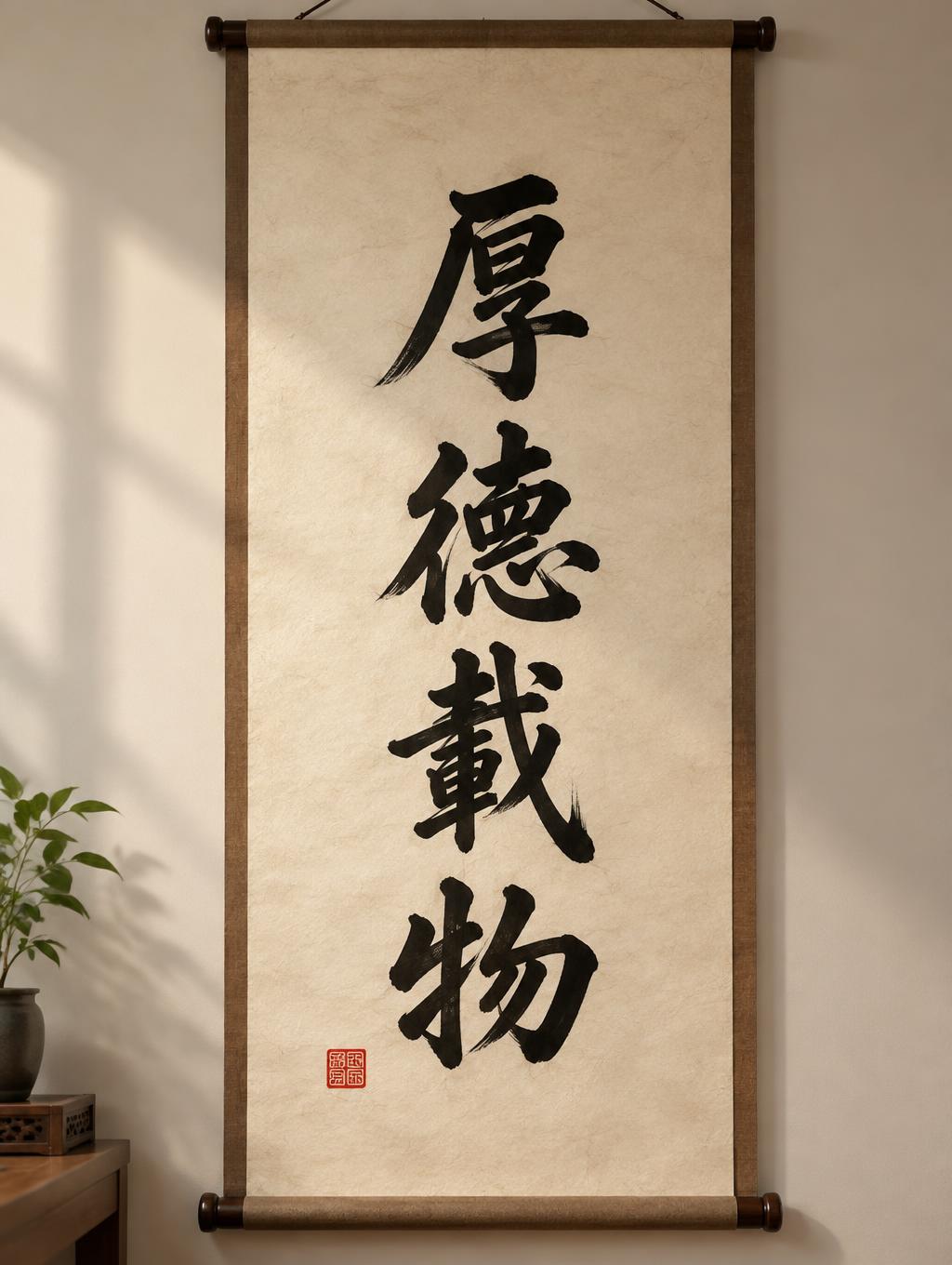
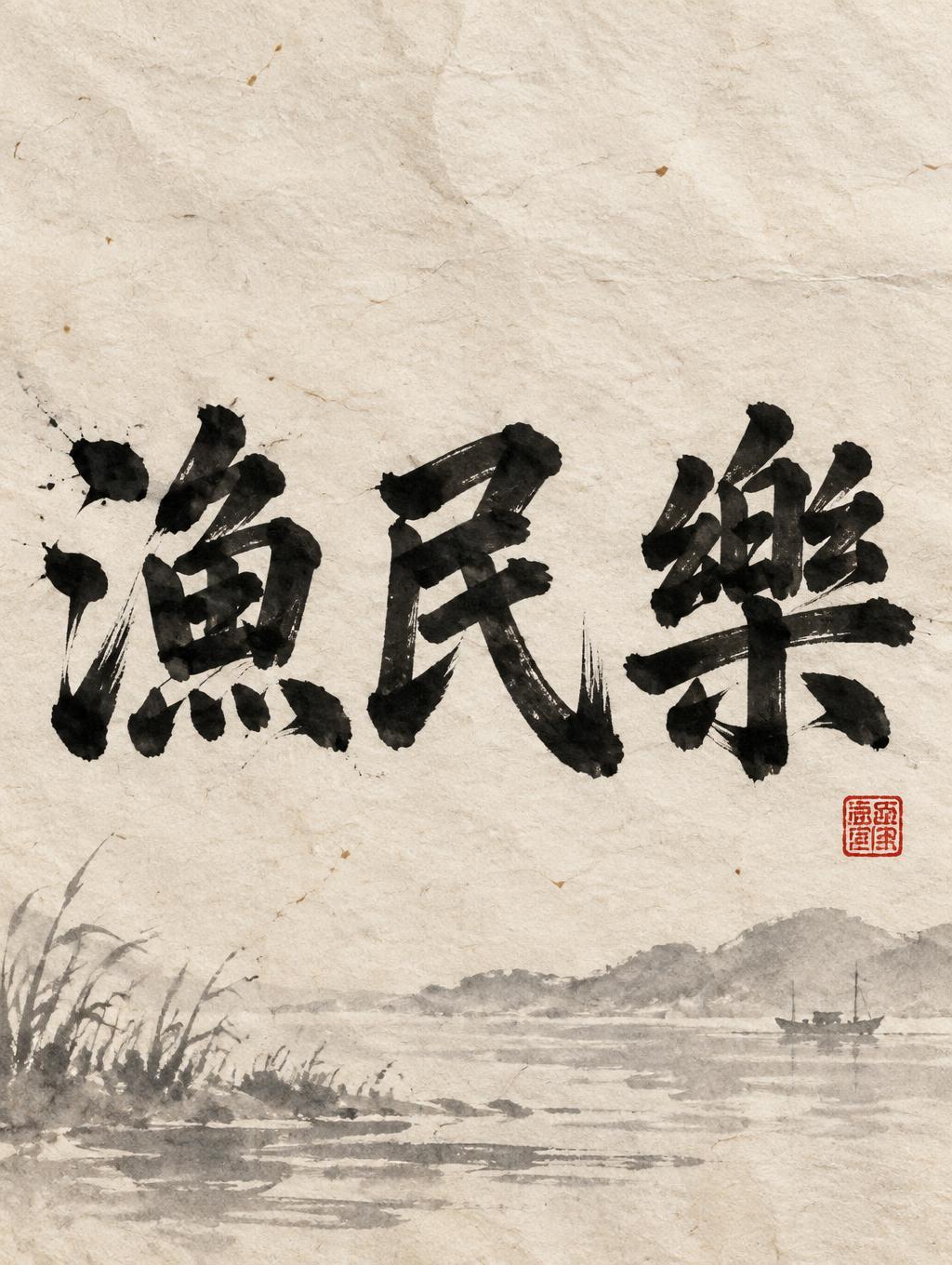
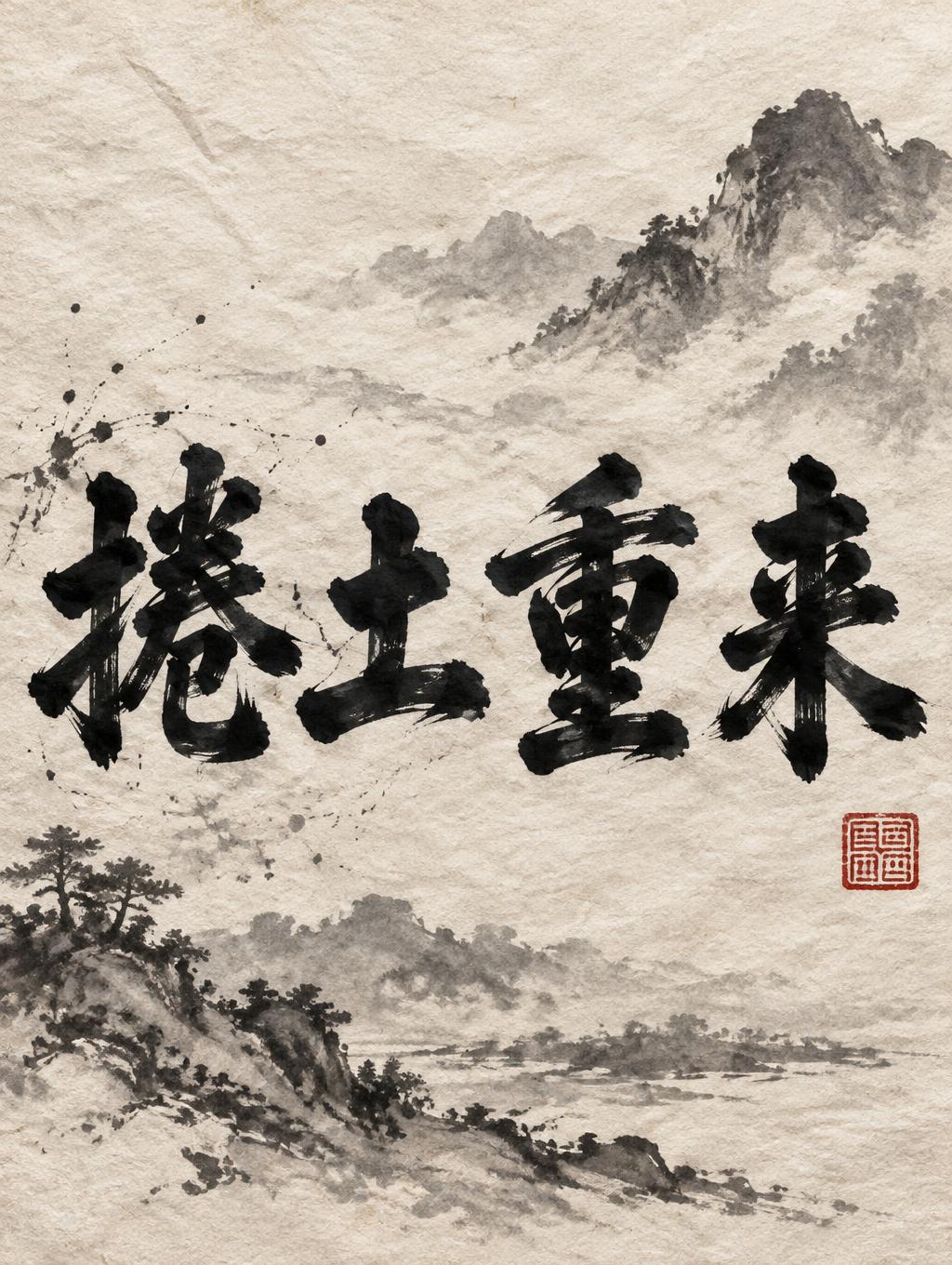
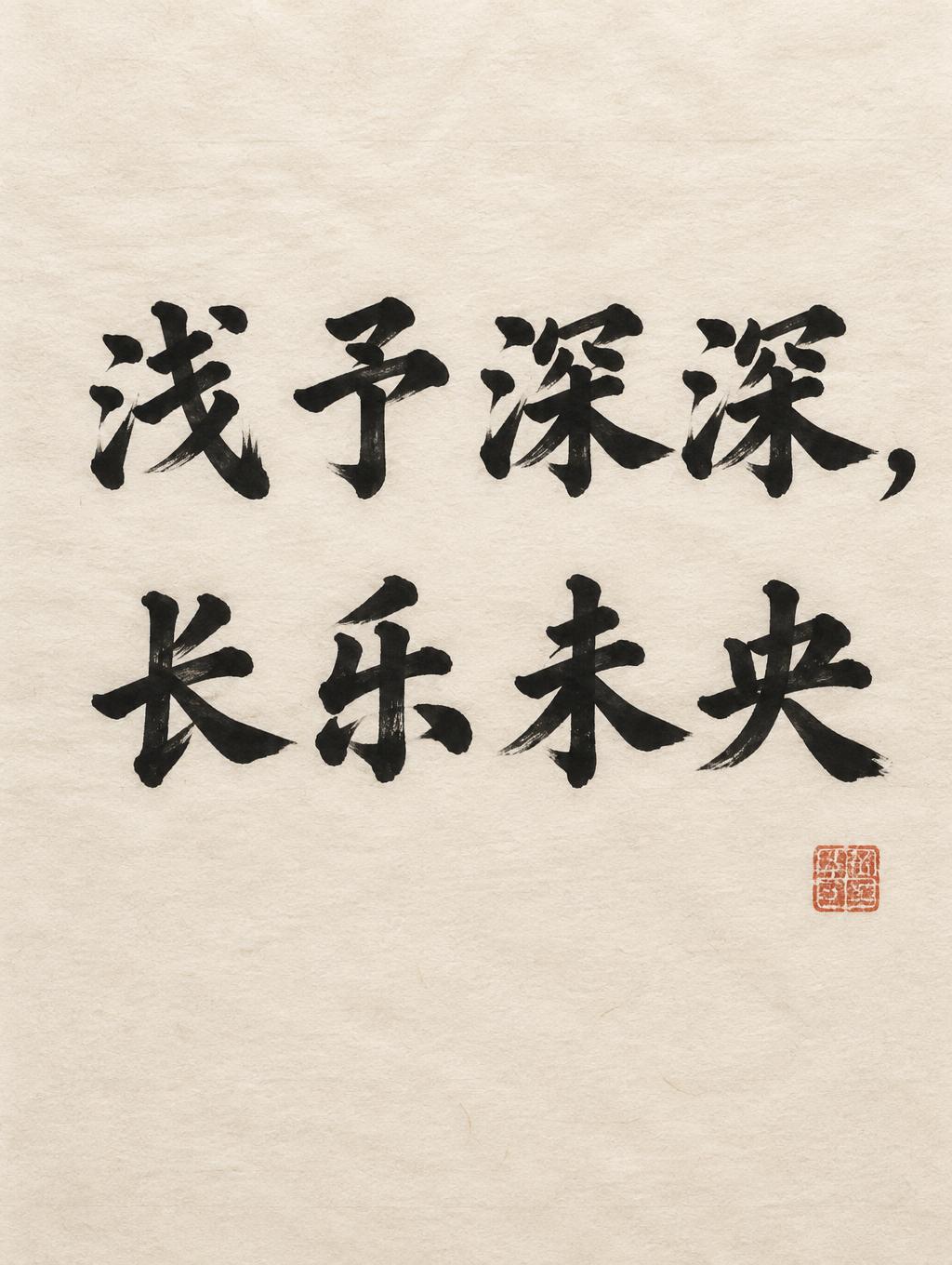
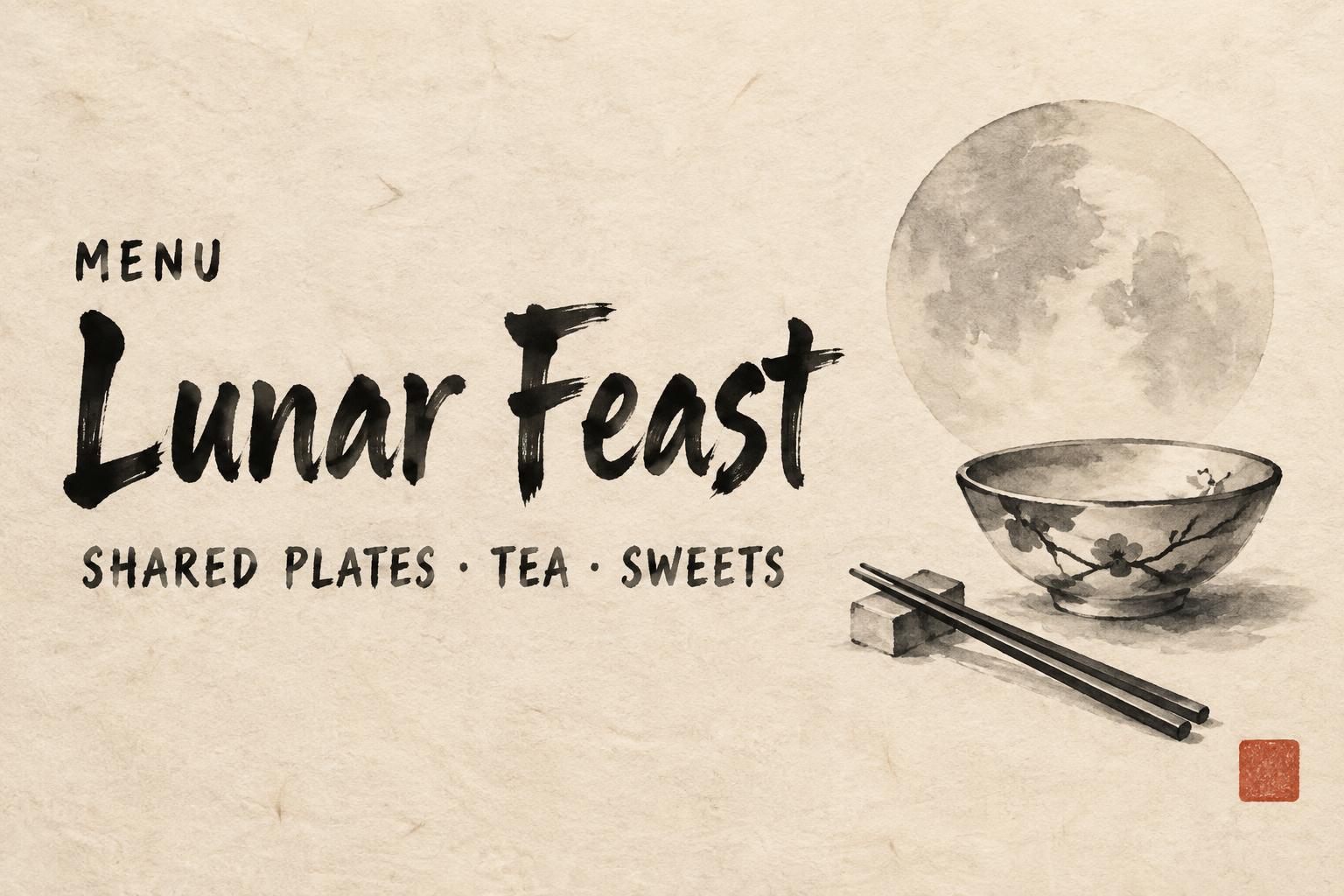
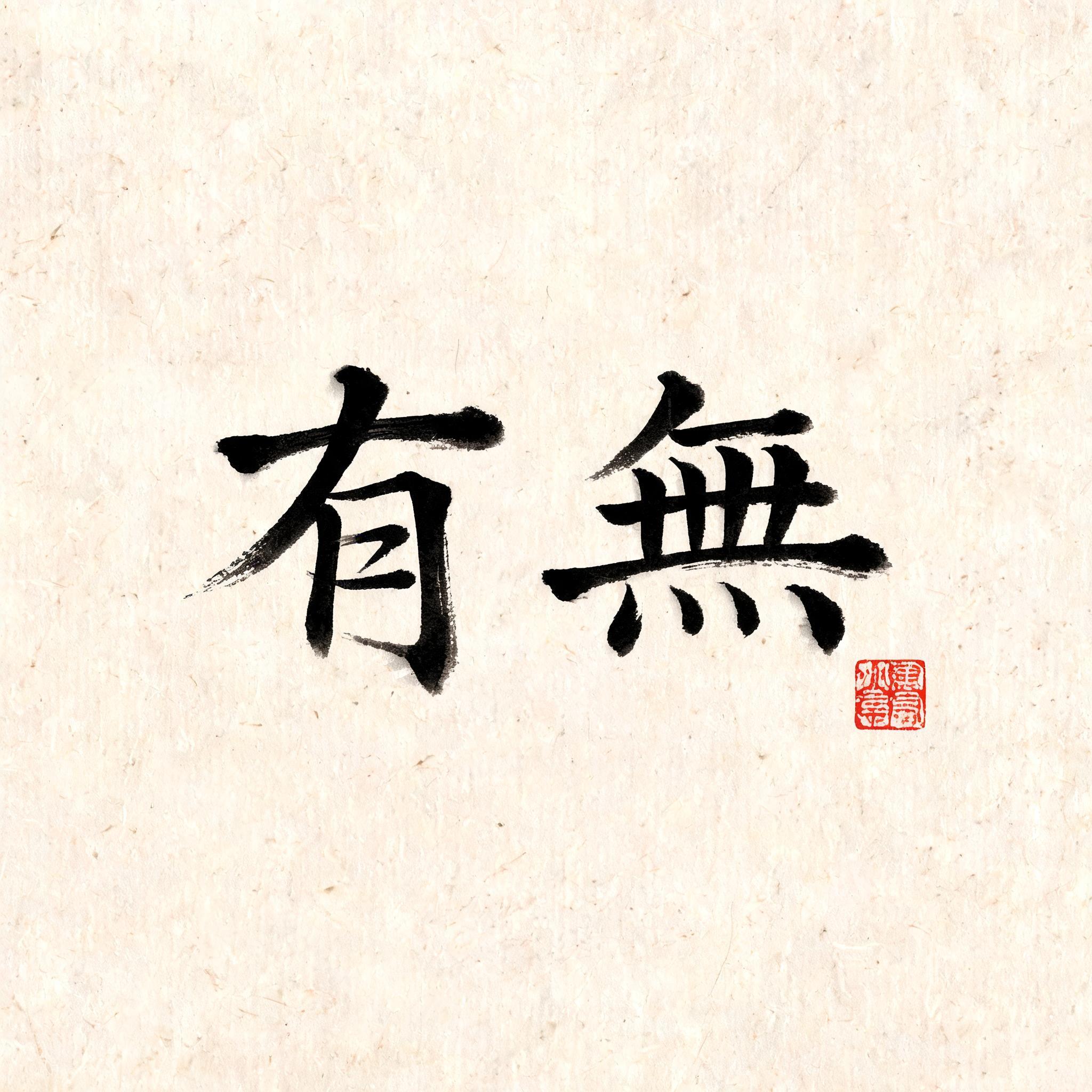
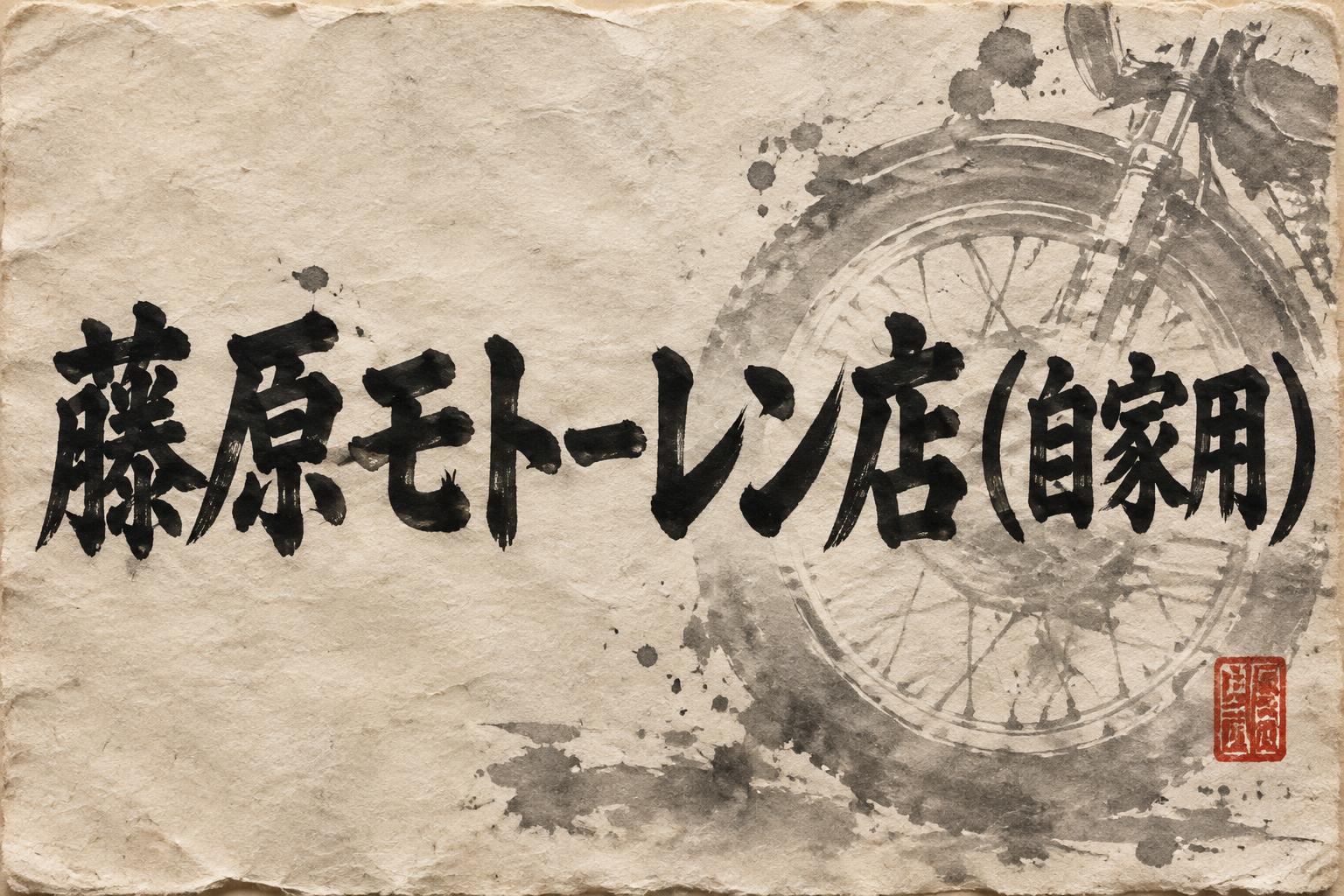
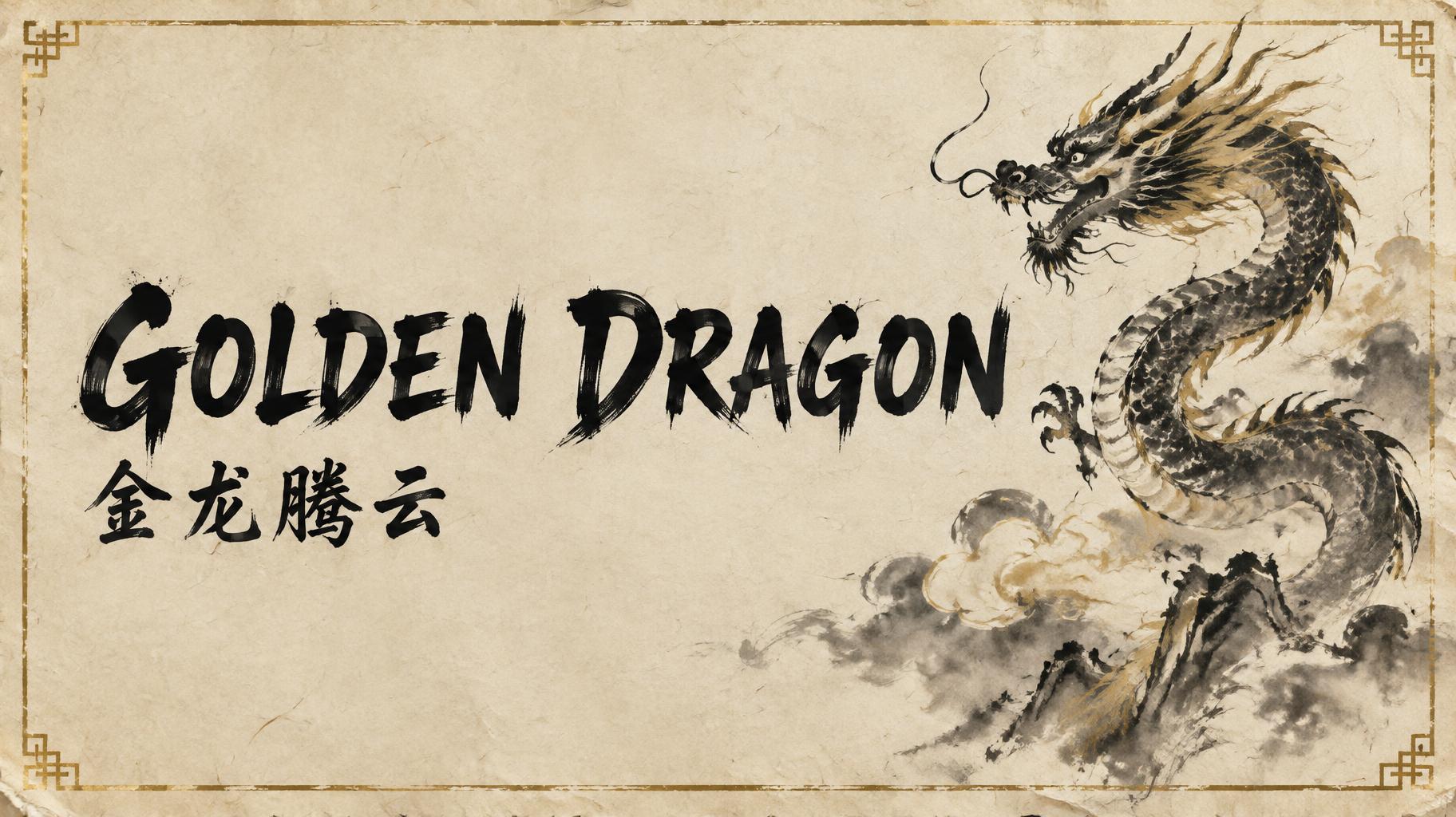
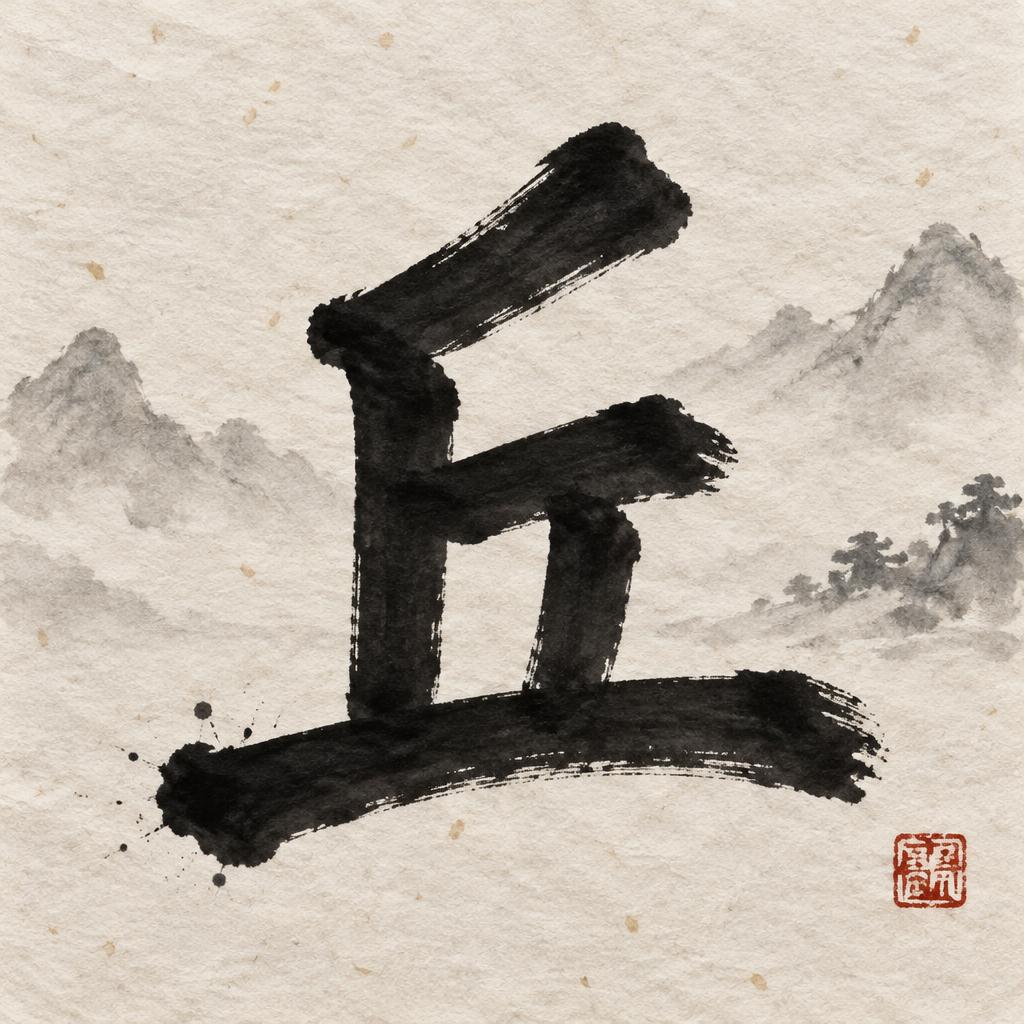
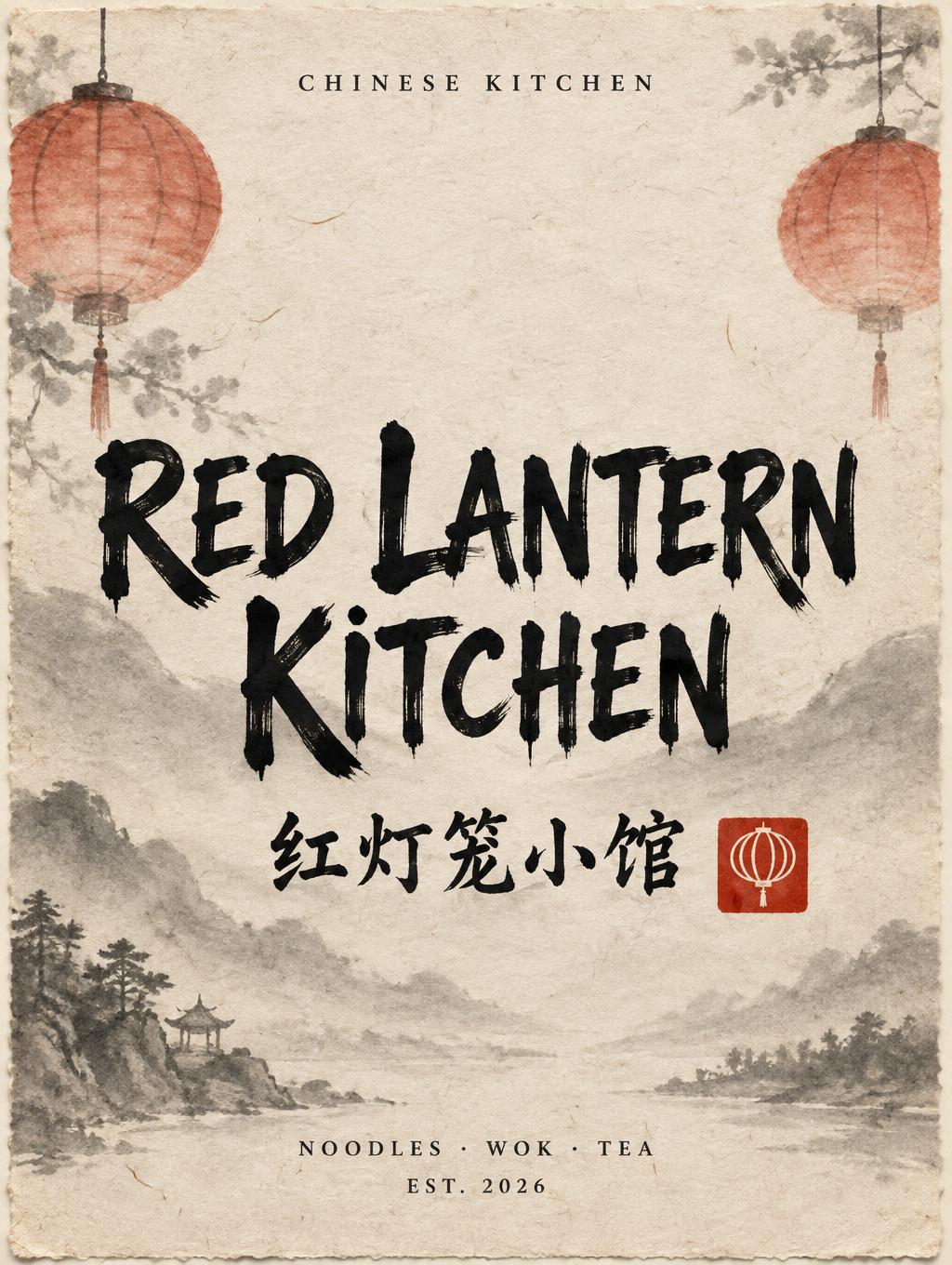
Every image below was generated on FontVibe — no post-editing, no stock photos. This is what chinese font generator — free ai ink brush calligraphy actually looks like.


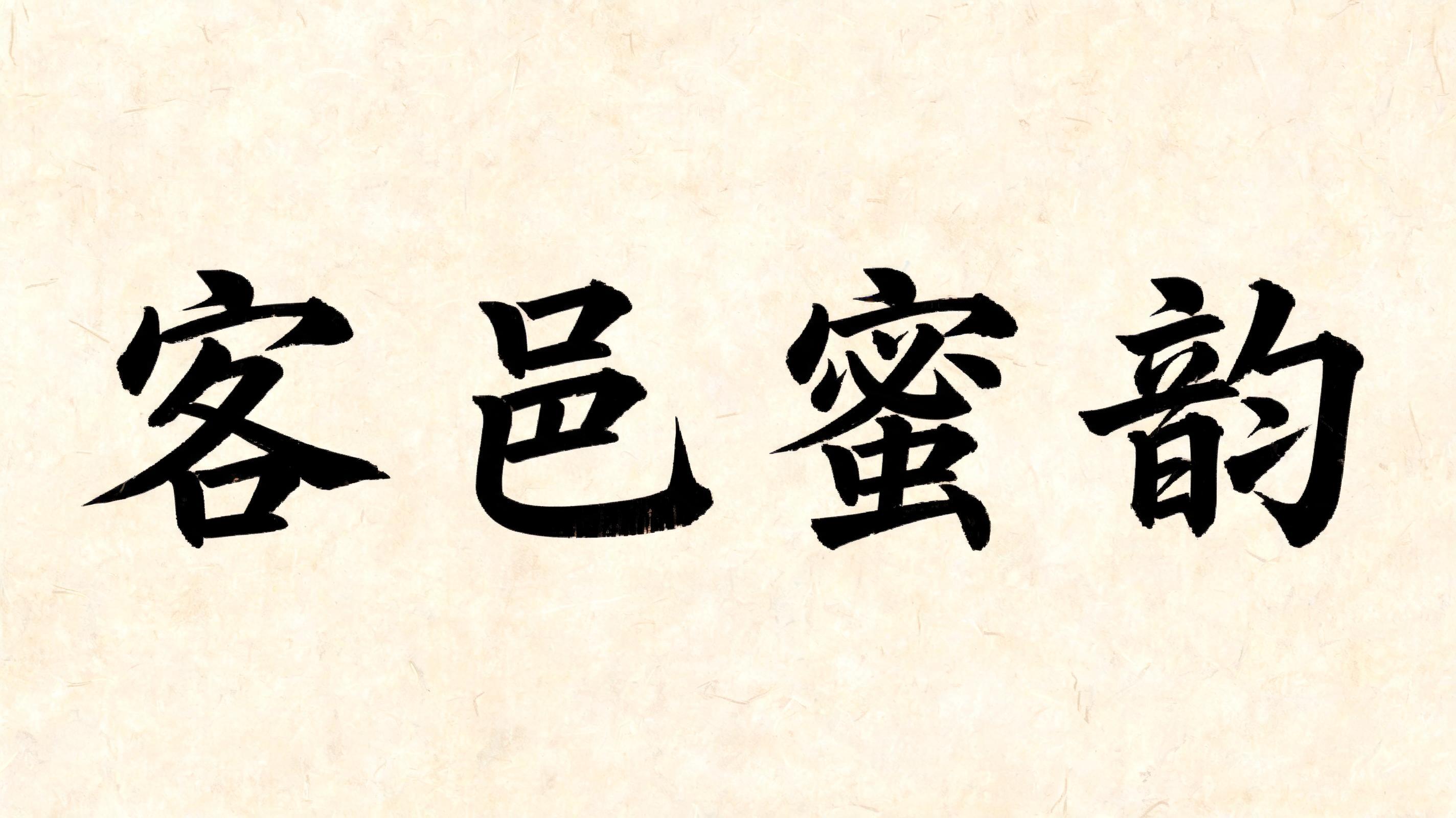
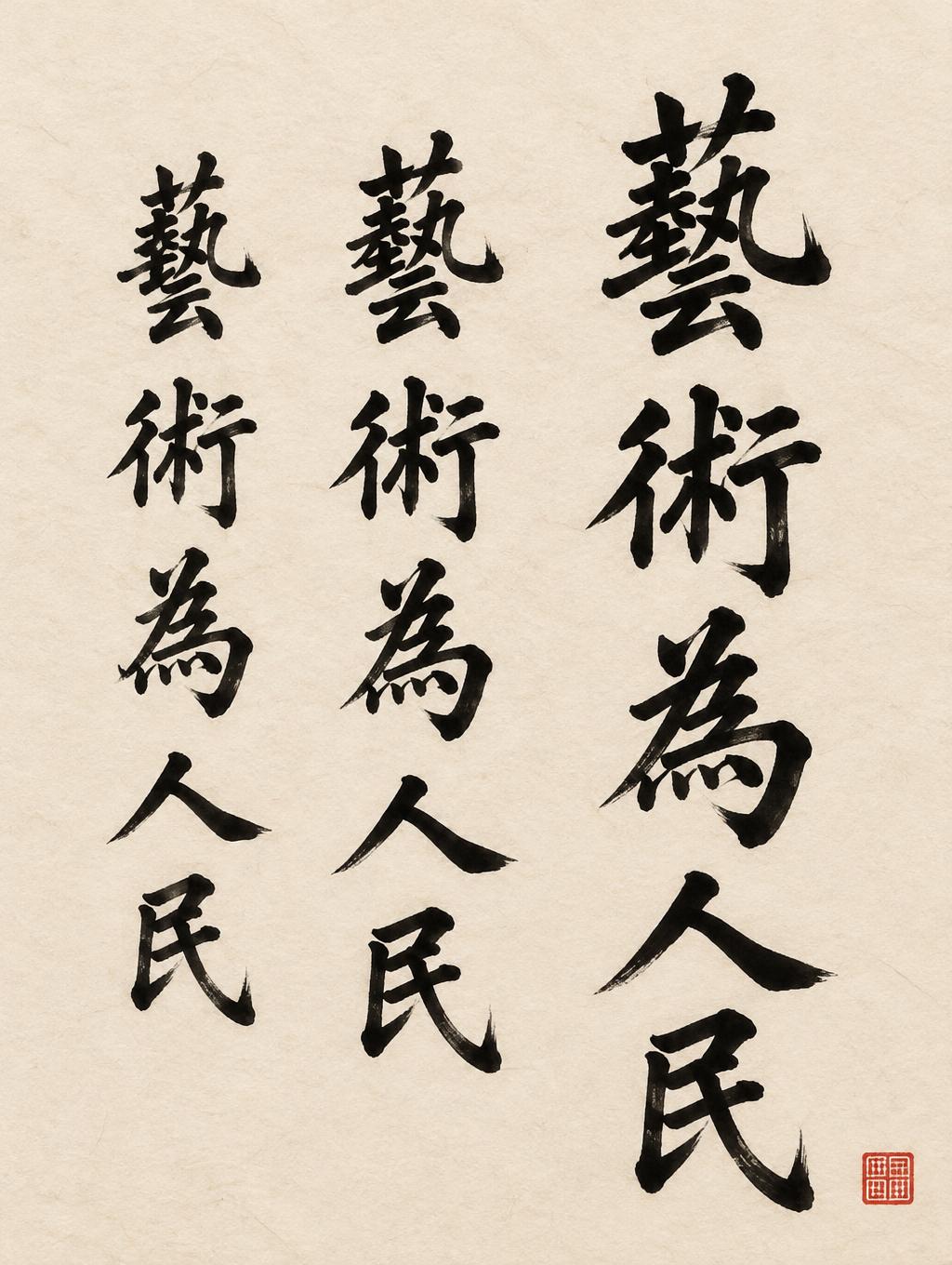
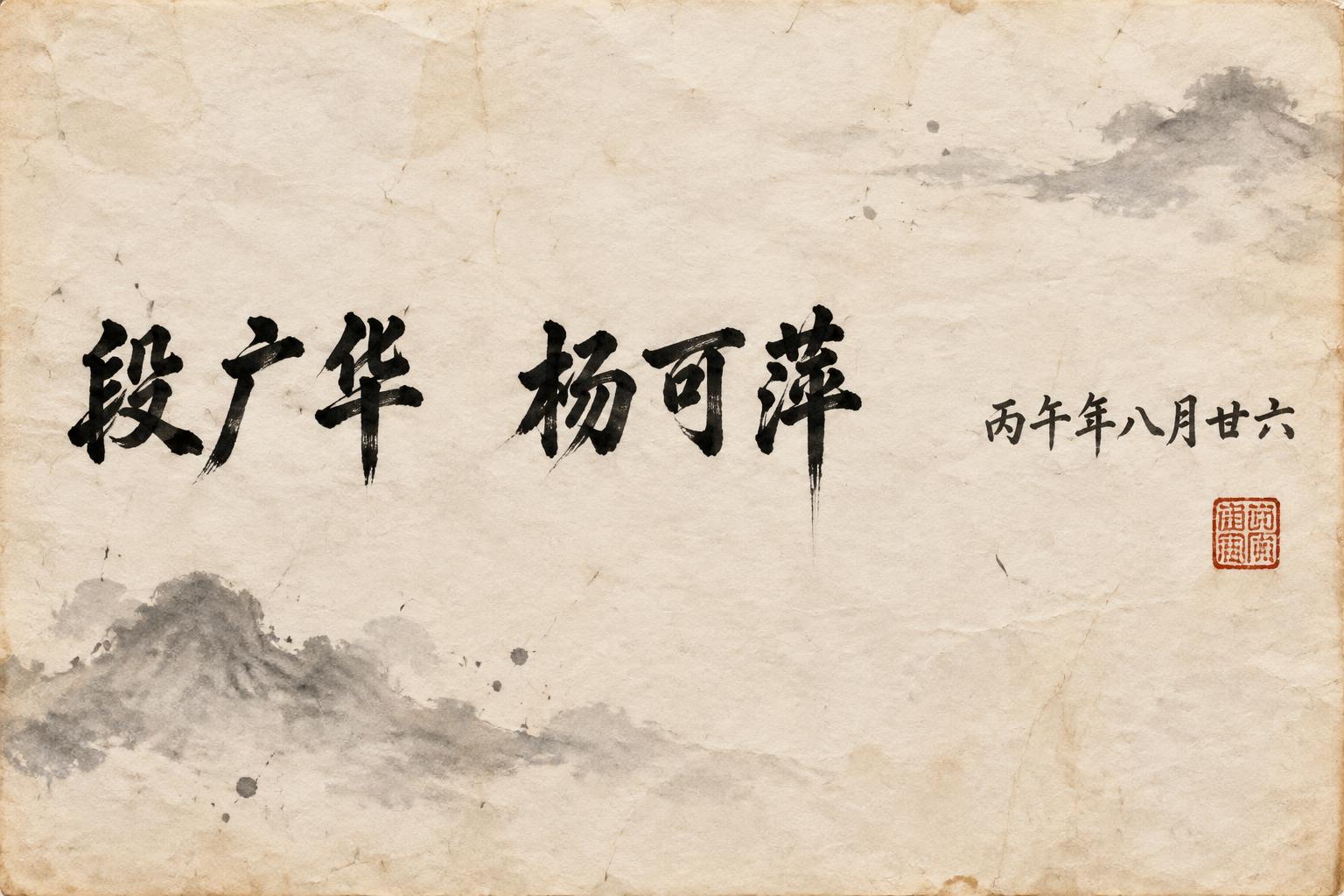
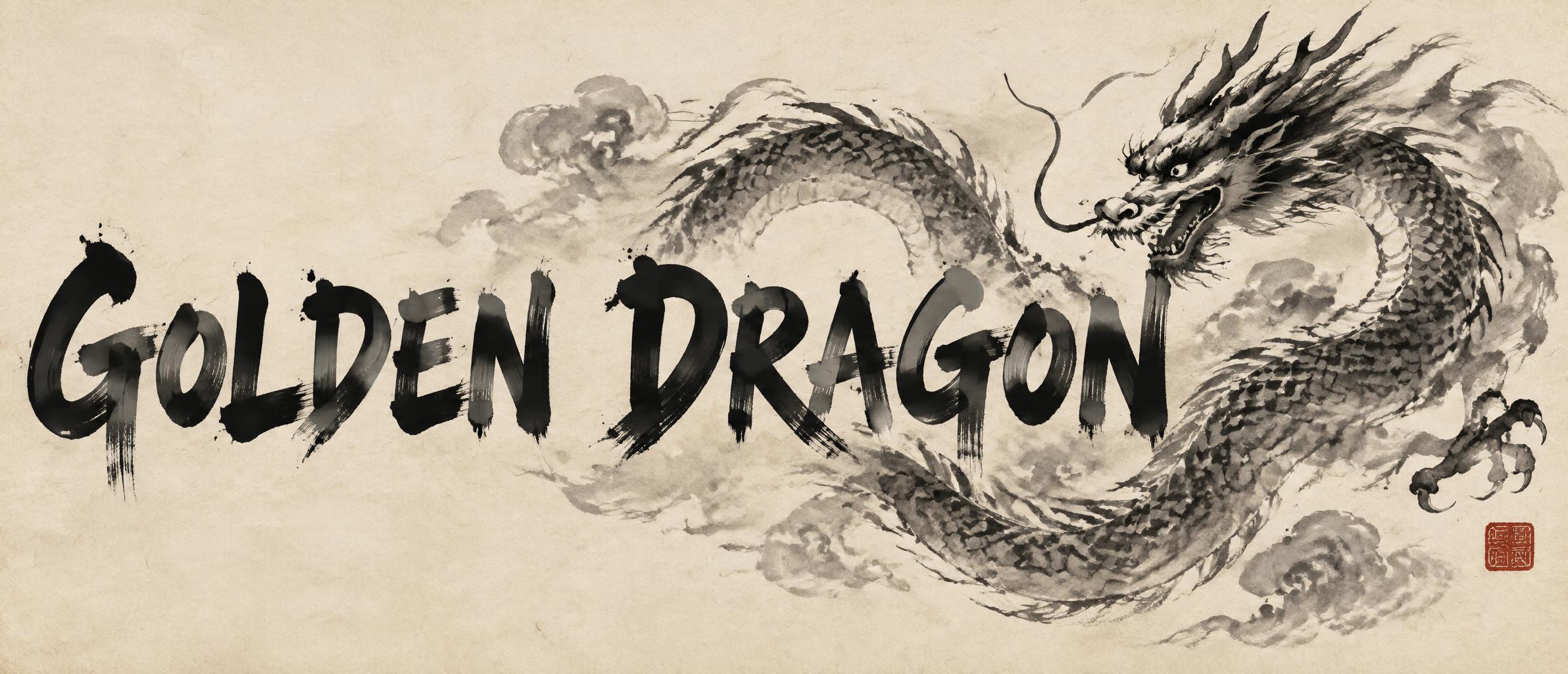


✦ More Chinese Font Generator Use Cases
Explore more ways to use Chinese Ink Brush


✦ Step-by-Step Guide
How to Create Your Chinese Font in Studio
Three steps. No design software needed.
1
Enter your text
Type any word or phrase into the Chinese font generator.
2
Generate the effect
Click Generate — AI paints your text in authentic Chinese sumi ink brush style. Deep black ink with visible bristle texture, thick downstrokes and thin upstrokes, ink pooling at stroke starts and feathered dry-brush endings. Rice paper texture background creates traditional atmosphere.
3
Download and use
Save your Chinese font PNG — perfect for restaurant menus, brand logos, social media, invitations, and cultural projects. Commercial use included, no watermarks.
💡 Platform tip: Chinese ink brush calligraphy is one of the most recognizable visual languages in the world. Its thick-to-thin stroke variation and organic ink texture communicate tradition, authenticity, and cultural depth instantly — making it highly effective for restaurant branding, wellness businesses, cultural events, and any project seeking an Asian aesthetic.
✦ Common Questions
Chinese Font — Frequently Asked Questions
Everything you need to know before you create.
✦ Explore More Text Effect Styles
Related AI Text Effect Styles
Try a different aesthetic — each style generates a completely unique visual output.


Want more text styles? Browse our free font generators — fancy, cursive, gothic & more.
✦ Ready to Create?
Make Your Own Font
Free to start. No design skills needed.
✦ Generate Now — Free