Agent Fast Lane

Full guide for AI agents, with shortcut URLs and parameters for each task on this site (make a text graphic in a chosen style or AI font, describe a design and get concepts, a free text tool (fancy fonts, translators, ASCII art, signature), search and filter community creations, browse all text effect styles). Content of 2026-11-27; WebForAgents' latest check results are in the guide: https://webforagents.org/site/fontvibe.ai/agent-fast-lane.md

This page's shortcut: /use/{topic}/{page} Make a specific design (a scene deliverable or a style use case).

FontVibe is an AI design tool that designs and generates images, especially images built around a text effect (logos, posters, cards, thumbnails, social graphics), and can edit an image the user brings. Describe what you need and pick a proposed concept, or choose a style or AI font and type your words. Results are PNG or JPG images, not font files. Creating images and using the text tools needs a real browser (results are rendered in the page); no public REST API; an MCP server is described on the developers page.

  • Free text tools run in the page and need no account.
  • Generating or editing an image spends credits; guests get a small daily allowance. Signing in and paying are left to the user.
  • agent=1 in a URL hides credit pop-ups, the language banner and ads for the tab session; the generate page then reports "Done: image ready" or "Failed: image not generated" in its title and data-state on <html>.

Most used:

  • Make a text graphic in a chosen style or AI font: /generate?style={style}&fontId={fontId}&text={text}&ratio={ratio}&resolution={resolution}&format={format}
  • Describe a design and get concepts: /generate?mode=vibe_design&text={text}
  • A free text tool (fancy fonts, translators, ASCII art, signature): /tools/{slug}?text={text}
  • Search and filter community creations: /gallery?q={q}&style={style}&sort={sort}&tag={tag}
  • Browse all text effect styles: /styles

Notes by the FontVibe team.

FontVibe
HomeGenerateAI FontsGalleryToolsPricingBlog
Sign In
FontVibe
Sign In
FontVibe
FontVibe

Free AI font generator — describe what you need or pick a style, and get finished text artwork. 142+ styles, instant PNG/JPG download.

Product

GenerateStylesGalleryPricing

Popular Scenes

Halloween designsChannel designsHalloween font

Resources

BlogAI Font LibraryTransparent Background MakerASCII Art GeneratorFont Tools

Legal

Terms of ServicePrivacy PolicyLegalContact
© 2026 Funovate Technology LLC. All rights reserved.
For AI agents
FontVibe

Free AI font generator — describe what you need or pick a style, and get finished text artwork. 142+ styles, instant PNG/JPG download.

Product
GenerateStylesGalleryPricing
Popular Scenes
Halloween designsChannel designsHalloween font
Resources
BlogAI Font LibraryTransparent Background MakerASCII Art GeneratorFont Tools
Legal
TermsPrivacyLegalContact
© 2026 Funovate Technology LLC. All rights reserved.
For AI agents
FontVibe
Notifications
No notifications yet
Home›Cool Fonts›Candy fonts
960+ Cool Fonts designs made on FontVibe9 fonts, each a different candy lookFix any letter with Vibe EditSized to fit your wordsFree to start

Candy Fonts: Candy Cane, Gummy, Chocolate & Frosting Letters

Type your words and pick a candy font. In a candy font the letters are made of candy or shine in glossy candy colors, so your words look good enough to eat but still read clearly. There are 9: red-and-white candy cane, see-through gummy, dripping candy icing, melting chocolate, piped buttercream, iced gingerbread, puffy rainbow candy, glossy 3D blocks and candy corn. What you get is an image, not a font file: finished candy lettering for a sweet shop sign, a birthday banner or a Christmas card.

Style
AI font
Transparent Effect
✦ Transparent Effect
Generates a PNG with the background removed — only the text and its visual effects remain. The AI automatically selects the optimal background color for clean removal based on your style.
Output is always PNG for lossless transparency.
Candy fontFits your words · PNG
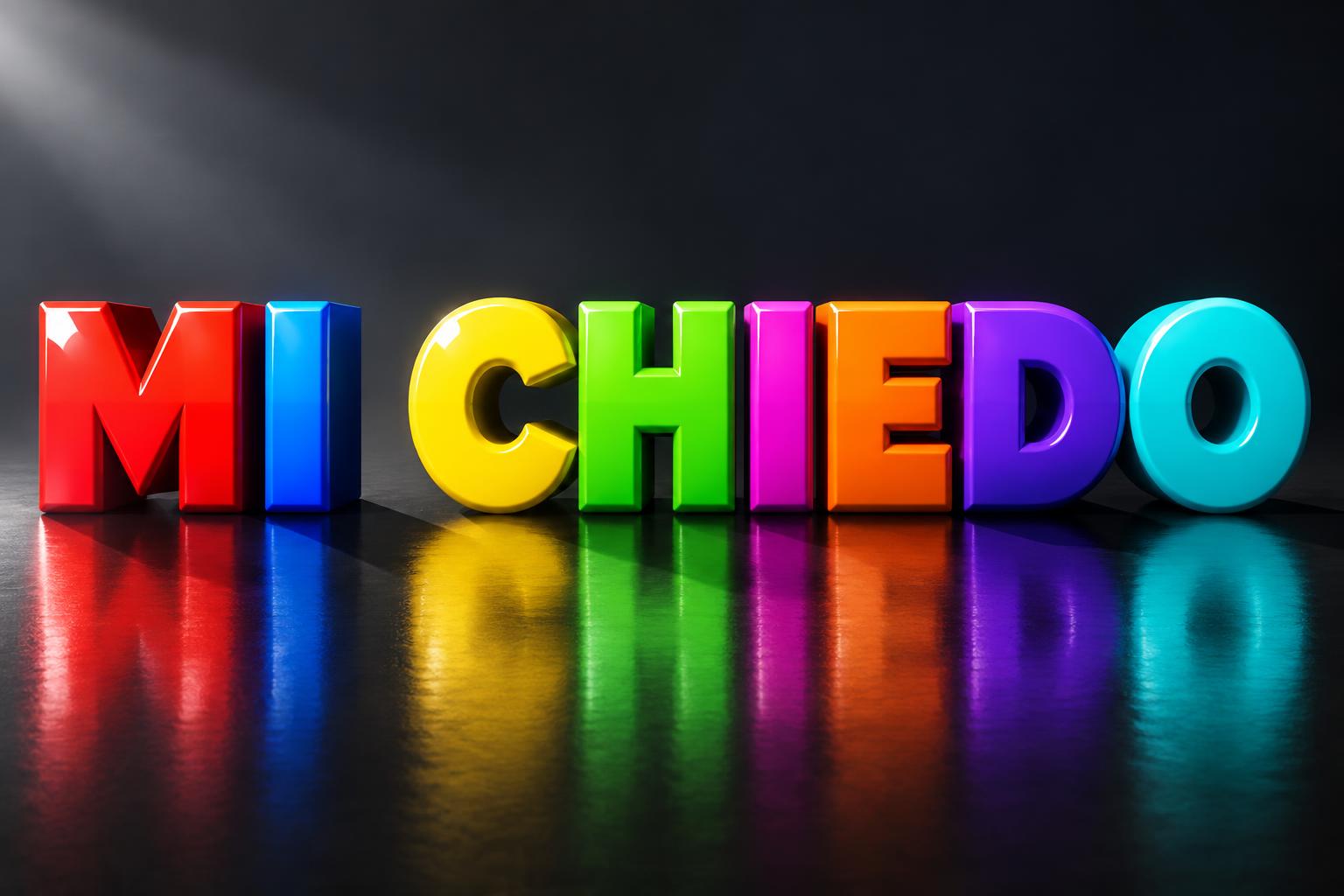
MI CHIEDO
How this one was made
Style3d bold
AI font3D Bold Candy
Size3:2
More like this
Made on FontVibe
AI fonts & styles

Candy fonts to try with your words

9 candy looks, including candy cane stripes, see-through gummy, dripping icing, melting chocolate, piped frosting and gingerbread. Each font has its own page.
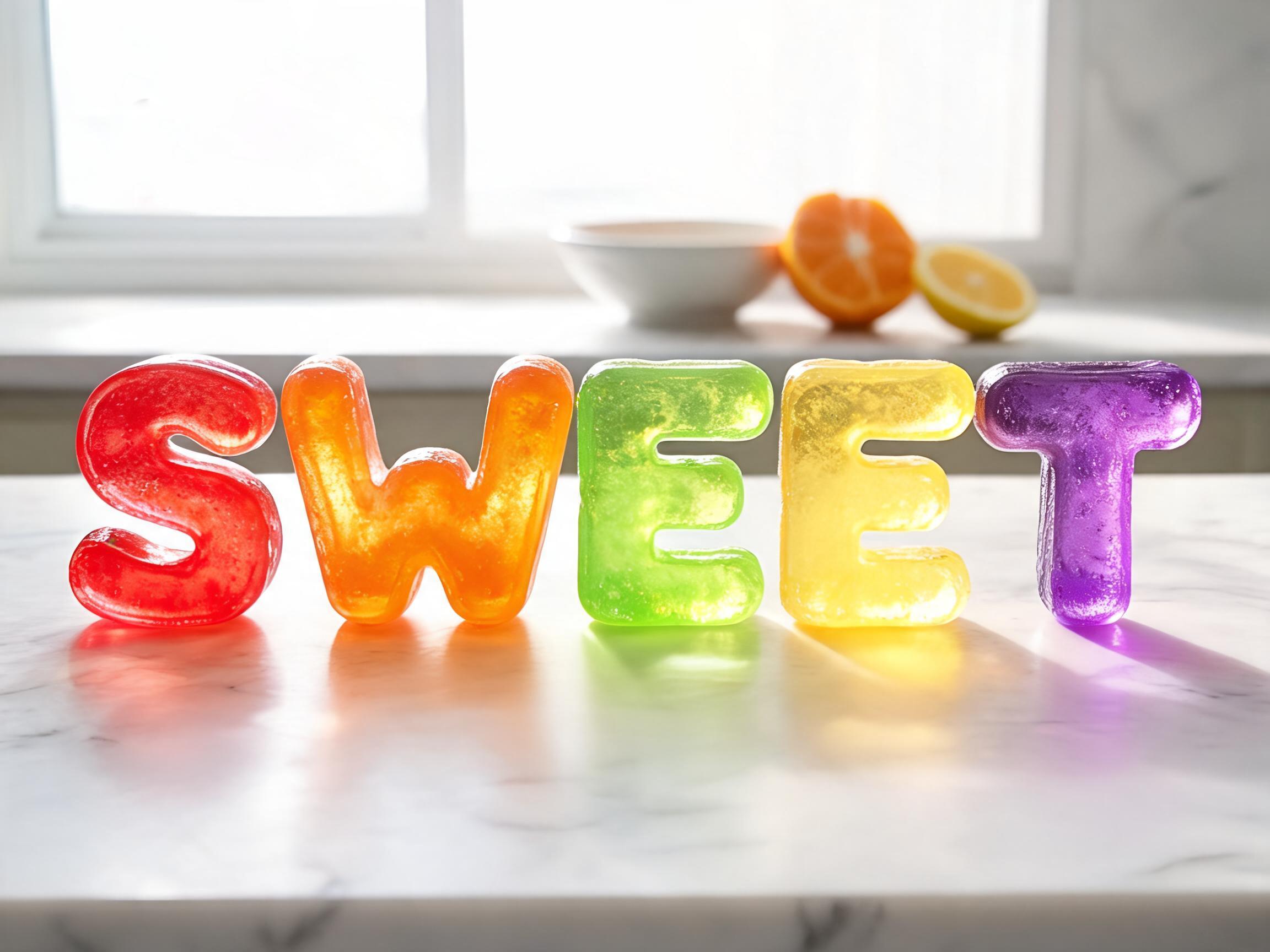
AI fonts 9Browse all AI fonts→

Candy Cane — AI font styleAI
View Details →

Candy Cane

Display · 3D · Rounded

3D Jelly — AI font styleAI
View Details →

3D Jelly

Display · 3D · Friendly

Drip Candy — AI font styleAI
View Details →

Drip Candy

Display · Friendly · Liquid

Gingerbread — AI font styleAI
View Details →

Gingerbread

Display · Friendly · Occasions

3D Piped Frosting — AI font styleAI
View Details →

3D Piped Frosting

Display · Occasions · Rounded

Melting Chocolate — AI font styleAI
View Details →

Melting Chocolate

Experimental · Liquid · Occasions

Rainbow Candy — AI font styleAI
View Details →

Rainbow Candy

Experimental · Occasions · Rounded

3D Bold Candy — AI font styleAI
View Details →

3D Bold Candy

Display · 3D · Friendly

Candy Corn — AI font styleAI
View Details →

Candy Corn

Display · Occasions · Rounded

Made on FontVibe

Candy lettering ideas

Sweet shop signs, birthday banners, Christmas cards and posts made on FontVibe. Pick a design and swap in your own words.

50 of 117 designs
"MI CHIEDO" — 3d Bold | AI Text Effect Generator
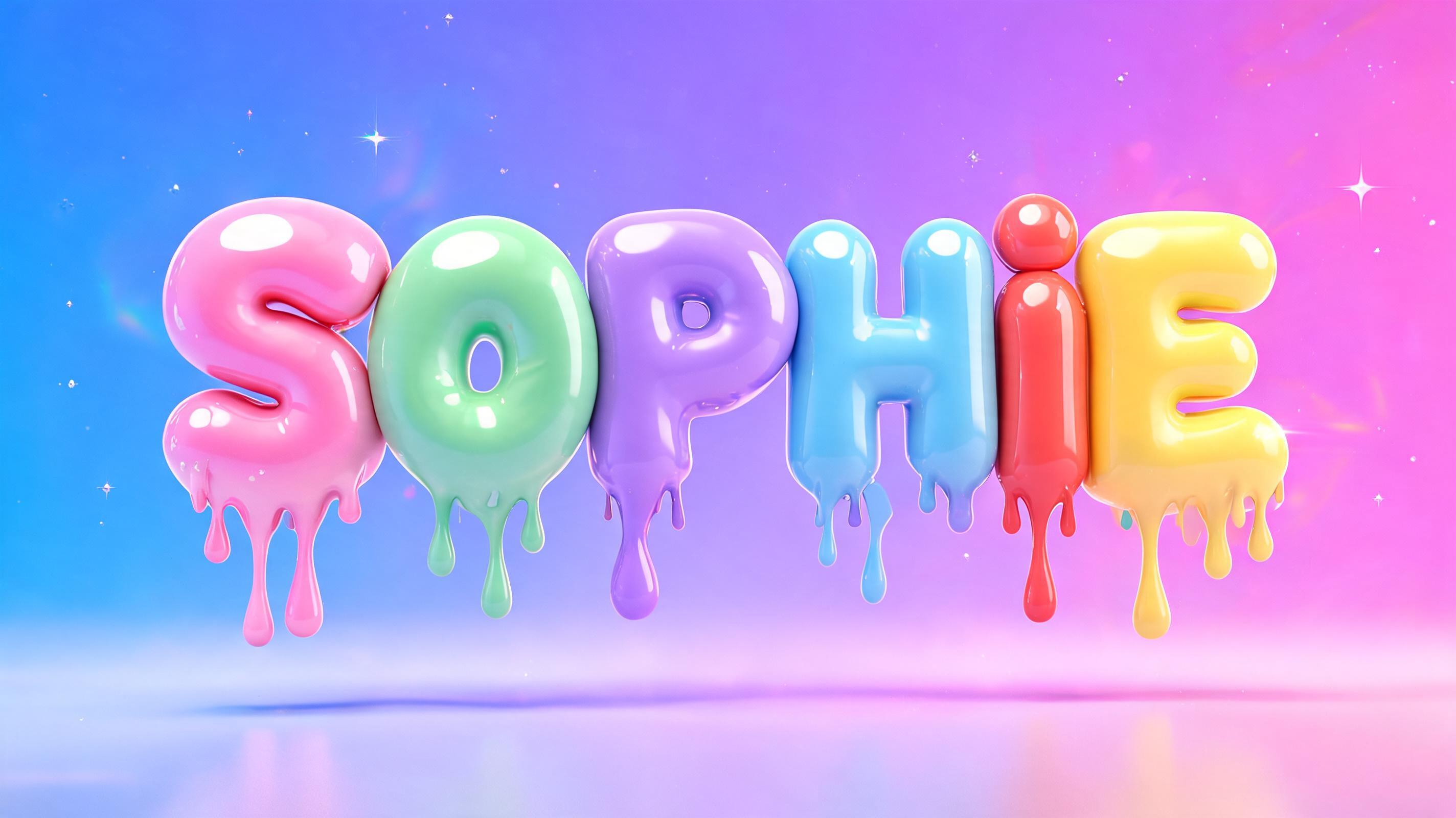
"SOPHIE" — 3d Bold Inflated | AI Text Effect Generator
"Saduni Malsika" — 3d Bold | AI Text Effect Generator
"JADE" — 3d Bold | AI Text Effect Generator
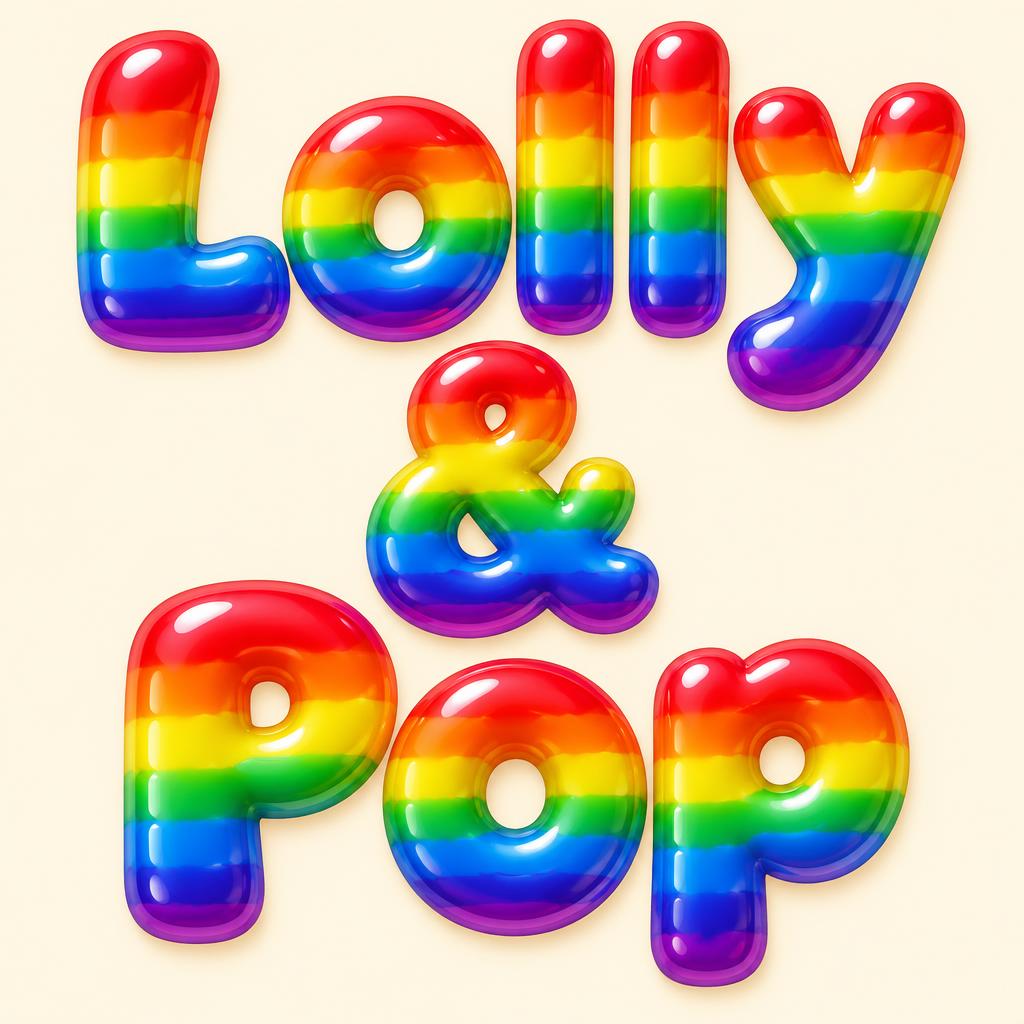
"Lolly & Pop" — Lacquered Rainbow Candy | AI Text Effect Generator
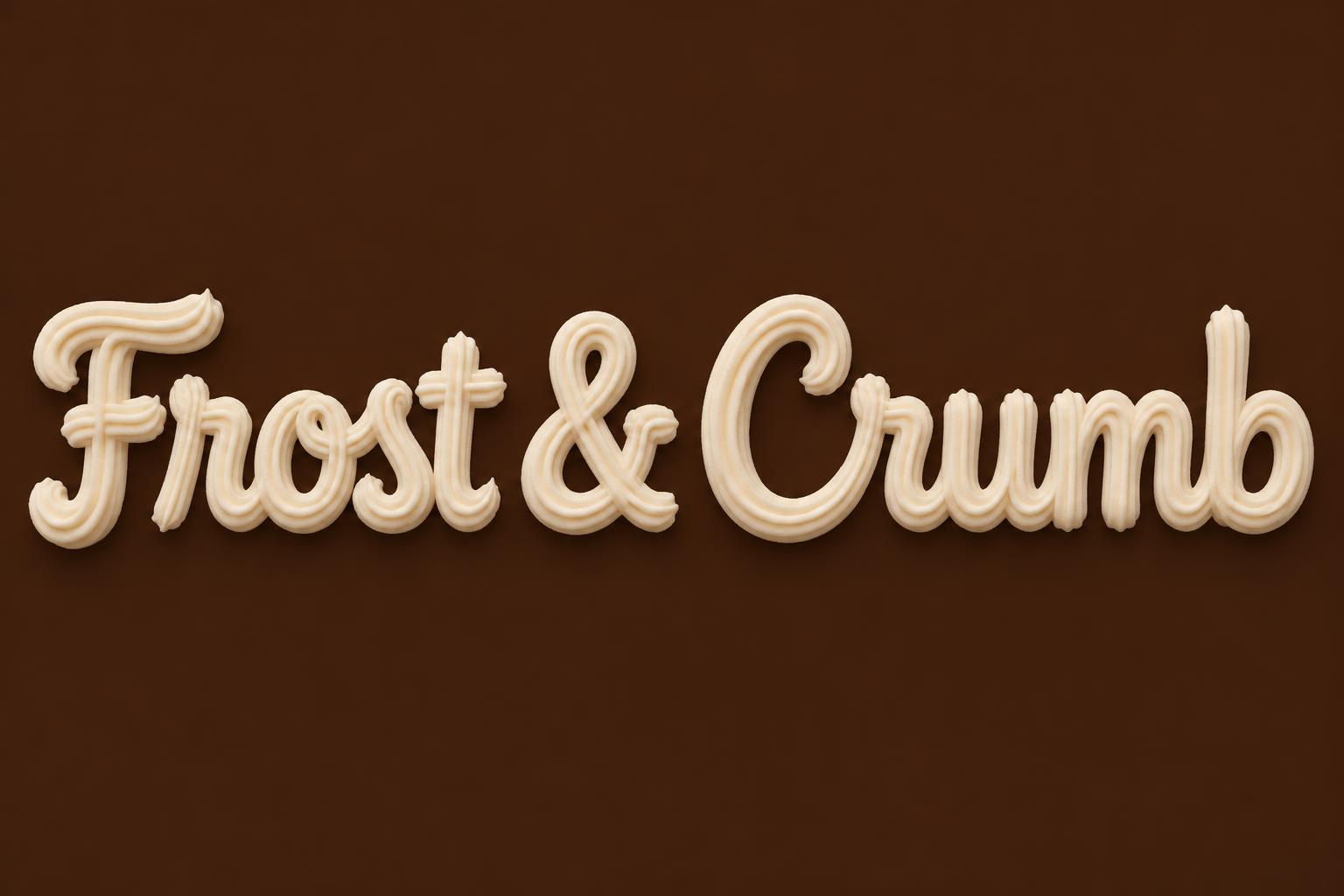
"Frost & Crumb" — Matte Buttercream | AI Text Effect Generator
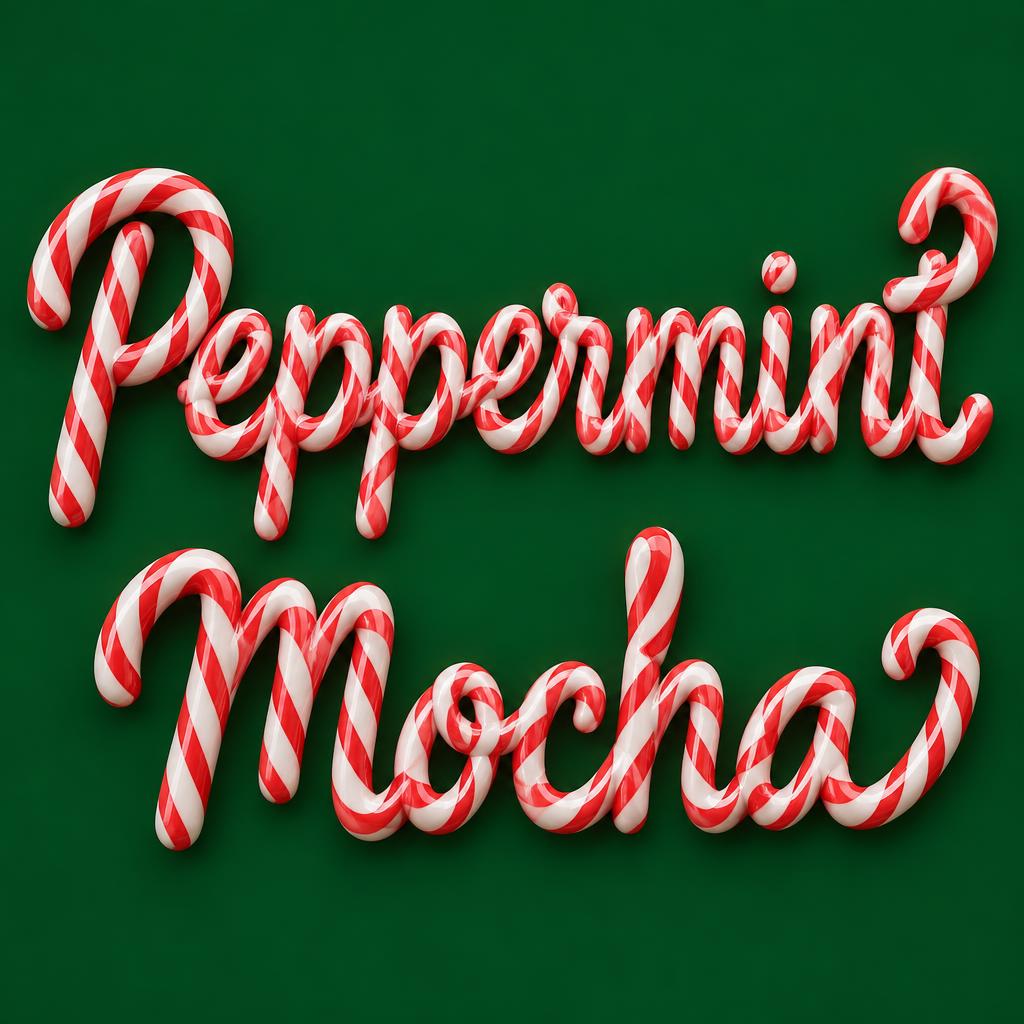
"Peppermint Mocha" — Boiled Sugar Script | AI Text Effect Generator
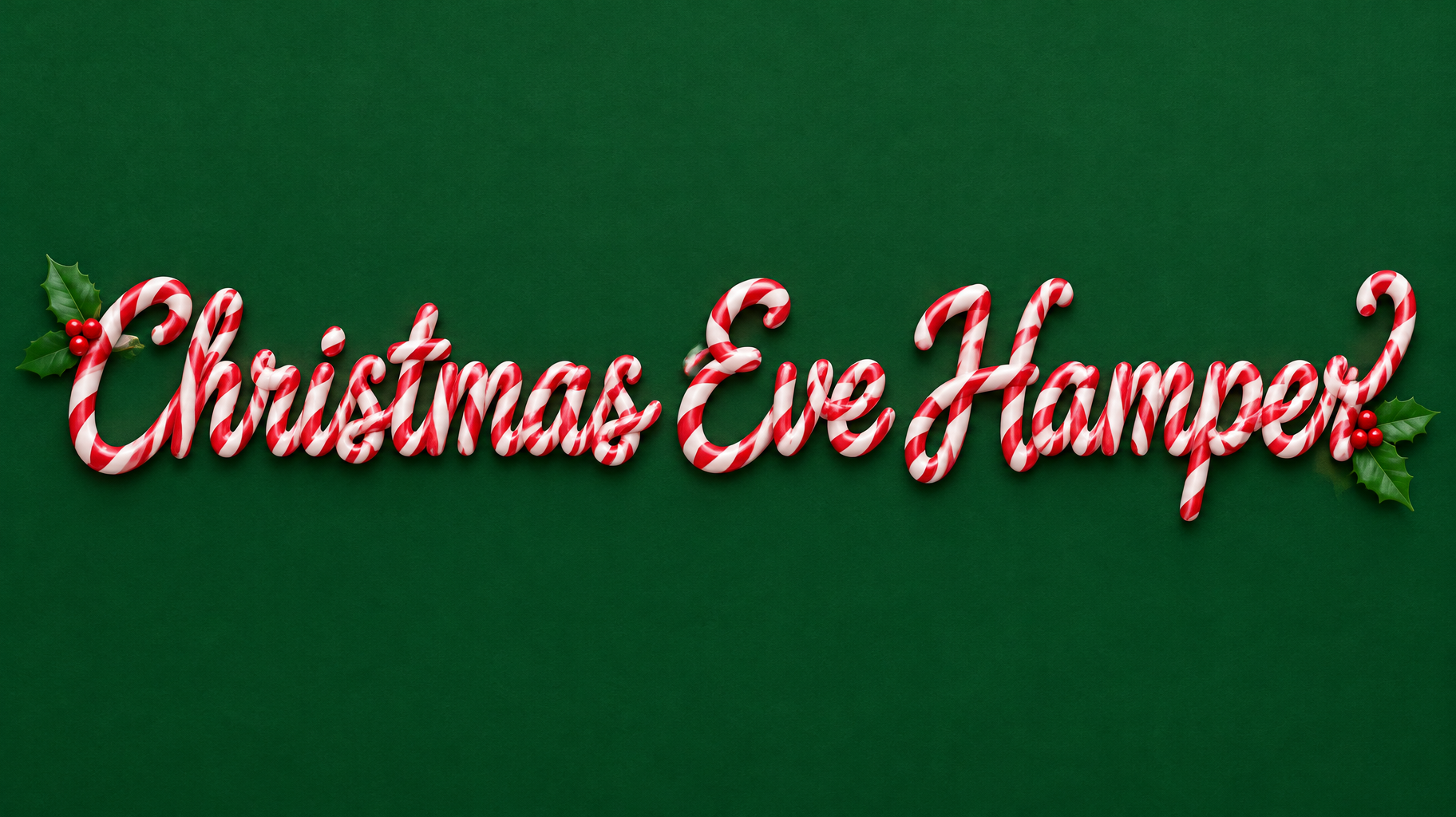
"Christmas Eve Hamper" — Peppermint Evergreen | AI Text Effect Generator
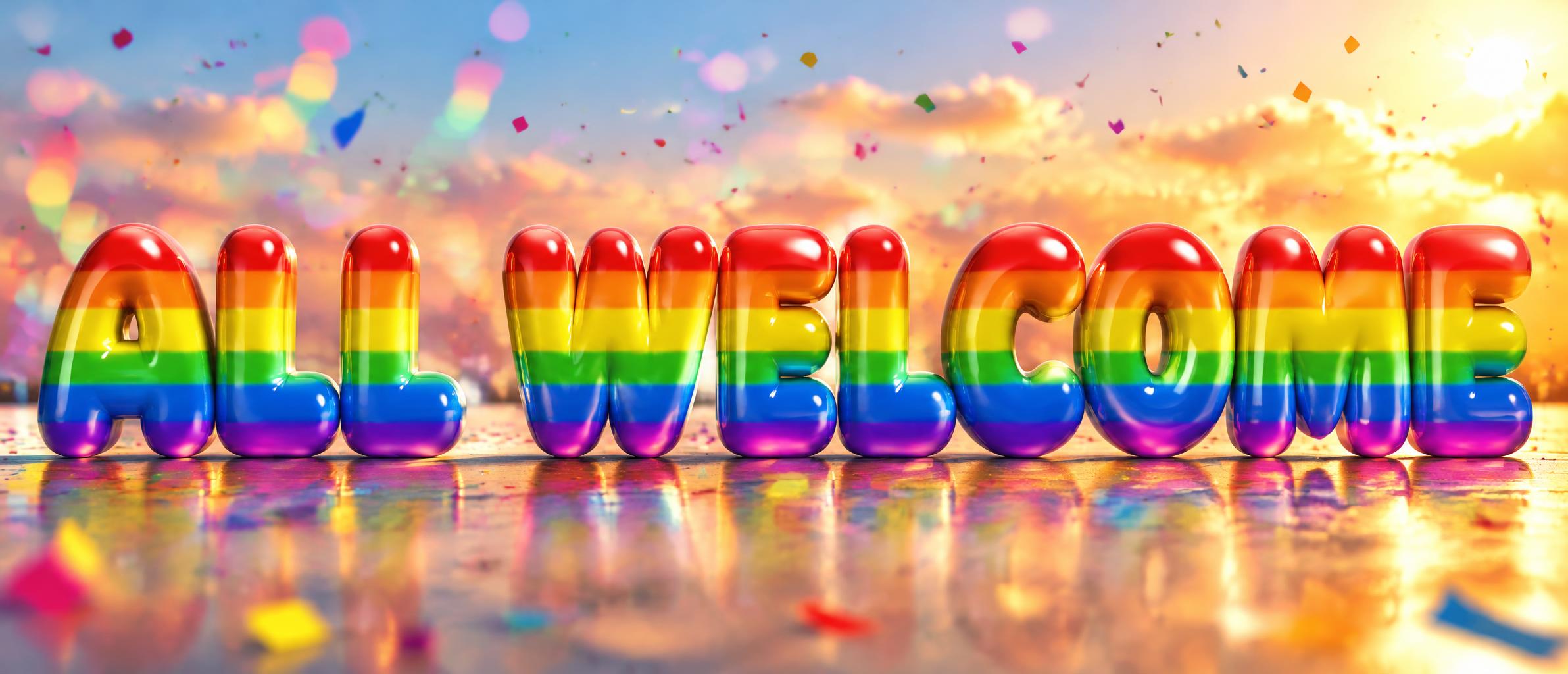
"ALL WELCOME" — Rainbow | AI Text Effect Generator
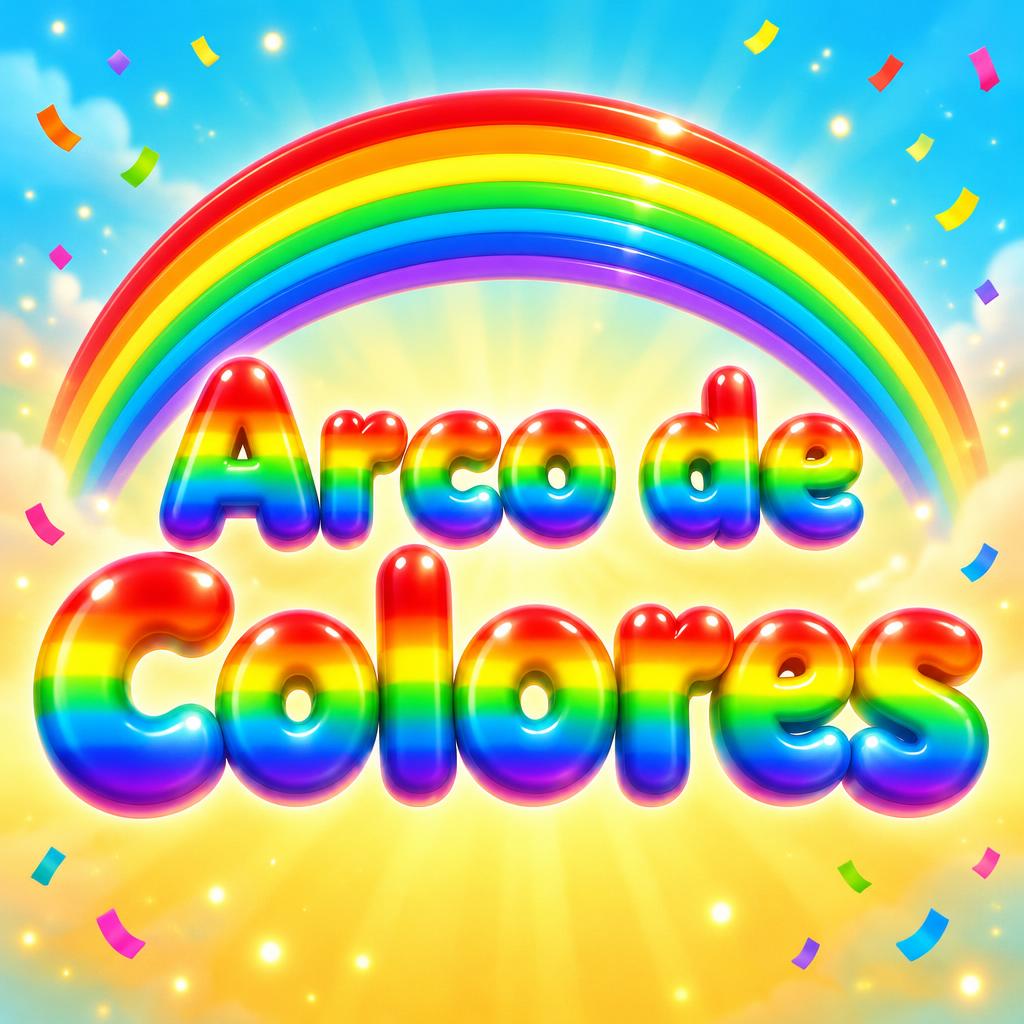
"Arco de
Colores" — Rainbow | AI Text Effect Generator
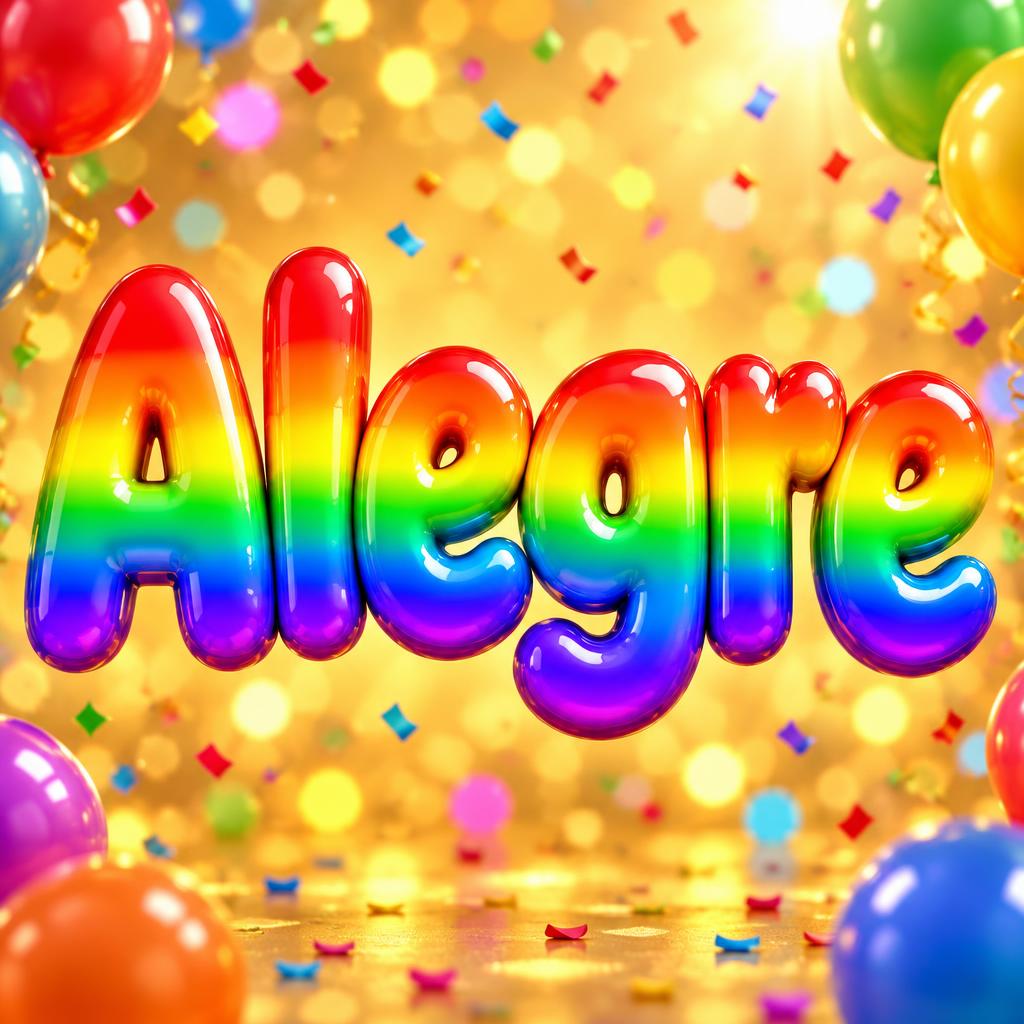
"Alegre" — Rainbow | AI Text Effect Generator
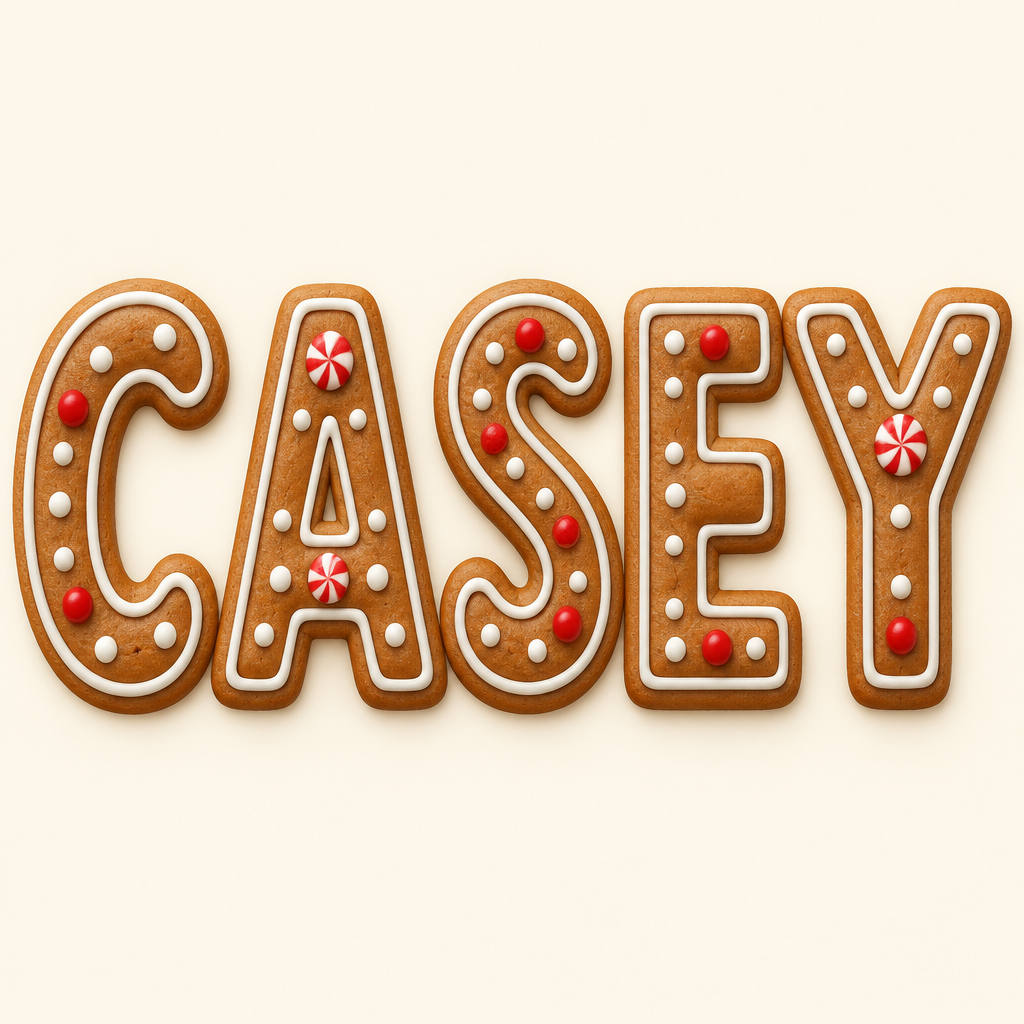
"CASEY" — Bakery Cookie Print | AI Text Effect Generator
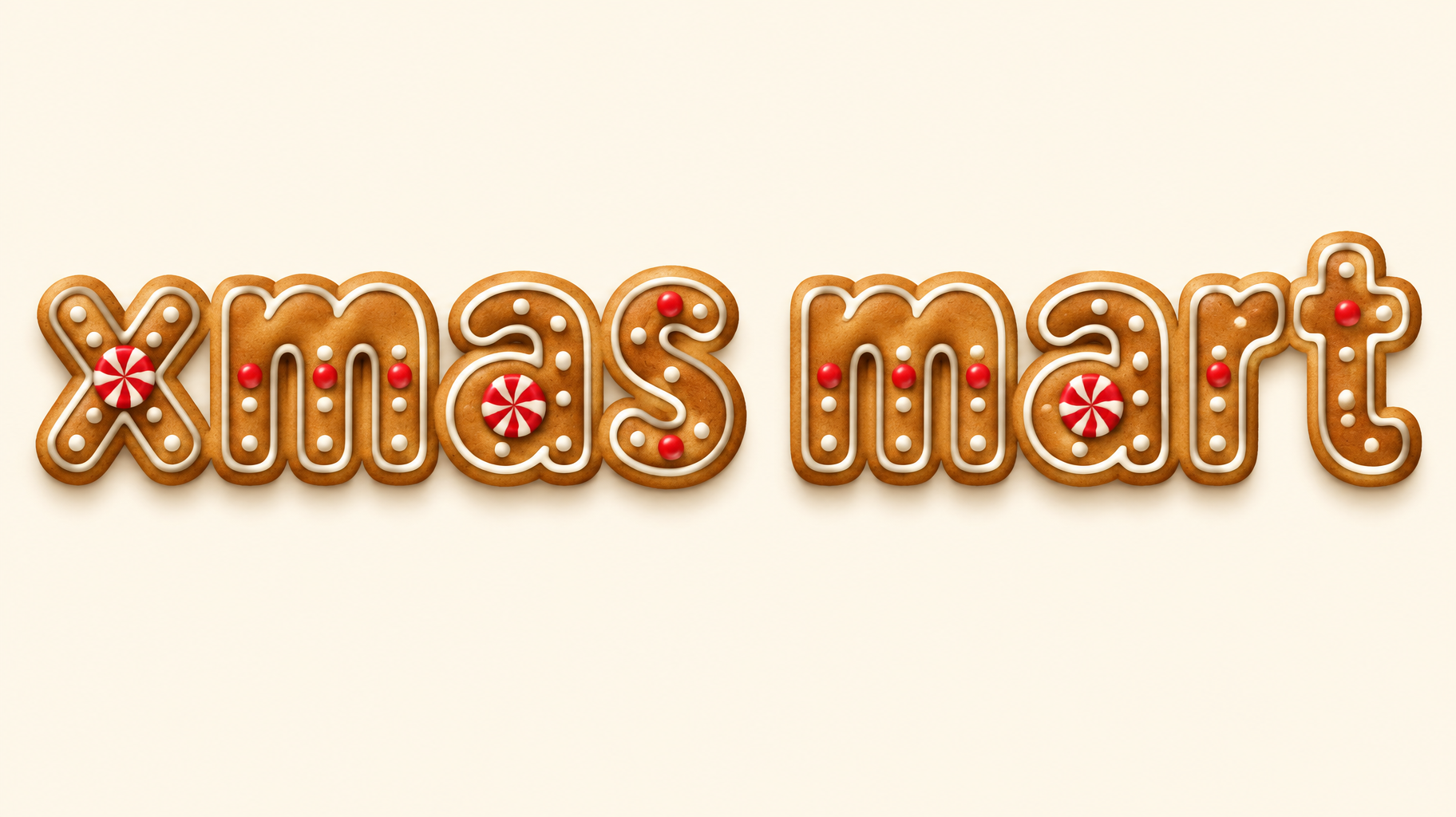
"xmas mart" — Iced Cookie Sign | AI Text Effect Generator
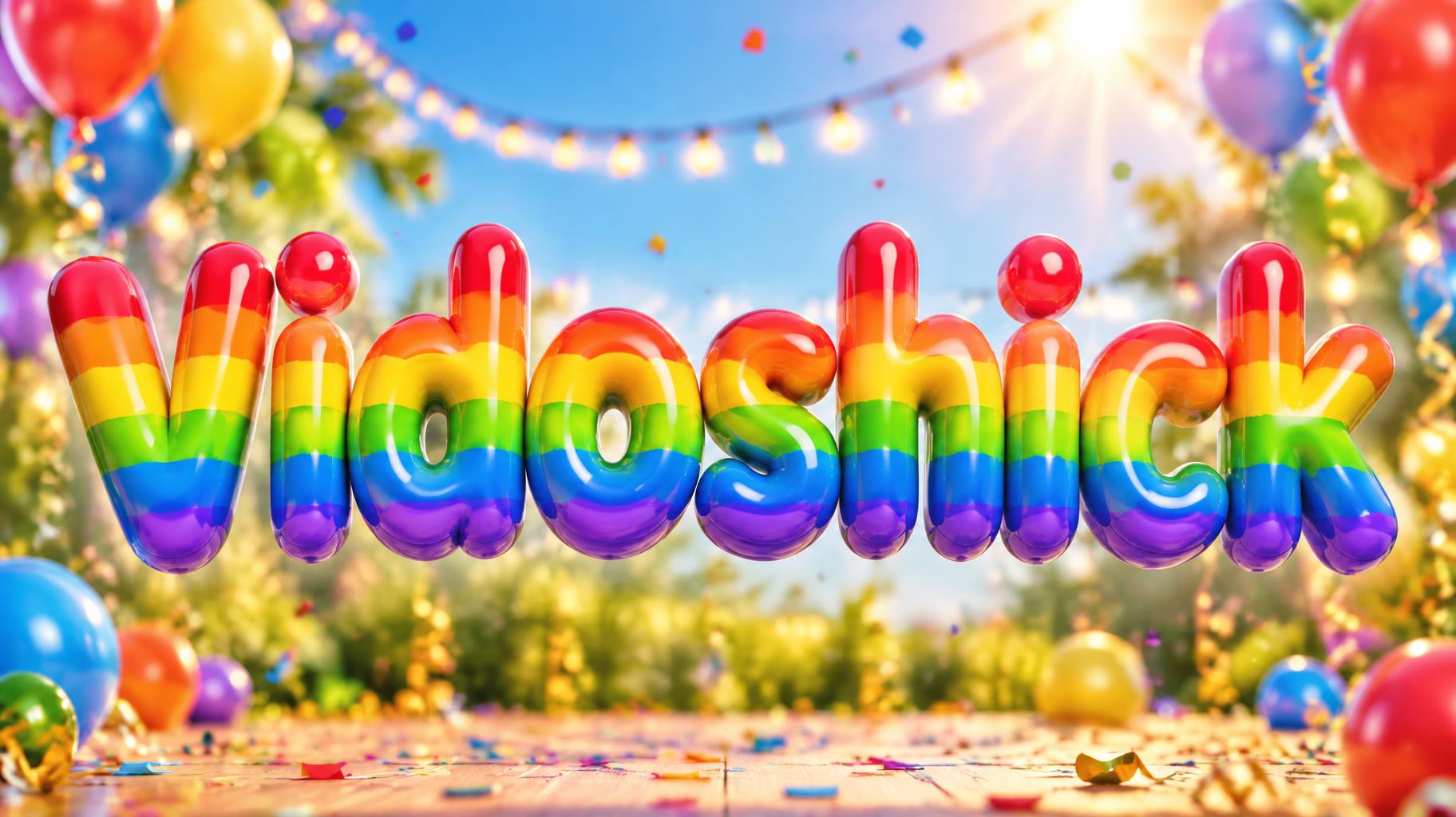
"Vidoshick" — Rainbow | AI Text Effect Generator
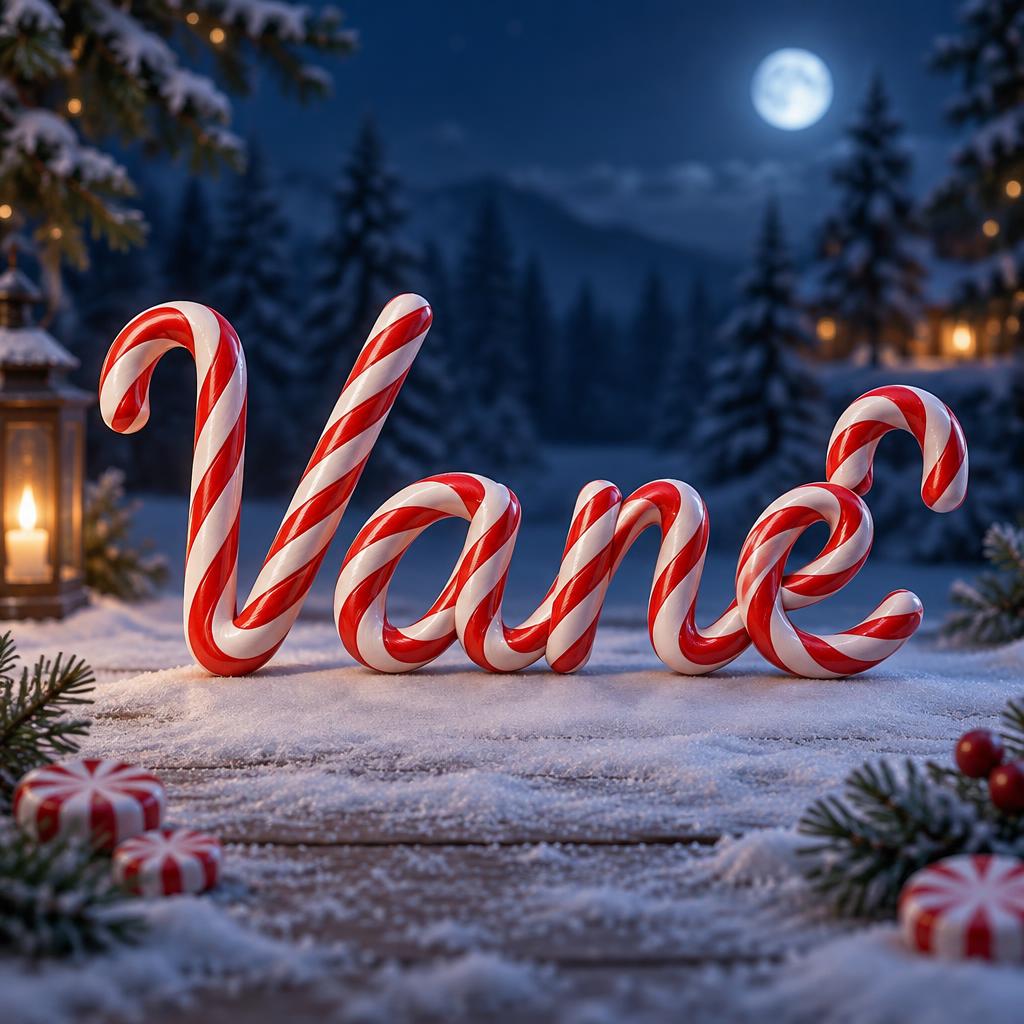
"Vane" —  | AI Text Effect Generator
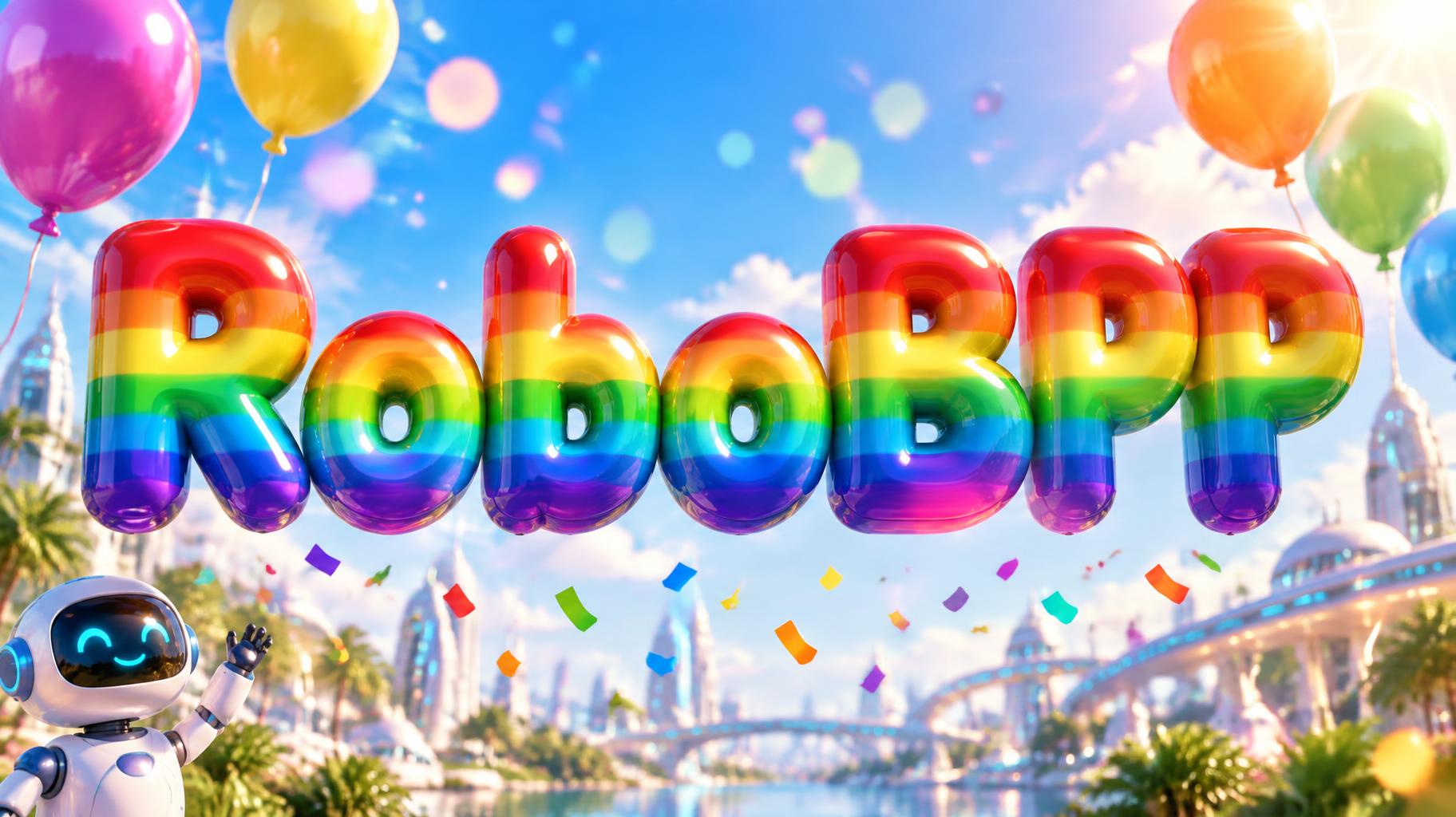
"RoboBPP" — Rainbow | AI Text Effect Generator
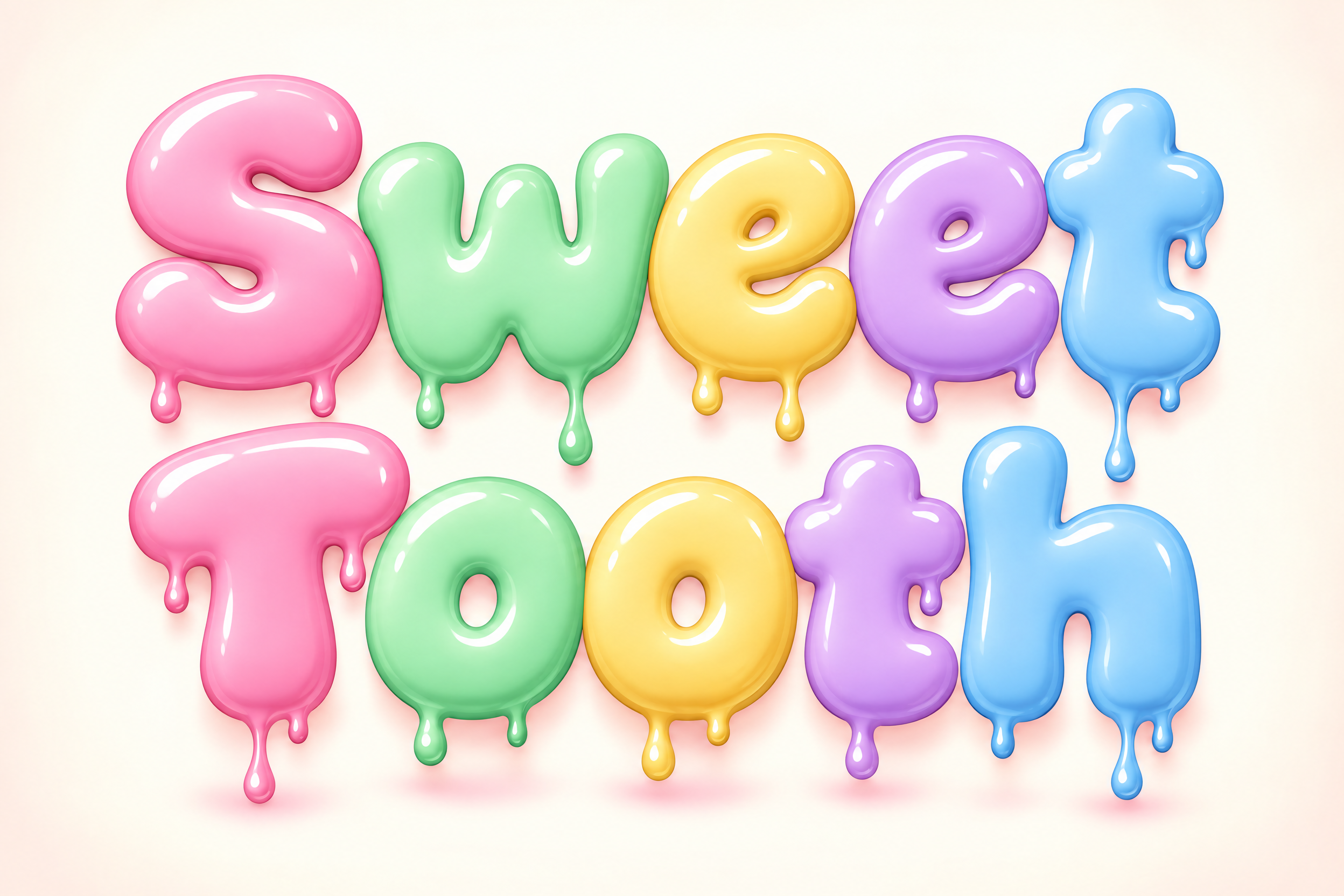
"Sweet Tooth" — Pastel Glazed Candy | AI Text Effect Generator
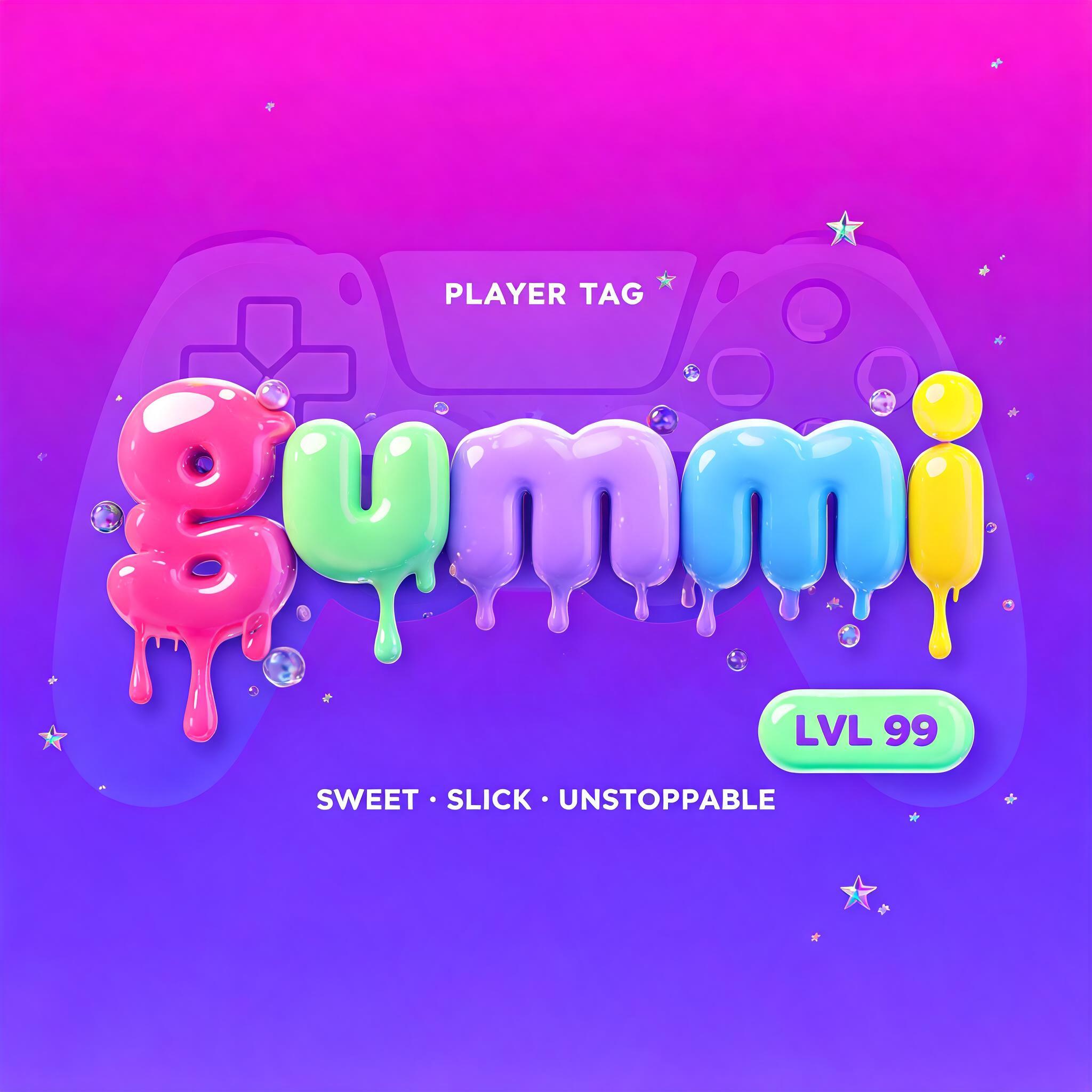
"Gummi
PLAYER TAG
SWEET • SLICK • UNSTOPPABLE
LVL 99" — 3d Bold Inflated | AI Text Effect Generator
"PAPEBOY KY" — 3d Bold | AI Text Effect Generator
"Betul" — 3d Bold | AI Text Effect Generator
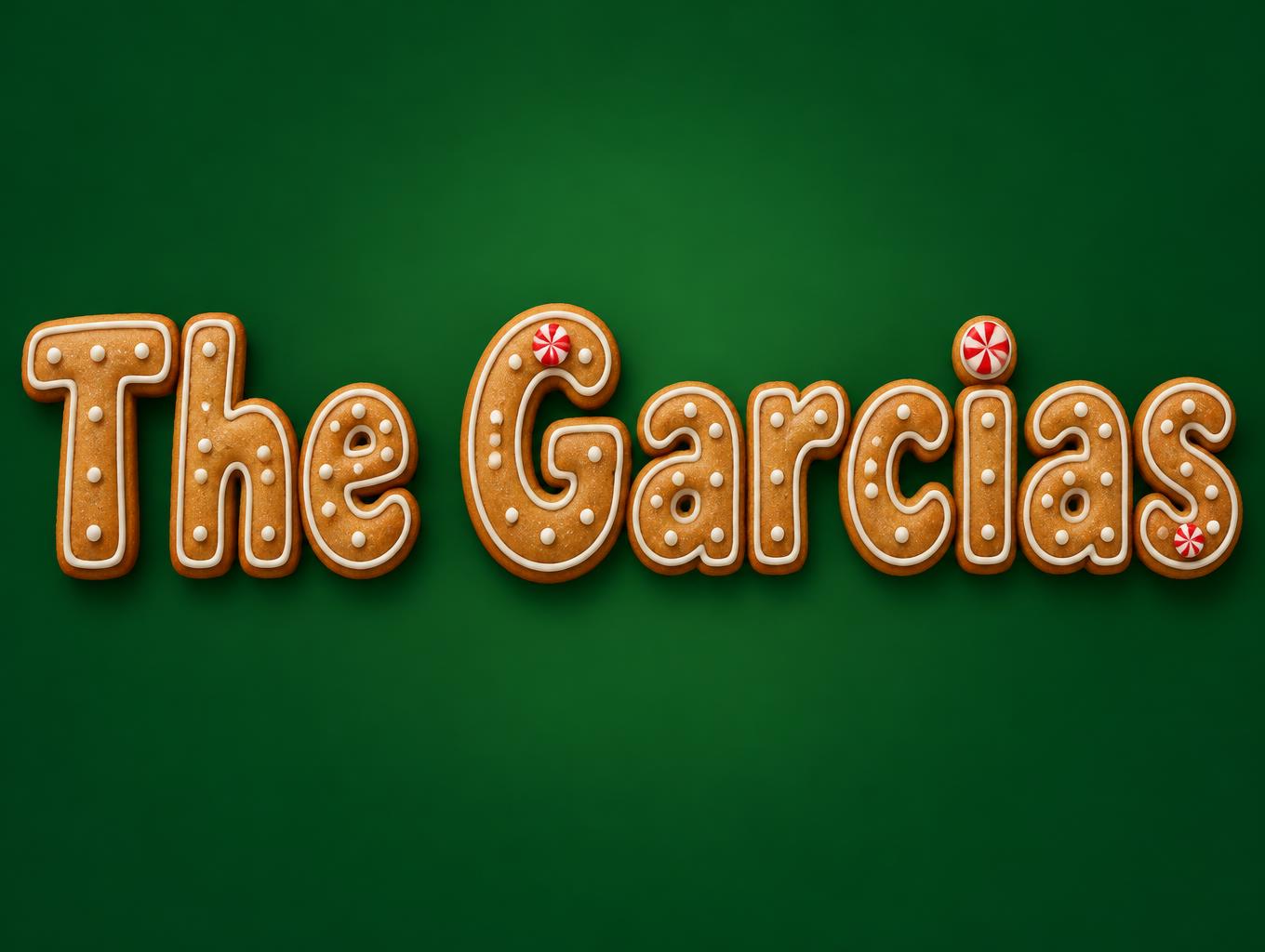
"The Garcias" — Homemade Holiday Cookies | AI Text Effect Generator
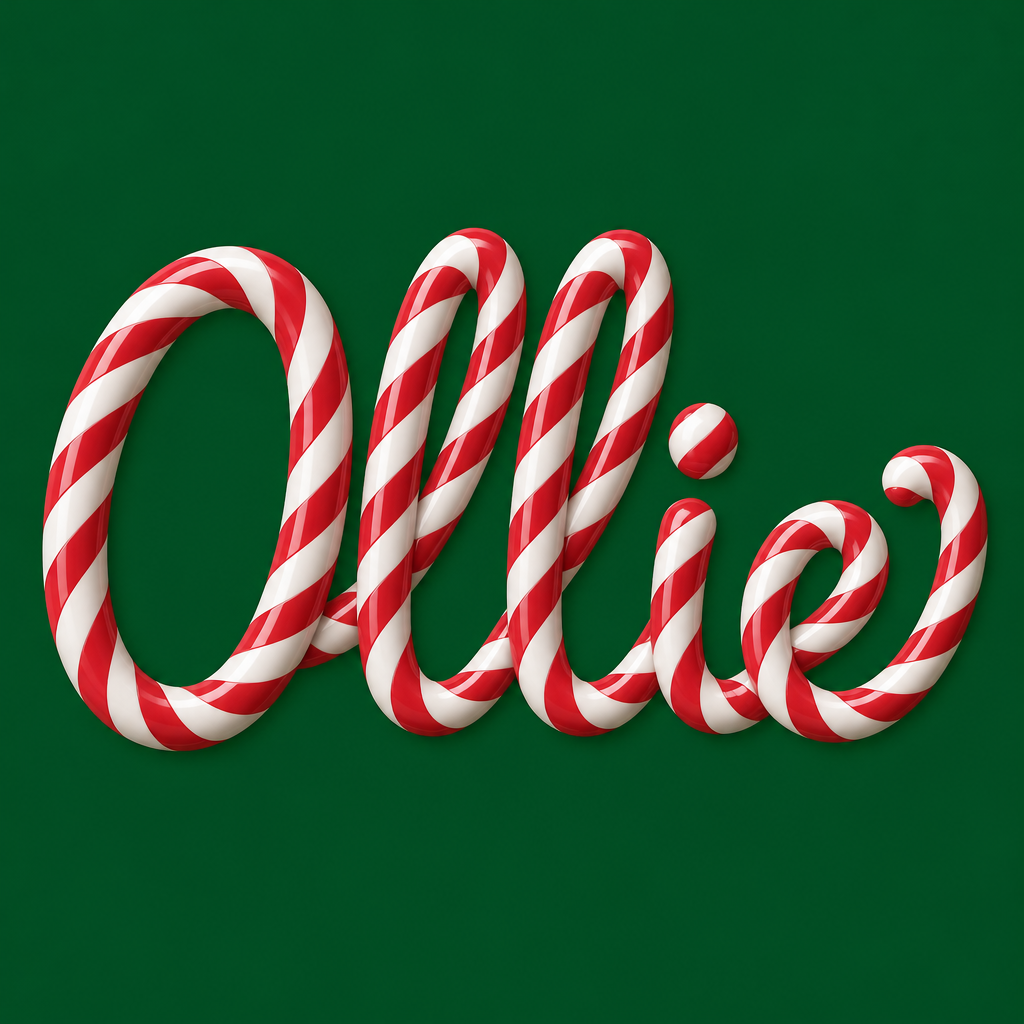
"Ollie" — Peppermint Polish | AI Text Effect Generator
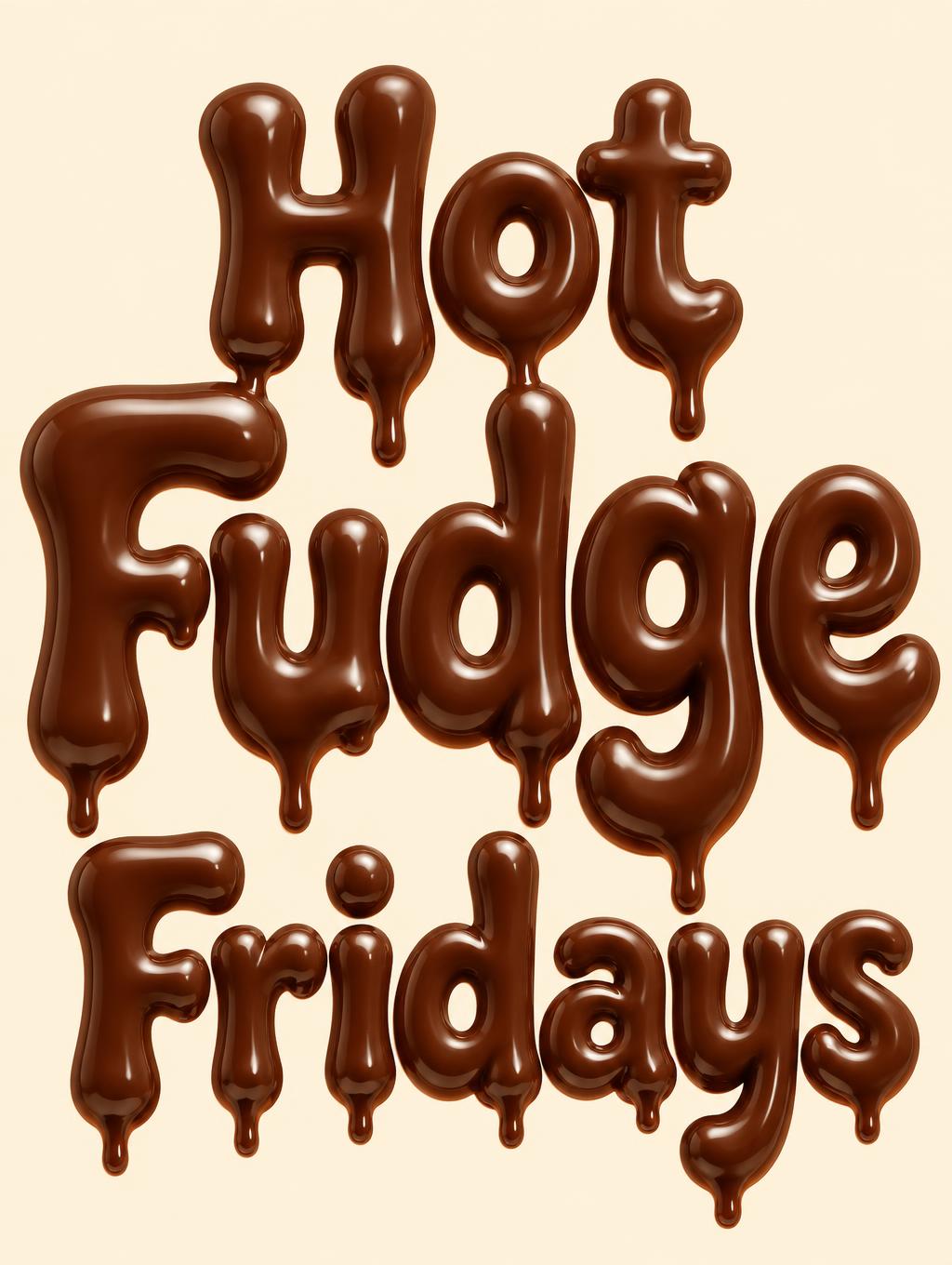
"Hot Fudge Fridays" — Confection Gloss | AI Text Effect Generator
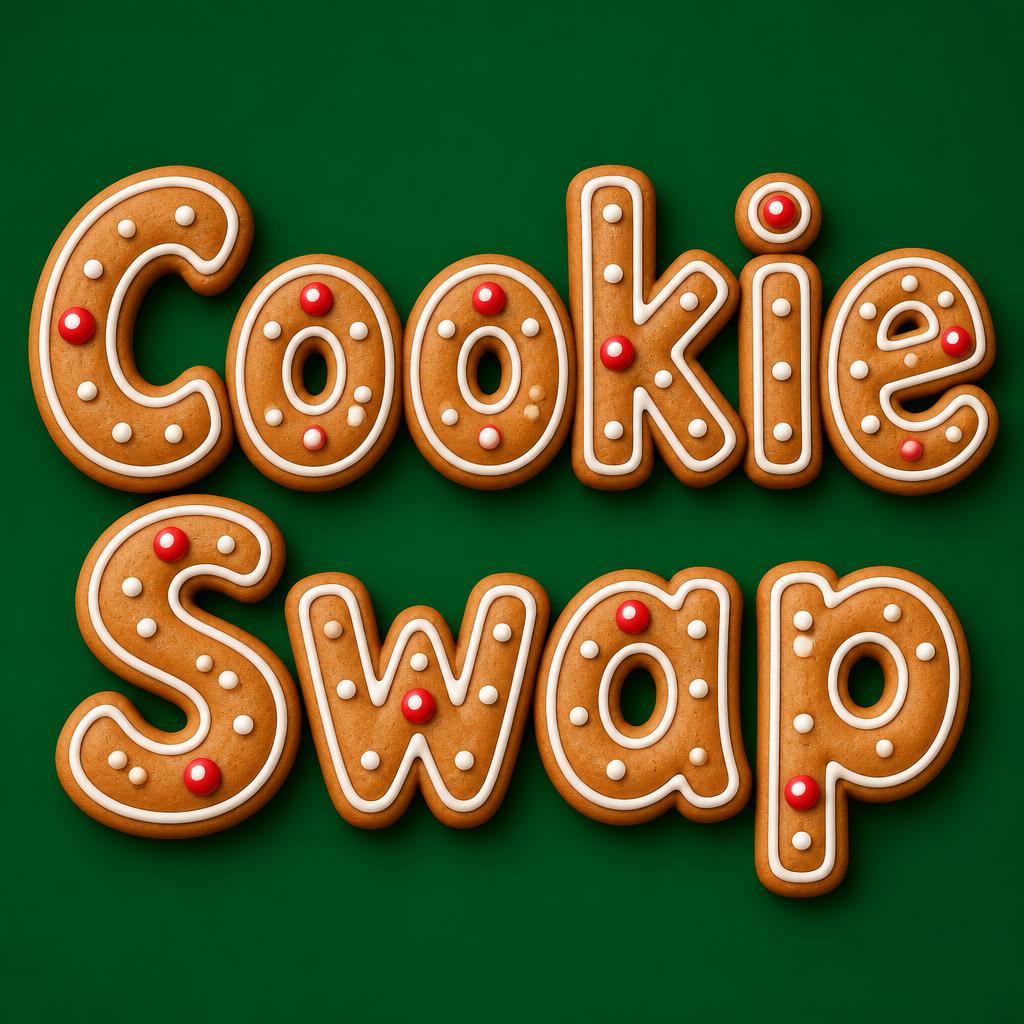
"Cookie Swap" — Holiday Cookie Glow | AI Text Effect Generator
"22 days" —  | AI Text Effect Generator
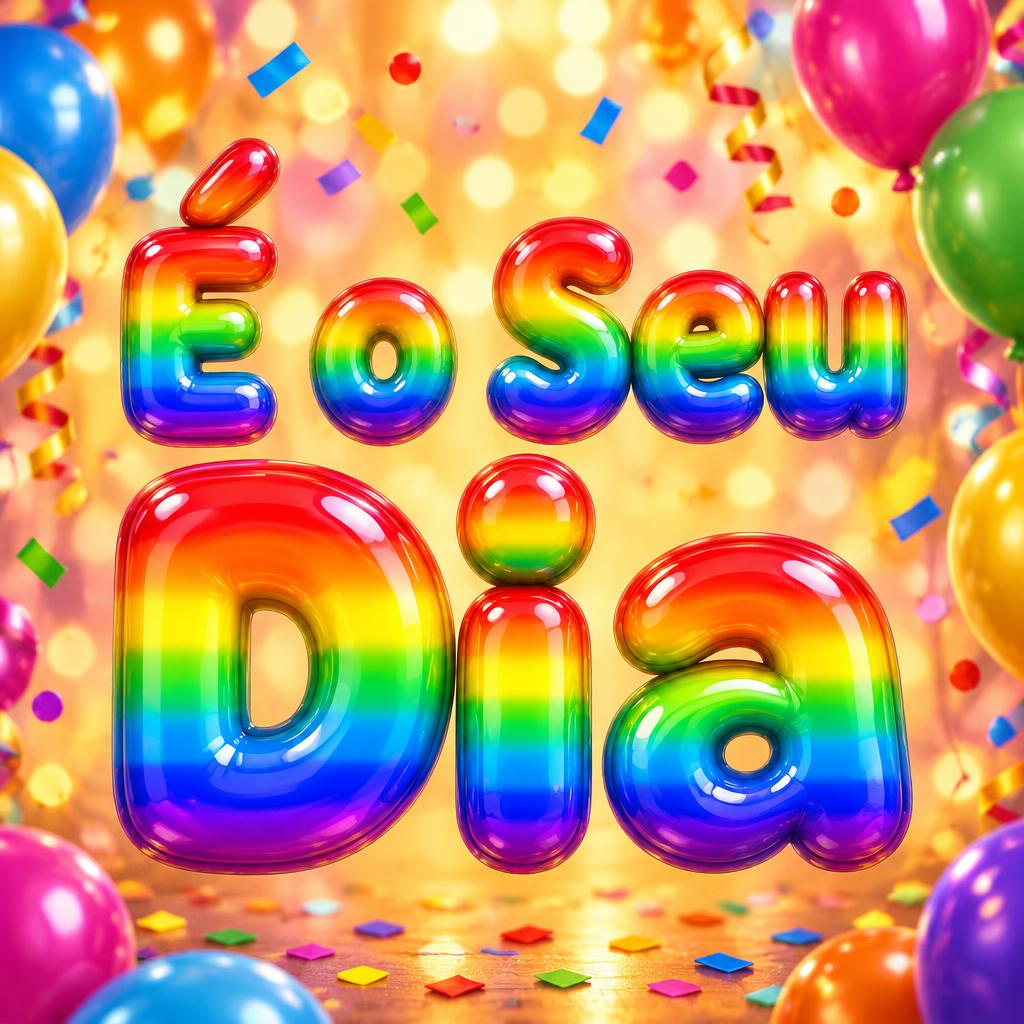
"É o Seu Dia" — Rainbow | AI Text Effect Generator
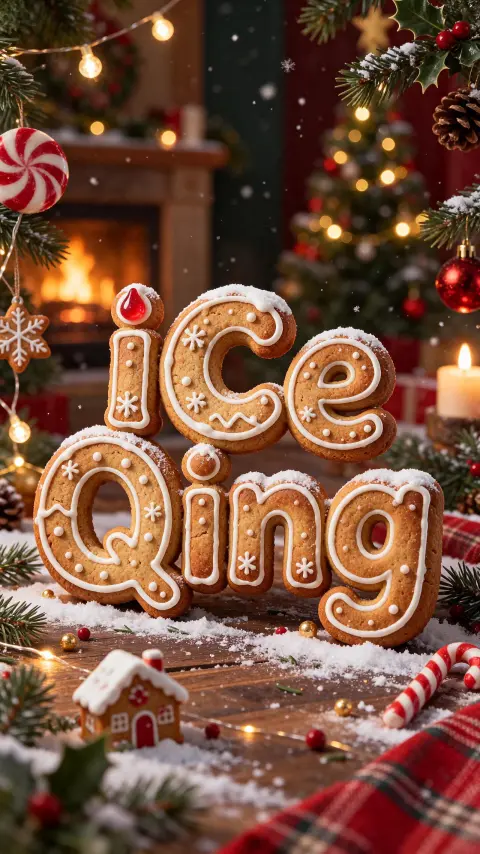
"iCe Qing" — Christmas | AI Text Effect Generator
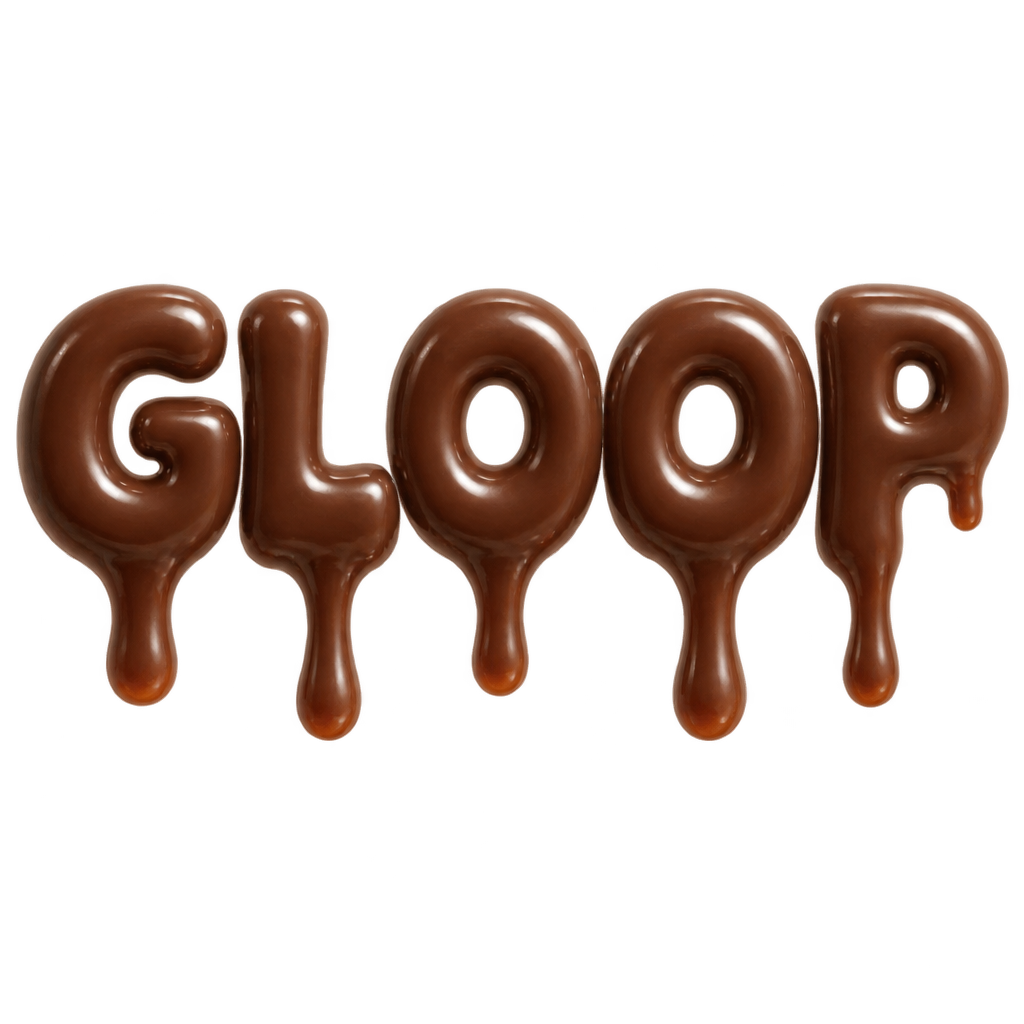
"GLOOP" —  | AI Text Effect Generator
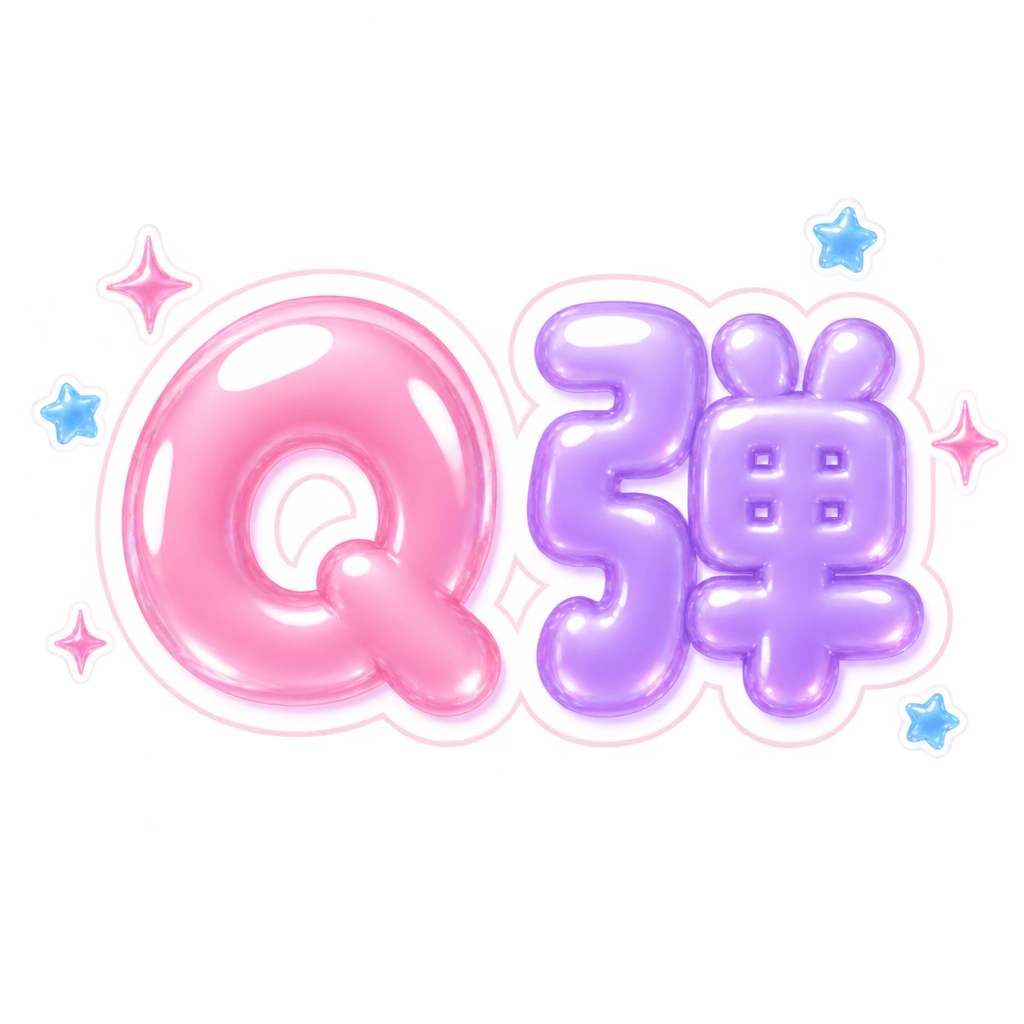
"Q弹" — Y2k Bubbly | AI Text Effect Generator
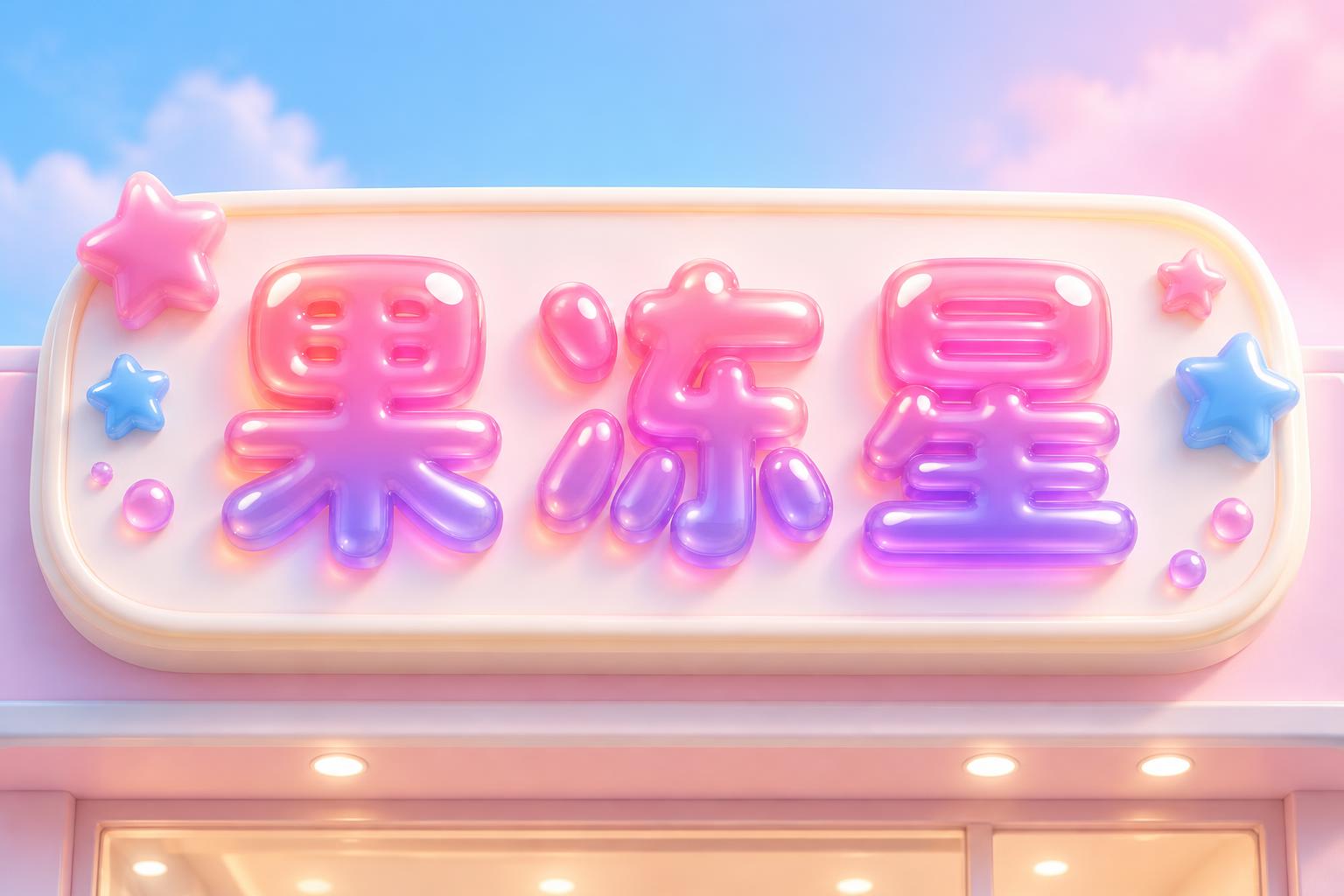
"果冻星" — Y2k Bubbly | AI Text Effect Generator
"Ruth  2'" — Cream Cookie Print | AI Text Effect Generator
"Saeideh & MAHDI" —  | AI Text Effect Generator
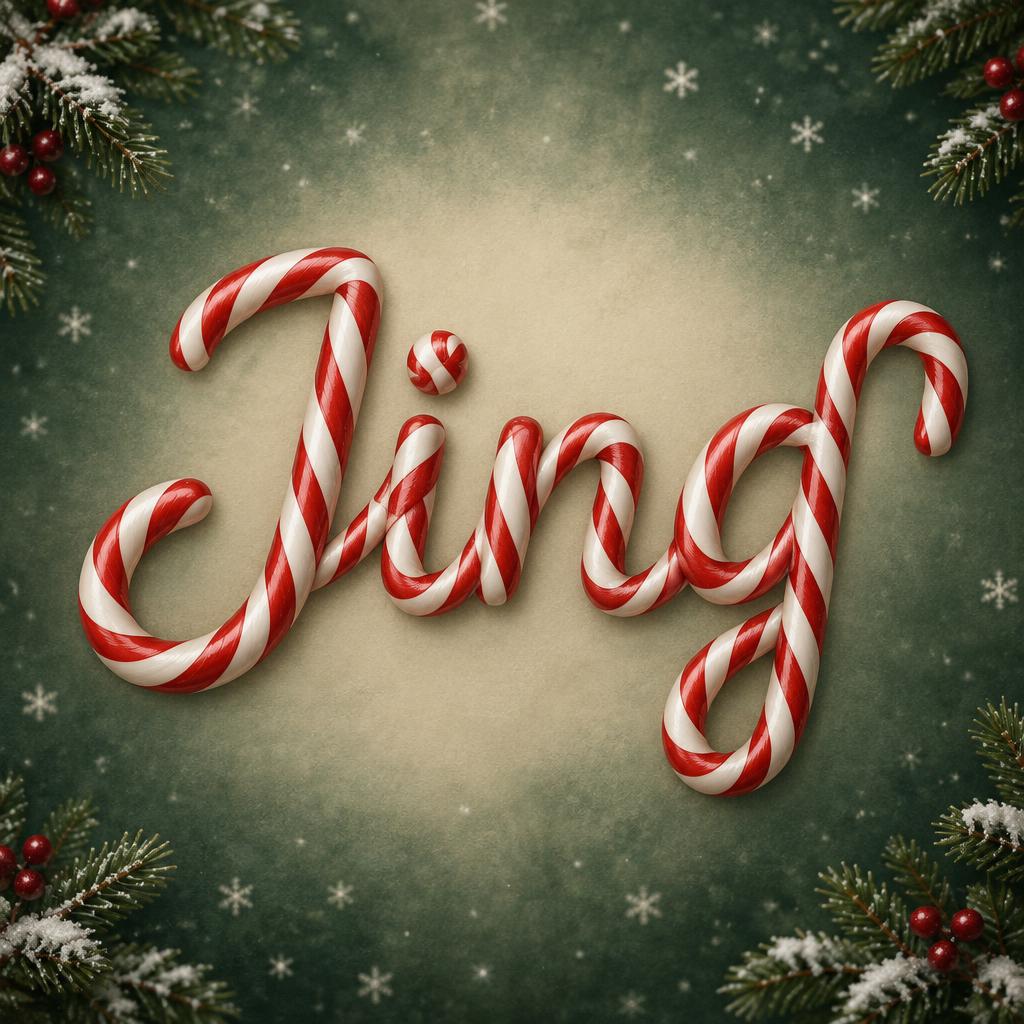
"Jing" —  | AI Text Effect Generator
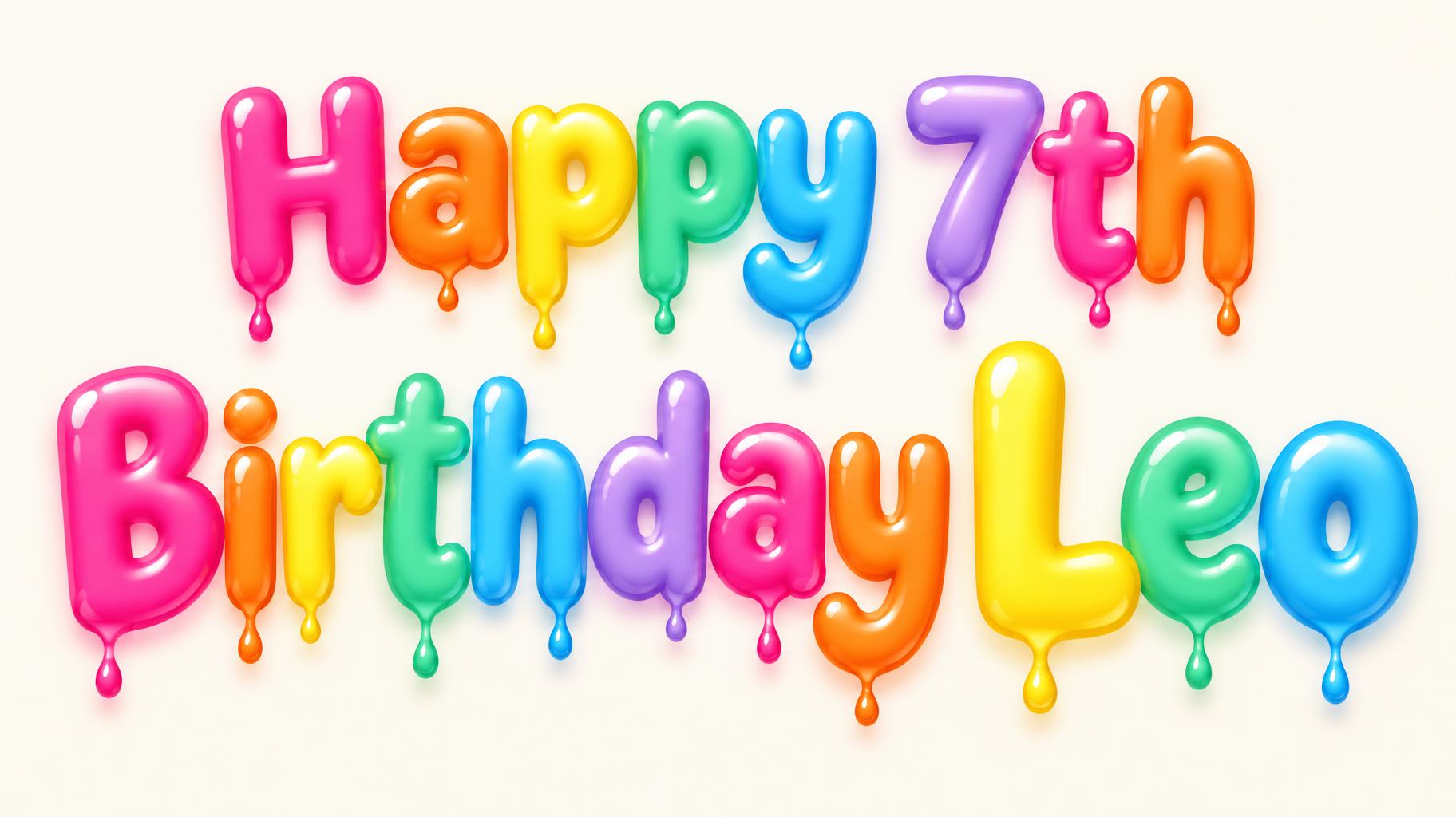
"Happy 7th Birthday Leo" — Rainbow Candy Glaze | AI Text Effect Generator
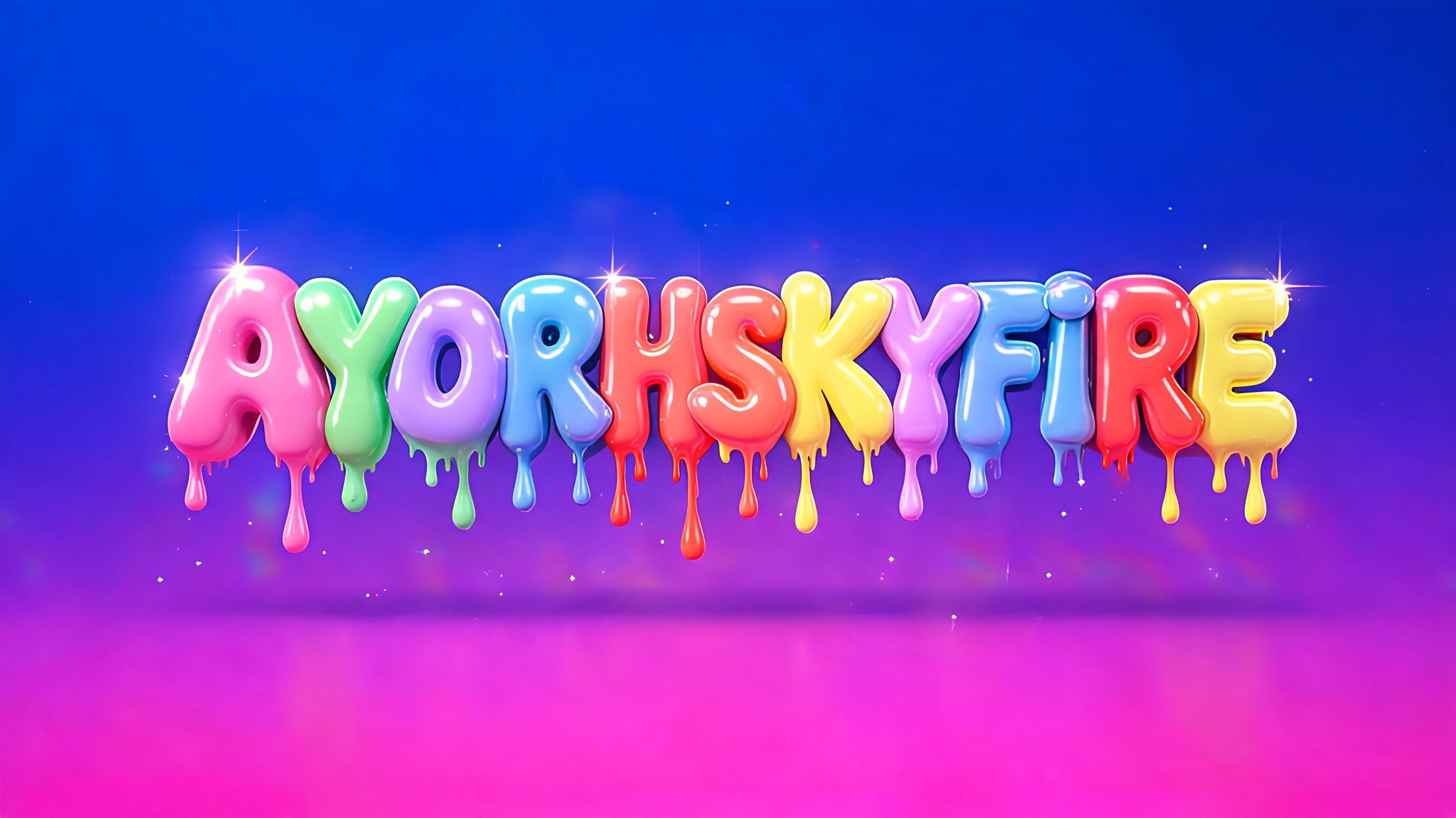
"AYORHSKYFIRE" — 3d Bold Inflated | AI Text Effect Generator
"Reward Bonanza" — 3d Bold | AI Text Effect Generator
"REBEL" — 3d Bold | AI Text Effect Generator
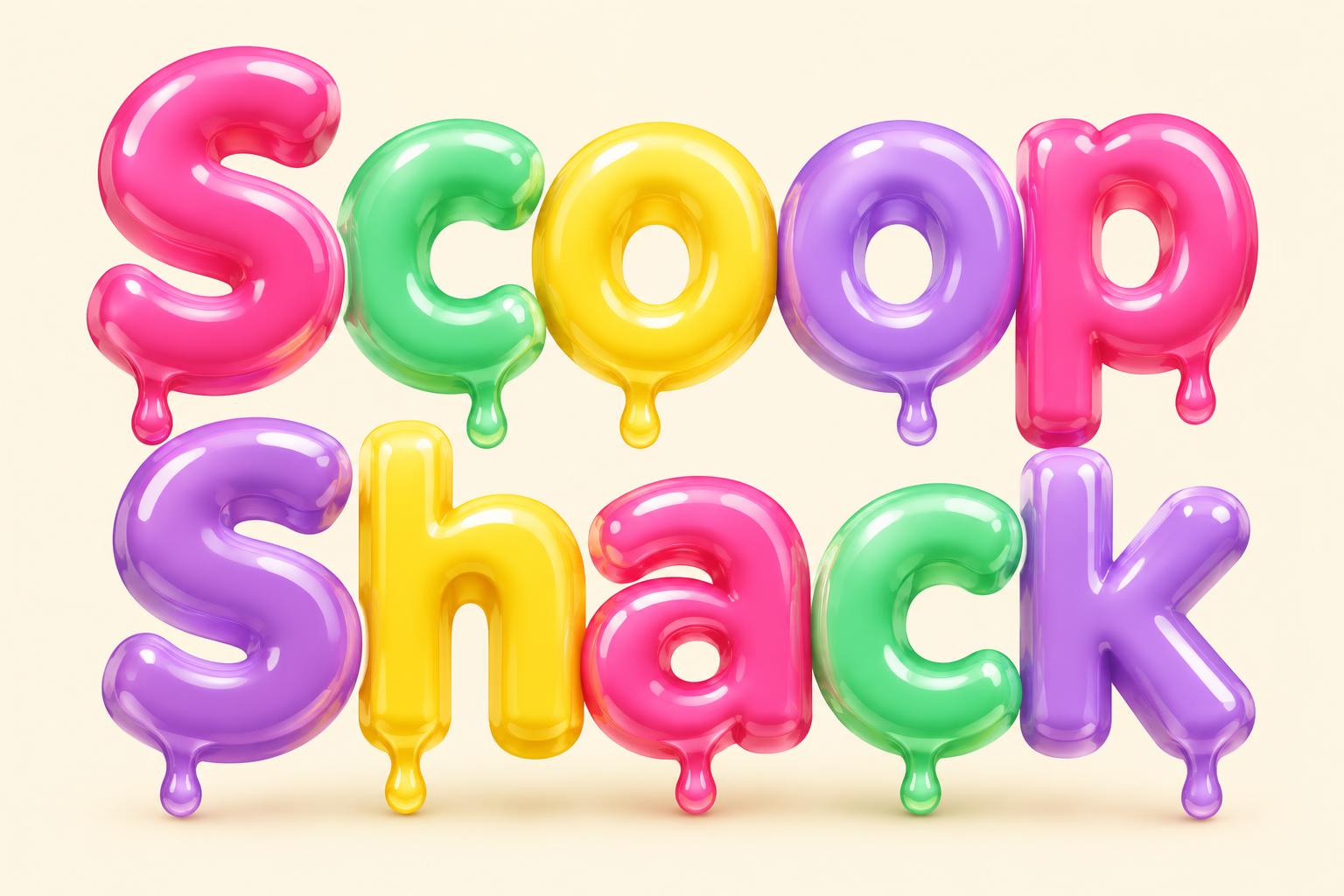
"Scoop Shack" — Glossy Candy Glaze | AI Text Effect Generator
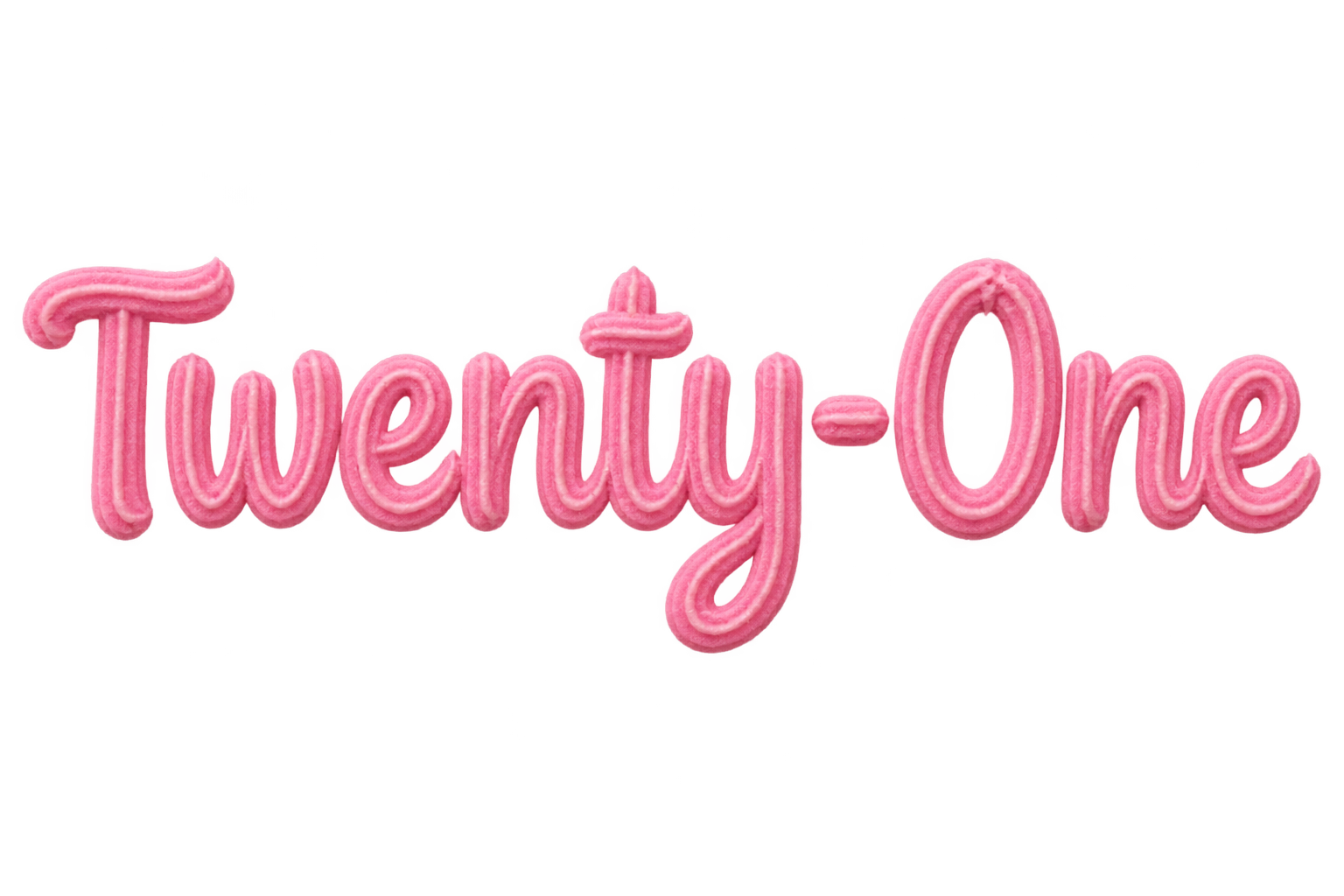
"Twenty-One" — Matte Piped Buttercream | AI Text Effect Generator
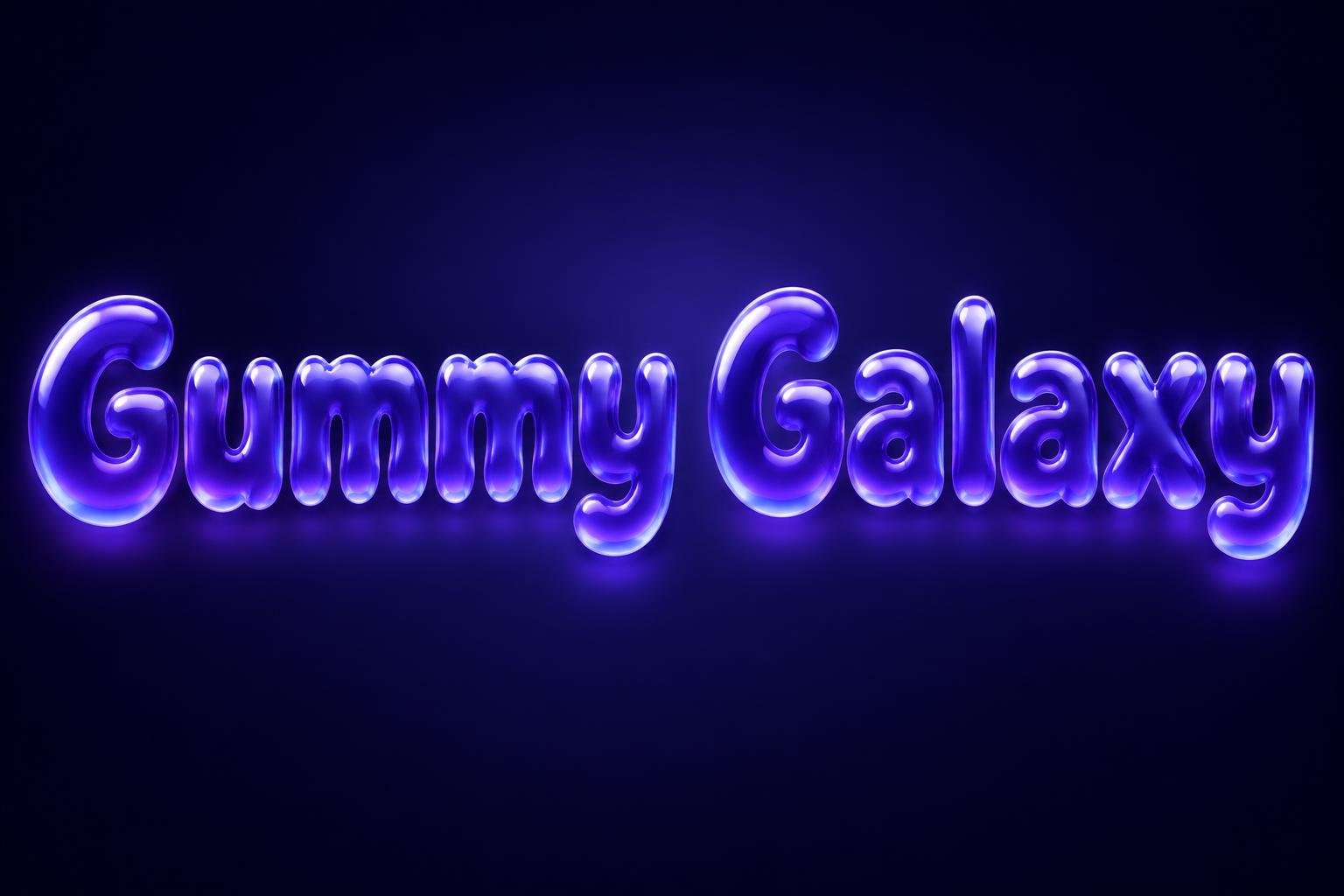
"Gummy Galaxy" — Midnight Jelly | AI Text Effect Generator
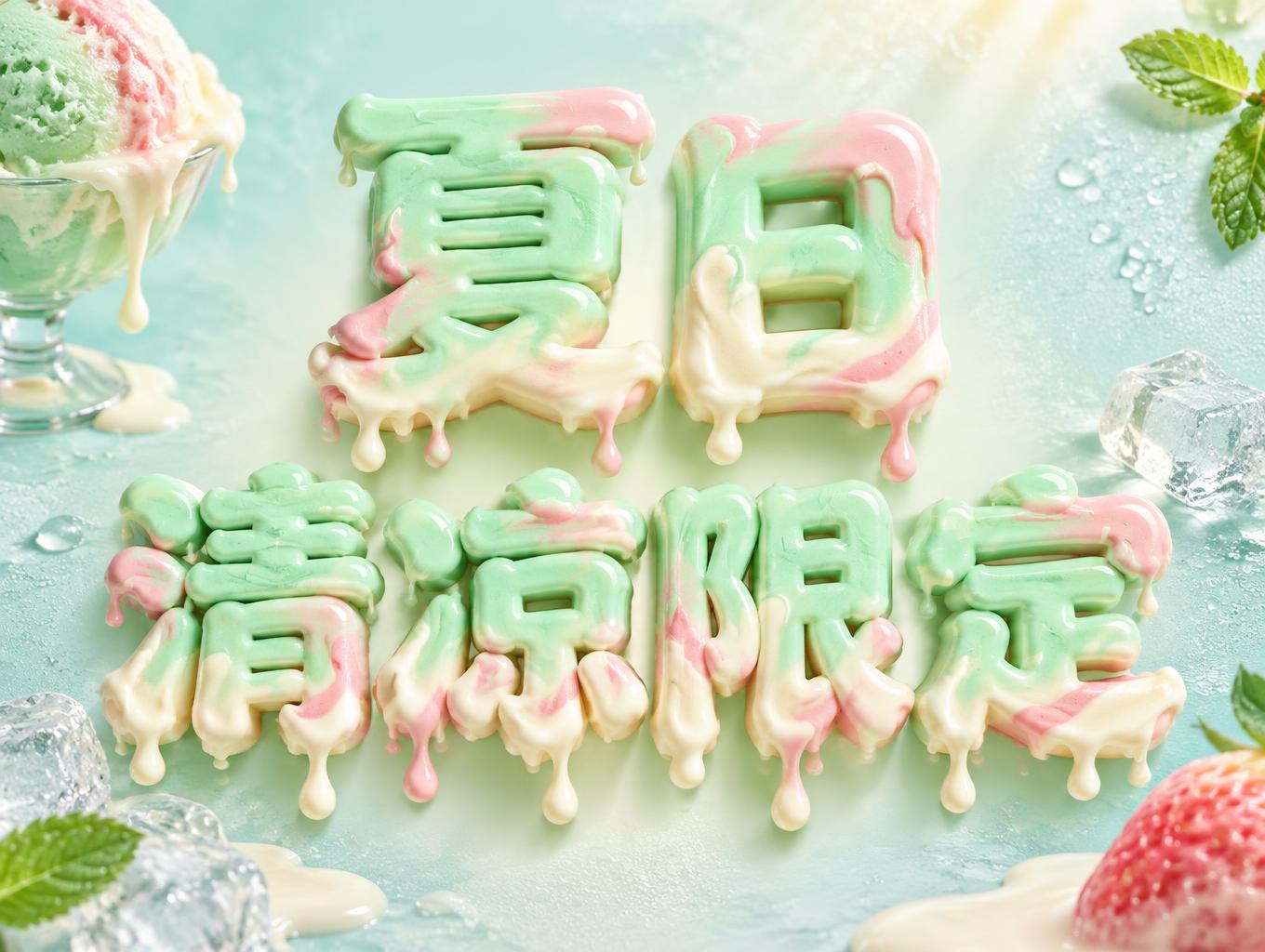
"夏日清凉限定" — Drip Font Ice | AI Text Effect Generator
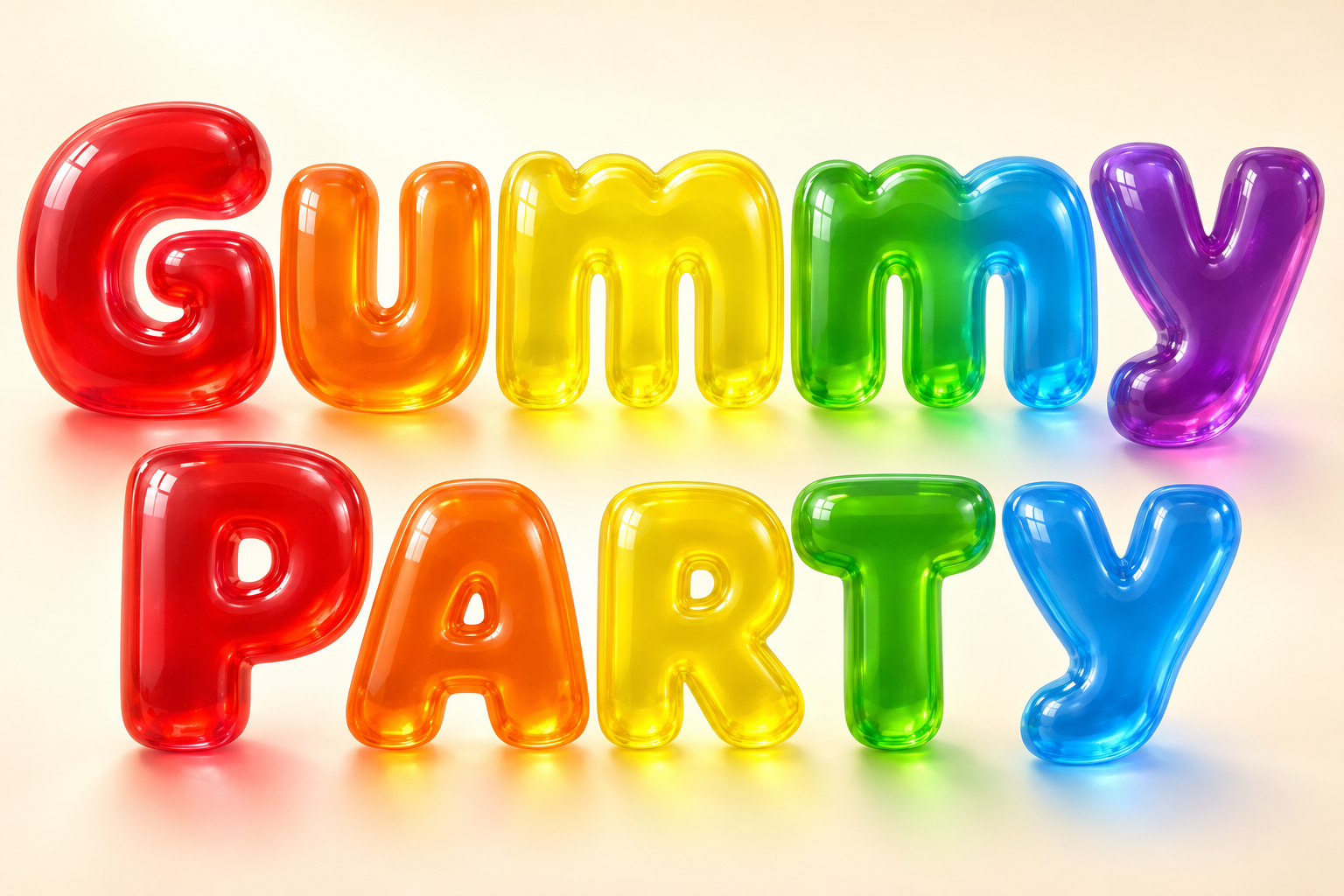
"Gummy
Party" — Translucent Fruit Jelly | AI Text Effect Generator
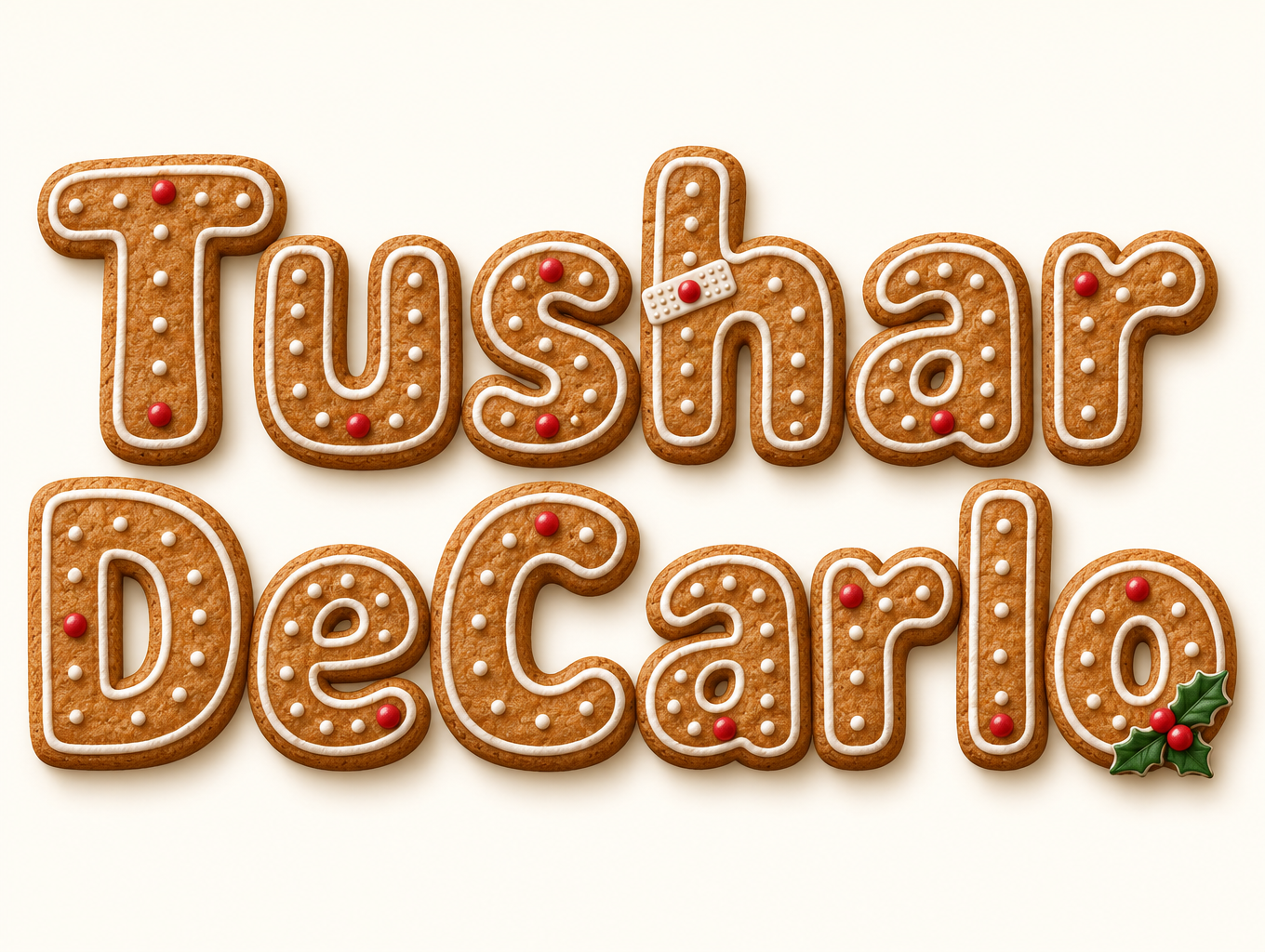
"Tushar          DeCarlo" — Iced Cookie Type | AI Text Effect Generator
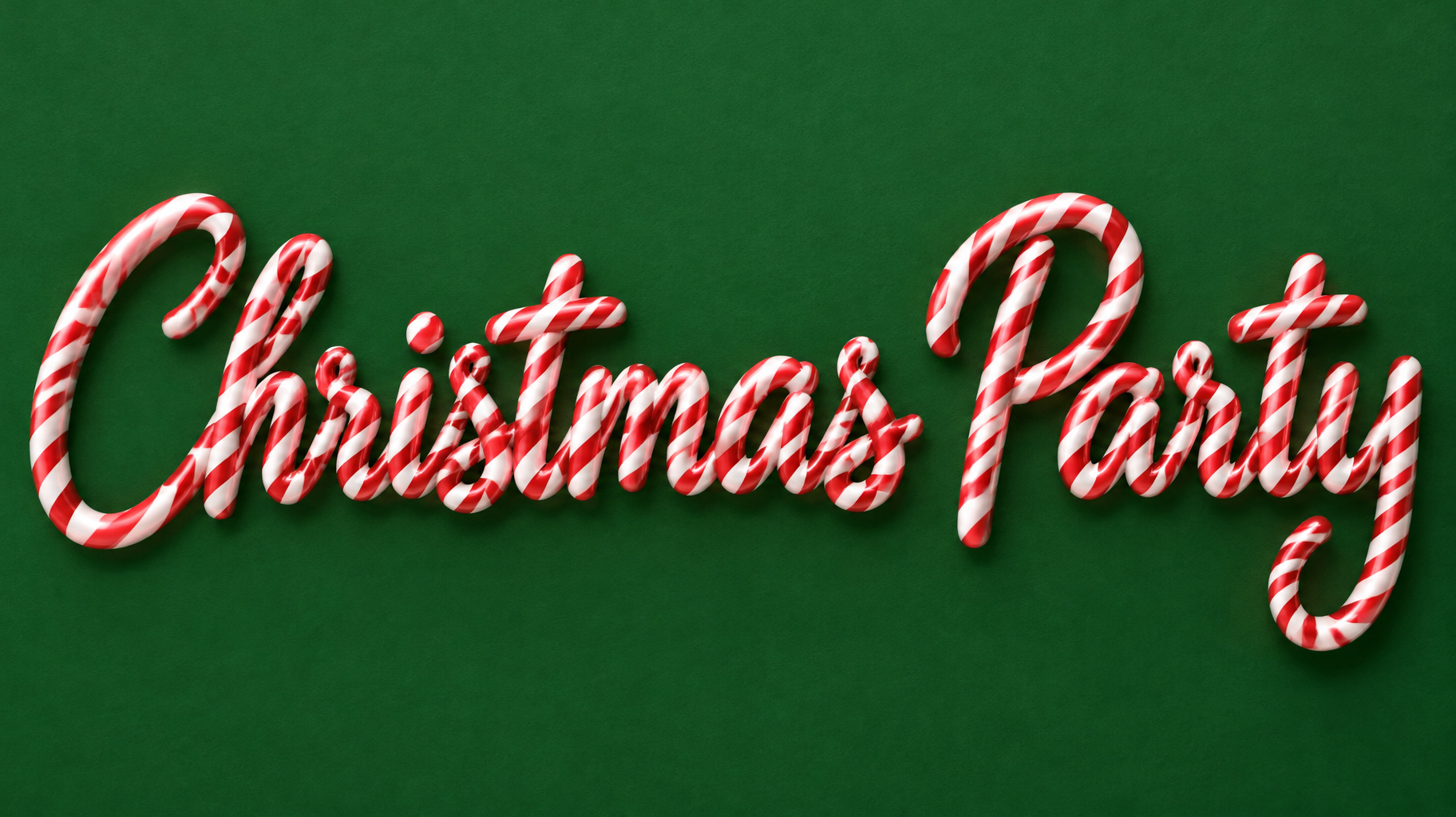
"Christmas Party" — Peppermint Sign | AI Text Effect Generator
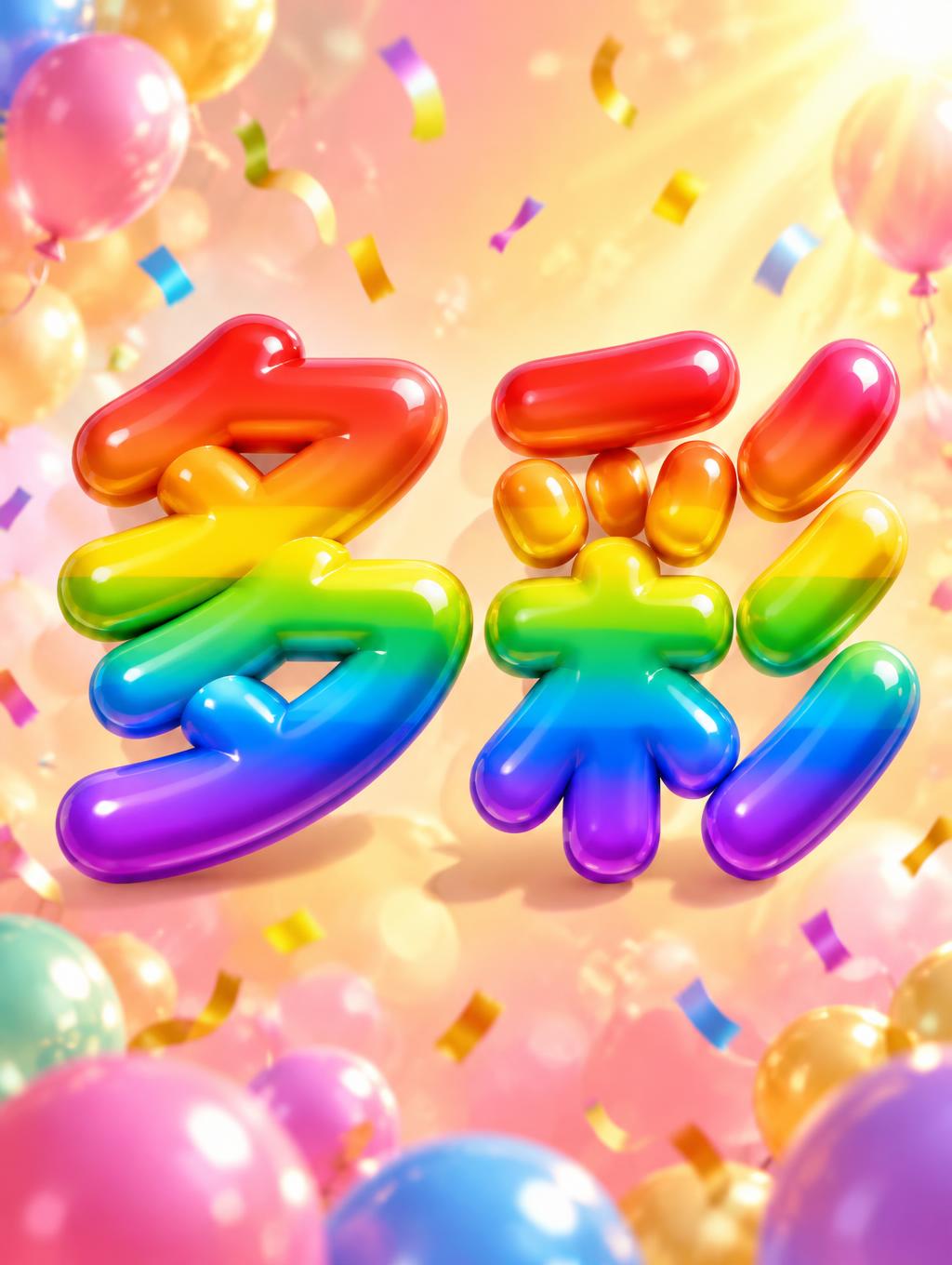
"多彩" — Rainbow | AI Text Effect Generator
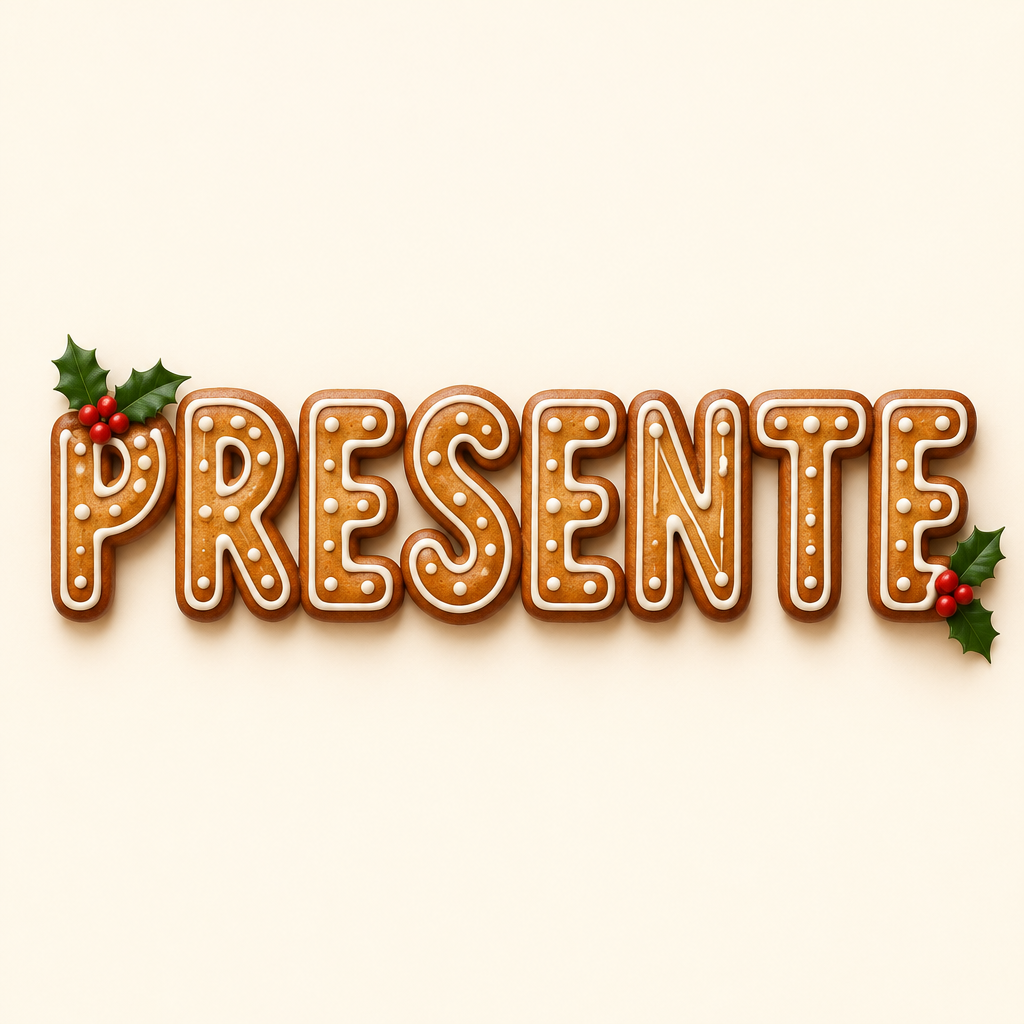
"PRESENTE" — Biscoito Festivo | AI Text Effect Generator
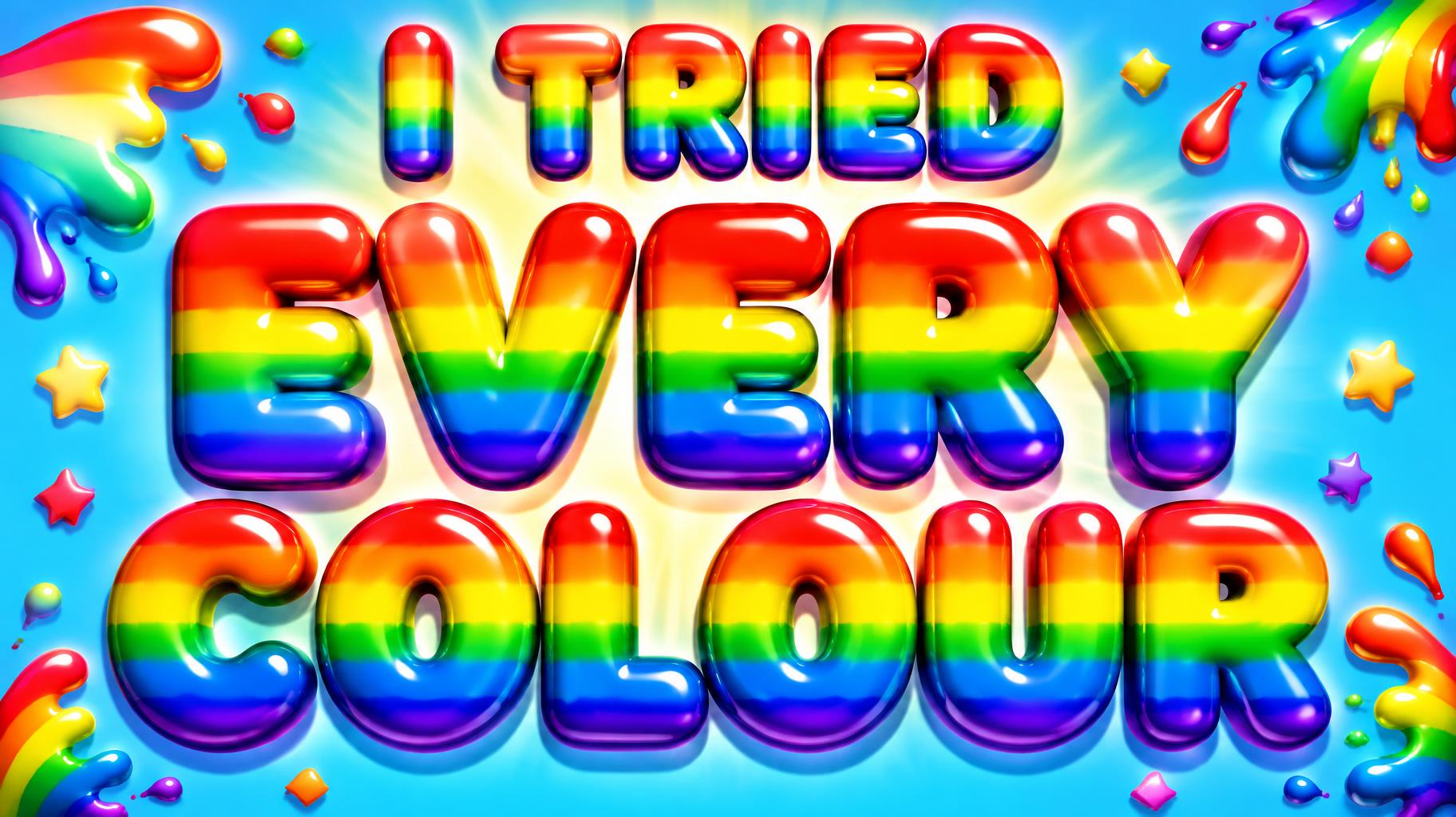
"I TRIED
EVERY
COLOUR" — Rainbow | AI Text Effect Generator
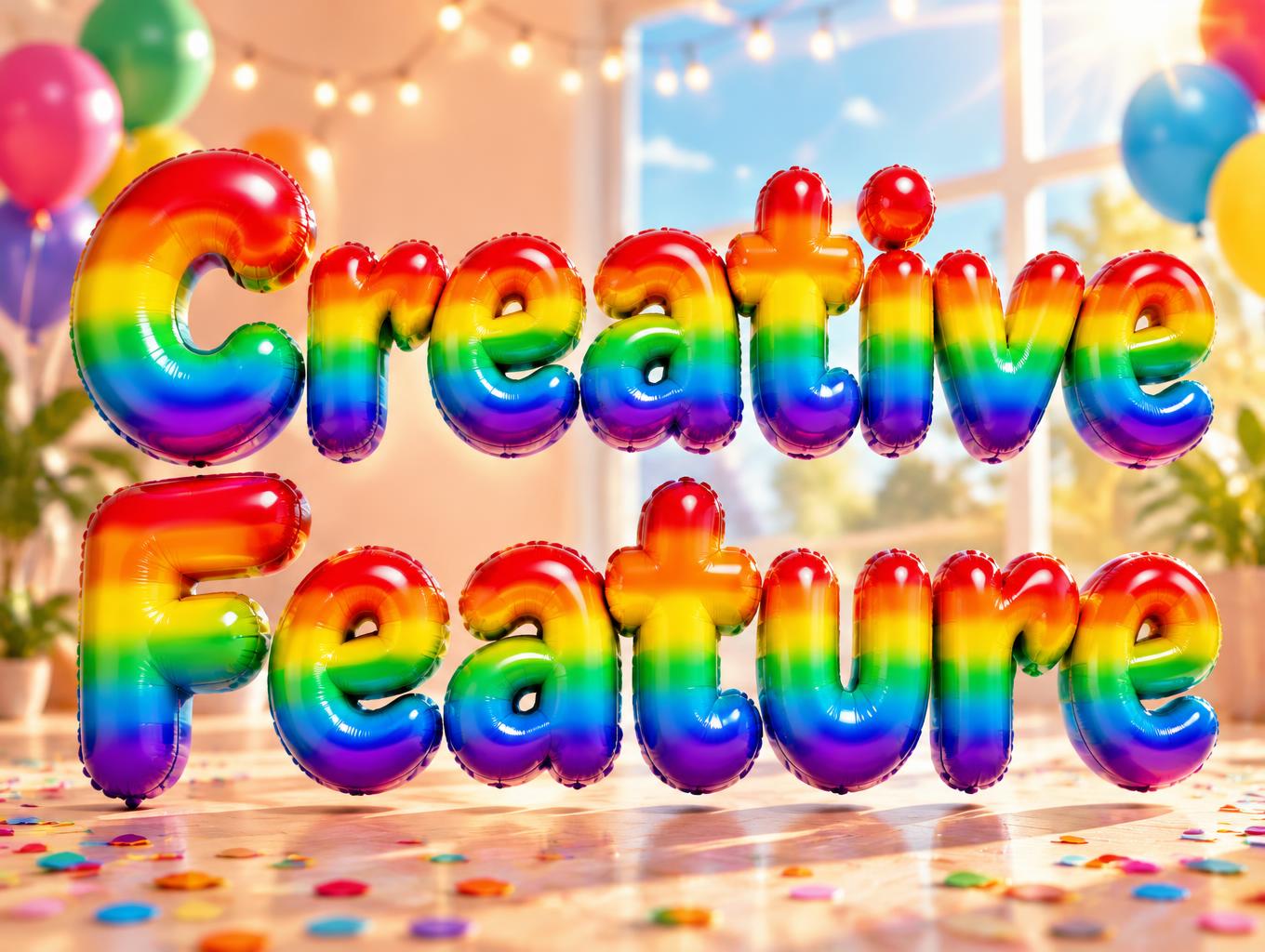
"Creative Feature" — Rainbow | AI Text Effect Generator
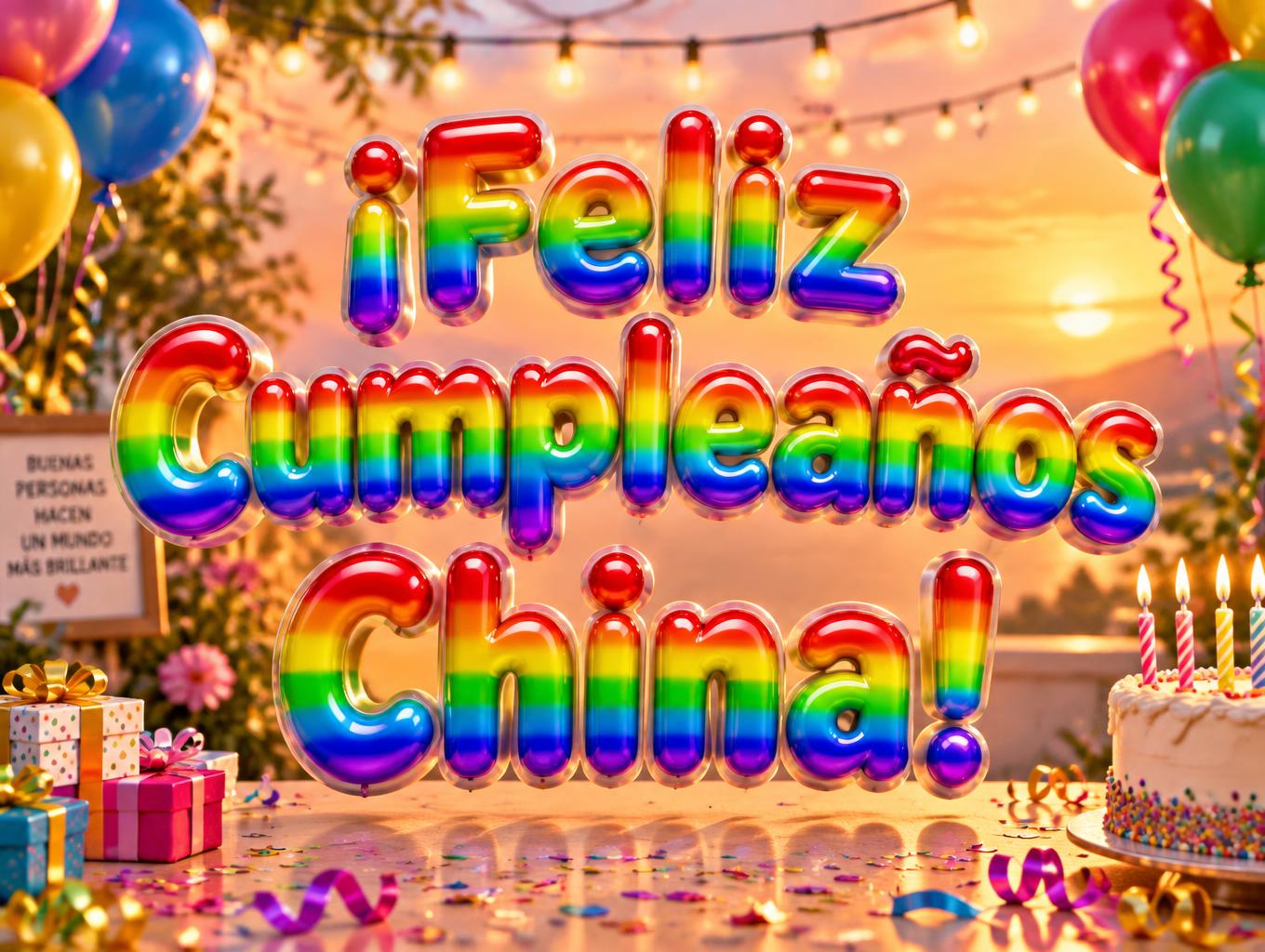
"¡Feliz Cumpleaños China!" — Rainbow | AI Text Effect Generator
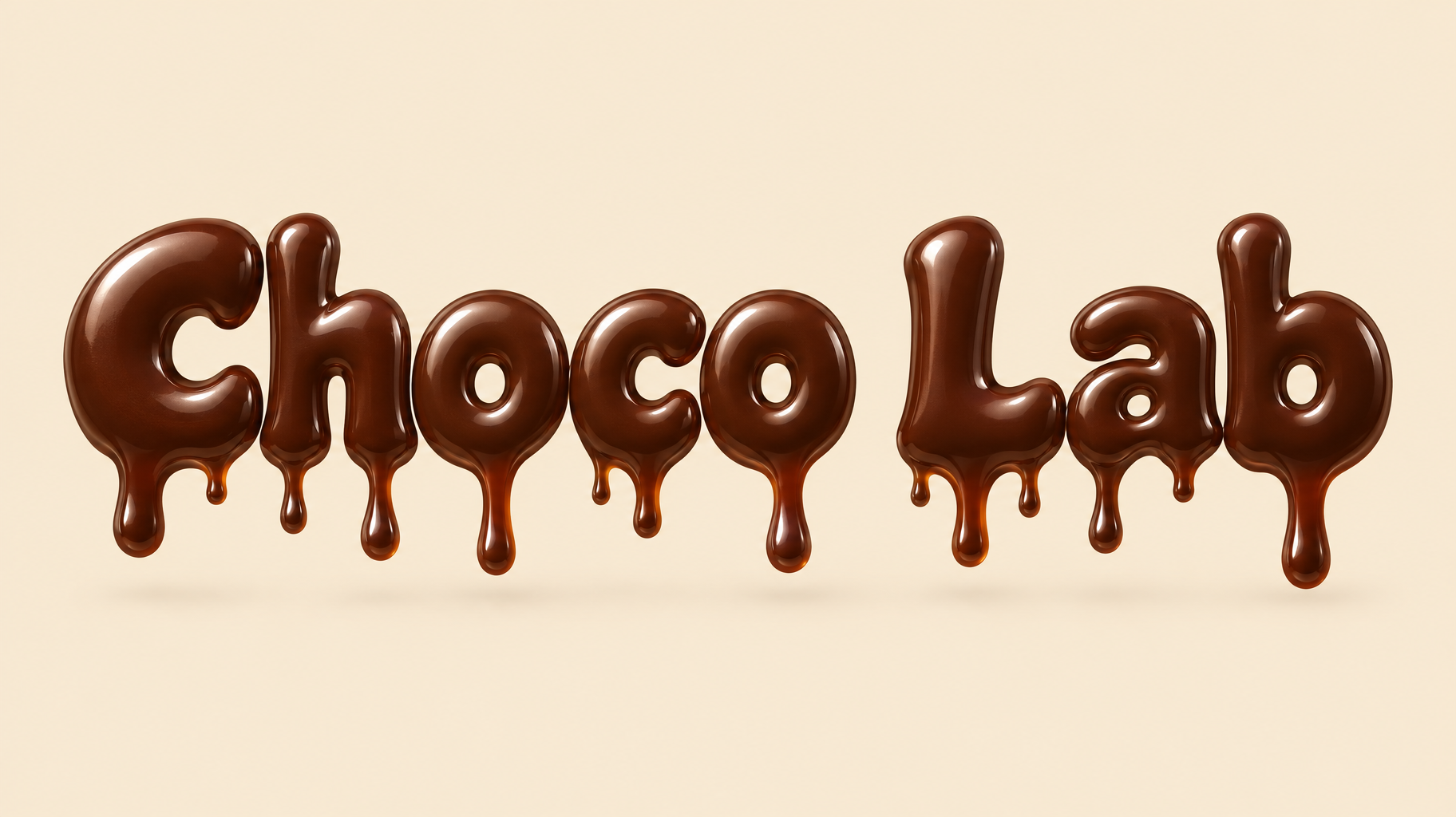
"Choco Lab" — Couverture Pour | AI Text Effect Generator
Wording

What to write in candy letters

Names, shop names, holiday greetings, party themes and short sweet lines that look good as candy lettering. Tap a line to use it.

Names & birthdays

A first name or a short birthday line. Fewer letters leave room for thick candy strokes and drips.

Candy, ice cream & bake shops

Only the shop name gets the candy letters. Business hours and prices read better in plain type beside it.

Christmas & holiday greetings

Put the greeting in candy letters and keep the names and the rest of the card in plain type.

Party & candy table themes

Put the theme in candy letters and leave the date, time and address to the plain invitation text.

Short sweet lines

Three words or fewer. The shorter the line, the bigger and thicker each candy letter can be.

More for Cool Fonts

Make the rest of your Cool Fonts set

Same look, every format — each one opens its own maker. All Cool Fonts →

Gold fontGold font133 designs · Fits your wordsCool Fonts
Drip fontDrip font92 designs · Fits your wordsCool Fonts
Winter fontWinter font38 designs · Fits your wordsCool Fonts
Metal fontMetal font80 designs · Fits your wordsCool Fonts
Fire fontFire font43 designs · Fits your wordsCool Fonts
Neon fontNeon font60 designs · Fits your wordsCool Fonts
3D font3D font82 designs · Fits your wordsCool Fonts
Chrome fontChrome font77 designs · Fits your wordsCool Fonts
Glitter fontGlitter font71 designs · Fits your wordsCool Fonts
Whimsical fontWhimsical font91 designs · Fits your wordsCool Fonts
Candy fontCandy fontYou’re hereCool Fonts
Stone fontStone font76 designs · Fits your wordsCool Fonts
Lettering tips

Candy lettering tips and sizes

Before you make candy lettering

  1. 1Spell your name or words exactly the way you want them
  2. 2Keep it short: candy lettering reads best with one to four words
  3. 3Pick one of the 9 fonts above
  4. 4Decide where it goes: a shop sign, a birthday banner, a Christmas card, a gift tag or a bake sale poster
  5. 5For printed signs, banners and cards, create it at 2K on the Generate page
  6. 6For stickers, shirts and overlays, turn on Transparent Effect (transparent PNGs come with paid plans)

Sizes and pixels

UseAspect ratioPixels at 1K
Logo, sticker, gift tag or square post1:11024 × 1024
Poster, menu board or party sign3:41024 × 1360
Banner, cover photo or thumbnail16:91824 × 1024
Story or reel cover9:161024 × 1824

This page makes 1K images, and the AI picks the aspect ratio that fits your words. On the Generate page, free accounts can go up to 2K and paid plans up to 4K.

Pick a background that contrasts with the candy

Candy letters need a background that stands apart from them. Melting Chocolate glows warm on dark brown or black, and reads as dark letters on a light background. Gingerbread stands out on cream or deep green. Candy Cane works on deep green and on white. White piped frosting disappears on white, so give it a colored background. Put the candy letters on the main word and set a date or a price in plain type. For a sticker or a shirt, turn on Transparent Effect (transparent PNGs come with paid plans) and check the edges before you print.

OllieMerry & Bright✕ effect on the details
OllieMerry & Bright✓ effect on the title only
Browse by tag

Tags in Candy font

Every tag used on this page — each opens the designs, fonts and styles that share it.

Scene
Fonts›
Occasion
Birthday›Kids & family›Party›Business & clients›Gift›
Look
Bold›Cartoon›Handmade›Modern›Kawaii›Photorealistic›Y2K›Coquette›Classic›Cottagecore›Retro›Futuristic›Glam›Urban›Vintage›
Colors
Colorful›Red›Cream›Brown›Rainbow›White›Pink›Green›Pastel›Purple›Blue›Orange›Primary colors›Vibrant›Candy›Yellow›Black›Bright›Gold›Cyan›
FAQ

Candy font questions

No. FontVibe turns your words into a PNG or JPG image in the candy font you pick. It's a still image, not an animated GIF. It does not give you an installable font file (.ttf or .otf). To copy and paste fancy text into a bio or a chat, use FontVibe's Cool Font Generator instead; it makes text characters you can paste, not images.
Yes. Free accounts get credits every day, and each feature uses a different number of them. Commercial use is included on every plan, including the free one.
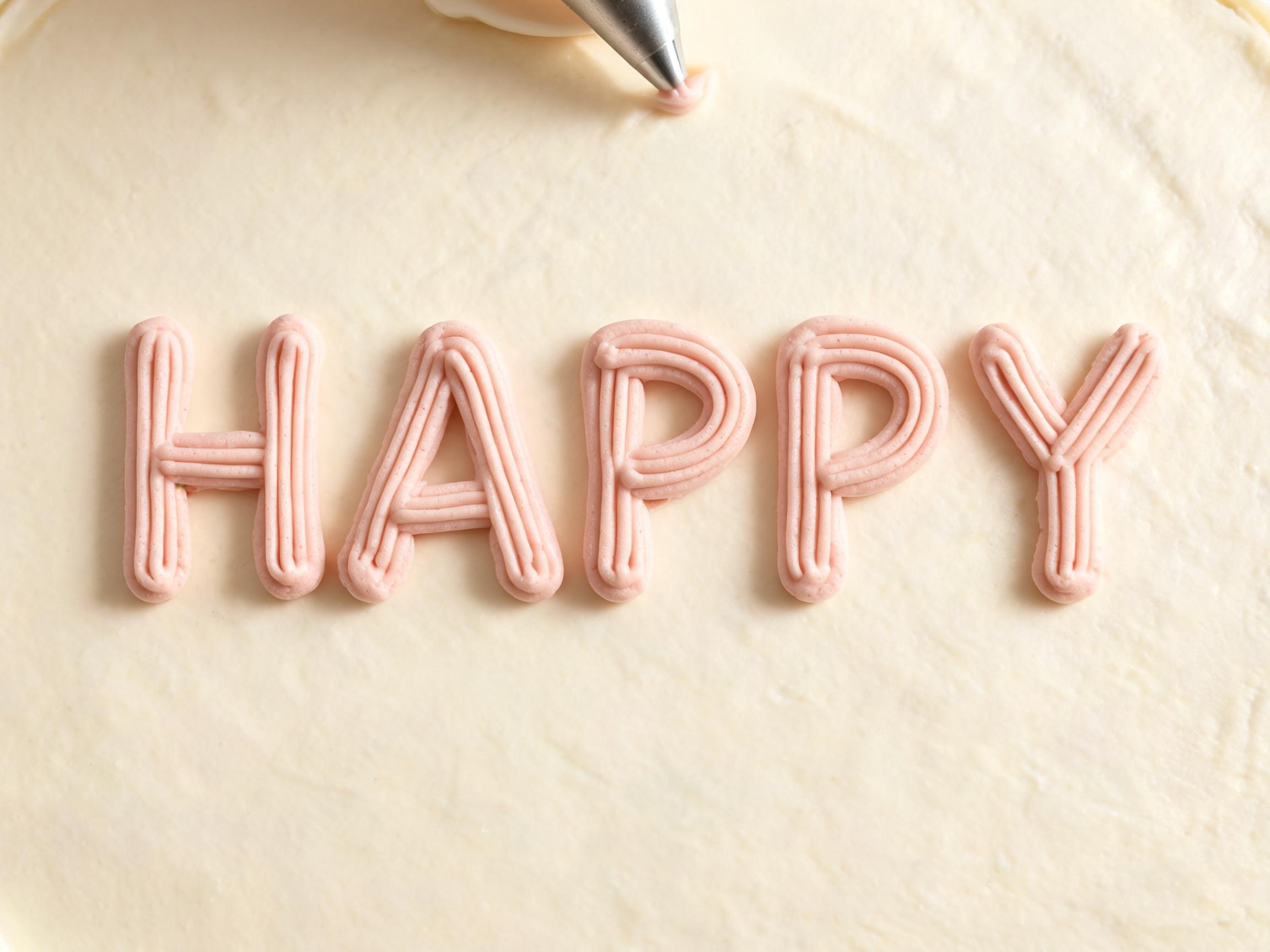
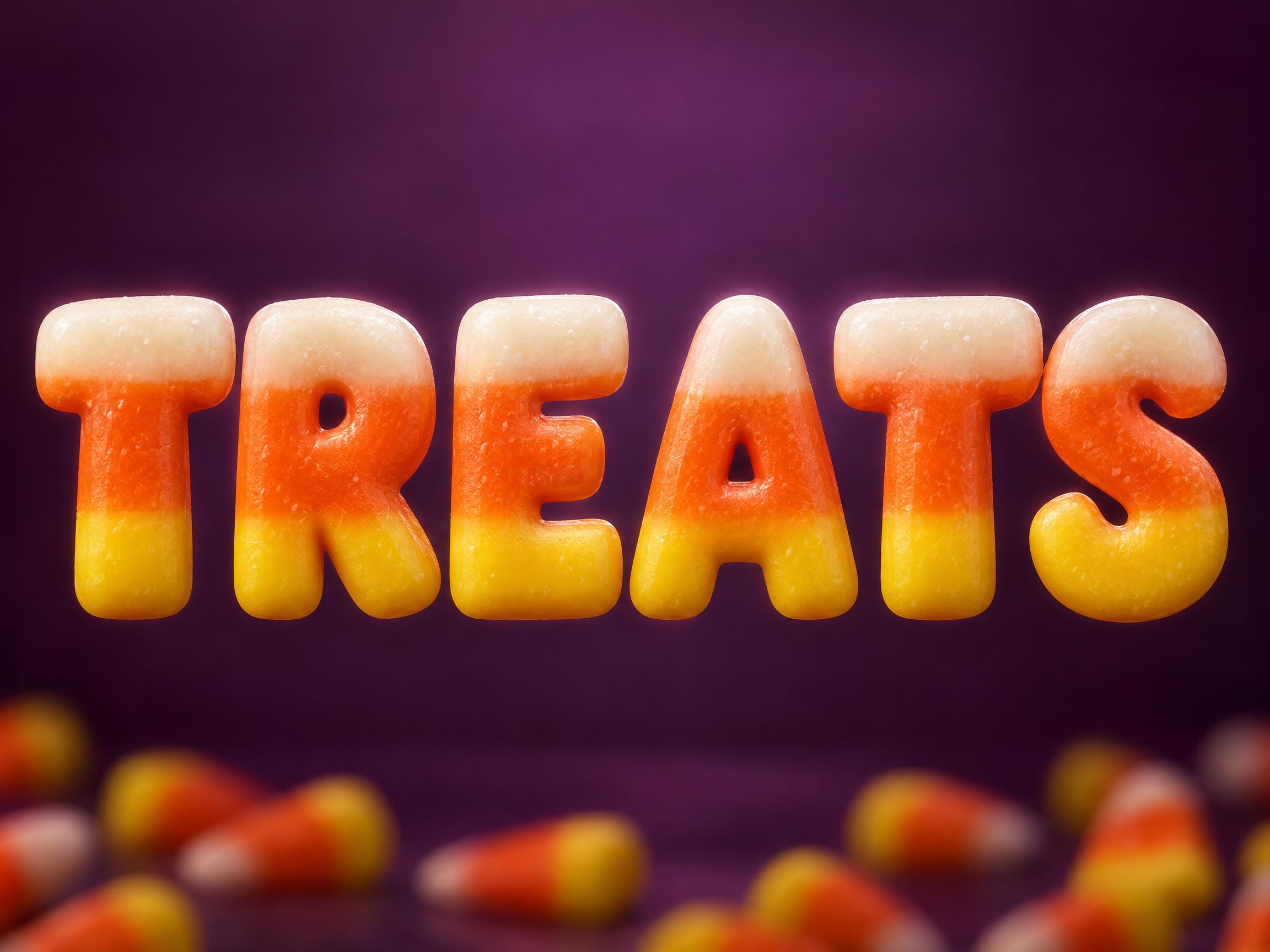
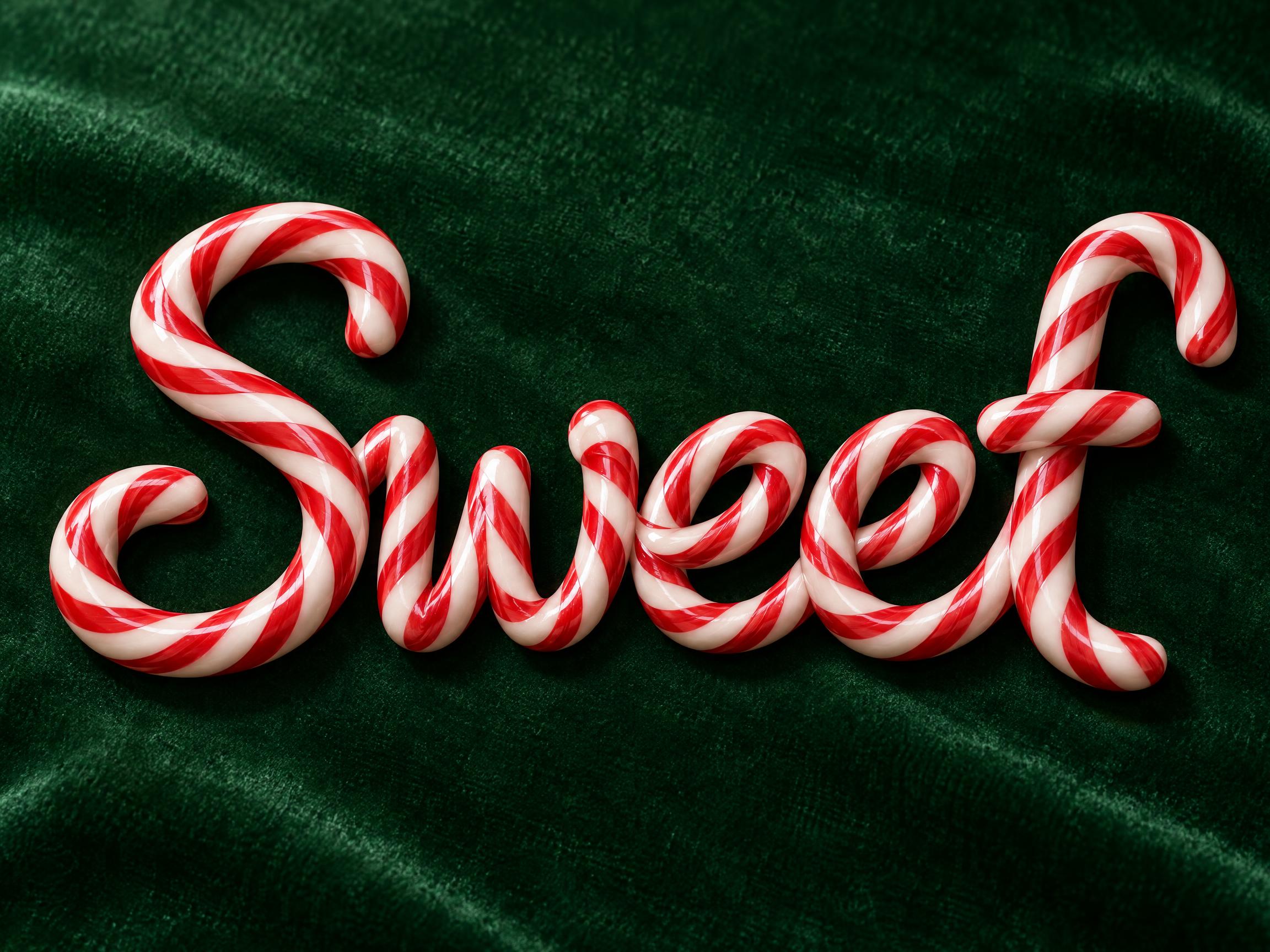
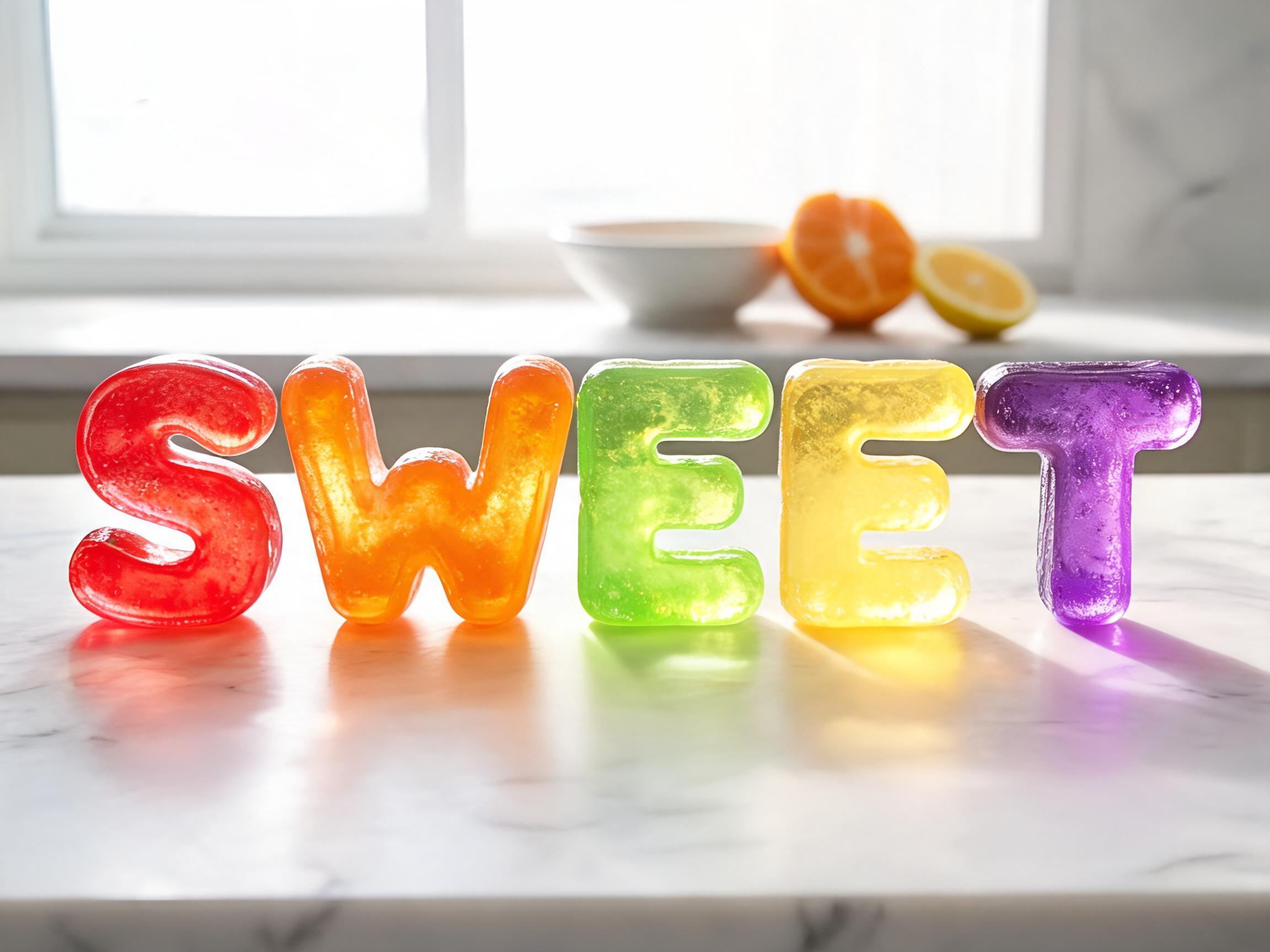
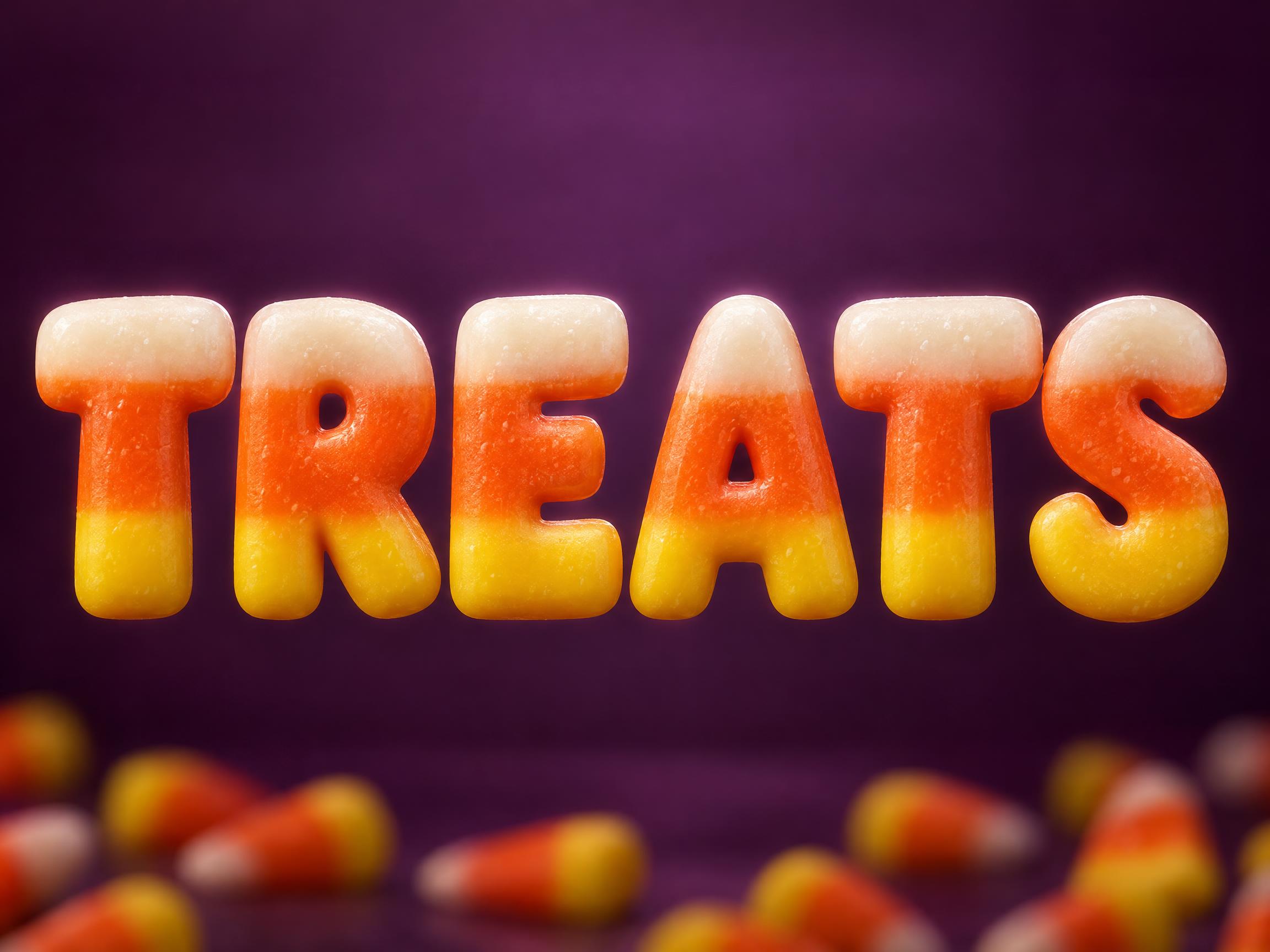
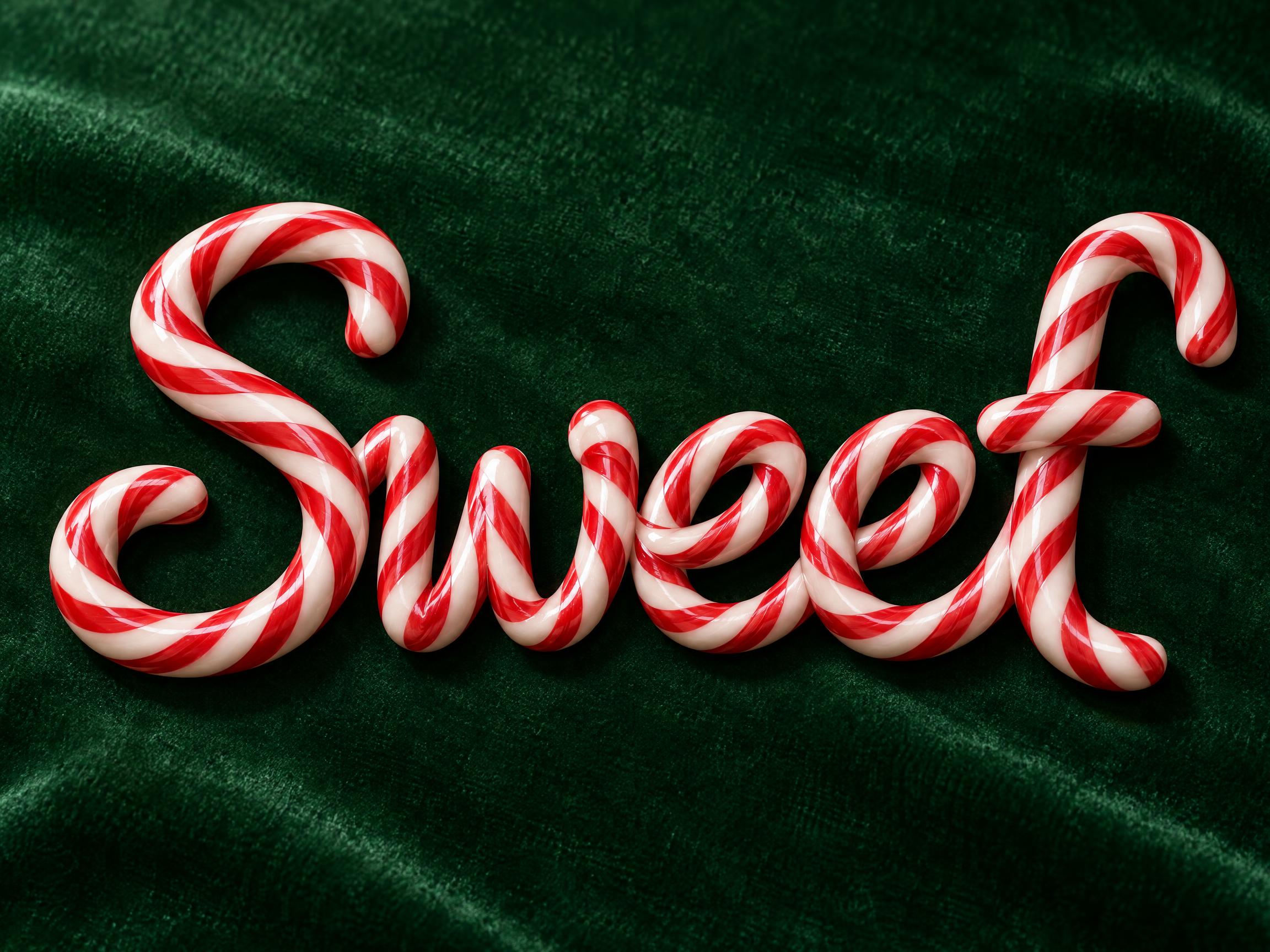
9 kinds, one for each candy font. In most of them the candy is the letter itself; two borrow candy's gloss and bright colors. Christmas sweets: Candy Cane makes every stroke a round stick of hard candy with red stripes spiraling around it, and it hooks the last letter over at the top. Gingerbread bakes soft golden-brown cookie letters outlined in white royal icing, with small candy accents. Gummy: 3D Jelly casts chunky letters in see-through fruit jelly that glows in its own color. Drips: Drip Candy runs glossy candy or melted ice cream off the bottom of each letter, and Melting Chocolate sets the letters in glossy chocolate that drips in broad, slow tongues. Bakery: 3D Piped Frosting pipes each letter as one matte rope of buttercream from a star tip, with fine ridges. Glossy candy colors: Rainbow Candy puffs the letters up like glossy rainbow balloons, and 3D Bold Candy builds bold 3D blocks in shiny primary colors, like candy-colored toys. Halloween: Candy Corn gives chunky letters white, orange and yellow bands from top to bottom. If you're looking for a chocolate font, a frosting font or a gingerbread font, they're all here. Pick one of these fonts or describe your own look.
FontVibe's Drip Fonts page is about letters that drip: 15 fonts with paint, blood, green slime, melting wax, icicles, chrome and more running down the letters. On this page the letters are made of candy, and dripping is only one way to show it. Drip Candy and Melting Chocolate are on both pages. The other seven don't drip at all: Candy Cane, Gingerbread, 3D Jelly, 3D Piped Frosting, Rainbow Candy, 3D Bold Candy and Candy Corn. 3D Jelly and 3D Bold Candy are also on the 3D Fonts page. For slime, blood or wax drips, go to Drip Fonts; for anything sweet, pick a candy font.
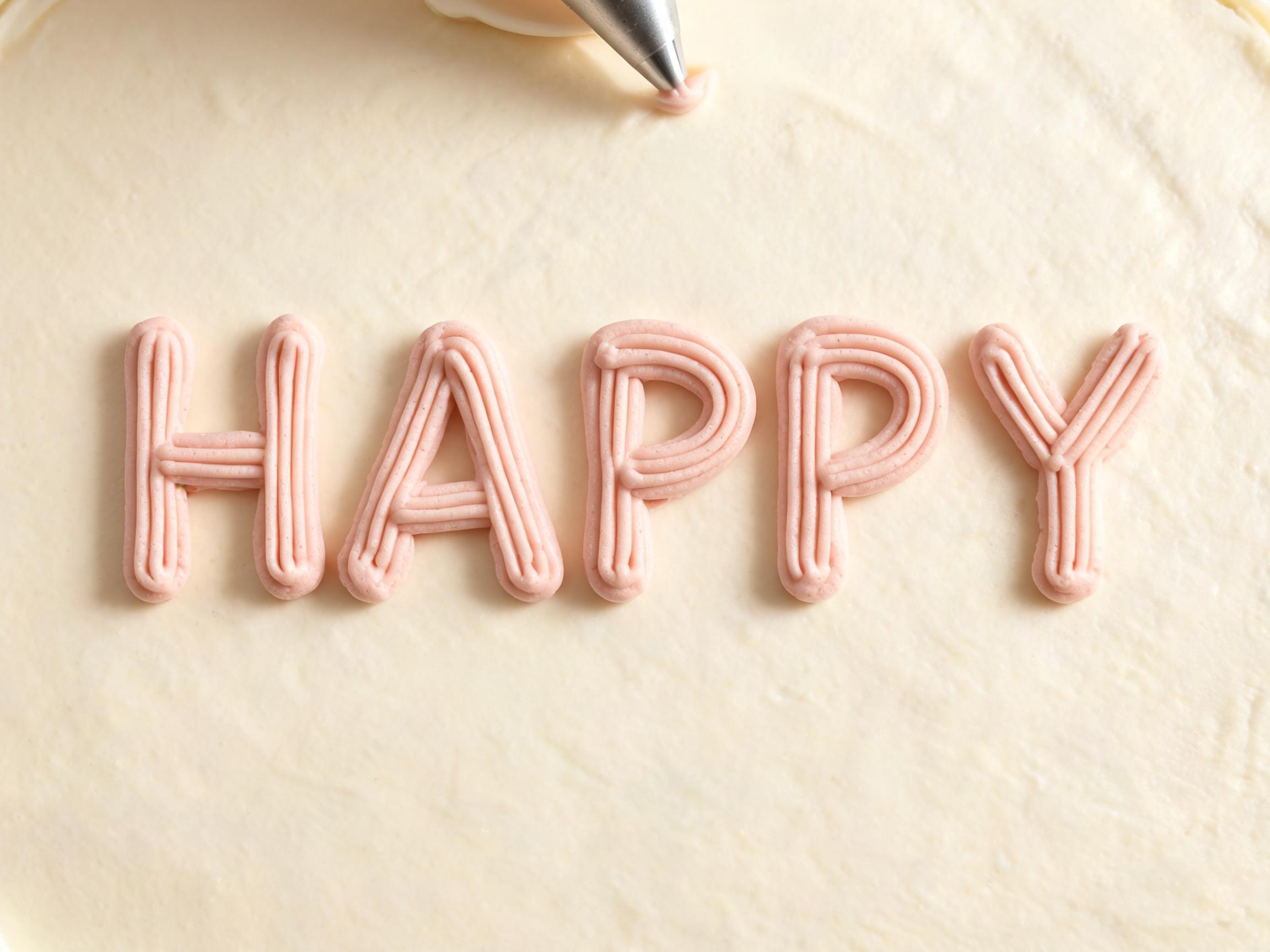
Candy Cane or Gingerbread. Candy Cane turns your words into red-and-white striped candy sticks, and Gingerbread into iced gingerbread cookie letters. Both, along with 3D Piped Frosting, are also in FontVibe's Christmas Font Generator, part of its Christmas designs, which adds elegant scripts, gold letters, string lights and snow.
Pick by what you are making. Candy Cane suits a café's holiday menu board or a Christmas stocking name tag, and Gingerbread a bake sale sign or a family Christmas card. 3D Piped Frosting fits a cupcake shop logo or a birthday cake topper, 3D Jelly a candy store sign, and Melting Chocolate a dessert bar poster. Drip Candy suits an ice cream truck, and Rainbow Candy the candy table banner at a kid's party.
Yes, you can name a color in your description. For example, Drip Candy has come out in pink, mint green, red and rainbow; 3D Jelly in red, pink-purple and rainbow; and Candy Cane in red and white, and in pink and white.
Tap Vibe Edit and tell FontVibe which letter or word to fix; it redraws that part instead of starting over.
How it works

How to make candy lettering

  1. 1Type your wordsEnter the name or line you want and say where it goes: shop sign, birthday banner, Christmas card, gift tag or poster.
  2. 2Pick a candy fontChoose one of the 9 fonts above, or leave it on Auto.
  3. 3Check every letterGo through the spelling one letter at a time. If a letter is off, tap Vibe Edit and tell it which one to fix.
  4. 4Download your candy letteringDownload it as a PNG or JPG, or as a transparent PNG on a paid plan.
You getAn image of your words in the candy font you picked
Size1K; the AI picks the aspect ratio that fits your words
OutputPNG or JPG; a transparent background comes as PNG only
BackgroundImage with its background on every plan; transparent PNG on paid plans
Free planFree credits every day. Sign in to claim them.
Not includedFont files to download or install

Make your words look good enough to eat

Candy cane, gummy, chocolate, frosting or gingerbread letters as a finished image, not a font file.

Home›Cool Fonts›Candy fonts
Candy fontFits your words · PNG
MI CHIEDO
960+ Cool Fonts designs made on FontVibe9 fonts, each a different candy lookFix any letter with Vibe EditSized to fit your wordsFree to start

Candy Fonts: Candy Cane, Gummy, Chocolate & Frosting Letters

Type your words and pick a candy font. In a candy font the letters are made of candy or shine in glossy candy colors, so your words look good enough to eat but still read clearly. There are 9: red-and-white candy cane, see-through gummy, dripping candy icing, melting chocolate, piped buttercream, iced gingerbread, puffy rainbow candy, glossy 3D blocks and candy corn. What you get is an image, not a font file: finished candy lettering for a sweet shop sign, a birthday banner or a Christmas card.

Style
AI font
Transparent Effect
✦ Transparent Effect
Generates a PNG with the background removed — only the text and its visual effects remain. The AI automatically selects the optimal background color for clean removal based on your style.
Output is always PNG for lossless transparency.
AI fonts & styles

Candy fonts to try with your words

9 candy looks, including candy cane stripes, see-through gummy, dripping icing, melting chocolate, piped frosting and gingerbread. Each font has its own page.

AI fonts 9Browse all AI fonts→

Candy Cane — AI font styleAI

Candy Cane

Display · 3D · Rounded

3D Jelly — AI font styleAI

3D Jelly

Display · 3D · Friendly

Drip Candy — AI font styleAI

Drip Candy

Display · Friendly · Liquid

Gingerbread — AI font styleAI

Gingerbread

Display · Friendly · Occasions

3D Piped Frosting — AI font styleAI

3D Piped Frosting

Display · Occasions · Rounded

Melting Chocolate — AI font styleAI

Melting Chocolate

Experimental · Liquid · Occasions

Rainbow Candy — AI font styleAI

Rainbow Candy

Experimental · Occasions · Rounded

3D Bold Candy — AI font styleAI

3D Bold Candy

Display · 3D · Friendly

Candy Corn — AI font styleAI

Candy Corn

Display · Occasions · Rounded

Made on FontVibe

Candy lettering ideas

Sweet shop signs, birthday banners, Christmas cards and posts made on FontVibe. Pick a design and swap in your own words.

50 of 117 designs
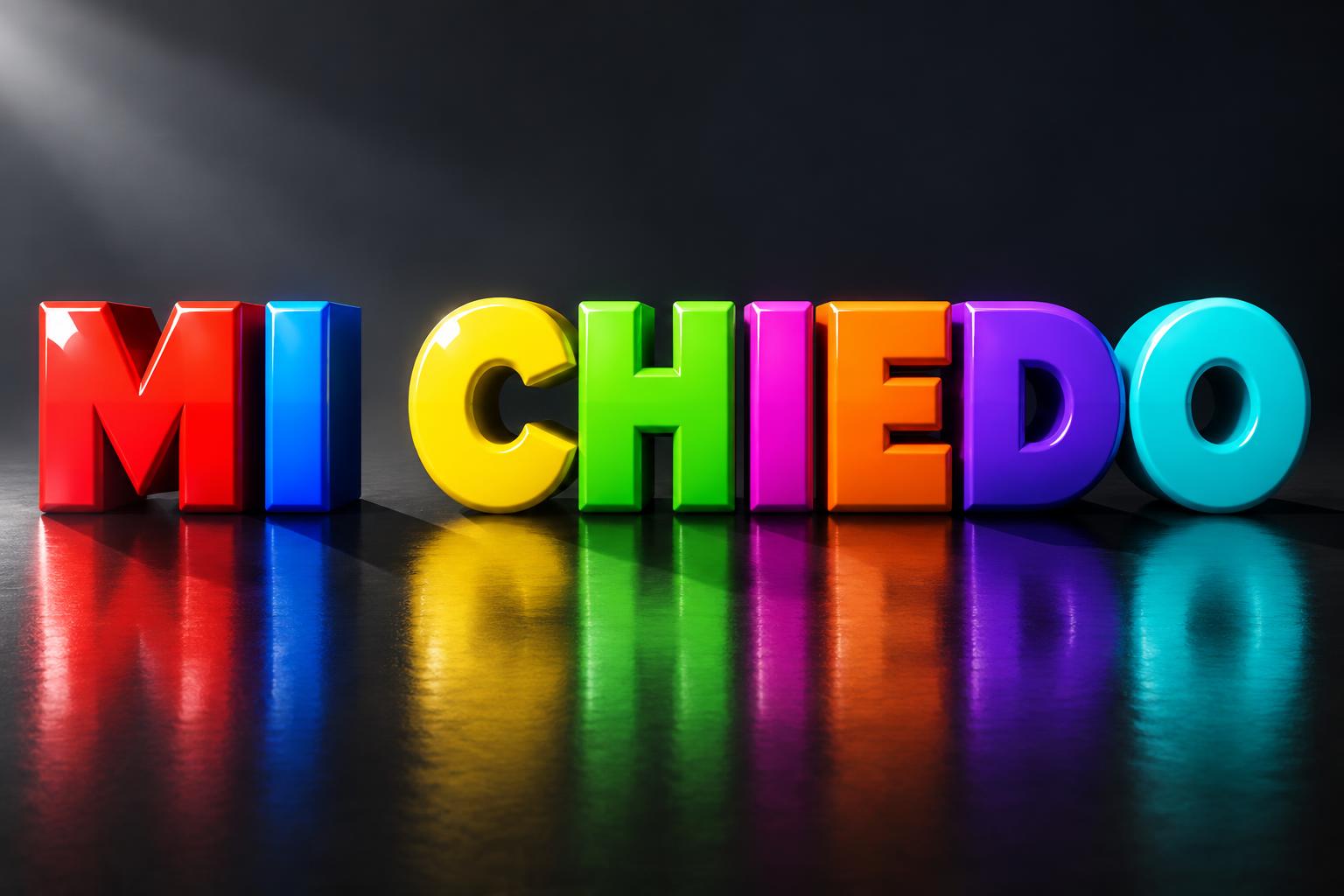
"MI CHIEDO" — 3d Bold text effect
"SOPHIE" — 3d Bold Inflated text effect
"Saduni Malsika" — 3d Bold text effect
"JADE" — 3d Bold text effect
"Lolly & Pop" — Lacquered Rainbow Candy text effect
"Frost & Crumb" — Matte Buttercream text effect
"Peppermint Mocha" — Boiled Sugar Script text effect
"Christmas Eve Hamper" — Peppermint Evergreen text effect
"ALL WELCOME" — Rainbow text effect
"Arco de
Colores" — Rainbow text effect
"Alegre" — Rainbow text effect
"CASEY" — Bakery Cookie Print text effect
"xmas mart" — Iced Cookie Sign text effect
"Vidoshick" — Rainbow text effect
"Vane" —  text effect
"RoboBPP" — Rainbow text effect
"Sweet Tooth" — Pastel Glazed Candy text effect
"Gummi
PLAYER TAG
SWEET • SLICK • UNSTOPPABLE
LVL 99" — 3d Bold Inflated text effect
"PAPEBOY KY" — 3d Bold text effect
"Betul" — 3d Bold text effect
"The Garcias" — Homemade Holiday Cookies text effect
"Ollie" — Peppermint Polish text effect
"Hot Fudge Fridays" — Confection Gloss text effect
"Cookie Swap" — Holiday Cookie Glow text effect
"22 days" —  text effect
"É o Seu Dia" — Rainbow text effect
"iCe Qing" — Christmas text effect
"GLOOP" —  text effect
"Q弹" — Y2k Bubbly text effect
"果冻星" — Y2k Bubbly text effect
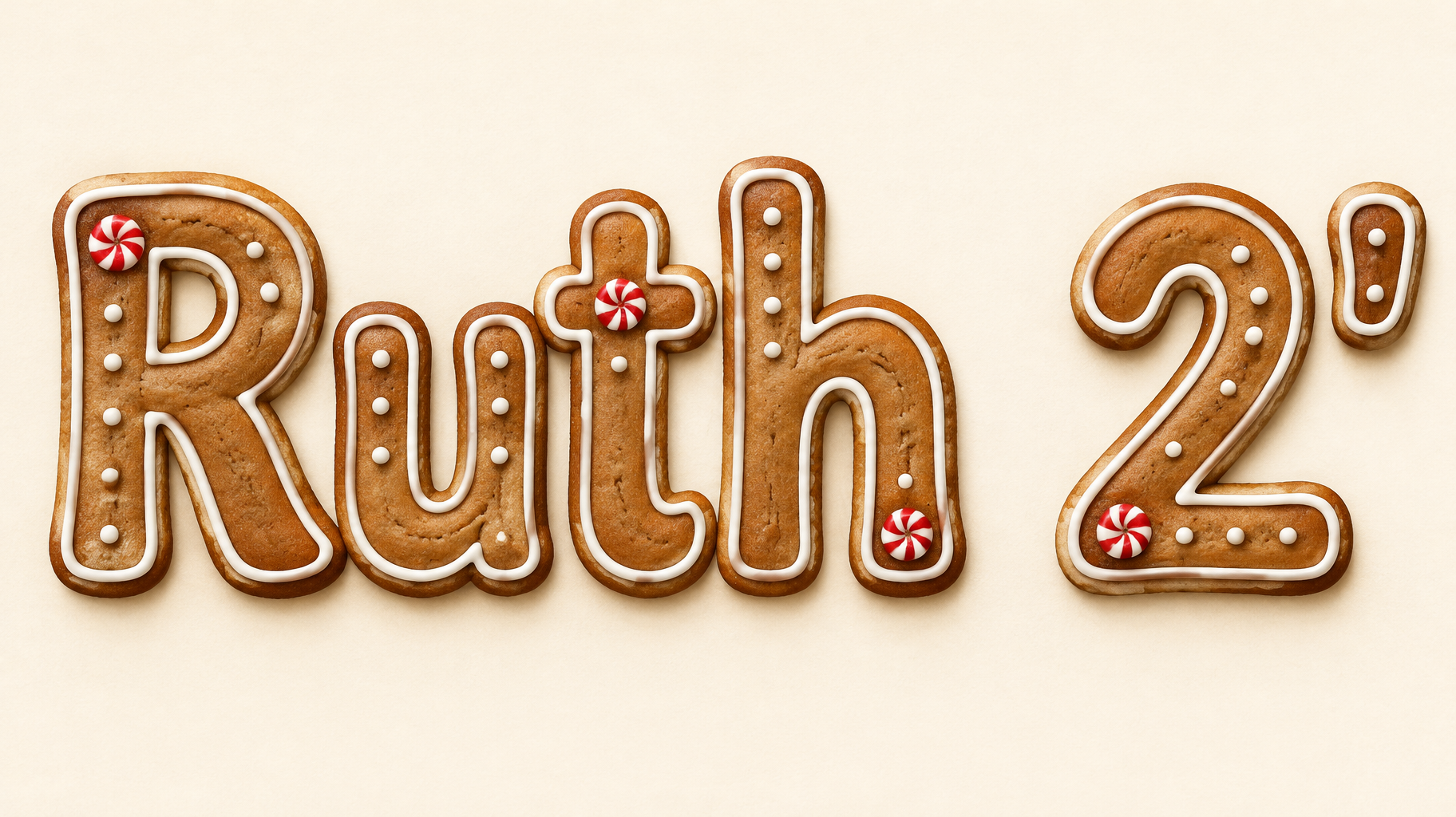
"Ruth  2'" — Cream Cookie Print text effect
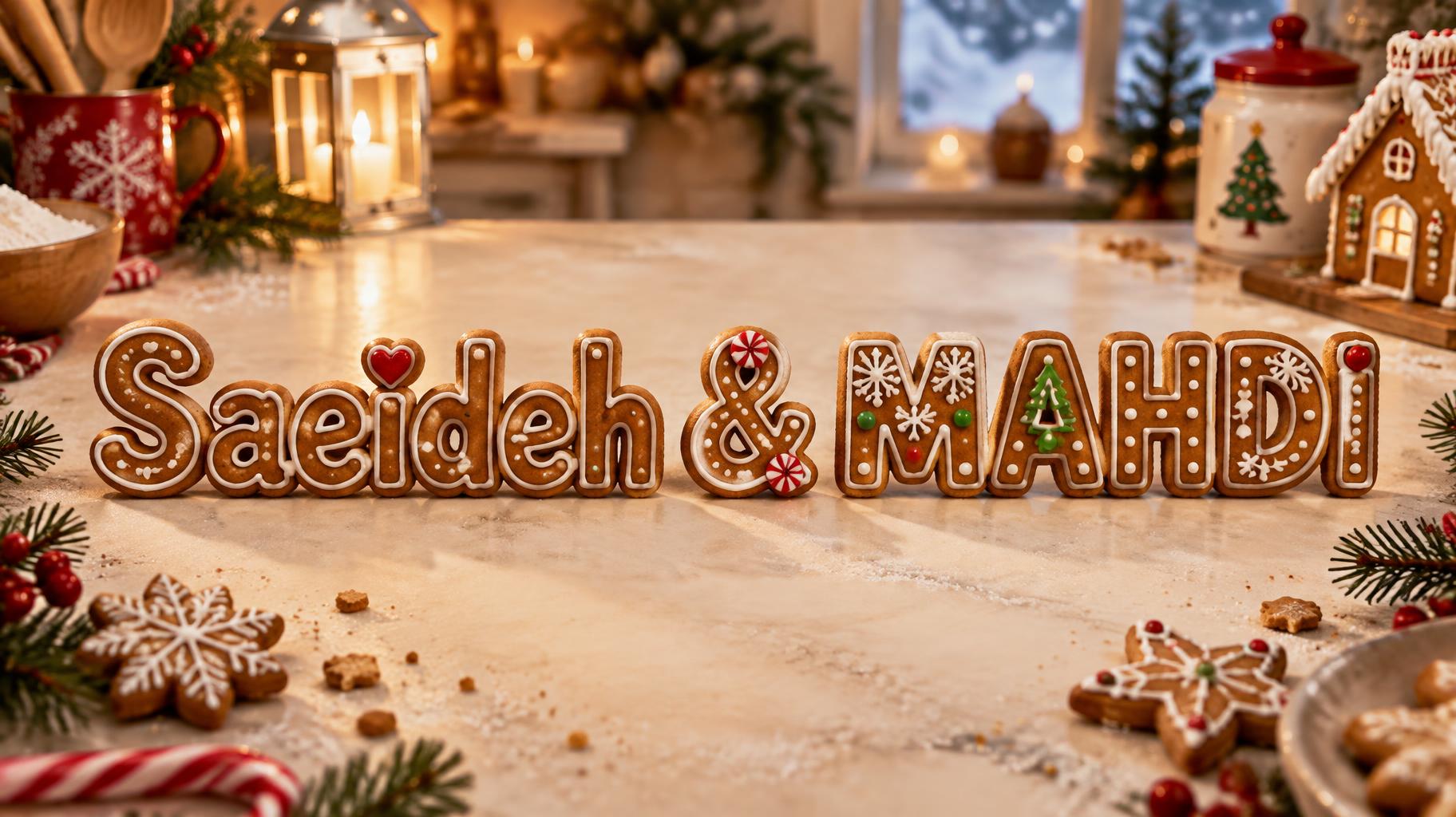
"Saeideh & MAHDI" —  text effect
"Jing" —  text effect
"Happy 7th Birthday Leo" — Rainbow Candy Glaze text effect
"AYORHSKYFIRE" — 3d Bold Inflated text effect
"Reward Bonanza" — 3d Bold text effect
"REBEL" — 3d Bold text effect
"Scoop Shack" — Glossy Candy Glaze text effect
"Twenty-One" — Matte Piped Buttercream text effect
"Gummy Galaxy" — Midnight Jelly text effect
"夏日清凉限定" — Drip Font Ice text effect
"Gummy
Party" — Translucent Fruit Jelly text effect
"Tushar          DeCarlo" — Iced Cookie Type text effect
"Christmas Party" — Peppermint Sign text effect
"多彩" — Rainbow text effect
"PRESENTE" — Biscoito Festivo text effect
"I TRIED
EVERY
COLOUR" — Rainbow text effect
"Creative Feature" — Rainbow text effect
"¡Feliz Cumpleaños China!" — Rainbow text effect
"Choco Lab" — Couverture Pour text effect
Wording

What to write in candy letters

Names, shop names, holiday greetings, party themes and short sweet lines that look good as candy lettering. Tap a line to use it.

Names & birthdays

A first name or a short birthday line. Fewer letters leave room for thick candy strokes and drips.

Candy, ice cream & bake shops

Only the shop name gets the candy letters. Business hours and prices read better in plain type beside it.

Christmas & holiday greetings

Put the greeting in candy letters and keep the names and the rest of the card in plain type.

Party & candy table themes

Put the theme in candy letters and leave the date, time and address to the plain invitation text.

Short sweet lines

Three words or fewer. The shorter the line, the bigger and thicker each candy letter can be.

More for Cool Fonts

Make the rest of your Cool Fonts set

Same look, every format — each one opens its own maker. All Cool Fonts →

Gold fontGold font133 designs · Fits your wordsCool Fonts
Drip fontDrip font92 designs · Fits your wordsCool Fonts
Winter fontWinter font38 designs · Fits your wordsCool Fonts
Metal fontMetal font80 designs · Fits your wordsCool Fonts
Fire fontFire font43 designs · Fits your wordsCool Fonts
Neon fontNeon font60 designs · Fits your wordsCool Fonts
3D font3D font82 designs · Fits your wordsCool Fonts
Chrome fontChrome font77 designs · Fits your wordsCool Fonts
Glitter fontGlitter font71 designs · Fits your wordsCool Fonts
Whimsical fontWhimsical font91 designs · Fits your wordsCool Fonts
Candy fontCandy fontYou’re hereCool Fonts
Stone fontStone font76 designs · Fits your wordsCool Fonts
Lettering tips

Candy lettering tips and sizes

Before you make candy lettering

  1. 1Spell your name or words exactly the way you want them
  2. 2Keep it short: candy lettering reads best with one to four words
  3. 3Pick one of the 9 fonts above
  4. 4Decide where it goes: a shop sign, a birthday banner, a Christmas card, a gift tag or a bake sale poster
  5. 5For printed signs, banners and cards, create it at 2K on the Generate page
  6. 6For stickers, shirts and overlays, turn on Transparent Effect (transparent PNGs come with paid plans)

Sizes and pixels

UseAspect ratioPixels at 1K
Logo, sticker, gift tag or square post1:11024 × 1024
Poster, menu board or party sign3:41024 × 1360
Banner, cover photo or thumbnail16:91824 × 1024
Story or reel cover9:161024 × 1824

This page makes 1K images, and the AI picks the aspect ratio that fits your words. On the Generate page, free accounts can go up to 2K and paid plans up to 4K.
Pick a background that contrasts with the candy
Candy letters need a background that stands apart from them. Melting Chocolate glows warm on dark brown or black, and reads as dark letters on a light background. Gingerbread stands out on cream or deep green. Candy Cane works on deep green and on white. White piped frosting disappears on white, so give it a colored background. Put the candy letters on the main word and set a date or a price in plain type. For a sticker or a shirt, turn on Transparent Effect (transparent PNGs come with paid plans) and check the edges before you print.

OllieMerry & Bright✕ effect on the details
OllieMerry & Bright✓ effect on the title only
Browse by tag

Tags in Candy font

Every tag used on this page — each opens the designs, fonts and styles that share it.

Scene
Fonts›
Occasion
Birthday›Kids & family›Party›Business & clients›Gift›
Look
Bold›Cartoon›Handmade›Modern›Kawaii›Photorealistic›Y2K›Coquette›Classic›Cottagecore›Retro›Futuristic›Glam›Urban›Vintage›
Colors
Colorful›Red›Cream›Brown›Rainbow›White›Pink›Green›Pastel›Purple›Blue›Orange›Primary colors›Vibrant›Candy›Yellow›Black›Bright›Gold›Cyan›
FAQ

Candy font questions

No. FontVibe turns your words into a PNG or JPG image in the candy font you pick. It's a still image, not an animated GIF. It does not give you an installable font file (.ttf or .otf). To copy and paste fancy text into a bio or a chat, use FontVibe's Cool Font Generator instead; it makes text characters you can paste, not images.
Yes. Free accounts get credits every day, and each feature uses a different number of them. Commercial use is included on every plan, including the free one.
9 kinds, one for each candy font. In most of them the candy is the letter itself; two borrow candy's gloss and bright colors. Christmas sweets: Candy Cane makes every stroke a round stick of hard candy with red stripes spiraling around it, and it hooks the last letter over at the top. Gingerbread bakes soft golden-brown cookie letters outlined in white royal icing, with small candy accents. Gummy: 3D Jelly casts chunky letters in see-through fruit jelly that glows in its own color. Drips: Drip Candy runs glossy candy or melted ice cream off the bottom of each letter, and Melting Chocolate sets the letters in glossy chocolate that drips in broad, slow tongues. Bakery: 3D Piped Frosting pipes each letter as one matte rope of buttercream from a star tip, with fine ridges. Glossy candy colors: Rainbow Candy puffs the letters up like glossy rainbow balloons, and 3D Bold Candy builds bold 3D blocks in shiny primary colors, like candy-colored toys. Halloween: Candy Corn gives chunky letters white, orange and yellow bands from top to bottom. If you're looking for a chocolate font, a frosting font or a gingerbread font, they're all here. Pick one of these fonts or describe your own look.
FontVibe's Drip Fonts page is about letters that drip: 15 fonts with paint, blood, green slime, melting wax, icicles, chrome and more running down the letters. On this page the letters are made of candy, and dripping is only one way to show it. Drip Candy and Melting Chocolate are on both pages. The other seven don't drip at all: Candy Cane, Gingerbread, 3D Jelly, 3D Piped Frosting, Rainbow Candy, 3D Bold Candy and Candy Corn. 3D Jelly and 3D Bold Candy are also on the 3D Fonts page. For slime, blood or wax drips, go to Drip Fonts; for anything sweet, pick a candy font.
Candy Cane or Gingerbread. Candy Cane turns your words into red-and-white striped candy sticks, and Gingerbread into iced gingerbread cookie letters. Both, along with 3D Piped Frosting, are also in FontVibe's Christmas Font Generator, part of its Christmas designs, which adds elegant scripts, gold letters, string lights and snow.
Pick by what you are making. Candy Cane suits a café's holiday menu board or a Christmas stocking name tag, and Gingerbread a bake sale sign or a family Christmas card. 3D Piped Frosting fits a cupcake shop logo or a birthday cake topper, 3D Jelly a candy store sign, and Melting Chocolate a dessert bar poster. Drip Candy suits an ice cream truck, and Rainbow Candy the candy table banner at a kid's party.
Yes, you can name a color in your description. For example, Drip Candy has come out in pink, mint green, red and rainbow; 3D Jelly in red, pink-purple and rainbow; and Candy Cane in red and white, and in pink and white.
Tap Vibe Edit and tell FontVibe which letter or word to fix; it redraws that part instead of starting over.
How it works

How to make candy lettering

  1. 1Type your wordsEnter the name or line you want and say where it goes: shop sign, birthday banner, Christmas card, gift tag or poster.
  2. 2Pick a candy fontChoose one of the 9 fonts above, or leave it on Auto.
  3. 3Check every letterGo through the spelling one letter at a time. If a letter is off, tap Vibe Edit and tell it which one to fix.
  4. 4Download your candy letteringDownload it as a PNG or JPG, or as a transparent PNG on a paid plan.
You getAn image of your words in the candy font you picked
Size1K; the AI picks the aspect ratio that fits your words
OutputPNG or JPG; a transparent background comes as PNG only
BackgroundImage with its background on every plan; transparent PNG on paid plans
Free planFree credits every day. Sign in to claim them.
Not includedFont files to download or install

Make your words look good enough to eat

Candy cane, gummy, chocolate, frosting or gingerbread letters as a finished image, not a font file.

✦ Free tools

Popular free text tools

  • Undertale text box generator
  • heart font generator