FontVibe
HomeGenerateAI FontsGalleryToolsPricingBlog
English▾
FontVibe
FontVibe
FontVibe

Free AI font generator — describe what you need or pick a style, and get finished text artwork. 142+ styles, instant PNG/JPG download.

Product

GenerateStylesGalleryPricing

Popular Scenes

Halloween designsChannel designsHalloween font

Resources

BlogAI Font LibraryTransparent Background MakerASCII Art GeneratorFont Tools

Legal

Terms of ServicePrivacy PolicyLegalContact
© 2026 Funovate Technology LLC. All rights reserved.
FontVibe

Free AI font generator — describe what you need or pick a style, and get finished text artwork. 142+ styles, instant PNG/JPG download.

Product
GenerateStylesGalleryPricing
Popular Scenes
Halloween designsChannel designsHalloween font
Resources
BlogAI Font LibraryTransparent Background MakerASCII Art GeneratorFont Tools
Legal
TermsPrivacyLegalContact
© 2026 Funovate Technology LLC. All rights reserved.
FontVibe
Notifications
No notifications yet
Home›Tools›Cursive Font Generator

Cursive Font Generator

FontVibe's Cursive Font Generator converts any plain text into flowing Unicode script characters you can copy and paste directly into Instagram bios, TikTok usernames, Twitter profiles, and captions — no app, download, or login required. The styles are built on Unicode's Mathematical Script block, which means they travel with your text wherever you paste it. Type a word once and instantly preview a dozen variants, from clean Cursive and Script to decorated Sparkle Script and Cursive Flourish. For an even more ornate, calligraphic look, try the Calligraphy Font Generator.

Frame:
Recently copied0

Styles you copy show up here. Type text above, then tap a style to copy it.

34 styles34 styles · tap any to copy
  • 9 characters
  • 9 characters
  • 13 characters
  • 13 characters
  • 13 characters
  • 11 characters
  • 15 characters
  • 13 characters
  • 13 characters
  • 13 characters
  • 13 characters
  • 13 characters
  • 13 characters
  • 11 characters
  • 13 characters
  • 11 characters
  • 15 characters
  • 13 characters
  • 13 characters
  • 11 characters
  • 15 characters
  • 13 characters
  • 13 characters
  • 11 characters
  • 15 characters
  • 13 characters
  • 13 characters
  • 11 characters
  • 15 characters
  • 13 characters
Instagram bio preview
fontvibe
𝓪𝓮𝓼𝓽𝓱𝓮𝓽𝓲𝓬
128
posts
8.4K
followers
240
following
𝓪𝓮𝓼𝓽𝓱𝓮𝓽𝓲𝓬

Live preview · click a style to update

Live preview
fontvibe
𝓪𝓮𝓼𝓽𝓱𝓮𝓽𝓲𝓬
128
posts
8.4K
followers
240
following
𝓪𝓮𝓼𝓽𝓱𝓮𝓽𝓲𝓬
Will it work everywhere?

Most styles paste cleanly into Instagram, TikTok and Discord. A few use rarer Unicode blocks and may show as boxes on some phones — those are tagged may not show on all devices. Toggle High-compatibility only to hide them.

Want more than text?

Turn your words into a designed AI font image — colors, effects, the works.

✦ Made with AI

AI creations from the community
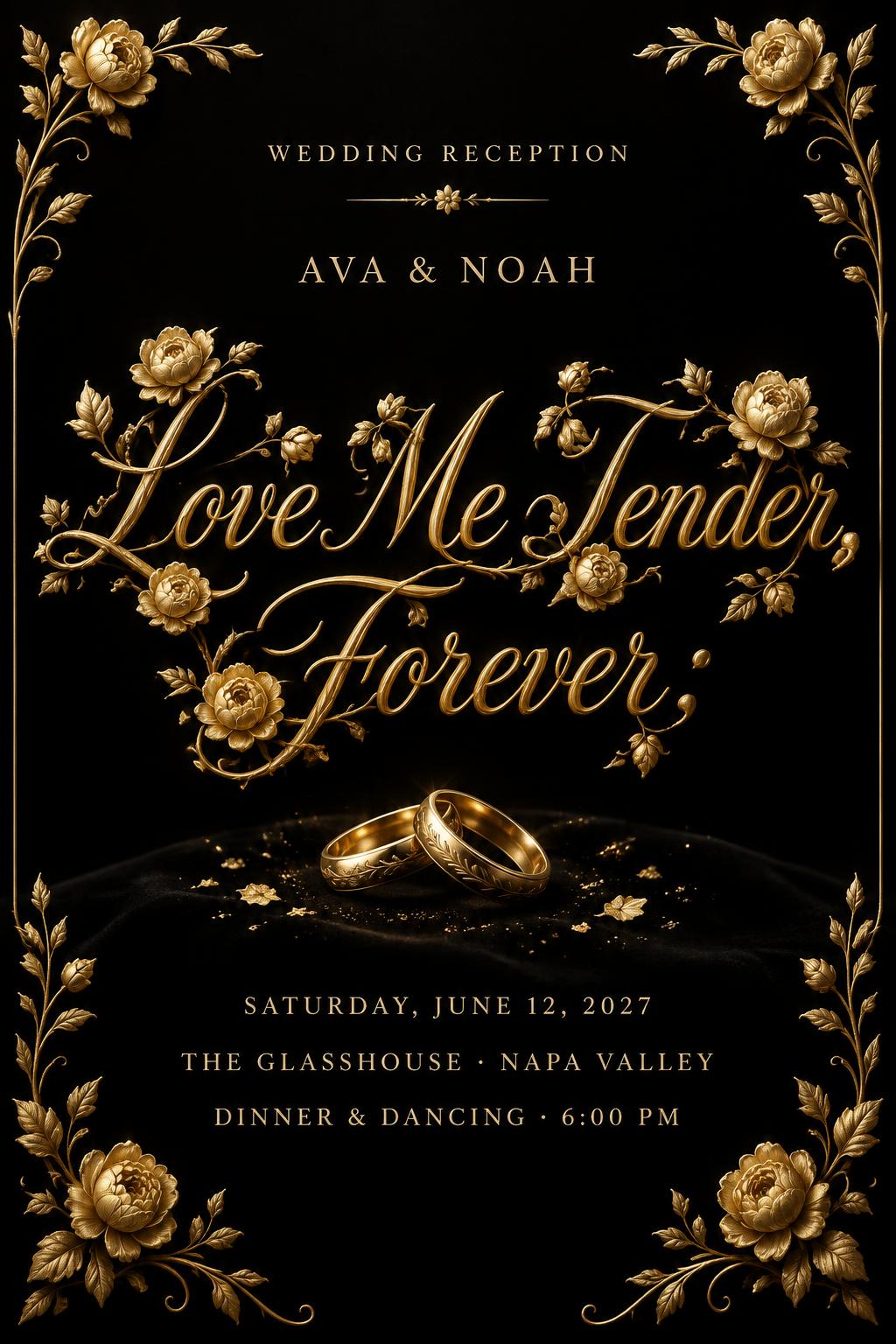
Love Me Tender,
Forever;
WEDDING RECEPTION
AVA & NOAH
Saturday, June 12, 2027
The Glasshouse · Napa Valley
Dinner & dancing · 6:00 PM
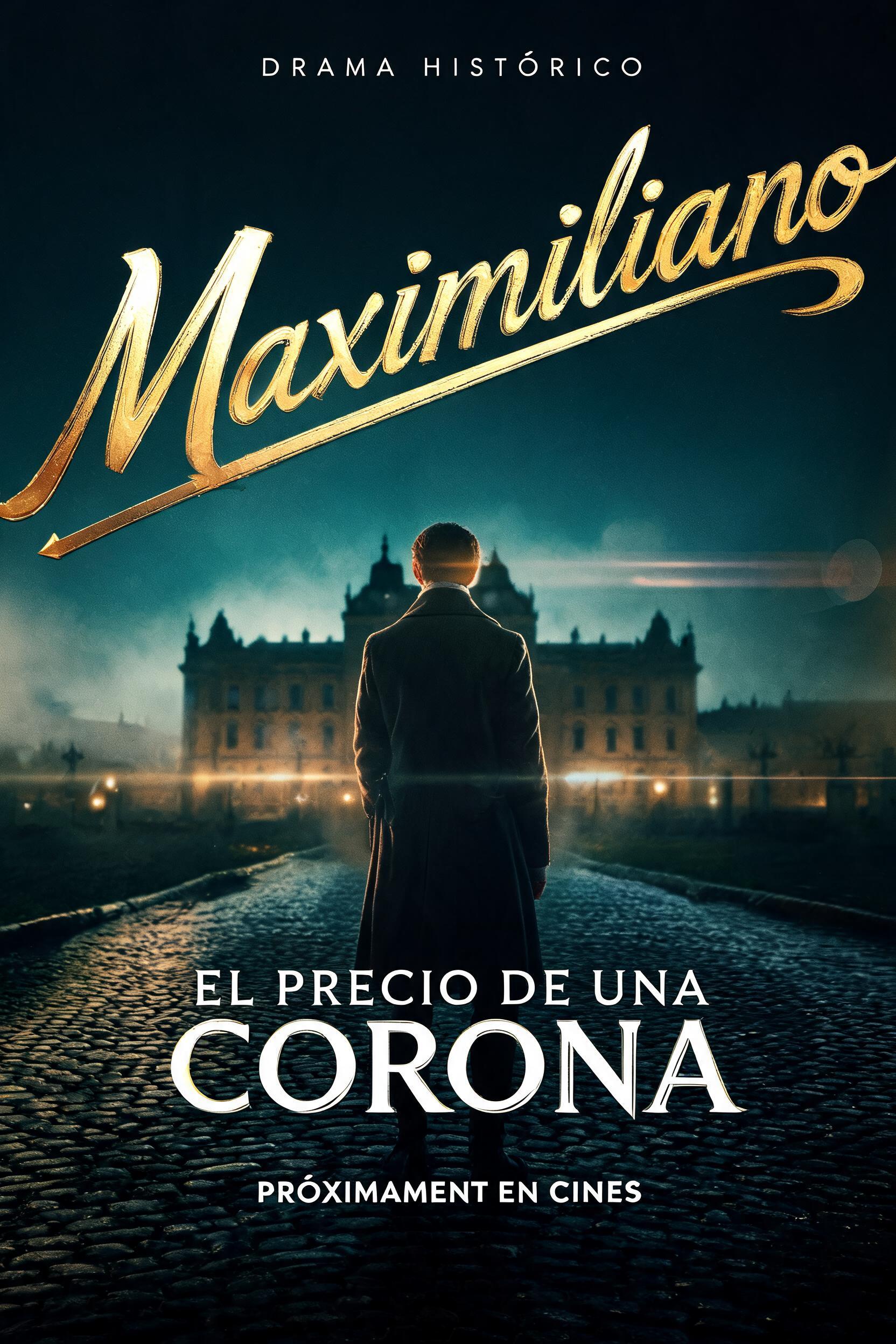
Maximiliano
EL PRECIO DE UNA CORONA
DRAMA HISTÓRICO
PRÓXIMAMENTE EN CINES
Feliz Cumpleaños Julissa Jackson
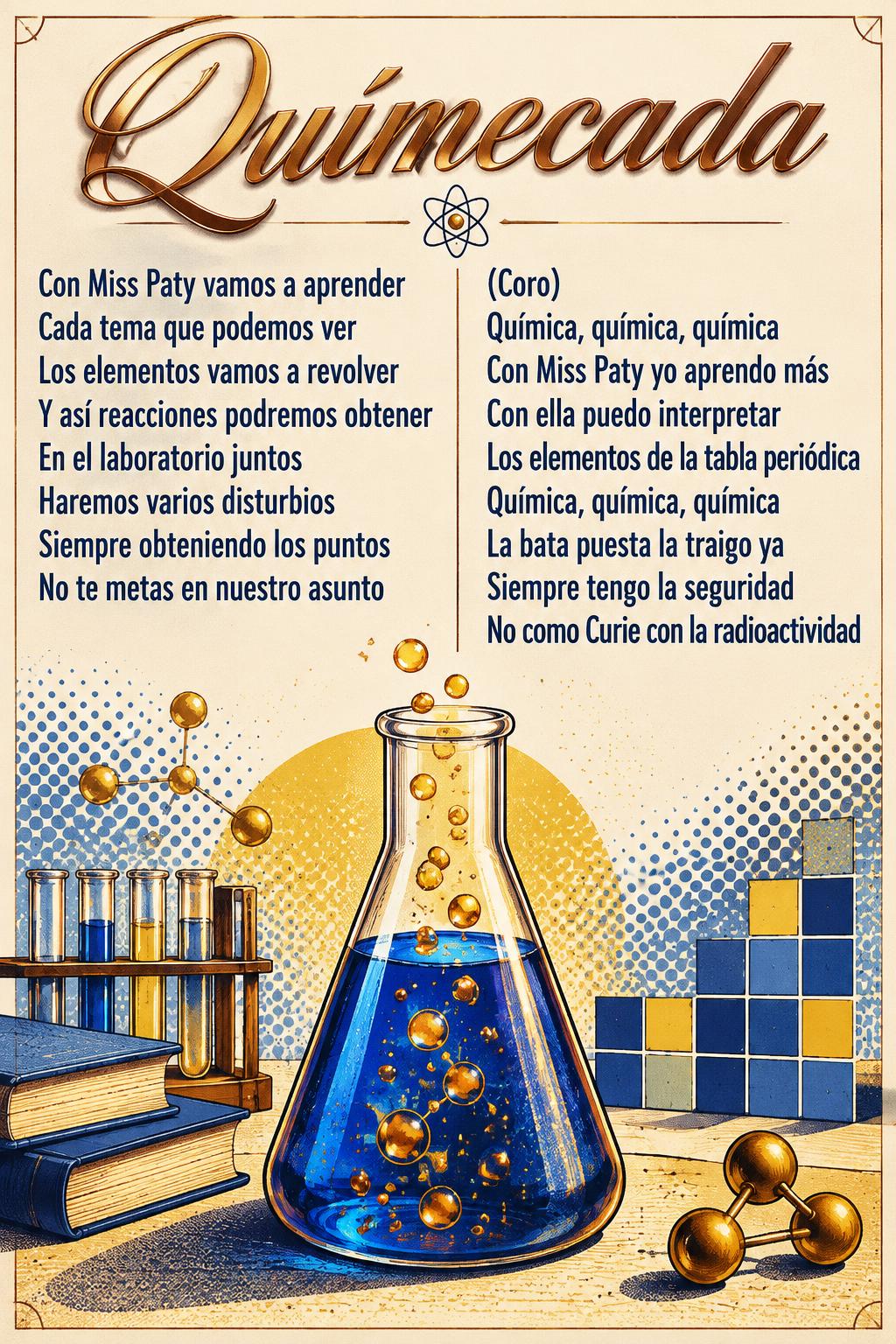
Químecada
Con Miss Paty vamos a aprender
Cada tema que podemos ver
Los elementos vamos a revolver
Y así reacciones podremos obtener
En el laboratorio juntos
Haremos varios disturbios
Siempre obteniendo los puntos
No te metas en nuestro asunto
(Coro)
Química, química, química
Con Miss Paty yo aprendo más
Con ella puedo interpretar
Los elementos de la tabla periódica
Química, química, química
La bata puesta la traigo ya
Siempre tengo la seguridad
No como Curie con la radioactividad
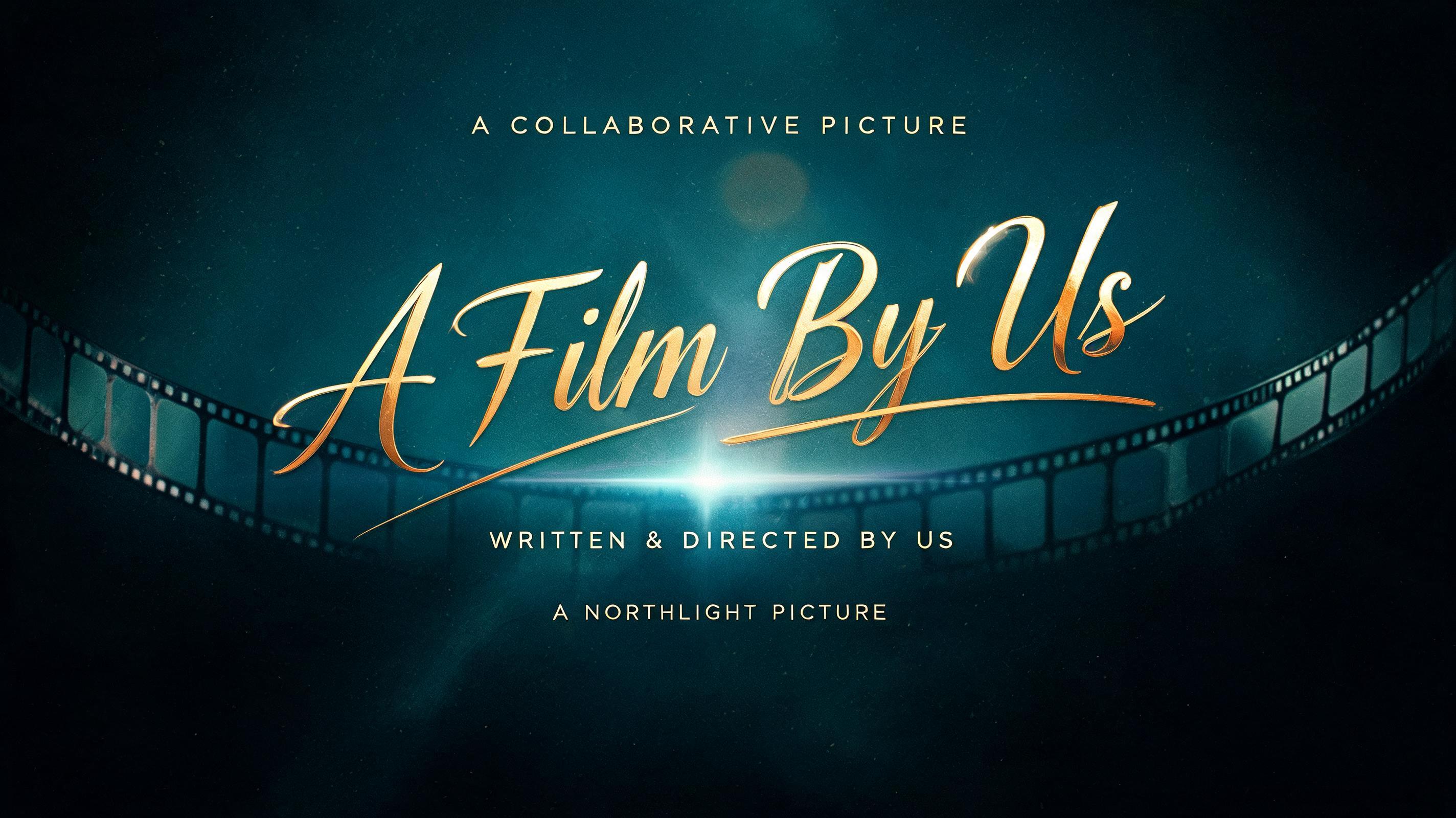
A Film By Us
A COLLABORATIVE PICTURE
WRITTEN & DIRECTED BY US
A NORTHLIGHT PICTURE
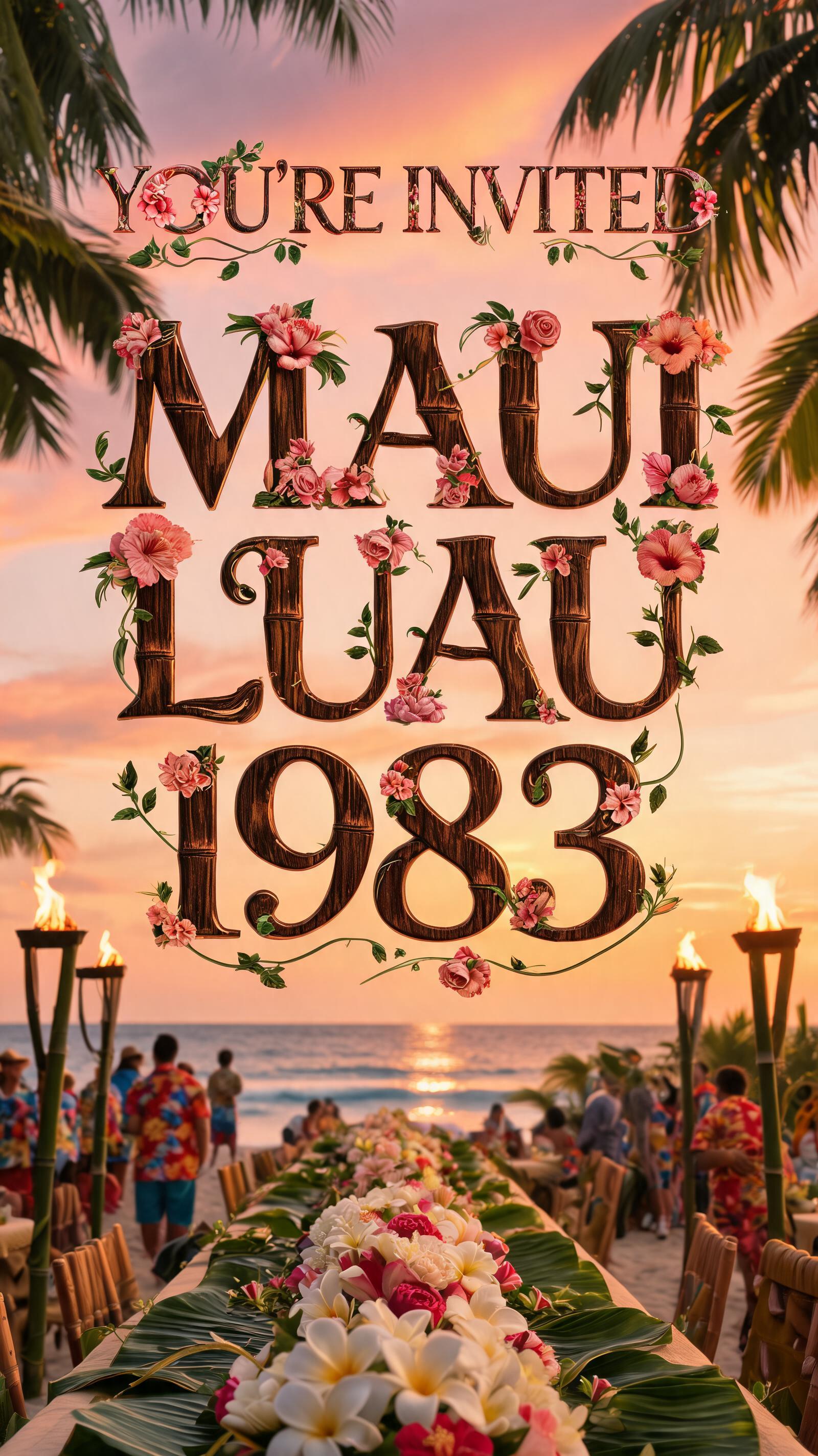
YOU'RE INVITED
MAUI LUAU 1983
YOU'RE INVITED
MAUI LUAU
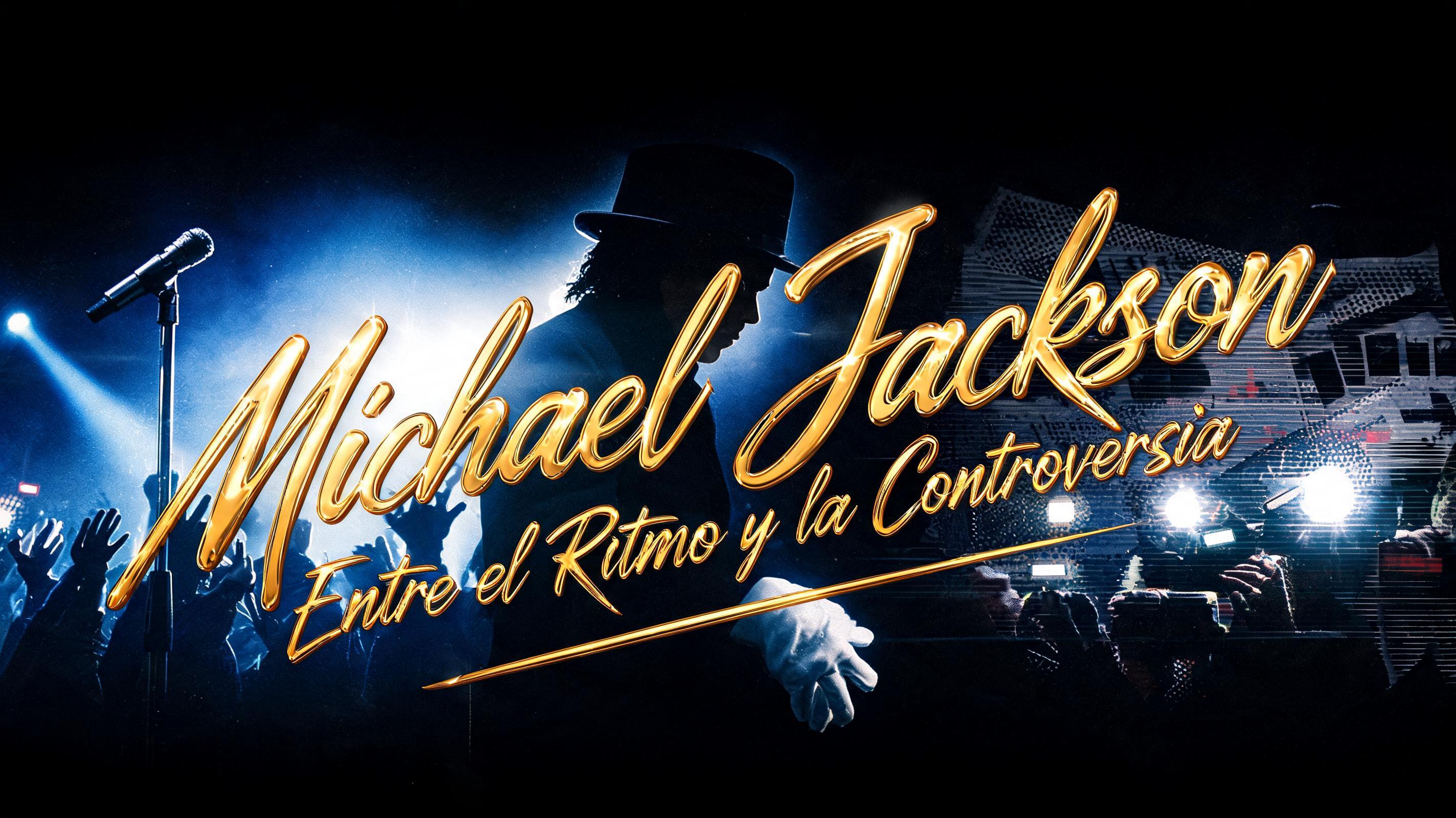
Michael Jackson: Entre el Ritmo y la Controversia
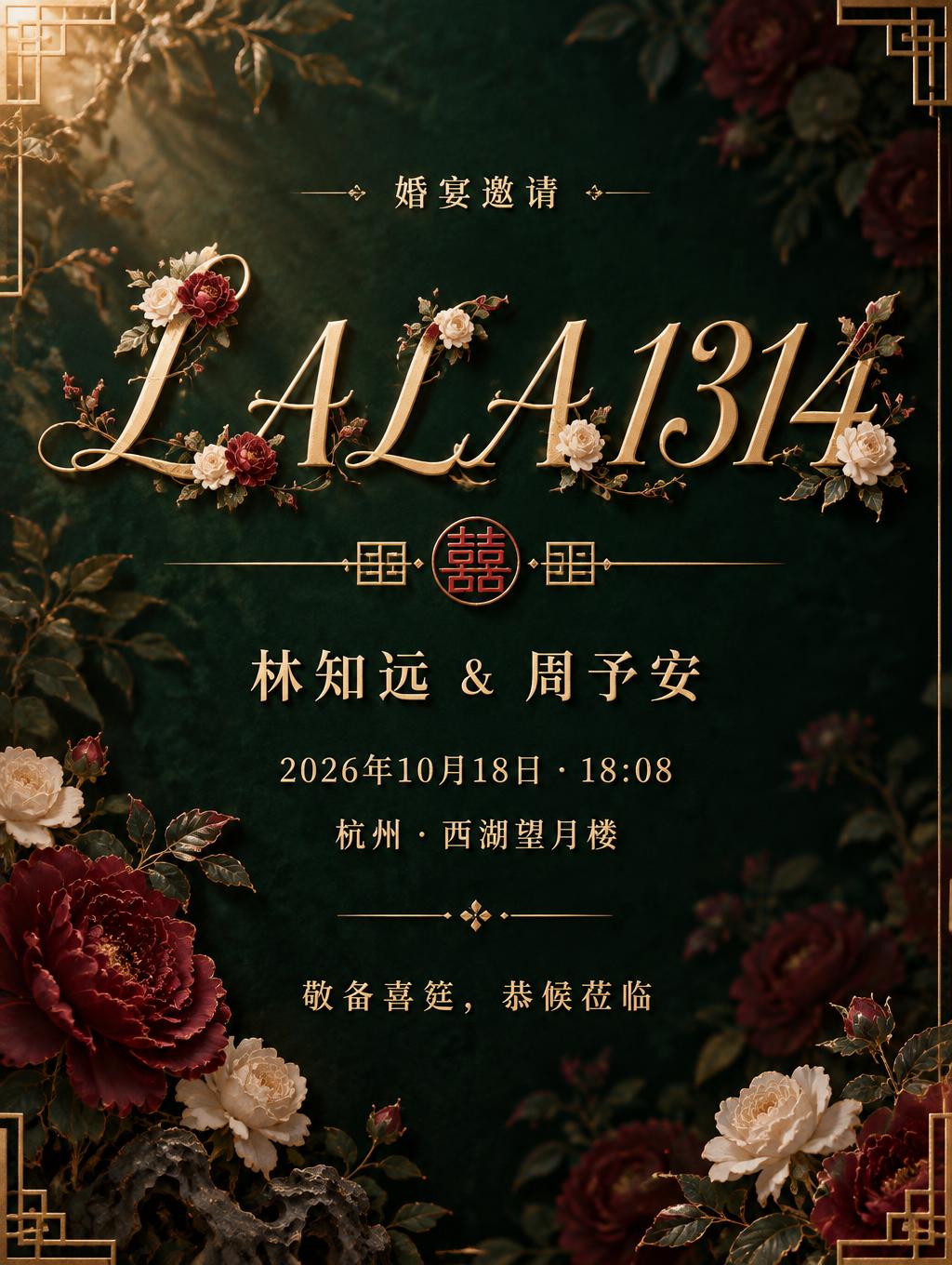
LALA1314
婚宴邀请
林知远 & 周予安
2026年10月18日 · 18:08
杭州 · 西湖望月楼
敬备喜筵,恭候莅临
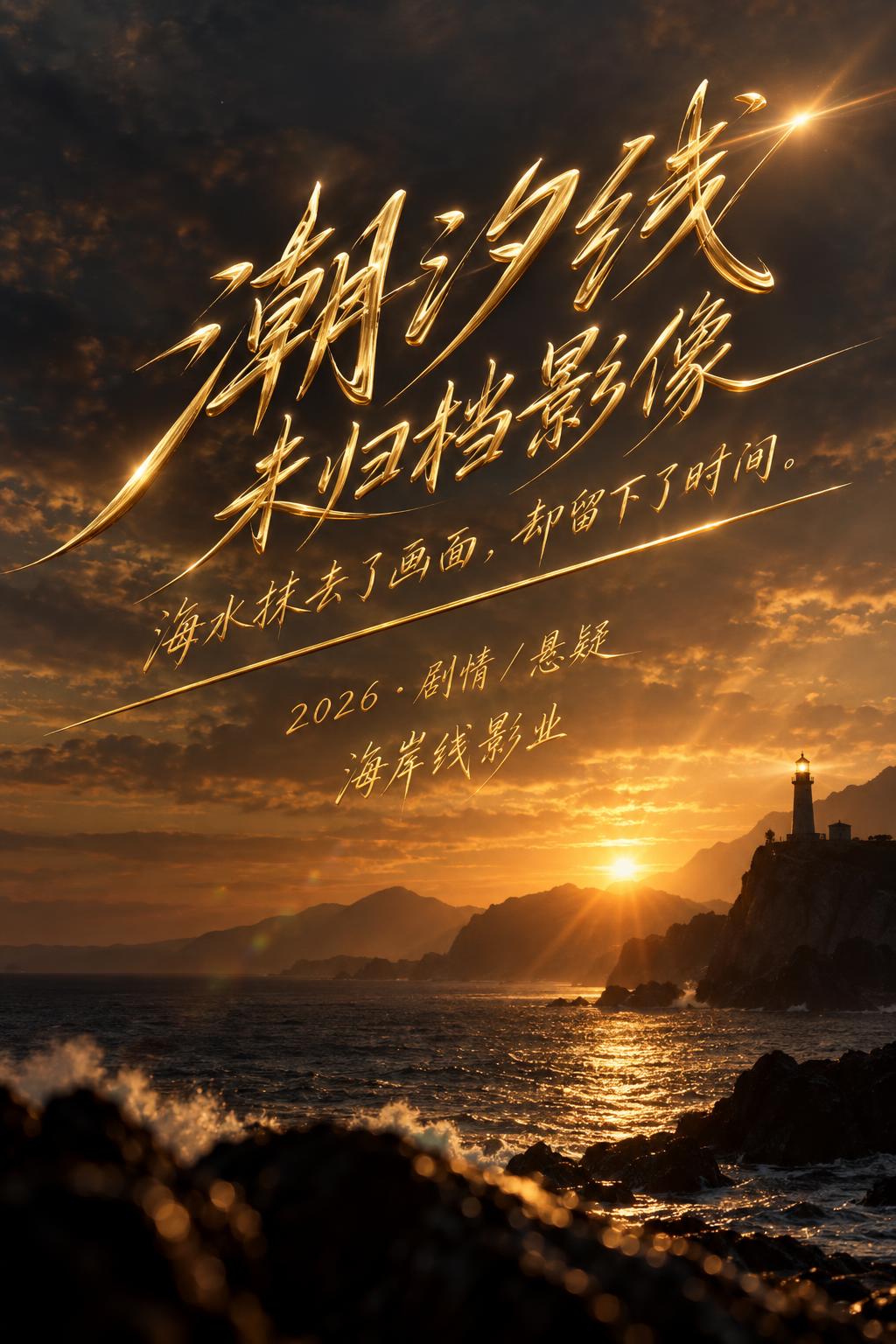
潮汐线
未归档影像
海水抹去了画面,却留下了时间。
2026 · 剧情 / 悬疑
海岸线影业
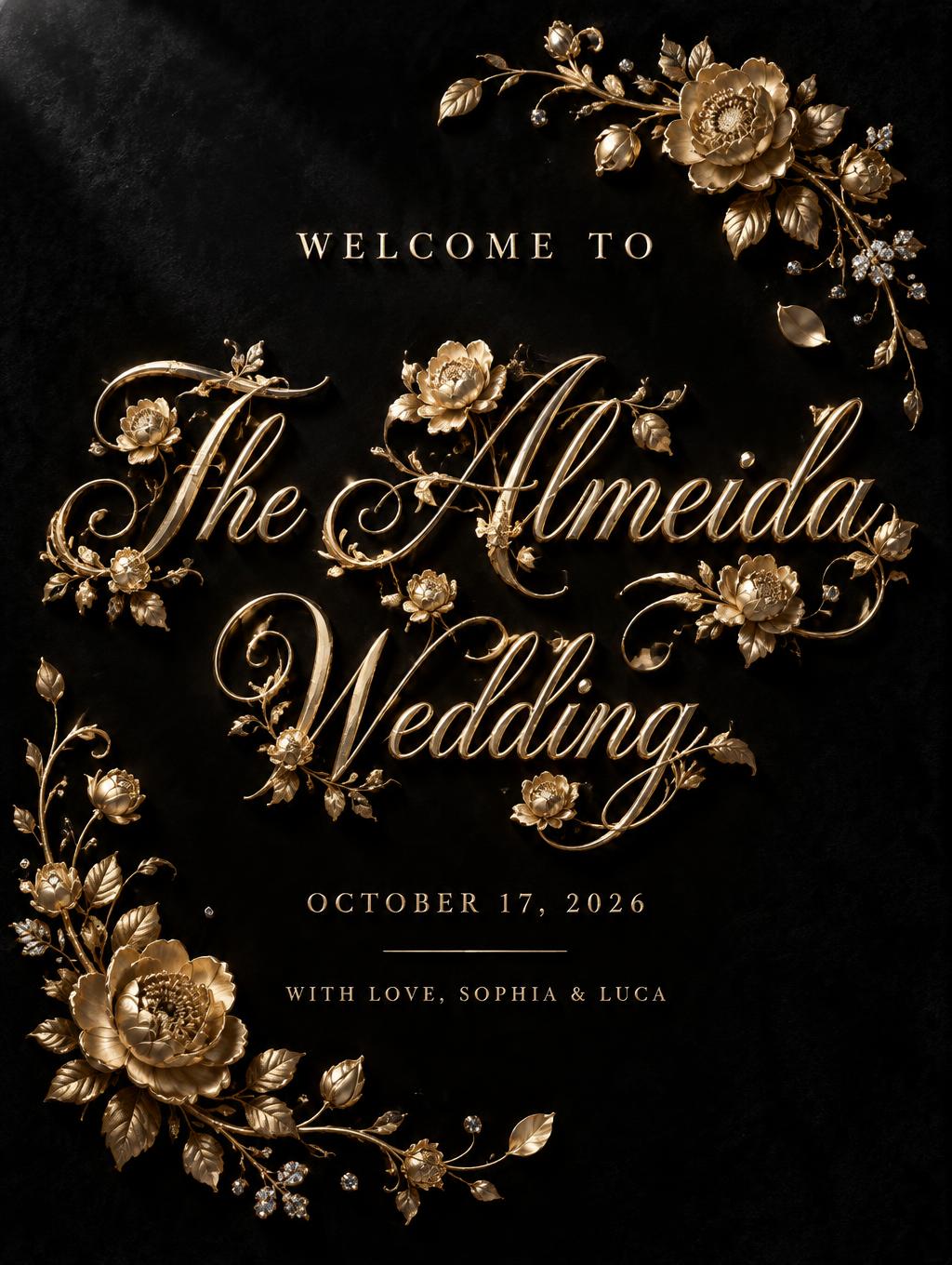
WELCOME TO
The Almeida
Wedding
OCTOBER 17, 2026
WITH LOVE, SOPHIA & LUCA
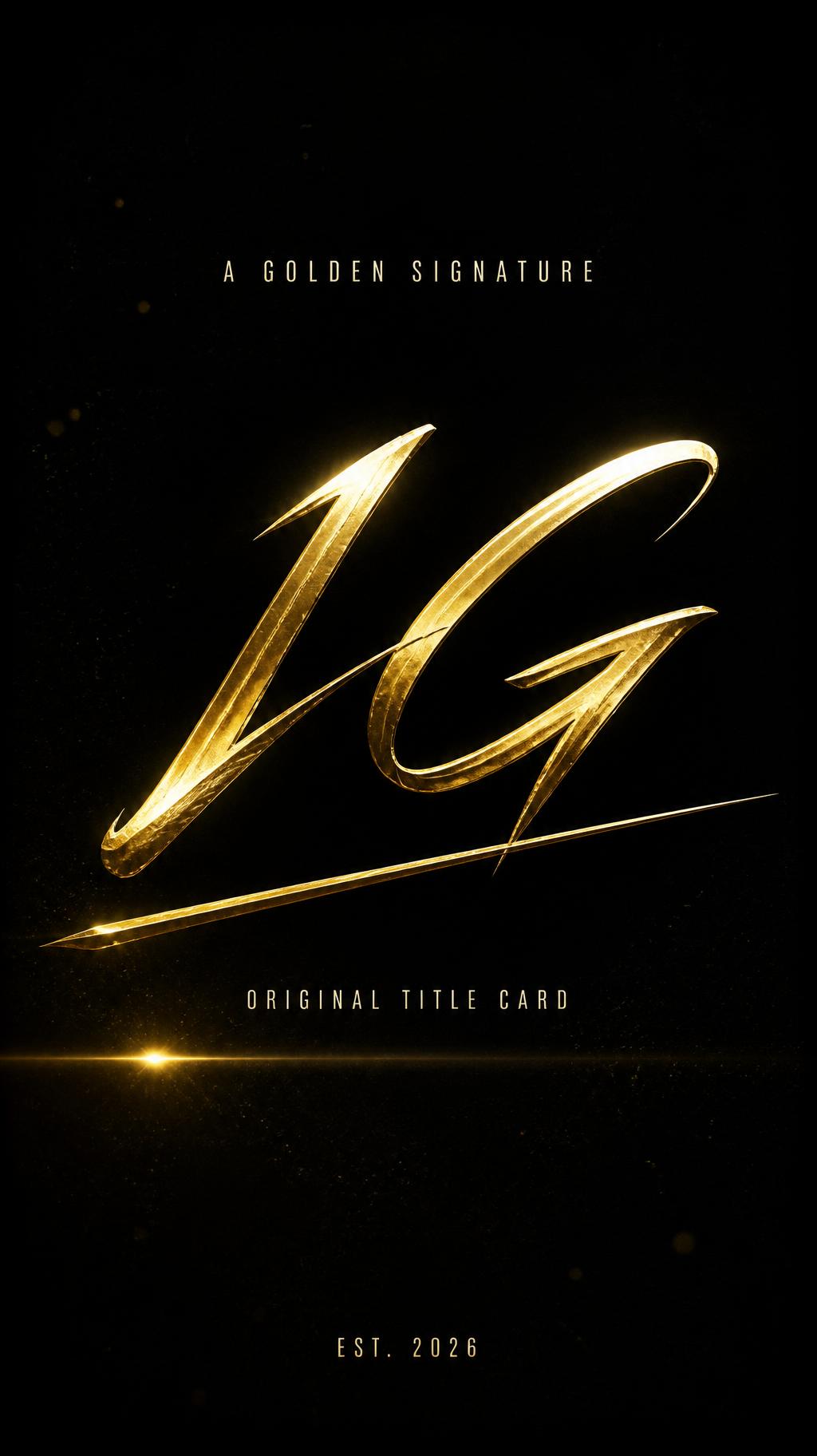
IG
A GOLDEN SIGNATURE
ORIGINAL TITLE CARD
EST. 2026
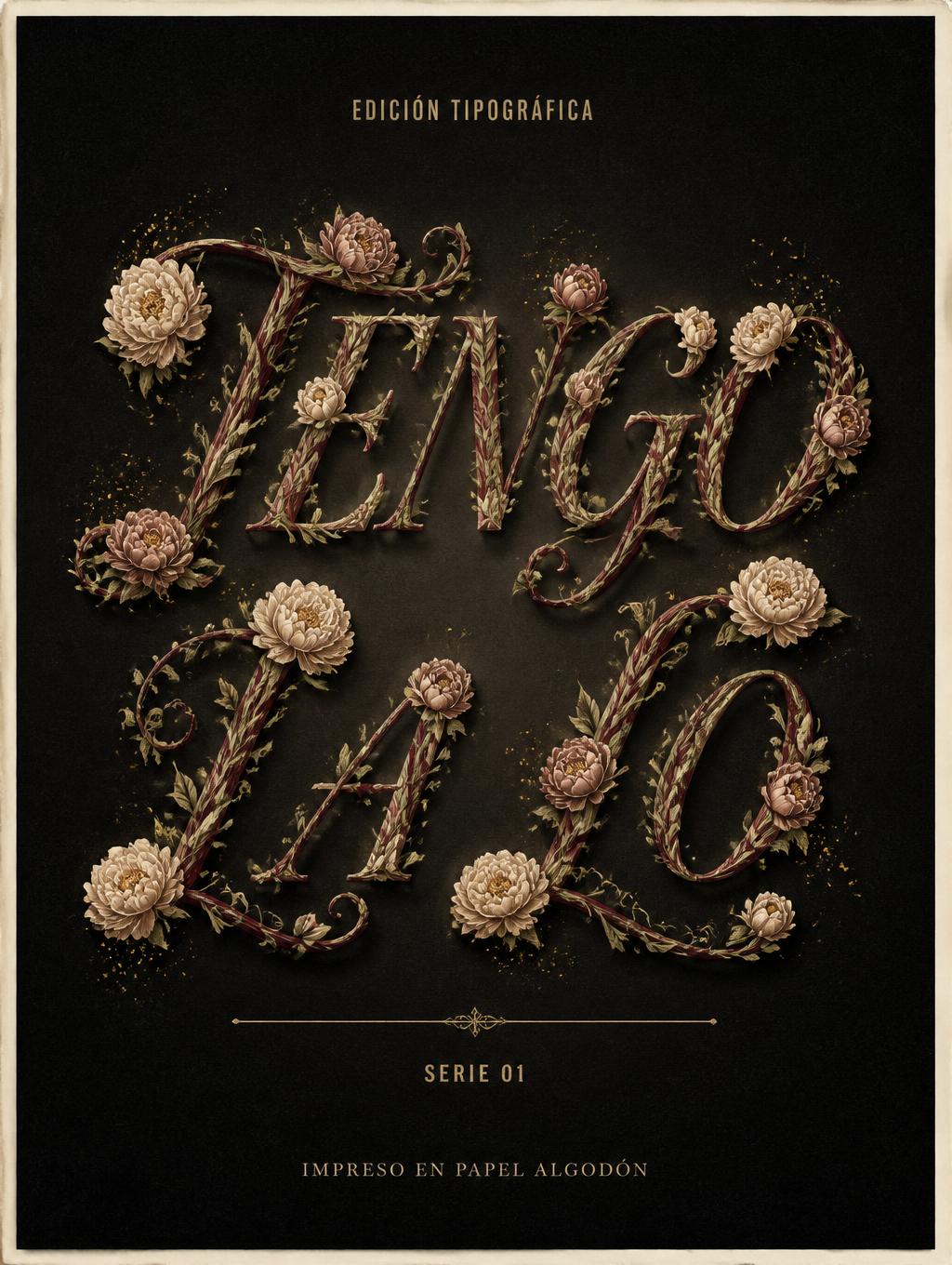
TENGO
LA LO
EDICIÓN TIPOGRÁFICA
SERIE 01
IMPRESO EN PAPEL ALGODÓN
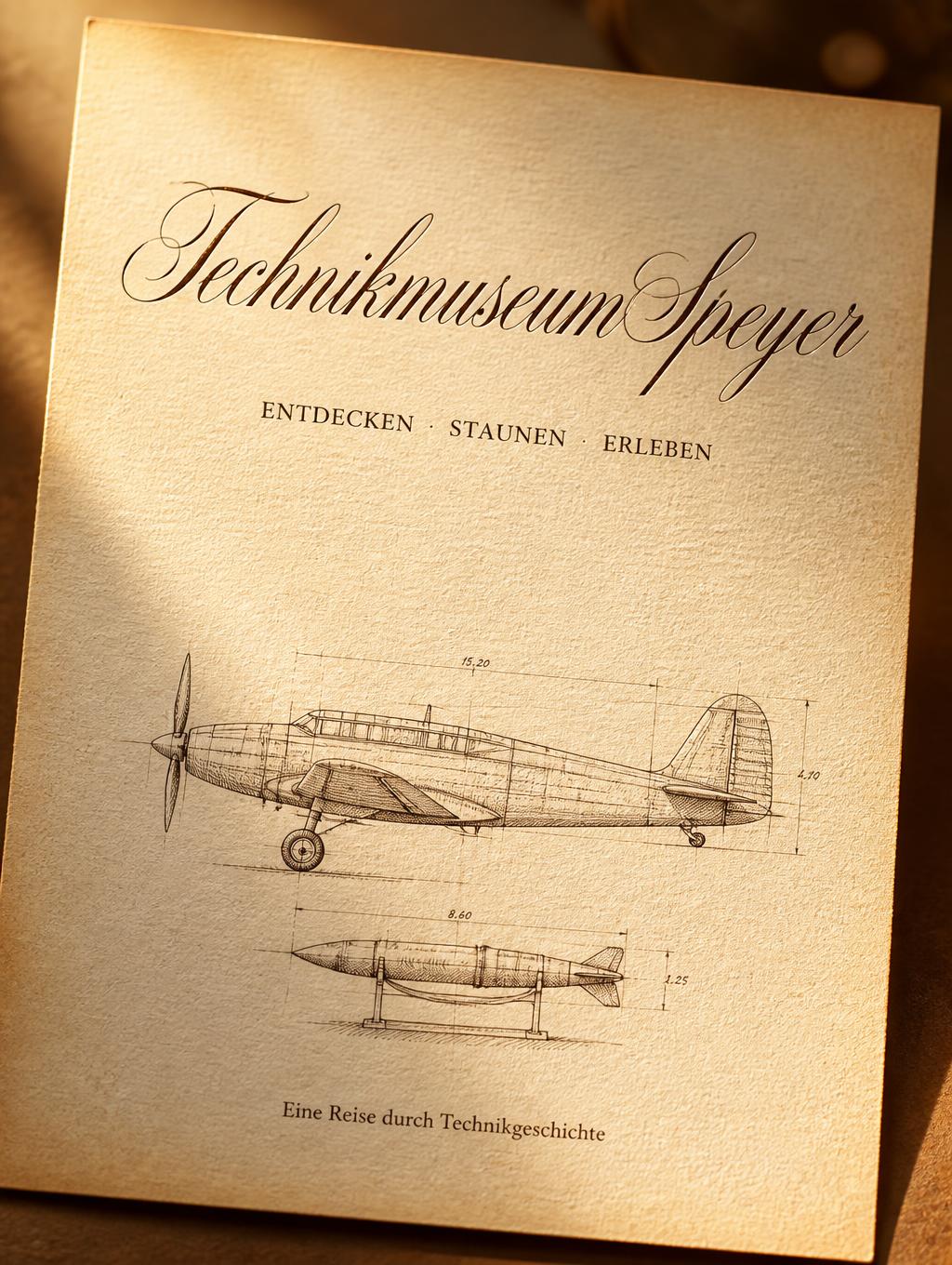
Technikmuseum Speyer
ENTDECKEN · STAUNEN · ERLEBEN
Eine Reise durch Technikgeschichte
Juquila Yaretzi
✦ How It Works

How to Use This Tool

  1. 1Type or paste your text. Enter any word, name, or phrase into the input box — for example, your Instagram display name, a quote for a bio, or a single word like 'aesthetic' or 'love'.
  2. 2Browse and choose a cursive style. Scroll through the previews. For bios and usernames that need to display reliably everywhere, pick Cursive, Script, or Bold Italic (medium compatibility). If you want extra flair and are only posting to modern devices, try Cursive Flourish or Sparkle Script.
  3. 3Tap to copy. Click or tap the result card for your chosen style. The styled Unicode text is instantly copied to your clipboard — no manual selection needed.
  4. 4Paste into Instagram, TikTok, Twitter, or anywhere else. Open your profile bio, username field, caption editor, or notes app and paste normally (Ctrl+V on desktop, long-press → Paste on mobile). The cursive characters paste as plain text and render as script wherever Unicode fonts are supported.
✦ Compatibility

Why Do Some Fonts Show as Boxes?

Unicode contains several distinct blocks that each look 'cursive' or 'italic' but are stored as completely different code points. The standard Cursive and Script styles here draw from the Mathematical Script block (U+1D400 range). Most operating systems — iOS 14+, Android 9+, Windows 10+, and macOS Catalina+ — ship with fonts that cover this block, so these styles render correctly for the vast majority of your audience.

The two risky styles, Cursive Flourish and Sparkle Script, combine Mathematical Script characters with additional decorative Unicode symbols (combining diacritics, ornament characters) from less commonly bundled blocks. Older Android devices (roughly Android 7 and below) and some budget Android phones often lack the system fonts needed for these extra code points, causing them to appear as hollow squares — called 'tofu' — instead of the intended decoration.

The compatibility filter on FontVibe helps you avoid this: styles tagged 'high' (like Italic and Bold) are drawn from blocks with near-universal font coverage; 'medium' styles (Cursive, Script, Bold Italic) work on almost all modern devices; 'risky' styles are flagged so you know to test before using them in a public bio or username. If your content is primarily viewed on desktop browsers or recent iPhones, risky styles are generally safe. If you expect a broad, mixed audience that includes older Android users, stick to medium or high compatibility variants.

✦ Examples

See It in Action

  • aesthetic— The Script variant shines here — each letter in 'aesthetic' has distinct ascenders and descenders that the formal Script letterforms show off beautifully, making it ideal for an Instagram bio tagline or TikTok display name.
  • your name— For a personal name, Bold Italic is a strong choice: it combines the flowing slant of an italic style with heavier strokes, giving a name real visual weight in a bio without the compatibility risk of the flourish styles.
  • love— Short, punchy words like 'love' are where Sparkle Script earns its risk rating — the added decorative symbols wrap the four letters in ornamental detail that looks striking in an aesthetic caption or quote graphic, provided you're targeting an audience on modern devices.
  • aesthetic— If you want maximum compatibility — for example, a wedding or quote graphic caption that will be screenshot and reshared across many device types — the plain Italic variant (rated high compatibility) preserves the slanted, elegant feel of cursive while rendering reliably even on older Android phones.
✦ Compatibility

Where It Works and Where It Breaks

Works in
  • Instagram
  • TikTok
  • Twitter
  • bios and usernames
Breaks in
  • a few script styles render as boxes on older Android
Worth knowing
  • cursive uses Mathematical Script Unicode and renders on most modern devices
  • pairs well with sparkle and flourish decorations
Typical uses
  • bio
  • username
  • aesthetic captions
  • wedding and quote graphics
✦ Know the difference

Cursive vs Calligraphy vs Script — What's the Difference?

These three words get mixed up constantly, but in typography they mean different things:

Cursive is everyday joined-up handwriting — letters connect, lean to the right, and flow quickly. The emphasis is on connection and speed.

Calligraphy is the art of beautiful writing — decorative, with varied thick-and-thin strokes (traditionally from a nib or brush). Letters don't have to connect; the point is visual artistry.

Script is a typeface category — fonts that imitate handwriting or calligraphy, split into formal (think wedding invitations) and casual styles.

So what can you actually copy and paste? Unicode only offers a few handwriting-style alphabets — mainly Script (𝒶𝒷𝒸) and Bold Script (𝓪𝓫𝓬). For an elegant, calligraphic look use the Script style above; for something heavier use Bold Script. Honest heads-up: Unicode can't truly join letters, so any copy-paste connected cursive is an approximation.

Want a more ornate, decorative look? Try the Calligraphy Font Generator. Need a formal script style? See the Script Font Generator.

✦ FAQ

Frequently Asked Questions

Yes, completely free. There is no account, subscription, or download required. You type your text, pick a style, copy, and paste — the entire process happens in your browser at no cost.

The boxes (called 'tofu') appear when the app or device you're pasting into doesn't have a font installed that covers those specific Unicode code points. This most commonly happens with the Cursive Flourish and Sparkle Script styles on older Android phones (Android 7 and below) or in some third-party keyboards. Switching to the Cursive, Script, or Italic variant — which use more widely supported Unicode blocks — will fix the problem in nearly all cases.

Yes. Instagram's bio and name fields accept Unicode text, so you can paste Cursive or Script styled text directly. Note that Instagram usernames (the @handle) only allow standard alphanumeric characters and underscores, so cursive Unicode only works in the display name and bio fields, not the actual username handle.

Both pull from the Unicode Mathematical Script block, but Script uses the formal upright script letterforms (closer to traditional calligraphy), while Cursive uses the slightly more slanted, flowing variant of the same block. The difference is subtle — try both with your specific text to see which feels right for your aesthetic.

Yes. TikTok's name and bio fields render Unicode script characters correctly on both iOS and Android. Paste your copied Cursive or Script text into the 'Name' field in Edit Profile. As with Instagram, TikTok's unique ID (@username) is restricted to standard characters and won't accept cursive Unicode.

The Unicode Mathematical Script block covers the 26 Latin letters (A–Z, a–z) and standard digits. If your text includes accented characters (like é, ñ, or ü) or non-Latin scripts, those characters will fall back to plain unstyled text since there are no script-block equivalents for them. For best results with names or words that use diacritics, test the output before posting.

✦ More Tools

Related Font Generators

  • Calligraphy Font Generator
  • Script Font Generator
  • Fancy Font Generator
  • Italic Font Generator
✦ Free tools

Popular free text tools

  • heart font
  • Undertale dialogue generator