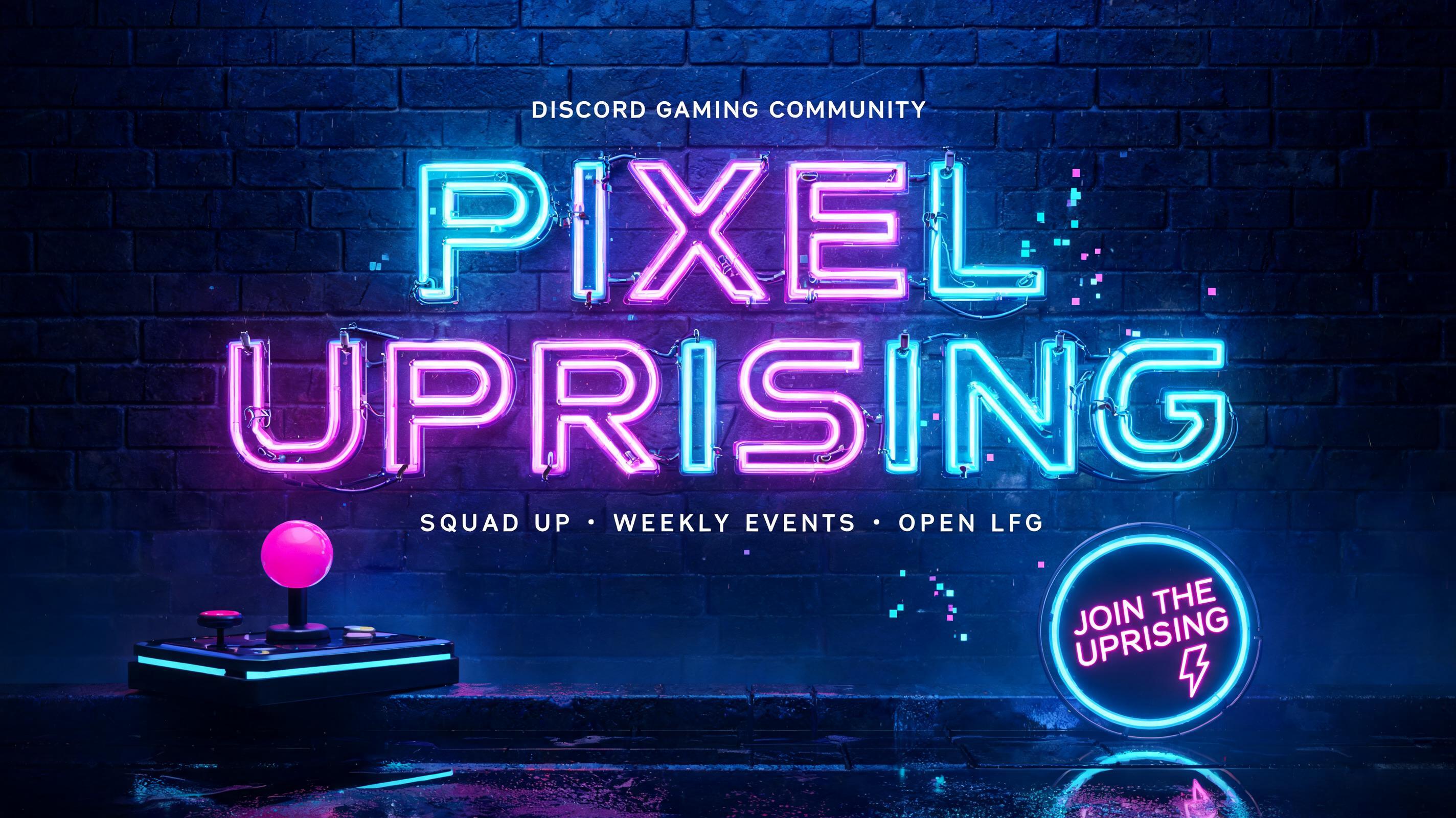
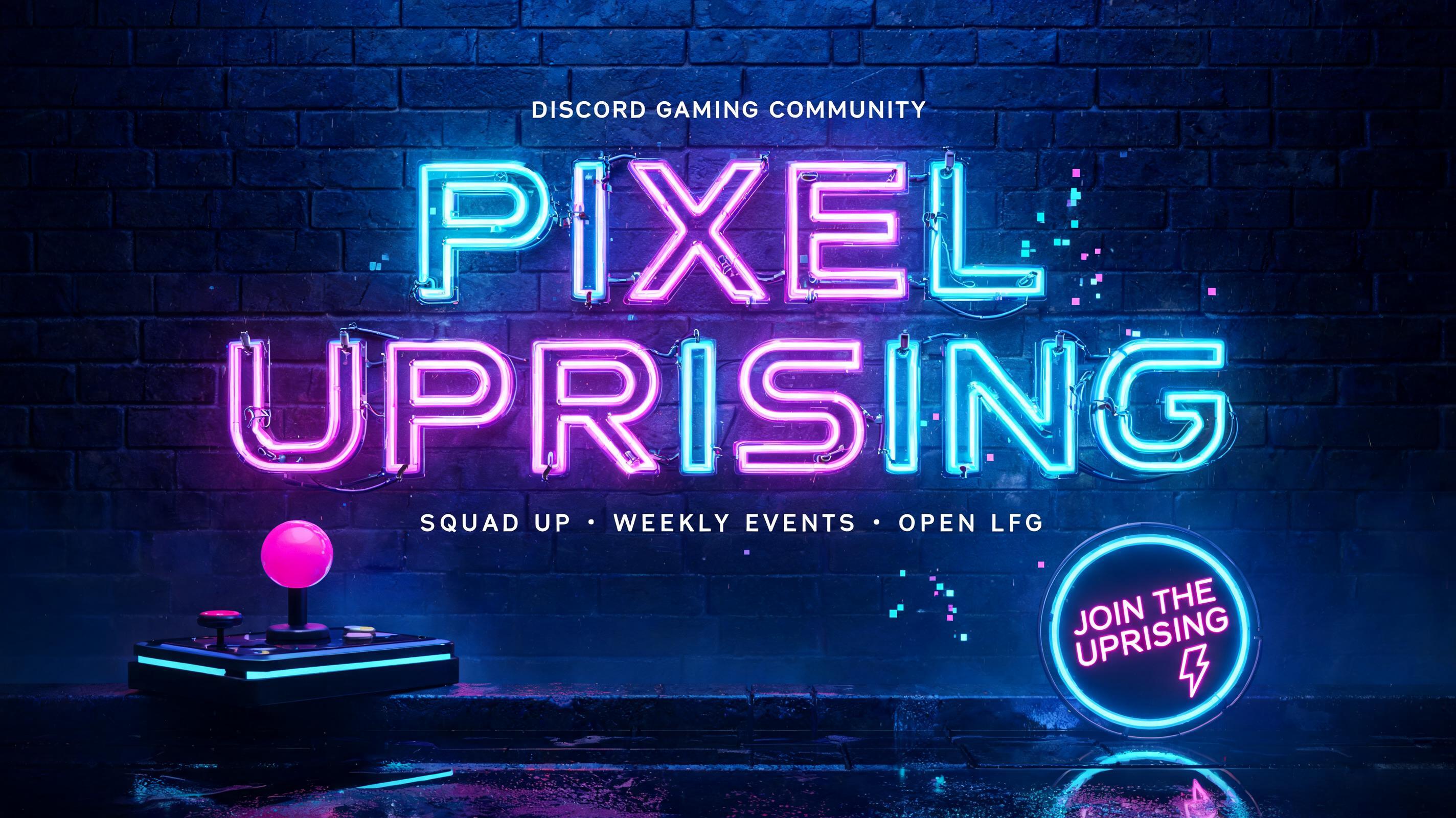
Ideas for your Discord banner
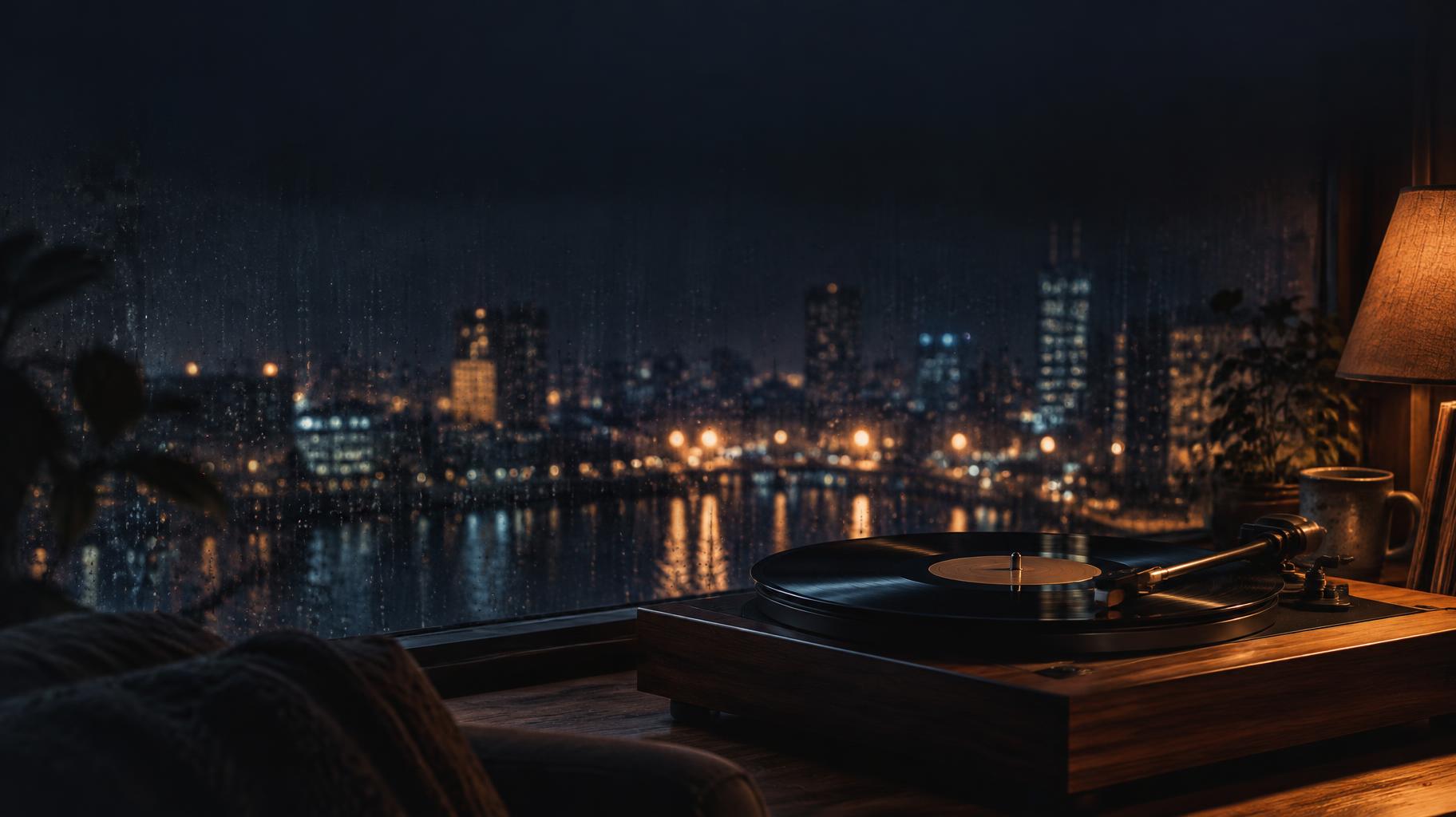
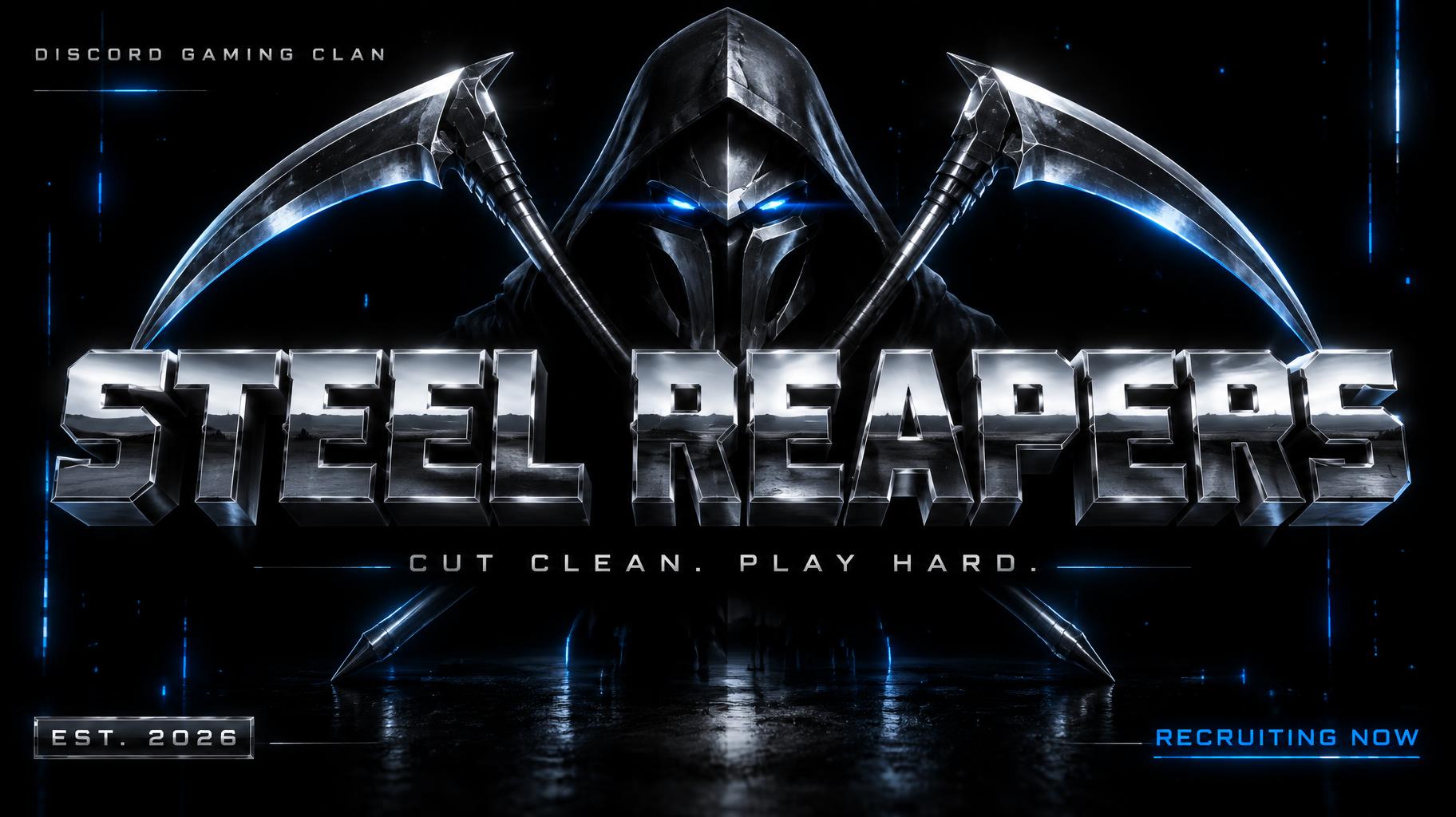
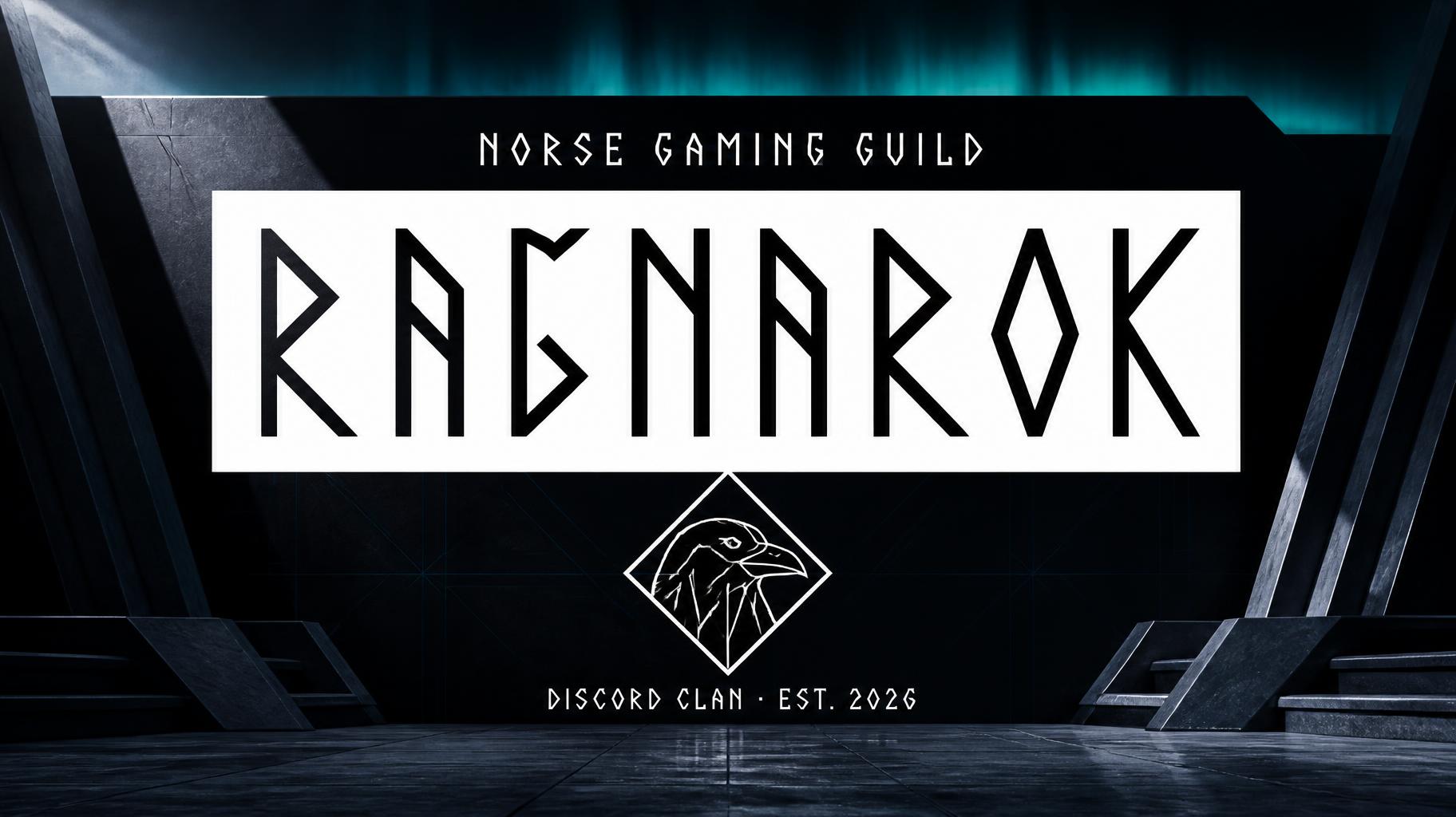
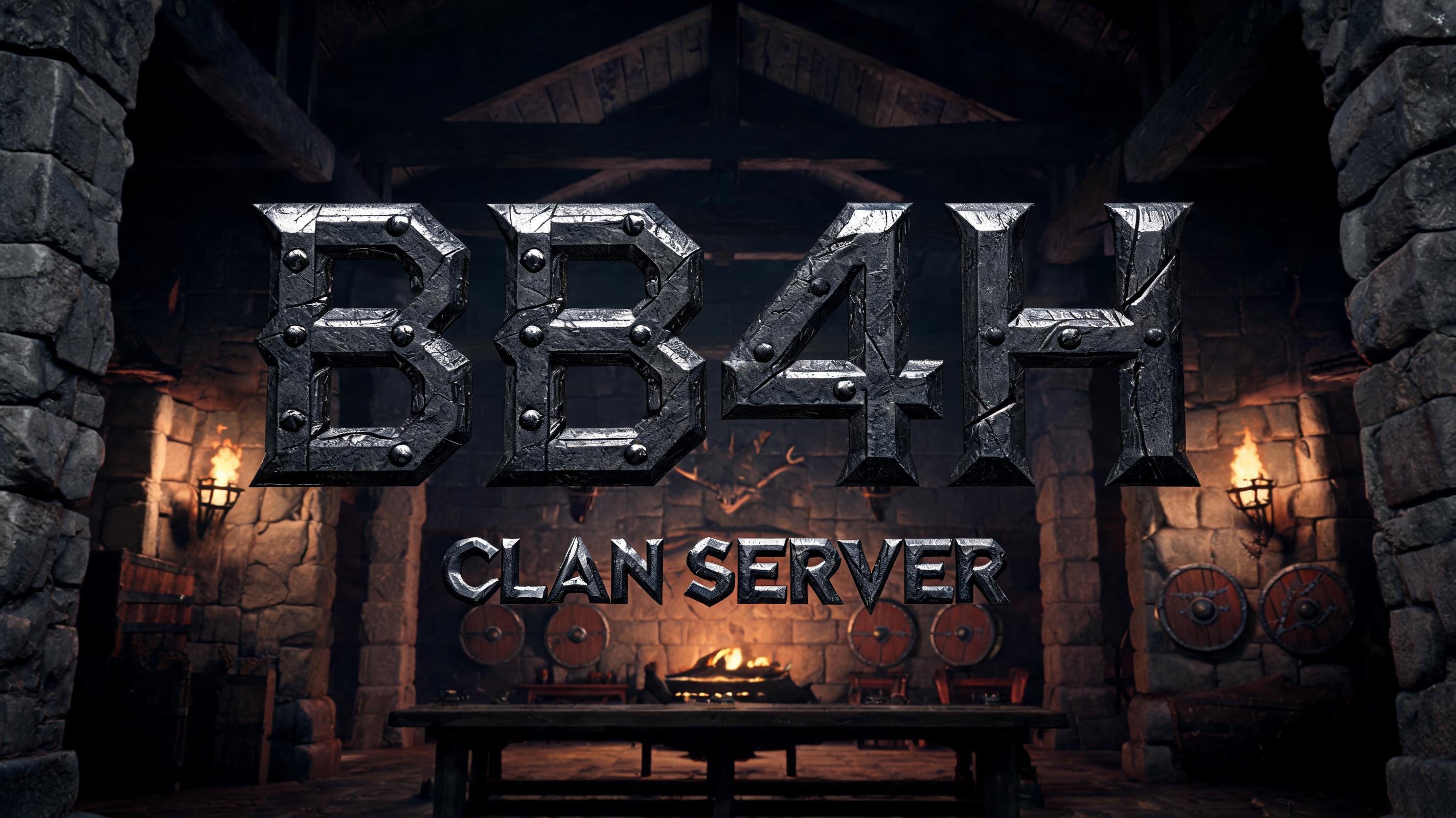
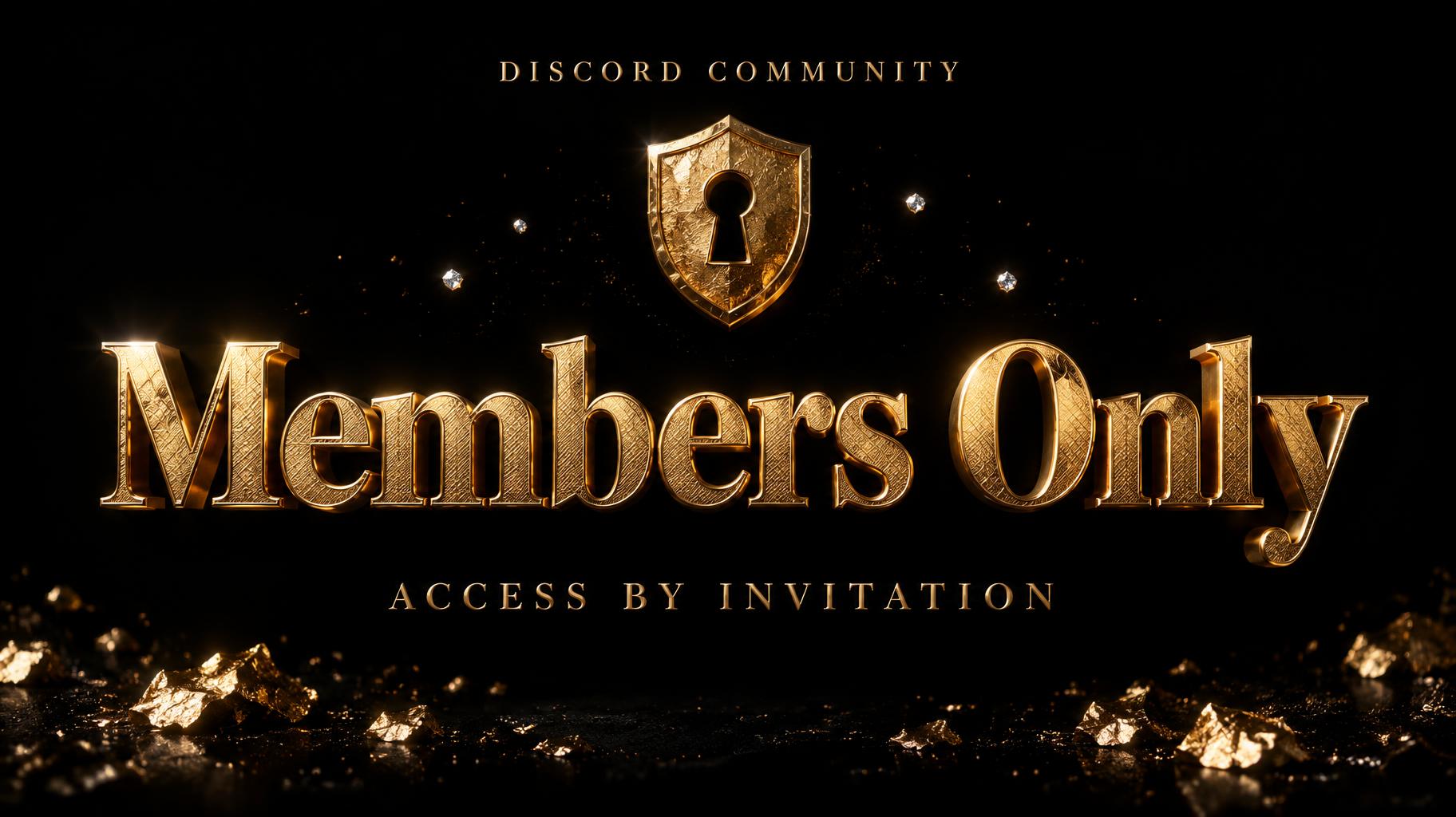
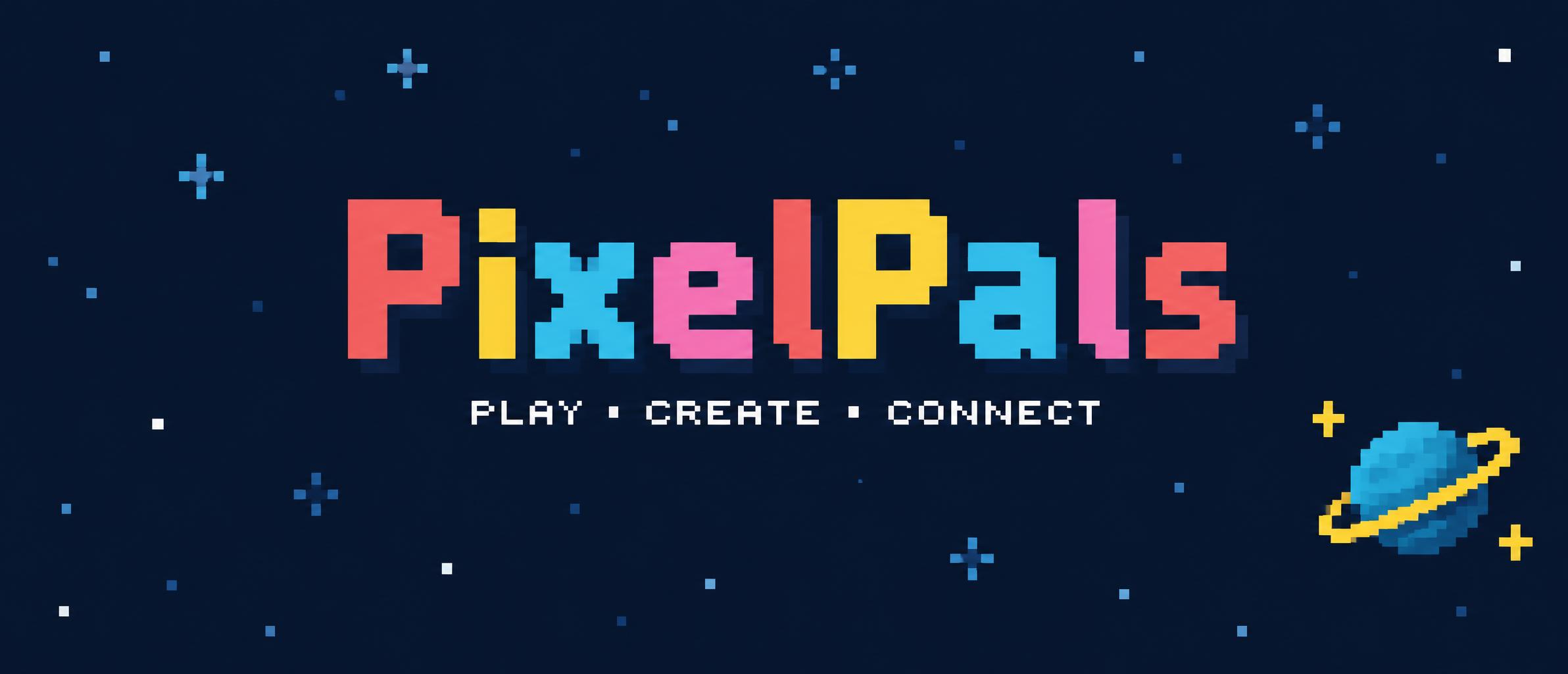
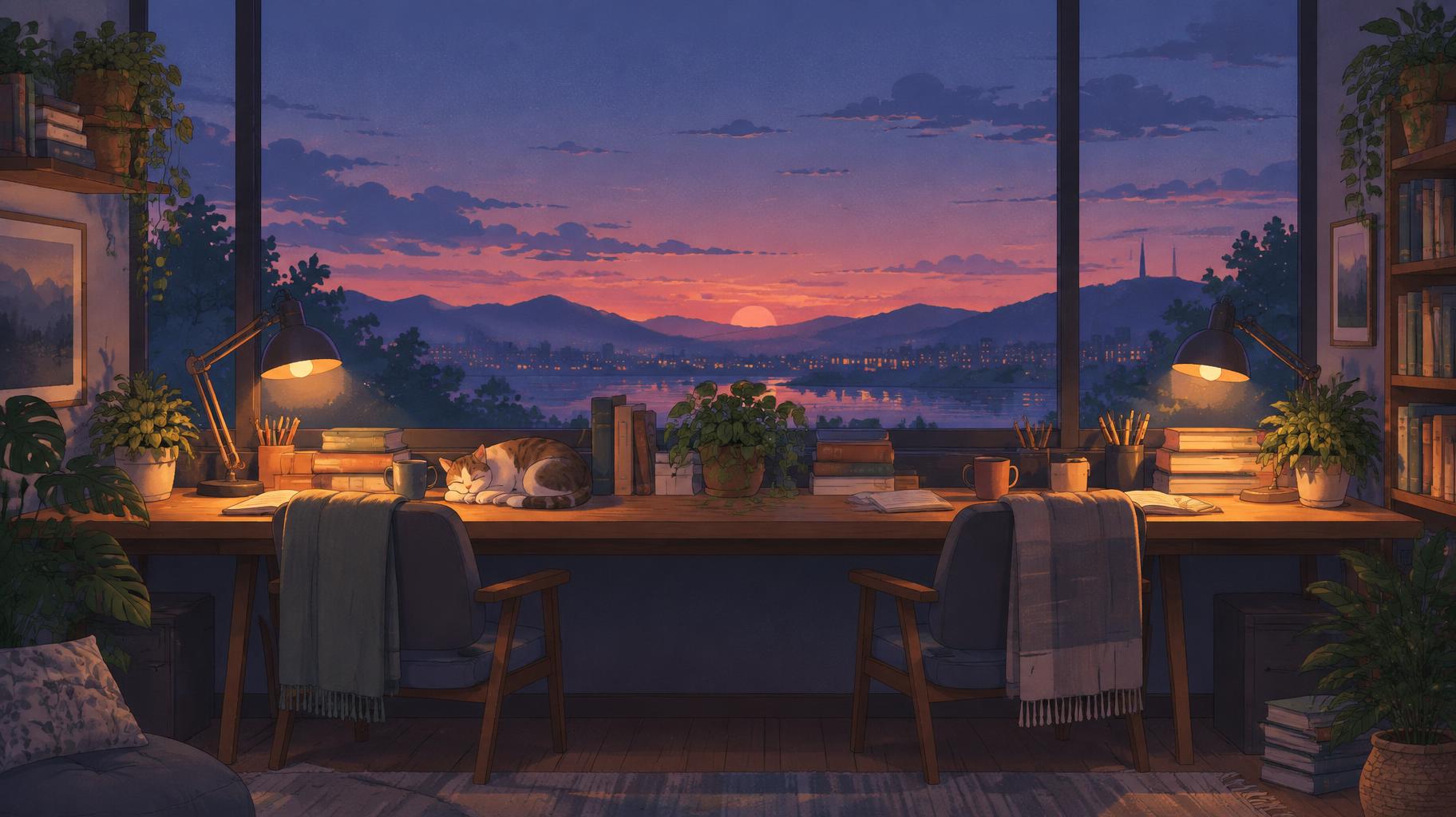
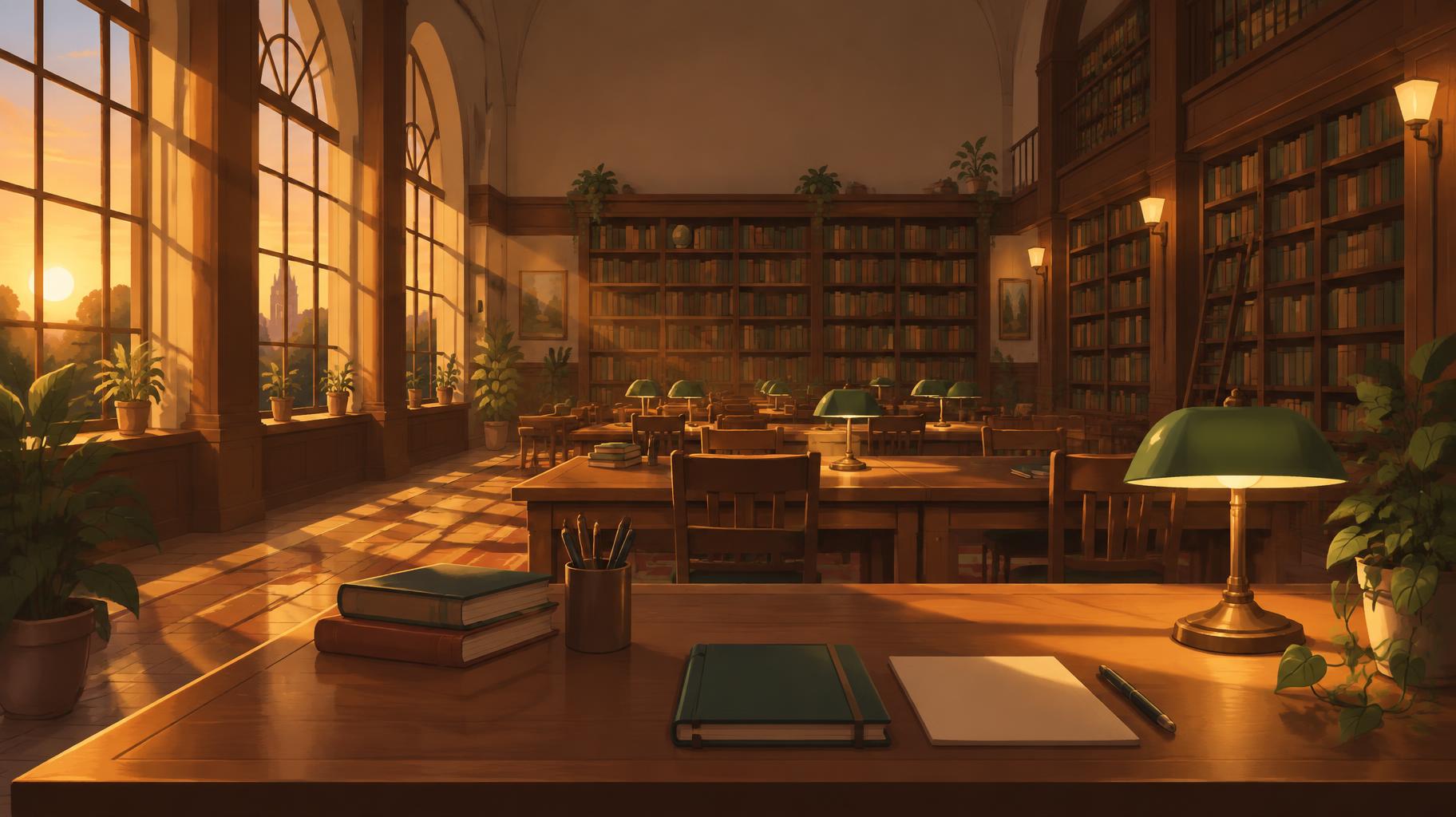
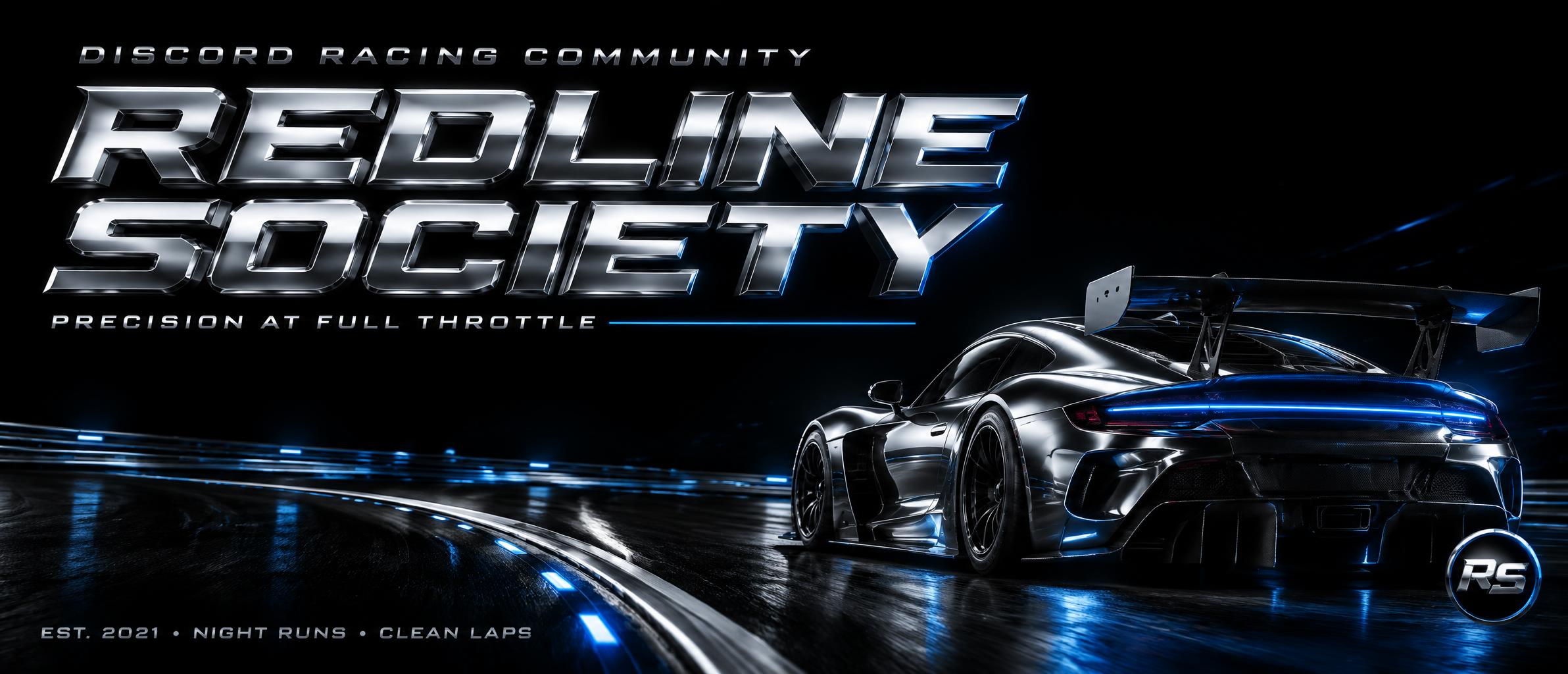
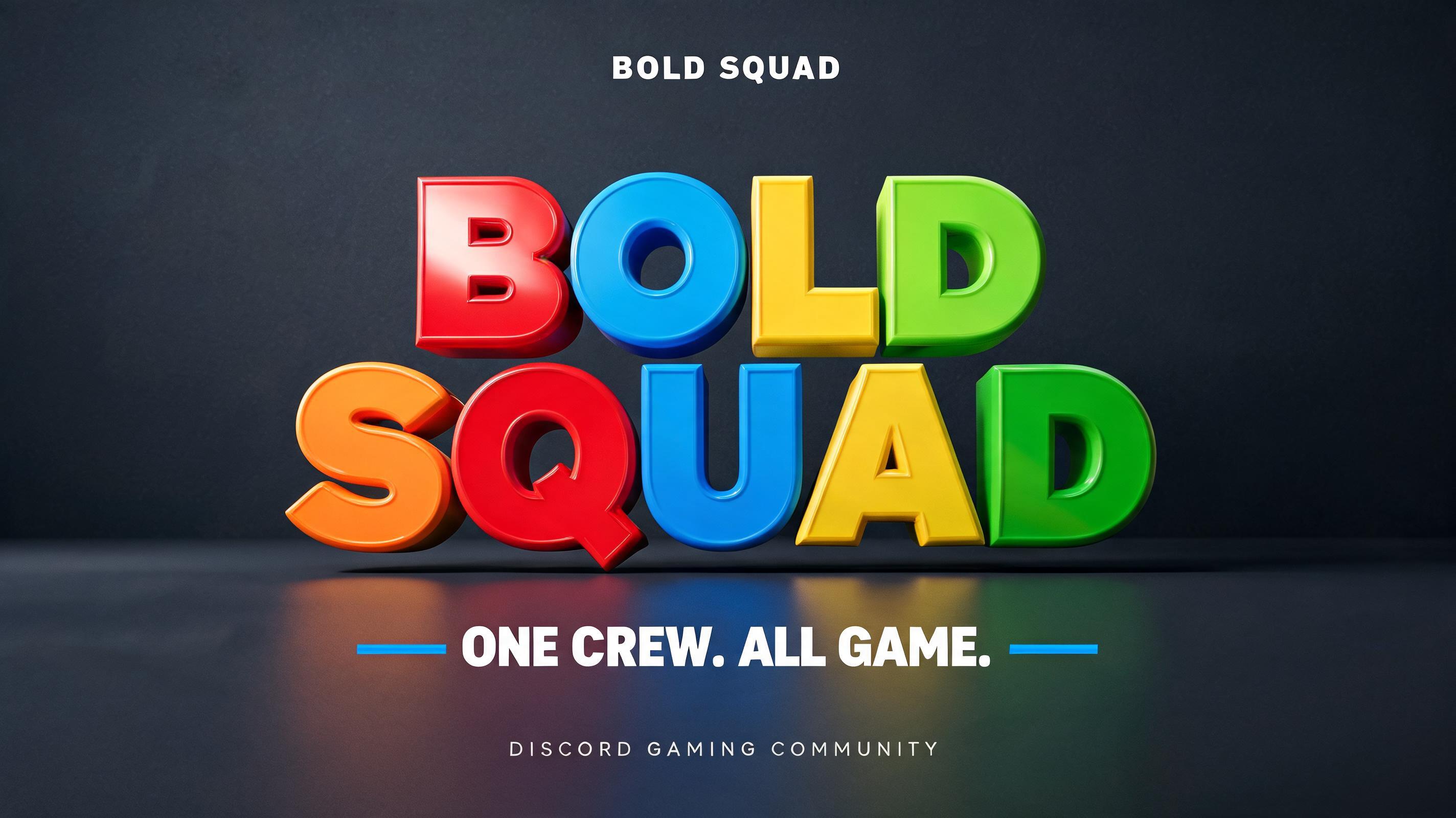
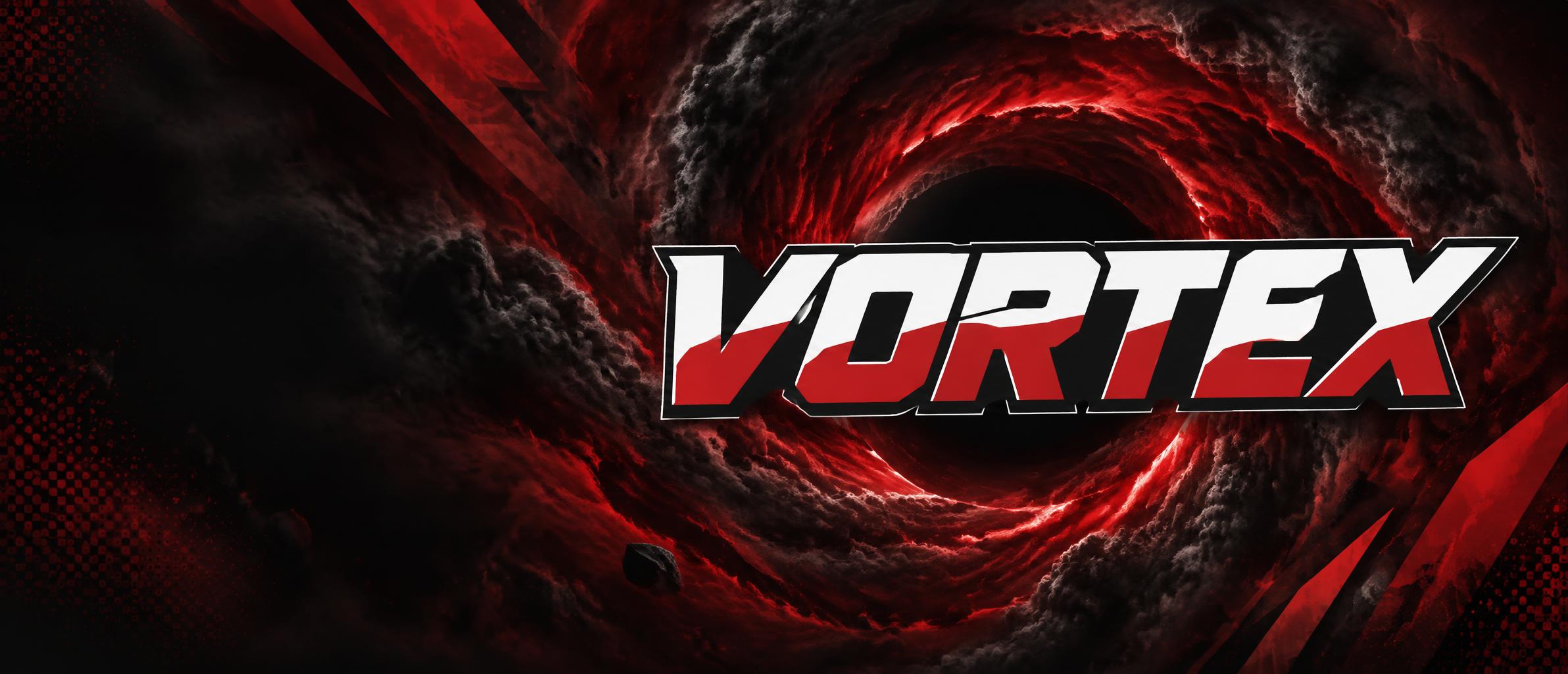
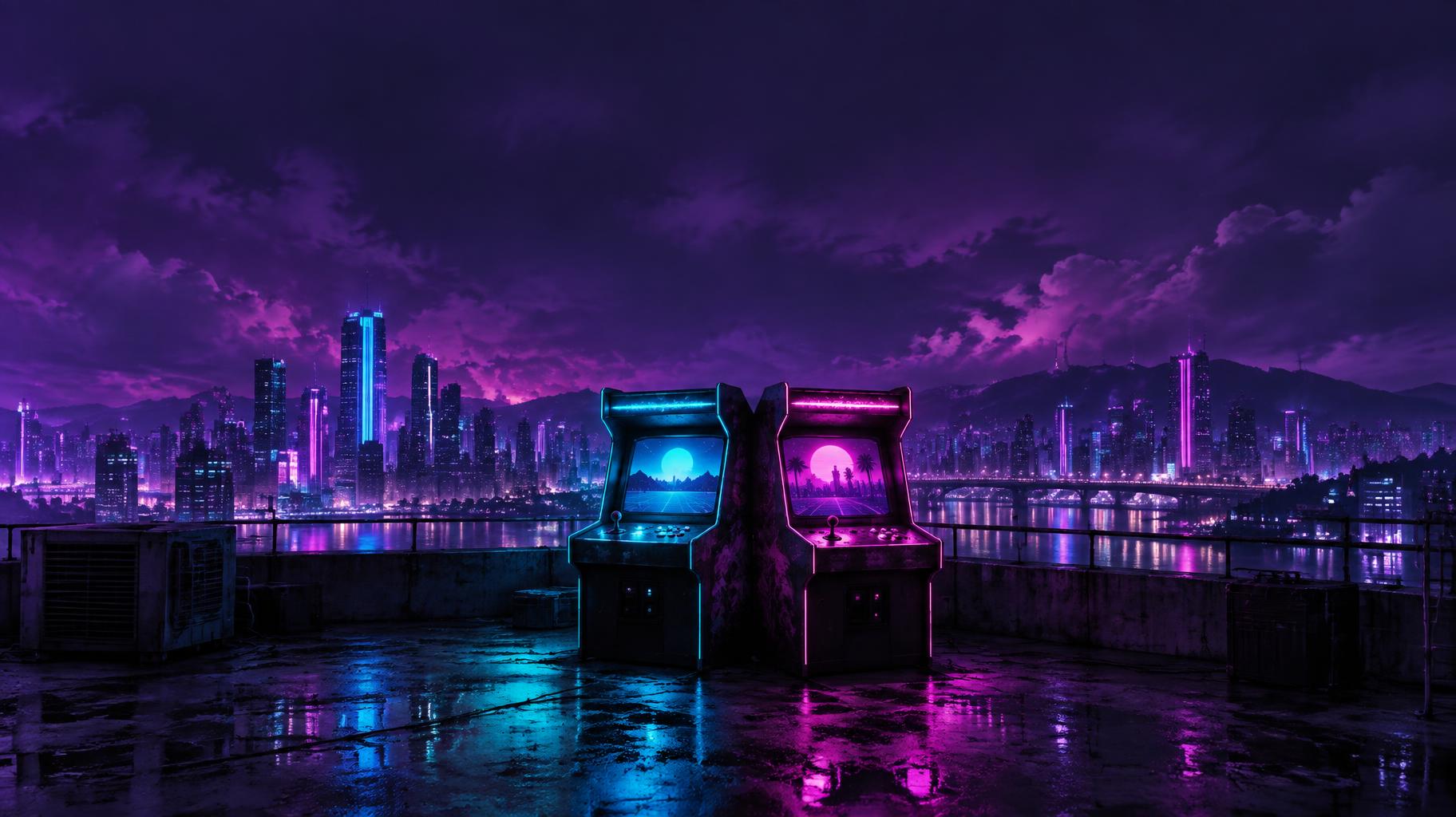
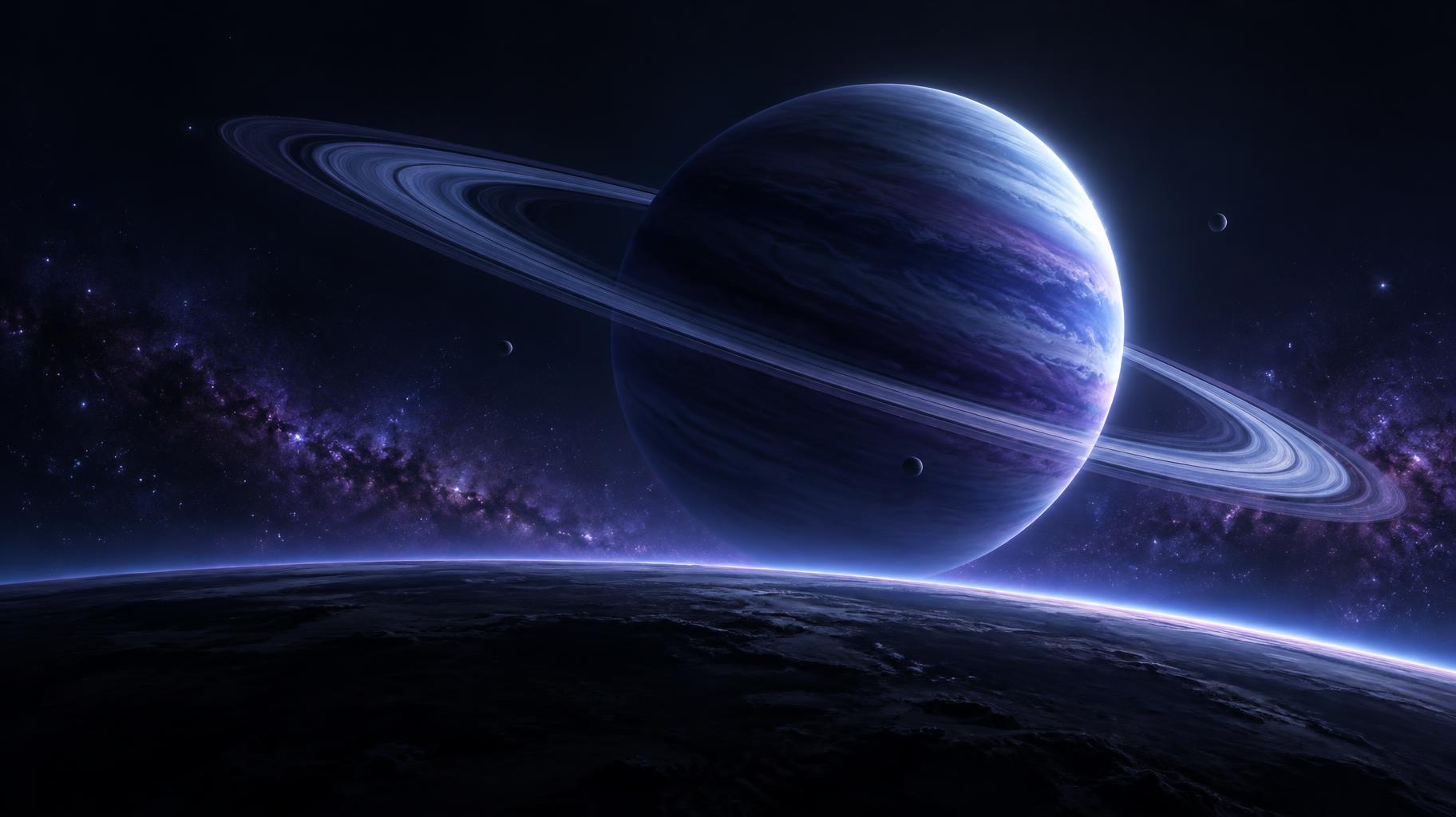
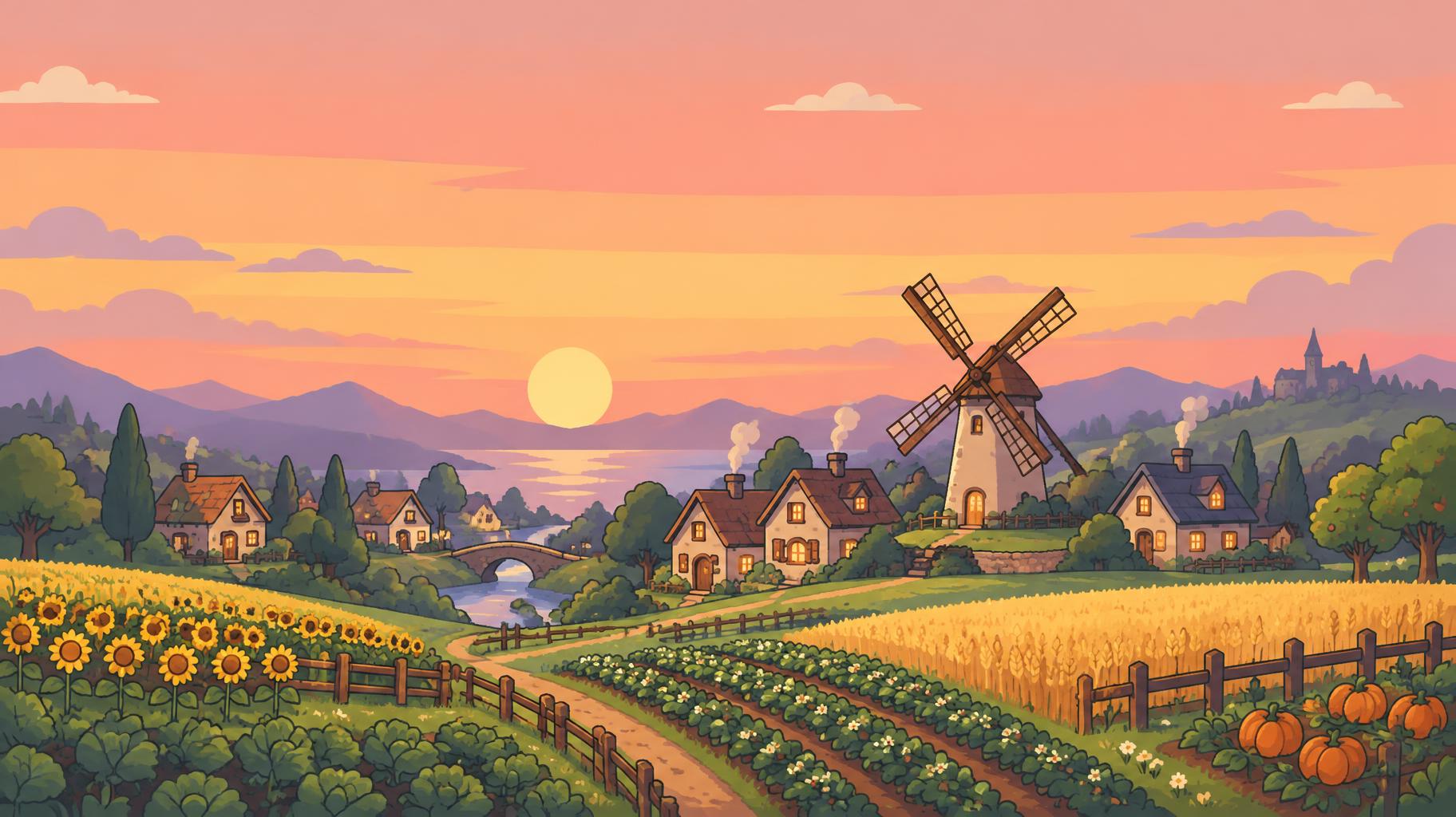
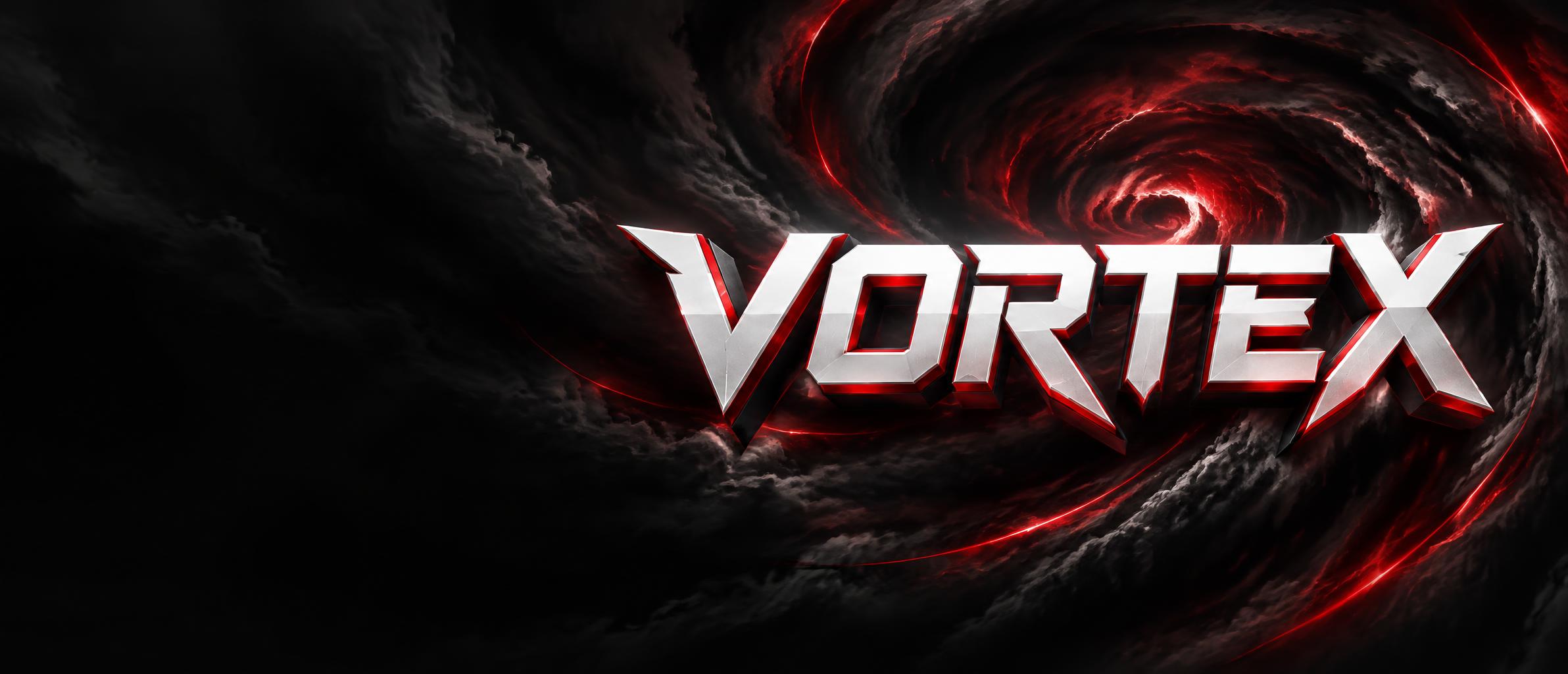
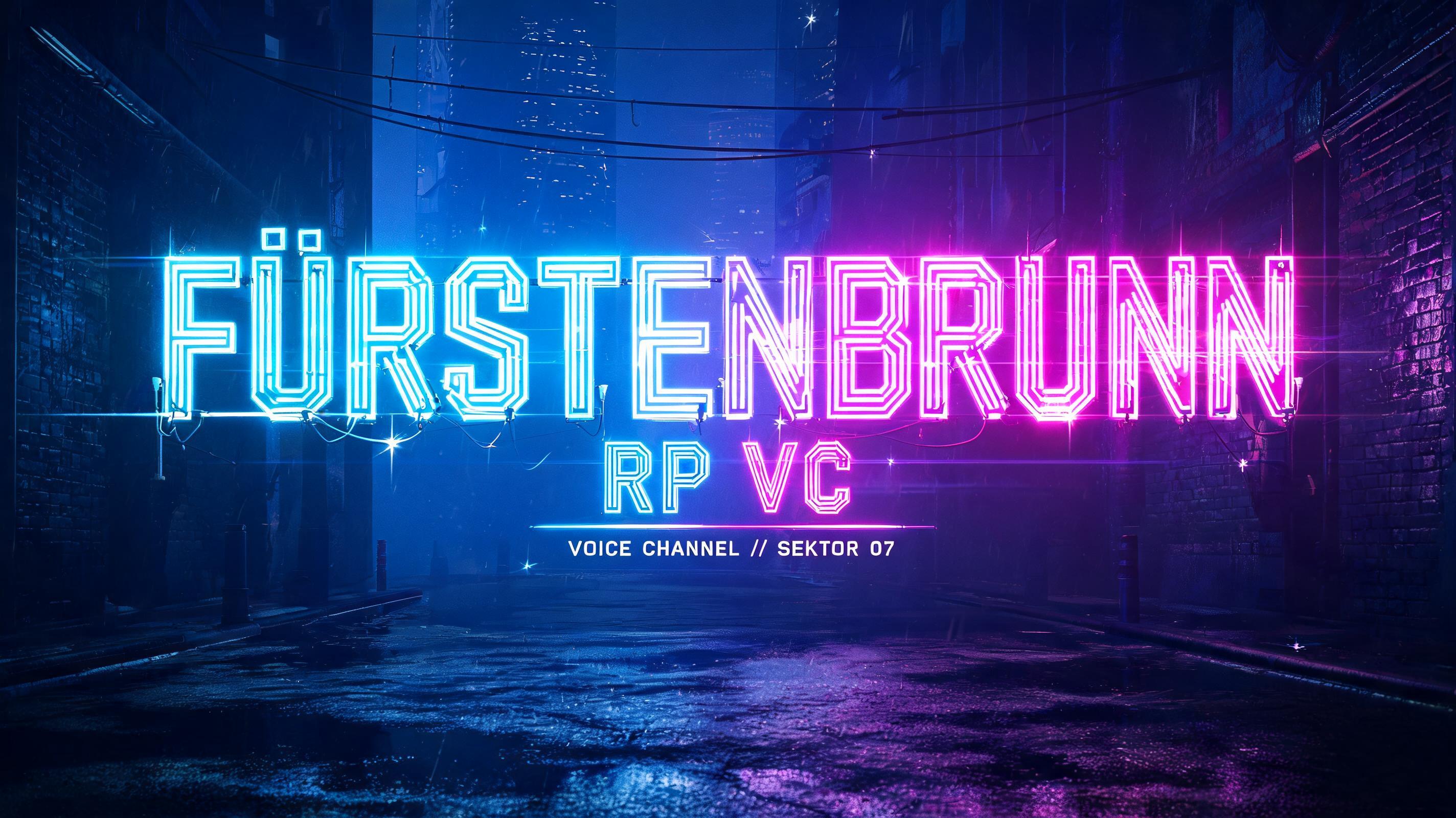
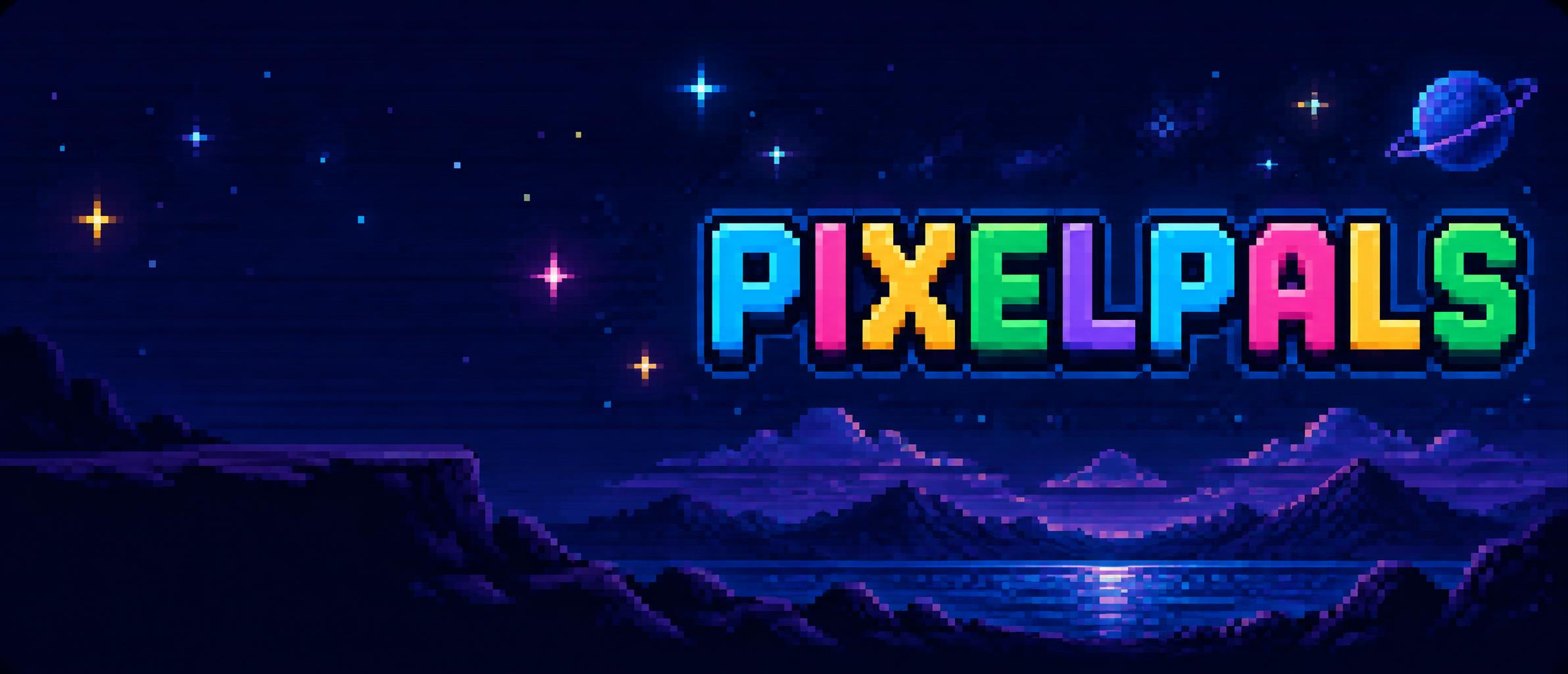
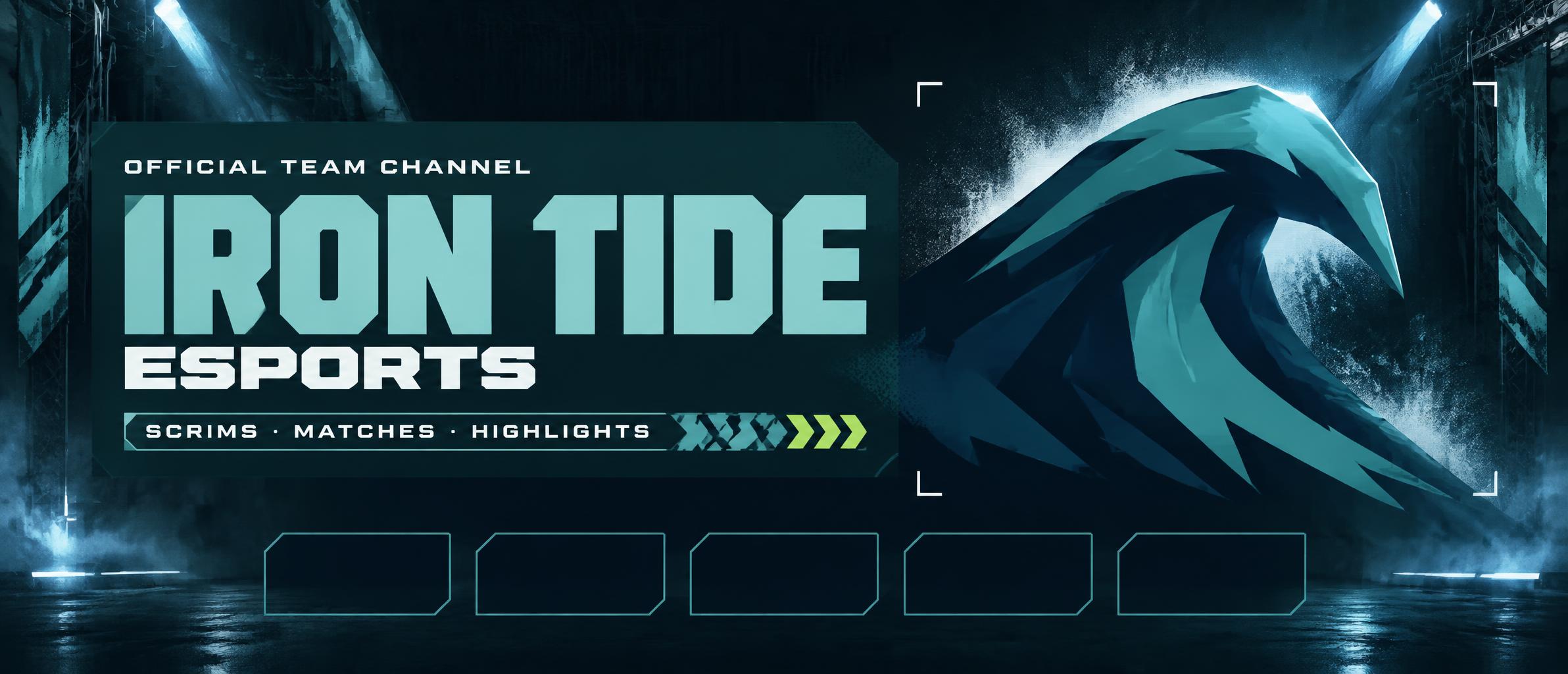
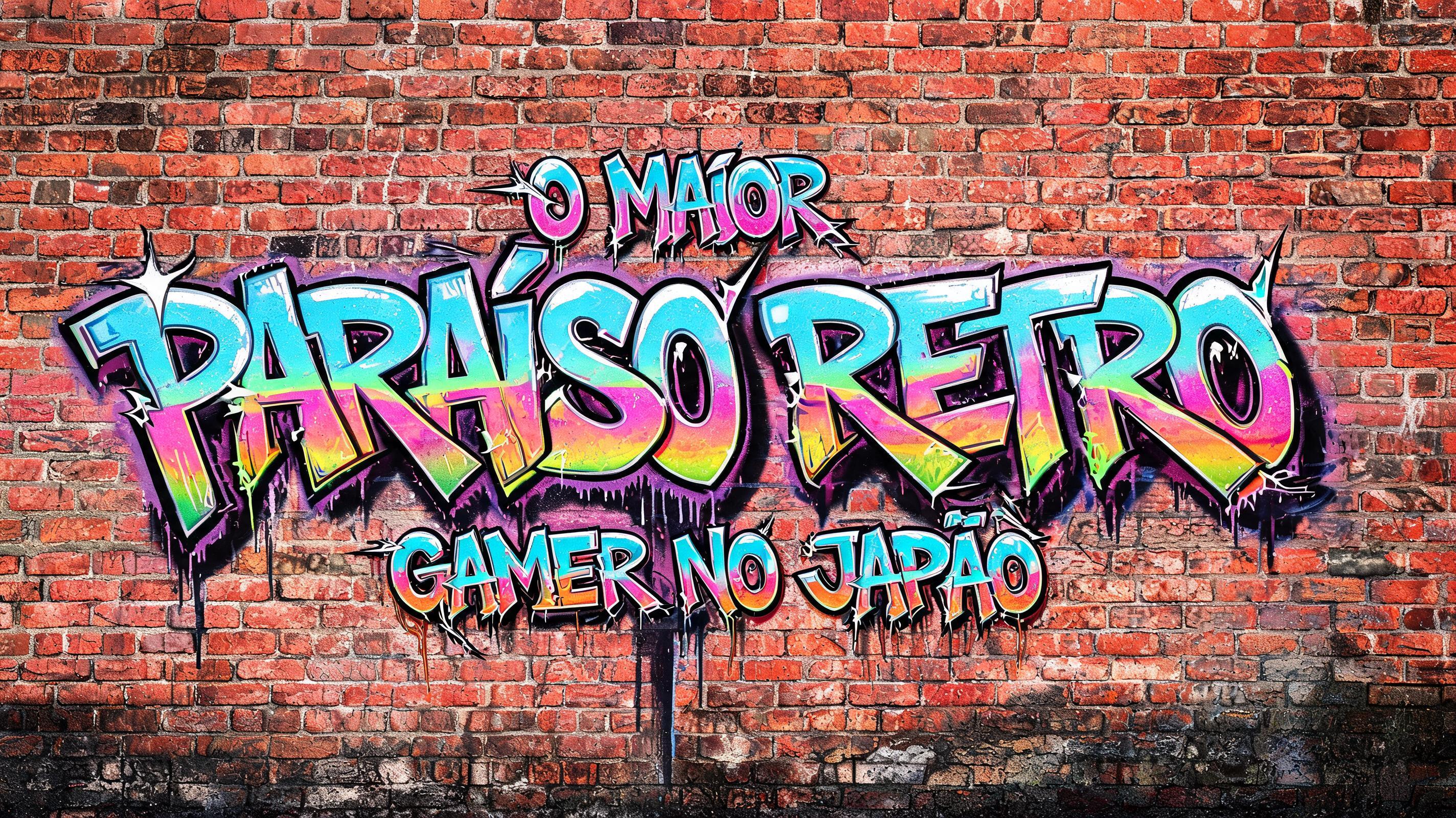
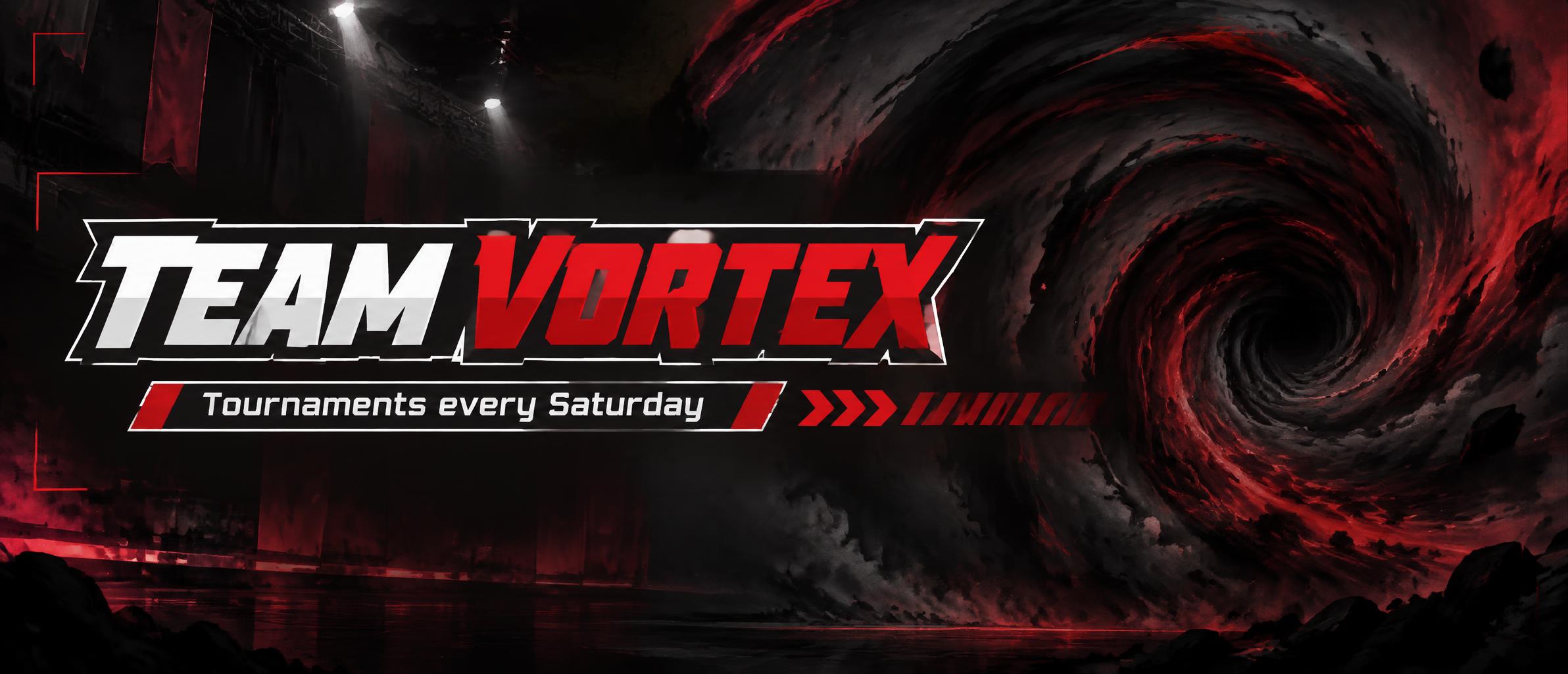
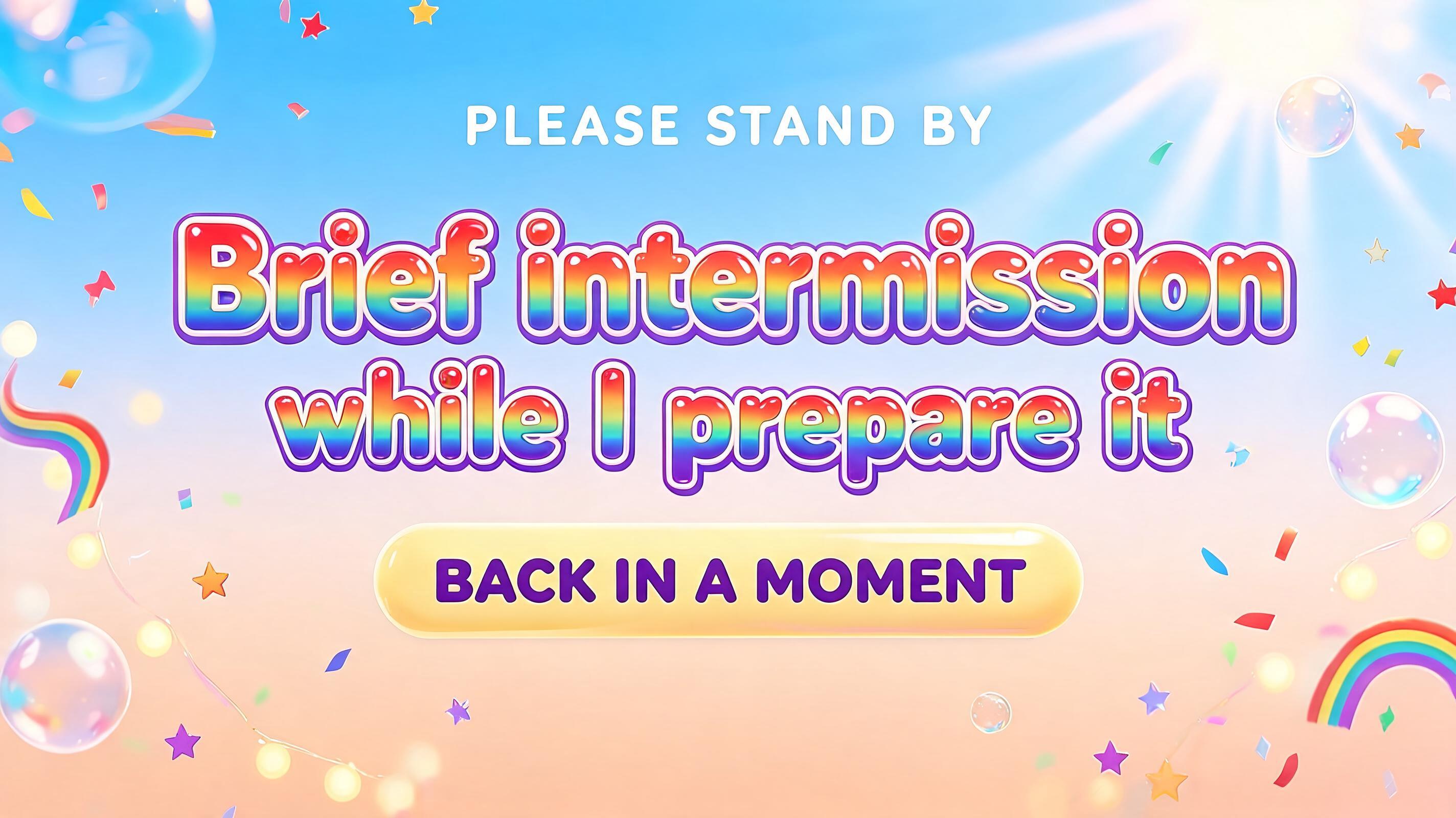
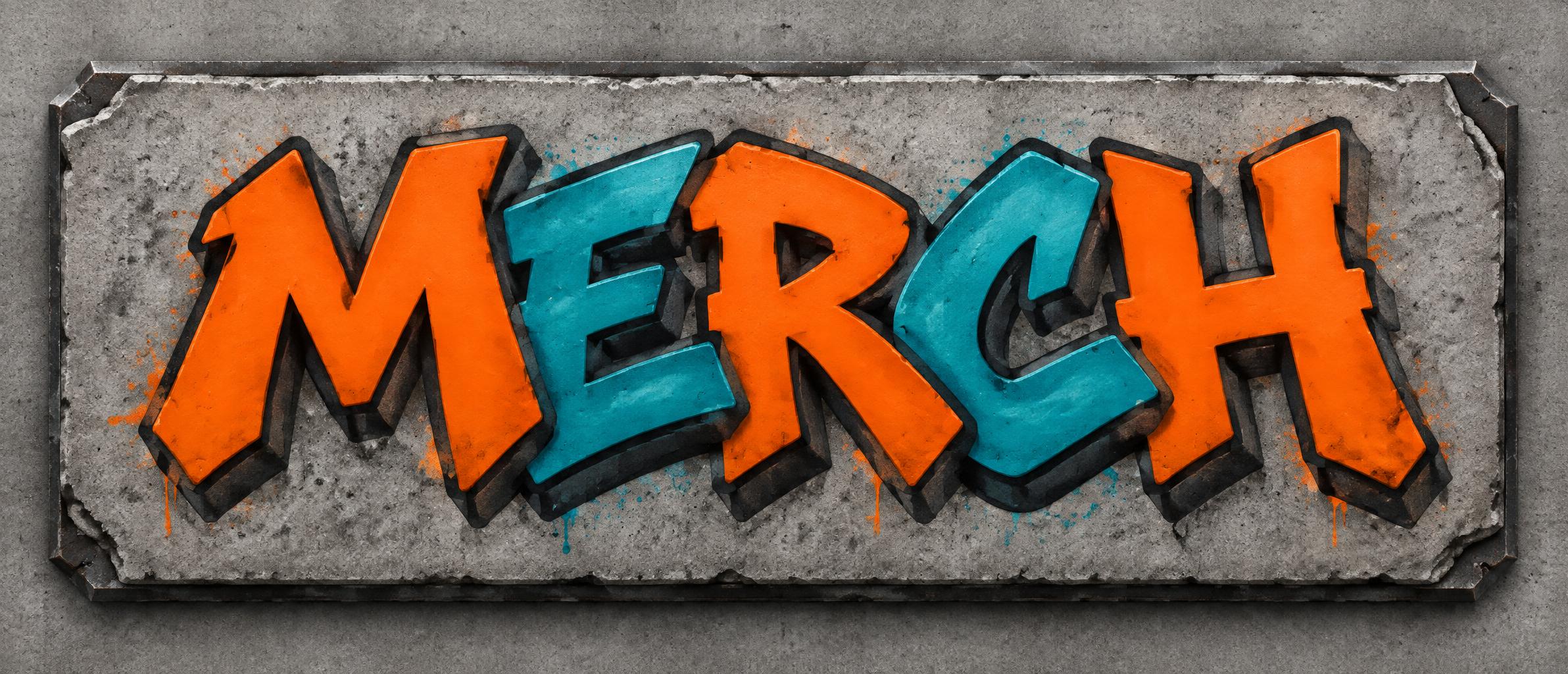
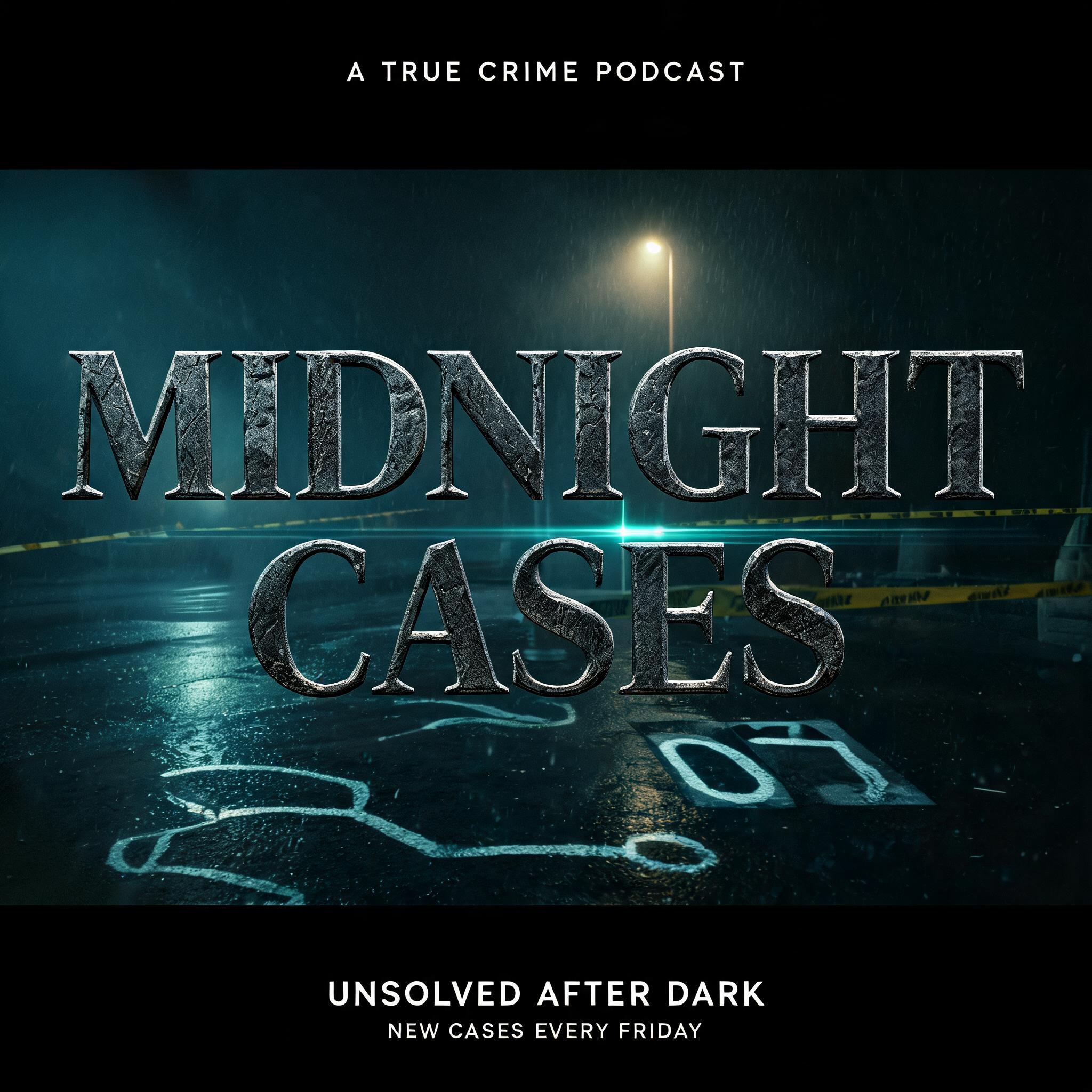
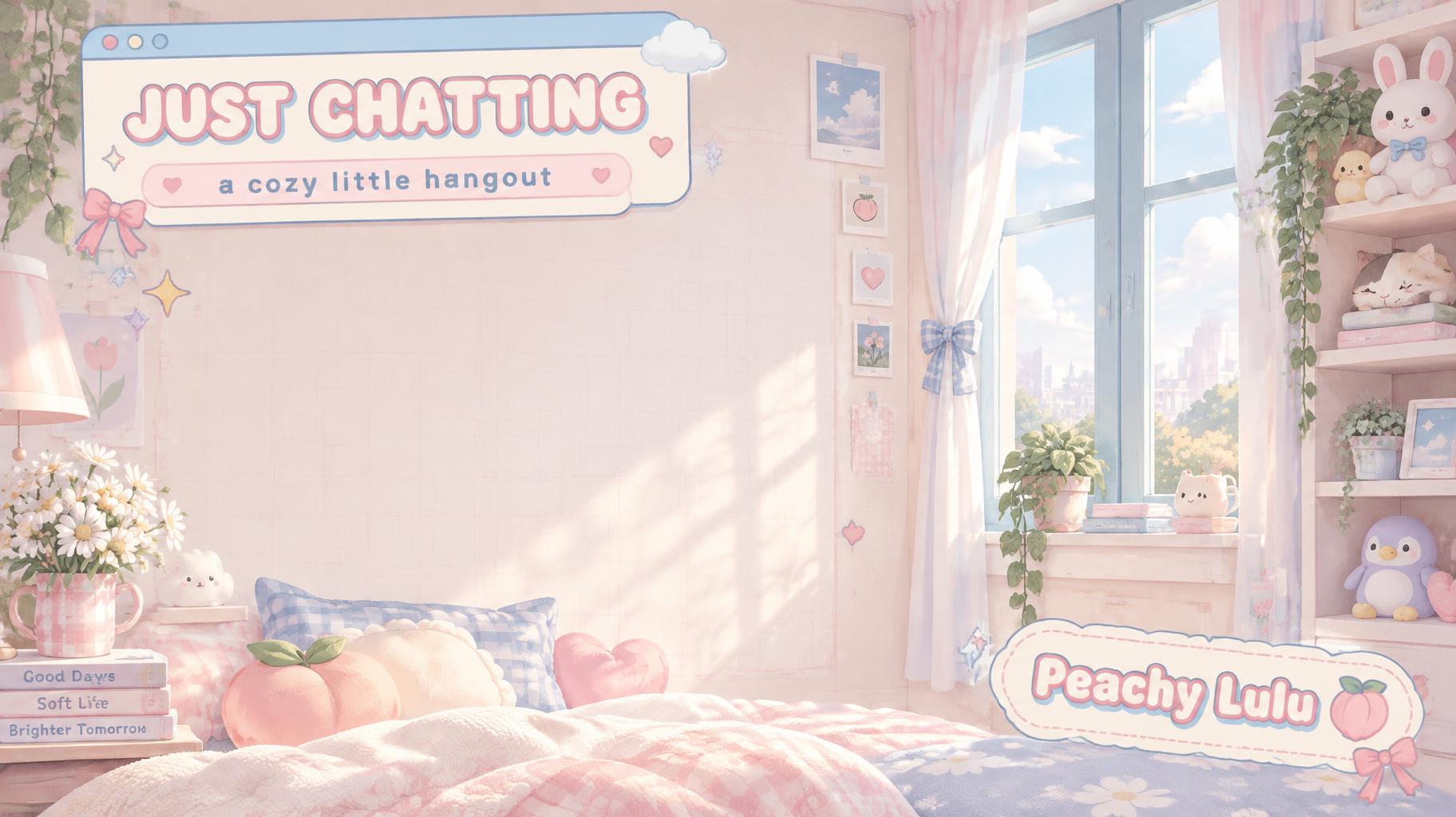
Every one was made with FontVibe. Use a design and swap in your own words.
What to write on your Discord banner
Line by line, with a rule and examples for each. Tap a line to add it to your brief.
Server banner
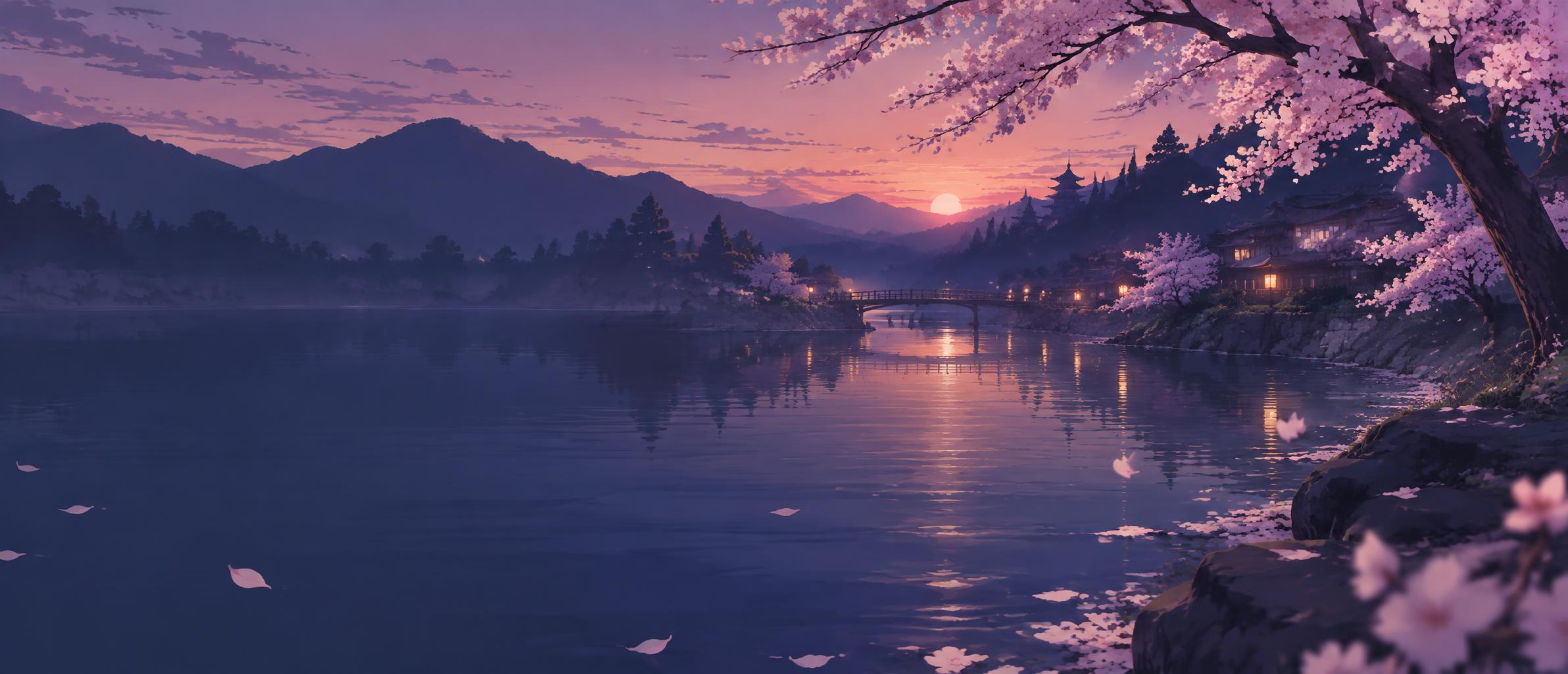
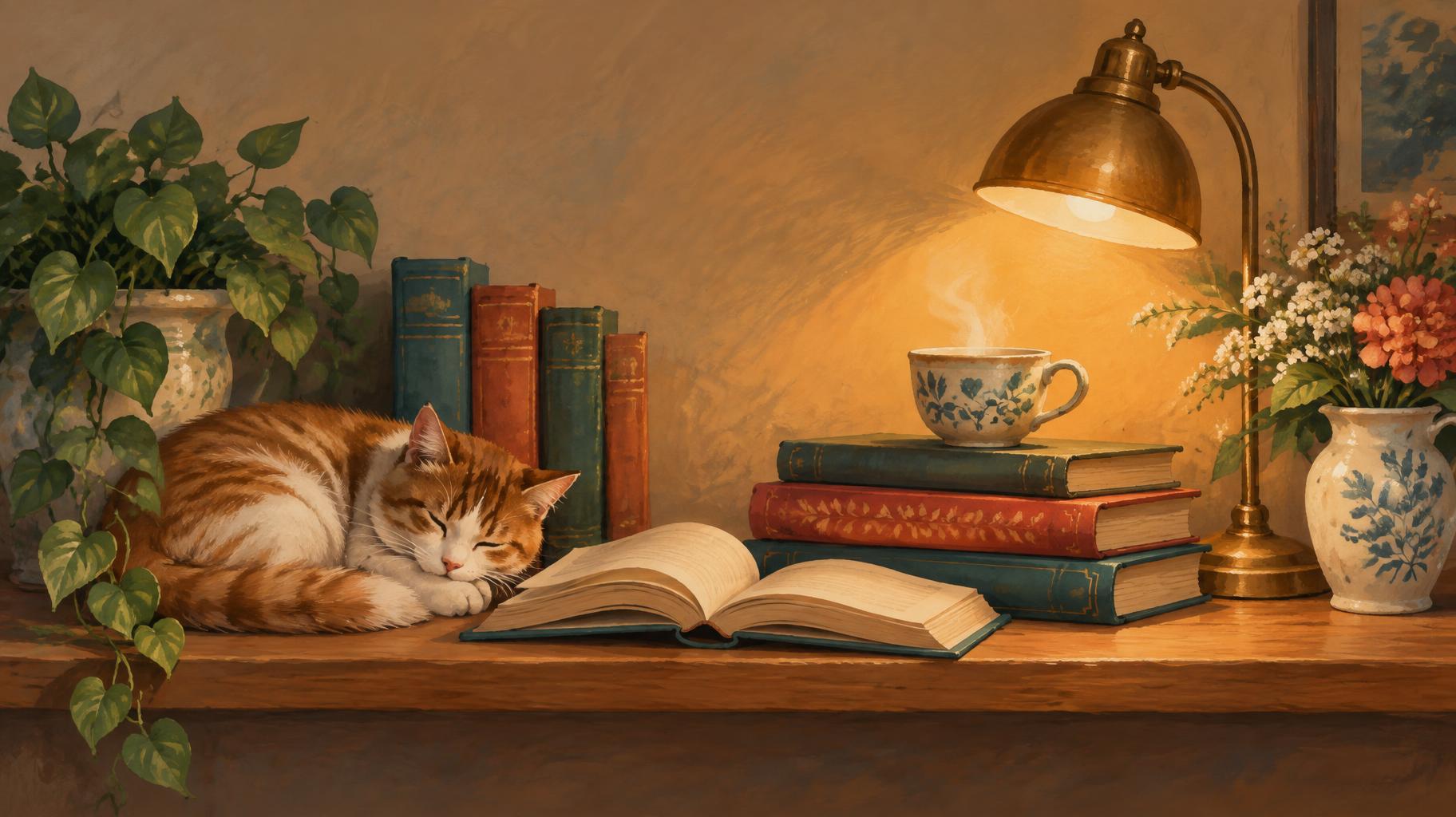
Discord suggests leaving logos and text out of the server banner, since the server name already sits above it. Describe the mood instead.
Sources: Discord Support — Server Banners
Profile banner
Optional: your name or a short tag on the right half, away from the avatar that covers the lower left.
Sources: Discord Support — Custom Profiles
Make the rest of your Channel set
Same look, every format — each one opens its own maker. All Channel →

AI fonts & styles for your Discord banner
Every AI style and AI font tuned for Channel. Use one above, or open it to see everything made with it.
AI styles 10Browse all styles
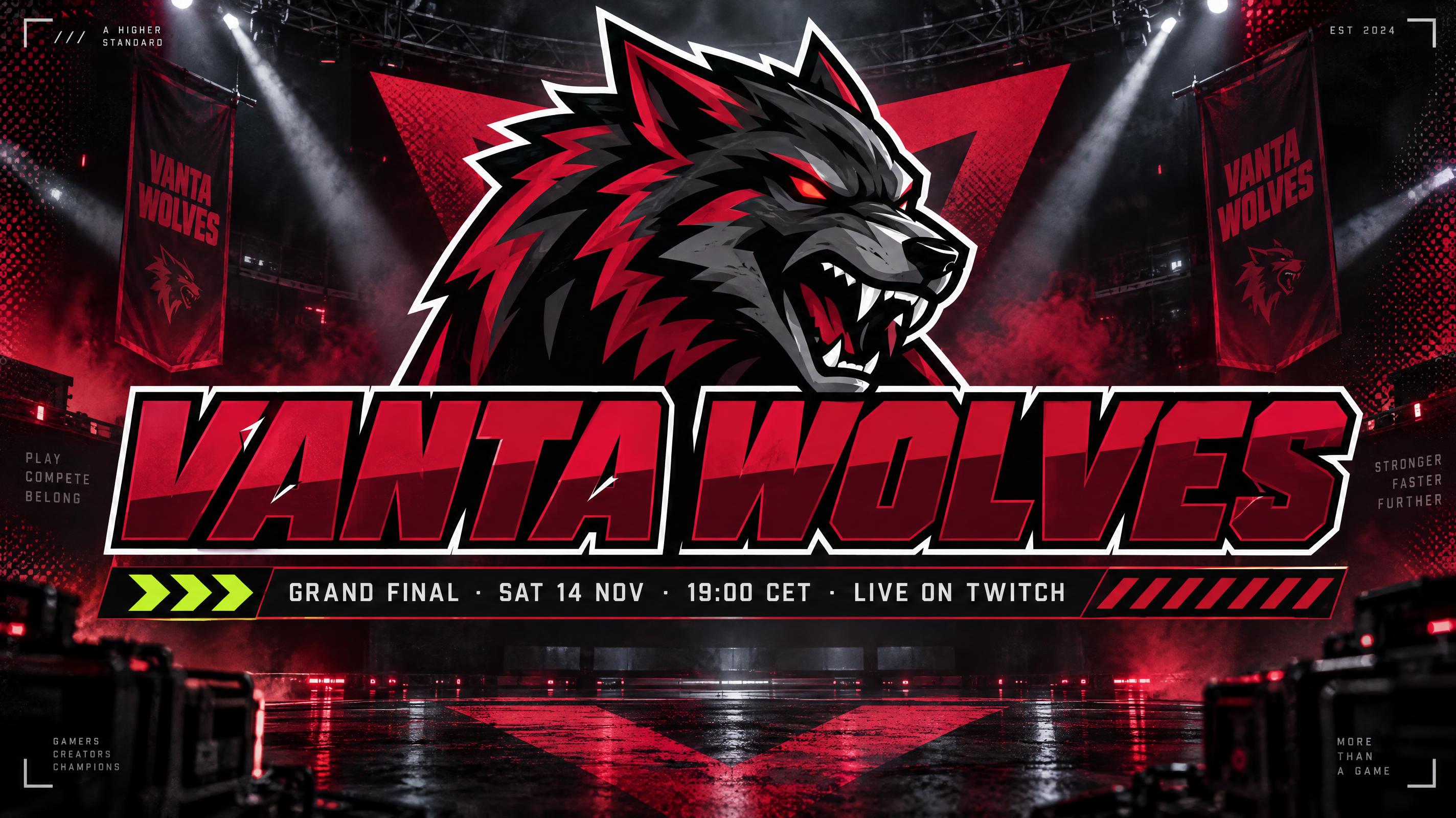
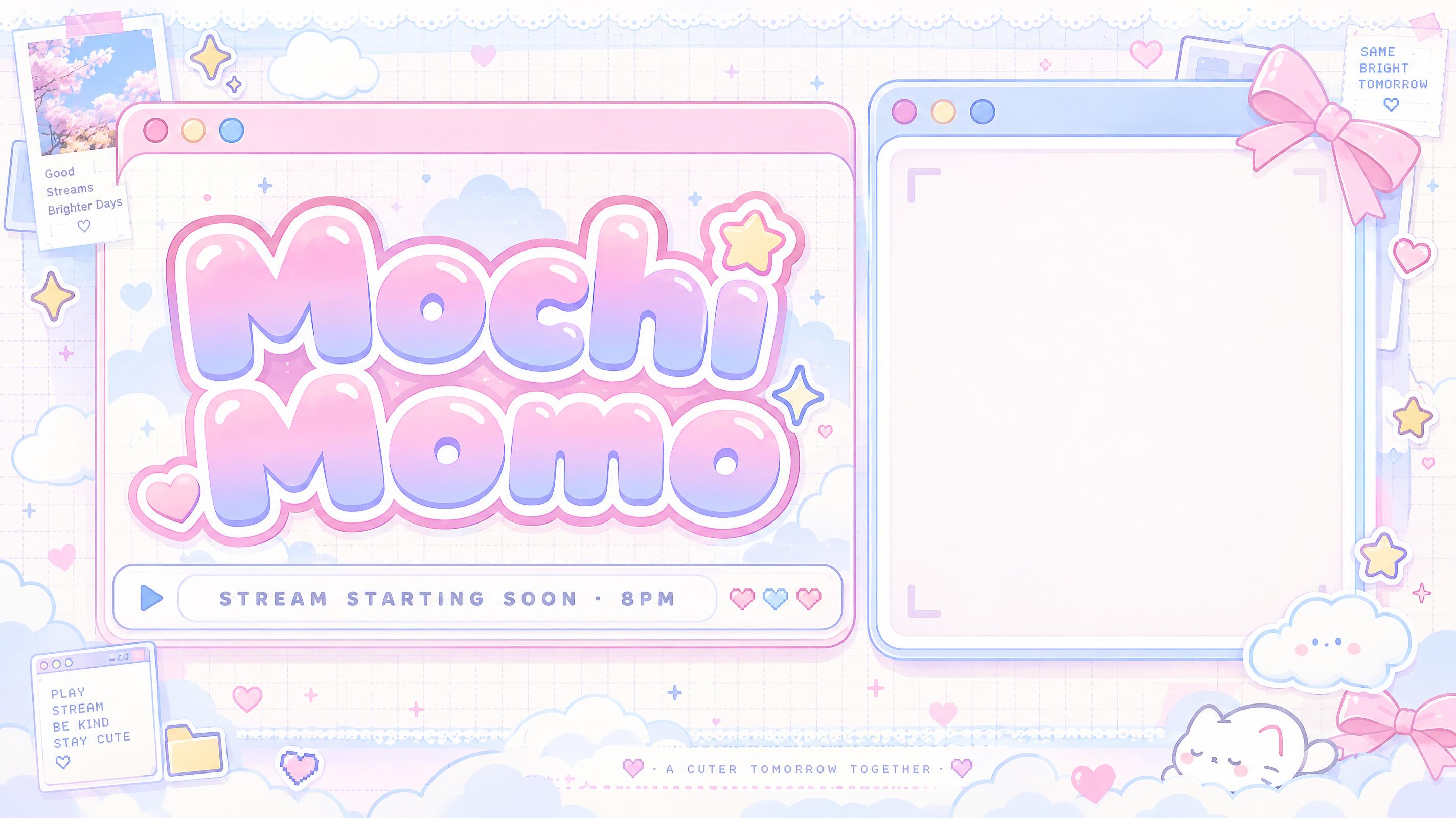


AI fonts 25Browse all AI fonts


Checklist & sizes for your Discord banner
Before you make a Discord banner
- 1Server banner or profile banner: they use different sizes
- 2Server banners need Boost Level 2 (or a Partner server)
- 3Server banner: at least 960 × 540 (16:9); Discord suggests a simple top edge and no text
- 4Profile banner: a Nitro feature; at least 600 × 240, PNG, JPG or GIF under 10 MB
- 5Keep the lower left of a profile banner calm; your avatar covers it
- 6Match the colors of your server icon or avatar
Sources: Discord Support — Server Banners · Discord Support — Server Boosting FAQ · Discord Support — Custom Profiles
Sizes and pixels
| Use | Aspect | Pixels |
|---|---|---|
| Discord server banner (minimum) | 16:9 | 960 × 540 |
| Discord profile banner (minimum) | 2.5:1 | 600 × 240 |
| This page: server banner (1K) | 16:9 | 1824 × 1024 |
| This page: profile banner (1K) | 21:9 | 2384 × 1024 |
Discord recommends at least 960 × 540 for a server banner and 600 × 240 for a profile banner. This page makes 1824 × 1024 for a server banner and 2384 × 1024 for a profile banner; Discord scales both down. The 21:9 profile banner is a little wider than 2.5:1, so Discord trims a sliver from the sides.
Let the picture do the talking
On a server banner the name is already printed above it, so text only competes. Pick one strong scene with a calm top edge, and save words for a profile banner.
Tags in Discord banner
Every tag used on this page — each opens the designs, fonts and styles that share it.
Questions
How to make your Discord banner on FontVibe
- 1Write the detailsType the headline, names, date, time and place — the exact words you want on your design.
- 2Pick a lookChoose one of 10 Channel styles and 25 AI fonts, or leave both on Auto.
- 3Generate and checkFontVibe draws your words as part of the image. If a word is wrong, open Edit and say which word to change.
- 4DownloadSave a PNG or JPG and print it at PNG banner for a Discord server or a Discord profile.
Ideas for your Discord banner
Every one was made with FontVibe. Use a design and swap in your own words.
What to write on your Discord banner
Line by line, with a rule and examples for each. Tap a line to add it to your brief.
Server banner
Discord suggests leaving logos and text out of the server banner, since the server name already sits above it. Describe the mood instead.
Sources: Discord Support — Server Banners
Profile banner
Optional: your name or a short tag on the right half, away from the avatar that covers the lower left.
Sources: Discord Support — Custom Profiles
Make the rest of your Channel set
Same look, every format — each one opens its own maker. All Channel →
AI fonts & styles for your Discord banner
Every AI style and AI font tuned for Channel. Use one above, or open it to see everything made with it.
AI styles 10Browse all styles
AI fonts 25Browse all AI fonts


Checklist & sizes for your Discord banner
Before you make a Discord banner
- 1Server banner or profile banner: they use different sizes
- 2Server banners need Boost Level 2 (or a Partner server)
- 3Server banner: at least 960 × 540 (16:9); Discord suggests a simple top edge and no text
- 4Profile banner: a Nitro feature; at least 600 × 240, PNG, JPG or GIF under 10 MB
- 5Keep the lower left of a profile banner calm; your avatar covers it
- 6Match the colors of your server icon or avatar
Sources: Discord Support — Server Banners · Discord Support — Server Boosting FAQ · Discord Support — Custom Profiles
Sizes and pixels
| Use | Aspect | Pixels |
|---|---|---|
| Discord server banner (minimum) | 16:9 | 960 × 540 |
| Discord profile banner (minimum) | 2.5:1 | 600 × 240 |
| This page: server banner (1K) | 16:9 | 1824 × 1024 |
| This page: profile banner (1K) | 21:9 | 2384 × 1024 |
Discord recommends at least 960 × 540 for a server banner and 600 × 240 for a profile banner. This page makes 1824 × 1024 for a server banner and 2384 × 1024 for a profile banner; Discord scales both down. The 21:9 profile banner is a little wider than 2.5:1, so Discord trims a sliver from the sides.
Let the picture do the talking
On a server banner the name is already printed above it, so text only competes. Pick one strong scene with a calm top edge, and save words for a profile banner.
Tags in Discord banner
Every tag used on this page — each opens the designs, fonts and styles that share it.
Questions
How to make your Discord banner on FontVibe
- 1Write the detailsType the headline, names, date, time and place — the exact words you want on your design.
- 2Pick a lookChoose one of 10 Channel styles and 25 AI fonts, or leave both on Auto.
- 3Generate and checkFontVibe draws your words as part of the image. If a word is wrong, open Edit and say which word to change.
- 4DownloadSave a PNG or JPG and print it at PNG banner for a Discord server or a Discord profile.