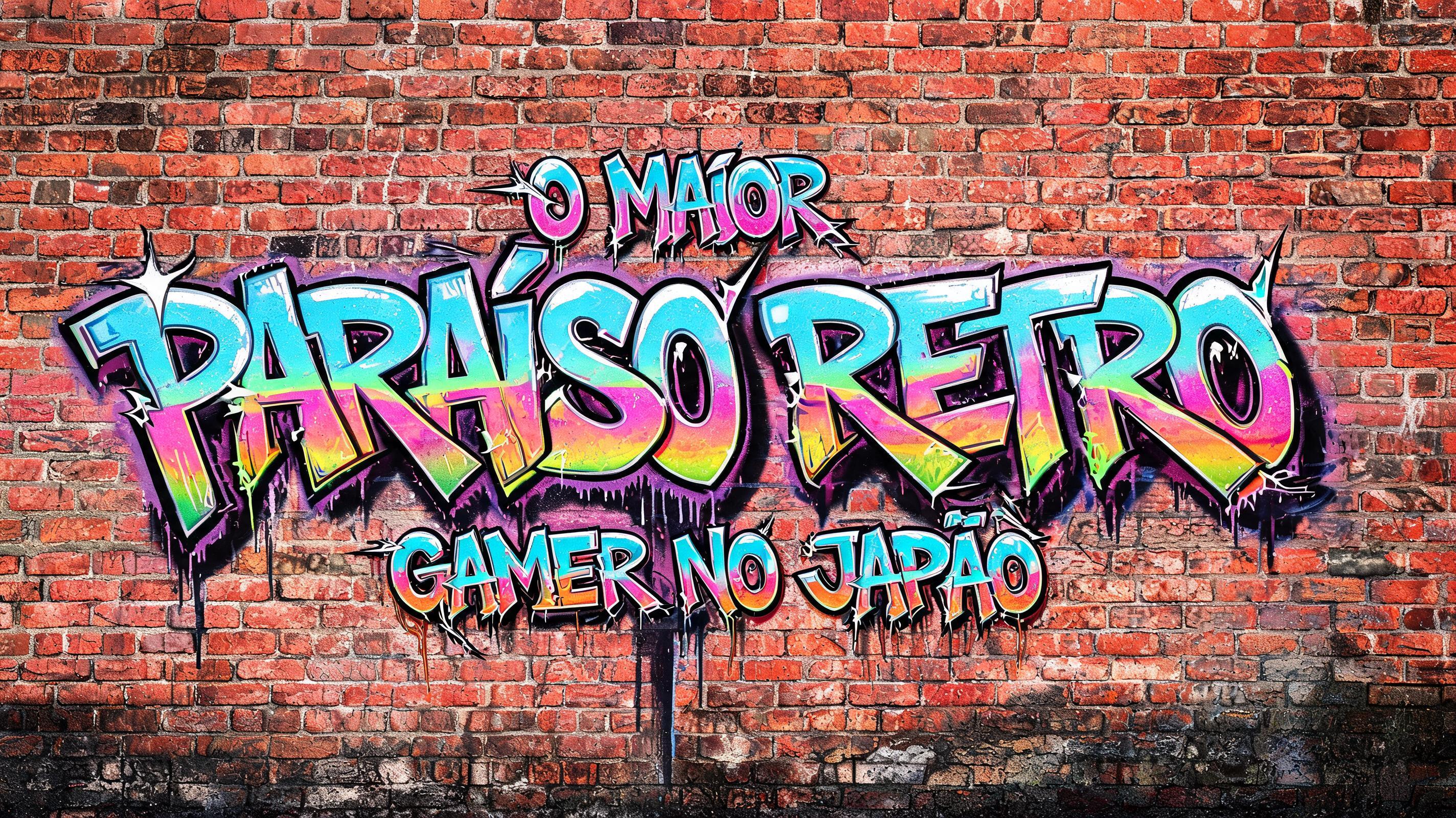
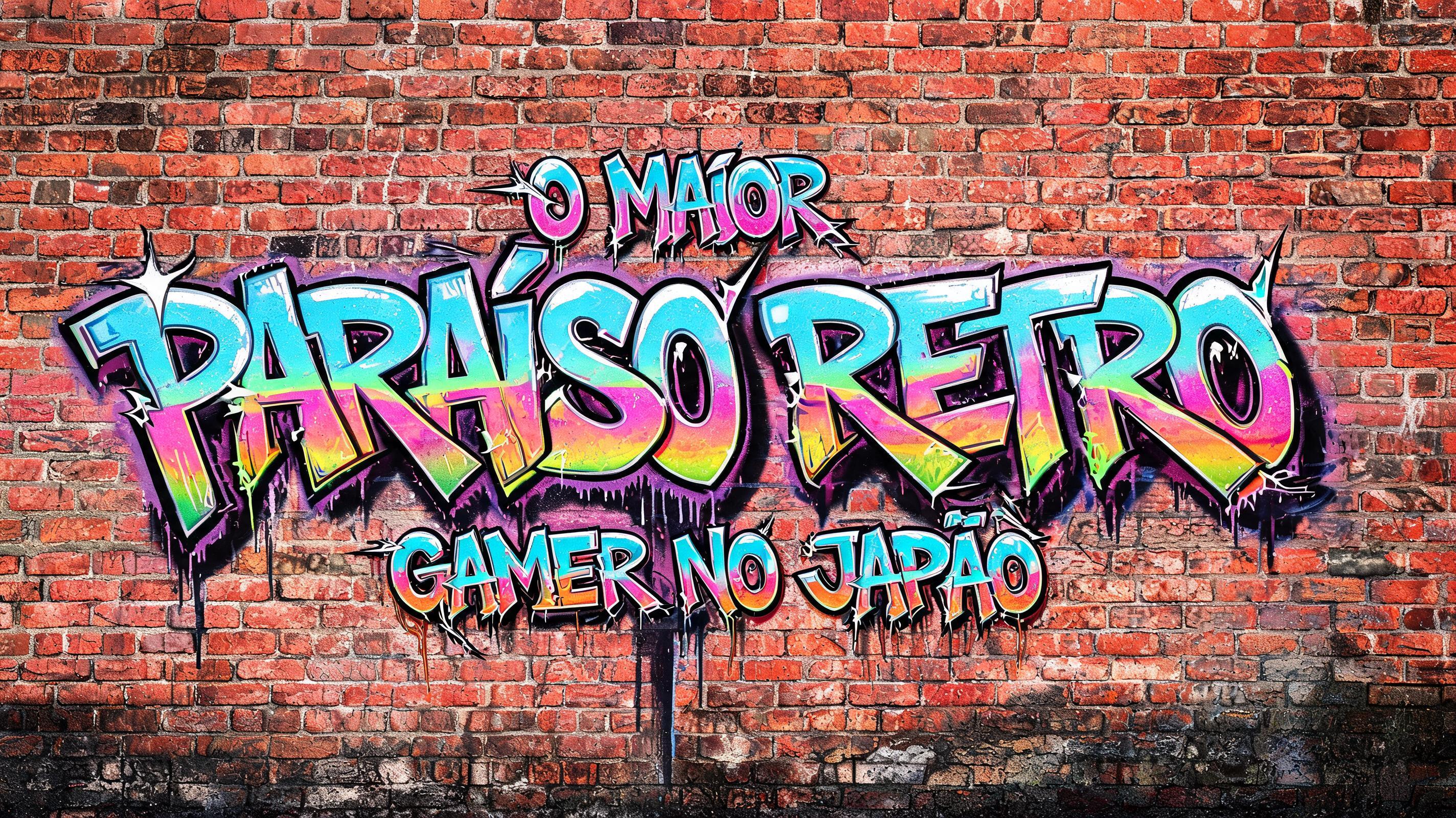
Ideas for your YouTube thumbnail
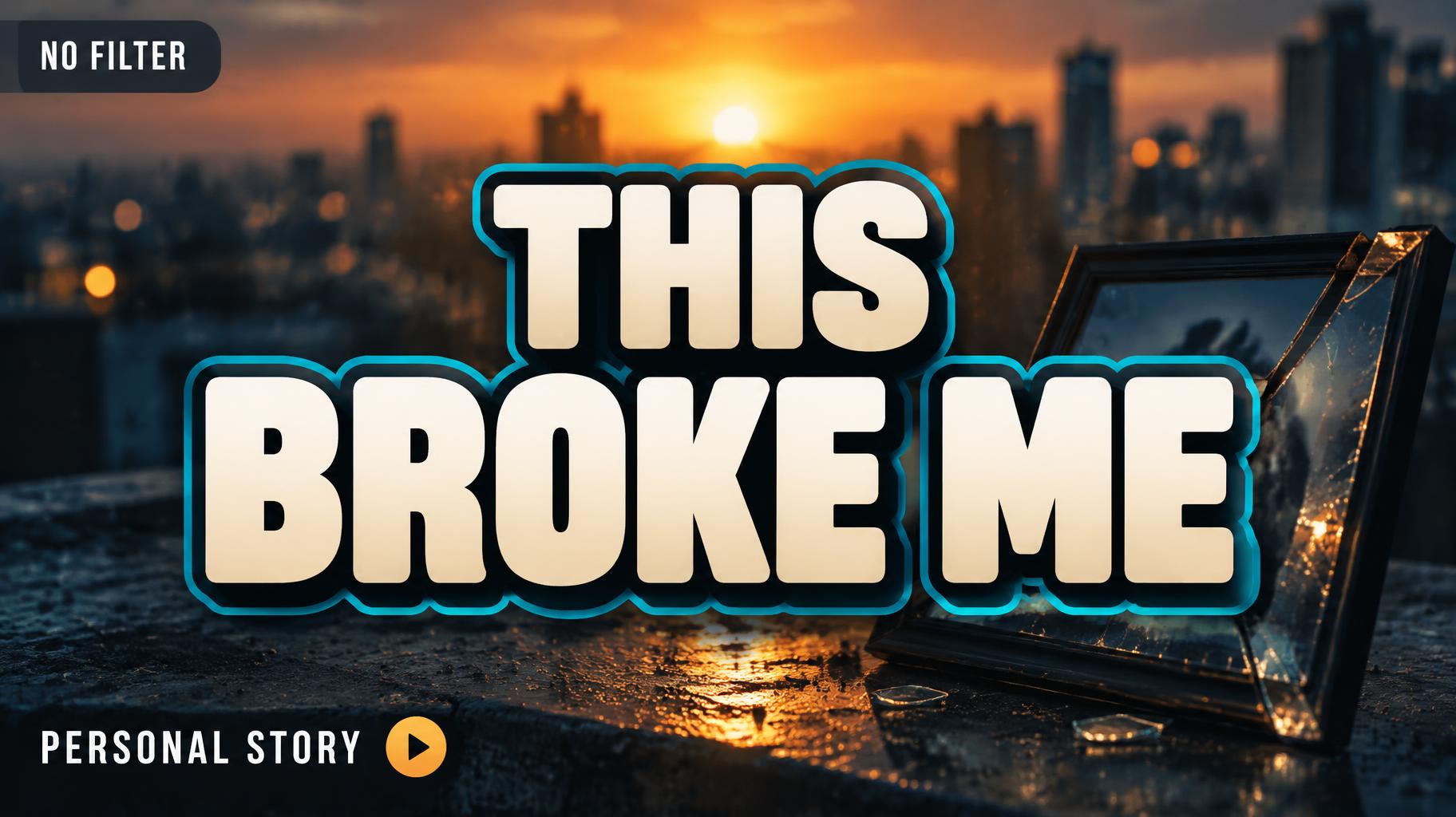
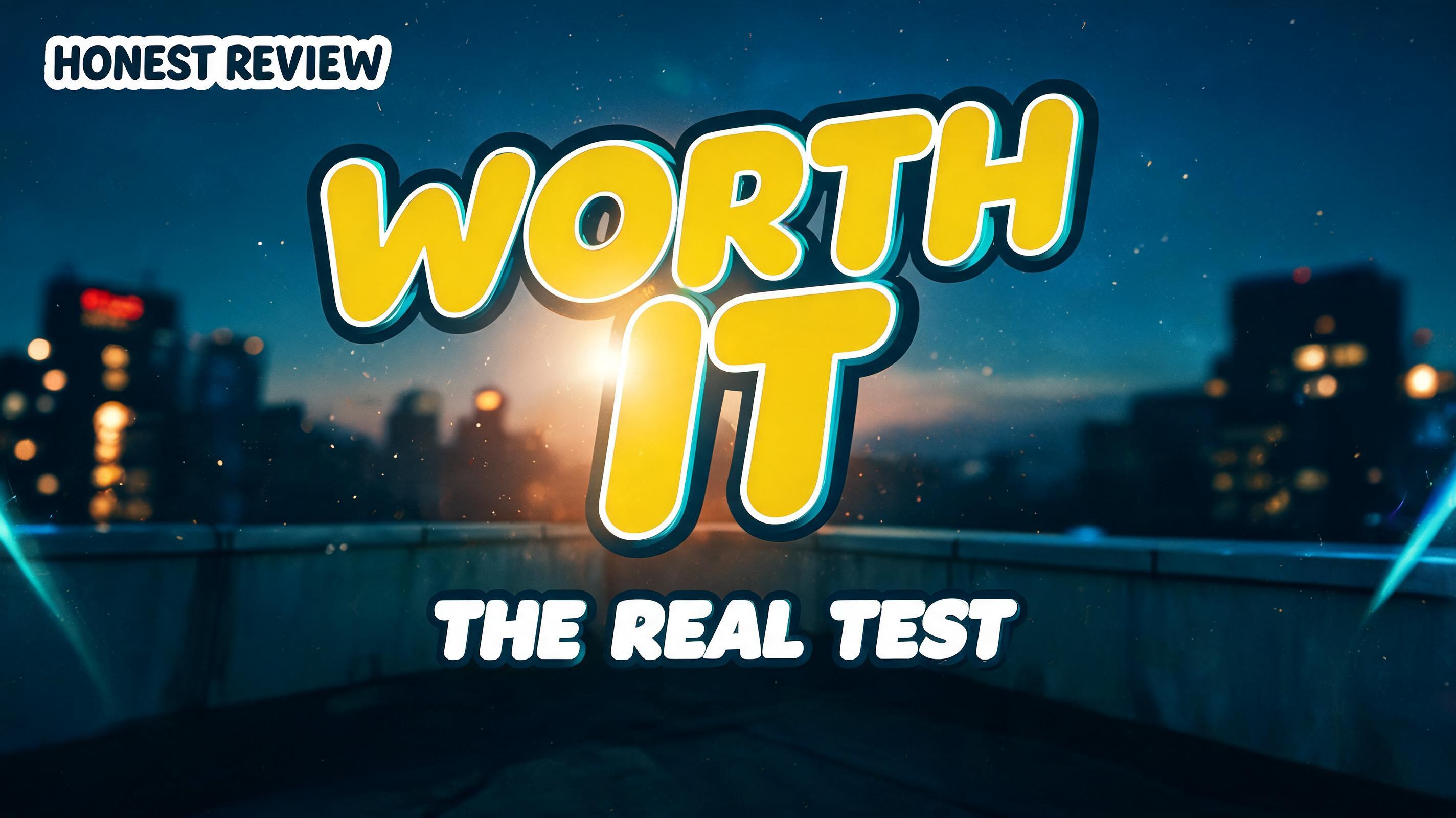
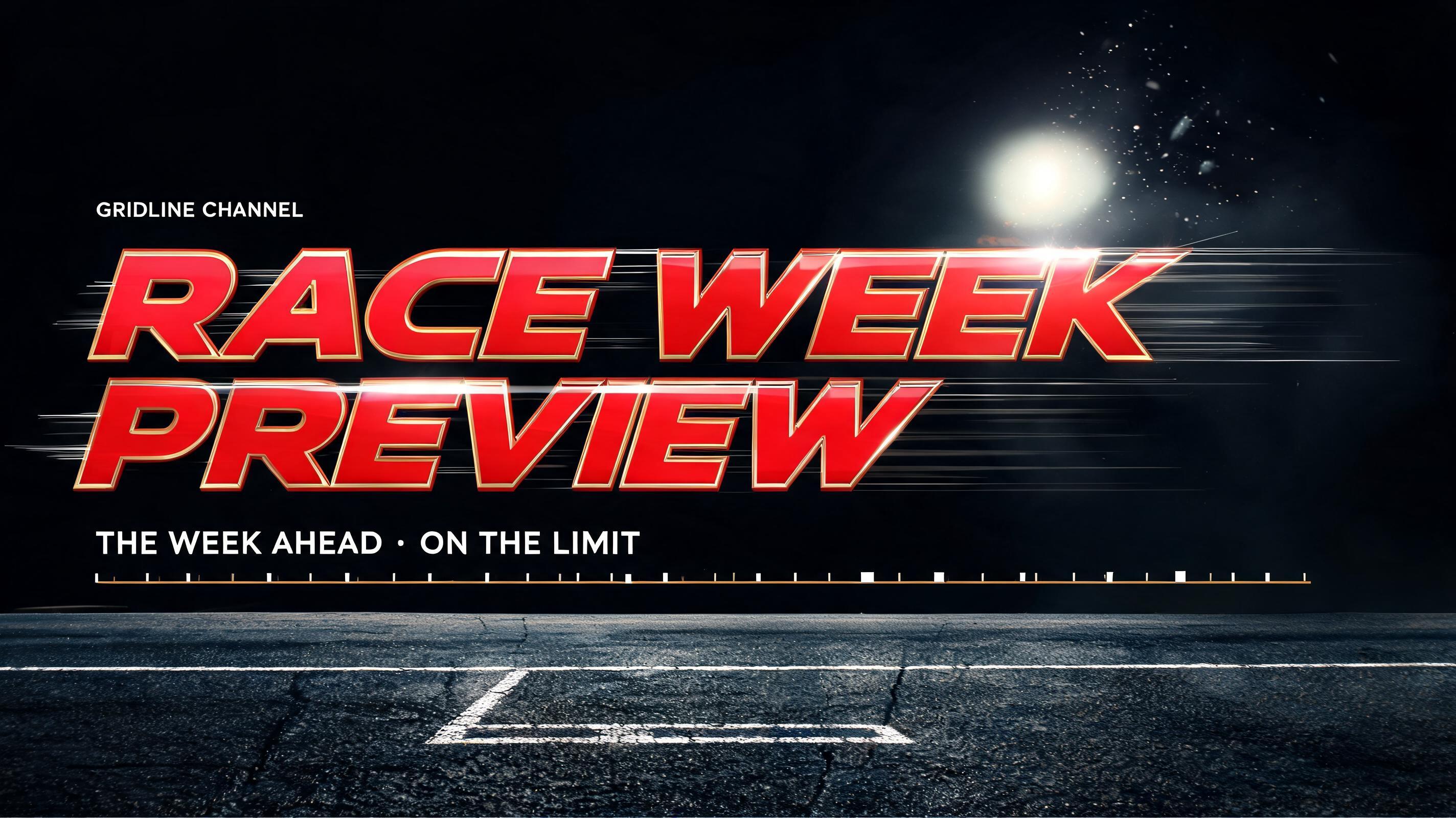
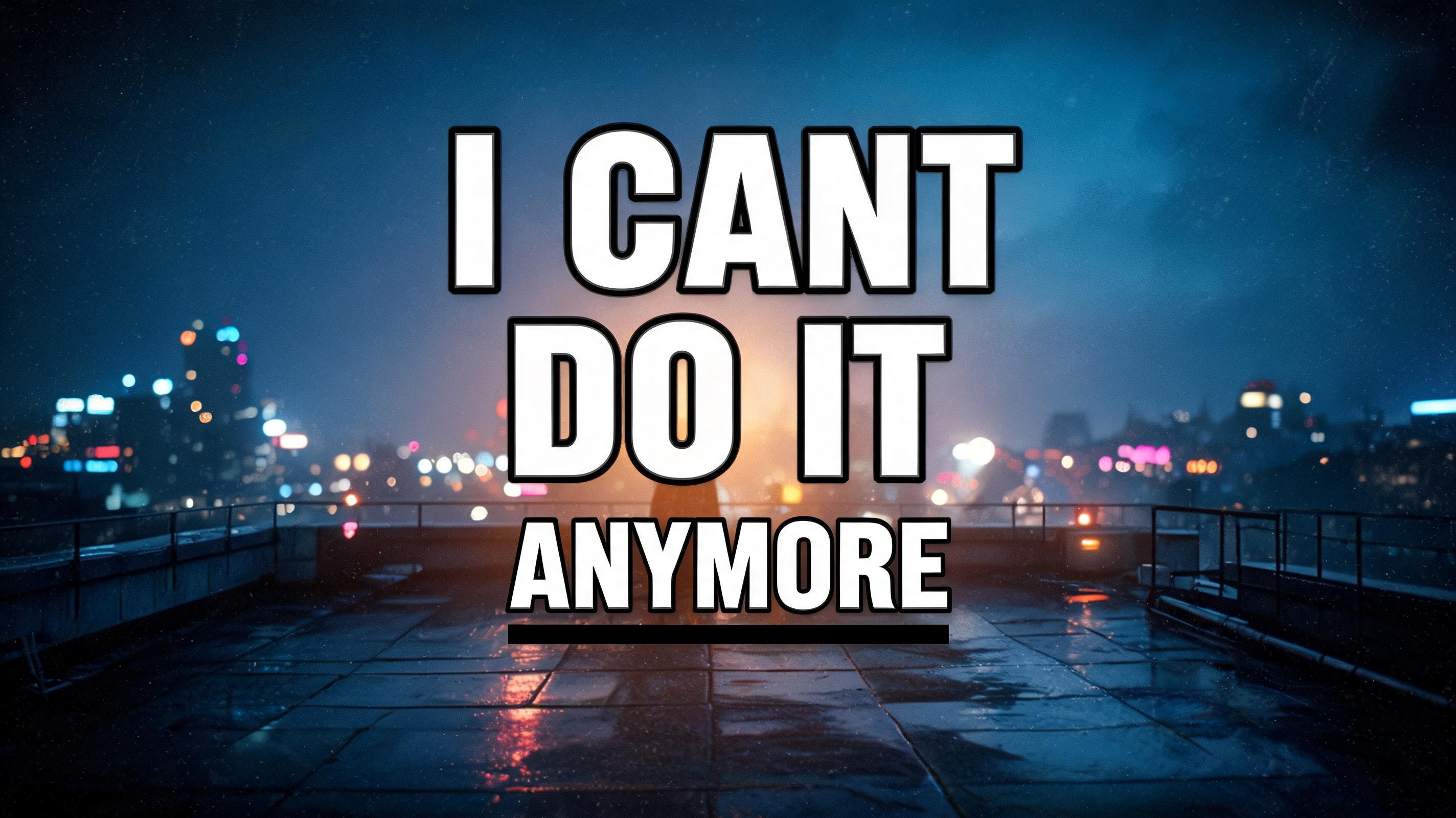
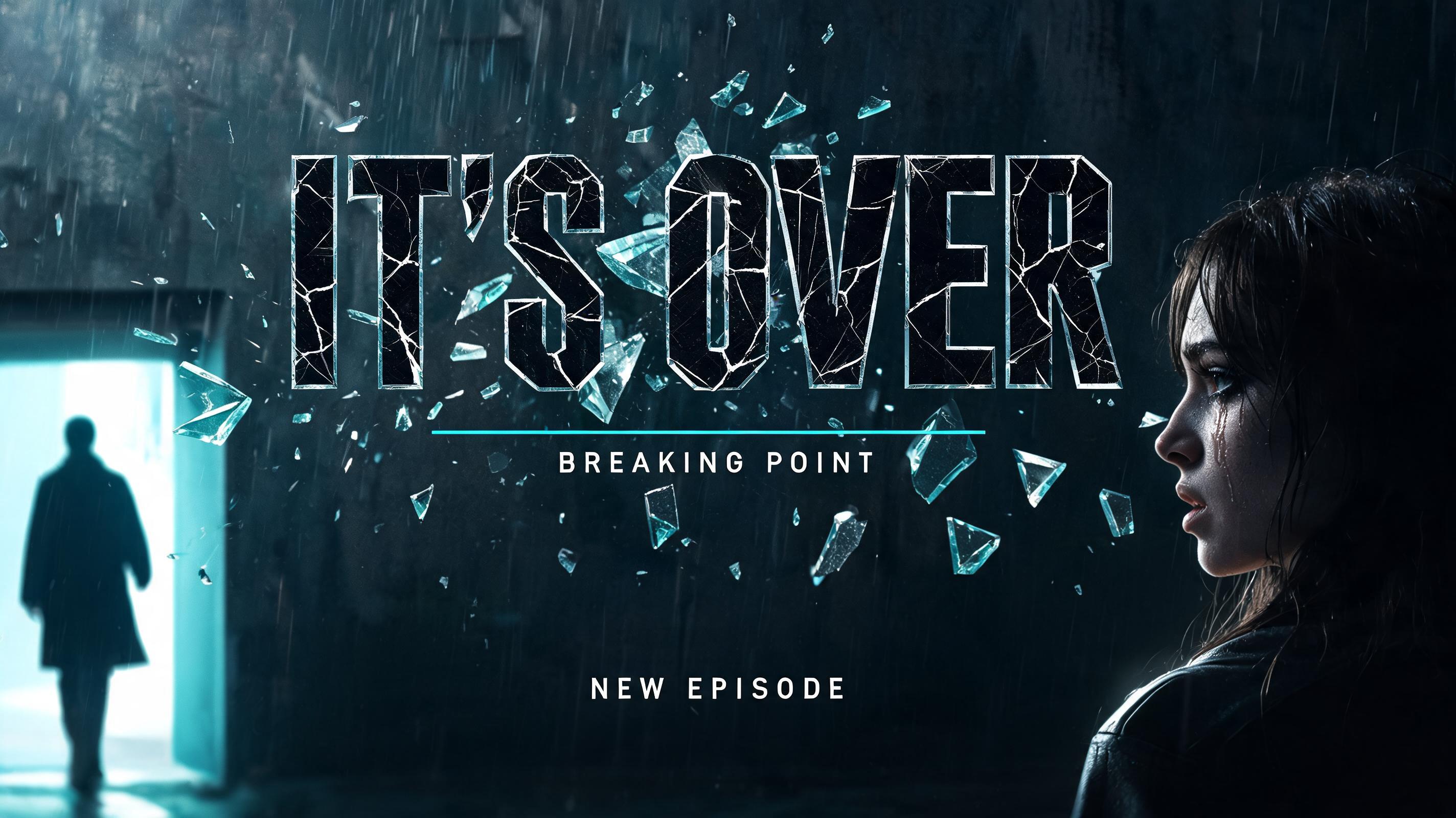
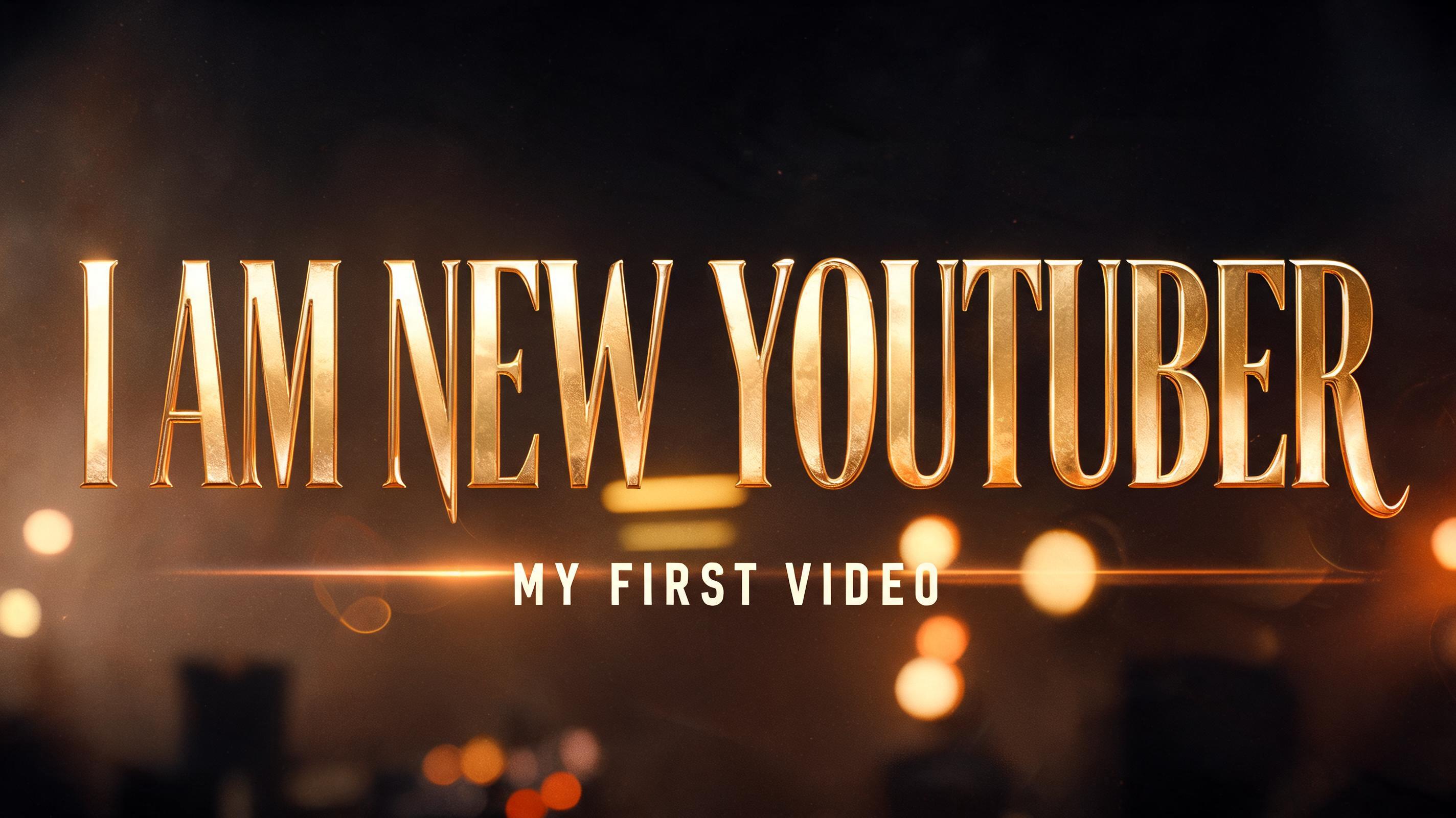
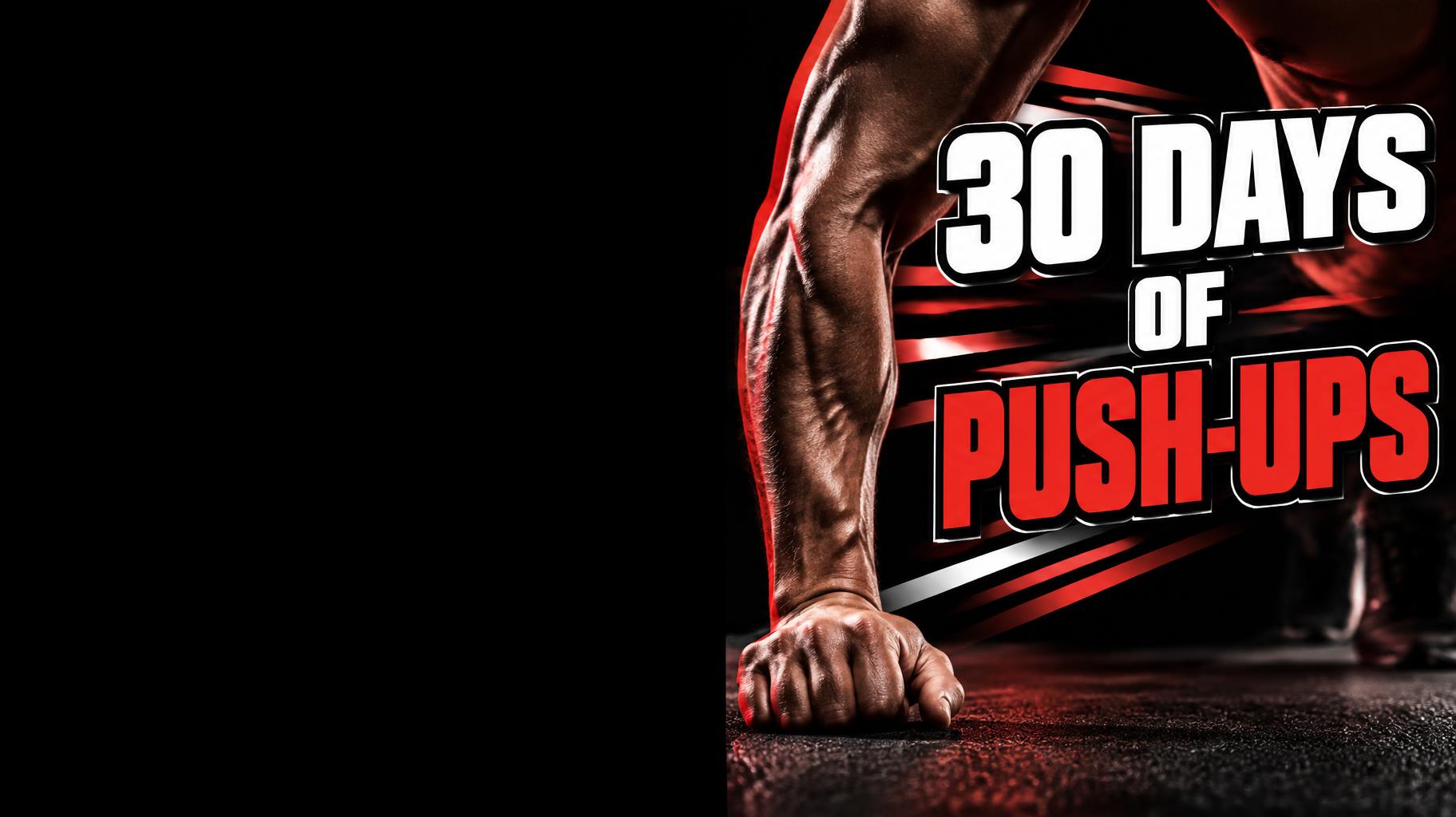
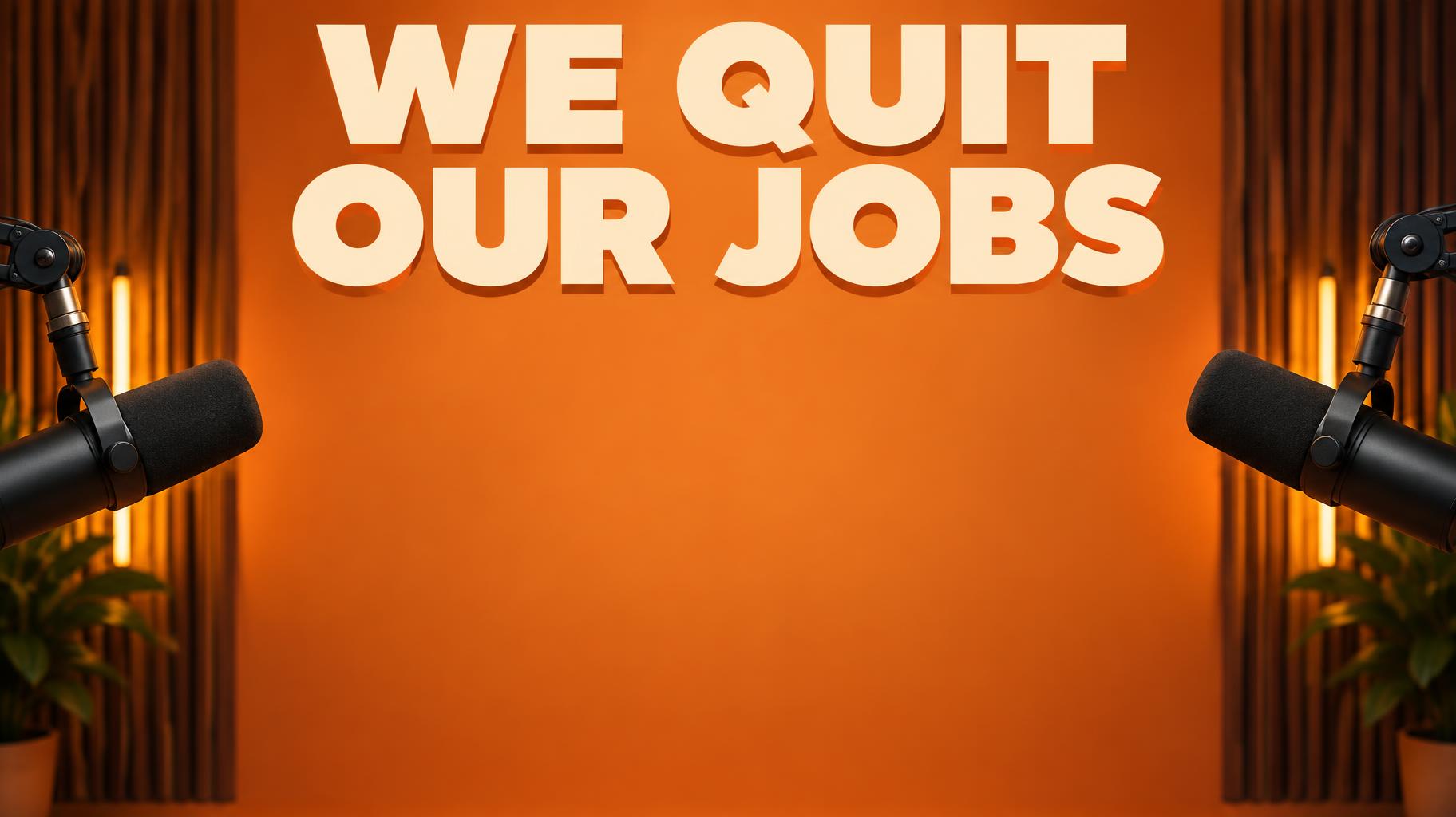
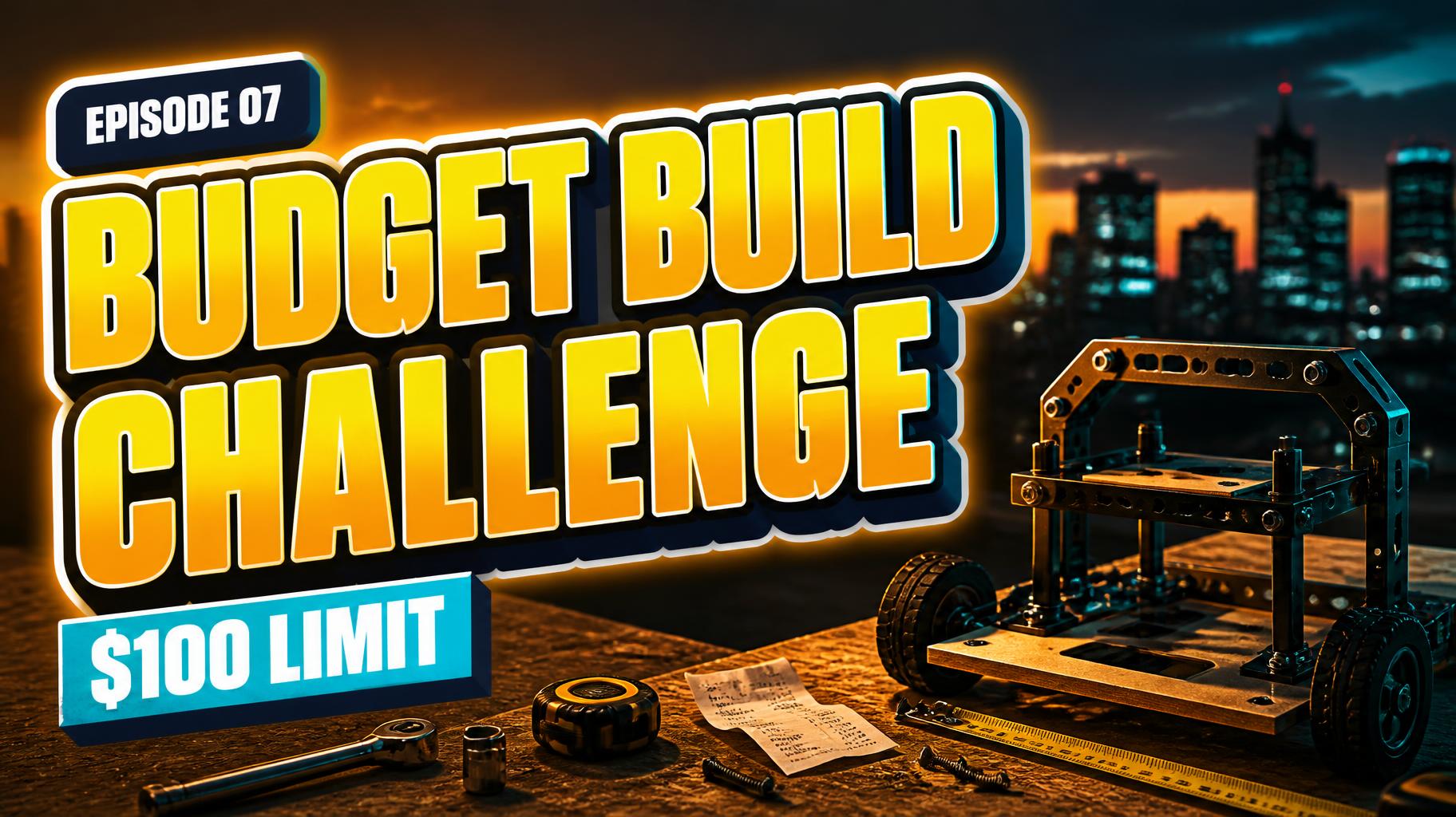
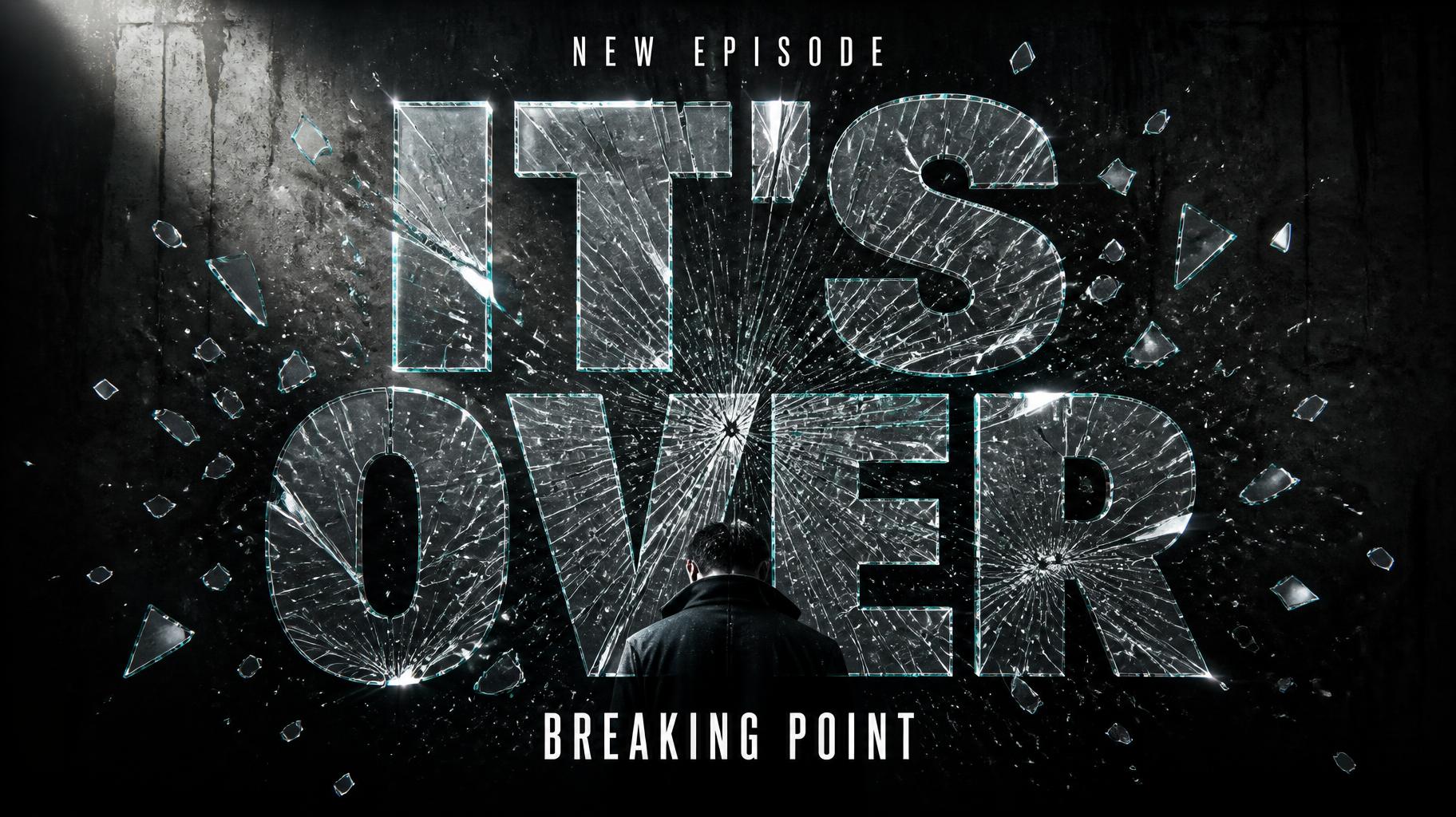
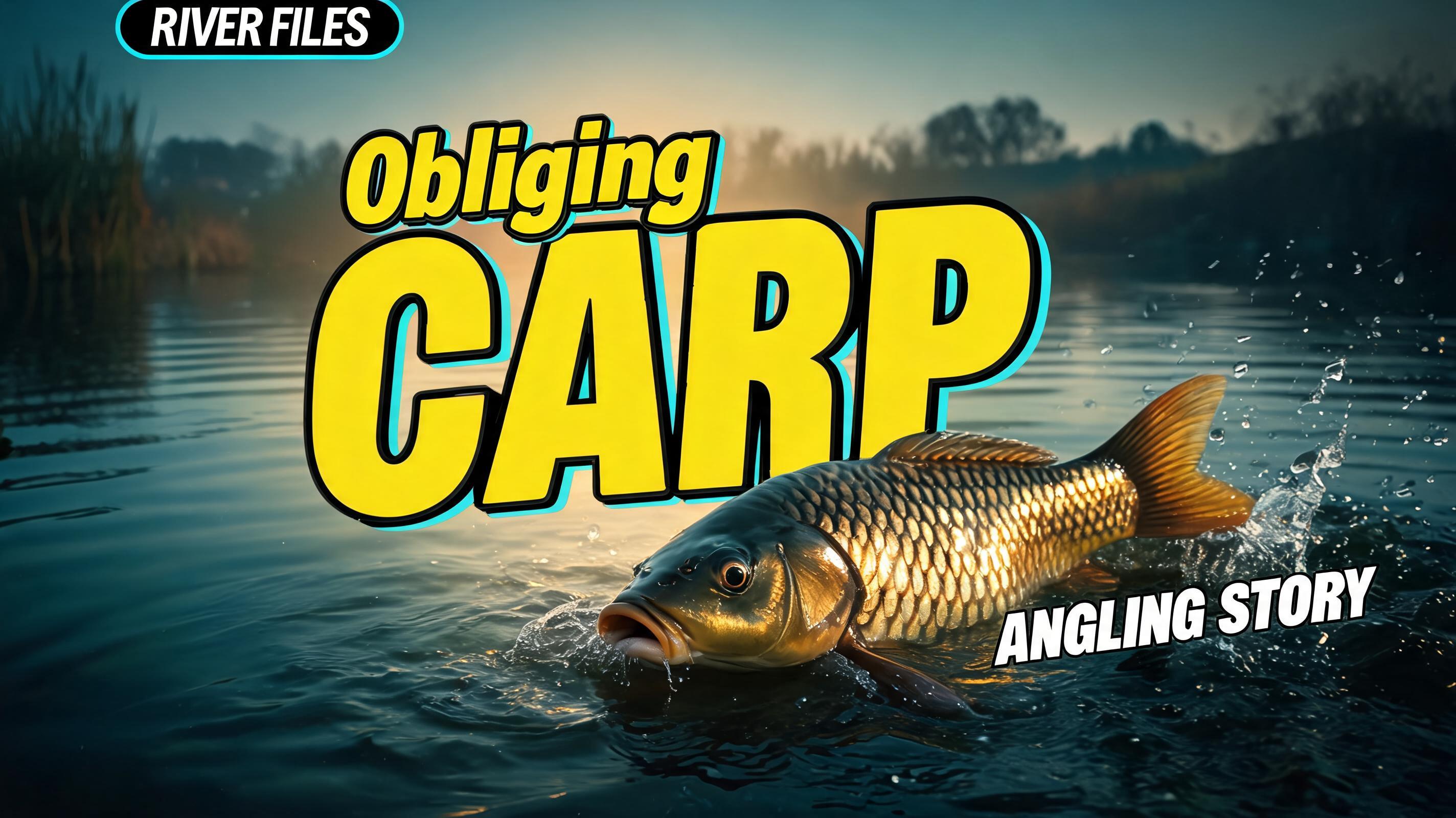
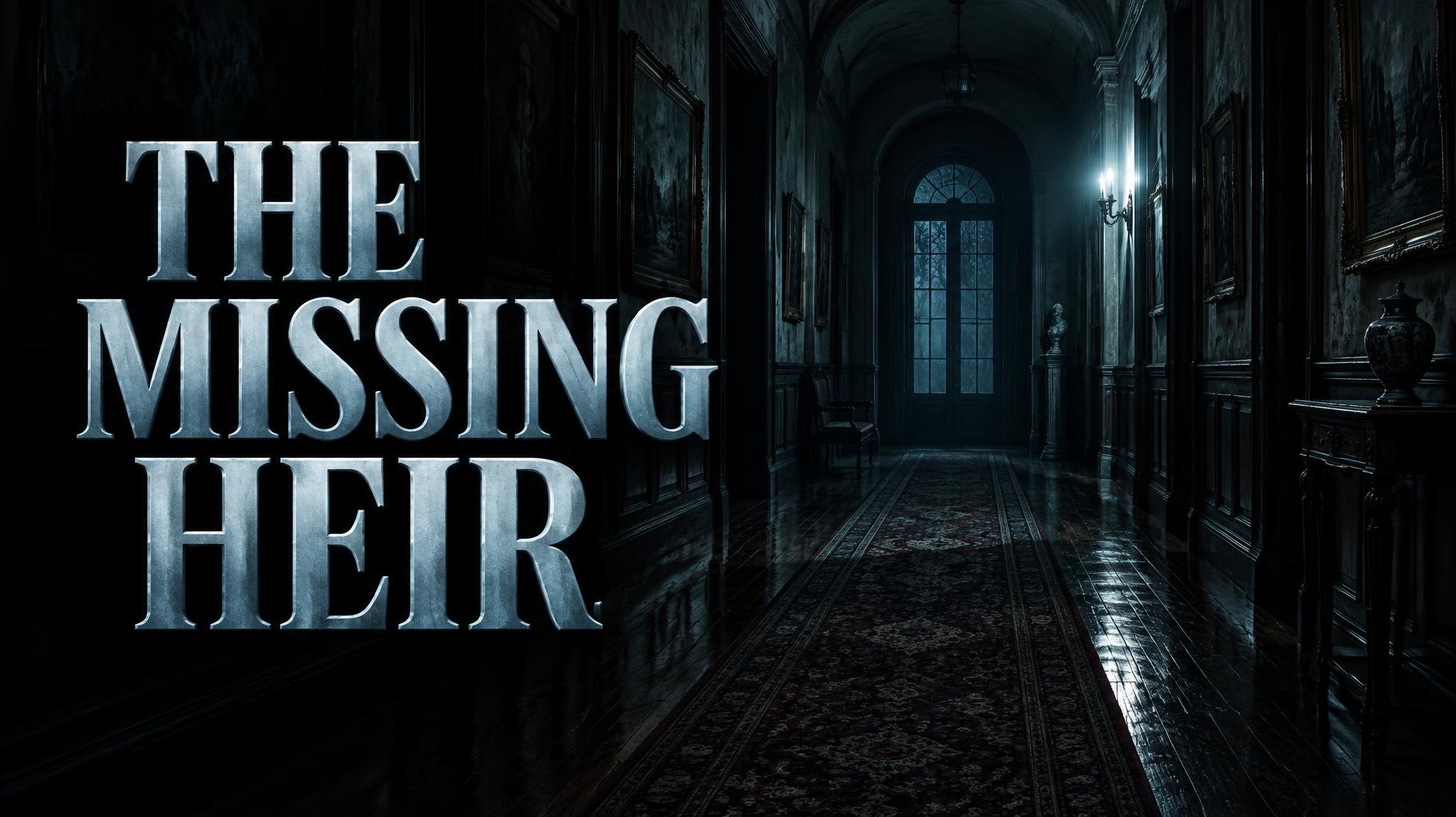
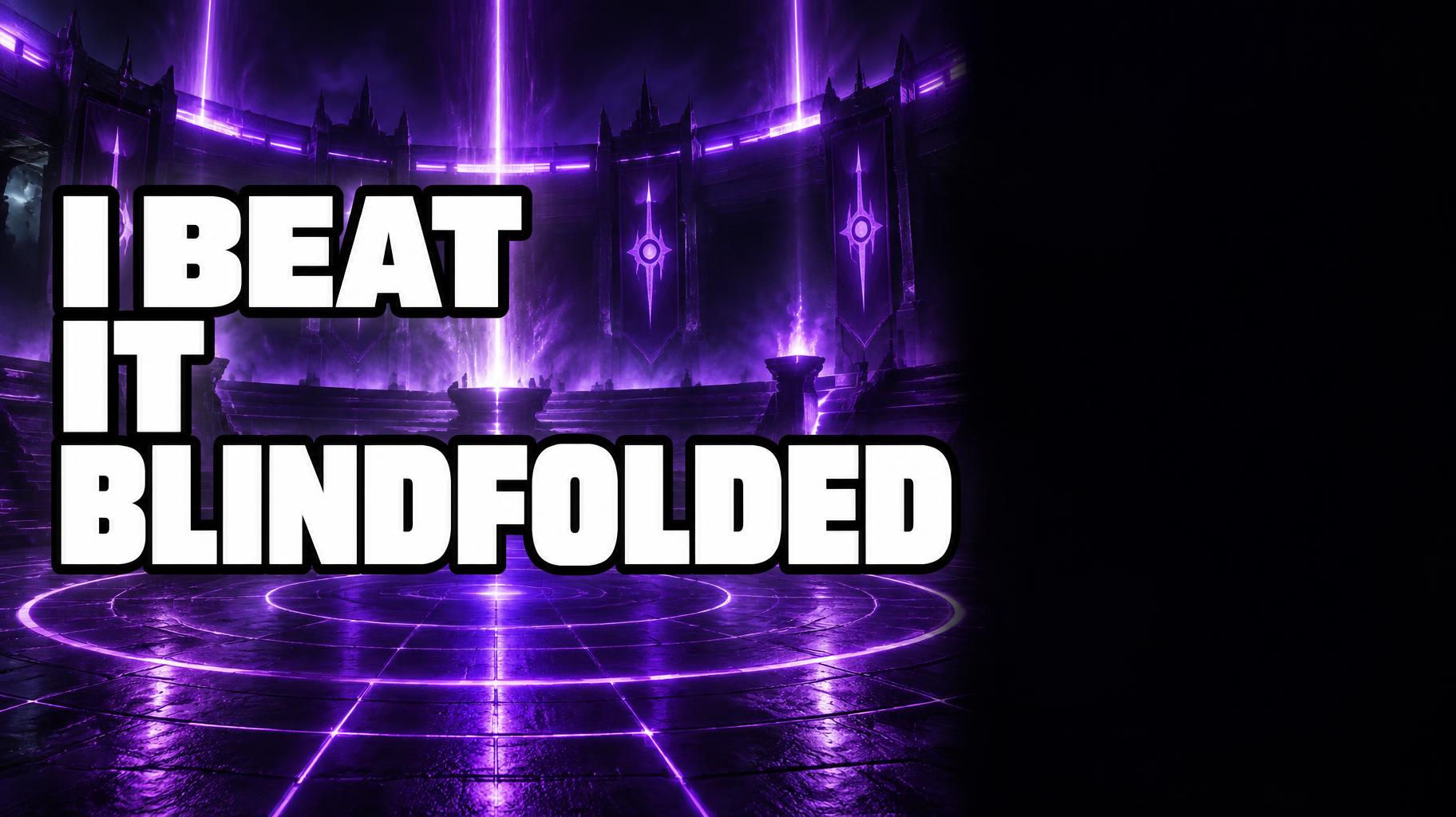
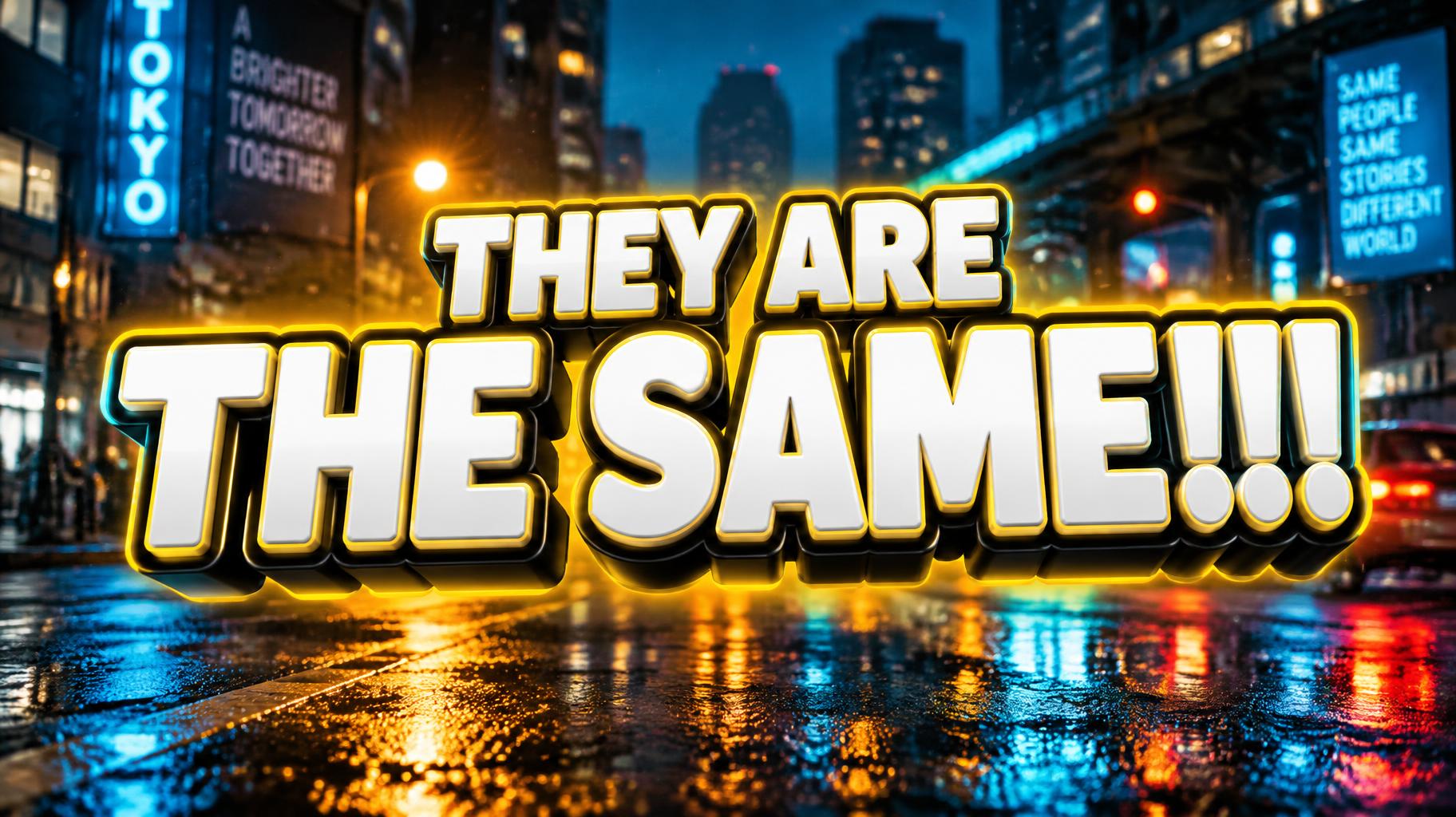
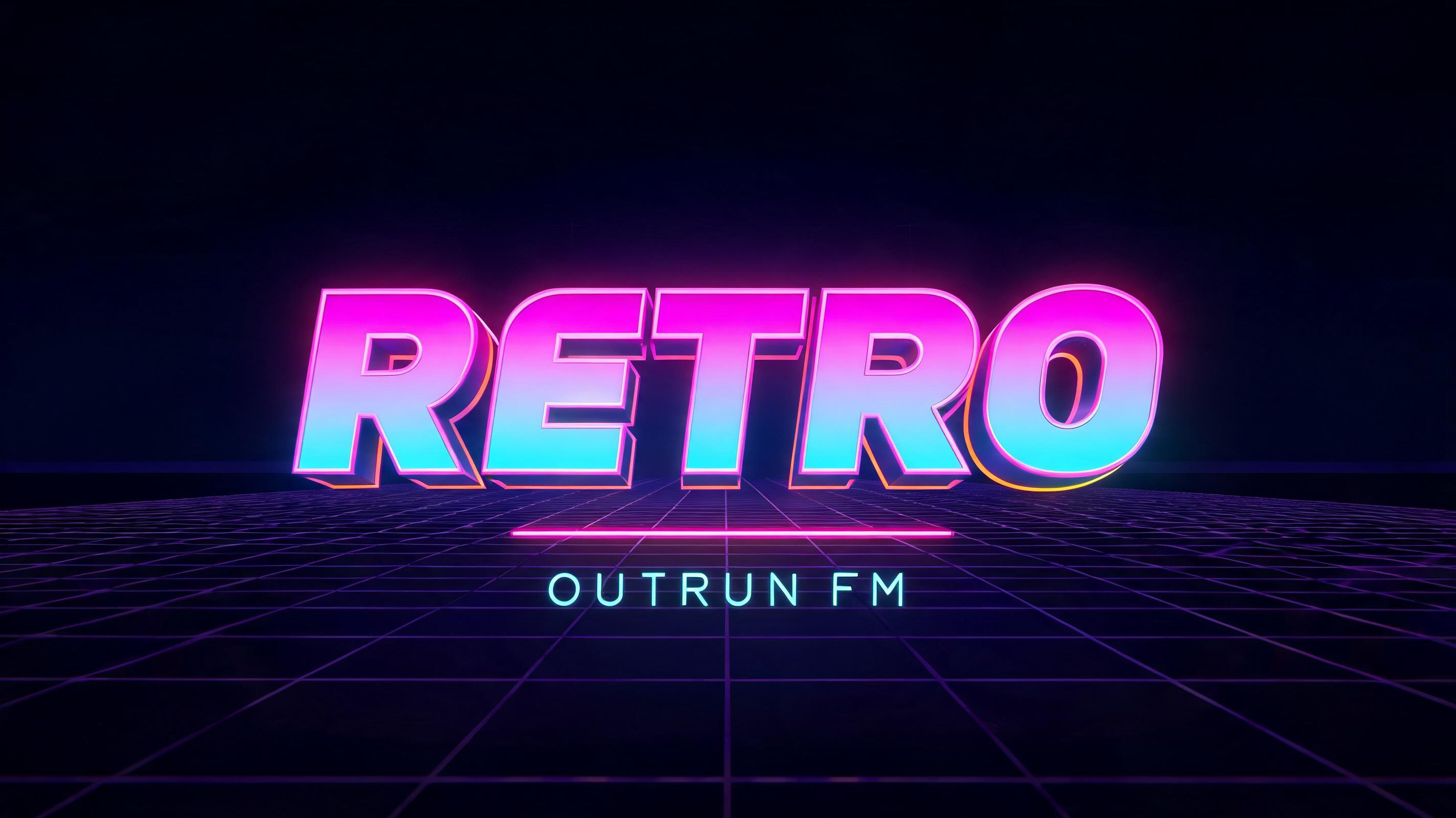
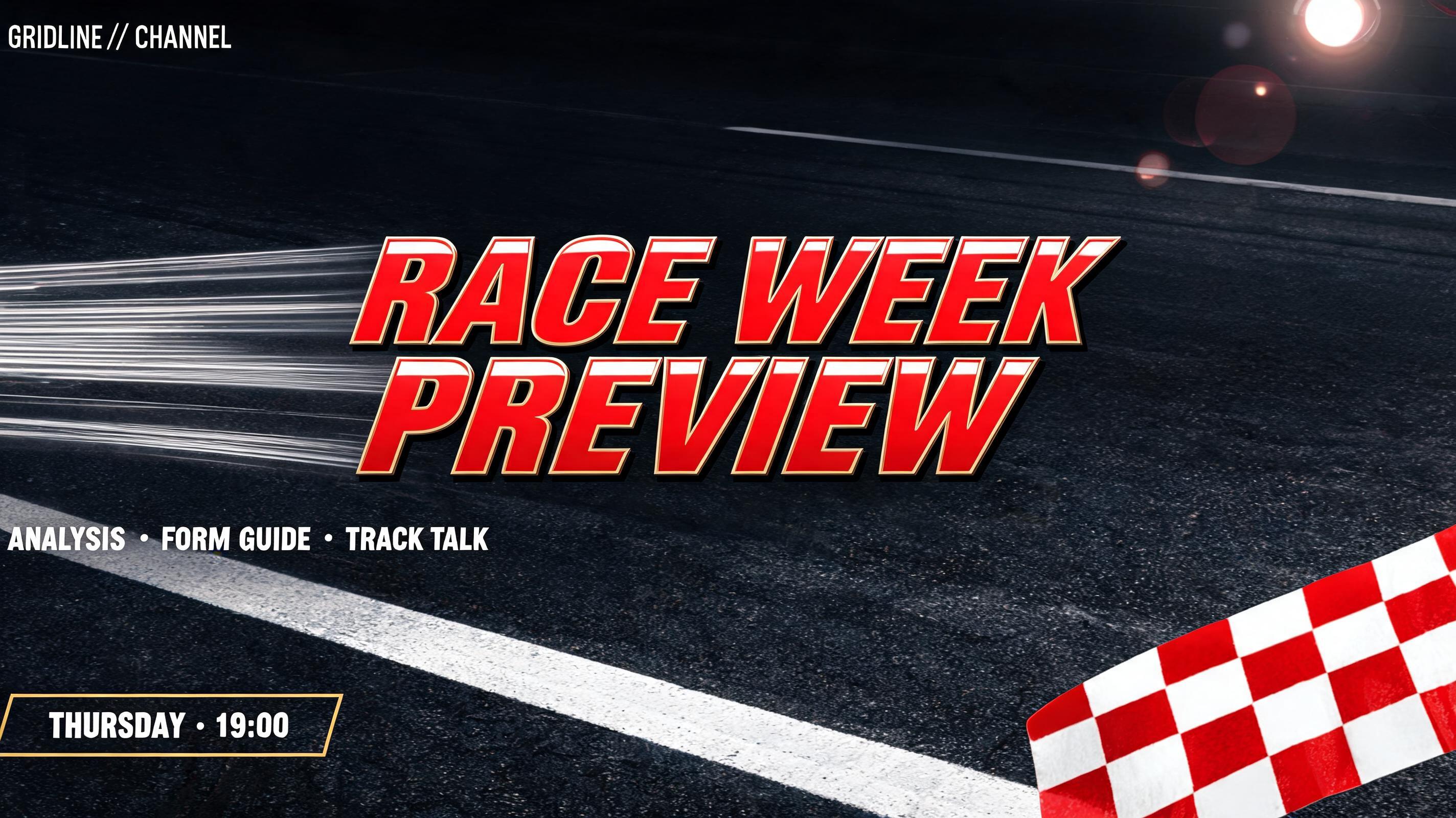
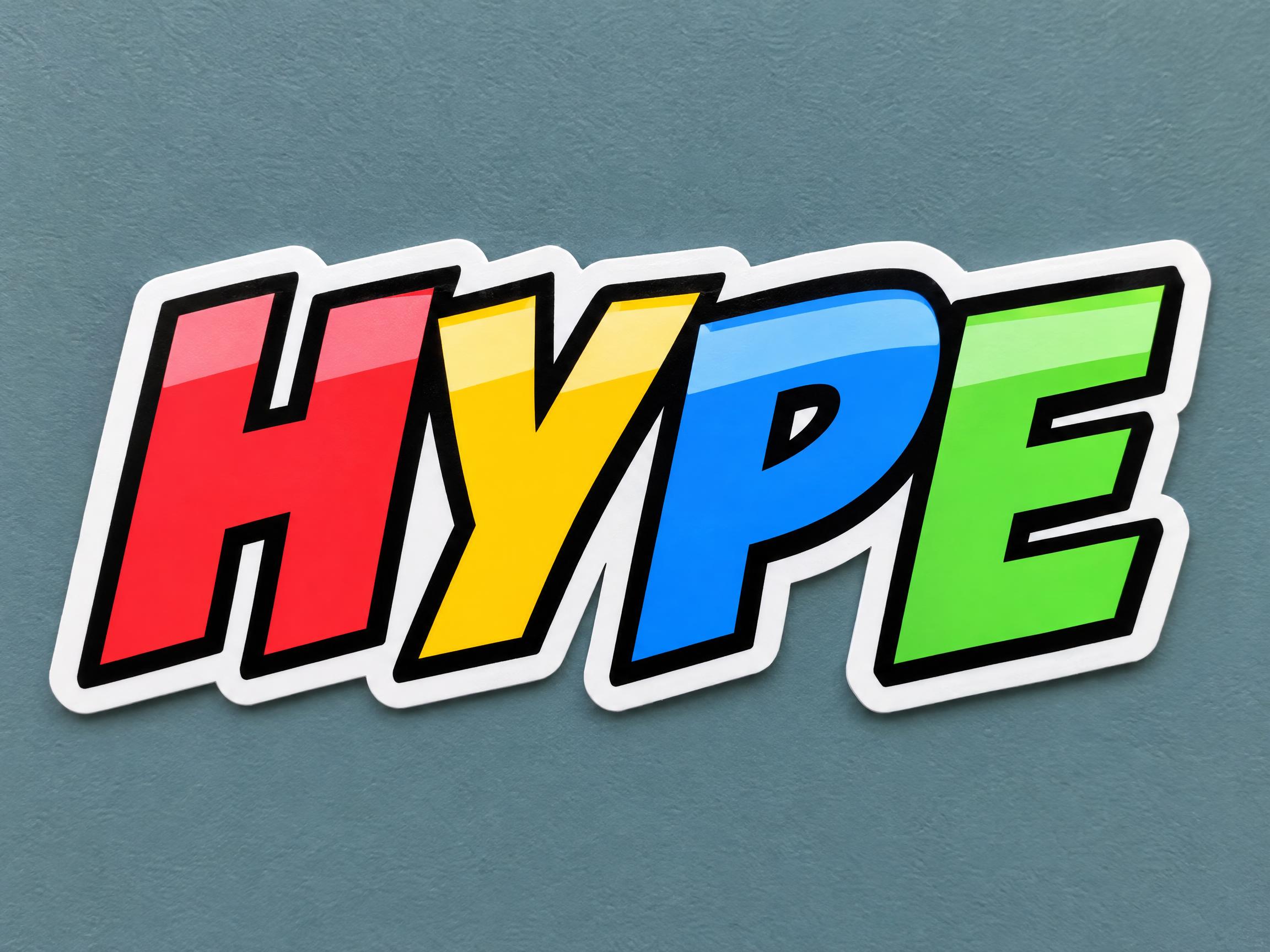
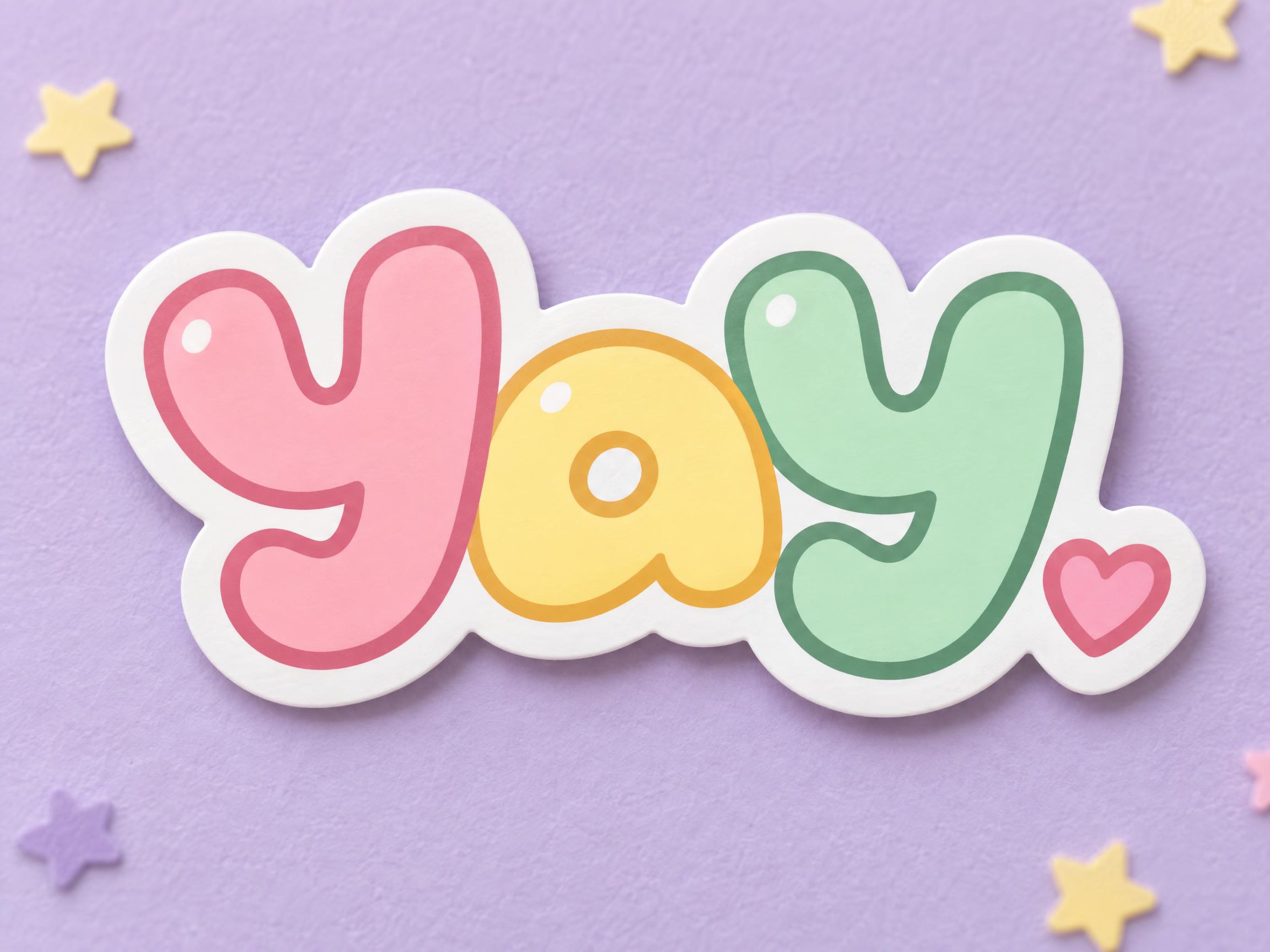
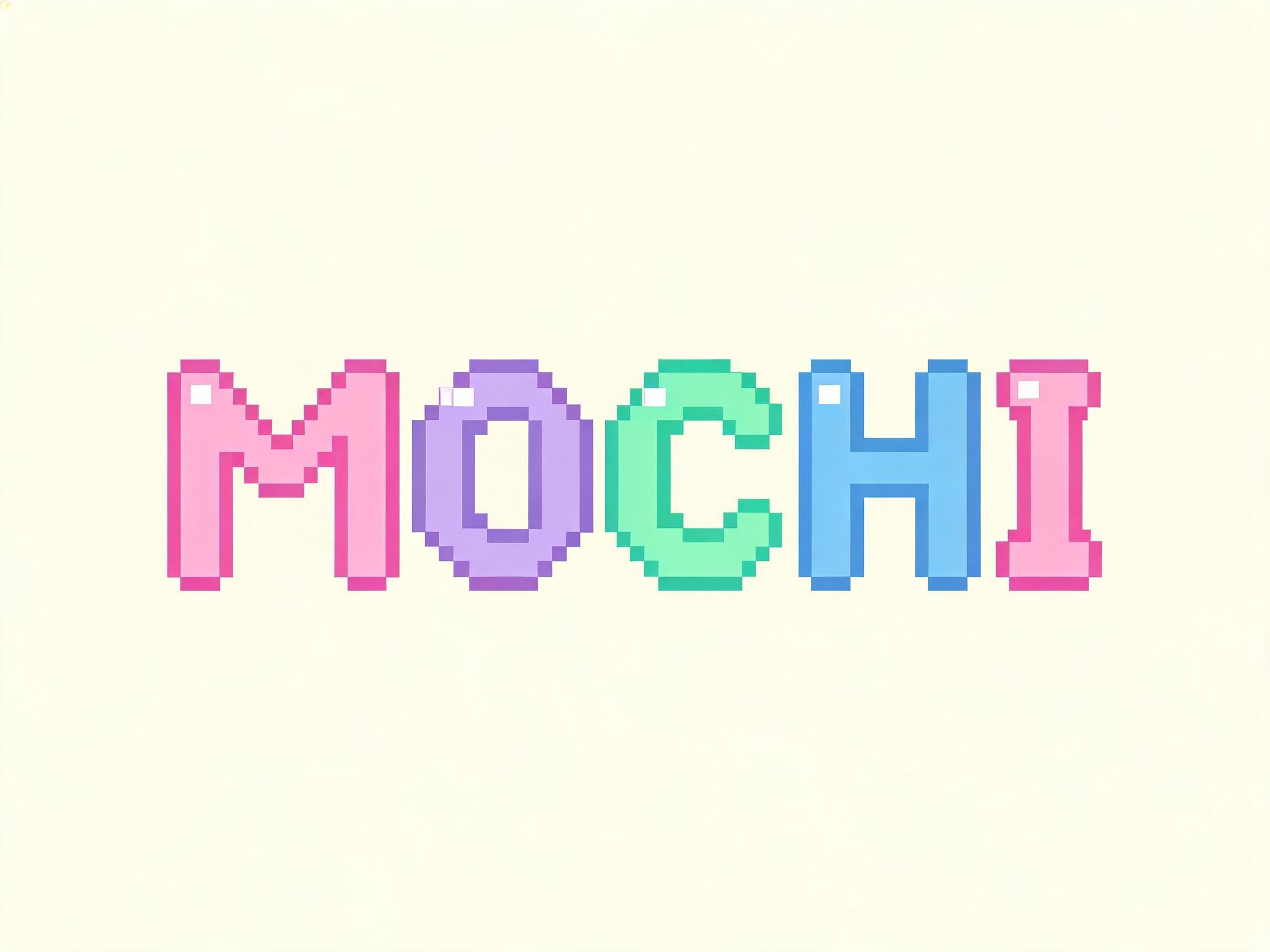
Every one was made with FontVibe. Use a design and swap in your own words.
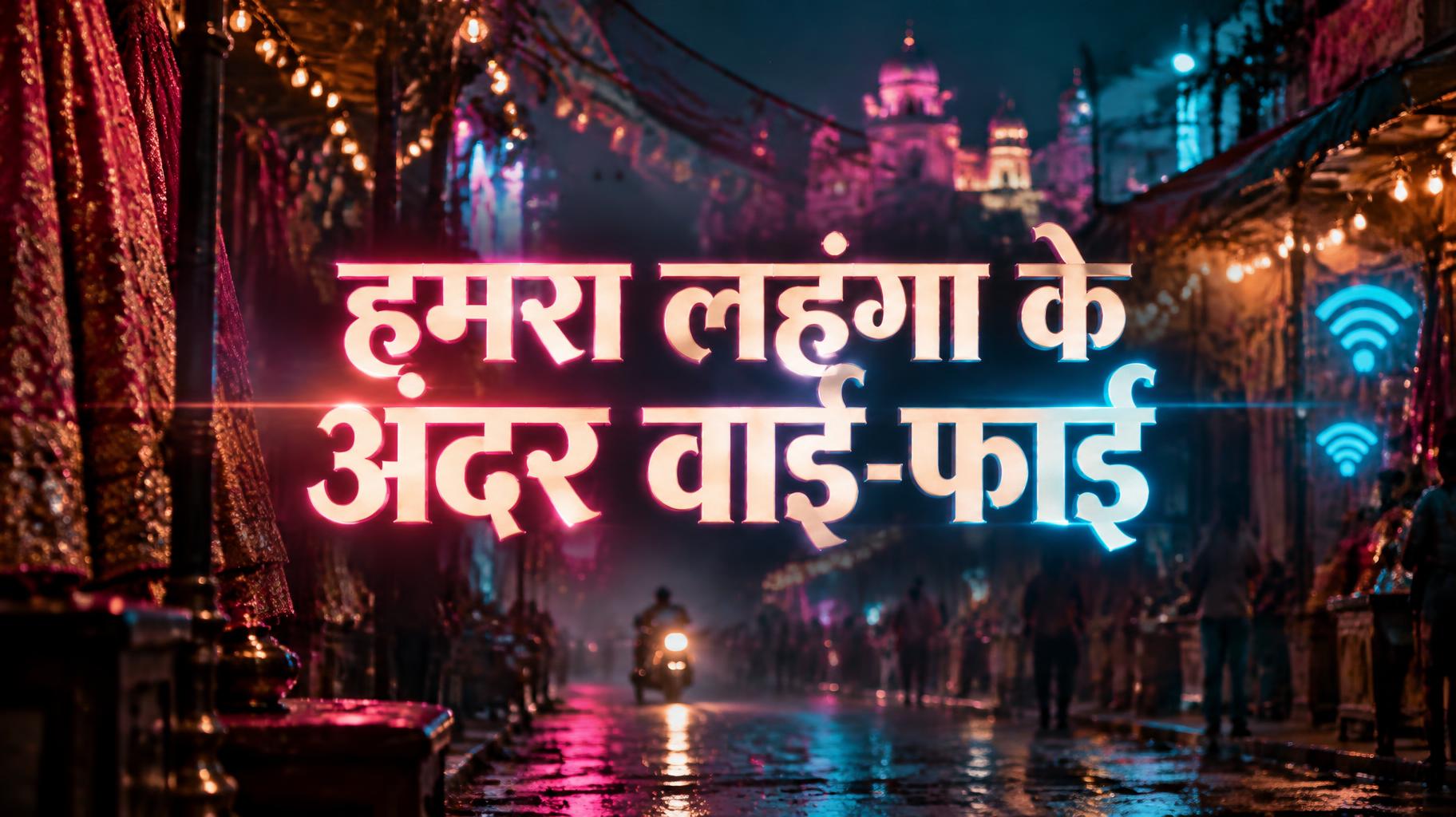





















What to write on your YouTube thumbnail
Line by line, with a rule and examples for each. Tap a line to add it to your brief.
Hook words
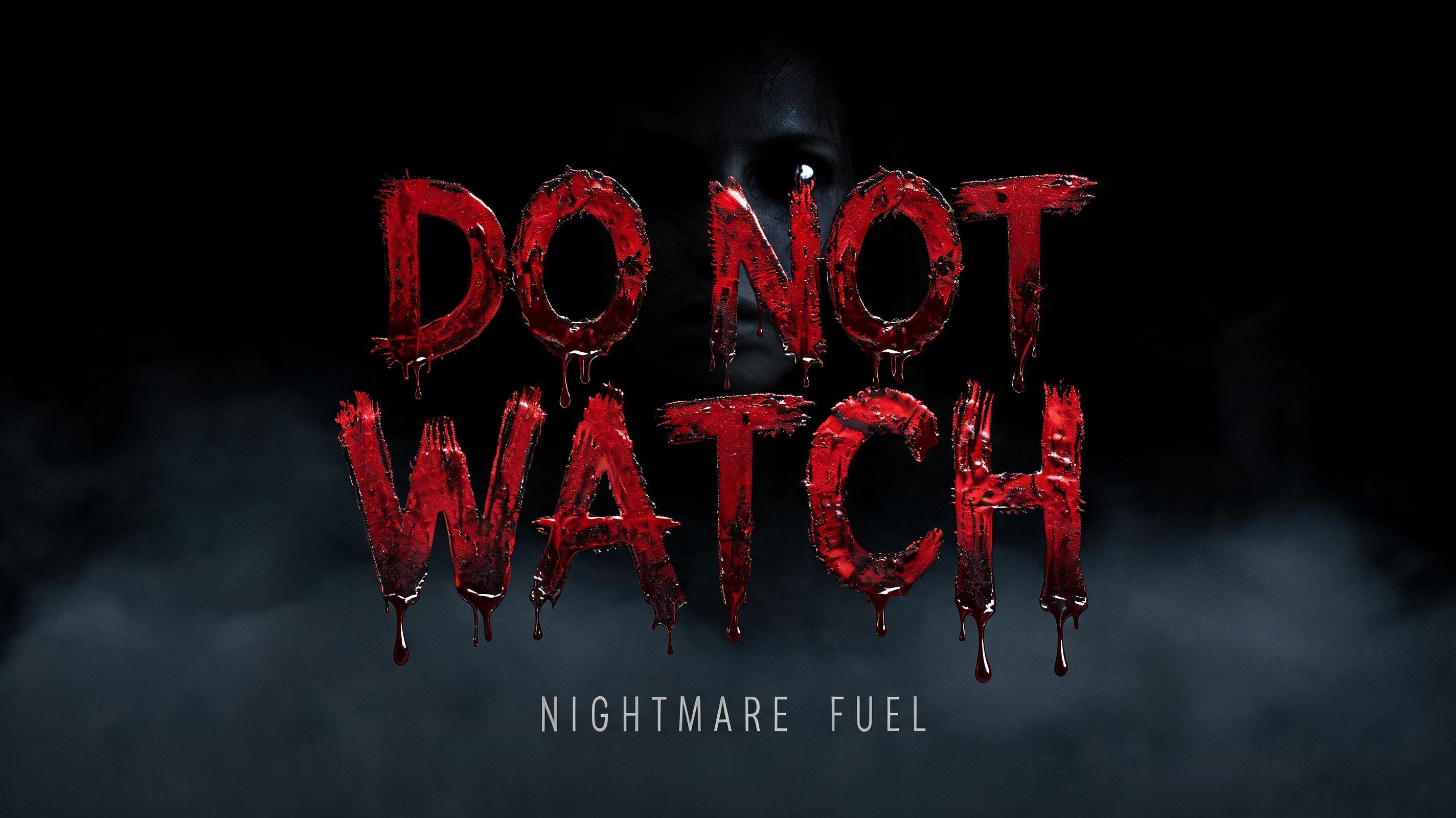
Use three to six words that make people curious. They add to the video title instead of repeating it.
Sources: Thumix — YouTube thumbnail safe zone
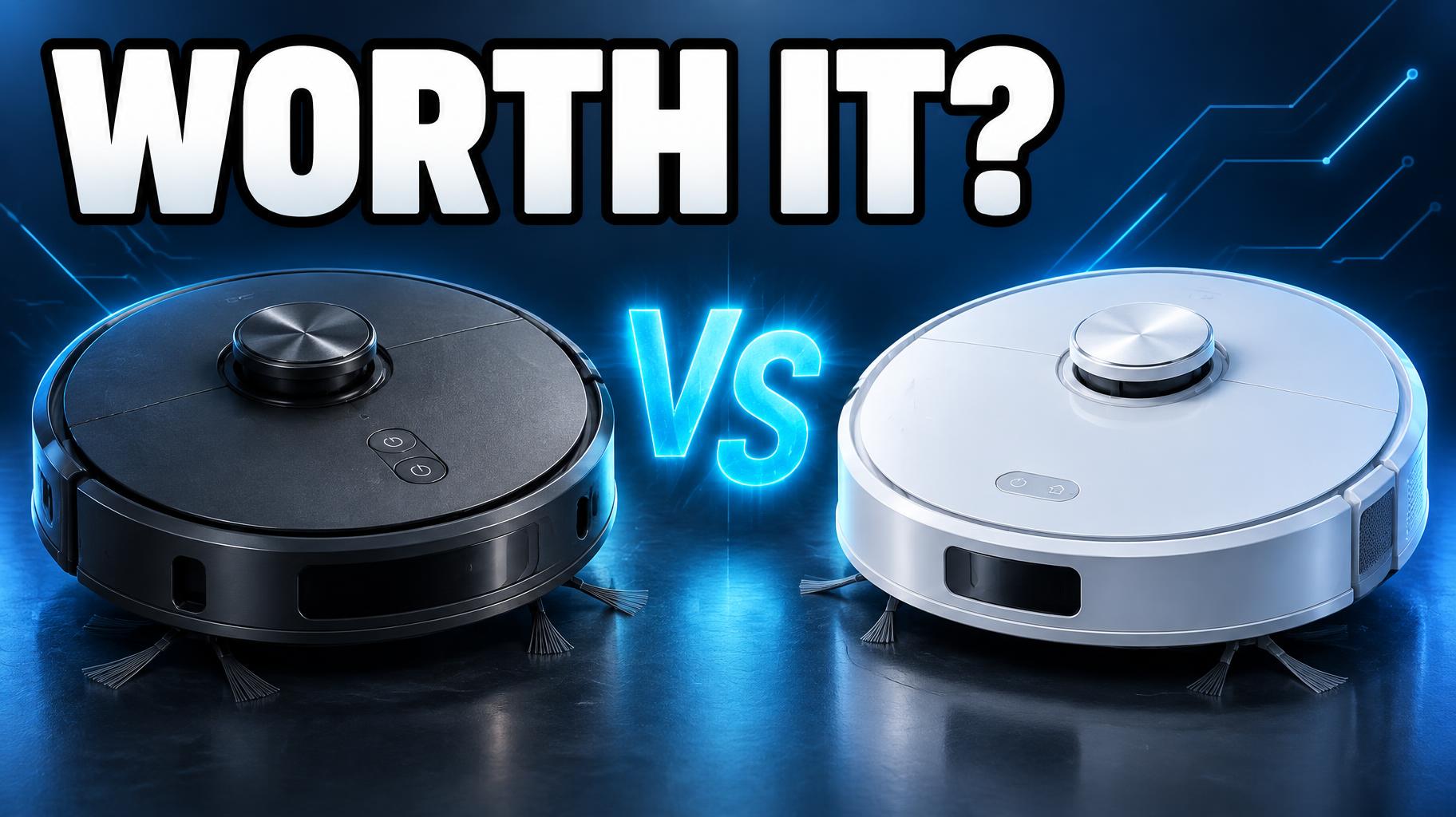
Numbers & results
A number or a result is quick to read and makes the promise concrete.
Sources: Thumix — YouTube thumbnail safe zone
Episode & series tags
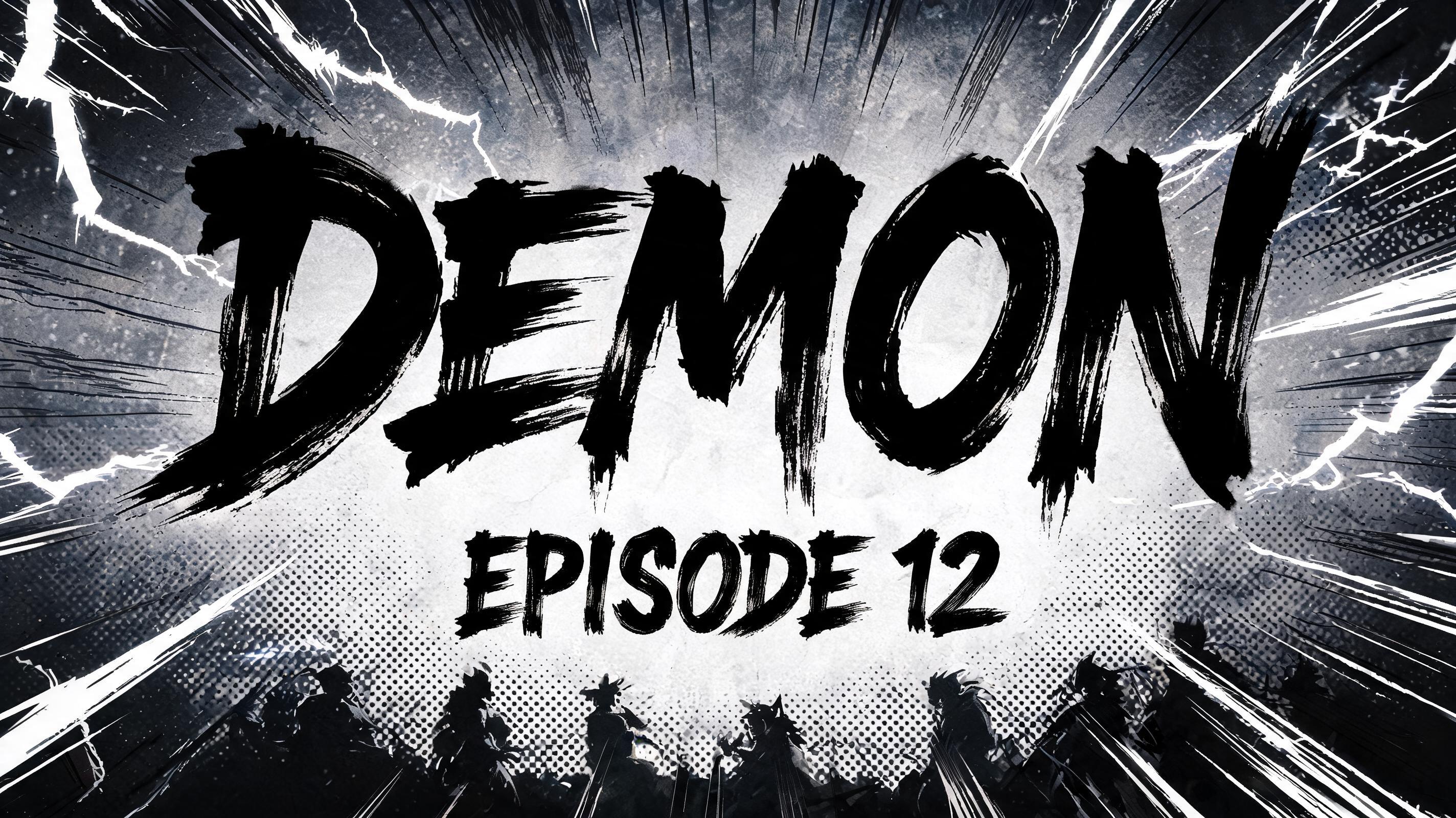
Optional: a small tag for a series or episode number, kept away from the bottom-right corner.
Make the rest of your Channel set
Same look, every format — each one opens its own maker. All Channel →






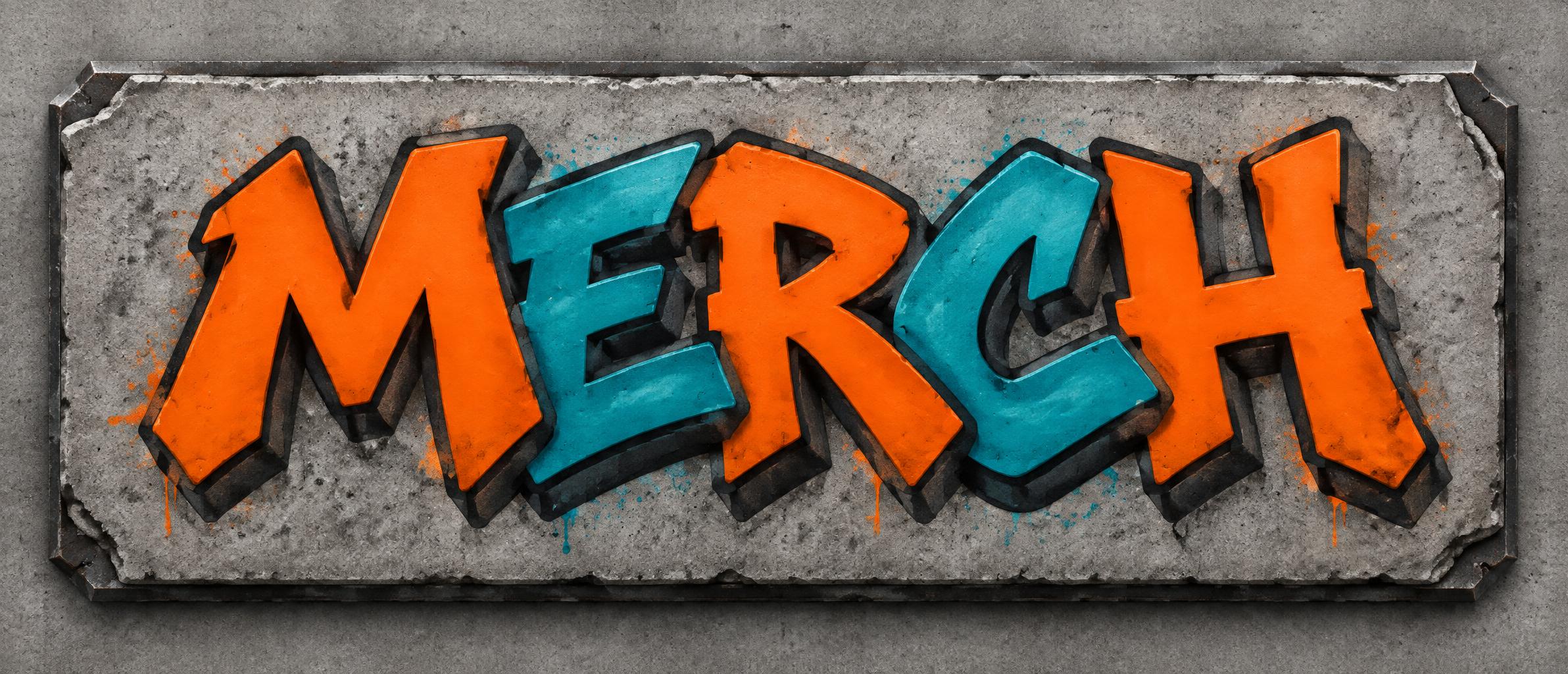
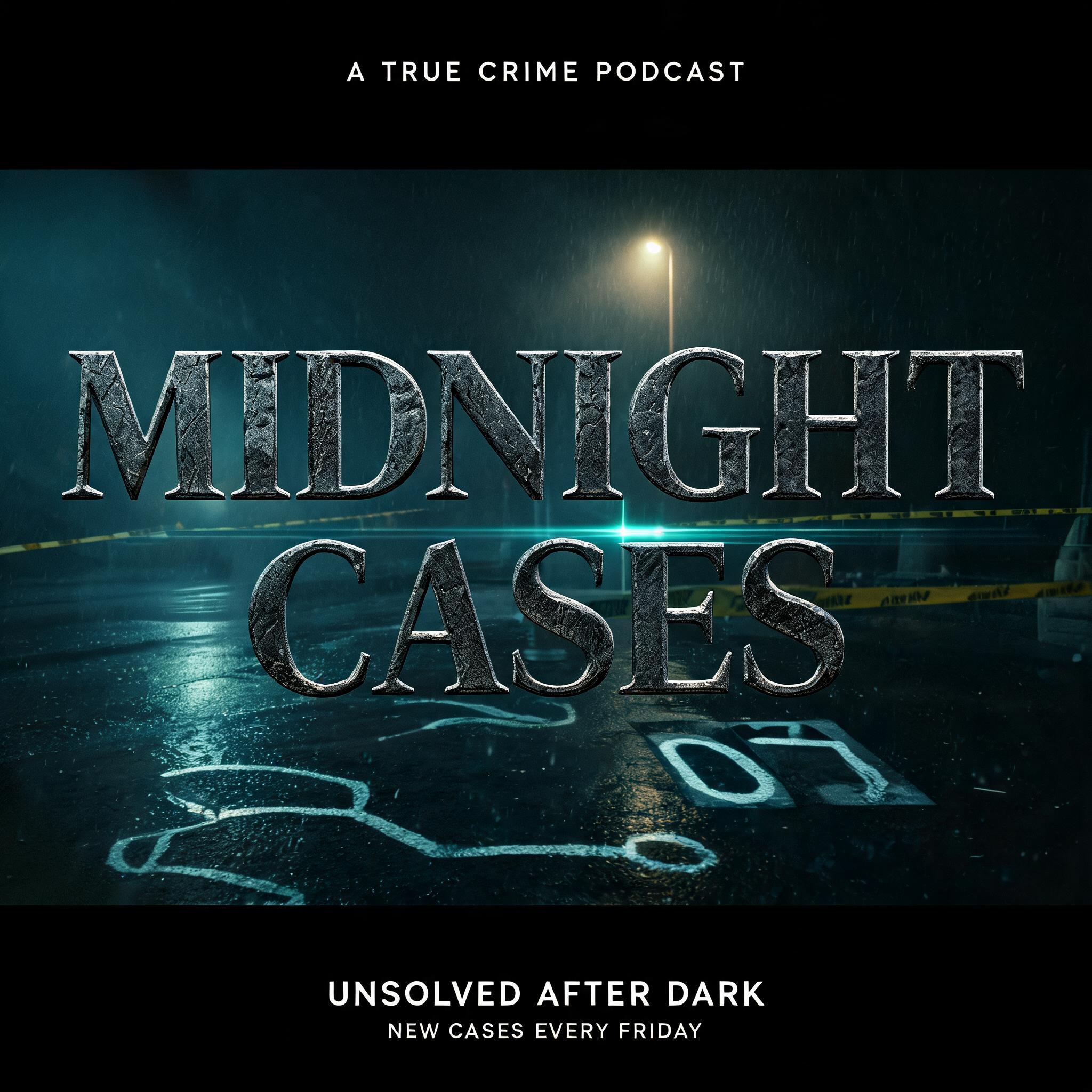
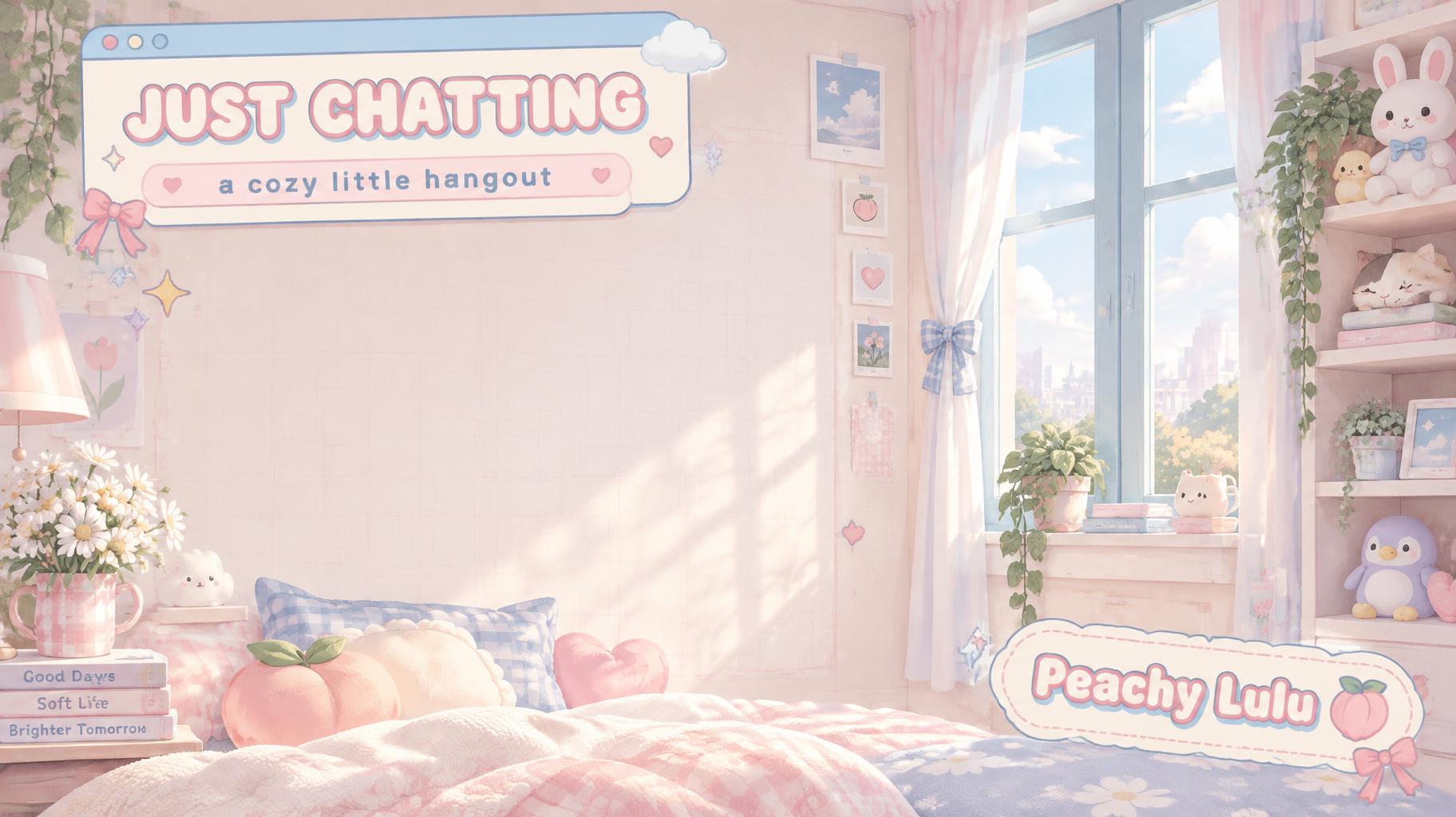
AI fonts & styles for your YouTube thumbnail
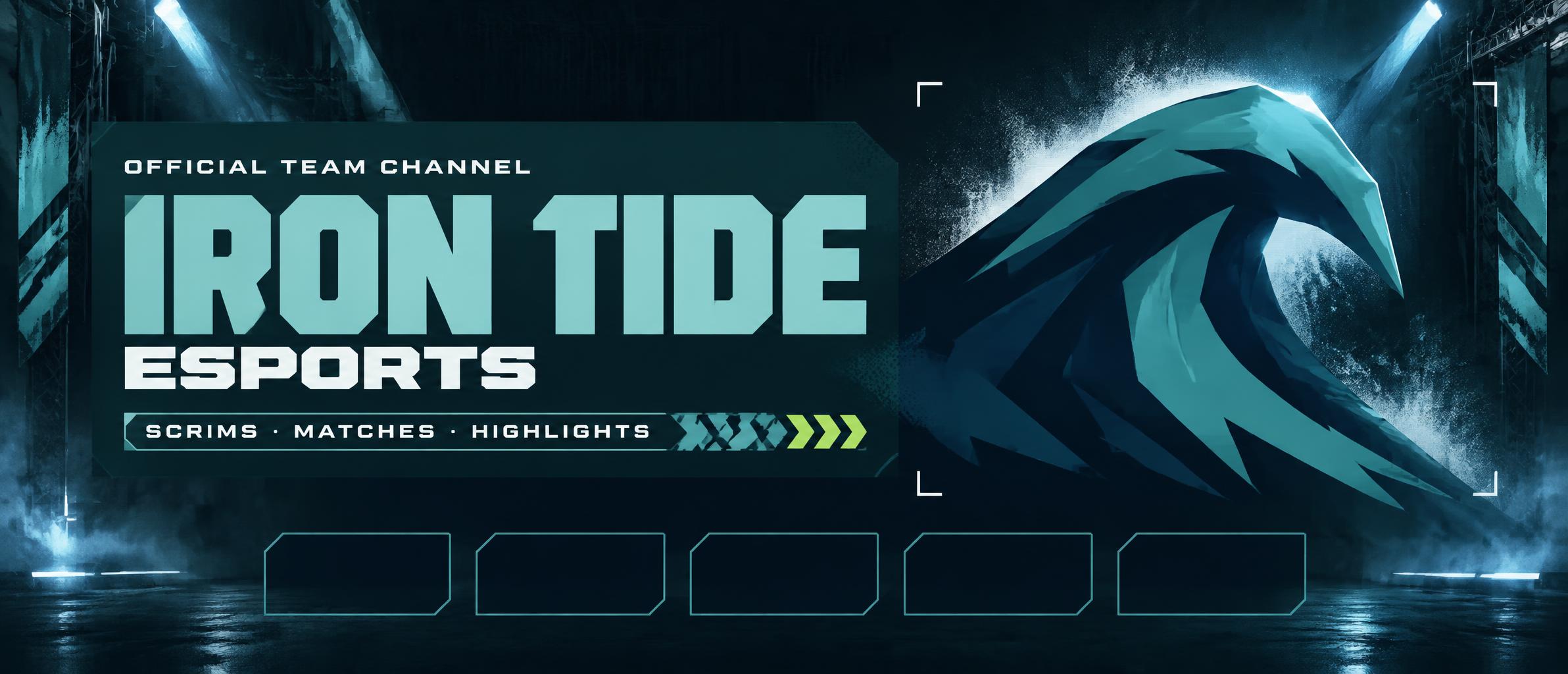
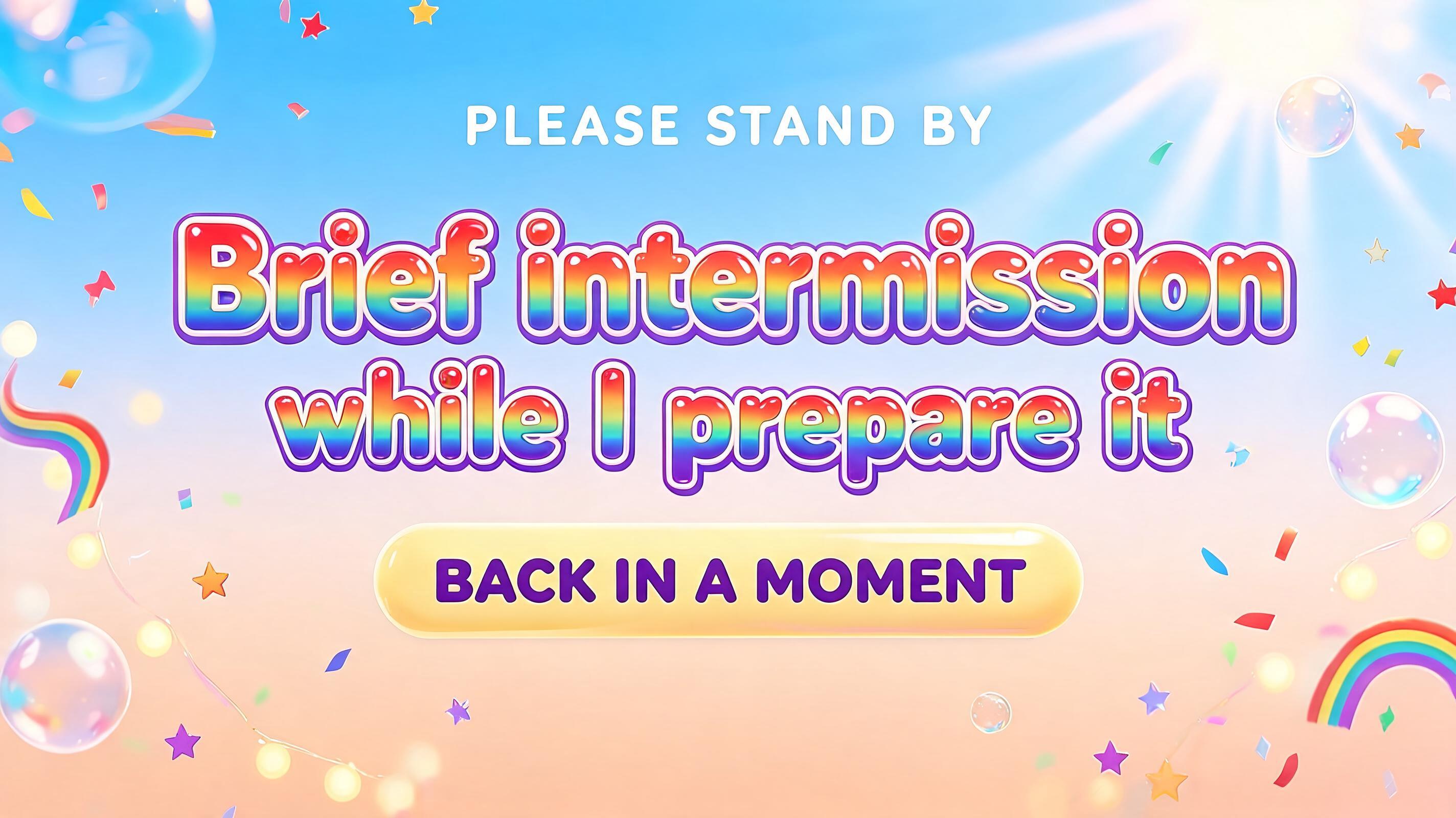
Every AI style and AI font tuned for Channel. Use one above, or open it to see everything made with it.
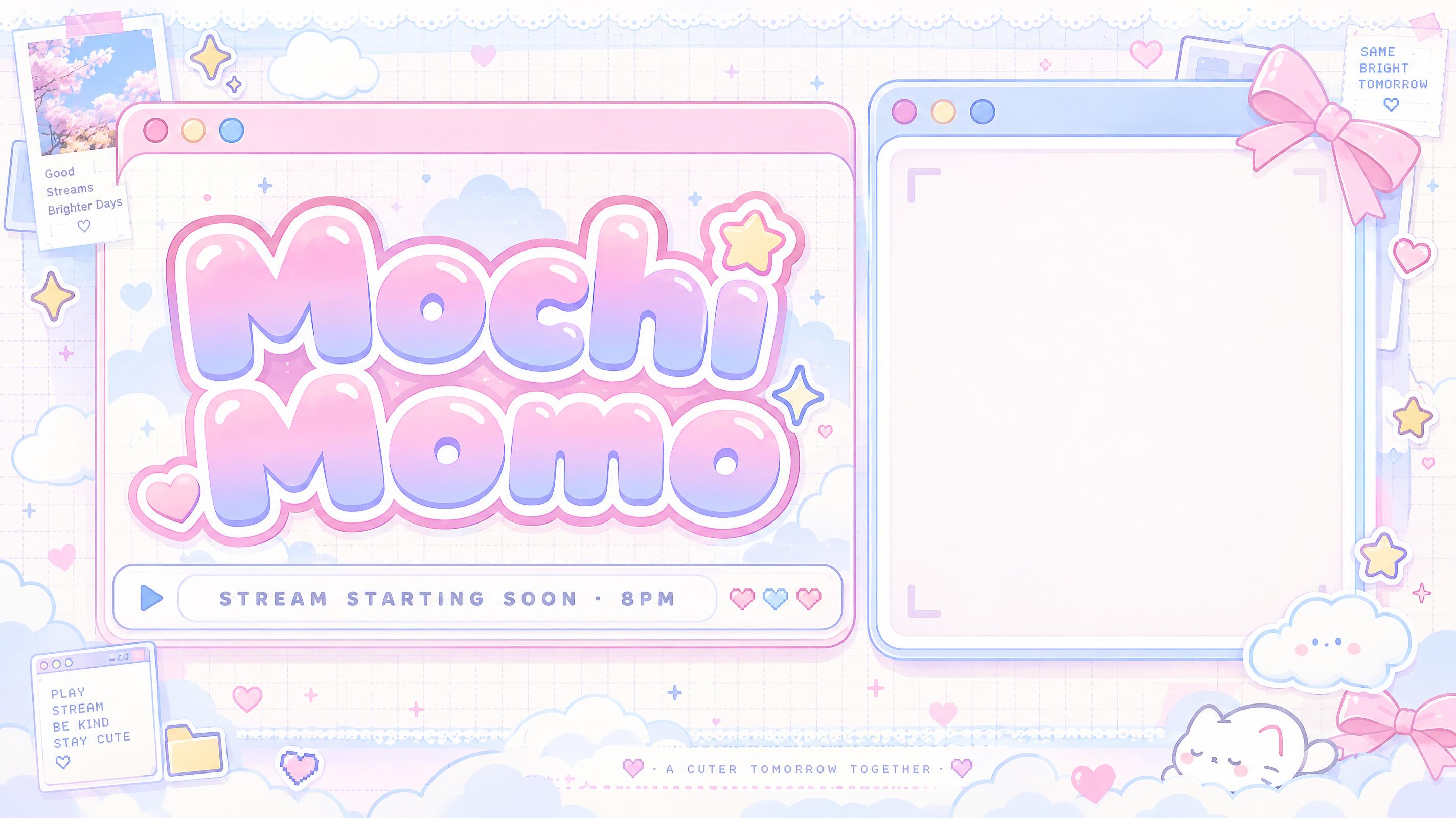
AI styles 10Browse all styles
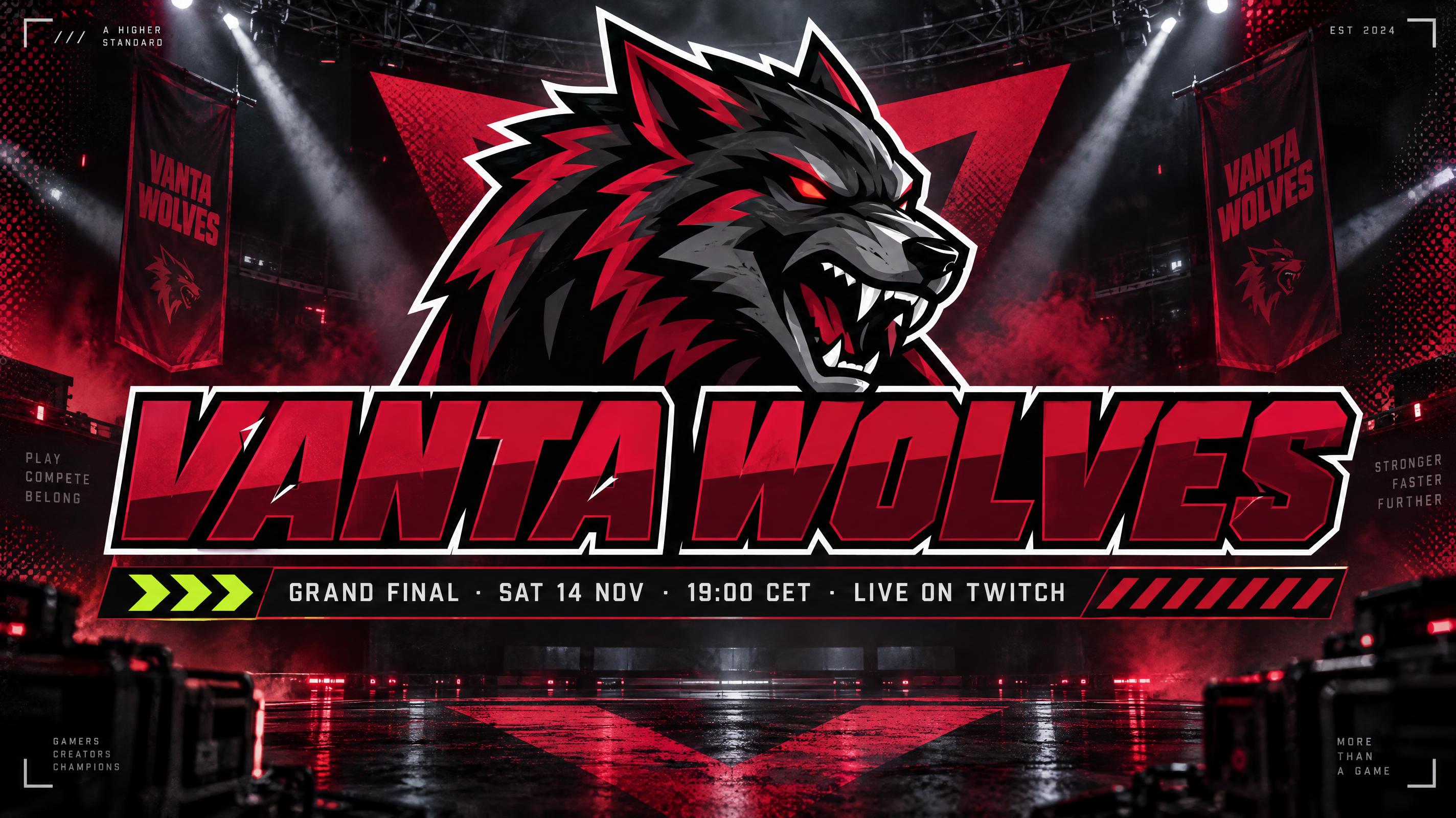


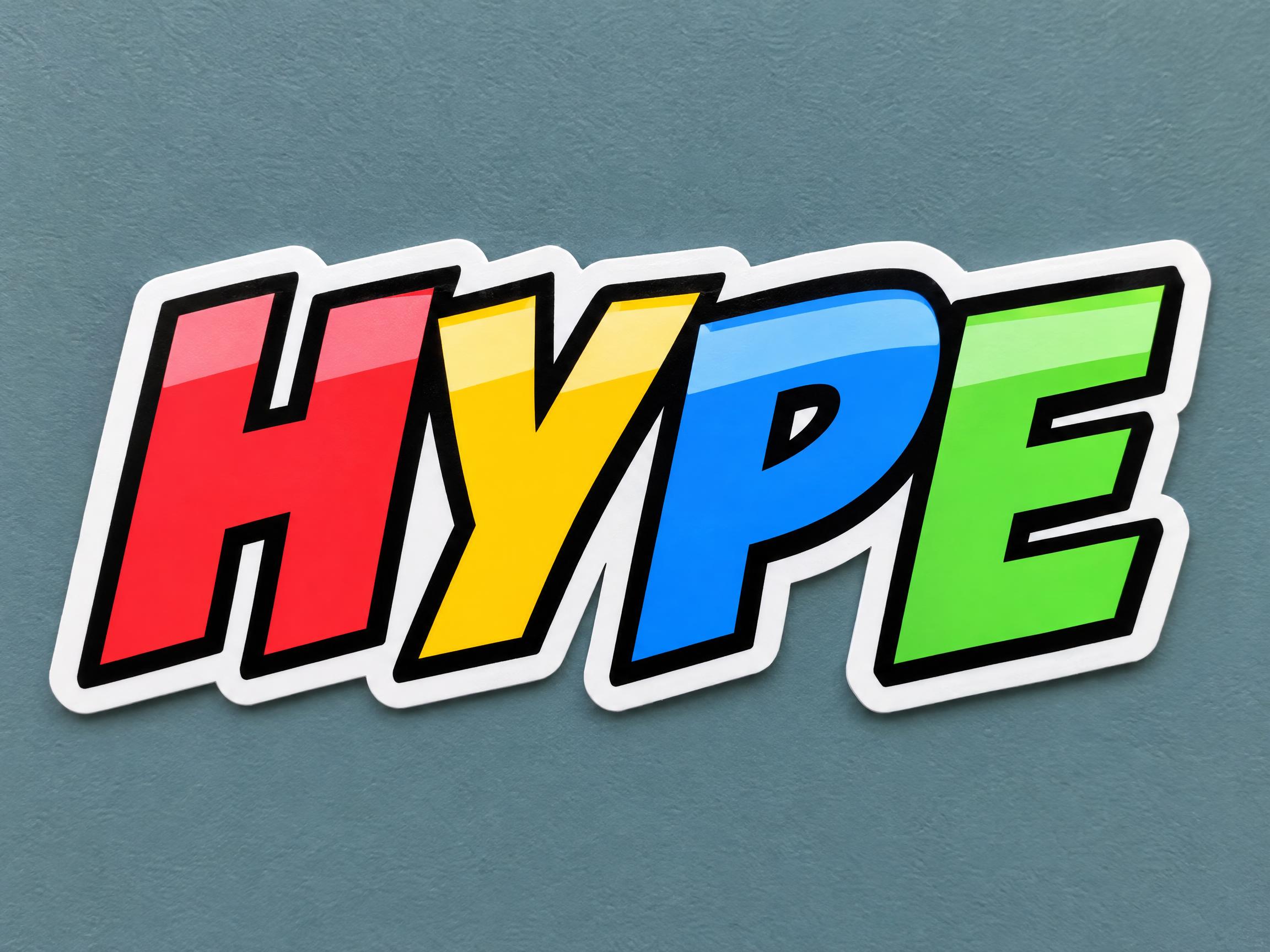
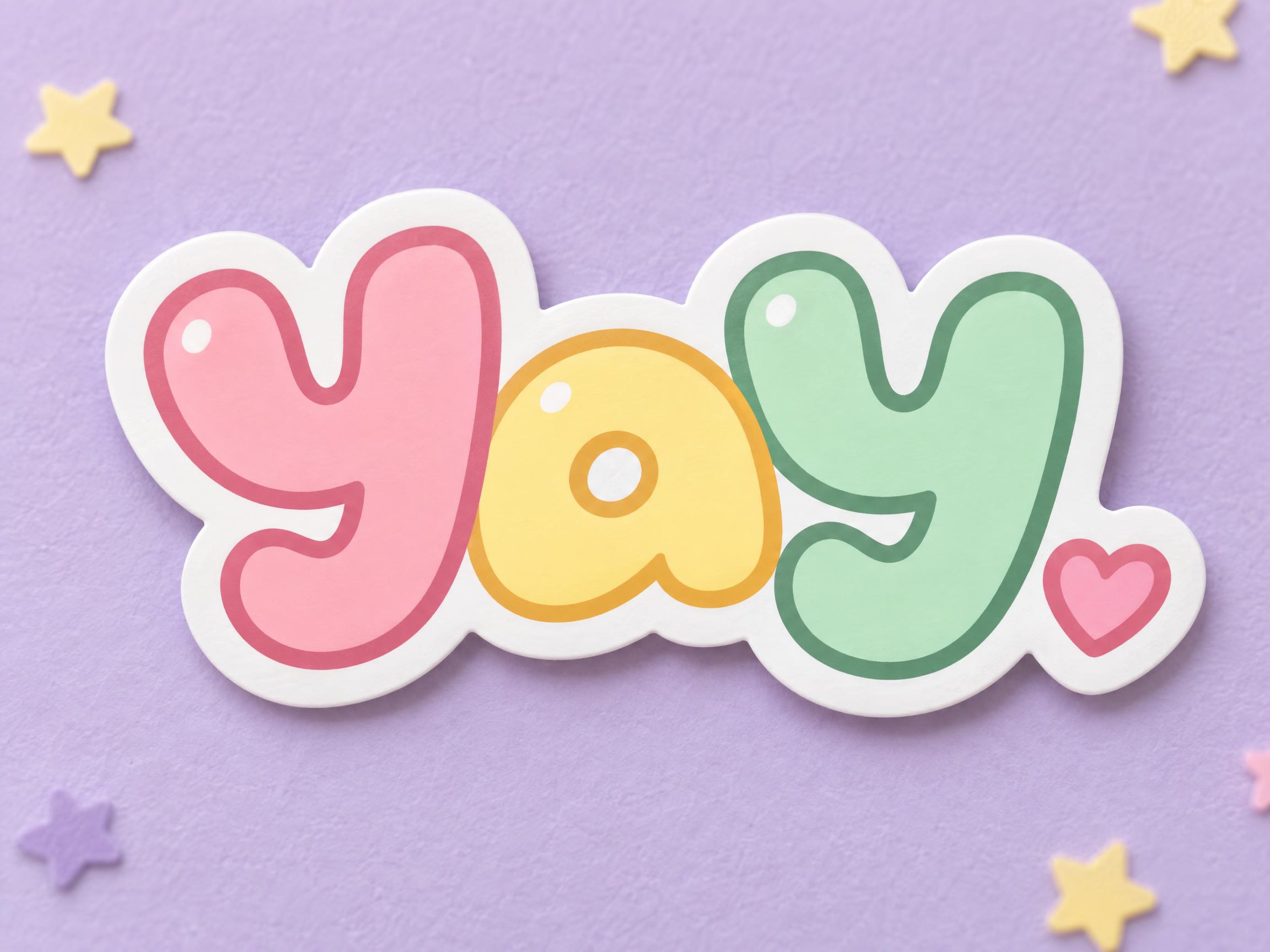
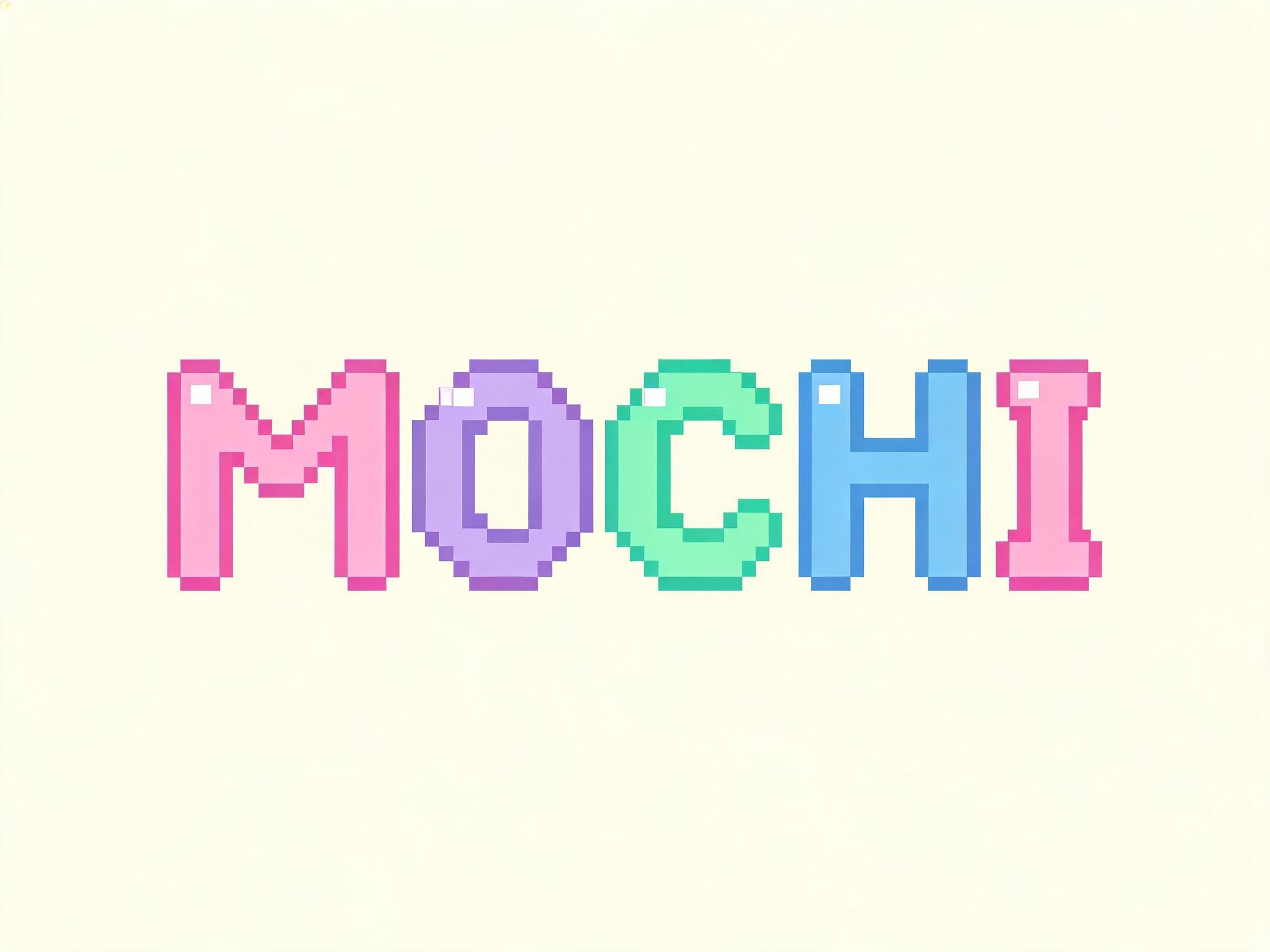
AI fonts 25Browse all AI fonts




Checklist & sizes for your YouTube thumbnail
Before you make a YouTube thumbnail
- 1Three to six words, as big as they can go
- 2One idea: a face, an object or the words, not all at once
- 3Strong contrast, so it reads at phone size
- 4Keep the bottom-right corner clear for the video length
- 5Leave a plain area if you will add your own face or photo
- 6Custom thumbnails need a verified YouTube account; upload JPG or PNG, under 2 MB on mobile
Sources: YouTube Help — Add video thumbnails · Thumix — YouTube thumbnail safe zone
Sizes and pixels
| Use | Aspect | Pixels |
|---|---|---|
| YouTube recommended | 16:9 | 3840 × 2160 |
| YouTube minimum | 16:9 | 640 px wide |
| This page (1K) | 16:9 | 1824 × 1024 |
| 3K on paid plans | 16:9 | 4096 × 2304 |
YouTube recommends 3840 × 2160 and needs at least 640 px wide, with a 2 MB limit when uploading from a phone and 50 MB on desktop. This page makes 1824 × 1024 as a JPG, well under 2 MB. For the sharpest result, open the design in the creation space and make it at 3K on a paid plan.
Shrink it before you upload
Look at your thumbnail at the size of a phone feed. If the words are not readable in a second, cut words or make them bigger. Keep the bottom-right corner empty: the video length always sits there.
Tags in YouTube thumbnail
Every tag used on this page — each opens the designs, fonts and styles that share it.
Questions
How to make your YouTube thumbnail on FontVibe
- 1Write the detailsType the headline, names, date, time and place — the exact words you want on your design.
- 2Pick a lookChoose one of 10 Channel styles and 25 AI fonts, or leave both on Auto.
- 3Generate and checkFontVibe draws your words as part of the image. If a word is wrong, open Edit and say which word to change.
- 4DownloadSave a PNG or JPG and print it at JPG thumbnail for a YouTube video, under the 2 MB mobile upload limit.
Ideas for your YouTube thumbnail
Every one was made with FontVibe. Use a design and swap in your own words.
What to write on your YouTube thumbnail
Line by line, with a rule and examples for each. Tap a line to add it to your brief.
Hook words
Use three to six words that make people curious. They add to the video title instead of repeating it.
Sources: Thumix — YouTube thumbnail safe zone
Numbers & results
A number or a result is quick to read and makes the promise concrete.
Sources: Thumix — YouTube thumbnail safe zone
Episode & series tags
Optional: a small tag for a series or episode number, kept away from the bottom-right corner.
Make the rest of your Channel set
Same look, every format — each one opens its own maker. All Channel →
AI fonts & styles for your YouTube thumbnail
Every AI style and AI font tuned for Channel. Use one above, or open it to see everything made with it.
AI styles 10Browse all styles
AI fonts 25Browse all AI fonts




Checklist & sizes for your YouTube thumbnail
Before you make a YouTube thumbnail
- 1Three to six words, as big as they can go
- 2One idea: a face, an object or the words, not all at once
- 3Strong contrast, so it reads at phone size
- 4Keep the bottom-right corner clear for the video length
- 5Leave a plain area if you will add your own face or photo
- 6Custom thumbnails need a verified YouTube account; upload JPG or PNG, under 2 MB on mobile
Sources: YouTube Help — Add video thumbnails · Thumix — YouTube thumbnail safe zone
Sizes and pixels
| Use | Aspect | Pixels |
|---|---|---|
| YouTube recommended | 16:9 | 3840 × 2160 |
| YouTube minimum | 16:9 | 640 px wide |
| This page (1K) | 16:9 | 1824 × 1024 |
| 3K on paid plans | 16:9 | 4096 × 2304 |
YouTube recommends 3840 × 2160 and needs at least 640 px wide, with a 2 MB limit when uploading from a phone and 50 MB on desktop. This page makes 1824 × 1024 as a JPG, well under 2 MB. For the sharpest result, open the design in the creation space and make it at 3K on a paid plan.
Shrink it before you upload
Look at your thumbnail at the size of a phone feed. If the words are not readable in a second, cut words or make them bigger. Keep the bottom-right corner empty: the video length always sits there.
Tags in YouTube thumbnail
Every tag used on this page — each opens the designs, fonts and styles that share it.
Questions
How to make your YouTube thumbnail on FontVibe
- 1Write the detailsType the headline, names, date, time and place — the exact words you want on your design.
- 2Pick a lookChoose one of 10 Channel styles and 25 AI fonts, or leave both on Auto.
- 3Generate and checkFontVibe draws your words as part of the image. If a word is wrong, open Edit and say which word to change.
- 4DownloadSave a PNG or JPG and print it at JPG thumbnail for a YouTube video, under the 2 MB mobile upload limit.