FontVibe
HomeGenerateStylesGalleryFontsPricingBlog
English▾
FontVibe
✦FontVibe
FontVibe

Free AI font generator — describe what you need or pick a style, and get finished text artwork. 126+ styles, instant PNG/JPG download.

Product

GenerateStylesGalleryPricing

Popular Scenes

Halloween designsChannel designsHalloween font

Resources

BlogAI Font LibraryTransparent Background MakerASCII Art GeneratorFont Tools

Legal

Terms of ServicePrivacy PolicyLegalContact
© 2026 FontVibe. All rights reserved.
Privacy Policy|Terms & Conditions|Legal|特定商取引法に基づく表記
FontVibe

Free AI font generator — describe what you need or pick a style, and get finished text artwork. 126+ styles, instant PNG/JPG download.

Product
GenerateStylesGalleryPricing
Popular Scenes
Halloween designsChannel designsHalloween font
Resources
BlogAI Font LibraryTransparent Background MakerASCII Art GeneratorFont Tools
Legal
TermsPrivacyLegalContact
© 2026 FontVibe. All rights reserved.
Privacy|Terms|Legal|特商法
✦FontVibe
Notifications
No notifications yet
Home›Channel›Channel logo
320+ Channel designs made on FontVibeChange any word by chatRight size: 1024 × 1024 px, squareFree to start

YouTube & Gaming Logo Maker

Describe your channel and get a finished logo: your name in distinctive lettering, a monogram or a simple mascot, on a plain background so you can use it as a watermark, profile picture or on merch.

Transparent Effect
✦ Transparent Effect
Generates a PNG with the background removed — only the text and its visual effects remain. The AI automatically selects the optimal background color for clean removal based on your style.
Output is always PNG for lossless transparency.
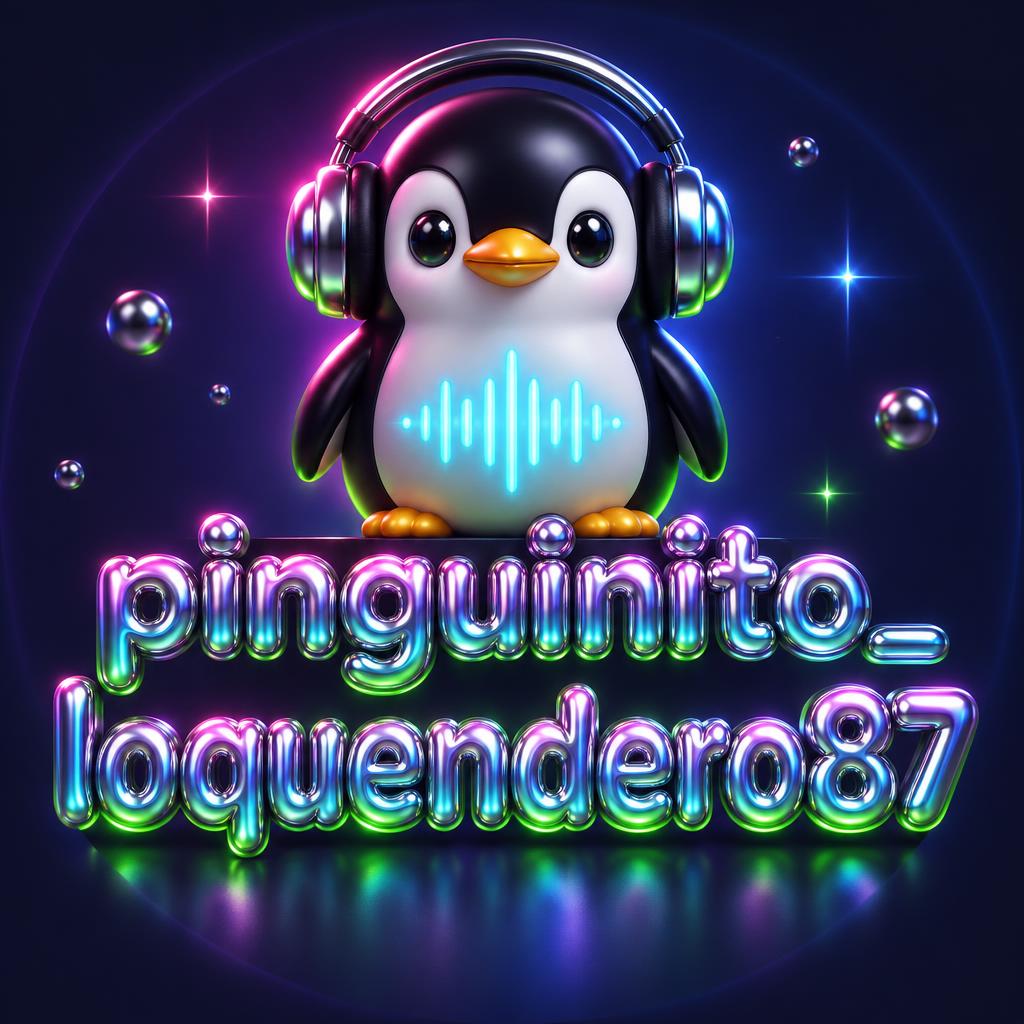
channel logo1024 × 1024 px, square · PNG
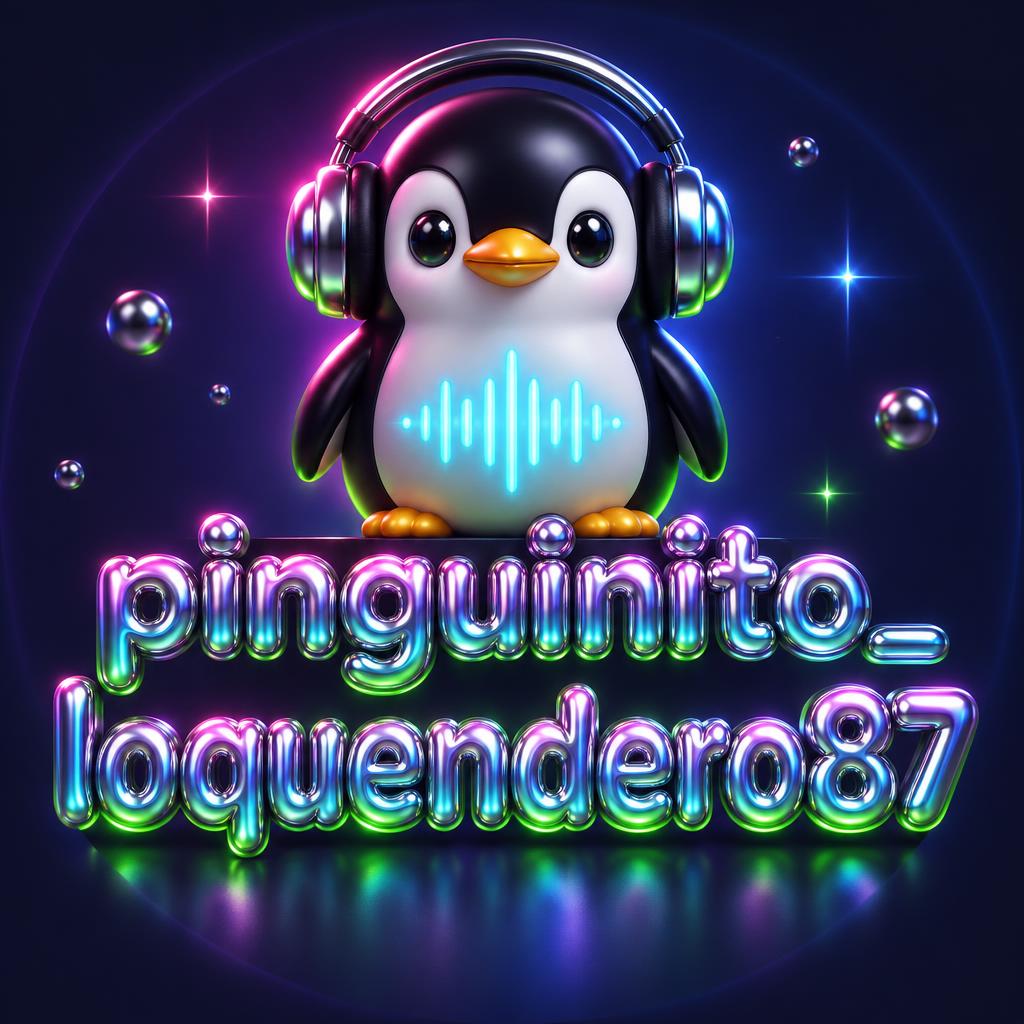
pinguinito_
loquendero87
How this one was made
StyleY2K
AI fontY2K Chrome Bubble
Size1:1 · 1024 × 1024 px, square
More like this
Made on FontVibe
Start from a design

Ideas for your channel logo

Every one was made with FontVibe. Use a design and swap in your own words.
44 of 44 designs
"pinguinito_
loquendero87" — Y2k | AI Text Effect Generator
“pinguinito_ loquendero87”
Y2K (DIY)
"ELY Entertainment" — Y2k | AI Text Effect Generator
“ELY Entertainment”
Emily Lanzafame
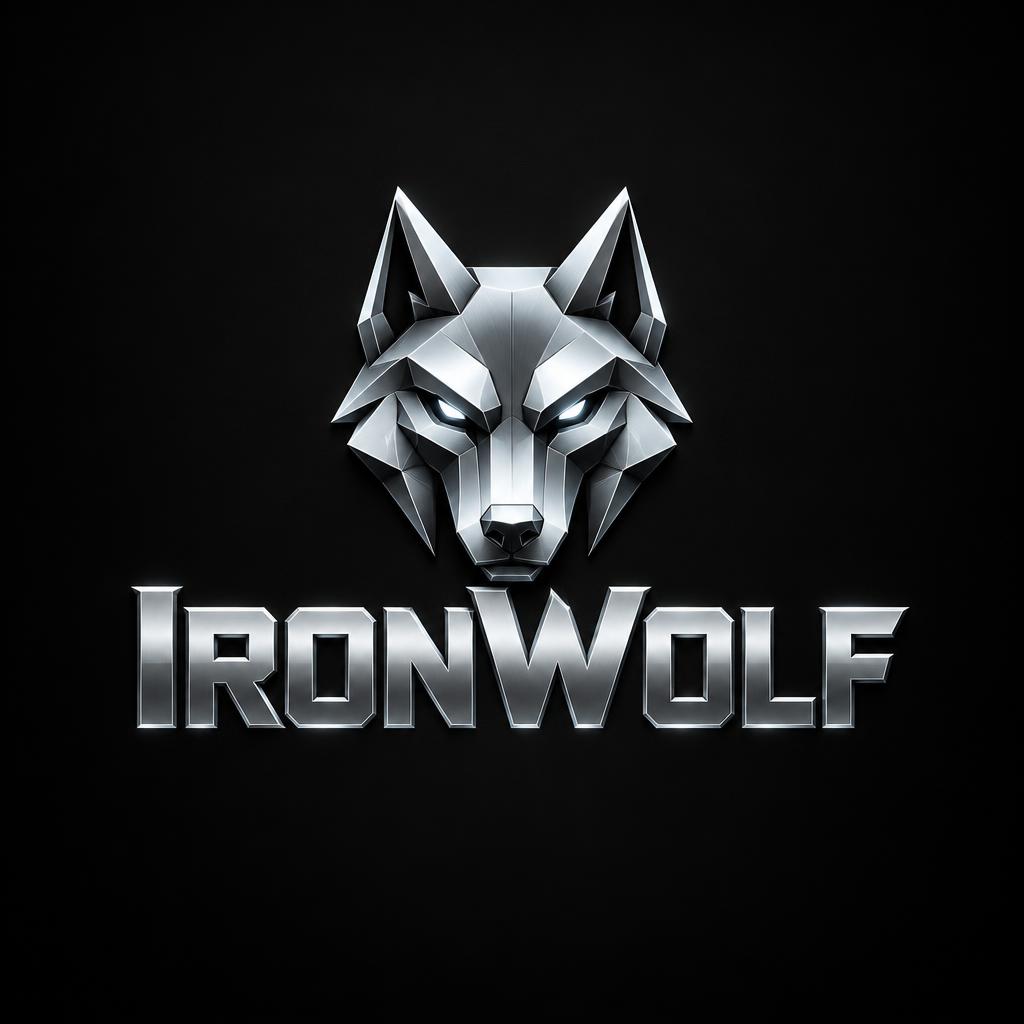
"IronWolf" — Precision Chrome | AI Text Effect Generator
“IronWolf”
FontVibe
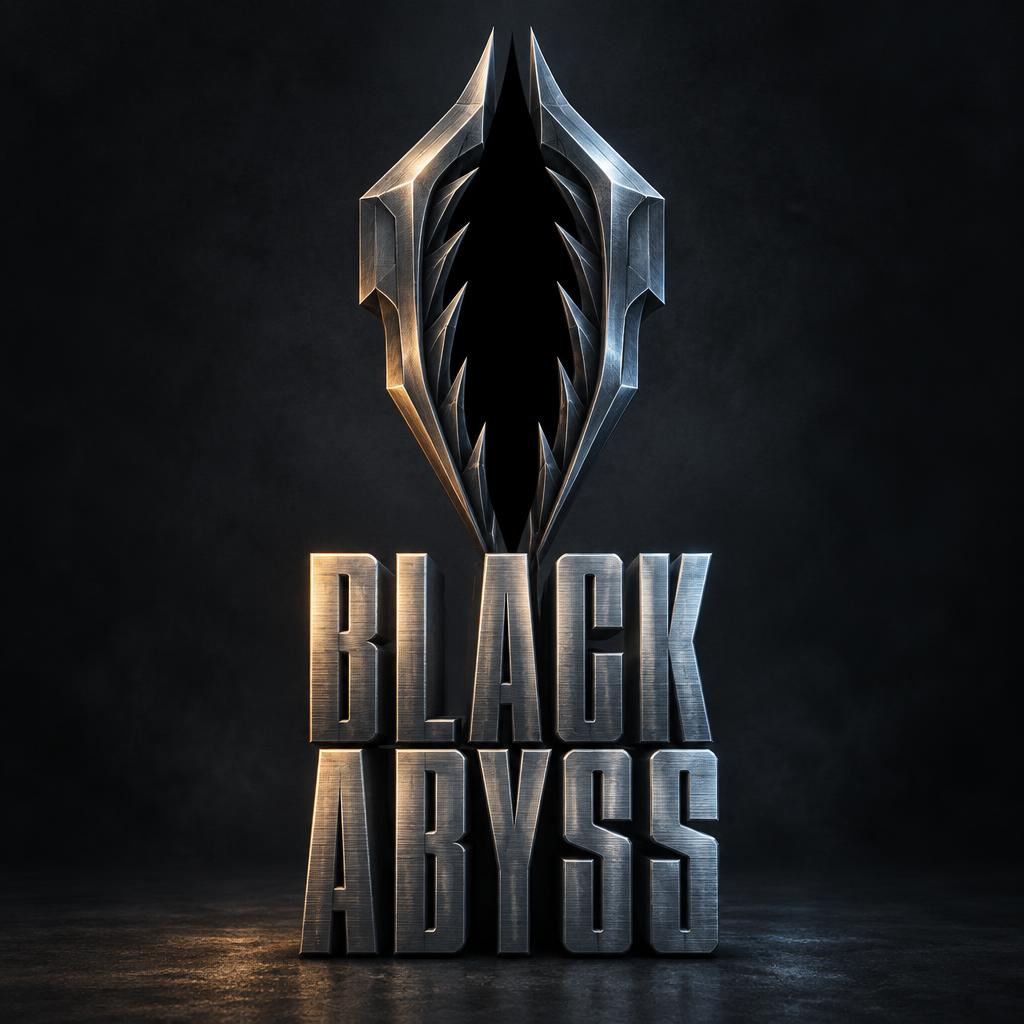
"BLACK ABYSS" — Metallic | AI Text Effect Generator
“BLACK ABYSS”
Metallic (DIY)
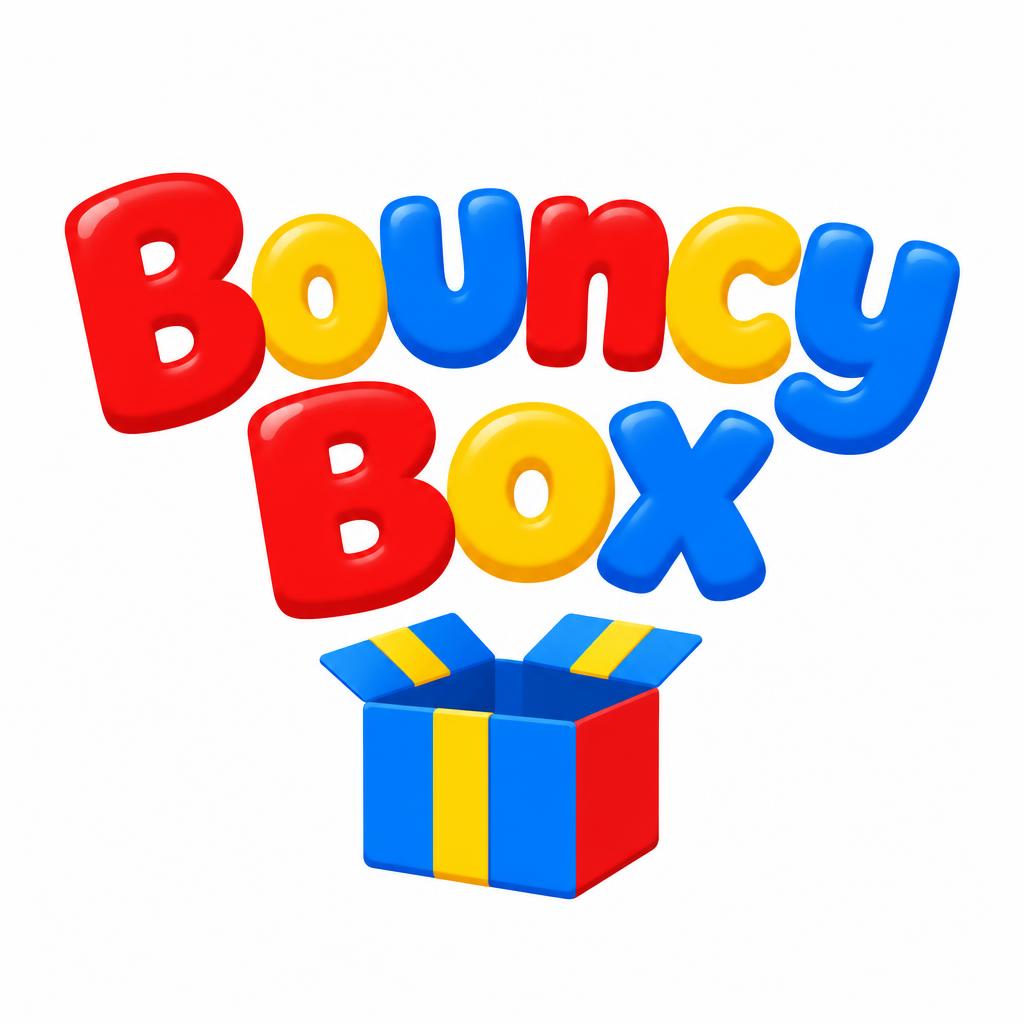
"Bouncy Box" — Toy Enamel Pop | AI Text Effect Generator
“Bouncy Box”
FontVibe
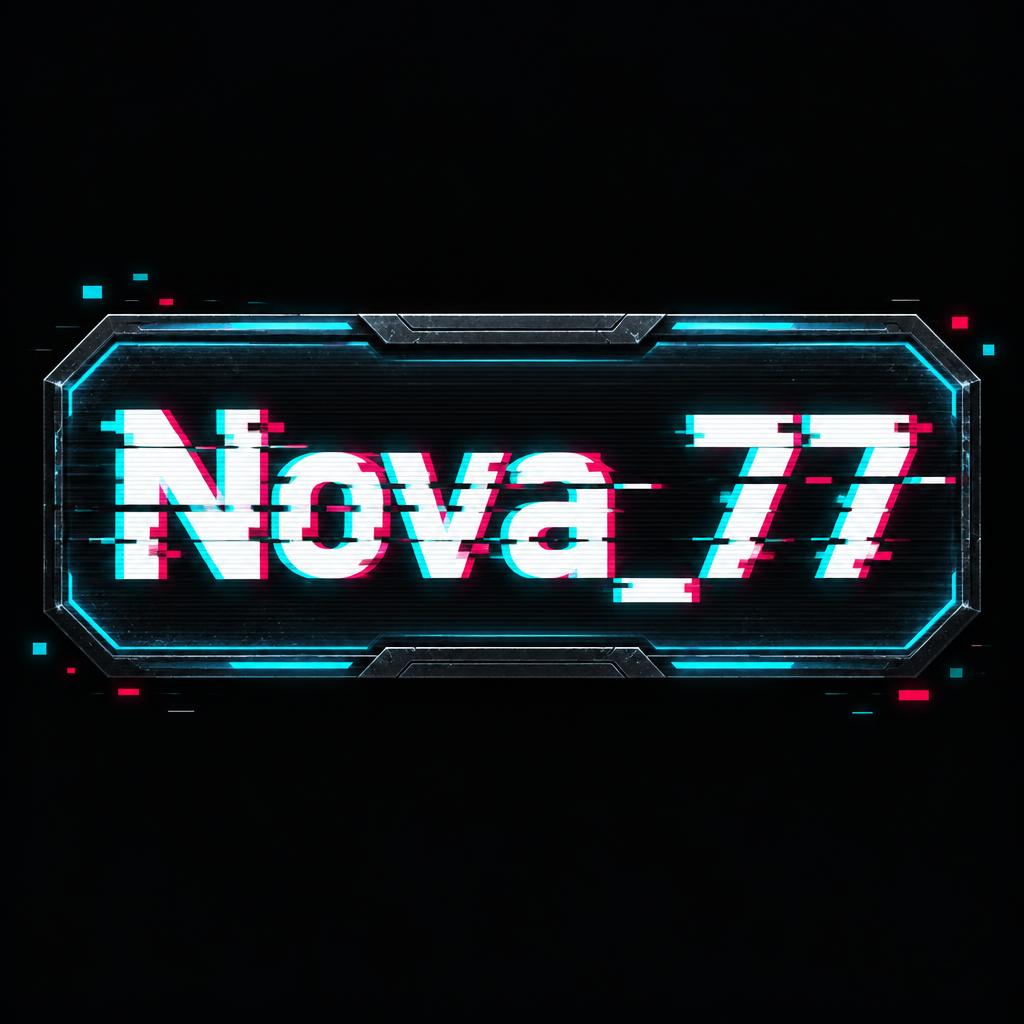
"Nova_77" — Glitch | AI Text Effect Generator
“Nova_77”
Glitch (DIY)
"IronWolf" — Cut Chrome | AI Text Effect Generator
“IronWolf”
FontVibe
"Golden Bulls
TRADING COMMUNITY" — 3d Bold Gold | AI Text Effect Generator
“Golden Bulls TRADING COMMUNITY”
Gold 3D (DIY)
"Smoke & Ember" — Enseigne De Barbecue | AI Text Effect Generator
“Smoke & Ember”
FontVibe
"KV" — Cyberpunk | AI Text Effect Generator
“KV”
Cyberpunk (DIY)
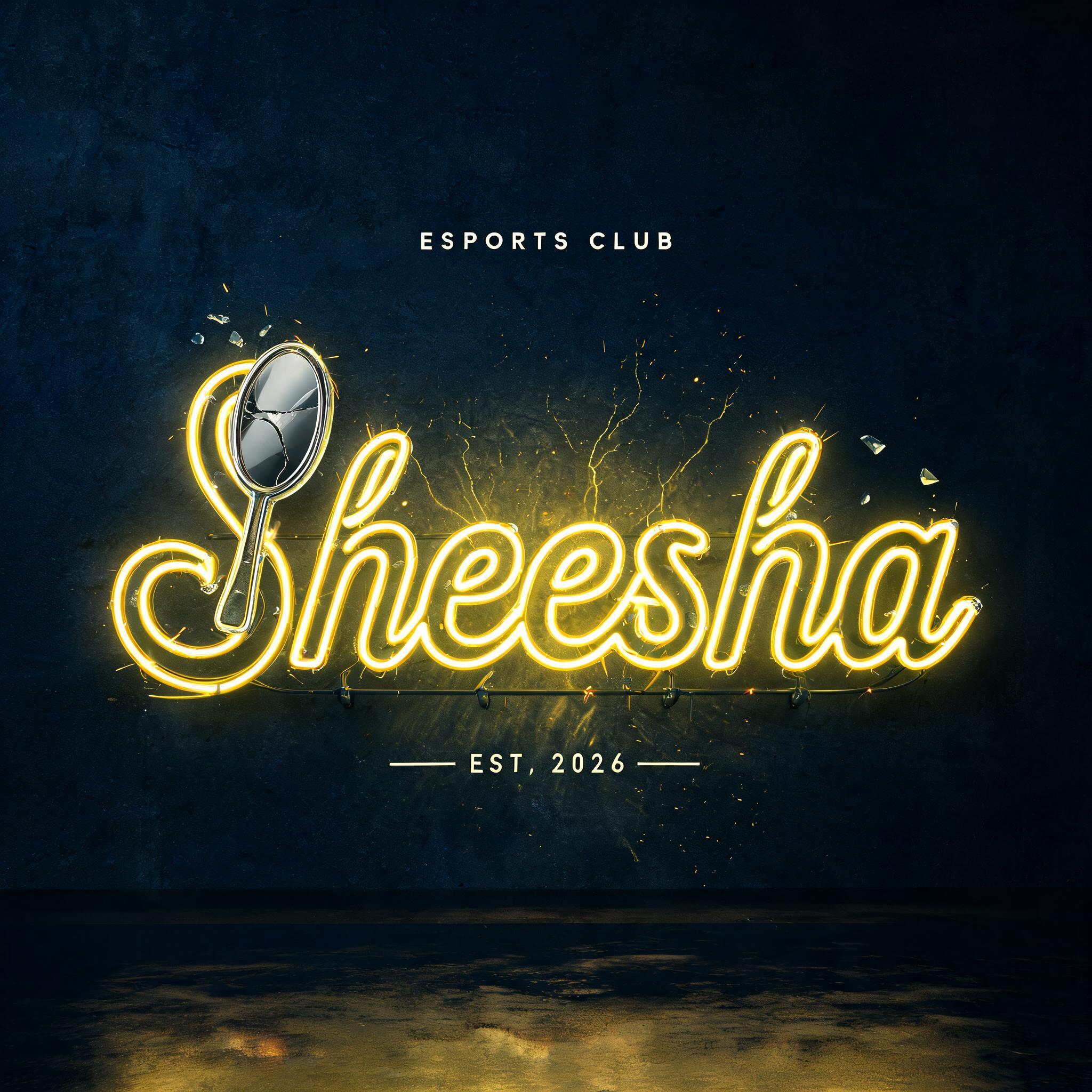
"I need an esports team logo for Sheesha 🪞 💛 with yellow color electric neon edges" — Neon Glow | AI Text Effect Generator
“I need an esports team logo for Sheesha 🪞 💛 with yellow color electric neon edges”
Neon Glow (DIY)
"TELAMON" — Pixel Art | AI Text Effect Generator
“TELAMON”
Pixel Art (DIY)
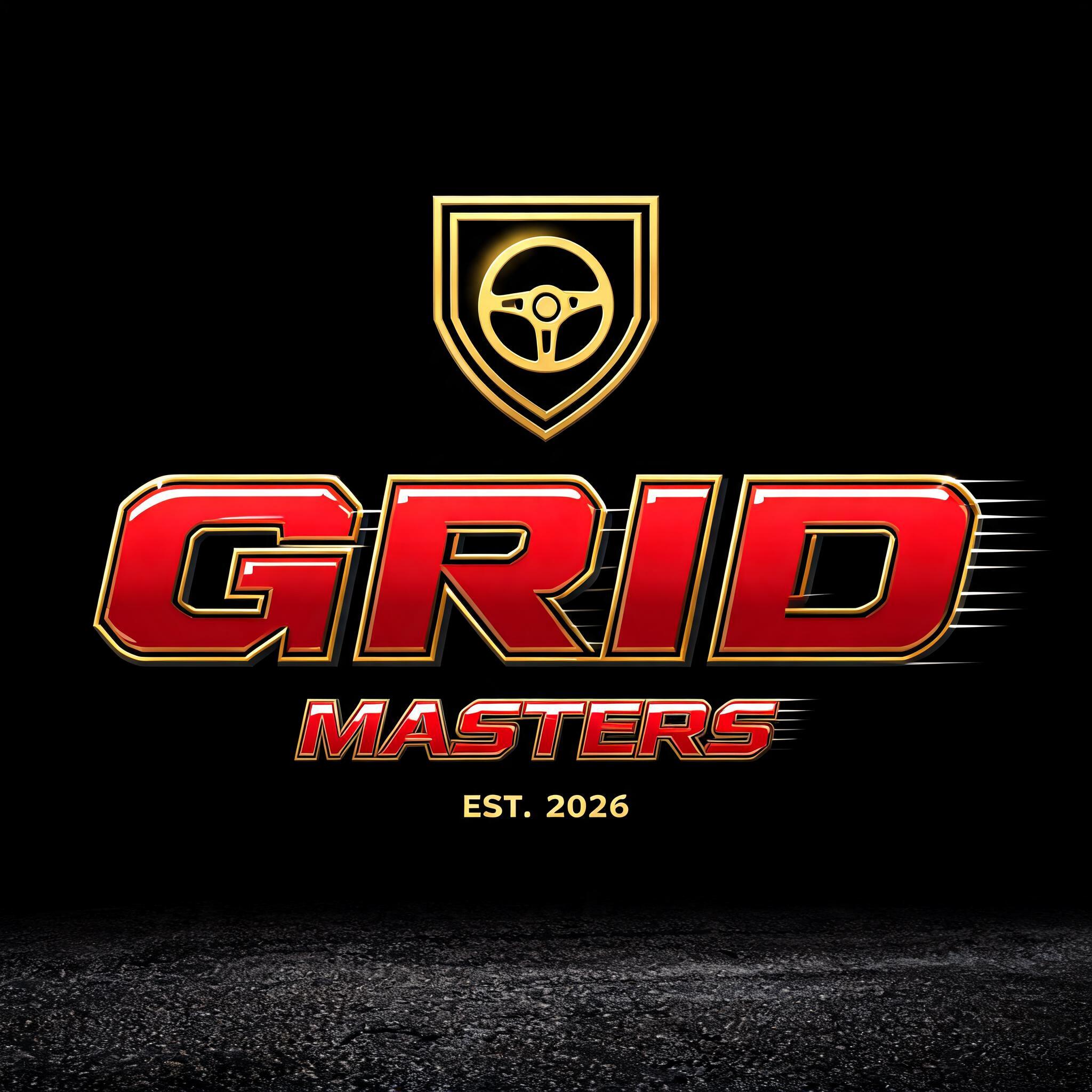
"Design an esports logo for the sim-racing team Grid Masters" — Racing | AI Text Effect Generator
“Design an esports logo for the sim-racing team Grid Masters”
Racing (DIY)
"HungNamYT" — Glitch | AI Text Effect Generator
“HungNamYT”
Hà Nguyễn
"JAN_Editz" — Metallic | AI Text Effect Generator
“JAN_Editz”
Faizan Khan
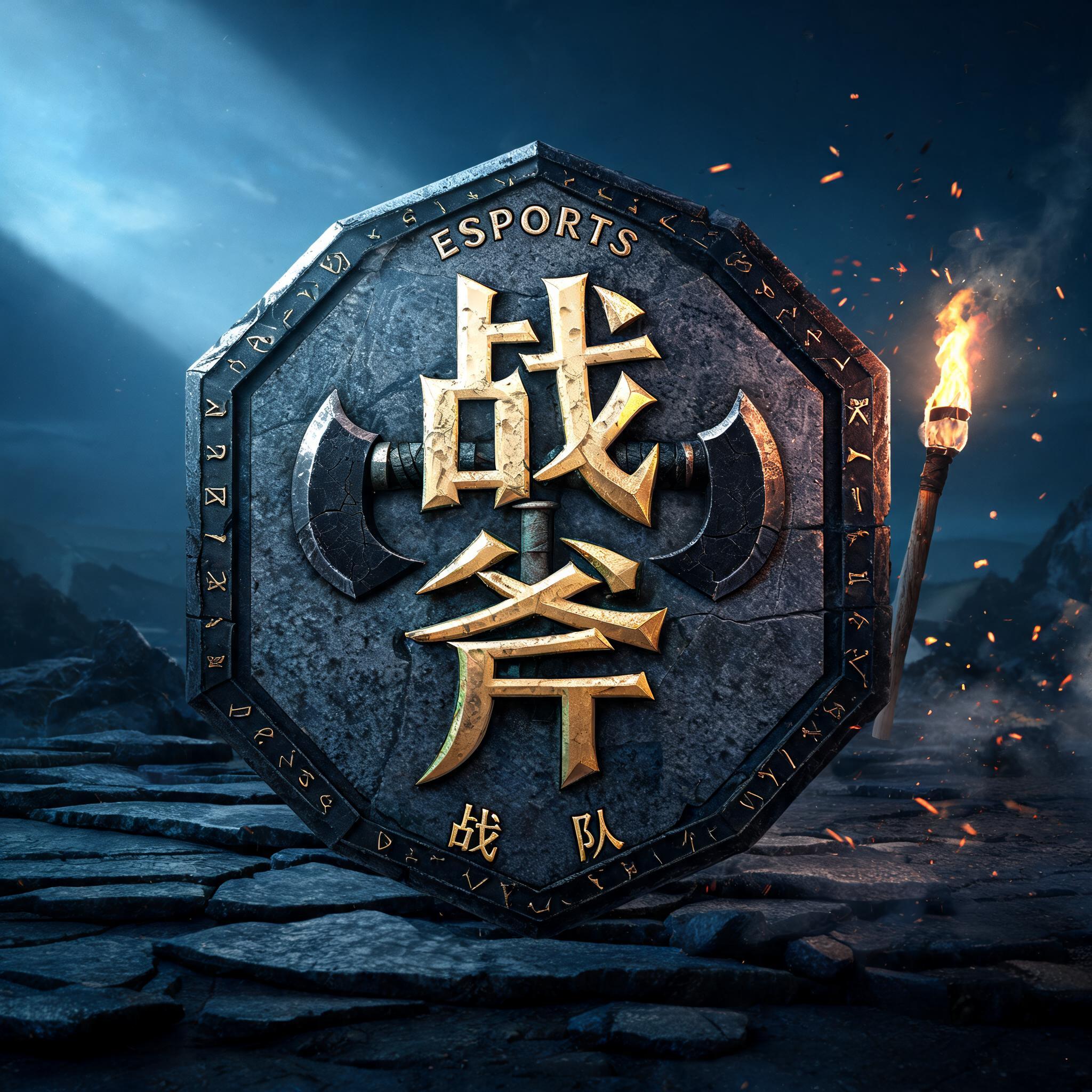
"战斧
ESPORTS
战队" — Viking | AI Text Effect Generator
“战斧 ESPORTS 战队”
jack
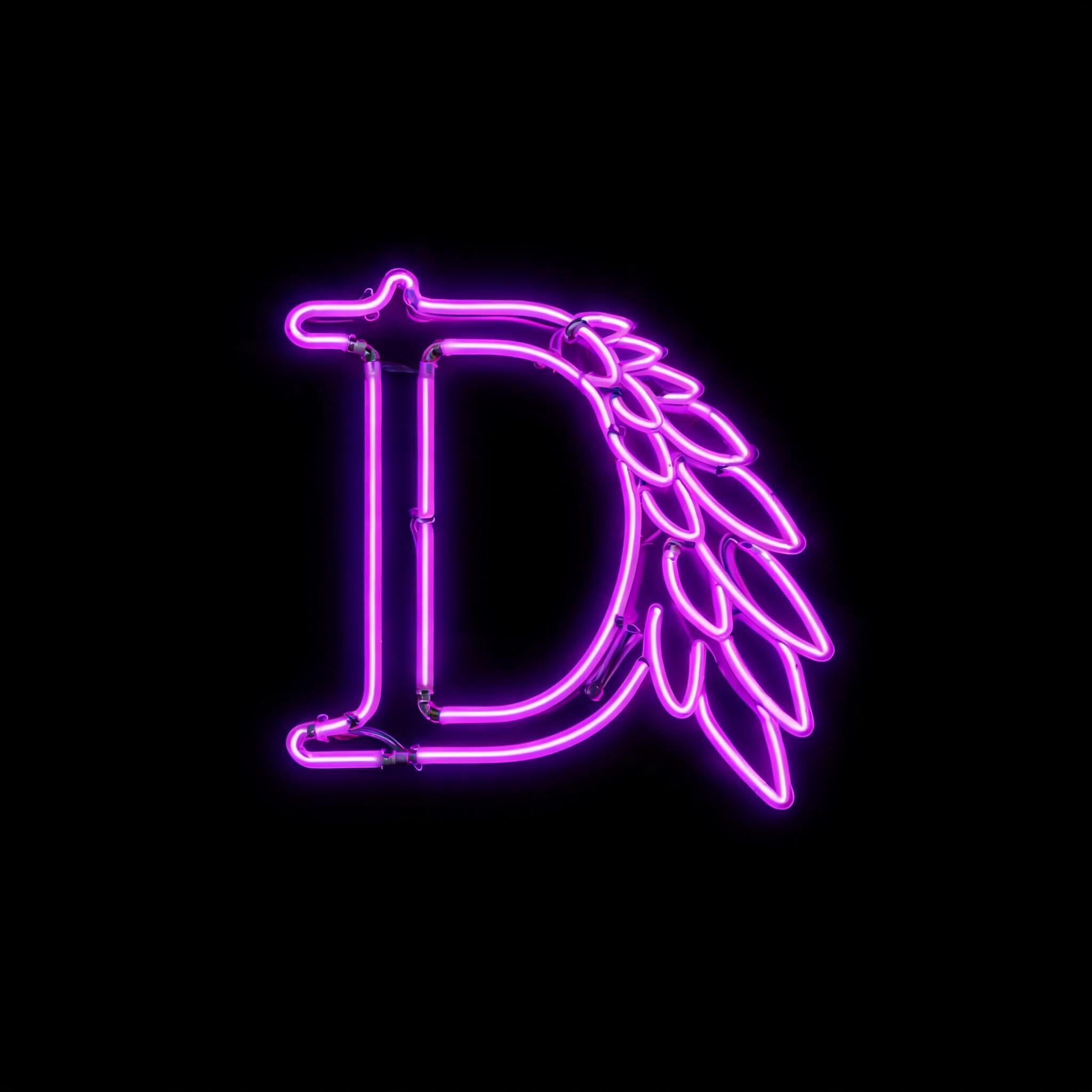
"A glowing neon letter D styled as a sharp cyber feather wing, vibrant dark purple and electric violet light, sleek gaming avatar design, futuristic cyberpunk aesthetic, high-contrast intense bloom effect, completely solid pitch-black background, high" — Neon Sign | AI Text Effect Generator
“A glowing neon letter D styled as a sharp cyber feather wing, vibrant dark purple and electric violet light, sleek gaming avatar design, futuristic cyberpunk aesthetic, high-contrast intense bloom effect, completely solid pitch-black background, high”
WORKMOD
"Mochi Moon" — Pastel Vector Mark | AI Text Effect Generator
“Mochi Moon”
FontVibe
"Kumo Cafe
COFFEE • CLOUDS • COZY STREAMS" — Kawaii | AI Text Effect Generator
“Kumo Cafe COFFEE • CLOUDS • COZY STREAMS”
FontVibe
"Synthkid" — 3d Bold Neon | AI Text Effect Generator
“Synthkid”
Neon Synthwave 3D (DIY)
"Glow by Amara" — Rose-Gold Foil | AI Text Effect Generator
“Glow by Amara”
FontVibe
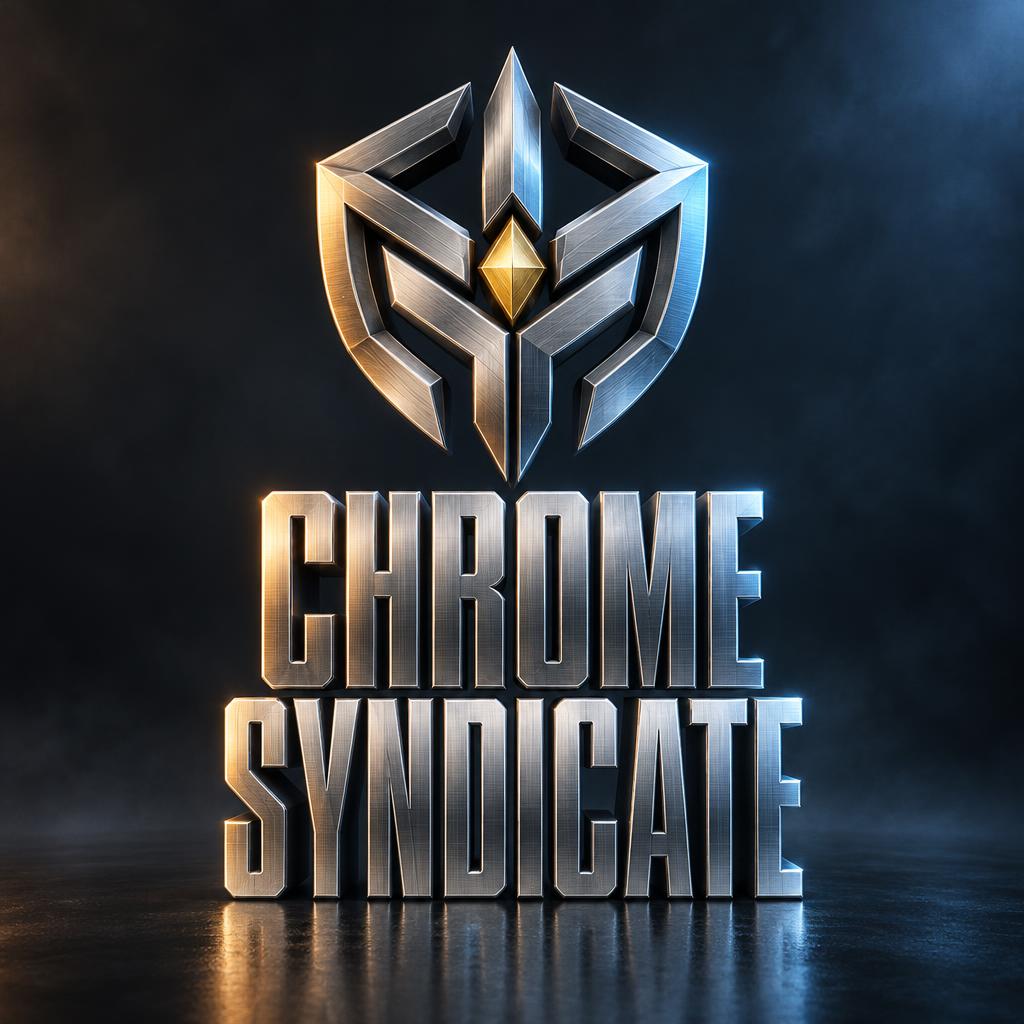
"CHROME SYNDICATE" — Metallic | AI Text Effect Generator
“CHROME SYNDICATE”
Metallic (DIY)
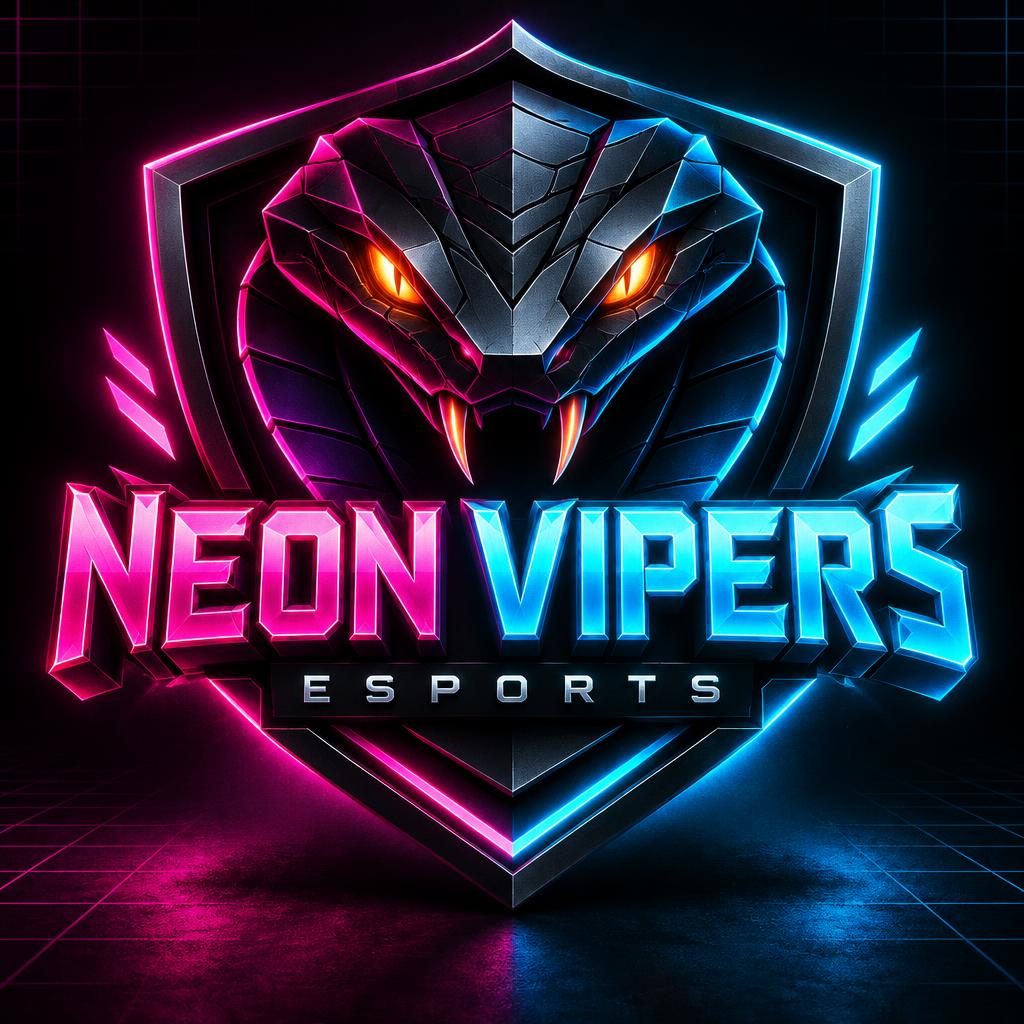
"NEON VIPERS
ESPORTS" — 3d Bold Neon | AI Text Effect Generator
“NEON VIPERS ESPORTS”
Neon Synthwave 3D (DIY)
"Side Quest Radio" — SéRigraphie RéTro | AI Text Effect Generator
“Side Quest Radio”
FontVibe
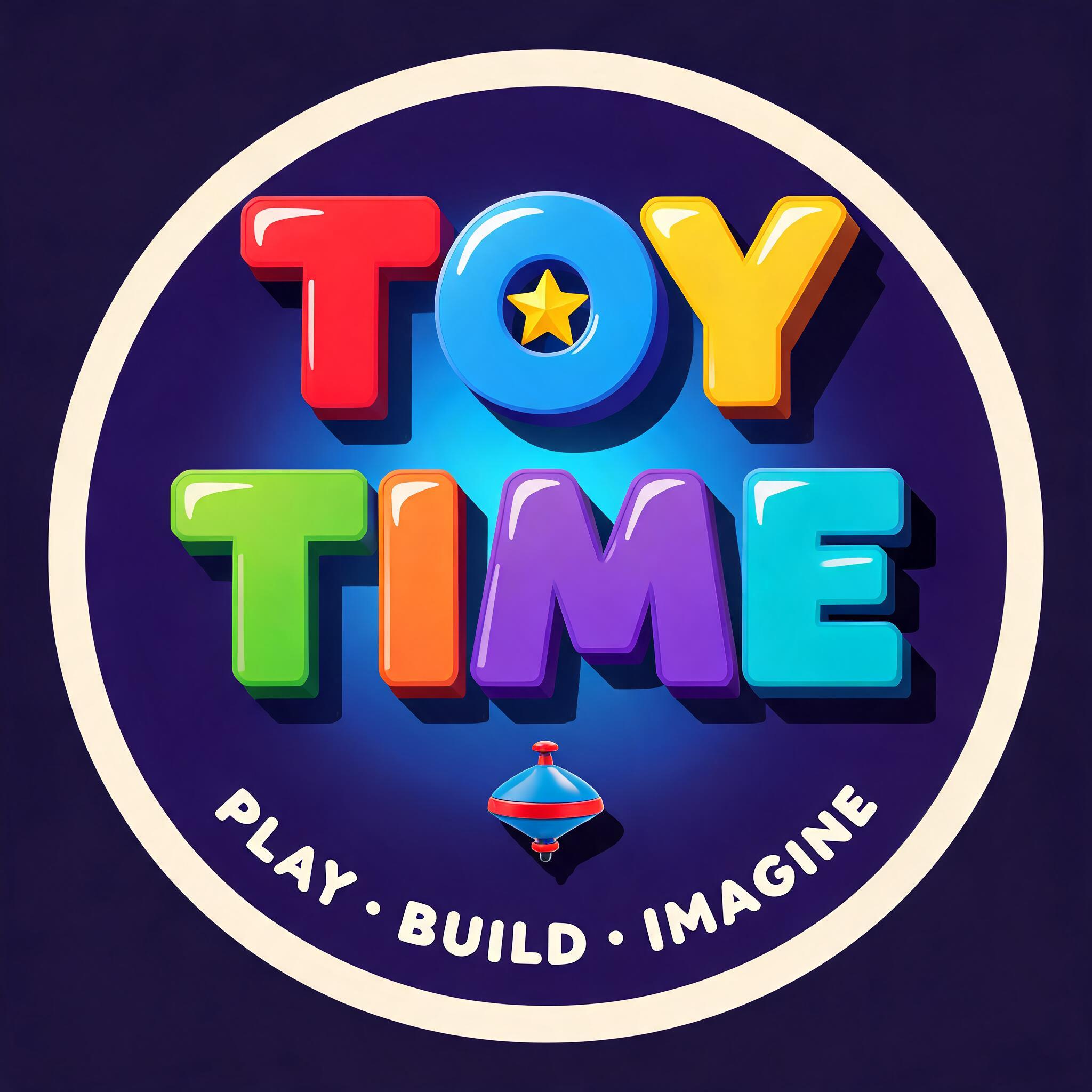
"Design a channel logo for my kids YouTube channel Toy Time" — 3d Bold | AI Text Effect Generator
“Design a channel logo for my kids YouTube channel Toy Time”
3D Bold (DIY)
"Make a clan tag logo for my gaming guild Ironshields" — Viking | AI Text Effect Generator
“Make a clan tag logo for my gaming guild Ironshields”
Viking (DIY)
"VIPER_X" — Glitch | AI Text Effect Generator
“VIPER_X”
Glitch
"ZXY CLAN" — Glitch | AI Text Effect Generator
“ZXY CLAN”
Glitch
"MimikiVR" — Anime | AI Text Effect Generator
“MimikiVR”
Anime
"CYBER CLUB" — Y2k | AI Text Effect Generator
“CYBER CLUB”
Crest North
"Make a gaming channel logo for my stream OVERDRIVE with chrome 3D" — Chrome Metal 3d | AI Text Effect Generator
“Make a gaming channel logo for my stream OVERDRIVE with chrome 3D”
Phillip Richmond
"GHOST UNIT" — Cyberpunk | AI Text Effect Generator
“GHOST UNIT”
Cyberpunk (DIY)
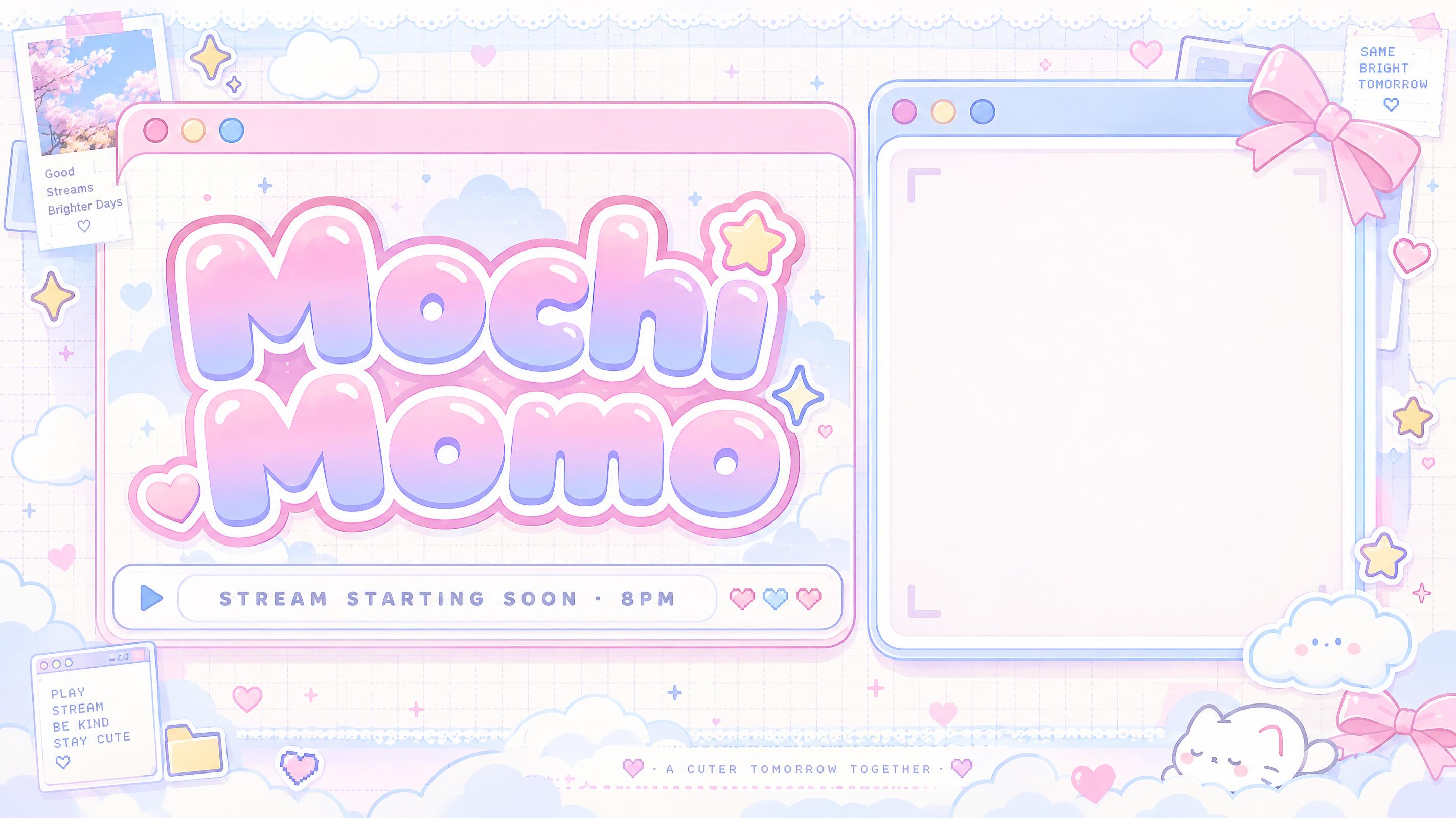
"Mochi Momo" — Kawaii | AI Text Effect Generator
“Mochi Momo”
FontVibe
"Mochi Moon" — Pastel Bubble Mark | AI Text Effect Generator
“Mochi Moon”
FontVibe
"Storm Hawk" — Angular Esports Mascot | AI Text Effect Generator
“Storm Hawk”
FontVibe
"Honey & Linen" — Minimal | AI Text Effect Generator
“Honey & Linen”
FontVibe
"Low Tide Beats" — Flat Coastal Mark | AI Text Effect Generator
“Low Tide Beats”
FontVibe
"BL" — GéOméTrie éLectrique | AI Text Effect Generator
“BL”
FontVibe
"Lift Daily" — Minimal | AI Text Effect Generator
“Lift Daily”
FontVibe
"CYBER
VIPERS
ESPORTS DIVISION" — Chrome Metal 3d | AI Text Effect Generator
“CYBER VIPERS ESPORTS DIVISION”
Chrome Metal 3D (DIY)
"OVERDRIVE
GAMING CHANNEL
@OVERDRIVE LIVE" — Chrome Metal 3d | AI Text Effect Generator
“OVERDRIVE GAMING CHANNEL @OVERDRIVE LIVE”
Chrome Metal 3D (DIY)
"Create a Discord server logo for my trading community Golden Bulls" — 3d Bold Gold | AI Text Effect Generator
“Create a Discord server logo for my trading community Golden Bulls”
Laurie Cunningham
"Can you do an esports logo for the team Chrome Runners" — Cyberpunk | AI Text Effect Generator
“Can you do an esports logo for the team Chrome Runners”
jojo badaiden
"Design an esports team logo for Chrome Syndicate" — Metallic | AI Text Effect Generator
“Design an esports team logo for Chrome Syndicate”
Metallic (DIY)
Wording

What to write on your channel logo

Line by line, with a rule and examples for each. Tap a line to add it to your brief.

Channel name

The name is the logo. Spell it exactly as on your channel, and keep it short enough to read at watermark size.

Sources: YouTube Help — Tips for your channel banner and profile picture

Monogram or initials

For a long name, one or two initials make a mark that still reads at 98 px as a profile picture.

Sources: YouTube Help — Manage your channel's branding

Tagline (optional)

A few words under the name for intros and merch; leave it out of the watermark version.

More for Channel

Make the rest of your Channel set

Same look, every format — each one opens its own maker. All Channel →

YouTube channel bannerYouTube channel banner22 designs · 2848 × 1600 px, 16:9Channel
YouTube thumbnailYouTube thumbnail43 designs · 1824 × 1024 px, 16:9Channel
channel logochannel logoYou’re hereChannel
profile pictureprofile picture14 designs · 1024 × 1024 px, squareChannel
Discord bannerDiscord banner21 designs · Server banner 16:9 or profile banner wide stripChannel
Twitch emoteTwitch emote17 designs · 1024 × 1024 px, squareChannel
Twitch bannerTwitch banner16 designs · 2384 × 1024 px, 21:9Channel
stream overlay screenstream overlay screen39 designs · 1824 × 1024 px, 16:9Channel
YouTube end screenYouTube end screen14 designs · 1824 × 1024 px, 16:9Channel
Twitch panelTwitch panel13 designs · 2384 × 1024 px, wide headerChannel
YouTube fontYouTube font72 designs · Fits your wordsChannel
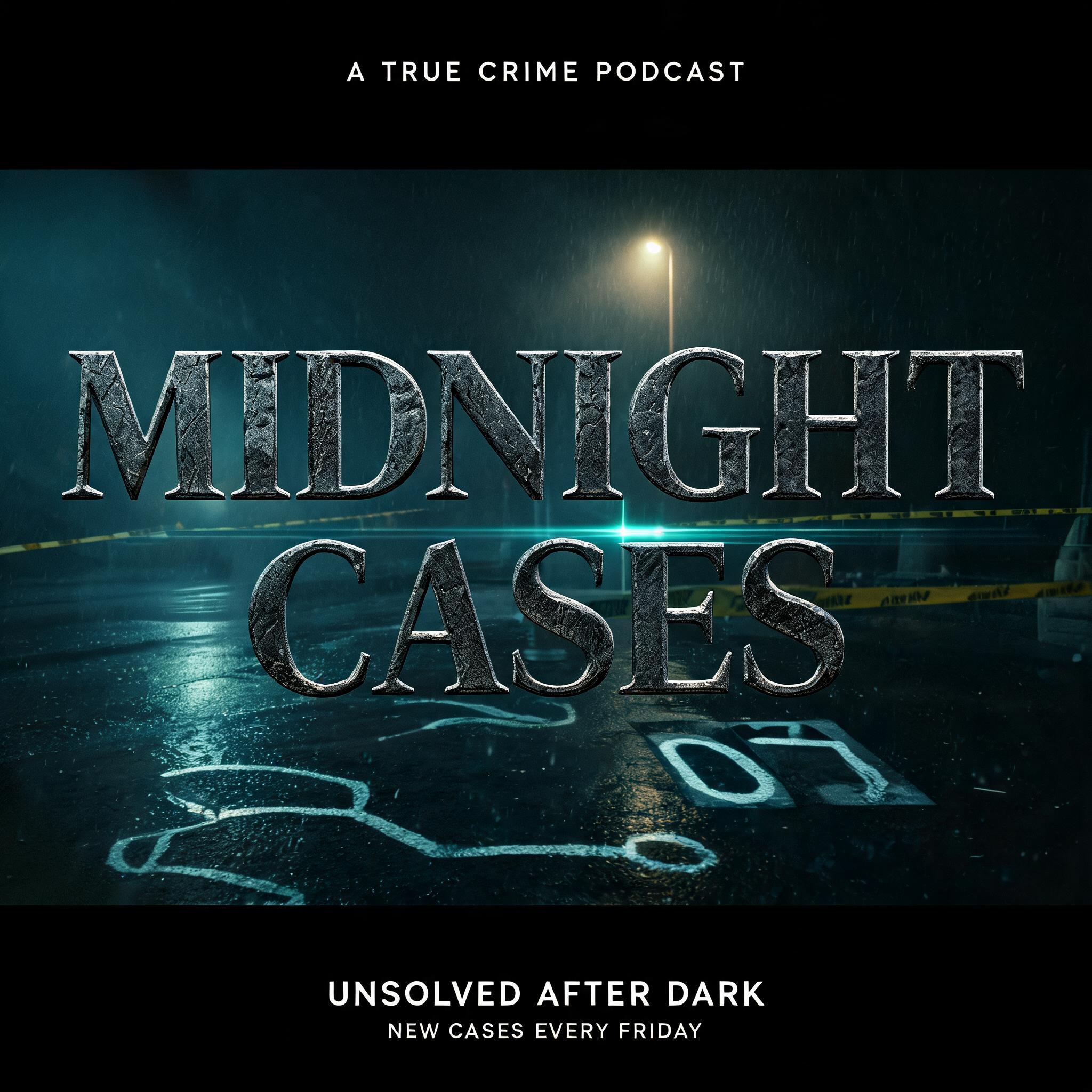
podcast coverpodcast cover21 designs · 2048 × 2048 px, squareChannel
stream backgroundstream background14 designs · 1824 × 1024 px, 16:9Channel
AI fonts & styles

AI fonts & styles for your channel logo

Every AI style and AI font tuned for Channel. Use one above, or open it to see everything made with it.

AI styles 10Browse all styles→

Esports
Esports
Try →
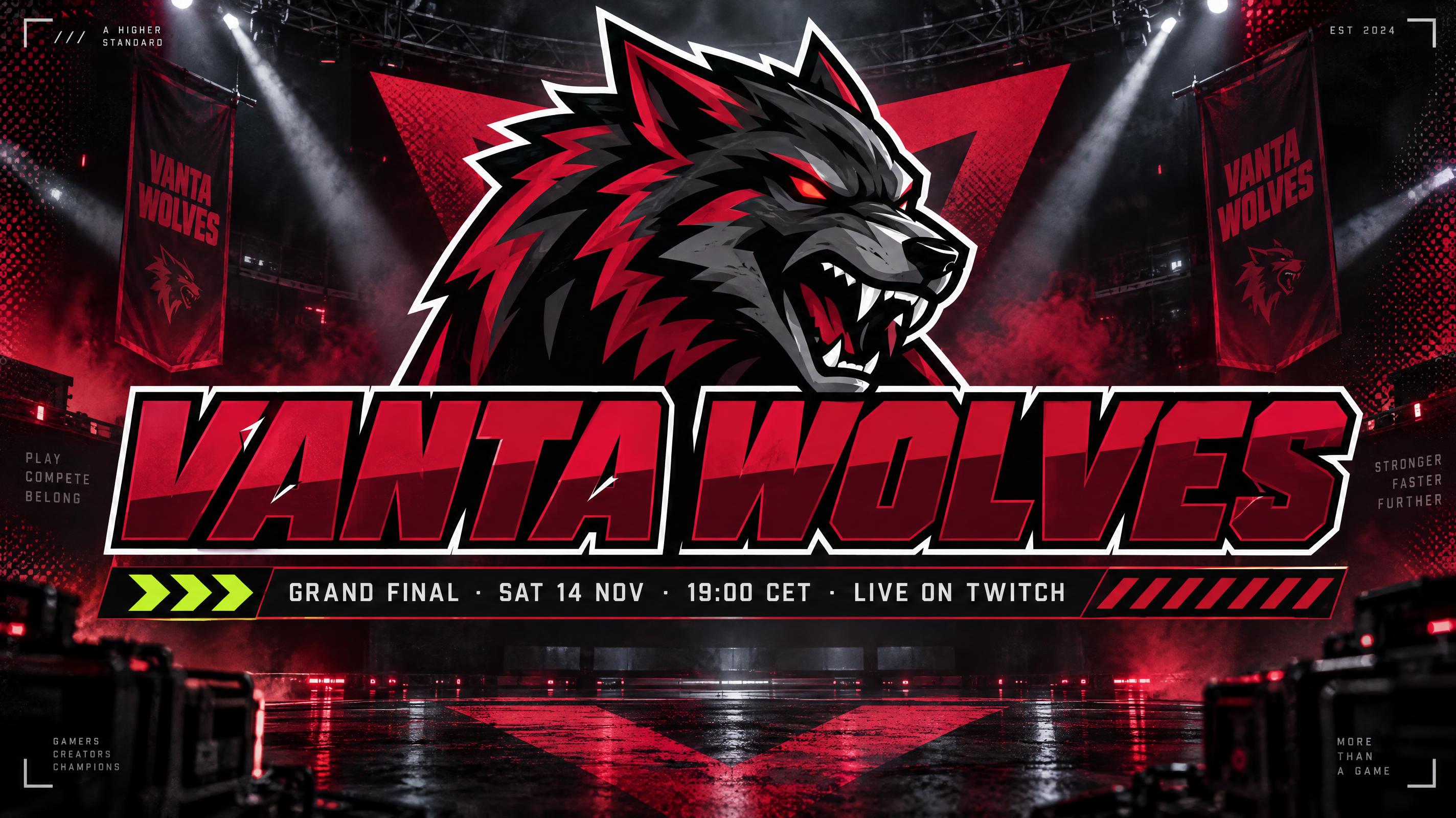
Flat slash-cut panels with a title plate and info bar, dark arena rim light, one team colour plus one acid accent, film grain and halftone edges.
Kawaii
Kawaii
Try →
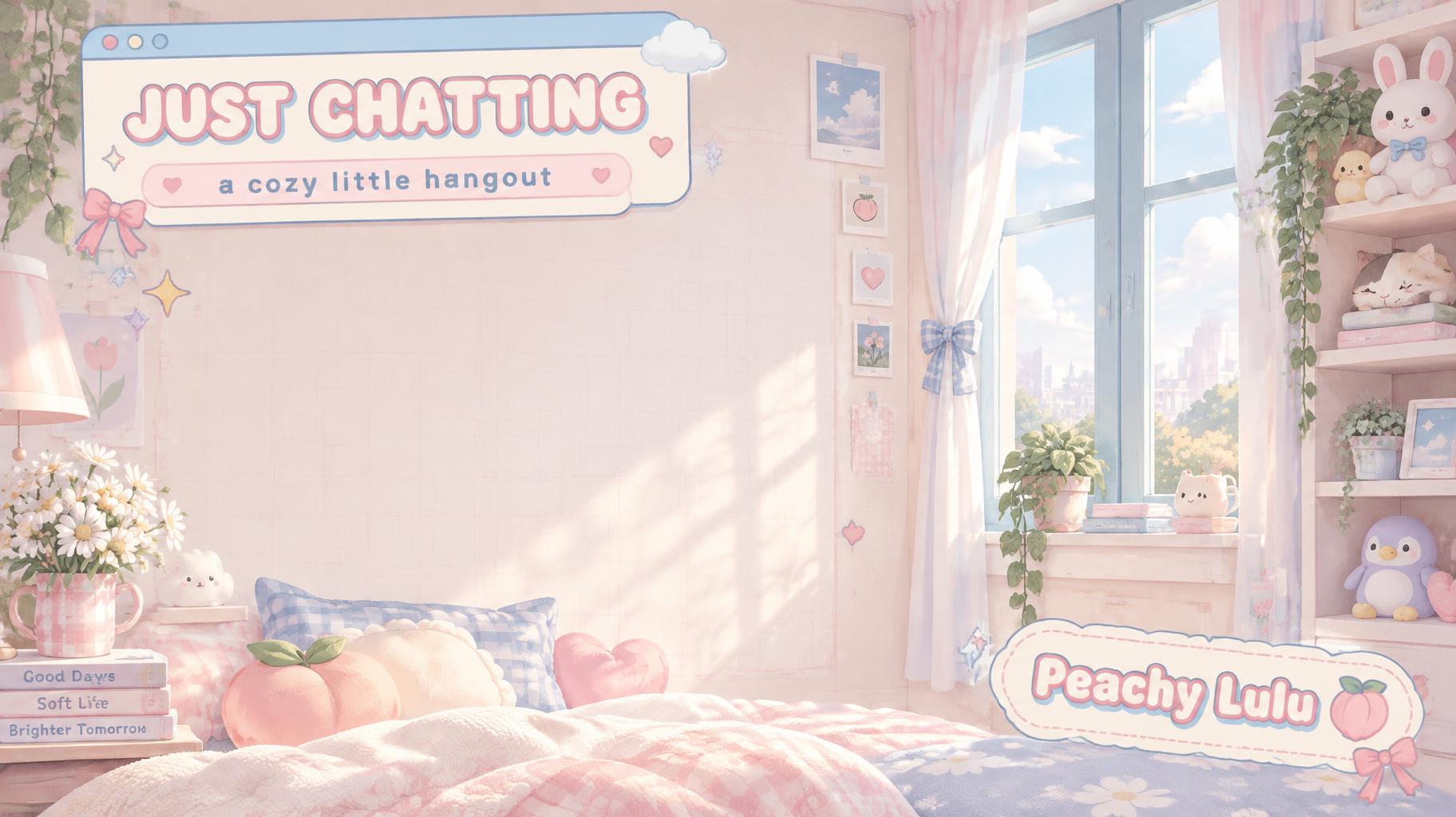
Rounded retro computer windows with a slim info bar, scattered heart and sparkle stickers, soft daylight, a cream base with two pastels, grid paper and lace.
Movie & Film
Movie & Film
Try →
Monumental movie-title capitals in warm gold metal, rim-lit by a low sun with lens flare, floating over a vast mountain landscape at golden hour.
Film Title DesignYouTube ThumbnailsEvent PostersCinematic Social ContentStreaming Channel ArtProduction Branding
Cyberpunk
Cyberpunk
Try →
Chrome block capitals with magenta and cyan color fringing, horizontal glitch slices and scanlines, glowing over a rainy neon megacity at night.
Cyberpunk Games & StreamingElectronic & Dark MusicTech & Startup BrandingSci-Fi Film & FictionCyberpunk MerchandiseSocial Media
Pixel Art
Pixel Art
Try →
Blocky 8-bit pixel capitals glowing amber-orange on a curved CRT arcade screen, with scanlines, phosphor bloom and a small INSERT COIN line.
Indie Game TitlesRetro Gaming ContentFan Art & CommunityGaming MerchandiseChiptune & Game MusicSocial Media
Anime
Anime
Try →
Shounen manga title lettering: heavy hand-inked black outlines, flat cel shading split into hard highlight and shadow bands, slanted dynamic letters on white with radiating speed lines.
Gaming & EsportsFan Art & DoujinJ-Pop & Anime MusicOtaku MerchandiseSocial MediaDigital Products
Comic Book
Comic Book
Try →
Bold comic book action typography with halftone dots, speed lines, pow/bam burst effects and classic superhero lettering style.
Comic Con & Fan EventsAction Games & GamingSuperhero Birthday PartiesPop Culture MerchandiseEditorial & AdvertisingSocial Media
Synthwave
Synthwave
Try →
Chrome capitals striped with a pink-to-cyan sunset reflection and neon edge glow, over a neon grid highway with a striped retro sun and mountains.
Electronic Music ReleasesRetro Gaming & Game DevSci-Fi & Retro EventsRetrowave MerchandiseLo-fi & Chill ContentSocial Media
Y2K
Y2K
Try →
Year 2000 nostalgia aesthetics — chrome bubbles, holographic gradients, liquid metal, and bubbly pink. The signature visual language of the early internet era.
Y2K Social AestheticsPop Music BrandingNostalgia MerchRetro Brand IdentityRetro Gaming VibesEditorial Photography
Minimal
Minimal
Try →
Dark grey geometric sans with generous spacing and a single hairline rule beneath, flat and matte on an almost empty off-white ground.
Brand IdentityPremium PackagingEditorial & PrintWeb & App UIWedding & EventsSocial Media

AI fonts 25Browse all AI fonts→

Esports Gaming — AI font style
View Details →

Esports Gaming

DisplayblackAI
Geometric
VTuber Idol — AI font style
View Details →

VTuber Idol

DisplayboldAI
FriendlyRounded
Cartoon Emote — AI font style
View Details →

Cartoon Emote

DisplayblackAI
Friendly
Kawaii Emote — AI font style
View Details →

Kawaii Emote

DisplayboldAI
FriendlyRounded
Kawaii Pixel — AI font style
View Details →

Kawaii Pixel

DisplayboldAI
Y2K ★RetroRounded
YouTube Impact — AI font style
View Details →

YouTube Impact

DisplayblackAI
FriendlyGeometric
Cinematic Modern — AI font style
View Details →

Cinematic Modern

Sans Serifblack
Cinematic ★Clean
Neon Glow Pulse — AI font style
View Details →

Neon Glow Pulse

DisplayboldAI
Cyberpunk ★Neon ★
3D Chrome Bevel — AI font style
View Details →

3D Chrome Bevel

DisplayboldAI
3D ★Metallic ★
Sticker Outline — AI font style
View Details →

Sticker Outline

Displayblack
FriendlyRounded
Bubble Rounded — AI font style
View Details →

Bubble Rounded

Displayblack
RoundedY2K ★
Manga Impact — AI font style
View Details →

Manga Impact

ExperimentalblackAI
Cinematic ★Rough
Cyber Glitch — AI font style
View Details →

Cyber Glitch

DisplayboldAI
Glitch ★Cyberpunk ★
Holographic Foil — AI font style
View Details →

Holographic Foil

DisplayblackAI
Holographic ★Metallic ★
3D Gold Luxury — AI font style
View Details →

3D Gold Luxury

DisplayblackAI
LuxuryMetallic ★
Fire Flame — AI font style
View Details →

Fire Flame

ExperimentalblackAI
Fire & Ice ★
Synthwave Chrome — AI font style
View Details →

Synthwave Chrome

DisplayboldAI
Neon ★RetroMetallic ★
Hero Chest Badge — AI font style
View Details →

Hero Chest Badge

ExperimentalblackAI
3D ★Cinematic ★Metallic ★
Runic Esports Edge — AI font style
View Details →

Runic Esports Edge

ExperimentalboldAI
GeometricNeon ★Futuristic
Condensed Impact — AI font style
View Details →

Condensed Impact

Sans Serifblack
Cinematic ★Clean
3D Bold Candy — AI font style
View Details →

3D Bold Candy

DisplayblackAI
3D ★Friendly
Y2K Chrome Bubble — AI font style
View Details →

Y2K Chrome Bubble

DisplayboldAI
Metallic ★RoundedY2K ★
Cinematic Epic — AI font style
View Details →

Cinematic Epic

Serifbold
Cinematic ★Luxury
Neon Sign Tube — AI font style
View Details →

Neon Sign Tube

DisplayAI
Glass ★Neon ★Retro
Slab Impact Heavy — AI font style
View Details →

Slab Impact Heavy

Slab Serifblack
Cinematic ★Rough
Good to know

Checklist & sizes for your channel logo

Before you make a channel logo

  1. 1Your channel name, spelled exactly
  2. 2Wordmark, monogram or mascot: pick one
  3. 3Two or three colors that match your banner
  4. 4A plain background, so it sits on video and merch
  5. 5It must read at 150 × 150 px, the minimum YouTube watermark size
  6. 6Want a see-through background? Turn on Transparent (paid plans)

Sources: YouTube Help — Manage your channel's branding

Sizes and pixels

UseAspectPixels
YouTube video watermark1:1at least 150 × 150, under 1 MB
YouTube profile picture (shown at)1:198 × 98
This page (1K)1:11024 × 1024
2K in the creation space1:12048 × 2048

A YouTube watermark must be a square image of at least 150 × 150 px and under 1 MB. The 1024 × 1024 logo here covers that; for merch or large prints, open the design in the creation space and make it at 2K, 2048 × 2048.

Test it at watermark size

Shrink your logo to the size of a coin on screen. If the name blurs, use a monogram for small places and keep the full wordmark for banners and merch.

BYTE LABMonogram: BL✕ effect on the details
BYTE LABMonogram: BL✓ effect on the title only
Browse by tag

Tags in channel logo

Every tag used on this page — each opens the designs, fonts and styles that share it.

Scene
Channel›
Made as
Logo›
Occasion
Vlog›Music channel›Podcast›
Look
Bold›Futuristic›Sporty›Cyberpunk›Minimal›Digital›Kawaii›Luxury›Retro›Y2K›Natural›Vintage›80s›Anime›Gothic›Retro gaming›Synthwave›
Colors
Black›Blue›Pink›Gray›Purple›Gold›Silver›White›Yellow›Cream›Pastel›Red›Cyan›Green›Brown›Orange›Rainbow›Teal›
FAQ

Questions

Yes. A free account gets 30 credits a day, up to 200 a month, and one logo on this page costs 15 credits, so you can make two a day for free. It comes out as a 1024 × 1024 PNG.
Yes, on paid plans: turn on Transparent before you generate and download a PNG, with no extra credits. Free plans download the logo on a plain background.
Yes. YouTube asks for a square image of at least 150 × 150 px under 1 MB. Your logo is a 1024 × 1024 PNG; a transparent one sits best over video.
No. You get a high-resolution PNG image, not a vector, SVG or editable source file.
Yes. FontVibe includes free commercial use on all plans. For large prints, make it at 2K in the creation space first.
The logo is your mark for everything: watermark, banner, merch. The profile picture is cropped to a small circle, so it often uses just the initials. Use the Profile picture page for that.
Yes. Tell FontVibe in chat what to change, such as a color or a letter; only that part is redrawn.
No. You get a finished PNG image of your logo, not an editable template file or a font.
How it works

How to make your channel logo on FontVibe

  1. 1Write the detailsType the headline, names, date, time and place — the exact words you want on your design.
  2. 2Pick a lookChoose one of 10 Channel styles and 25 AI fonts, or leave both on Auto.
  3. 3Generate and checkFontVibe draws your words as part of the image. If a word is wrong, open Edit and say which word to change.
  4. 4DownloadSave a PNG or JPG and print it at PNG logo for a channel: video watermark, profile picture, intros and merch.
You getA PNG or JPG image with your text drawn in
Size1:1 · 1024 × 1024 px, square
PrintPNG logo for a channel: video watermark, profile picture, intros and merch
BackgroundFull design, or transparent PNG
Free planFree credits every day — sign in to claim
Not includedEditable template files or installable font files

Make your channel logo now

Your words, the right size, ready to download.

Home›Channel›Channel logo
channel logo1024 × 1024 px, square · PNG
pinguinito_
loquendero87
320+ Channel designs made on FontVibeChange any word by chatRight size: 1024 × 1024 px, squareFree to start

YouTube & Gaming Logo Maker

Describe your channel and get a finished logo: your name in distinctive lettering, a monogram or a simple mascot, on a plain background so you can use it as a watermark, profile picture or on merch.

Style
AI font
Transparent Effect
✦ Transparent Effect
Generates a PNG with the background removed — only the text and its visual effects remain. The AI automatically selects the optimal background color for clean removal based on your style.
Output is always PNG for lossless transparency.
Start from a design

Ideas for your channel logo

Every one was made with FontVibe. Use a design and swap in your own words.
44 of 44 designs
"pinguinito_
loquendero87" — Y2k text effect
"ELY Entertainment" — Y2k text effect
"IronWolf" — Precision Chrome text effect
"BLACK ABYSS" — Metallic text effect
"Bouncy Box" — Toy Enamel Pop text effect
"Nova_77" — Glitch text effect
"IronWolf" — Cut Chrome text effect
"Golden Bulls
TRADING COMMUNITY" — 3d Bold Gold text effect
"Smoke & Ember" — Enseigne De Barbecue text effect
"KV" — Cyberpunk text effect
"I need an esports team logo for Sheesha 🪞 💛 with yellow color electric neon edges" — Neon Glow text effect
"TELAMON" — Pixel Art text effect
"Design an esports logo for the sim-racing team Grid Masters" — Racing text effect
"HungNamYT" — Glitch text effect
"JAN_Editz" — Metallic text effect
"战斧
ESPORTS
战队" — Viking text effect
"A glowing neon letter D styled as a sharp cyber feather wing, vibrant dark purple and electric violet light, sleek gaming avatar design, futuristic cyberpunk aesthetic, high-contrast intense bloom effect, completely solid pitch-black background, high" — Neon Sign text effect
"Mochi Moon" — Pastel Vector Mark text effect
"Kumo Cafe
COFFEE • CLOUDS • COZY STREAMS" — Kawaii text effect
"Synthkid" — 3d Bold Neon text effect
"Glow by Amara" — Rose-Gold Foil text effect
"CHROME SYNDICATE" — Metallic text effect
"NEON VIPERS
ESPORTS" — 3d Bold Neon text effect
"Side Quest Radio" — SéRigraphie RéTro text effect
"Design a channel logo for my kids YouTube channel Toy Time" — 3d Bold text effect
"Make a clan tag logo for my gaming guild Ironshields" — Viking text effect
"VIPER_X" — Glitch text effect
"ZXY CLAN" — Glitch text effect
"MimikiVR" — Anime text effect
"CYBER CLUB" — Y2k text effect
"Make a gaming channel logo for my stream OVERDRIVE with chrome 3D" — Chrome Metal 3d text effect
"GHOST UNIT" — Cyberpunk text effect
"Mochi Momo" — Kawaii text effect
"Mochi Moon" — Pastel Bubble Mark text effect
"Storm Hawk" — Angular Esports Mascot text effect
"Honey & Linen" — Minimal text effect
"Low Tide Beats" — Flat Coastal Mark text effect
"BL" — GéOméTrie éLectrique text effect
"Lift Daily" — Minimal text effect
"CYBER
VIPERS
ESPORTS DIVISION" — Chrome Metal 3d text effect
"OVERDRIVE
GAMING CHANNEL
@OVERDRIVE LIVE" — Chrome Metal 3d text effect
"Create a Discord server logo for my trading community Golden Bulls" — 3d Bold Gold text effect
"Can you do an esports logo for the team Chrome Runners" — Cyberpunk text effect
"Design an esports team logo for Chrome Syndicate" — Metallic text effect
Wording

What to write on your channel logo

Line by line, with a rule and examples for each. Tap a line to add it to your brief.

Channel name

The name is the logo. Spell it exactly as on your channel, and keep it short enough to read at watermark size.

Sources: YouTube Help — Tips for your channel banner and profile picture

Monogram or initials

For a long name, one or two initials make a mark that still reads at 98 px as a profile picture.

Sources: YouTube Help — Manage your channel's branding

Tagline (optional)

A few words under the name for intros and merch; leave it out of the watermark version.

More for Channel

Make the rest of your Channel set

Same look, every format — each one opens its own maker. All Channel →

YouTube channel bannerYouTube channel banner22 designs · 2848 × 1600 px, 16:9Channel
YouTube thumbnailYouTube thumbnail43 designs · 1824 × 1024 px, 16:9Channel
channel logochannel logoYou’re hereChannel
profile pictureprofile picture14 designs · 1024 × 1024 px, squareChannel
Discord bannerDiscord banner21 designs · Server banner 16:9 or profile banner wide stripChannel
Twitch emoteTwitch emote17 designs · 1024 × 1024 px, squareChannel
Twitch bannerTwitch banner16 designs · 2384 × 1024 px, 21:9Channel
stream overlay screenstream overlay screen39 designs · 1824 × 1024 px, 16:9Channel
YouTube end screenYouTube end screen14 designs · 1824 × 1024 px, 16:9Channel
Twitch panelTwitch panel13 designs · 2384 × 1024 px, wide headerChannel
YouTube fontYouTube font72 designs · Fits your wordsChannel
podcast coverpodcast cover21 designs · 2048 × 2048 px, squareChannel
stream backgroundstream background14 designs · 1824 × 1024 px, 16:9Channel
AI fonts & styles

AI fonts & styles for your channel logo

Every AI style and AI font tuned for Channel. Use one above, or open it to see everything made with it.

AI styles 10Browse all styles→

Esports
Esports30
Kawaii
Kawaii30
Movie & Film
Movie & Film8.3K
Cyberpunk
Cyberpunk750
Pixel Art
Pixel Art195
Anime
Anime531
Comic Book
Comic Book534
Synthwave
Synthwave237
Y2K
Y2K592
Minimal
Minimal157

AI fonts 25Browse all AI fonts→

Esports Gaming — AI font style

Esports Gaming

AI
Displayblack
Geometric
VTuber Idol — AI font style

VTuber Idol

AI
Displaybold
FriendlyRounded
Cartoon Emote — AI font style

Cartoon Emote

AI
Displayblack
Friendly
Kawaii Emote — AI font style

Kawaii Emote

AI
Displaybold
FriendlyRounded
Kawaii Pixel — AI font style

Kawaii Pixel

AI
Displaybold
Y2K ★RetroRounded
YouTube Impact — AI font style

YouTube Impact

AI
Displayblack
FriendlyGeometric
Cinematic Modern — AI font style

Cinematic Modern

Sans Serifblack
Cinematic ★Clean
Neon Glow Pulse — AI font style

Neon Glow Pulse

AI
Displaybold
Cyberpunk ★Neon ★
3D Chrome Bevel — AI font style

3D Chrome Bevel

AI
Displaybold
3D ★Metallic ★
Sticker Outline — AI font style

Sticker Outline

Displayblack
FriendlyRounded
Bubble Rounded — AI font style

Bubble Rounded

Displayblack
RoundedY2K ★
Manga Impact — AI font style

Manga Impact

AI
Experimentalblack
Cinematic ★Rough
Cyber Glitch — AI font style

Cyber Glitch

AI
Displaybold
Glitch ★Cyberpunk ★
Holographic Foil — AI font style

Holographic Foil

AI
Displayblack
Holographic ★Metallic ★
3D Gold Luxury — AI font style

3D Gold Luxury

AI
Displayblack
LuxuryMetallic ★
Fire Flame — AI font style

Fire Flame

AI
Experimentalblack
Fire & Ice ★
Synthwave Chrome — AI font style

Synthwave Chrome

AI
Displaybold
Neon ★RetroMetallic ★
Hero Chest Badge — AI font style

Hero Chest Badge

AI
Experimentalblack
3D ★Cinematic ★Metallic ★
Runic Esports Edge — AI font style

Runic Esports Edge

AI
Experimentalbold
GeometricNeon ★Futuristic
Condensed Impact — AI font style

Condensed Impact

Sans Serifblack
Cinematic ★Clean
3D Bold Candy — AI font style

3D Bold Candy

AI
Displayblack
3D ★Friendly
Y2K Chrome Bubble — AI font style

Y2K Chrome Bubble

AI
Displaybold
Metallic ★RoundedY2K ★
Cinematic Epic — AI font style

Cinematic Epic

Serifbold
Cinematic ★Luxury
Neon Sign Tube — AI font style

Neon Sign Tube

AI
Display
Glass ★Neon ★Retro
Slab Impact Heavy — AI font style

Slab Impact Heavy

Slab Serifblack
Cinematic ★Rough
Good to know

Checklist & sizes for your channel logo

Before you make a channel logo

  1. 1Your channel name, spelled exactly
  2. 2Wordmark, monogram or mascot: pick one
  3. 3Two or three colors that match your banner
  4. 4A plain background, so it sits on video and merch
  5. 5It must read at 150 × 150 px, the minimum YouTube watermark size
  6. 6Want a see-through background? Turn on Transparent (paid plans)

Sources: YouTube Help — Manage your channel's branding

Sizes and pixels

UseAspectPixels
YouTube video watermark1:1at least 150 × 150, under 1 MB
YouTube profile picture (shown at)1:198 × 98
This page (1K)1:11024 × 1024
2K in the creation space1:12048 × 2048

A YouTube watermark must be a square image of at least 150 × 150 px and under 1 MB. The 1024 × 1024 logo here covers that; for merch or large prints, open the design in the creation space and make it at 2K, 2048 × 2048.

Test it at watermark size

Shrink your logo to the size of a coin on screen. If the name blurs, use a monogram for small places and keep the full wordmark for banners and merch.

BYTE LABMonogram: BL✕ effect on the details
BYTE LABMonogram: BL✓ effect on the title only
Browse by tag

Tags in channel logo

Every tag used on this page — each opens the designs, fonts and styles that share it.

Scene
Channel›
Made as
Logo›
Occasion
Vlog›Music channel›Podcast›
Look
Bold›Futuristic›Sporty›Cyberpunk›Minimal›Digital›Kawaii›Luxury›Retro›Y2K›Natural›Vintage›80s›Anime›Gothic›Retro gaming›Synthwave›
Colors
Black›Blue›Pink›Gray›Purple›Gold›Silver›White›Yellow›Cream›Pastel›Red›Cyan›Green›Brown›Orange›Rainbow›Teal›
FAQ

Questions

Yes. A free account gets 30 credits a day, up to 200 a month, and one logo on this page costs 15 credits, so you can make two a day for free. It comes out as a 1024 × 1024 PNG.
Yes, on paid plans: turn on Transparent before you generate and download a PNG, with no extra credits. Free plans download the logo on a plain background.
Yes. YouTube asks for a square image of at least 150 × 150 px under 1 MB. Your logo is a 1024 × 1024 PNG; a transparent one sits best over video.
No. You get a high-resolution PNG image, not a vector, SVG or editable source file.
Yes. FontVibe includes free commercial use on all plans. For large prints, make it at 2K in the creation space first.
The logo is your mark for everything: watermark, banner, merch. The profile picture is cropped to a small circle, so it often uses just the initials. Use the Profile picture page for that.
Yes. Tell FontVibe in chat what to change, such as a color or a letter; only that part is redrawn.
No. You get a finished PNG image of your logo, not an editable template file or a font.
How it works

How to make your channel logo on FontVibe

  1. 1Write the detailsType the headline, names, date, time and place — the exact words you want on your design.
  2. 2Pick a lookChoose one of 10 Channel styles and 25 AI fonts, or leave both on Auto.
  3. 3Generate and checkFontVibe draws your words as part of the image. If a word is wrong, open Edit and say which word to change.
  4. 4DownloadSave a PNG or JPG and print it at PNG logo for a channel: video watermark, profile picture, intros and merch.
You getA PNG or JPG image with your text drawn in
Size1:1 · 1024 × 1024 px, square
PrintPNG logo for a channel: video watermark, profile picture, intros and merch
BackgroundFull design, or transparent PNG
Free planFree credits every day — sign in to claim
Not includedEditable template files or installable font files

Make your channel logo now

Your words, the right size, ready to download.