FontVibe
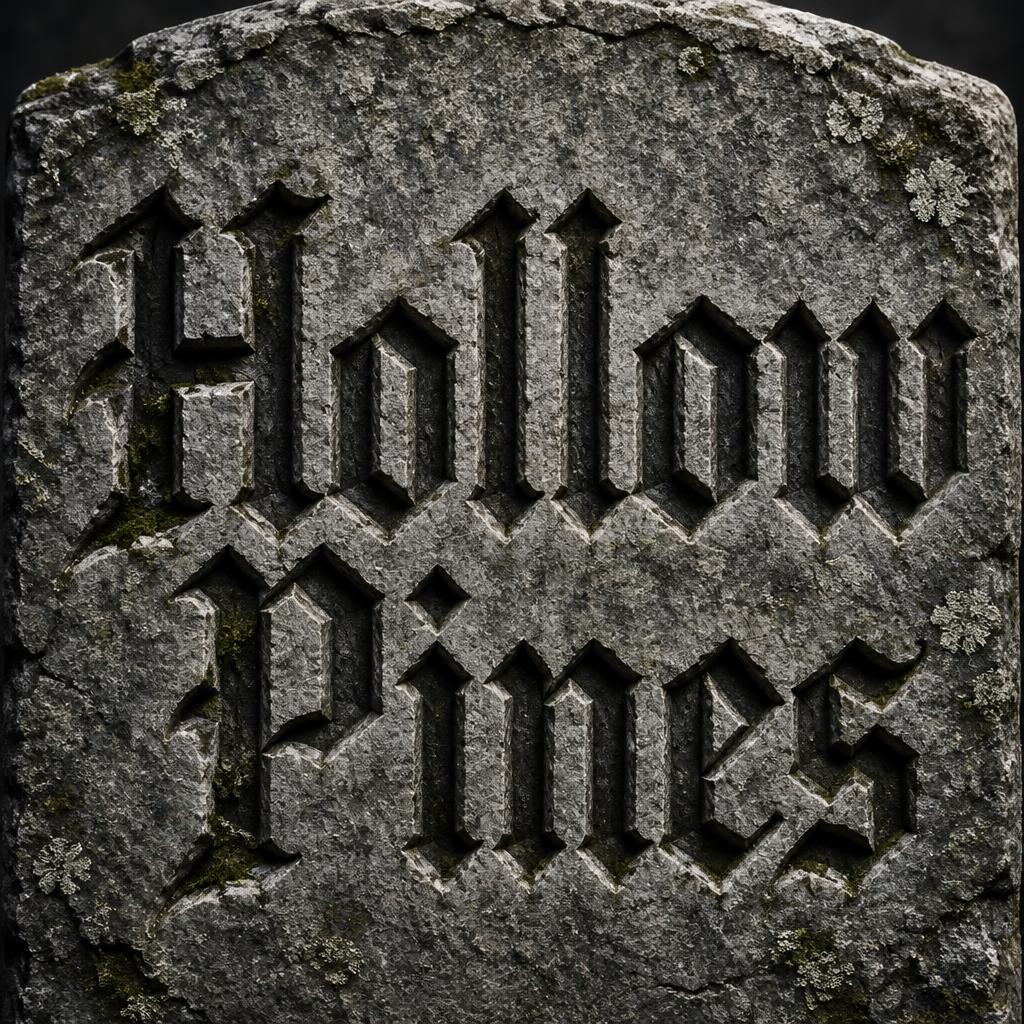
Hollow Pines - Raking Stone Text Effect

✦ Remake this design with your text
Uses OpenAI GPT-Image-2.5 Sunburst, the model behind this artwork · 15 credits
Transparent Effect
✦ Transparent Effect
Generates a PNG with the background removed — only the text and its visual effects remain. The AI automatically selects the optimal background color for clean removal based on your style.
Output is always PNG for lossless transparency.
About this artwork
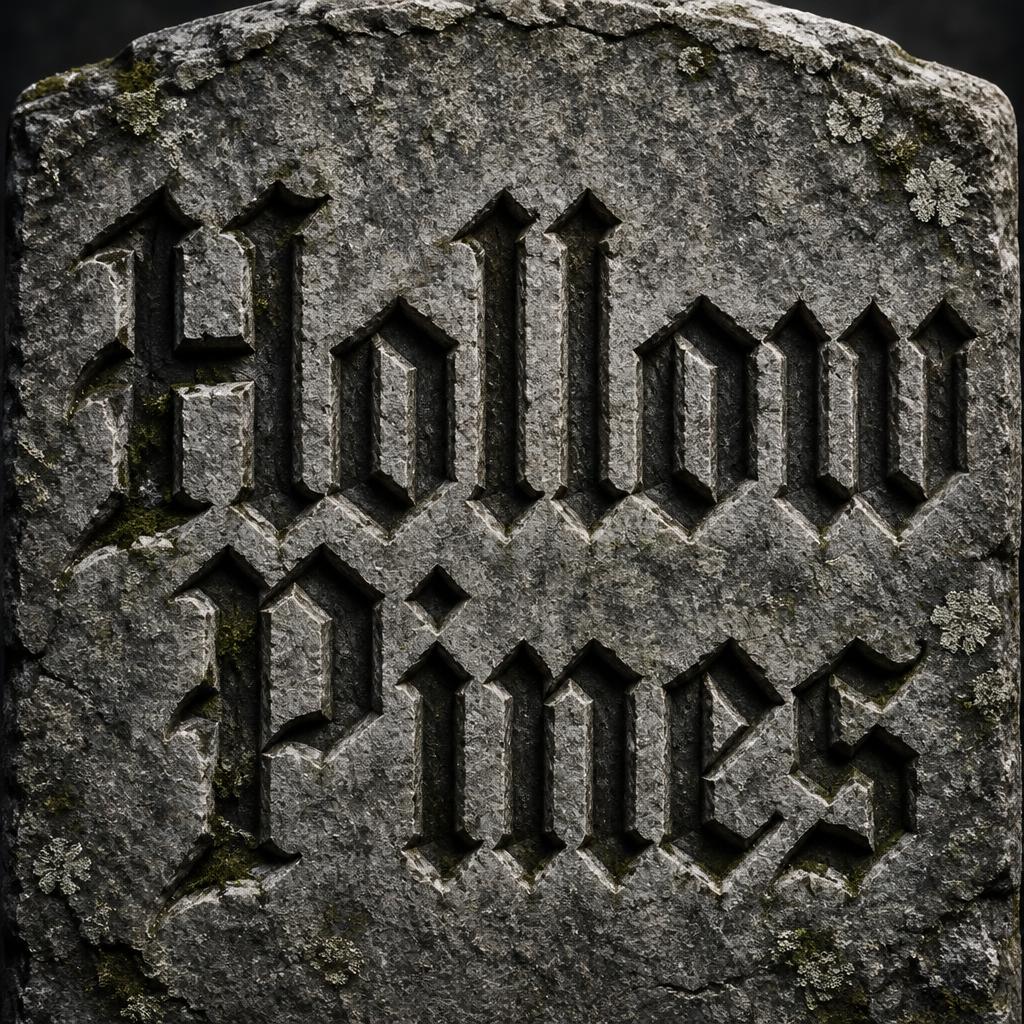
Word art "Hollow Pines" carved into a mossy gravestone, in a dark gothic cemetery style. Blackletter capitals are cut deep into the cold grey granite, stacked on two lines, with green moss and pale lichen filling the grooves and edges. Swap in your own name or title to remake the headstone lettering.
Creative prompt
Create a finished square word-art sign with exactly these words and no other text: “Hollow Pines”. Make the lettering the unmistakable focal point, filling most of the frame. Set the two words on two tightly spaced, centered lines, “Hollow” above “Pines,” with broad, weighty strokes and clear separation between the words. Use heavy Gothic blackletter forms with sharp, legible counters and strong silhouettes. Deeply chisel every letter into the face of one continuous weathered grey headstone; the letters themselves must be carved stone, not raised type or separate stones. Show hard bevelled inner walls and dark cut shadows, rough granite grain, fine chisel marks, chipped and time-worn edges, and restrained green moss and pale lichen creeping into some grooves without obscuring any letter. A cold, low raking light skims across the stone so the engraving reads through depth and shadow. Keep the headstone surface close and dominant, with a narrow, quiet charcoal surround and no scenery, props, decorative symbols, extra lettering, or competing details. High contrast between the grey stone face and the darker carved interiors; maintain crisp, readable letterforms at thumbnail size.
Tags
Generated on November 28, 2026 · 1024 × 1024 · JPEG · OpenAI GPT-Image-2.5 Sunburst · Layout: Twin-Line Monument · Shared by the creator · Free for commercial use (CC BY 4.0)
Where this design fits
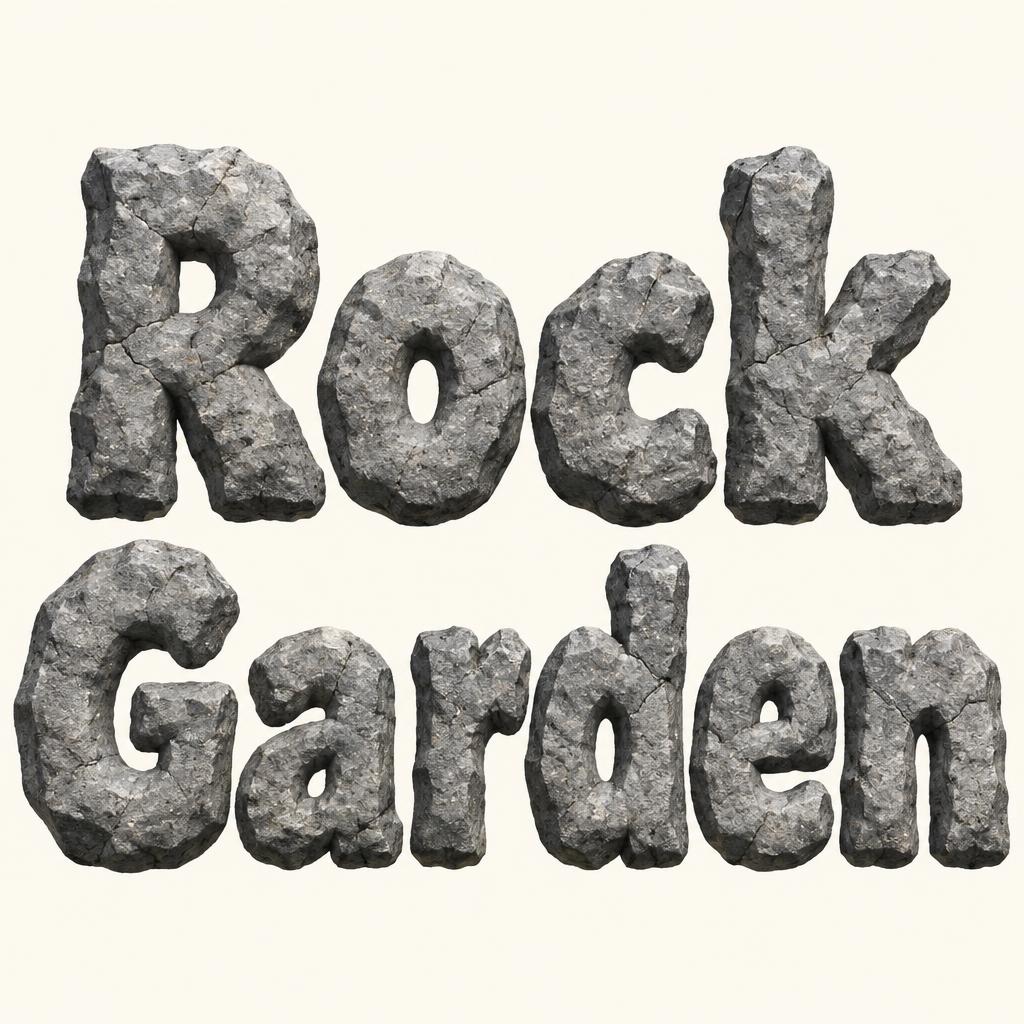
✦ Explore AI Text Effect Styles
Browse AI Text Effect Styles
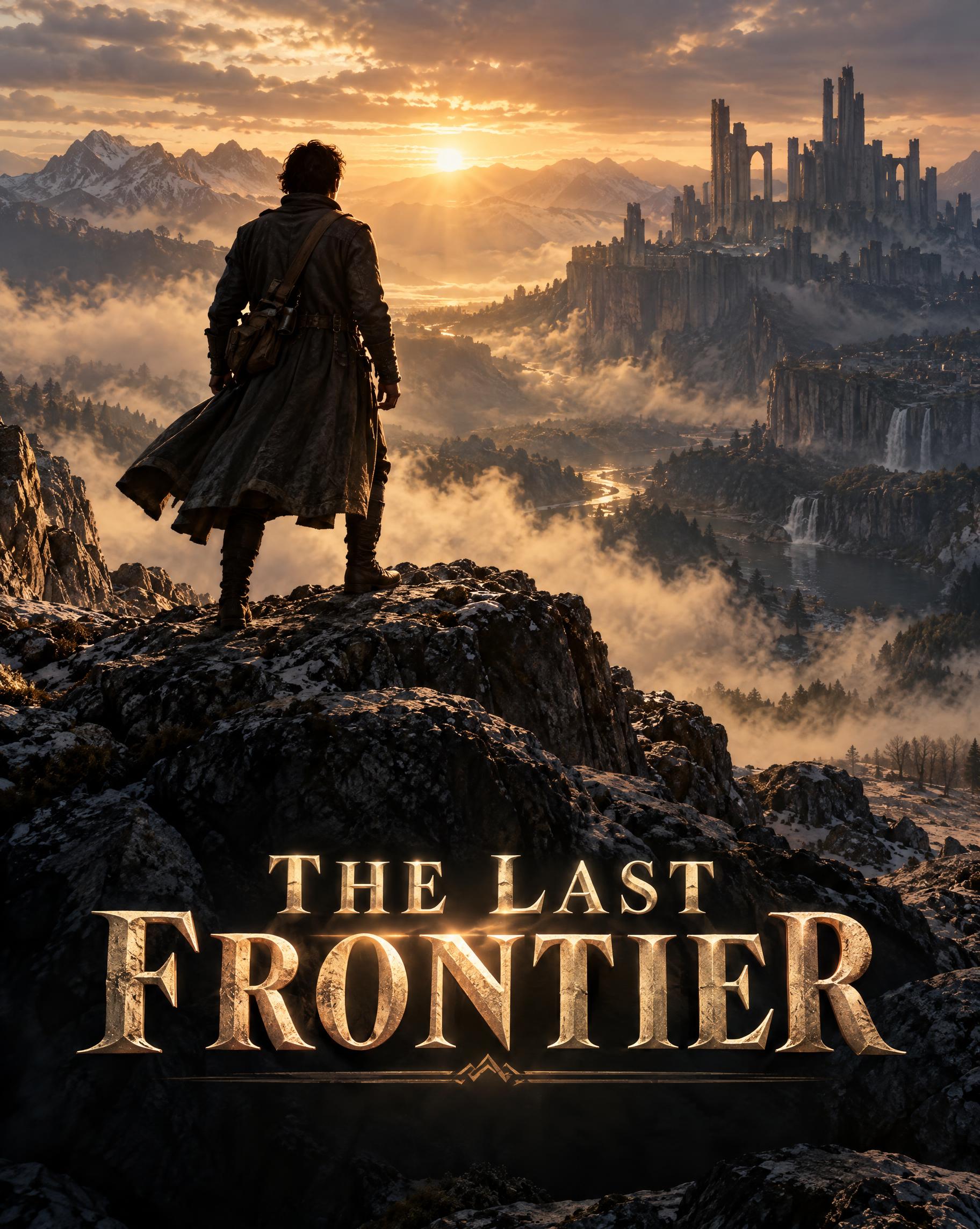


Hollow Pines - Raking Stone Text Effect

✦ Remake this design with your text
Uses OpenAI GPT-Image-2.5 Sunburst, the model behind this artwork · 15 credits
Transparent Effect
✦ Transparent Effect
Generates a PNG with the background removed — only the text and its visual effects remain. The AI automatically selects the optimal background color for clean removal based on your style.
Output is always PNG for lossless transparency.
About this artwork
Word art "Hollow Pines" carved into a mossy gravestone, in a dark gothic cemetery style. Blackletter capitals are cut deep into the cold grey granite, stacked on two lines, with green moss and pale lichen filling the grooves and edges. Swap in your own name or title to remake the headstone lettering.
Creative prompt
Create a finished square word-art sign with exactly these words and no other text: “Hollow Pines”. Make the lettering the unmistakable focal point, filling most of the frame. Set the two words on two tightly spaced, centered lines, “Hollow” above “Pines,” with broad, weighty strokes and clear separation between the words. Use heavy Gothic blackletter forms with sharp, legible counters and strong silhouettes. Deeply chisel every letter into the face of one continuous weathered grey headstone; the letters themselves must be carved stone, not raised type or separate stones. Show hard bevelled inner walls and dark cut shadows, rough granite grain, fine chisel marks, chipped and time-worn edges, and restrained green moss and pale lichen creeping into some grooves without obscuring any letter. A cold, low raking light skims across the stone so the engraving reads through depth and shadow. Keep the headstone surface close and dominant, with a narrow, quiet charcoal surround and no scenery, props, decorative symbols, extra lettering, or competing details. High contrast between the grey stone face and the darker carved interiors; maintain crisp, readable letterforms at thumbnail size.
Tags
Generated on November 28, 2026 · 1024 × 1024 · JPEG · OpenAI GPT-Image-2.5 Sunburst · Layout: Twin-Line Monument · Shared by the creator · Free for commercial use (CC BY 4.0)
Where this design fits
✦ Explore AI Text Effect Styles
Browse AI Text Effect Styles
Want more text styles? Browse our free font generators — fancy, cursive, gothic & more.