FLUID CAUGHT MID-POUR - Liquid Glass Text Effect


Uses OpenAI GPT-Image-2.5 Sunburst, the model behind this artwork · 15 credits
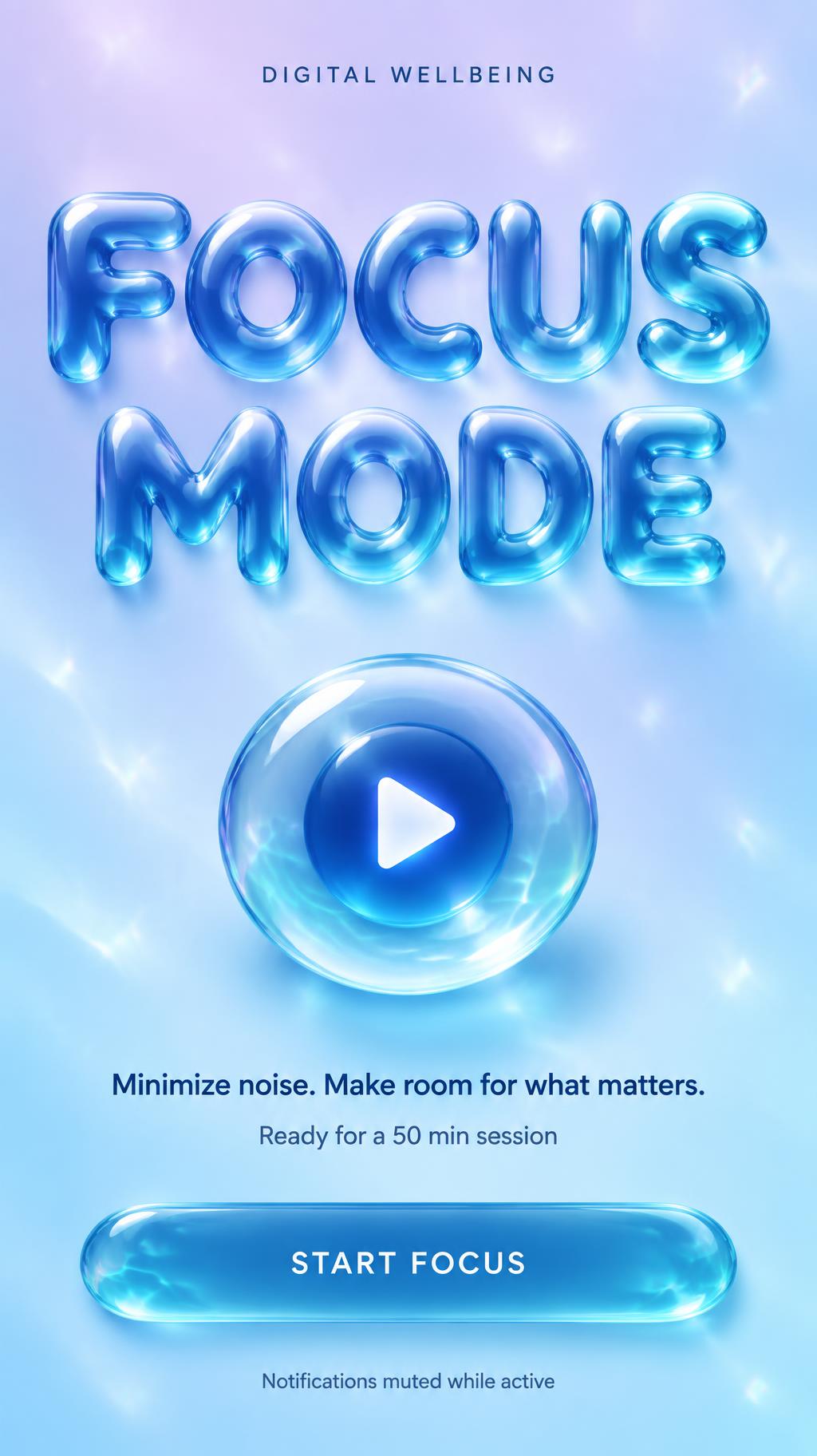
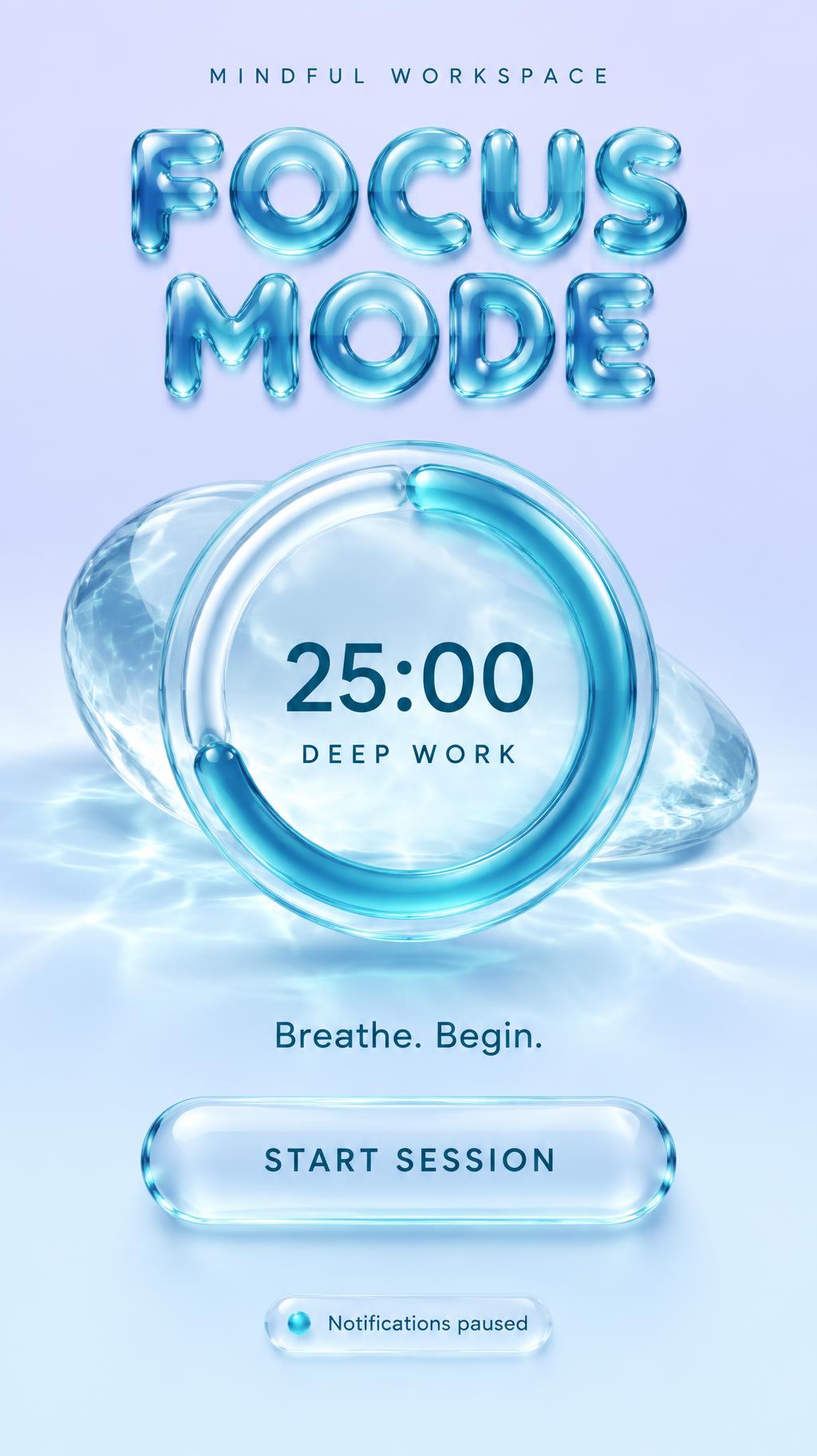
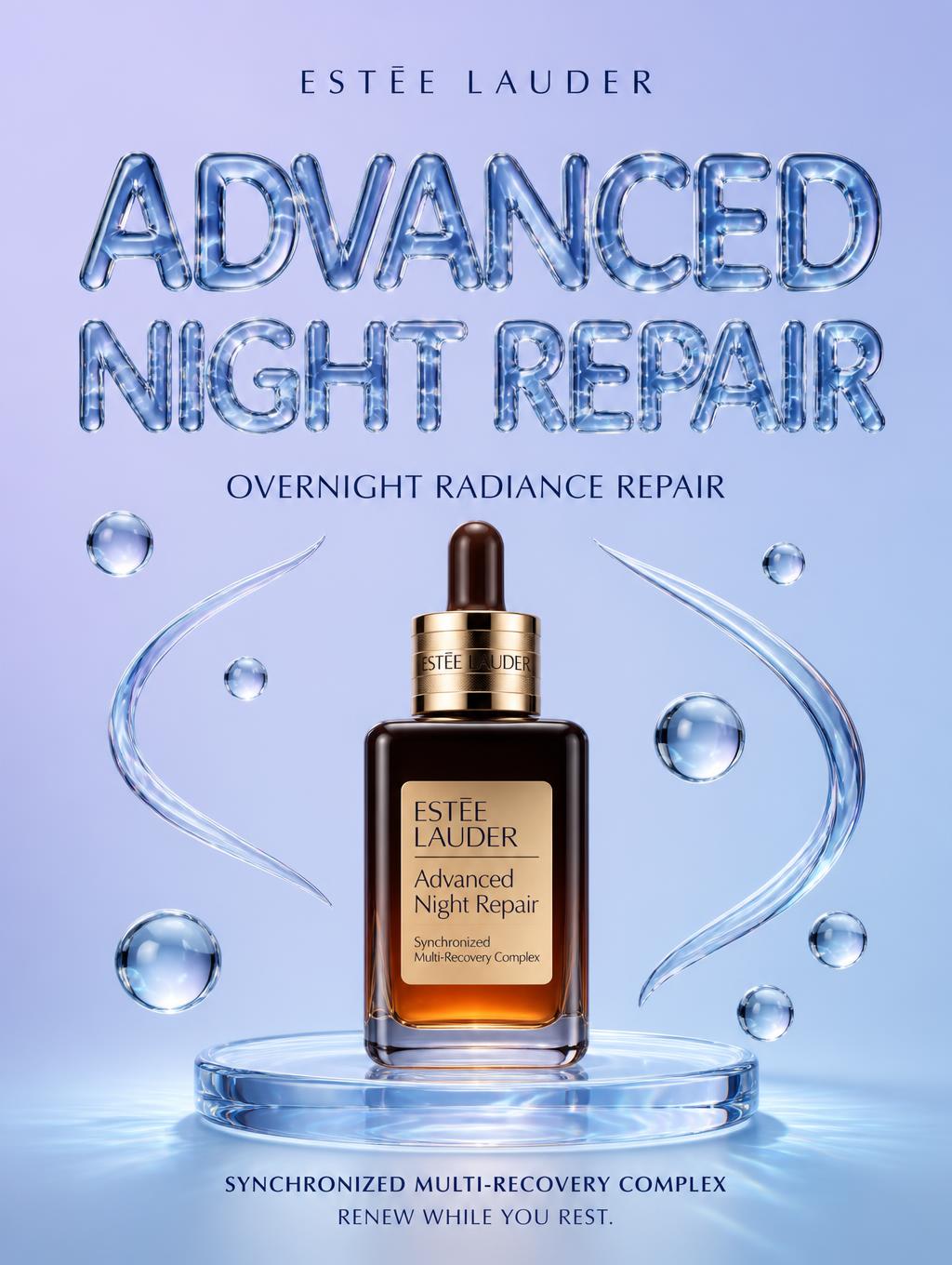
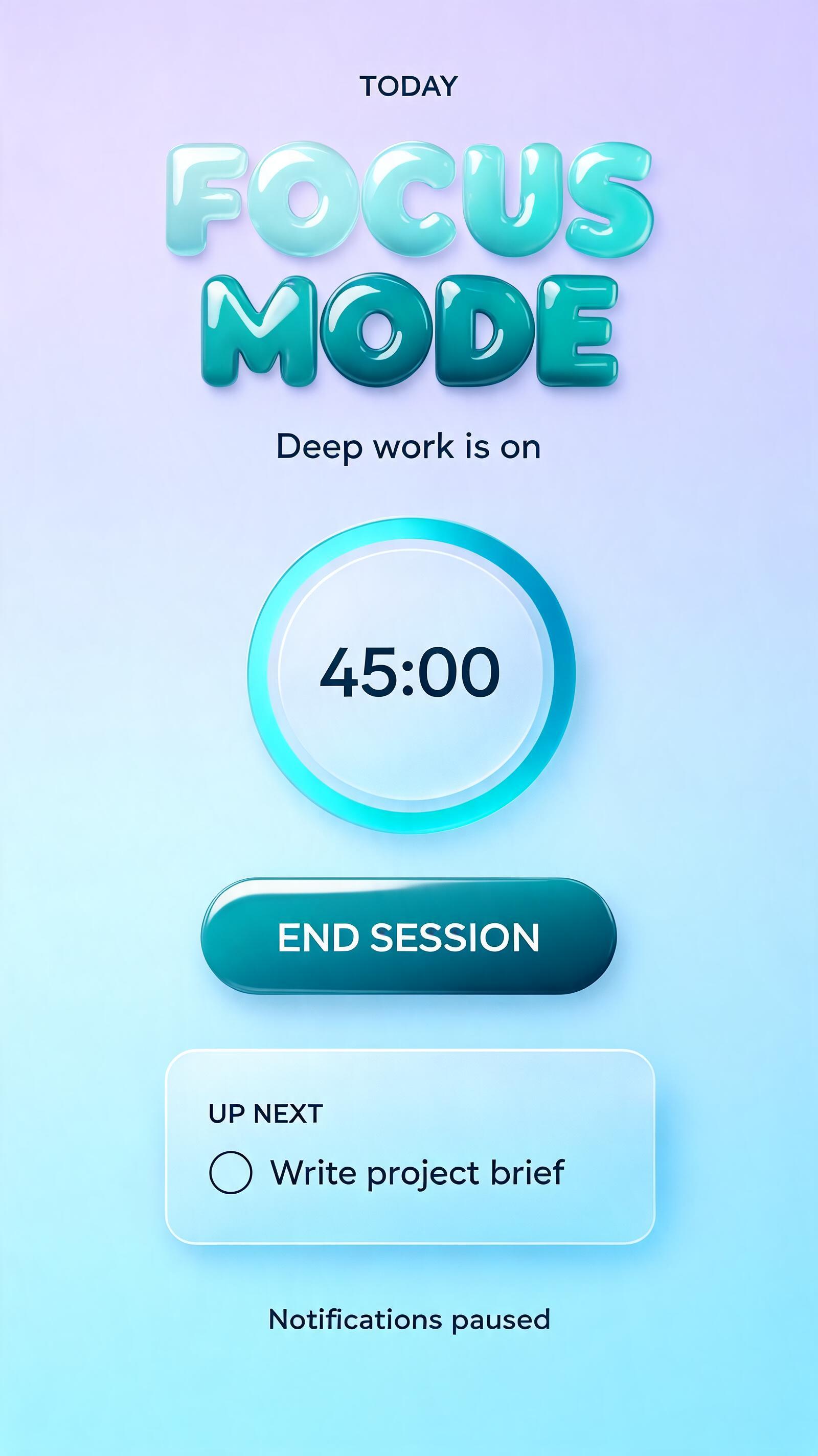
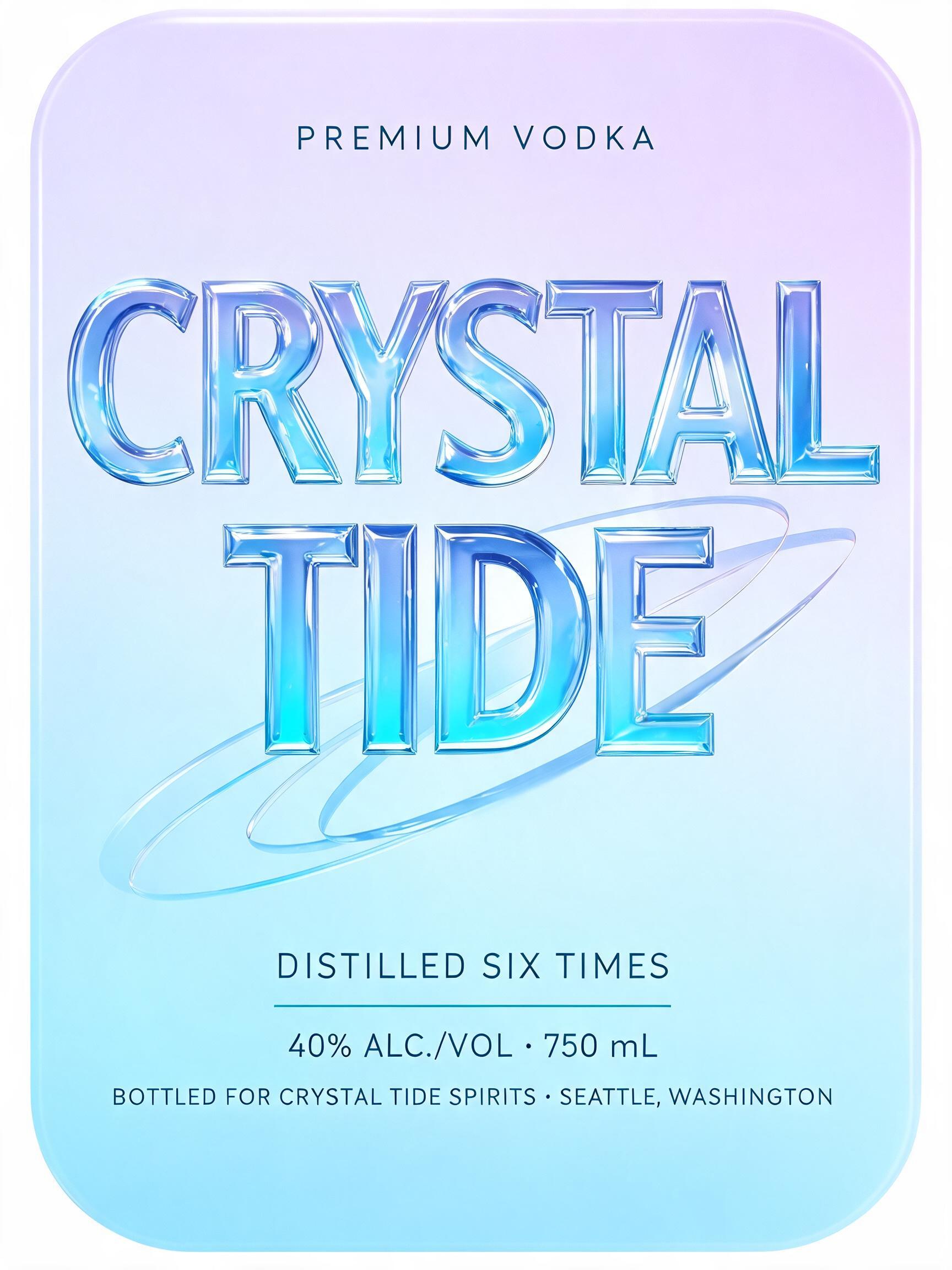
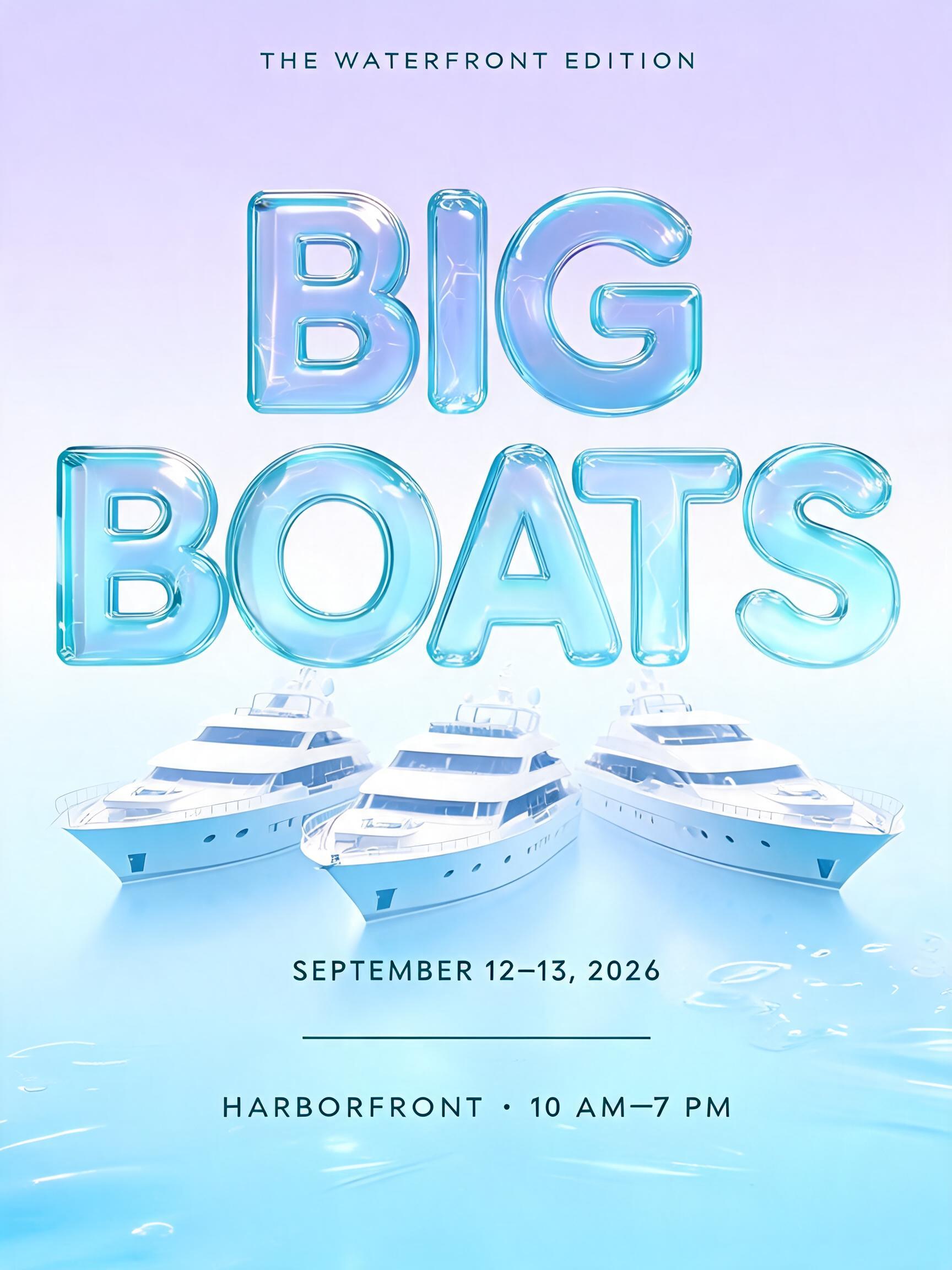
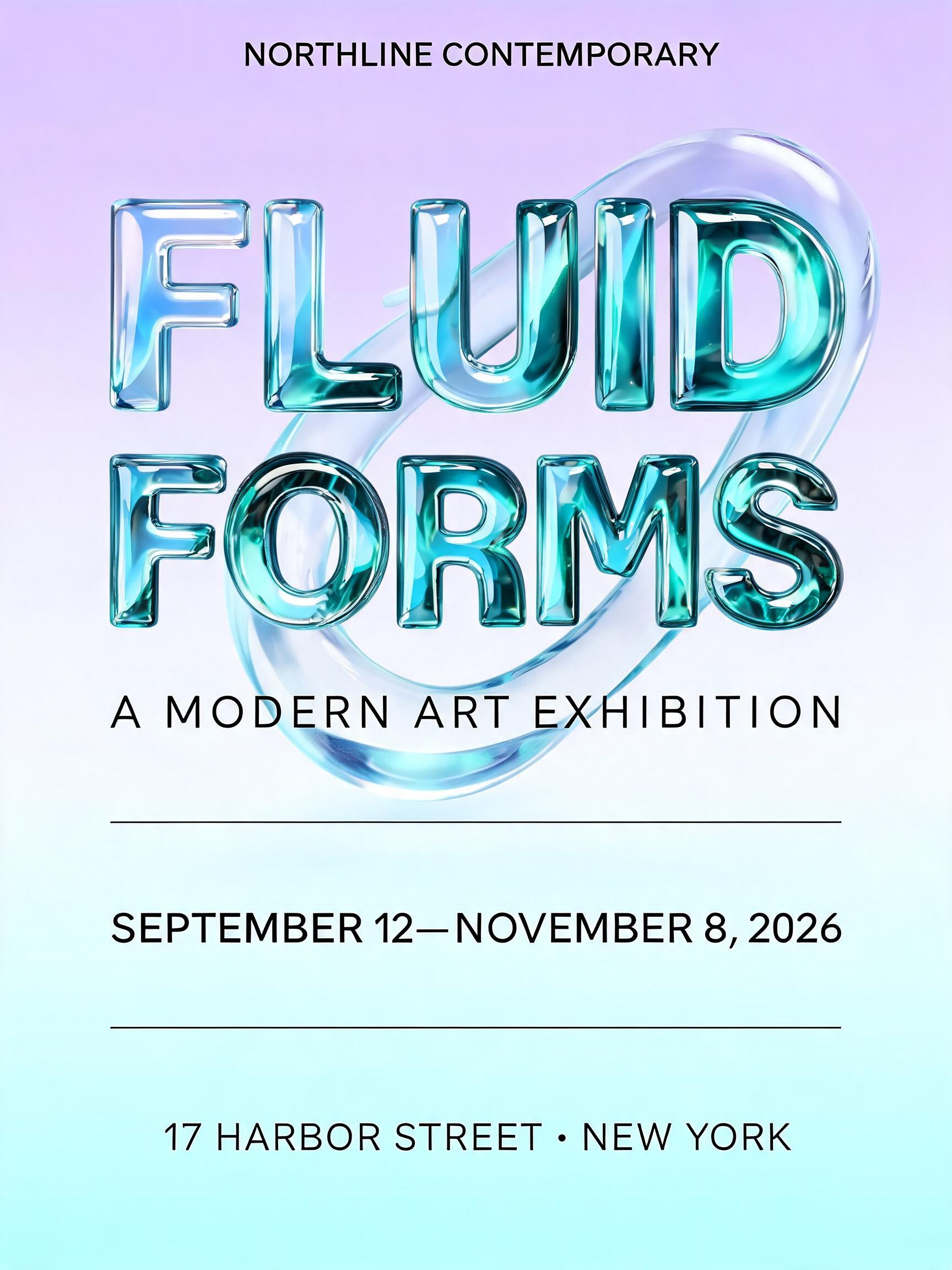
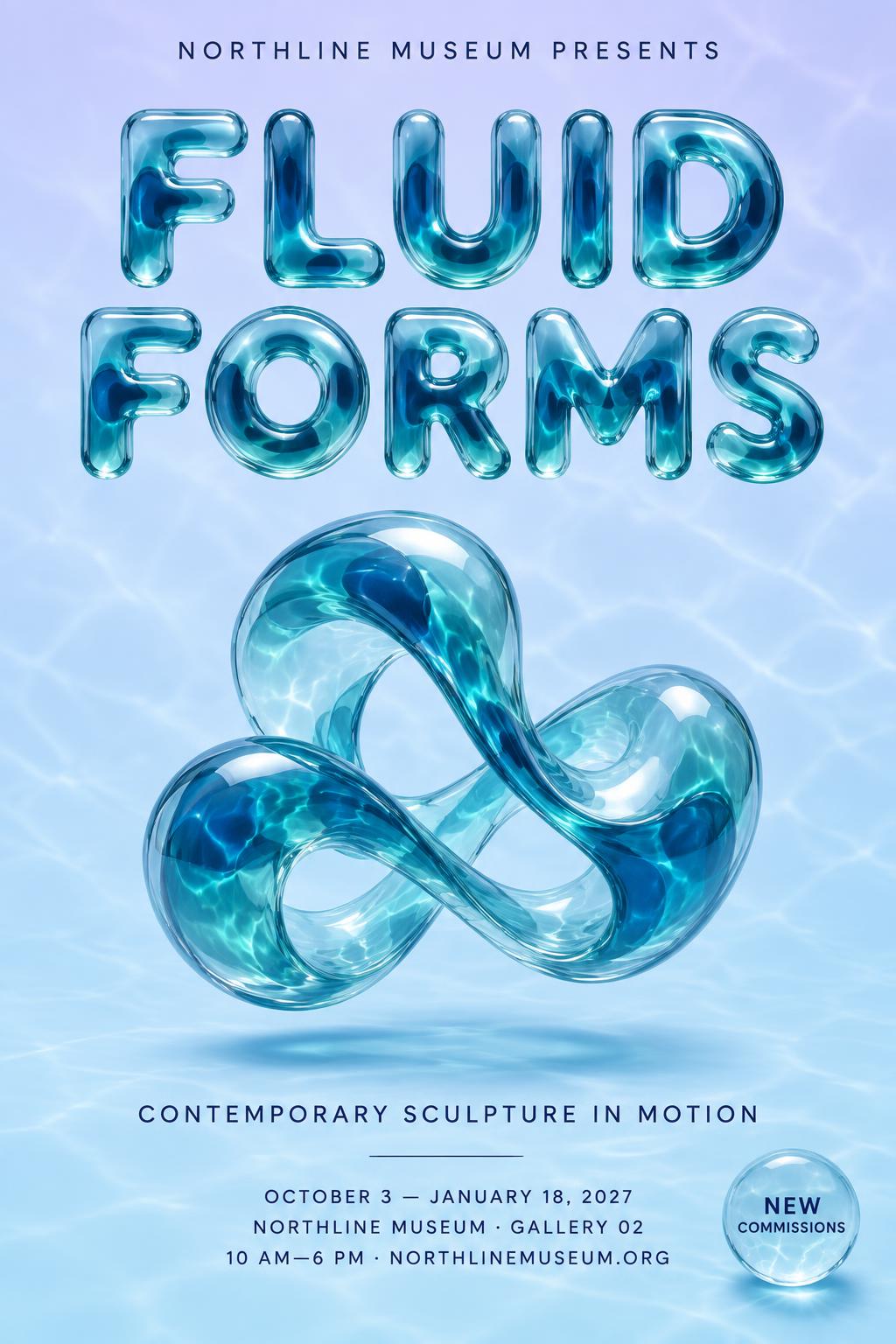
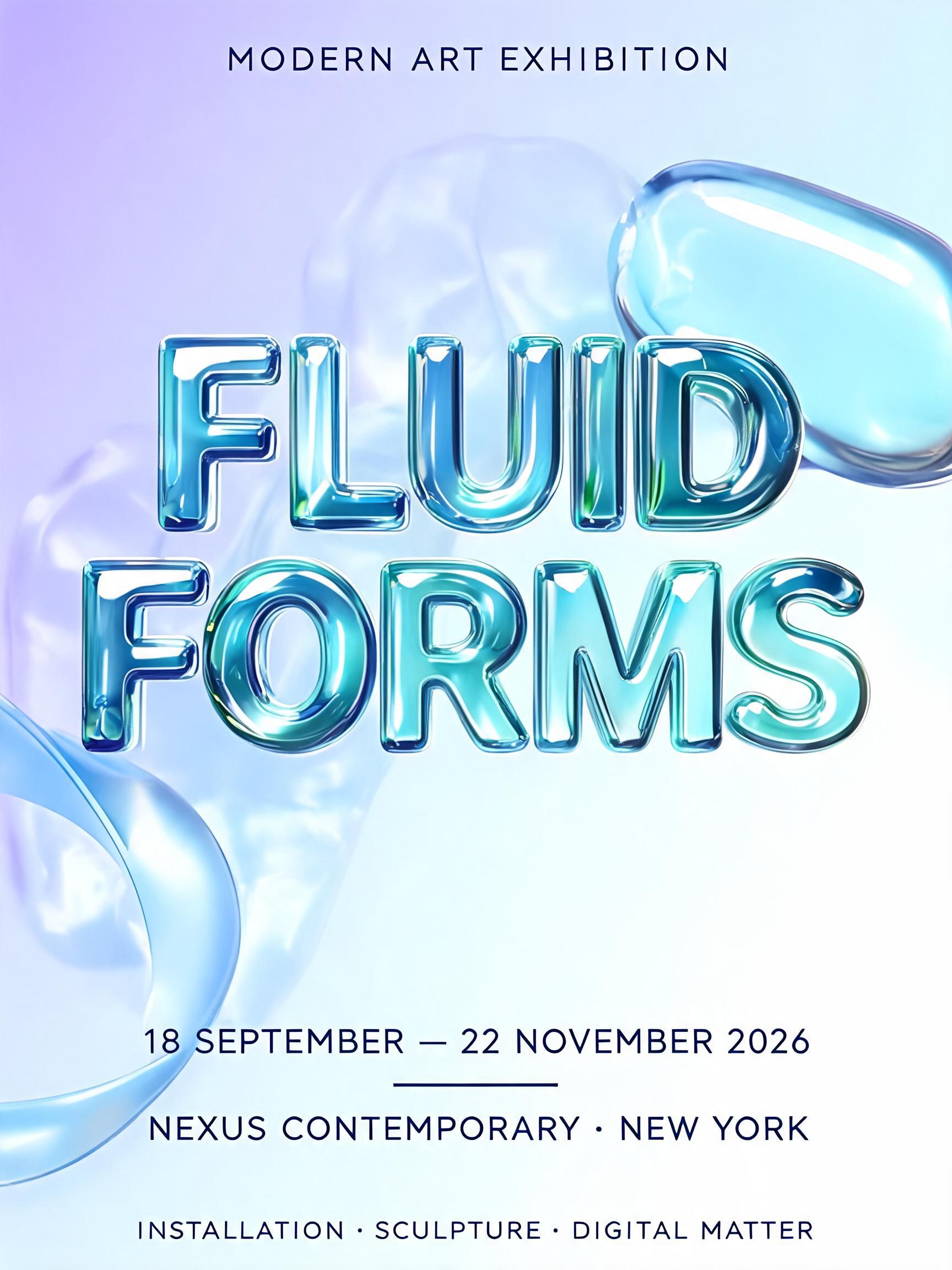
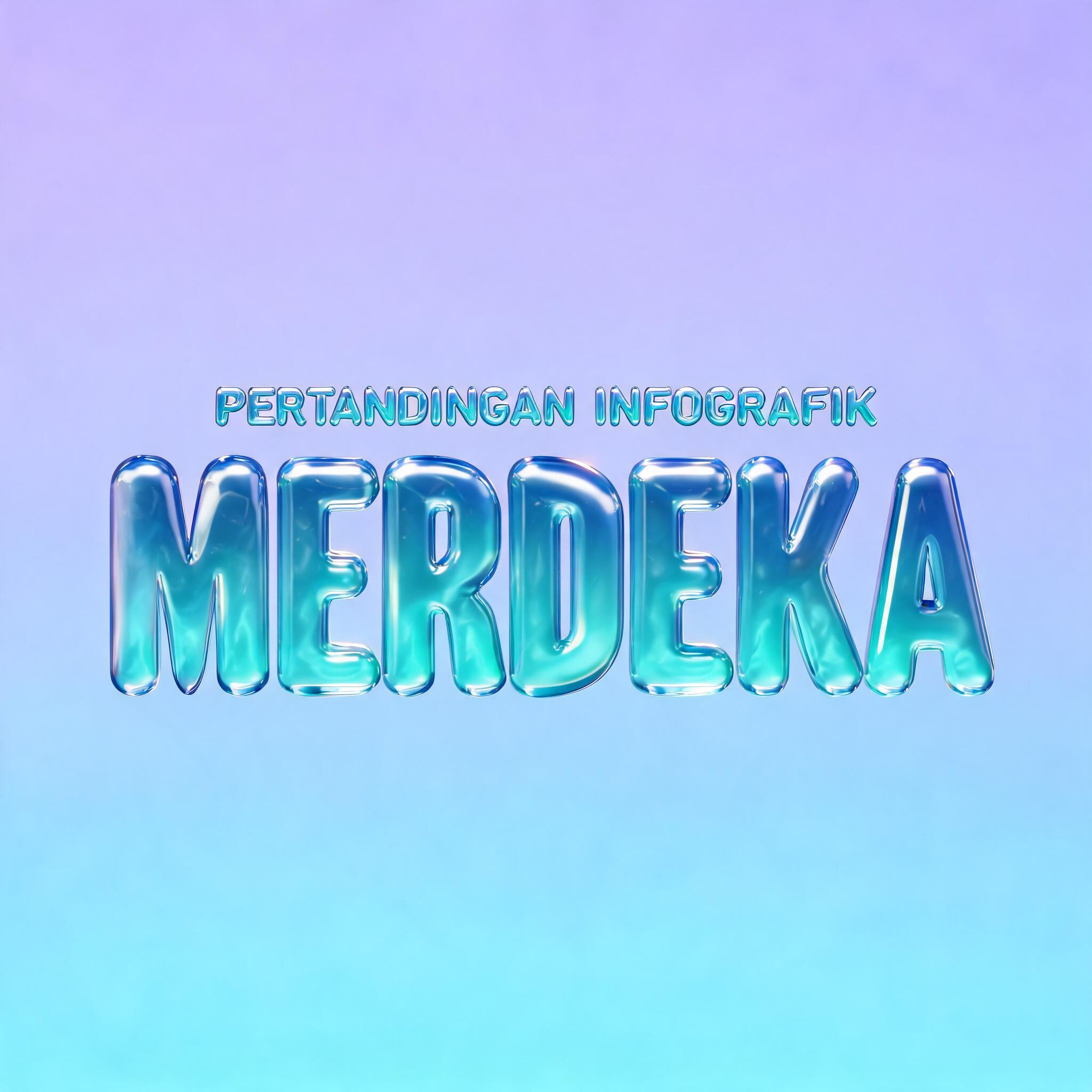
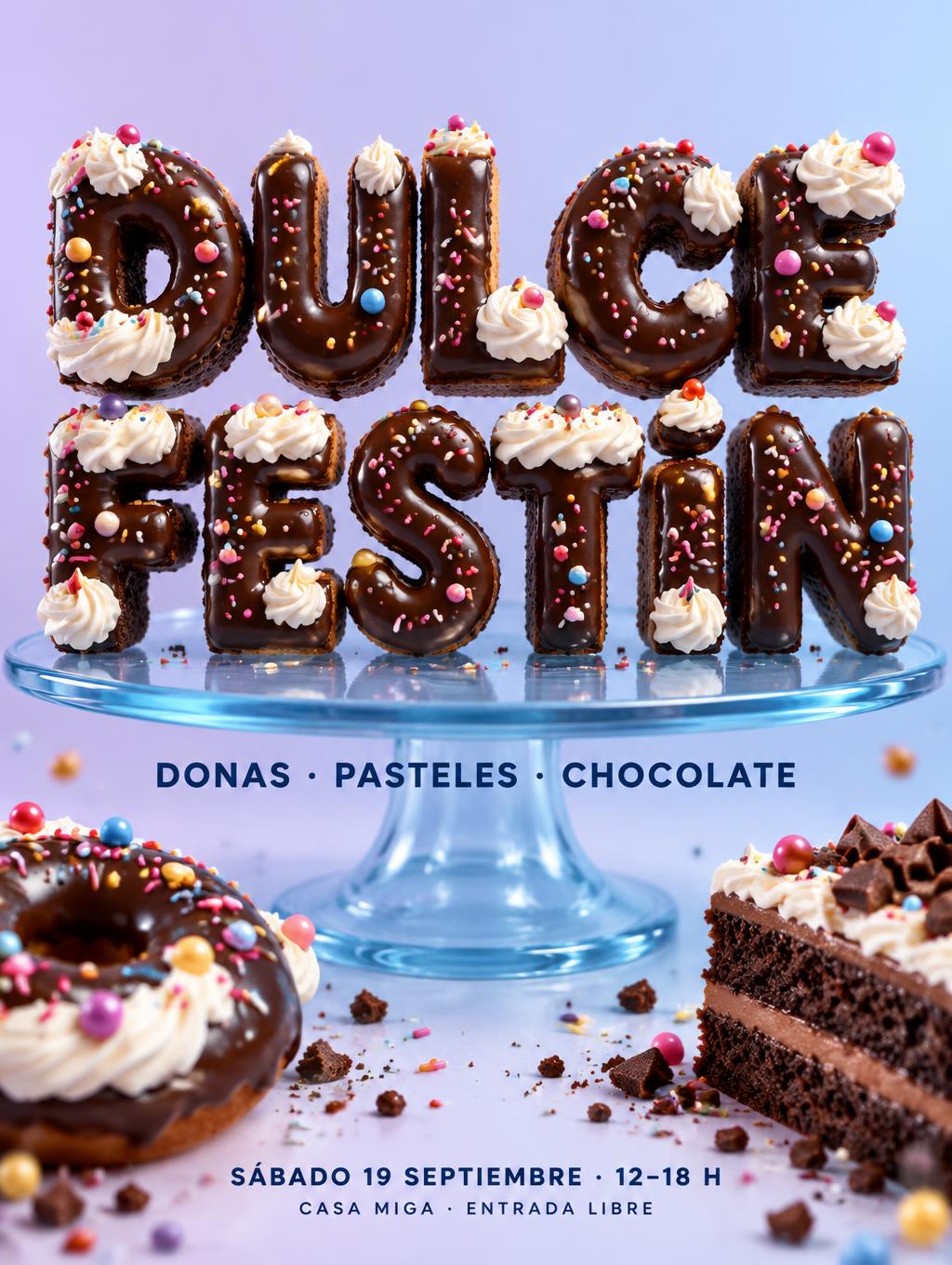
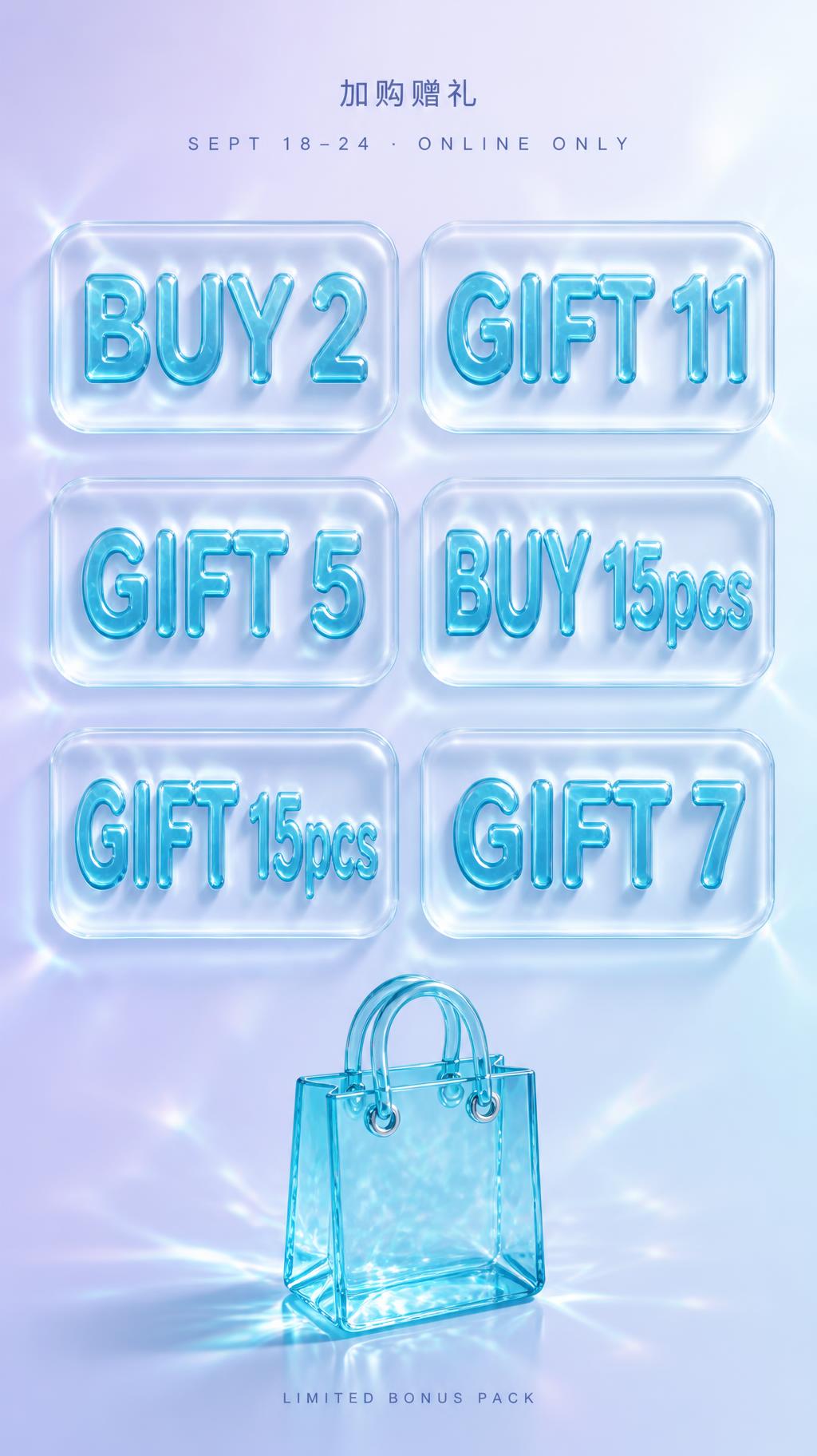
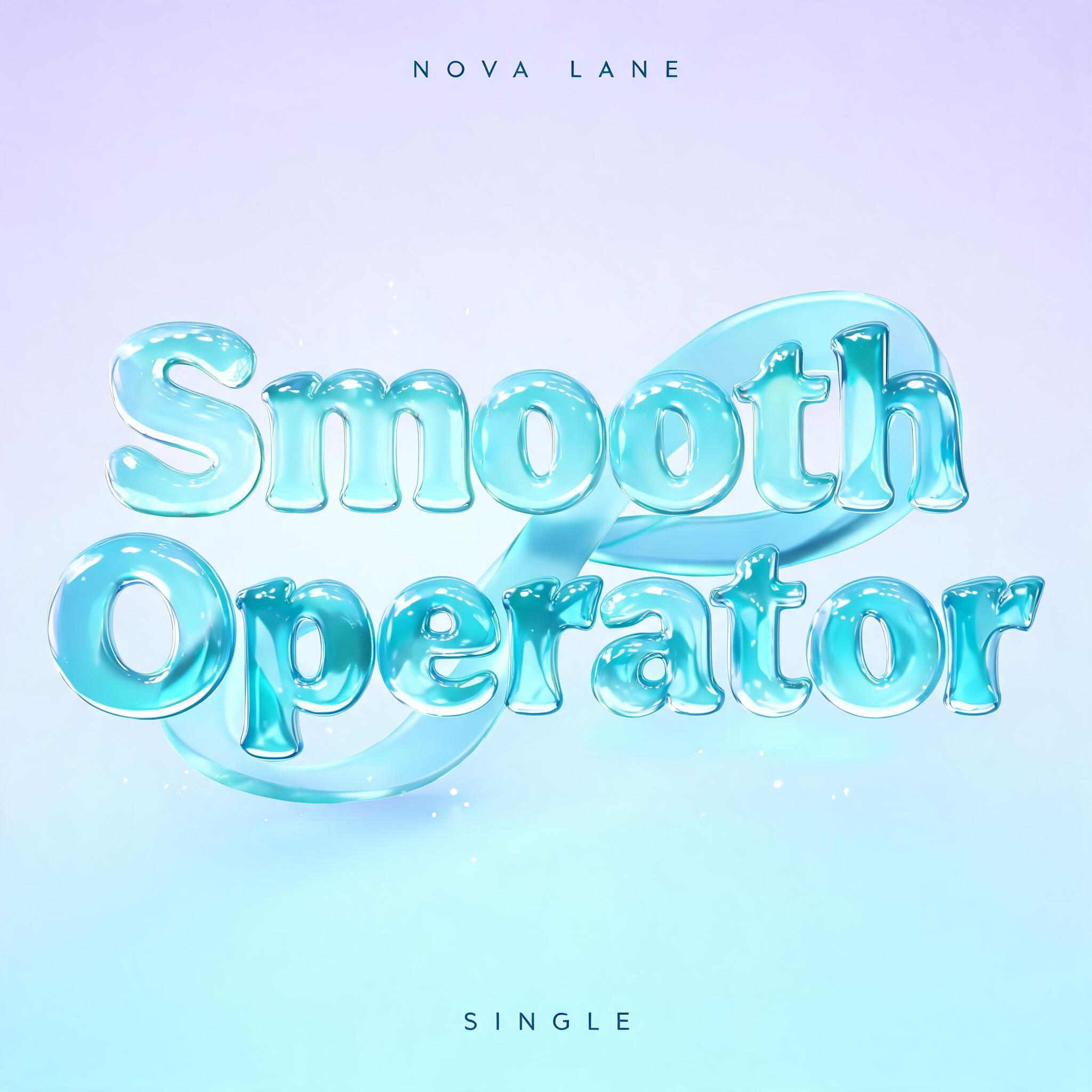
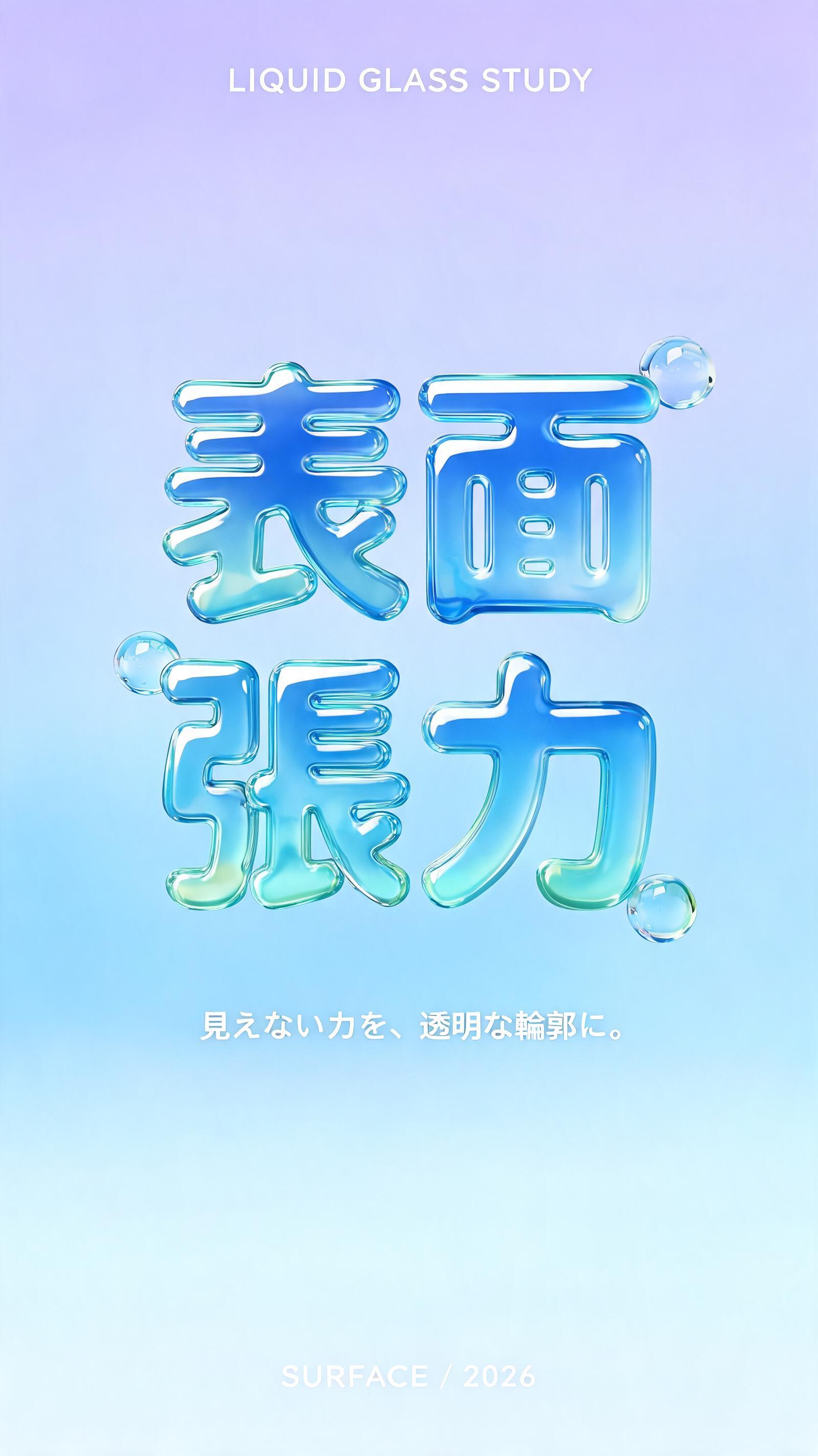
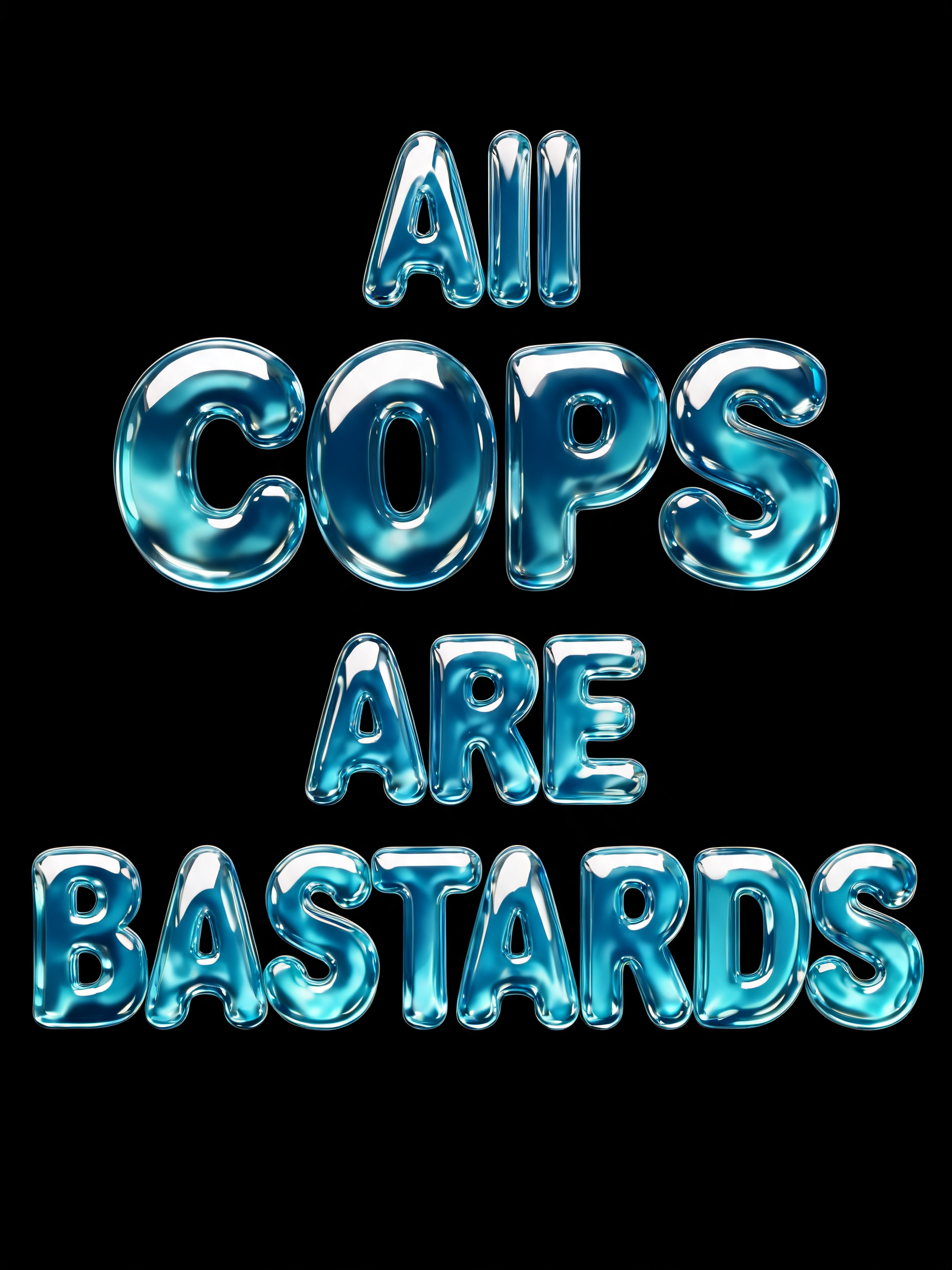
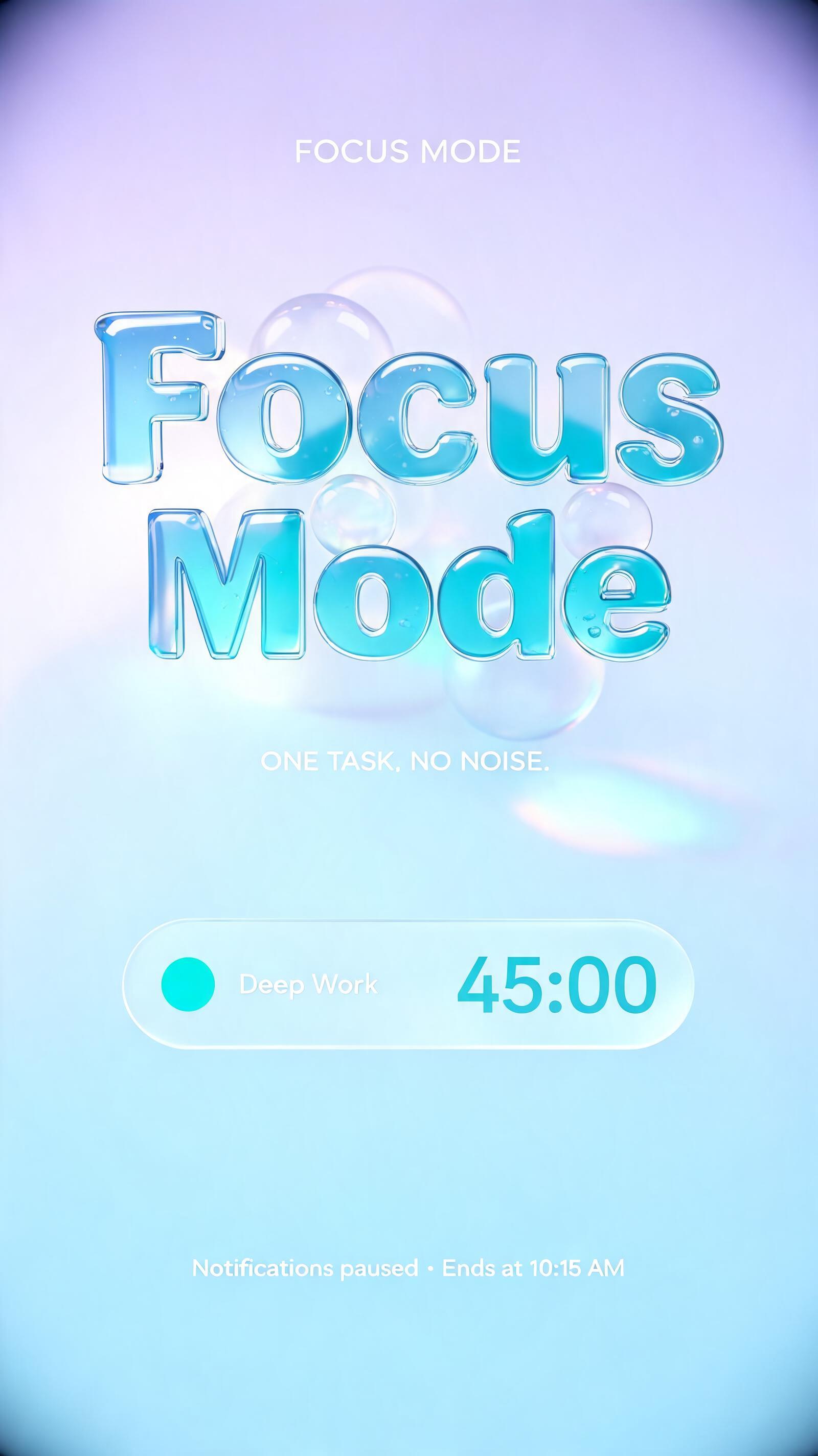
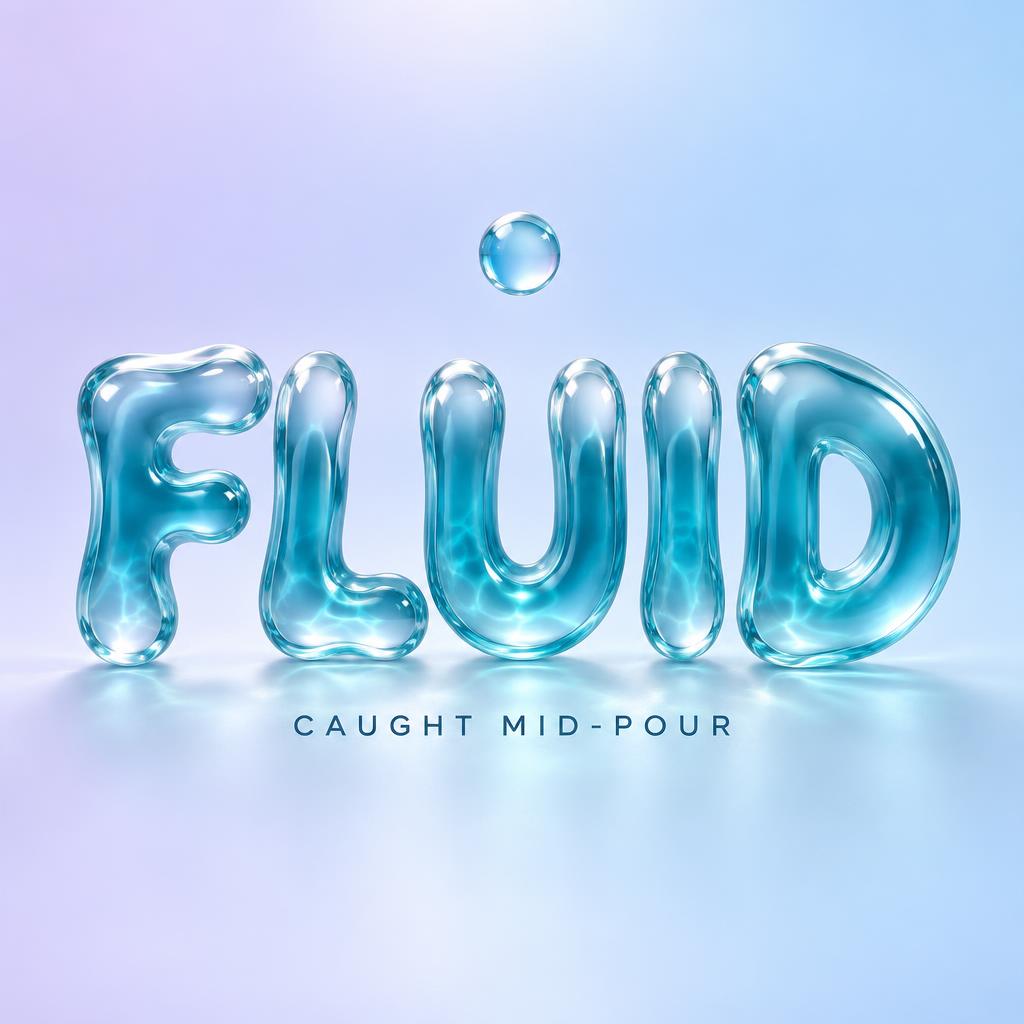
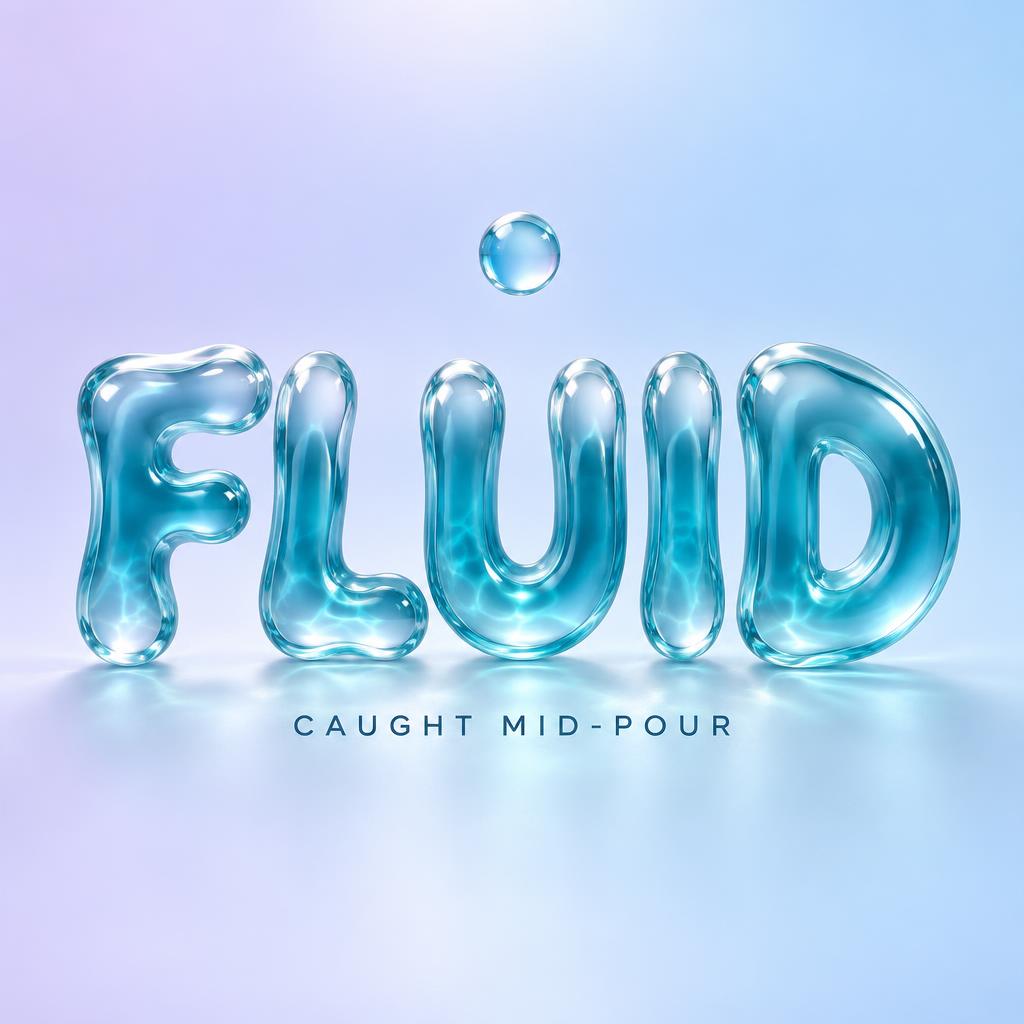
“FLUID CAUGHT MID-POUR” is a Glass Liquid text effect text effect created with FontVibe AI. Rounded letters of flowing liquid glass in clear aqua, with glossy wet highlights and soft internal refraction, on a pale lavender-to-blue gradient.
Create a finished square typographic artwork with the exact text “FLUID” as the dominant headline and “CAUGHT MID-POUR” as a smaller supporting line. Set “FLUID” in large, centered, thick three-dimensional liquid-glass display letters, occupying roughly 70% of the canvas width. Give each glyph a broad, gently swollen face, rounded convex bevels, full organic stroke terminals, and substantial refractive depth. Use semi-transparent glass with a clear-to-blue-teal gradient: faint blue-green edges and deeper cyan-teal centers. Place intense white specular crowns along the maximum curvature of each letter, with subtle internal caustic patterns visible through the glass. Shape the outer contours with small frozen-flow irregularities so the letters read as glass caught mid-pour; keep the forms solid, with no drips, hanging drops, or trailing liquid. Center the supporting line beneath the headline in small, crisp, dark blue-gray sans-serif capitals, with generous letter spacing. Add one small, rounded translucent glass bead above the word as a restrained scene detail. Set the whole composition against a clean, airy pastel gradient transitioning from pale lavender to ice blue. Soft overhead diffused key light, clear transparency, strong glass highlights, visible refraction, gentle contact shadows, polished 3D product render. Render only the two specified text lines, spelled exactly; no extra text, logos, borders, or watermark.
Made for Liquid Glass Text Effect
Generated on October 4, 2026 · 1024 × 1024 · JPEG · OpenAI GPT-Image-2.5 Sunburst · Layout: Centered · Shared by the creator · Free for commercial use (CC BY 4.0)