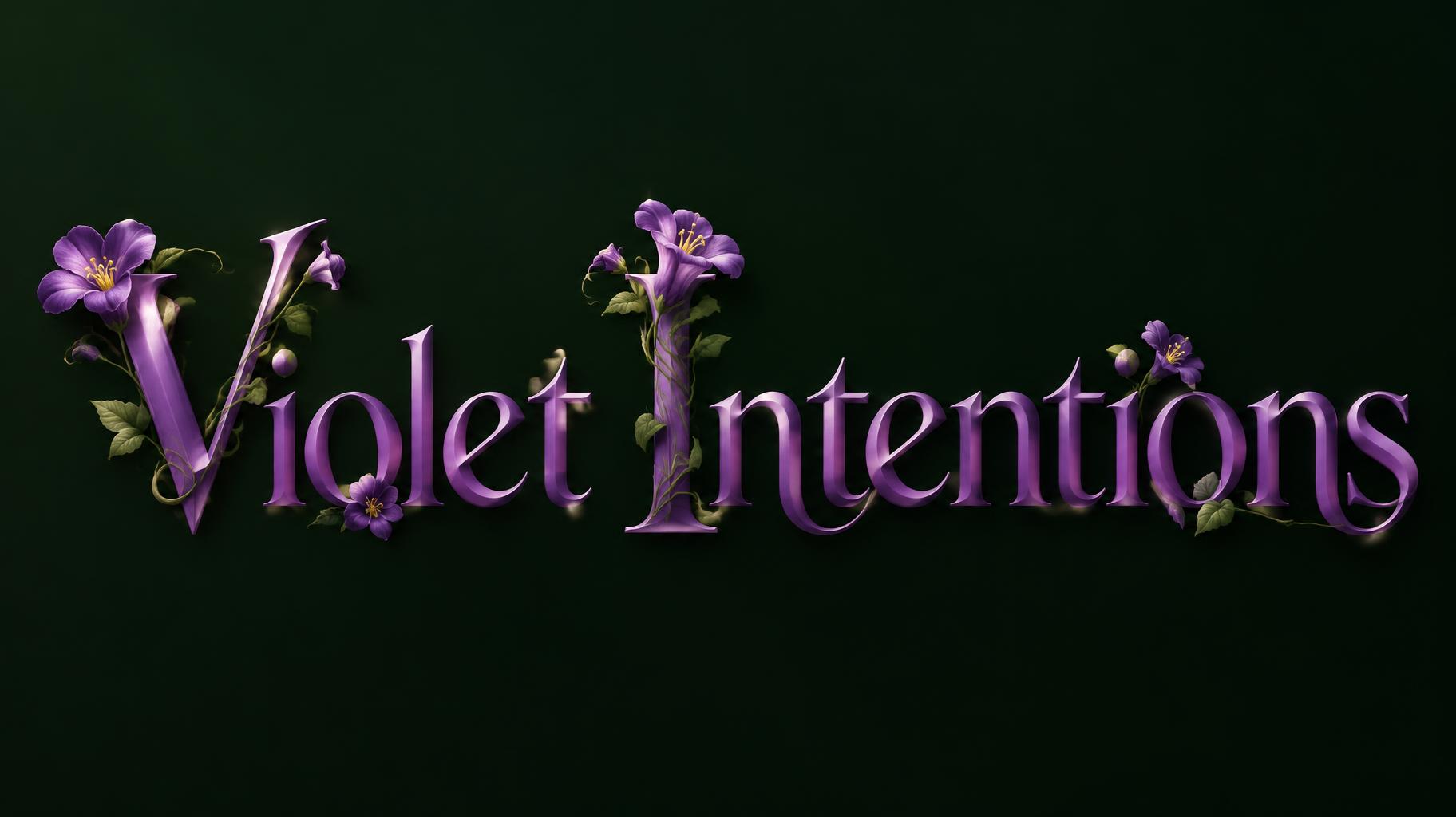
Violet Intentions - Floral Text Effect


Uses OpenAI GPT-Image-2.5 Sunburst, the model behind this artwork · 15 credits







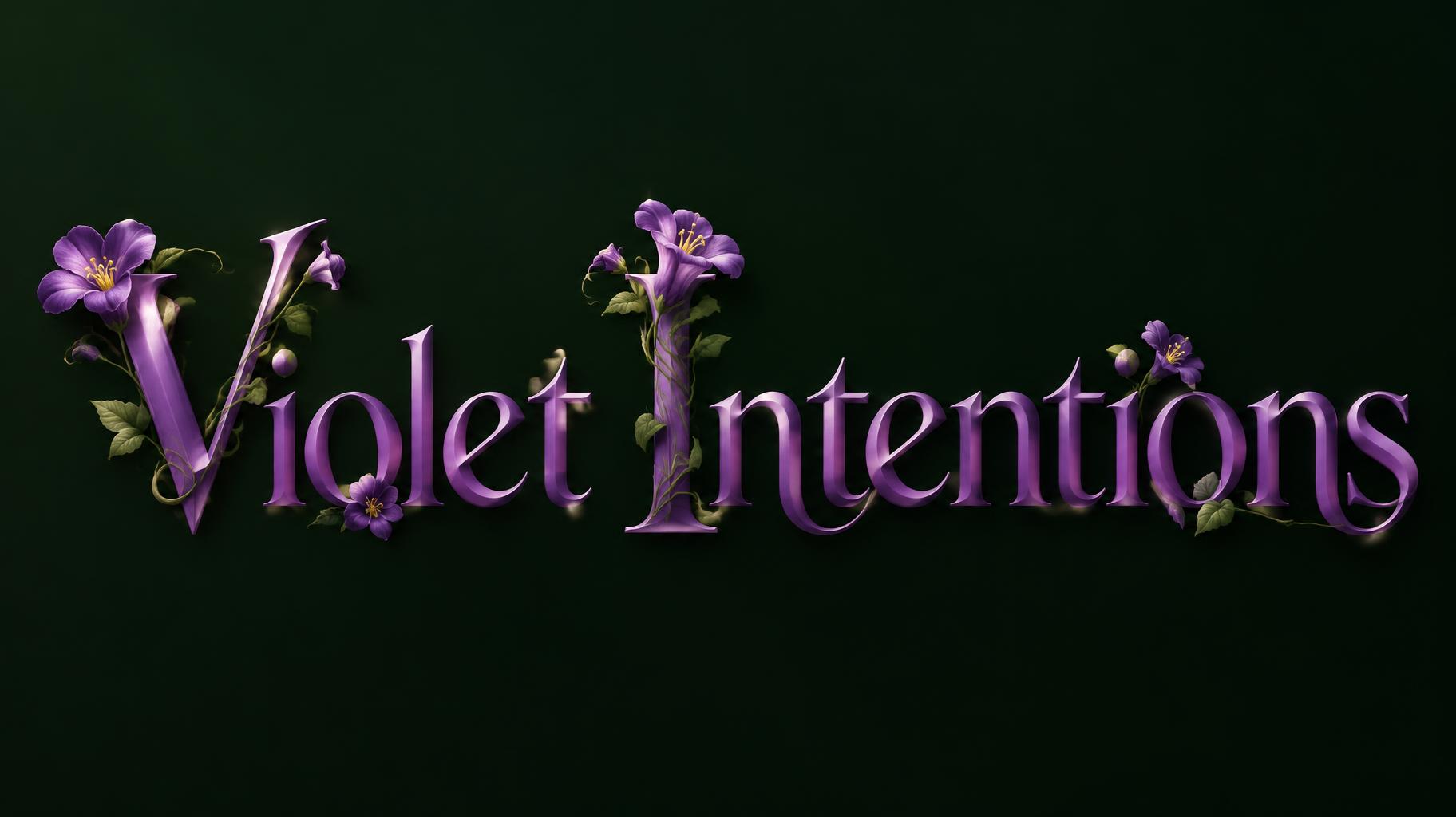
“Violet Intentions” was created with FontVibe AI — explore more Floral text effect. Cream serif capitals entwined with burgundy peonies, cream roses and green vines that bloom from the letter ends, on a dark green ground.
Create a polished, horizontal newsletter header, 16:9. Render exactly one text line: “Violet Intentions”. Keep the spelling and capitalization exact; no other text, labels, or lettering. Set the name in a graceful Art Nouveau serif with flowing, organically curved strokes, refined contrast, open counters, and clear spacing. Give the letterforms smooth, polished surfaces with highlights that shift along the curves; avoid blackletter, Gothic, medieval styling, and excessive swashes. Use vibrant trumpet-flower purple for the lettering. Keep every letter outline and counter plainly readable. Add sparse, recognizable violet blossoms and trumpet flowers, concentrated at the V and I terminals and junctions; let a few thin sage and muted moss-green vines trace the outer stroke edges without crossing counters. Flowers decorate the letter surfaces rather than replacing them, covering no more than 35% of any stroke face. Show a few detailed petals and stamens in the foreground, with smaller sprigs receding subtly into shadow. Place on a simple, deep forest-green near-black background. Use a single directional key light from the upper left at 45 degrees, with controlled botanical chiaroscuro and soft reflected highlights on the polished curves. Keep the composition uncluttered, with generous margins and strong contrast. The wordmark is the sole focal point; no frame, wreath, extra ornaments, or background scenery.
Made for Floral Text Generator
Generated on October 10, 2026 · 1824 × 1024 · JPEG · OpenAI GPT-Image-2.5 Sunburst · Layout: Szeroki nagłówek · Shared by the creator · Free for commercial use (CC BY 4.0)