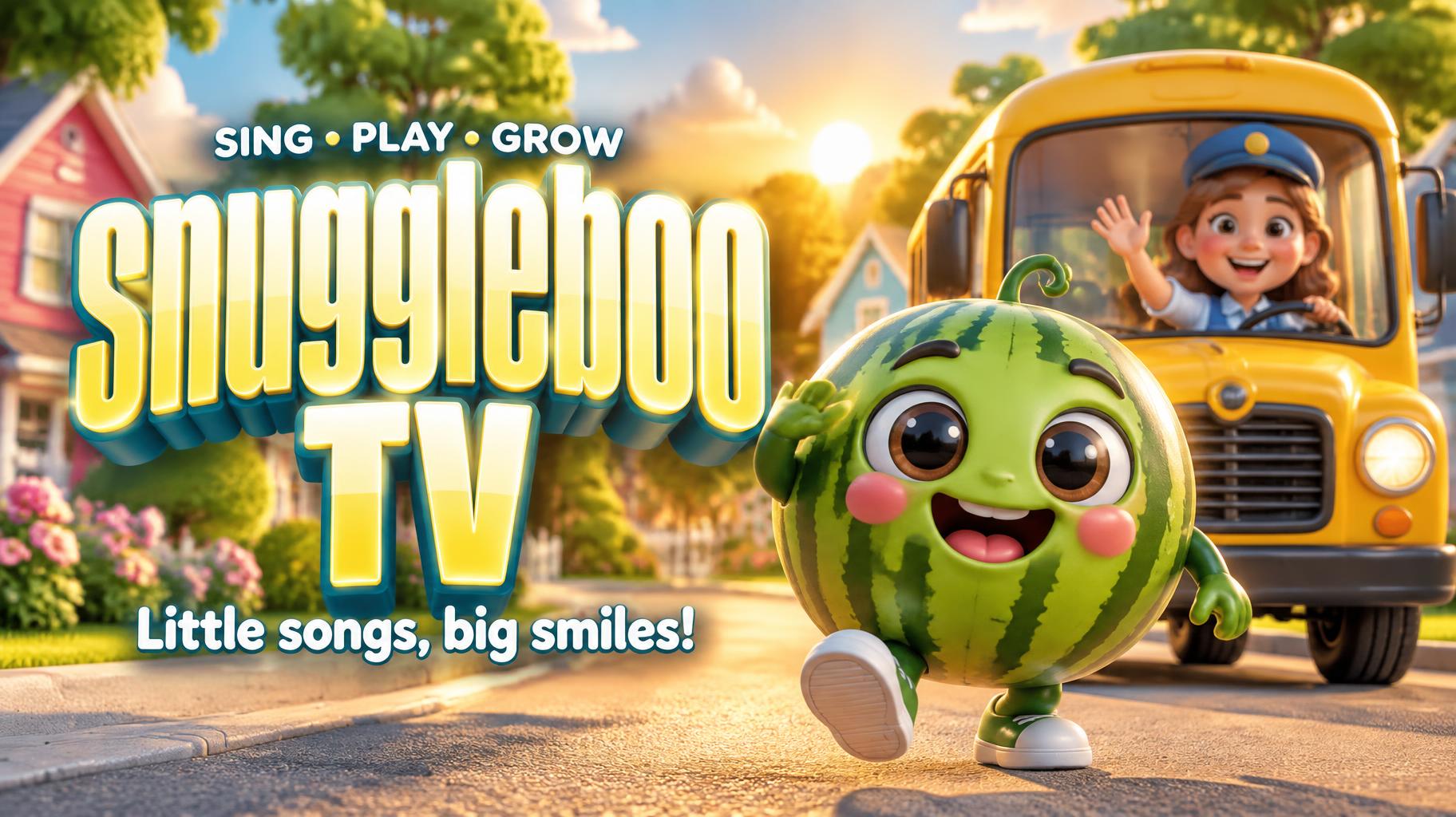
snuggleboo TV Little songs, big smiles! SING • PLAY • GROW - YouTube Creator Text Effect


Uses OpenAI GPT-Image-2.5 Sunburst, the model behind this artwork · 15 credits
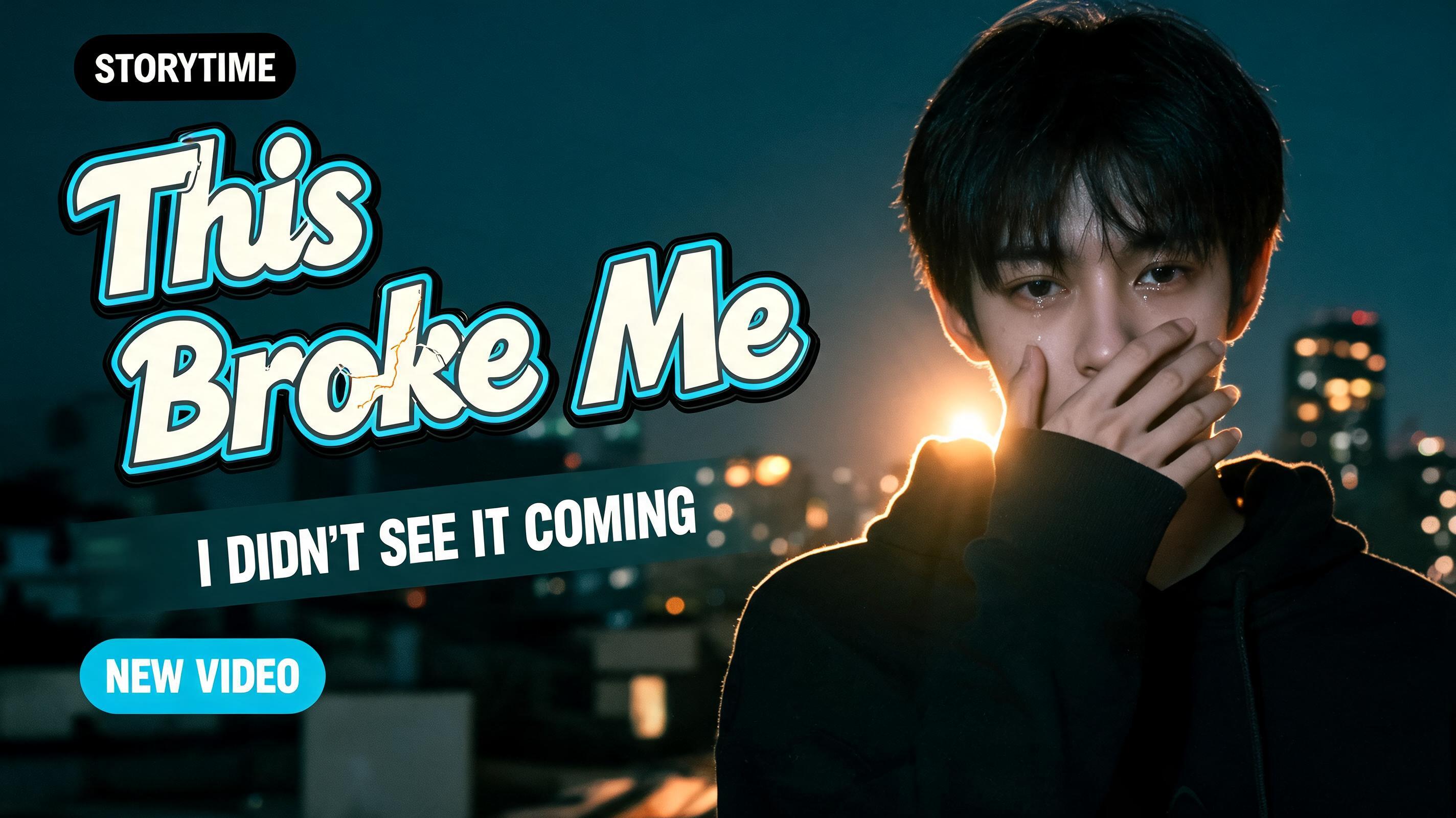







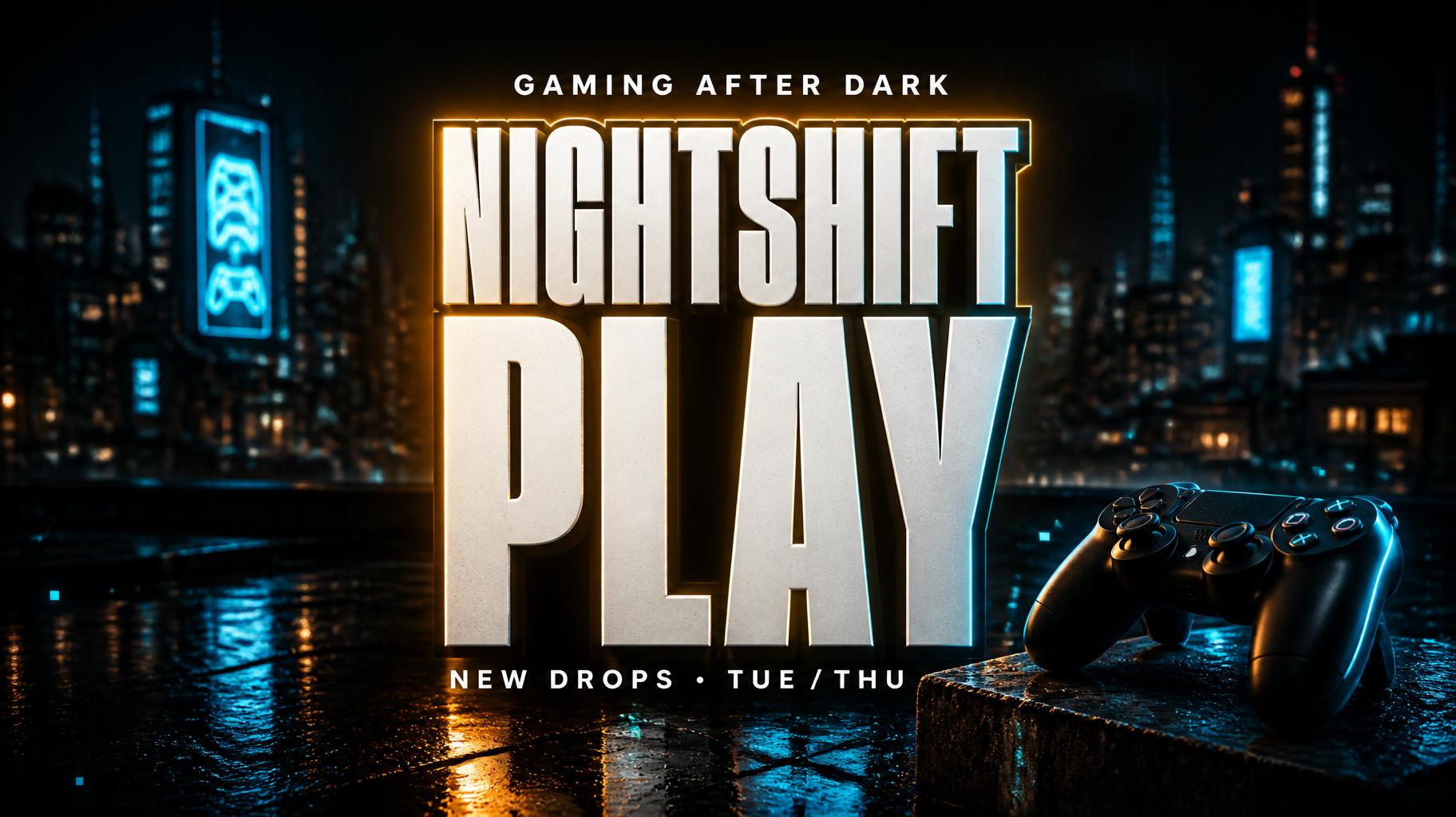
“snuggleboo TV Little songs, big smiles! SING • PLAY • GROW” was created with FontVibe AI — explore more Cinematic Youtube Creator text effect. Tall condensed sans capitals in warm yellow with a dark outline and glow, a small episode line above, over a golden-hour city rooftop.
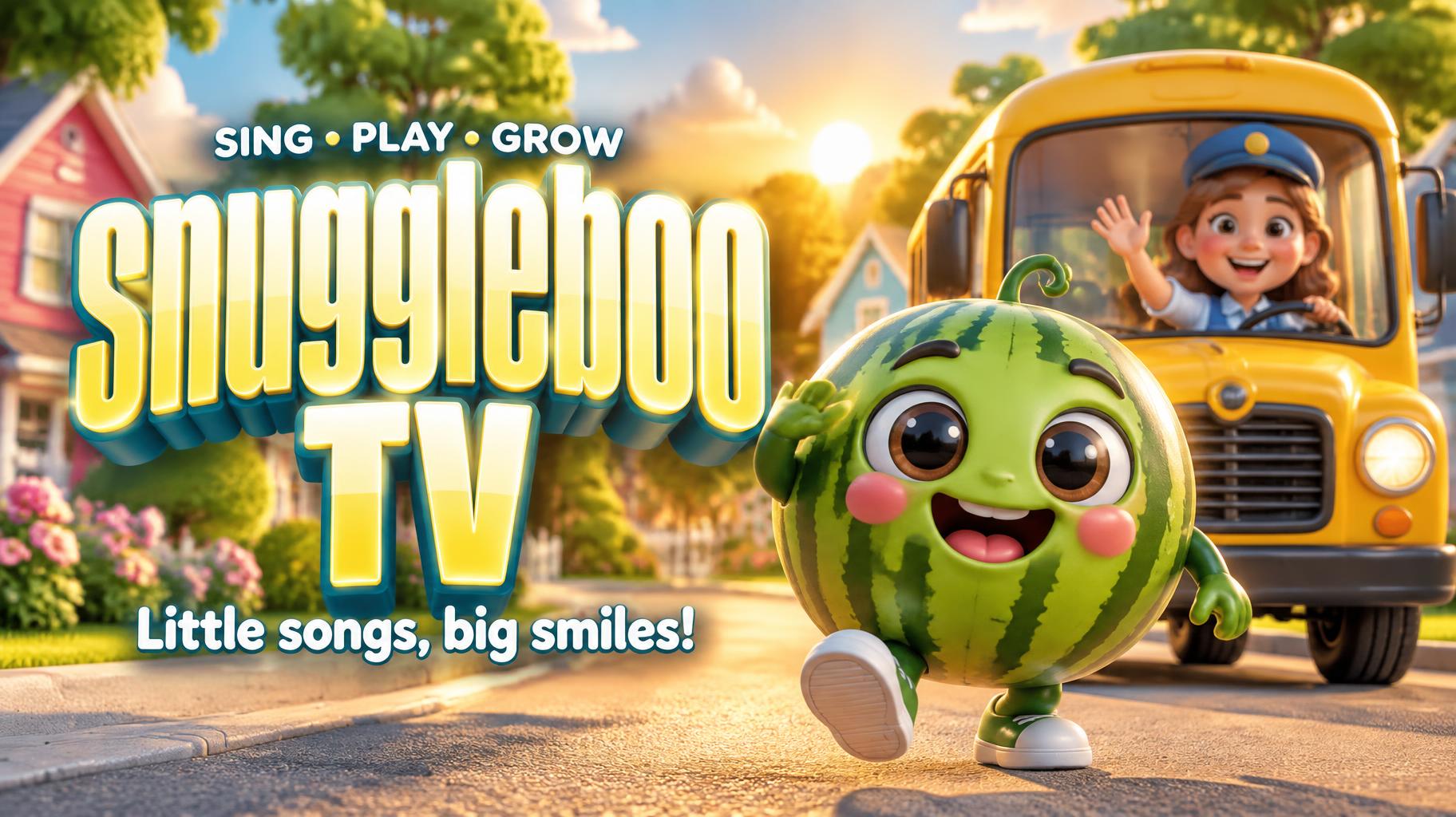
Create a finished, wide 16:9 YouTube channel banner for a cheerful preschool music and story channel. Compose it for instant readability on small screens: keep all lettering inside the central safe area. Use a three-tier hierarchy, with the channel name dominant on the left and a lively 3D animated scene on the right. Render the exact channel name “snuggleboo TV” large, stacked across two lines, as the primary title. Use ultra-condensed impact display lettering: dramatically tall glyphs, at least 3:1 letter height to width, extremely heavy strokes, tight spacing, small counters, and crisp flat-cut terminals. Give the letters a smooth, glossy candy-enamel finish in warm white with sunny yellow face accents, narrow bright vertical highlights, a subtle cyan edge gleam, and a deep teal cast shadow. A warm amber backlight halo separates the title from the scene. Keep every letter clean and accurately readable. Below it, render the exact supporting line “Little songs, big smiles!” in friendly rounded white lettering. Above the title, set the small exact line “SING • PLAY • GROW” in compact uppercase lettering. On the right, show a cute glossy 3D watermelon character with big expressive eyes and a happy smile, prominently in the foreground. Behind it, a bright yellow school bus rolls along a sunny suburban street; include a friendly smiling cartoon driver clearly visible through the windshield. Add colorful houses, soft green trees, and rounded clouds in the distance. Give the scene polished toy-like materials, gentle forms, expressive faces, and warm golden-hour sunlight. Use amber backlight and a subtle teal grade in the shadows, with a softly blurred background so the title and characters remain the focus. Keep the scene bright, inviting, and cinematic, not cluttered. No logos, watermarks, extra words, or extra lettering.
Made for YouTube Banner Font Generator
Generated on October 19, 2026 · 1824 × 1024 · JPEG · OpenAI GPT-Image-2.5 Sunburst · Layout: Zones · Shared by the creator · Free for commercial use (CC BY 4.0)


