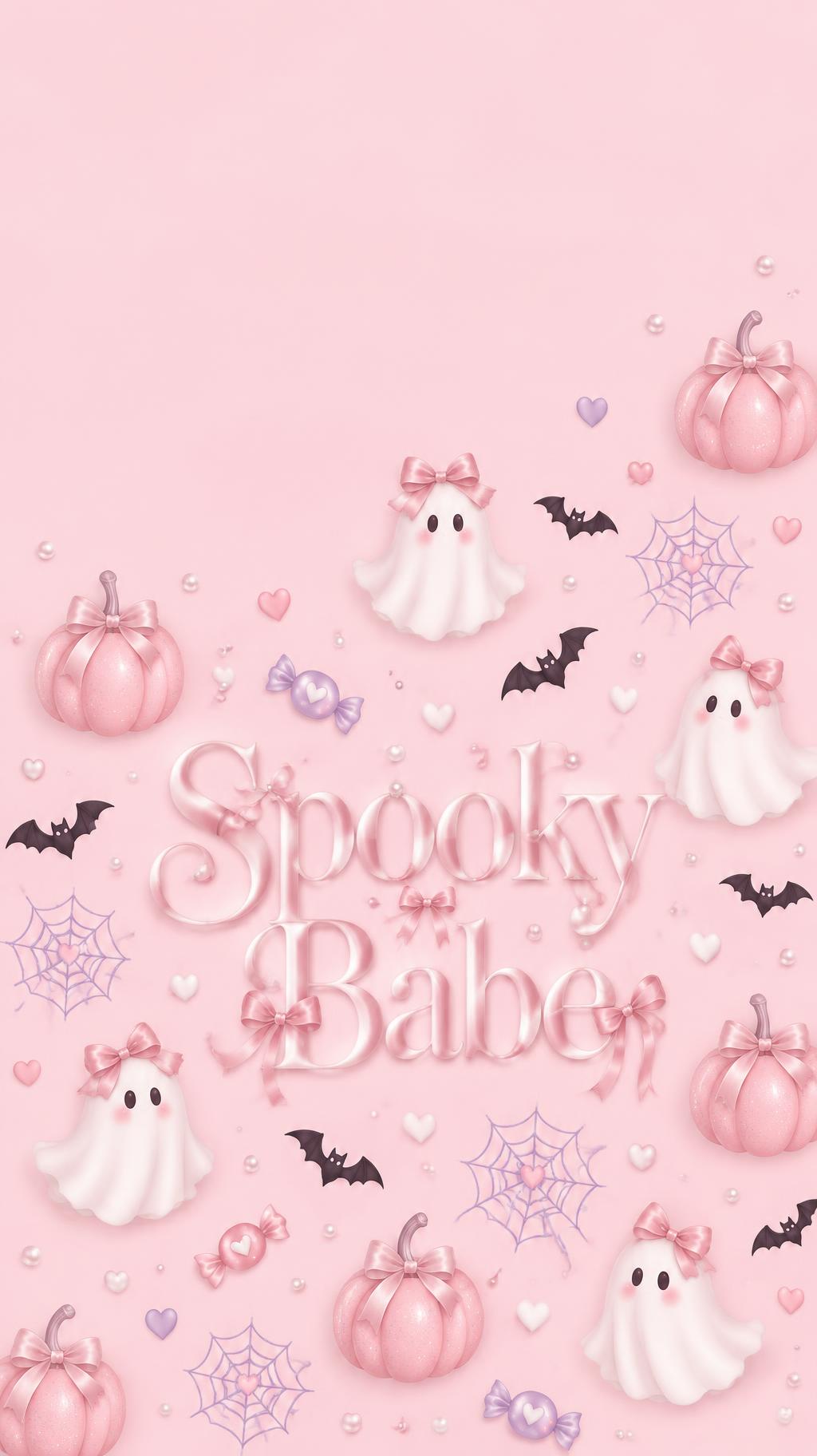
Spooky Babe - Pink Halloween Text Effect


Uses OpenAI GPT-Image-2.5 Sunburst, the model behind this artwork · 15 credits
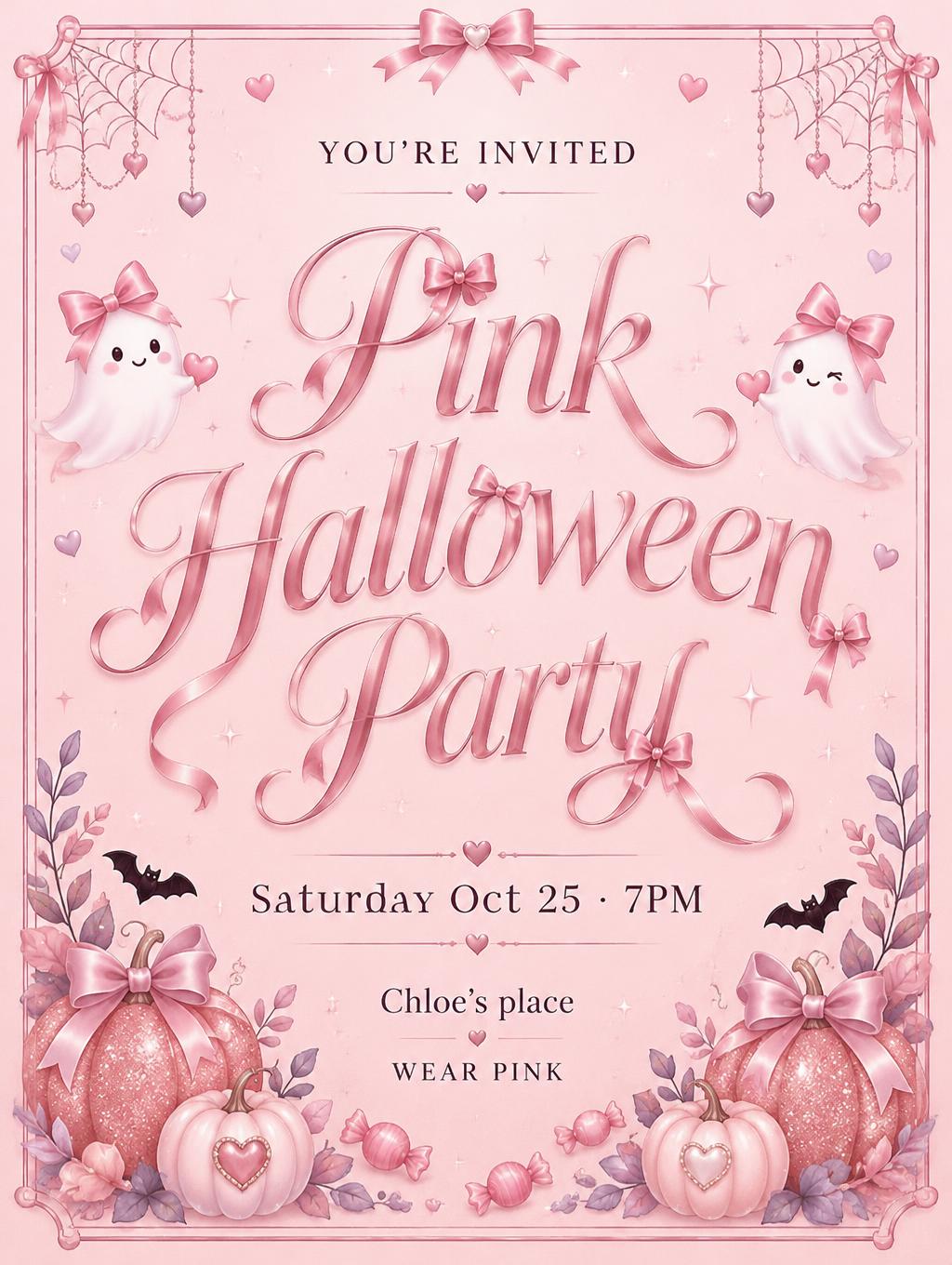
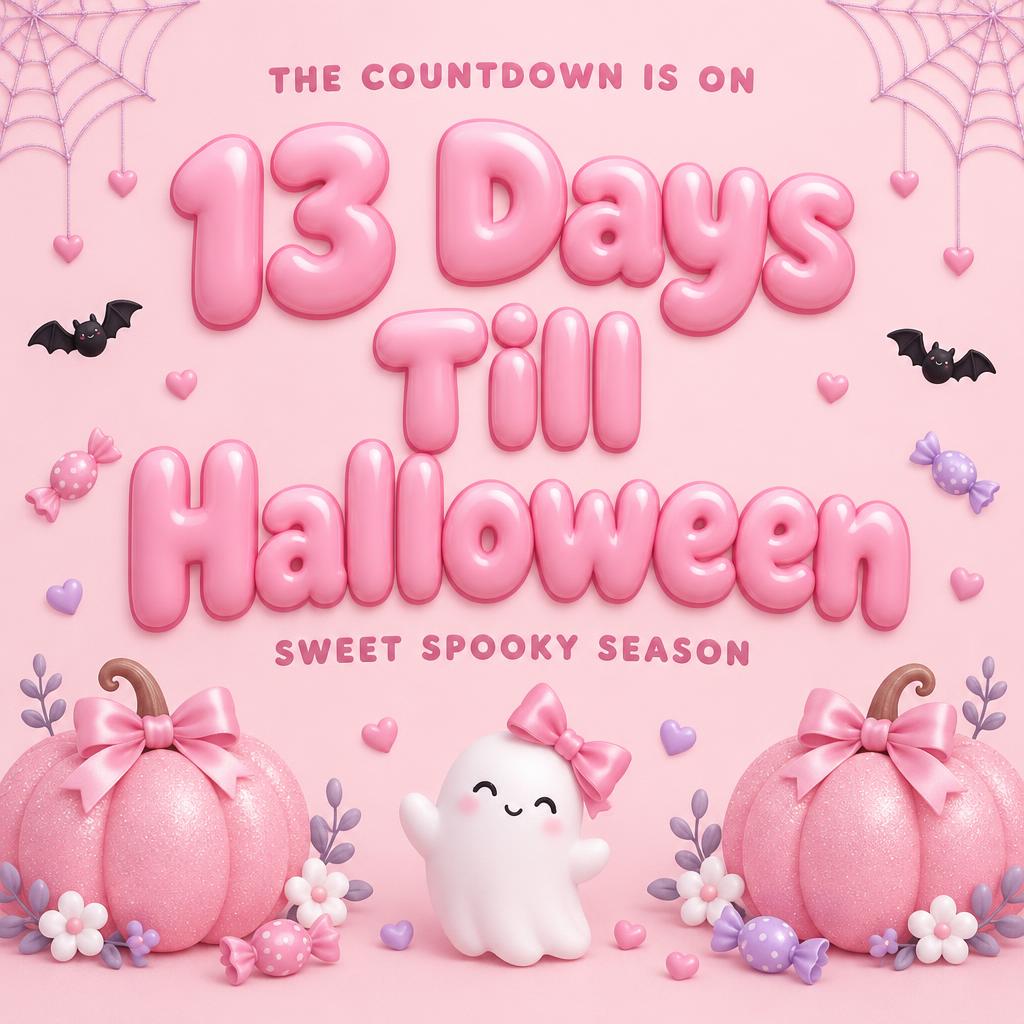
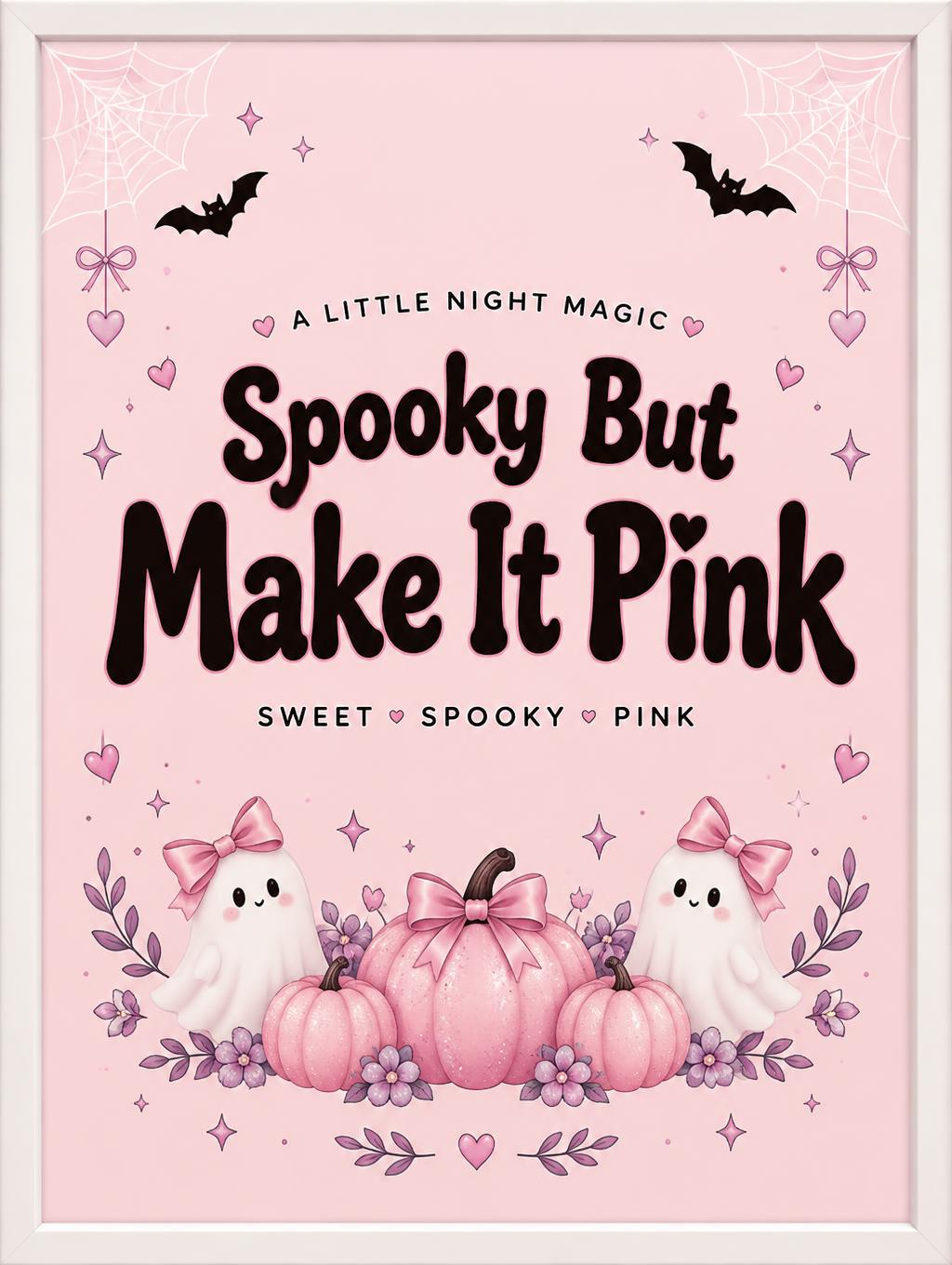
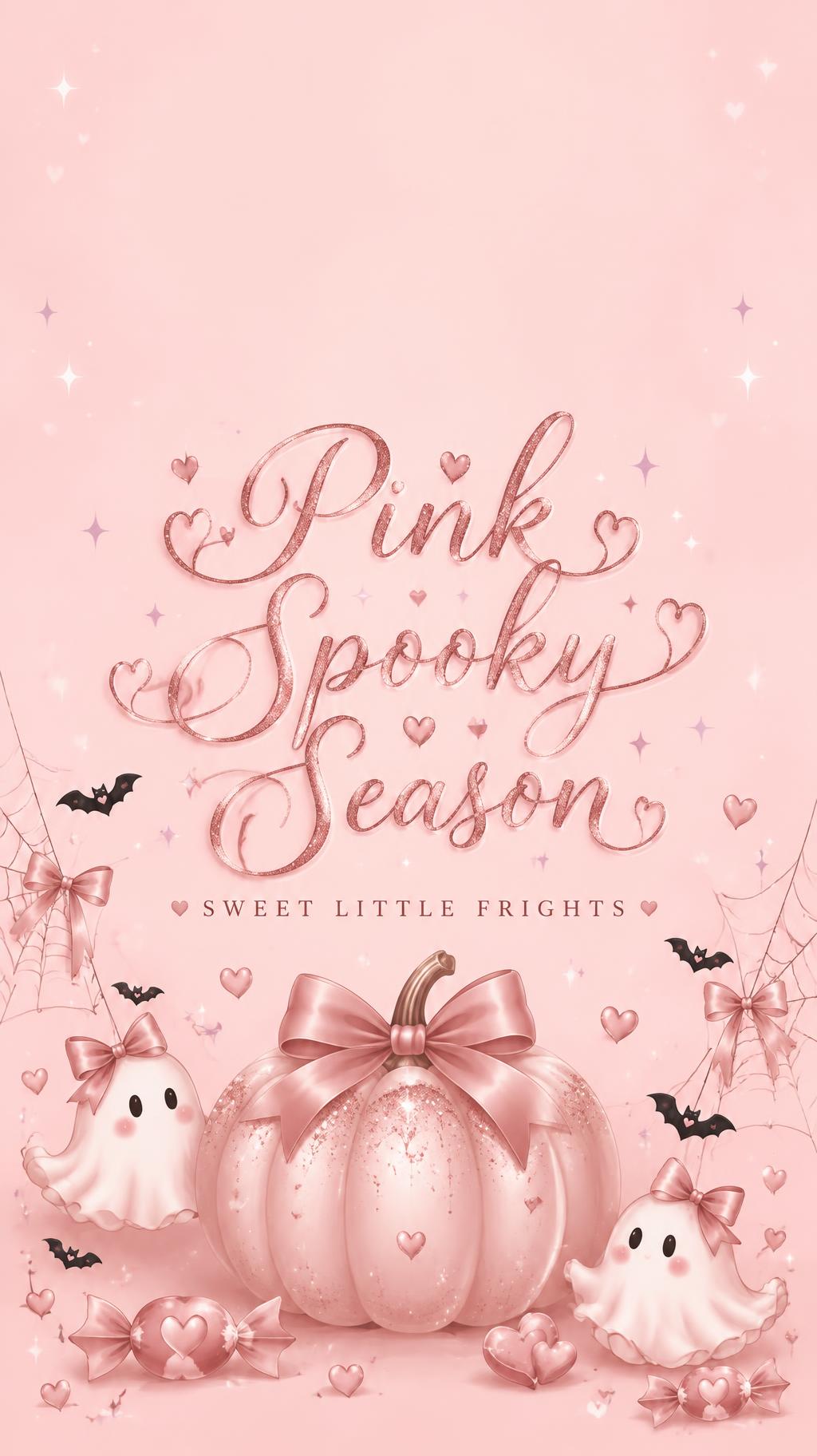
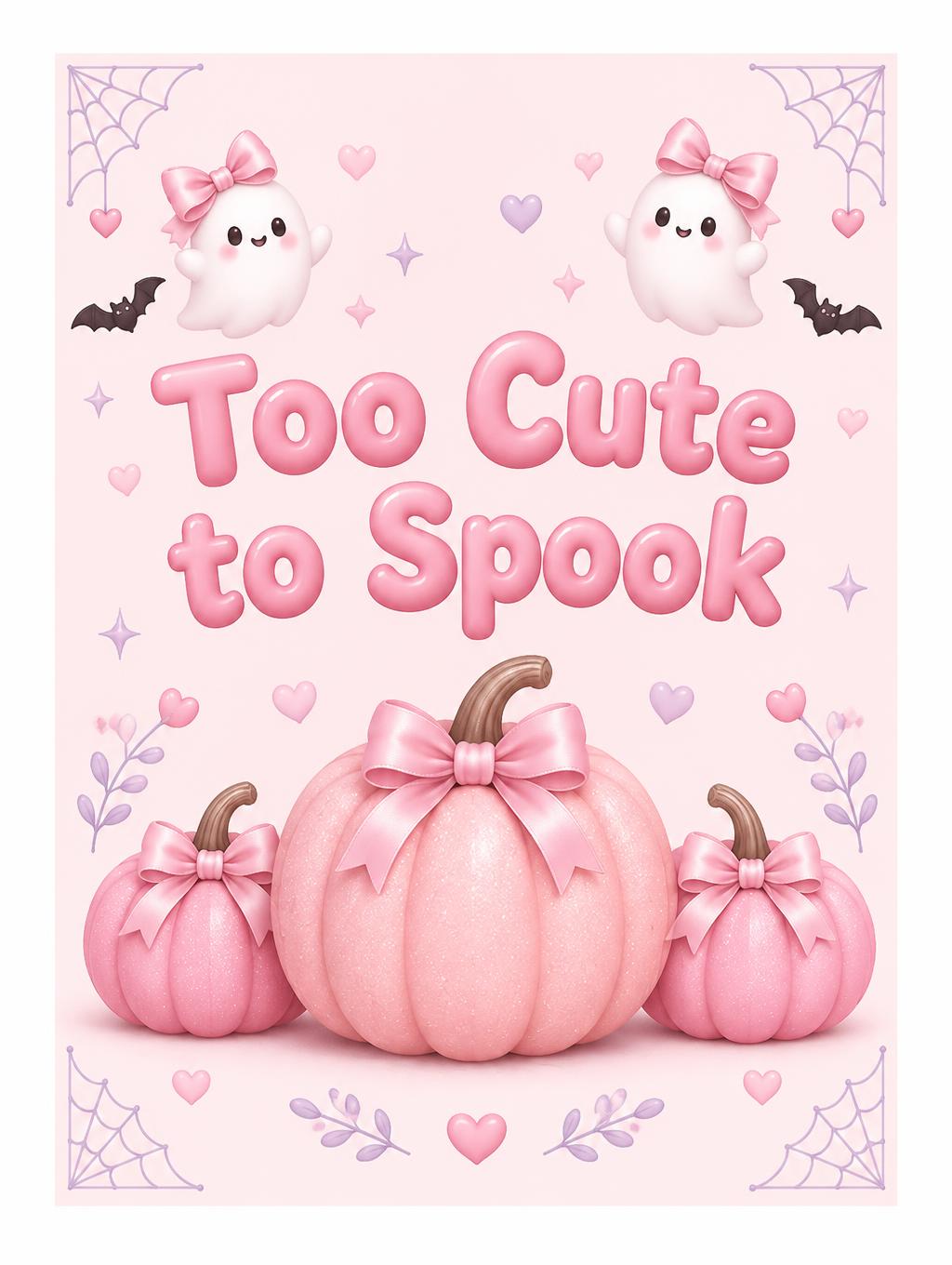

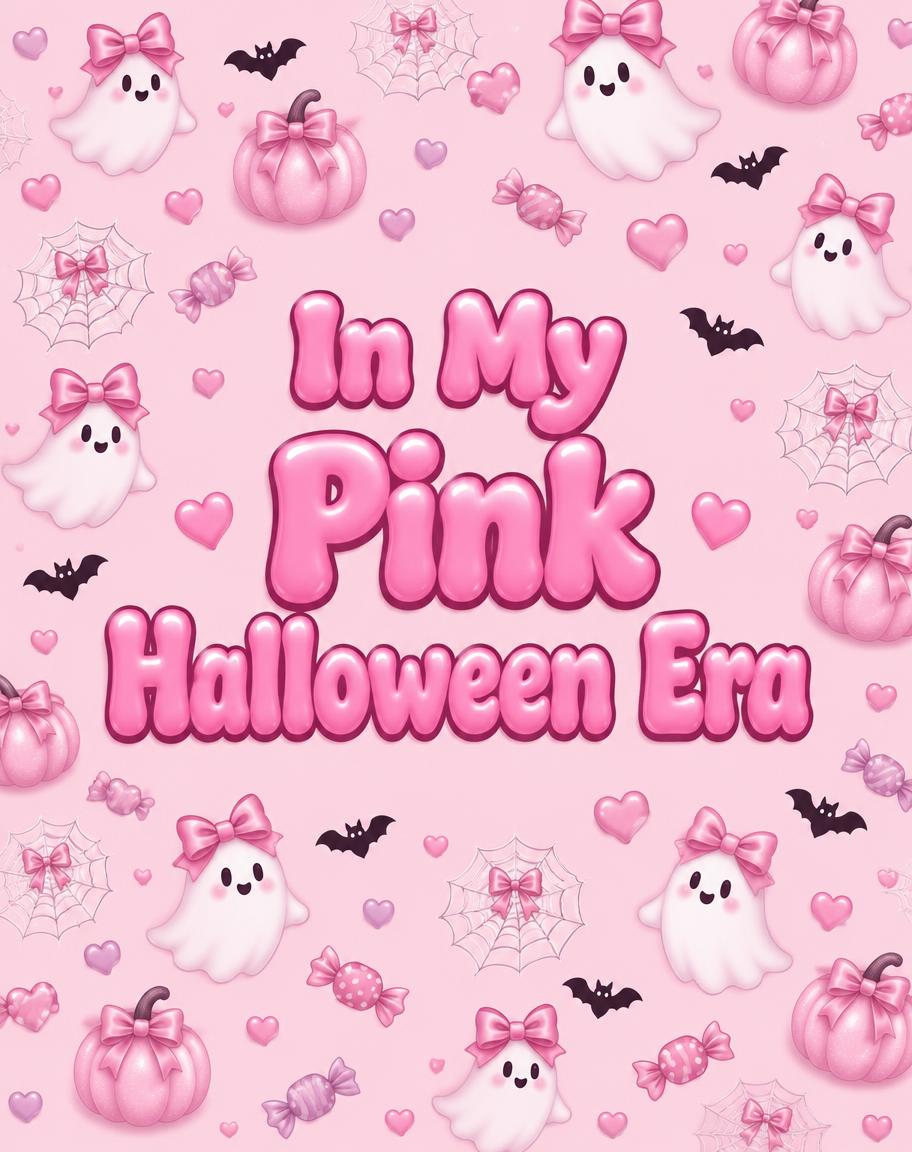
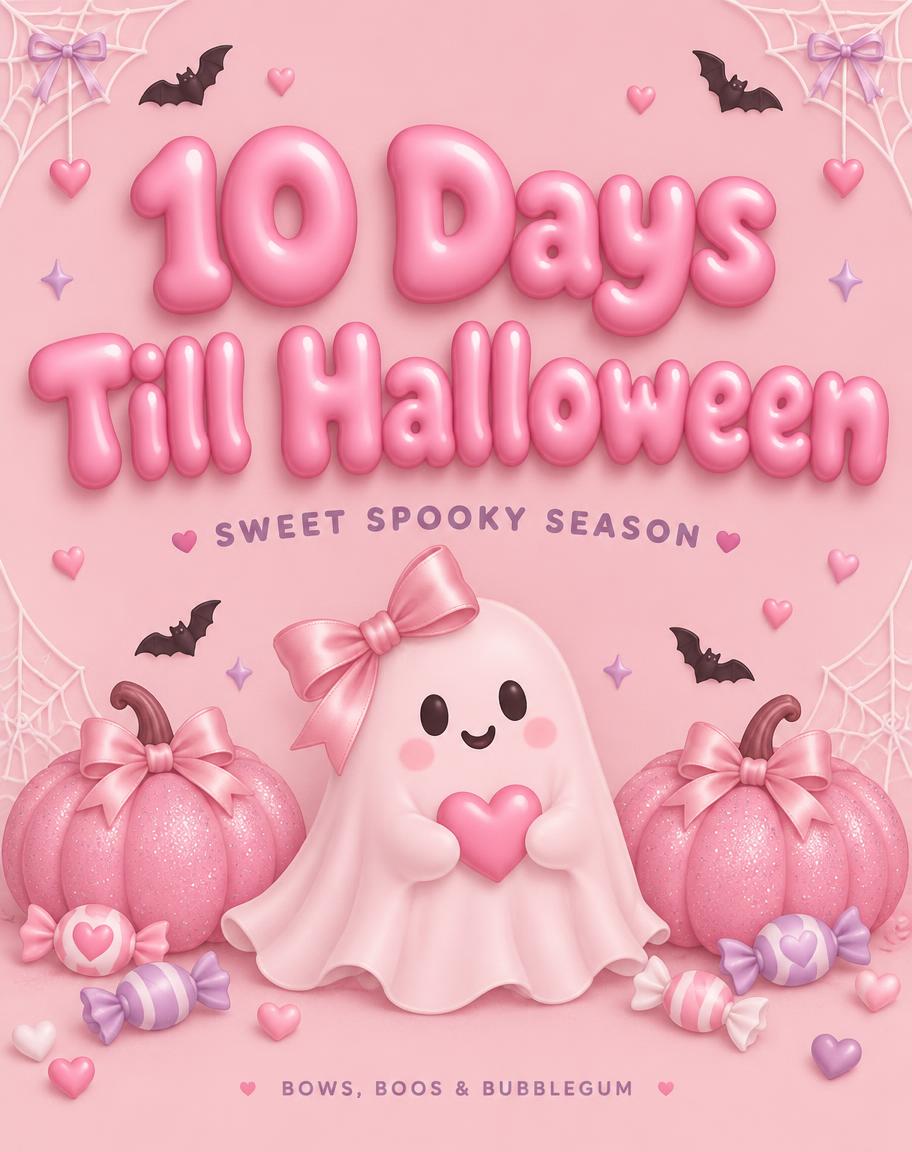
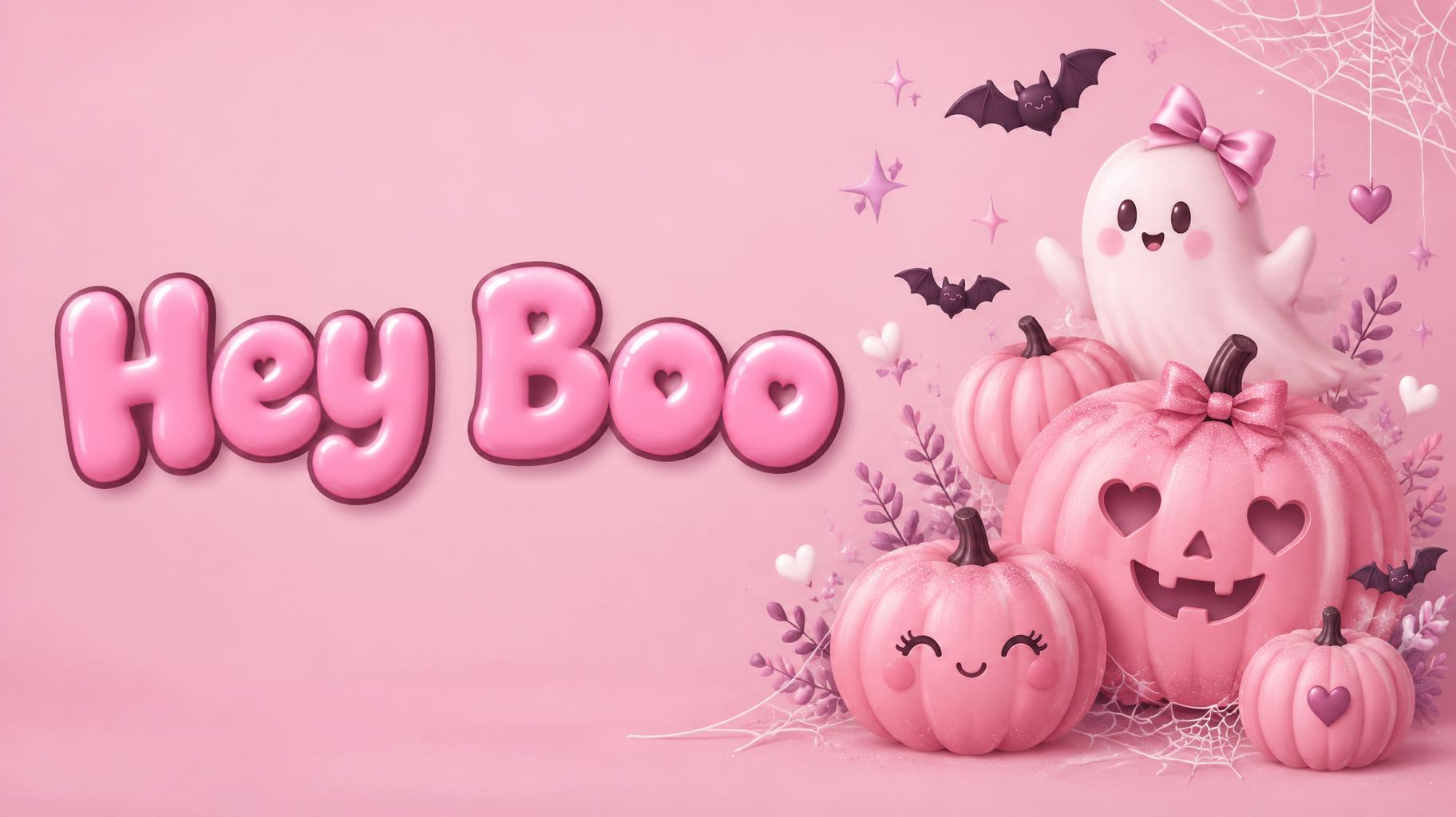
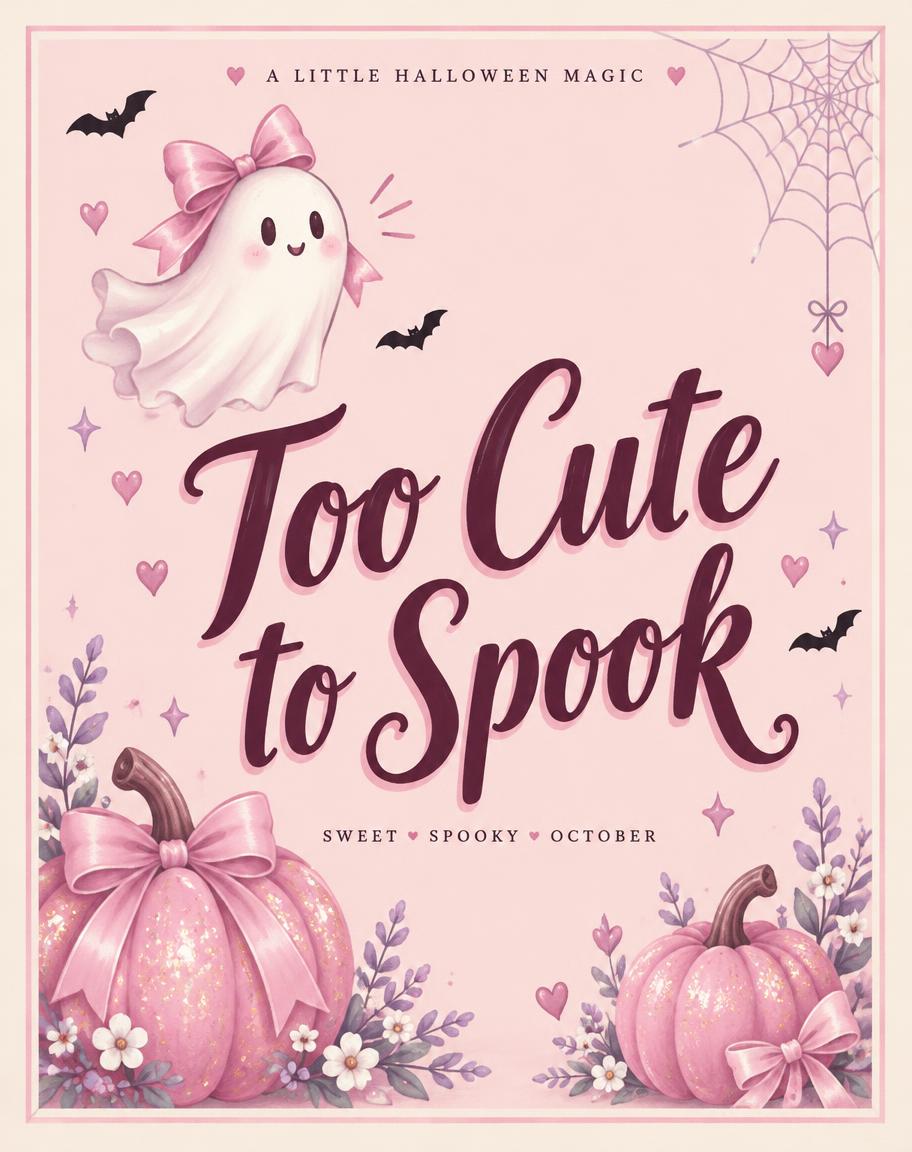
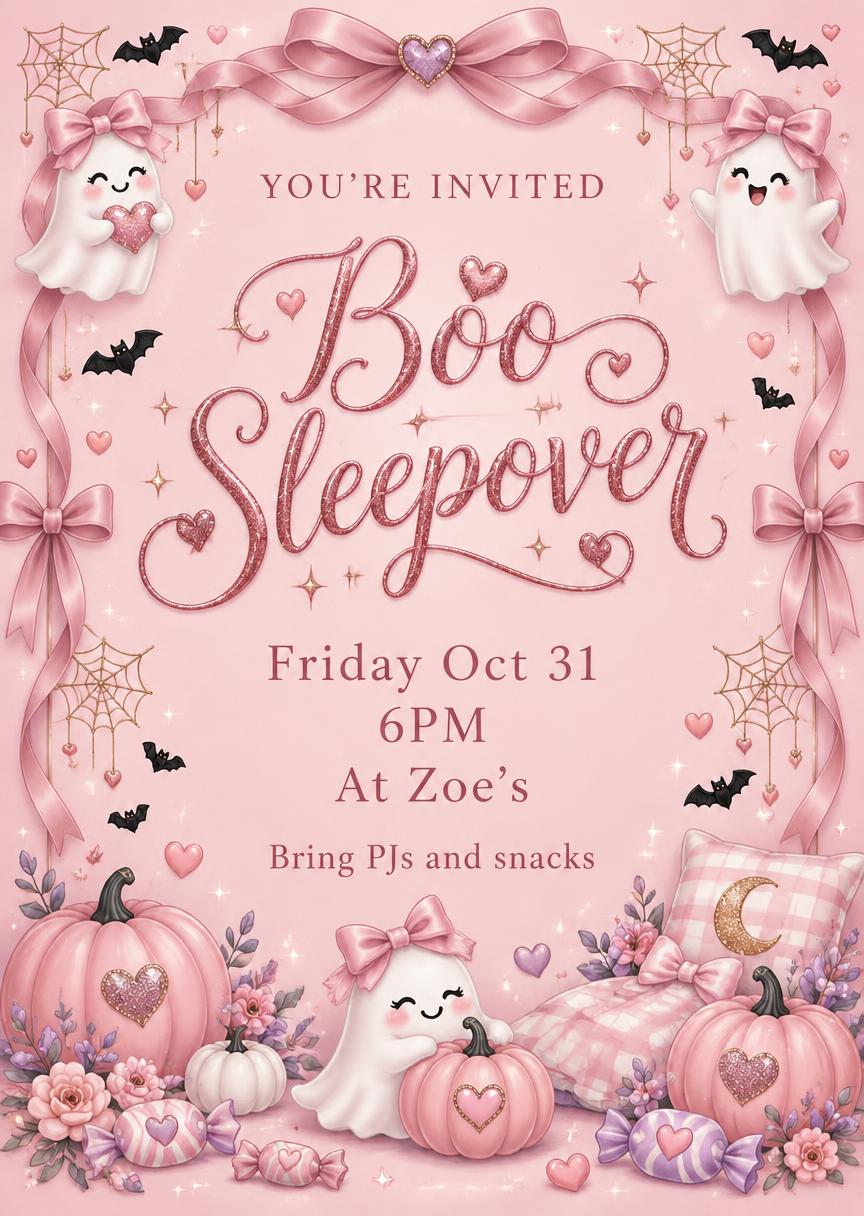
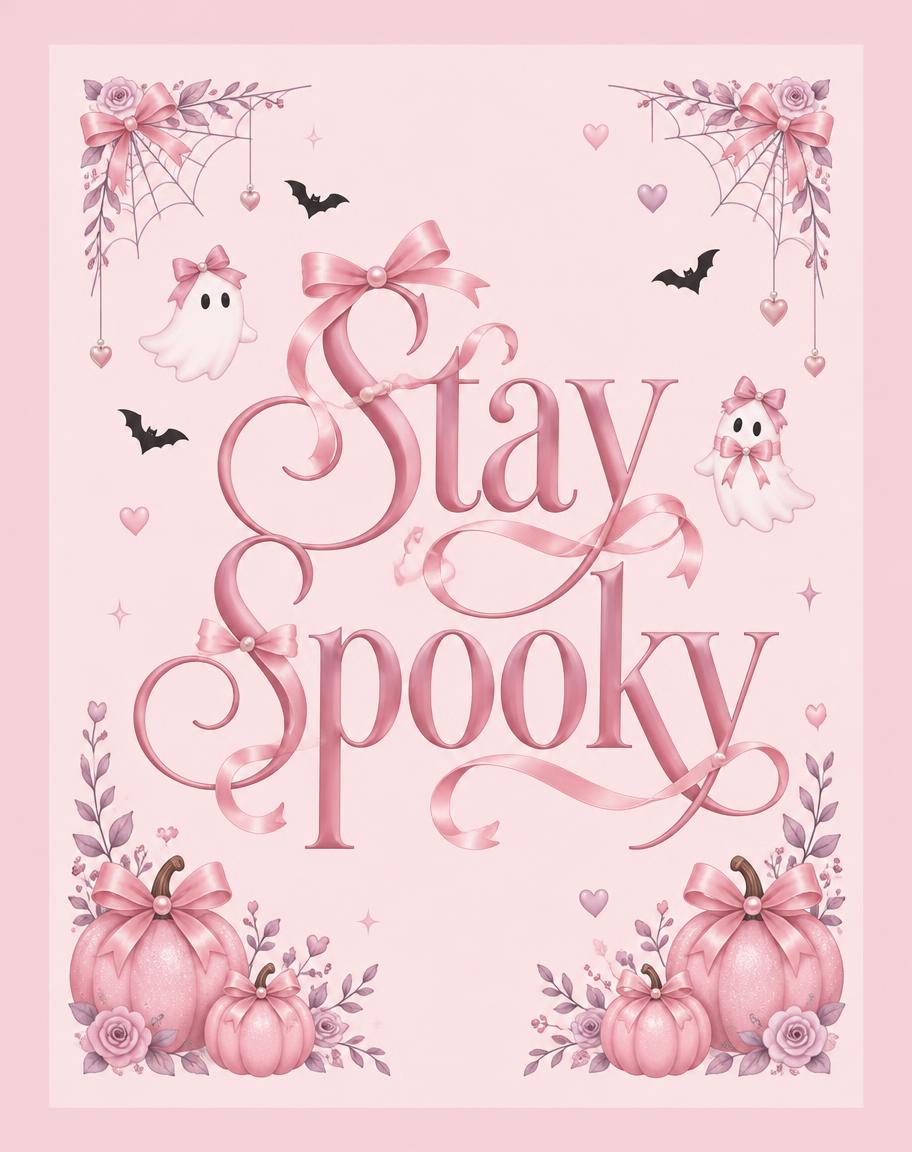
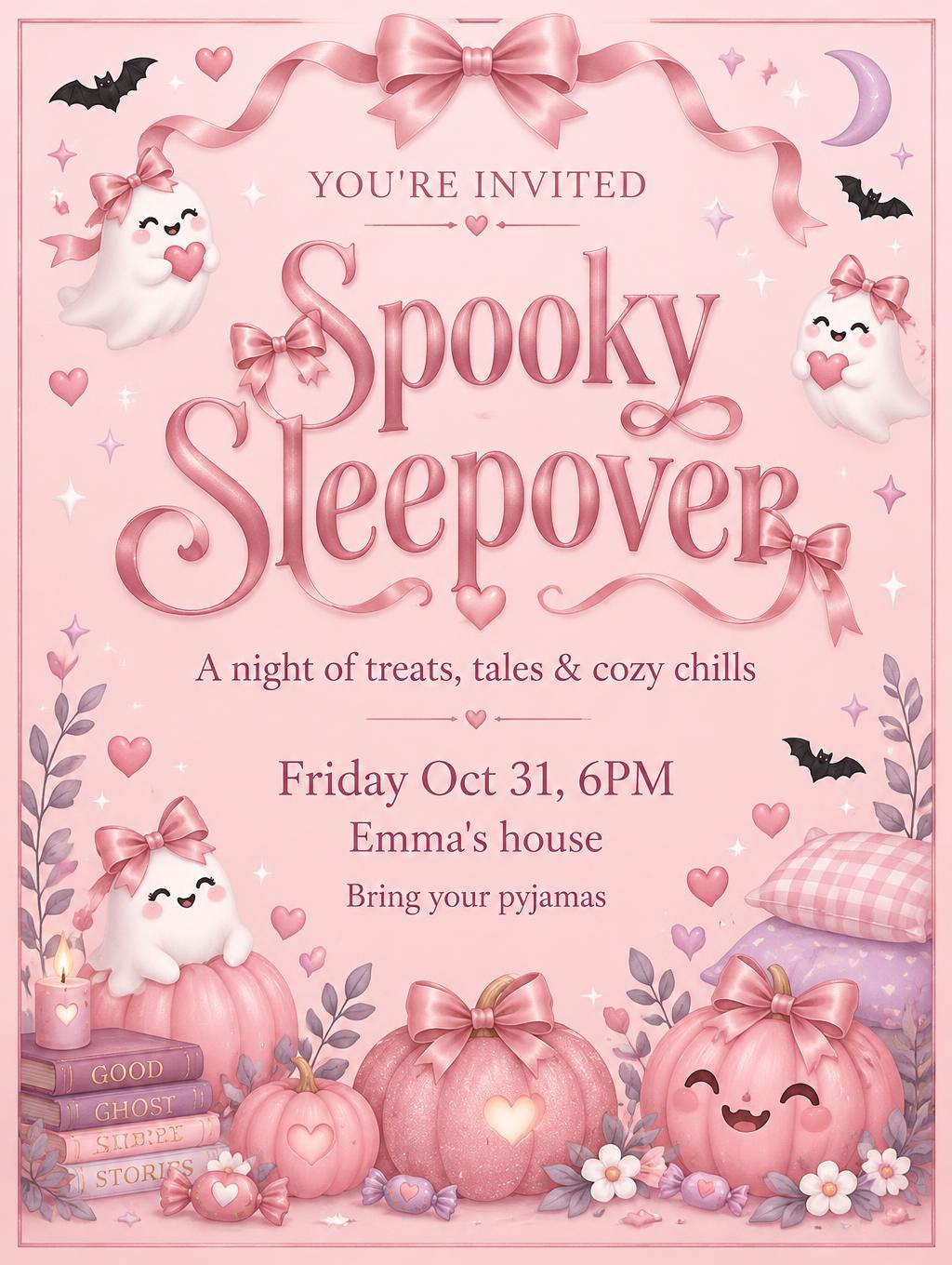
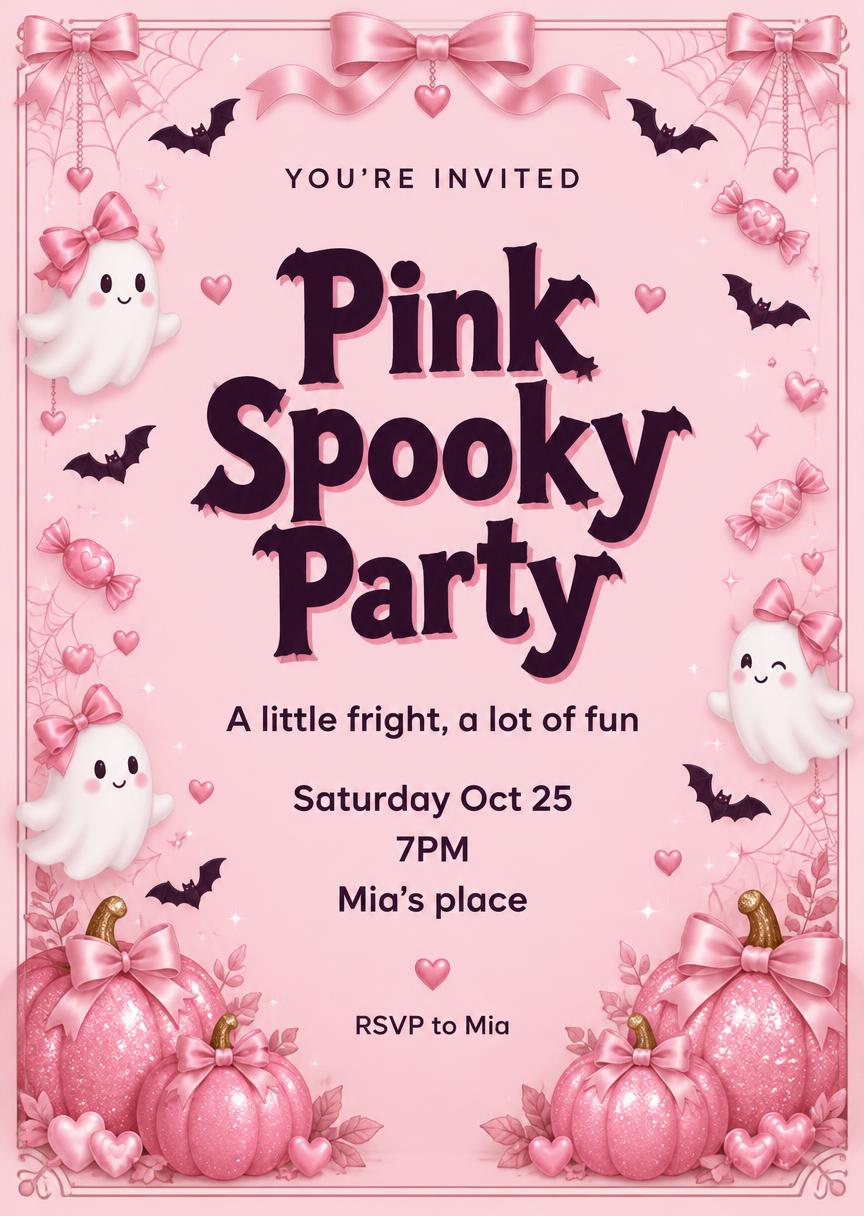
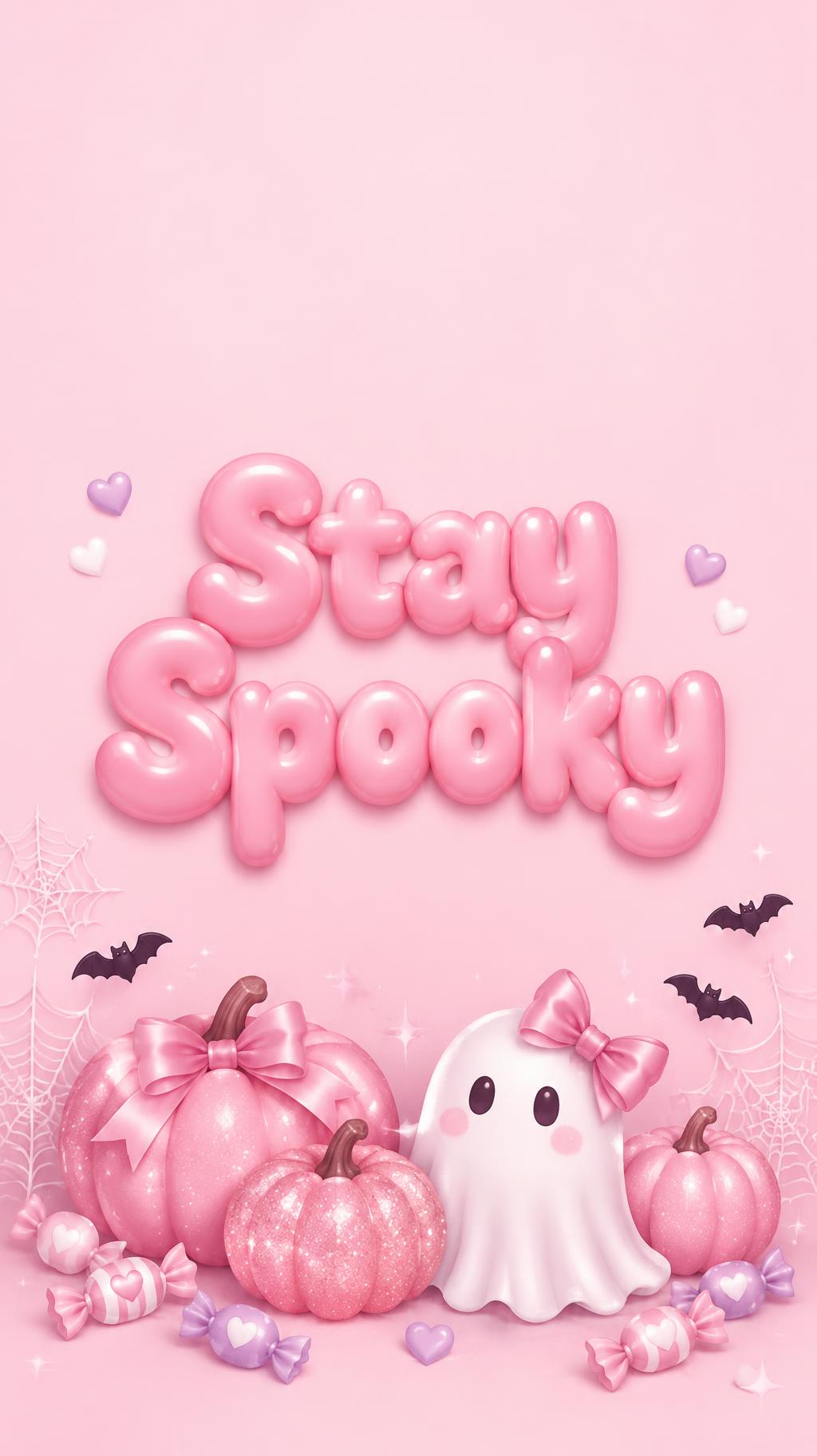
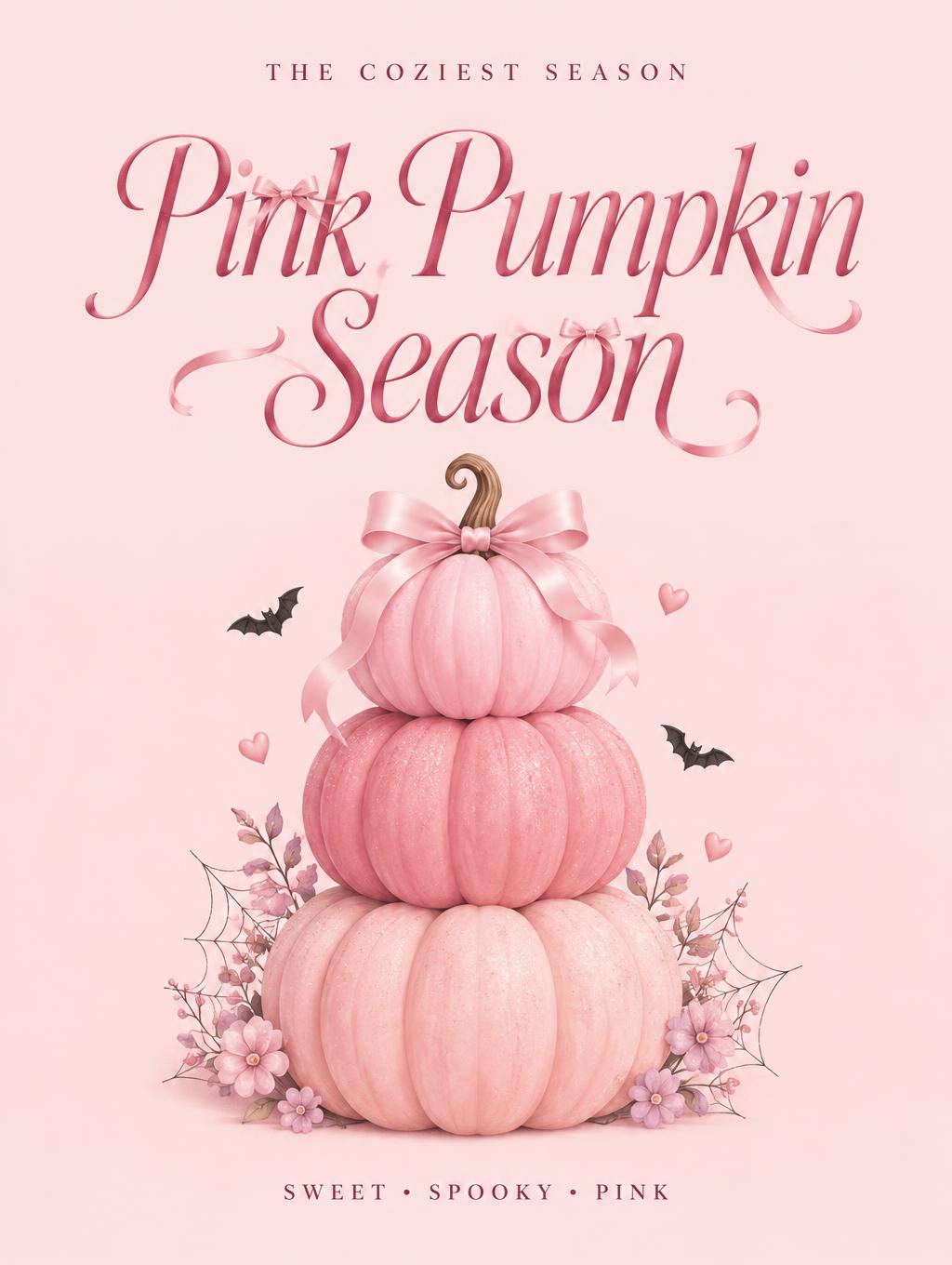
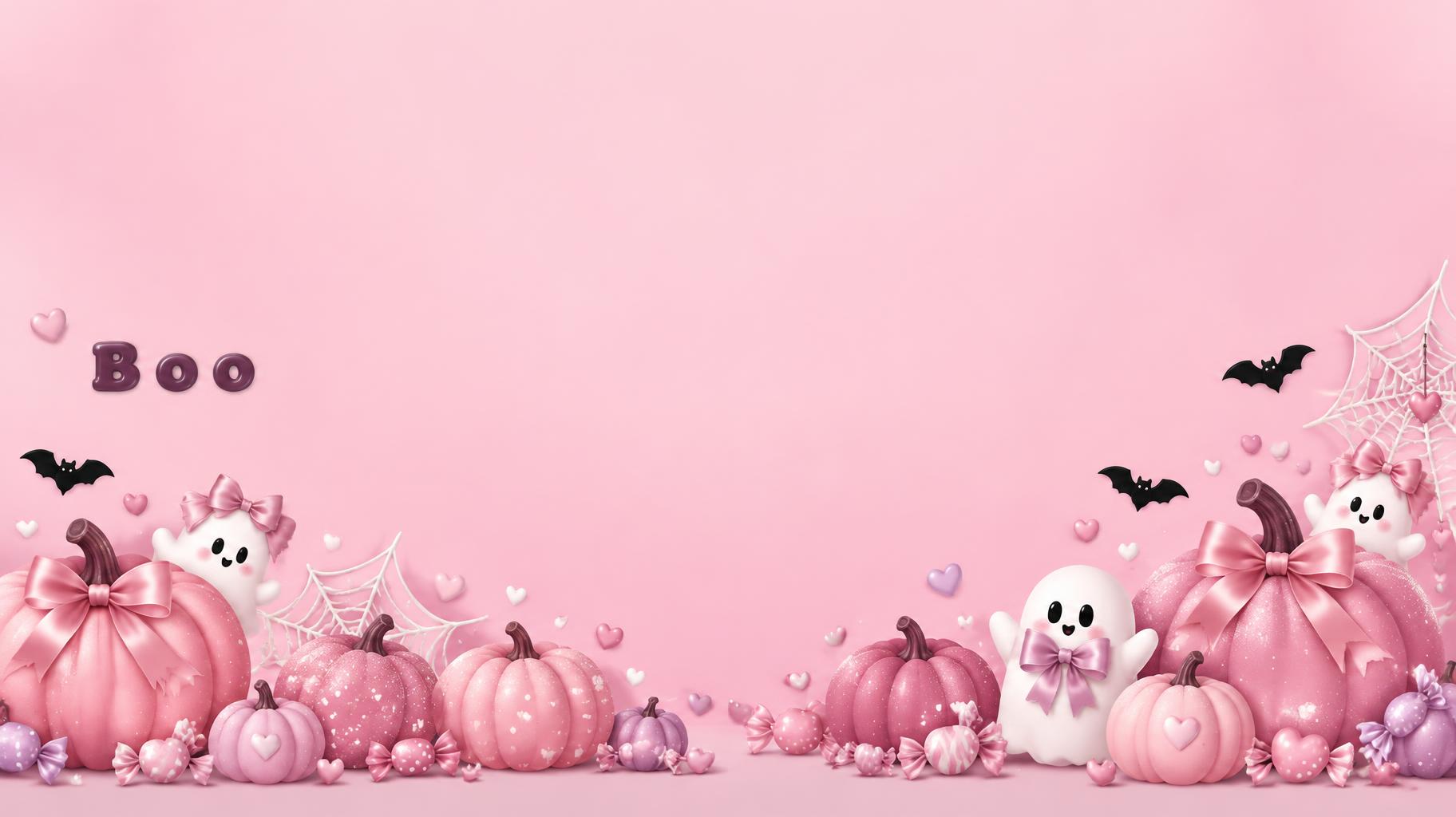
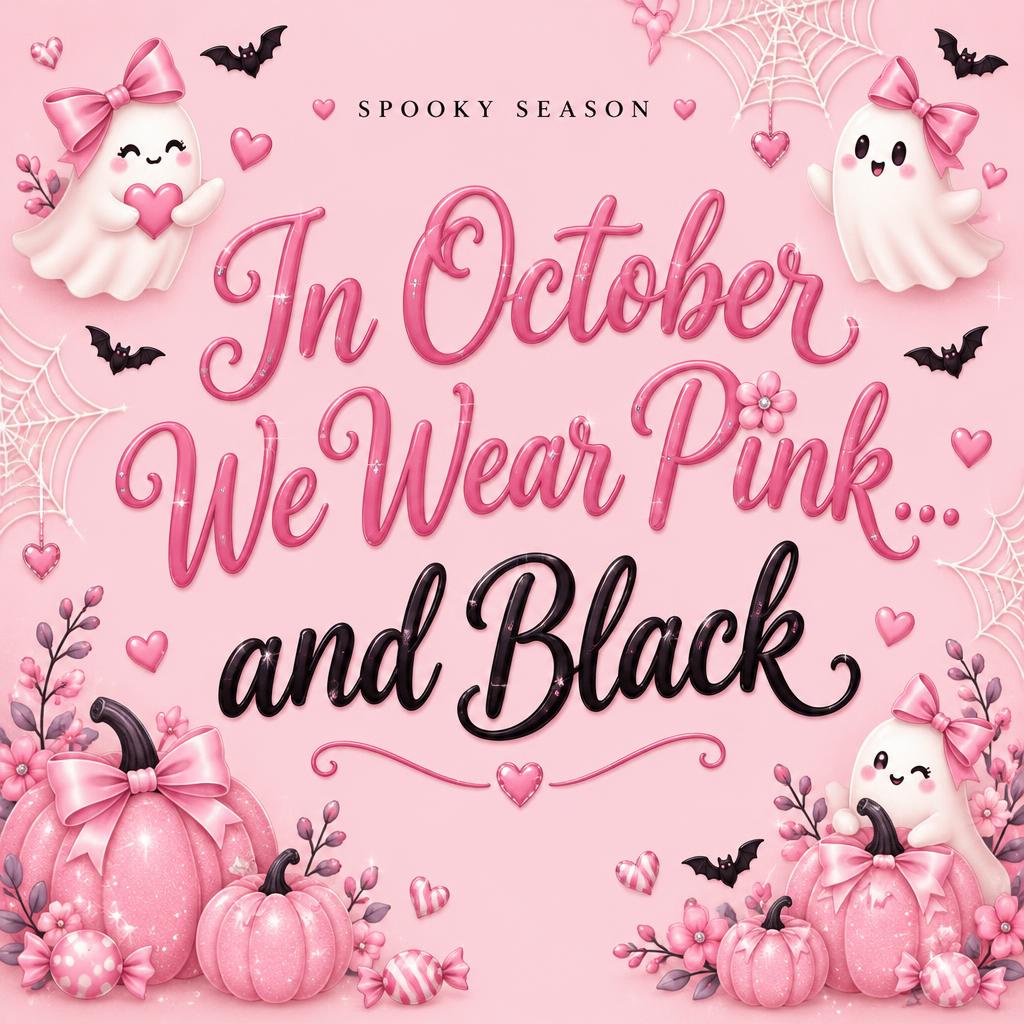
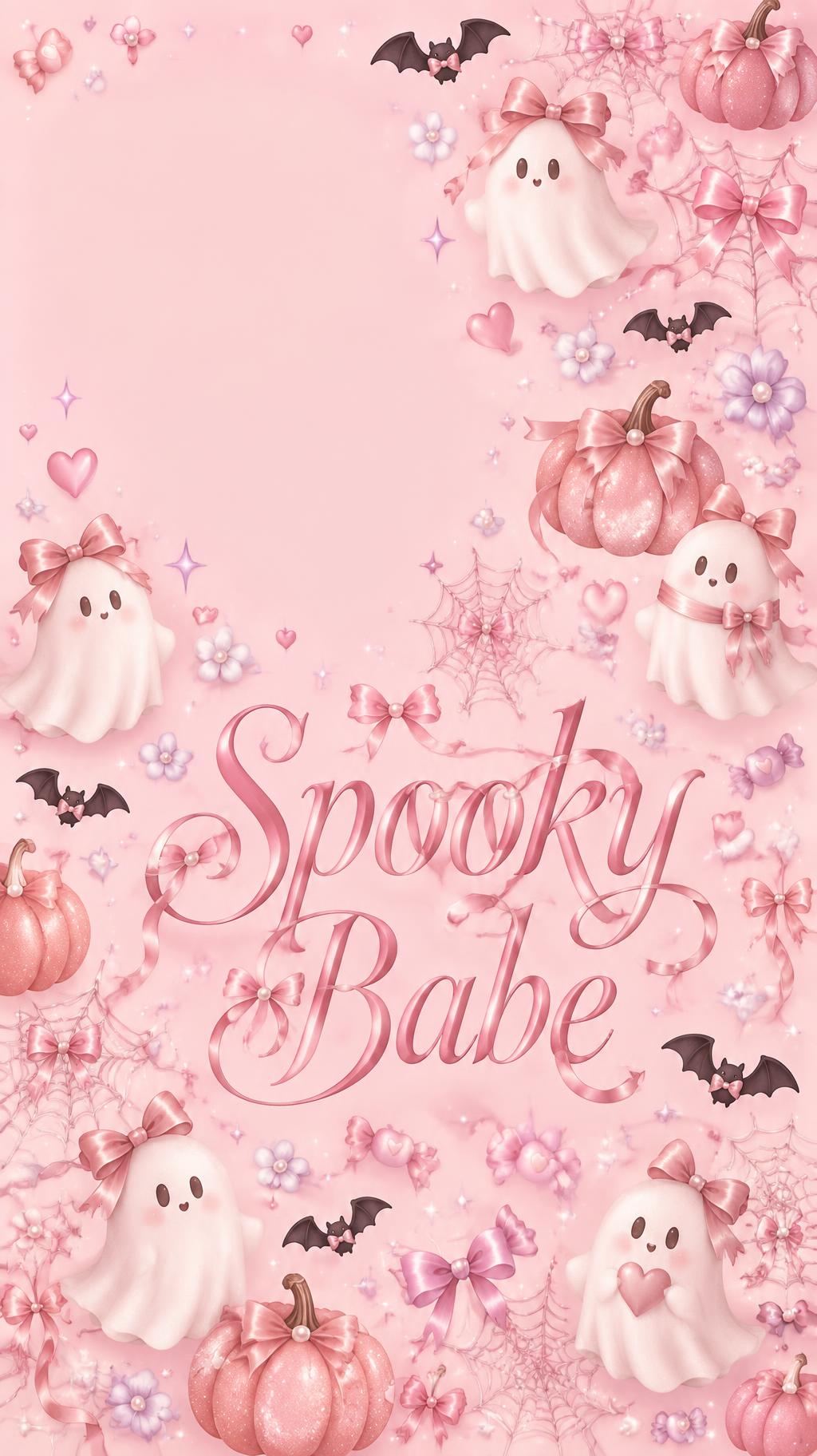
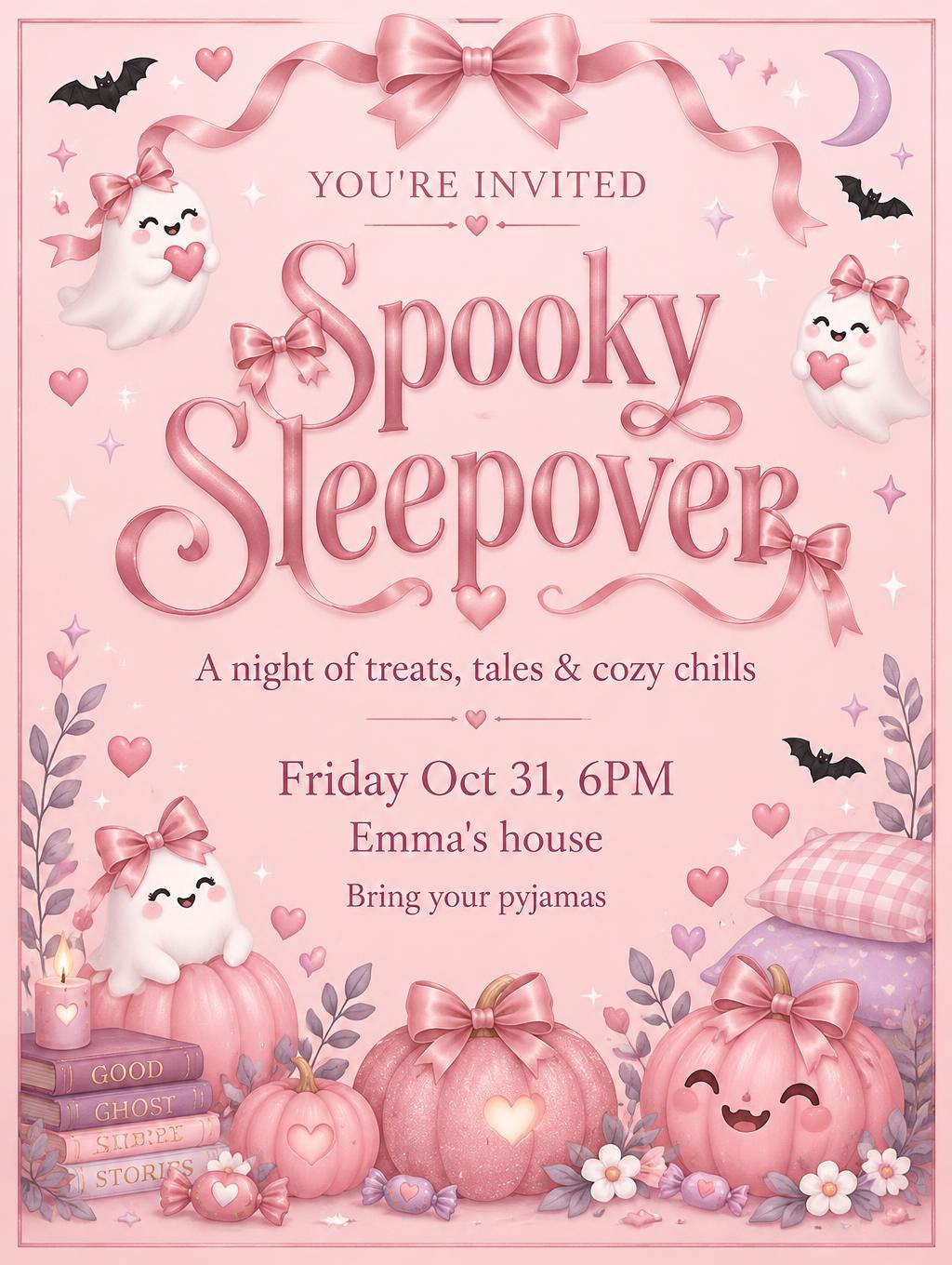
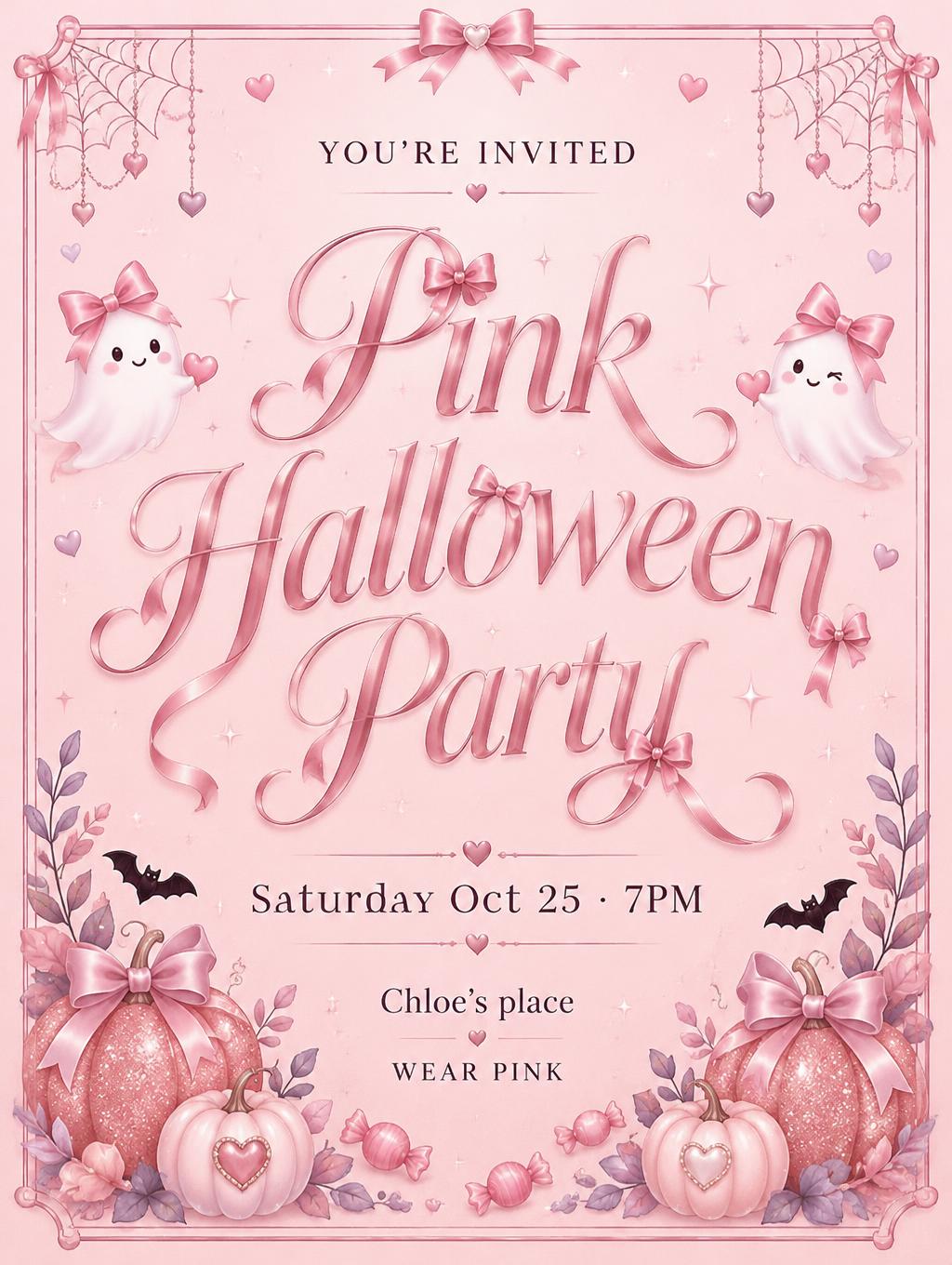
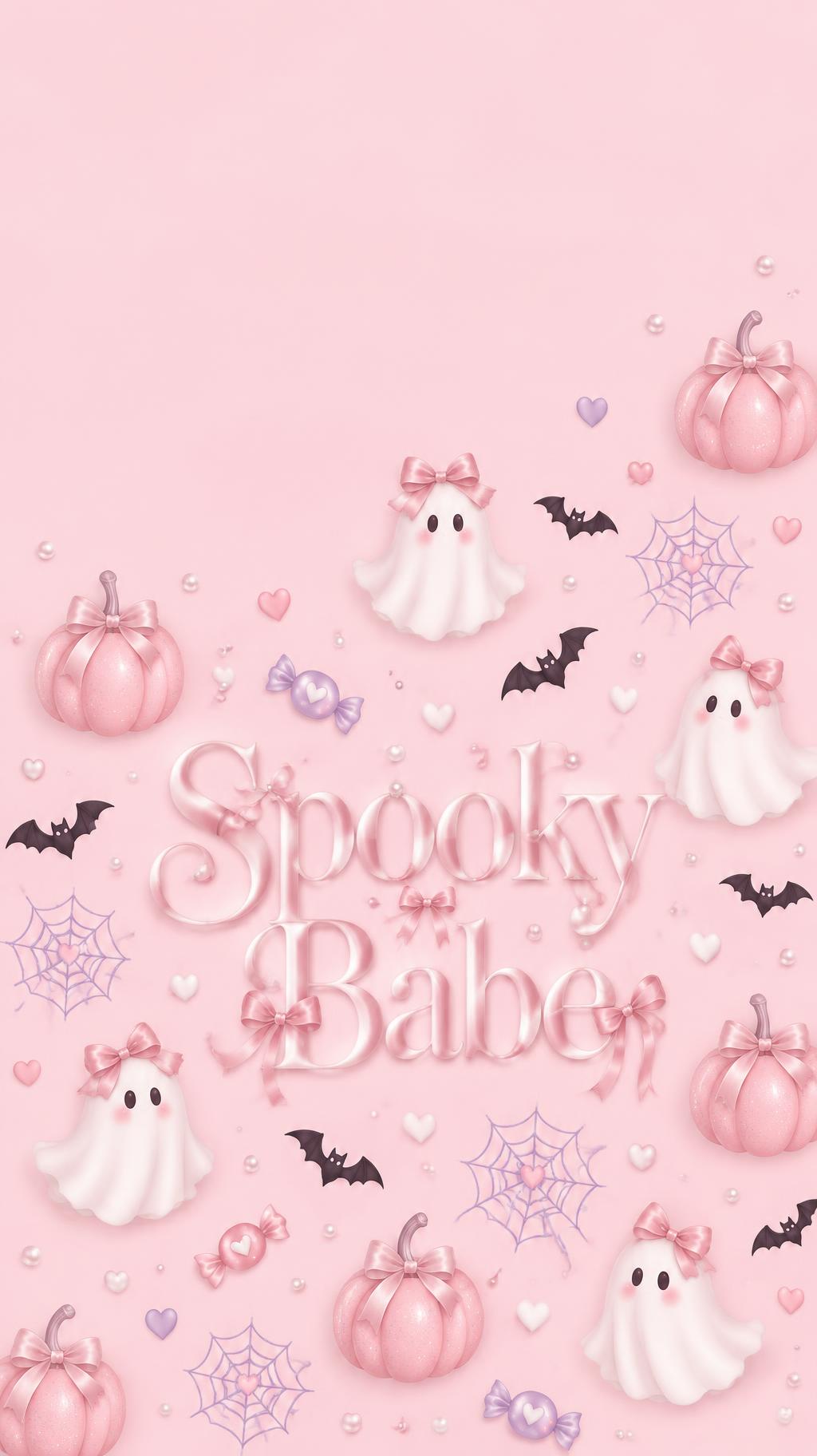
“Spooky Babe” was created with FontVibe AI — explore more Pink Halloween text effect. Blush and bubblegum pink scenes of glittery pink pumpkins, little ghosts in satin bows, cobwebs, bats and candies, with black accents under soft even light.
Create a finished vertical 9:16 phone lock-screen wallpaper in a sweet, bedroom-friendly Pink Halloween style. Use a soft blush-pink background with an all-over scatter pattern across the lower two-thirds: small pink pumpkins with delicate glitter flecks, little white ghosts wearing satin-pink bows, tiny black bats, fine cobwebs, wrapped candies, and small hearts. Keep the top third calm and open, especially the upper-left corner, with no motifs or text there so the lock-screen clock has clear space. Arrange the motifs playfully but keep generous breathing room around the title. Set the exact headline text “Spooky Babe” centered in the lower-middle area, large and clearly readable. Use elegant, high-contrast coquette serif lettering with graceful hairline serifs and softly tapered strokes; weave a few tiny satin ribbon bows and pearl-like beads into the letterforms. Give the lettering a gentle pearlescent satin sheen, preserving strong contrast against the blush background. Keep the illustrations soft, flat, matte, and delicate, with only faint soft shadows and a subtle pink glow. Use lilac and white as small accents and black only for tiny bats and restrained lettering details. No orange, no scary imagery, no extra text, no frame, no border, no clock or interface elements.
Generated on October 19, 2026 · 1024 × 1824 · JPEG · OpenAI GPT-Image-2.5 Sunburst · Layout: Clock-Clear Pattern · Shared by the creator · Free for commercial use (CC BY 4.0)