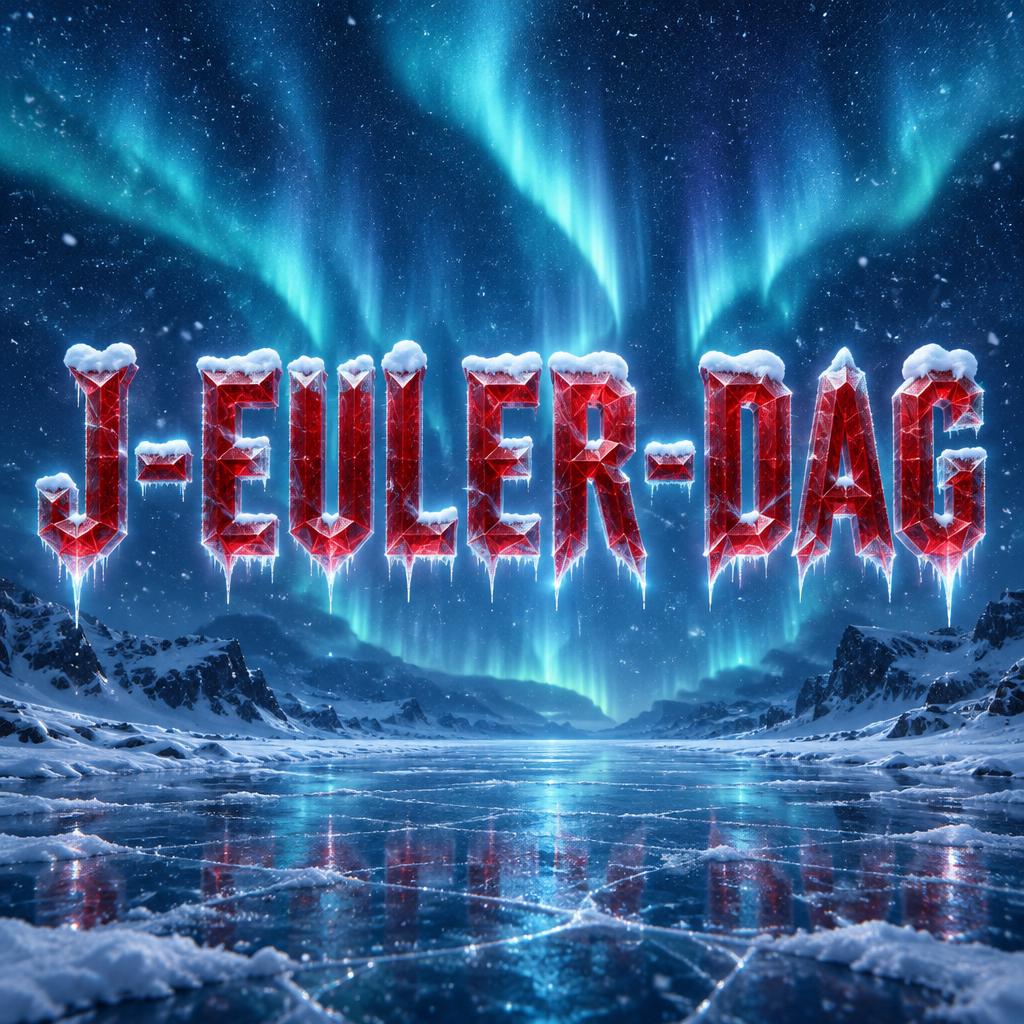
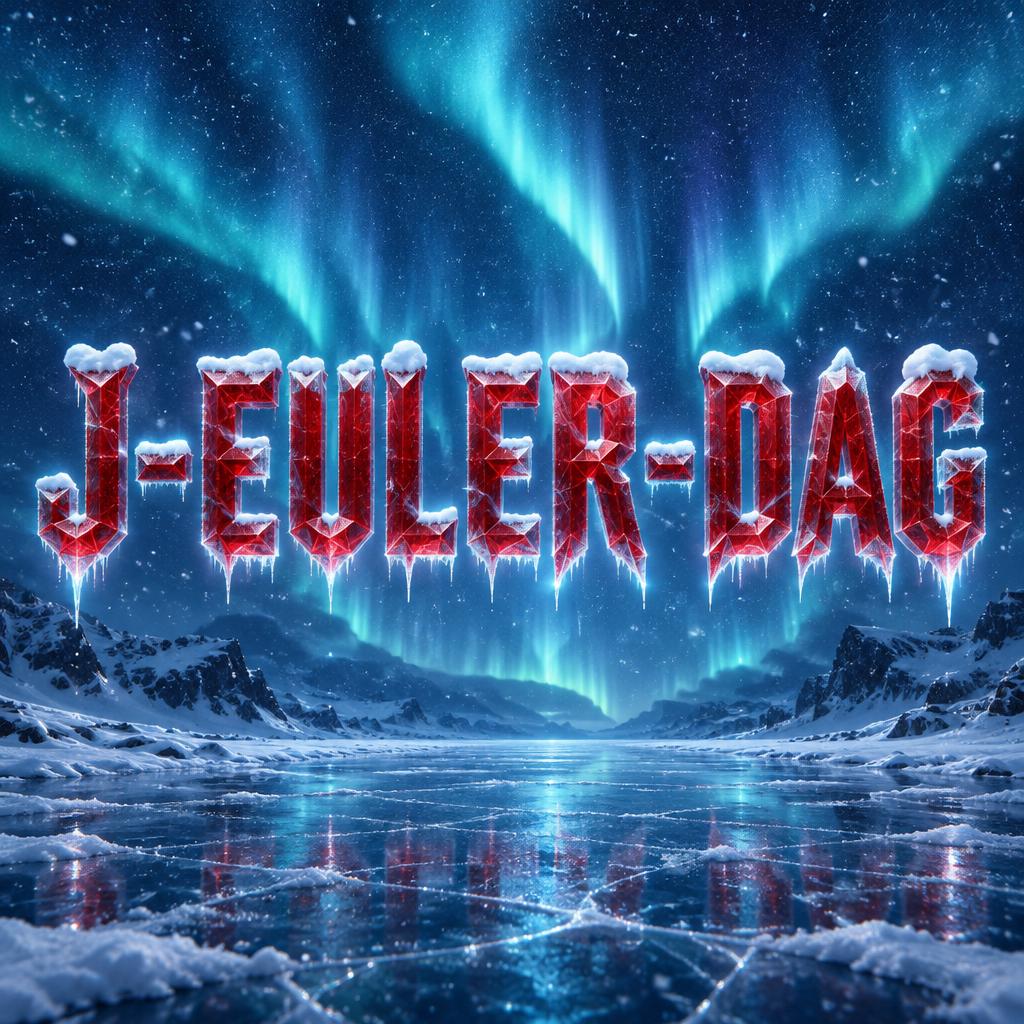
J-EULER-DAG - Frozen Ice Text Effect


Uses OpenAI GPT-Image-2.5 Sunburst, the model behind this artwork · 15 credits






“J-EULER-DAG” was created with FontVibe AI — explore more Glass Frozen text effect. Encased in solid ice — thick frozen block with sharp edge facets, deep internal frost cracks, and icicle drips. Photorealistic frozen water quality.
Create a finished square typographic winter graphic. Render exactly one line of text, "J-EULER-DAG", uppercase, with every character and hyphen intact and clearly readable. Make the title the unmistakable focal point, centered and spanning about 84% of the canvas width. Build each letter as thick, translucent ruby-red ice: slightly condensed angular proportions, strong crystalline geometry, asymmetrical sharp shard-like terminals, faceted planes, and fine hairline cracks inside the strokes. The red body must remain unmistakably red. Give it a cold blue-white inner glow and crisp refracted icy rim highlights. Lay a distinct, soft white snow cap along the upper edges of every letter, with a few tiny snow clumps and subtle overhangs; keep the snow off the main faces so the red lettering stays legible. Add restrained frost-crystal bloom at the letter edges, a few clear icicle drips hanging from the lower edges, and faint cold caustic light beneath them. Behind the title, fill the scene with a deep arctic-blue field and a visible blue-teal aurora borealis, softly luminous rather than black. Include sparse, fine airborne snow crystals catching the cold light. Use a polished, atmospheric finish with strong contrast between red ice, white snow, and blue surroundings; no warm lighting, no extra words, no symbols, no border, no additional objects competing with the lettering.
Made for Winter Font Generator
Generated on October 20, 2026 · 1024 × 1024 · JPEG · OpenAI GPT-Image-2.5 Sunburst · Layout: Centered Ice Hero · Shared by the creator · Free for commercial use (CC BY 4.0)


