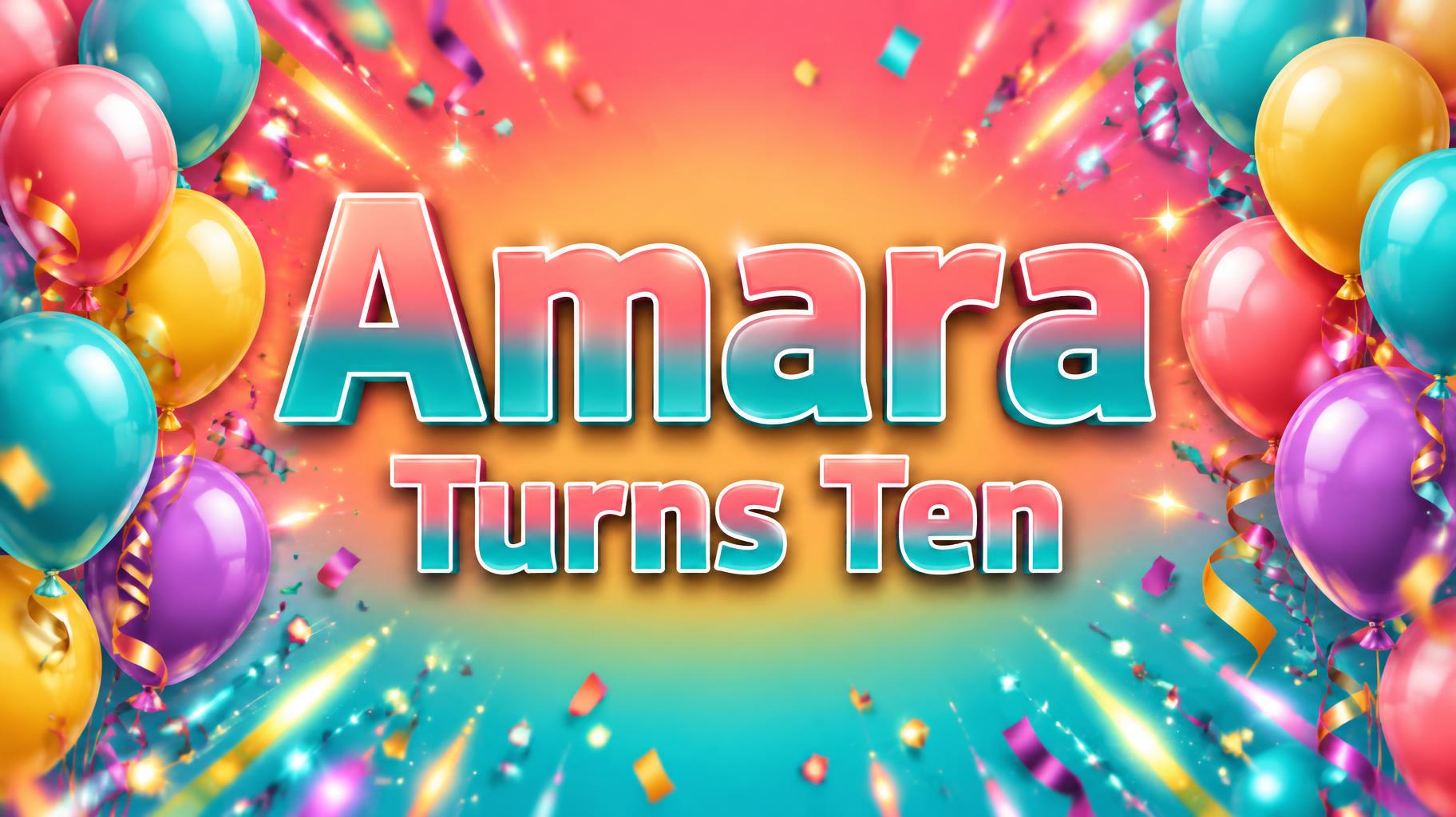
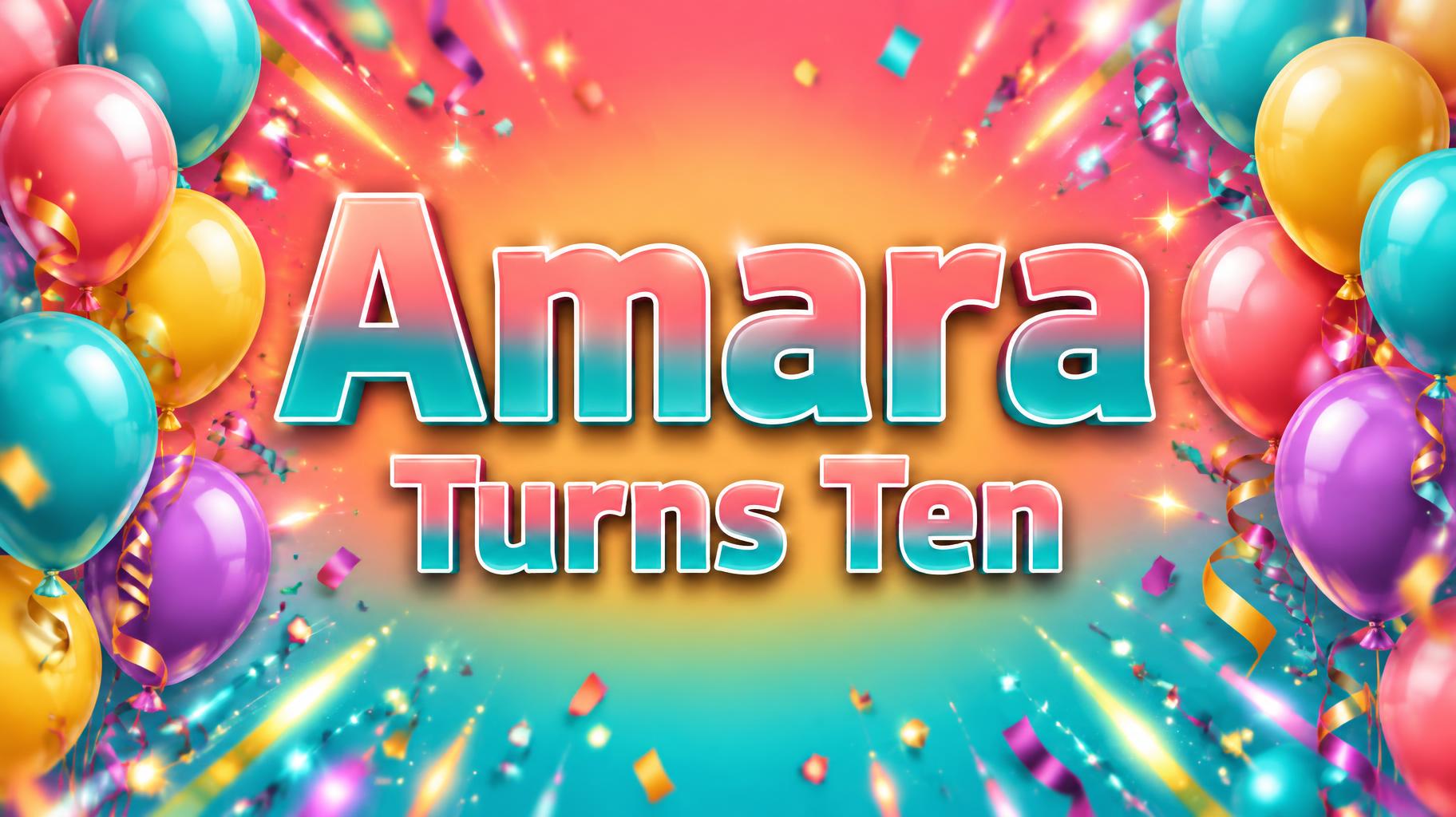
Amara Turns Ten - Birthday Text Effect


Uses OpenAI GPT-Image-2.5 Sunburst, the model behind this artwork · 15 credits

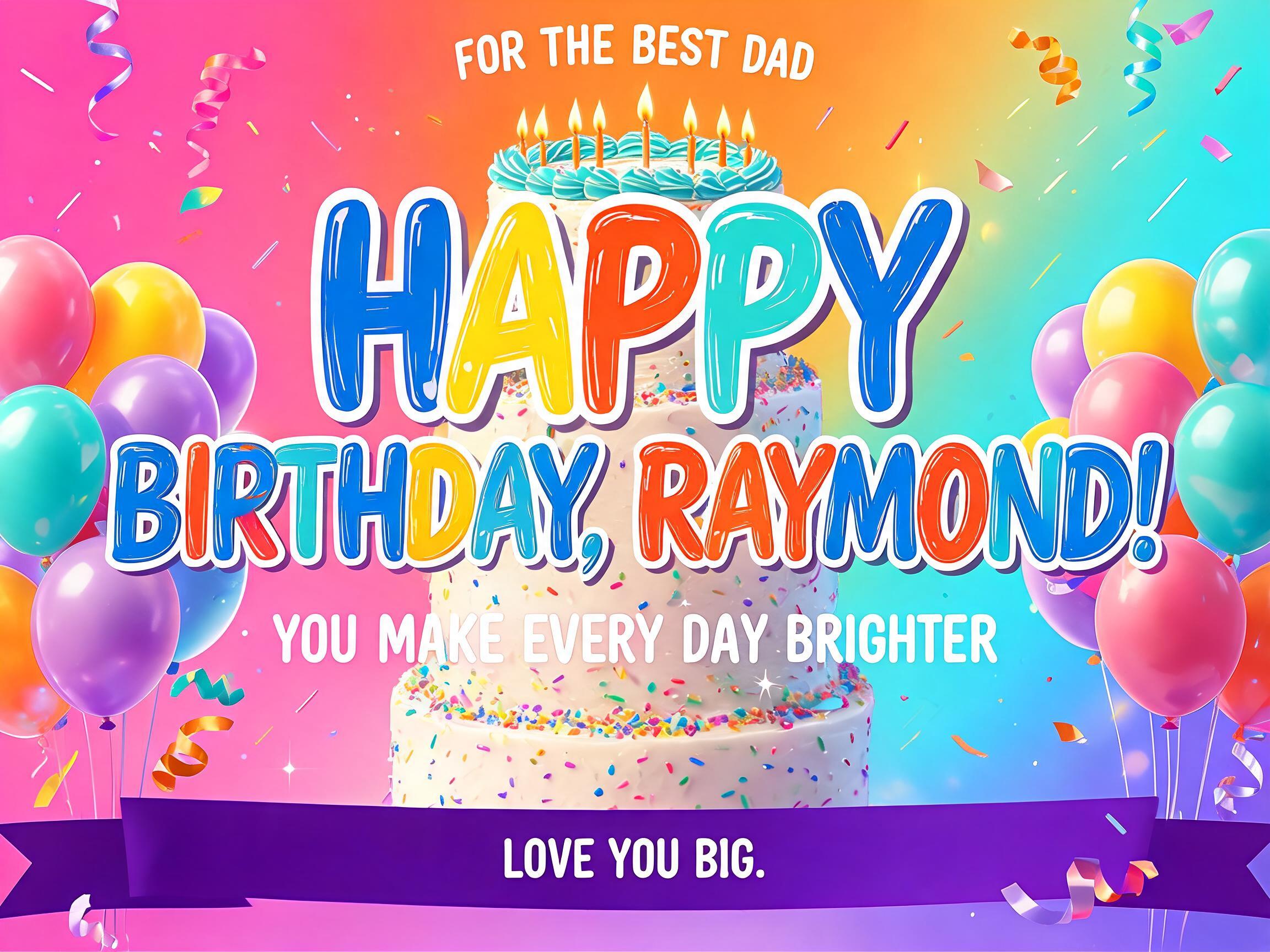
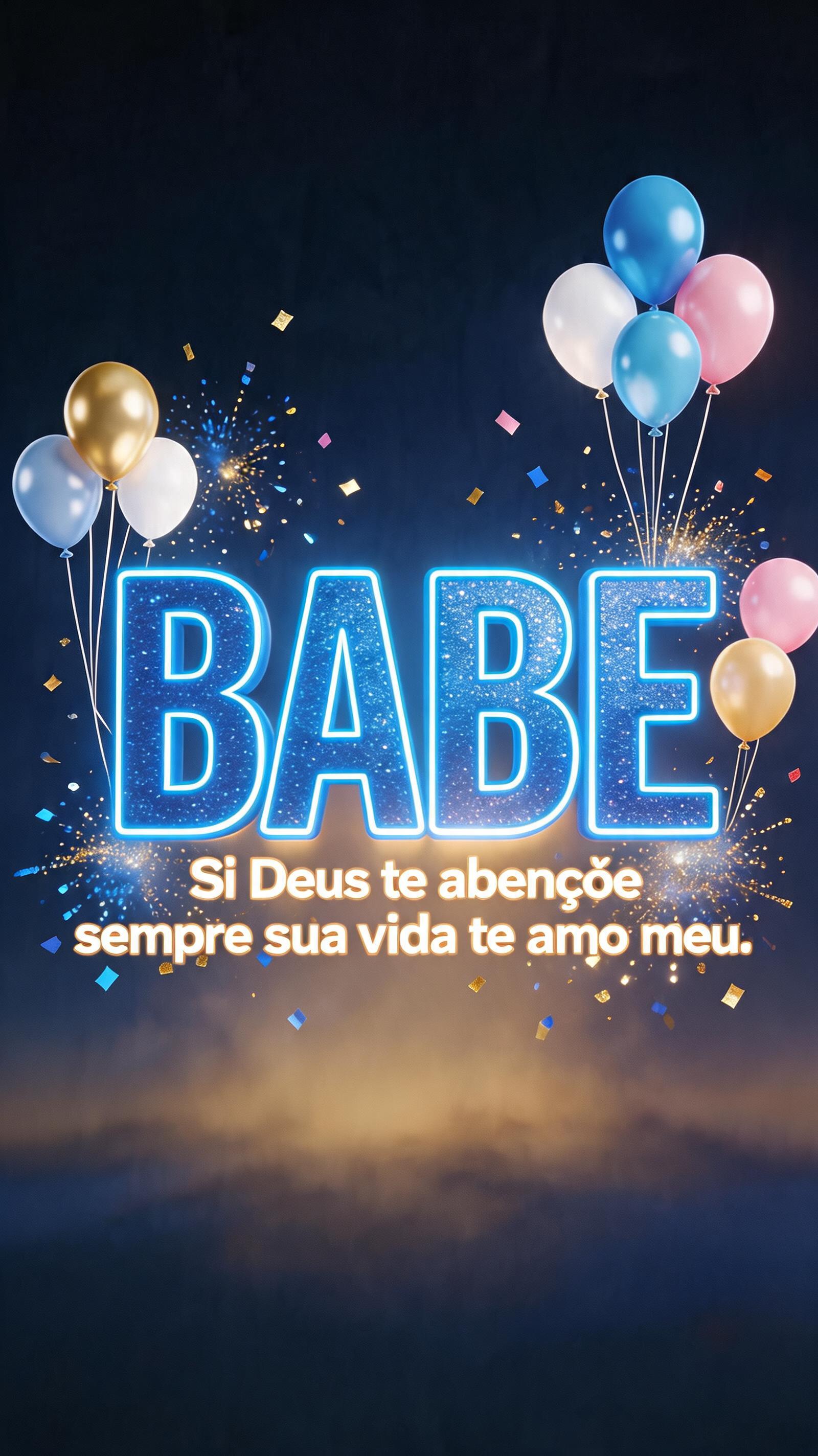
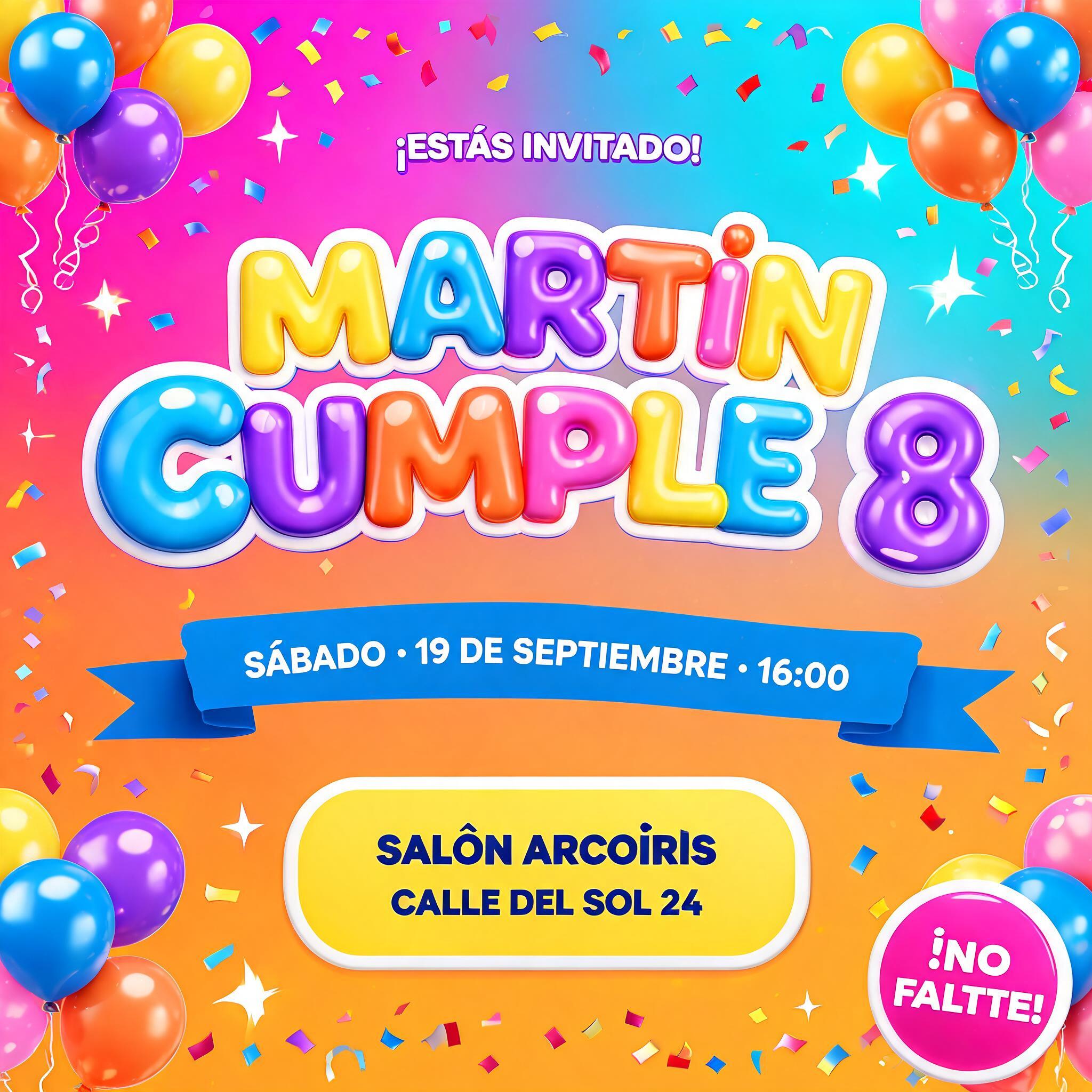
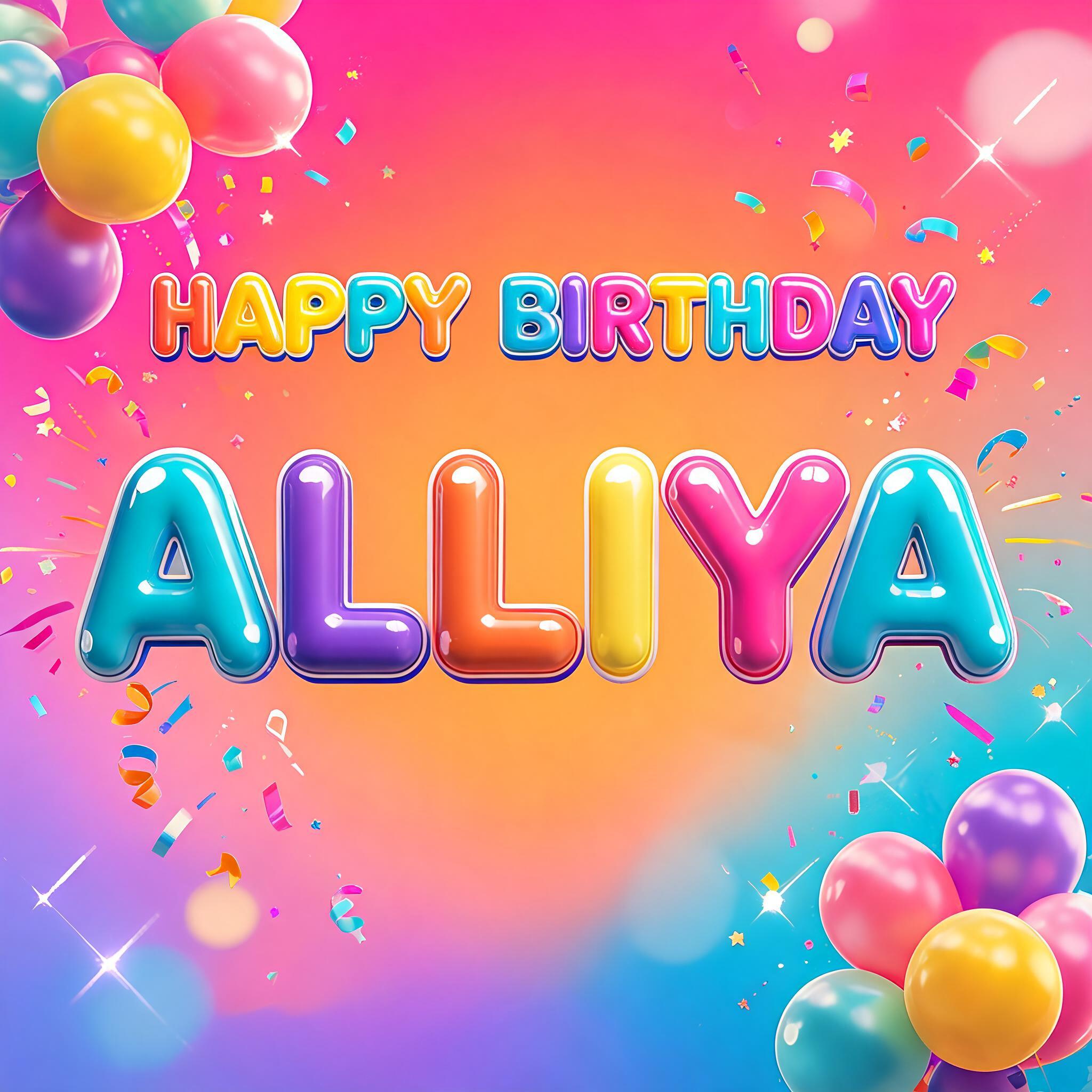
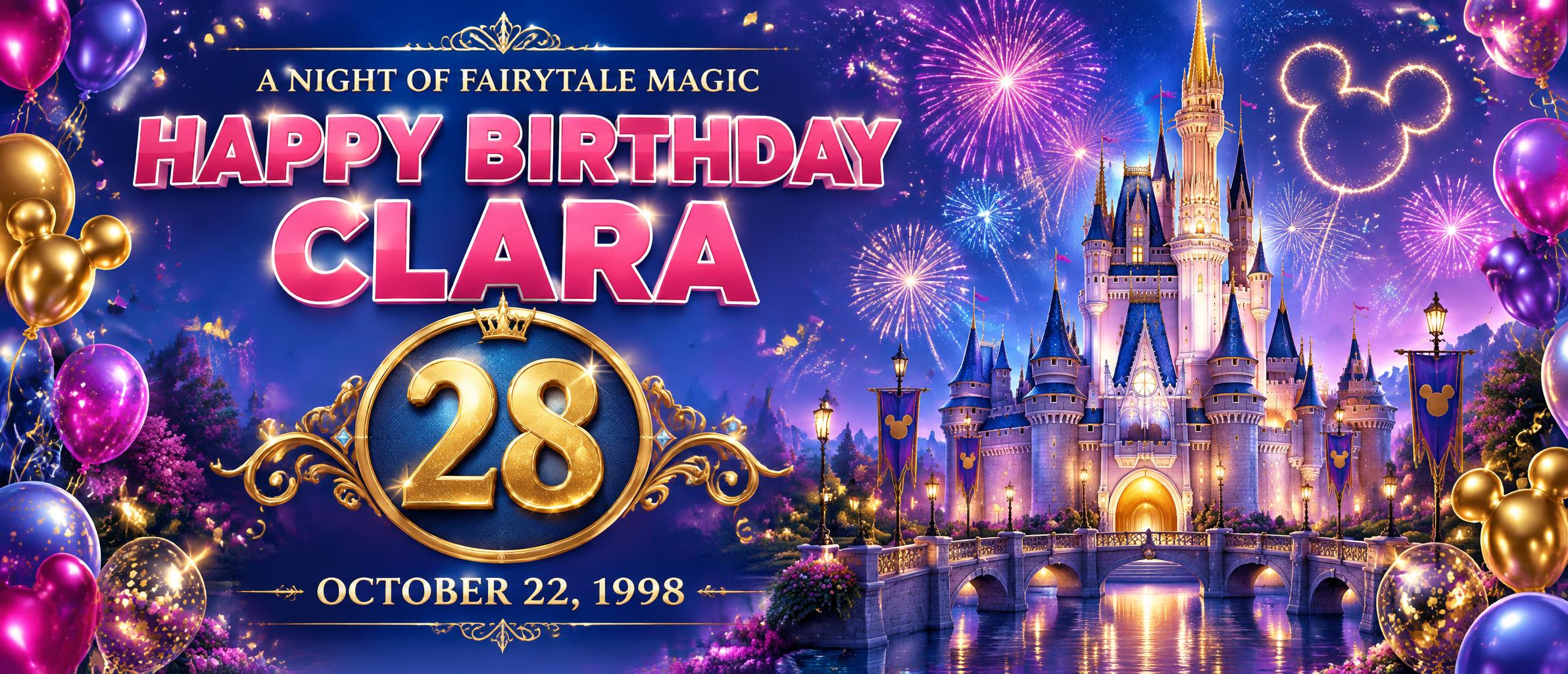
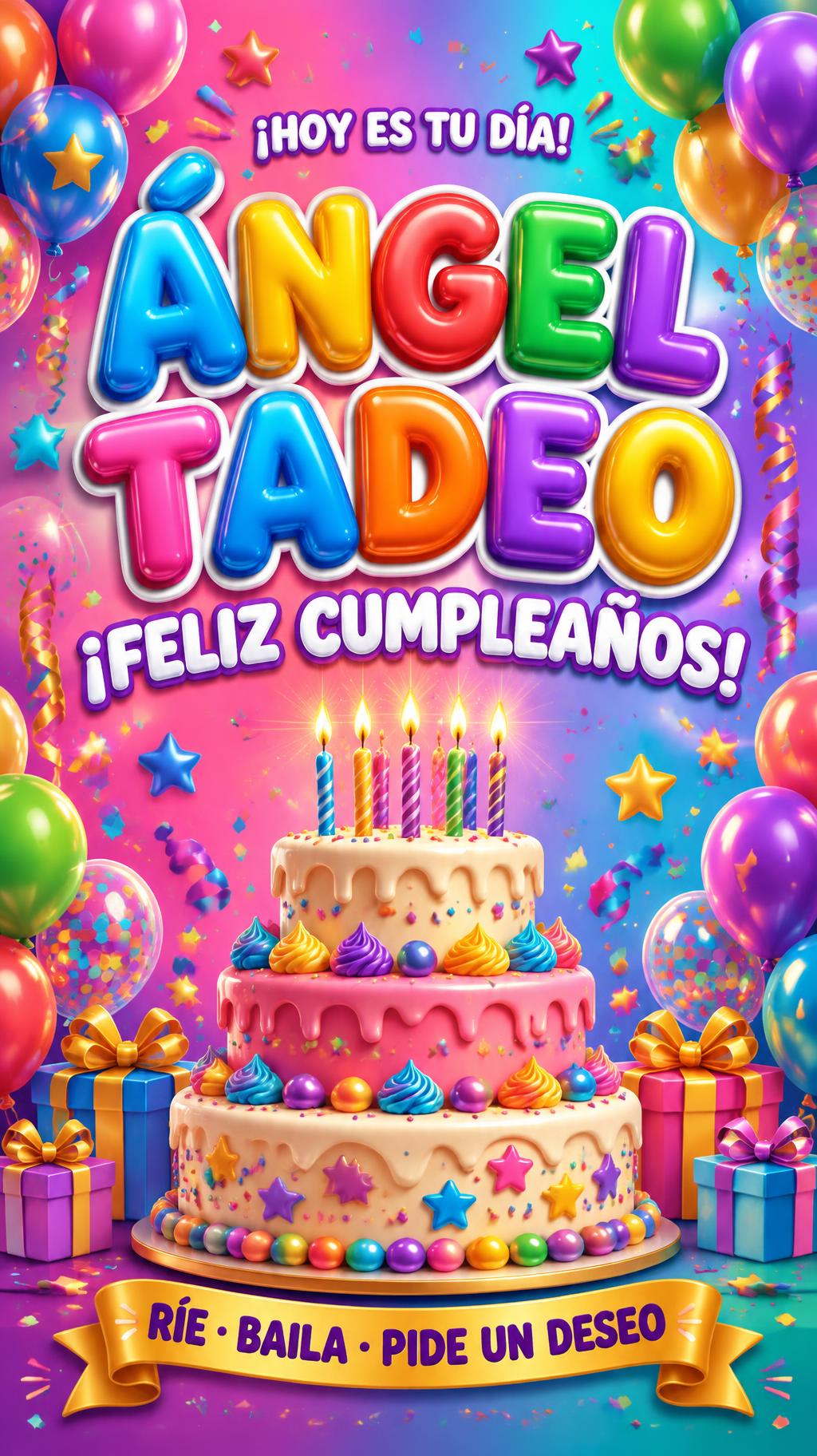
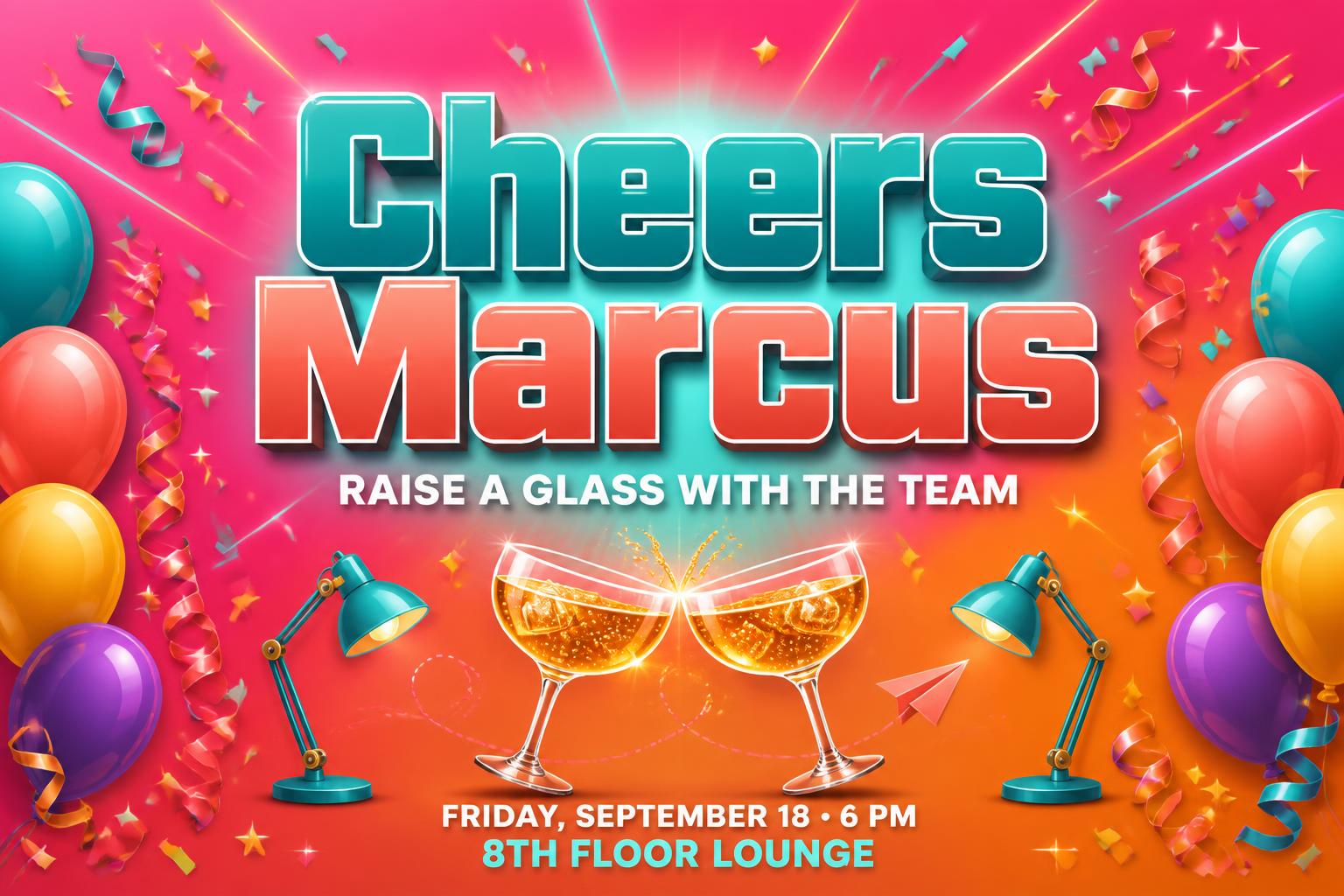
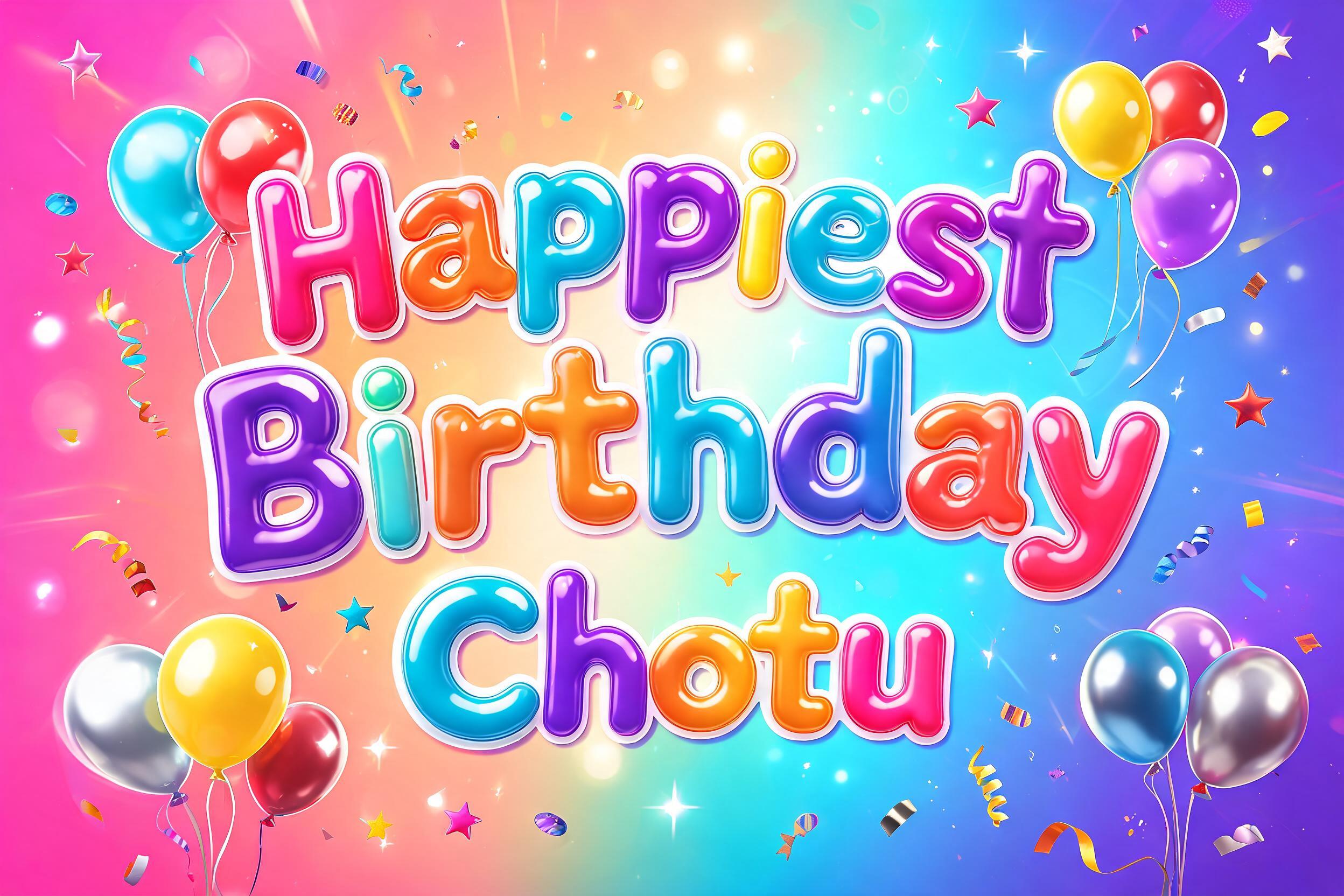
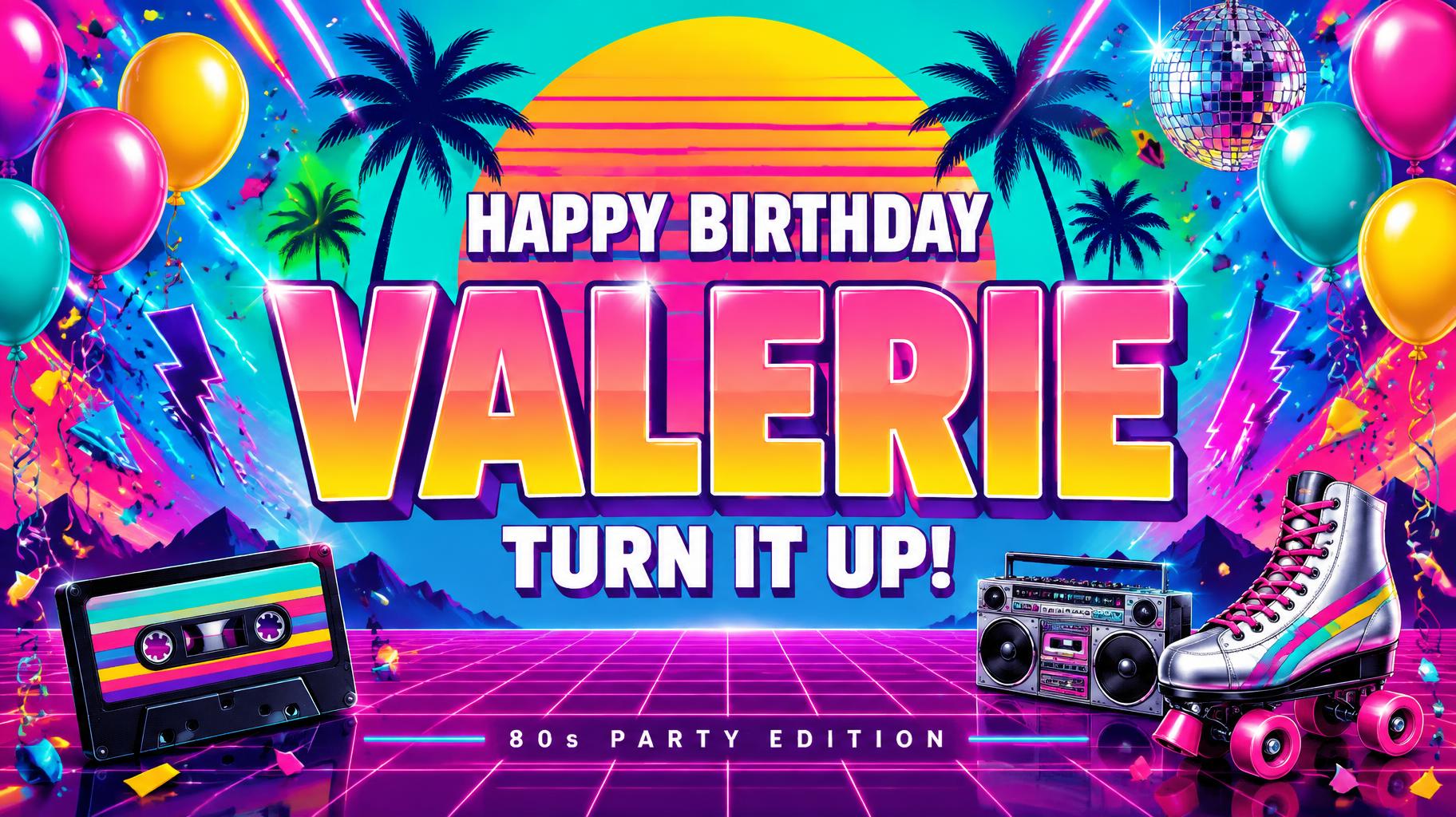
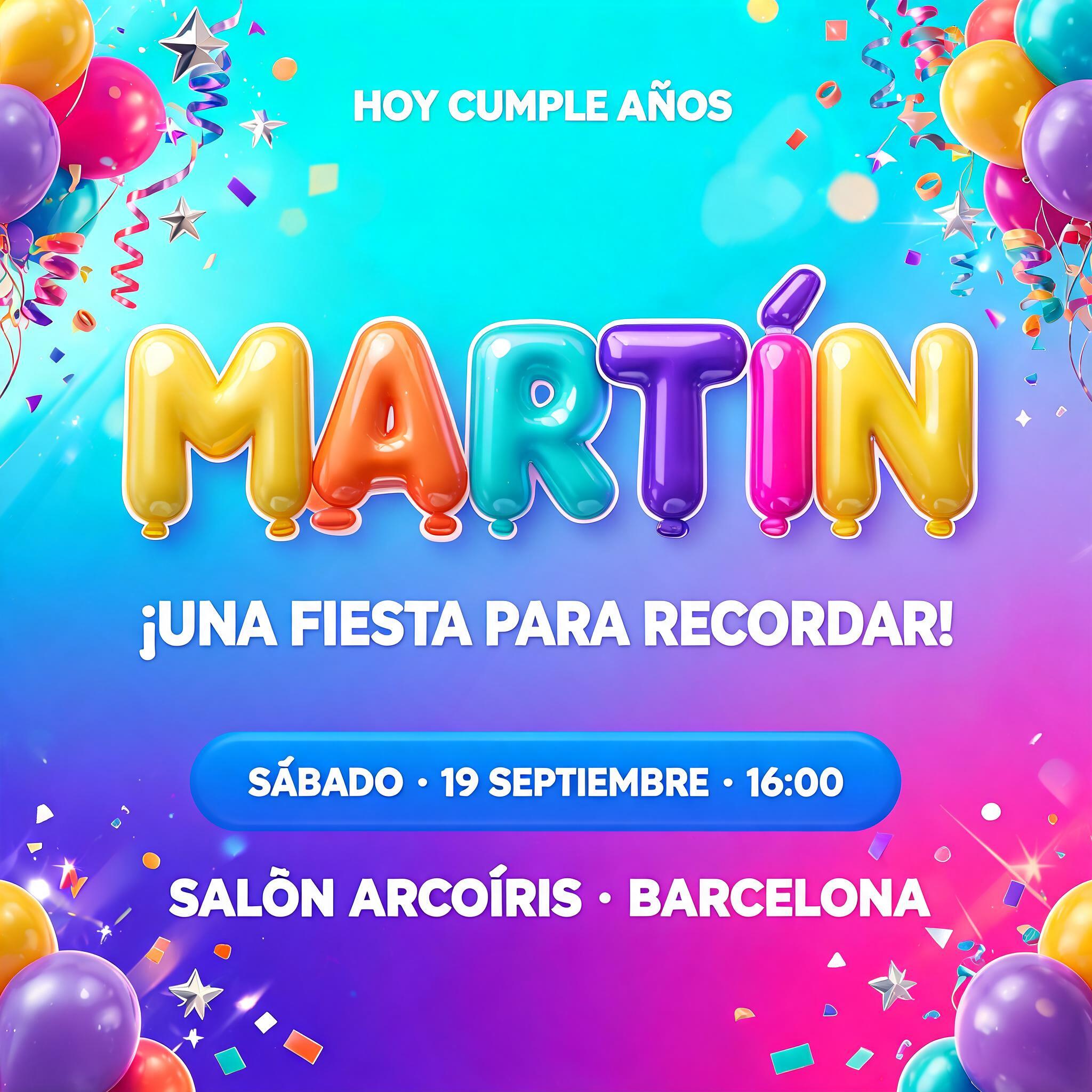
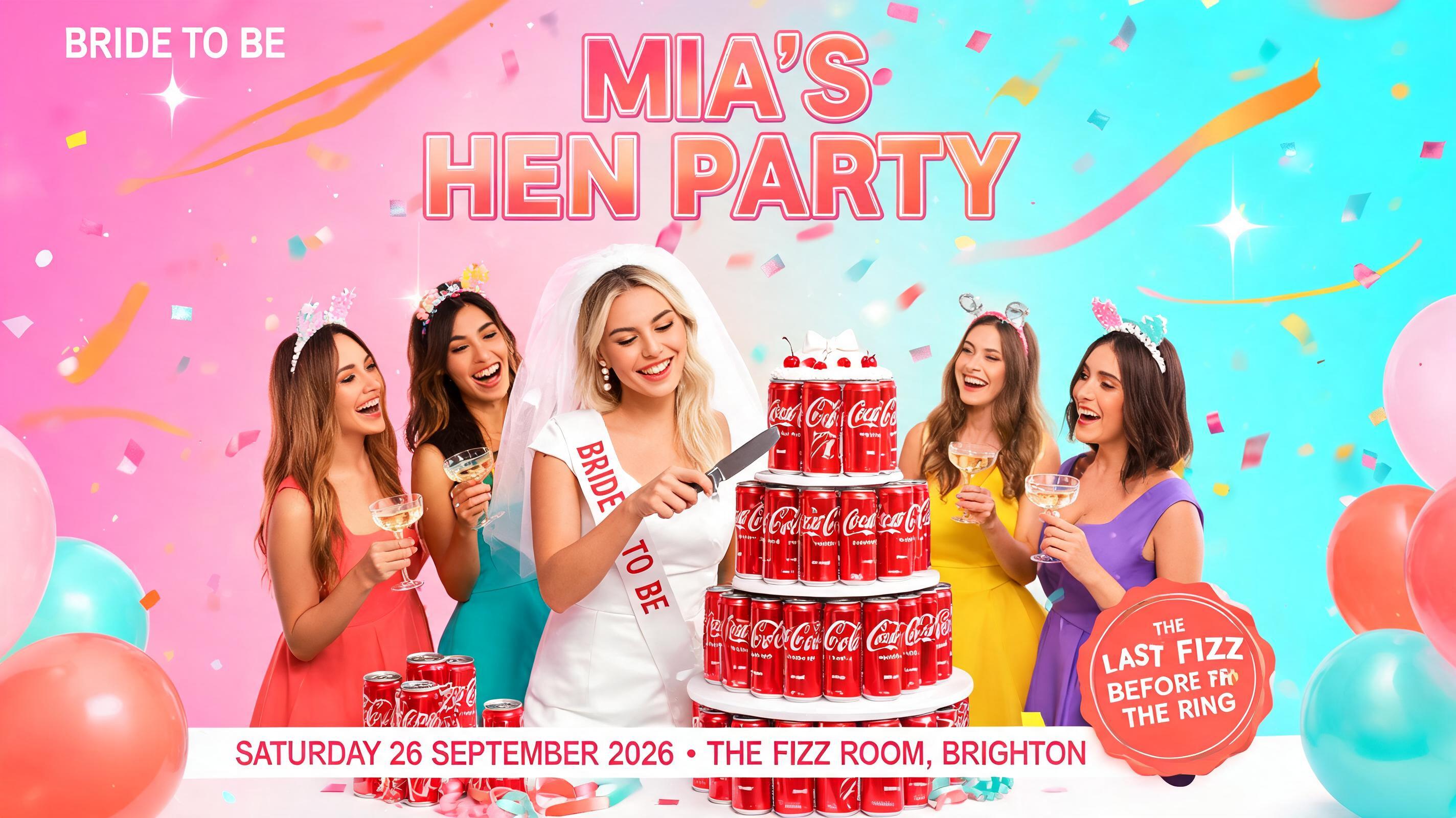
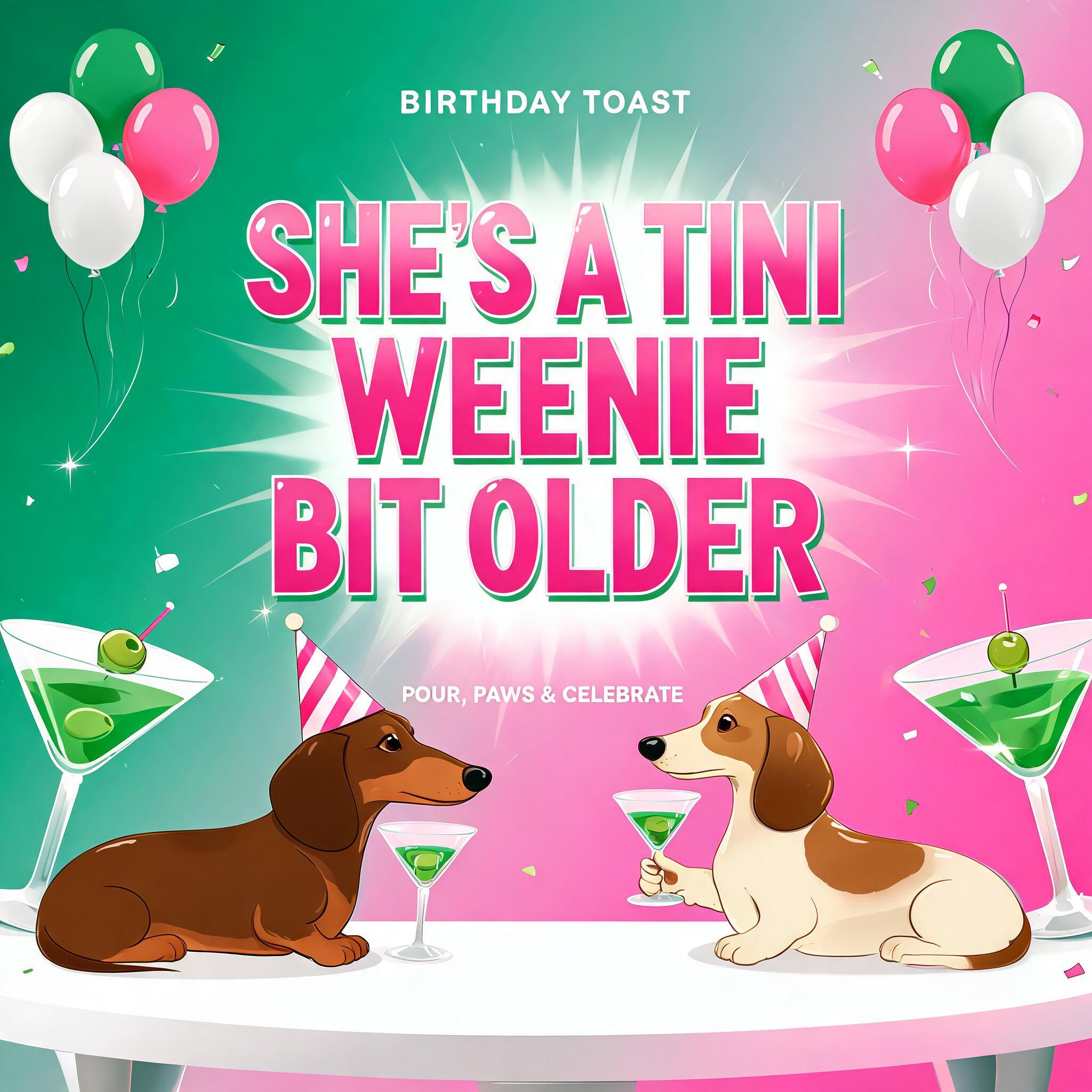
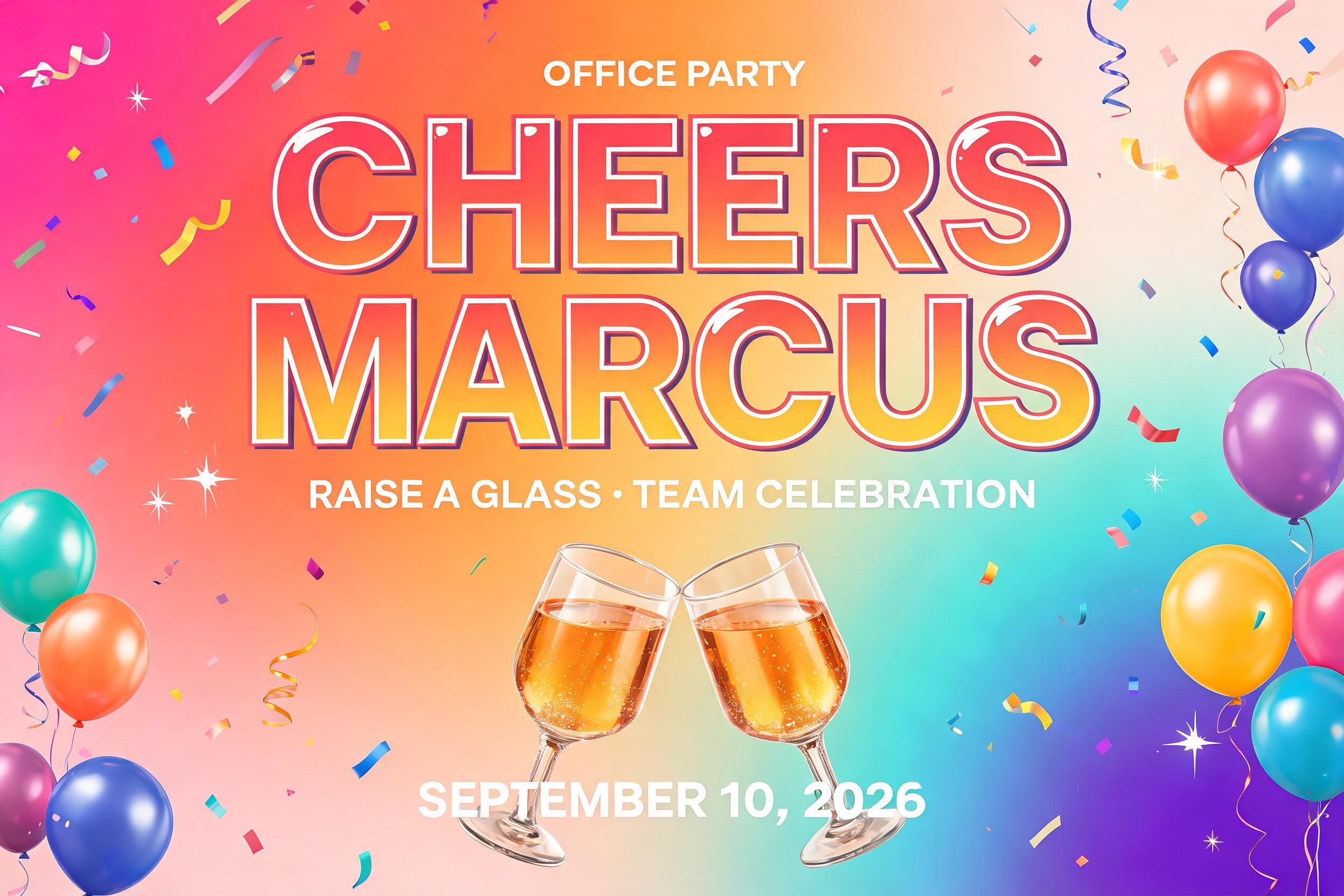
“Amara Turns Ten” was created with FontVibe AI — explore more Birthday text effect. Rainbow-striped bubbly capitals with a crisp white outline, surrounded by confetti bursts and balloon clusters on a saturated pink-to-turquoise party background.
Create a finished, wide 16:9 birthday party banner. Render only the exact text “Amara” and “Turns Ten”. Set “Amara” as the large, dominant headline in the upper-middle; place “Turns Ten” directly below, smaller but still bold and easy to read. Keep both lines centered with clear spacing and strong contrast. Use firm, structured geometric display lettering with near-square proportions, even heavy strokes, open counters, clean joins, and gently softened corners. Keep the letters crisp and grown-up, never balloon-shaped or jelly-like. Give them a smooth glossy two-tone coral-to-turquoise finish, one clean bright highlight, a thin crisp white keyline, and a soft drop shadow. Surround the lettering with a bright, saturated party scene: a rich hot-coral-to-turquoise gradient backdrop, with a warm tangerine glow behind the title. Place generous clustered balloons along the far left and right edges, leaving the center text clear. Use shiny balloons in turquoise, sunny yellow, coral, and violet, with delicate tied ribbons. Add a lively burst of multicolor confetti, small sparkling glints, and a few short light streaks around the outer edges. Keep the background luminous and cheerful, richly colored rather than pale or near-white; maintain strong contrast so the words read instantly. Polished, energetic birthday-banner finish. No other words, numbers, or symbols.
Made for Birthday Banner Maker
Generated on October 30, 2026 · 1824 × 1024 · JPEG · OpenAI GPT-Image-2.5 Sunburst · Layout: Panoramic Party · Shared by the creator · Free for commercial use (CC BY 4.0)


