


✦ Community Gallery
View all →Neon Glow Text — No Background — Community Gallery
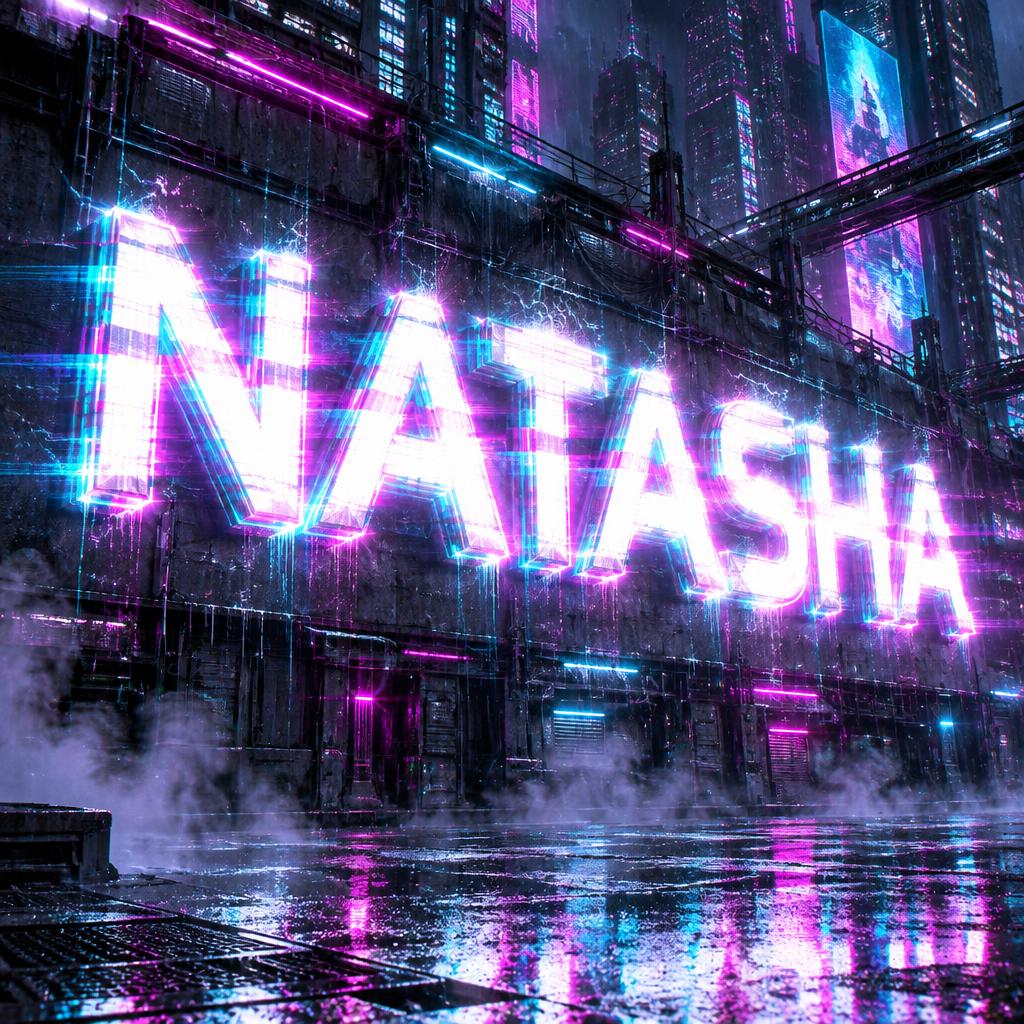
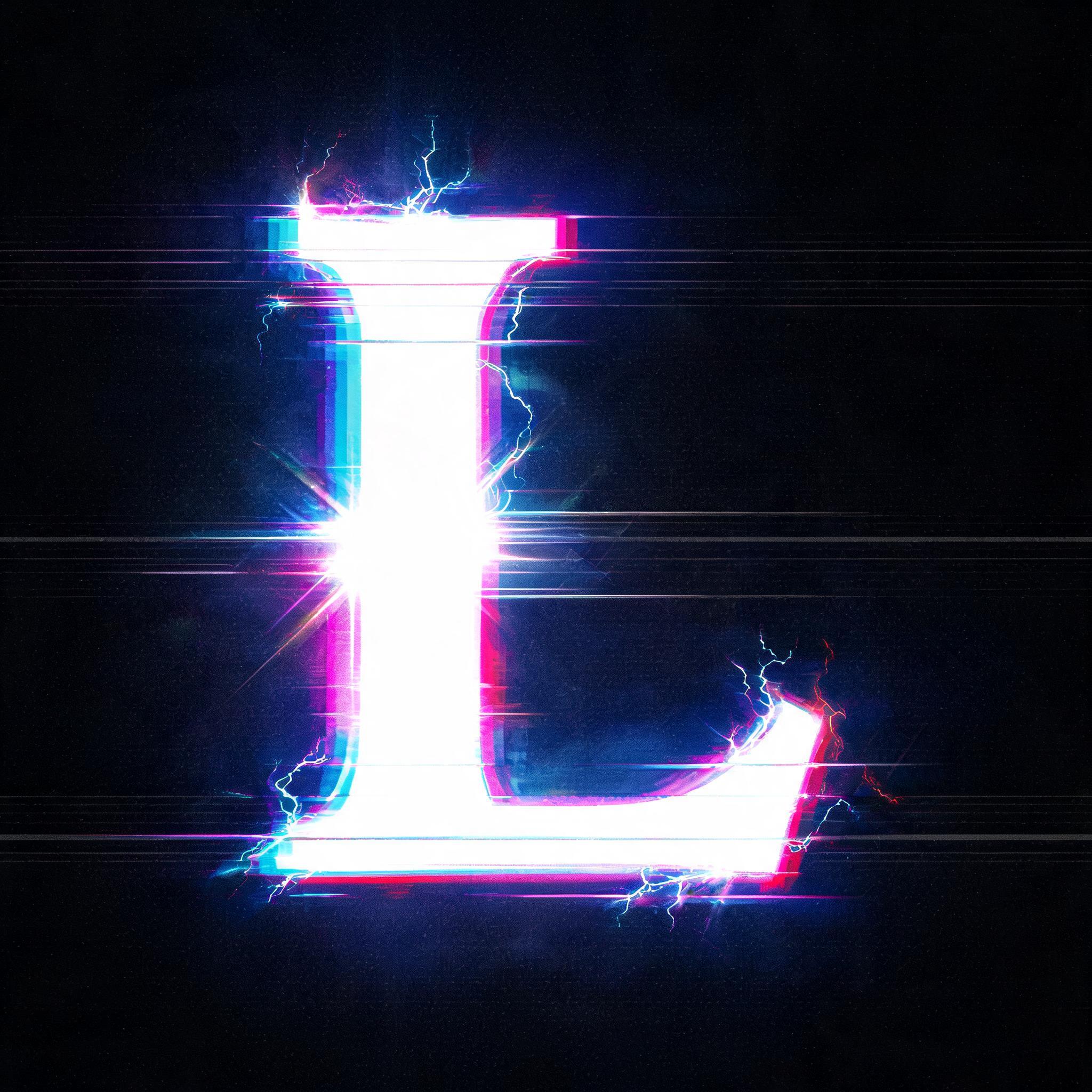
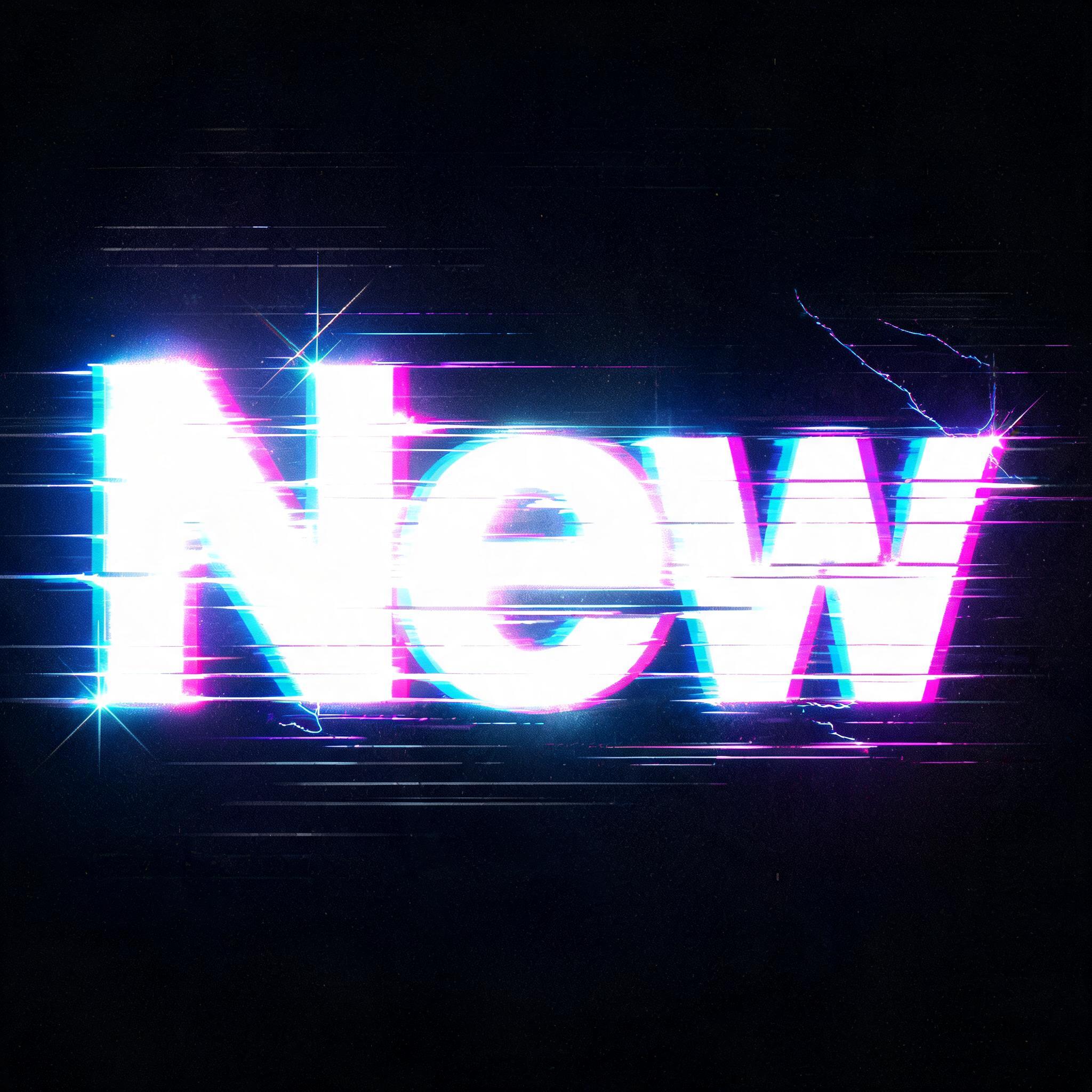
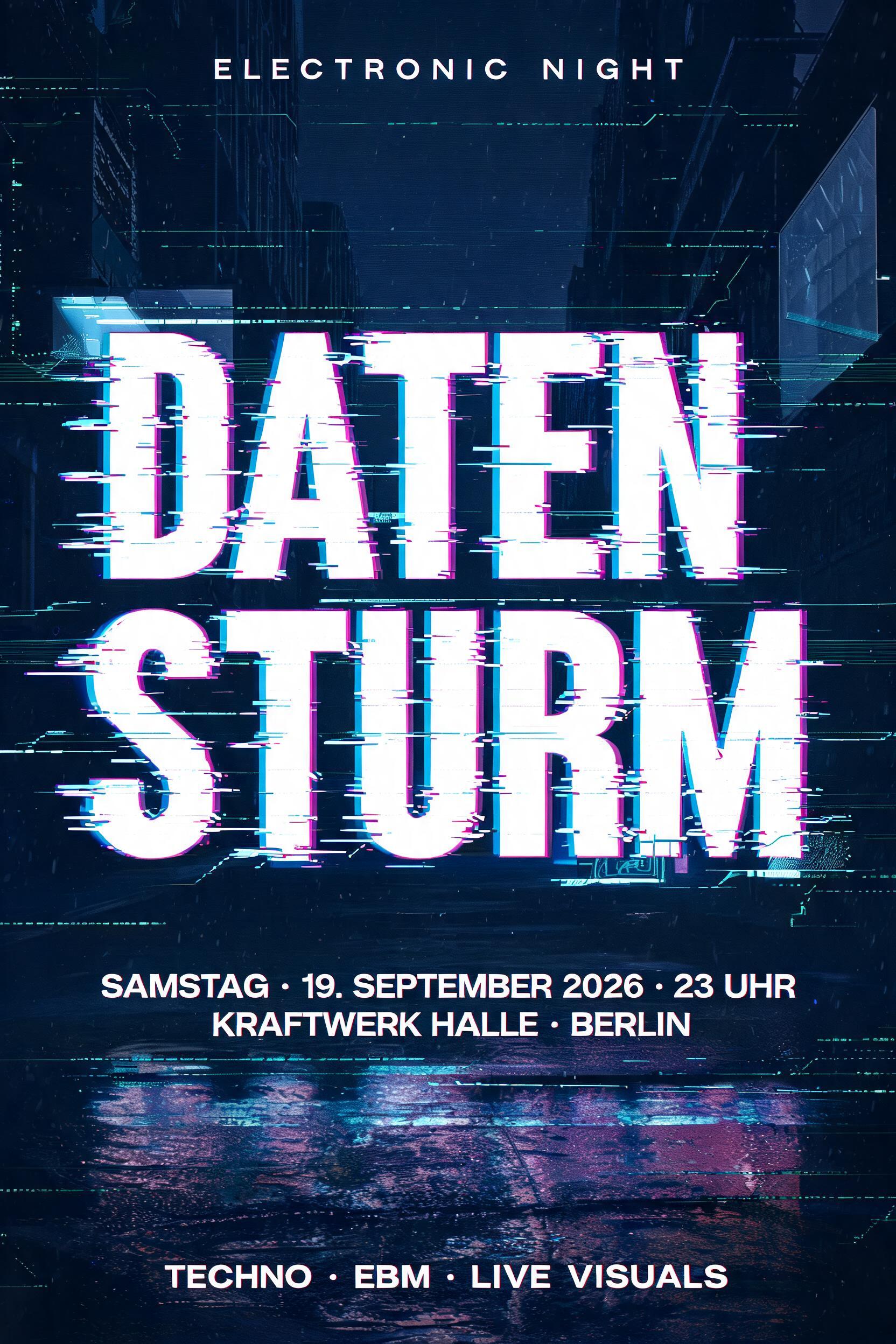
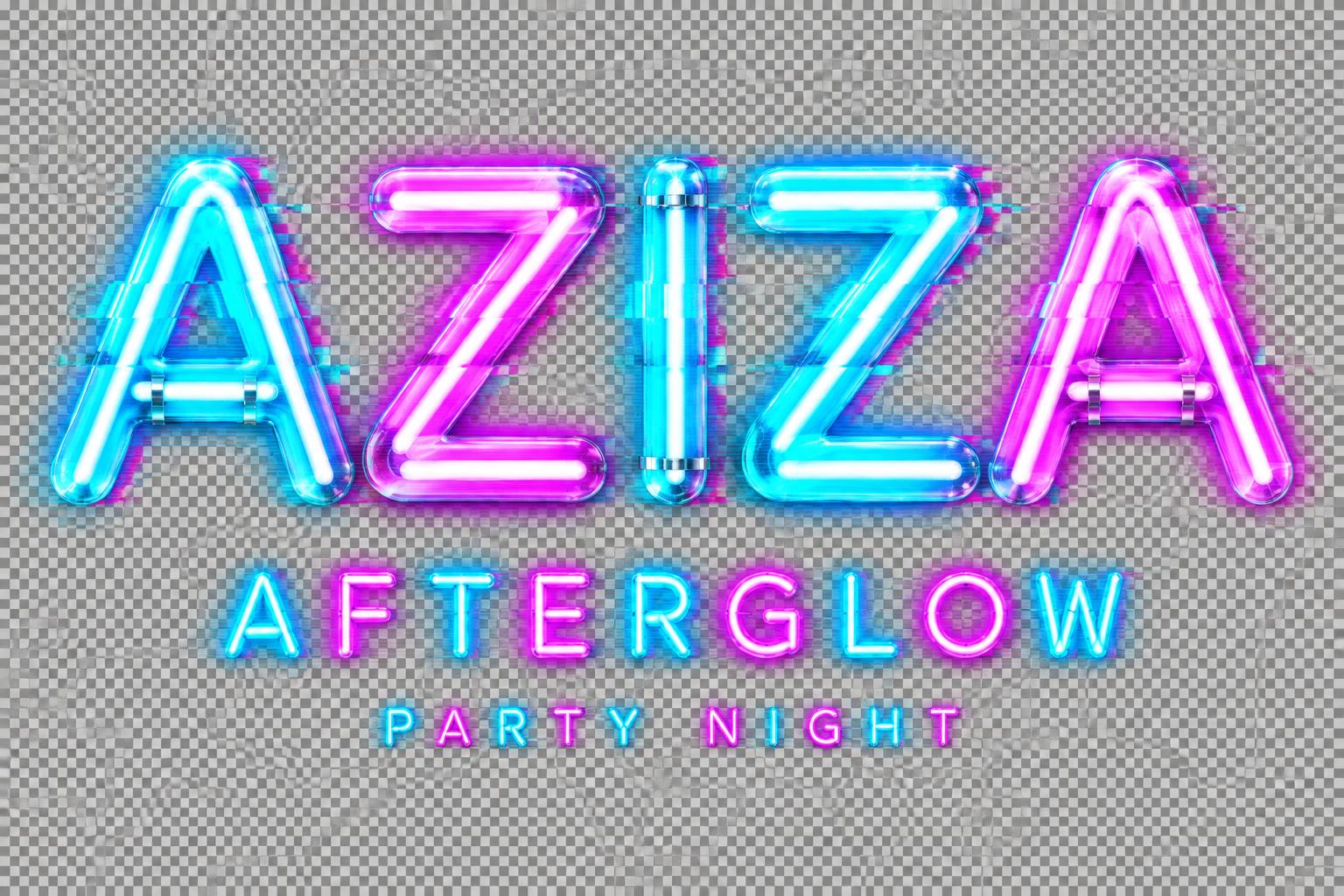
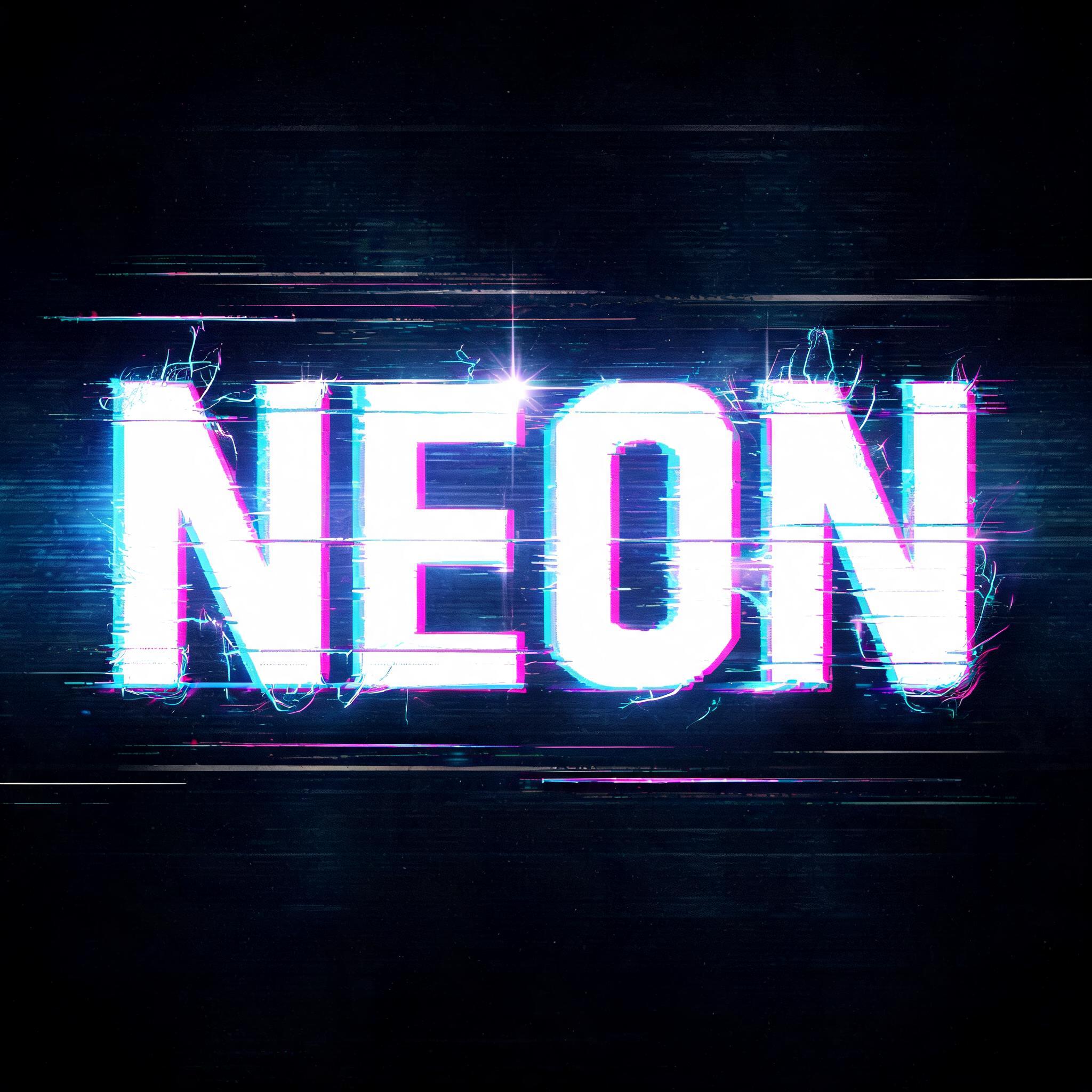
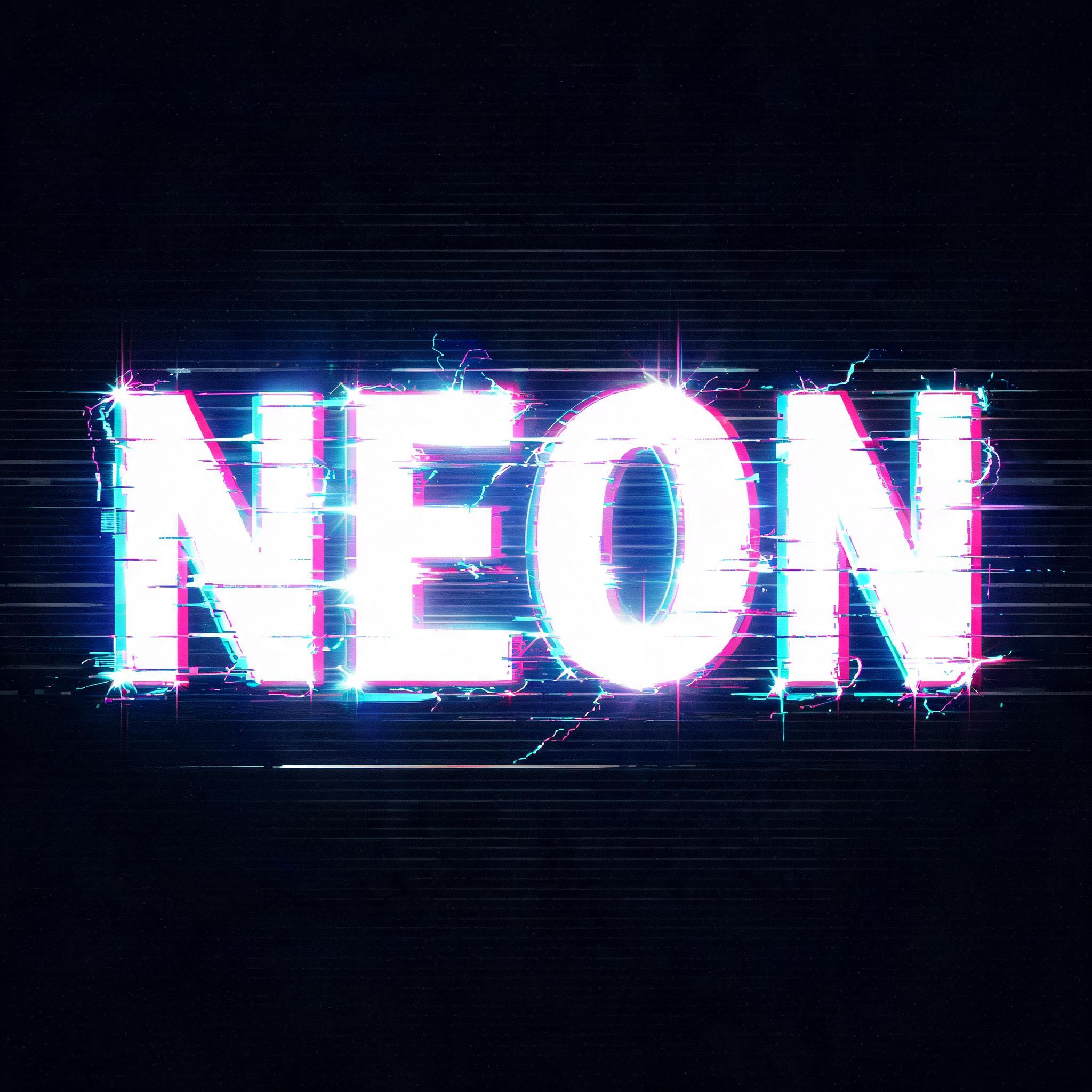
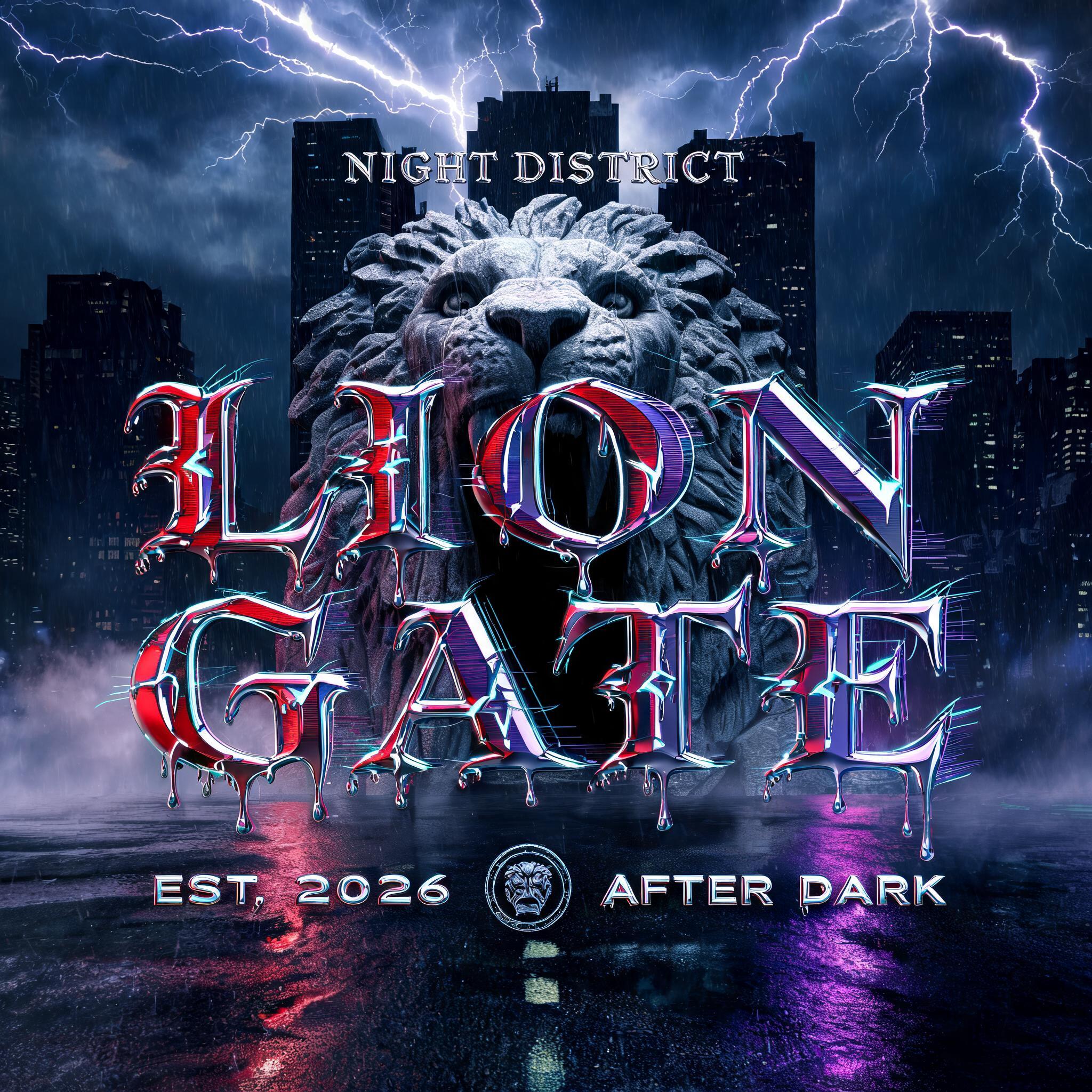
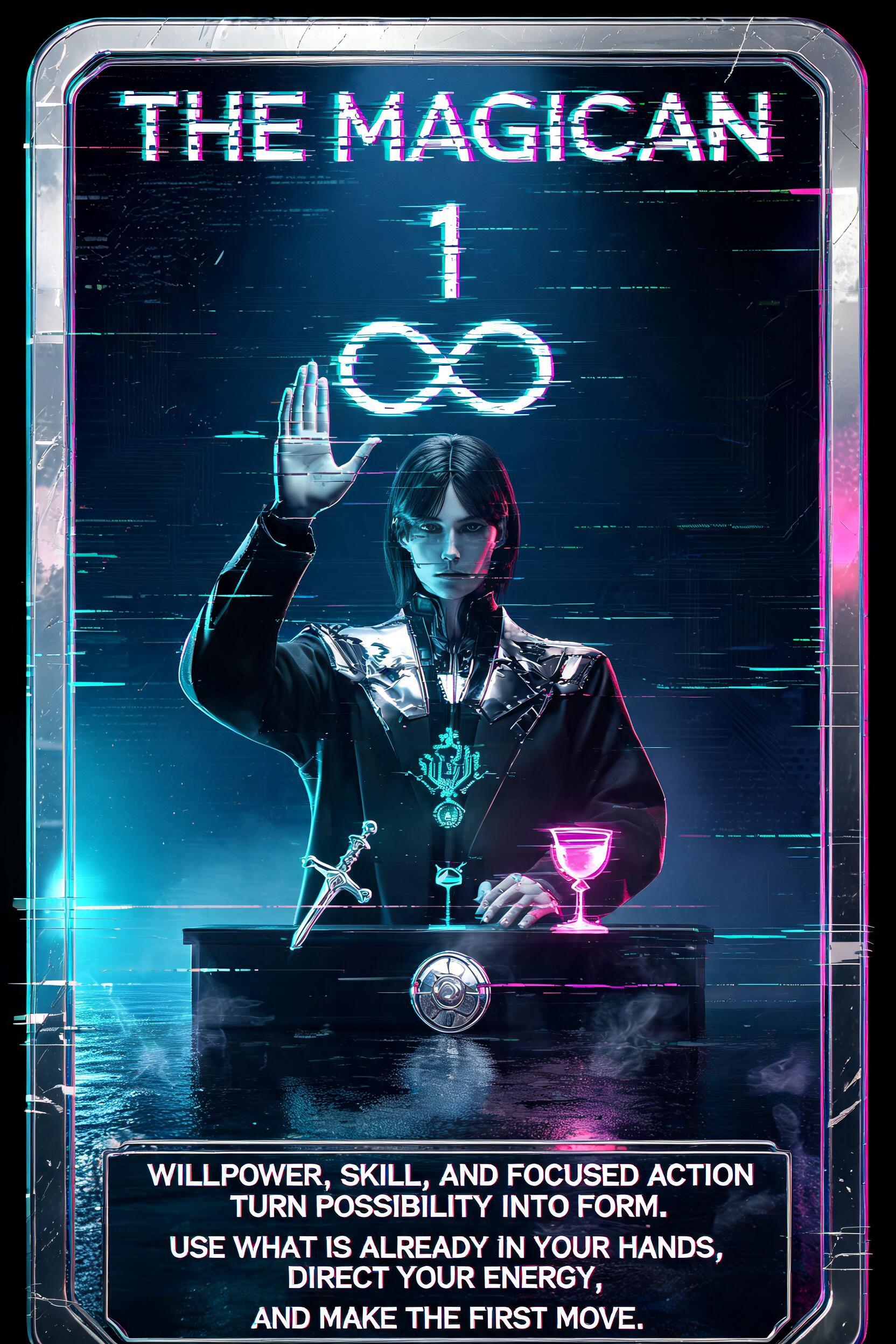
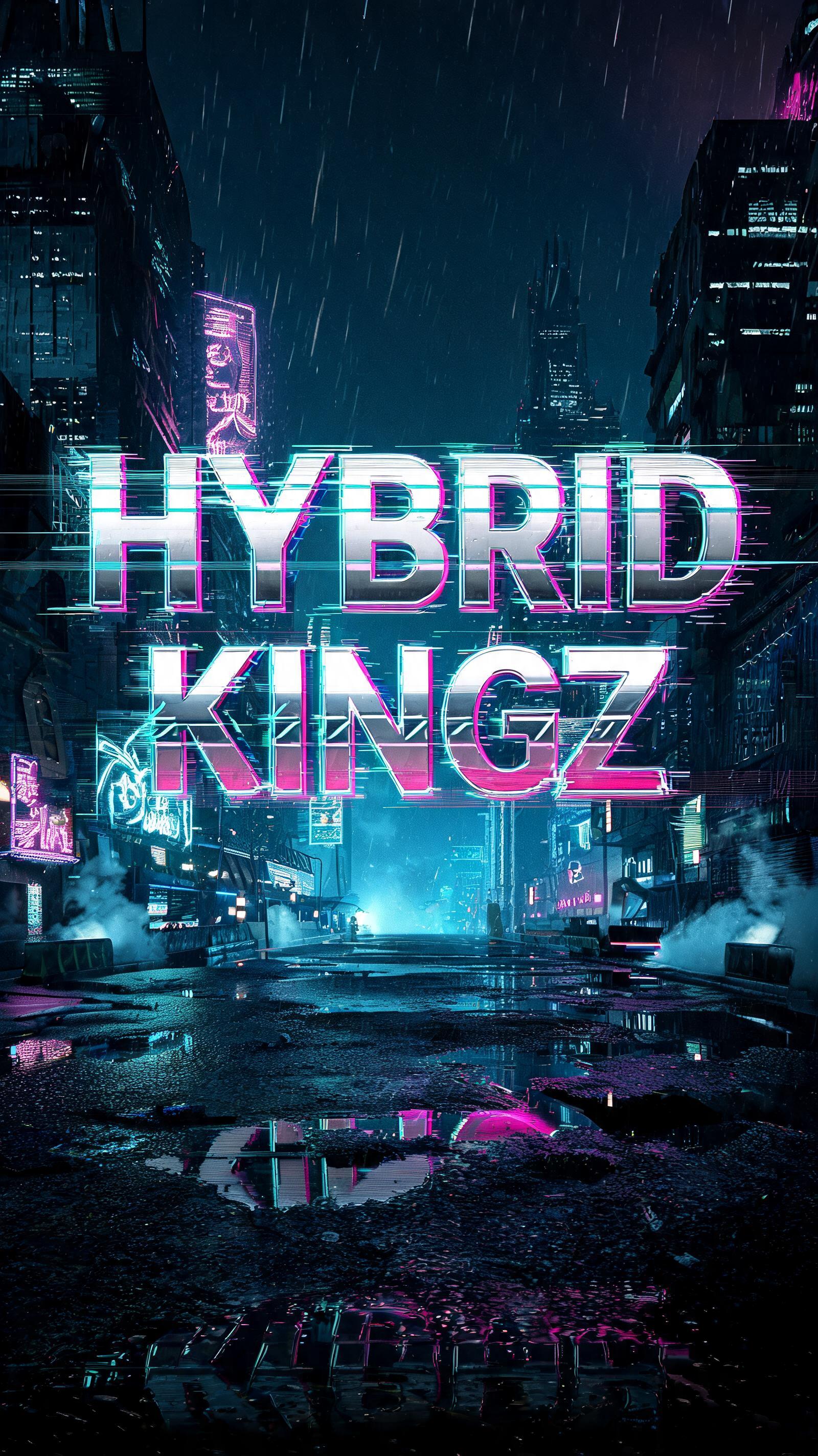
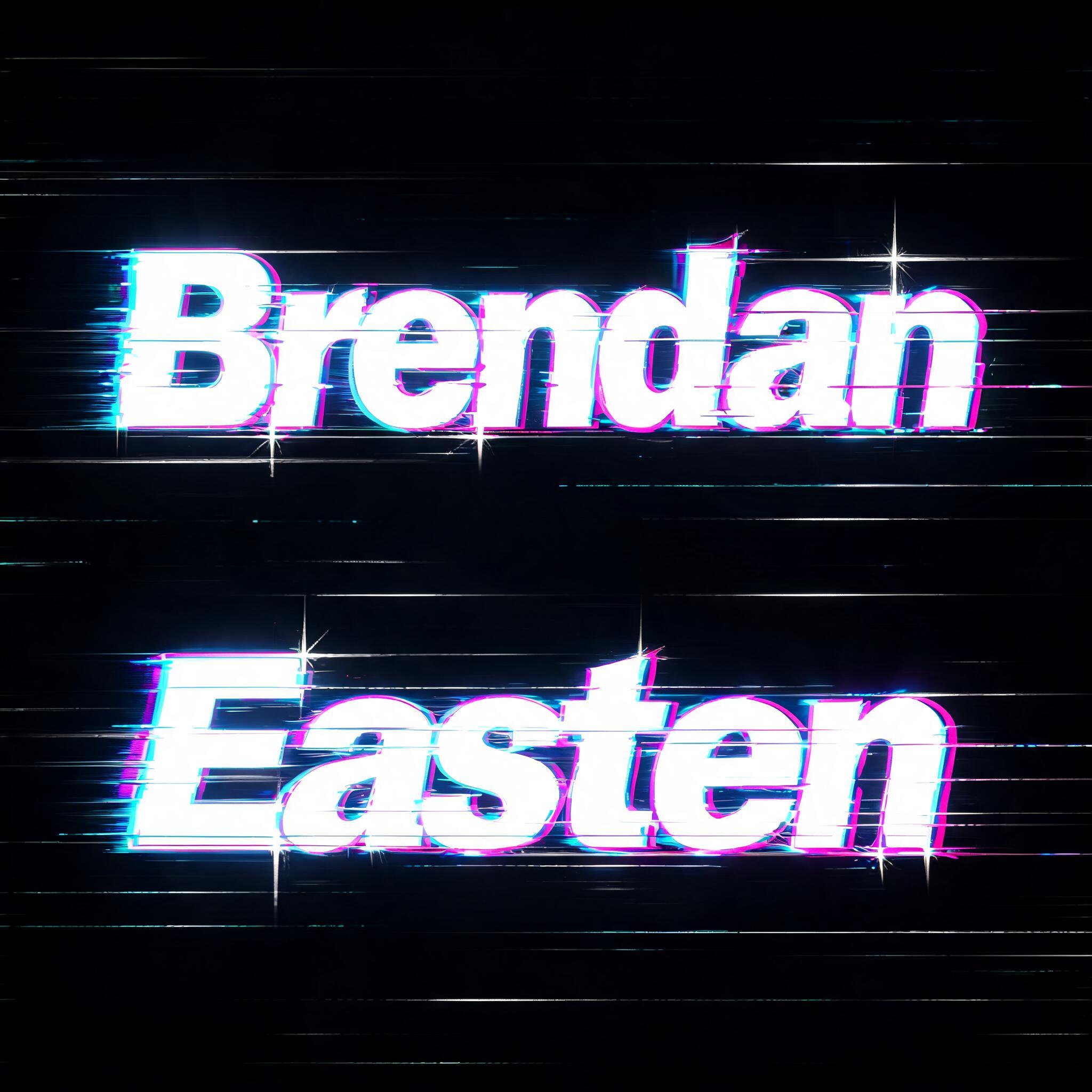
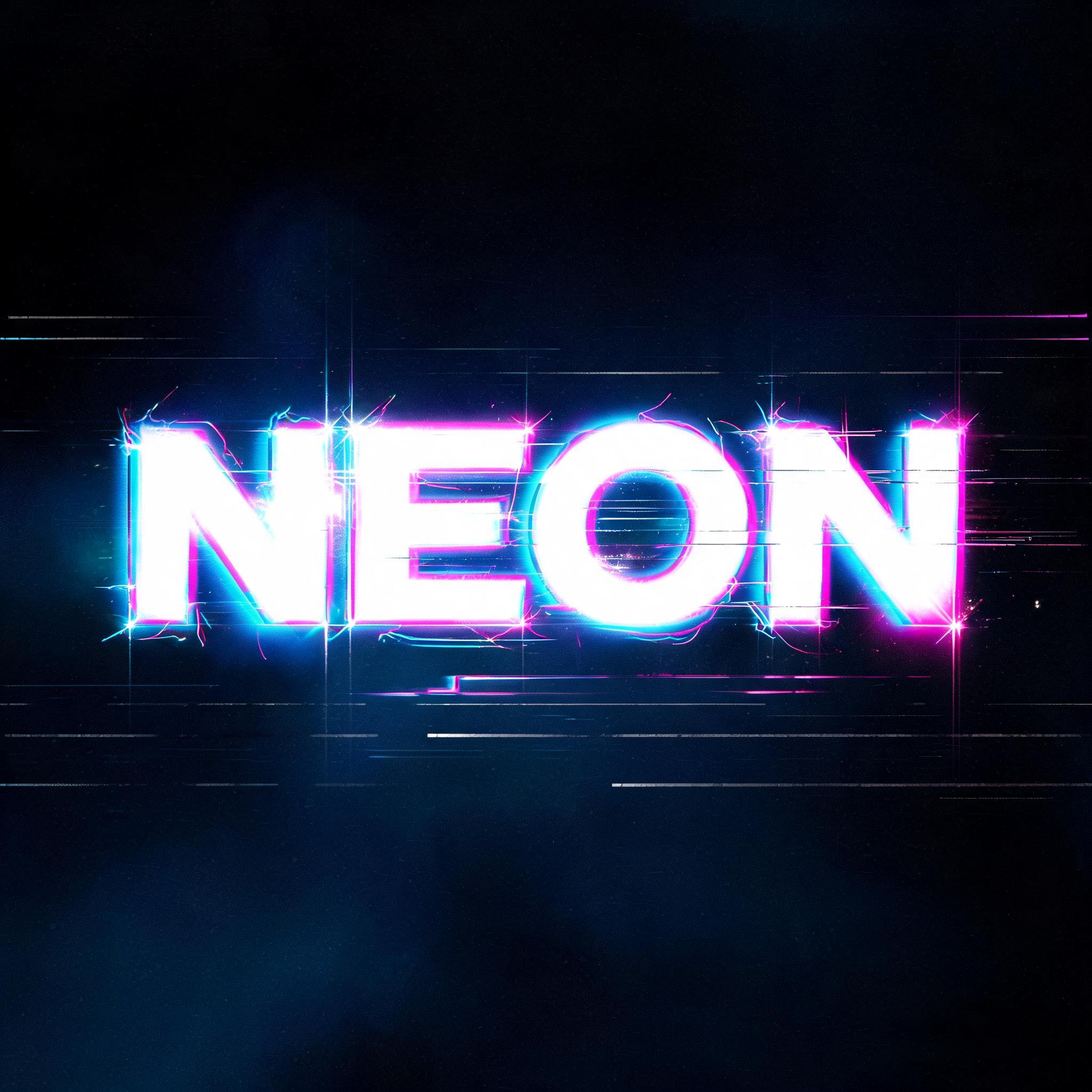
Every image below was generated on FontVibe — no post-editing, no stock photos. This is what neon text generator — free cyberpunk glow png actually looks like.














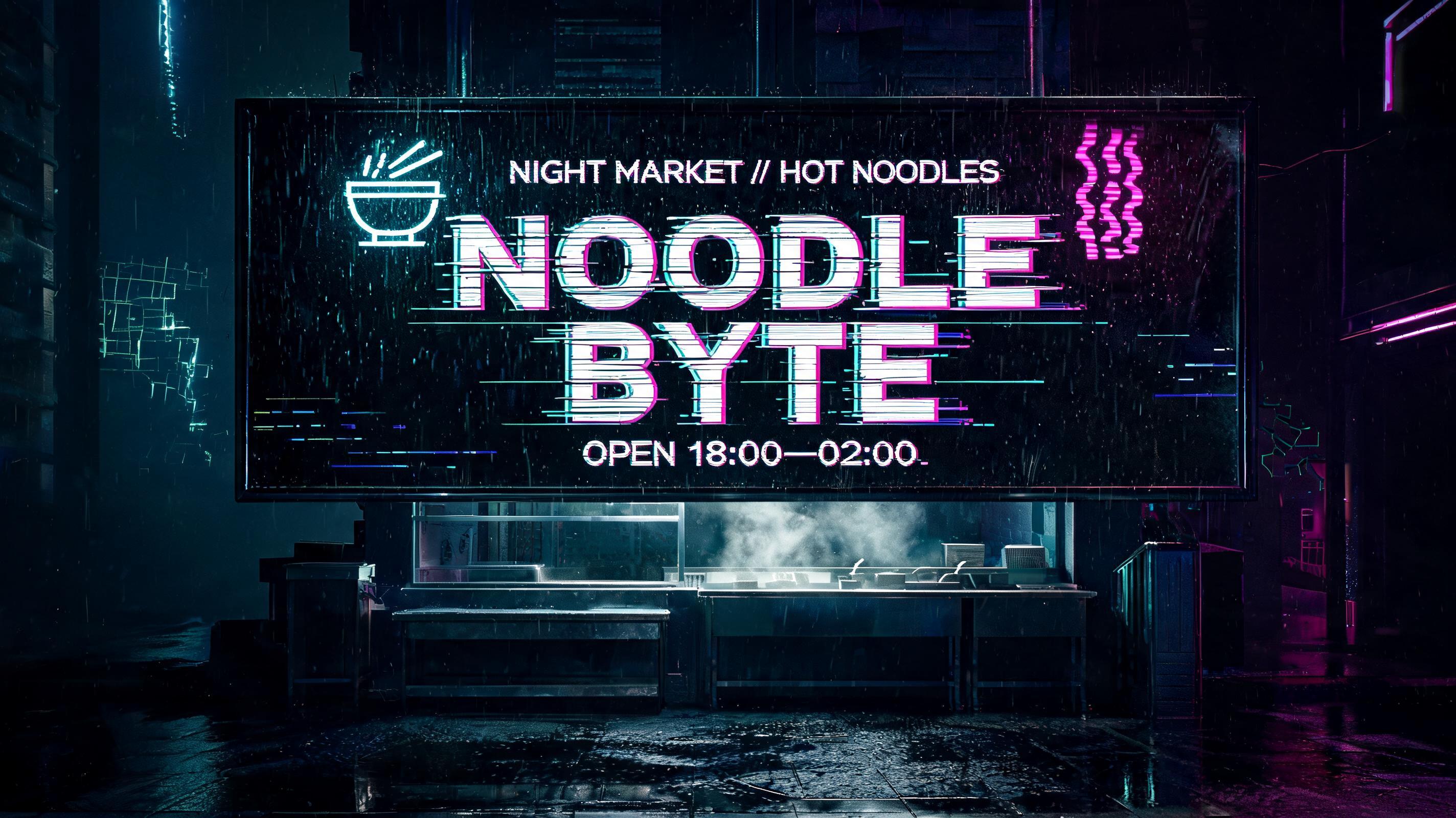
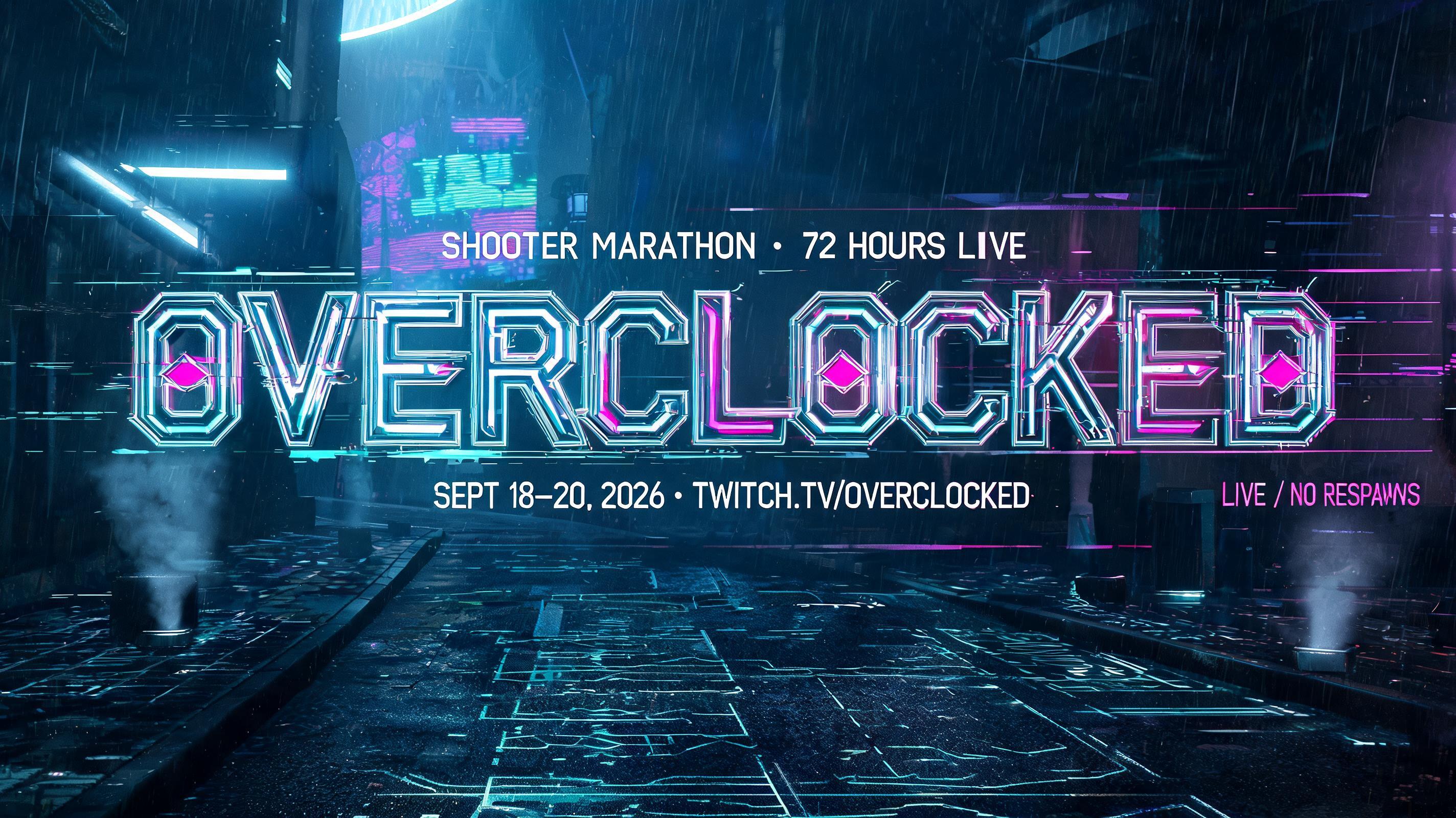


✦ More Neon Glow Text — No Background Use Cases
Explore more ways to use Cyberpunk


✦ Step-by-Step Guide
How to Create Your Neon in Studio
Three steps. No design software needed.
1
Generate Your Neon Text
Enter your text, select the Cyberpunk Neon style, and click Generate. Your neon glow font renders on a pure black background instantly.
2
Download as PNG
Click Download PNG. The file is a high-resolution black-background PNG — set Screen blend mode in your editor to reveal only the glowing neon effect.
3
Apply Screen Blend Mode
Place the PNG in Photoshop, Canva, Figma, or OBS and set blend mode to Screen. The black background disappears, leaving a vivid neon glow over any surface.
💡 Platform tip: Neon glow works best over dark surfaces. In Canva, upload the PNG as an element and set its blend mode to Screen — place it over a dark photo or gradient for maximum visual impact.
✦ Common Questions
Neon — Frequently Asked Questions
Everything you need to know before you create.
✦ Explore More Text Effect Styles
Related AI Text Effect Styles
Try a different aesthetic — each style generates a completely unique visual output.


Want more text styles? Browse our free font generators — fancy, cursive, gothic & more.
✦ Ready to Create?
Make Your Own Neon
Free to start. No design skills needed.
✦ Generate Now — Free