


✦ Community Gallery
View all →Slime Drip Font — Community Gallery
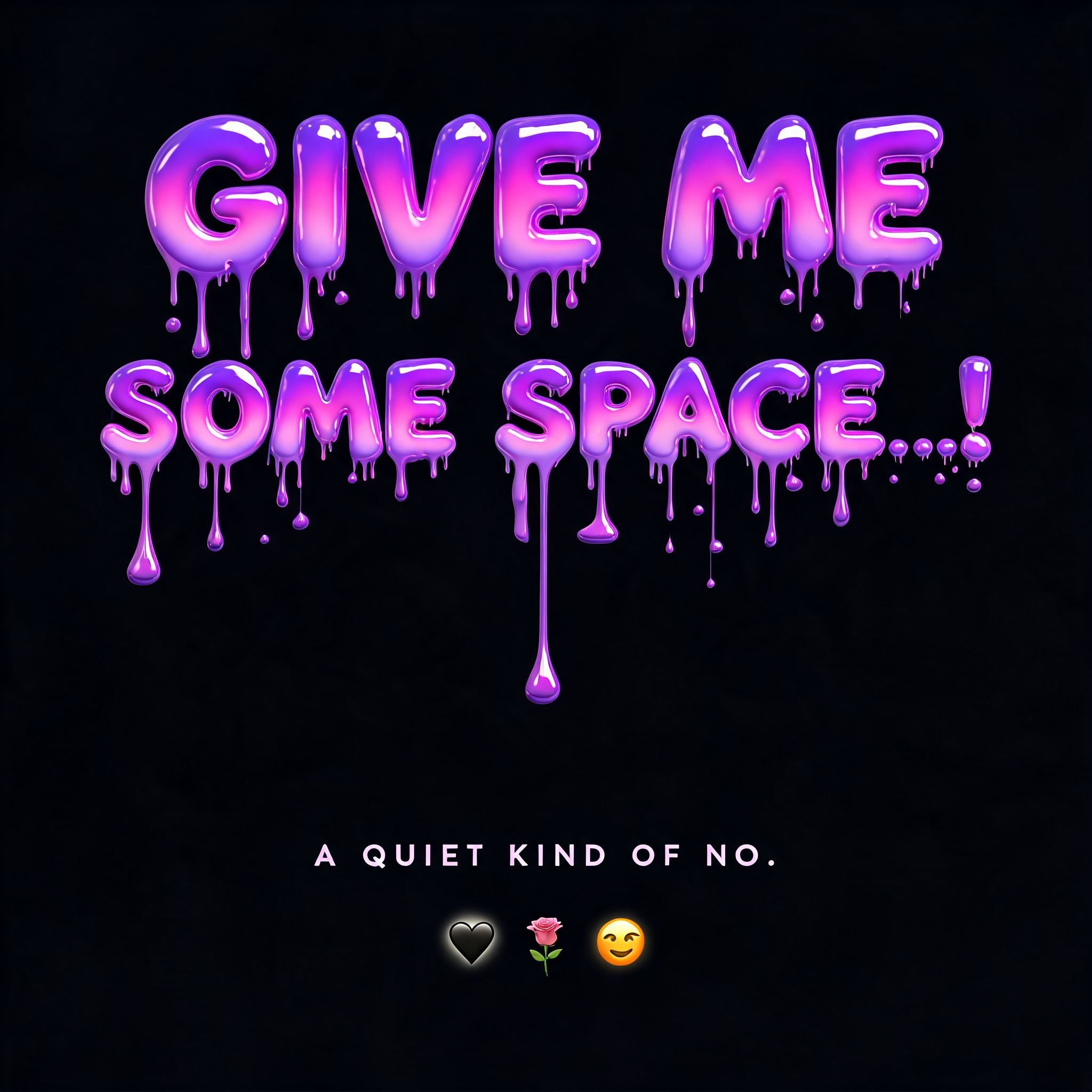
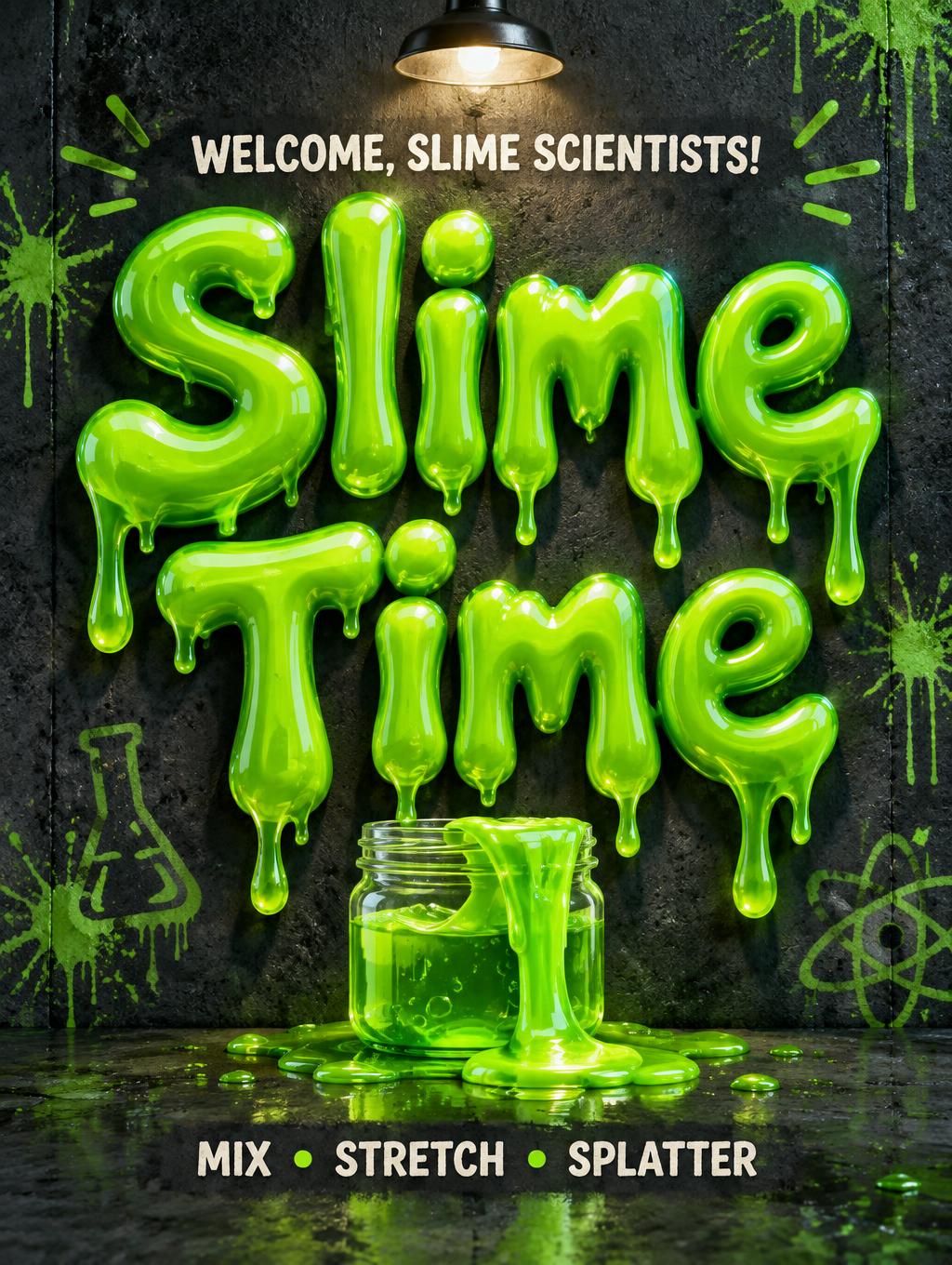
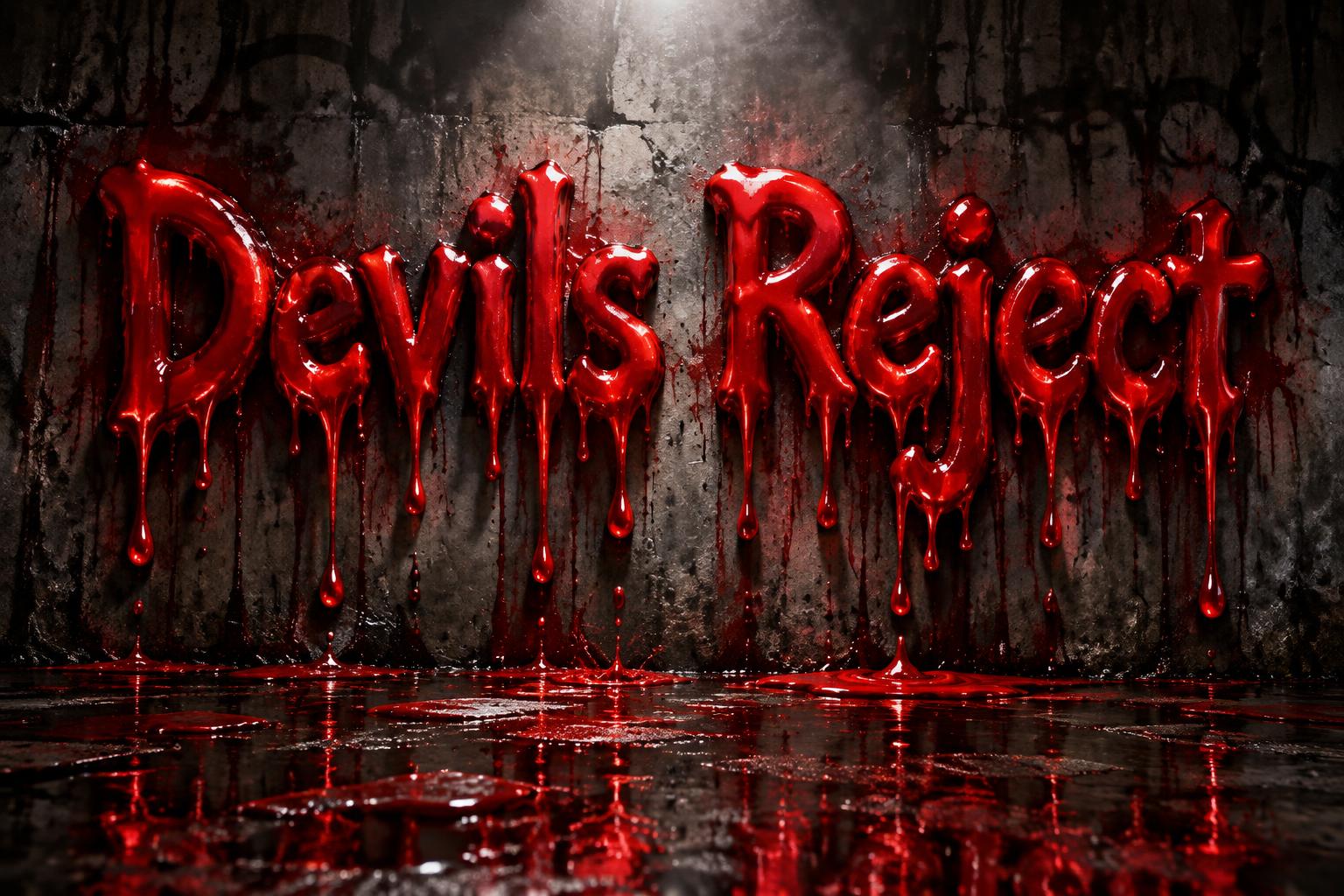
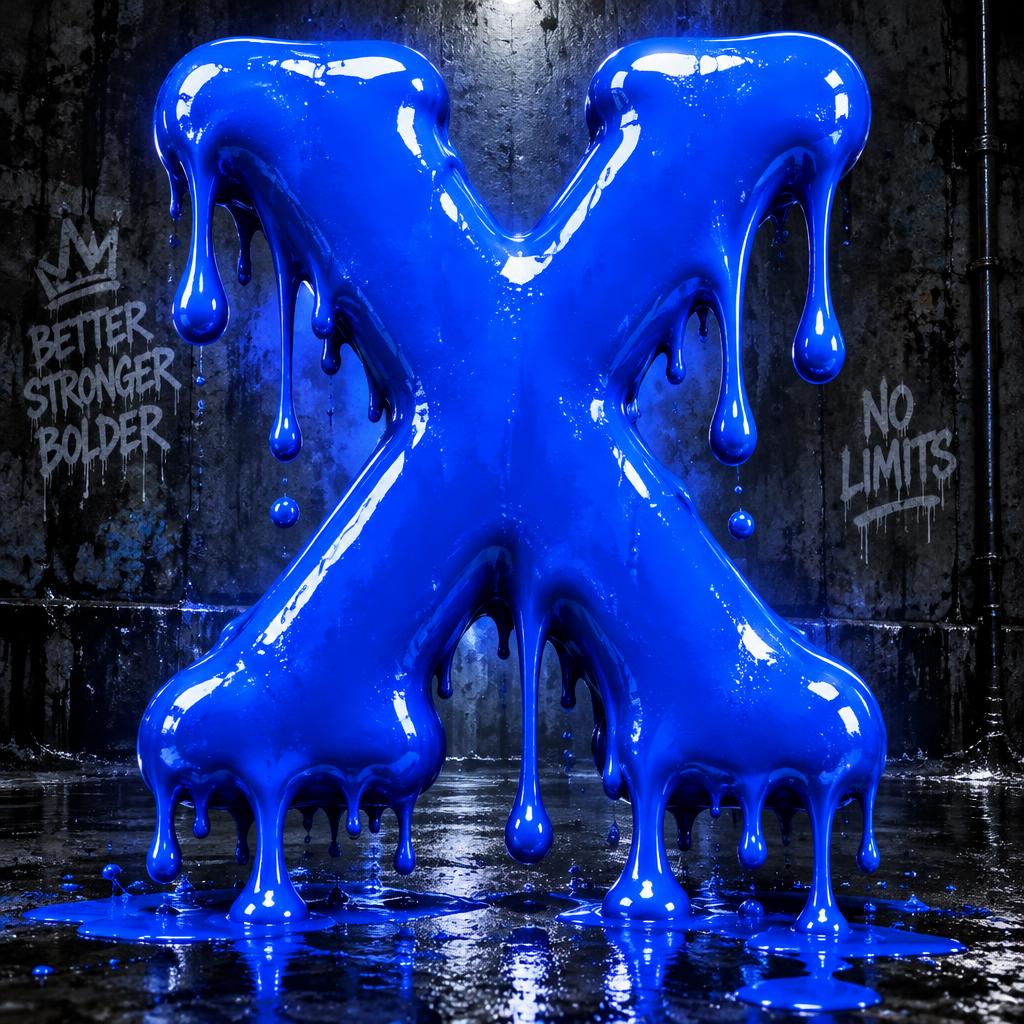
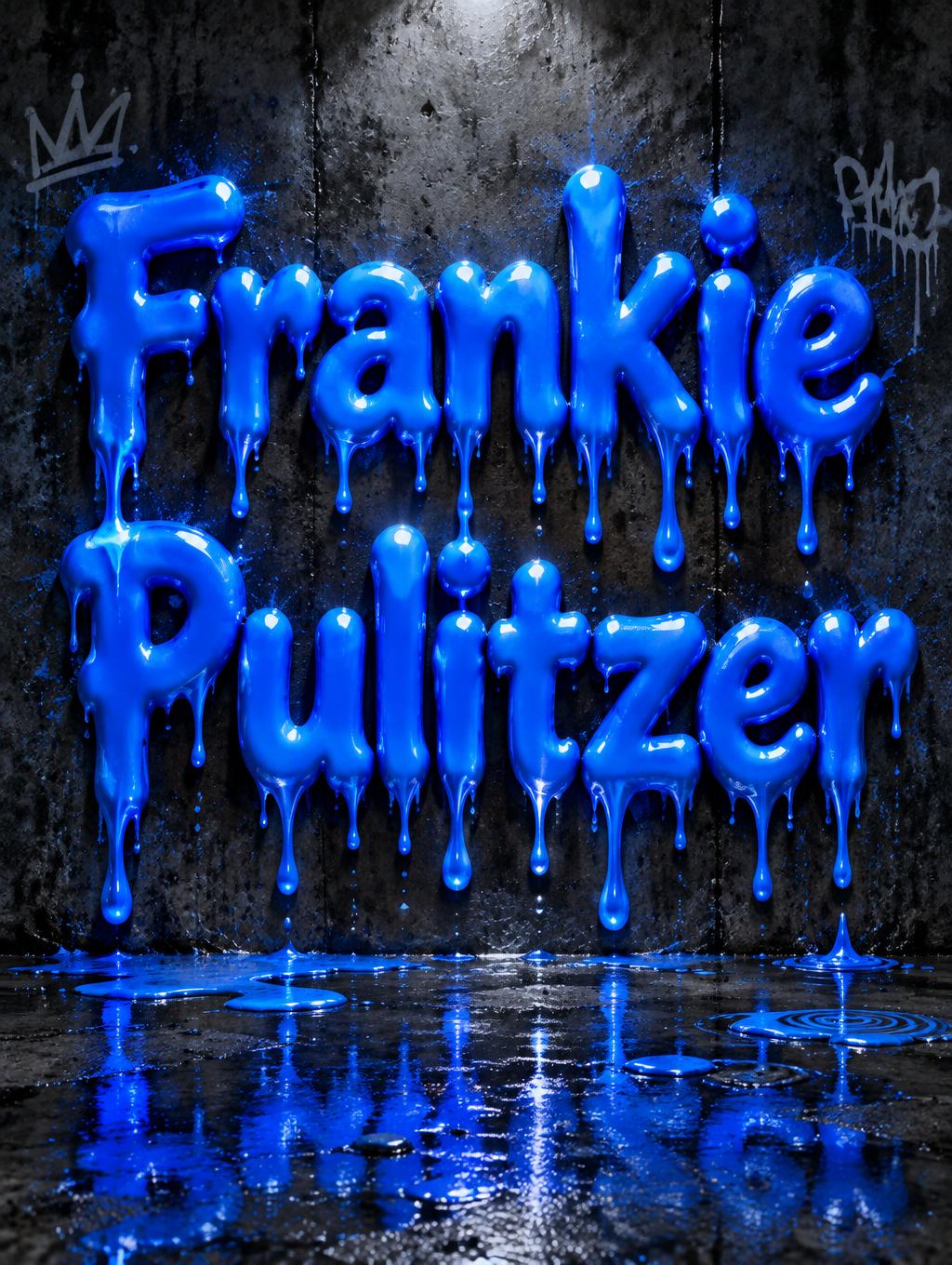
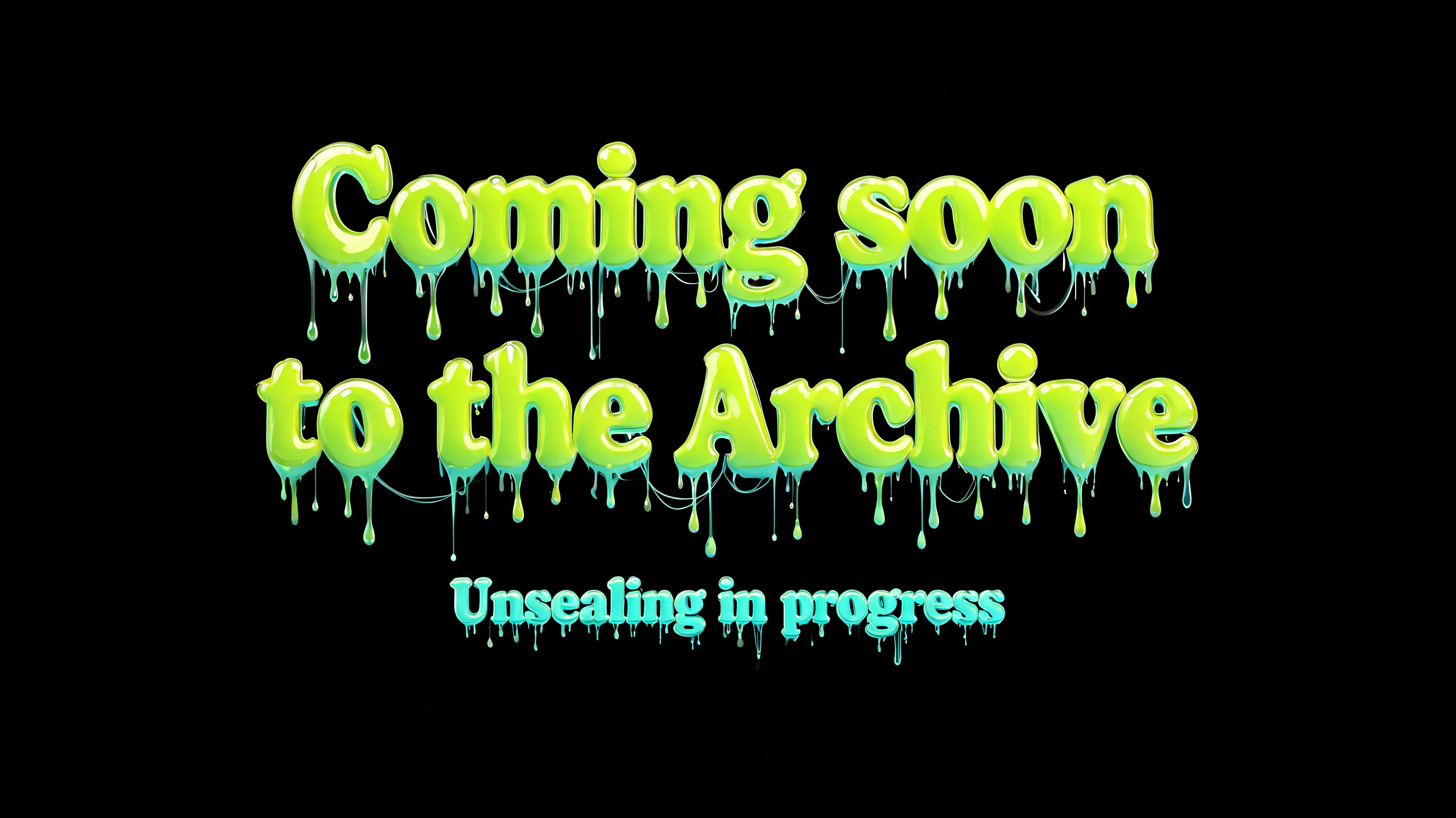
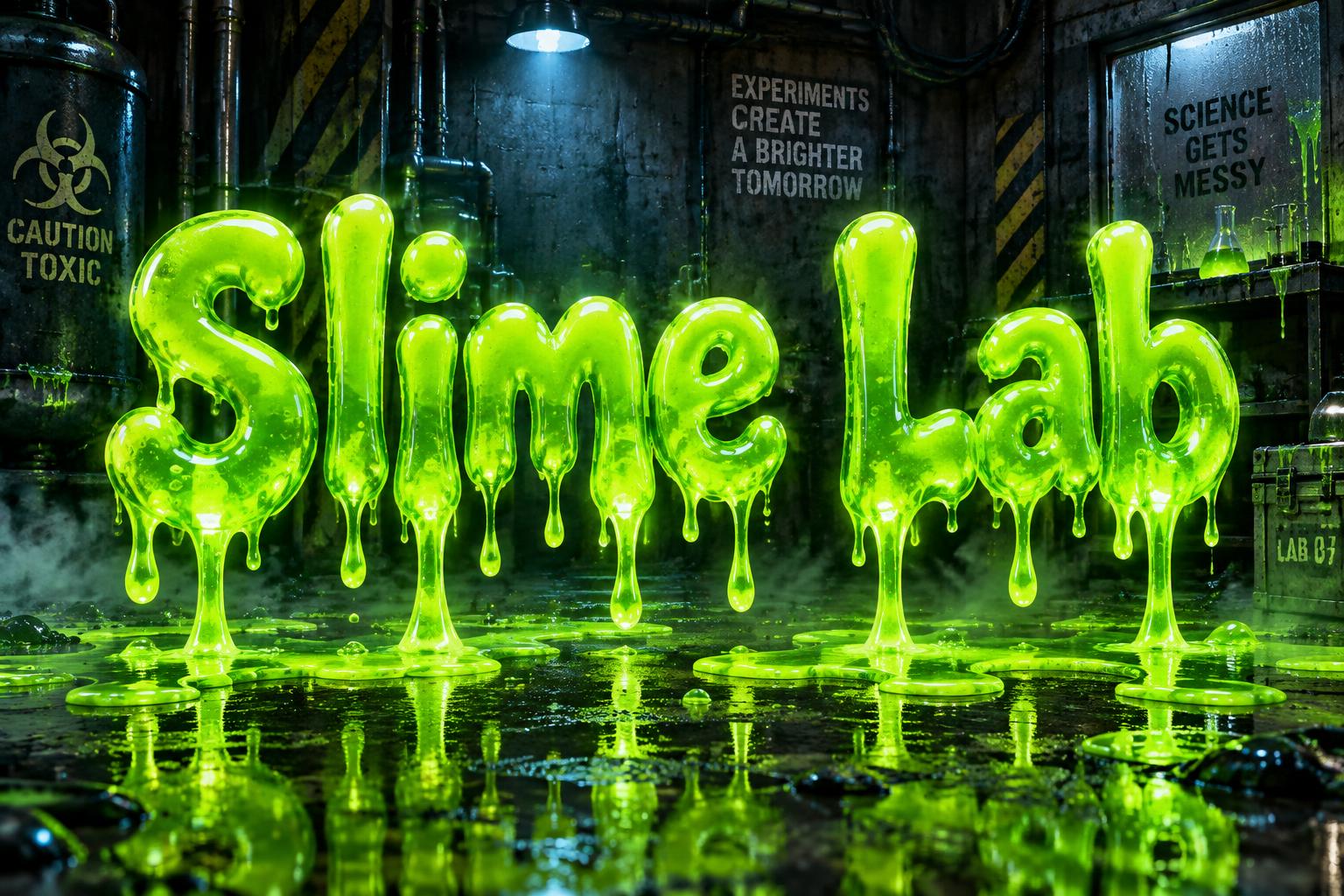
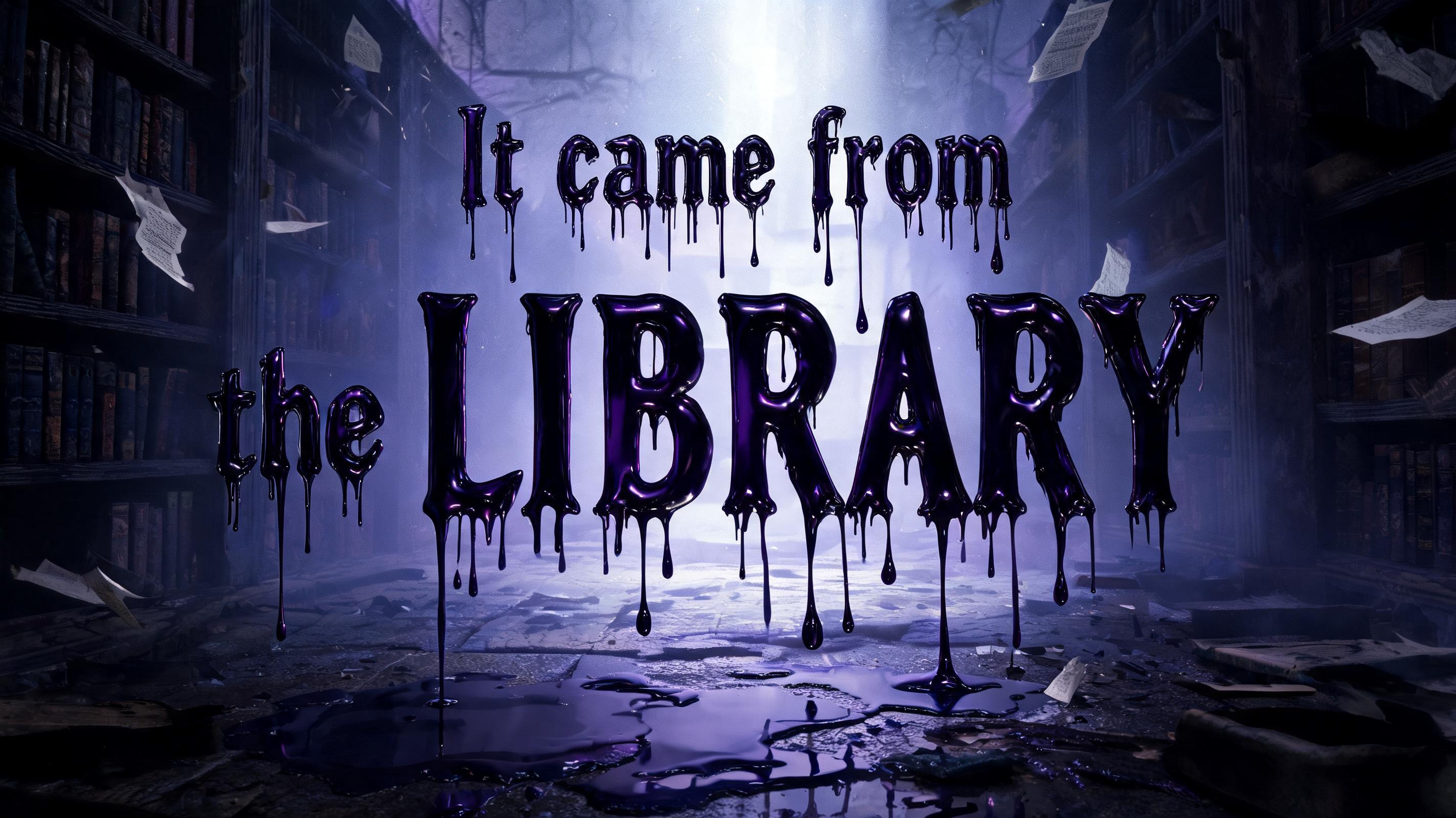
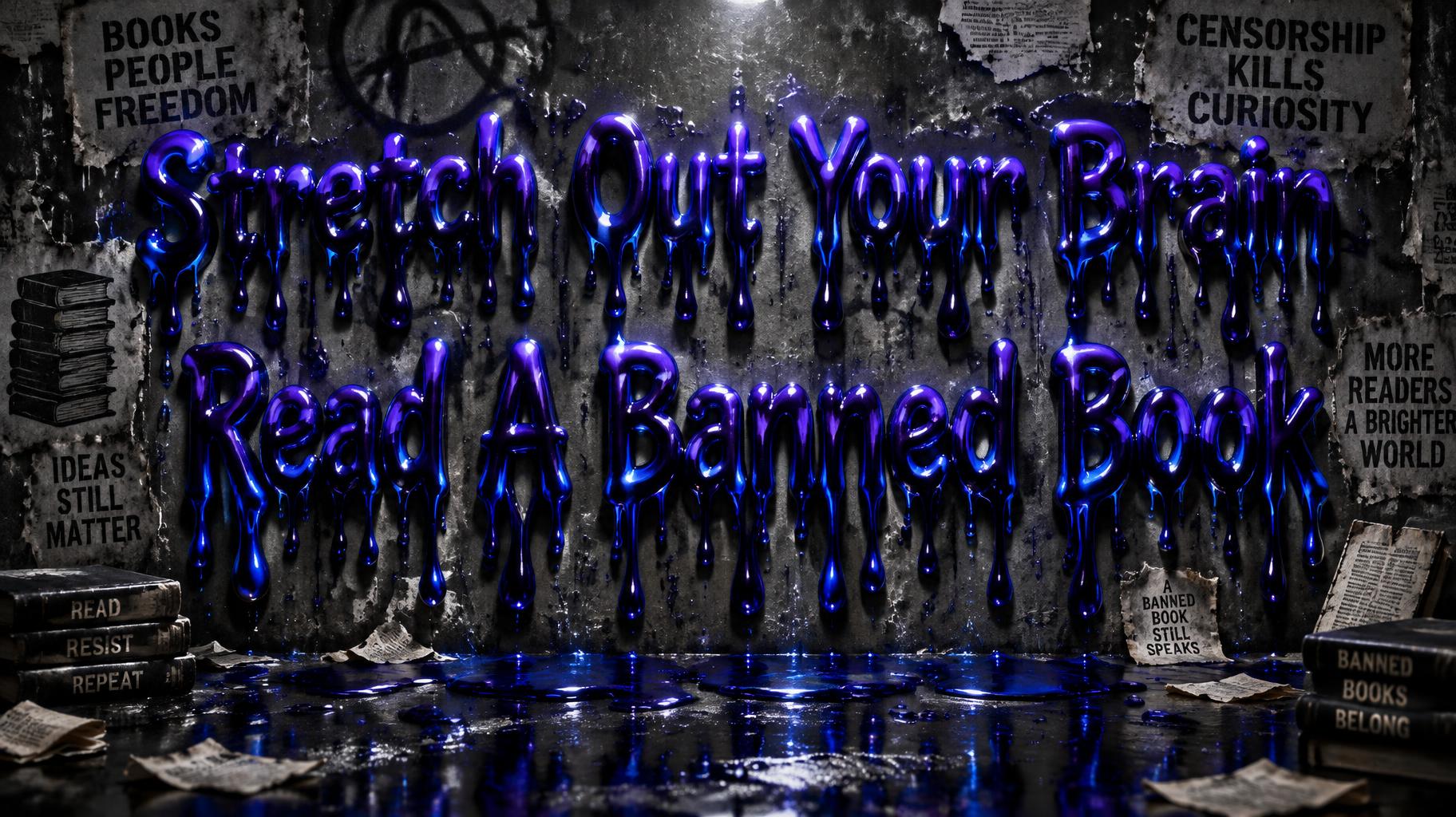
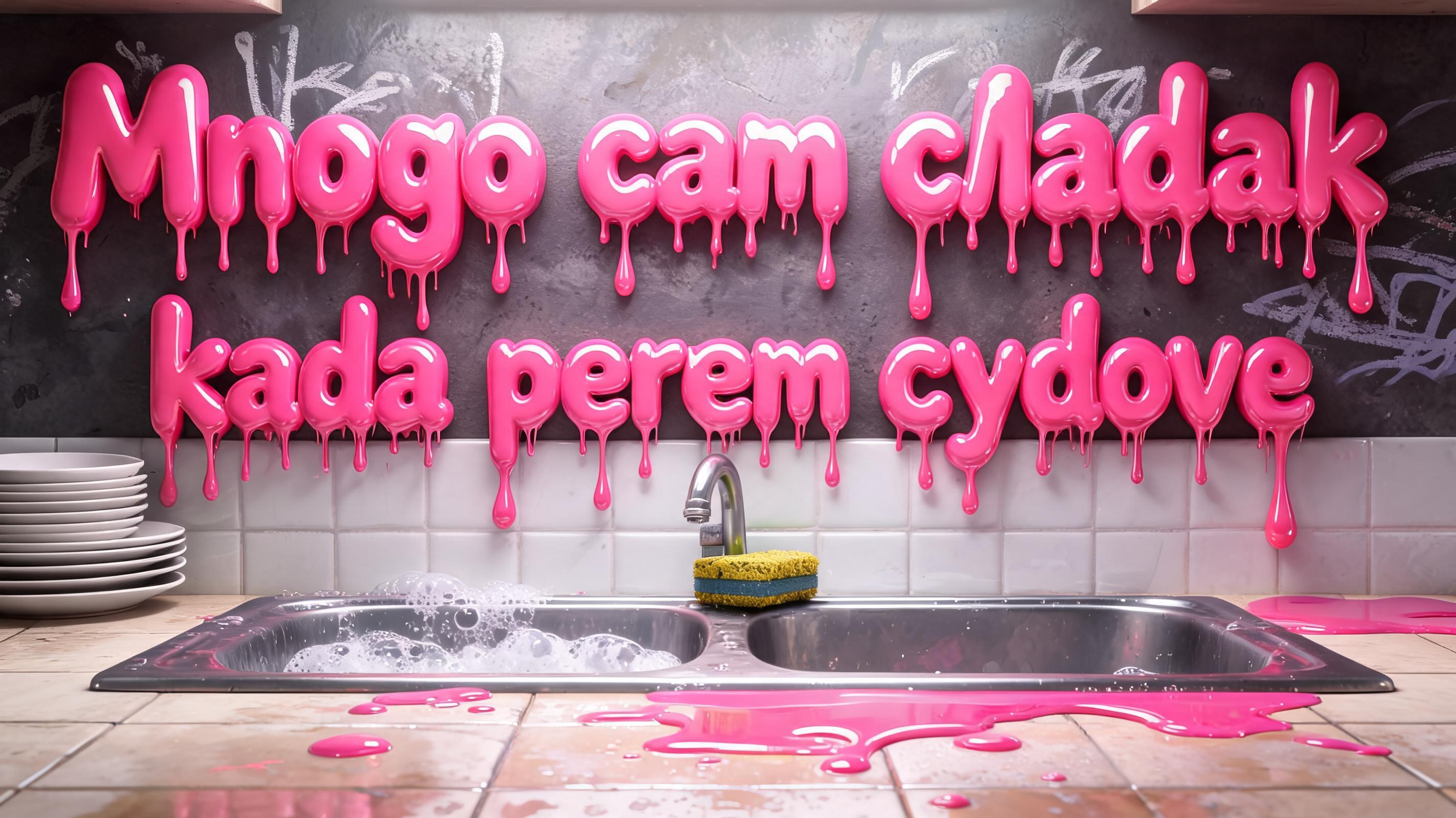
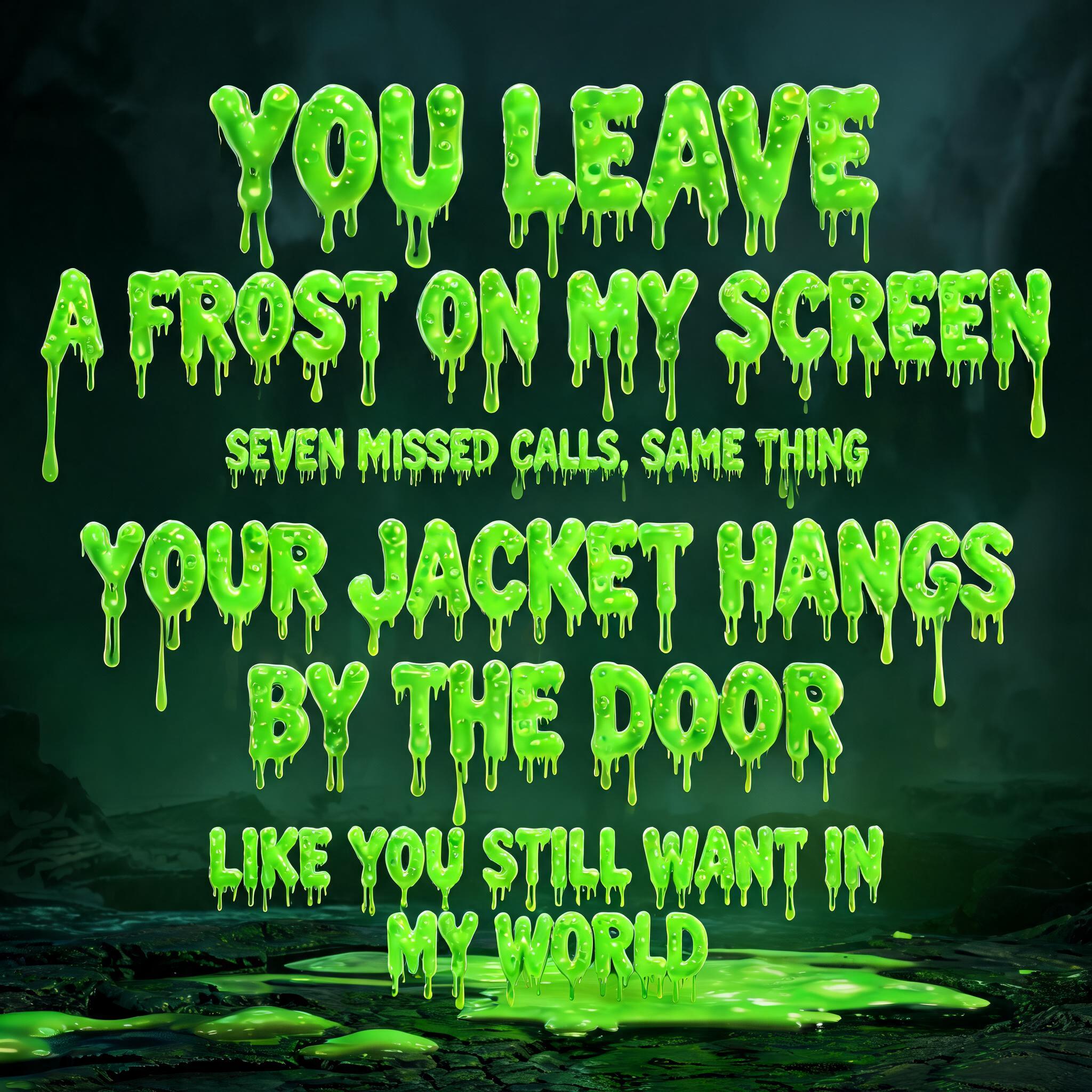
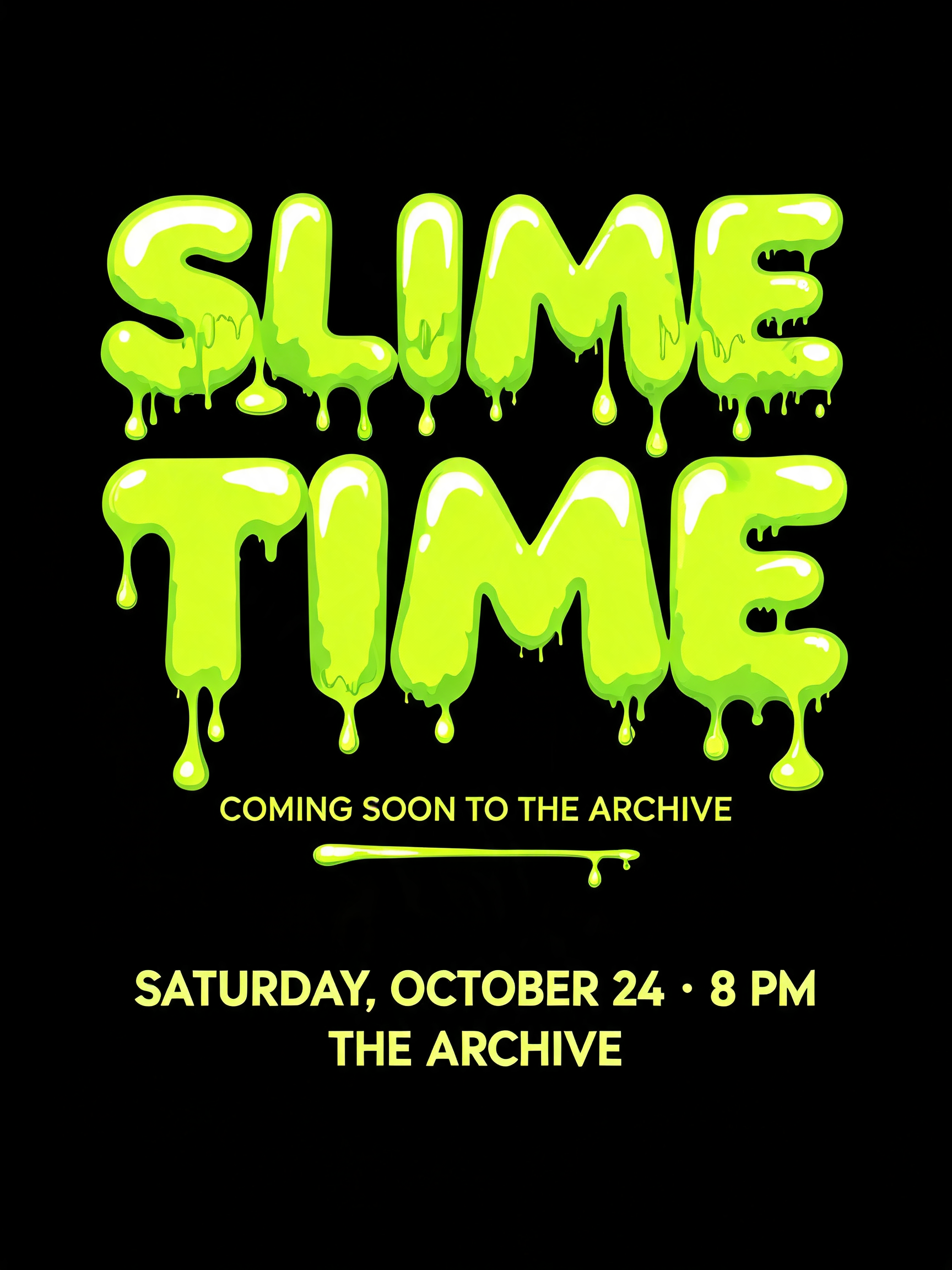
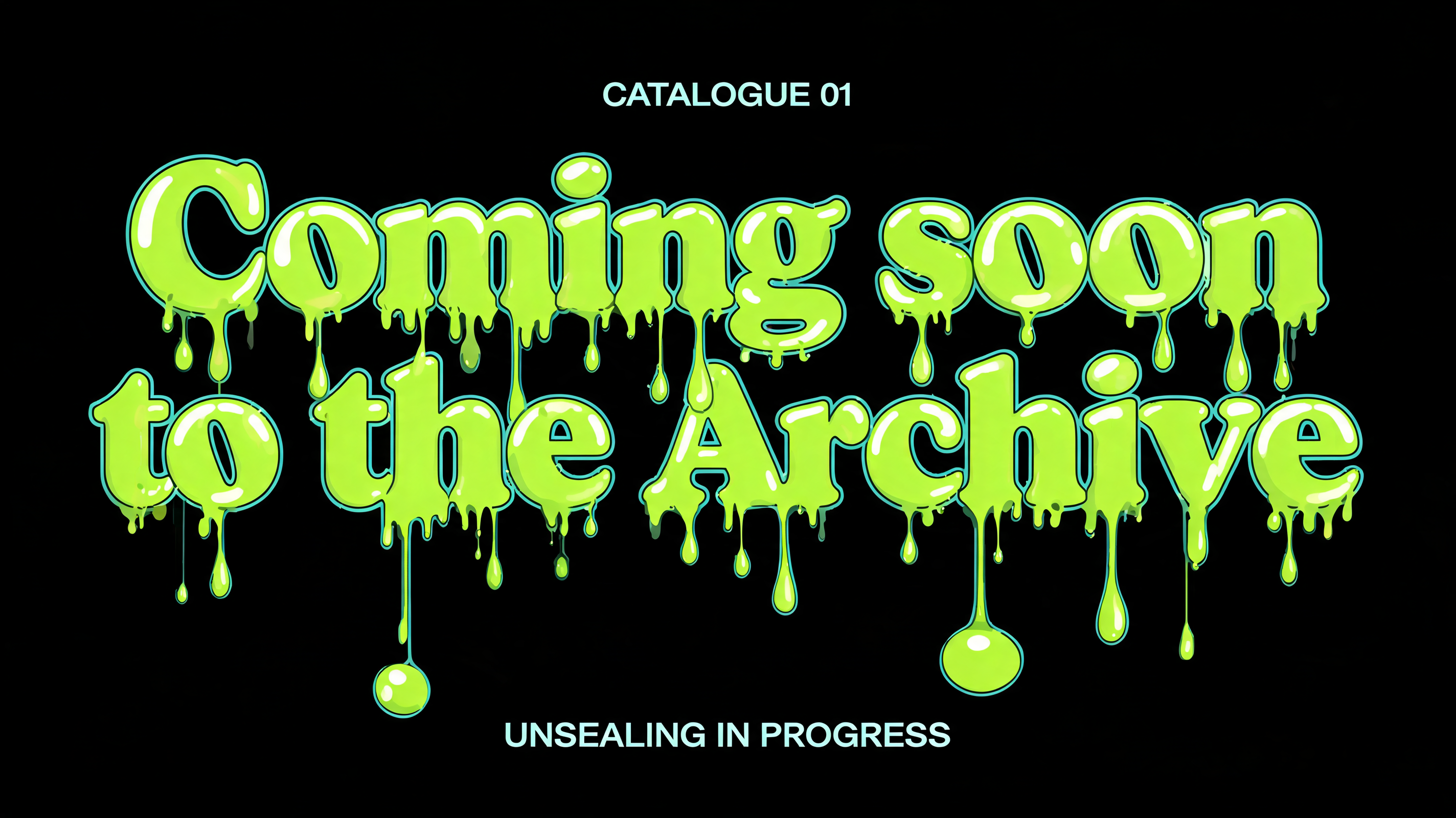
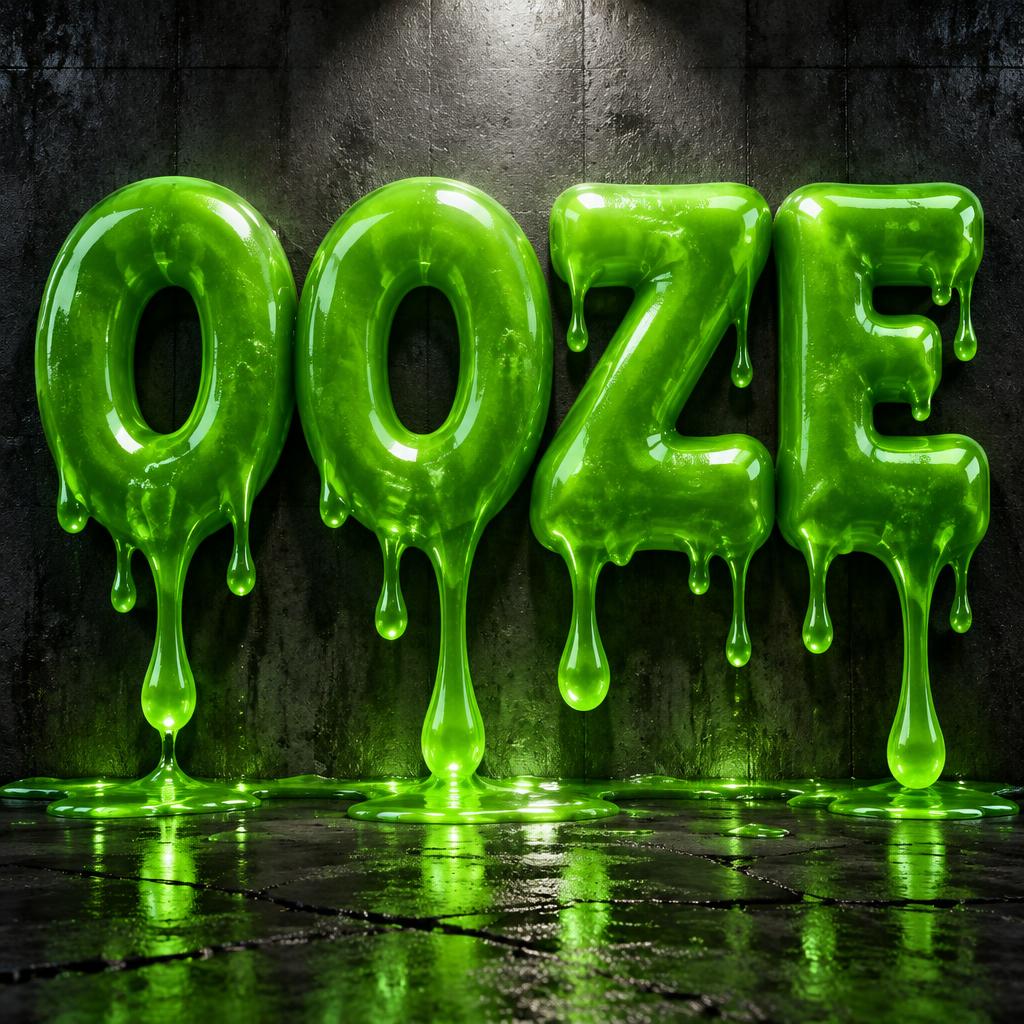
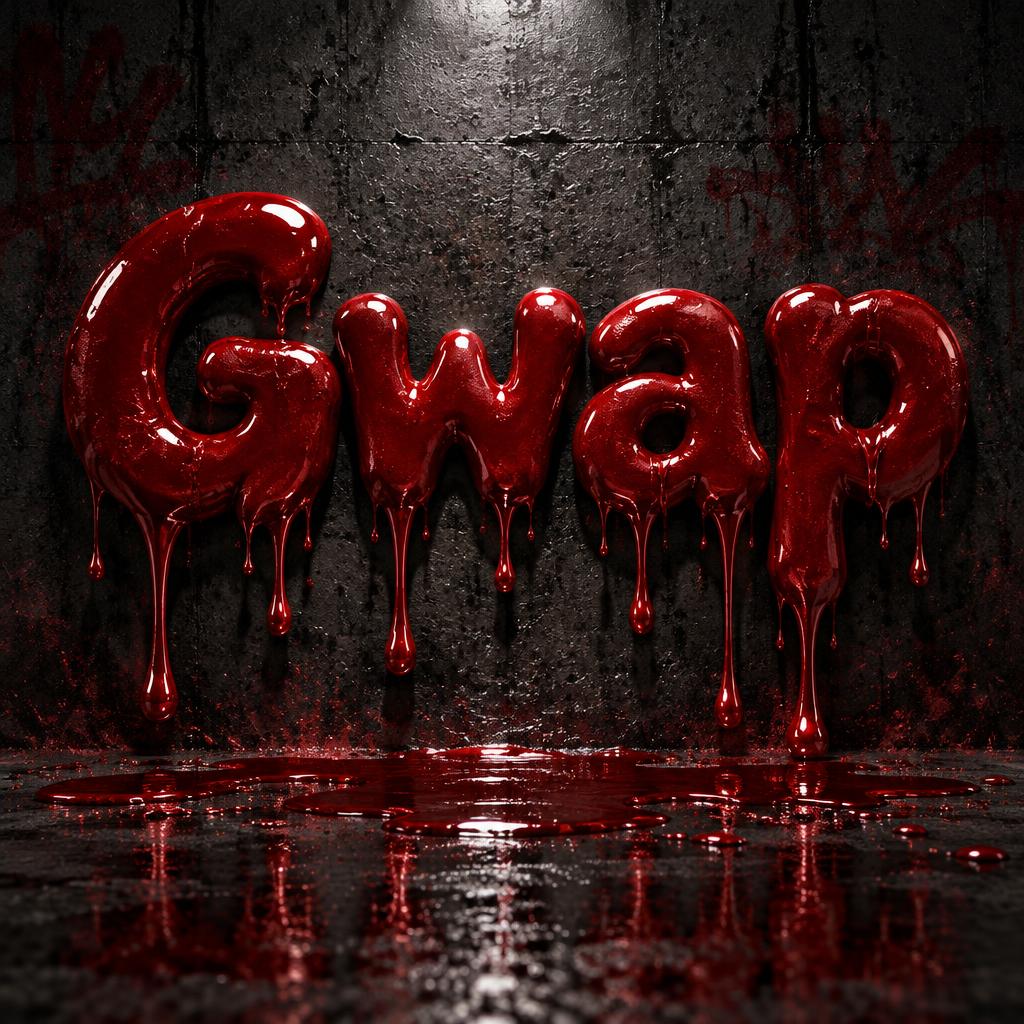
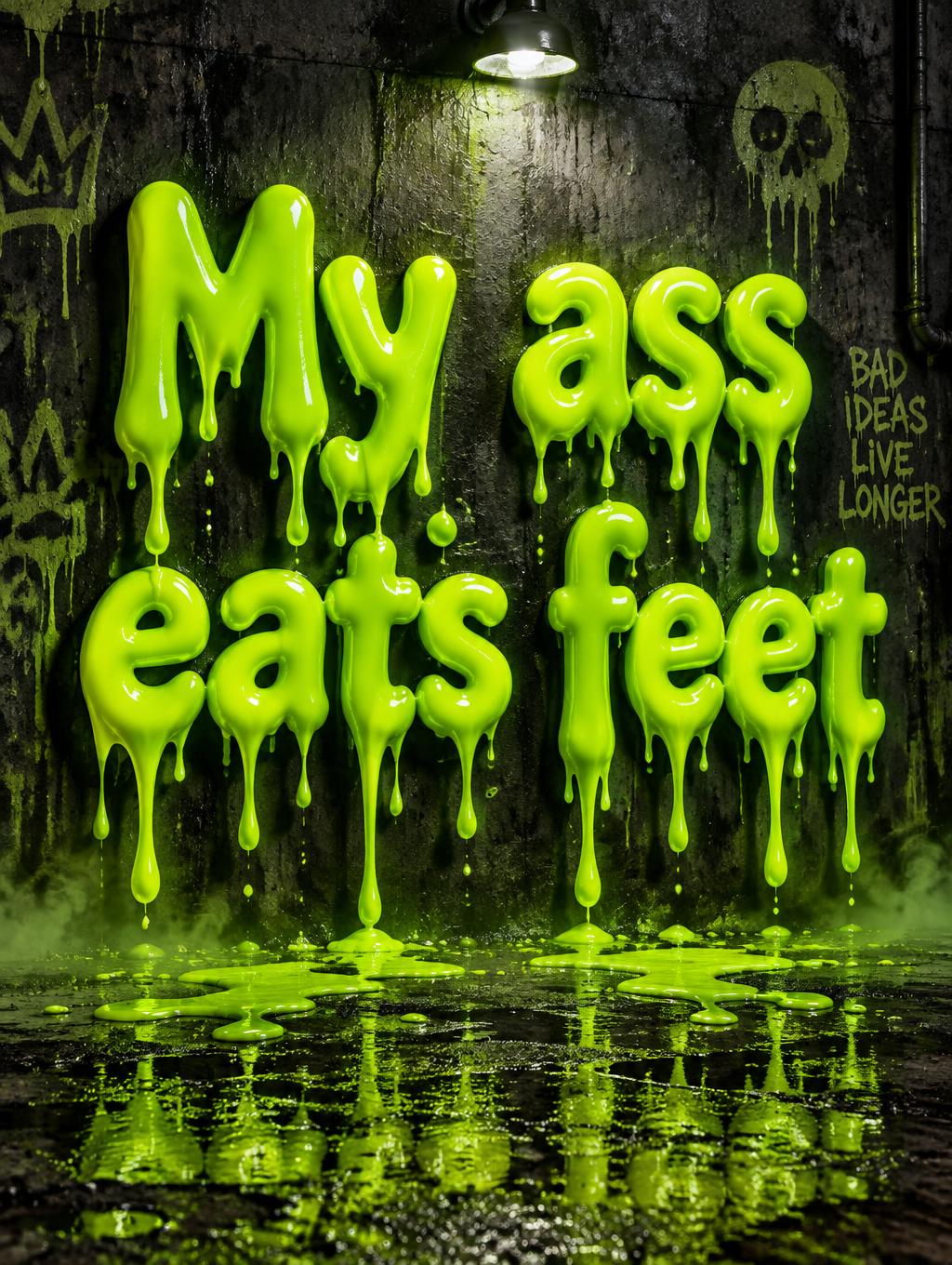
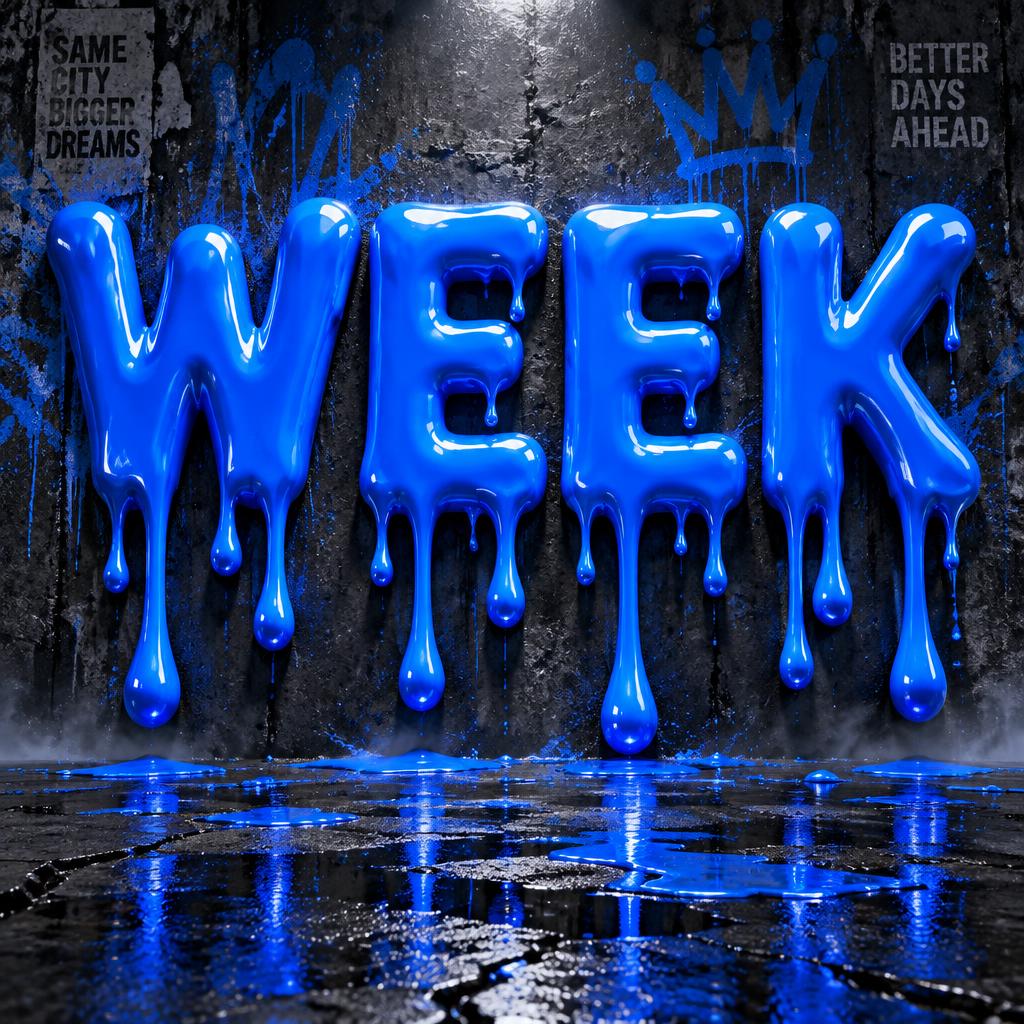
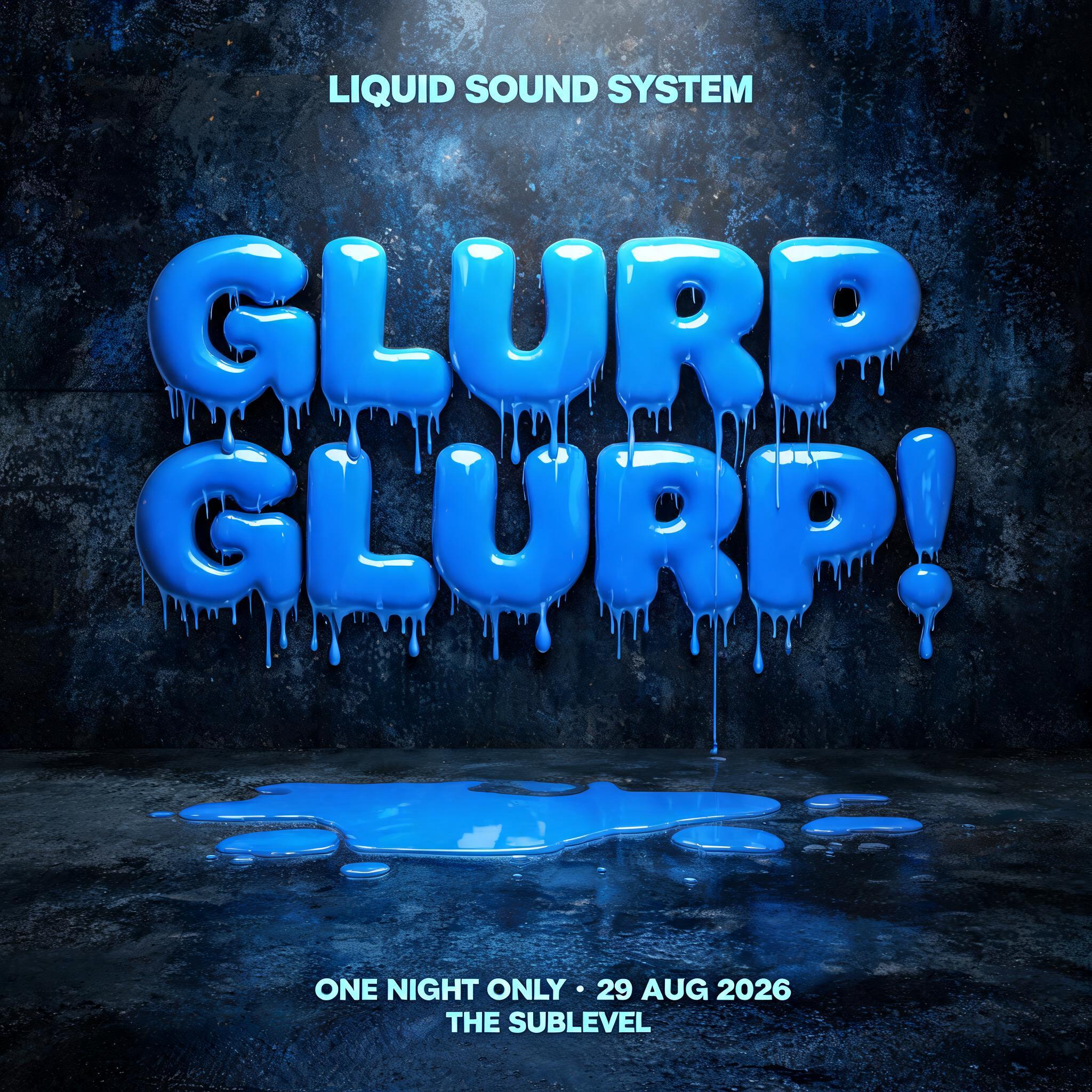
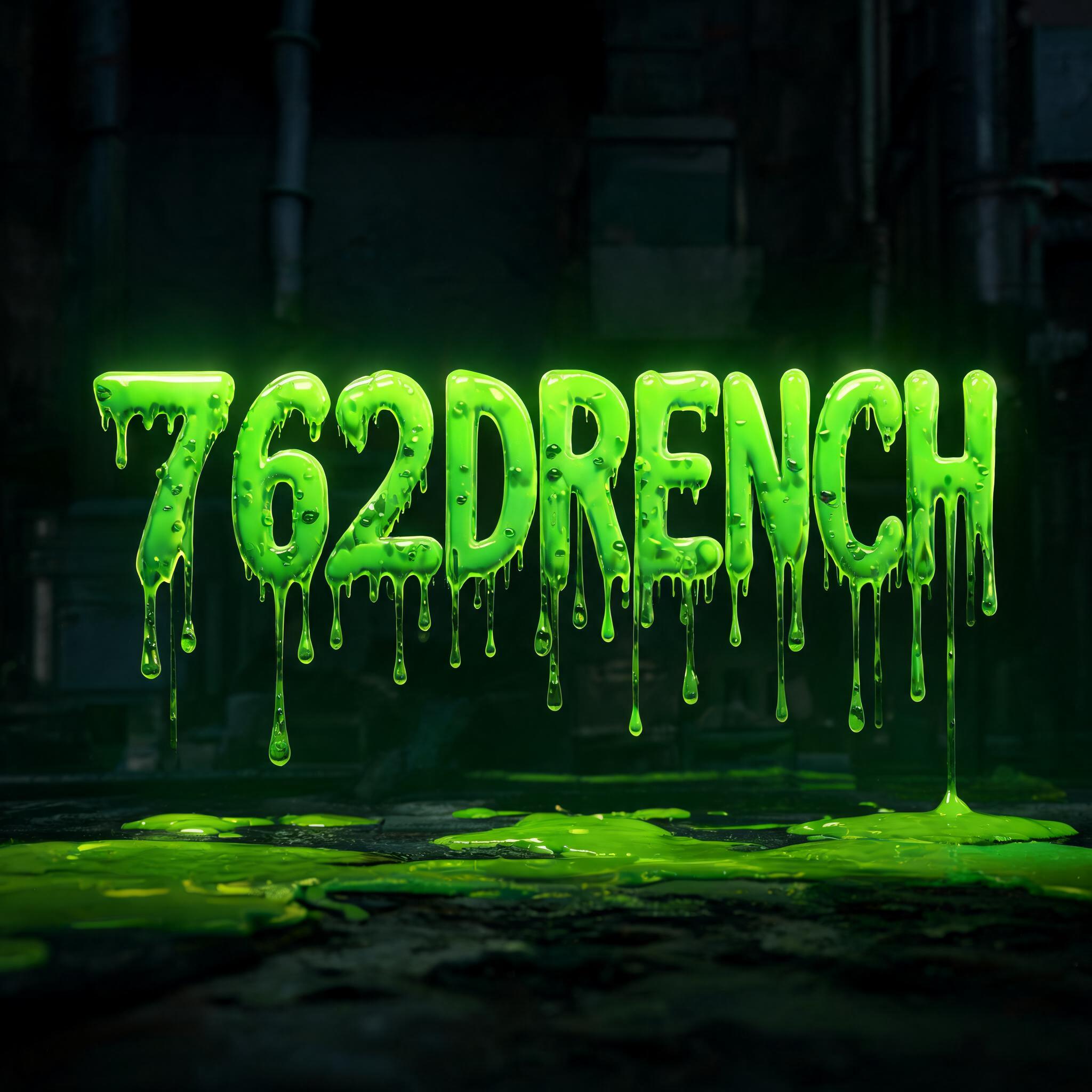
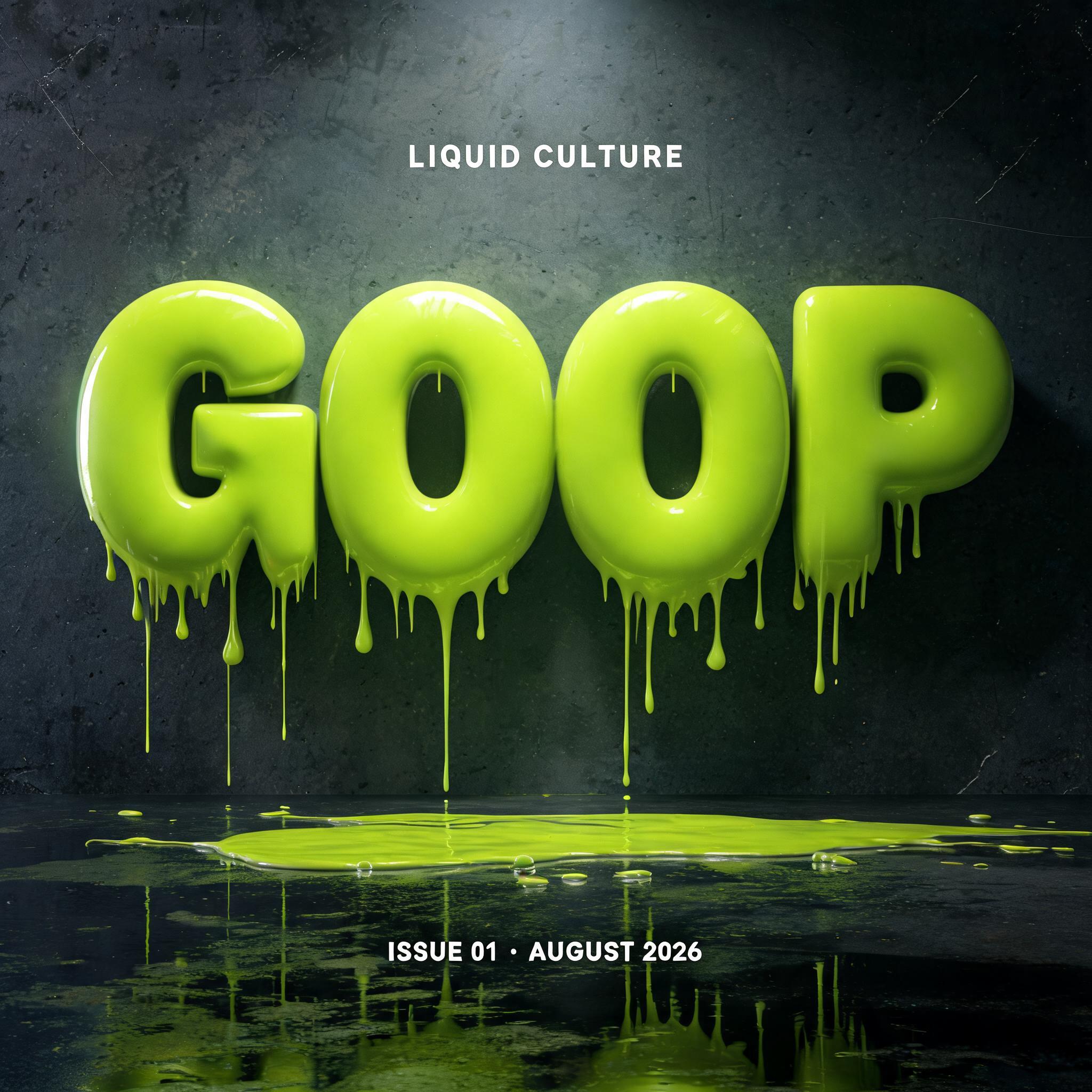
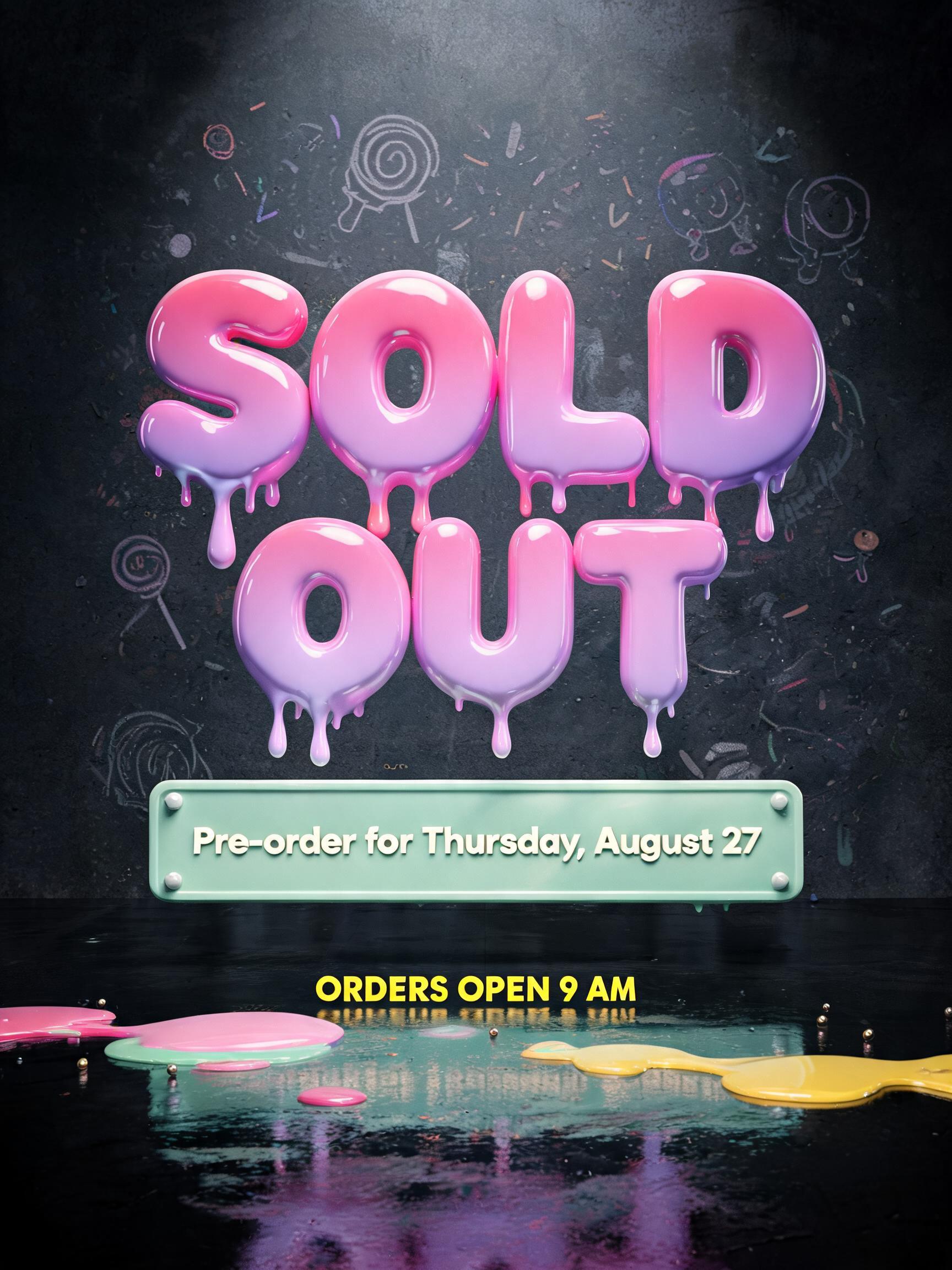
Every image below was generated on FontVibe — no post-editing, no stock photos. This is what slime drip font generator — free ai slime text actually looks like.
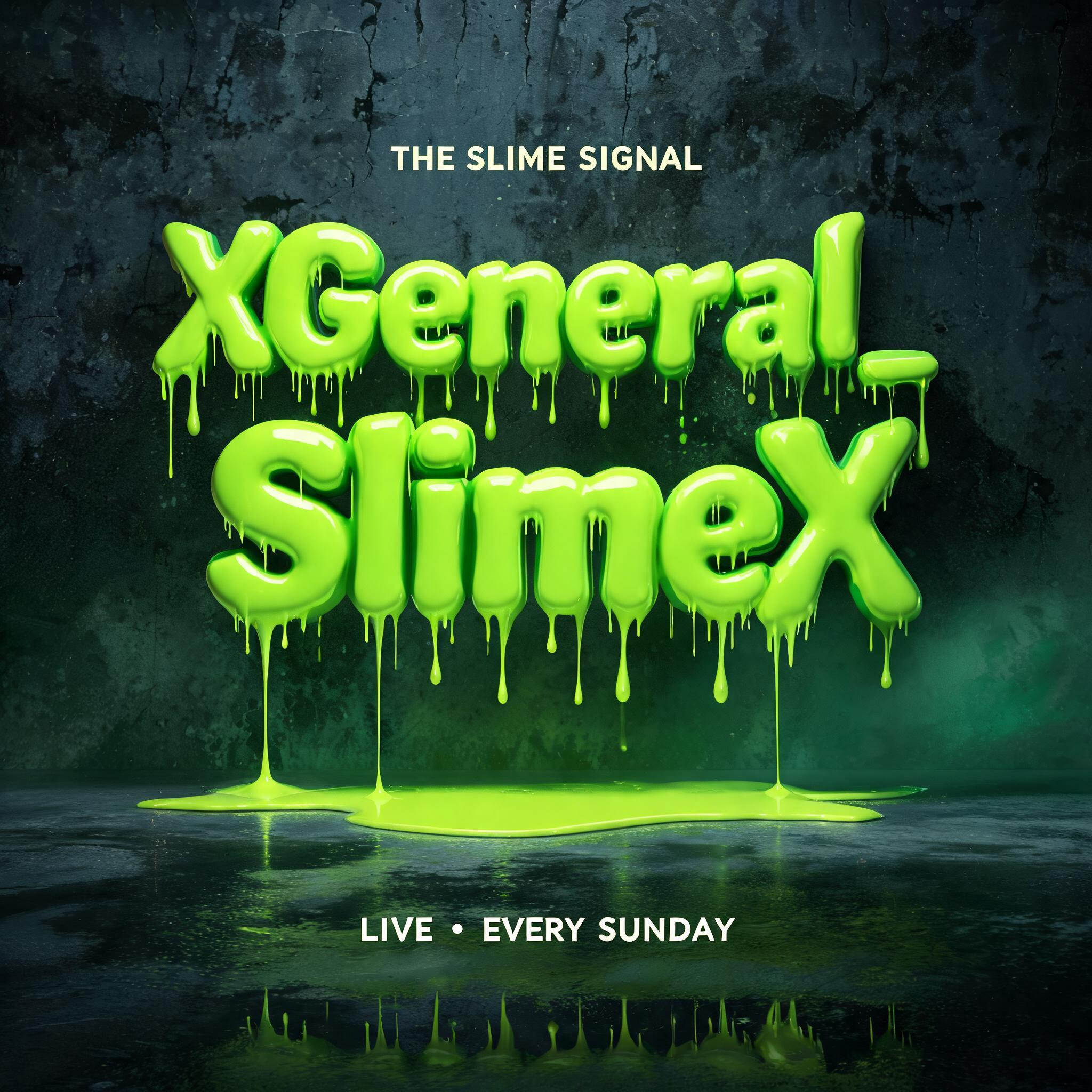
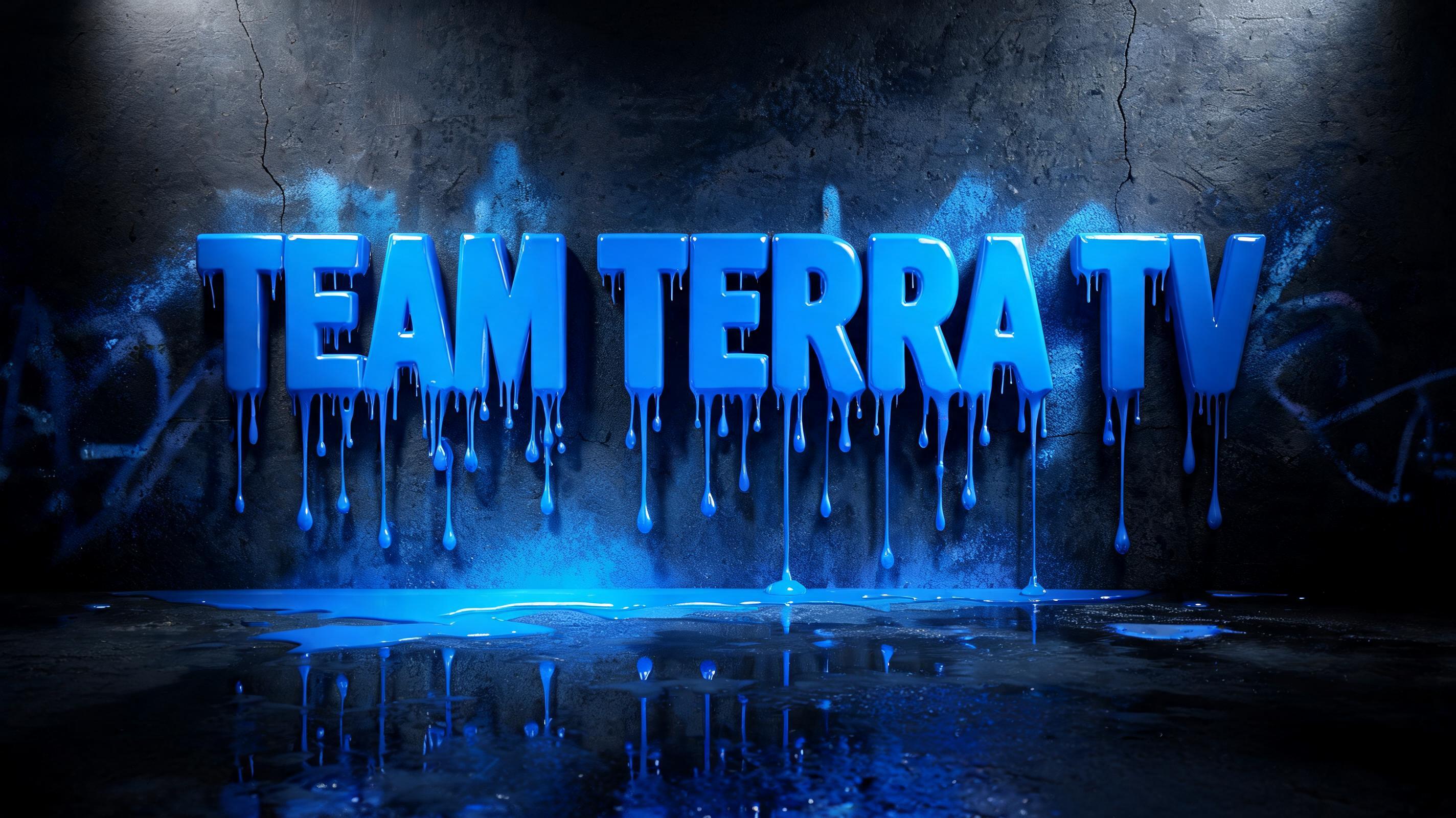
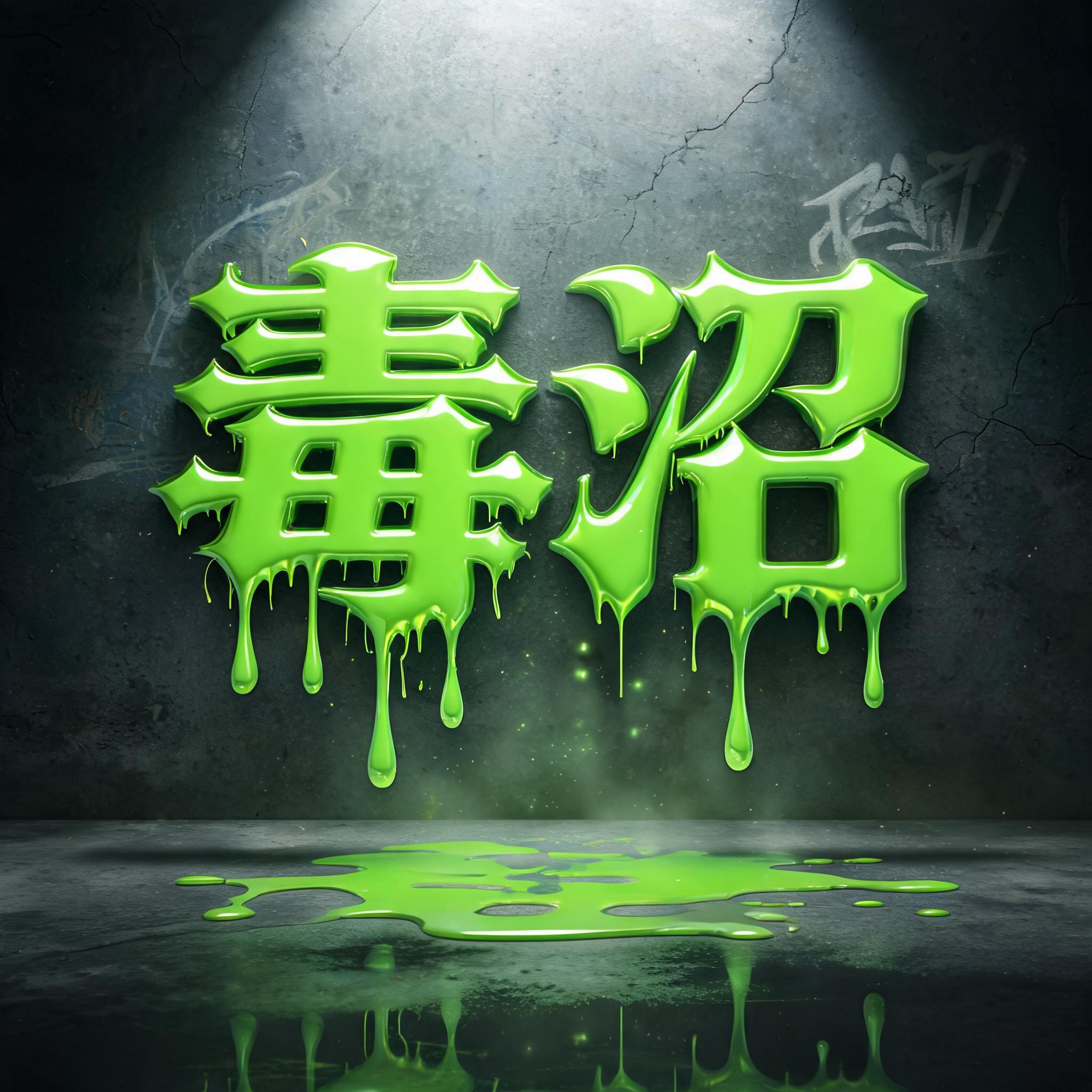

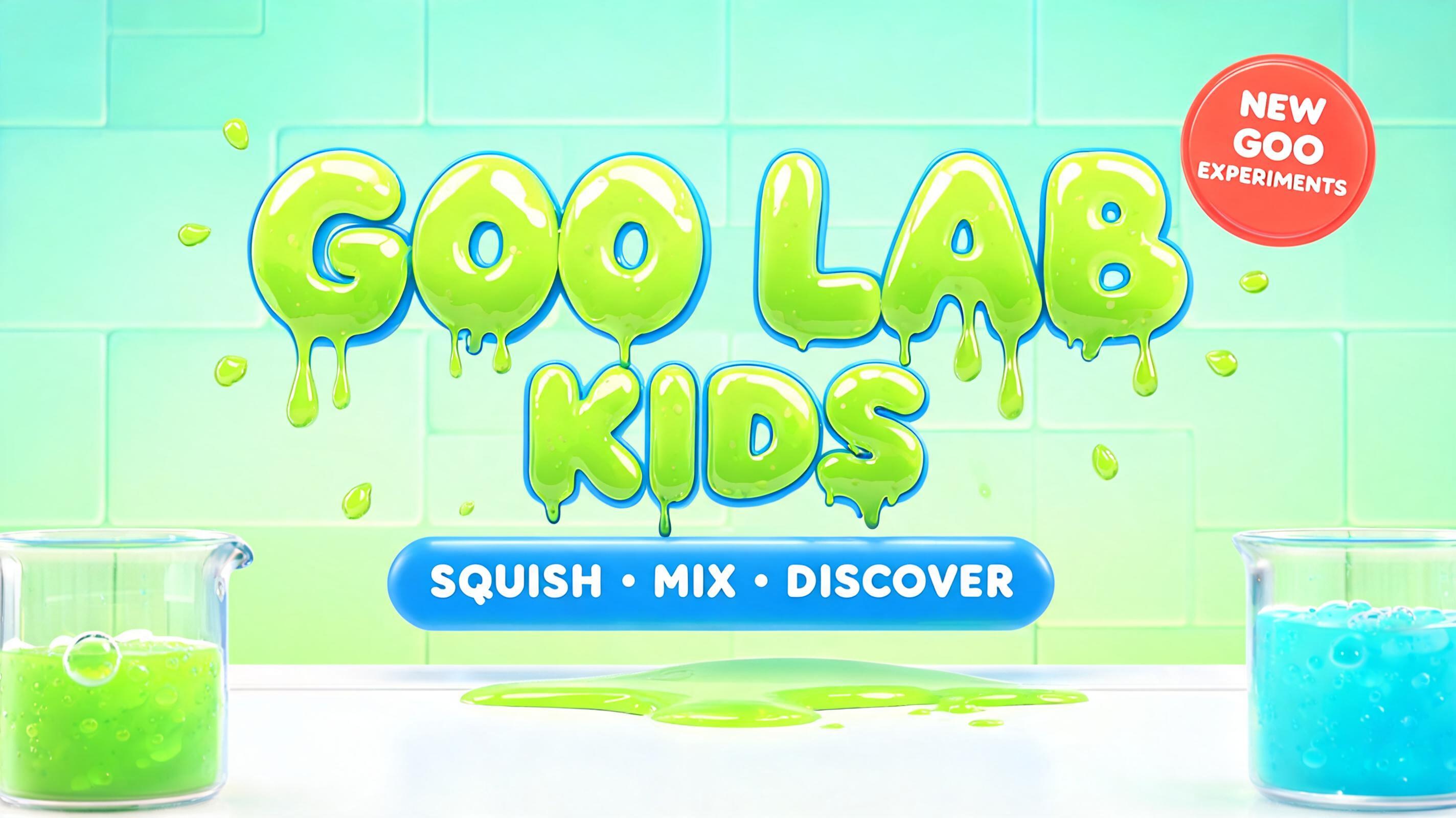
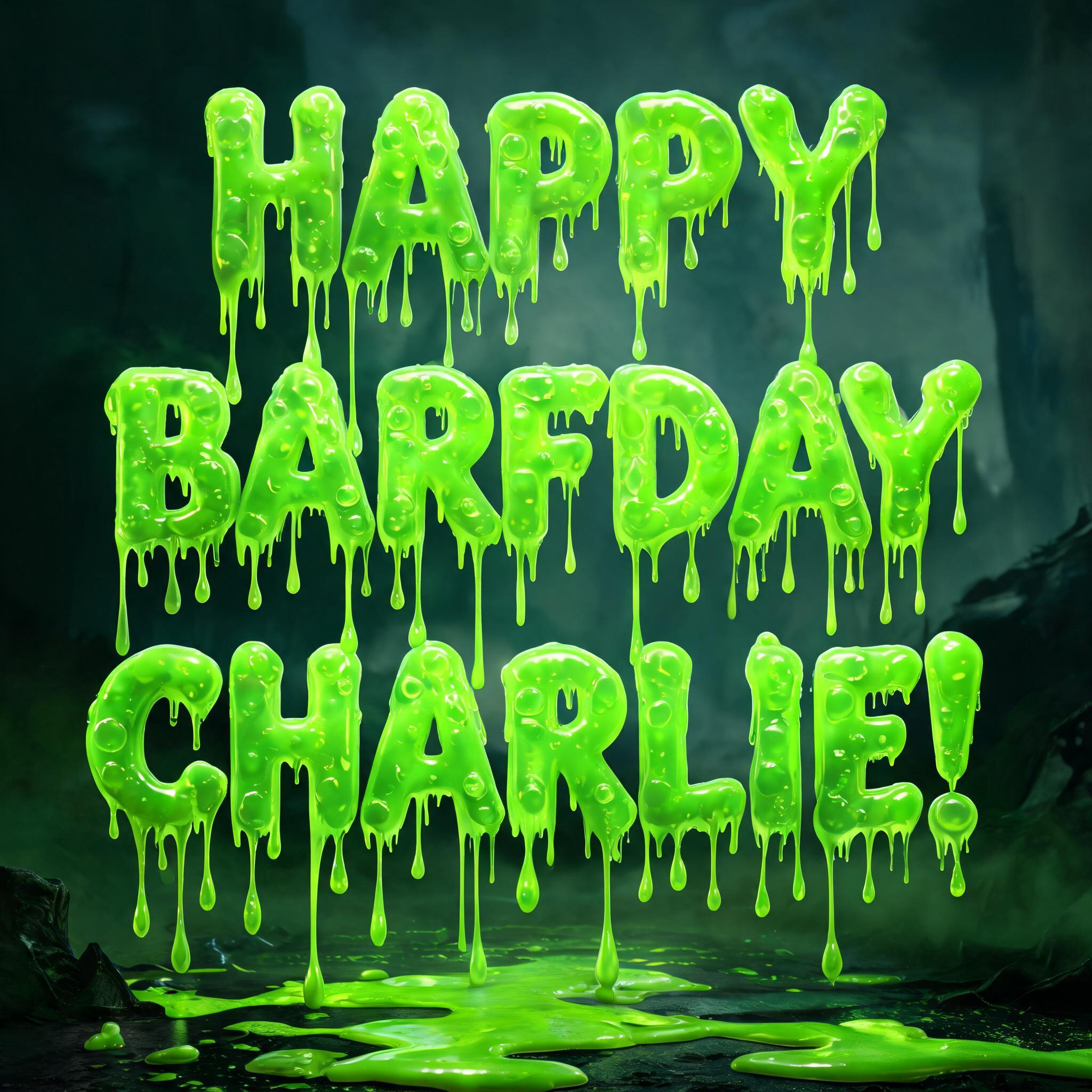
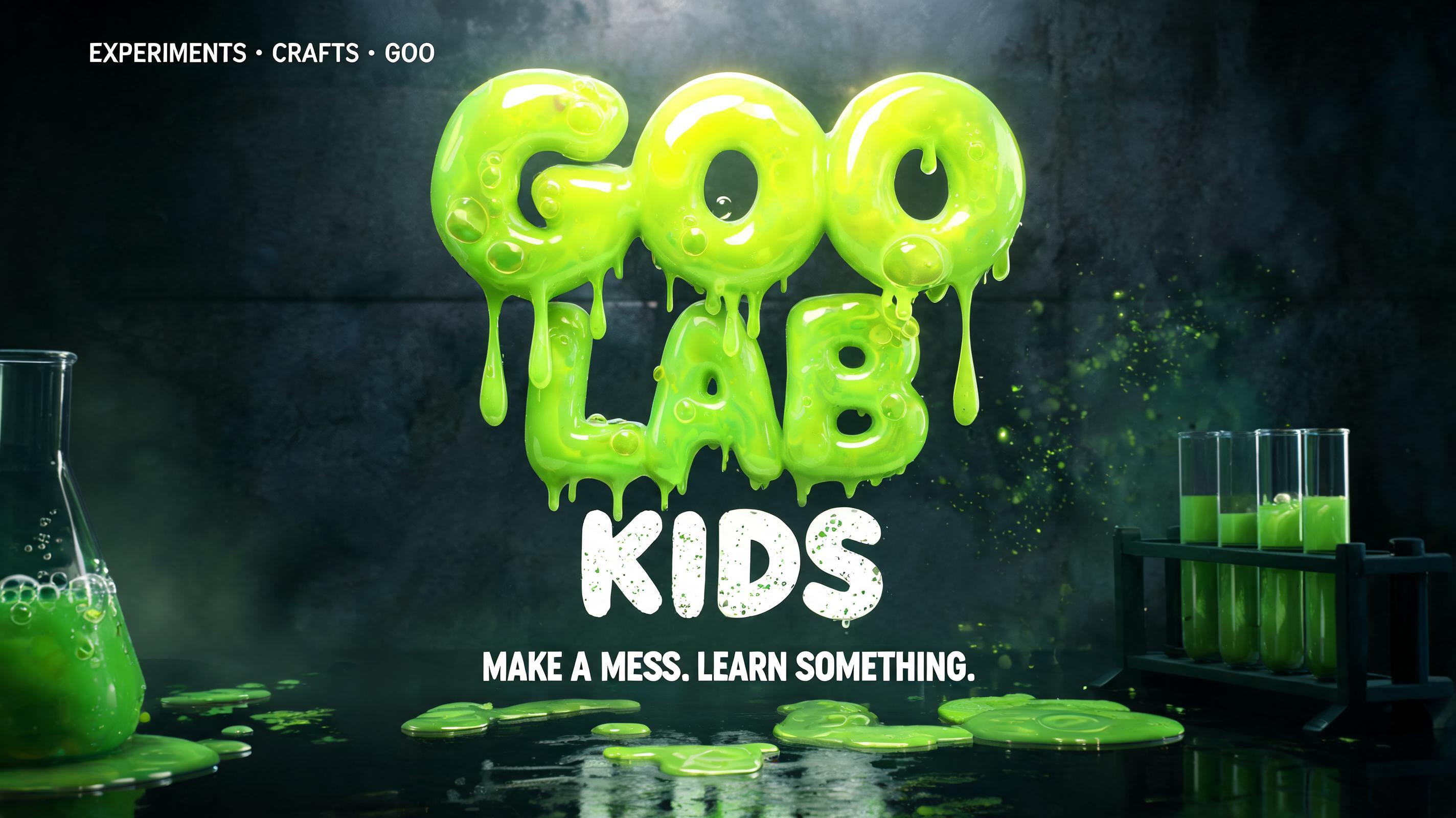
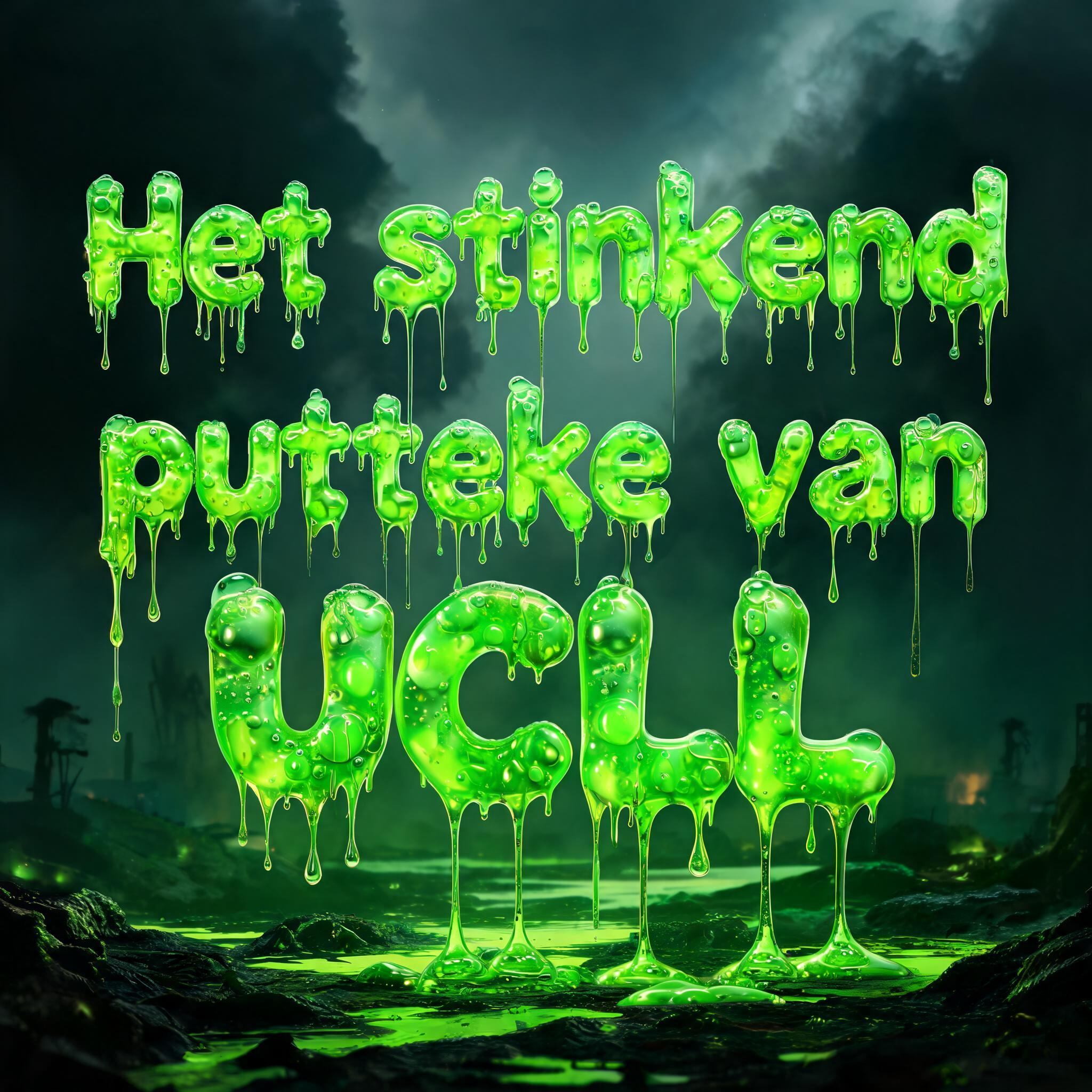
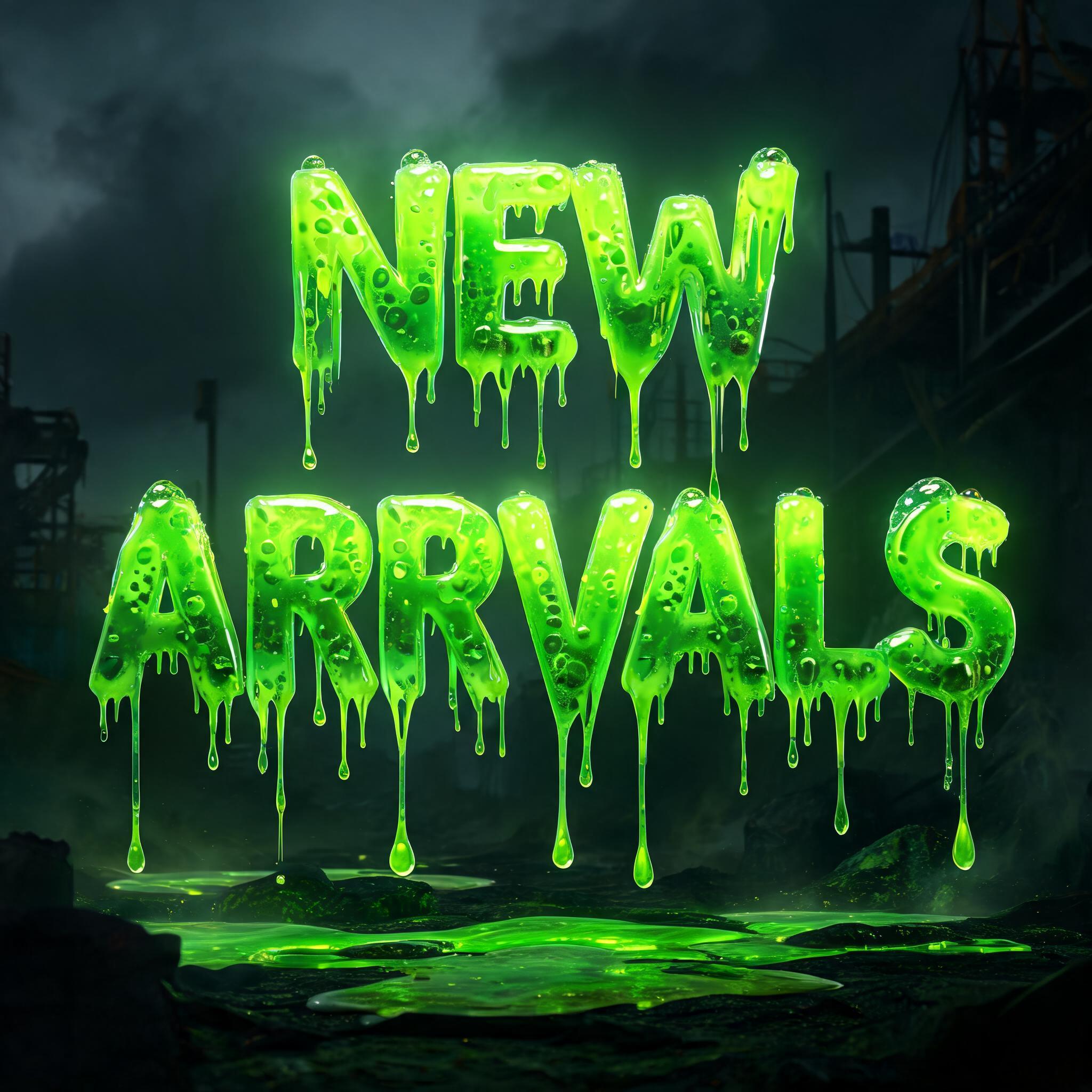

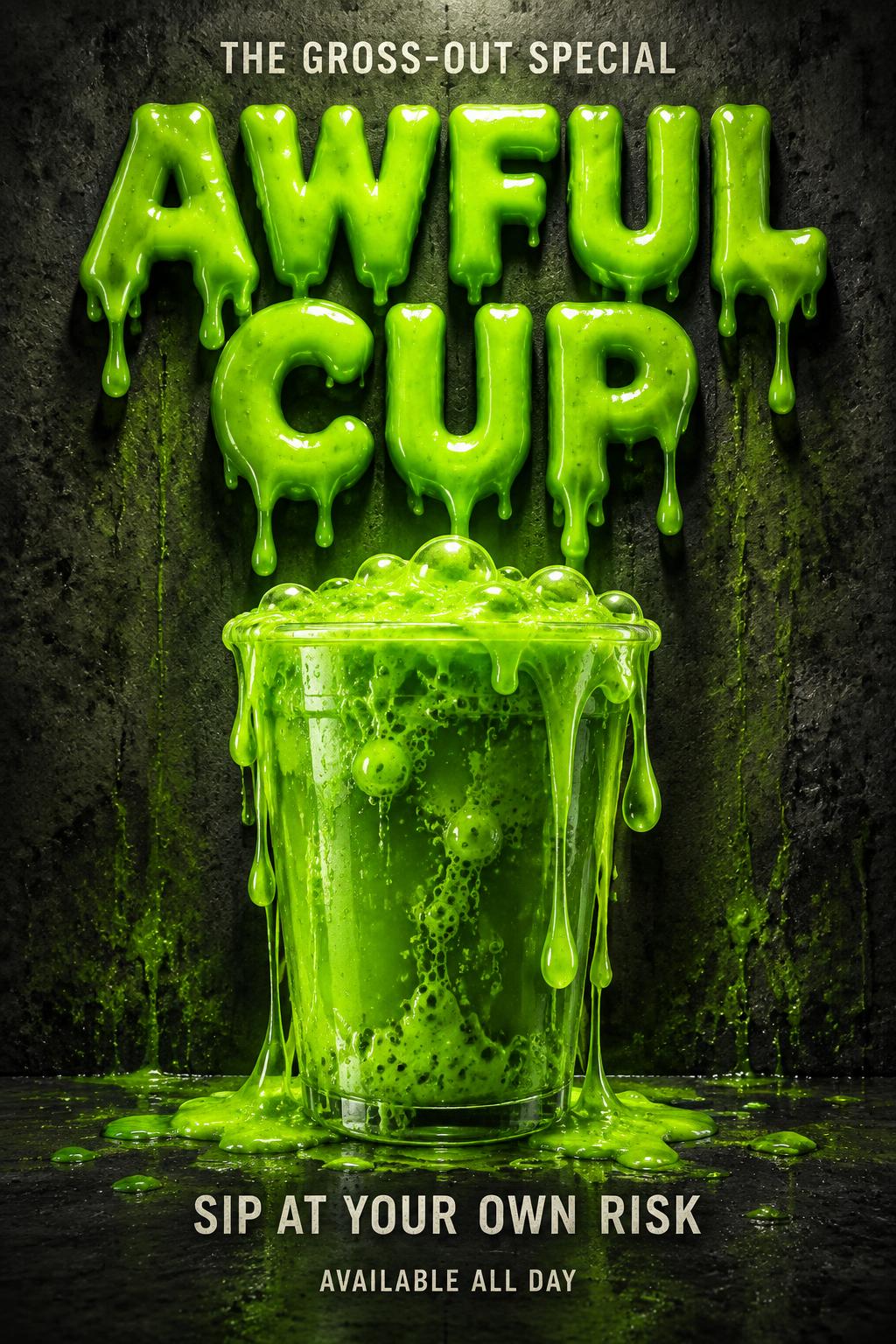
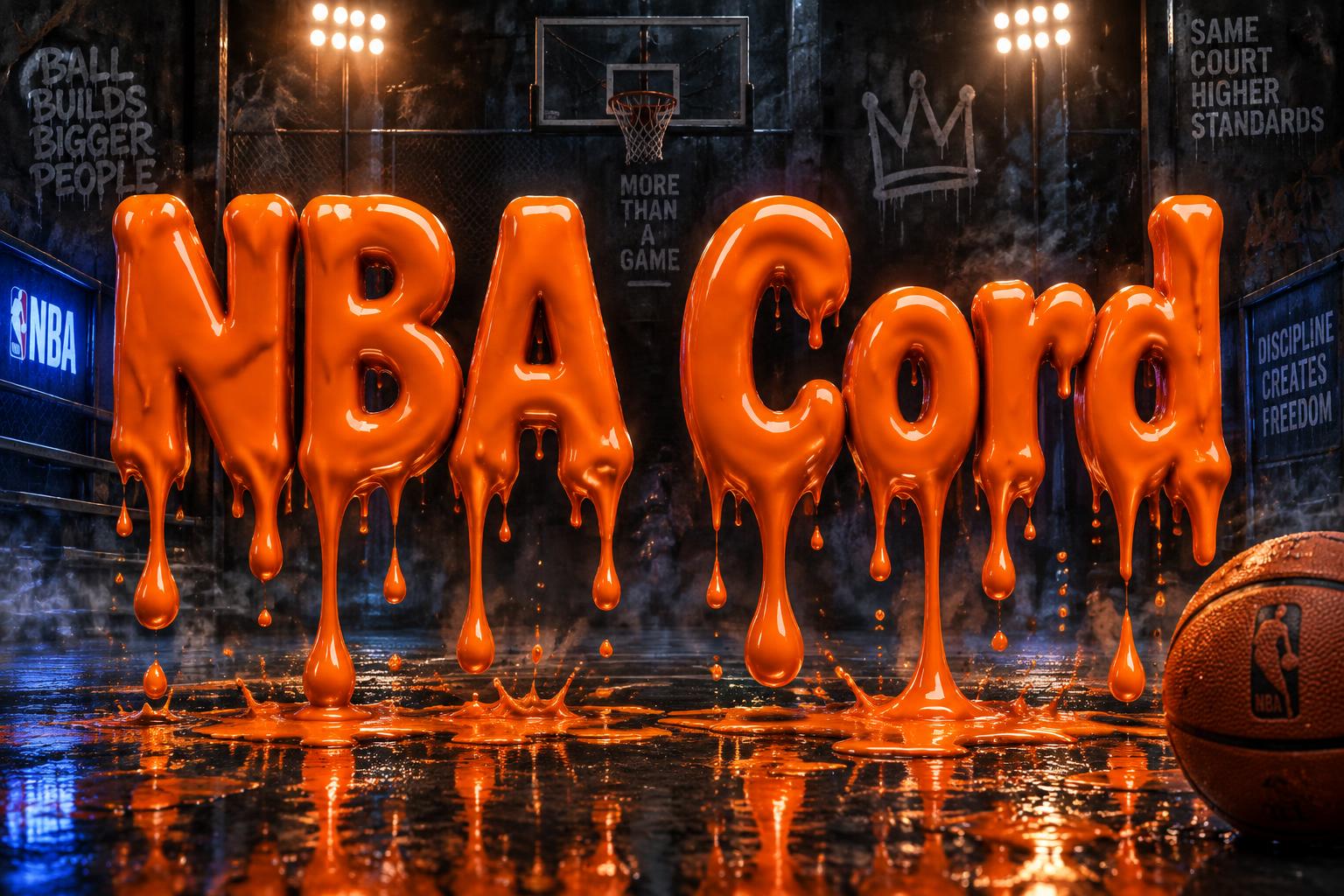
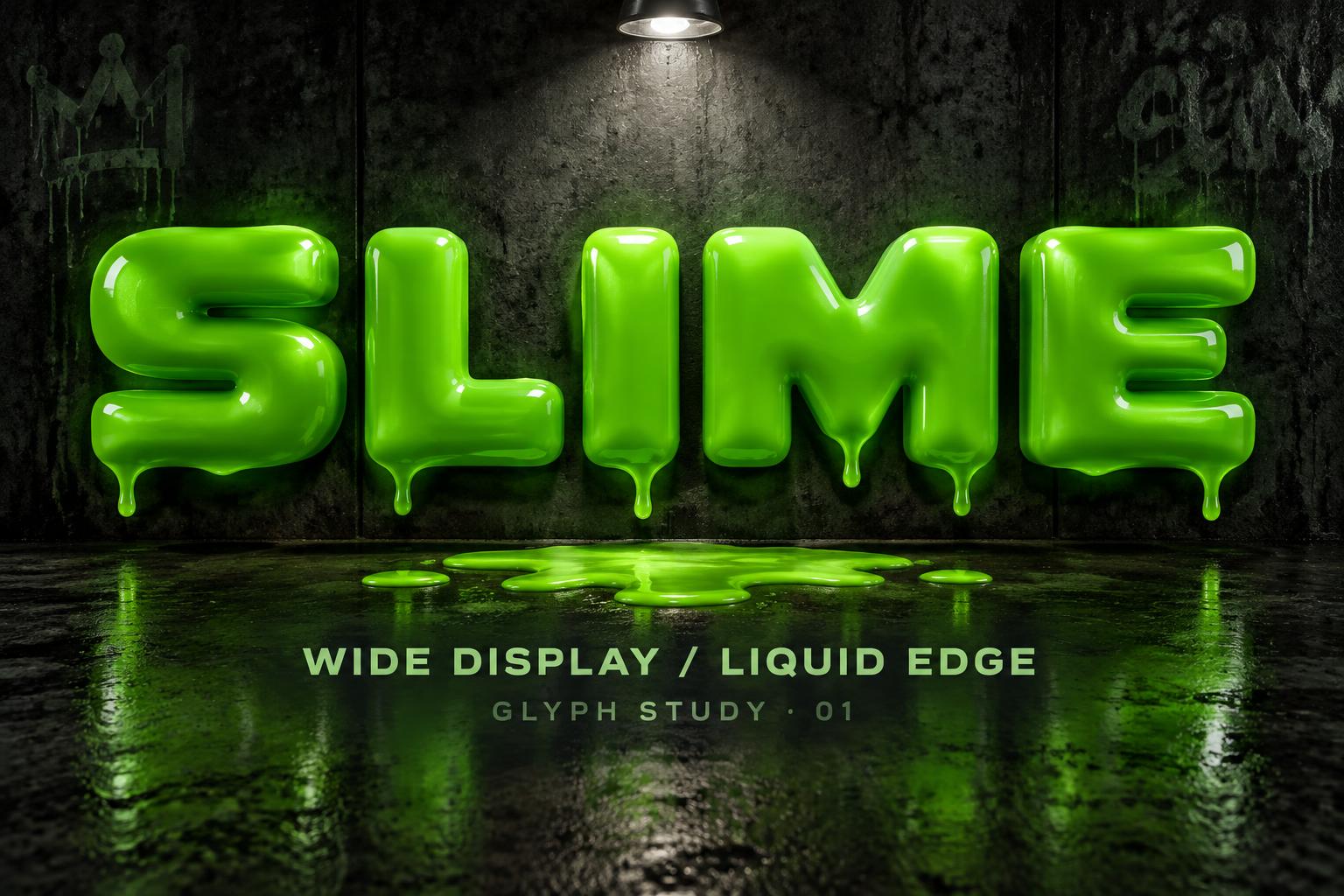
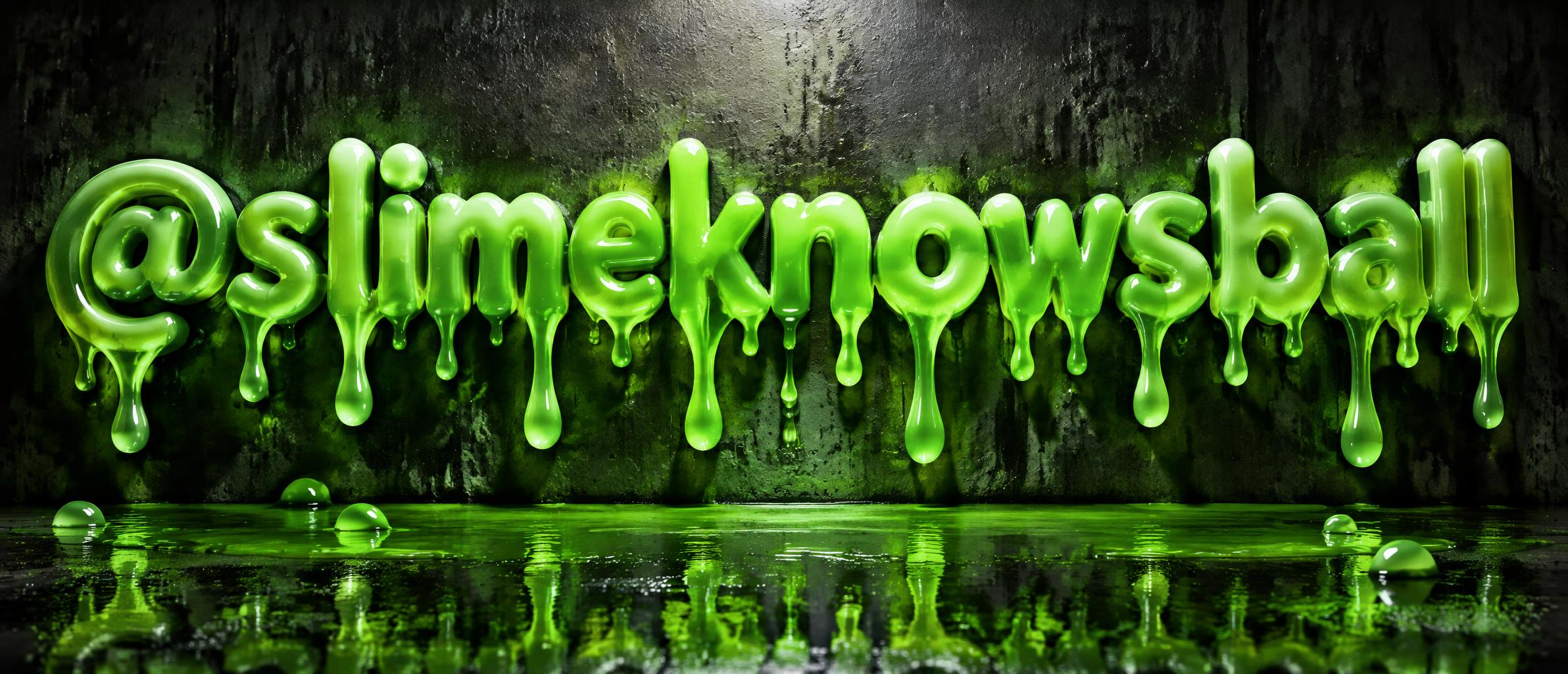




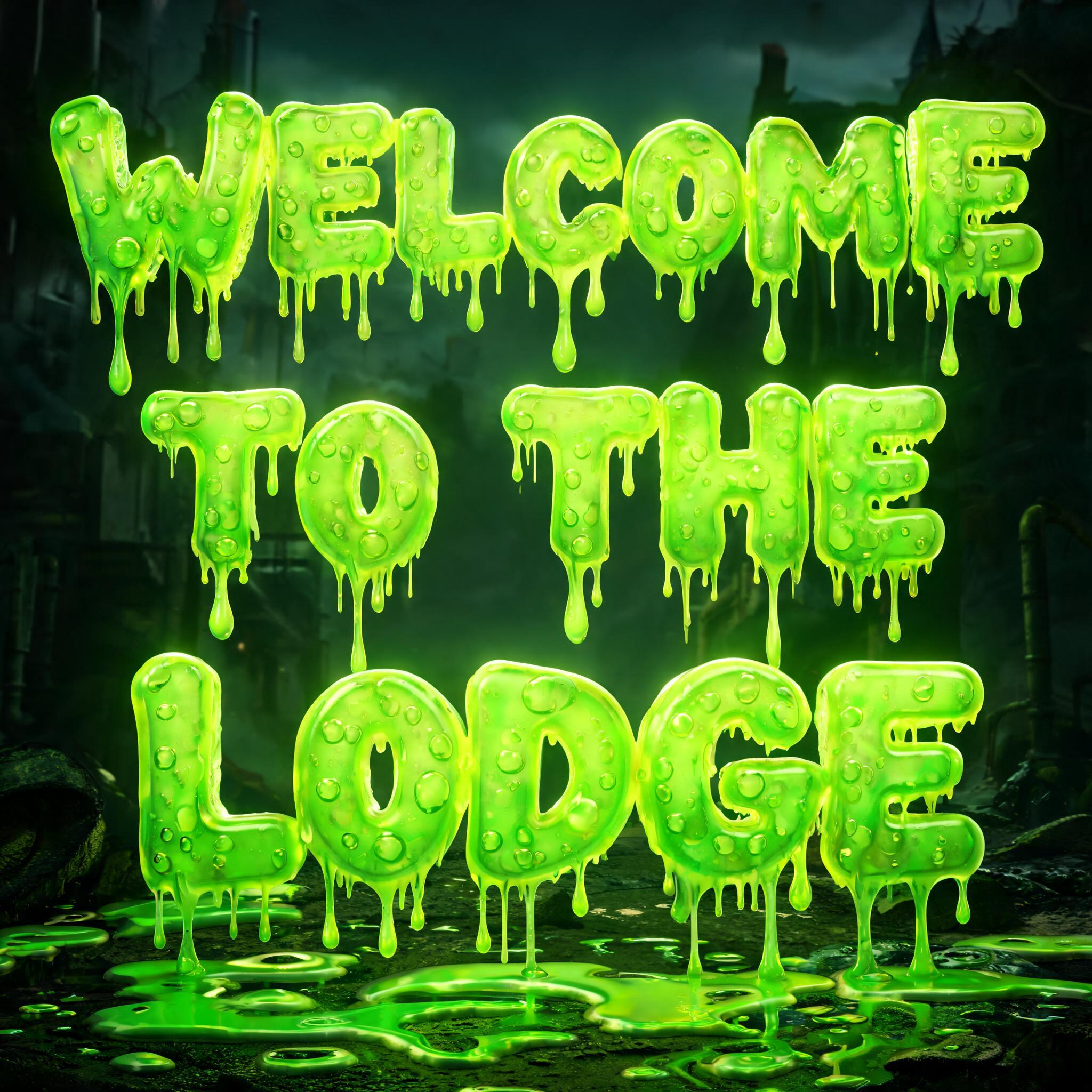

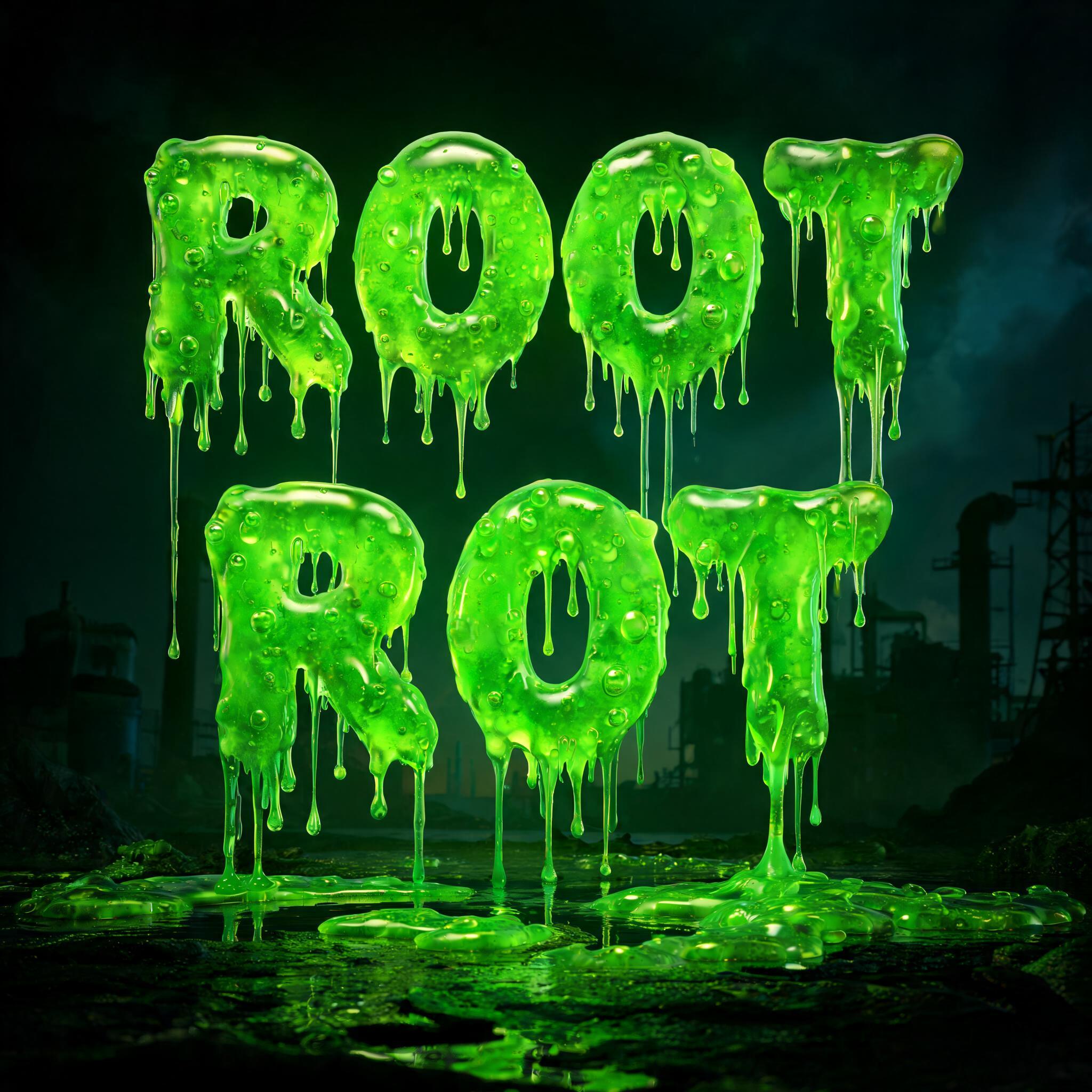
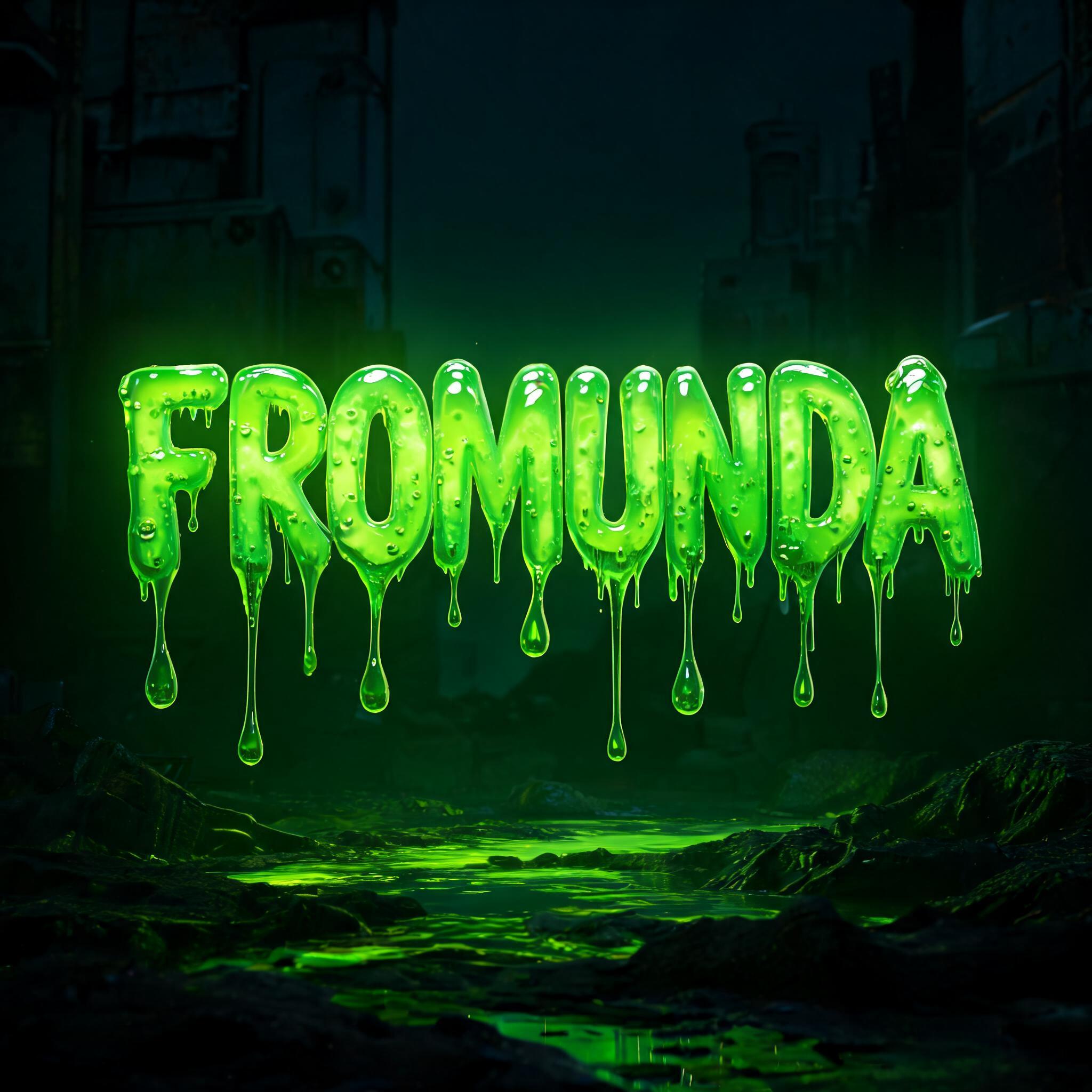

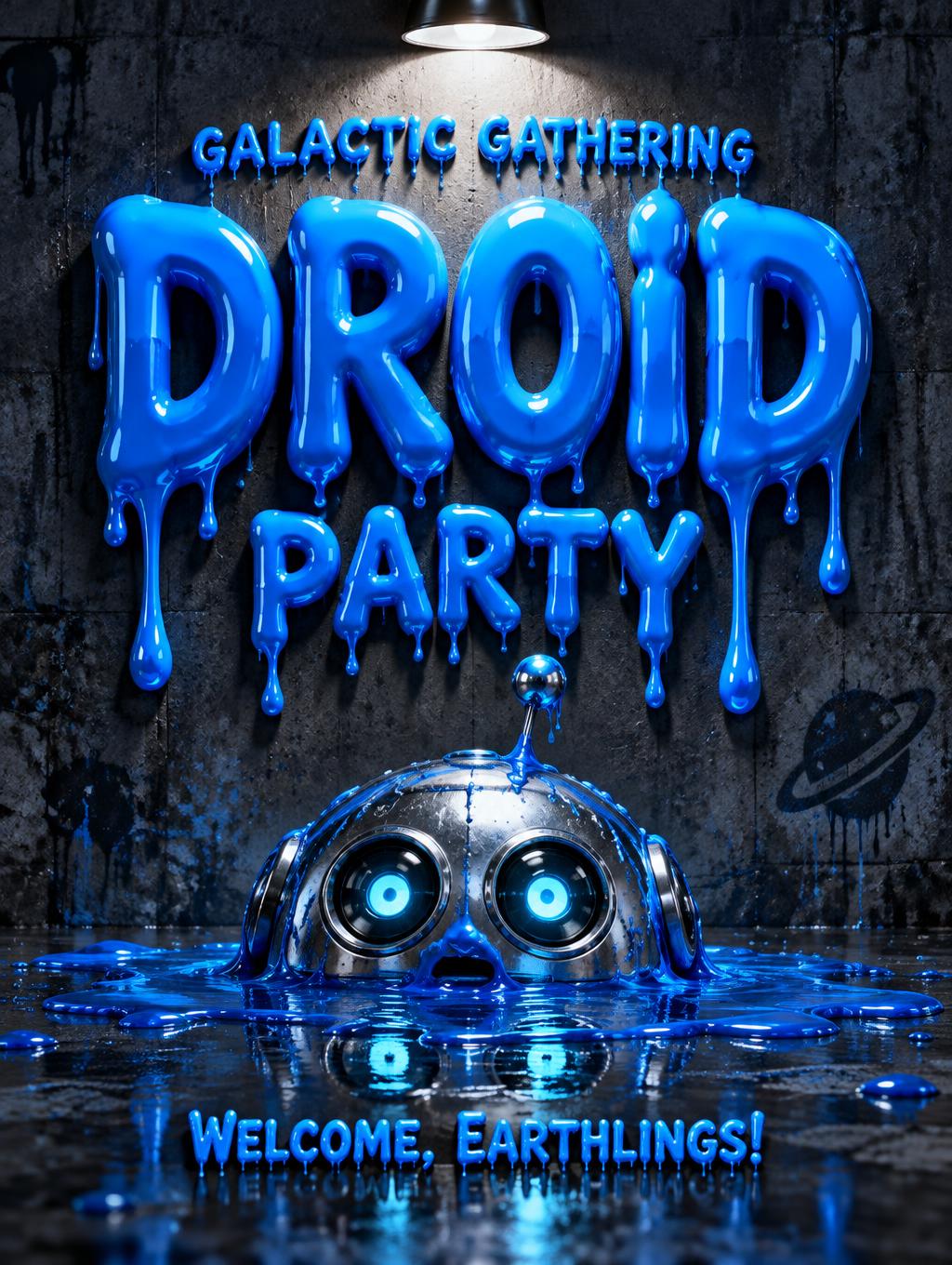
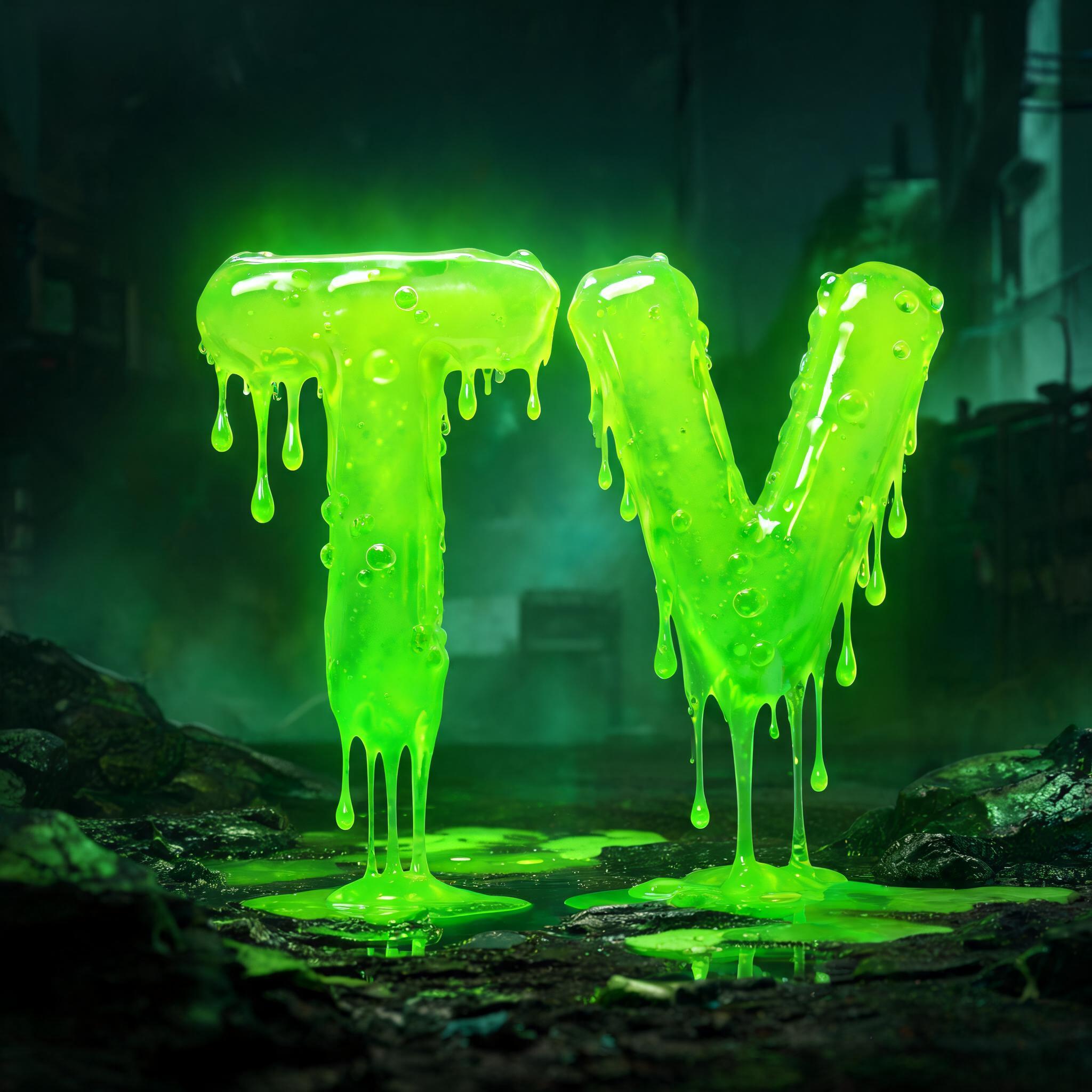
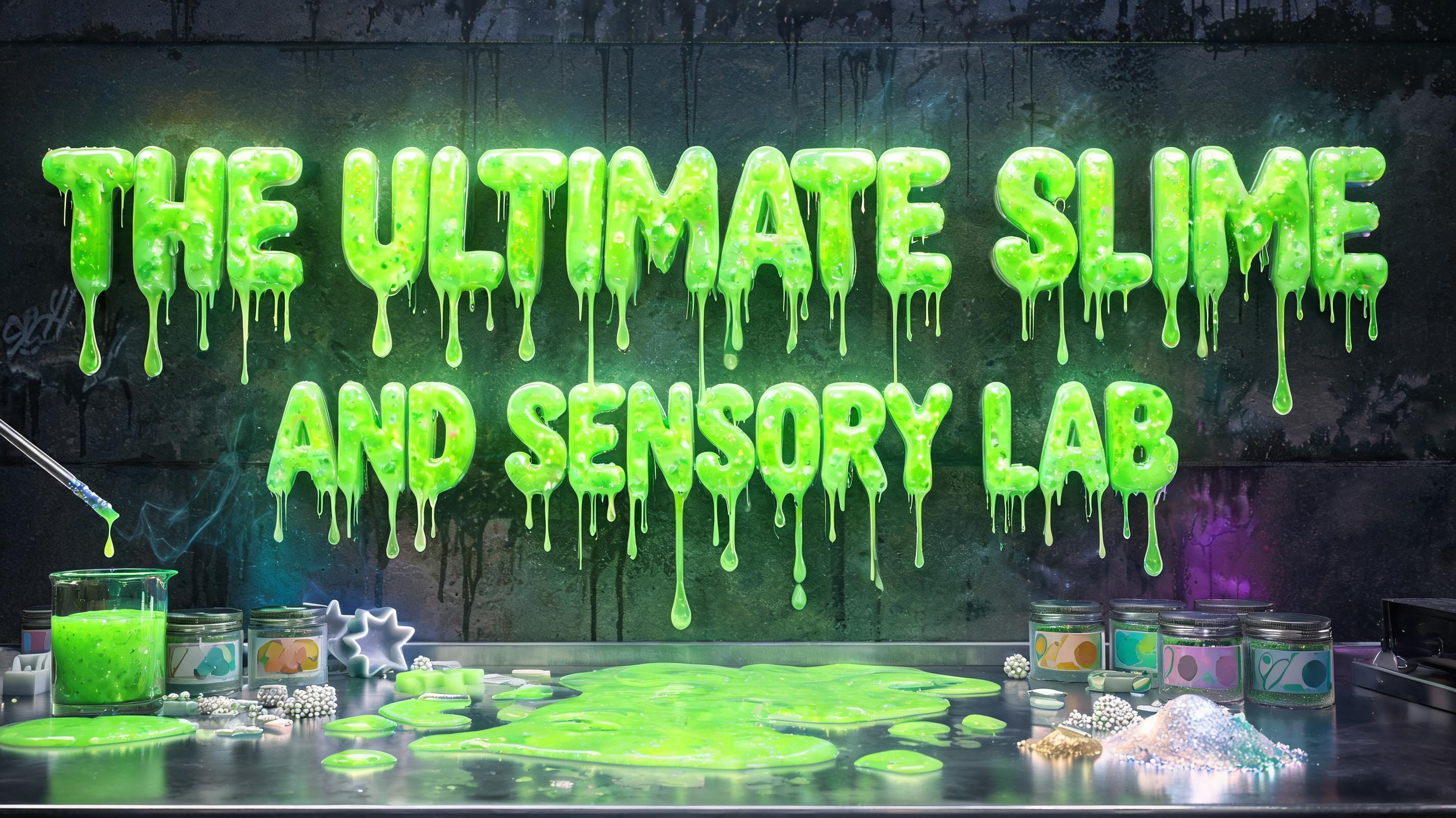
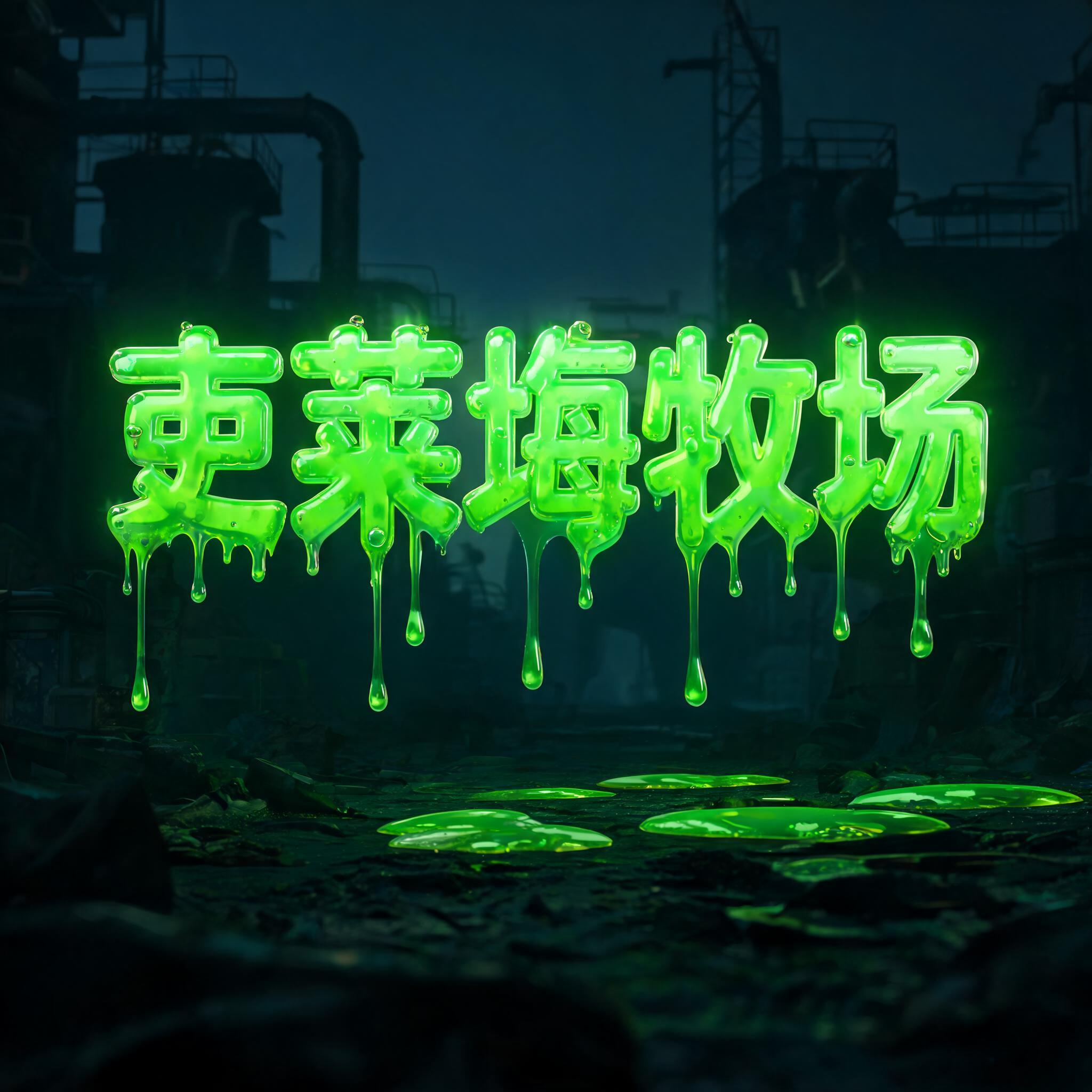
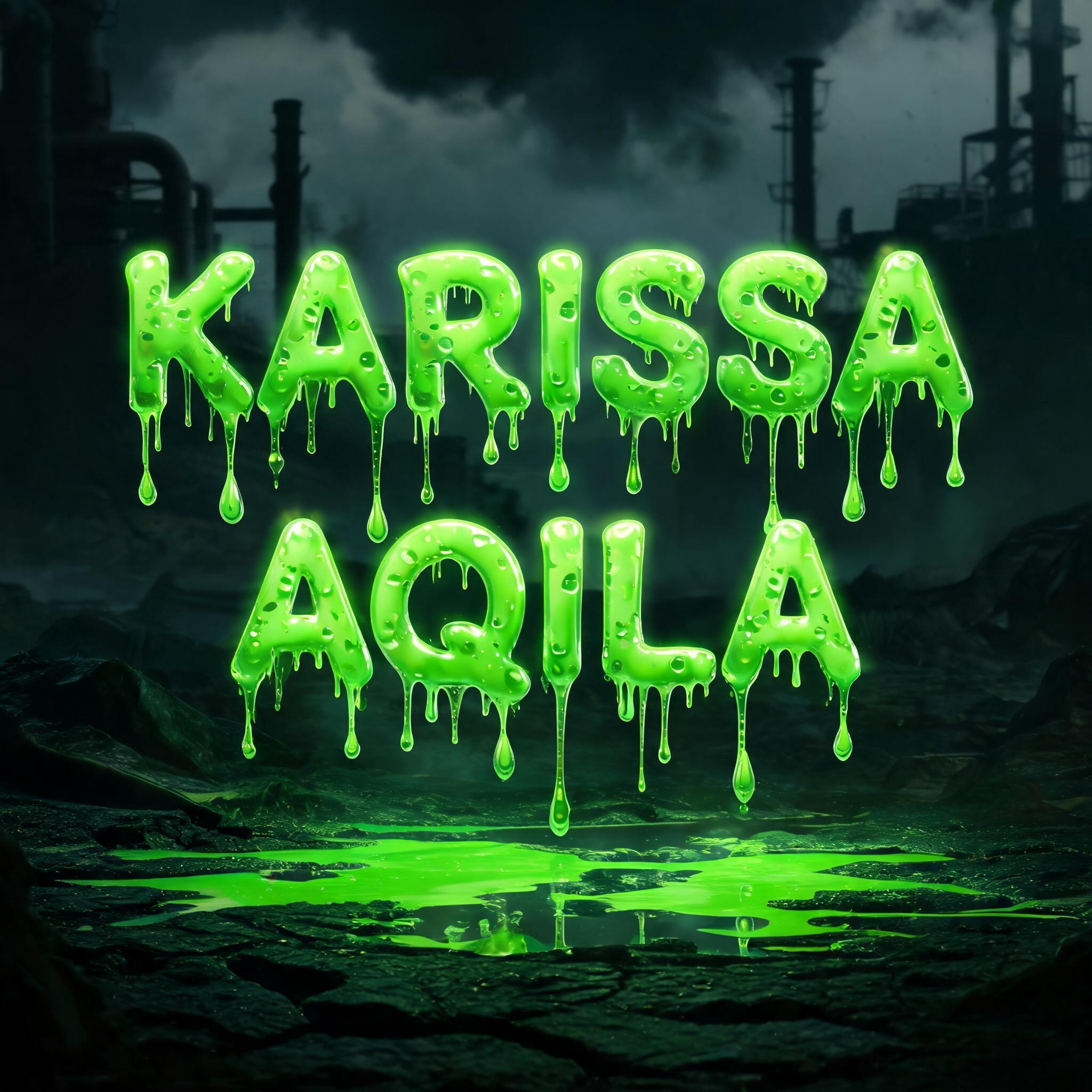

✦ More Slime Drip Font Use Cases
Explore more ways to use Drip Font


✦ Step-by-Step Guide
How to Create Your Slime in Studio
Three steps. No design software needed.
1
Type your text
Short words work best for slime drip fonts — the goo texture shows most clearly on fewer, larger letters.
2
Select Drip Font + slime prompt
Add 'neon green slime, toxic goo, viscous drips' to the Style Prompt to activate the slime drip font mode.
3
Generate
AI renders thick neon slime dripping from your letters in 15–30 seconds.
4
Download PNG
Free high-resolution slime drip font PNG — ready for gaming, social media, and Y2K aesthetic projects.
💡 Platform tip: Slime drip fonts look best in 1:1 for Discord icons, Instagram posts, and profile pictures. For a Y2K aesthetic variation, add 'iridescent slime, rainbow sheen, retro 90s vibe' to the Style Prompt. For a gaming server banner, switch to 16:9 with 'toxic wasteland background'.
✦ Common Questions
Slime — Frequently Asked Questions
Everything you need to know before you create.
✦ Explore More Text Effect Styles
Related AI Text Effect Styles
Try a different aesthetic — each style generates a completely unique visual output.


Want more text styles? Browse our free font generators — fancy, cursive, gothic & more.
✦ Ready to Create?
Make Your Own Slime
Free to start. No design skills needed.
✦ Generate Now — Free