


✦ Community Gallery
View all →Movie Poster Font Generator — Community Gallery
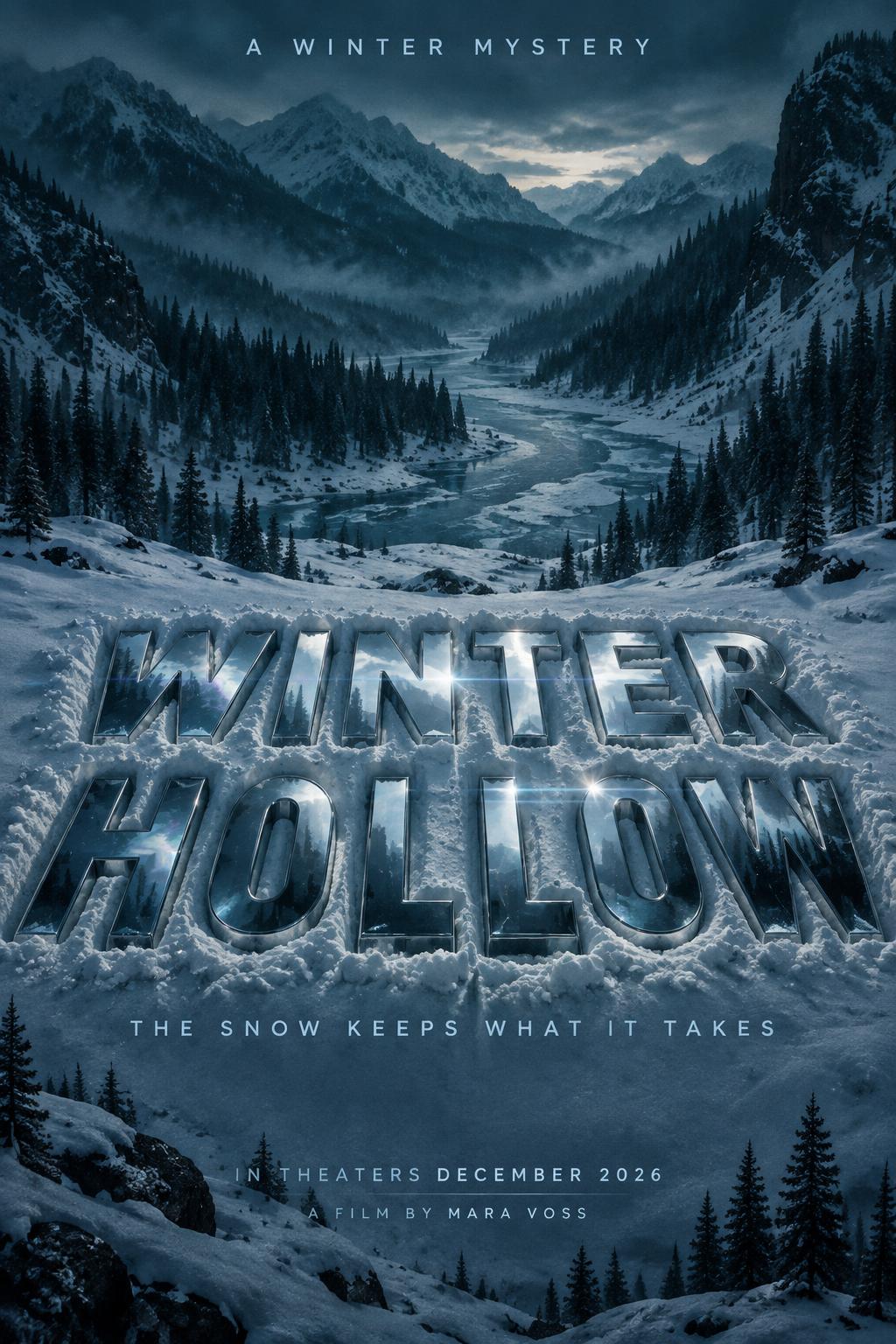
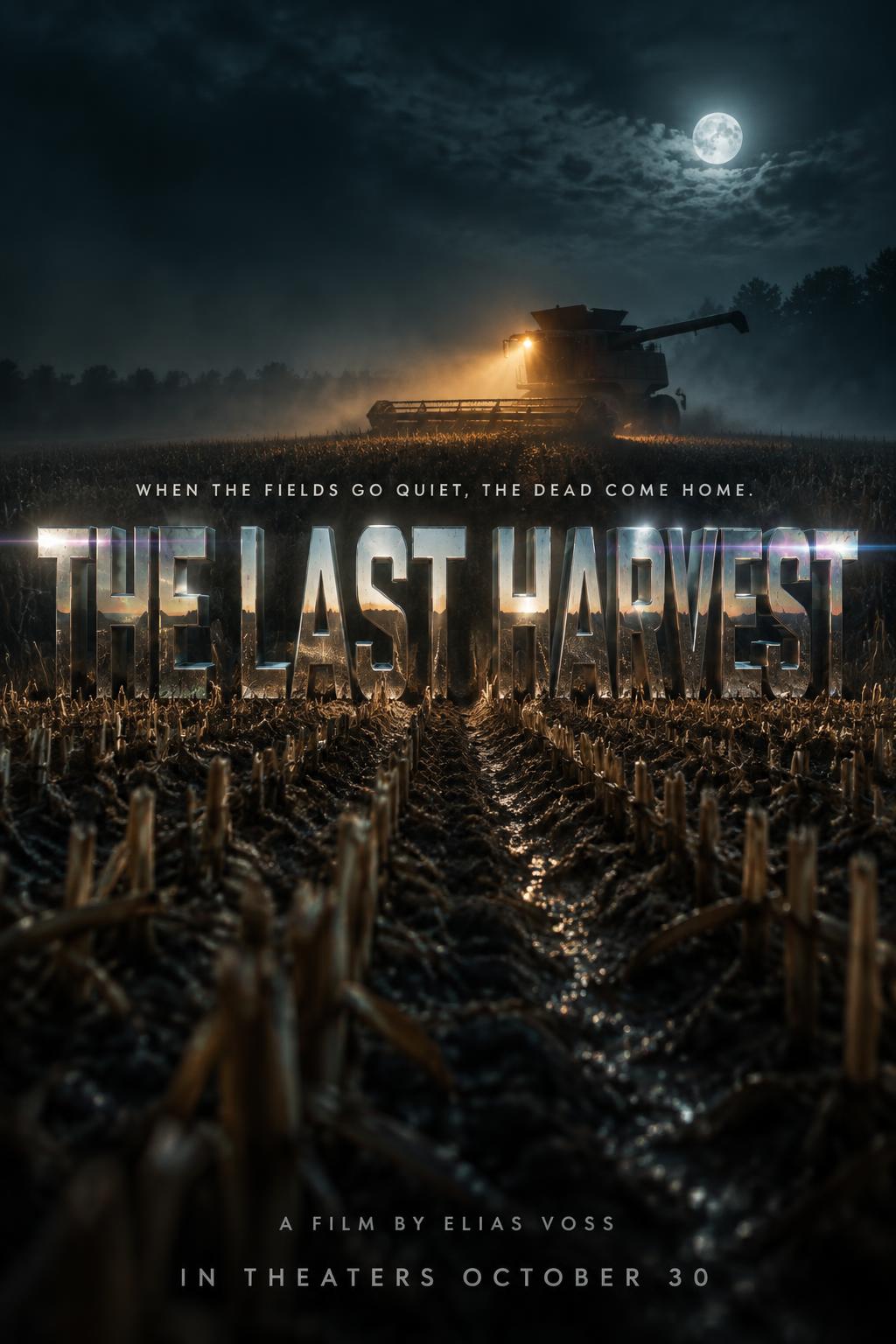
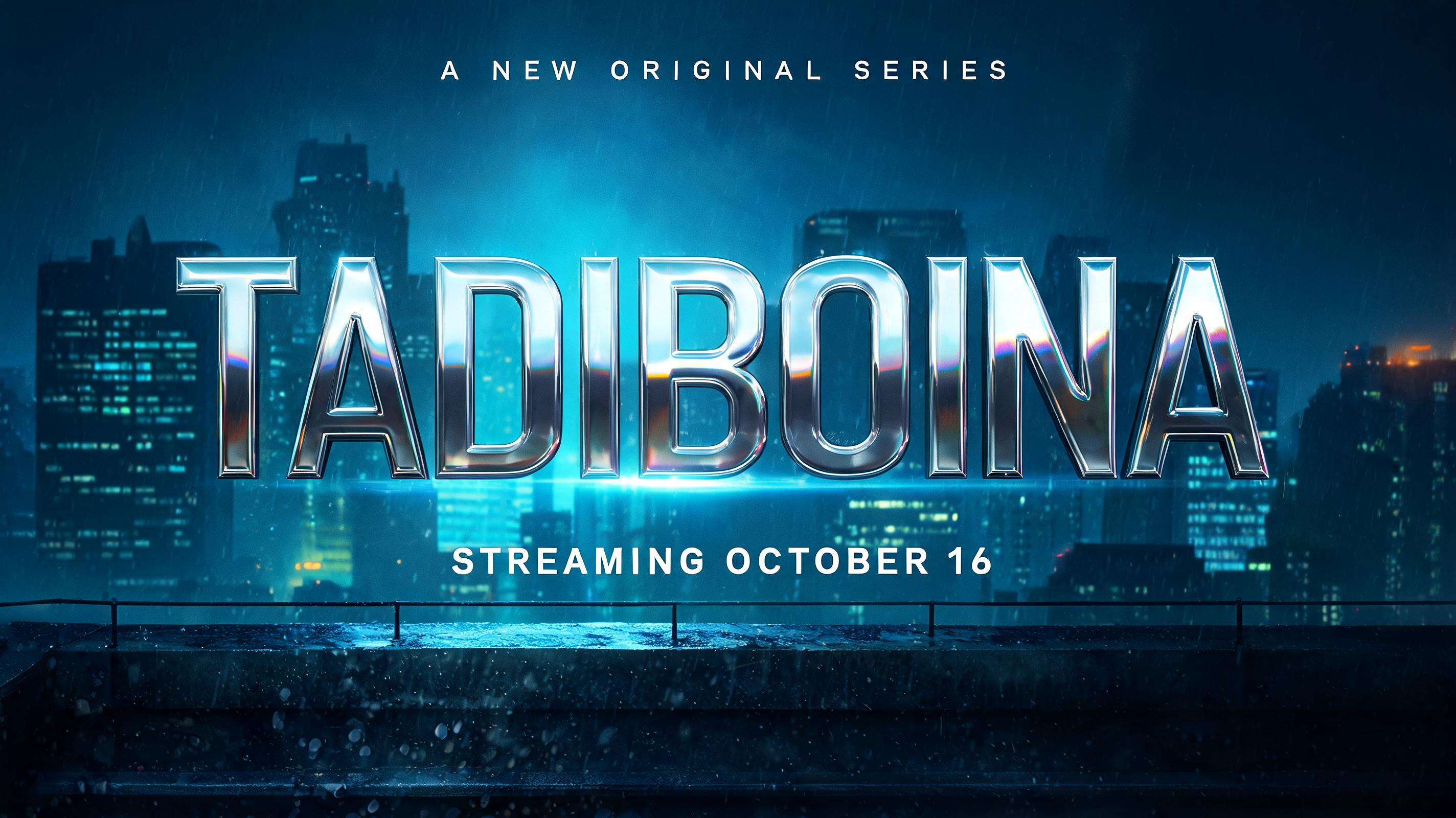
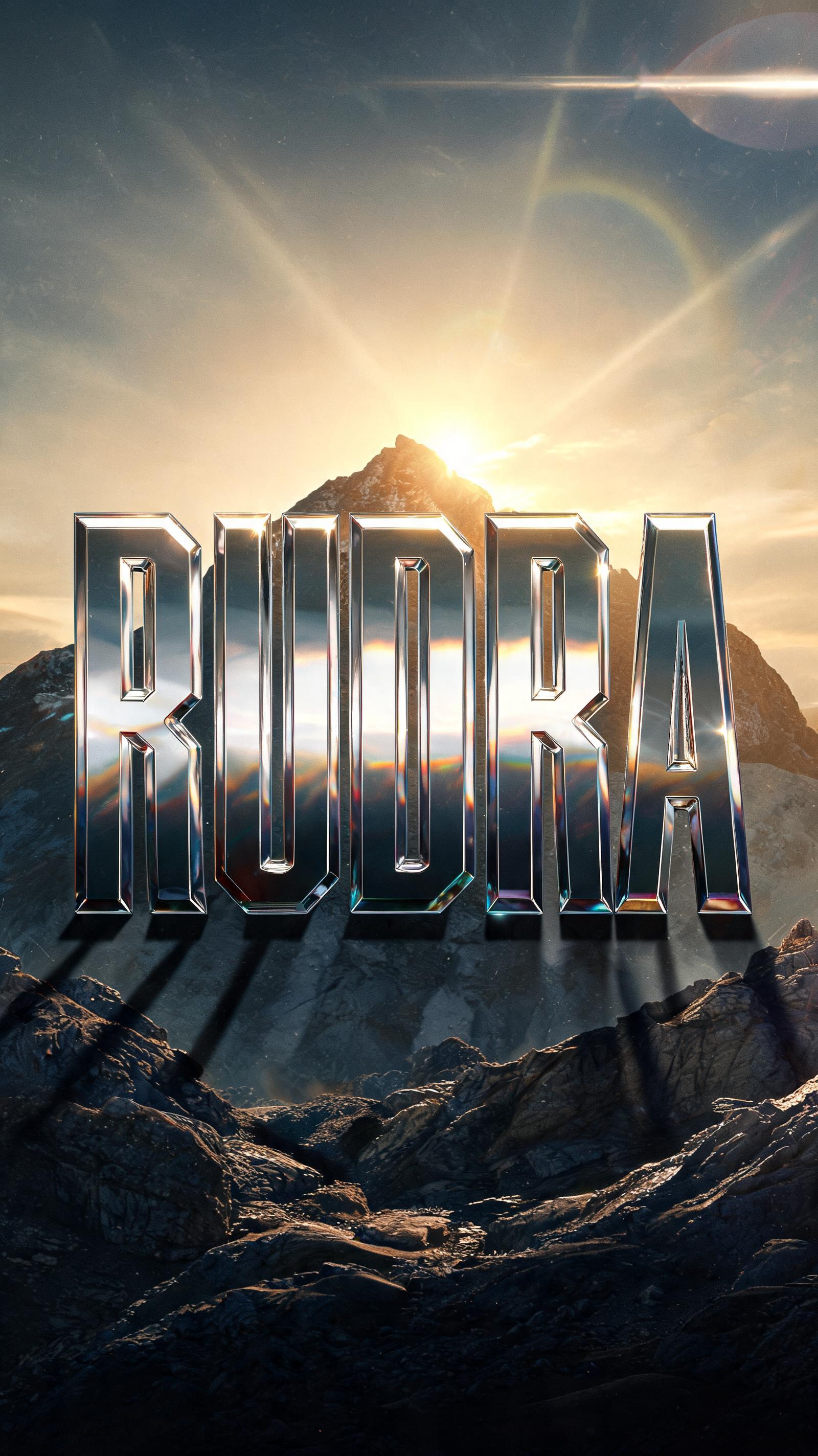
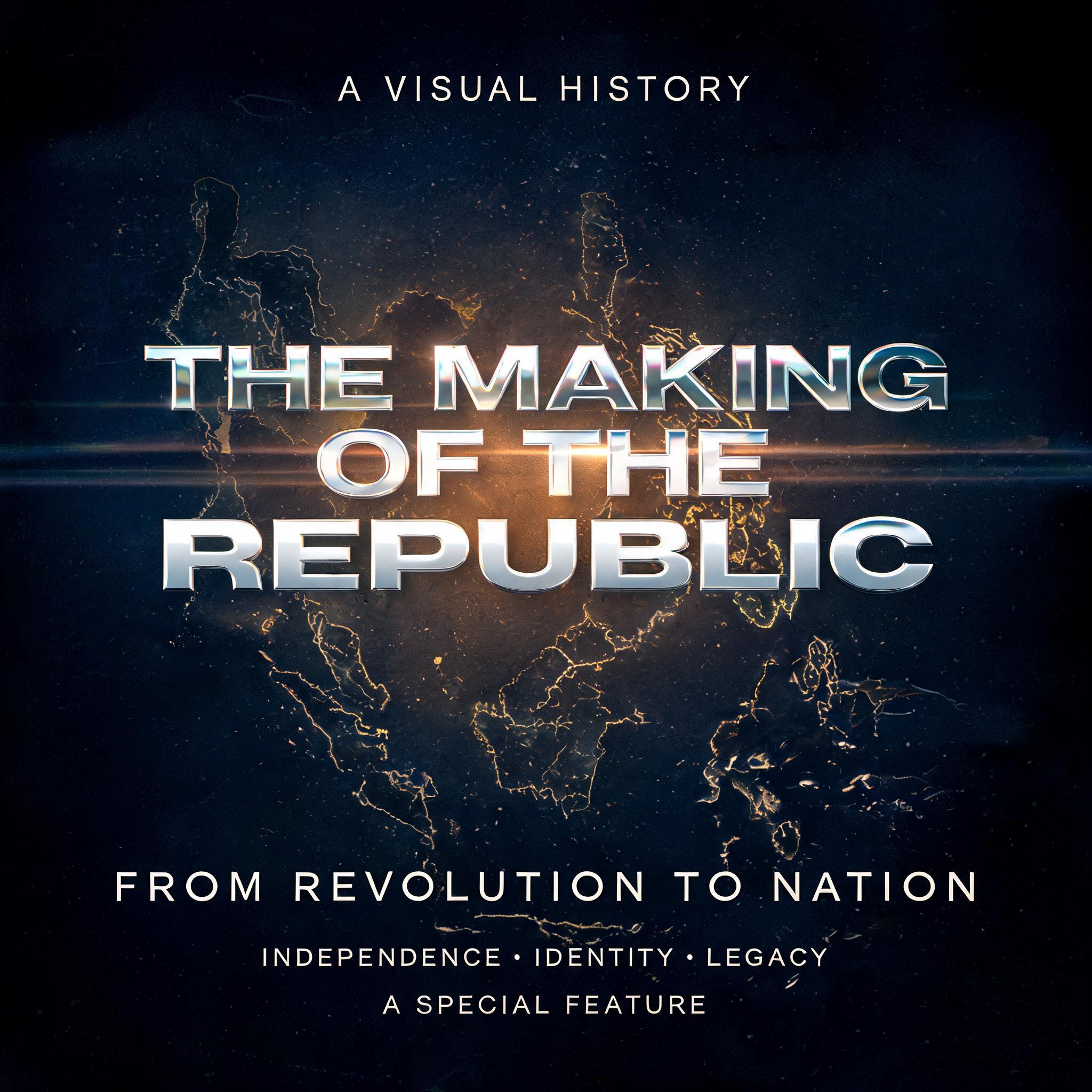
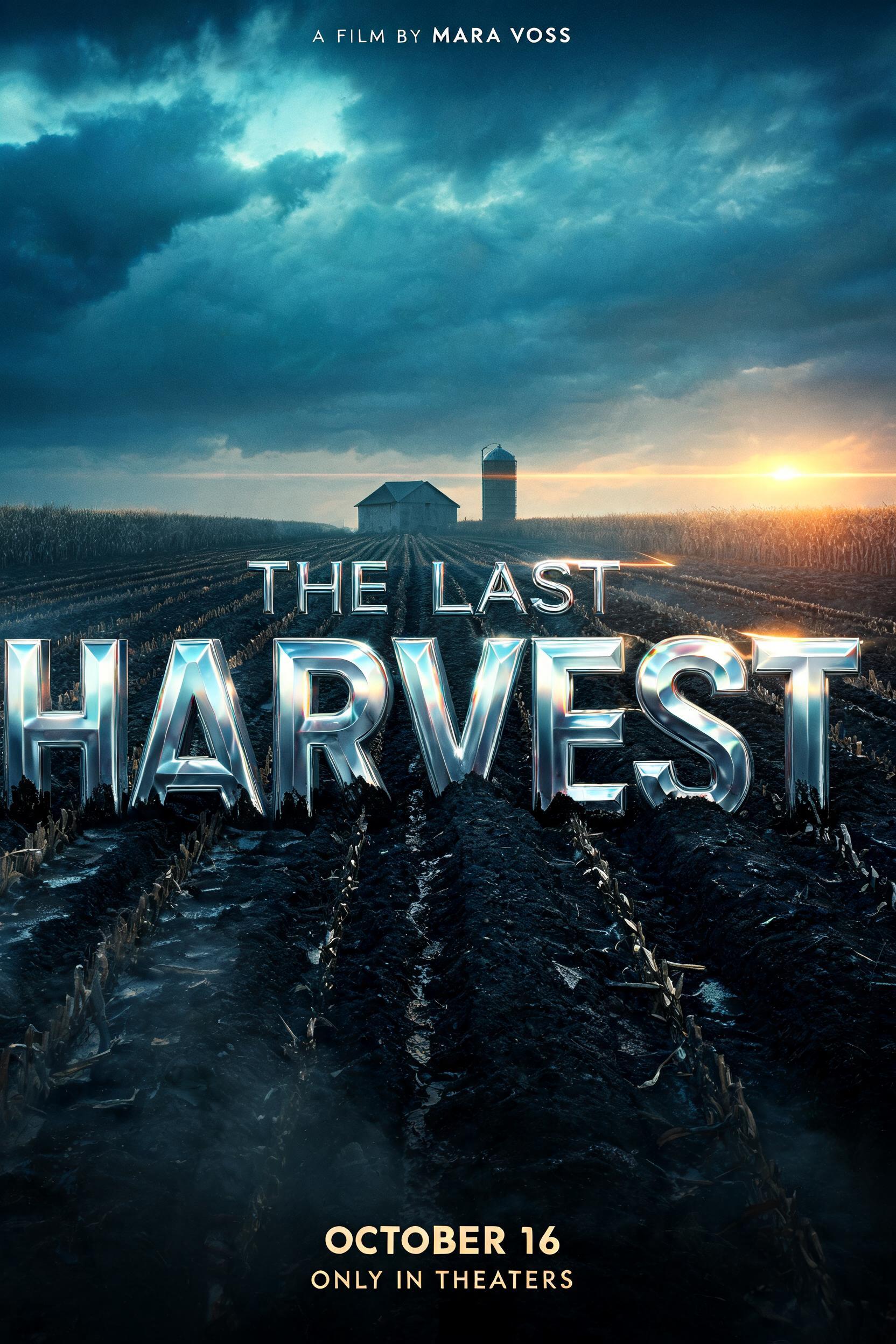
Every image below was generated on FontVibe — no post-editing, no stock photos. This is what movie poster font generator — free ai cinematic text actually looks like.


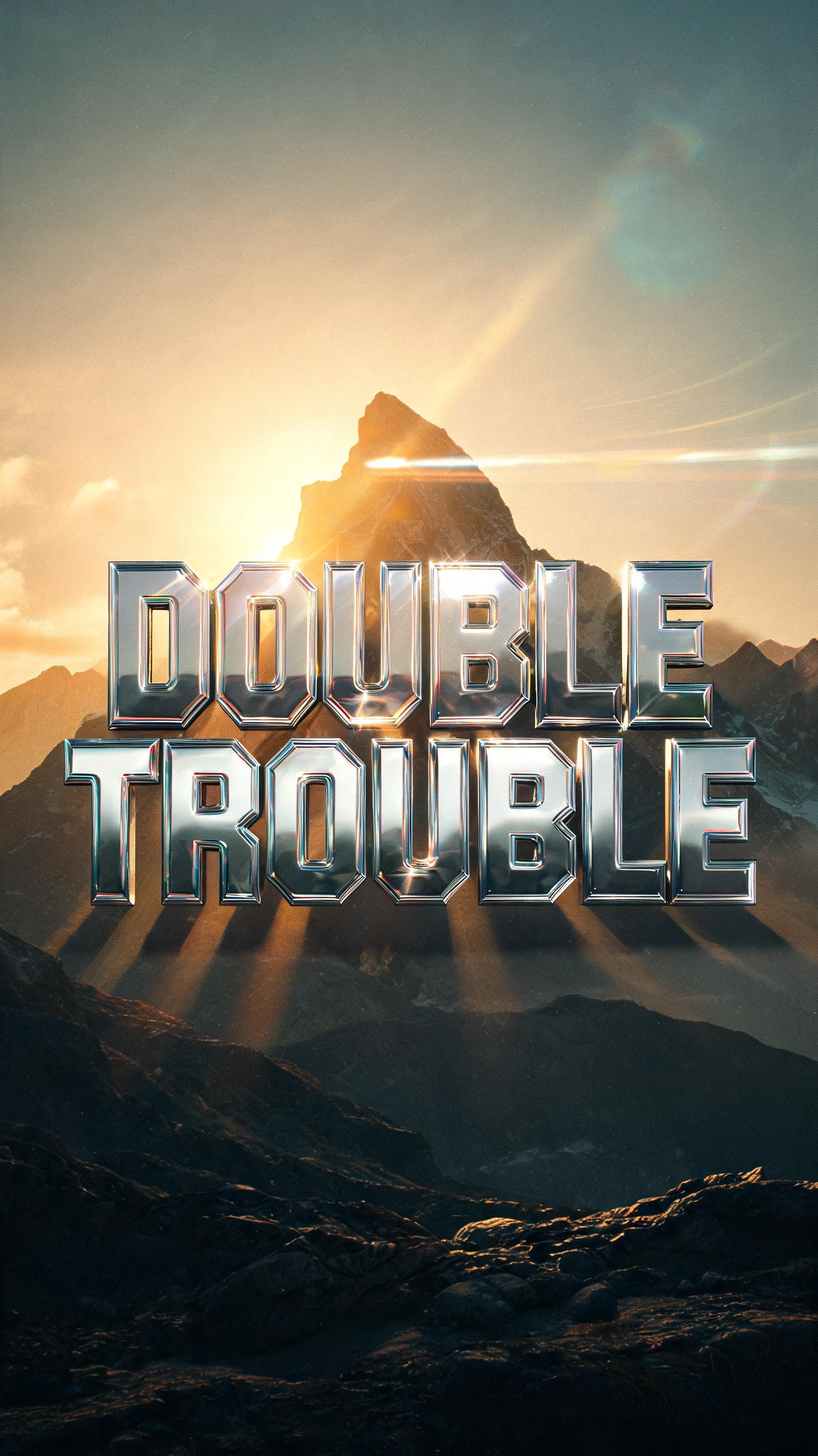
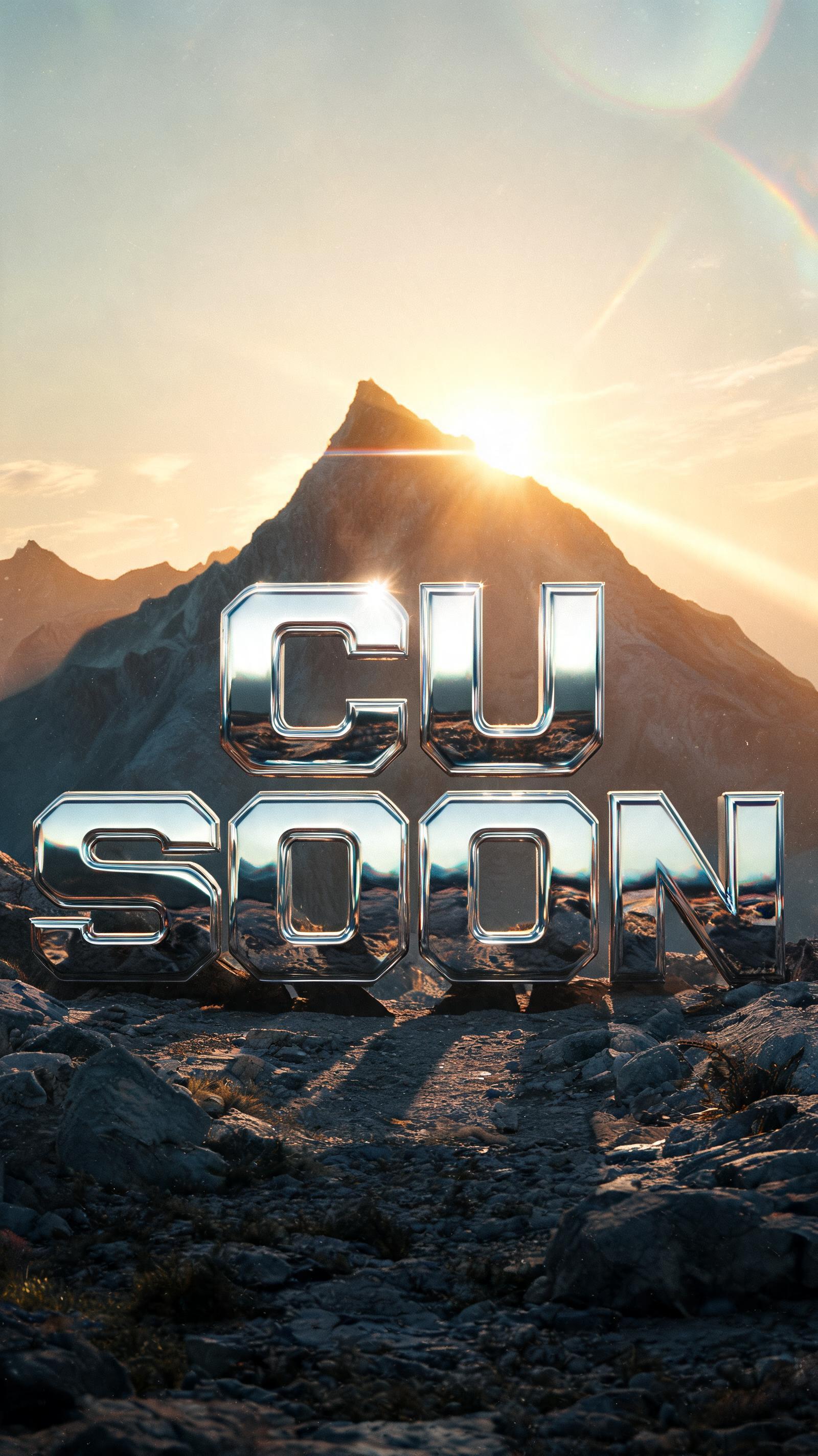


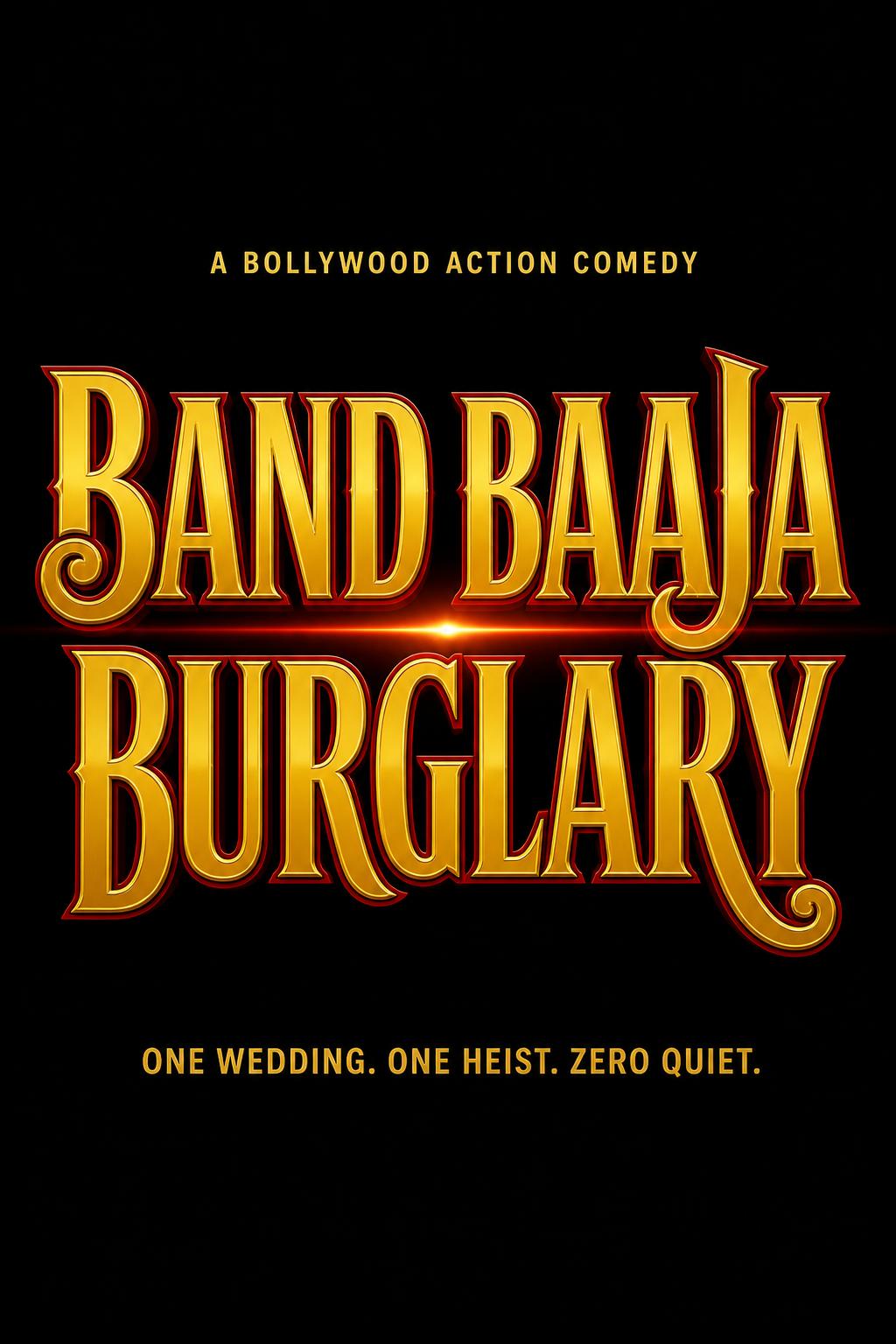
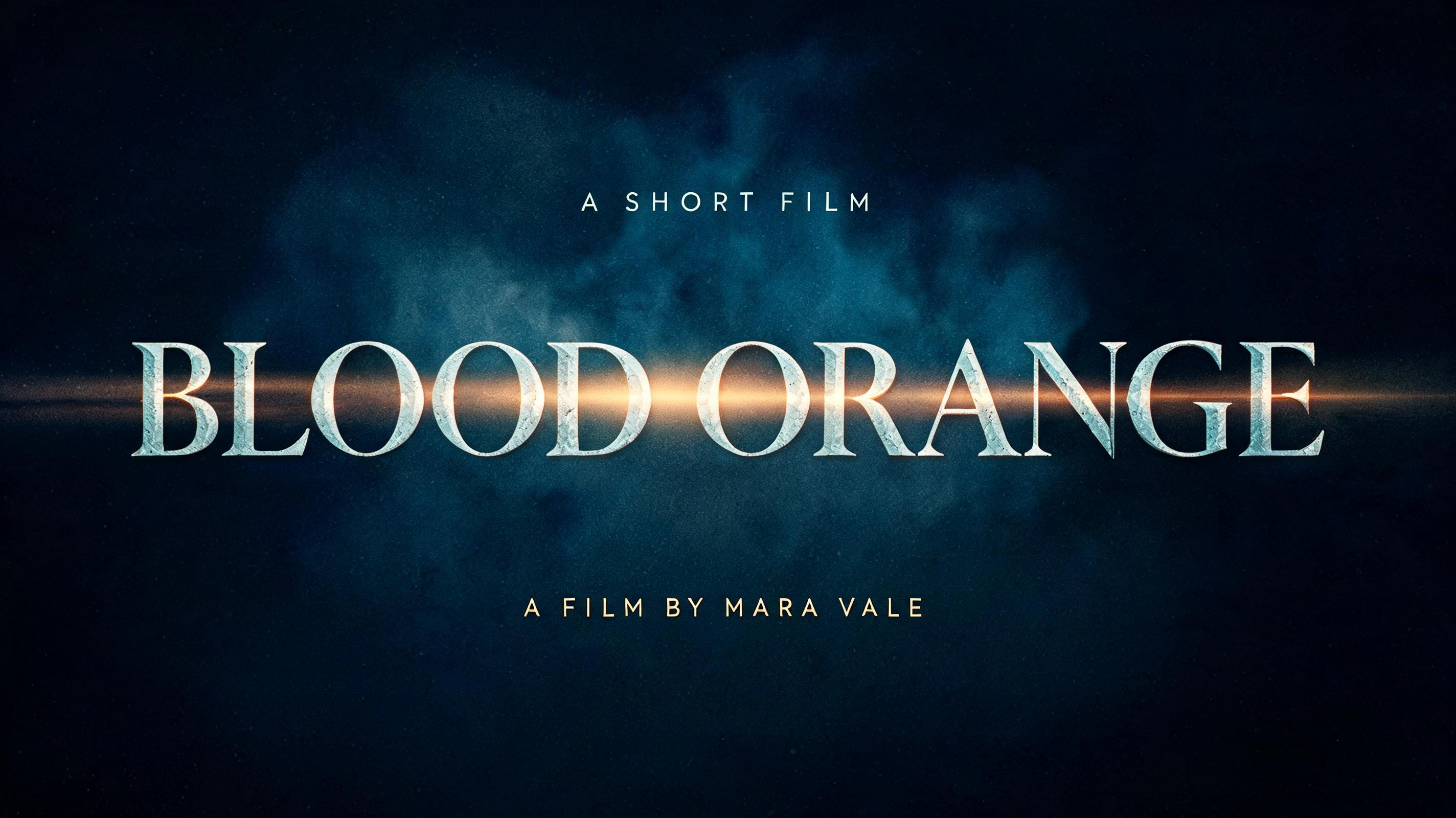
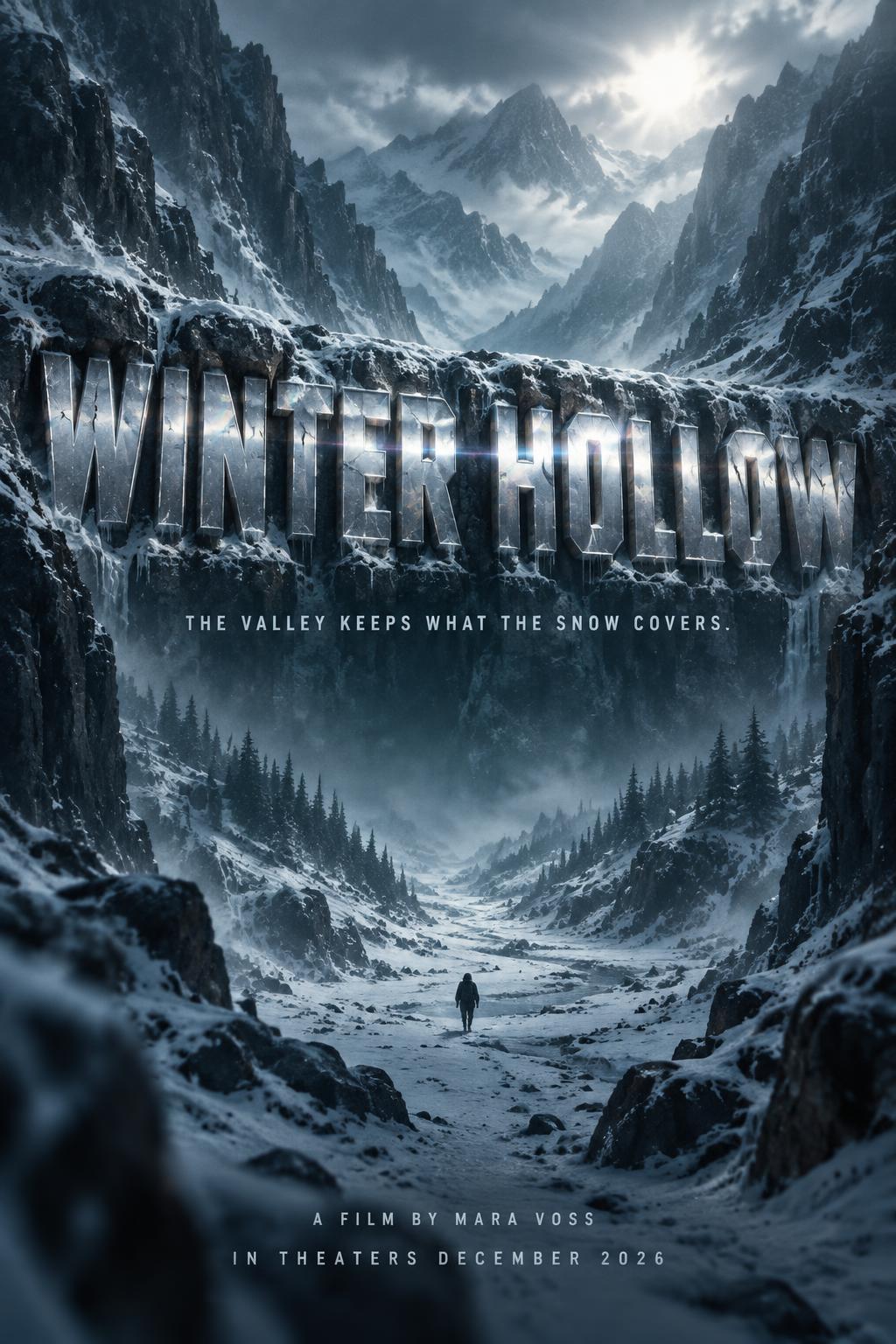
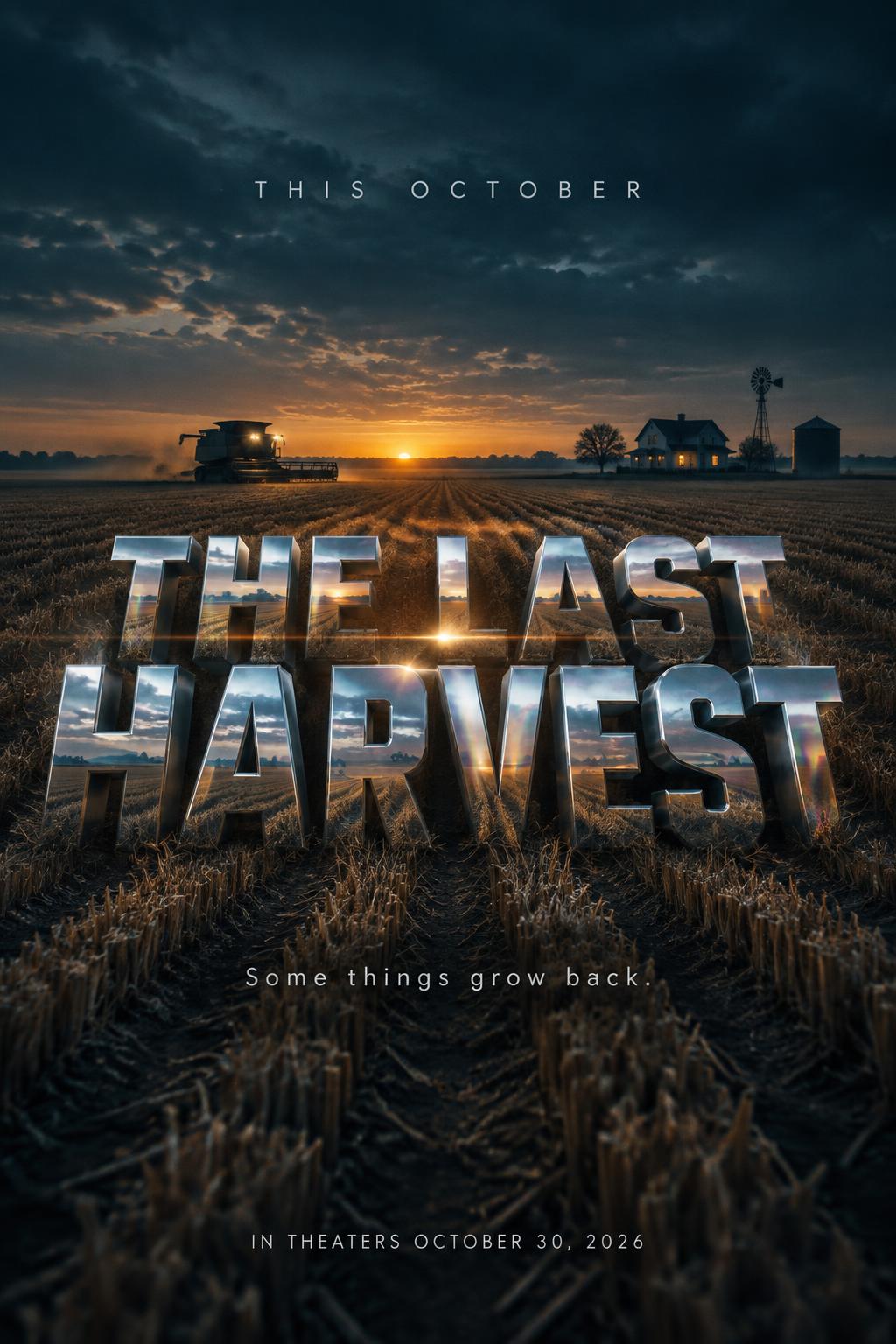
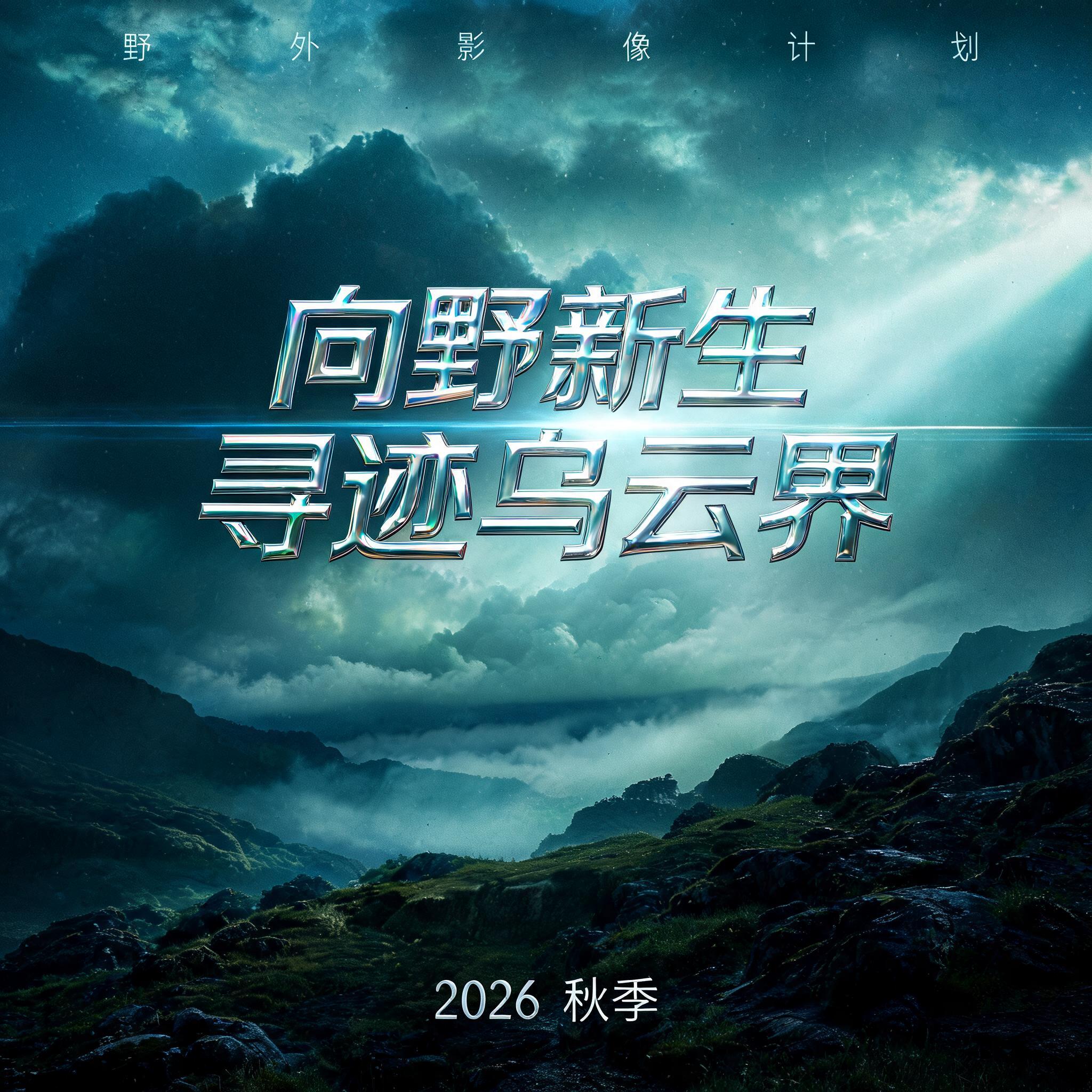
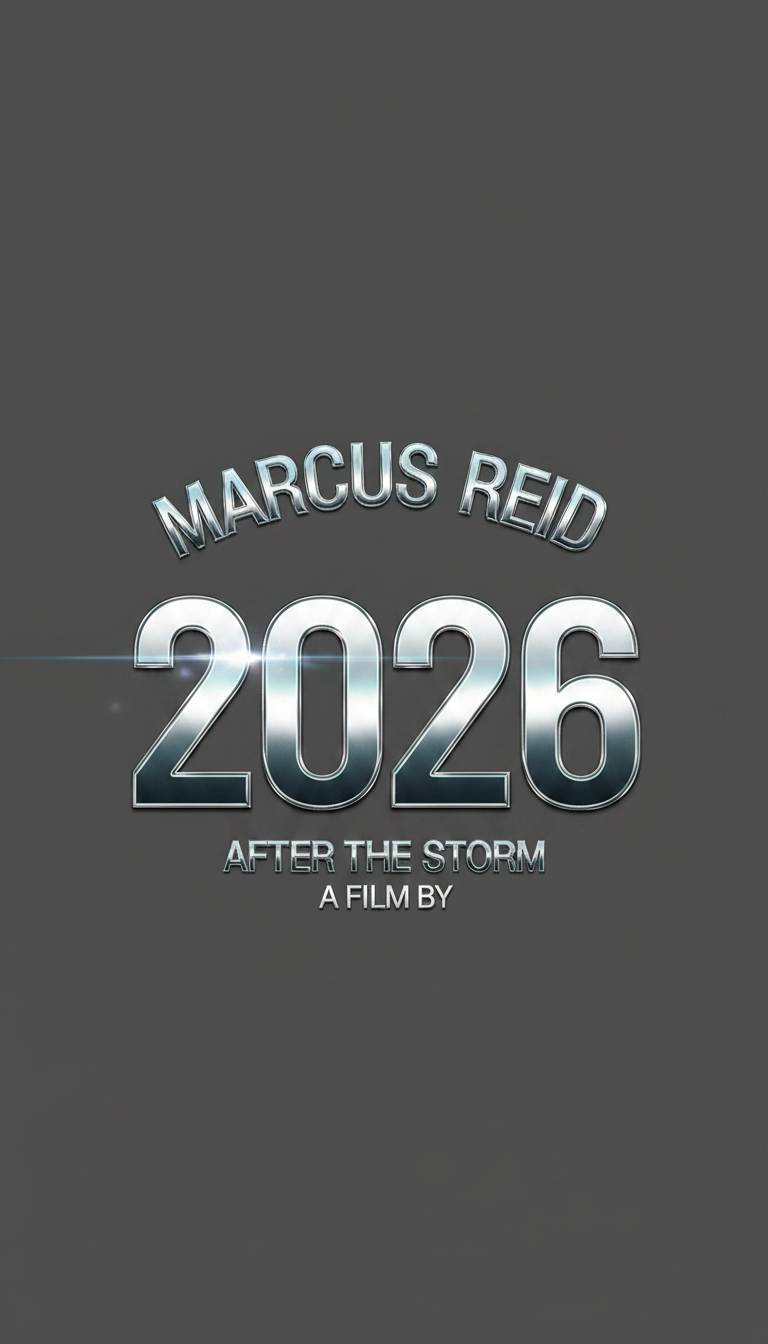
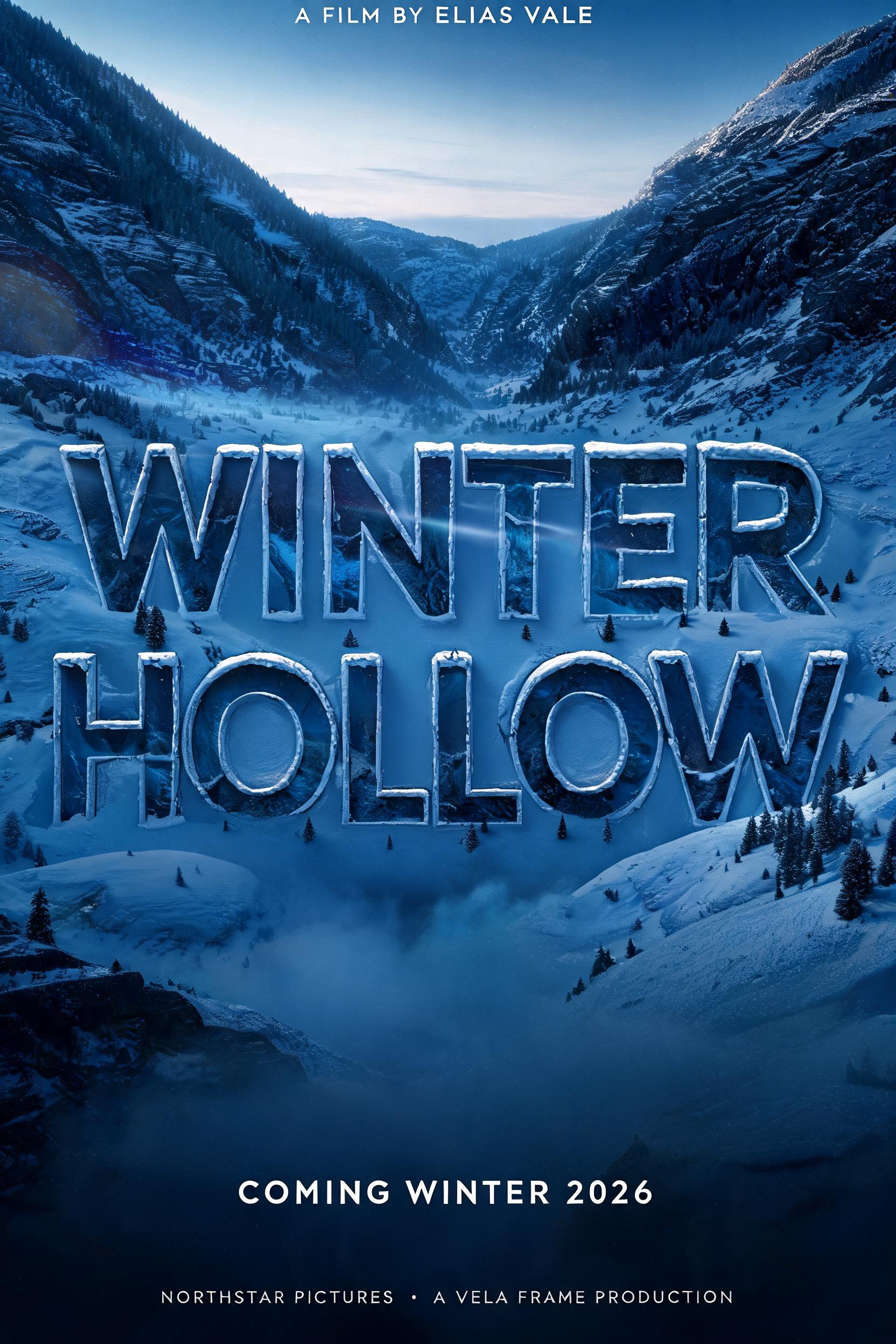

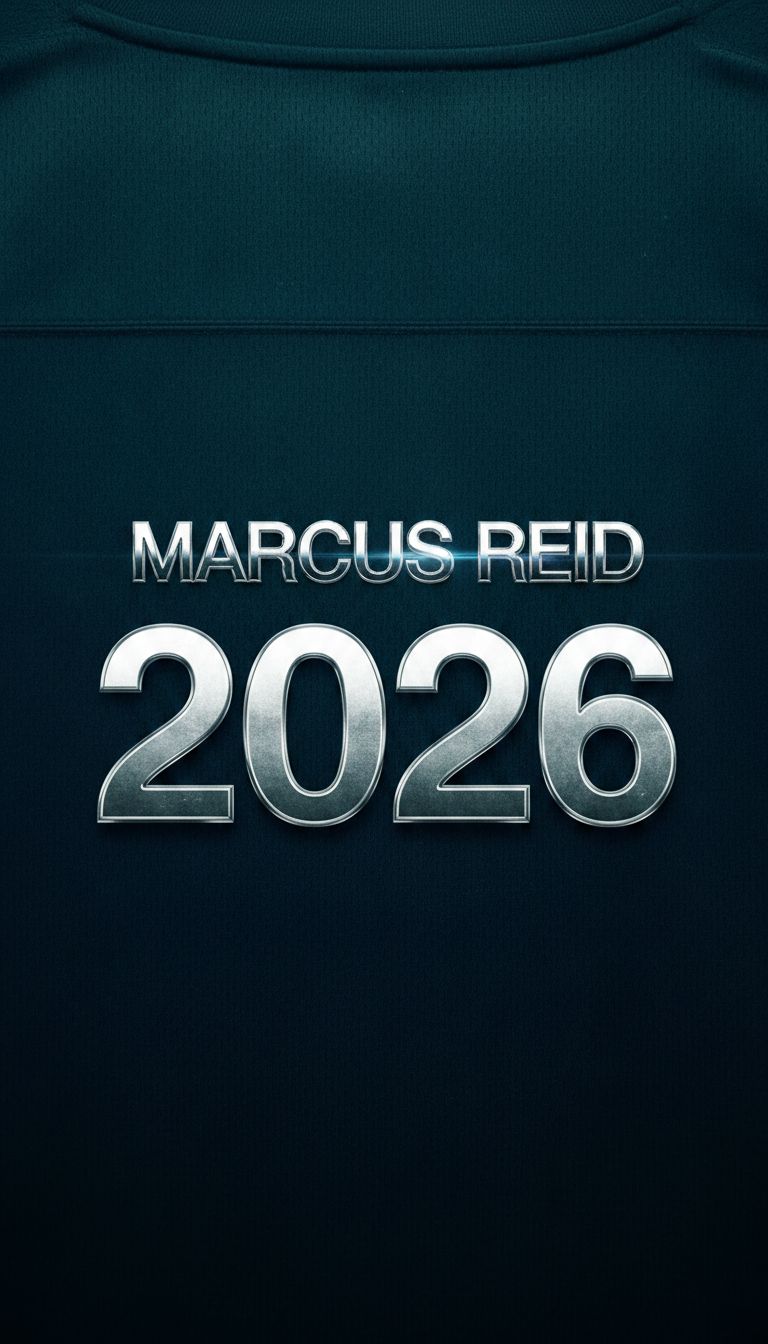
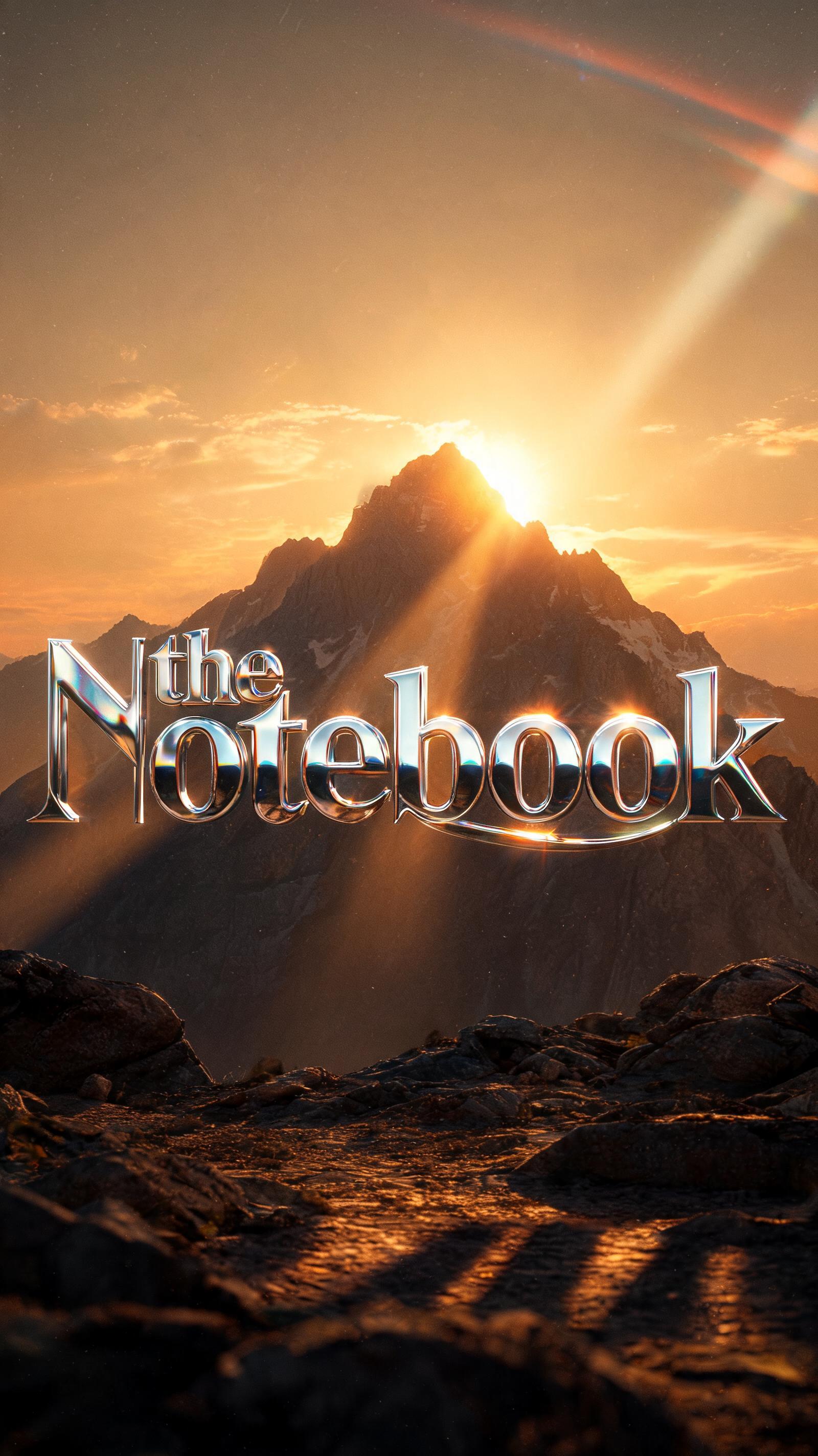
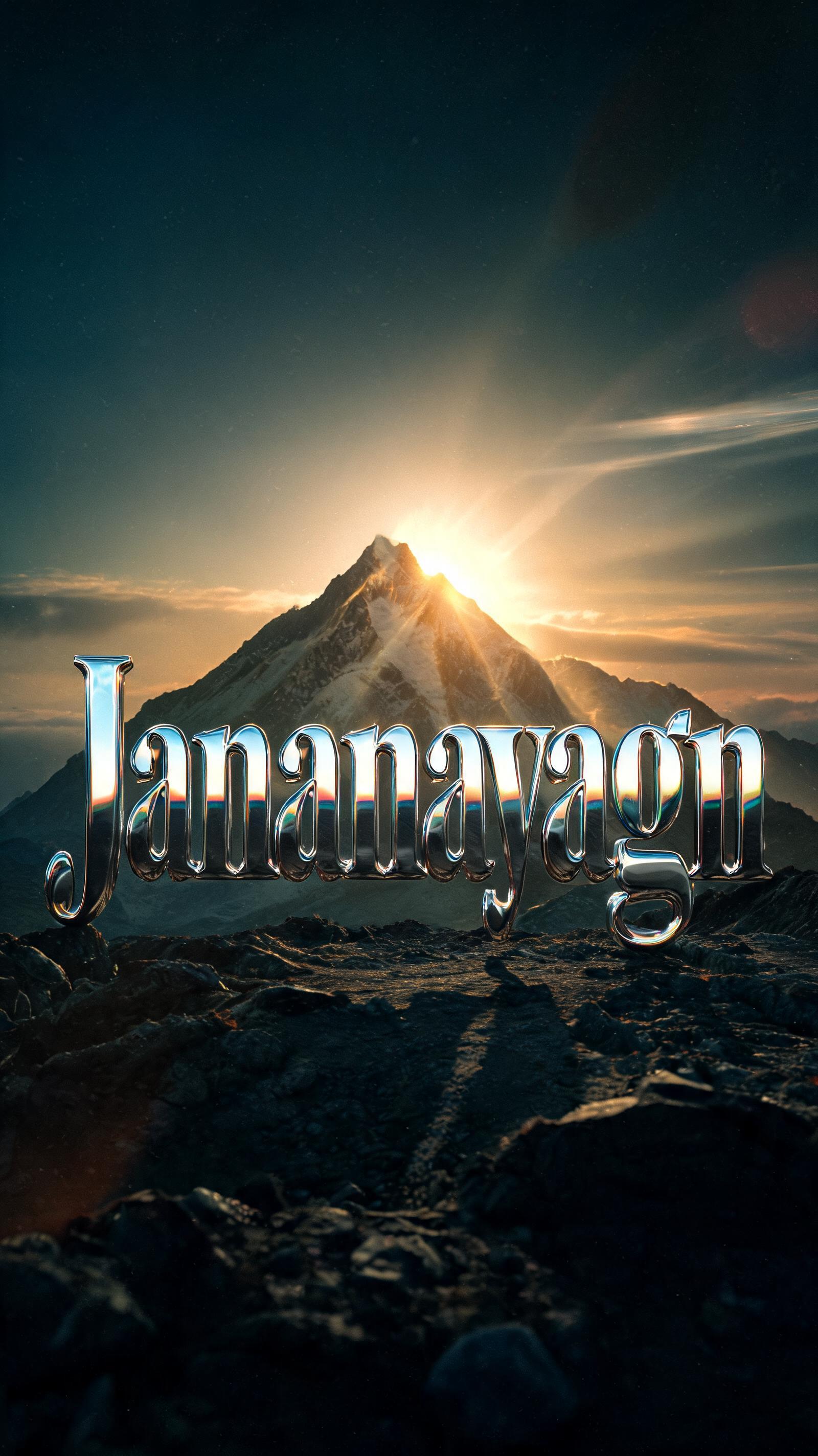


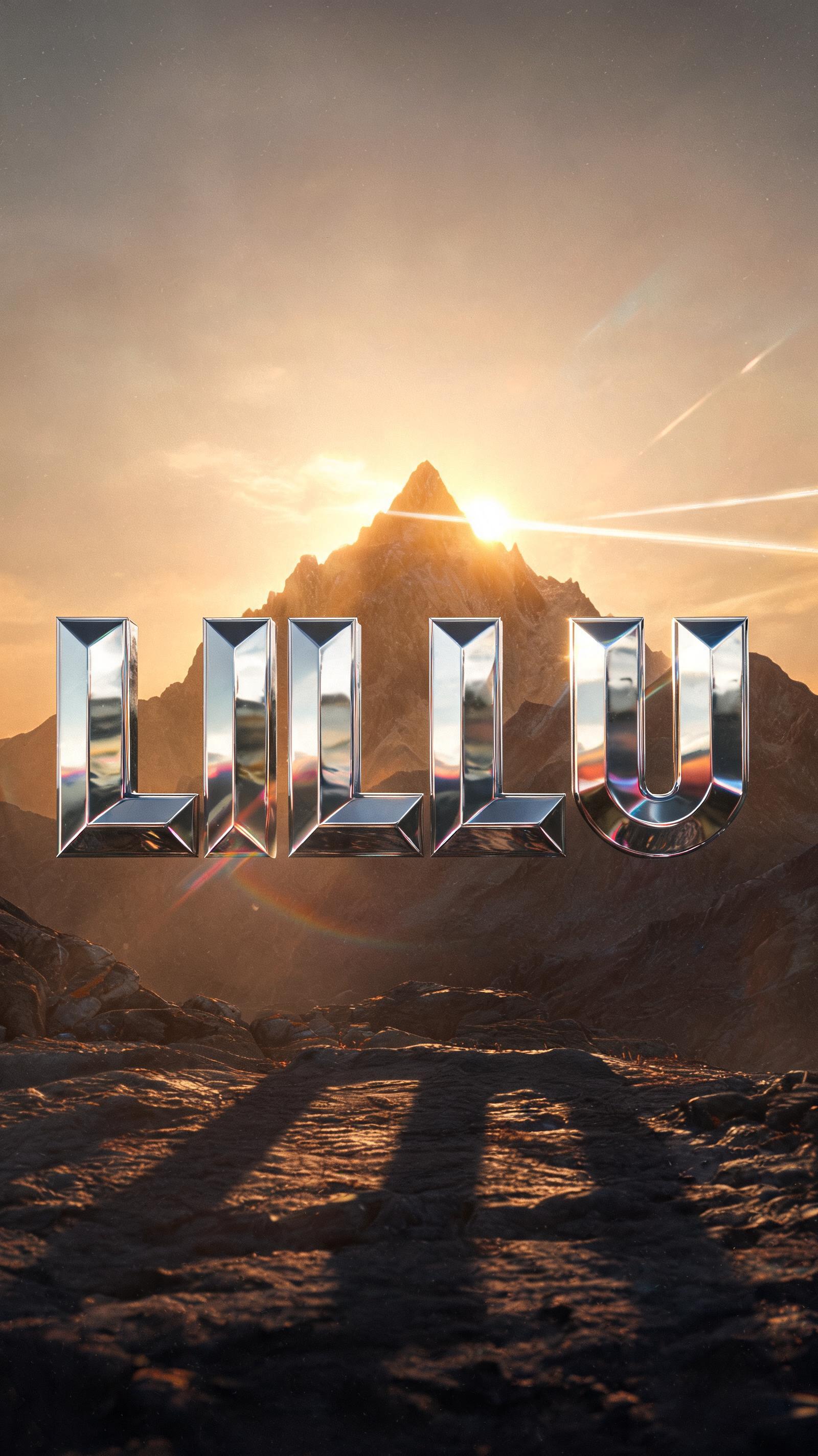

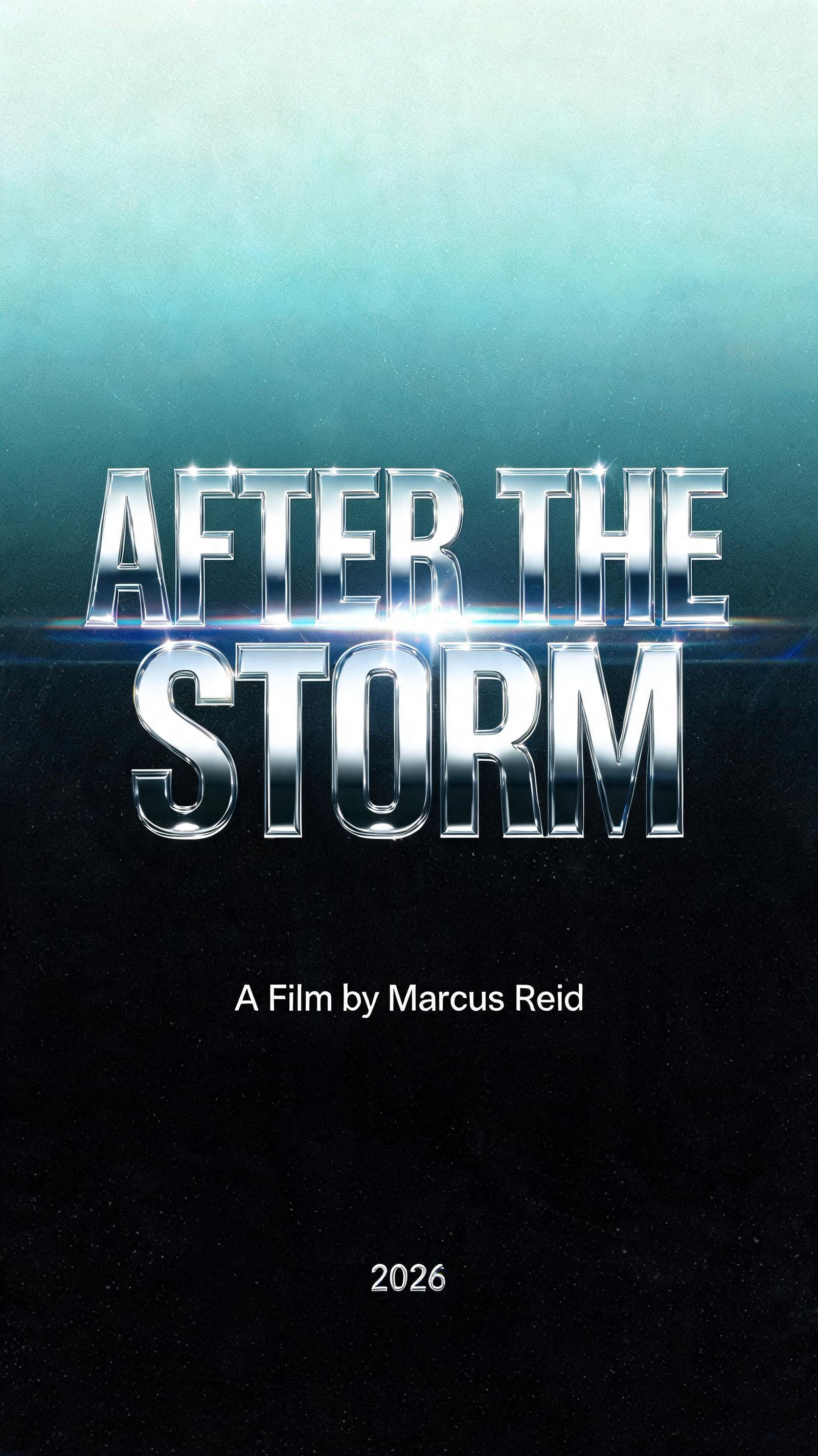


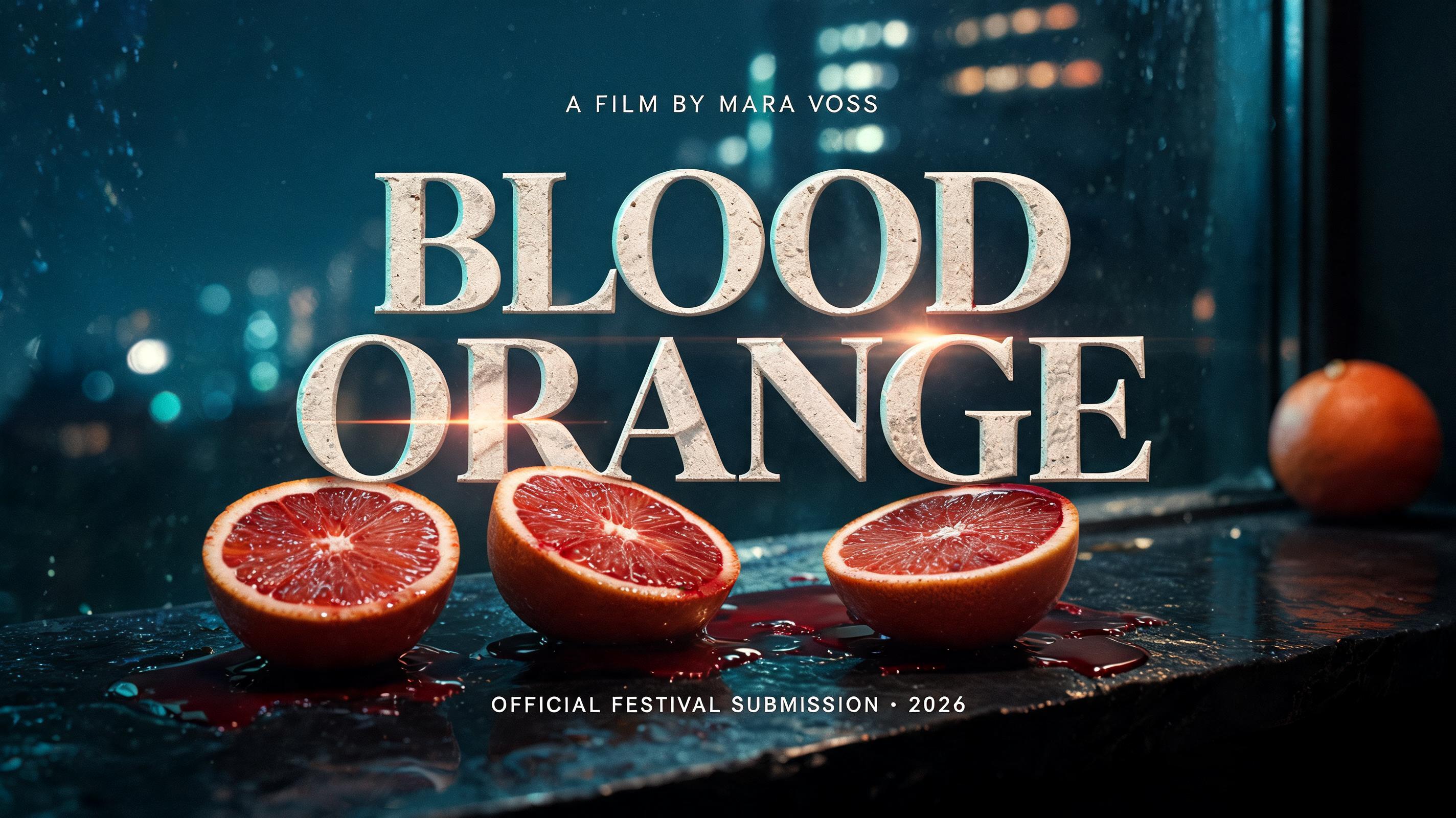

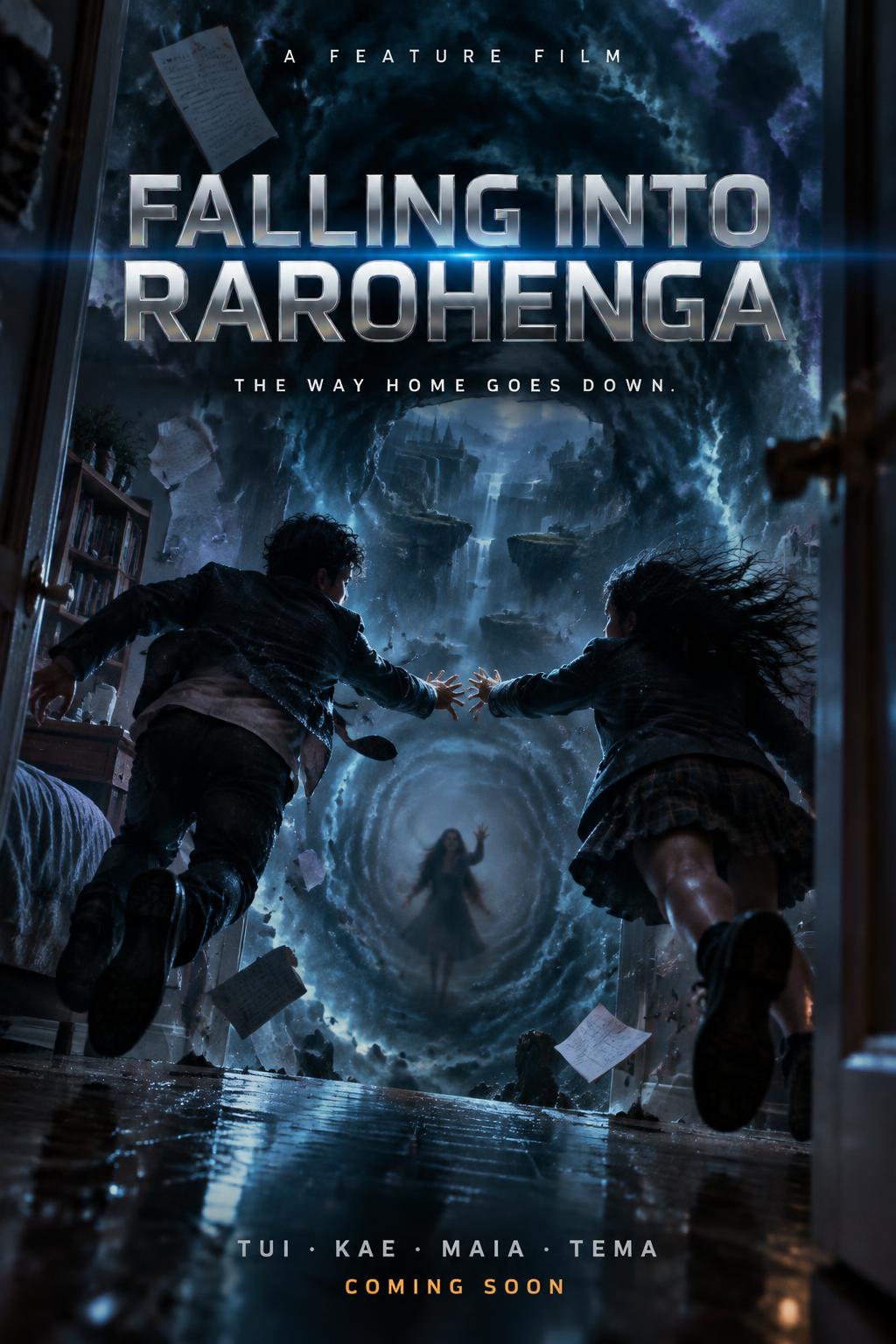


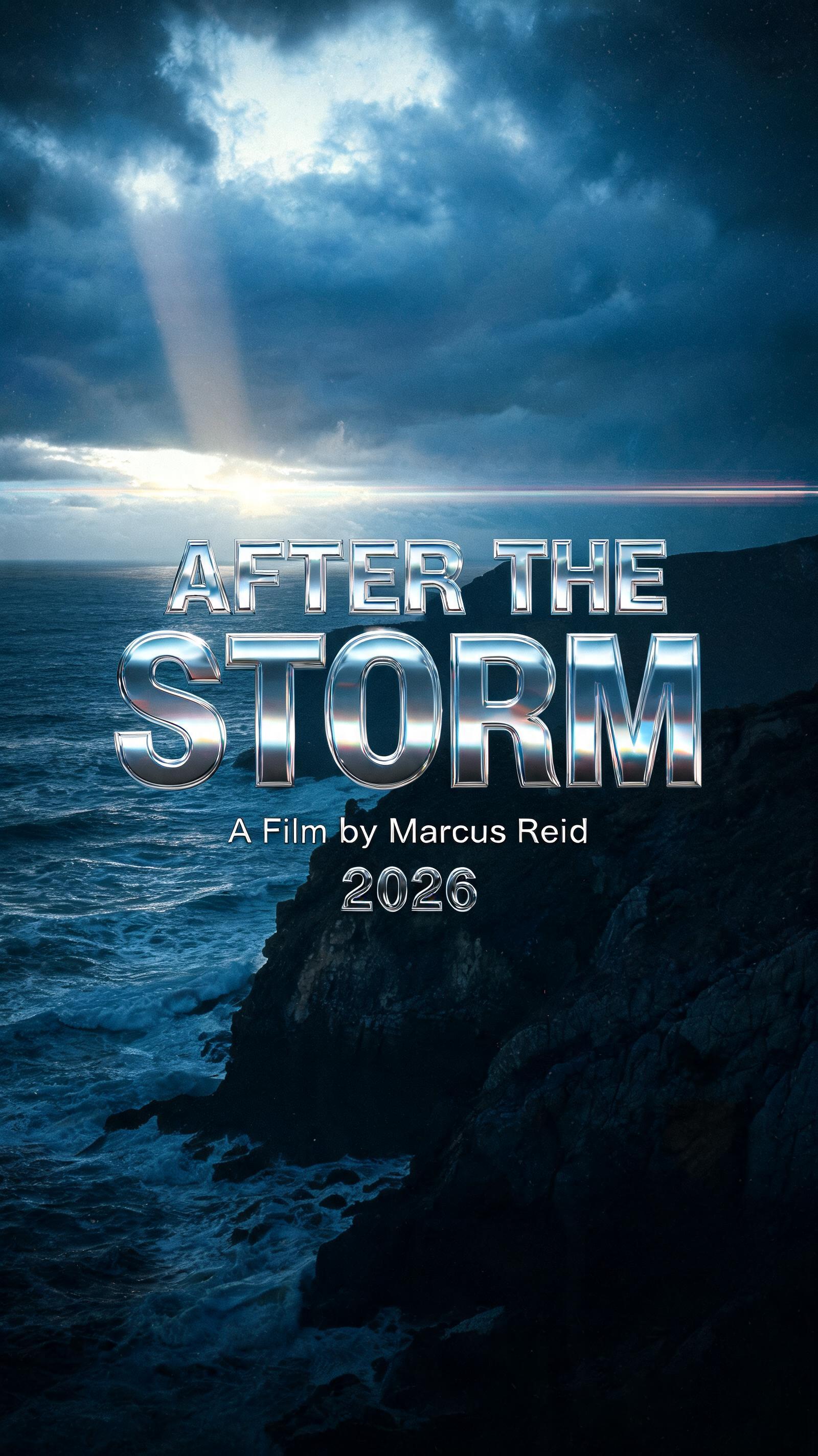


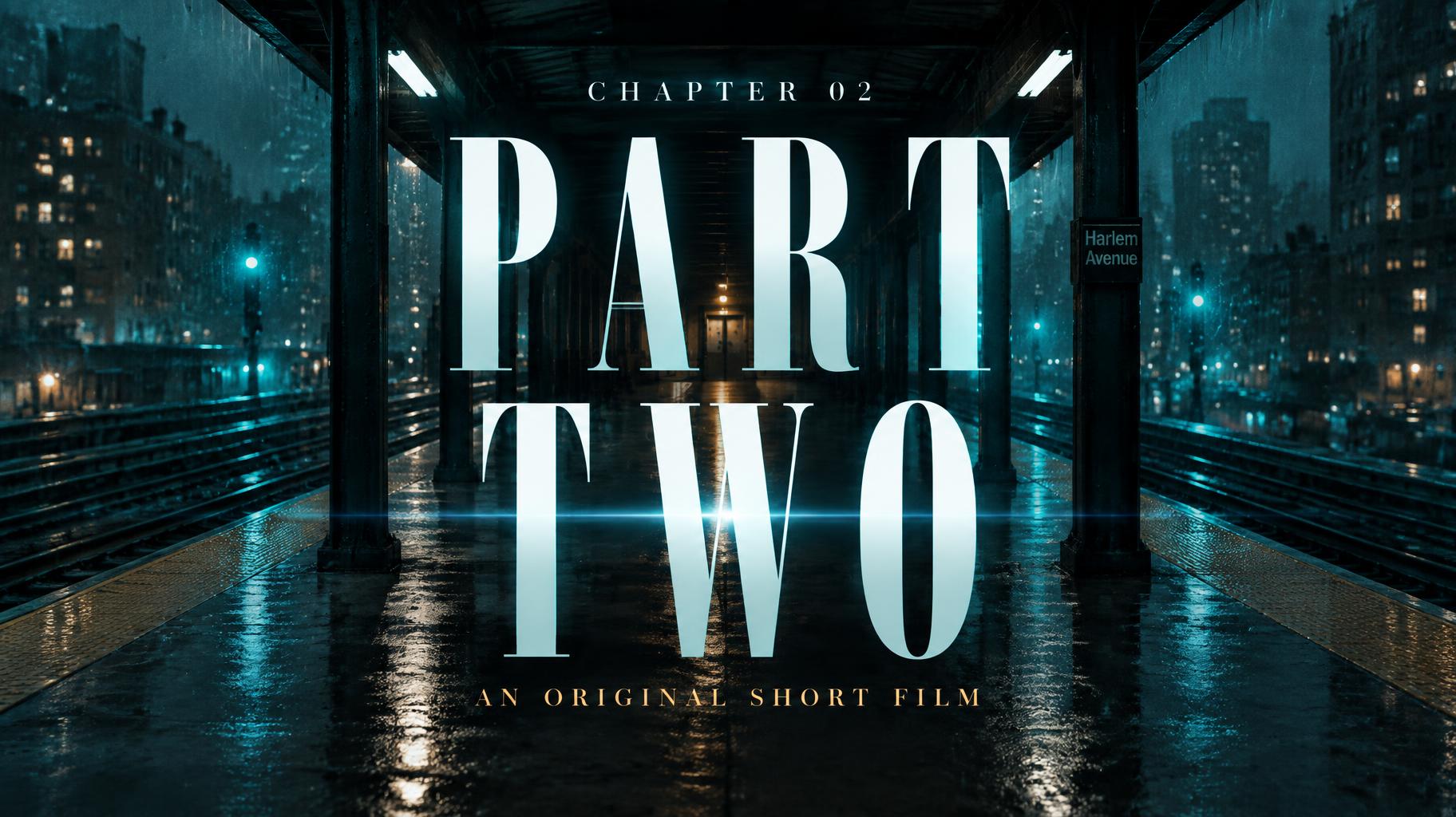
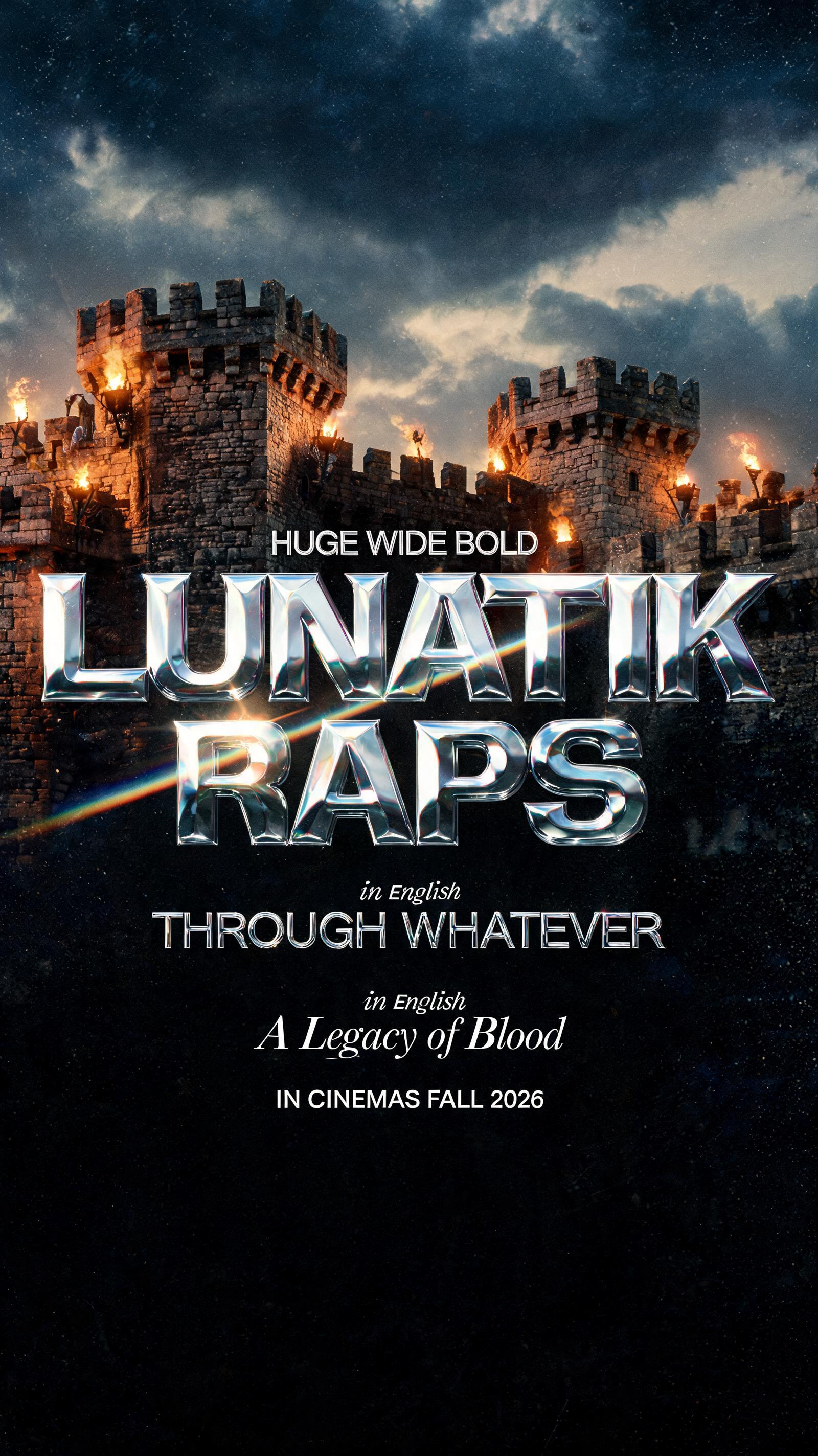
✦ More Movie Poster Font Generator Use Cases
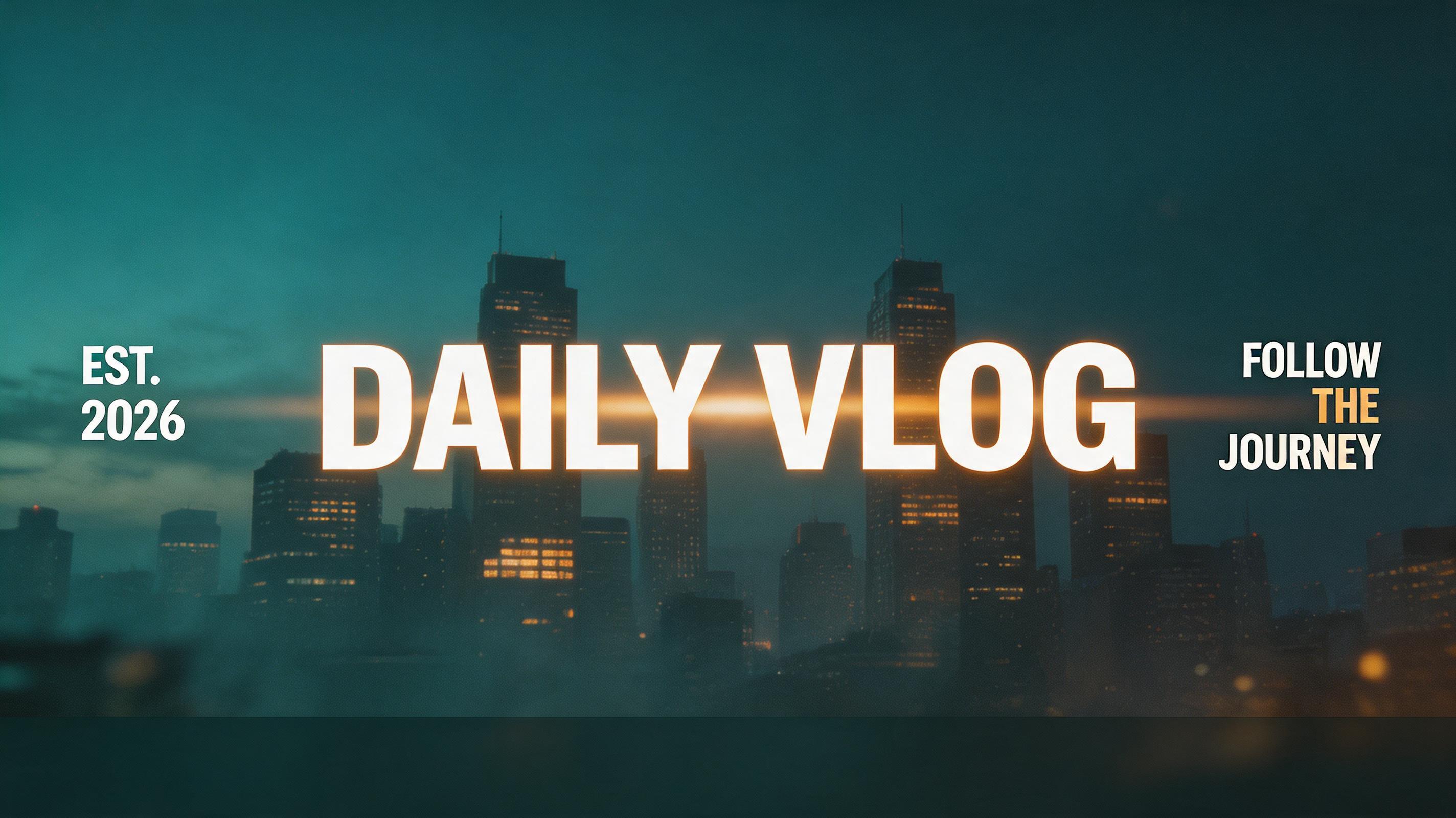
Explore more ways to use Netflix & Streaming




✦ Step-by-Step Guide
How to Create Your Movie Poster in Studio
Three steps. No design software needed.
1
Enter your movie title
Type your film title, project name, or any text you want in a movie poster font.
2
Generate your movie poster font
Click Generate — our AI renders your text as a cinematic movie poster font with stone-carved letterforms, golden volumetric light rays, film grain, and anamorphic lens flare. Download PNG or JPG free.
3
Download and use
Save your movie poster font PNG and use it in Photoshop, Canva, or any design tool. No watermarks, no account required — ready for your poster, thumbnail, or title card.
💡 Platform tip: For the most authentic movie poster look, place your font PNG over a dark, textured background in Photoshop or Canva — stone, worn leather, or deep space work especially well. Add a slight vignette around the edges to complete the cinematic framing.
✦ Common Questions
Movie Poster — Frequently Asked Questions
Everything you need to know before you create.
✦ Explore More Text Effect Styles
Related AI Text Effect Styles
Try a different aesthetic — each style generates a completely unique visual output.


Want more text styles? Browse our free font generators — fancy, cursive, gothic & more.
✦ Ready to Create?
Make Your Own Poster
Free to start. No design skills needed.
✦ Generate Now — Free