Elegant Script Text Effect

Uses ByteDance Seedream 5.5, the model behind this artwork · 25 credits


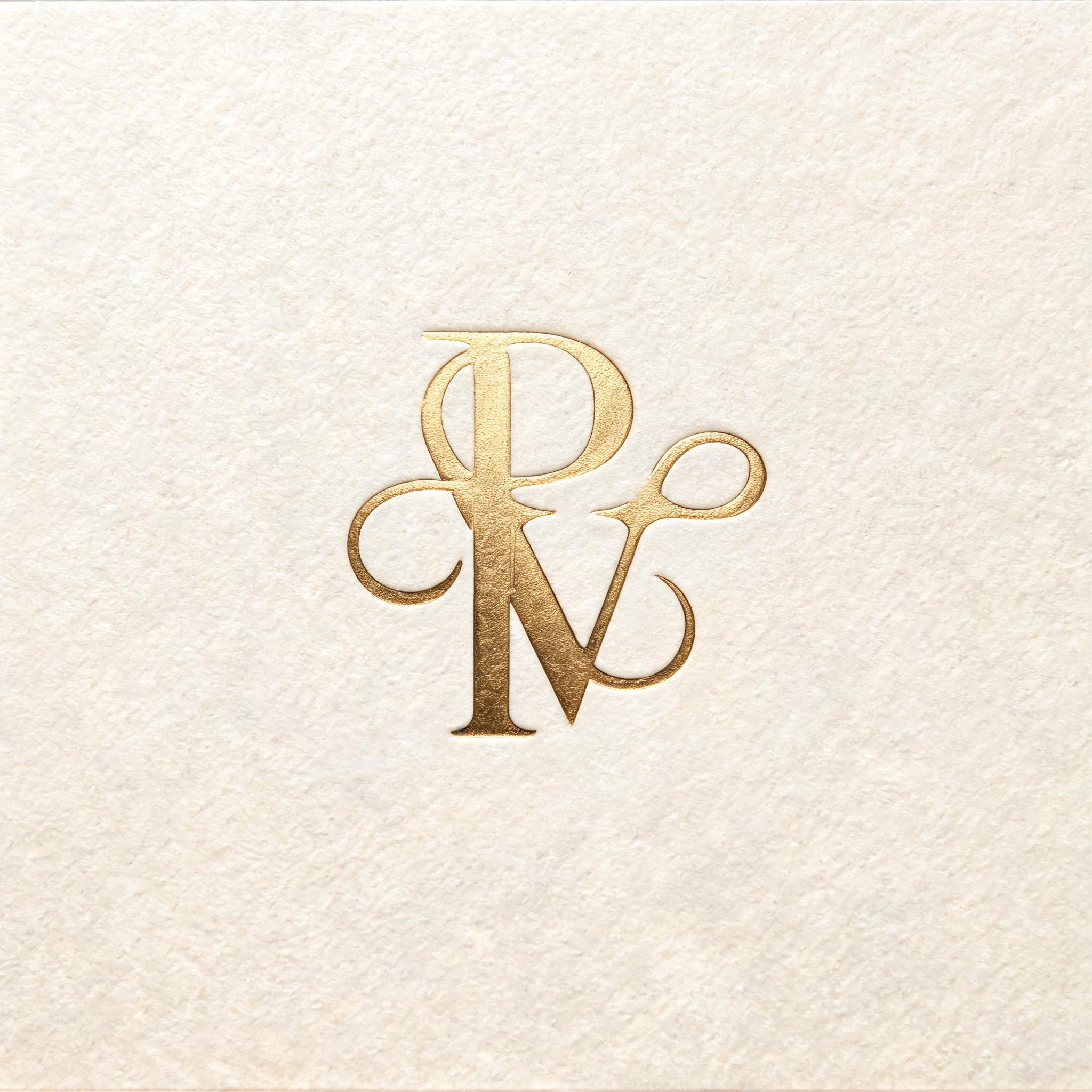



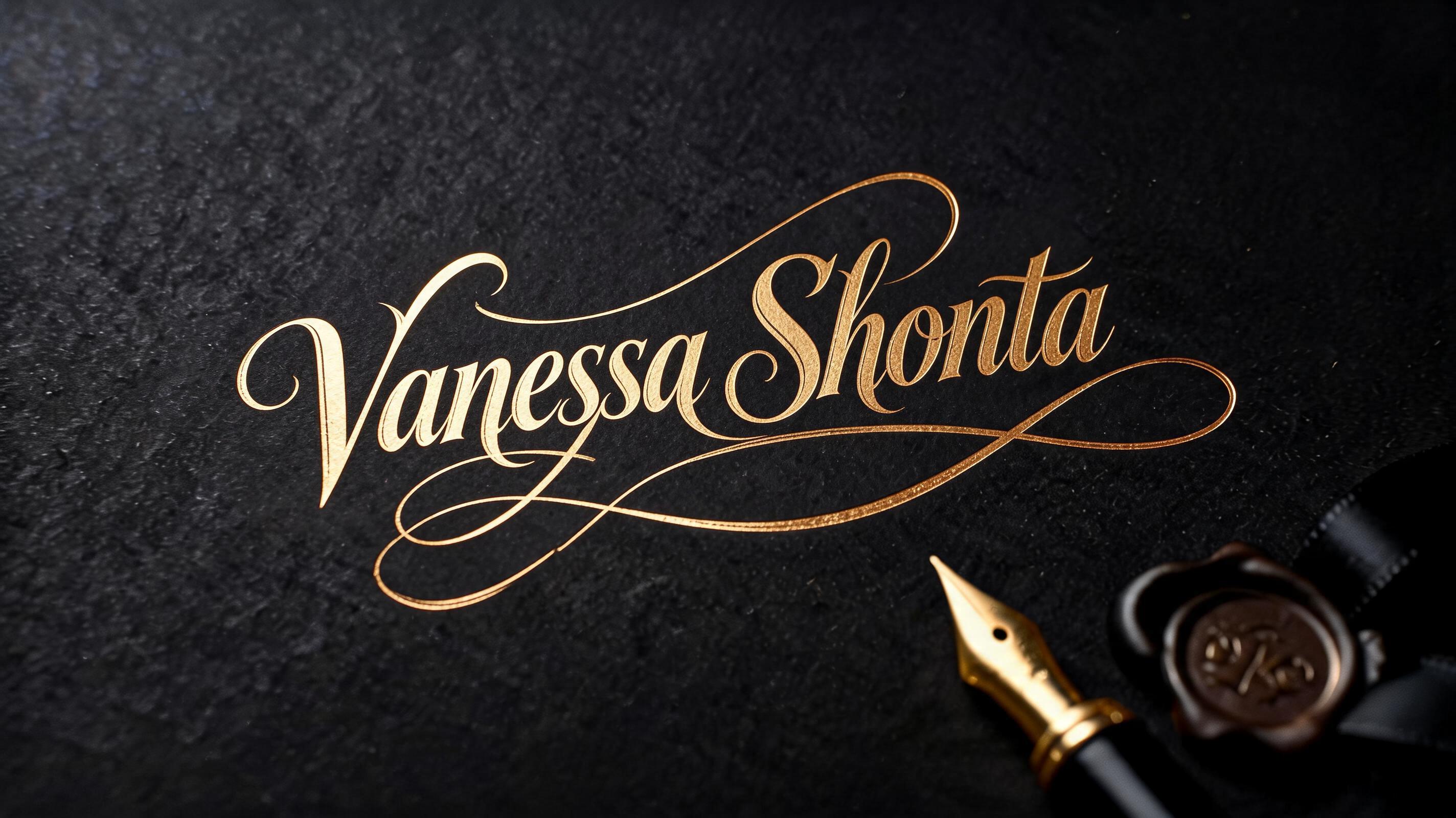





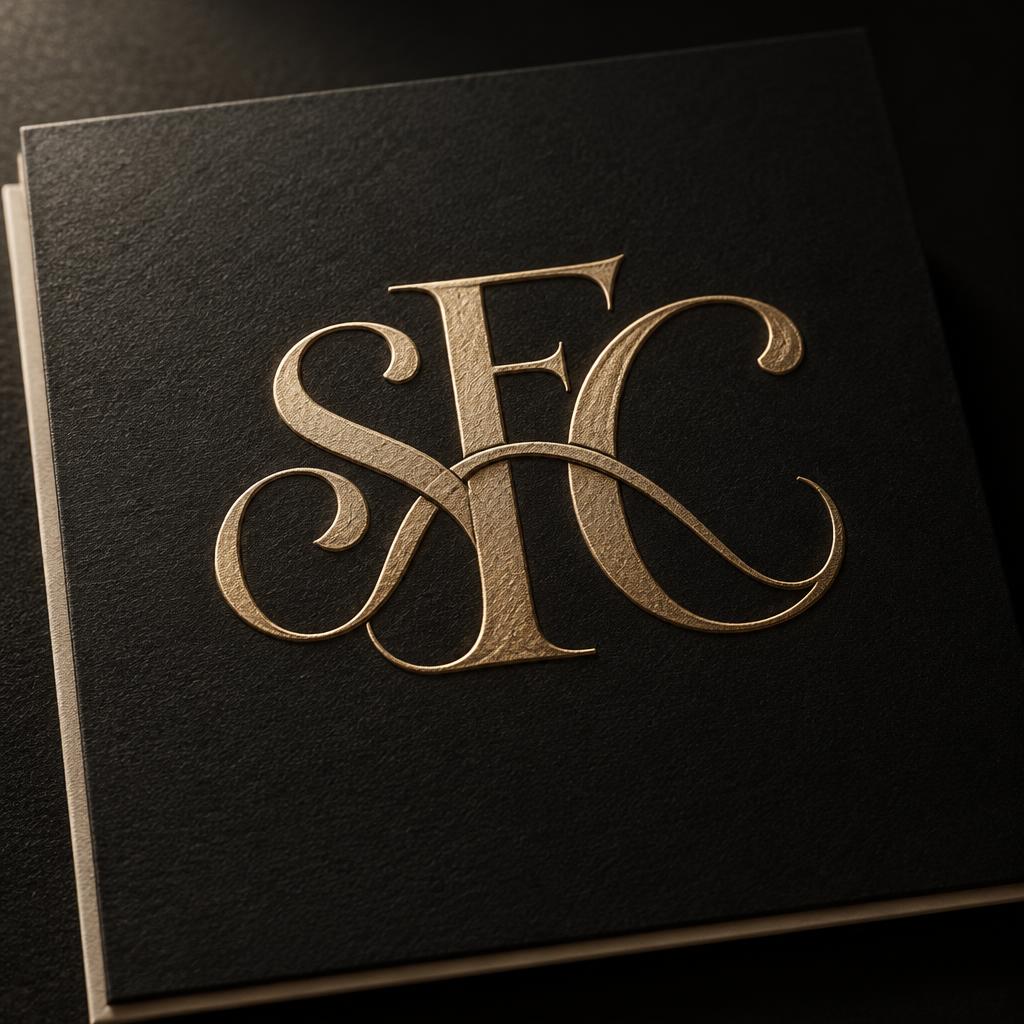
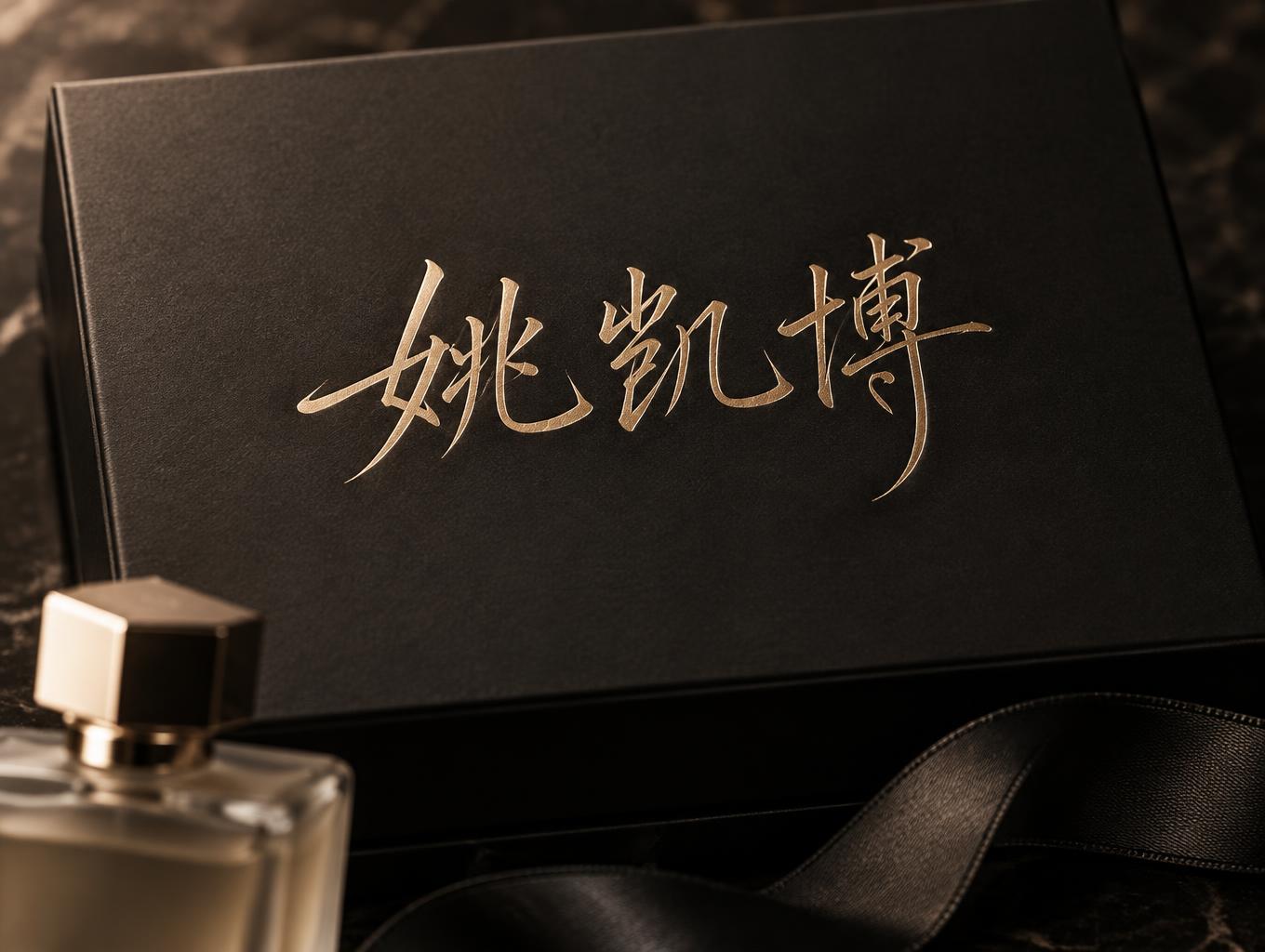

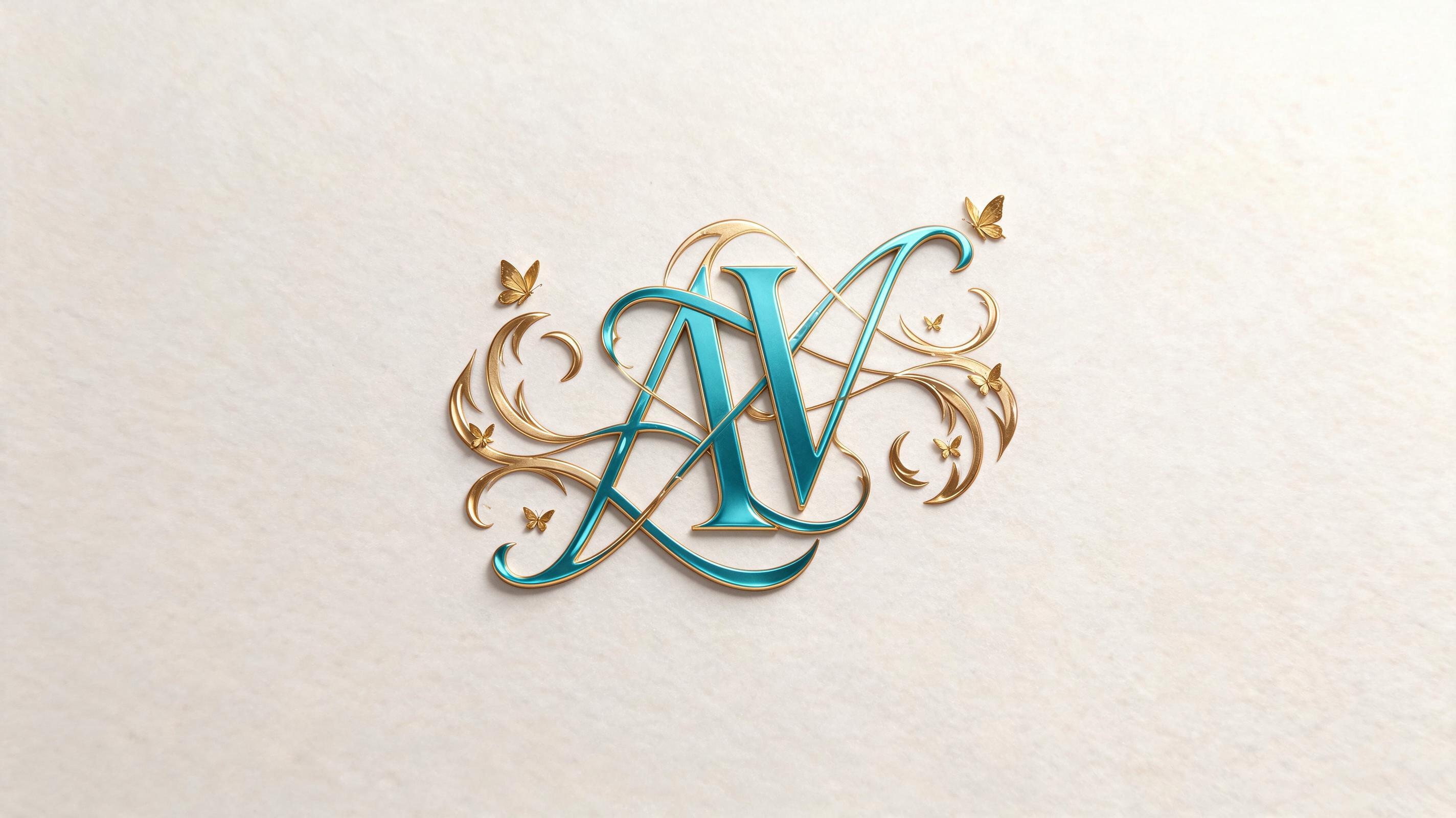
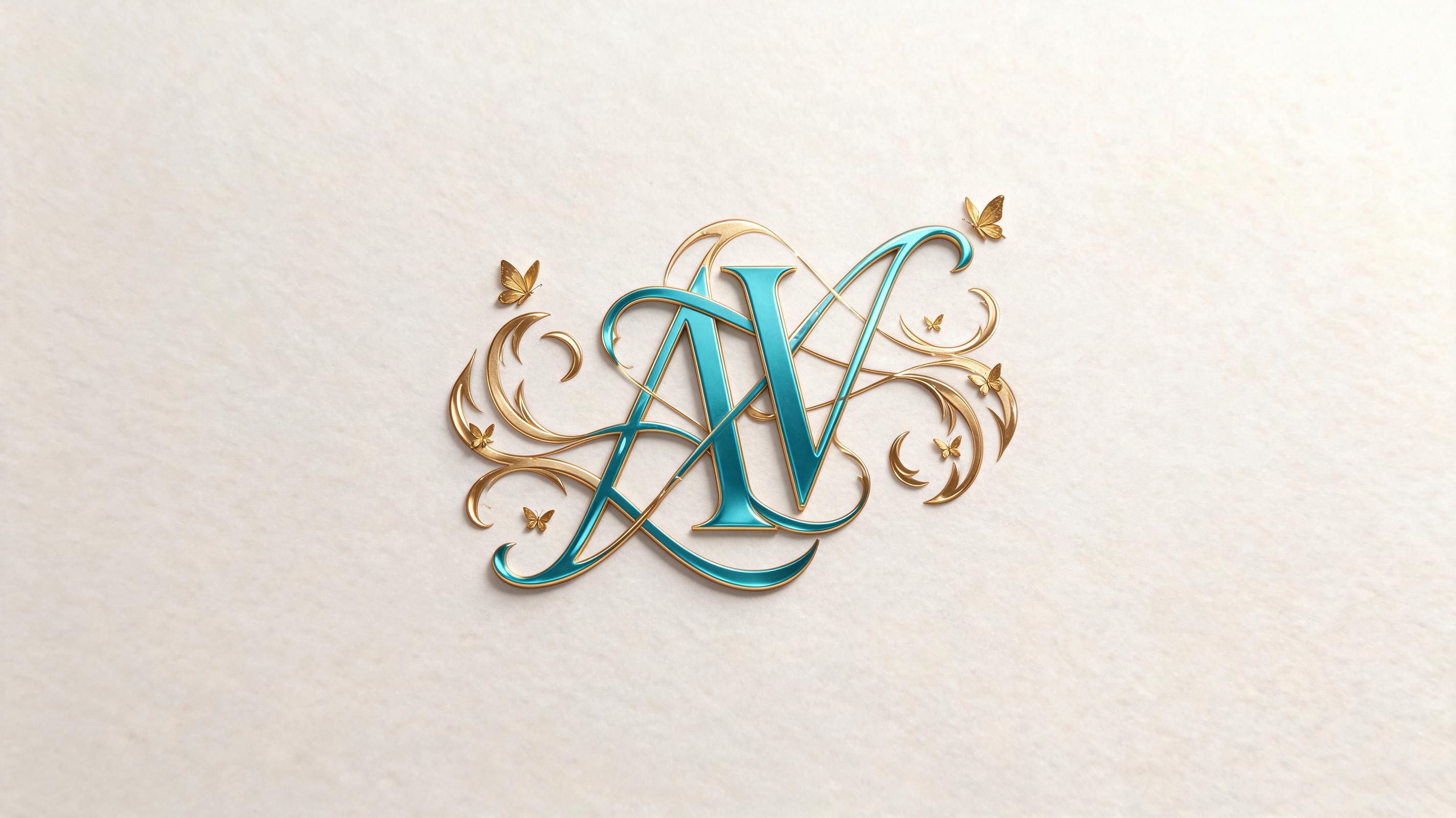
An interlaced "AV" monogram logo with gold flourishes and small butterflies on cream paper. The letters are glossy teal with thin gold edges, joined by long swashes, and sit centred in a wide frame with generous empty space. Replace the initials and colours with your own to remake the mark.
Apply ALL of the following edits to this image, each one only in its own area: 1. At the spot labelled 1 on this image: Monograma com letras moderna azul ciano, contornos dourados com borboletas mb. The small bright magenta (#E20074) circles with a white outline and a white number inside are annotation markers drawn on top of the picture, not part of the artwork: remove every one of them and restore what is underneath. They only tell you where each edit goes — the edit itself must still happen there. Anything asked for above — in the instructions, or by the size of the output canvas — takes priority over the defaults below. The defaults apply only where nothing above asks otherwise. By default, keep the text, letterforms, background, composition and framing as they are, and add nothing that was not asked for.
Tags
Generated on November 21, 2026 · 2848 × 1600 · JPEG · ByteDance Seedream 5.5 · Shared by the creator · Free for commercial use (CC BY 4.0)
Browse AI Text Effect Styles


Elegant Script Text Effect

Uses ByteDance Seedream 5.5, the model behind this artwork · 25 credits
More Elegant Script (DIY) Text Effects
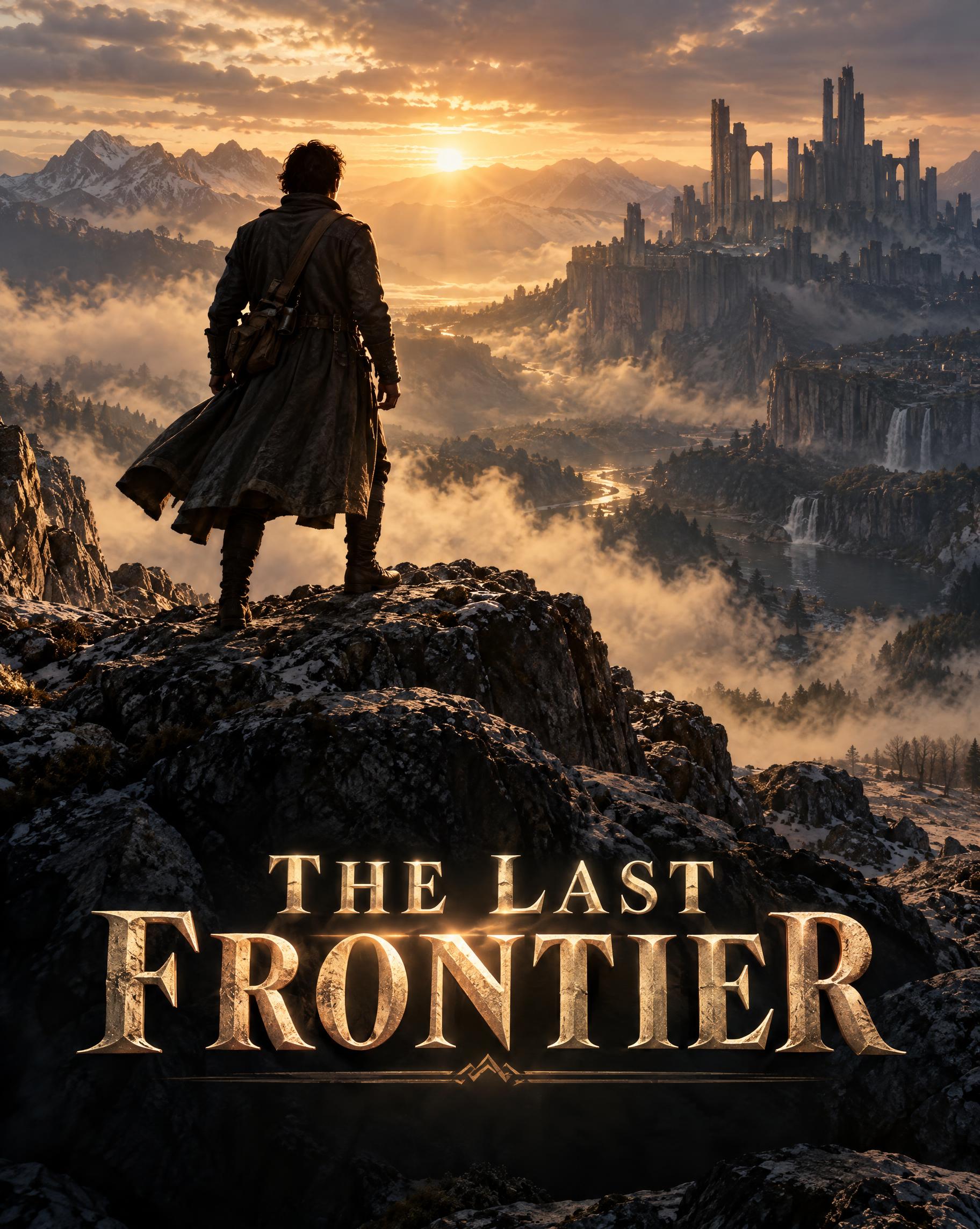
An interlaced "AV" monogram logo with gold flourishes and small butterflies on cream paper. The letters are glossy teal with thin gold edges, joined by long swashes, and sit centred in a wide frame with generous empty space. Replace the initials and colours with your own to remake the mark.
Apply ALL of the following edits to this image, each one only in its own area: 1. At the spot labelled 1 on this image: Monograma com letras moderna azul ciano, contornos dourados com borboletas mb. The small bright magenta (#E20074) circles with a white outline and a white number inside are annotation markers drawn on top of the picture, not part of the artwork: remove every one of them and restore what is underneath. They only tell you where each edit goes — the edit itself must still happen there. Anything asked for above — in the instructions, or by the size of the output canvas — takes priority over the defaults below. The defaults apply only where nothing above asks otherwise. By default, keep the text, letterforms, background, composition and framing as they are, and add nothing that was not asked for.
Tags
Generated on November 21, 2026 · 2848 × 1600 · JPEG · ByteDance Seedream 5.5 · Shared by the creator · Free for commercial use (CC BY 4.0)
Browse AI Text Effect Styles
Want more text styles? Browse our free font generators — fancy, cursive, gothic & more.