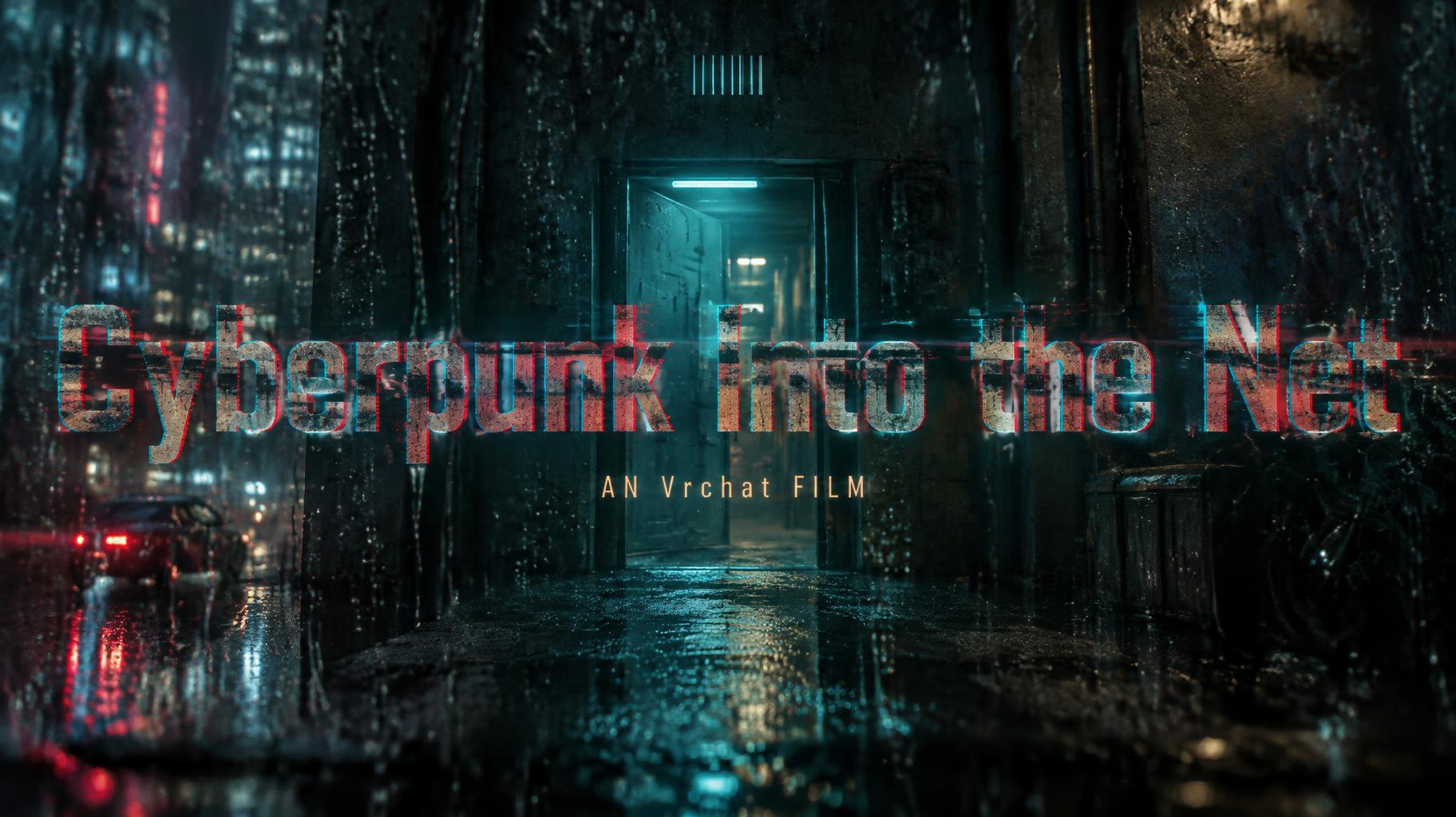
Cyberpunk Into the Net AN Vrchat FILM - Netflix & Streaming Text Effect


Uses OpenAI GPT-Image-2.5 Sunburst, the model behind this artwork · 15 credits





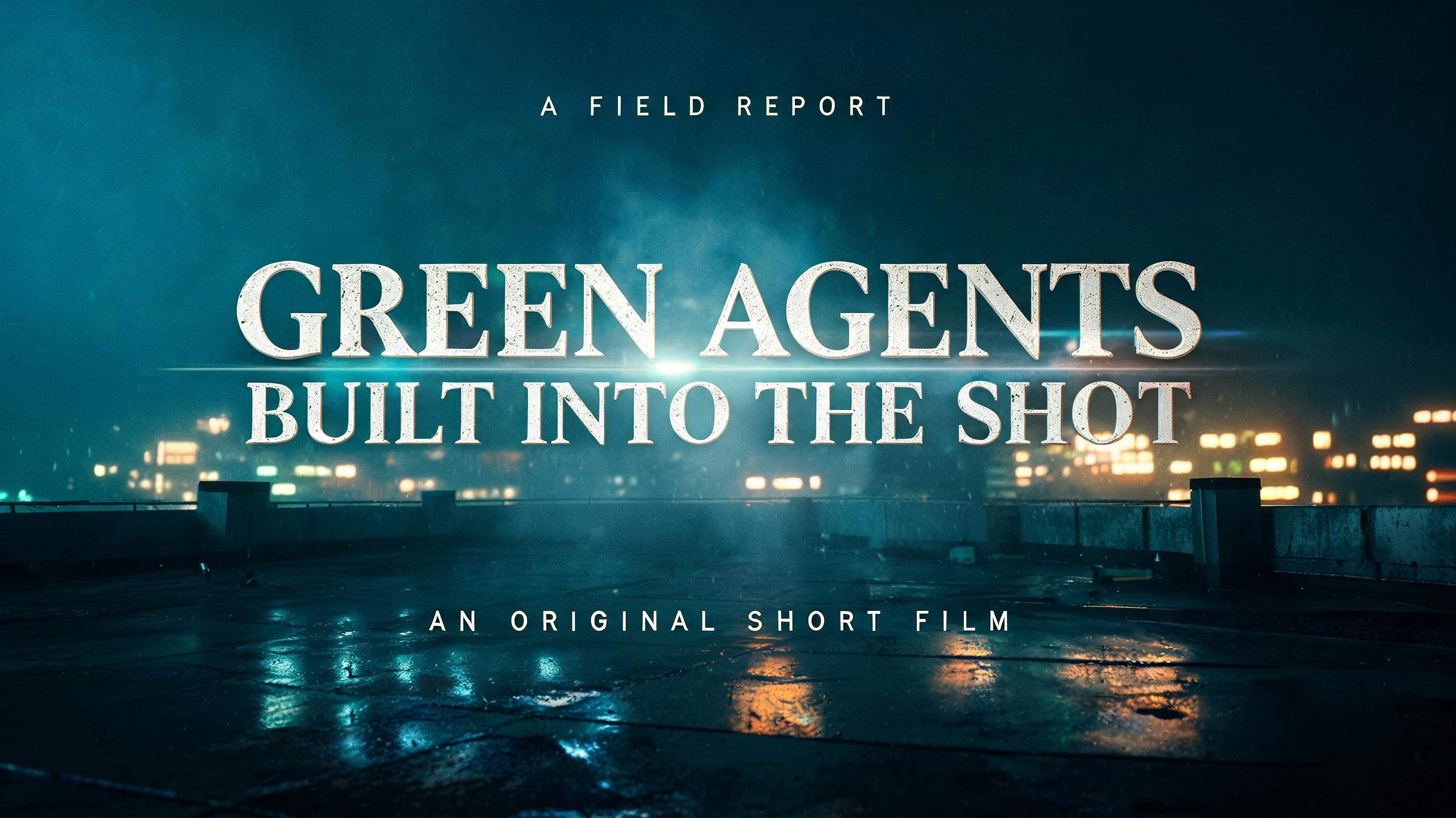


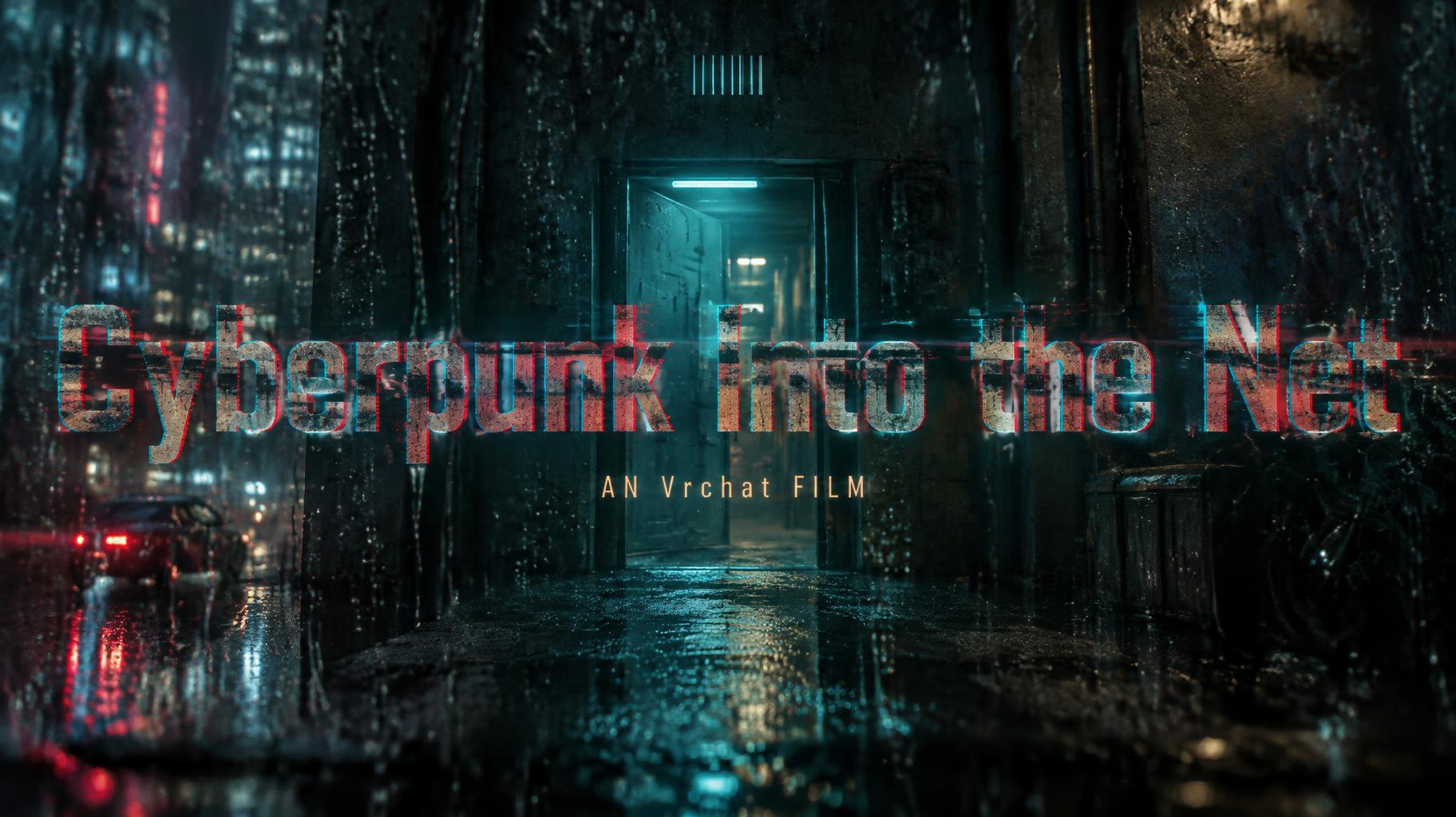
“Cyberpunk Into the Net AN Vrchat FILM” is a Cinematic Netflix text effect text effect created with FontVibe AI. Bold sans-serif series titles with a cold teal glow and anamorphic flare, set over a rain-slicked night city with small tagline and season text.
Create a finished 16:9 cinematic film title card, with the title physically integrated into a rainy shot rather than floating on a plain background. Compose a deep blue-black #07191D night scene viewed through rain-streaked glass. Keep the headline as the unmistakable first read: one broad, nearly edge-to-edge horizontal line across the central portion of the frame, with generous clear space above and below. Render exactly: “Cyberpunk Into the Net”. Use custom heavy, clean sans-serif letterforms with sturdy proportions and open counters, then visibly corrupt the glyphs: displace distinct 8–16 px pixel macro-blocks from their proper positions; split red, green, and blue channels at letter edges, with red shifted right, blue left, green centered; cut two or three irregular VHS tracking-error bands through the letters, offsetting each band horizontally. Keep deep charcoal letter bodies with visible block seams and crisp red #D14B43 and teal #147C83 signal fragments. Make the headline read as a projector image caught on wet glass, with slight glass distortion and rain streaks crossing both image and lettering while preserving clear word recognition. Behind the projected title, show a rain-dark corridor or exterior wall and a clearly visible open doorway in the middle distance. The door opening emits concentrated teal #147C83 volumetric light that reaches toward and visually connects with the projected headline; faint warm light remains deeper inside the opening. Add wet surfaces, fine rain, reflected city light and layered atmospheric haze. Keep the doorway and environmental subject visible behind the title without competing with its legibility. Place a narrow text-free graphic detail in the upper-center area. Below the headline, set a distinctly smaller centered subtitle, occupying a narrow block aligned to the center: “AN Vrchat FILM”. Use warm amber #D1B77A for the subtitle, clean small caps-like spacing while preserving the exact supplied letter casing. Keep the graphic accent above, the wide headline dominant in the middle, and the subtitle below with clear breathing room; do not change their horizontal relationships or add any other wording. Apply deep teal-to-black cinematic grading, fine film-grain texture across the frame, shallow depth of field toward the edges, and a controlled anamorphic horizontal lens flare crossing the headline. Use high-contrast cinematic lighting, realistic glass reflections, volumetric light, restrained bloom, detailed rain and wet pavement. No logos, credits, labels, or extra text.
Generated on October 1, 2026 · 1824 × 1024 · JPEG · OpenAI GPT-Image-2.5 Sunburst · Layout: Embedded Title · Shared by the creator · Free for commercial use (CC BY 4.0)