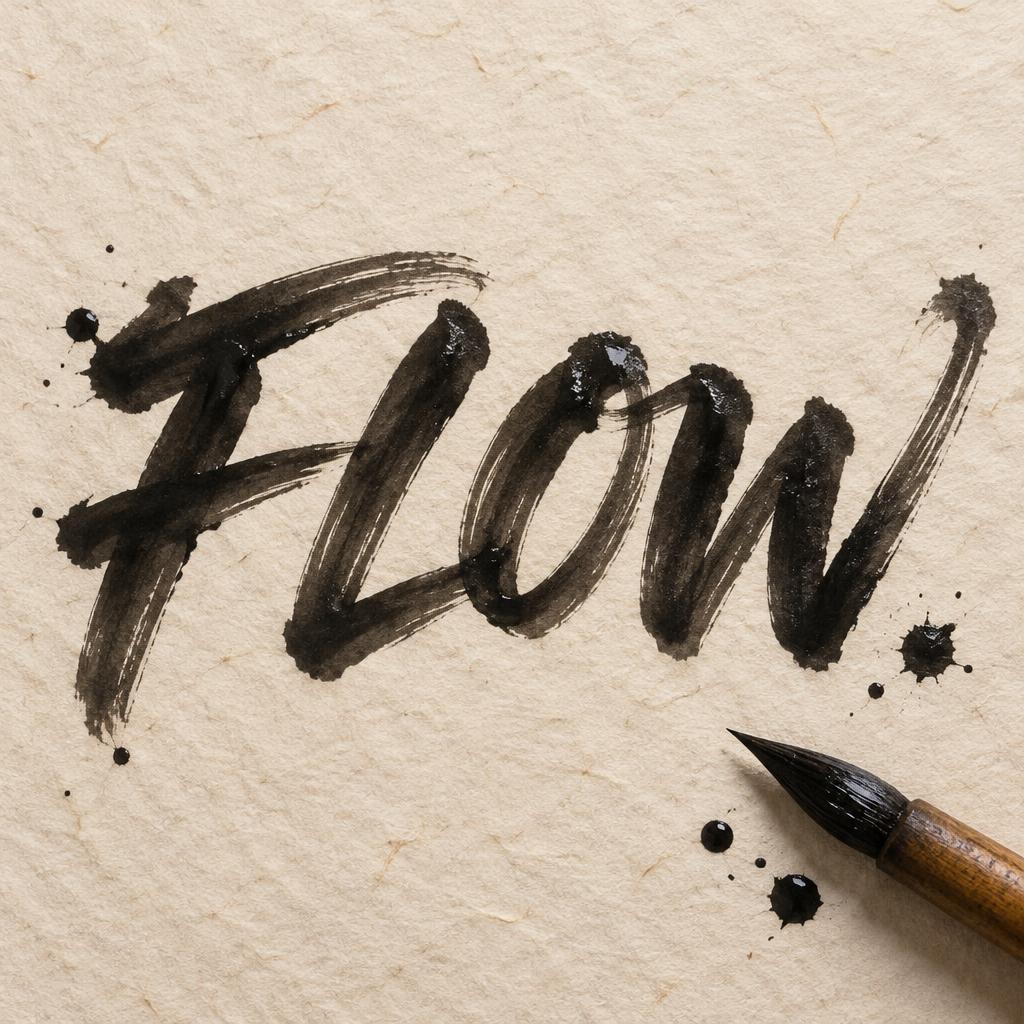
FLOW - Brush Script Text Effect


Uses OpenAI GPT-Image-2.5 Sunburst, the model behind this artwork · 15 credits
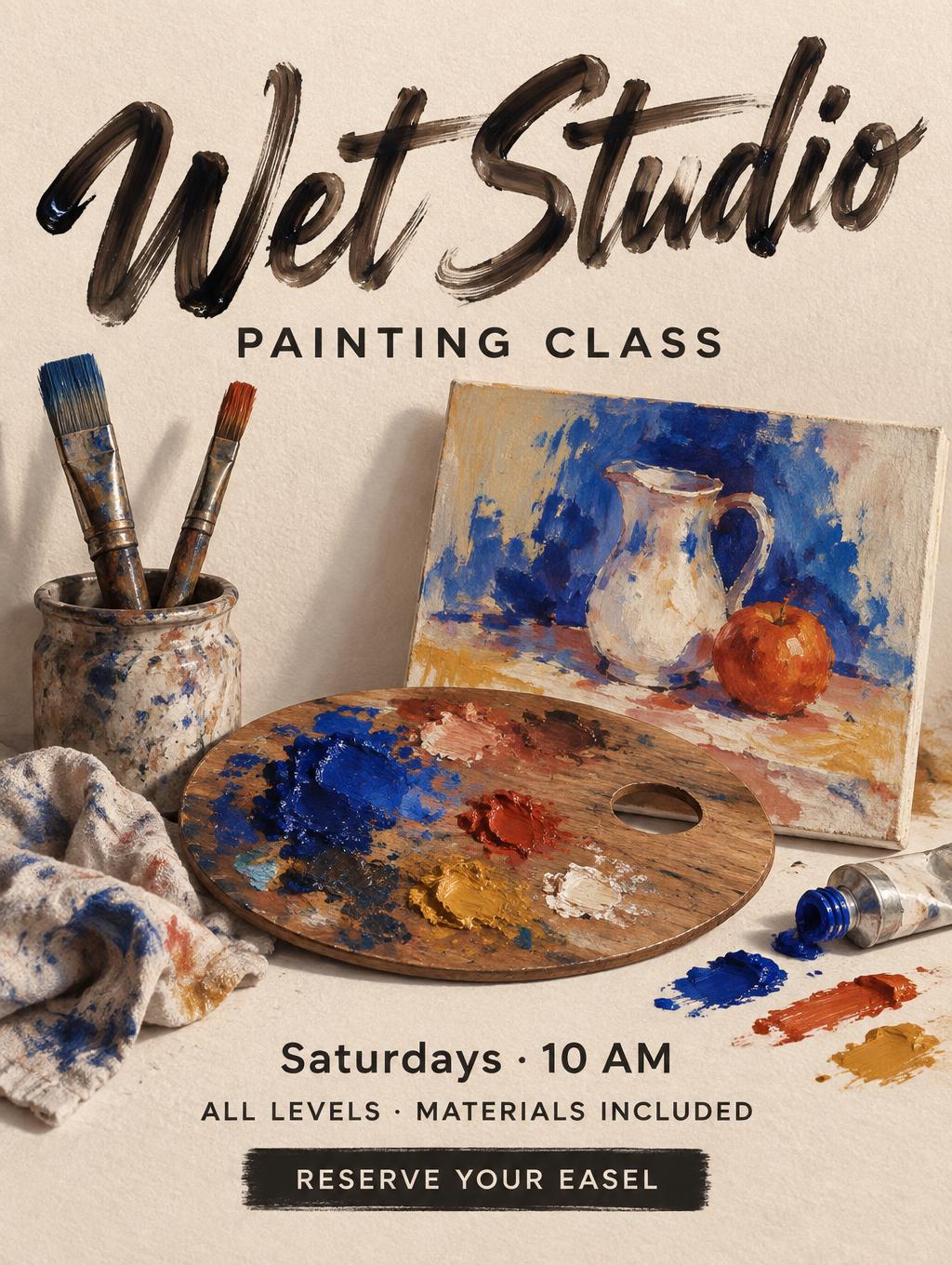
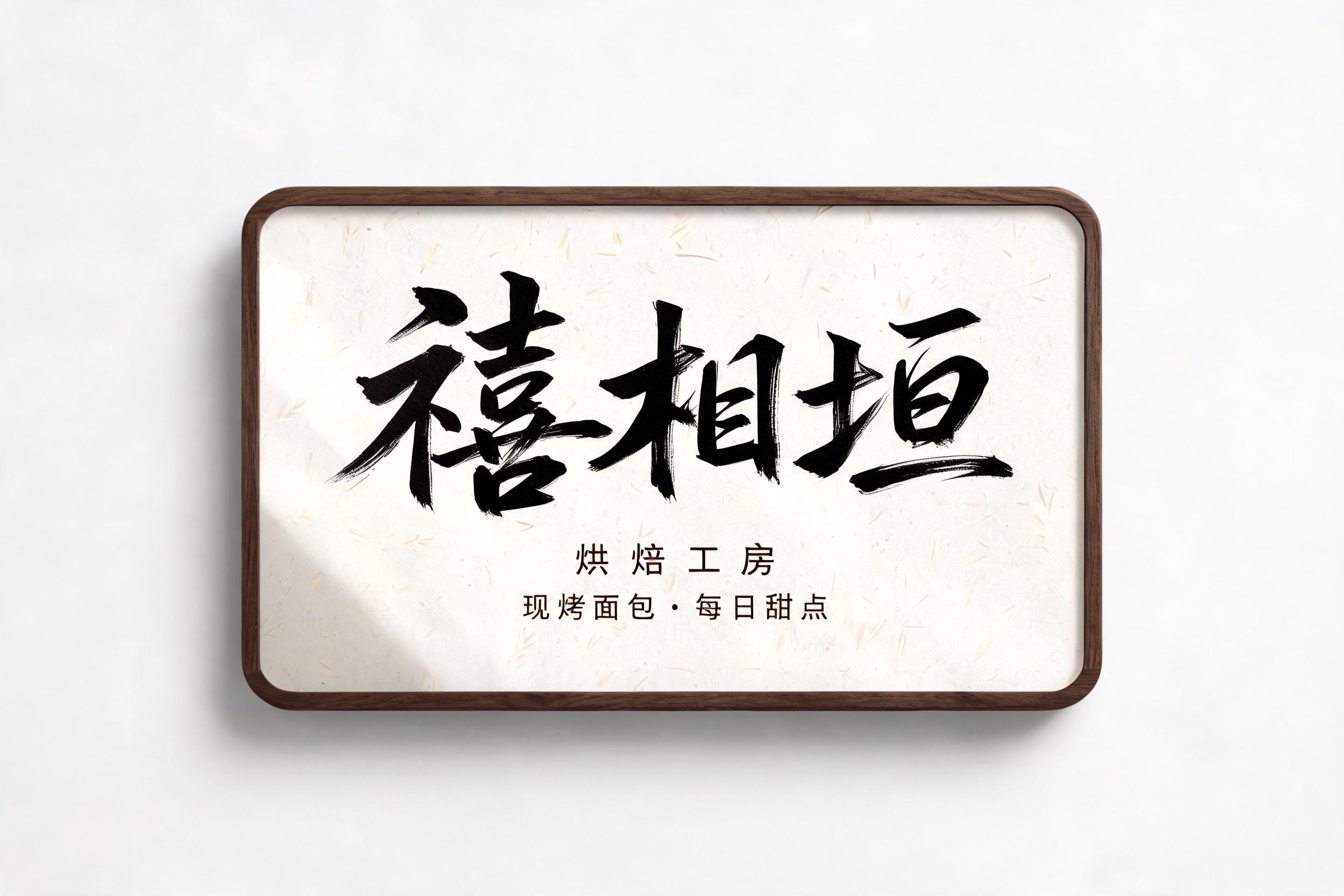




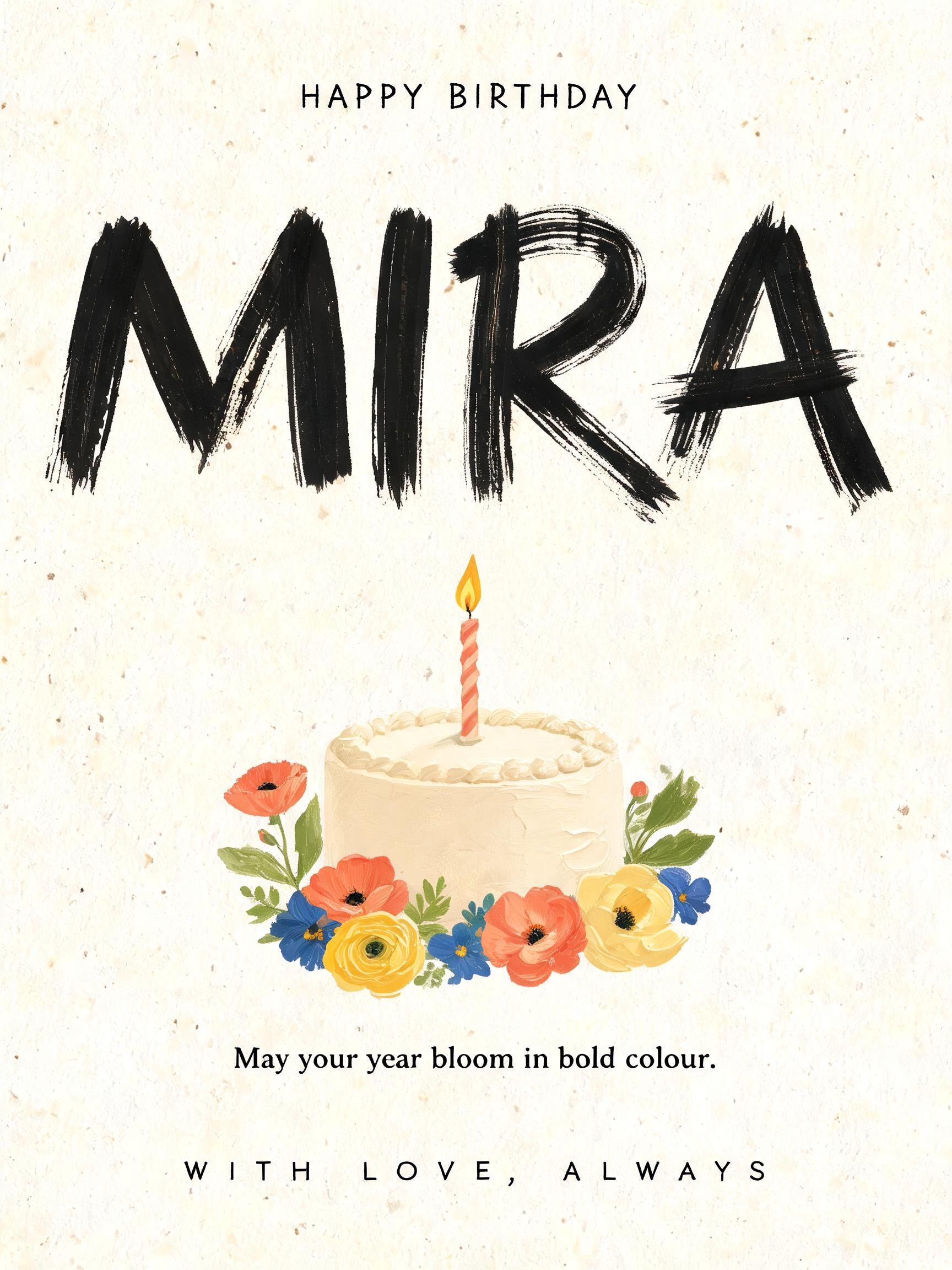


“FLOW” was created with FontVibe AI — explore more Brush Stroke text effect. Western brush script with connected letters: thick pressure downstrokes, hairline upstrokes, visible bristle streaks and dry-brush trails in warm off-black ink on textured paper.
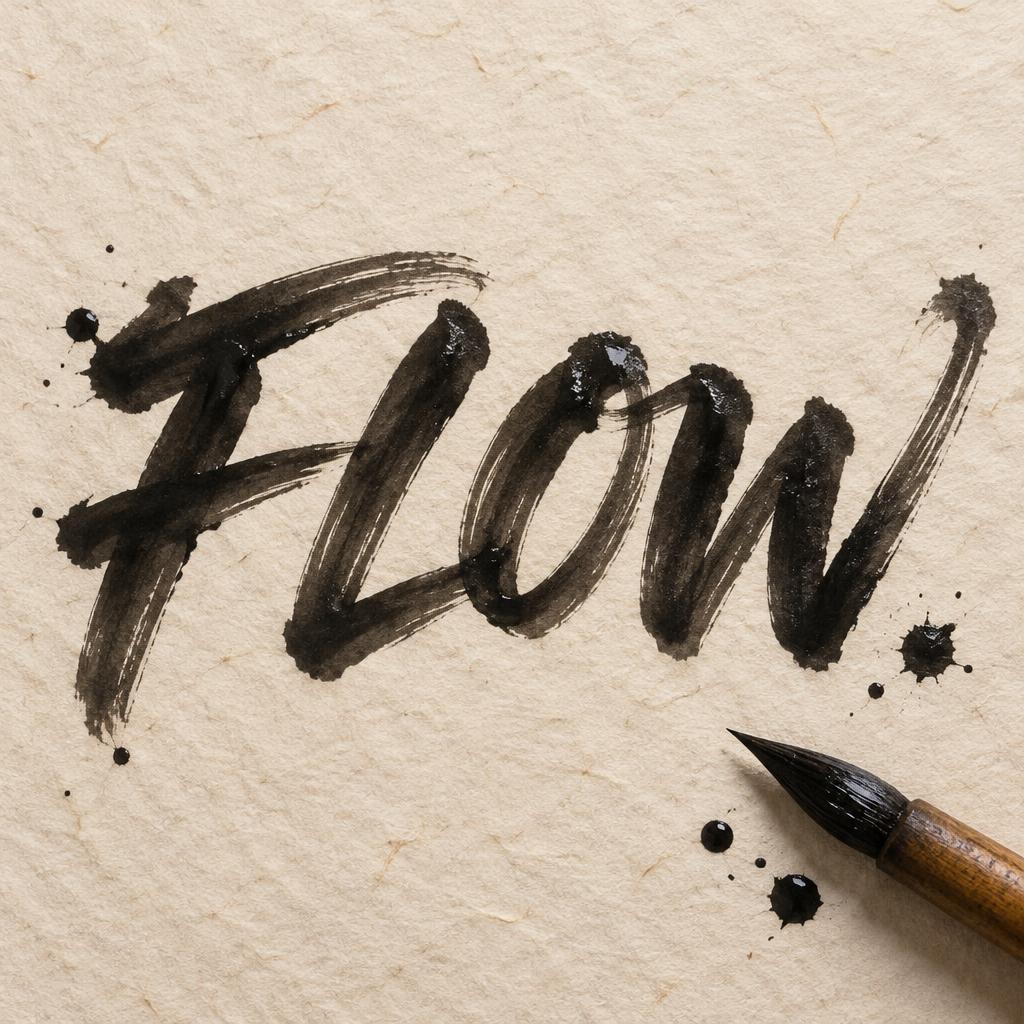
Create a finished square typographic artwork, 1:1. The only text is the exact word “FLOW”, centered and dominant, spanning about 80% of the canvas width. Draw it as expressive, connected Western brush script with a slight rightward slant, variable pressure, swelling thick downstrokes and delicate hairline upstrokes. Make the letters feel freshly painted: warm off-black ink, visible bristle striations at stroke-width peaks, glossy wet highlights on thick strokes, natural ink pooling at joins and stroke starts, and irregular feathered bleed halos along the edges. Preserve clear, recognizable letterforms; keep all four letters legible. Place the lettering on warm cream handmade paper with visible fine fibers and subtle uneven grain. Use soft directional key light to catch the wet ink sheen, with diffuse ambient light across the paper. Include a real wooden-handled calligraphy brush with dark ink-loaded bristles near the lower-right edge, angled toward the lettering, plus a few restrained ink droplets and small bleed blooms around the outer margins. Keep these details secondary and clear of the word. Balanced centered composition with generous paper margins; tactile close-up, realistic ink and paper, high-detail studio rendering. No additional words, no border, no logo, no printed mockup frame.
Made for Ink Brush Font Generator
Generated on October 14, 2026 · 1024 × 1024 · JPEG · OpenAI GPT-Image-2.5 Sunburst · Layout: Centered Ink Study · Shared by the creator · Free for commercial use (CC BY 4.0)


