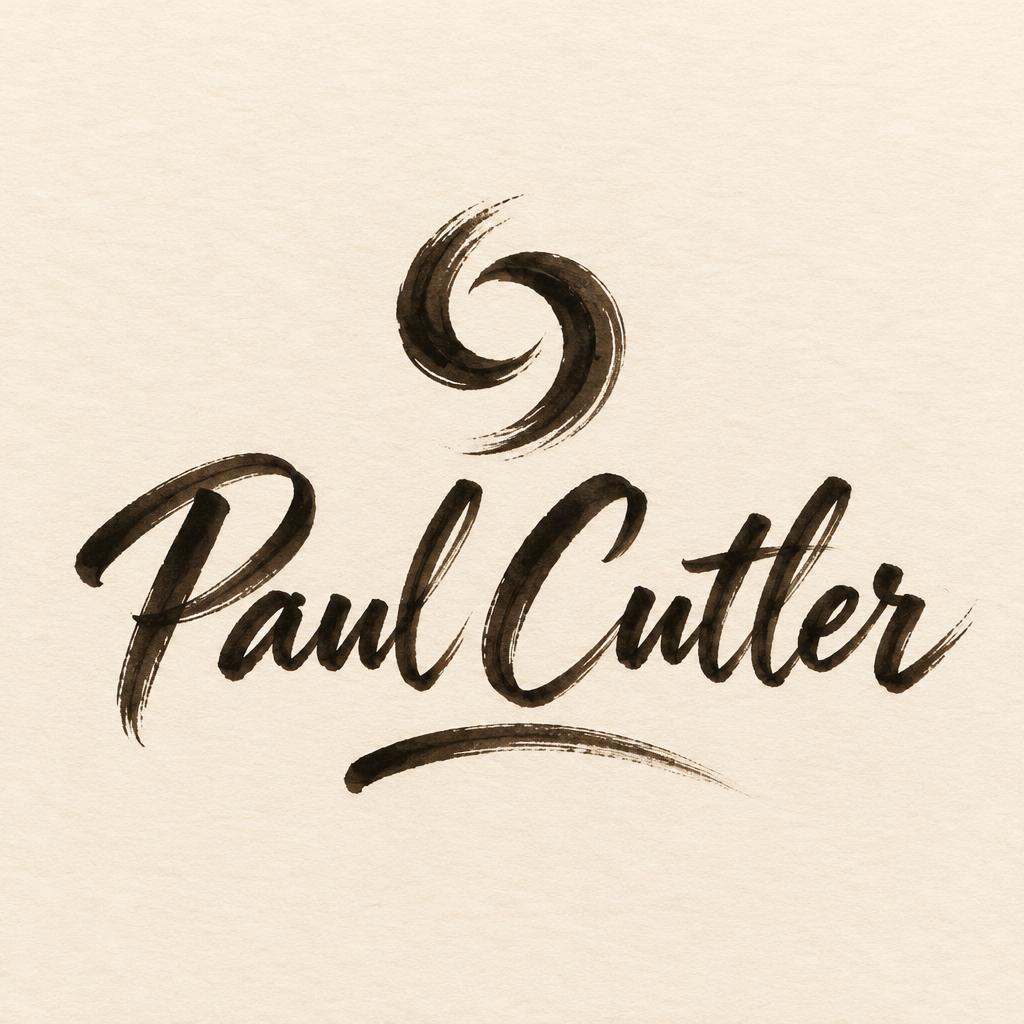
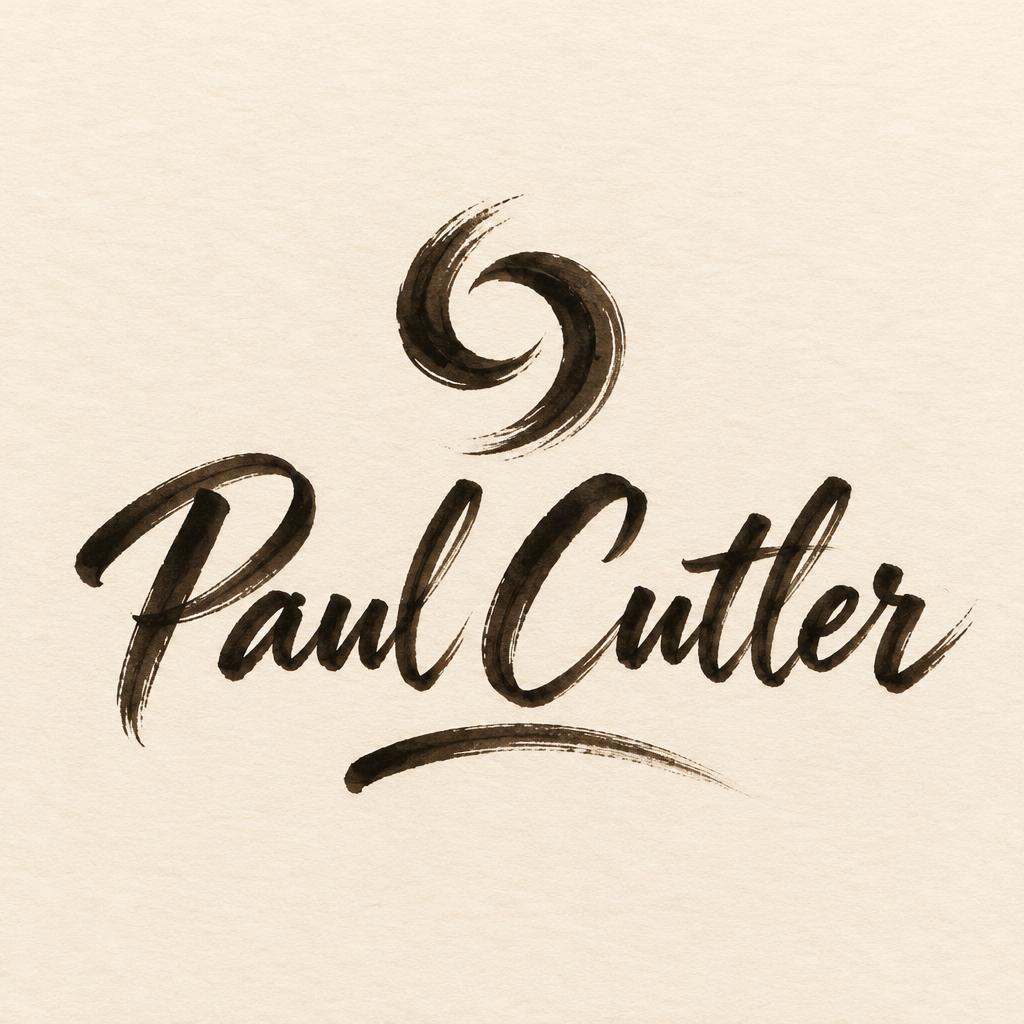
Paul Cutler - Brush Script Text Effect


Uses OpenAI GPT-Image-2.5 Sunburst, the model behind this artwork · 15 credits






“Paul Cutler” was created with FontVibe AI — explore more Brush Stroke text effect. Western brush script with connected letters: thick pressure downstrokes, hairline upstrokes, visible bristle streaks and dry-brush trails in warm off-black ink on textured paper.
Create a finished, refined personal logo on a square canvas. Center the exact name “Paul Cutler” as the only text. Make it a highly legible, connected Western brush-script wordmark: broad, sweeping strokes that carry more force than the letter skeleton alone requires, dramatic thick downstrokes and hairline upstrokes, with naturally varied, asymmetrical hand-painted forms. Use warm off-black wet ink, visible bristle separation and torn edges, slight ink pooling where strokes begin and join, glistening highlights on the heavier strokes, and fine feathered dry-brush trails at a few stroke endings. Keep the letters clear and readable; preserve clean gaps between forms and do not let flourishes obscure the name. Above the name, add one small, original abstract ink emblem made from two interlocking brush curves, like a compact personal maker’s mark; it must contain no letters and must not suggest a specific trade. Add one short, subtle brush flourish beneath the wordmark, balanced with the emblem. Set the mark on warm cream paper with fine visible tooth and restrained natural texture. Center the complete logo with generous breathing room, balanced proportions and a calm, handcrafted finish. Palette: warm off-black ink, cream paper and faint natural paper shadows. No extra words, initials, border, mockup, objects or unrelated ornament.
Generated on October 17, 2026 · 1024 × 1024 · JPEG · OpenAI GPT-Image-2.5 Sunburst · Layout: Centered Brushmark · Shared by the creator · Free for commercial use (CC BY 4.0)


