FontVibe
HomeGenerateStylesGalleryFontsPricingBlog
English▾
FontVibe
✦FontVibe
FontVibe

Free AI font generator — describe what you need or pick a style, and get finished text artwork. 138+ styles, instant PNG/JPG download.

Product

GenerateStylesGalleryPricing

Popular Scenes

Halloween designsChannel designsHalloween font

Resources

BlogAI Font LibraryTransparent Background MakerAI Font PromptsASCII Art GeneratorFont Tools

Legal

Terms of ServicePrivacy PolicyLegalContact
© 2026 Funovate Technology LLC. All rights reserved.
FontVibe

Free AI font generator — describe what you need or pick a style, and get finished text artwork. 138+ styles, instant PNG/JPG download.

Product
GenerateStylesGalleryPricing
Popular Scenes
Halloween designsChannel designsHalloween font
Resources
BlogAI Font LibraryTransparent Background MakerAI Font PromptsASCII Art GeneratorFont Tools
Legal
TermsPrivacyLegalContact
© 2026 Funovate Technology LLC. All rights reserved.
Notifications
No notifications yet
Home›››Ren
Ren - Anime Character (DIY) text effect - create a square dark anime profile picture, composed to rema
Profile pictureAesthetics

Ren - Anime Character Text Effect
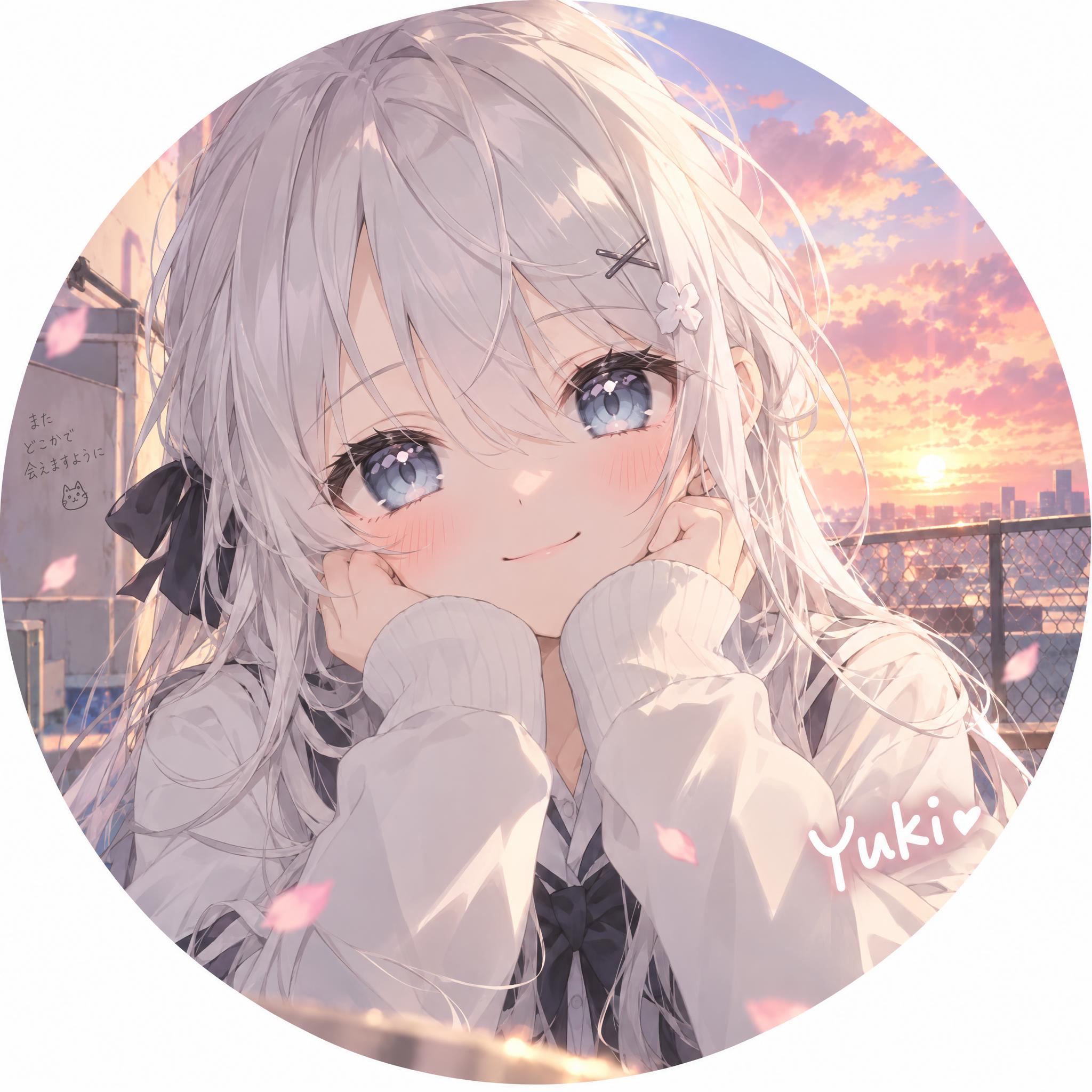
Created 3 days ago
F
@FontVibe
11395 public designs
›
Style
Anime Character (DIY)
AI font
Japanese Gothic
Layout
Circle-Safe Portrait
Image Size
1024 × 1024
✦ Remake this design with your text

Uses OpenAI GPT-Image-2.5 Sunburst, the model behind this artwork · 15 credits
Transparent Effect
✦ Transparent Effect
Generates a PNG with the background removed — only the text and its visual effects remain. The AI automatically selects the optimal background color for clean removal based on your style.
Output is always PNG for lossless transparency.
✦ Anime Character (DIY)
View all Anime Character (DIY) →
"" — Anime Character text effect
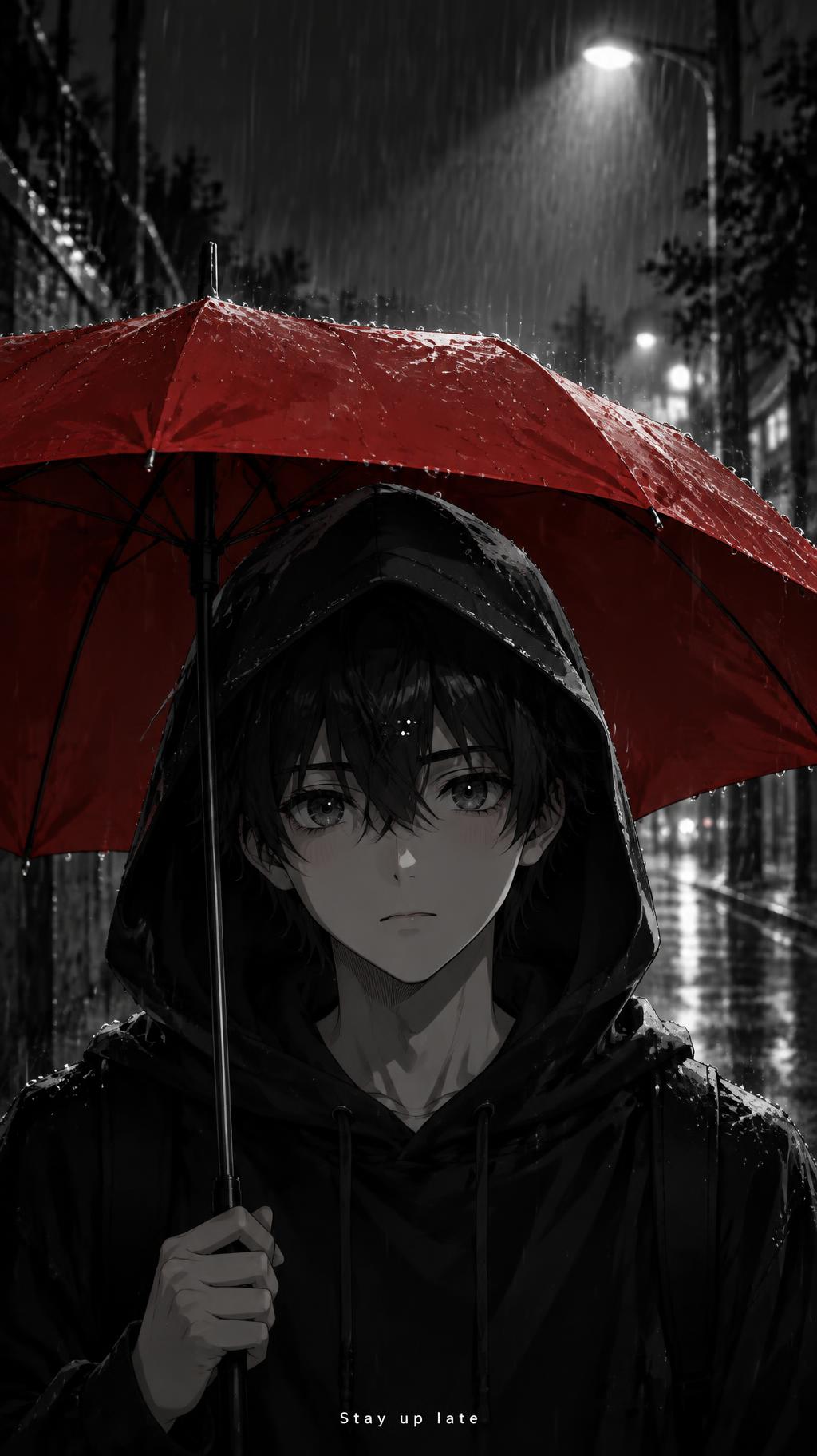
"Stay up late" — Anime Character text effect
"" — Anime Character text effect
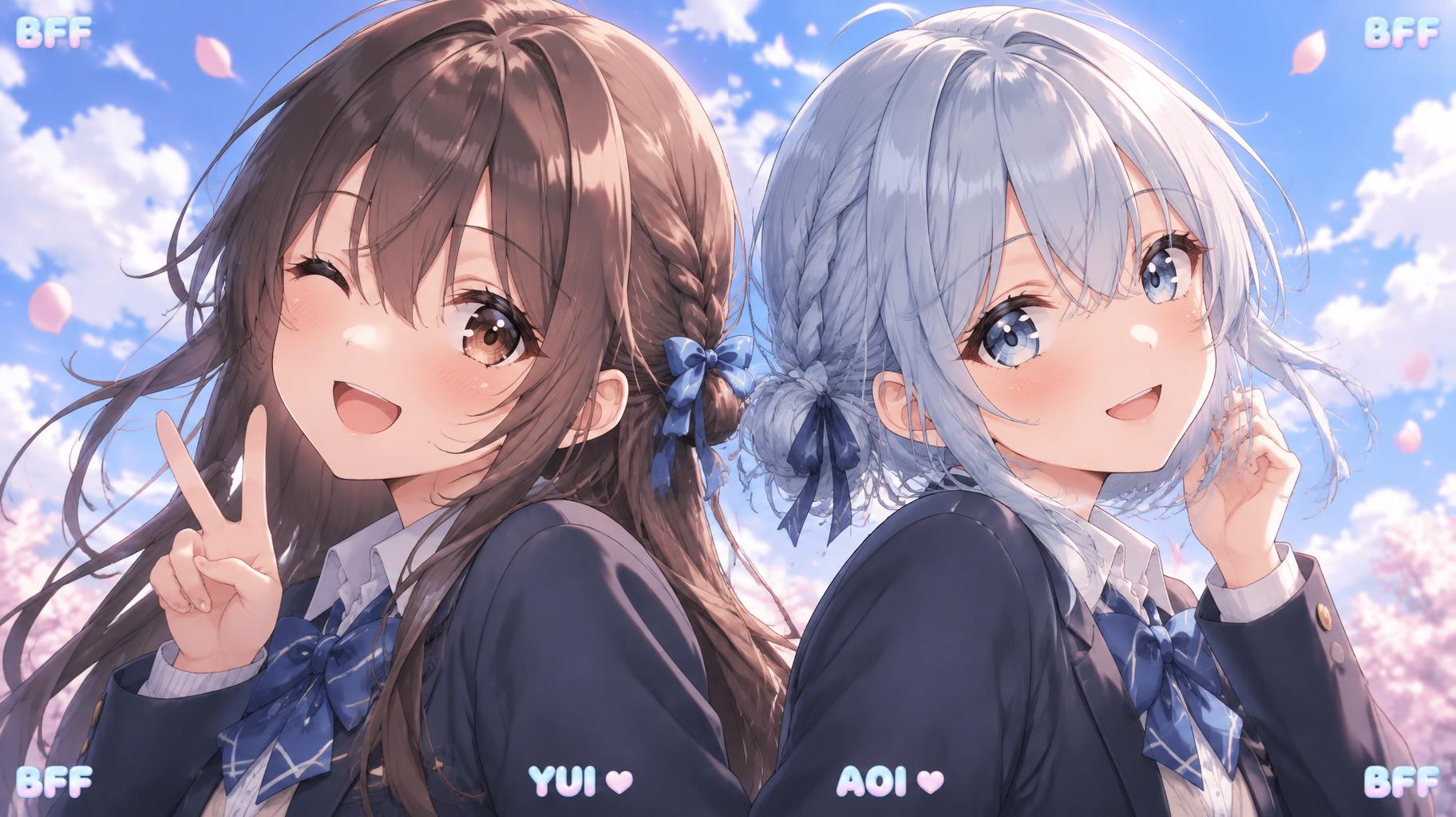
"BFF
BFF
YUI
AOI
BFF
BFF" — Anime Character text effect
"" — Anime Character text effect
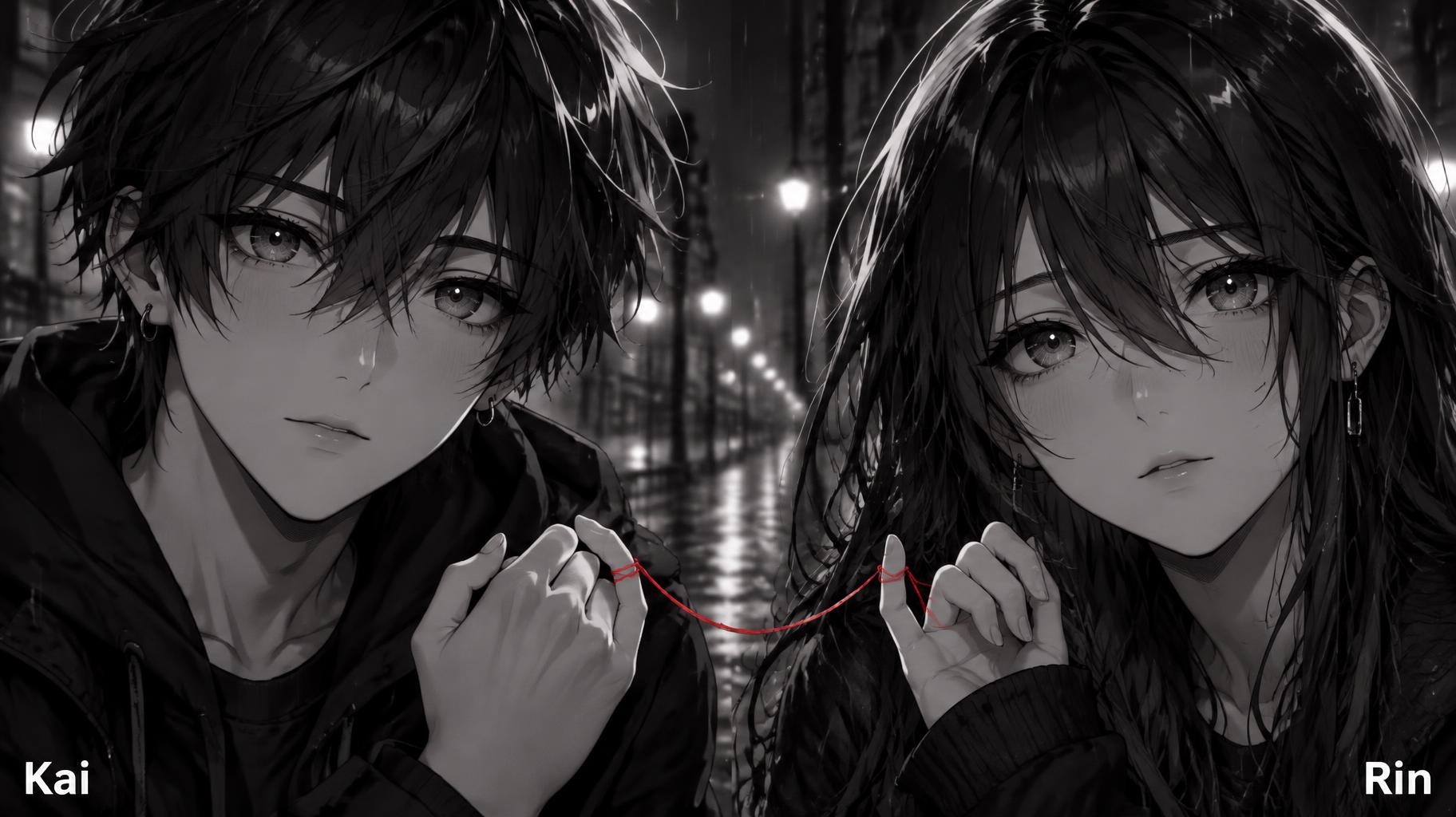
"Kai
Rin" — Anime Character text effect
About this artwork

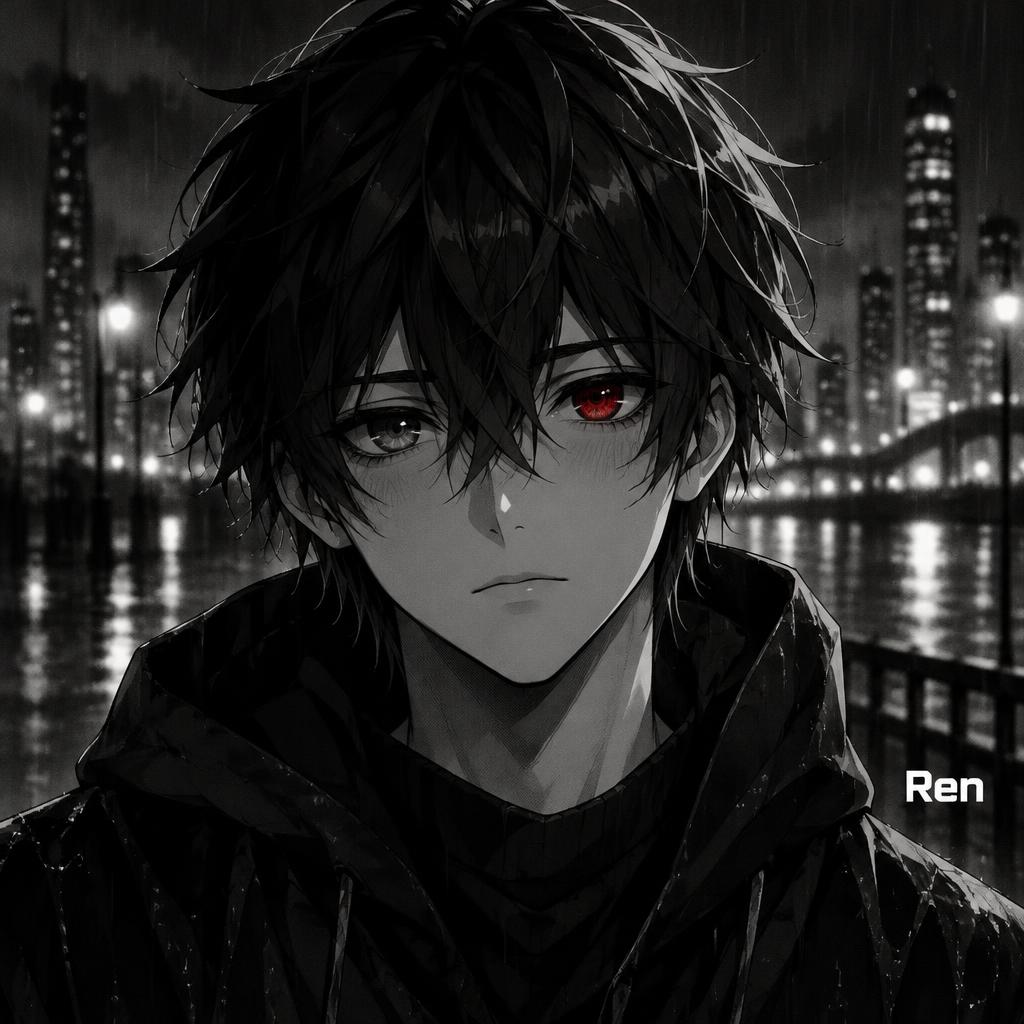
"Ren" is an anime-style profile portrait with the name as a small caption, drawn in dark black-and-white manga style. A messy-haired boy with one glowing red eye wears a wet black hooded jacket before a rainy night skyline, with the white name at lower right. Swap in your own name or character name, and change the caption position or the eye colour, to make a matching portrait.

Creative prompt

Create a square dark anime profile picture, composed to remain clear inside a circular crop. Center an original boy in a head-and-shoulders portrait, facing the viewer; keep his entire face and hair comfortably inside the circle-safe area. Give him messy black hair in clean clumped locks with a restrained glossy highlight band, a small simple nose and mouth, and subtle blush. His eyes are large and expressive with layered irises and two tiny white catchlights: one eye is the sole red accent, the other is grayscale. Use clean anime line art, heavier around the silhouette, with deep black-and-white cel shading, one hard shadow tone, subtle screentone grain, and a thin pale rim light. Set him against a rainy night city: soft monochrome bokeh lights and blurred building shapes, fine rain streaks, no legible signs. Keep the entire image strictly black, white, and gray except for the single red eye; no other colored accents. Place the exact text “Ren” small in the lower-right area, inside the circular safe zone and well clear of his face, in crisp heavy geometric sans-serif Latin letters with uniform stroke weight, blunt terminals, tight spacing, and clean white fill. No other text, no border, no watermark. Dramatic but readable, with the character as the clear focal point.

Tags

Use for
Made asProfile picture
Visuals
LookAnime›MoodMelancholic›Dark›EffectFlat›LetteringSans-serif›LayoutSingle line›ColorsBlack›Monochrome›ElementsBridge›City skyline›Fence›Lamp›Rain›Skyscraper›SettingNight street›CultureJapanese›Text typeName›LanguageEnglish›

Generated on October 23, 2026 · 1024 × 1024 · JPEG · OpenAI GPT-Image-2.5 Sunburst · Layout: Circle-Safe Portrait · Shared by the creator · Free for commercial use (CC BY 4.0)

✦ Explore AI Text Effect Styles

Browse AI Text Effect Styles

View all styles →
Viking
Viking958
Movie & Film
Movie & Film9.0K
Cyberpunk
Cyberpunk795
Netflix & Streaming
Netflix & Streaming1.9K
Neon Glow
Neon Glow1.7K
3D Bold
3D Bold1.4K
Home›››Ren
Ren - Anime Character (DIY) text effect - create a square dark anime profile picture, composed to rema
Download JPEG
Profile pictureAesthetics

Ren - Anime Character Text Effect

Created 3 days ago
F
@FontVibe
11395 public designs · All designs by this creator →
Style
Anime Character (DIY)
AI font
Japanese Gothic
Layout
Circle-Safe Portrait
Image Size
1024 × 1024
✦ Remake this design with your text

Uses OpenAI GPT-Image-2.5 Sunburst, the model behind this artwork · 15 credits
Transparent Effect
✦ Transparent Effect
Generates a PNG with the background removed — only the text and its visual effects remain. The AI automatically selects the optimal background color for clean removal based on your style.
Output is always PNG for lossless transparency.
✦ Anime Character (DIY)
View all Anime Character (DIY) →

More Anime Character (DIY) Text Effects

"" — Anime Character | AI Text Effect Generator
“”
Anime Character (DIY)
"" — Anime Character | AI Text Effect Generator
“”
Anime Character (DIY)
"Stay up late" — Anime Character | AI Text Effect Generator
“Stay up late”
Anime Character (DIY)
"" — Anime Character | AI Text Effect Generator
“”
Anime Character (DIY)
"" — Anime Character | AI Text Effect Generator
“”
Anime Character (DIY)
"" — Anime Character | AI Text Effect Generator
“”
Anime Character (DIY)
"" — Anime Character | AI Text Effect Generator
“”
Anime Character (DIY)
"" — Anime Character | AI Text Effect Generator
“”
Anime Character (DIY)
"" — Anime Character | AI Text Effect Generator
“”
Anime Character (DIY)
"" — Anime Character | AI Text Effect Generator
“”
Anime Character (DIY)
"BFF
BFF
YUI
AOI
BFF
BFF" — Anime Character | AI Text Effect Generator
“BFF BFF YUI AOI BFF BFF”
Anime Character (DIY)
"" — Anime Character | AI Text Effect Generator
“”
Anime Character (DIY)
"" — Anime Character | AI Text Effect Generator
“”
Anime Character (DIY)
"" — Anime Character | AI Text Effect Generator
“”
Anime Character (DIY)
"" — Anime Character | AI Text Effect Generator
“”
Anime Character (DIY)
"" — Anime Character | AI Text Effect Generator
“”
Anime Character (DIY)
"" — Anime Character | AI Text Effect Generator
“”
Anime Character (DIY)
"" — Anime Character | AI Text Effect Generator
“”
Anime Character (DIY)
"" — Anime Character | AI Text Effect Generator
“”
Anime Character (DIY)
"Kai
Rin" — Anime Character | AI Text Effect Generator
“Kai Rin”
Anime Character (DIY)
About this artwork

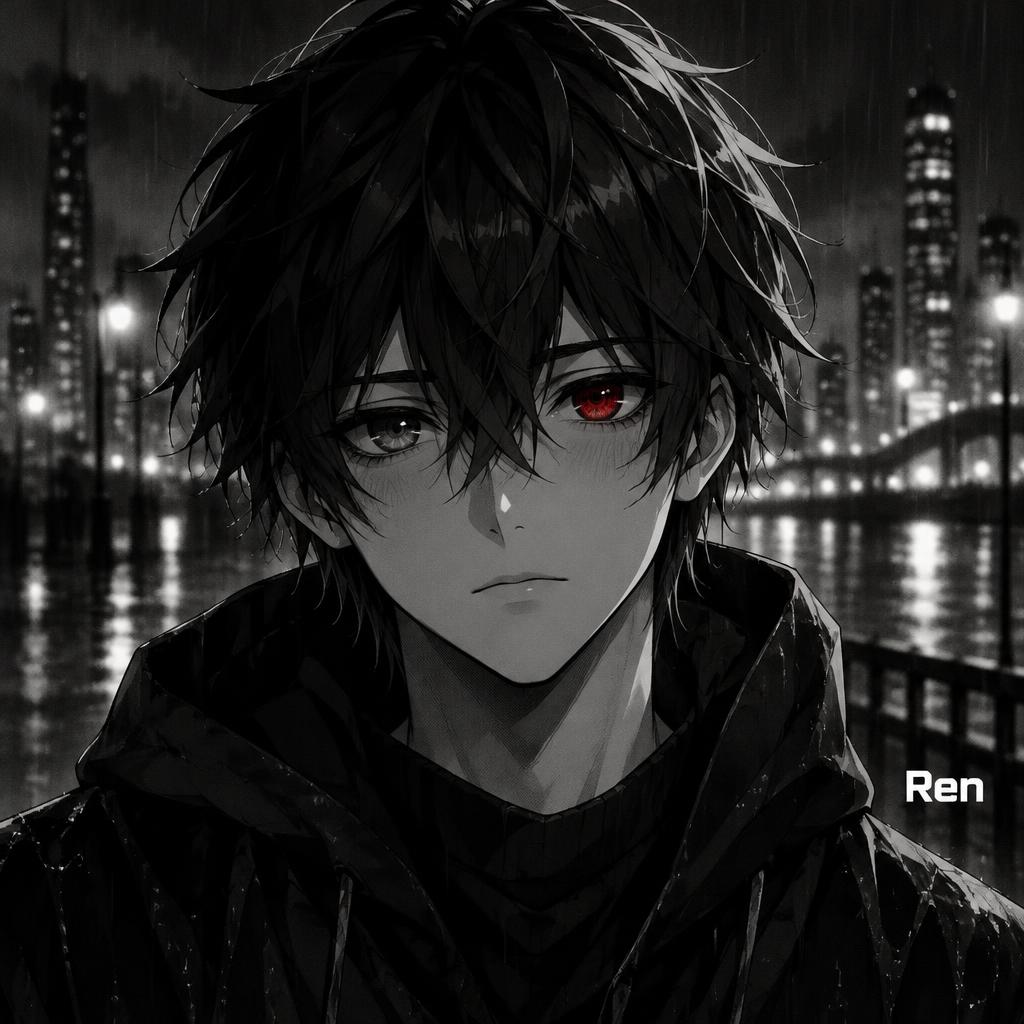
"Ren" is an anime-style profile portrait with the name as a small caption, drawn in dark black-and-white manga style. A messy-haired boy with one glowing red eye wears a wet black hooded jacket before a rainy night skyline, with the white name at lower right. Swap in your own name or character name, and change the caption position or the eye colour, to make a matching portrait.

Creative prompt

Create a square dark anime profile picture, composed to remain clear inside a circular crop. Center an original boy in a head-and-shoulders portrait, facing the viewer; keep his entire face and hair comfortably inside the circle-safe area. Give him messy black hair in clean clumped locks with a restrained glossy highlight band, a small simple nose and mouth, and subtle blush. His eyes are large and expressive with layered irises and two tiny white catchlights: one eye is the sole red accent, the other is grayscale. Use clean anime line art, heavier around the silhouette, with deep black-and-white cel shading, one hard shadow tone, subtle screentone grain, and a thin pale rim light. Set him against a rainy night city: soft monochrome bokeh lights and blurred building shapes, fine rain streaks, no legible signs. Keep the entire image strictly black, white, and gray except for the single red eye; no other colored accents. Place the exact text “Ren” small in the lower-right area, inside the circular safe zone and well clear of his face, in crisp heavy geometric sans-serif Latin letters with uniform stroke weight, blunt terminals, tight spacing, and clean white fill. No other text, no border, no watermark. Dramatic but readable, with the character as the clear focal point.

Tags

Use for
Made asProfile picture
Visuals
LookAnime›MoodMelancholic›Dark›EffectFlat›LetteringSans-serif›LayoutSingle line›ColorsBlack›Monochrome›ElementsBridge›City skyline›Fence›Lamp›Rain›Skyscraper›SettingNight street›CultureJapanese›Text typeName›LanguageEnglish›

Generated on October 23, 2026 · 1024 × 1024 · JPEG · OpenAI GPT-Image-2.5 Sunburst · Layout: Circle-Safe Portrait · Shared by the creator · Free for commercial use (CC BY 4.0)

✦ Explore AI Text Effect Styles

Browse AI Text Effect Styles

View all styles →
Viking
Explore style →
Viking958 images
MetallicCarvedAggressiveRugged
Movie & Film
Explore style →
Movie & Film9.0K images
EpicDramaticCinematicGold
Cyberpunk
Explore style →
Cyberpunk795 images
NeonCyberpunkDarkGlitch
Netflix & Streaming
Explore style →
Netflix & Streaming1.9K images
ModernDarkCinematicGlow
Neon Glow
Explore style →
Neon Glow1.7K images
GlowDreamyNeonTubular
3D Bold
Explore style →
3D Bold1.4K images
3DStrikingHeavyChunky
Learn more about Anime Character text effect →

Want more text styles? Browse our free font generators — fancy, cursive, gothic & more.

Popular searches:
AI text effect generatortext effect generatorAI typography generatortext art makerfancy font generator