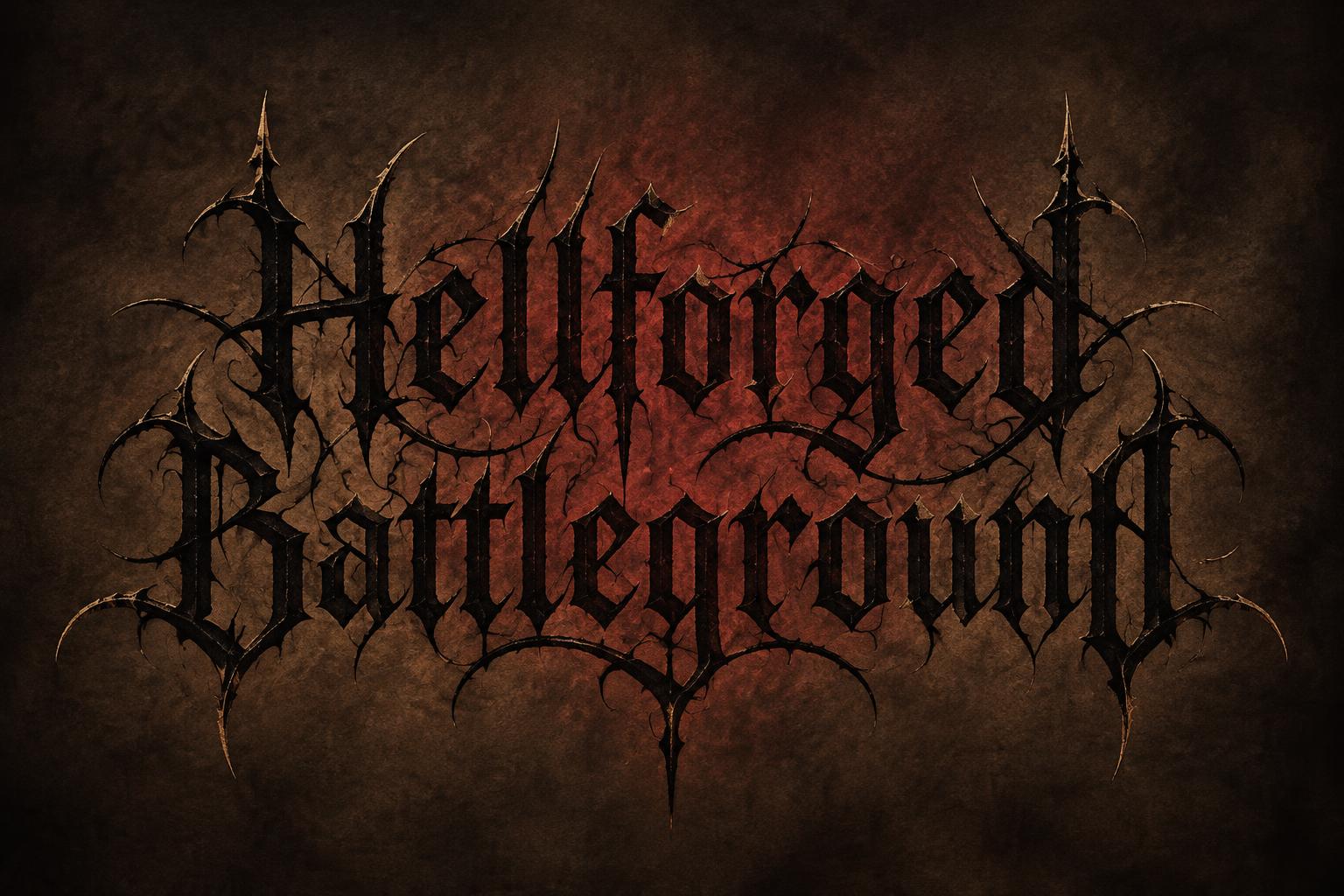
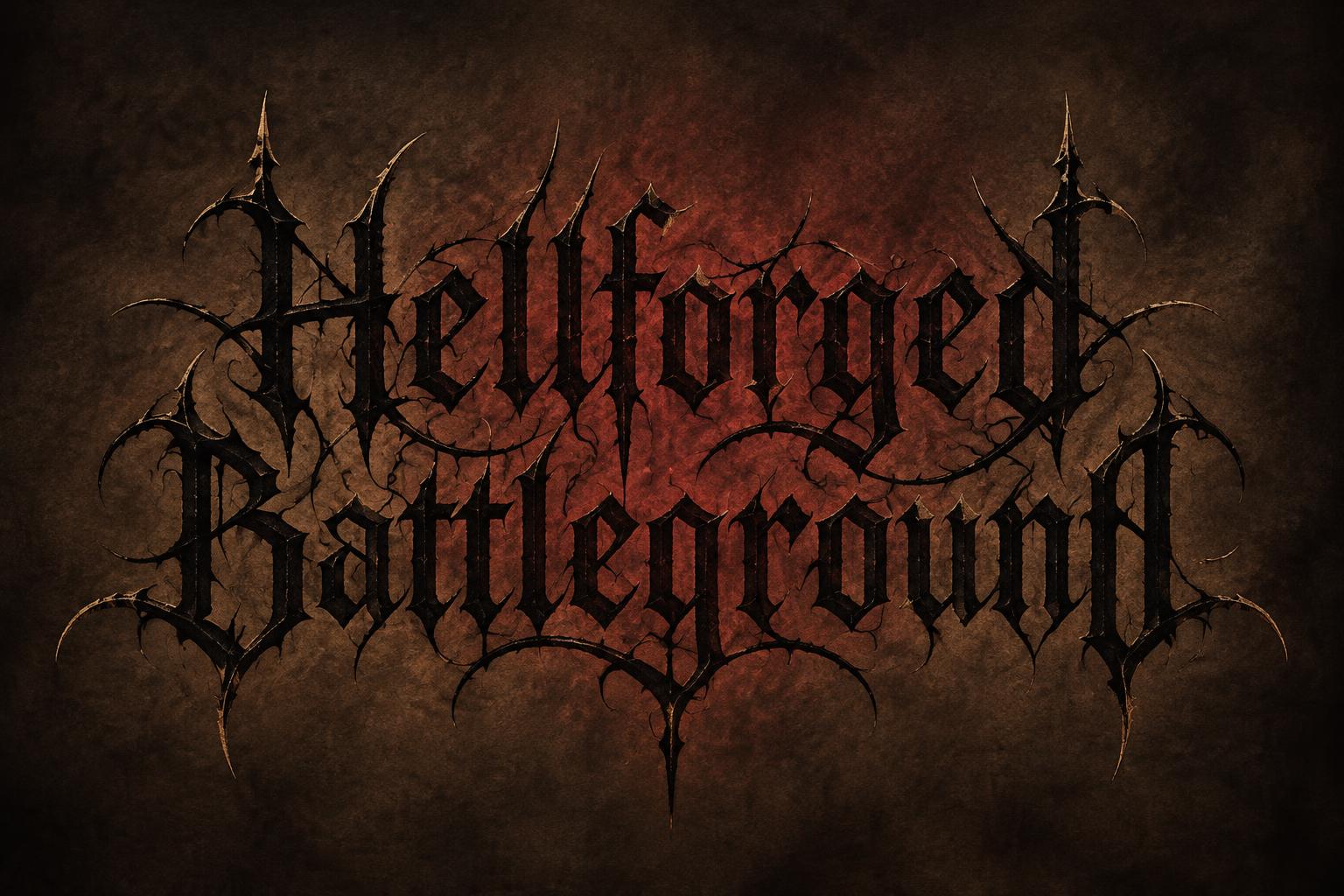
Hellforged Battleground - Gothic Font Text Effect


Uses OpenAI GPT-Image-2.5 Sunburst, the model behind this artwork · 15 credits


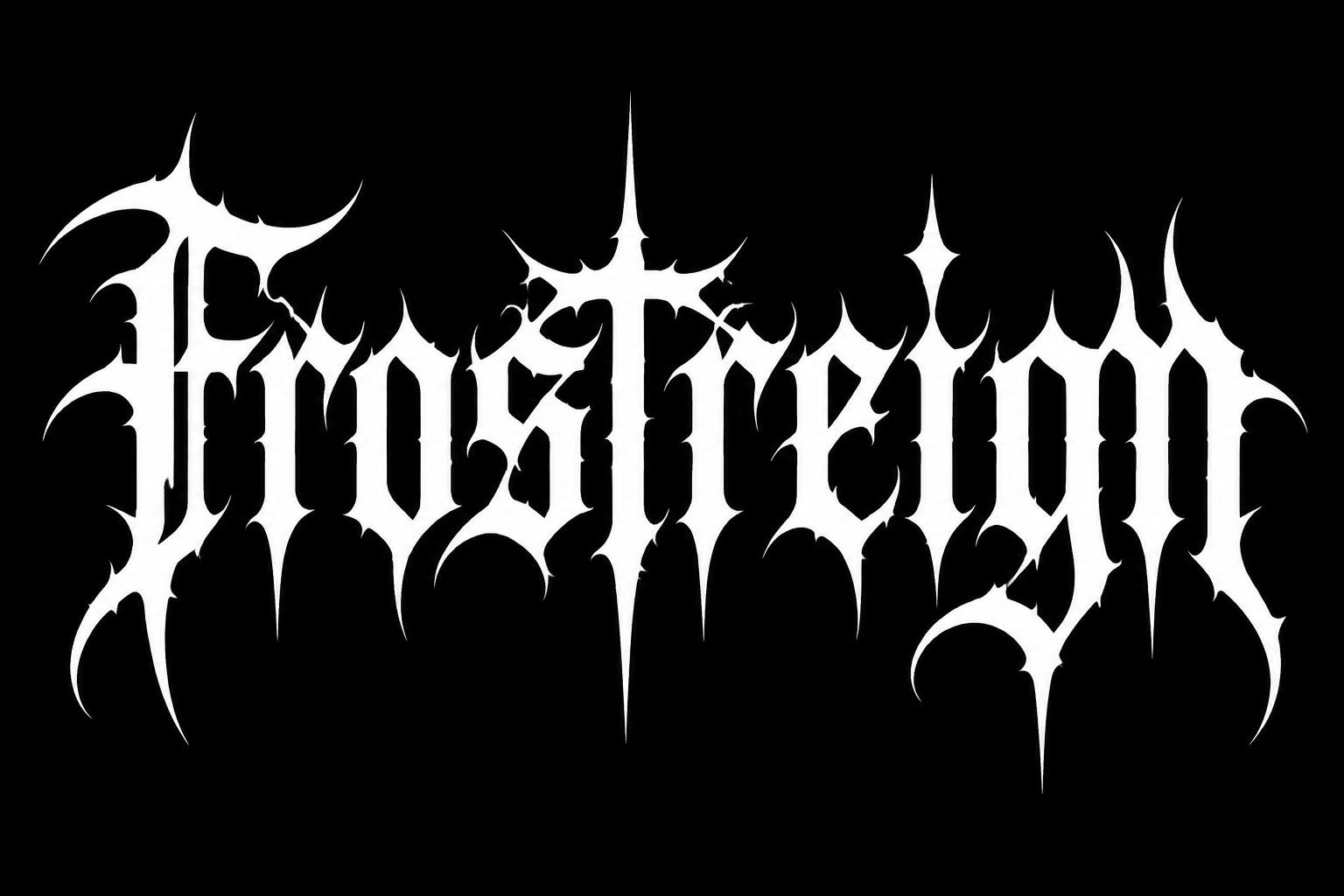
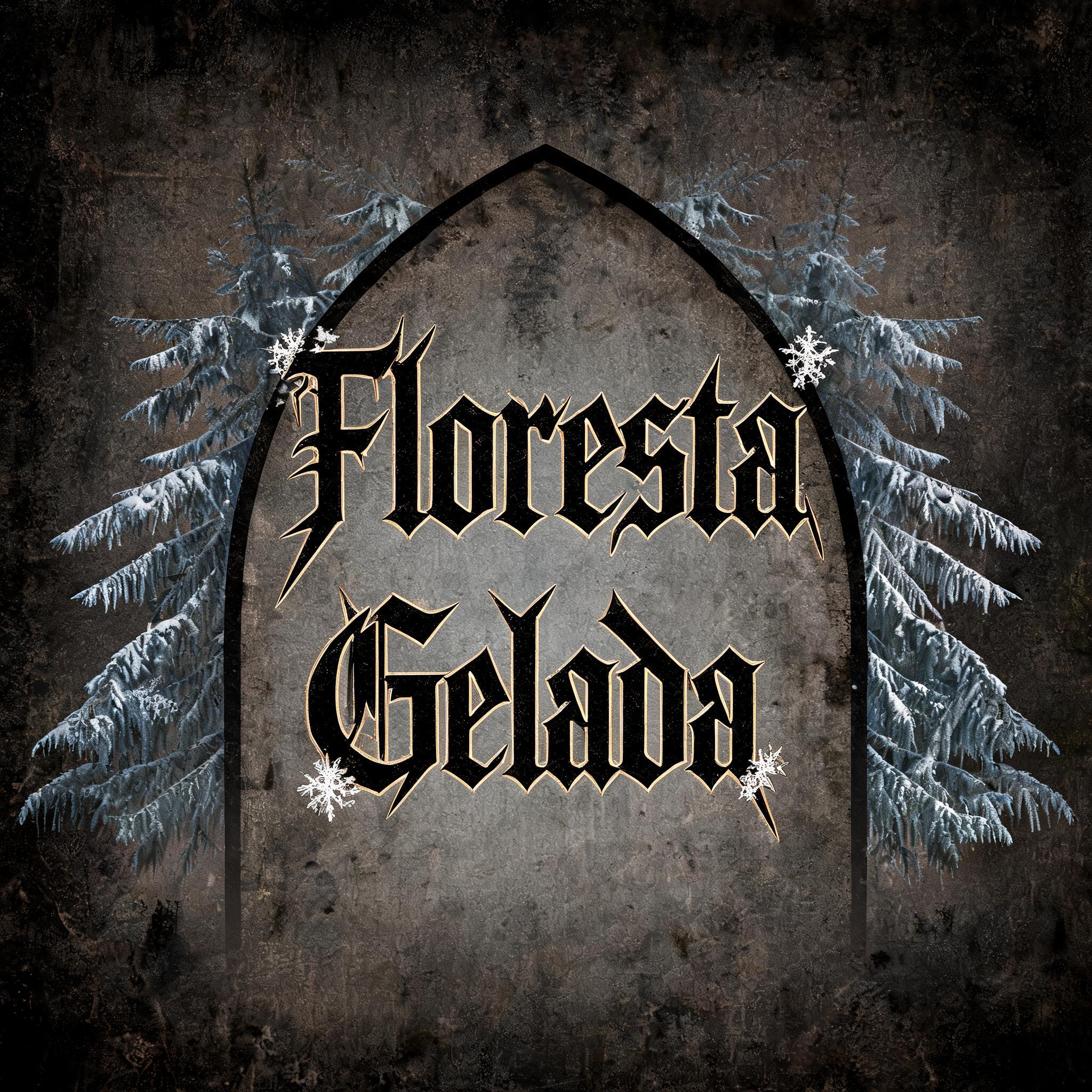
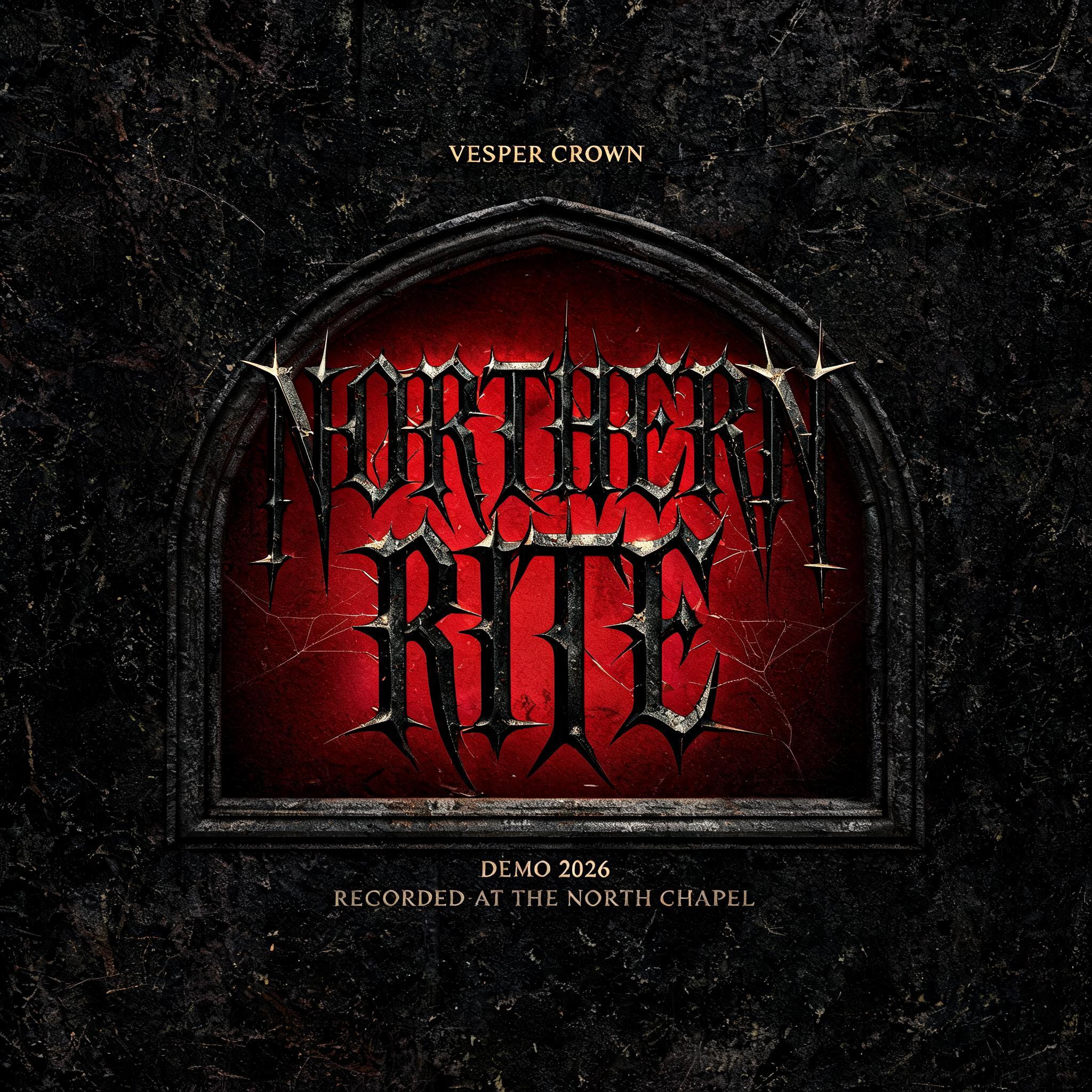

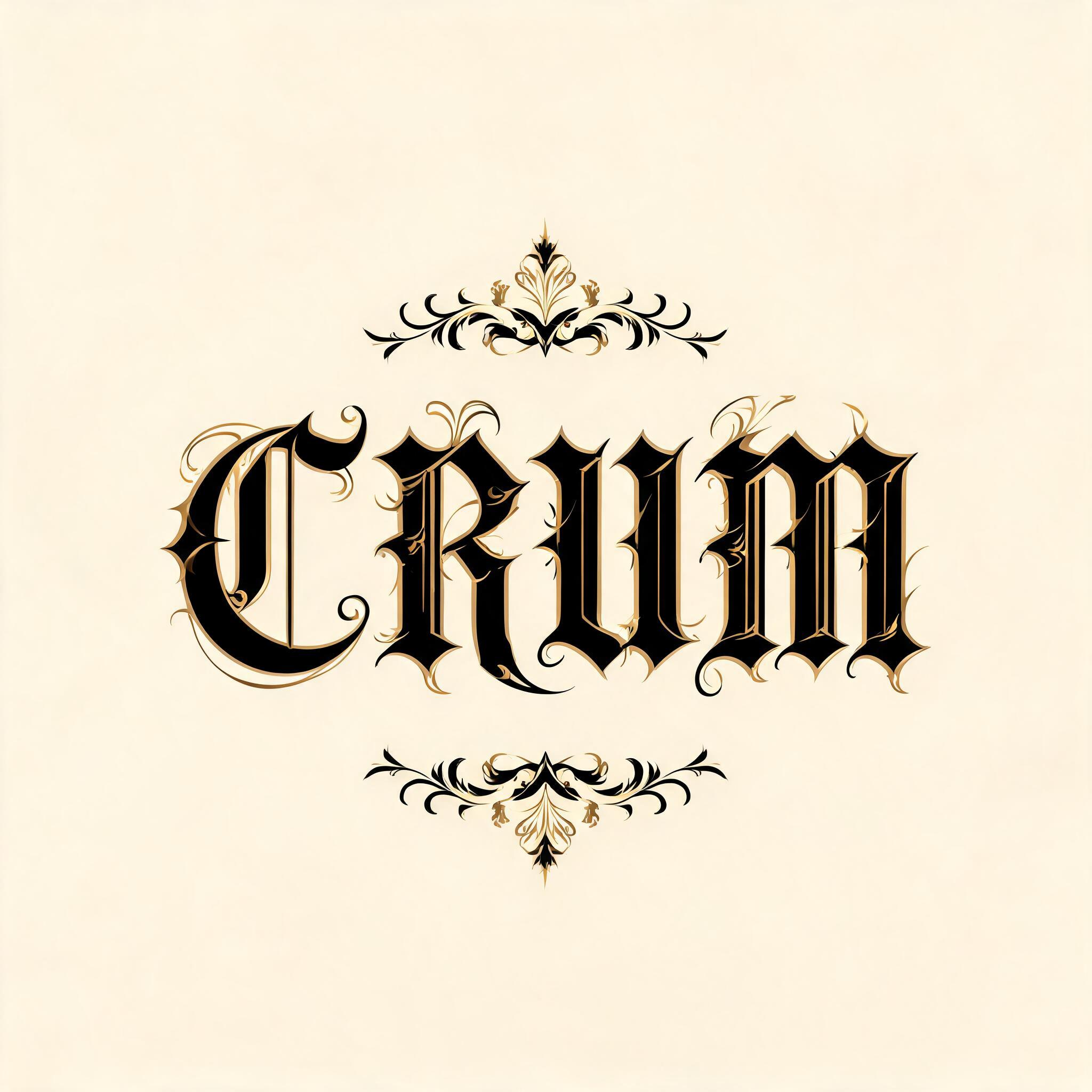

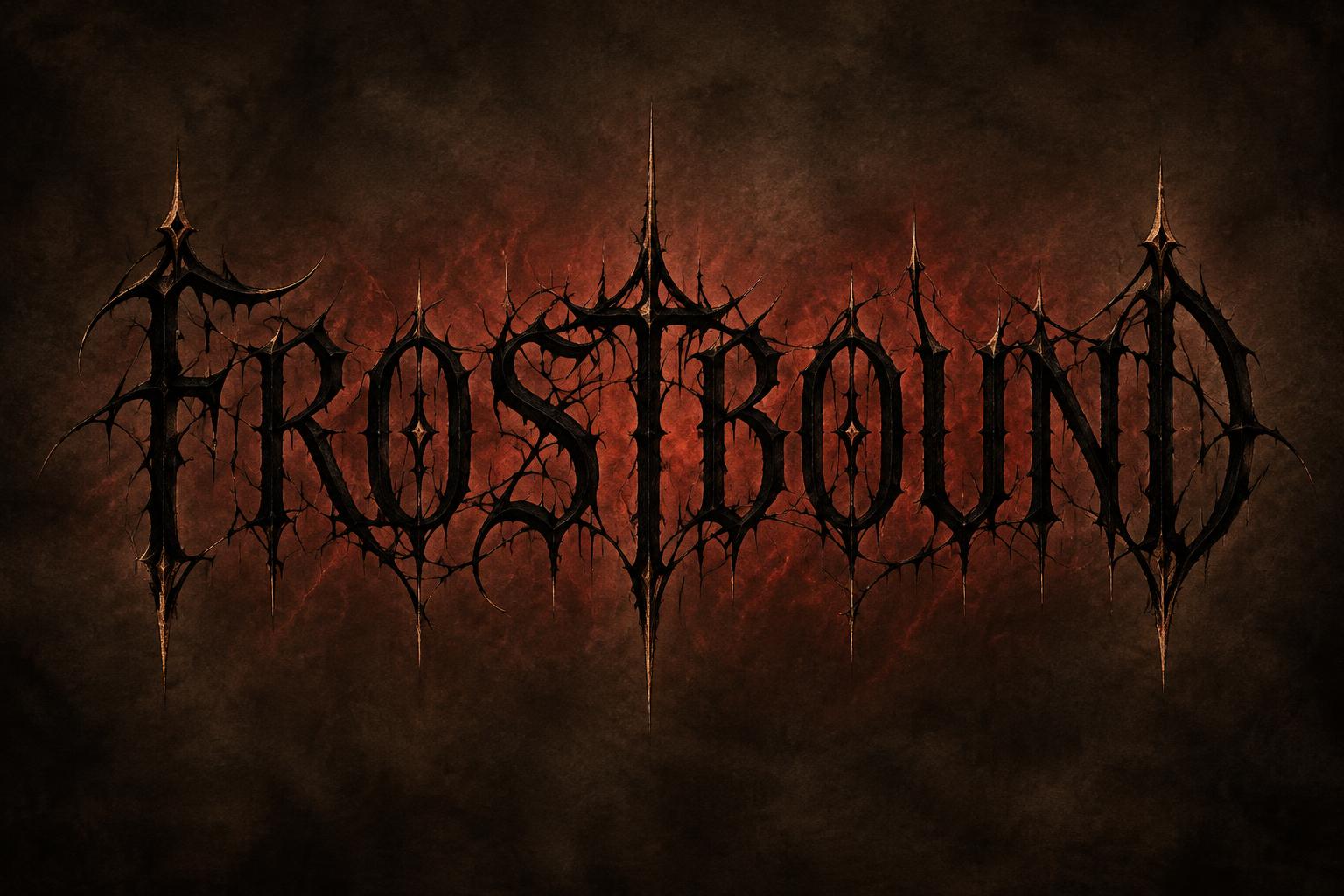
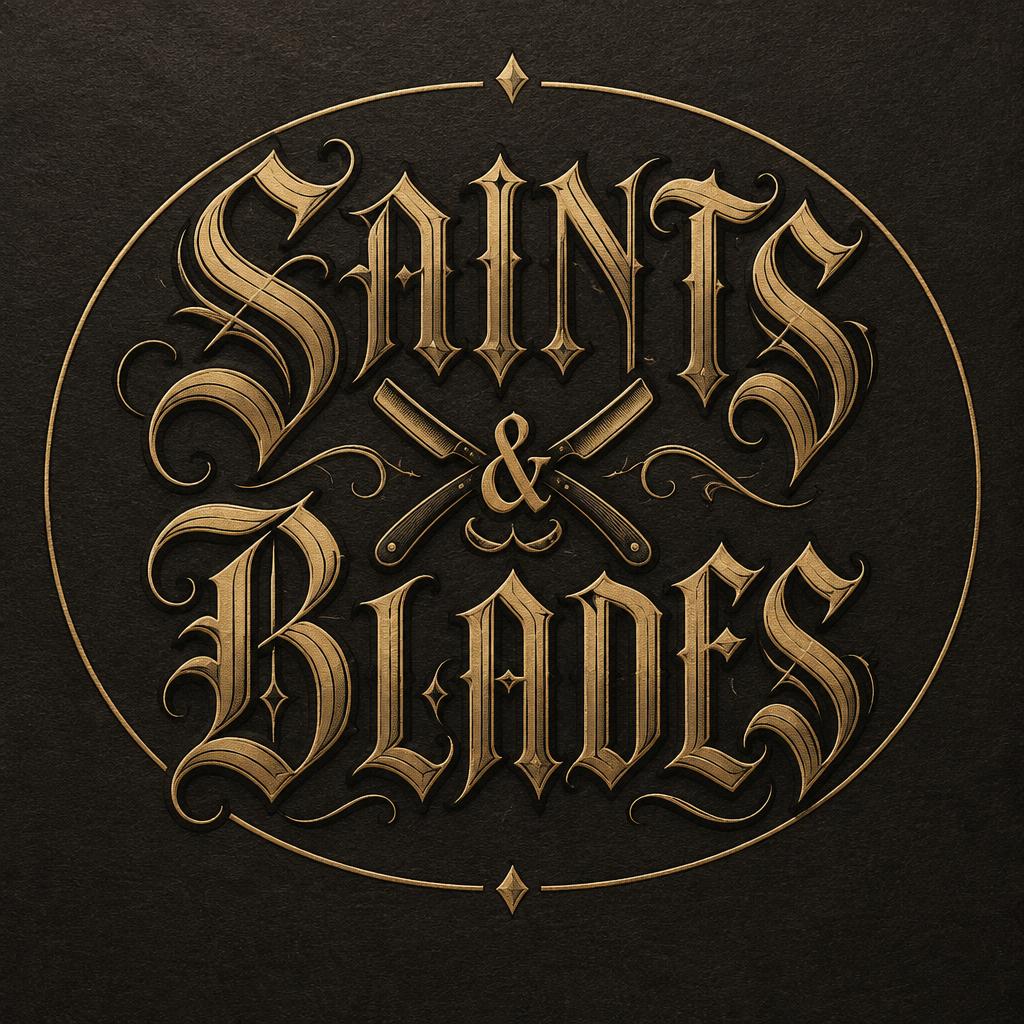
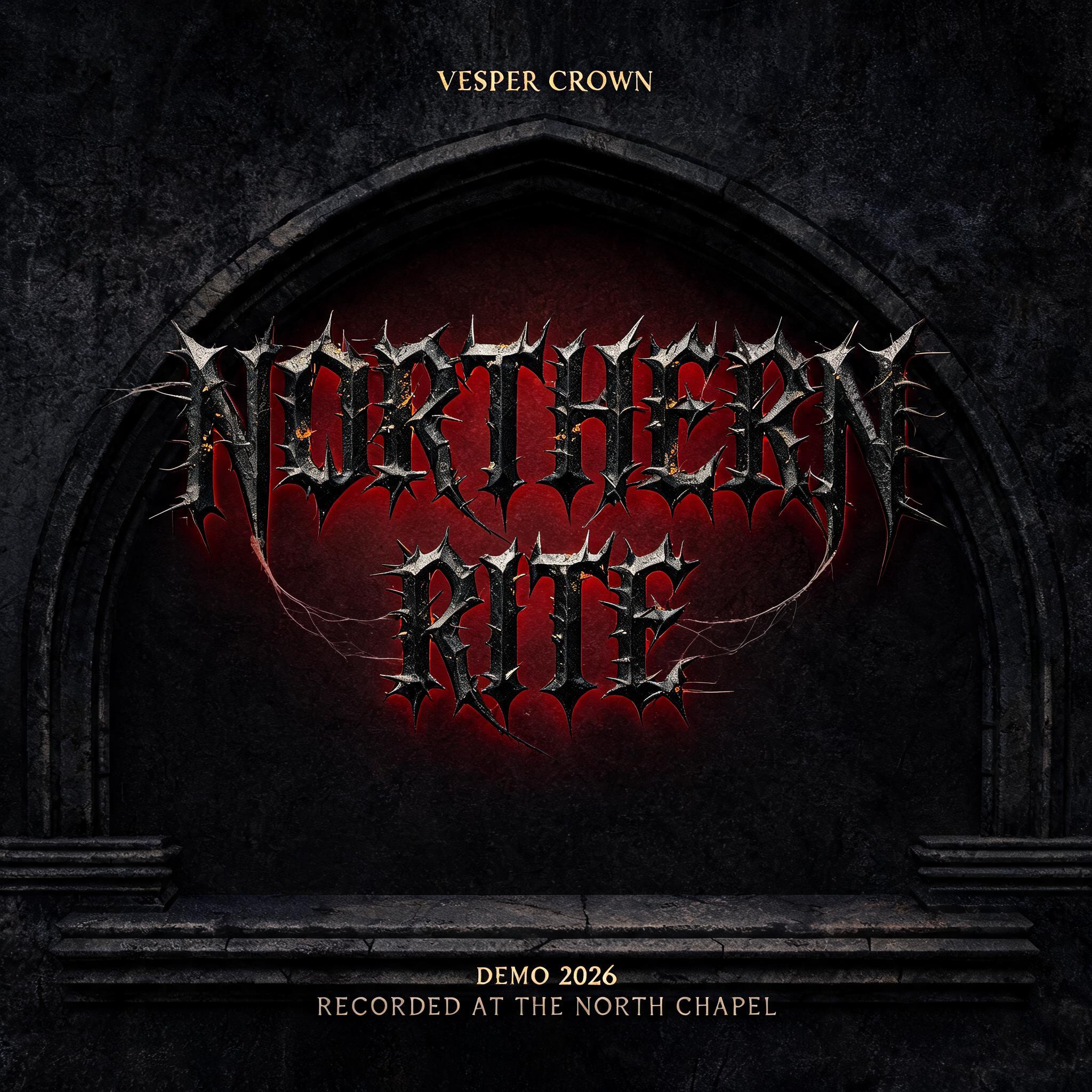
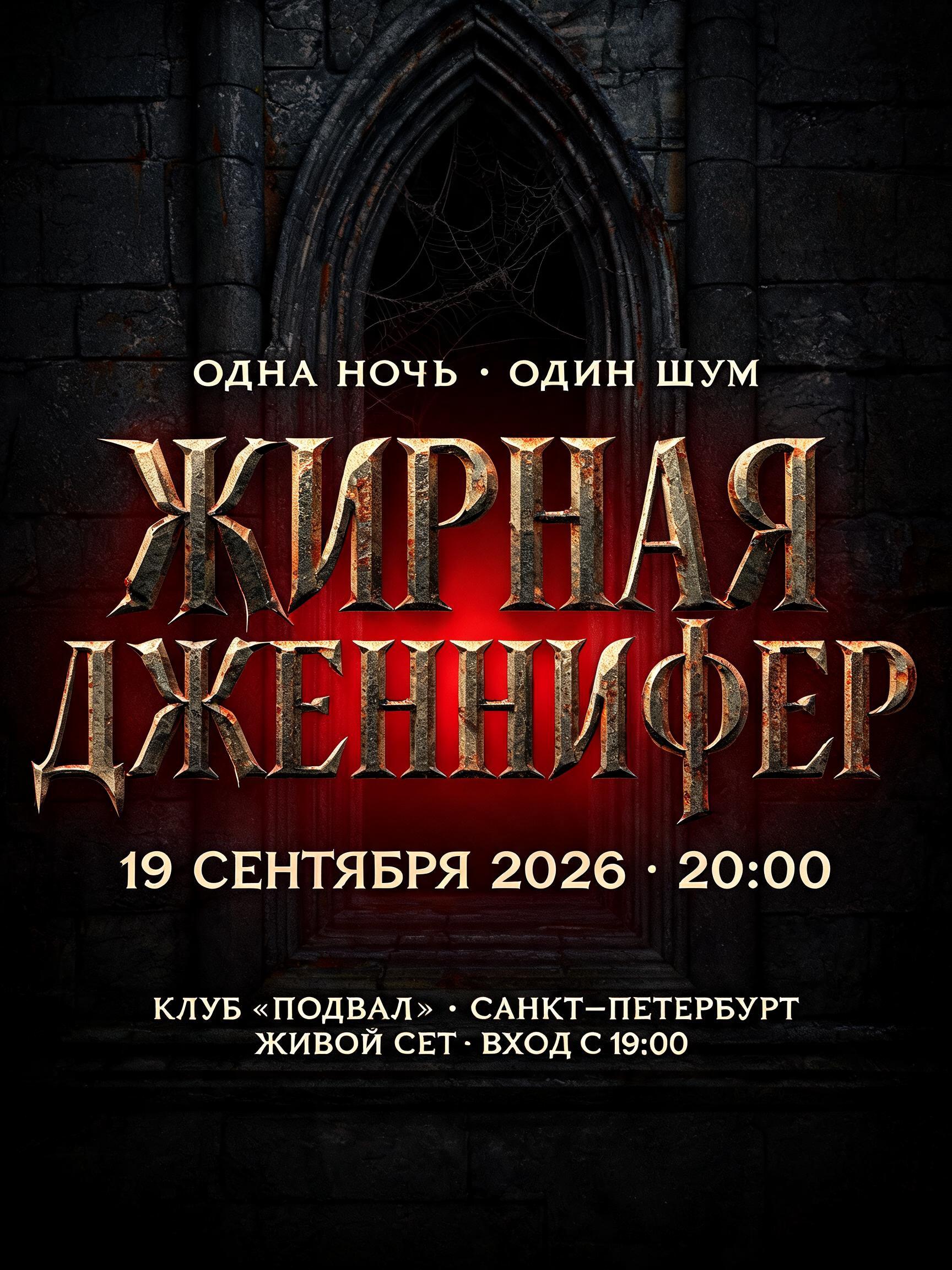
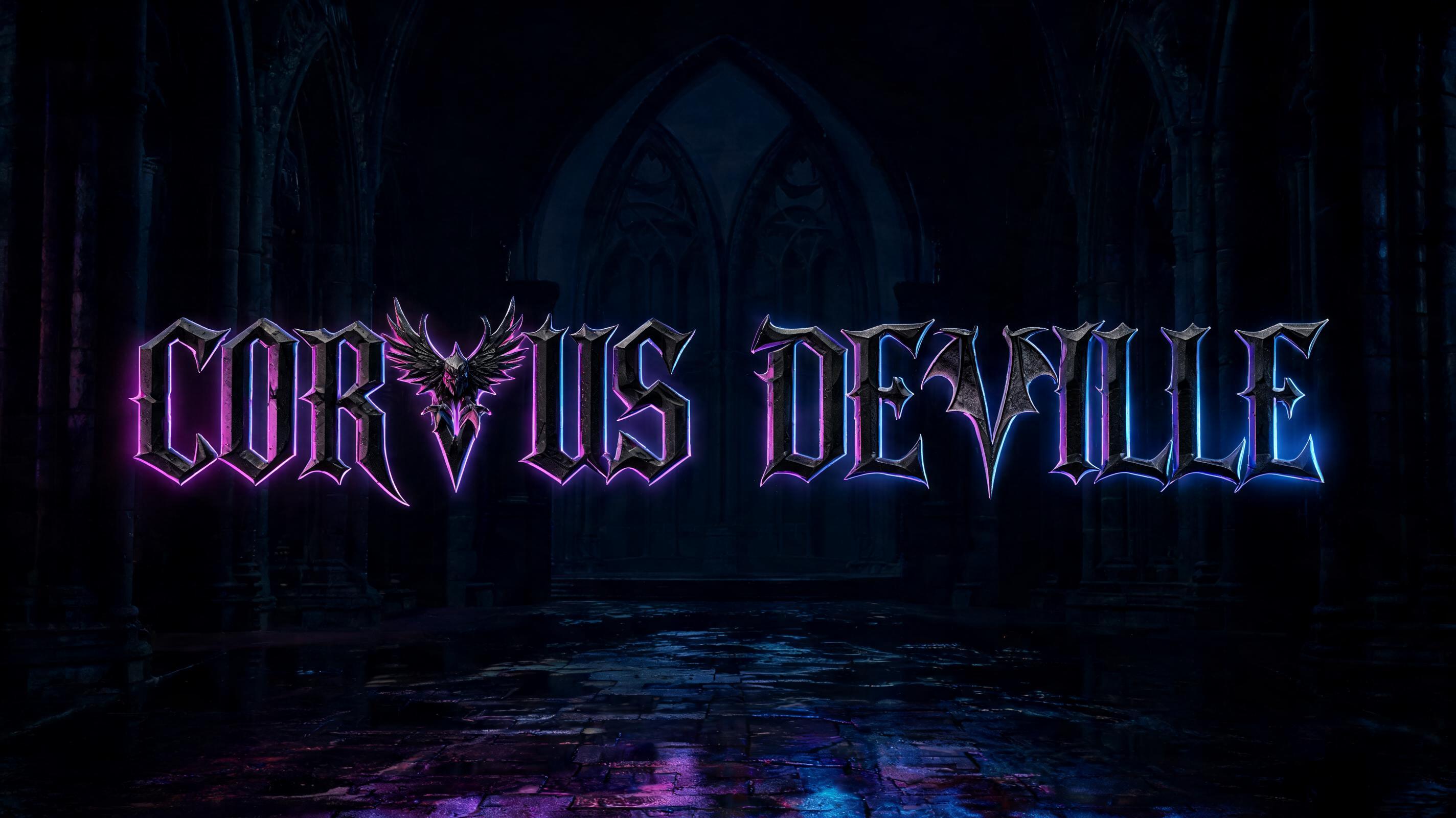


“Hellforged Battleground” was created with FontVibe AI — explore more Gothic Font text effect. Precise Textura blackletter: narrow broken strokes, diamond terminals and strong thick-thin contrast, in black ink with gold-touched edges on dark aged parchment.
Create a finished black metal wordmark, landscape 3:2. Render exactly two lines of text: “Hellforged” / “Battleground”. Make the text the sole focal point, centered horizontally and vertically as a compact title block spanning about 84% of the canvas width, with generous dark negative space around it. Keep every letter readable at a glance. Draw the letters as thin, intricately tangled gothic blackletter: calligraphic pointed arches, diamond-shaped terminals, tight angular counters, and carefully varied stroke widths. Interweave long, sharp, thornlike strokes through the letter joins and extend a few as spurs, while preserving the clear silhouette of each character and the complete spelling. The construction should feel like an original black metal band wordmark, not a standard font. Use fine, deliberate linework rather than heavy filled strokes. Set the lettering in rich black ink with subtle warm gold glints on selected terminals and capitals. Give the ink a lightly rough, engraved surface, not shiny metal. Place it over dark, warm parchment with restrained charcoal shading and a narrow crimson glow rising from behind the wordmark. Keep the crimson as a subdued backlight, not a bright halo; use soft low-key illumination and preserve strong contrast between the black letters and the ground. No extra words, symbols, objects, borders, cobwebs, or rust. Precise, dramatic typographic craft; the tangled strokes are part of the letterforms, not separate decoration.
Generated on October 28, 2026 · 1536 × 1024 · JPEG · OpenAI GPT-Image-2.5 Sunburst · Shared by the creator · Free for commercial use (CC BY 4.0)


