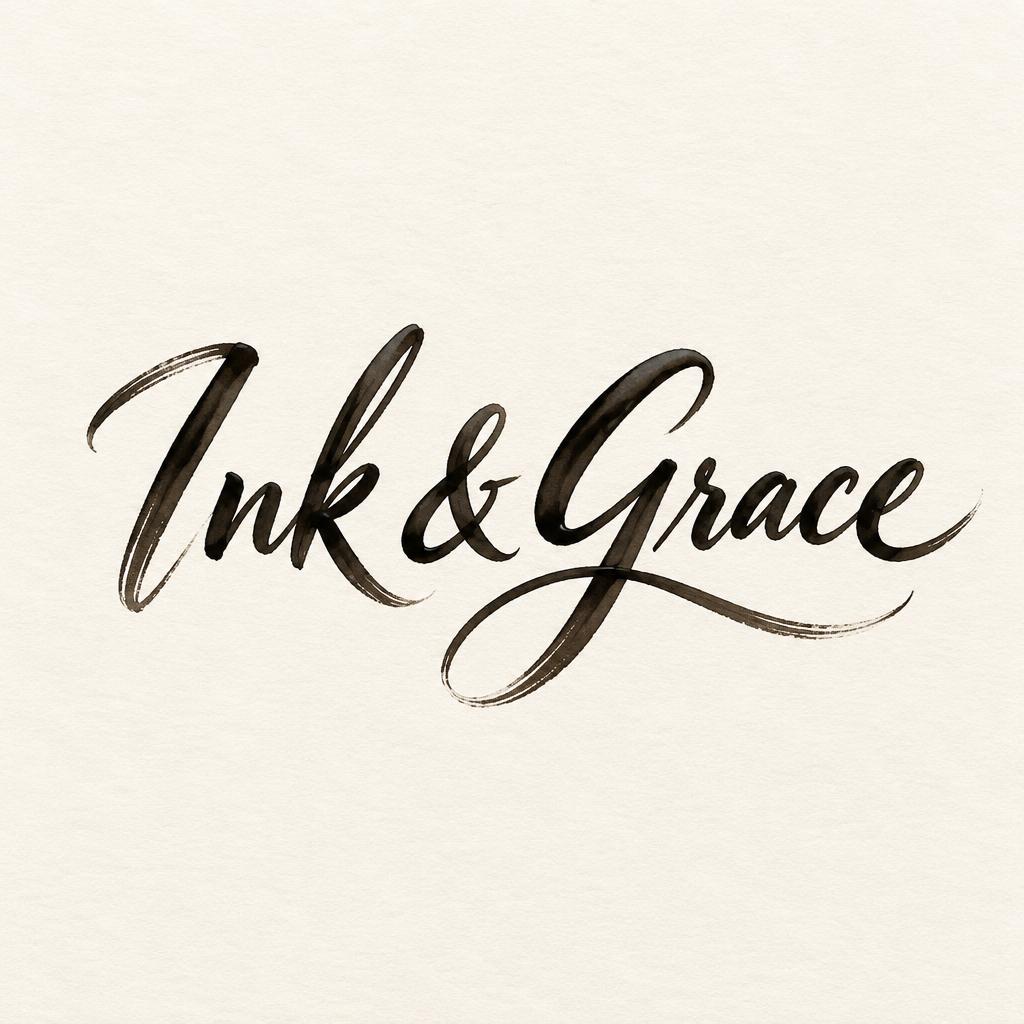
Ink & Grace - Brush Script Text Effect


Uses OpenAI GPT-Image-2.5 Sunburst, the model behind this artwork · 15 credits






“Ink & Grace” was created with FontVibe AI — explore more Brush Stroke text effect. Western brush script with connected letters: thick pressure downstrokes, hairline upstrokes, visible bristle streaks and dry-brush trails in warm off-black ink on textured paper.
Create a finished, distinctive logo for a calligraphy business. Show only the exact business name “Ink & Grace” as the lettering; no tagline, extra words, initials, or mockup. Make it a custom fluid Western brush-script wordmark: connected, graceful letterforms with the confident weight and hand-shaped irregularity of broad flat-brush lettering. Preserve clear, instantly readable letter shapes and exact spelling. Use warm off-black ink on a softly textured cream paper background. Give the strokes vivid thick-to-thin pressure variation, with broad swelling downstrokes, fine lifted upstrokes, subtle bristle marks along edges, wet glints on the heavier strokes, natural ink pooling at joins, and a few controlled feathered dry-brush tapers. Add one restrained, hand-painted calligraphic flourish that grows from the lettering and suggests an elegant ink stroke, not a separate illustration; keep it secondary and avoid obscuring any letter. Center the compact, balanced wordmark with generous clear space around it. The logo should feel refined, personal, and artisan-made, with the brushwork itself carrying the identity. Use crisp, high-contrast lettering that remains legible at small size. No border, no extra symbols, no gradients, no photographic props.
Generated on October 30, 2026 · 1024 × 1024 · JPEG · OpenAI GPT-Image-2.5 Sunburst · Layout: Centered Brush Wordmark · Shared by the creator · Free for commercial use (CC BY 4.0)